Your PDF is live. Your webinar recording has no captions. Legal just asked for evidence. And your content team has 4,000 more files in the queue.
Accessibility is a content operations problem, not a distant compliance concern. According to WebAIM (2025), 94.8% of the top one million home pages had detectable WCAG 2 failures. That number covers web pages, but the PDFs, white papers, videos, and downloadable assets your marketing team publishes every week carry the same risk. The gap between publishing speed and accessibility review is exactly where compliance problems compound.
The 2026 buyer needs document accessibility software, media accessibility support, PDF remediation workflows, and reporting that holds up under procurement scrutiny. Those are four different jobs, and not every tool handles all of them.
What's inside
This guide compares 15 media and document accessibility software options for marketers, content teams, accessibility managers, government communicators, and enterprise web teams.
Selection criteria:
- Document and media coverage: Does it handle PDFs, web content, video, audio, or all of the above?
- Remediation depth: Does it detect issues or actually fix them, including tags, reading order, and alt text?
- Compliance reporting: Does it produce audit evidence your legal or procurement team can defend?
- Automation and workflow fit: Batch processing, APIs, human QA integration, and CMS compatibility
Pricing and G2 ratings below were verified against each vendor's pricing page and G2 listing.
TL;DR
- Best overall for enterprise web and document accessibility: AudioEye, for teams that want monitoring, expert support, and document coverage inside a broader platform
- Best for high-volume PDF and document remediation: OpenText Document Accessibility, for AI-assisted tagging, API workflows, and flexible deployment
- Best for government and public-sector documents: DocAccess and CivicPlus PDF Accessibility, for converting PDFs into accessible HTML transcripts with multilingual support
- Best for teams already working in PDF editing workflows: Adobe Acrobat, for built-in accessibility checks, reading order review, and tagging tools starting at $14.99/month
- Best for dedicated PDF remediation: PREP and ComplyLoft Accessibility, for structured document remediation with compliance reporting and human review workflows
- Best free option for validation: PDFix Desktop Lite, free with no time limit, good for auditing and PDF/UA validation
What is media and document accessibility software?
Media and document accessibility software helps organizations make PDFs, documents, videos, audio files, and other digital content usable by people with disabilities and compatible with recognized accessibility standards. The WHO estimates 1.3 billion people, or 16% of the global population, experience significant disability, making accessible content a reach issue as much as a legal one.
Document accessibility addresses the structural layer of files: PDF tags, reading order, headings, tables, links, form fields, alternative text, artifacts, and metadata. Without these elements, screen readers cannot interpret the content in a logical sequence.
Media accessibility covers the experience of time-based content: Captions, subtitles, transcripts, audio descriptions, and accessible media players. A webinar with no captions excludes a significant portion of your audience.
Automation capabilities vary by platform and include OCR for scanned documents, AI-assisted tagging, batch processing queues, and APIs that connect remediation to existing document workflows.
Validation outputs include WCAG checks, PDF/UA validation, Section 508 review, ADA document accessibility support, and EAA considerations for teams operating in European markets.
Evidence generation, including audit logs, issue tracking, remediation status exports, and assistive technology testing results, determines whether your team can defend its work when procurement or legal asks.
Key capabilities to look for:
- PDF tagging and reading order repair
- OCR for scanned and handwritten documents
- Captioning and transcript support
- Accessibility checking and standards validation
- Batch remediation and API workflows
- Reporting for audits and compliance procurement
- Human review or assistive technology testing integration
When to use media and document accessibility software
Publish campaign assets without accessibility bottlenecks
Marketing teams frequently push PDFs, white papers, product sheets, and event guides under deadline, often without a formal accessibility review step. Document accessibility software can catch tagging problems, missing alt text, and reading order issues before the asset goes live. This reduces launch delays and removes the dependency on a separate legal or accessibility review cycle.
Remediate large document libraries
Legacy document libraries accumulate fast: Old forms, board packets, product manuals, scanned records, and policy archives. Manual remediation at scale is not viable. OCR, batch processing, and workflow queues let teams work through backlogs systematically, with reporting to show progress over time.
Support video, audio, and event content
Webinars, product videos, training recordings, and podcasts all require captions, transcripts, and sometimes audio descriptions to reach everyone in your audience. Media accessibility tools handle caption generation, translation, and delivery in accessible formats, which matters especially when video content drives significant campaign or SEO traffic.
Media and document accessibility software comparison
Use the table below to shortlist tools by buyer type. Verify all pricing and ratings on each vendor's current pages before making a purchasing decision. When no price appears, the vendor prices by quote.
| # | Product | Best for | Key differentiator | Pricing | G2 rating |
|---|---|---|---|---|---|
| 1 | AudioEye | Enterprise web and document accessibility | Automated monitoring, expert audits, and remediation support | Contact for pricing | 4.7/5 |
| 2 | OpenText Document Accessibility | High-volume PDF and enterprise document remediation | AI tagging, PDF/UA validation, and workflow API | Contact for pricing | N/A |
| 3 | DocAccess | Government and public-sector PDF access | Converts PDFs to accessible HTML transcripts, 250+ languages | Contact for pricing | N/A |
| 4 | Level Access Accessibility Platform | Enterprise accessibility governance and program management | End-to-end testing, monitoring, reporting, and expert services | Contact for pricing | 4.5/5 |
| 5 | Recite Me | Visitor-facing website accessibility | Assistive toolbar with 130+ language translation and voice controls | Contact for pricing | 4.6/5 |
| 6 | Adobe Acrobat | Teams editing PDFs inside existing workflows | Built-in accessibility checker, tagging, and reading order tools | From $14.99/month | 4.5/5 |
| 7 | PREP | Dedicated document remediation teams | AI-powered tagging with screen-reader preview and cloud collaboration | Contact for pricing | 5.0/5 |
| 8 | PDFix Desktop Lite | PDF auditing and PDF/UA validation | Free cross-platform tool with batch validation and auto-tagging | Free | 5.0/5 |
| 9 | Accessible Web RAMP | Website accessibility monitoring and task management | Automated scanning, guided audits, and Jira integration | From $49/month | N/A |
| 10 | AllyRight AI Docs | High-volume managed PDF remediation | Per-page pricing with certification and scanned document support | From $3.50/page | N/A |
| 11 | CivicPlus PDF Accessibility | Local government and civic organizations | PDF-to-HTML transcripts with document analytics and live visual support | Contact for pricing | N/A |
| 12 | AEL Accessibility Checker | Quick single-page web accessibility checks | Free automated WCAG scan with violation reports | Free | N/A |
| 13 | ComplyLoft Accessibility | Scalable PDF remediation with human review | Automated remediation pipeline with API and audit trail | From €500/month | 5.0/5 |
| 14 | PDF Auditor | PDF inspection and issue documentation | Focused PDF accessibility auditing and issue detection | Verify live | N/A |
| 15 | All in One Accessibility | Lightweight website accessibility widget | 90+ features, AI alt text, 190+ language support | From $25/month | 4.7/5 |
Best media and document accessibility software for 2026
1. AudioEye
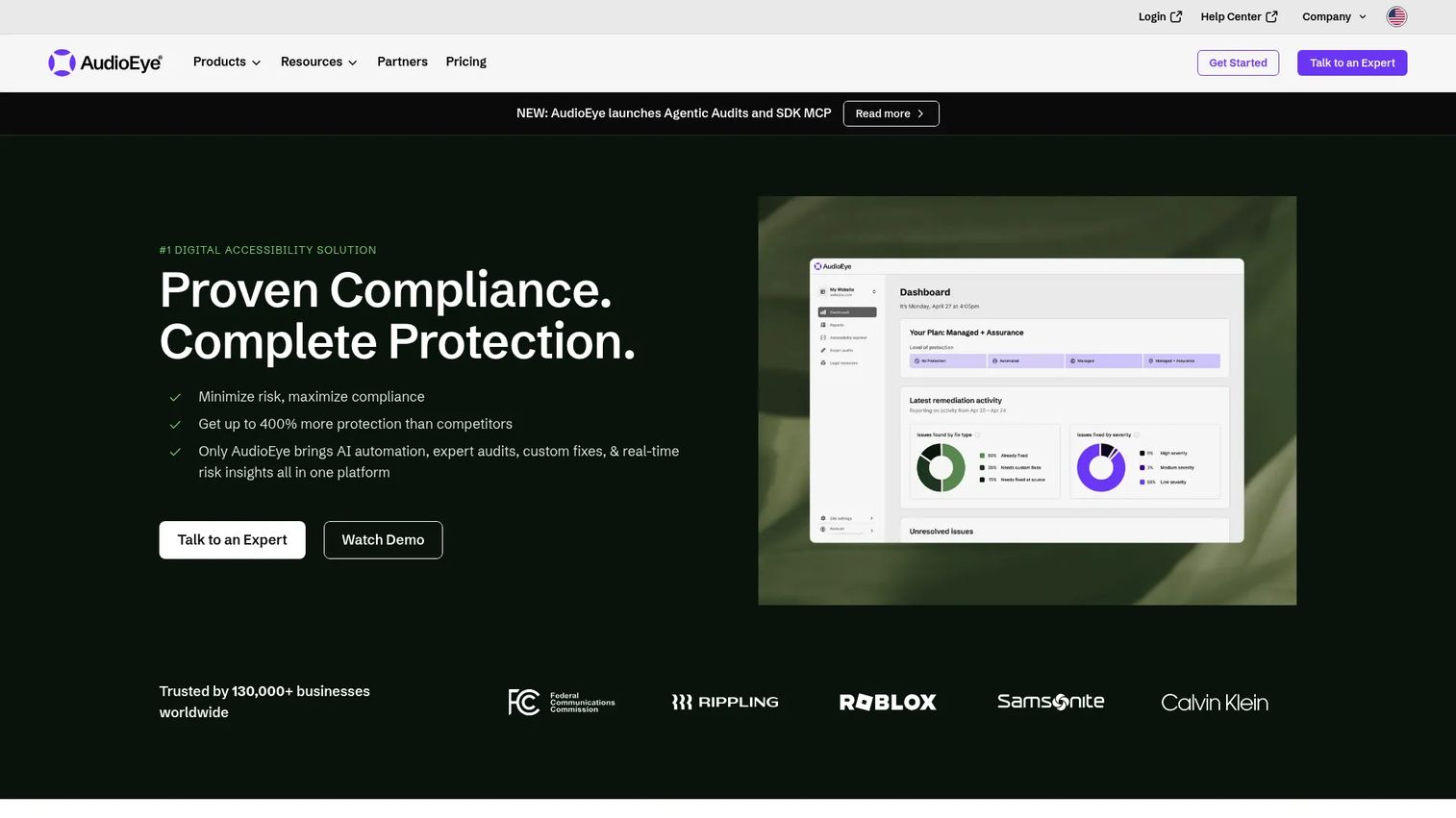
AudioEye is a digital accessibility platform that combines automated monitoring, AI-assisted fixes, expert audits, and custom remediation support. It operates across websites and digital content, with document accessibility support relevant to marketing teams managing downloadable assets alongside their web properties. The platform includes an Accessibility Help Desk that lets end users report issues and adjust their own experience.
Best for: Enterprise marketing and web teams that need ongoing accessibility monitoring plus expert support in one program.
Key features
- Automated accessibility monitoring and fixes
- Expert audits with custom remediation support
- Accessibility Help Desk for user-reported issues
- Compliance workflow tools and reporting
- Document accessibility support
Why choose AudioEye: AudioEye works well when document accessibility sits inside a broader digital accessibility program rather than as a standalone PDF remediation project. Marketing teams that want fewer siloed tools and cleaner reporting across web and content operations will find the combined monitoring and services model easier to manage than point solutions.
AudioEye pricing: AudioEye lists Automated, Self-Managed, and Managed plans, but prices are set by contact. The plan structure and cost drivers, including domain count, traffic volume, and service level, require a sales conversation.
G2 rating: 4.7/5
2. OpenText Document Accessibility
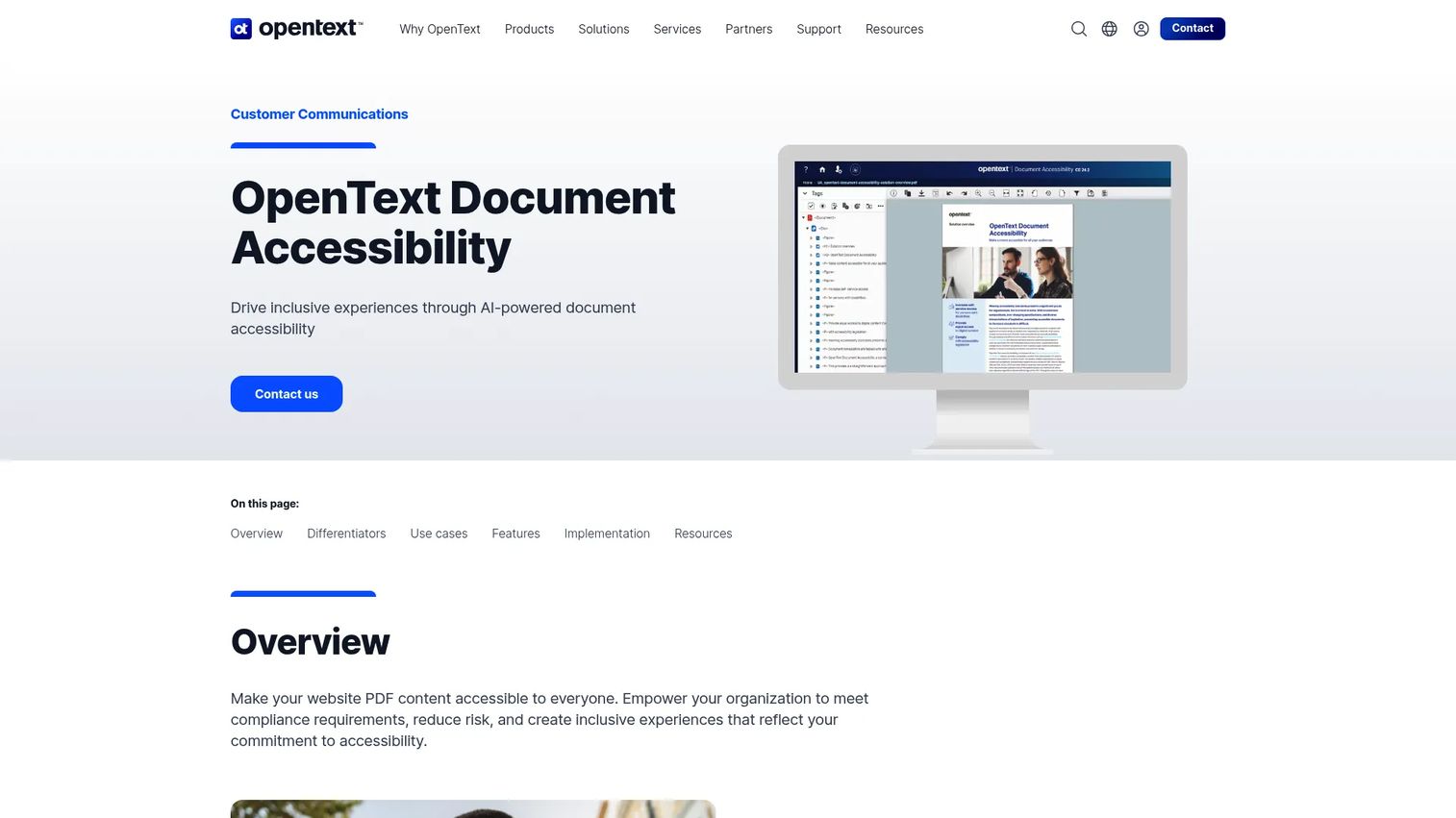
OpenText Document Accessibility is an enterprise document remediation platform built for high-volume PDF workflows. It uses AI-powered AutoDetect models to tag and structure document content, includes an alternate text manager, PDF/UA accessibility checker, and exposes a public API for integrating remediation into existing document production pipelines. Private-cloud and off-cloud deployment options make it suitable for regulated industries with strict data requirements.
Best for: Enterprises with large-scale document production needs and existing document workflow infrastructure.
Key features
- AI-powered AutoDetect tagging and document structuring
- Alternate text manager for images
- PDF/UA accessibility checker and compliance validation
- Public API for workflow integration
- Private-cloud and off-cloud deployment options
Why choose OpenText Document Accessibility: The API and deployment flexibility matter most to IT and content operations teams that cannot route files through a third-party SaaS without first clearing security and procurement. It handles both static and transactional document types, which covers a wider range of enterprise content than most PDF remediation tools.
OpenText Document Accessibility pricing: Pricing is handled by sales. Cost drivers typically include deployment model, document volume, API usage, and support tier.
3. DocAccess
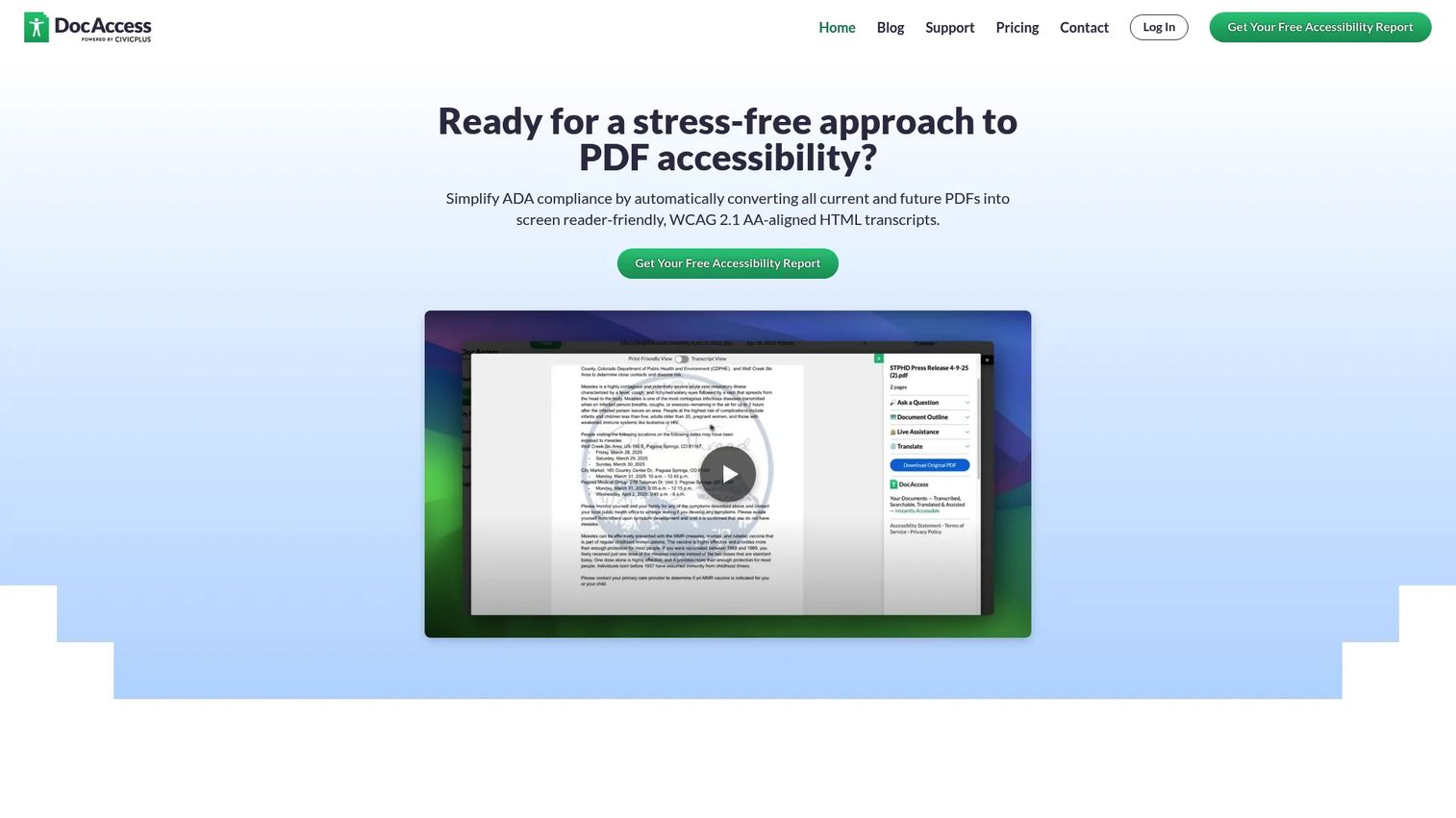
DocAccess converts public-facing PDFs into screen-reader-friendly, WCAG 2.1 AA-aligned HTML transcripts. The platform handles complex, scanned, handwritten, and visually rich documents, then layers on features that go beyond basic accessibility: Translation into more than 250 languages, AI-powered document Q&A, 24/7 live visual interpretation support via Aira, and responsive mobile-friendly output. It is purpose-built for organizations with public document obligations.
Best for: Municipalities, school districts, state agencies, and public-facing organizations with ongoing PDF publishing requirements.
Key features
- Accessible HTML transcripts with semantic headings and document outlines
- OCR and scanned document conversion
- Translation into 250+ languages
- AI-powered document questions and answers
- Live visual interpretation via Aira
Why choose DocAccess: The HTML transcript approach reduces resident friction more directly than a remediated PDF download, particularly on mobile. For teams publishing agendas, reports, forms, and policy documents continuously, the automated conversion pipeline means new files get processed without manual intervention on each one.
DocAccess pricing: Pricing is consultative. Drivers typically include document volume, organization size, and implementation scope. Contact DocAccess directly for a quote.
4. Level Access Accessibility Platform
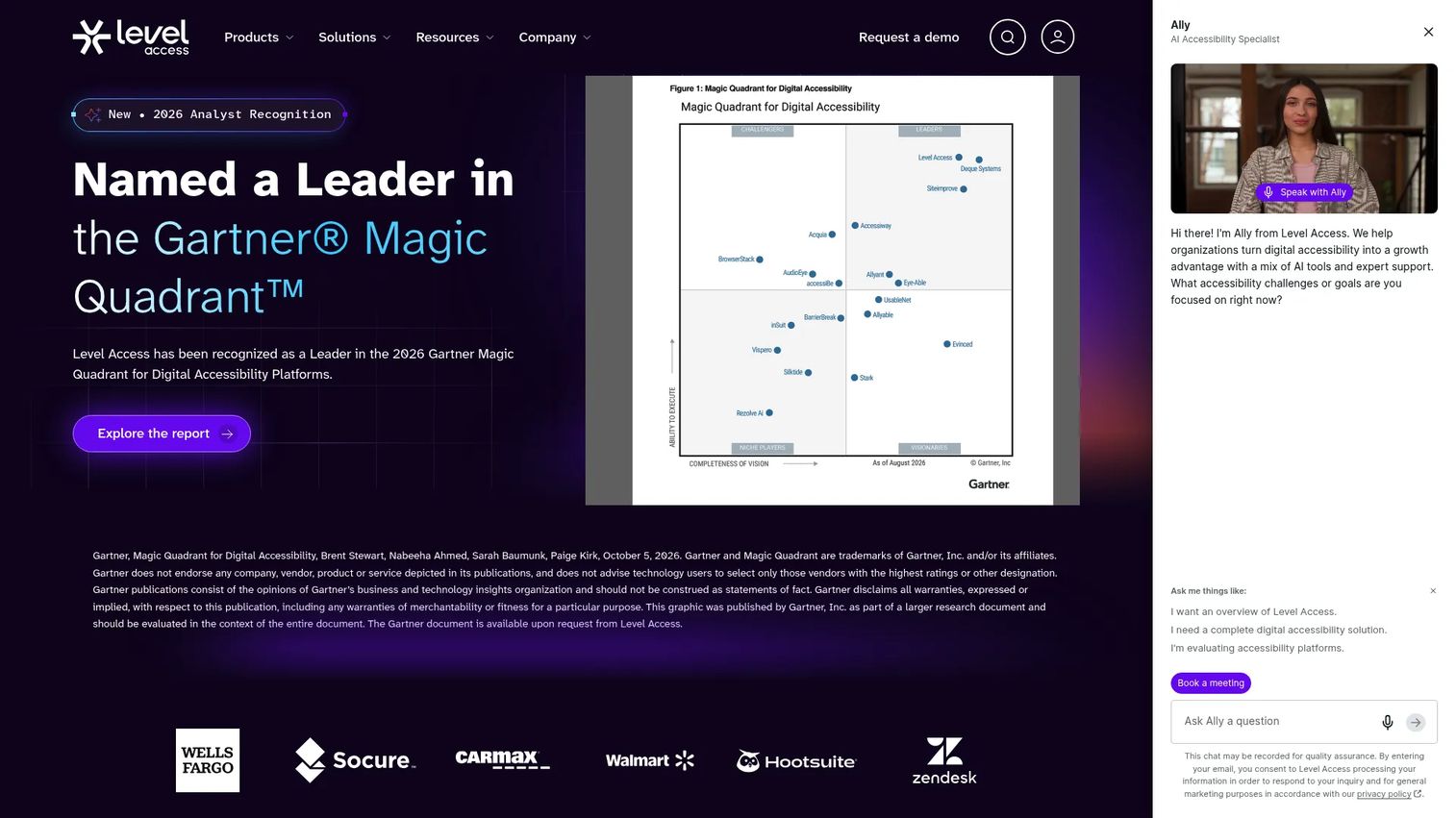
Level Access is an end-to-end digital accessibility platform covering websites, mobile apps, software, IoT, and documents. It combines automated scanning and monitoring with manual accessibility evaluations, AI-powered remediation support, issue tracking, compliance reporting, and expert services. The platform is designed for organizations building a formal accessibility program across many digital properties rather than fixing one asset type.
Best for: Organizations with mature or growing accessibility programs that need visibility across web, app, and document content.
Key features
- Automated scanning, monitoring, and AI-powered remediation
- Manual accessibility evaluations and mobile app testing
- Projects, tasks, and issue tracking workflows
- Analytics and compliance reporting
- PDF and document accessibility support
Why choose Level Access: Procurement, legal, and IT teams need evidence across the full digital estate, not just a PDF report. Level Access produces the kind of program-level documentation that survives a formal audit, which is what enterprise buyers in regulated industries require before signing off.
Level Access pricing: Cost drivers include the number of digital properties, modules selected, expert services, and seat count.
G2 rating: 4.5/5
5. Recite Me
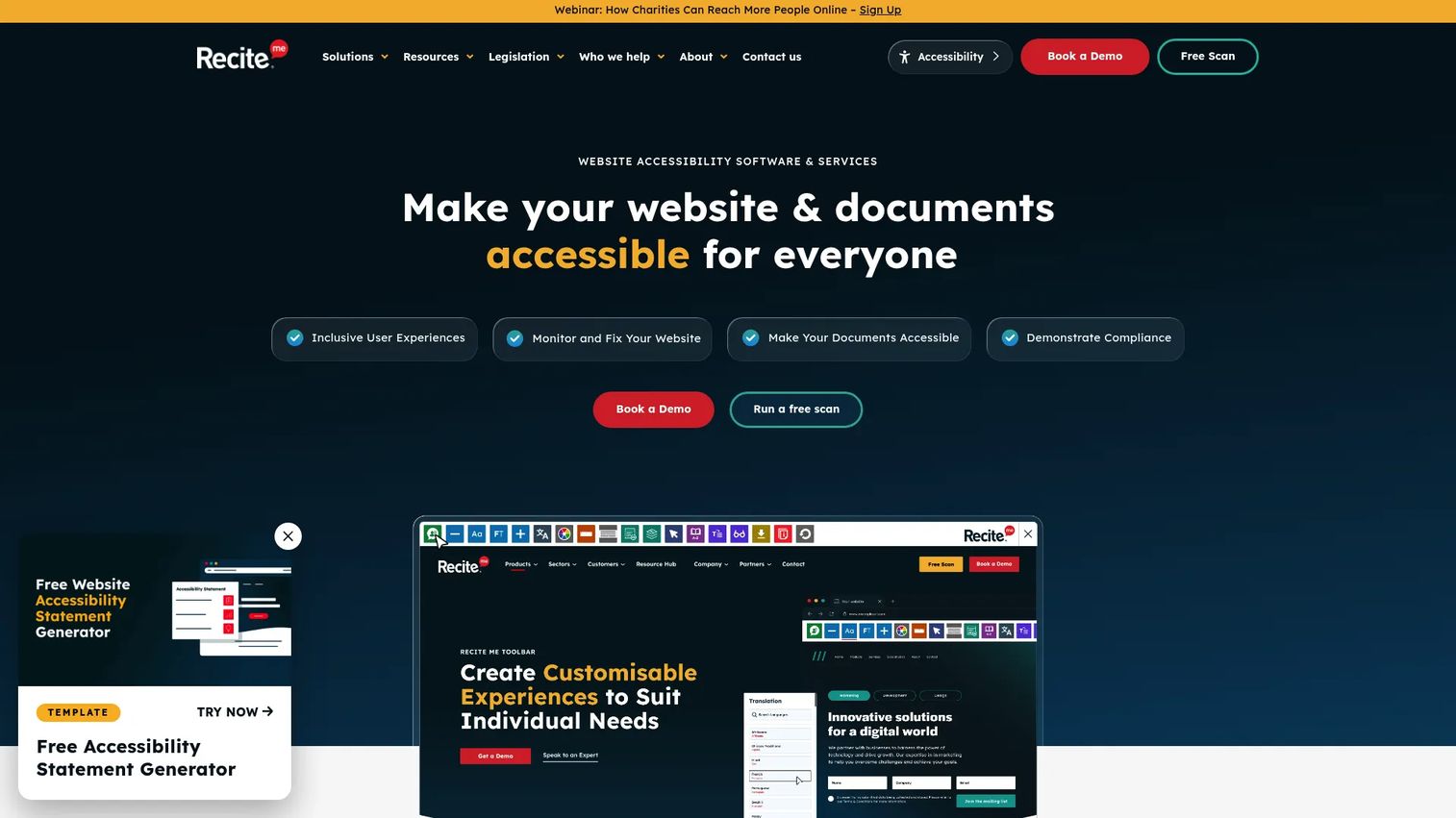
Recite Me is a visitor-facing accessibility toolbar and compliance platform for websites. It gives users control over text size, font, color contrast, spacing, screen masking, and plain-text display. Text-to-speech with customizable voices, translation into over 130 languages, and Voice Control for toolbar navigation make it one of the more capable front-end accessibility tools in this category. The platform also includes a compliance dashboard with automated scanning, AI-powered fixes, and fix tracking.
Best for: Marketing and web teams that want to give website visitors direct accessibility controls alongside an underlying compliance monitoring layer.
Key features
- Text-to-speech with customizable voice and speed
- Translation into 130+ languages
- Font, color, contrast, spacing, and cursor customization
- Accessibility scanning and compliance dashboard
- AI-powered fixes and issue tracking
Why choose Recite Me: Recite Me improves the experience for visitors who already have assistive needs without requiring the site to be fully remediated first. It works well alongside PDF remediation tools rather than replacing them, since the toolbar does not fix the underlying document structure.
Recite Me pricing: Recite Me prices by quote. The minimum contract is 12 months, with no free trial. Cost drivers include website traffic, the number of domains, website type, and contract length.
G2 rating: 4.6/5
6. Adobe Acrobat
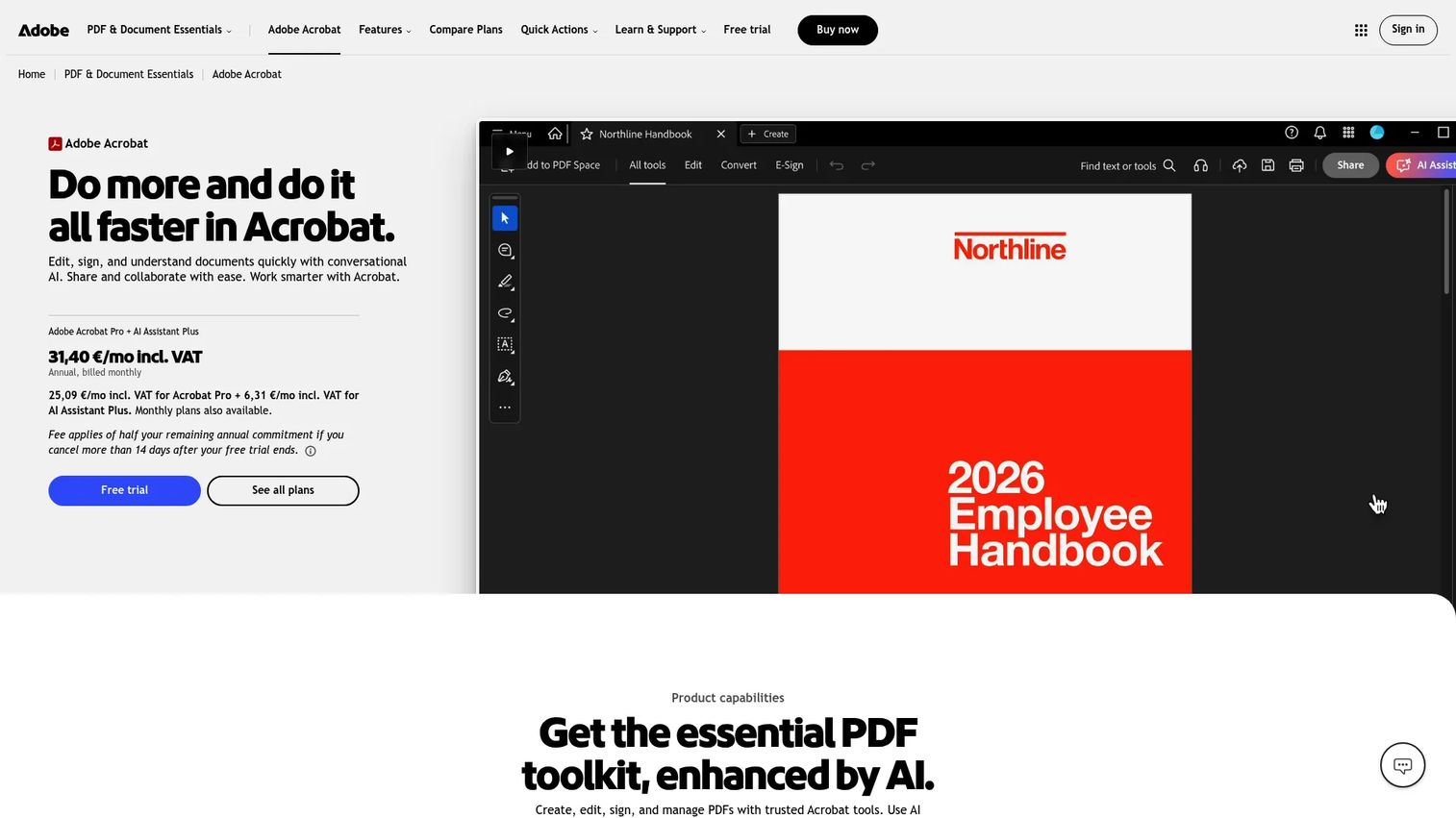
Adobe Acrobat includes built-in accessibility tools alongside its PDF editing and document workflow features. The Accessibility Checker identifies common issues, the Reading Order tool lets users inspect and repair the logical flow of content, and tag editing supports heading structure, table markup, and form field labeling. Teams that already create and edit PDFs in Adobe's environment can run accessibility checks inside the same tool without switching to a separate platform.
Best for: Content creators and smaller teams that produce PDFs inside Adobe workflows and need hands-on accessibility repair without a dedicated remediation platform.
Key features
- Accessibility Checker with issue reports
- Reading Order tool for logical content flow
- PDF tagging and tag structure editing
- Alt text editing for images
- Form field accessibility support
Why choose Adobe Acrobat: Acrobat is the right call when your team is already producing PDFs in Adobe and accessibility is a step in the existing workflow rather than a separate program. It handles individual file repair well. For batch processing across a library of files, a dedicated document accessibility platform will be faster.
Adobe Acrobat pricing: Acrobat Reader is free. Paid plans start at Acrobat Express ($9.99/month), Acrobat Standard ($14.99/month), and Acrobat Pro ($19.99/month), all billed annually. Acrobat Studio runs $24.99/month on an annual plan.
G2 rating: 4.5/5
7. PREP
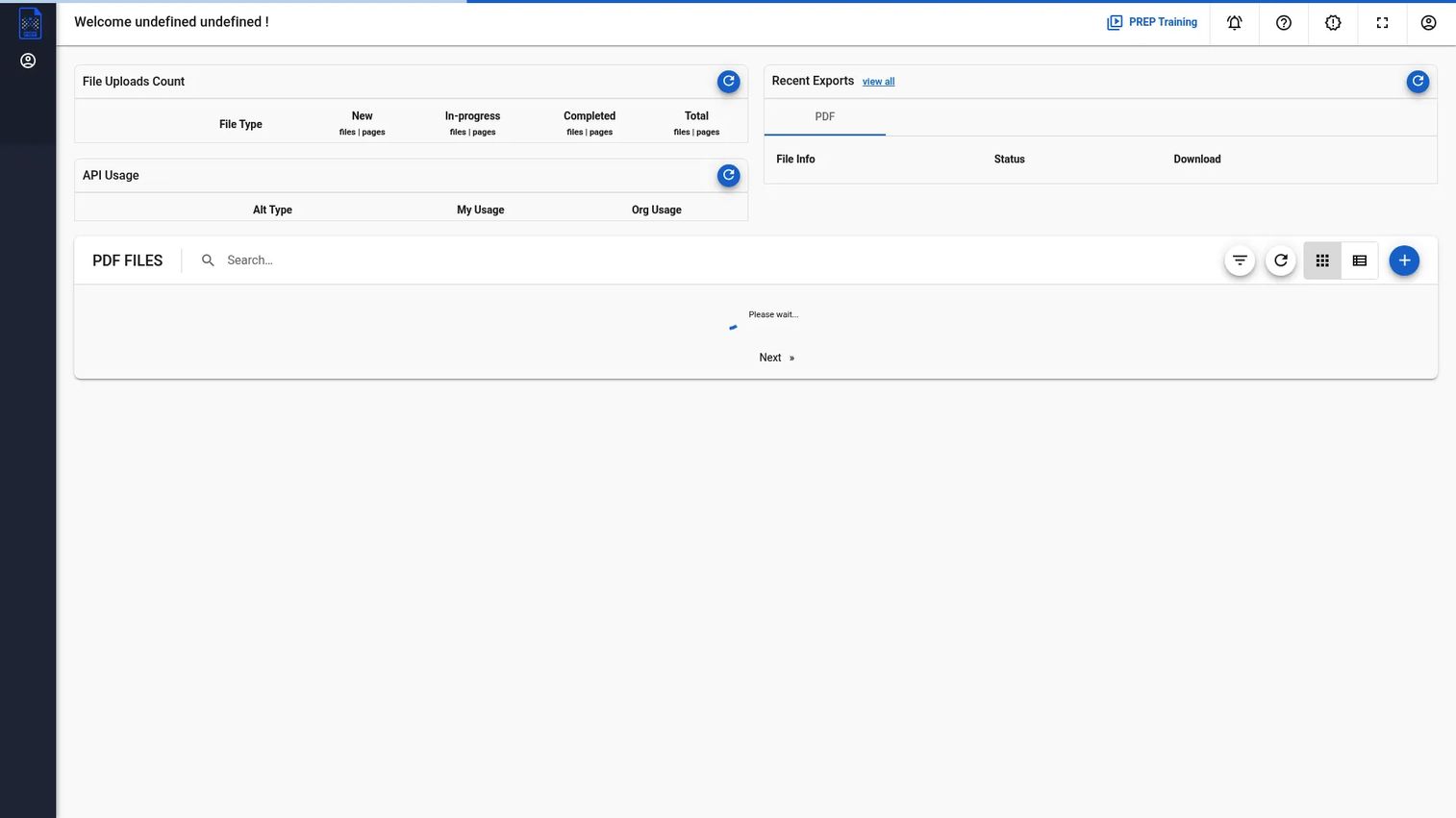
PREP by Continual Engine is an AI-powered PDF and document remediation platform built for teams with structured, high-volume remediation needs. It supports PDF, Word, PowerPoint, and scanned documents, includes a built-in accessibility checker and compliance reports, a screen-reader preview mode, and cloud-based collaboration for review teams. Canvas, D2L, and API integrations make it relevant for education and publishing alongside enterprise content operations.
Best for: Education, government, publishing, and enterprise teams that need structured PDF remediation with compliance reporting and human review workflows.
Key features
- AI-powered automated tagging
- Built-in accessibility checker and compliance reports
- Screen-reader preview mode
- Cloud collaboration for review workflows
- Support for PDF, Word, PowerPoint, and scanned documents
Why choose PREP: PREP works best when remediation is a repeatable workflow, not an occasional task. The screen-reader preview and built-in compliance reporting give teams the evidence they need after remediation, which matters when accessibility sign-off is required before publishing.
PREP pricing: Pricing is customized. Contact PREP for a quote; cost drivers include document volume, user count, and support and services scope.
G2 rating: 5.0/5
8. PDFix Desktop Lite
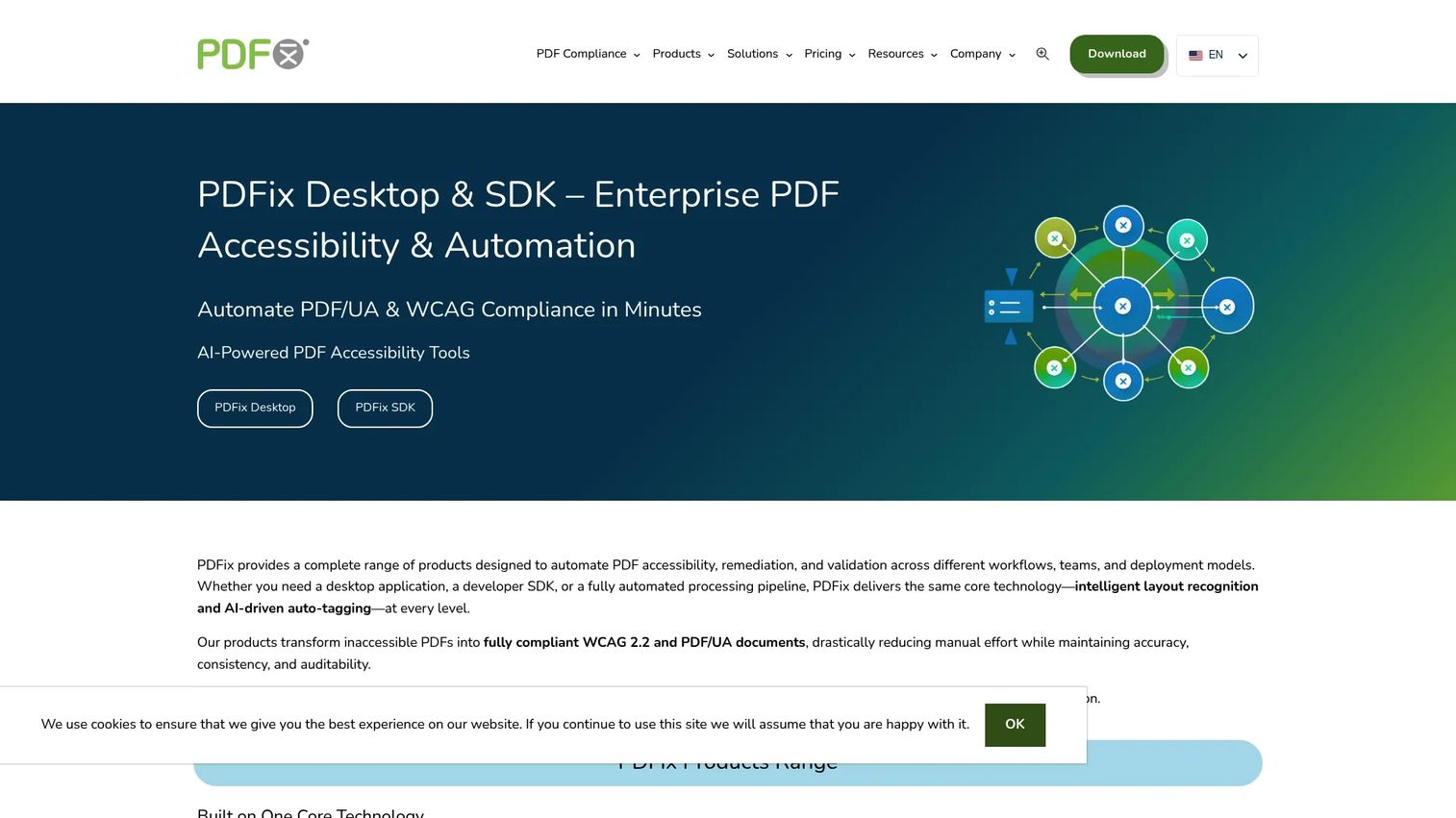
PDFix Desktop Lite is a free cross-platform tool for auditing PDF accessibility and validating documents against PDF/UA, WCAG, and Section 508 standards. It runs on Windows, macOS, and Linux, and gives users hands-on access to tag structure editing, reading order tools, heading and list markup, link annotations, table editing, and batch validation. Saved PDFs include a watermark; validation reports do not.
Best for: Accessibility specialists, QA teams, and document teams that need detailed PDF-level control over structure without a software cost.
Key features
- PDF/UA, WCAG, and Section 508 validation
- Accessibility issue navigation and validation reports
- Auto-tagging and structure editing tools
- Reading order, headings, lists, links, and table tools
- Batch validation across multiple files
Why choose PDFix Desktop Lite: The free tier makes it a reasonable starting point for teams exploring PDF accessibility before committing to a paid platform. It is technical by design, so it fits accessibility specialists and developers more naturally than content teams looking for a low-effort solution.
PDFix Desktop Lite pricing: Permanently free, with no time limit or registration required. Saved PDFs carry a watermark; validation reports are delivered without one.
G2 rating: 5.0/5
9. Accessible Web RAMP
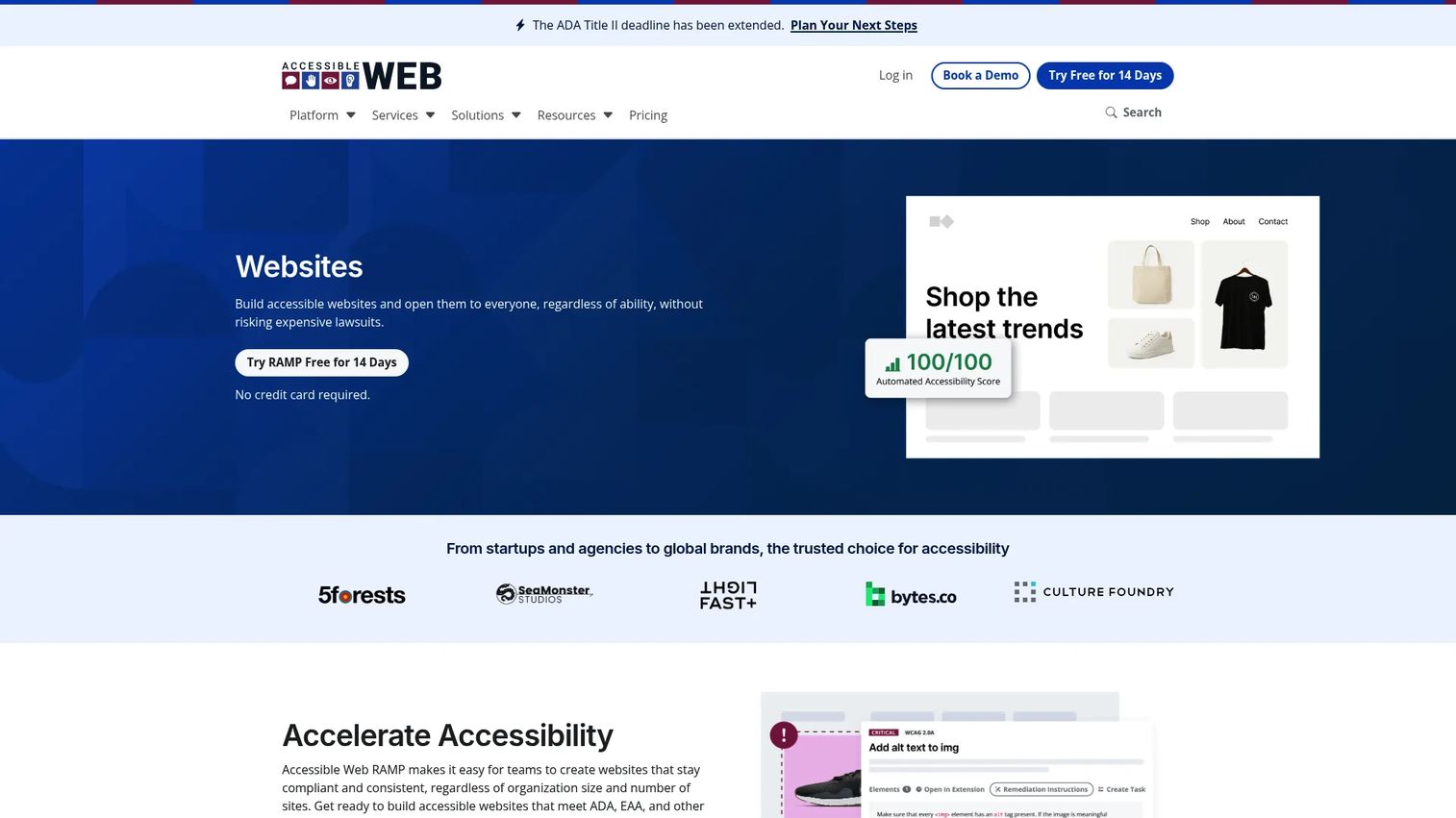
Accessible Web RAMP is a website accessibility platform focused on monitoring, audit guidance, and team-based task management. Automated WCAG scanning surfaces prioritized issues, guided manual audit tools walk teams through structured review, and Jira integration connects accessibility tasks to existing development workflows. The platform includes a 14-day free trial across all plans.
Best for: Web and content teams managing ongoing accessibility improvements across websites or web applications, particularly when multiple stakeholders, including designers, developers, and marketers, need a shared workflow.
Key features
- Automated WCAG scanning and monitoring
- Prioritized issue recommendations with remediation guidance
- Guided manual audit tool and audit grid
- Jira integration for developer task management
- Accessibility compliance center and support
Why choose Accessible Web RAMP: The task management layer is the differentiator for marketing teams. Accessibility issues that require a developer fix can flow directly into Jira without a separate handoff conversation, which reduces the cycle time between finding a problem and resolving it.
Accessible Web RAMP pricing: Starter plan at $49/month, Advanced at $99/month, Pro at $299/month, and Pro+ at $599/month. All plans are billed monthly and include a 14-day free trial.
10. AllyRight AI Docs
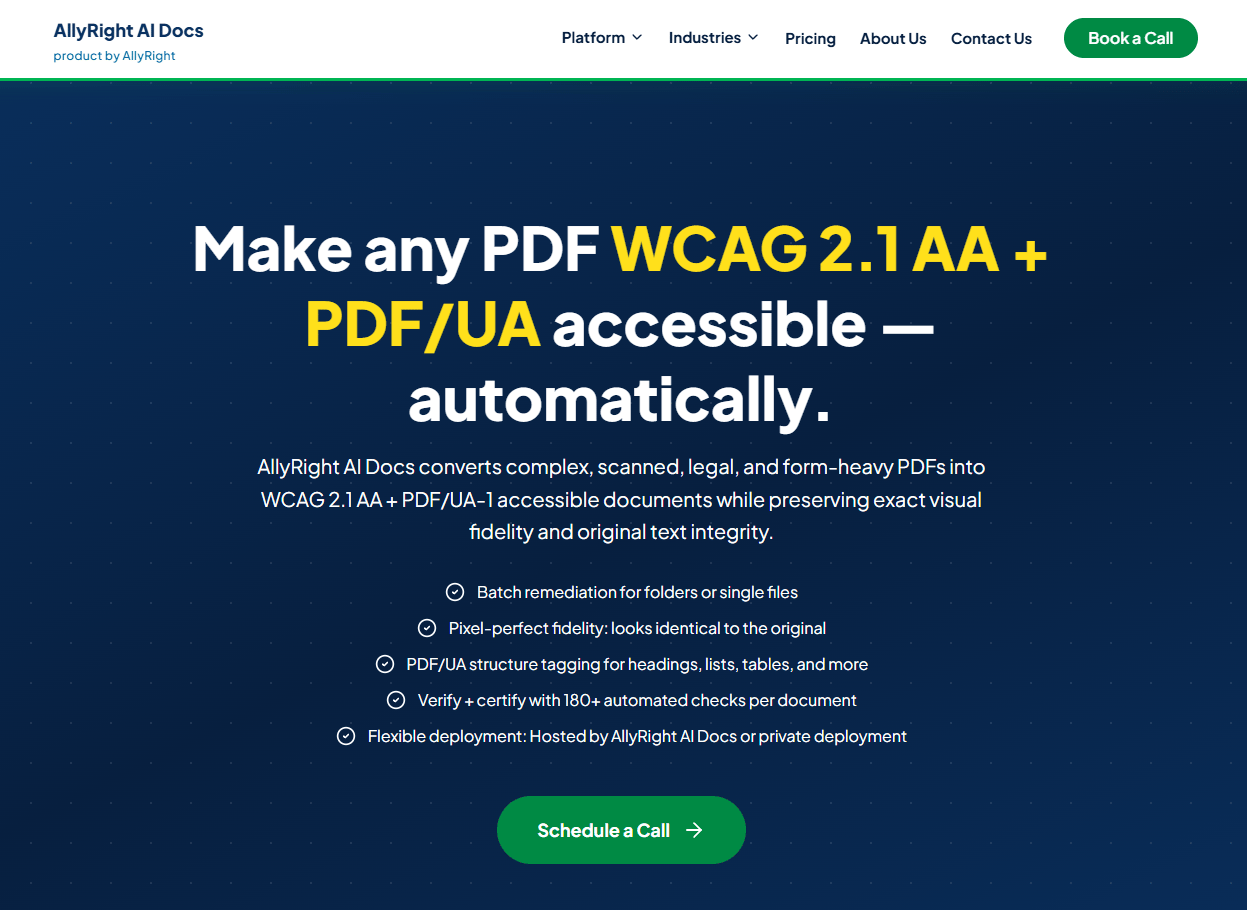
AllyRight AI Docs is a managed PDF remediation service that converts complex and scanned PDFs into WCAG 2.1 AA and PDF/UA-1 accessible documents with certification. Pricing is per page and scales with document complexity: Low complexity starts at $3.50 per page and Max complexity reaches $9.00 per page. The service includes automated remediation, scanned document text recovery with multilingual support, 180+ automated checks, and a tamper-evident certification report. Enterprise and restricted-environment pricing is available for volumes above 250,000 pages.
Best for: Organizations with large backlogs of complex, form-heavy, or scanned documents that need auditable remediation at scale.
Key features
- Automated remediation for headings, lists, tables, links, and form fields
- Scanned PDF text recovery with multilingual support
- 180+ automated accessibility checks and PDF/UA validation
- Tamper-evident certification report for each document
- Secure upload, encrypted transfer, and private deployment options
Why choose AllyRight AI Docs: Per-page pricing makes cost predictable for procurement and legal sign-off, which is a real advantage over platforms that price by seat or volume band without publishing rates. The certification report gives teams defensible audit evidence per document.
AllyRight AI Docs pricing: Per-page rates from $3.50 (Low) to $9.00 (Max). Volume discounts apply at 10,000, 50,000, and 250,000 pages. No free tier.
11. CivicPlus PDF Accessibility
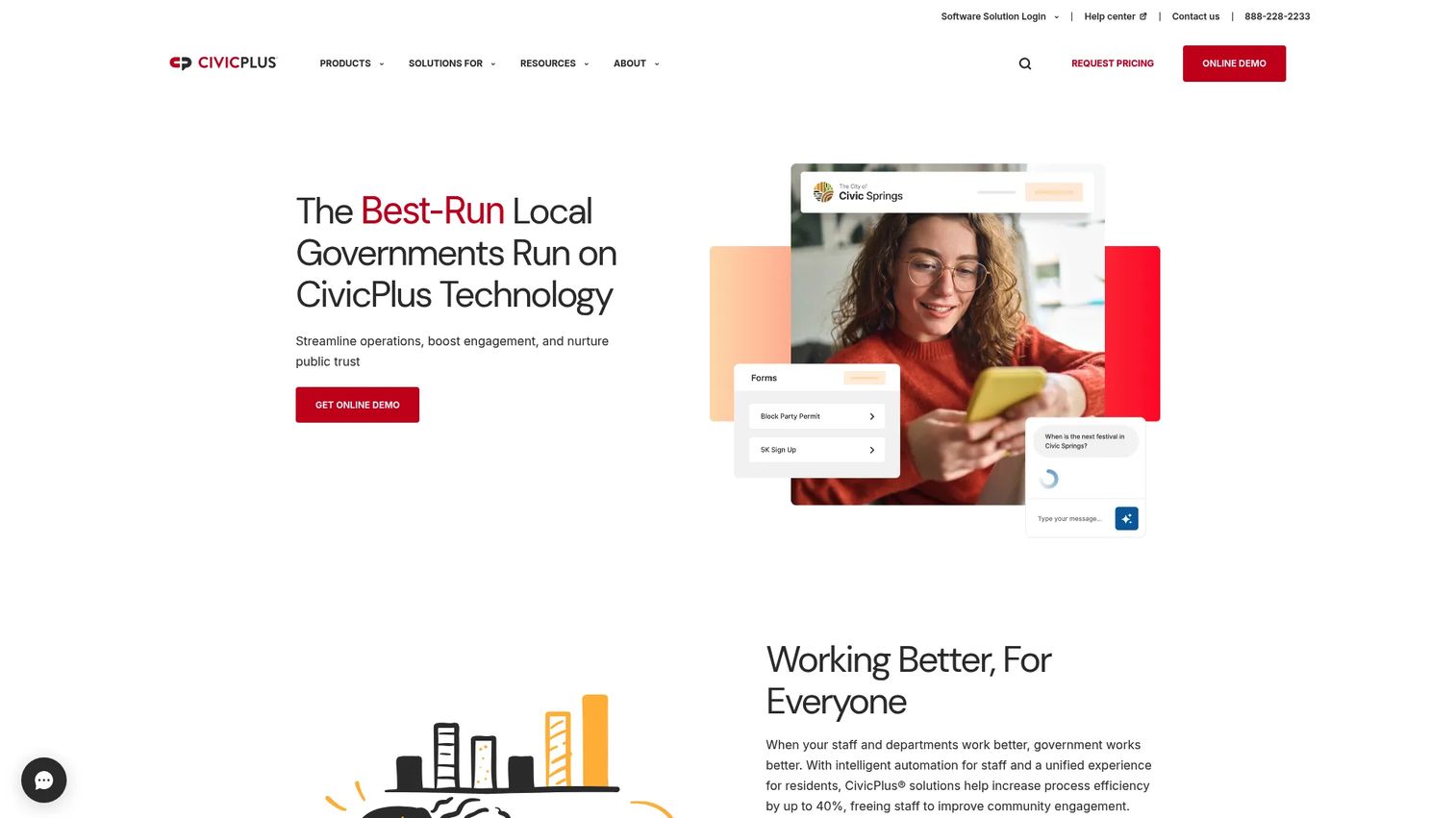
CivicPlus offers PDF accessibility as part of its civic technology platform, using the DocAccess engine to automatically convert current and future PDFs into WCAG 2.1 AA-aligned HTML transcripts. Local governments and civic organizations that already use CivicPlus for their websites and content management can add PDF accessibility without integrating a separate vendor. Features include interactive document outlines, an Ask a Question tool, translations into 250+ languages, accessibility analytics, and live visual interpreter support via Aira.
Best for: Local governments and civic organizations already working within the CivicPlus platform ecosystem.
Key features
- Automatic PDF-to-HTML transcript conversion
- Translations into 250+ languages
- Interactive document outline
- Ask a Question tool for residents
- Document accessibility analytics
Why choose CivicPlus PDF Accessibility: For civic teams that already use CivicPlus for their web platform, adding PDF accessibility inside the same vendor relationship reduces procurement complexity and simplifies the support structure. Teams not already using CivicPlus should evaluate DocAccess directly as an alternative.
CivicPlus PDF Accessibility pricing: Custom pricing; request a quote through CivicPlus.
12. AEL Accessibility Checker
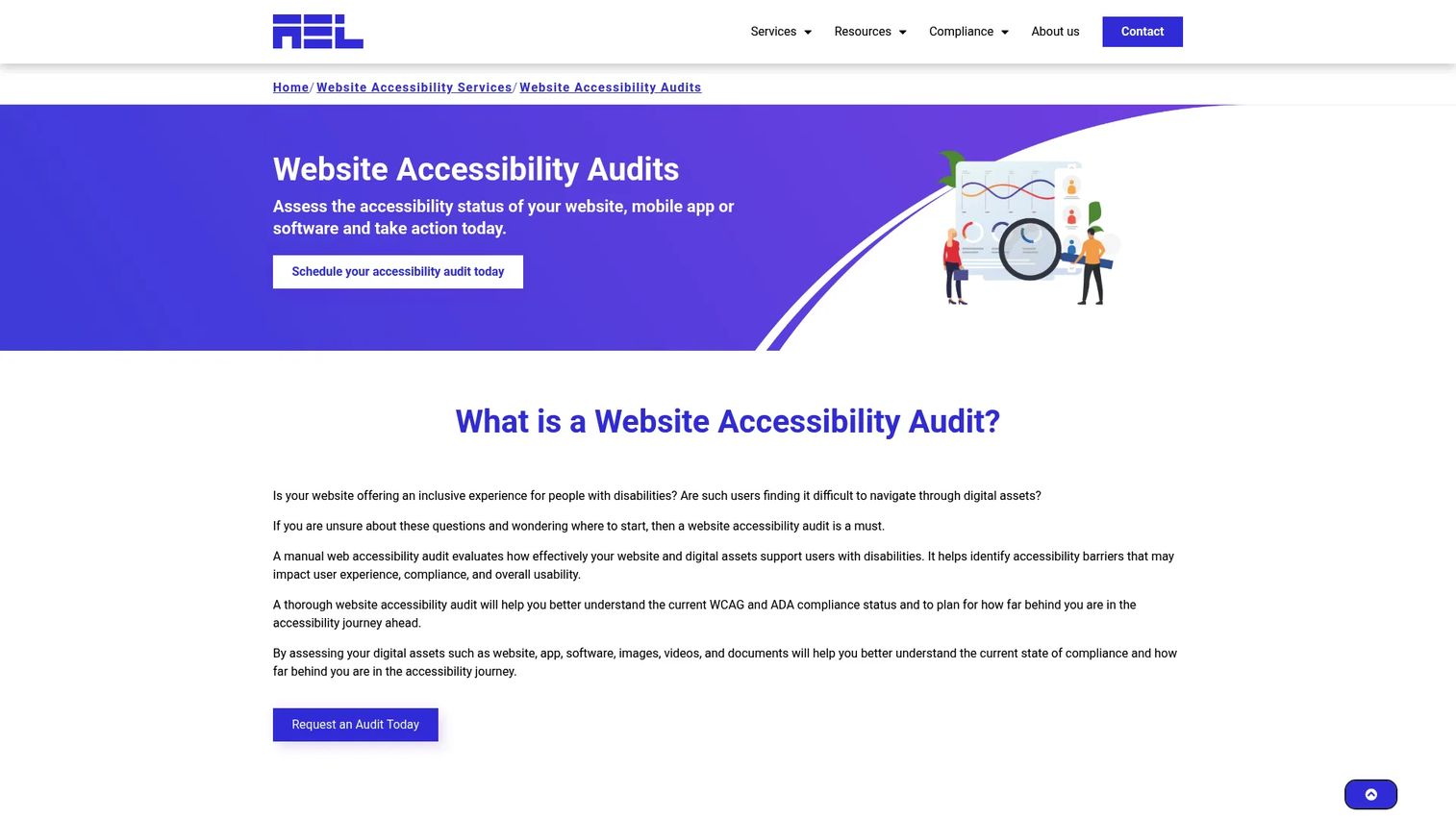
AEL Accessibility Checker is a free cloud-based tool that scans a single public web page for automated accessibility violations and returns an accessibility score. It checks against WCAG 2.0 and 2.1 Level A and AA criteria, identifies violations with the affected code, severity level, the failed criterion, and remediation recommendations.
Best for: Individuals and teams that need a quick automated accessibility check of a web page before publishing or as part of a QA review.
Key features
- Automated single-page WCAG 2.0 and 2.1 Level A and AA checks
- Violation reports with affected code and severity ratings
- Failed WCAG criteria identification
- Remediation recommendations per issue
- Free accessibility score delivery
Why choose AEL Accessibility Checker: The tool works well as a low-friction first pass before a page goes live. It is not a document remediation platform or a full website monitoring solution, so teams with ongoing governance needs will want a platform alongside it.
AEL Accessibility Checker pricing: Completely free to use. Users can request a report copy by submitting contact information.
13. ComplyLoft Accessibility
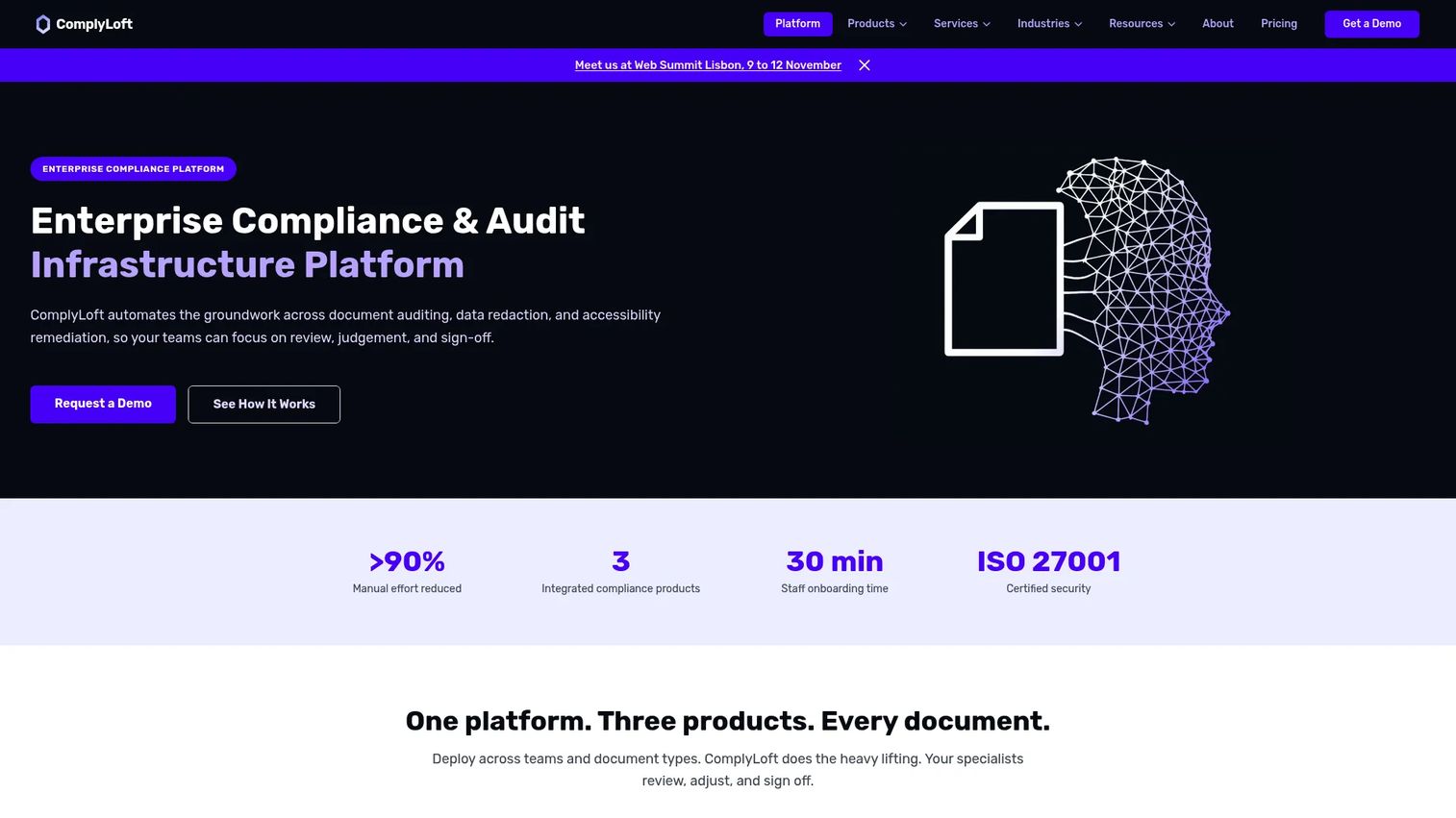
ComplyLoft Accessibility is an automated PDF accessibility remediation platform that processes documents toward WCAG 2.1/2.2 Level AA and PDF/UA conformance. The platform covers automated tagging and structure repair, reading order, heading hierarchy, alt text prompts, table markup, and form field accessibility. A web interface and API-based processing support both manual upload workflows and high-volume automated pipelines. Human review workflows and a full audit trail are built in.
Best for: Regulated organizations that need scalable PDF remediation with an audit trail and API access, particularly in European markets given the EUR pricing structure.
Key features
- Automated PDF tagging and structure repair
- Reading order repair and heading hierarchy correction
- Alt text prompts and table markup
- Web interface and API-based processing
- Human review workflow and audit trail
Why choose ComplyLoft Accessibility: The audit trail and human review workflow address the two most common failure points in automated remediation programs: Documents that cannot be fully automated, and the evidence gap when legal asks what was reviewed and by whom. ComplyLoft does not guarantee compliance and states that human review and sign-off remain the customer's responsibility.
ComplyLoft Accessibility pricing: Team plan at €500/month (€6,000/year or €550/month on monthly billing). Business at €1,500/month (€18,000/year or €1,650/month on monthly billing). Professional at €5,000/month (annual only). Enterprise pricing available on request. All prices exclude VAT.
G2 rating: 5.0/5
14. PDF Auditor
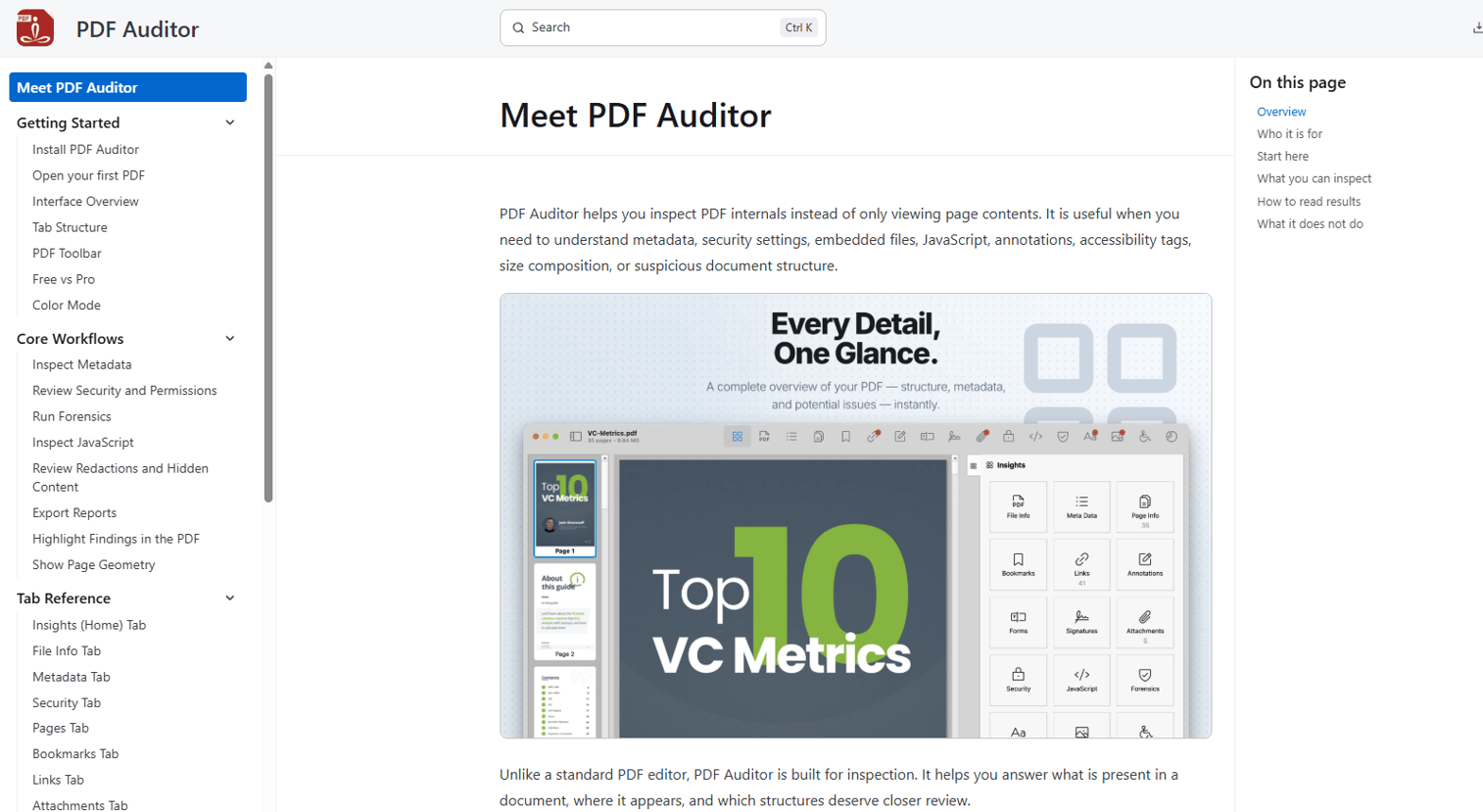
PDF Auditor focuses on PDF accessibility auditing and issue inspection. The tool is positioned for teams that need to find and document PDF accessibility problems, including pre-publication checks, post-remediation validation, and vendor review scenarios. Its core job is detection and reporting rather than active remediation.
Best for: QA teams, accessibility specialists, and agencies that need to audit PDFs for accessibility issues and document findings before or after remediation.
Key features
- PDF accessibility audit and inspection
- Issue detection and documentation
- Accessibility standards checks
- Report exports for review and evidence
- Remediation validation checks
Why choose PDF Auditor: Auditing and fixing are different workflows. Teams that have remediation capacity but need a better detection and documentation layer will find a focused auditing tool more efficient than a full remediation platform they only use partially. Verify current pricing and G2 rating directly on the PDF Auditor website and G2 listing.
PDF Auditor pricing: Verify current pricing on the vendor's website.
15. All in One Accessibility
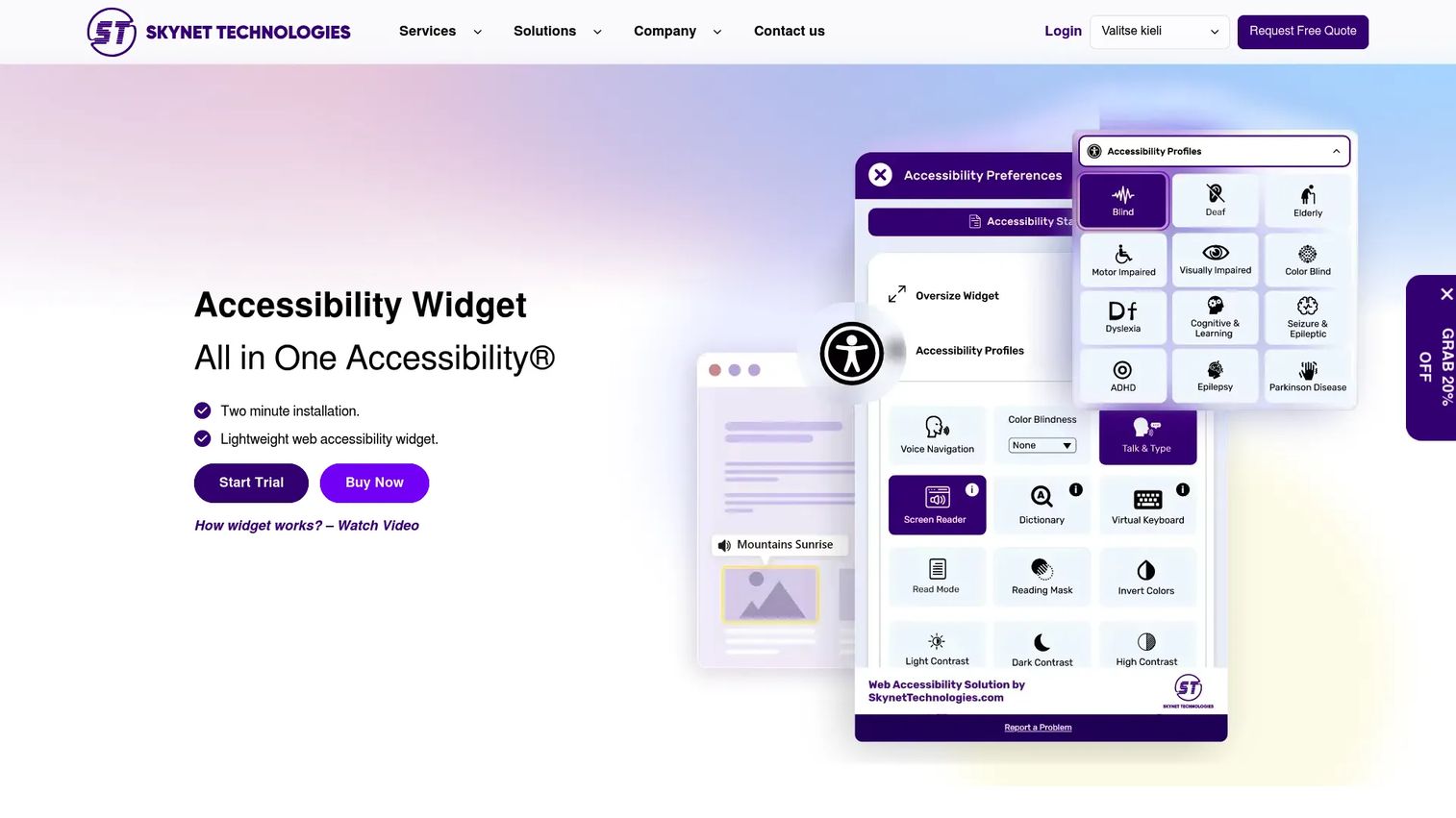
All in One Accessibility is a website accessibility widget with 90+ accessibility features, automated scanning, AI-generated alt text, single sign-on support, and 190+ language support. Single-site monthly plans range from Small Site ($25/month) to Extra Large Site ($139/month). Annual multisite plans cover Silver, Gold, and Platinum tiers. A free widget and 10-day trial are available.
Best for: Small and mid-size marketing teams that need a quick-to-deploy front-end accessibility layer for their website, including visitor-facing controls and basic compliance support.
Key features
- 90+ website accessibility features
- Automated accessibility scanning
- AI-generated image alt text with manual editing
- 190+ language support
- Accessibility compliance reports
Why choose All in One Accessibility: The monthly pricing and 10-day trial make it easy to test on one site before scaling. It improves the visitor experience for users with assistive needs and generates basic compliance reporting. For teams with significant PDF libraries or video content, pair it with a dedicated document or media accessibility tool rather than treating the widget as the full solution.
All in One Accessibility pricing: Small Site starts at $25/month. Medium Site is $39/month, Large Site is $99/month, and Extra Large Site is $139/month. Annual multisite plans start at $1,229/year (Silver). A free widget and 10-day trial are available.
G2 rating: 4.7/5
Considerations when choosing media and document accessibility software
Match the tool to your content risk
A team publishing weekly webinars needs captions, transcripts, and accessible media delivery. A government records team with 20,000 archived PDFs needs OCR, batch processing, and remediation tracking. Start by inventorying the content types that create the most compliance exposure: Annual reports, product sheets, scanned forms, training videos, and board packets all carry different requirements.
Check standards coverage before procurement
Confirm that any shortlisted tool covers the standards your organization must demonstrate: ADA document accessibility, Section 508 compliance software for federal and federally funded entities, WCAG compliance software for web and document content, PDF/UA validation for structured PDF output, and EAA for European markets. This article is buyer guidance, not legal advice. Confirm specific compliance requirements with your legal team.
Verify remediation depth, not just detection
A tool that finds 47 issues is not the same as a tool that fixes them. Ask vendors specifically whether the platform repairs tags, reading order, table headers, form fields, alt text, and captions, or whether it identifies problems and hands them back to your team. The gap between detection and remediation is where most manual work hides.
Look for evidence your team can defend
Accessibility work needs exportable reports, audit trails, remediation status logs, and reviewer notes. This matters most when legal, procurement, leadership, or a public agency asks for documentation of what changed and when. Choose tools that produce reports in a format you can share, not just dashboards you can screenshot.
Test the workflow with one messy file
Before committing, run a real asset through any tool you are evaluating: A scanned PDF, a form with complex table structures, a webinar recording, or a multilingual document. Clean sample files hide workflow problems that show up immediately on actual content. Evaluate accuracy, reporting quality, and how much manual cleanup the output still requires.
Conclusion
The right tool depends on what you publish and who needs the evidence.
For broader enterprise accessibility programs covering web, apps, and documents: AudioEye and Level Access Accessibility Platform handle governance, monitoring, and reporting at scale. For high-volume PDF and document remediation: OpenText Document Accessibility, PREP, AllyRight AI Docs, and ComplyLoft Accessibility cover different price points and deployment models for teams with structured workflows.
For government and civic organizations: DocAccess and CivicPlus PDF Accessibility both convert PDFs to accessible HTML transcripts with multilingual support. For teams already editing PDFs in Adobe's environment: Adobe Acrobat's built-in accessibility tools handle individual file repair without adding a new platform. For validation and auditing without cost: PDFix Desktop Lite provides PDF/UA and WCAG validation for free.
For visitor-facing website accessibility: Recite Me and All in One Accessibility add front-end accessibility controls and basic compliance reporting. For web accessibility monitoring with task management: Accessible Web RAMP connects scanning to remediation workflows with Jira integration.
Before purchasing, test with a real document and verify current pricing and G2 ratings on each vendor's live pages.
FAQs
Media and document accessibility software helps organizations make PDFs, documents, videos, audio files, and other digital content usable by people with disabilities. It covers assistive technology compatibility, captions, transcripts, PDF tags, reading order, alt text, and standards validation against WCAG, PDF/UA, ADA, and Section 508 requirements.
Document accessibility software covers a broader range of file types including PDFs, Word documents, HTML transcripts, scanned records, and reporting workflows. PDF remediation software focuses specifically on fixing PDF structure: Tags, reading order, tables, forms, and alternative text. Some platforms do both; others specialize in one.
The right choice depends on the asset types your team publishes most. For PDFs and campaign downloads, prioritize a tool with document remediation and batch processing. For webinars and video campaigns, prioritize captions, transcripts, and accessible media delivery. For broad website programs, prioritize monitoring, task management, and compliance reporting.
Automated tools can detect and fix many common issues, but complex documents often require human review before they can be considered conformant. Tables with merged cells, fillable forms, scanned handwritten content, charts, and nuanced alt text descriptions are areas where automation reaches its limits. Treat automated output as a starting point, not a finished product.
The main standards to look for are WCAG (Web Content Accessibility Guidelines), PDF/UA (the PDF accessibility standard from ISO), ADA document accessibility requirements, Section 508 for US federal and federally funded entities, and EAA for organizations operating in European markets. Standards vary by region, organization type, and content format. Confirm specific requirements with your legal and accessibility teams.
AI can accelerate first-pass remediation for OCR, structural tagging, reading order detection, and alt text suggestions. It performs reliably on common document structures and reduces manual work significantly on high-volume pipelines. For important documents, including public-facing government content, legal filings, and high-risk published assets, human QA and assistive technology testing remain important steps before sign-off.
Bring real files to any evaluation: A scanned PDF with complex layouts, a fillable form, a document with merged table cells, a webinar recording, and a multilingual asset if that applies to your work. Evaluate how much the tool actually fixes versus flags, how the reports export, and how much manual cleanup the output still requires. The gap between the demo and the messy real-world file is where tools differentiate themselves.
Pricing varies widely by tool type and use case. Free tools like PDFix Desktop Lite and AEL Accessibility Checker handle validation and single-page checking at no cost. Adobe Acrobat's accessibility tools start at $14.99/month on the Standard plan. Accessible Web RAMP starts at $49/month for website monitoring. AllyRight AI Docs charges $3.50 per page for managed PDF remediation. ComplyLoft Accessibility starts at €500/month for the Team plan. Enterprise platforms like AudioEye, OpenText, Level Access, and PREP price by sales conversation, with cost driven by volume, services, and deployment model.