Your support queue is growing. Your team isn't.
You have 45 accounts, a Slack channel full of "quick questions," and three onboarding calls before lunch. Half of those calls will cover the exact same walkthrough you ran yesterday. The other half will surface issues your knowledge base technically answers, but no one reads knowledge bases when they're stuck.
This is the CSM's daily math problem. According to Gainsight's 2024 benchmarks, the average Customer Success Manager handles 40+ accounts. When that number doubles, your headcount doesn't. The customer support tools most teams rely on (shared inboxes, static docs, basic ticketing) were built for a different scale. They manage tickets. They don't reduce them.
This guide covers 16 customer support tools evaluated through the lens of what actually helps CS teams scale: fewer repetitive touchpoints, better self-service, proactive churn detection, and customer education that doesn't require you on a Zoom call.
What's inside
This guide spans six categories of customer support software: ticketing and help desk, live chat and messaging, customer success platforms, interactive education, health scoring, and AI chatbots. Tools were selected based on hands-on evaluation, G2 ratings, published pricing transparency, and direct relevance to SaaS CS teams managing 20+ accounts.
The list deliberately covers different layers of the support stack. No single tool handles everything. The goal is to help you shortlist 2 to 3 tools that fit your specific pain.
TL;DR
- The 16 tools span ticketing, live chat, customer success platforms, interactive education, health scoring, and AI chatbots
- Guideflow stands out for interactive self-service education that replaces repetitive onboarding calls
- Zendesk and Freshdesk remain the default for teams that need a full help desk with AI capabilities
- ChurnZero and Gainsight are the picks for CSMs who need health scoring and churn prediction
- Free tiers exist on most platforms, so testing before committing is straightforward
- The biggest ROI often comes from combining a ticketing tool with a self-service education layer, not from any single platform
What are customer support tools?
Customer support tools are software platforms that help teams manage, track, and resolve customer issues across channels like email, chat, phone, and self-service portals.
The term "customer support tools" is used interchangeably with "customer service software," "customer service platforms," "help desk software," and "customer care tools." They all describe the same core category of cloud based customer service software designed to handle customer interaction management.
Core components typically include:
- Ticketing system: Tracks and routes customer requests across channels
- Live chat and messaging: Real-time conversations on your site or in-app
- Knowledge base: Self-service articles and documentation - see our guide to the best knowledge base software
- AI and chatbots: Automated responses and deflection for common questions
- Customer health scoring: Proactive monitoring of account engagement and risk
- Interactive education: Guided walkthroughs and interactive demos for self-service learning
- Analytics and reporting: CSAT, NPS, response times, ticket volume trends
- Omnichannel support: Unified inbox across email, chat, social, and phone
One distinction worth noting: a customer support tool is the software. Customer support is the function. The best customer service tools reduce the manual work of the function so teams can focus on proactive, strategic work instead of firefighting.
When to use customer support tools
When ticket volume outpaces your team
You're spending more time triaging than actually helping customers. A ticketing system with automation rules becomes non-negotiable once your queue consistently outruns your team's capacity.
When customers keep asking the same questions
If your team answers the same "how do I..." question more than 10 times a month, you need a knowledge base or an interactive education layer. Static docs help. Self-service support tools where customers learn by doing help more.
When onboarding is manual and doesn't scale
Every new account gets the same walkthrough call. Every new stakeholder needs the same 30-minute screen share. Interactive guides and in-app onboarding tools handle this at scale without adding headcount.
When churn signals are invisible
If you only learn about disengagement during the renewal conversation, you need health scoring and usage analytics. By then, the customer has already made their decision.
When you're managing 30+ accounts per CSM
At this volume, reactive support breaks down. You need digital customer service tools that let customers self-serve and surface risk proactively, not tools that just help you respond faster.
Customer support tools comparison table
| # | Product | Intent | Key use case | Pricing | G2 rating |
|---|---|---|---|---|---|
| 1 | Zendesk | Help desk + ticketing | Full-stack support with AI and enterprise reporting | From $55/agent/mo | 4.3/5 |
| 2 | Intercom | AI-first messaging platform | AI chatbot deflection with in-app messaging | From $39/seat/mo | 4.5/5 |
| 3 | Freshdesk | Help desk + ticketing | Capable help desk without enterprise complexity | Free tier; from $15/agent/mo | 4.4/5 |
| 4 | Help Scout | Shared inbox + knowledge base | Simple, human-first support for small teams | From $50/user/mo | 4.4/5 |
| 5 | HubSpot Service Hub | CRM-native support | Support tools connected to sales and marketing data | Free tier; from $20/seat/mo | 4.4/5 |
| 6 | Salesforce Service Cloud | Enterprise case management | Highly customizable omnichannel support for large teams | From $25/user/mo | 4.3/5 |
| 7 | Zoho Desk | Help desk (Zoho ecosystem) | Affordable, integrated help desk for Zoho users | Free tier; from $14/agent/mo | 4.4/5 |
| 8 | ChurnZero | Customer success platform | Proactive health scoring and churn prediction for SaaS | Custom pricing | 4.7/5 |
| 9 | Gainsight | Enterprise customer success | Journey orchestration and board-ready CS analytics | Custom pricing ($30K+/yr) | 4.5/5 |
| 10 | Front | Shared inbox + collaboration | Email-based support with team coordination | From $19/seat/mo | 4.7/5 |
| 11 | LiveAgent | All-in-one help desk | Phone, chat, and email support in one platform | Free tier; from $15/agent/mo | 4.5/5 |
| 12 | Hiver | Gmail-native help desk | Help desk functionality without leaving Gmail | Free tier; from $19/user/mo | 4.6/5 |
| 13 | Tidio | Live chat + AI chatbot | AI chatbot deflection combined with live chat | Free tier; from $29/mo | 4.7/5 |
| 14 | Re:amaze | Multichannel support | Unified inbox across chat, email, social, and SMS | From $29/member/mo | 4.6/5 |
| 15 | HelpCrunch | Customer communication platform | Live chat, email marketing, and knowledge base in one | From $12/member/mo | 4.7/5 |
1. Zendesk
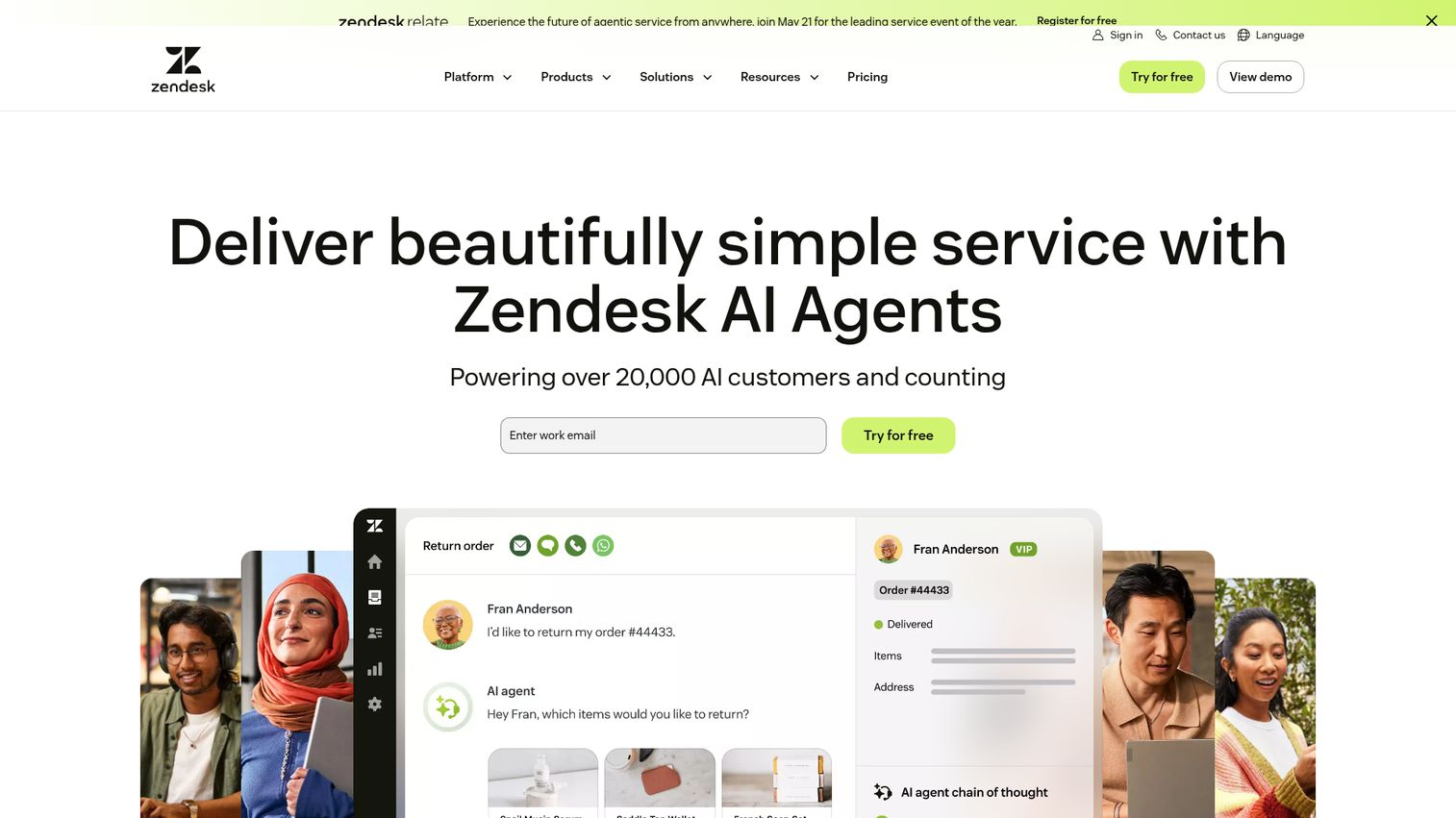
Zendesk is the default help desk software for mid-market and enterprise SaaS teams. Its strength is the unified support suite: ticketing, live chat, phone, knowledge base, and AI-powered answer bots all in one platform.
For CSMs already using Zendesk for support, the knowledge base (Zendesk Guide) and customer analytics give a single view of ticket trends and self-service effectiveness. The AI customer service tools built into Zendesk can auto-suggest articles to customers and route tickets based on intent, which tends to reduce first-response time for teams handling high volume.
As of 2026, Zendesk's AI capabilities include answer bots that pull from your knowledge base, intelligent ticket triage, and agent assist features that suggest responses based on past conversations. The reporting layer is deep enough for CS leadership to track CSAT trends, ticket deflection rates, and agent performance across teams.
Best for: Teams that want a full-stack support platform with strong AI capabilities and enterprise-grade reporting.
Key strengths
- Unified ticketing across email, chat, phone, and social
- AI-powered answer bots and article recommendations
- Customizable knowledge base with content blocks for reuse
- Advanced reporting and analytics dashboards
- Extensive marketplace of 1,200+ integrations and apps
Pricing: From $55/agent/month.
Zendesk is powerful but complex. Setup and customization take time, and pricing scales quickly as you add agents and features. For small teams under 10 agents, it can feel like overkill.
2. Intercom
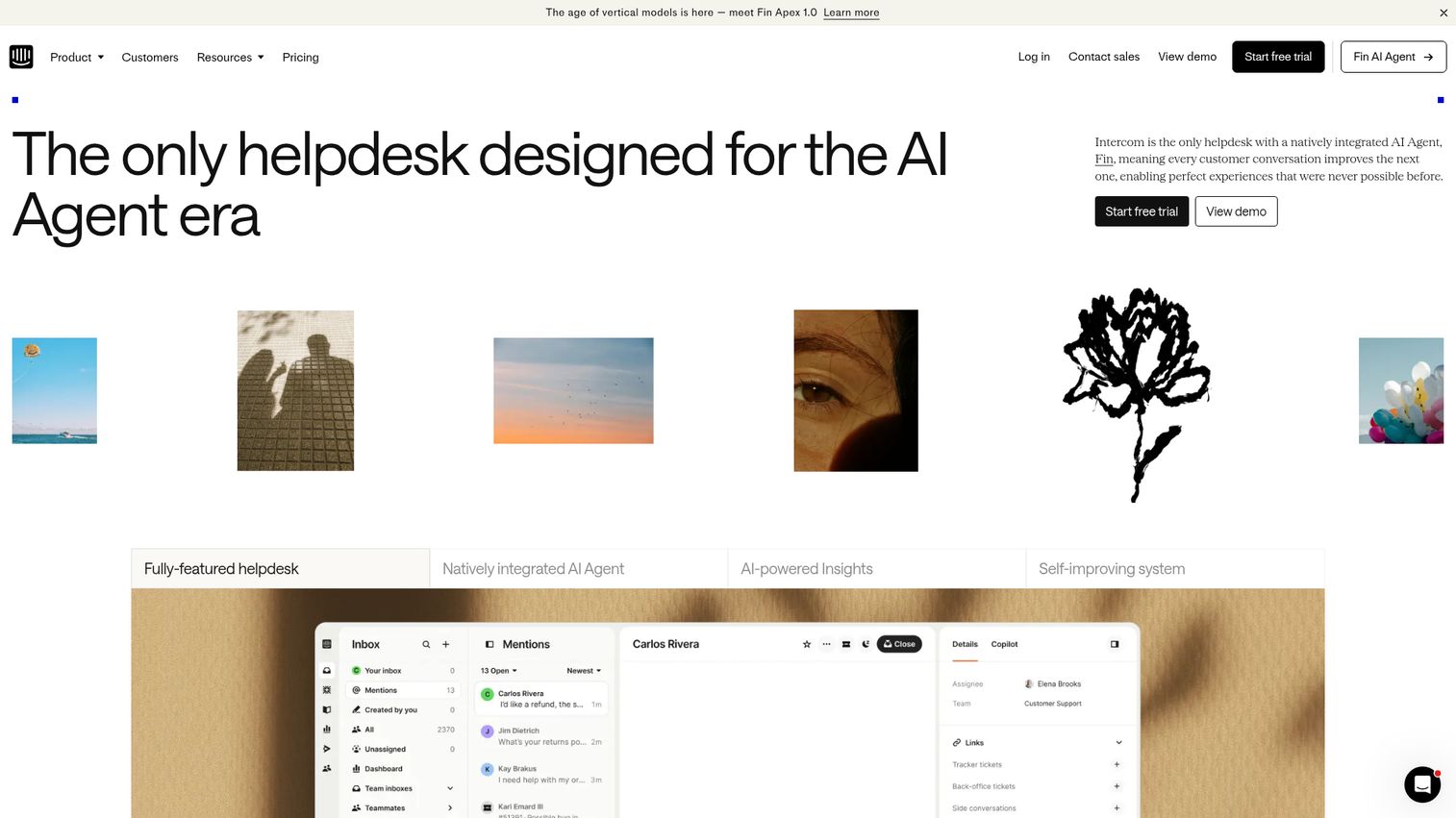
Intercom combines live chat, an AI chatbot (Fin), and a help center into a single customer messaging platform. It's one of the more prominent AI customer service tools on the market right now.
Fin, Intercom's AI agent, can resolve common support questions automatically using your existing help content. For CSMs, the in-app messaging and targeted product tours help drive adoption and proactively surface information to customers before they submit tickets. You can trigger messages based on user behavior, segment by plan or lifecycle stage, and route complex issues to the right team member.
The proactive messaging layer is where Intercom tends to stand out for CS teams. Instead of waiting for customers to ask for help, you can set up automated nudges when usage drops, when a feature goes untouched, or when an account hits a milestone that warrants a check-in.
Best for: SaaS teams that want AI-first support with strong in-app messaging and proactive customer engagement.
Key strengths
- Fin AI agent resolves common questions automatically
- In-app messaging and targeted product tours
- Unified inbox for chat, email, and social
- Custom bots for routing and qualification
- Proactive messaging based on user behavior triggers
Pricing: From $39/seat/month (Fin AI agent usage priced separately based on resolution volume).
Intercom's pricing model has shifted significantly. The AI resolution-based pricing for Fin can be unpredictable for teams with high ticket volume. Calculate your expected Fin usage carefully before committing.
3. Freshdesk
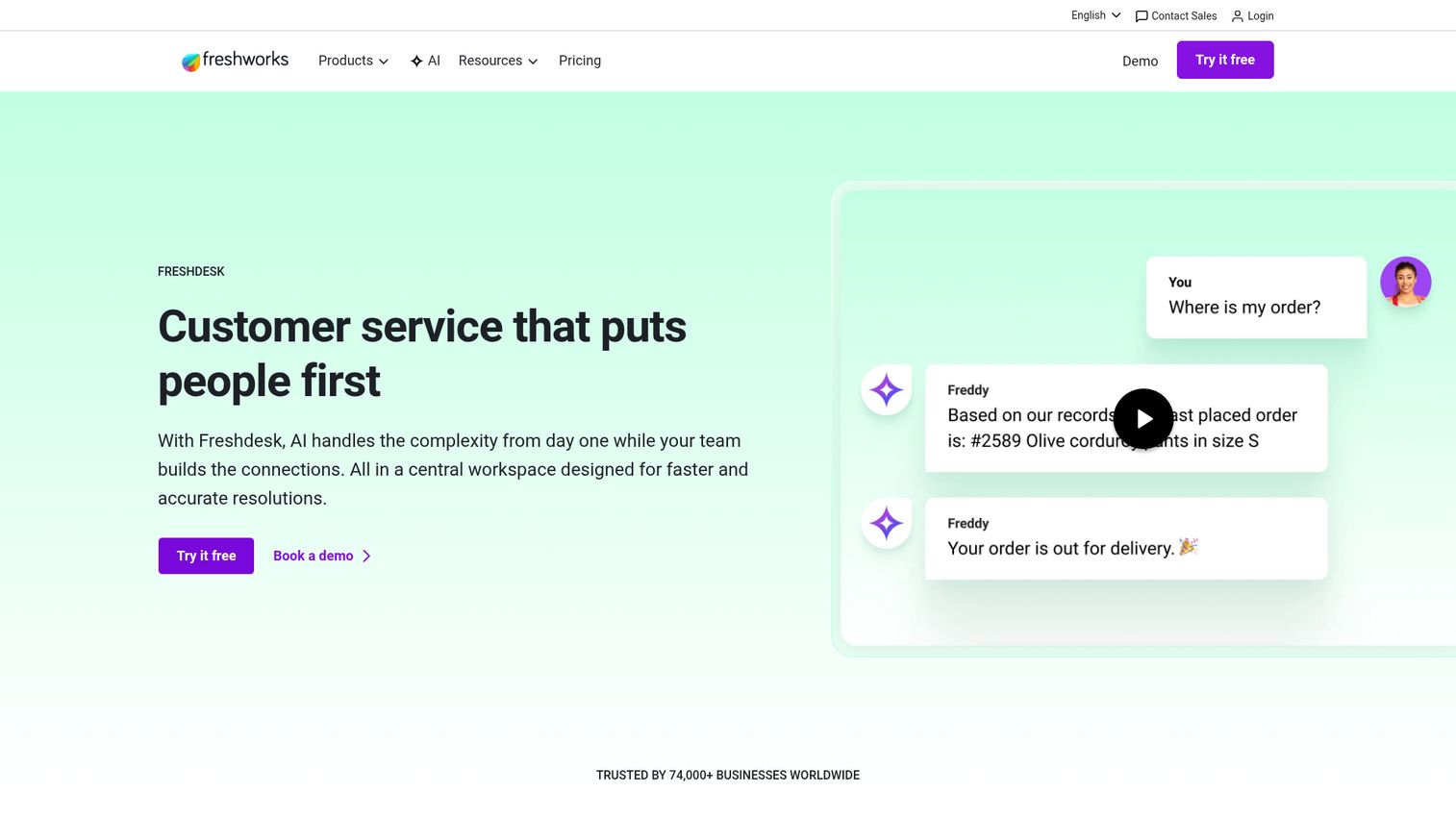
Freshdesk is an all-in-one help desk from Freshworks that balances capability with simplicity. It includes ticketing, a knowledge base, AI-powered chatbots (Freddy AI), and community forums.
The free tier is genuinely usable, not just a trial in disguise. It supports up to 2 agents with email ticketing and a basic knowledge base. For growing SaaS teams, the paid plans add automation rules, SLA management, multi-language support, and Freddy AI for auto-responses and ticket classification.
For CSMs managing a growing book of accounts, Freshdesk offers a practical middle ground: enough automation to handle routine questions, enough reporting to identify patterns, and enough flexibility to customize workflows without needing a dedicated admin. The customer service software features here cover most of what a mid-market team needs without Zendesk-level complexity.
Best for: Growing SaaS teams that need a capable help desk without Zendesk-level complexity or cost.
Key strengths
- Free tier for up to 2 agents (genuinely usable, not a trial)
- Freddy AI for auto-responses and ticket classification
- Built-in knowledge base with article versioning
- Multilingual support and approval workflows
- Omnichannel support across email, chat, phone, social, and WhatsApp
Pricing: Free tier available. Paid plans from $15/agent/month.
4. Help Scout
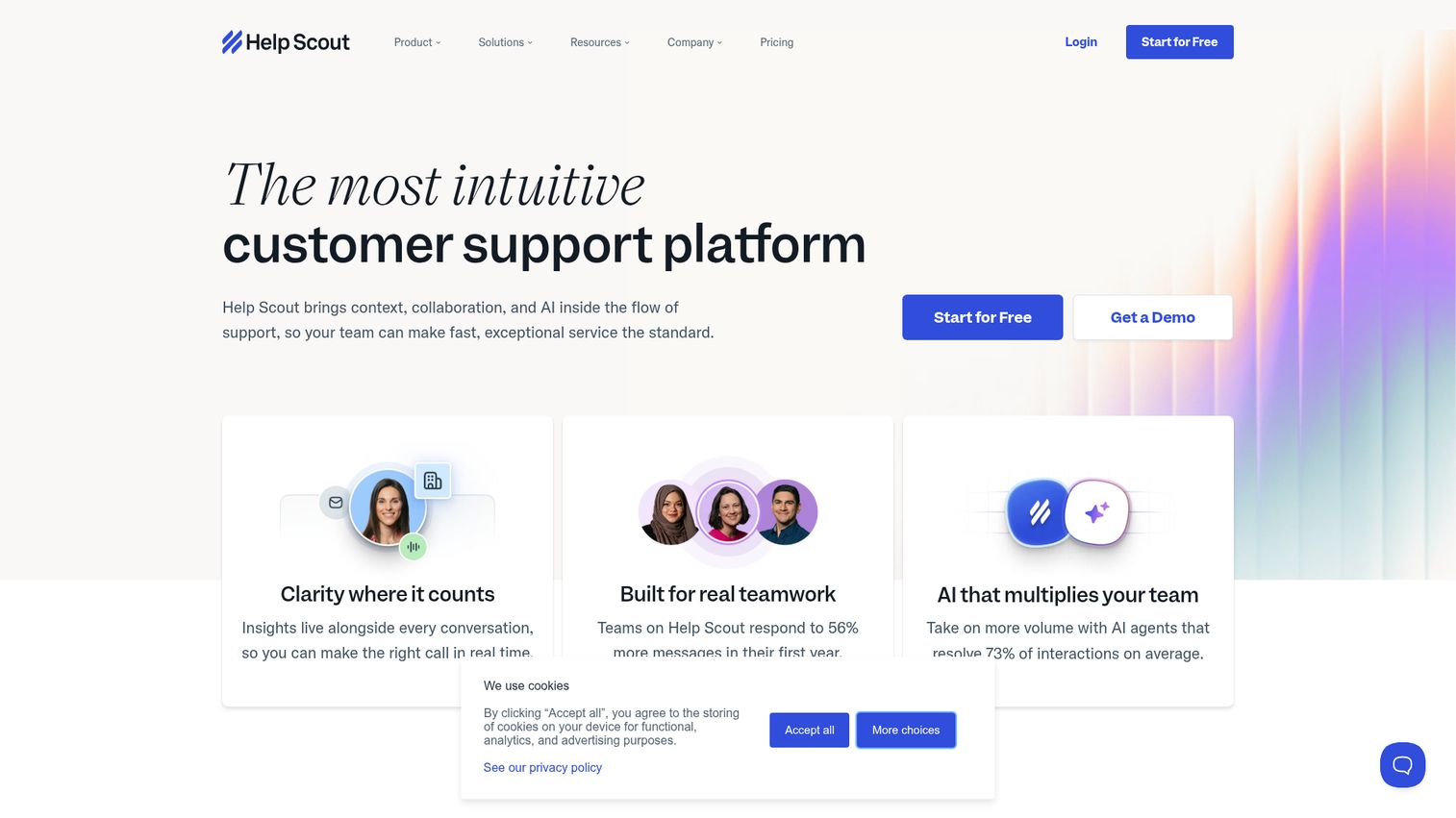
Help Scout is built for support teams that value simplicity and a human-first approach. The shared inbox feels like email (not enterprise software), the Docs knowledge base is clean and easy to maintain, and the Beacon widget provides in-app contextual help.
For CSMs at smaller SaaS companies, Help Scout is often the first "real" customer service tool after outgrowing a shared Gmail inbox. It handles the basics well: shared inboxes, collision detection, saved replies, and customer satisfaction ratings. The Beacon widget is particularly useful because it lets customers search your knowledge base and start conversations without leaving your app.
AI Summarize and AI Assist help agents draft faster responses and catch up on long conversation threads. The reporting covers team performance, article effectiveness, and customer happiness scores, enough for a CS lead to spot trends without drowning in dashboards.
Best for: Small to mid-size SaaS teams (5 to 30 people) that want simple, professional support without enterprise overhead.
Key strengths
- Shared inbox that feels like email, not a ticketing system
- Beacon widget for in-app contextual help and article suggestions
- Docs knowledge base with clean, branded templates
- AI Summarize and AI Assist for faster agent responses
- Detailed reporting on article effectiveness and team performance
Pricing: From $50/user/month.
5. HubSpot Service Hub
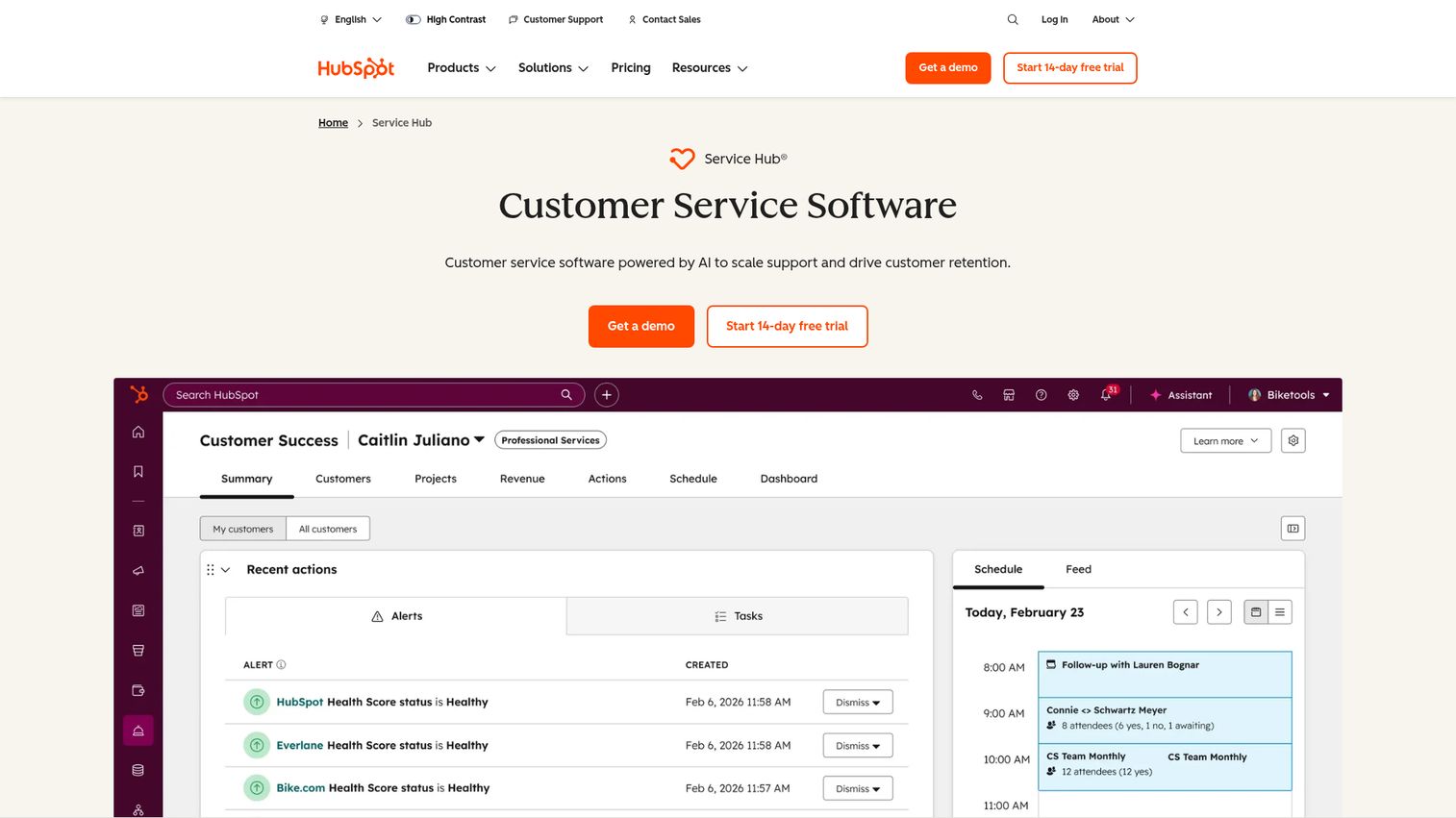
HubSpot Service Hub makes sense when your team already lives in the HubSpot CRM. The native connection between marketing, sales, and service data means CSMs get a complete customer timeline without switching tools.
Ticketing, a knowledge base, customer feedback surveys, and a customer portal are all included. The real value is the unified data layer: every interaction, from first marketing touch to latest support ticket, lives in one record. For CSMs who need to understand the full account history before a renewal call, this context is worth the price of admission.
Customer feedback surveys (NPS, CSAT, CES) run natively inside HubSpot, which means survey responses tie directly to the contact and company records your team already uses. Automated ticket routing and SLA management handle the operational side, while conversation intelligence analyzes call recordings for coaching and quality.
Best for: Teams already using HubSpot CRM that want support tools natively connected to their sales and marketing data. For more on CRM options, explore our list of the best CRM software.
Key strengths
- Native CRM integration with full customer timeline in one view
- Customer portal for self-service ticket tracking
- Knowledge base with SEO optimization built in
- Customer feedback surveys (NPS, CSAT, CES) tied to CRM records
- Conversation intelligence for call analysis and coaching
Pricing: Free tools available. Paid plans from $20/month/seat (Starter). Professional from $100/month/seat.
Service Hub's value is directly tied to HubSpot CRM adoption. If your team uses Salesforce or another CRM, the integration story weakens significantly, and you'd be better served by a tool that connects to your existing customer experience software stack.
6. Salesforce Service Cloud
Salesforce Service Cloud is the enterprise-grade option for teams already embedded in the Salesforce ecosystem. It offers case management, omnichannel routing, AI-powered Einstein Bots, a knowledge base, and deep customization.
For enterprise CSMs managing named accounts, the connection between Service Cloud and Sales Cloud means every support interaction feeds into the account health picture. You can see open cases, escalation history, and resolution trends alongside pipeline and revenue data, all in one record. Einstein AI handles case classification, routing, and next-best-action recommendations.
The customization depth is Salesforce's strength and its cost. You can build nearly any workflow, but you'll need admin resources to do it. Implementation is measured in months, not days. The customer service platforms comparison here is clear: Salesforce wins on power and customization, but pays for it in complexity.
Best for: Enterprise SaaS teams using Salesforce CRM that need highly customizable case management and omnichannel support.
Key strengths
- Deep Salesforce CRM integration with unified customer record
- Einstein AI for case classification, routing, and recommendations
- Omnichannel routing across email, chat, phone, social, and messaging
- Highly customizable workflows and automation rules
- Knowledge base with article versioning and approval workflows
Pricing: From $25/user/month (Starter). Enterprise from $165/user/month.
Salesforce Service Cloud is powerful but demands dedicated admin resources. For teams under 50 agents, the complexity often outweighs the benefits. Consider Freshdesk or Zendesk if you need results faster than a multi-month implementation allows.
7. Zoho Desk
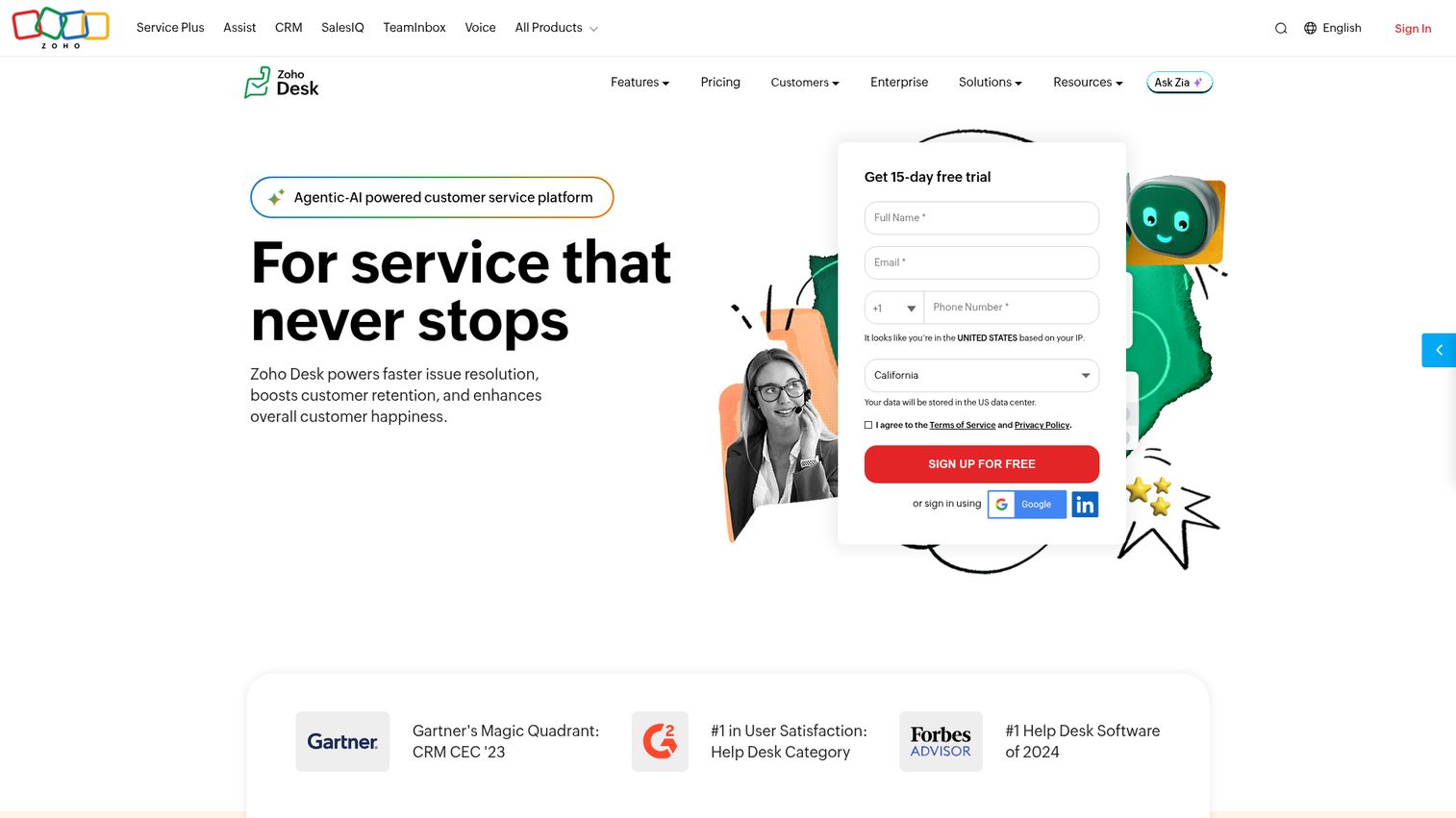
Zoho Desk is the help desk within the Zoho ecosystem. If your team uses Zoho CRM, Zoho Projects, or other Zoho products, the native integration makes it a natural choice.
It includes ticketing, a knowledge base, community forums, and Zia AI for sentiment analysis and auto-tagging. The pricing is competitive, especially for teams already paying for the Zoho suite. The free tier supports up to 3 agents, which is enough to test the platform's fit before committing budget.
For CSMs at companies running Zoho across departments, the data flow between CRM, desk, and analytics tools means you don't need to build custom integrations to get a full account view. Multi-brand help centers let you run separate support portals from a single account, which is useful for SaaS companies with multiple product lines.
Best for: Teams invested in the Zoho software suite that want an affordable customer support tool with native integration.
Key strengths
- Native integration with Zoho CRM and 45+ Zoho products
- Zia AI for sentiment analysis, auto-tagging, and anomaly detection
- Multi-brand help centers from a single account
- Community forums and customer self-service portal
- Multilingual knowledge base support with workflow automation
Pricing: Free tier for up to 3 agents. Paid plans from $14/agent/month.
8. ChurnZero
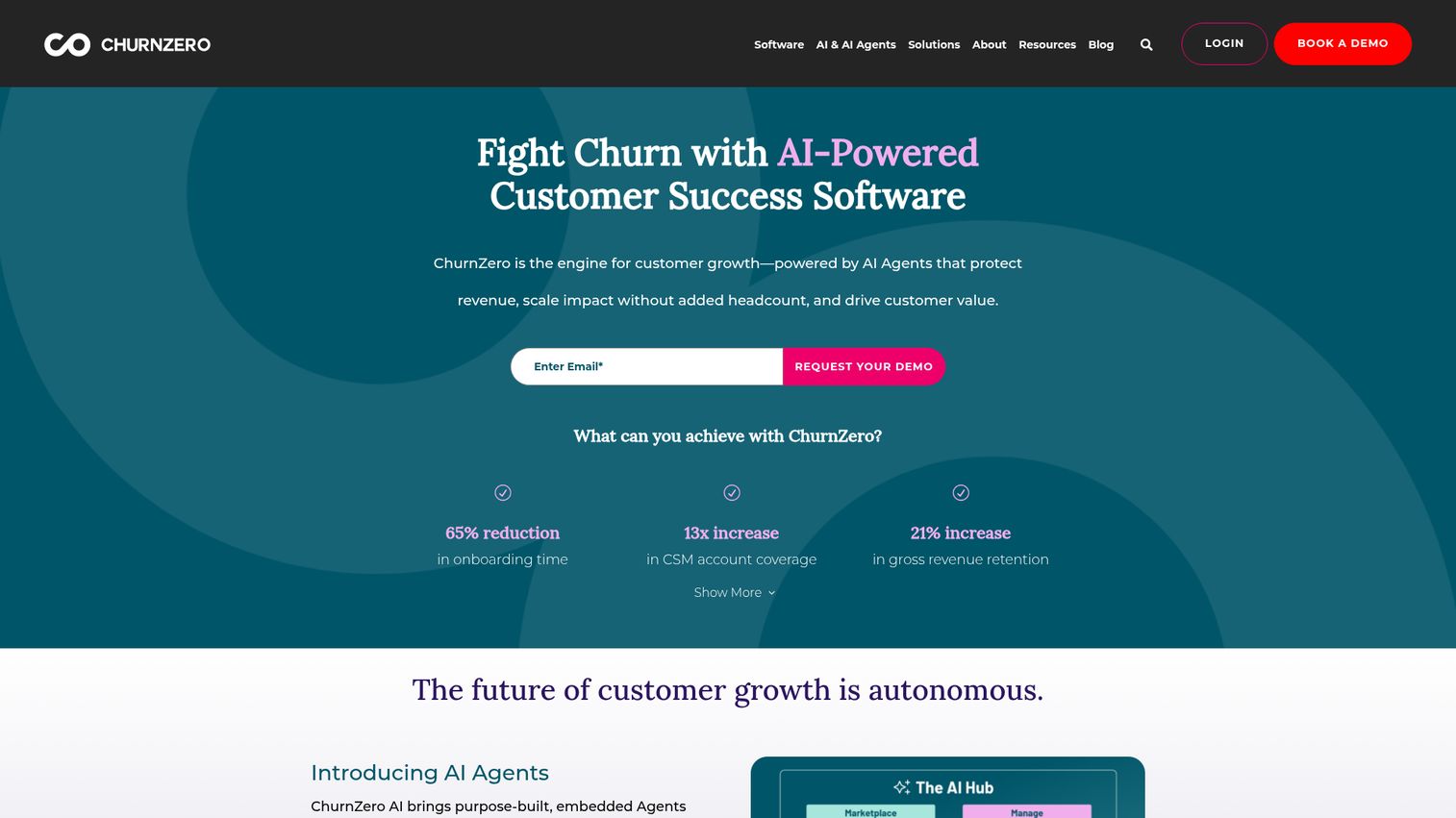
ChurnZero is a customer success platform built specifically for SaaS companies. Unlike traditional help desks, it focuses on proactive account management: health scores, usage tracking, automated playbooks, and renewal management.
For CSMs, ChurnZero surfaces the churn signals that traditional support tools miss entirely. It shows which accounts are disengaging, which features are underused, and which renewals are at risk, all before the customer says a word. The real-time health scores combine product usage, support activity, and engagement data into a single metric you can act on.
Automated playbooks trigger outreach based on behavioral signals. An account's usage drops below a threshold? ChurnZero sends an automated check-in or flags the account for manual follow-up. A customer completes onboarding? The platform queues the next lifecycle touchpoint. This is customer support automation at the account health level, not just the ticket level.
Best for: SaaS CSMs who need proactive health scoring, churn prediction, and automated customer success playbooks.
Key strengths
- Real-time customer health scores based on product usage and engagement
- Automated playbooks triggered by behavioral signals
- In-app messaging and walkthroughs for product adoption
- Renewal and expansion tracking with lifecycle segmentation
- Native integrations with Salesforce, HubSpot, and major CRMs
Pricing: Custom pricing (contact for quote). Typically mid-market pricing.
ChurnZero is one of the few tools on this list designed for Customer Success from the ground up, not adapted from a help desk. If your primary pain is invisible churn risk, this is where to start.
9. Gainsight
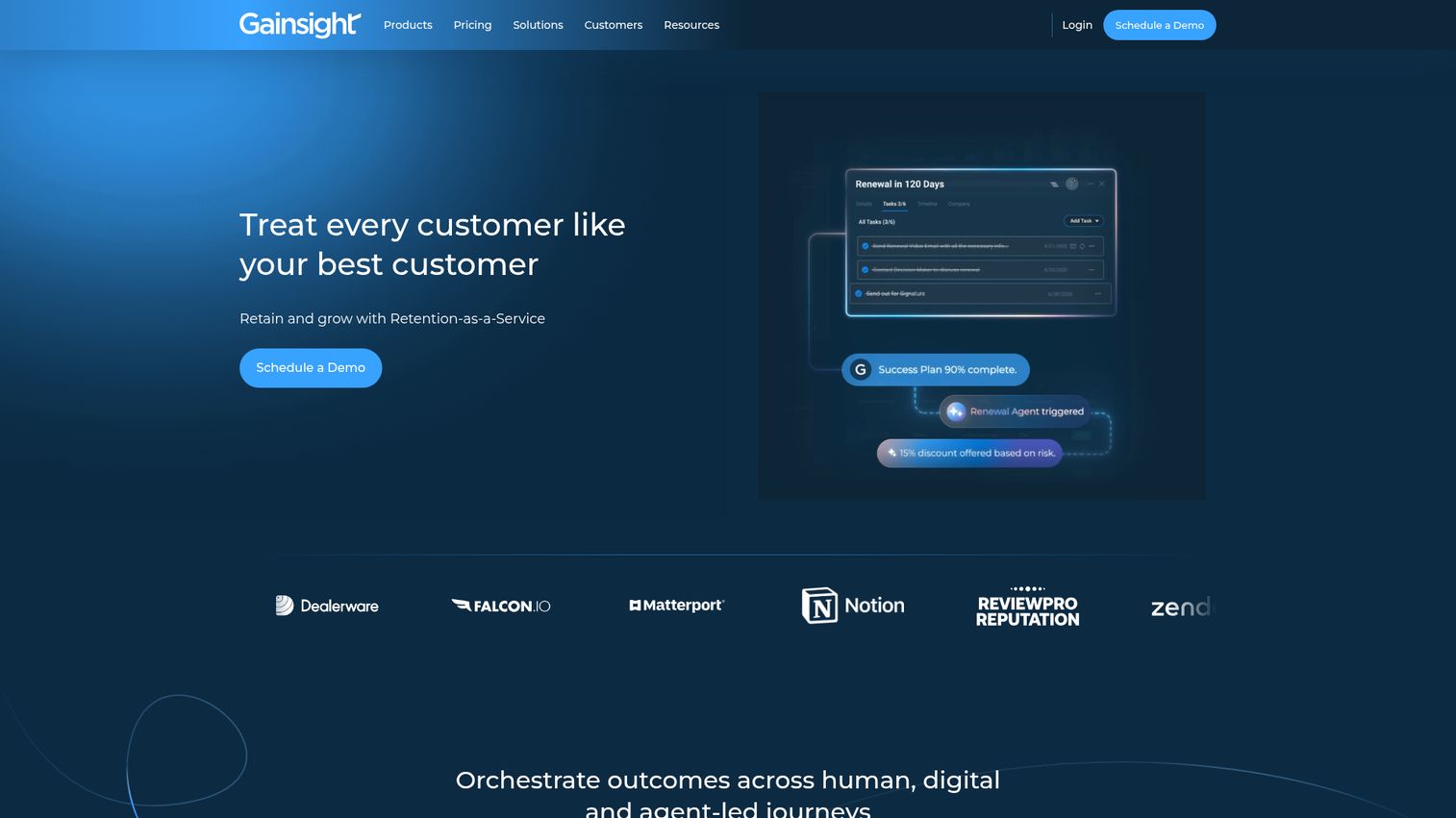
Gainsight is the enterprise customer success platform. It combines health scoring, journey orchestration, survey management (NPS/CSAT), and CS analytics into a single system.
For strategic and enterprise CSMs managing high-value named accounts, Gainsight provides the executive-ready reporting and account intelligence that simpler tools can't match. The Journey Orchestrator automates multi-step customer communications based on lifecycle stage, health score, or custom triggers. The Timeline feature logs every customer interaction in a single chronological view.
Gainsight's health scoring is sophisticated. You can configure weightings across product usage, support activity, survey responses, and custom data sources. The reporting layer produces dashboards that CS leadership can bring directly to board meetings, which matters when you're defending headcount or budget.
Best for: Enterprise CS teams (50+ accounts under management) that need comprehensive health scoring, journey orchestration, and board-ready CS analytics.
Key strengths
- Sophisticated health scoring with configurable weightings
- Journey Orchestrator for automated, multi-step customer communications
- Timeline feature for logging every customer interaction
- NPS, CSAT, and CES survey management built in
- Robust reporting and dashboards for CS leadership
Pricing: Custom pricing (enterprise contracts). Typically $30K+/year.
Gainsight is powerful but heavy. Setup takes 2 to 4 months with dedicated resources. Health scores can feel like a black box until you invest time calibrating the model. Not the right fit for teams under $5M ARR or with fewer than 3 CSMs.
10. Front
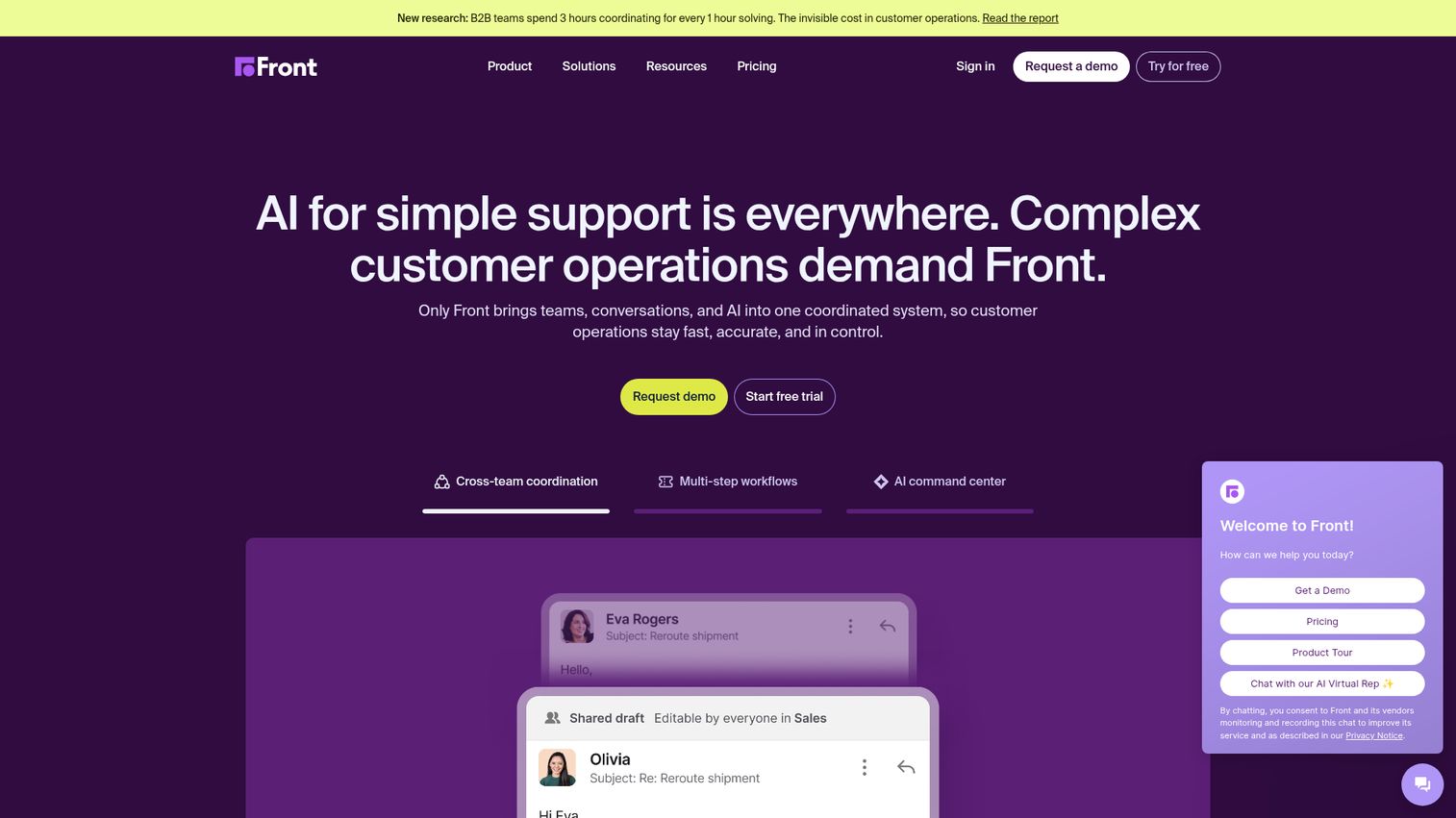
Front is a shared inbox platform that sits between email and a full help desk. It lets teams collaborate on customer messages in shared inboxes (support@, success@) with internal comments, assignments, and automation rules, while keeping the experience feeling like personal email to the customer.
For CSMs who manage accounts through email rather than a ticketing portal, Front preserves the relationship feel while adding team coordination. Customers never see a ticket number. They see a reply from their CSM. Behind the scenes, your team can comment, tag, assign, and track SLAs without the customer knowing.
The analytics layer covers response times, team workload, and SLA compliance. Integrations with Salesforce, HubSpot, and Slack mean you can pull customer context into the conversation without switching tabs. For CS teams where the relationship is personal and email-driven, Front is often a better fit than a traditional help desk.
Best for: CS and support teams that manage customer relationships primarily through email and want collaboration without losing the personal touch.
Key strengths
- Shared inboxes with internal comments and assignments
- Automated rules for routing, tagging, and SLA tracking
- Personal email feel for customers (no ticket numbers)
- Analytics on response times, team workload, and SLA compliance
- Integrations with Salesforce, HubSpot, Slack, and 100+ tools
Pricing: From $19/seat/month (Starter). Growth from $59/seat/month.
11. LiveAgent
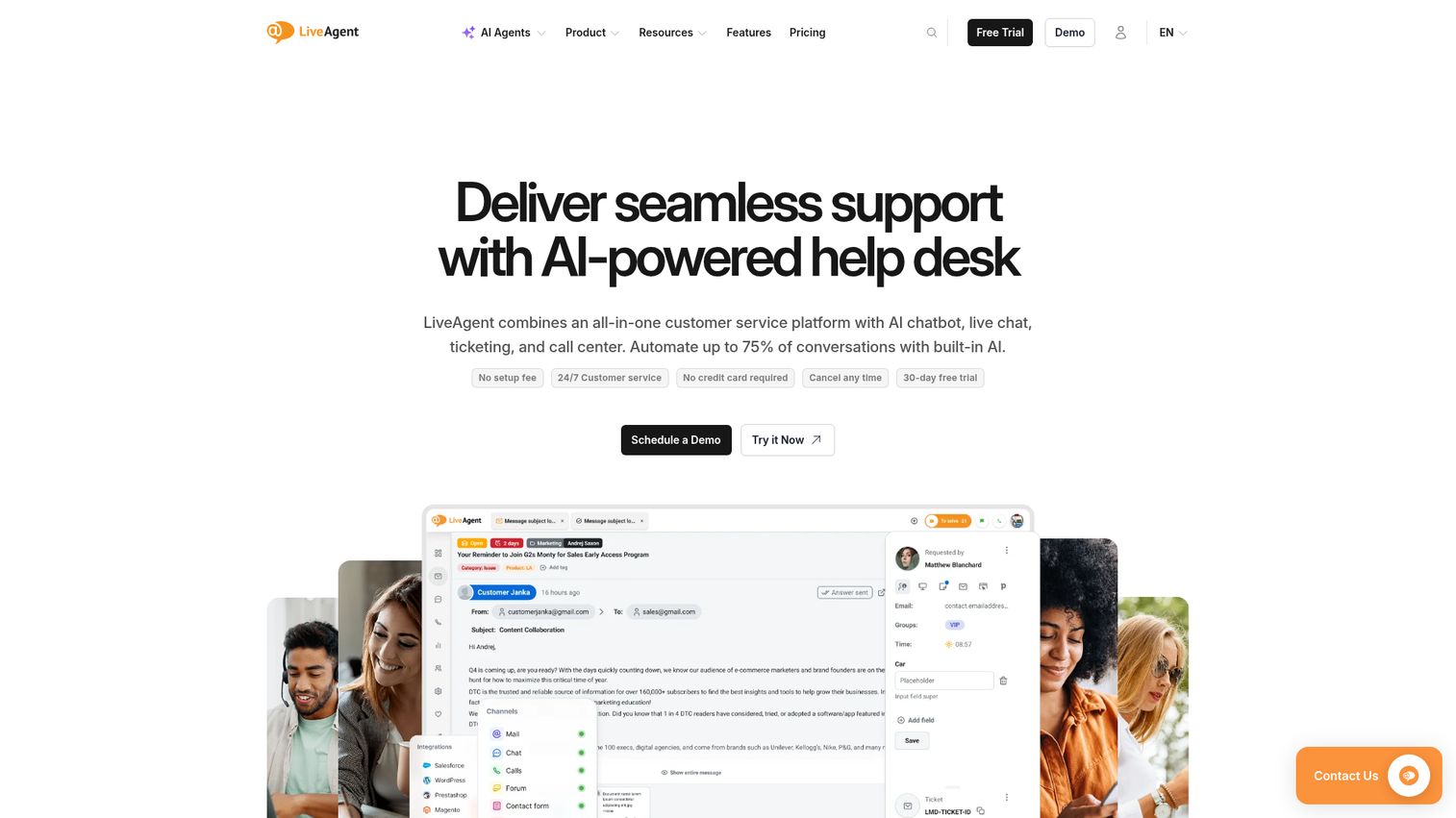
LiveAgent is an all-in-one help desk that combines ticketing, live chat, call center, and social media support. Its standout feature is the built-in call center with IVR and call routing, which most competitors charge extra for or don't include at all.
For teams that handle support across phone, chat, and email, LiveAgent consolidates channels without requiring separate tools for each. The universal inbox pulls everything into one view. The customer service app also includes gamification features for agent motivation, which can help with morale on high-volume support teams.
The free tier includes basic ticketing and a customer portal. Paid plans add live chat, call center functionality, and social media integration. At $15/agent/month for the paid tier, it's one of the more affordable customer support tools on this list for teams that need phone support alongside digital channels.
Best for: Support teams that need phone, chat, and email support in a single affordable platform.
Key strengths
- Built-in call center with IVR, call routing, and recording
- Live chat widget with proactive chat invitations
- Universal inbox across email, chat, phone, social, and forums
- Knowledge base and customer portal included
- 200+ integrations with common business tools
Pricing: Free tier available. Paid plans from $15/agent/month.
12. Hiver
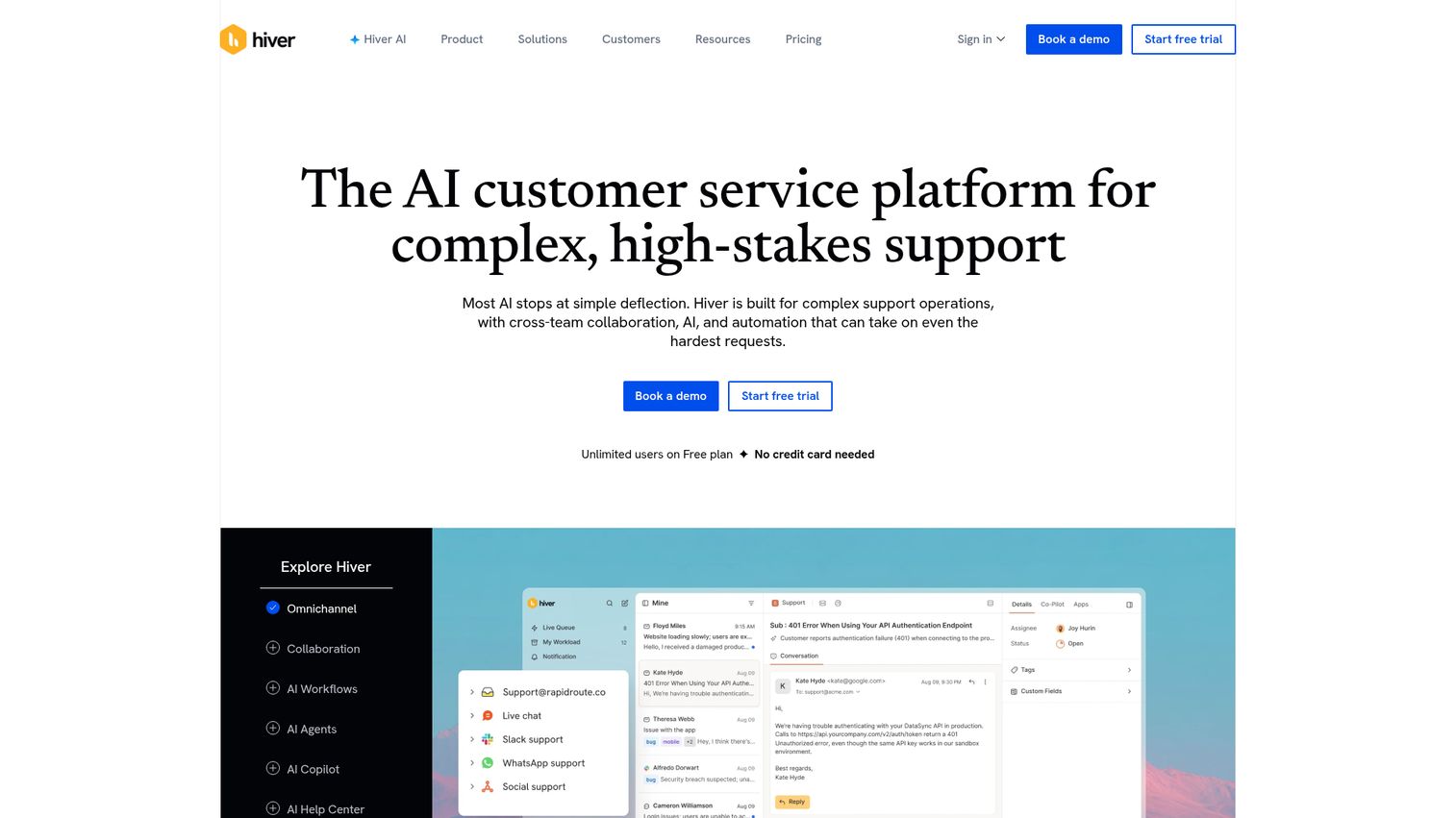
Hiver turns Gmail into a help desk. If your team already works in Google Workspace and doesn't want to adopt a separate support platform, Hiver adds shared inboxes, ticket assignment, collision detection, and analytics directly inside Gmail.
For small CS teams that resist adding "another tool," Hiver's approach removes the adoption barrier entirely. It lives where the team already works. There's no new interface to learn, no new tab to keep open. You assign, track, and collaborate on customer emails without leaving Gmail.
Harvey AI, Hiver's built-in assistant, can auto-close resolved conversations and summarize long email threads. CSAT surveys embed directly in email, so you can collect feedback without sending customers to an external form. For teams managing 20 to 40 accounts through email, Hiver adds structure without adding friction.
Best for: Small teams on Google Workspace that want help desk functionality without leaving Gmail.
Key strengths
- Works natively inside Gmail (no new interface to learn)
- Shared inboxes with assignment, tags, and collision detection
- Email templates and automation rules for routing
- CSAT surveys embedded directly in email
- Harvey AI for auto-closing and summarizing conversations
Pricing: Free tier available. Paid plans from $19/user/month.
13. Tidio
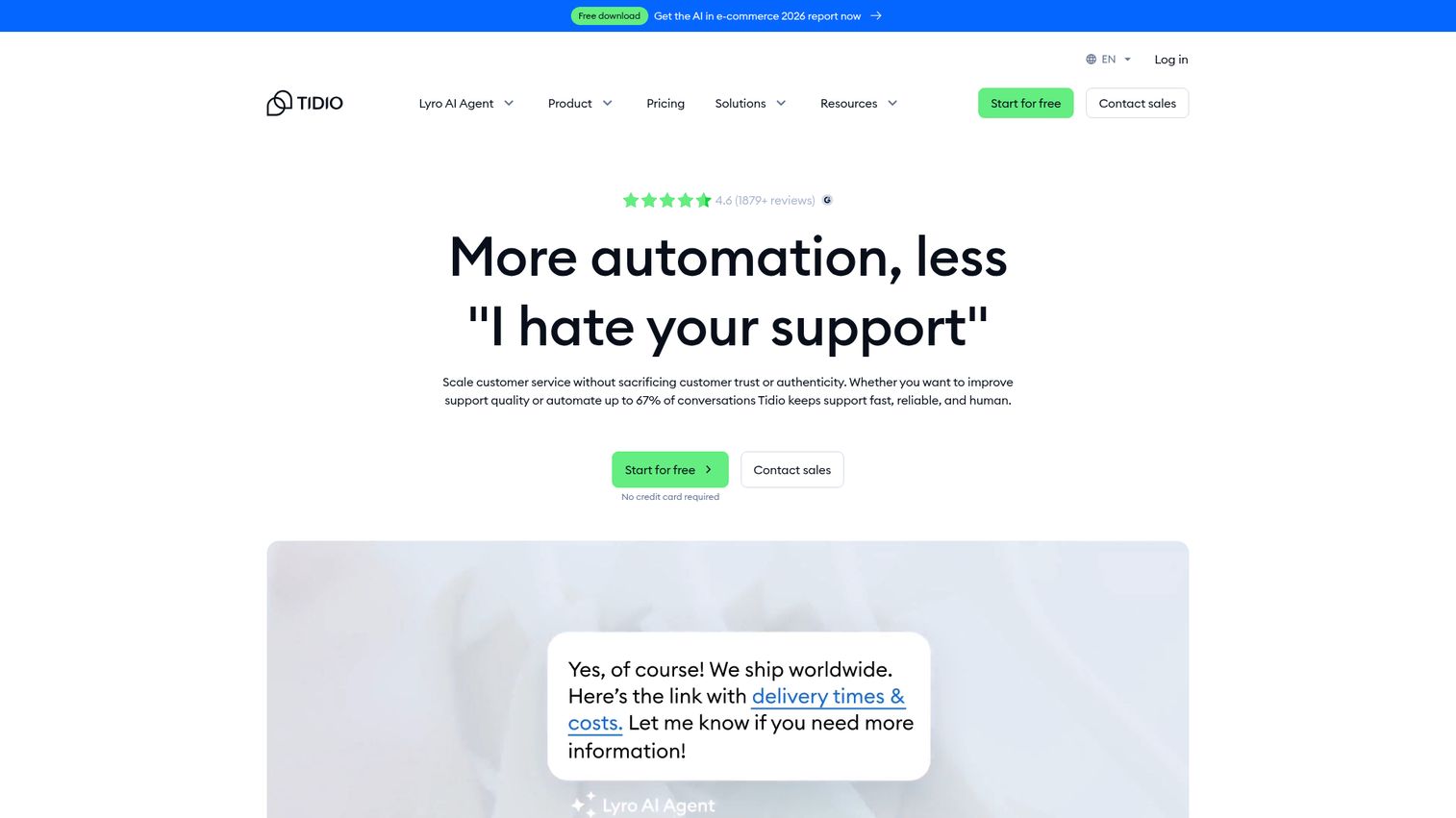
Tidio combines live chat, AI chatbots (Lyro AI), and email management in one platform. Its AI chatbot, Lyro, can answer customer questions using your existing knowledge base content without requiring custom training data or manual configuration.
For SaaS teams with a significant self-service component, Tidio's chatbot handles the first layer of support while routing complex issues to human agents. Lyro learns from your help content automatically, which means the quality of its responses scales with the quality of your documentation. This is one of the more accessible AI customer service tools for teams that don't have a dedicated AI or ops person.
The visual chatbot builder lets you create custom flows without code. Visitor tracking shows who's on your site and what pages they're viewing, so you can trigger proactive chat based on behavior. For teams that want chatbot deflection without enterprise pricing, Tidio hits a practical sweet spot. If you're also exploring conversational marketing software, Tidio overlaps with that category.
Best for: SaaS teams that want AI chatbot deflection combined with live chat, without enterprise pricing.
Key strengths
- Lyro AI chatbot that learns from your help content automatically
- Live chat with visitor tracking and proactive triggers
- Visual chatbot builder (no code required)
- Email management and basic ticketing
- Visitor behavior analytics for proactive engagement
Pricing: Free tier available. Paid plans from $29/month.
14. Re:amaze
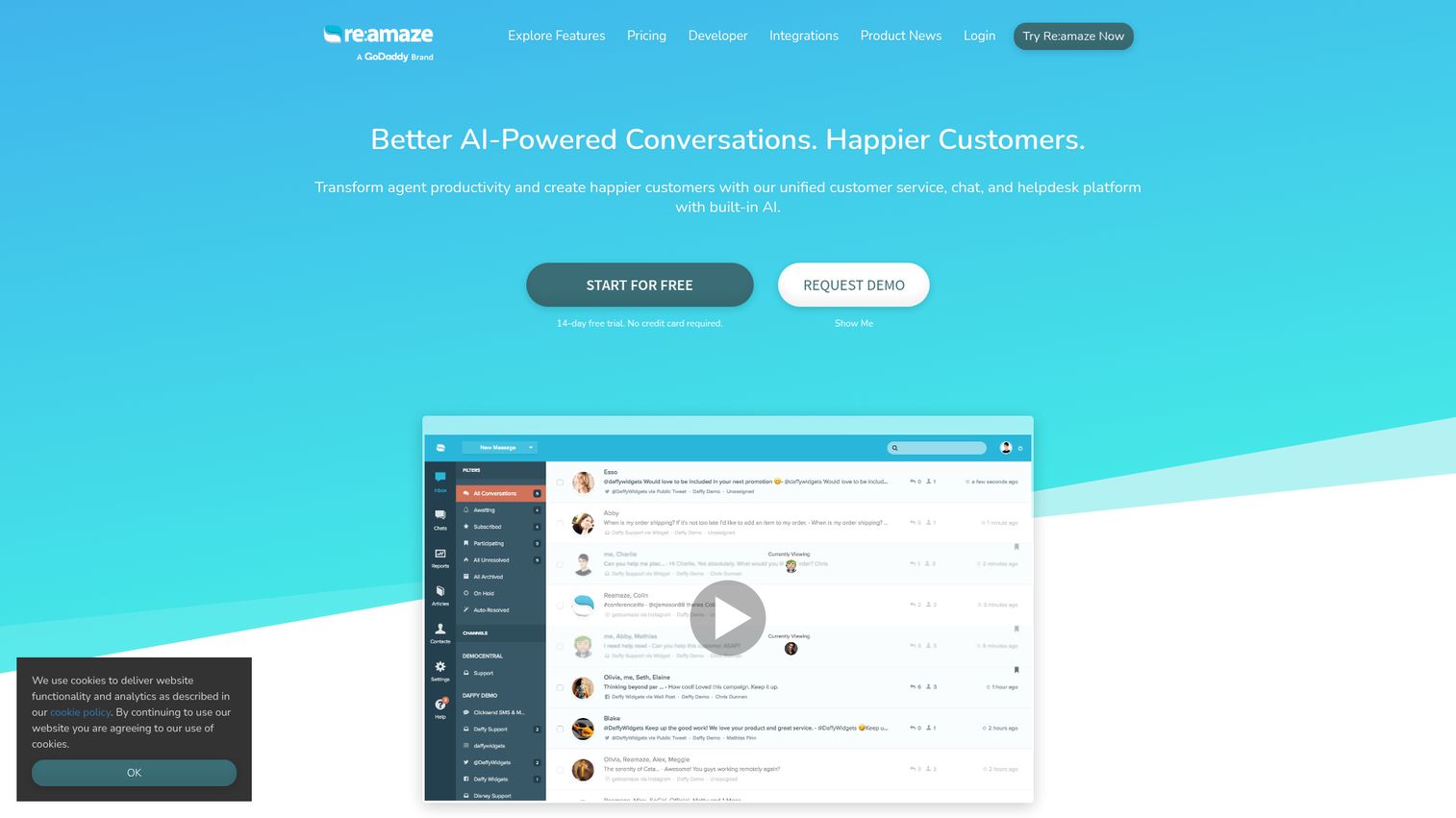
Re:amaze is a customer support platform designed for online businesses, particularly e-commerce and SaaS. It combines live chat, email, social, SMS, and push notifications in a unified inbox.
The built-in FAQ and knowledge base, combined with automated workflows and chatbots, make it a solid mid-range option for teams that need multichannel support without Zendesk-level complexity. The live dashboard showing real-time site visitors and their activity is a useful feature for proactive outreach, letting your team see who's browsing your pricing page or stuck on a specific feature.
Re:amaze integrates with Shopify, BigCommerce, and WordPress out of the box. For SaaS teams, the API and webhook support allow custom integrations with your product. The customer service tools examples here show a platform that covers the essentials well without trying to be everything to everyone.
Best for: SaaS and e-commerce teams that need multichannel support with built-in chat, FAQ, and automation at a reasonable price.
Key strengths
- Unified inbox across email, chat, social, SMS, and push
- Built-in FAQ and embeddable knowledge base
- Live dashboard showing real-time site visitors and activity
- Automated workflows and canned responses
- Customizable chat widgets with full branding control
Pricing: From $29/team member/month.
15. HelpCrunch
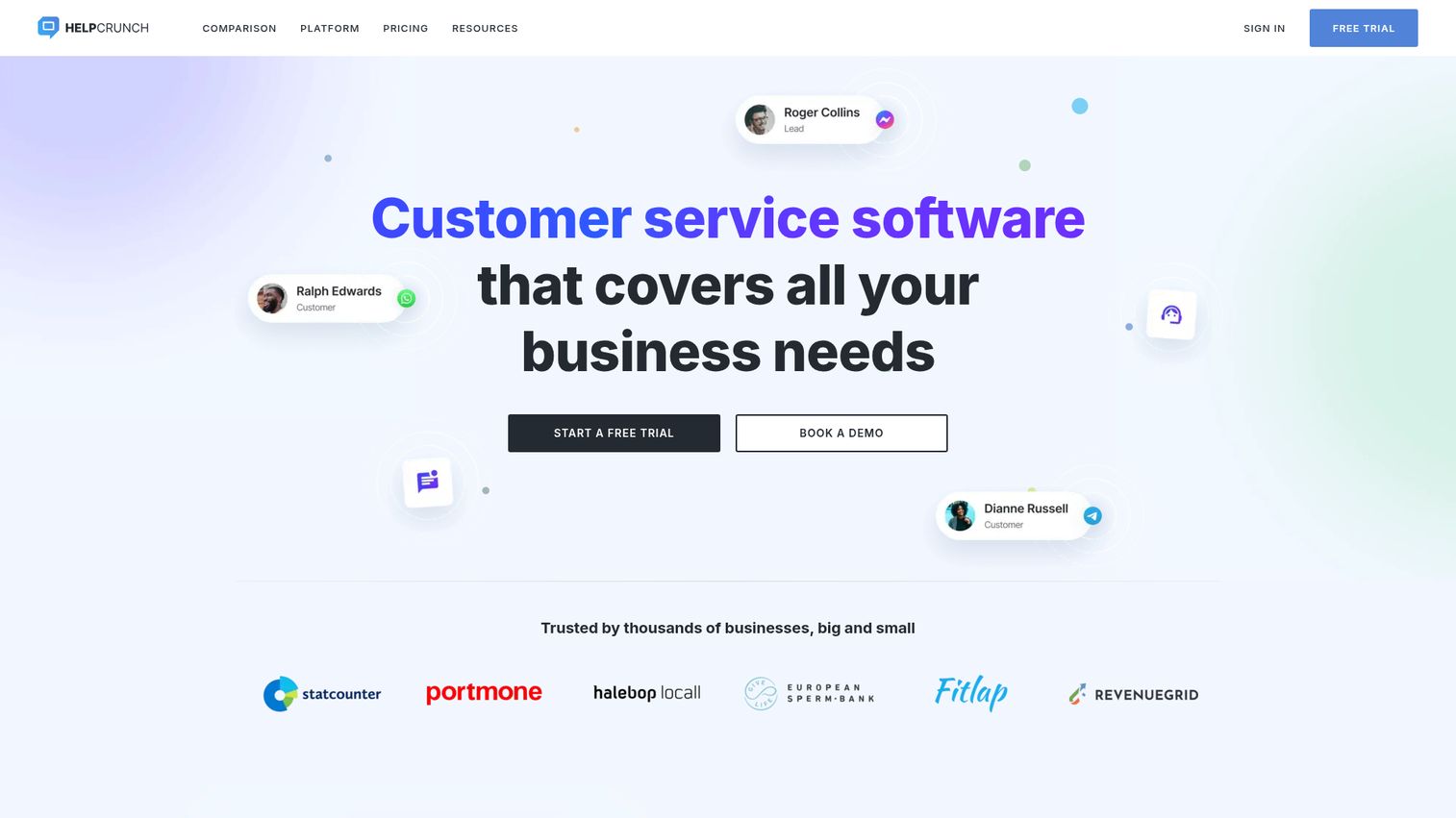
HelpCrunch is a customer communication platform that bundles live chat, email marketing, a knowledge base, and a chatbot in one tool. For small SaaS teams that want to consolidate their support and customer communication stack, HelpCrunch replaces 2 to 3 separate tools.
The knowledge base and chat widget work together so customers see relevant articles before reaching an agent. Auto-messages trigger based on user behavior, which means you can proactively surface help content when customers land on pages where they tend to get stuck.
At $12/team member/month, it's the most affordable customer support tool on this list for teams that need live chat, a knowledge base, and email marketing in a single platform. The trade-off is depth: HelpCrunch doesn't match Zendesk or Intercom on any single capability, but it covers the basics well enough for teams under 20 people.
Best for: Small SaaS teams that want live chat, email marketing, and a knowledge base in a single affordable platform.
Key strengths
- Live chat with auto-messages and proactive triggers
- Knowledge base with in-widget article suggestions
- Email marketing and automated campaigns built in
- Chatbot builder for common question deflection
- Shared inbox for team collaboration with full branding
Pricing: From $12/team member/month.
How to choose the right customer support tool
Picking the best customer support software for your team starts with diagnosing your primary pain, not browsing feature lists. Here's a buying checklist framed for CSMs.
Start with your primary pain
Ticket overload? Start with a help desk (Zendesk, Freshdesk). Repetitive onboarding? Start with interactive education (Guideflow). Invisible churn? Start with health scoring (ChurnZero, Gainsight). Don't buy a platform that solves five problems when you're drowning in one.
Check CRM integration first
If the tool doesn't connect to Salesforce or HubSpot, your customer data stays siloed. This is non-negotiable for CSMs who need a full account picture before every call.
Evaluate AI capabilities honestly
AI chatbots reduce ticket volume, but only if your knowledge base content is strong enough to train them. Garbage in, garbage out. Test the AI with your actual help content before committing.
Calculate total cost, not just per-seat pricing
Factor in AI usage fees (Intercom), add-on modules (Zendesk), and implementation time (Gainsight, Salesforce). A $25/seat tool that takes 3 months to implement costs more than a $50/seat tool you're using by next week.
Test with your actual customers
A tool your team loves but customers ignore is a waste. Run a pilot with 5 to 10 accounts before committing.
Prioritize tools that replace, not add
Every new tool adds cognitive load. The best customer support software eliminates a manual process entirely, not just makes it slightly faster.
Ask other CSMs
Peer recommendations from CS Insider, Success Hacker, or Pavilion carry more weight than G2 reviews. Ask specifically: "What did you stop using after adopting this?"
Build your customer support stack today
No single tool handles everything. The most effective CS teams combine a ticketing layer (Zendesk, Freshdesk, or Help Scout) with a proactive layer (ChurnZero or Gainsight for health scoring) and an education layer (Guideflow for interactive self-service content).
The goal isn't more tools. It's fewer manual touchpoints per account. When customers can learn by doing, find answers without submitting tickets, and get proactive outreach before they disengage, your team scales without burning out. If you're exploring how interactive demos boost product adoption, that's a good next read.
Most tools on this list offer free tiers or trials. Start with the pain that costs you the most time this week.
Start your journey with Guideflow today!
FAQs about customer support tools
Customer support tools are software platforms that help teams manage, track, and resolve customer issues across channels like email, chat, phone, and self-service portals. They range from basic ticketing systems to comprehensive platforms that include AI chatbots, knowledge bases, health scoring, and analytics. The right tool depends on your team size, support volume, and whether you need reactive (ticket-based) or proactive (health score and adoption-based) capabilities.
Yes. Freshdesk, Zoho Desk, HubSpot Service Hub, LiveAgent, Hiver, Tidio, and Guideflow all offer free tiers. Free plans typically limit the number of agents, features, or ticket volume. They're useful for testing a tool's fit before committing, but most growing teams outgrow free tiers within 3 to 6 months.
For teams under 15 people, Help Scout and Freshdesk are the most common starting points. Help Scout is simpler and feels more personal. Freshdesk offers more features at a lower price point. If your team lives in Gmail and resists adopting new tools, Hiver is worth evaluating because it works inside Google Workspace.
Support tools reduce churn by making it easier for customers to find answers independently (knowledge bases, interactive guides), by surfacing disengagement signals before renewal conversations (health scoring platforms like ChurnZero and Gainsight), and by reducing response times so frustrated customers get help before they start evaluating alternatives. According to Zendesk's CX Trends report, 73% of customers will switch to a competitor after multiple bad support experiences.
A help desk (Zendesk, Freshdesk, Help Scout) is reactive: it manages incoming tickets and support requests. A customer success platform (ChurnZero, Gainsight) is proactive: it monitors account health, tracks product usage, and triggers automated outreach based on behavioral signals. Most SaaS teams need both. The help desk handles the "something is broken" layer. The CS platform handles the "this account is quietly disengaging" layer.
Interactive demos let customers click through a guided, simulated version of your product instead of reading static documentation or waiting for a support call. Tools like Guideflow capture your product flow and turn it into a shareable, embeddable walkthrough. CSMs use them for onboarding (send the guide instead of scheduling a call), feature education (embed in help centers), and troubleshooting (show the steps instead of describing them). The result is fewer repetitive support tickets and faster time-to-value. Learn more about the best product tour software to compare options.
AI handles the first layer well: answering common questions, routing tickets, summarizing conversations, and suggesting articles. Tools like Intercom's Fin and Freshdesk's Freddy AI can resolve 20 to 40% of incoming queries automatically, depending on the quality of your knowledge base. But AI struggles with nuance, empathy, and complex multi-step issues. The best approach is AI for deflection and speed, humans for judgment and relationship-building.
Most SaaS CS teams use 3 to 5 tools in their support stack: a ticketing or help desk platform, a CRM, a knowledge base or education tool, and optionally a customer success platform for health scoring. The goal is not to minimize the number of tools but to minimize the number of manual processes. If adding a tool eliminates a repetitive workflow, it earns its place. If it just creates another tab to check, it doesn't.