A price goes up. You print new menus. Then a supplier changes, and you print again. Meanwhile the breakfast board is still showing at 11:30 because nobody swapped the printed insert.
That gap between what your menu says and what your kitchen charges costs money. Wrong prices at the counter, wasted print runs, and slower lines during peak hours all trace back to the same thing: static menus that can't keep pace with the way restaurants actually operate.
The software layer is where the market is moving. Roughly 65.3% of the digital menu board software market's value sat in the software component in 2025, according to MarketIntelo (2025). Restaurants drove 54.8% of application share in the broader digital menu boards market, per Strategic Market Research (2026). The screens are cheap now. The control system is what separates a menu that fixes itself from one you still babysit.
What's inside
This guide is for restaurant operators, QSR and cafe owners, and multi-location teams evaluating digital menu board software. It covers standalone screens and full multi-store fleets.
We selected tools on the criteria that actually matter when you run food service:
- Real-time price and item updates
- Daypart scheduling for breakfast, lunch, and dinner
- POS sync for prices and availability
- Hardware compatibility with standard TVs and media players
- Pricing clarity (per screen, per location, or custom)
- Governance for teams running many locations
TL;DR
- Best for multi-purpose signage and flexible publishing: Yodeck, with a broad app library and a free single-screen tier.
- Best for fast POS-driven pricing: Menuboard Manager, built specifically for restaurant menu boards.
- Best for multi-platform hardware, especially Apple TV: Kitcast.
- Best for quick remote edits and straightforward menu ops: NoviSign.
- Best for template-driven design handoff: Canva and Adobe Express, used as the creative layer feeding your signage system.
- Best for menus plus wider screen content across locations: ScreenCloud.
What is digital menu board software
Digital menu board software is a cloud platform that designs, schedules, and publishes restaurant menu content to screens remotely, so operators update prices, items, and promotions without reprinting anything.
Here is what these platforms do:
- Cloud-based menu editing: change prices, items, and images from any browser
- Daypart scheduling: rotate breakfast, lunch, and dinner menus automatically by time
- Remote publishing: push updates to one screen or every screen at once
- POS integration: sync prices and item availability from your point-of-sale
- Template-driven design: start from menu layouts instead of a blank canvas
- Player and hardware management: run standard TVs, media players, and smart displays
- Analytics and proof of playback: confirm the right content played on the right screen
The category overlaps with digital signage for restaurants more broadly, but menu boards carry specific demands: POS sync, dayparting, and price accuracy across many stores. That is the difference between generic signage and true menu board software.
When to use digital menu board software
Update prices and specials without reprinting
You raise the price of a combo by 50 cents. With printed boards, that means a design file, a print vendor, and a lag of days across every location. With digital menu boards, you edit one field and publish. The change hits every screen in seconds. This matters most when ingredient costs move fast or you run limited-time offers that need to appear and disappear on schedule.
Rotate breakfast, lunch, and dinner automatically
Daypart scheduling lets you set rules once. Breakfast shows until 10:30, lunch takes over, dinner appears at 4. No staff member climbs a ladder to swap inserts. For a cafe running a morning pastry menu and an afternoon drinks board, the screens change themselves while your team focuses on service.
Manage multiple stores from one dashboard
Centralized control is the reason multi-location operators move to digital. You set a national menu, then let regional managers adjust local pricing or specials within permissions you define. One dashboard shows what's playing where. When a franchise rolls out a new item, it lands on every board at once, correctly, without a phone call to each store.
Comparison table
Here is a side-by-side view of the seven tools. Pricing and G2 ratings reflect verified values at the time of writing; confirm current figures on each vendor's page before you buy, since digital menu boards price structures shift by plan and contract.
| # | Product | Best for | Key differentiator | Pricing | G2 rating |
|---|---|---|---|---|---|
| 1 | Yodeck | Flexible signage across one or many screens | Broad app library plus free single-screen tier | Free; paid from $8/screen/month | 4.7/5 |
| 2 | Menuboard Manager | Restaurant menu boards with live POS pricing | Purpose-built for restaurants with Canva import | From $89/screen/month | Not available |
| 3 | Kitcast | Multi-platform playback, especially Apple TV | Runs on Apple TV, Fire TV, BrightSign, and more | From $7/screen/month | 4.5/5 |
| 4 | NoviSign | Quick remote menu edits and scheduling | Drag-and-drop design with playlist scheduling | From $18/user/month | Not available |
| 5 | Adobe Express | Branded menu creative for Adobe teams | Design and AI editing tied to Adobe tools | Free tier available | 4.5/5 |
| 6 | Canva | Fast, clean menu design and handoff | Drag-and-drop editor with large template library | Free; Pro from US$144/year | Not available |
| 7 | ScreenCloud | Menus plus broader screen content | 80+ apps and centralized multi-screen control | From $20/screen/month + VAT | 4.7/5 |
Best 7 digital menu board software tools for 2026
1. Yodeck
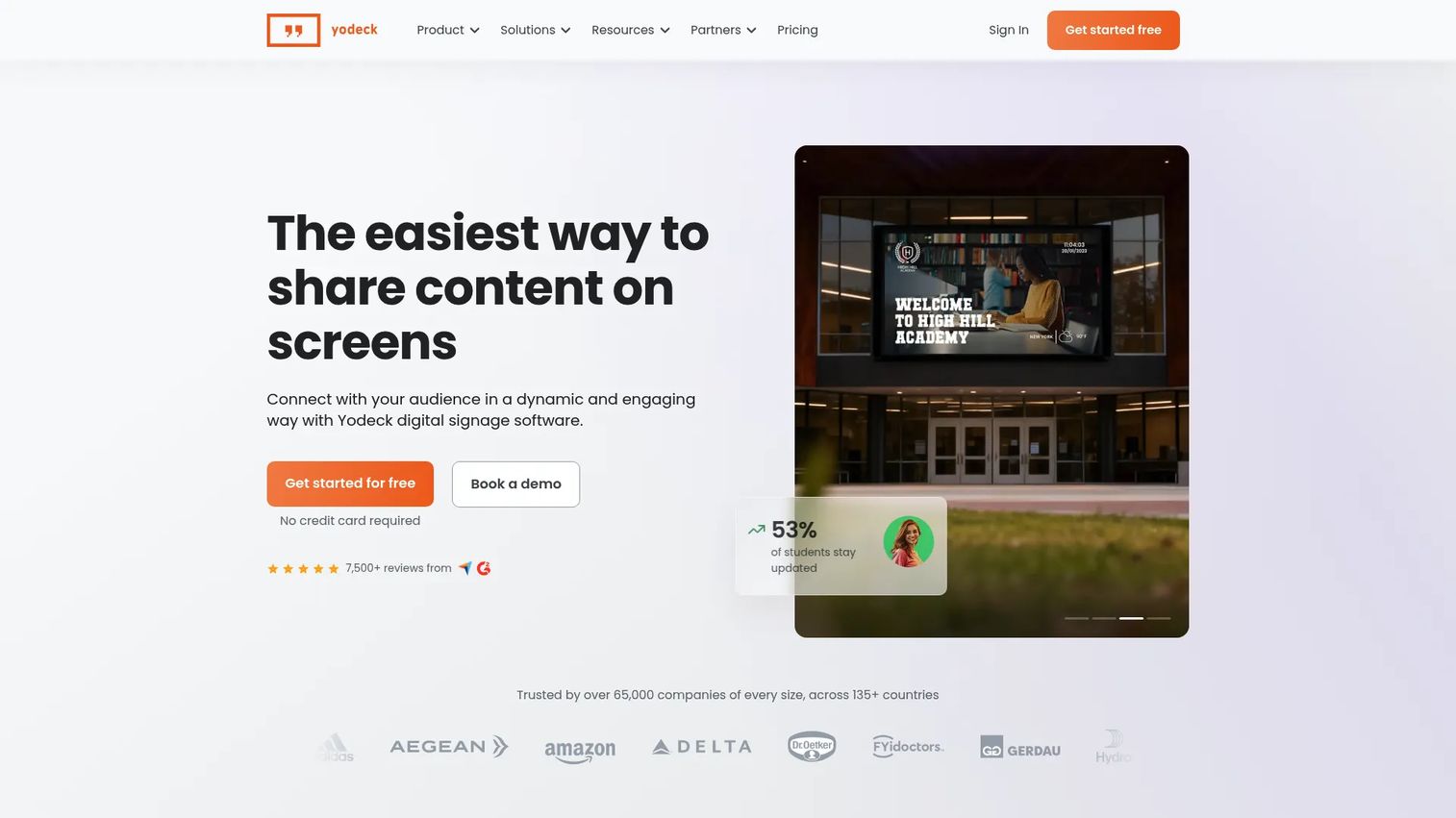
Yodeck is cloud-based digital signage software for managing and scheduling screen content remotely. Restaurant teams reach for it because it handles menu boards alongside promotional screens, wait-time displays, and back-of-house dashboards from one account. The drag-and-drop layout editor and large app library make it flexible across a range of screen jobs, not just menus.
Best for: Teams that need easy remote management across one screen or a large fleet.
Key features
- Drag-and-drop layout editor
- Content scheduling and playlists
- Apps, templates, and API/webhooks
- Remote management across many screens
- Free plan for a single screen
Why choose Yodeck: If your locations show more than menus, Yodeck's app breadth and template library let you run menu boards, specials, and other content without a second tool. The free single-screen tier is a low-risk way to test it in one cafe before you scale.
Yodeck pricing: Free forever for a single screen. Paid plans run $8/screen/month (Basic), $12/screen/month (Premium), and $16/screen/month (Enterprise), with a custom Enterprise+ option for teams that need managed services.
2. Menuboard Manager
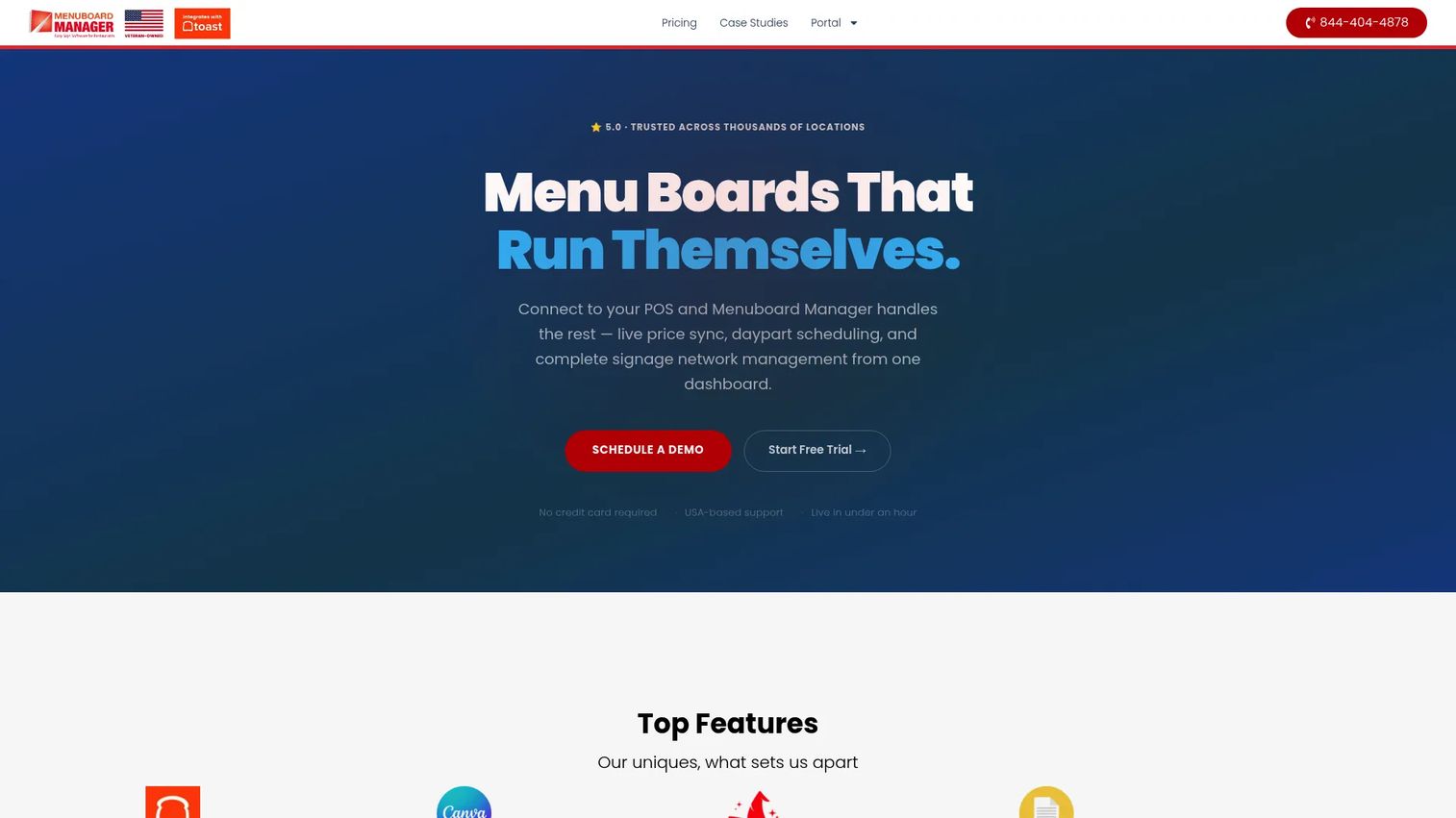
Menuboard Manager is cloud-based digital menu board software built for restaurants, with POS integration, scheduling, and signage management. Where general signage tools treat menus as one content type, this one centers the restaurant workflow: live POS-driven pricing, Canva import for creative, and daypart scheduling out of the box.
Best for: Restaurants that want dynamic digital menu boards for restaurants with pricing that updates straight from the POS.
Key features
- Point-of-sale integration
- Canva import for menu creative
- Daypart and calendar scheduling
- Multi-screen management
- Per-screen pricing plans
Why choose Menuboard Manager: The POS sync is the draw. When a price changes in your point-of-sale, the board reflects it without a separate edit. That closes the gap between what the register charges and what the customer sees, which is the exact error printed menus create.
Menuboard Manager pricing: Three public per-screen plans: Starter at $89/screen/month, Professional at $199/screen/month, and Business at $299/screen/month. An annual toggle advertises 8% savings.
3. Kitcast
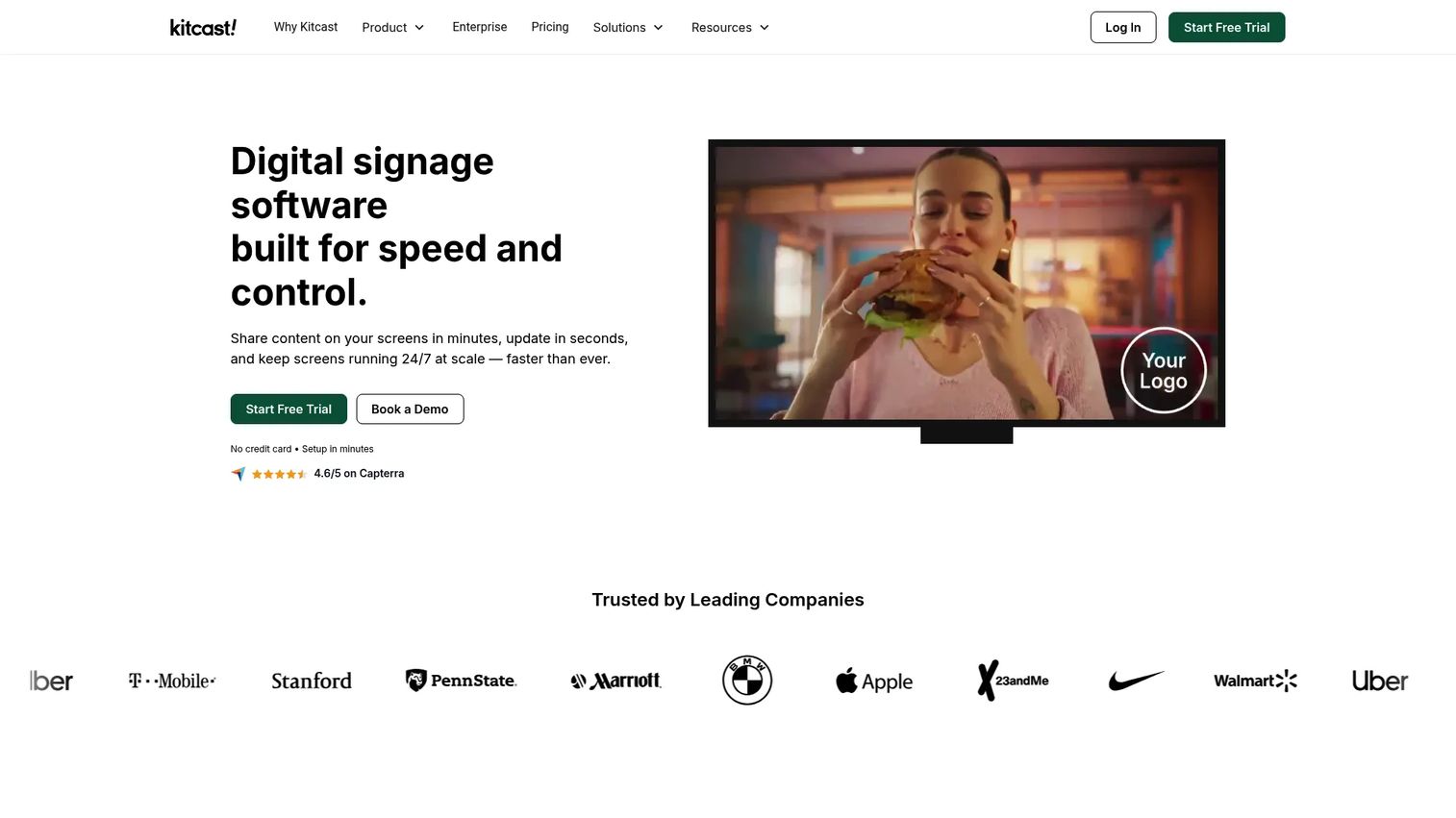
Kitcast is cloud-based digital signage software for managing screens across many device types. For operators who already own Apple TVs or a mix of hardware, its multi-platform playback is the standout. It runs on Apple TV, Fire TV, Android TV, BrightSign, Samsung, LG, ChromeOS, macOS, iOS, and browser, so you deploy on the screens and players you have.
Best for: Organizations needing simple multi-screen signage, especially Apple TV-based menu board setups.
Key features
- Per-screen publishing and scheduling
- Playback on Apple TV, Fire TV, BrightSign, Samsung, LG, and more
- Screen zoning and templates
- Apps, monitoring, and offline playback
- 14-day free trial, no credit card
Why choose Kitcast: Hardware flexibility keeps your setup cost down. If a location already has a smart TV or an Apple TV, you skip buying a dedicated player. Offline playback also means a dropped connection won't blank your boards mid-service.
Kitcast pricing: Starter is $7/screen/month billed annually. Pro is $10/screen/month billed annually. Enterprise is custom-priced. A 14-day free trial is available with no credit card required.
4. NoviSign
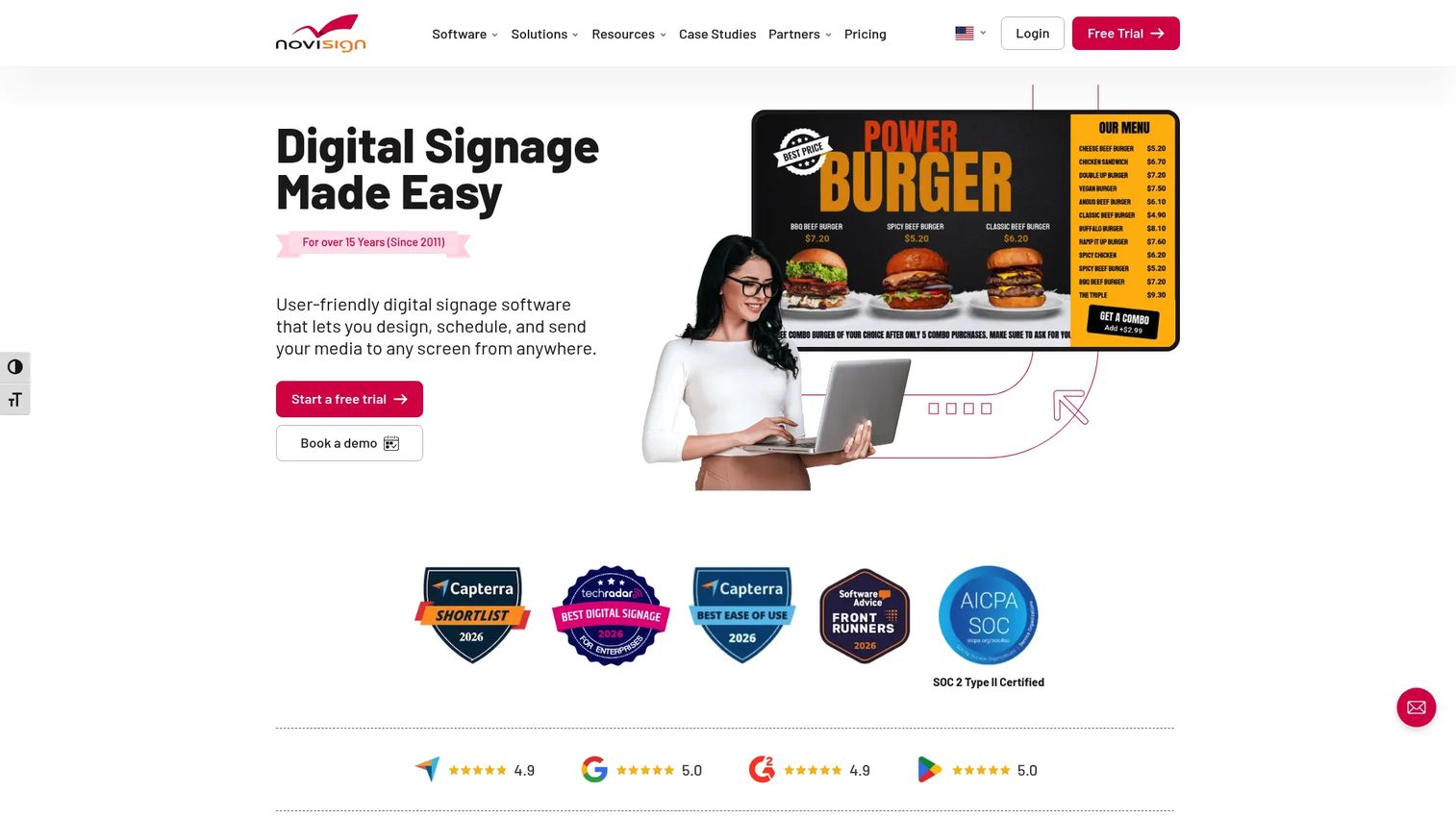
NoviSign is cloud-based digital signage software for designing, scheduling, and remotely managing screen content. Its strength for restaurants is speed of everyday edits: a drag-and-drop designer, playlist scheduling, and remote screen management that let a manager change a special from a laptop in minutes.
Best for: Businesses needing easy remote menu boards, communications, and multi-screen deployments.
Key features
- Drag-and-drop content design
- Playlist scheduling
- Remote screen management
- Daypart rotation for menu changes
- Scrolling text and templates
Why choose NoviSign: If your priority is fast, no-fuss menu updates without a steep learning curve, NoviSign keeps the workflow simple. The remote editing and scheduling cover the core jobs a cafe or QSR needs day to day.
NoviSign pricing: NoviSign's FAQ cites pricing around $20 per screen or media player month-to-month, with annual, education, non-profit, and volume discounts. Capterra lists plans from $18/user/month (Business), $26 (Business Plus), and $44 (Premium), plus a partner tier and a free version.
5. Adobe Express
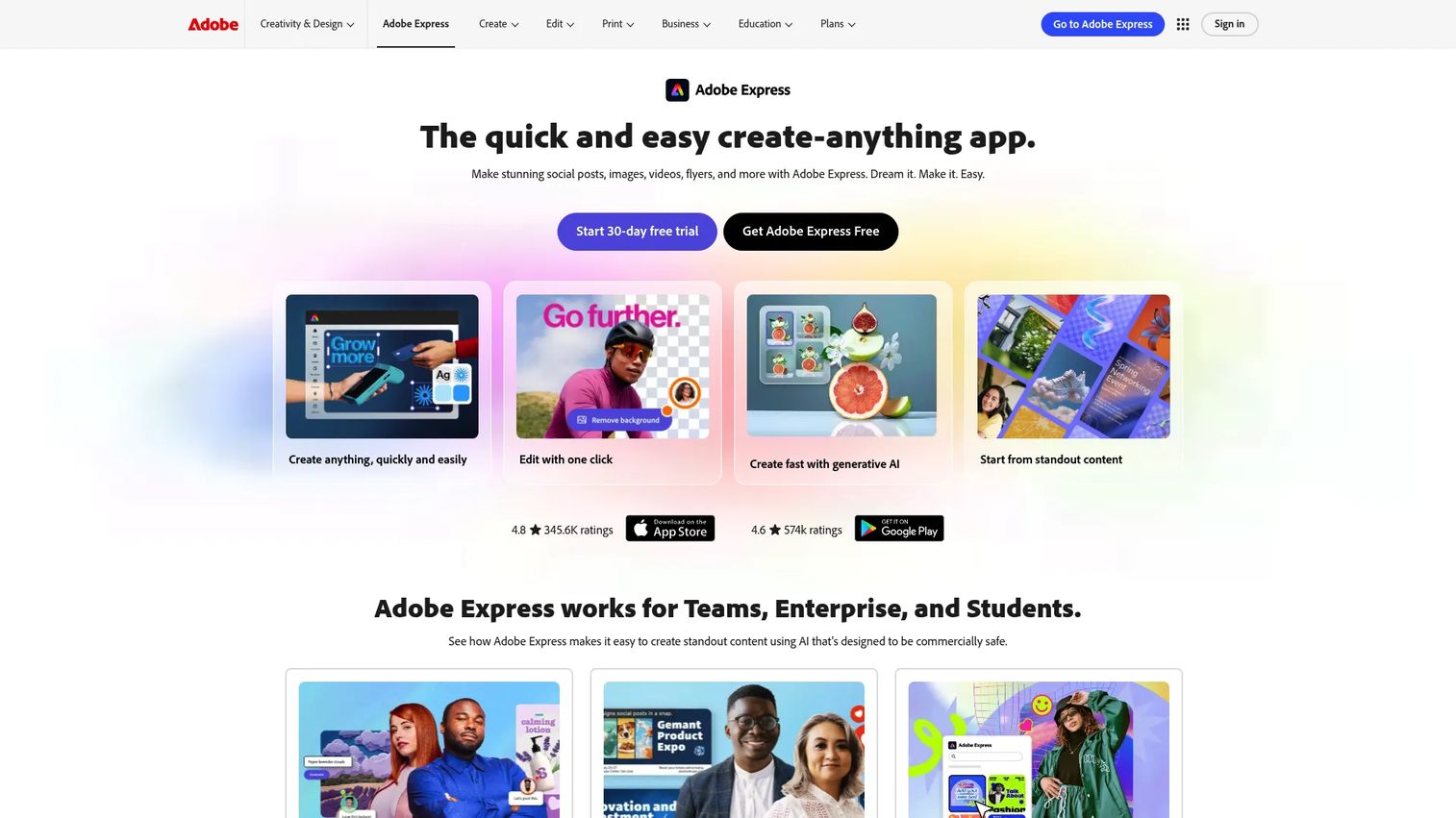
Adobe Express is an all-in-one design, video, photo, and PDF creation app from Adobe. It is not a signage CMS. Think of it as the creative layer: you design polished, on-brand menu visuals here, then export and load them into your menu board platform. Teams already living in Adobe tools get consistent branding across every asset.
Best for: Teams and individuals creating branded menu creative quickly, especially existing Adobe users.
Key features
- Create social posts, images, videos, flyers, and more
- One-click resize and brand kit tools
- Generative AI editing and creation
- Works across desktop browser and mobile
- Export-ready menu visuals
Why choose Adobe Express: Choose it when design quality matters and you already use Adobe. It produces clean, brand-matched menu graphics, but you'll still need a signage tool to schedule and publish them to screens. It's a companion, not a replacement.
Adobe Express pricing: Adobe Express has a free plan to get started, plus paid options—Premium, Teams, and Enterprise—for more features and bigger teams. Pricing varies by region, so it's worth checking Adobe's site directly for exact numbers, and if you need Enterprise, you'll likely have to talk to their sales team anyway.
6. Canva
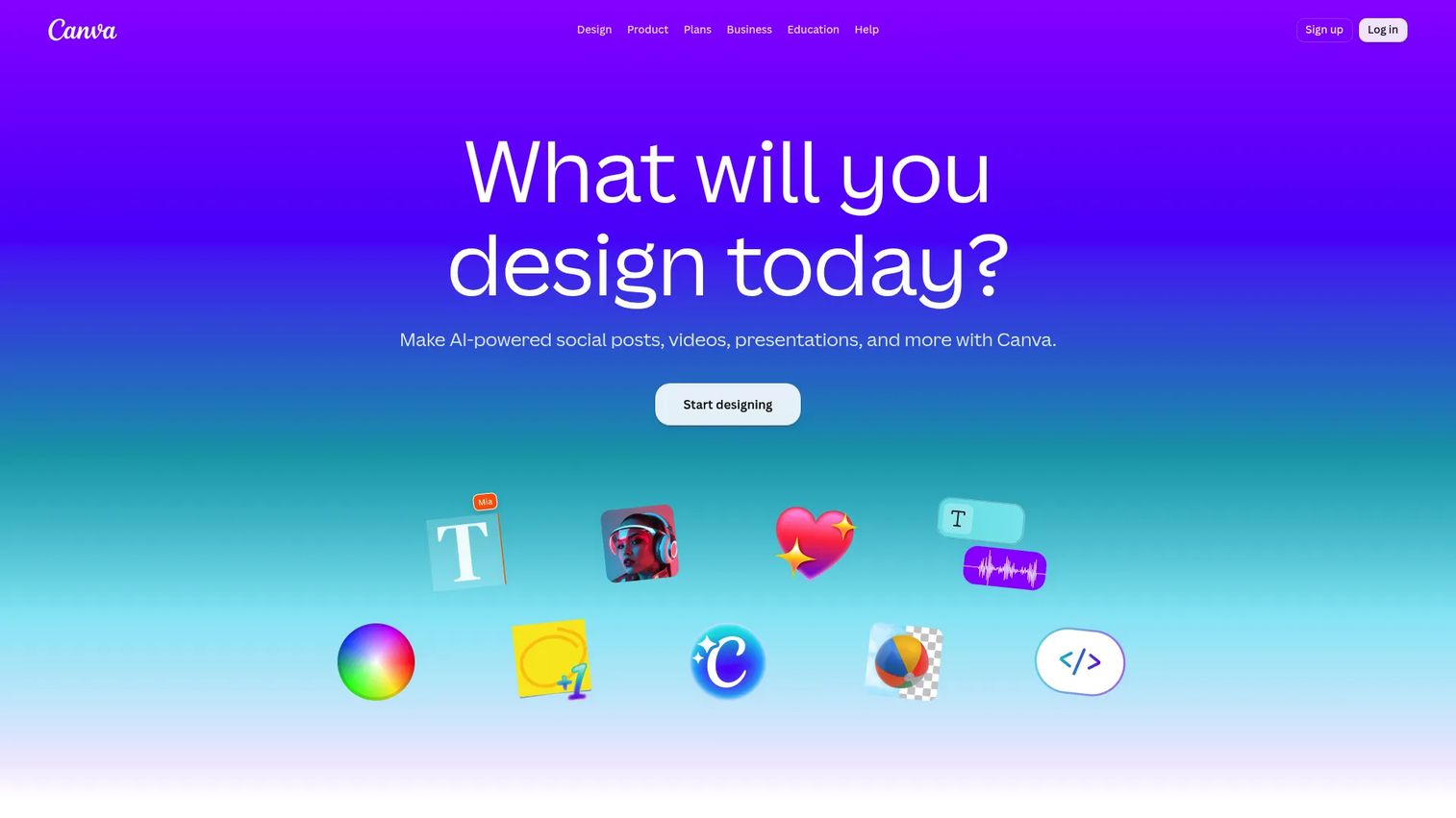
Canva is a visual communication platform for creating designs, documents, presentations, videos, and more. For menu boards, its role is design speed. A large template library and drag-and-drop editor let a non-designer produce a clean menu layout in minutes, then export it for a signage system. Several menu board tools, including Menuboard Manager, import Canva files directly.
Best for: Small teams that need visually clean boards and simple handoff into a signage system.
Key features
- Drag-and-drop design editor
- Large menu template library
- Canva Docs, Whiteboards, Sheets, and Presentations
- AI tools and integrations
- Direct export into signage tools
Why choose Canva: It's the easiest way to make a good-looking menu without a designer. Like Adobe Express, it handles creation, not scheduling or publishing, so pair it with a menu board platform that accepts Canva imports for a smooth workflow.
Canva pricing: Free plan for one person. Pro is US$144/year for one person. Business is US$250/year per person. Enterprise and education options are also available.
7. ScreenCloud
ScreenCloud is cloud-based digital signage software for managing and displaying content across screens. It fits operators who want menu boards plus wider content, from staff announcements to promotional playlists, all under centralized control. With 80+ apps and integrations and remote device management, it scales across locations without a fragmented setup.
Best for: Businesses needing centralized signage across multiple screens and locations, menus included.
Key features
- Digital signage screen management
- 80+ apps and integrations
- Remote device management
- Dashboards and QR code metrics
- ScreenCloud Touch for touchscreen devices
Why choose ScreenCloud: If menus are one part of a broader screen strategy, ScreenCloud keeps everything in one platform. The app breadth and device management suit multi-location teams that run more than just menu content and want a single control layer.
ScreenCloud pricing: Core is $20 per screen/month plus VAT. Pro is $30 per screen/month plus VAT. Enterprise is contact-sales. A 14-day free trial is offered.
Considerations
Before you commit, run each tool through this checklist. The right menu board software depends on how your operation actually runs, not on the longest feature list.
POS integration depth
Confirm whether prices, items, and availability sync in real time or need a manual push. A true POS sync means a price change at the register updates the board automatically. Ask which point-of-sale systems the vendor supports, since integrations vary. This is the single biggest lever for eliminating price mismatches between screen and register.
Multi-location governance
If you run more than a handful of stores, look for permissions, screen groups, and approval workflows. You want a national menu that regional managers can adjust within limits you set, not free rein that leads to inconsistent boards. Check whether you can push one update to a group of locations at once.
Hardware compatibility
Confirm standard TV, media player, and operating system support before buying screens. Some platforms run on any smart TV or a cheap media player; others expect specific hardware. Matching software to hardware you already own, or to affordable players, keeps deployment cost down across many locations.
Daypart and scheduling flexibility
Verify the rules for breakfast, lunch, dinner, and promos. Good daypart scheduling lets you set time-based rotations once and forget them. Check whether you can schedule limited-time offers to start and end automatically, and whether schedules can differ by location.
Pricing and contract model
Understand whether pricing is per screen, per location, per user, or custom, and whether billing is monthly or annual. A per-screen model that looks cheap for one cafe can add up fast across 40 locations. Factor in contract length and any hardware costs, then compare total cost of ownership, not just the sticker price.
Conclusion
The strongest pick depends on your operating style. If POS-driven price accuracy is the priority, Menuboard Manager is built for exactly that restaurant workflow. If you run mixed hardware or Apple TVs, Kitcast gives you the widest playback flexibility. For teams that show more than menus across many stores, Yodeck and ScreenCloud offer broad app libraries and centralized control. NoviSign covers fast, simple remote edits, while Canva and Adobe Express feed polished creative into whichever platform you choose.
Start with your fastest update workflow. Pick the tool that gets a price change onto every screen with the least effort, then compare hardware support and POS sync before you commit. Run a single-location trial where a free tier or trial exists, and confirm your point-of-sale integrates cleanly before scaling to a full fleet.
Start your journey with Guideflow today!
FAQs
Digital menu board software is a cloud platform that designs, schedules, and publishes menu content to screens remotely. It lets restaurants update prices, items, and specials without reprinting, and often syncs with a POS so board prices match the register.
Digital menu board pricing usually runs per screen or per user, monthly or annually. Entry plans start around $7 to $20 per screen per month for general signage tools like Kitcast and ScreenCloud, while restaurant-specific platforms like Menuboard Manager start higher, from $89 per screen per month. Free tiers exist, such as Yodeck's single-screen plan.
Yes. Most digital menu board software runs on standard commercial or consumer TVs paired with a media player, and many support smart TVs directly. Tools like Kitcast play on Apple TV, Fire TV, and Android TV, so you can often use hardware you already own.
Yes, when the platform offers POS integration. Menuboard Manager, for example, syncs pricing from the point-of-sale so a change at the register updates the board automatically. Always confirm the vendor supports your specific POS before buying.
Yes. Daypart scheduling is a core feature of digital menu boards for restaurants. You set rules once, and the board rotates breakfast, lunch, and dinner menus automatically, along with limited-time offers that start and end on schedule.
For most restaurants, yes. It removes print costs, eliminates price mismatches between the board and the register, and lets you change menus in seconds instead of days. Restaurants drove 54.8% of application share in the digital menu boards market, per Strategic Market Research (2026), which reflects how widely operators have adopted it.
A commercial-grade screen paired with a reliable media player is the common setup, since commercial displays handle long daily run times. Media players like Apple TV, Fire TV, and BrightSign are widely supported. Match your hardware to your software's compatibility list, and prioritize platforms with offline playback so a dropped connection won't blank your boards during service.