A release passes every unit test, sails through QA, and ships on schedule. Then a Monday morning promotion drives 4x normal traffic, response times climb, and the checkout endpoint starts timing out. Nobody guessed the app would fold at that concurrency, because nobody tested for it.
That gap between "works on my machine" and "holds up under real traffic" is exactly what load testing tools close. And the money following that gap is real: the global load testing tools market was valued at $2.8 billion in 2025 and is projected to reach $7.1 billion by 2034, a 10.9% CAGR, according to Dataintelo (2024). Load testing accounted for 61% of total performance testing usage, versus 39% for stress testing across sectors, per Business Research Insights (2024).
For presales and sales engineers, this matters in a specific way. When a prospect asks "will this scale for us?" during technical validation, a credible answer needs proof, not a promise. The same skill that helps you pick the right load testing platform for your team also helps you speak the language of the buyer's engineering org during a POC or security review. If you also run buyer-facing evaluation motions, tools like interactive product tours and hands-on sandboxes sit next to reliability testing in the broader validation stack, alongside adjacent categories like application performance monitoring tools and A/B testing tools.
This guide is built to help you choose, not just browse.
What's inside
This is a decision-oriented comparison of the best load testing tools for engineering, QA, SRE, and technical validation teams. It covers nine tools, from open source frameworks to managed cloud platforms, and maps each to real workflows rather than feature checklists.
We selected tools based on four criteria that actually shape adoption: scripting model and team skill fit, protocol coverage and traffic realism, cloud versus self-hosted execution, and CI/CD plus observability integration. Pricing and budget flexibility run through all four. Each entry tells you who the tool fits, where it performs best, and what it costs.
TL;DR
- Best for code-first engineering teams: k6, with JavaScript scripting and clean CI/CD integration.
- Best for protocol breadth on an open source budget: Apache JMeter, still the widest protocol coverage in the category.
- Best for developer-heavy teams that want fast, scripted tests: Gatling, with load-test-as-code SDKs.
- Best for Python shops: Locust, where scenarios are plain Python.
- Best for JavaScript and API teams: Artillery, aligned with Node.js and modern web stacks.
- Best for managed cloud execution and monitoring in one place: Loadster, with geographic scale built in.
- Best for enterprise continuous testing with open source compatibility: BlazeMeter.
- Best for teams standardized on Azure: Azure Load Testing (now Azure App Testing).
- Best for JMeter-based testing with guided workflows: OctoPerf.
What are load testing tools?
Load testing tools are software that simulate concurrent virtual users hitting an application, so teams can measure how a system behaves under expected traffic before real users do. They generate requests at scale, record response times and error rates, and surface the breaking points that normal testing never touches.
The category is often confused with adjacent reliability tests, so it helps to separate them cleanly:
- Load testing measures behavior under expected, realistic traffic. The question is "does it hold up on a normal busy day?"
- Stress testing pushes past expected limits to find the failure point. Load testing vs stress testing comes down to intent: one validates normal capacity, the other hunts for the ceiling.
- Spike testing throws a sudden, sharp surge at the system to see how it recovers. Load testing vs spike testing is about traffic shape, steady versus abrupt.
- Soak testing runs sustained load over hours or days to catch memory leaks and slow degradation. Load testing vs soak testing is about duration, short and representative versus long and grinding.
Most modern load testing software supports several of these modes from the same scripts. When you evaluate performance testing tools, look for these core capabilities:
- Scripting model: how tests are written, whether in JavaScript, Python, Scala, YAML, or a GUI.
- Distributed execution: the ability to generate load from multiple machines or regions.
- Protocol coverage: support for HTTP, WebSocket, gRPC, GraphQL, and more.
- Monitoring and reporting: dashboards, real-time metrics, and exportable results.
- Integrations: CI/CD pipelines, observability stacks, and alerting.
Automated load testing that runs on every commit, sometimes called performance as code, is now the default expectation rather than a nice-to-have.
When to use load testing tools
Validate releases before users feel the slowdown
Load testing catches performance regressions before they reach production. A code change that adds 200ms per request looks harmless in isolation and disastrous at 5,000 concurrent users. Running load tests as part of your release gate turns "we think it scales" into "we measured it at 3x peak."
For presales teams, this same evidence shortens technical validation. When reliability is a stated buyer concern, showing documented load test results during a POC builds confidence faster than any slide. It moves the conversation from trust to proof.
Simulate realistic enterprise traffic patterns
Real traffic is messy: geographically distributed, protocol-diverse, and bursty. Enterprise buyers rarely have a single flat request pattern. They have APIs, WebSocket connections for real-time features, gRPC between services, and GraphQL queries with wildly different costs.
Website load testing that only hammers one URL misses all of this. The tools that matter let you model realistic enterprise traffic patterns, weighting scenarios, ramping users, and running from multiple regions so latency reflects what customers actually experience.
Build performance checks into CI/CD
The highest-value load tests are the ones nobody has to remember to run. Wiring performance checks into CI/CD means every merge gets a baseline check, and regressions get caught by the pipeline instead of a customer.
This is where version-controlled, code-based tests earn their keep. Performance as code makes tests reviewable, repeatable, and diffable. A test that lives in the repo next to the feature it covers stays current in a way that a one-off manual run never will.
Comparison table
Tools are sorted by relevance to code-first, CI/CD-driven load testing workflows. Pricing and ratings reflect verified public sources at time of writing; where a vendor does not publish numeric pricing, that is noted.
| # | Product | Intent | Key differentiation | Pricing | G2 rating |
|---|---|---|---|---|---|
| 1 | k6 | Code-first performance testing | JavaScript scripting, local to cloud execution | Free local usage; paid Grafana Cloud k6 | 4.8/5 |
| 2 | Apache JMeter | Open source, broad protocol testing | Widest protocol coverage, GUI plus CLI | Free, open source | 4.3/5 |
| 3 | Gatling | Scripted load-test-as-code | SDK-driven scripting, real-time dashboards | Free Community Edition; Basic from €89/mo | 4.5/5 |
| 4 | Locust | Python-based load testing | Scenarios written in plain Python | Free, open source | 4.3/5 |
| 5 | Artillery | API and modern web app testing | Node.js aligned, WebSocket and browser support | Free; Starter $199/mo | Not listed |
| 6 | Loadster | Managed cloud load testing plus monitoring | Load testing across 32 regions | From $78/mo; 50 free units | 4.4/5 |
| 7 | BlazeMeter | Enterprise continuous testing | Open source compatible, cloud scale | Free plan; Basic and Pro tiers | 4.0/5 |
| 8 | Azure Load Testing | Managed testing on Azure | JMeter/Locust script support, VNET testing | Usage-based (VUH); free trial | 3.7/5 |
| 9 | OctoPerf | JMeter-based testing, SaaS or on-premise | Free tier, guided recorder workflows | Free; Unlimited from $999/mo | 4.0/5 |
1. k6
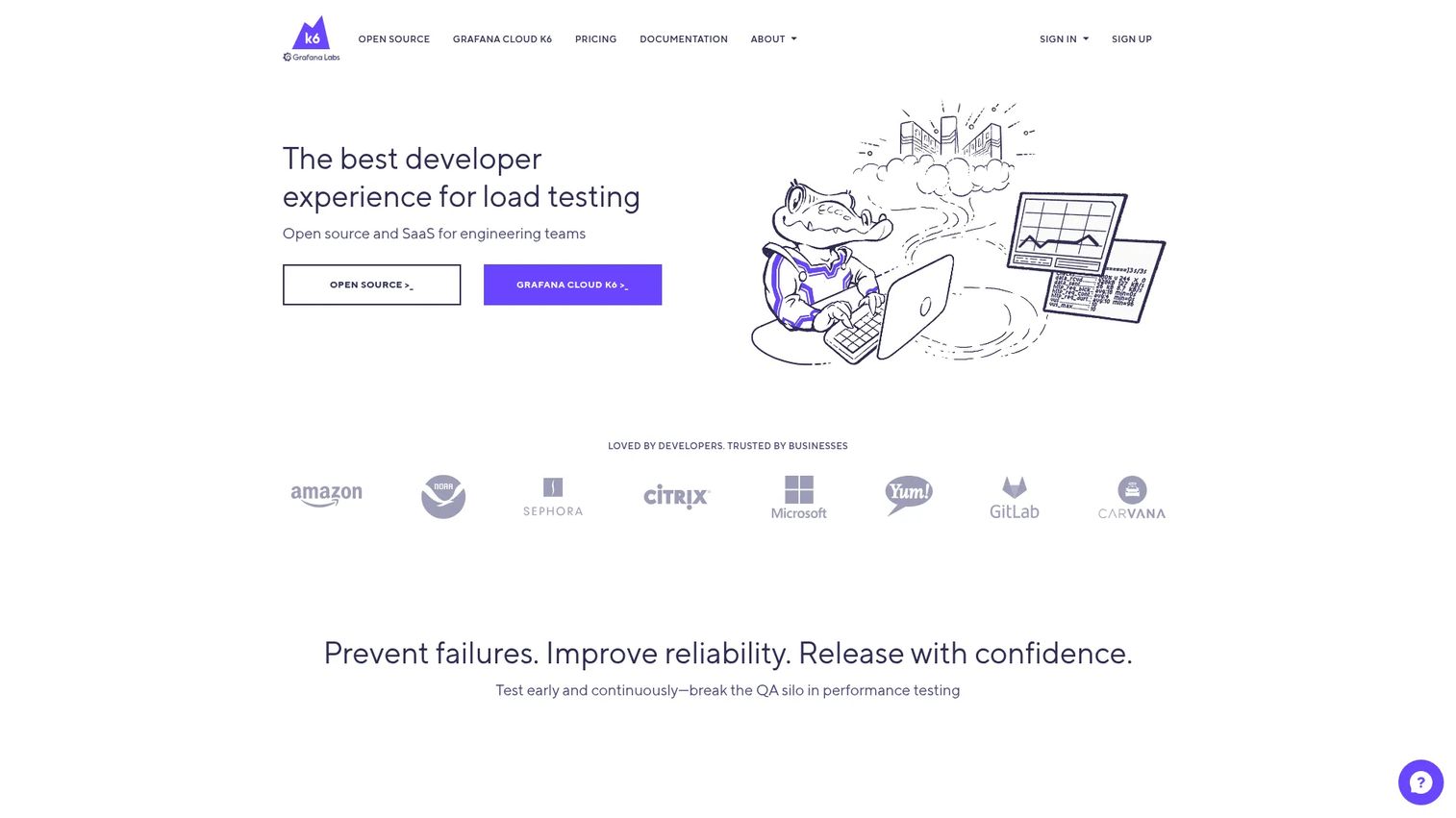
k6 is an open source and SaaS load testing platform built for engineering teams that live in code. Tests are written in JavaScript, run locally during development, and scale out to distributed or cloud execution for larger runs. It has become a default choice for SRE and platform teams who want performance testing that fits into the same workflow as everything else they build.
Best for: Engineering and SRE teams that want developer-friendly performance testing across local and cloud workflows.
Key strengths
- JavaScript scripting: Tests read like code your team already writes, keeping the learning curve short for developers.
- Local, distributed, and cloud execution: Start on a laptop, then scale the same script to distributed or cloud runs without a rewrite.
- Browser, API, and fault injection support: Cover API load, browser-level testing, synthetic monitoring, and chaos-style fault injection from one tool.
Why choose k6: If your team treats testing as code and wants performance checks that slot cleanly into CI/CD, k6 fits the culture. The JavaScript model means developers, not just a dedicated QA specialist, can write and maintain tests, which keeps coverage from decaying as the product changes.
k6 pricing: You can run local load tests for free, which covers a lot of day-to-day development testing. Managed distributed execution runs through Grafana Cloud k6. The public pricing page did not expose numeric paid-tier prices at time of writing, so confirm current plan costs directly with the vendor. k6 holds a 4.8/5 rating on G2.
2. Apache JMeter
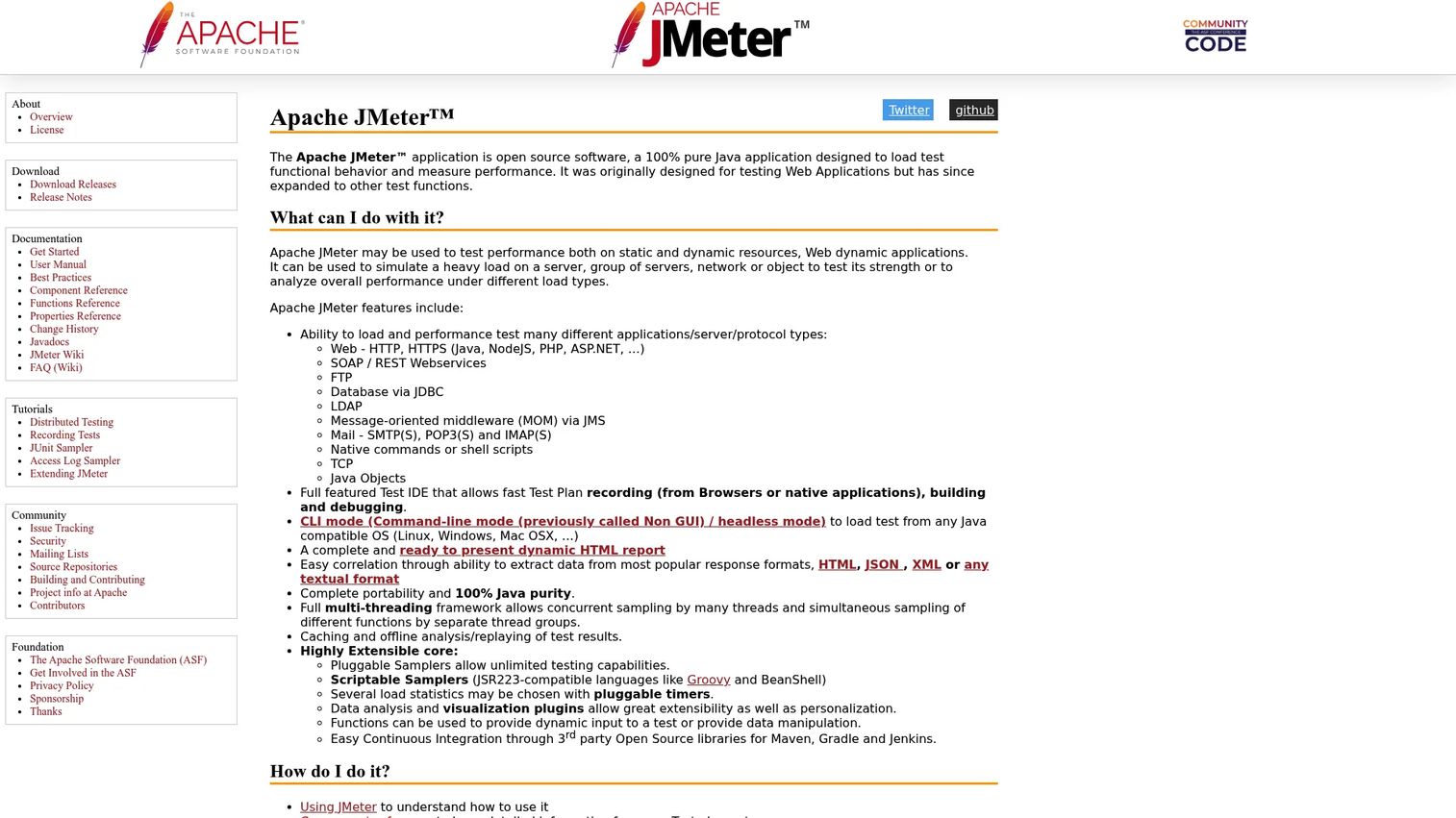
Apache JMeter is the long-standing open source workhorse of load testing. It is a Java application that measures both functional behavior and performance, and its protocol coverage remains the broadest in the category. If a system speaks it, JMeter probably tests it.
Best for: Teams needing a free, extensible load testing tool for web and protocol-based performance testing.
Key strengths
- Broad protocol coverage: Tests HTTP/HTTPS, SOAP/REST, FTP, JDBC, LDAP, JMS, SMTP/POP3/IMAP, TCP, and Java objects.
- GUI plus headless mode: Build tests in a visual IDE, then run them from the command line for CI/CD and large runs.
- Extensibility: Dynamic HTML reports, correlation, multi-threading, and a deep plugin ecosystem extend it well beyond the defaults.
Why choose Apache JMeter: In mixed-skill environments where not everyone codes, the GUI lets non-developers build meaningful tests, while the CLI keeps it CI/CD-ready for the engineers. That range, plus zero licensing cost and enormous protocol breadth, is why JMeter is still everywhere in 2026.
Apache JMeter pricing: JMeter is free and open source, with no paid plans or licensing on the official site. That makes it a natural fit for open source load testing tools budgets and teams that want full control over execution. It carries a 4.3/5 rating on G2.
3. Gatling
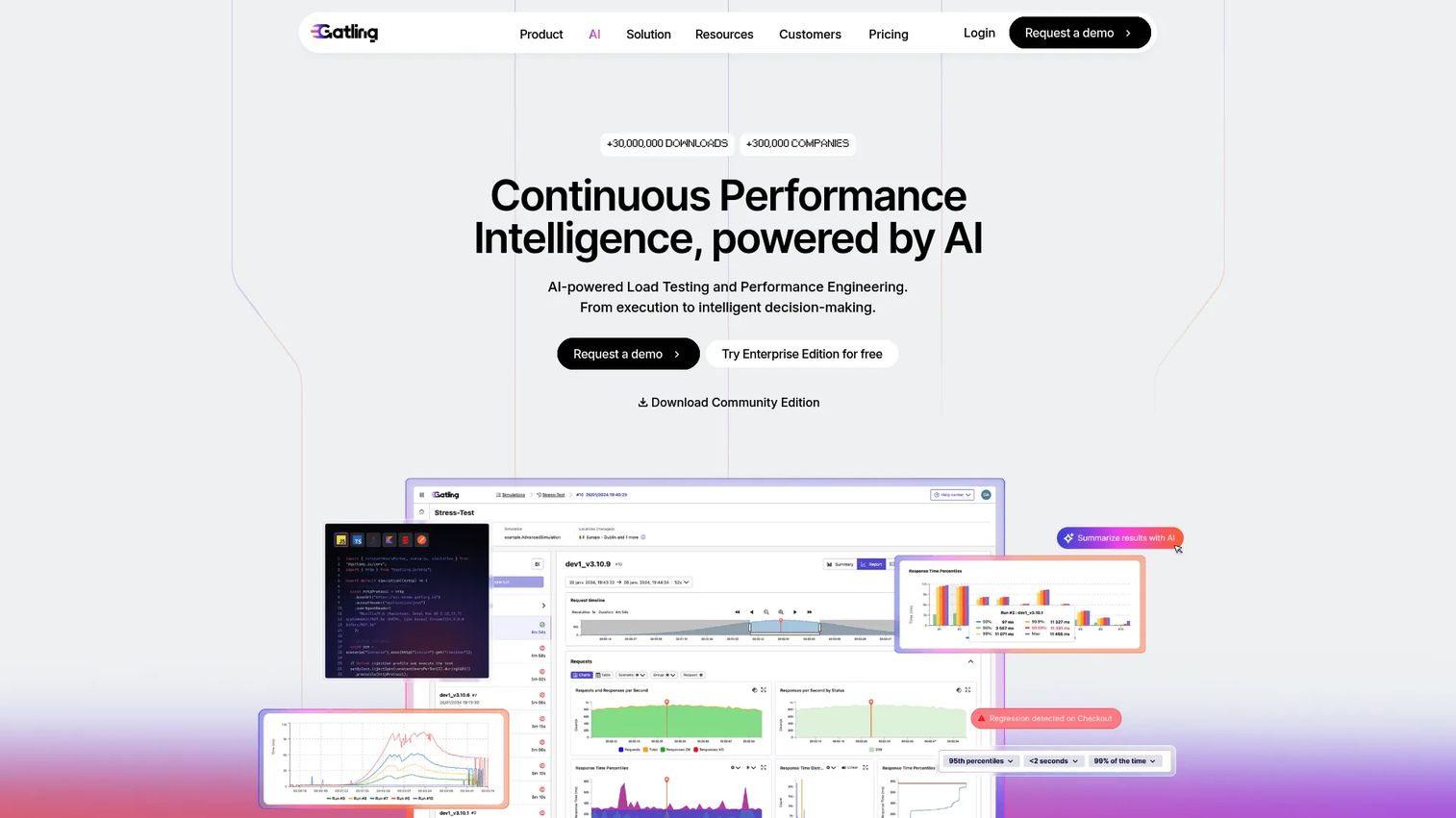
Gatling is a load testing platform built around load-test-as-code, with SDKs that let engineering teams script scenarios, run them distributed, and watch results on real-time dashboards. It is fast, developer-oriented, and known for report quality that makes results easy to share with stakeholders.
Best for: Engineering teams that want scripted, scalable load testing with CI/CD and team collaboration.
Key strengths
- Load-test-as-code SDKs: Write expressive, version-controlled test scenarios that live alongside your application code.
- Distributed execution and dashboards: Scale load across machines and read results on real-time dashboards during the run.
- CI/CD integration and API automation: Slot tests into pipelines and automate them through the API for continuous performance checks.
Why choose Gatling: For developer-heavy teams committed to performance as code, Gatling's scripting model and reporting are a strong match. The clean separation between free Community Edition and paid team features lets you start small and scale into collaboration and orchestration as the team grows.
Gatling pricing: A free Community Edition covers scripted local testing. Paid plans start with Basic at €89/month billed annually (€1,068/year), Team at €356/month billed annually (€4,272/year), and Enterprise on request. Gatling holds a 4.5/5 rating on G2.
4. Locust
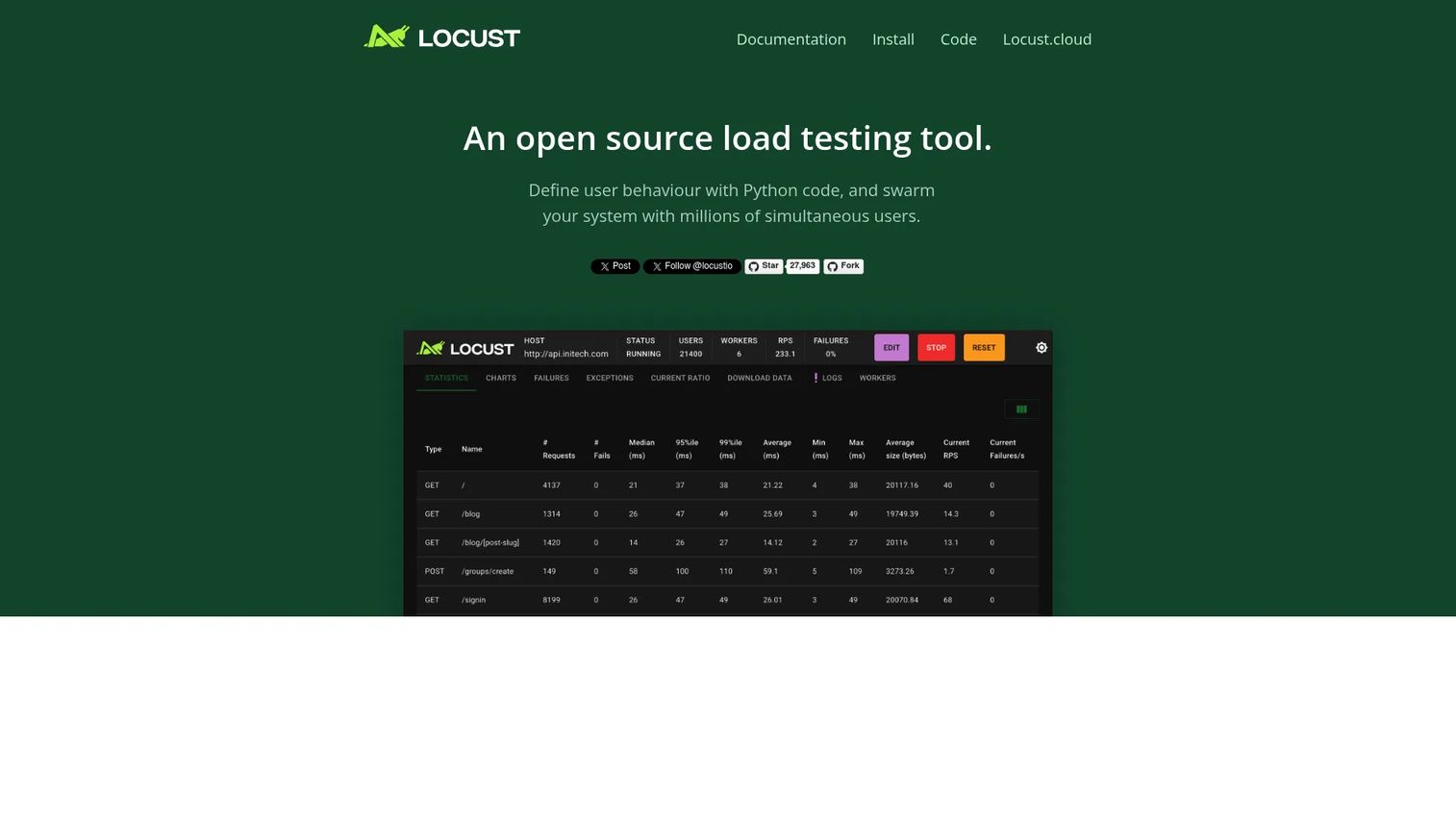
Locust is an open source load testing framework where you define user behavior in plain Python. That single design choice makes it a natural fit for teams already fluent in Python, and increasingly for AI-assisted scripting workflows where generating and editing test code in a familiar language speeds things up.
Best for: Engineering teams needing scriptable load testing in Python.
Key strengths
- Python-based scenarios: Model user behavior in real Python code, using the language and libraries your team already knows.
- Distributed and scalable generation: Spread load across multiple workers to simulate large user counts.
- Web UI plus headless mode: Watch live results in a browser UI, or run headless from the command line for automation.
Why choose Locust: If Python is your team's default language, Locust removes the friction of learning a testing-specific DSL. Scenarios stay readable, easy to review in pull requests, and simple to extend with existing Python code, which keeps tests maintainable over time.
Locust pricing: Locust is open source and free to run yourself. The project references a hosted Locust Cloud offering, though no public price was visible at time of writing, so confirm hosted pricing directly. Locust holds a 4.3/5 rating on G2.
5. Artillery
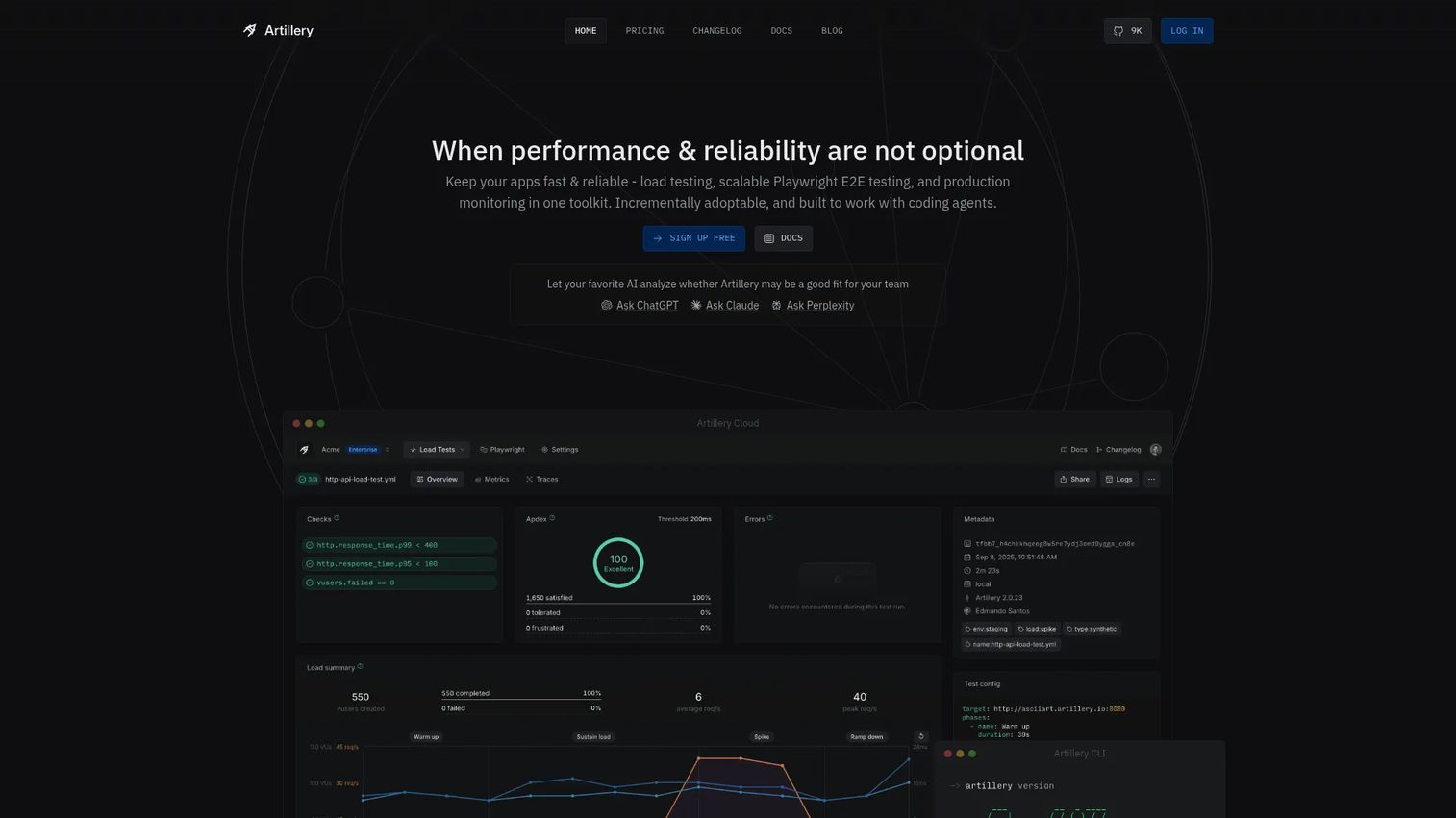
Artillery is a performance testing platform aligned with the Node.js ecosystem, using YAML and JSON to define scenarios for load and continuous functional testing. It is a lightweight on-ramp for JavaScript teams that want to test APIs and modern web apps without adopting a whole new toolchain.
Best for: Teams that need scalable load and functional testing for APIs and modern web apps.
Key strengths
- Distributed cloud execution: Run tests across AWS, AWS Fargate, and Azure Container Instances for scale.
- Modern protocol support: Test HTTP APIs, WebSocket, Socket.io, and real browsers from one tool.
- Reusable scenarios and metrics: Define assertions, custom metrics, and reusable workflows with built-in collaboration features.
Why choose Artillery: JavaScript teams get a load testing tool that speaks their language and drops into CI/CD easily. The YAML scenario format keeps simple tests simple, while cloud execution and WebSocket support give room to grow into API load testing and real-time feature testing.
Artillery pricing: A Free plan covers $0/month, with Starter at $199/month and Scale at $499/month; annual billing saves 20%. Enterprise add-ons start at $1,199/month. A current G2 star rating for Artillery was not available from an accessible product review page at time of writing.
6. Loadster
Loadster combines cloud-based load testing and uptime monitoring in one platform, aimed at teams that want managed execution without standing up their own infrastructure. Browser-based script recording lowers the barrier to building tests, and geographic distribution across 32 regions makes it strong for global traffic simulation.
Best for: Teams that need cloud-based load testing and uptime monitoring with usage-based pricing.
Key strengths
- Browser-based script recording: Record real user flows in the browser instead of hand-writing every scenario.
- Load testing across 32 regions: Generate traffic from many geographies to mirror a distributed user base.
- Integrated monitoring: Pair load testing with uptime monitoring, incidents, and notifications in the same tool.
Why choose Loadster: For teams that want load testing and monitoring together, and prefer managed cloud execution to self-hosting, Loadster consolidates two jobs into one platform. The recorder plus usage-based pricing make it approachable for teams without a dedicated performance engineer.
Loadster pricing: Monthly Fuel Plans start at $78/month (1K Plan), scaling through $318, $578, and $798/month tiers. Pay-As-You-Go Fuel starts at $97 for 1,000 units. Every account starts with 50 free units, and monitoring plans start at $29/month. Loadster holds a 4.4/5 rating on G2.
7. BlazeMeter
BlazeMeter is an enterprise continuous testing platform that runs performance, functional, and API tests at cloud scale, with support for open source tools like JMeter and Locust. Teams that have already invested in open source scripts often use BlazeMeter to run them at larger scale with enterprise workflow features layered on top.
Best for: Teams needing open-source-compatible continuous testing for web, API, and performance workloads.
Key strengths
- Performance testing at cloud scale: Run large distributed load tests without managing your own generators.
- Open source compatibility: Bring existing JMeter and other open source scripts and run them at scale.
- Broad testing coverage: Combine functional testing, API testing, service virtualization, and AI-powered test data.
Why choose BlazeMeter: For enterprises with mixed open source workflows and a need for managed scale, BlazeMeter extends existing scripts rather than replacing them. The breadth beyond load testing, into functional, API, and service virtualization, appeals to teams consolidating testing into one platform.
BlazeMeter pricing: BlazeMeter documents a Free plan by default, with Basic and Pro upgrades available on monthly or annual billing. Exact numeric prices were not exposed on the public pages at time of writing, so confirm current tier costs with the vendor. It carries a 4.0/5 rating on G2.
8. Azure Load Testing
Azure Load Testing, now part of Azure App Testing, is Microsoft's fully managed cloud load testing service. It runs URL-based load tests and also supports existing JMeter and Locust scripts, so teams can bring what they already have. For organizations standardized on Azure, it fits naturally into the surrounding ecosystem and billing.
Best for: Teams that need managed, scalable load testing for Azure-hosted or internet-facing applications.
Key strengths
- Fully managed cloud scale: Run high-concurrency tests without provisioning your own load generators.
- JMeter and Locust script support: Reuse existing open source scripts inside a managed Azure service.
- Private endpoint testing: Test private endpoints via VNET injection, useful for internal services behind the network boundary.
Why choose Azure Load Testing: If your infrastructure already lives in Azure, this service removes the overhead of building and maintaining load generation yourself. VNET injection makes it particularly useful for testing internal apps that are not exposed to the public internet.
Azure Load Testing pricing: Pricing is usage-based, measured in Virtual User Hours (VUH). The public pricing page displays line items without a numeric public VUH rate at time of writing, so confirm current usage rates in the Azure pricing calculator. The associated Playwright Workspaces offering includes a 30-day free trial for the first 100 test minutes. The service shows a 3.7/5 rating on Microsoft Marketplace.
9. OctoPerf
OctoPerf is a performance and load testing platform built around JMeter-based testing, available as both SaaS and on-premise. Recorder-driven workflows and a guided interface make it a more approachable path for teams that want JMeter's power without building everything by hand.
Best for: Engineering teams needing scalable JMeter performance testing with SaaS or on-premise deployment.
Key strengths
- Free tier with real capacity: Test with up to 50 concurrent users on the free plan before paying anything.
- Unlimited duration and parallel runs: The paid plan removes duration caps and allows parallel test execution.
- Flexible deployment: Run in the cloud, on-premise, or hybrid depending on data and governance needs.
Why choose OctoPerf: For teams that want JMeter under the hood but prefer a guided, recorder-driven experience, OctoPerf smooths the workflow. On-premise deployment matters for organizations with strict data governance that cannot send test traffic through a third-party cloud.
OctoPerf pricing: A Free plan covers $0 forever with up to 50 concurrent users. Unlimited Performance starts at $999/month (€649/month), and Pay-Per-Test starts at $99 for a single 1,000-VU test (€69). OctoPerf carries a 4.0/5 rating on G2, based on a small review count.
Considerations
Before you shortlist, weigh these factors against how your team actually works.
Scripting model and team skill
The scripting model decides who can write and maintain tests. JavaScript (k6, Artillery), Python (Locust), and Scala-style DSLs (Gatling) reward developer-heavy teams, while GUI-driven tools like JMeter open the door to mixed-skill environments. Match the tool to the skills you have, not the skills you wish you had, or tests will rot.
Protocol coverage and realism
Load testing is not one-size-fits-all. If your stack uses WebSocket for real-time features, gRPC between services, or GraphQL with variable query costs, verify first-class support before committing. A tool that only tests plain HTTP will give you confident numbers about the wrong thing.
Cloud versus self-hosted execution
Managed cloud execution (Loadster, BlazeMeter, Azure Load Testing) removes infrastructure overhead and simplifies global traffic simulation. Self-hosted open source (JMeter, Locust, k6 locally) gives full control and no per-run cost. The right answer depends on budget, governance, and whether you need distributed load testing from multiple regions.
CI/CD and observability integration
A load test is only useful if its results reach the people who act on them. Check pipeline support, dashboard quality, alerting, and metric export into your observability stack. This is where automated load testing proves its worth after the first manual run, and where performance as code pays off.
Cost and licensing
Open source tools cost nothing to license but require your own execution and maintenance. Commercial tools justify their price through managed scale, reporting, support, and faster rollout. Decide when paid tooling is worth it: usually when scale, reporting quality, or team time outweigh the licensing spend.
Conclusion
There is no single best load testing tool, only the best fit for your team's skills, stack, and execution model. Code-first teams gravitate to k6, Gatling, or Artillery. Python shops reach for Locust. Teams that want the widest protocol coverage on an open source budget still lean on JMeter, while OctoPerf gives that engine a guided workflow. For managed cloud execution and global scale, Loadster, BlazeMeter, and Azure Load Testing each fit a different profile.
The practical move is to shortlist two or three tools that match your scripting comfort and execution model, then run a real test against a representative workload. Pricing, ratings, and feature lists narrow the field, but only a hands-on run tells you whether a tool fits how your team actually works. Pick the two that feel closest, prove them against your own traffic, and standardize on the winner.
FAQs
For teams new to load testing, tools with a GUI or a familiar scripting language lower the barrier fastest. JMeter's visual IDE suits non-coders, while Locust (Python) and Artillery (JavaScript/YAML) feel natural to teams already fluent in those languages. Managed platforms like Loadster also help beginners by handling execution infrastructure.
k6, Gatling, and Artillery are strong CI/CD fits because their tests are code, version-controlled, and easy to run headless in a pipeline. JMeter also works well in CI/CD through its command-line mode. The key is choosing a tool whose scripts live in your repo so performance checks run automatically on every commit.
Yes. Apache JMeter remains one of the most widely used load testing tools thanks to its broad protocol coverage, zero licensing cost, and deep plugin ecosystem. Its GUI plus CLI combination fits mixed-skill teams, and platforms like BlazeMeter and OctoPerf build on JMeter to add scale and guided workflows.
Load testing measures how a system behaves under expected, realistic traffic to confirm it holds up on a normal busy day. Stress testing deliberately pushes past those limits to find the breaking point. Load testing validates capacity; stress testing hunts for the ceiling and observes how the system fails.
Many can, but coverage varies by tool. Artillery supports HTTP APIs, WebSocket, and Socket.io; k6 covers APIs and browser testing; JMeter's protocol range is the broadest in the category. Always verify first-class support for your specific protocols, including GraphQL and gRPC, before committing to a tool.
Match five things to your reality: scripting model versus team skill, protocol coverage versus your stack, cloud or self-hosted execution, CI/CD and observability integration, and cost. A tool that scores well on features but clashes with your team's skills will produce tests that decay instead of tests that catch regressions.
Often, yes. JMeter, Locust, and k6 handle serious enterprise workloads, and many large teams run them at scale. Commercial platforms add value when you need managed execution, polished reporting, support, or global distribution without maintaining your own infrastructure, which is when paid tooling usually earns its cost.
Managed cloud platforms lead here because they generate load from multiple regions without you provisioning infrastructure. Loadster runs tests across 32 regions, Azure Load Testing offers managed cloud scale within the Azure ecosystem, and BlazeMeter provides distributed cloud execution. These are the strongest picks when latency and geographic realism matter.