You picked the wrong software last January. Now it's the second week of filing season, half your client documents are stuck in email threads, two returns kicked back diagnostic errors you didn't catch, and your team is asking why the portal keeps logging clients out. The tool was supposed to save you time. It's costing you hours you don't have.
That pain is common, and it's expensive. More than 1.2 billion digital tax filings are expected worldwide in 2025, with 74% of enterprises shifting toward automated tax solutions, according to Industry Research (2024). Cloud-based tax platforms now serve over 70% of businesses in the United States. The move to digital-first tax prep is not a trend you can sit out. The question is which platform actually fits the way your firm works, and which pricing model matches your return volume.
Choosing a professional tax software platform is a systems decision, not a feature checklist. The wrong fit routes every client question, every signature, and every diagnostic through you. The right fit lets your team run a filing season without the founder or the partner in every seat. This guide compares seven platforms so you can pick based on how your firm actually operates: cloud or desktop, per-return or unlimited, single office or multi-location.
What's inside
This guide compares seven professional tax software platforms for CPAs, EAs, tax preparers, and accounting firms preparing for the 2026 season. We selected each tool based on four criteria that matter most when you are running returns under a deadline:
- Pricing model clarity - pay-per-return, bundles, unlimited, or per-user, and whether the numbers are transparent
- Client collaboration - client portals, secure document exchange, and e-signature support
- Workflow efficiency - diagnostics, forms coverage, and how quickly a return moves from intake to file
- Deployment fit - cloud, desktop, or hosted, and how well it supports remote or multi-office teams
We used verified first-party pricing and current G2 ratings where available. Where a rating was not publicly confirmable, we left it out rather than guess.
TL;DR
- Best all-around practice platform: Drake Tax pairs fast return prep, built-in accuracy checks, portals, and e-signature at a transparent annual price, which makes it a strong pick for most firms.
- Best for flexible per-return pricing: TaxAct Professional and Pro Tax Pro both let low-volume or seasonal preparers pay per return instead of committing to an unlimited bundle.
- Best cloud-first option: Intuit ProConnect Tax runs entirely in the browser, which suits remote teams and multi-location firms already living in the Intuit ecosystem.
- Best for complex desktop returns: Intuit Lacerte Tax offers deep forms coverage and diagnostics for firms handling intricate individual and business returns.
- Best proven desktop workflow: Intuit ProSeries Tax gives firms a familiar desktop environment with both subscription and pay-per-return paths.
- Best mainstream brand for assisted prep: H&R Block Tax Pro fits preparers who want a recognized consumer brand with professional review support.
What is professional tax software?
Professional tax software is a specialized platform that tax preparers, CPAs, and accounting firms use to prepare, review, and electronically file individual and business tax returns on behalf of clients. Unlike consumer filing apps, it is built for volume, multi-preparer workflows, and the compliance demands of a professional practice.
The core capabilities most firms evaluate include:
- Return preparation - support for 1040, 1065, 1120, 1120S, 1041, 990, and state returns
- Diagnostics - automated error and accuracy checks before e-file
- Client portals - a secure space where clients upload documents and view returns
- E-signature - remote signing for engagement letters and 8879 forms
- Secure document exchange - encrypted intake and delivery of sensitive tax data
- Payments - pay-by-refund and integrated payment processing
- Workflow management - status tracking, review queues, and multi-office coordination
- Deployment models - cloud, desktop, or hosted desktop options
The market backing these tools is large and growing. The global tax software market is projected at USD 28.88 billion in 2026, growing to USD 50.50 billion by 2031 at an 11.82% CAGR, according to Mordor Intelligence (2025). That growth is pushing every vendor toward cloud access, tighter client collaboration, and more automation inside the prep workflow.
When to use each type of tax software
Not every firm needs the same setup. The right choice usually comes down to three questions: where your team works, how much your clients collaborate, and how many returns you file.
Cloud-first firms
A cloud setup wins when your preparers work remotely, your firm spans multiple locations, or you want access without managing local installs and backups. Approximately 66% of large enterprises and 41% of small businesses now use digital tax management platforms, per Industry Research (2024). Browser-based tools like cloud tax software let a distributed team open the same return from anywhere, sync client documents in real time, and skip the version-control headaches of desktop files. If your staff logs in from home offices or satellite sites, cloud is the path of least friction.
Firms that need stronger client collaboration
Portals, document exchange, and e-signature matter most when intake is your bottleneck. If you spend the first three weeks of the season chasing W-2s over email and printing forms for wet signatures, a platform with a strong client portal and remote e-signature closes that gap. Clients upload once, sign digitally, and you cut the back-and-forth that stalls returns. This is where secure document exchange pays for itself in reclaimed hours.
High-volume or seasonal tax operations
Pricing model and throughput drive the decision here. A high-volume firm filing thousands of 1040s wants an unlimited bundle so the marginal cost per return drops to near zero. A seasonal preparer handling a few dozen returns wants pay-per-return pricing so they only pay for what they file. Bundles, pay-as-you-go units, and unlimited packages each fit a different volume profile, so match the pricing structure to your actual return count, not your ambitions.
Comparison table
Here is how the seven platforms compare on intent, differentiation, verified pricing, and G2 rating. Pricing reflects first-party figures as of mid-2026. Ratings are shown only where a current G2 value was confirmable.
| # | Product | Intent | Key differentiation | Pricing | G2 rating |
|---|---|---|---|---|---|
| 1 | Drake Tax | All-around practice platform | Fast prep, accuracy checks, portals, e-sign, desktop and cloud | From $299.99 (Drake Tax Online, tax year 2026) | 4.6/5 |
| 2 | TaxAct Professional | Flexible per-return and bundle pricing | Pay-per-return plus low-volume and unlimited bundles | From $169.99/year (1040 Pay-Per-Return) | 5.0/5 |
| 3 | Intuit ProConnect Tax | Cloud-first firms | Browser-based prep, Intuit Tax Advisor, Intuit Sign | From $2,478/year (Essentials 50) | 4.4/5 |
| 4 | Intuit Lacerte Tax | Complex desktop returns | Deep forms coverage, diagnostics, hosting add-on | From $599/year (pay-per-return license) | Not listed |
| 5 | Intuit ProSeries Tax | Proven desktop workflow | Unlimited or pay-per-return, desktop-first | From $539/year (Professional pay-per-return) | Not listed |
| 6 | Pro Tax Pro | Cost-sensitive and seasonal firms | Cloud access, pay-per-unit or unlimited, free trial | From $14.95 per unit | Not listed |
| 7 | H&R Block Tax Pro | Mainstream assisted prep | Recognized brand, in-person or virtual pro review | Starting at $99 + state fee per return | 4.0/5 |
1. Drake Tax
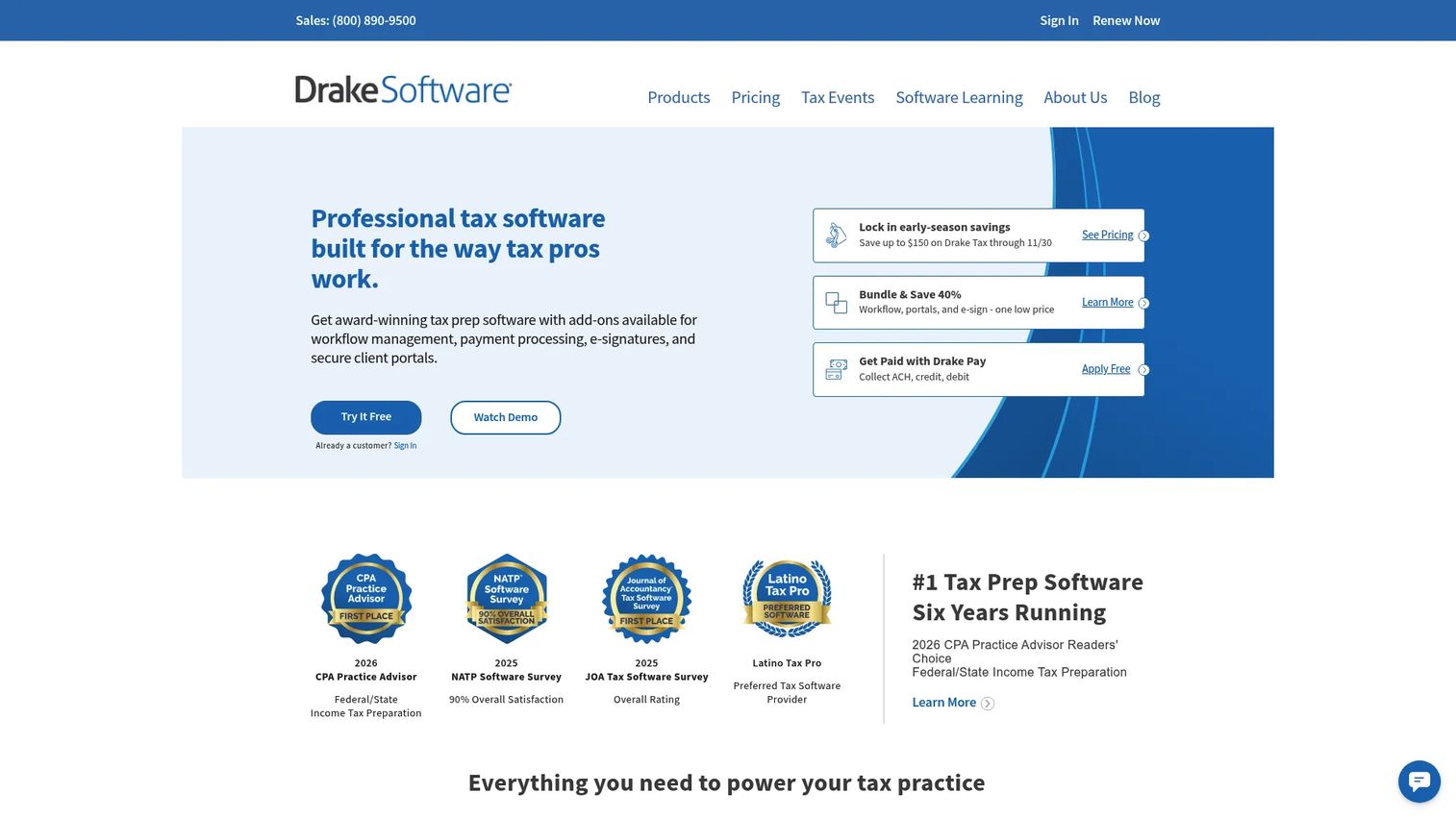
Drake Tax is a professional tax preparation platform built for firms that want fast return prep with built-in accuracy checks, available in both desktop and online versions. It handles federal and state returns, e-filing, and multi-user access with role-based controls, which makes it a practical all-around choice for practices of most sizes. Drake has earned repeat recognition in industry readers' choice awards, and it processes a large volume of federal and state returns each season.
Best for: Professional tax firms that want a single platform covering individual and business returns with strong workflow and collaboration tools.
Key strengths
- Fast prep with accuracy checks: Built-in diagnostics flag errors before e-file, cutting rework during peak weeks.
- Desktop and cloud options: Drake Tax Online serves remote teams while the desktop package suits firms that prefer local installs.
- Role-based multi-user access: Assign preparer, reviewer, and admin roles so a multi-preparer office stays coordinated.
Why choose Drake Tax: Drake earns its reputation as a complete practice platform. You get return prep, e-filing, portals, and e-signature under one annual license without stitching together separate tools. For a firm that wants predictable pricing and a workflow that scales from a solo EA to a multi-preparer office, Drake covers the full season without gaps.
Drake Tax pricing: Drake Tax Online starts at $299.99 for tax year 2026, and the Pay-Per-Return option is listed at $379.99 for the same year. Drake is described as an annual software license, with additional per-return and per-user add-ons available. There is no free tier, but the annual model keeps the per-return cost low for firms filing at volume. Drake holds a 4.6/5 rating on G2.
2. TaxAct Professional
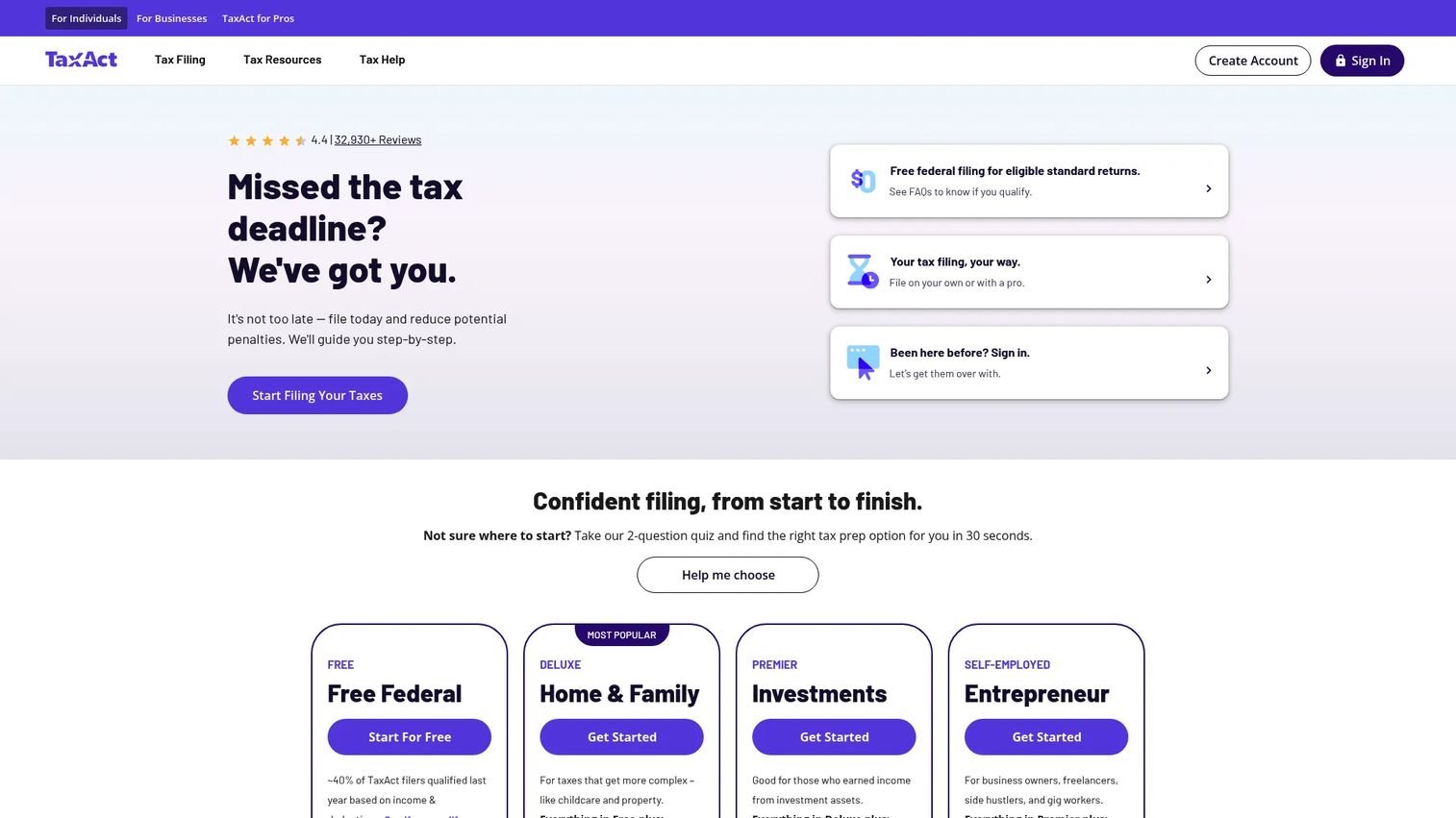
TaxAct Professional is professional tax preparation software for firms handling individual and business returns, with pricing built around flexibility. It supports 1040, 1065, 1120, 1120S, 1041, and 990 returns, includes a document manager and cloud data storage on select plans, and offers client portals and eSignature. The pay-per-return entry point makes it approachable for value-focused preparers who do not want to commit to a large annual bundle up front.
Best for: Tax preparers and CPA firms that need flexible pricing across 1040 and business returns without an unlimited commitment.
Key strengths
- Flexible pricing tiers: Choose pay-per-return, low-volume bundles, or unlimited bundles depending on your return count.
- Broad forms coverage: Prepare individual, partnership, corporate, trust, and nonprofit returns from one platform.
- Client portals and eSignature: Collect documents and signatures remotely to speed up intake and delivery.
Why choose TaxAct Professional: The appeal is control over cost. A seasonal preparer can start on pay-per-return and only pay for returns actually filed, while a growing firm can move up to a bundle as volume climbs. The document manager and cloud storage on select plans add collaboration without forcing a full ecosystem migration.
TaxAct Professional pricing: Public pricing starts at $169.99 per year for the 1040 Pay-Per-Return plan and $279.99 per year for Business Pay-Per-Return. Bundles scale up: the 1040 Twenty Bundle is $725 per year, the Business Forty Bundle is $1,095 per year, and the Complete Bundle runs $2,275 per year, with single-user and multi-user enterprise options. TaxAct advertises a free evaluation on its product page. It holds a 5.0/5 rating on G2, though that reflects very limited review volume.
3. Intuit ProConnect Tax
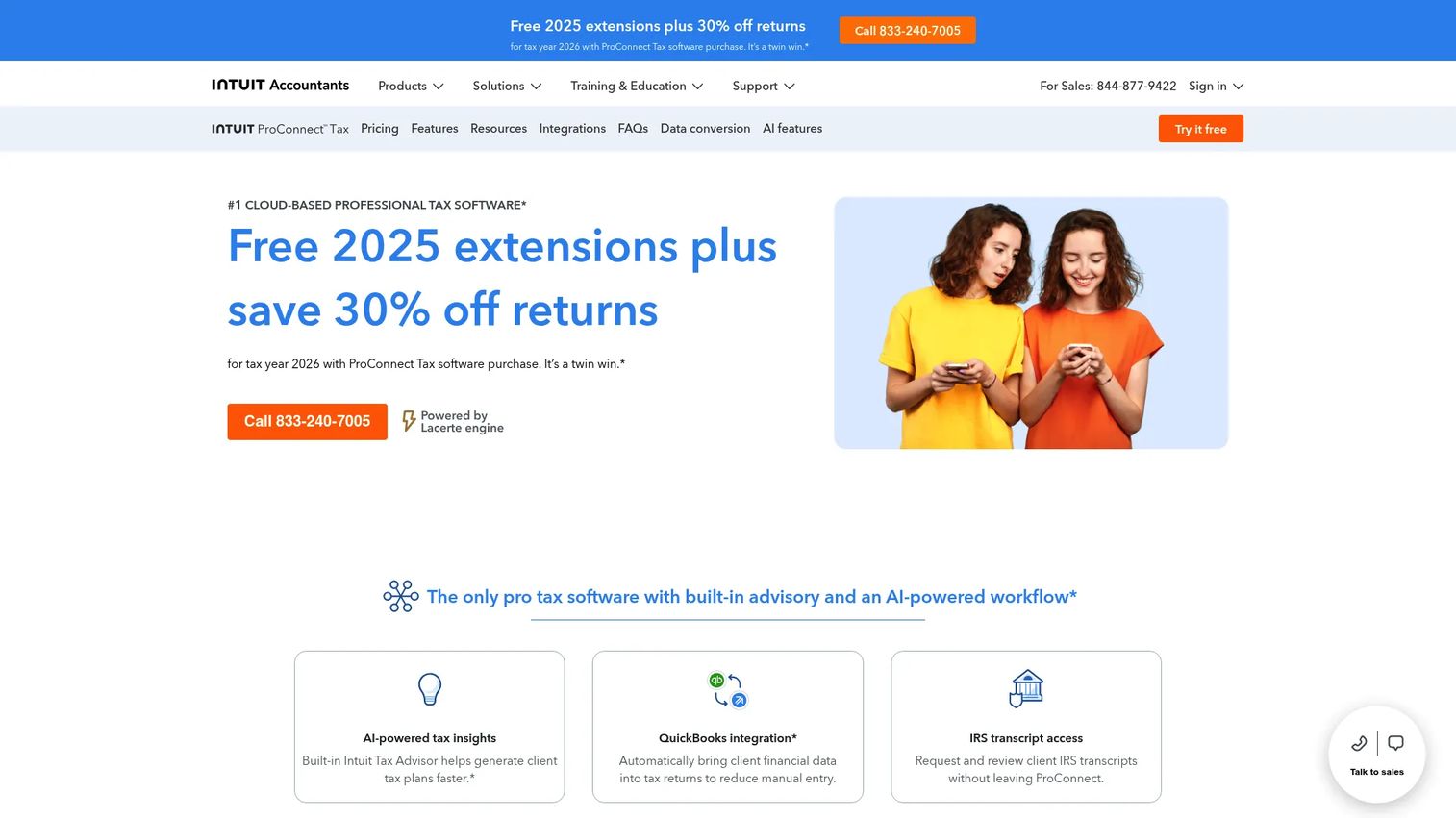
Intuit ProConnect Tax is cloud-based professional tax preparation software for accounting firms that want to prep, review, and file entirely in the browser. It pairs annual bundles with pay-per-return options, includes Intuit Sign for digital signatures, and connects to Intuit Tax Advisor for planning insights. As part of the broader Intuit accountant suite, it fits firms already using QuickBooks and other Intuit tools, giving them integrated workflows across bookkeeping and tax.
Best for: Cloud-first accounting firms and accountants already working inside the Intuit ecosystem.
Key strengths
- Fully cloud-based prep: Access returns from any browser, which suits remote and multi-location teams.
- Intuit Sign e-signatures: Send engagement letters and 8879s for remote signing without leaving the platform.
- Tax planning insights: Intuit Tax Advisor surfaces planning opportunities alongside prep.
Why choose Intuit ProConnect Tax: If your firm already runs on Intuit products, ProConnect keeps client data and workflows connected instead of siloed. The cloud-native model means no local installs, no version conflicts, and easy access for distributed staff. For a firm scaling across offices, that integrated ecosystem reduces the operational overhead of coordinating tools.
Intuit ProConnect Tax pricing: Annual bundles start at $2,478 per year for ProConnect Essentials 50, then step up through Essentials 100 at $3,842, ProConnect Plus at $5,868, and ProConnect Advanced at $8,462 per year. Pay-as-you-go pricing runs $76.97 per individual return and $90.96 per business return. Intuit shows a try-it-free offer plus 2026 promotional pricing for new customers. ProConnect holds a 4.4/5 rating on G2.
4. Intuit Lacerte Tax
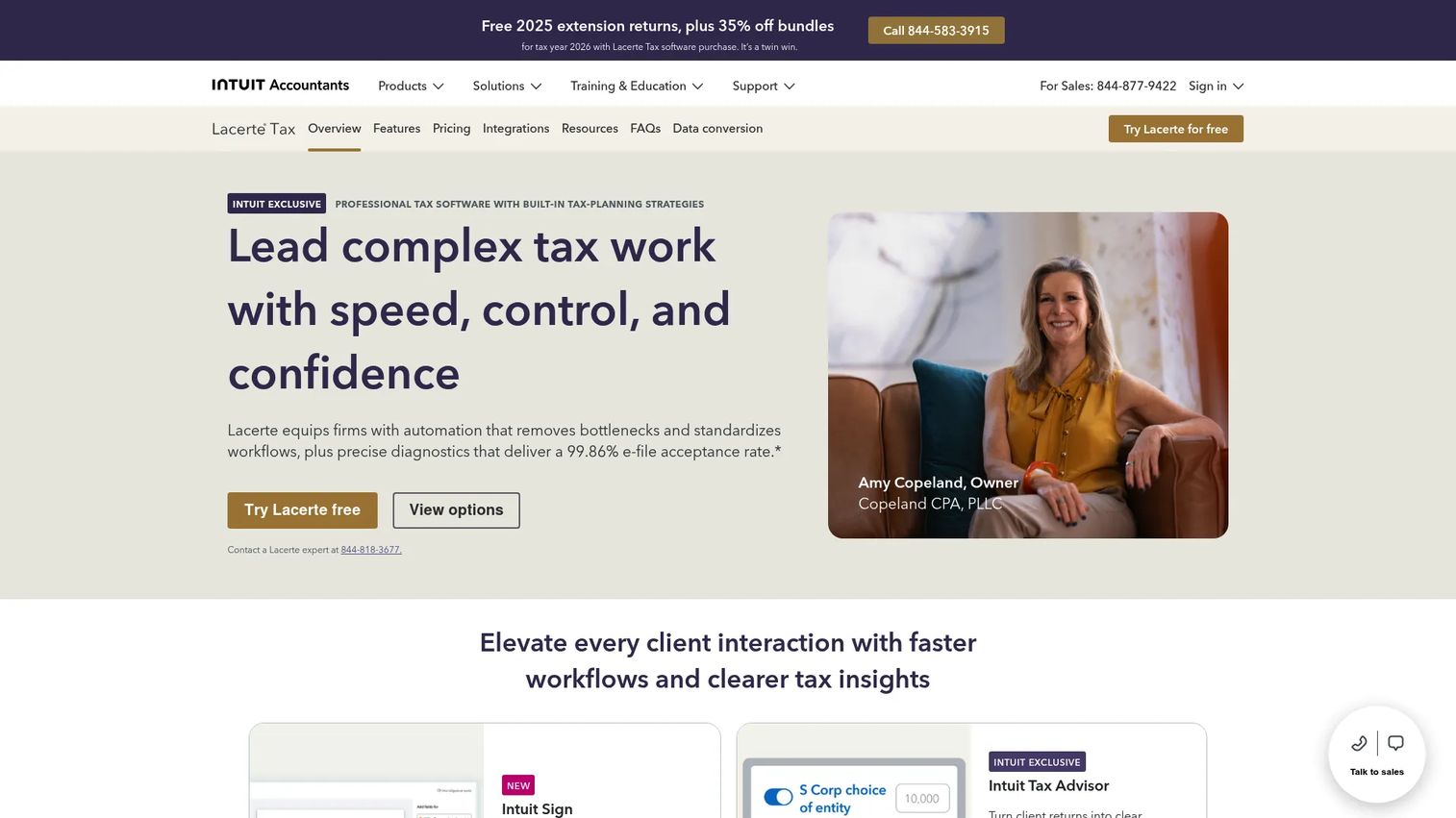
Intuit Lacerte Tax is professional tax preparation software built for accountants handling complex individual and business returns. It centers on deep forms coverage, robust diagnostics, and firm-scale workflow tools, with a hosting add-on available for firms that want desktop power with remote access. Lacerte is positioned for practices whose return mix goes beyond straightforward 1040s into intricate business, estate, and trust work.
Best for: CPA and tax firms that prepare complex returns and want an advanced desktop environment.
Key strengths
- Deep forms coverage: Handles complex individual, business, estate, and gift returns with detailed inputs.
- Robust diagnostics: Extensive error checking supports accuracy on complicated filings.
- Hosting add-on: Run the desktop power of Lacerte with cloud-style remote access when needed.
Why choose Intuit Lacerte Tax: Lacerte differs from cloud-first options by prioritizing depth over browser convenience. Firms that live in complex returns value its granular inputs and diagnostics, and the optional hosting add-on bridges desktop capability with remote access. If your practice handles the returns other firms refer out, Lacerte is built for that complexity.
Intuit Lacerte Tax pricing: Lacerte offers a pay-per-return license at $599 per year, with per-return pricing of $105 for individual returns and one state, $148 for business, partnership, estate, trust, and exempt business returns and one state, and $99 for gift tax returns and one state. Hosting add-ons are priced separately. There is no free tier.
5. Intuit ProSeries Tax
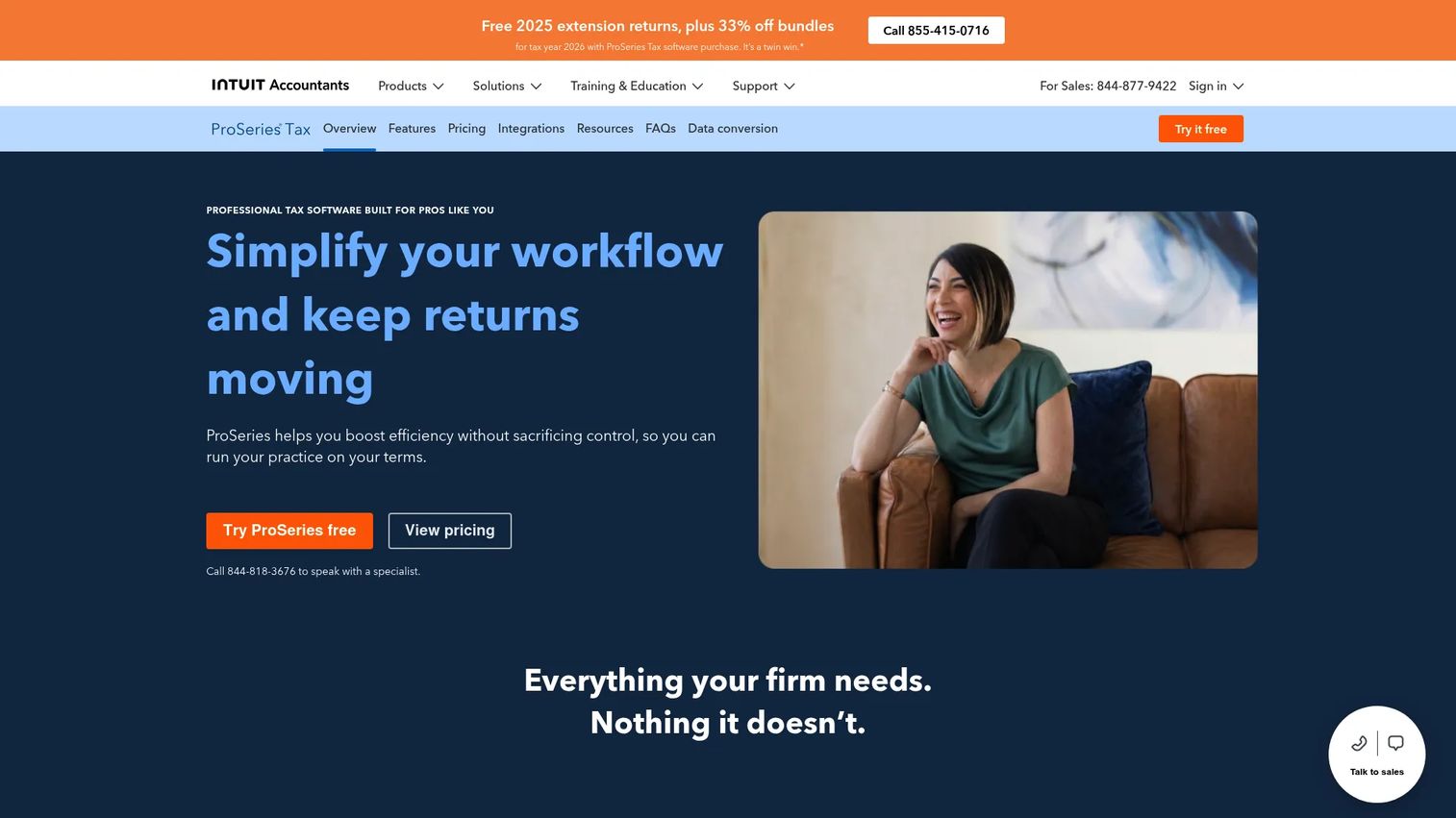
Intuit ProSeries Tax is desktop tax software for professional preparers and firms that value a proven, familiar workflow. It offers unlimited 1040 and state returns on ProSeries Professional, a pay-per-return option for individual and business federal and state returns, and support for digital signatures, knowledge-based authentication, and multi-user access. A hosting option extends the desktop workflow to remote access for firms that need it.
Best for: Tax firms that want a stable, proven desktop workflow with both subscription and pay-per-return paths.
Key strengths
- Unlimited return options: ProSeries Professional includes unlimited 1040 and state returns for high-volume firms.
- Pay-per-return flexibility: Preparers with lower volume can pay per return instead of buying unlimited.
- Digital signatures and KBA: Support for remote signing with knowledge-based authentication built in.
Why choose Intuit ProSeries Tax: ProSeries appeals to firms that already know the desktop workflow and want predictable operations season after season. The choice between unlimited and pay-per-return means you can size the plan to your volume, and multi-user access keeps a multi-preparer office coordinated. For a firm that values stability over reinvention, ProSeries delivers a known quantity.
Intuit ProSeries Tax pricing: Pricing starts at $539 per year for Professional Pay-per-return, $729 per year for ProSeries Basic 1040, and $2,605 per year for ProSeries Professional. The product page also shows additional options such as 1040 Essentials, with some pricing displayed as discounted or request-a-trial. There is no free tier.
6. Pro Tax Pro
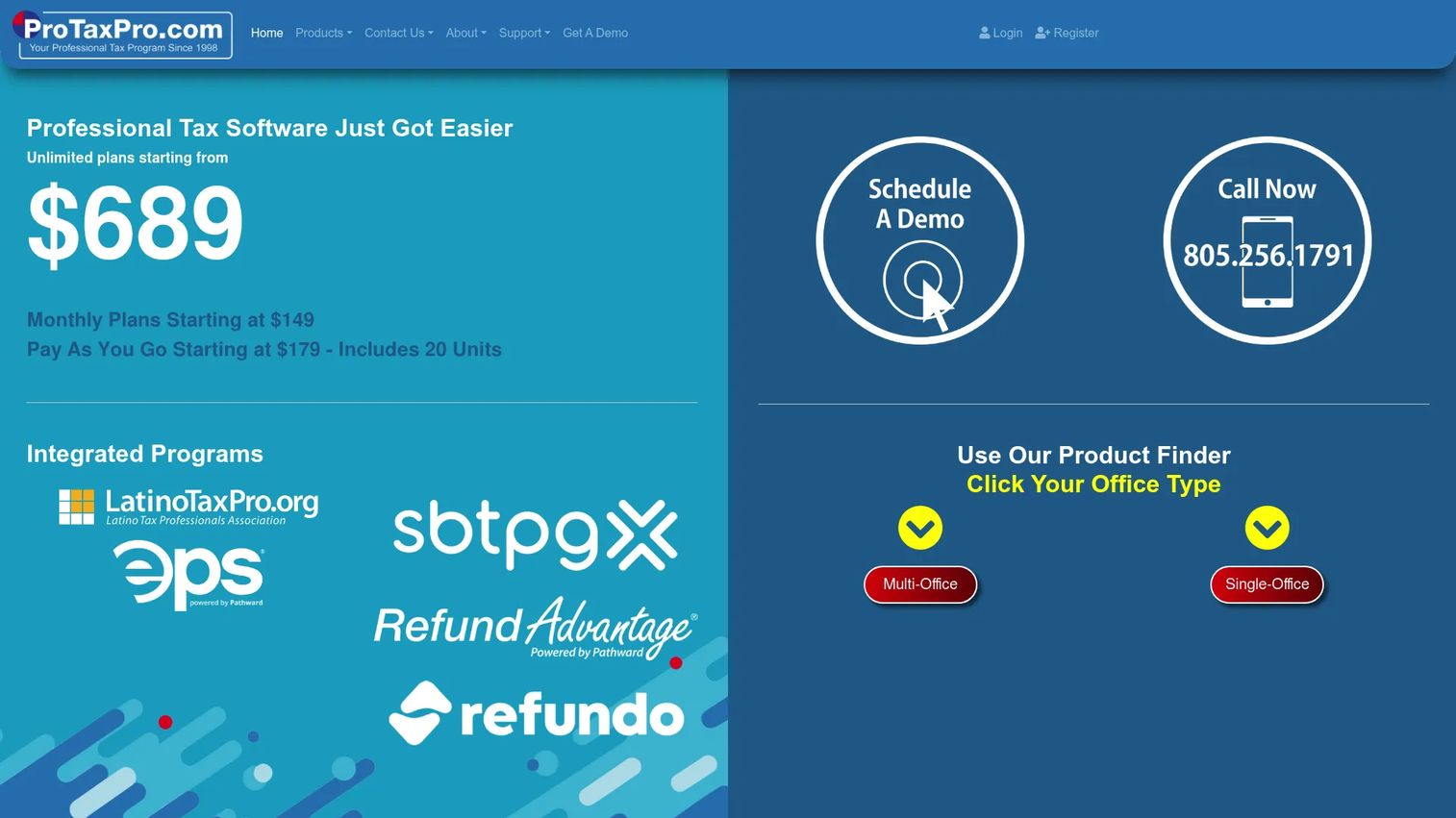
Pro Tax Pro is cloud-based professional tax preparation software aimed at tax professionals and smaller firms that want flexible entry pricing. It runs in the browser and supports federal, state, and city returns, W-2 and 1099 processing, e-file, printing, and e-signature. The pay-per-unit and unlimited pricing options, plus a free trial that includes complimentary return units, make it approachable for cost-sensitive or seasonal preparers.
Best for: Tax pros and small firms that need cloud-based returns with flexible pay-per-return or unlimited pricing.
Key strengths
- Cloud browser access: Prepare returns from any browser without local installs.
- Flexible unit or unlimited pricing: Pay per return unit at low volume or move to unlimited as you grow.
- Broad filing support: Federal, state, city, W-2, 1099, e-file, printing, and e-signature in one place.
Why choose Pro Tax Pro: The draw is low-commitment entry. A new or seasonal preparer can start on pay-per-unit pricing and only pay for returns filed, then step up to an unlimited package once volume justifies it. The free trial with complimentary return units lets a firm test the workflow before spending anything, which matters for cost-conscious practices.
Pro Tax Pro pricing: Pay-per-unit pricing starts at $14.95 per unit for 1 to 10 return units and $12.95 per unit for 11 or more. Pay-as-you-go packages include a 20-unit pack at $179 and a 50-unit pack at $419. Unlimited packages run $689 for Unlimited 1040, $789 for Unlimited W-2 and 1099, and $899 for the Unlimited Developer's Edition. The site states the free trial never expires and includes five complimentary return units.
7. H&R Block Tax Pro

H&R Block Tax Pro is H&R Block's tax professional service for filing with a human tax expert online, in person, or through a virtual review. It centers on assisted preparation rather than standalone firm software, offering in-person, virtual, and drop-off options, plus a Tax Pro Review add-on for DIY online filers who want expert eyes on a return before filing. Upfront pricing is shown before you file, which removes surprises at the end.
Best for: Tax filers who want professional help with flexible online or in-person support from a recognized brand.
Key strengths
- Multiple prep formats: File in person, virtually, or via drop-off depending on client preference.
- Tax Pro Review: DIY online returns get a professional review before submission.
- Upfront pricing: See the price before filing, so there are no end-of-return surprises.
Why choose H&R Block Tax Pro: The value here is a mainstream, recognized brand with human review support. It fits preparers and clients who want the reassurance of a national name and the option to switch between self-service and assisted prep. It leans more toward assisted consumer and small-business filing than toward multi-preparer firm software, so weigh that against your practice model.
H&R Block Tax Pro pricing: Filing with a tax pro starts at $99 plus an additional state fee per return. Tax Pro Review pricing varies based on the DIY product used and the complexity of the return, charged per state filed. H&R Block holds a 4.0/5 rating on G2.
What to evaluate before you buy
Once you have a shortlist, pressure-test each platform against the realities of your practice before you commit for the season.
Pricing model fit
Match the pricing structure to your return volume, not your growth plans. A pay-per-return or pay-per-unit model protects cash for low-volume and seasonal preparers, while an unlimited bundle drops the marginal cost to near zero for high-volume firms. Run the math on your actual filed-return count from last year.
Deployment and access
Decide between cloud, desktop, and hosted before comparing features. Cloud tax software suits remote and multi-office teams that need shared access from any browser. Desktop platforms appeal to firms that prefer local control, and hosting add-ons bridge the two. Your team's working locations should drive this call.
Client collaboration tools
Verify that the client portal, secure document exchange, and e-signature actually reduce your intake burden. Test how clients upload documents, how signatures flow through 8879s and engagement letters, and how returns get delivered. Intake is where most firm hours leak, so this is where collaboration features earn their keep.
Workflow and diagnostics
Check the diagnostics and review workflow with a real return, not a demo file. Accuracy checks that catch errors before e-file save rework during peak weeks. Multi-preparer firms should confirm role-based access, review queues, and status tracking hold up under load.
Support and reliability during peak season
Confirm the vendor's support model and uptime record before February. A platform that lags or drops support in mid-March costs you far more than the license fee. Ask peers in your network how each tool held up during last season's crunch.
Which professional tax software should you choose?
The best professional tax software depends on how your firm operates, not on which brand has the biggest name. For most firms, Drake Tax is the strongest all-around pick, combining fast prep, accuracy checks, portals, and e-signature under a transparent annual license. If you file at low or seasonal volume, TaxAct Professional and Pro Tax Pro let you pay per return and avoid overcommitting. Cloud-first and multi-office teams, especially those already on Intuit, fit Intuit ProConnect Tax. Firms handling complex returns should look hard at Intuit Lacerte Tax, while those wanting a proven desktop workflow will find it in Intuit ProSeries Tax. Preparers who want a mainstream brand with assisted review support have H&R Block Tax Pro.
Your next step is simple. Take your actual filed-return count from last season, decide whether your team needs cloud or desktop access, and shortlist two platforms that match both. Then request a trial or free evaluation and run a real return through each before filing season starts. The tool you test in January beats the tool you regret in March.
FAQs
For small firms, the best fit usually balances low entry cost with the ability to scale. TaxAct Professional and Pro Tax Pro both offer pay-per-return or pay-per-unit pricing that keeps costs down for low volume. Drake Tax is a strong all-around choice when a small firm wants portals, e-signature, and diagnostics in one package.
Intuit ProConnect Tax and Pro Tax Pro are both fully cloud-based, running entirely in the browser without local installs. ProConnect fits firms already in the Intuit ecosystem, while Pro Tax Pro suits smaller or cost-sensitive practices. Firms that prefer desktop power with remote access can add a hosting option to platforms like Lacerte or ProSeries.
CPAs should prioritize broad forms coverage, strong diagnostics, a secure client portal, e-signature, and secure document exchange. Multi-preparer firms also need role-based access and workflow management for review queues and status tracking. Match these against your actual return mix rather than a generic feature list.
Yes, for firms that handle complex returns or prefer local control, desktop tax software remains a strong choice. Platforms like Intuit Lacerte Tax and Intuit ProSeries Tax offer deep forms coverage and proven workflows, and both provide hosting add-ons for remote access when needed. The choice comes down to your return complexity and where your team works.
Pay-per-return charges you for each return you file, which protects cash for low-volume or seasonal preparers. Unlimited pricing is a flat annual fee that drops the marginal cost per return to near zero, which favors high-volume firms. Run the math on your actual filed-return count to find the break-even point between the two.
Most modern platforms include a client portal and e-signature, though the depth varies. Drake Tax, TaxAct Professional, Intuit ProConnect Tax, and Pro Tax Pro all offer some combination of secure document exchange and remote signing. Verify how signatures flow through 8879s and engagement letters before you commit.
Start with pricing model fit against your return volume, then confirm the deployment model matches where your team works. Test the client collaboration and diagnostics with a real return, not a demo file. Finally, confirm the vendor's support and uptime record before peak season, since a lag in mid-March costs far more than the license fee.
Cloud-based platforms tend to serve multi-office practices best because they give distributed teams shared access from any browser. Intuit ProConnect Tax fits firms already on Intuit, and Drake Tax offers both an online option and multi-user, role-based access for coordinating across preparers. Confirm that user roles, review queues, and status tracking scale to your office count before you buy.