Your users no longer sit behind a corporate firewall. They open browsers on home networks, coffee-shop WiFi, and airport lounges, then reach straight into SaaS apps and the open internet. Every one of those sessions is a possible entry point for malware, phishing, and data leakage. The old model of routing everyone back through a data center no longer holds.
That shift is why the secure web gateway market keeps climbing. Research and Markets pegs the global secure web gateway market at USD 18.84 billion in 2026, growing to USD 42.08 billion by 2030 at a 22.3% CAGR. Fortune Business Insights reports that cloud-based deployment already accounts for 61.76% of the market in 2026. Buyers are not asking whether to secure web traffic. They are asking which secure web gateway software fits their deployment model, their compliance posture, and their remote workforce.
The problem is that most articles on this keyword stop at a definition. They tell you what a secure web gateway does, then leave you to figure out which vendor actually matches your stack. If you are a security lead, IT admin, or presales engineer running technical validation, you need a shortlist, not a glossary entry.
That is what this guide is. Nine SWG products, compared on filtering depth, threat protection, DLP support, policy control, and deployment fit. If your work touches security diligence or technical evaluation, you may also find our roundups of the best AI cybersecurity solutions and AI security posture management tools useful as adjacent reading. For teams that need to walk stakeholders through a security product without a live environment, an interactive demo built with Guideflow is a fast way to show policy screens and dashboards during validation.
What's inside
This guide is written for security leaders, IT admins, and presales teams comparing modern secure web gateway solutions. We looked at products that filter web traffic, block threats, enforce acceptable-use policy, and support compliance without turning deployment into a multi-quarter project.
We selected each tool on four criteria: filtering and inspection depth (URL filtering, content control, HTTPS inspection), threat prevention (malware blocking, sandboxing, isolation), data protection (DLP and compliance controls), and deployment fit (cloud-native, proxy-based, or part of a broader SASE architecture). Pricing and G2 ratings reflect verified values where public; where a vendor keeps pricing behind sales, we say so instead of guessing.
TL;DR
- Best for cloud-native enterprise scale: Zscaler Internet Access, built for securing internet and SaaS access for remote and hybrid users.
- Best for orgs already in the Cisco ecosystem: Cisco Umbrella, pairing DNS-layer security with SWG controls.
- Best for a unified SASE control plane: Cloudflare Gateway, with a public free tier and one platform for security and networking.
- Best for browser-based threat isolation: Menlo Security, for high-risk and zero-trust-minded environments.
- Best for policy-heavy web access governance: Check Point URL Filtering, with category, user, and group-level control.
- Best for Fortinet-aligned stacks: Fortinet FortiProxy, a proxy-based SWG with deep inspection and DLP.
What is secure web gateway software?
A secure web gateway (SWG) is web security software that sits between users and the internet, inspecting traffic in real time to enforce policy, filter content, and block web-borne threats before they reach a device.
Think of it as a checkpoint for every outbound web request and inbound response. The SWG evaluates each connection against your rules, then allows, blocks, or logs it. Modern SWG security is delivered from the cloud, on-premises, or as part of a larger secure access service edge (SASE) platform.
The core jobs a secure web gateway handles:
- URL and content filtering: Block or allow sites by category, domain, or reputation.
- Malware and threat prevention: Stop known and unknown web threats, often with sandboxing.
- Application control: Govern access to cloud apps and restrict risky SaaS usage.
- DLP and compliance support: Inspect uploads and downloads to prevent data leakage.
- Request and response inspection: Decrypt and examine HTTPS traffic where policy requires it.
- User, device, and group policy targeting: Apply different rules to different people and machines.
- Remote worker protection: Enforce the same policy whether a user is on-network or working from anywhere.
Persistence Market Research notes that solutions make up over 70% of the secure web gateway market in 2026, and large enterprises account for over 64%. That skew matters when you evaluate: most of these products are built with enterprise-scale policy and reporting in mind.
When to use secure web gateway software
Not every environment needs the same SWG. Here is how to pattern-match your situation before you scan the list.
Protect remote and hybrid workers
When your workforce connects from anywhere, you lose the natural chokepoint a corporate network used to provide. A cloud-delivered secure web gateway restores centralized web policy and threat inspection regardless of location. If most of your users are off-network most of the time, prioritize secure web gateway vendors with a strong cloud-native or SASE story over appliance-first designs.
Enforce acceptable use and access policy
When you need to block categories, control specific domains, or restrict cloud app usage, an SWG becomes your policy enforcement layer. This matters most in regulated industries, education, and any org with defined acceptable-use requirements. Look for granular category blocking, user and group targeting, and clear reporting on what was allowed or denied.
Reduce data leakage and malicious browsing risk
When compliance and data protection are on the line, an SWG with DLP inspection and safer browsing controls reduces both accidental leakage and malicious downloads. This is where HTTPS inspection, sandboxing, and browser isolation earn their keep. If your diligence process includes security questionnaires and audits, weight these capabilities heavily.
Comparison table
Here is a compact view of all nine secure web gateway services, sorted roughly by cloud-native relevance and market presence. Use it to narrow the field, then read the individual sections for detail.
| # | Product | Intent | Key differentiation | Pricing | G2 rating |
|---|---|---|---|---|---|
| 1 | Zscaler Internet Access | Cloud-native enterprise SWG | Inline inspection of internet and SaaS traffic via Zero Trust Exchange | Custom (not public) | 4.4/5 |
| 2 | Cisco Umbrella | DNS-layer plus SWG | DNS-layer protection combined with web gateway controls | Free trial; custom | 4.4/5 |
| 3 | Cloudflare Gateway | SWG within SASE | One control plane for security and networking | Free tier; from $7/user/mo | 4.6/5 |
| 4 | Menlo Security | Browser isolation | Secure enterprise browser and cloud browser isolation | Custom (not public) | 4.6/5 |
| 5 | Check Point URL Filtering | Policy-first web control | Category, user, group, and machine-level access control | Custom (not public) | 4.5/5 |
| 6 | Fortinet FortiProxy | Proxy-based SWG | Deep inspection plus DLP with OCR and image analysis | Custom (not public) | 4.4/5 |
| 7 | Forcepoint Web Security | Web threat plus DLP | Web threat protection with data loss prevention | Custom (not public) | 4.2/5 |
| 8 | Symantec Web Security Service | Cloud-delivered SWG | Cloud Secure Web Gateway with threat intelligence and isolation | Buy via partner | Not listed |
| 9 | Prisma Access | SWG inside SASE | SWG combined with ZTNA and FWaaS on one platform | Custom (not public) | 4.3/5 |
A quick note on pricing: most enterprise SWG vendors keep pricing behind a sales conversation, and that is normal for this category. Cloudflare Gateway is the outlier with public, self-serve pricing. Where we could not verify a public figure, we mark it as custom rather than estimate.
1. Zscaler Internet Access

Zscaler Internet Access is a cloud-native secure internet and SaaS access platform that sits at the security service edge. It inspects internet traffic inline, regardless of where a user connects from, and routes every request through the Zscaler Zero Trust Exchange. For enterprises with a large remote and hybrid population, it is one of the most established names in the category.
Best for: Enterprises needing cloud-delivered internet access security for remote and hybrid users at scale.
Key strengths
- Inline traffic inspection: Examines internet and SaaS traffic in real time, so policy applies wherever the user sits.
- Zero Trust Exchange: Routes access through a zero trust architecture rather than backhauling to a data center.
- Layered protection: Combines threat protection, URL filtering, DLP, and sandboxing in one platform.
Why choose Zscaler Internet Access: It fits organizations that have already committed to a cloud-first, zero-trust direction and want internet access security that scales globally. Presales and security teams gravitate to it during mature security conversations because the zero trust story resonates with boards and auditors. If you are backhauling traffic today and want to stop, this is a natural anchor product.
Zscaler Internet Access pricing: Zscaler does not publish price figures on its pricing page. The page lists platform bundles such as the Essentials Platform and broader Zscaler Platform tiers, plus add-ons, but no dollar amounts are visible. Expect a sales-led quote based on user count and modules. On G2, Zscaler Internet Access holds a 4.4/5 rating.
2. Cisco Umbrella
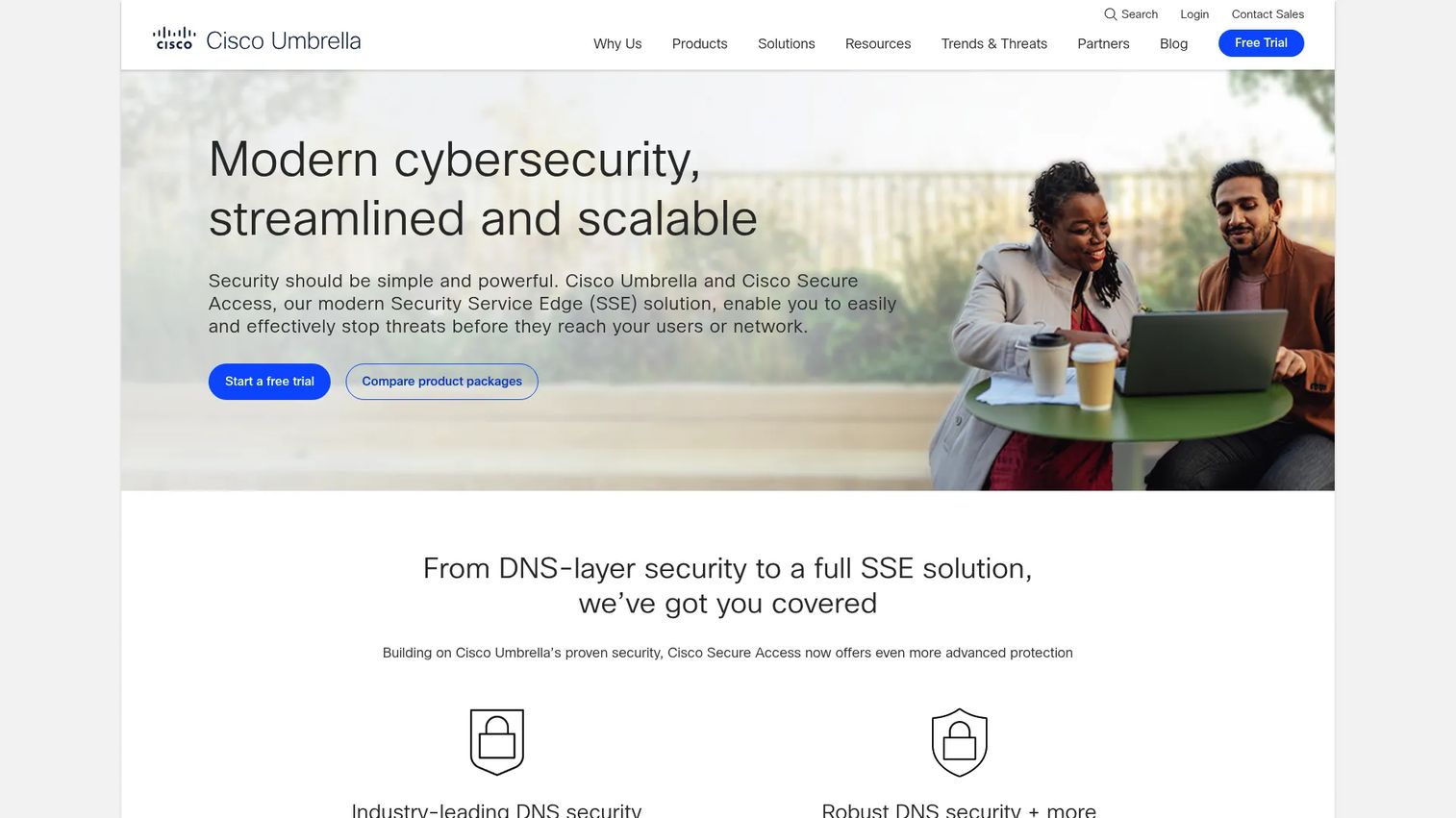
Cisco Umbrella pairs DNS-layer protection with secure web gateway capabilities in a single cloud-delivered service. It blocks threats at the DNS layer before a connection is ever made, then adds web gateway inspection and policy enforcement on top. For teams that want a simpler on-ramp to cloud security, DNS-layer filtering is an easy first control to stand up.
Best for: Organizations wanting cloud-delivered DNS and web security for both on-network and off-network users.
Key strengths
- DNS-layer protection: Stops malicious domains at resolution, reducing load on downstream inspection.
- Secure web gateway features: Adds full web gateway controls for deeper traffic inspection.
- URL filtering and policy enforcement: Applies category and policy rules across on- and off-network users.
Why choose Cisco Umbrella: It is the obvious pick for organizations already invested in Cisco networking and security. The DNS-layer entry point makes it approachable for teams that want protection running quickly, and it scales into broader web gateway coverage as needs grow. That combination makes for a clean cloud-native security and compliance story in enterprise environments.
Cisco Umbrella pricing: Cisco does not display a public price figure on the pages reviewed. Instead, the site offers a free trial and directs buyers to contact sales for a quote. Pricing will depend on the package and user count you need. On G2, Cisco Umbrella holds a 4.4/5 rating.
3. Cloudflare Gateway
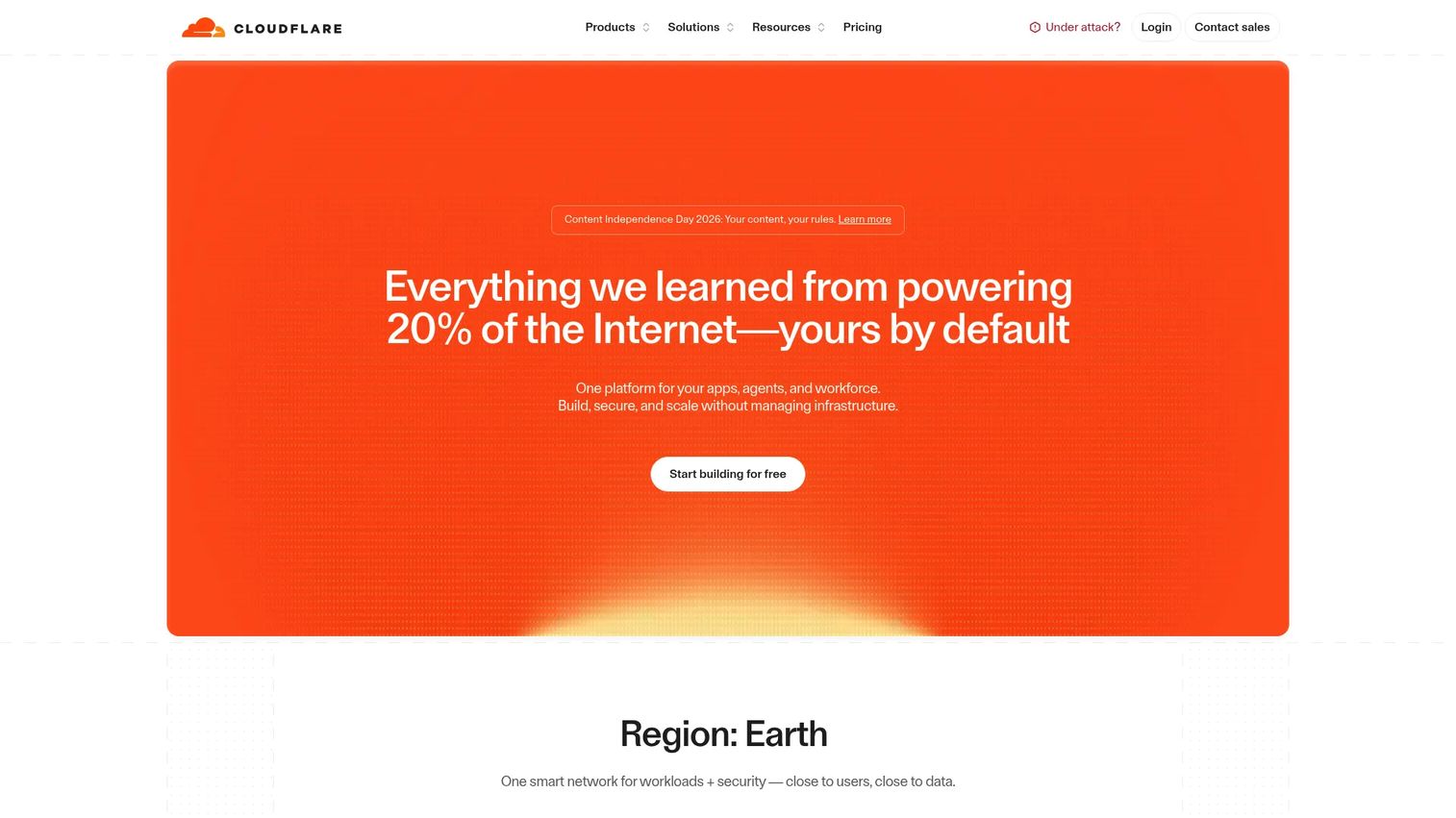
Cloudflare Gateway is Cloudflare's secure web gateway, delivered inside the broader Cloudflare One SASE platform. It handles DNS and HTTP filtering, threat protection, and policy control from one console, so security and networking share a single control plane. For buyers who want to avoid stitching together separate point products, that unified architecture is the draw.
Best for: Teams needing a cloud-native secure web gateway inside a broader SASE stack, with a low-friction starting point.
Key strengths
- DNS and HTTP filtering: Inspects and filters traffic at both the DNS and HTTP layers.
- Threat protection and policy control: Enforces security policy across users and locations from one place.
- Cloudflare One integration: Works natively within Cloudflare's SASE platform for unified security and networking.
Why choose Cloudflare Gateway: It is well suited to teams comparing cloud delivery options who value one platform over many. The public free tier lets smaller teams and proof-of-concept projects start without a sales cycle, which is unusual in this category. As requirements grow, the same platform extends into full SASE without a rip-and-replace.
Cloudflare Gateway pricing: Cloudflare publishes clear pricing. There is a free plan for teams under 50 users or for enterprise proof-of-concept testing, a pay-as-you-go plan at $7 per user per month for teams over 50, and a custom contract tier for full-featured SASE or workspace security. On G2, the Cloudflare One (SASE) listing holds a 4.6/5 rating.
4. Menlo Security
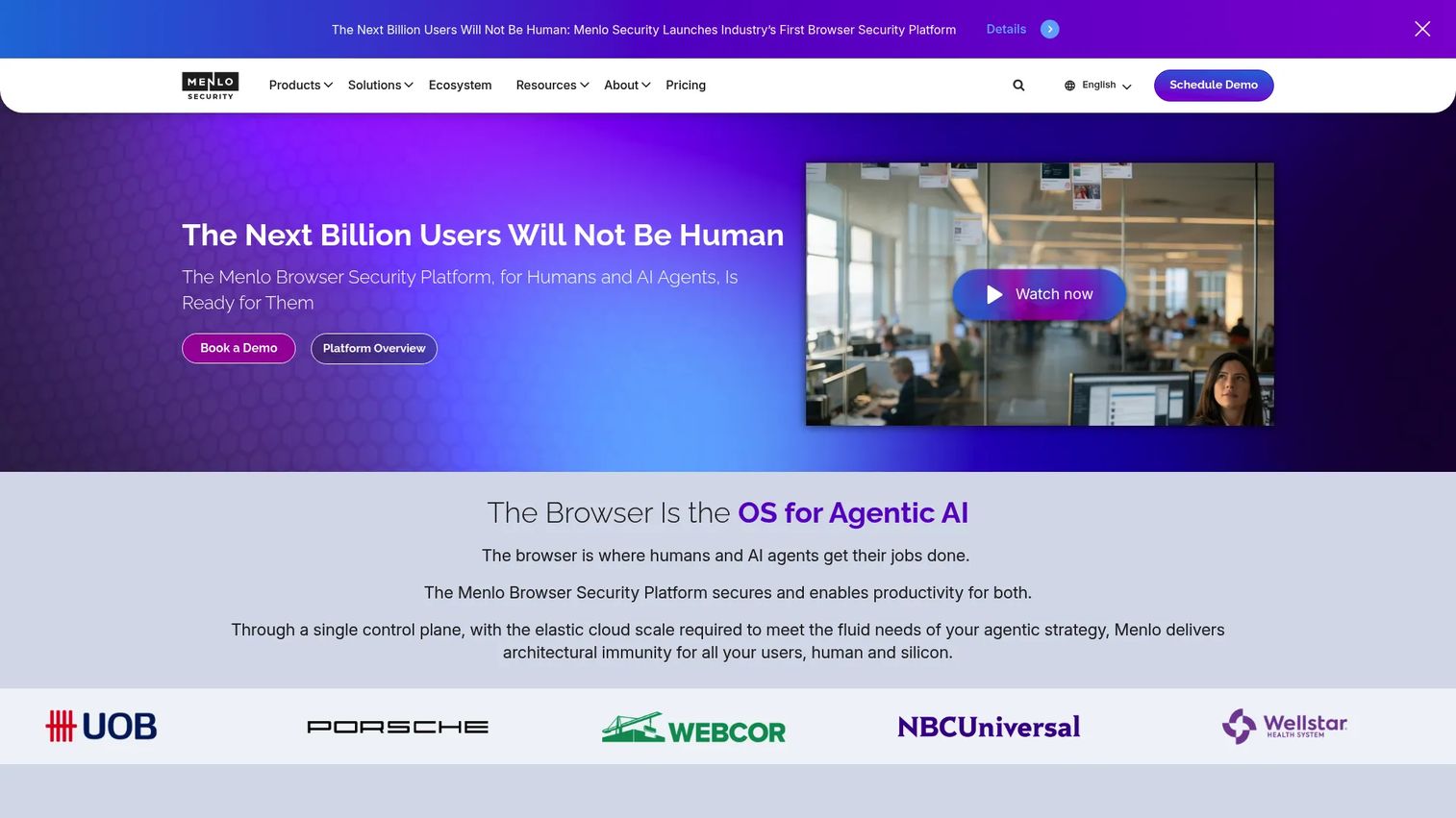
Menlo Security approaches web security from the browser. Its platform centers on isolation, running web sessions away from the endpoint so browser-based threats never touch the device. That makes it a strong fit for high-risk environments and zero-trust-minded buyers who want web threats contained rather than merely detected.
Best for: Enterprises needing browser security and web threat protection in high-risk or highly regulated settings.
Key strengths
- Secure Enterprise Browser: Delivers a hardened browsing experience with security controls built in.
- Cloud browser isolation: Runs sessions in the cloud so malicious content never reaches the endpoint.
- AI-based threat prevention: Uses AI to catch phishing and malware before they land.
Why choose Menlo Security: It is the right call when browser-based attacks are your primary concern and you want isolation as a core control, not an add-on. Security teams evaluating zero-trust browsing patterns find the isolation model compelling because it shrinks the attack surface directly. It pairs well with a broader SWG when you want both traditional filtering and web isolation.
Menlo Security pricing: Menlo does not show a public price on its pricing page. Pricing varies by the products deployed and the number of user licenses, and the site directs visitors to contact sales or use a self-service pricing tool. On G2, Menlo Security holds a 4.6/5 rating.
5. Check Point URL Filtering
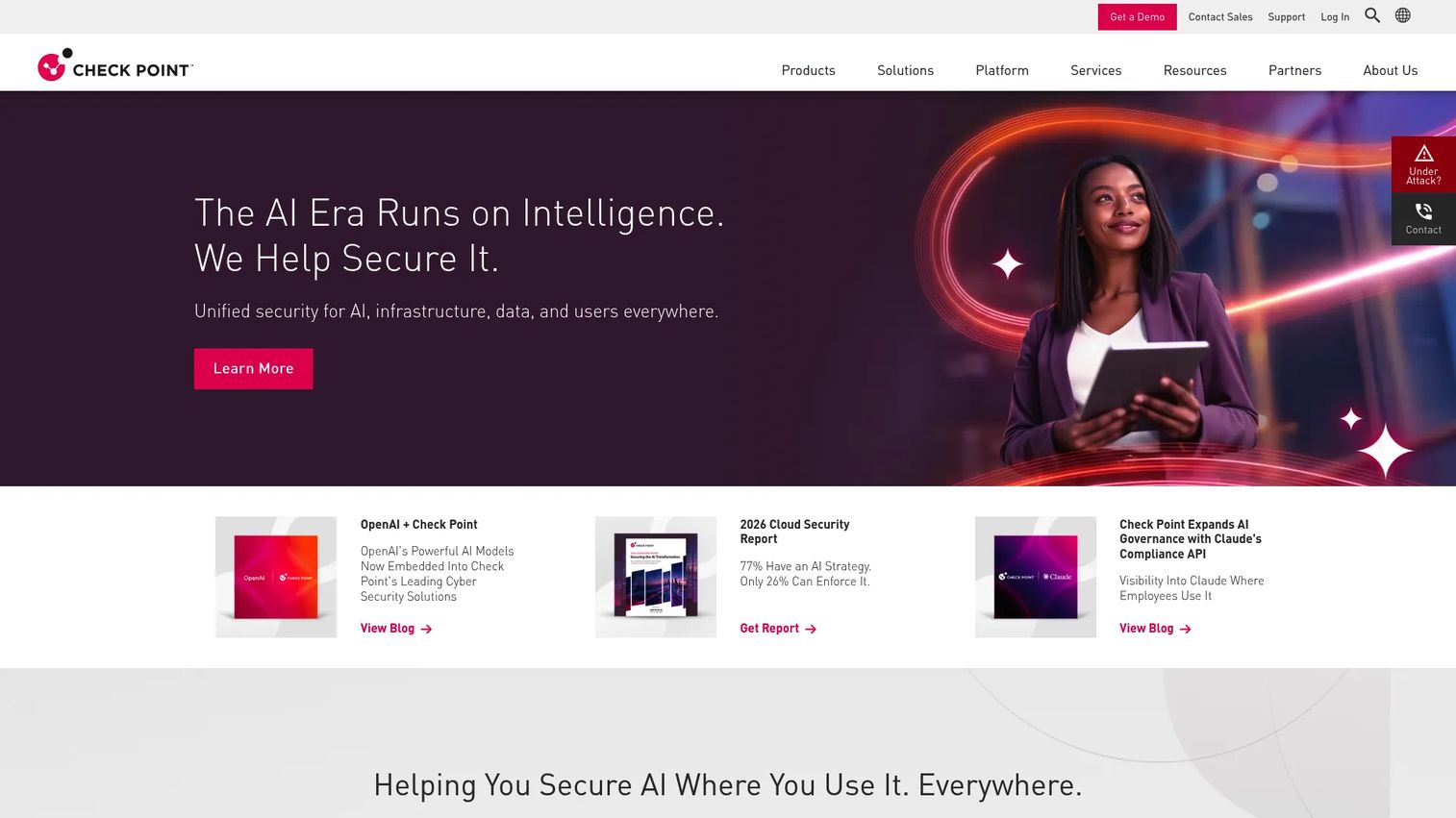
Check Point URL Filtering is a web security product focused on controlling access to websites by category, users, groups, and machines. It is built to block malicious sites and enforce acceptable-use policy at a fine grain. For organizations where web access governance is the main priority, this level of policy control is the centerpiece.
Best for: Enterprises that want policy-based web access control and threat blocking on Check Point security gateways.
Key strengths
- Granular access control: Controls access to millions of websites by category, users, groups, and machines.
- UserCheck technology: Educates users on policy in real time when they hit a blocked or risky site.
- SSL/TLS inspection and reporting: Integrates with Check Point security gateway and SmartEvent for inspection and visibility.
Why choose Check Point URL Filtering: It is the best fit when web access governance drives the decision and you already run Check Point security gateways. The user-level and group-level targeting gives policy-heavy organizations the precision they need, and UserCheck reduces help desk friction by explaining blocks to users directly. That combination suits compliance-conscious teams.
Check Point URL Filtering pricing: Check Point does not display a public price figure on its product page. Pricing is handled through Check Point's sales and partner channels. On G2, Check Point URL Filtering holds a 4.5/5 rating.
6. Fortinet FortiProxy
Fortinet FortiProxy is a proxy-based secure web gateway that protects organizations from web-borne threats through filtering, inspection, and data protection. It brings deep inspection and a broad control set, and it slots naturally into the wider Fortinet security fabric. For teams already running Fortinet, that ecosystem alignment simplifies operations.
Best for: Enterprises needing secure web gateway controls with Fortinet ecosystem integration.
Key strengths
- URL filtering and inspection: Combines URL filtering with SSL and SSH inspection for deep visibility.
- Advanced DLP: Includes data loss prevention with OCR and image analysis to catch sensitive content.
- Application control and CASB: Adds application control, sandboxing, and inline CASB to the gateway.
Why choose Fortinet FortiProxy: It is the natural choice for buyers comfortable standardizing on the Fortinet stack, where FortiProxy shares telemetry and policy with the rest of the fabric. The web and video filtering, DNS security, and threat protection cover the core SWG jobs, while the OCR-based DLP adds a differentiator for content-heavy environments. Fabric integration is the reason most teams pick it.
Fortinet FortiProxy pricing: Fortinet does not publish a public FortiProxy price on its product page, pointing instead to an ordering guide and support resources. Pricing runs through Fortinet's partner and sales channels. On G2, Fortinet FortiProxy holds a 4.4/5 rating from its reviewer base.
7. Forcepoint Web Security
Forcepoint Web Security is secure web gateway software built around web threat protection and data protection. It combines real-time content analysis with DLP on web traffic and monitoring for shadow IT, which makes it a solid fit for compliance-sensitive environments. When centralized governance over web access and data movement is the goal, this is a strong candidate.
Best for: Organizations needing secure web gateway controls for web access and data protection under compliance pressure.
Key strengths
- Web threat protection: Analyzes content in real time to block web-based threats.
- DLP on web traffic: Applies data loss prevention directly to traffic leaving the organization.
- Shadow IT monitoring: Surfaces unsanctioned cloud app usage across the workforce.
Why choose Forcepoint Web Security: It suits security teams that need centralized governance and treat data protection as a first-class requirement, not an afterthought. The pairing of web threat protection with DLP and shadow IT visibility gives compliance-sensitive organizations a single view of risk. If audits and data-handling controls dominate your evaluation, it earns a look.
Forcepoint Web Security pricing: Forcepoint does not publish a public numeric price. The site directs buyers to a pricing request form and a sales conversation. On G2, Forcepoint Web Security holds a 4.2/5 rating.
8. Symantec Web Security Service
Symantec Web Security Service, now offered by Broadcom as Symantec Cloud Secure Web Gateway, is a cloud-delivered secure web gateway for enterprise web access control and threat protection. It carries a long legacy in web security and gives large enterprises a familiar path from on-premises appliances to cloud delivery. For organizations that already know Symantec, that continuity is valuable.
Best for: Large enterprises needing centralized web security and threat control with a legacy-to-cloud transition path.
Key strengths
- Cloud Secure Web Gateway: Delivers web gateway protection from the cloud for distributed users.
- Web content filtering: Applies category control and content filtering across web traffic.
- Threat intelligence and isolation: Layers threat intelligence with web isolation for higher-risk sessions.
Why choose Symantec Web Security Service: It is a natural fit for enterprise buyers with existing Symantec investments who want to move web security to the cloud without abandoning a known platform. The threat intelligence and web isolation capabilities cover both filtering and containment. Continuity of policy and vendor relationship is the main reason teams stay in this ecosystem.
Symantec Web Security Service pricing: Broadcom lists the product as Symantec Cloud Secure Web Gateway and routes purchases through partners rather than public pricing. Expect a partner-led quote. A current G2 rating was not available for this listing at the time of writing.
9. Prisma Access
Prisma Access is Palo Alto Networks' cloud-delivered SASE platform, with secure web gateway capabilities as one component alongside ZTNA and Firewall as a Service. It is built for distributed workforces and enterprise networks that want security and access unified rather than bolted together. When SWG is one piece of a larger access architecture, Prisma Access is designed for exactly that.
Best for: Enterprises needing cloud-delivered secure remote access with web and data protection as part of a SASE strategy.
Key strengths
- Zero Trust Network Access: Provides ZTNA for secure application access.
- Secure Web Gateway: Delivers SWG controls for web traffic inspection and policy.
- Firewall as a Service: Adds FWaaS so network security lives in the same platform.
Why choose Prisma Access: It is the right choice when you are buying into a full SASE architecture and want SWG, ZTNA, and FWaaS from one vendor on one platform. Distributed enterprises benefit from consistent policy across users, apps, and locations. If your strategy is consolidation onto a single access fabric, Prisma Access is built for that ambition rather than for standalone web filtering alone.
Prisma Access pricing: Palo Alto Networks does not publish a public numeric price for Prisma Access; pricing is sales-led and quote-based, and managed deployment options are available. On G2, Prisma Access holds a 4.3/5 rating.
Considerations before you buy
A feature list will not tell you which SWG fits. Run every shortlist candidate through these criteria before you commit.
Deployment model
Decide whether you need cloud-native, on-premises, proxy-based, or full SASE delivery. With cloud-based deployment at 61.76% of the market in 2026 per Fortune Business Insights, most modern buyers lean cloud, but a proxy or appliance model may fit better if you have heavy on-network traffic. Match the model to where your users actually are.
Policy granularity
Check how finely you can target policy. Can you scope rules by user, device, group, and cloud app, not just by category? The more distributed and regulated your org, the more this precision matters for both security and audit reporting.
Compliance and DLP depth
If you operate under regulatory requirements, weight DLP inspection, HTTPS inspection, and reporting heavily. Confirm the product can inspect uploads and downloads, apply content-aware rules, and produce the logs your auditors expect.
Integration with your stack
Verify how the SWG connects to your identity provider, SIEM, endpoint tools, and existing network. A gateway that shares telemetry and policy with the rest of your security fabric reduces operational overhead and blind spots.
Validation and stakeholder alignment
Presales and security teams need to prove fit to multiple stakeholders. Run a proof of concept, document how policy behaves against real traffic, and align IT, security, and compliance on success criteria before signing.
Conclusion
The nine products here cluster into a few clear buying patterns. If you want cloud-native leaders built for remote and hybrid scale, Zscaler Internet Access and Cisco Umbrella lead that group. If a unified SASE control plane matters most, Cloudflare Gateway and Prisma Access give you security and networking on one platform. If your priorities are policy-first governance or browser-based isolation, Check Point URL Filtering and Menlo Security are built for those specific jobs. Fortinet FortiProxy, Forcepoint Web Security, and Symantec Web Security Service each fit teams anchored to their broader ecosystems.
Here is the practical recommendation: start with the tool that best matches your deployment model, not the one with the longest feature list. A cloud-native gateway is wasted on an appliance-heavy network, and a proxy-based product frustrates a fully remote workforce. Pin down where your users are, what compliance demands, and what stack you already run. Then run a proof of concept against real traffic before you sign anything.
FAQs
A secure web gateway is web security software that sits between users and the internet, inspecting traffic in real time to enforce policy, filter web content, and block threats. It combines URL filtering, malware prevention, and policy enforcement so that every web request is evaluated against your rules before it is allowed or denied.
An SWG intercepts outbound web requests and inbound responses, then checks each one against your security and acceptable-use policies. It can decrypt and inspect HTTPS traffic, scan for malware, apply category and domain filtering, and enforce DLP rules. Based on the result, it allows, blocks, or logs the connection.
The main benefits are reduced threat exposure, stronger compliance, and safer browsing for every user regardless of location. By inspecting traffic centrally, an SWG blocks malware and phishing, prevents data leakage through DLP, and enforces consistent policy across on-network and remote workers.
Look for URL and content filtering, malware blocking with sandboxing, application and cloud app control, DLP, HTTPS inspection, and user, device, and group policy targeting. Strong reporting and integration with your identity provider and SIEM are also important for operations and audits.
Start with your deployment model: cloud-native, proxy-based, or full SASE. Then weigh policy granularity, compliance and DLP depth, integration with your existing stack, and user experience. Match the product to where your users actually work and what your auditors require, then validate with a proof of concept. Adjacent research on AI cybersecurity solutions can help frame broader security stack decisions.
A proxy is one delivery mechanism an SWG can use, but the two are not identical. Traditional proxies forward and cache traffic, while modern secure web gateways add threat prevention, DLP, application control, and policy enforcement on top. Many SWGs use a proxy architecture, but the category is defined by its security controls, not the proxy alone.
DLP is a common capability inside a secure web gateway, but it is not the whole category. An SWG applies DLP to web traffic to prevent leakage through uploads and downloads. Dedicated DLP platforms cover a wider surface, including endpoint and email, so an SWG's DLP complements rather than replaces a full data protection strategy.
A secure web gateway secures general web traffic between users and the internet, while a cloud access security broker (CASB) focuses specifically on visibility and control over cloud application usage. They overlap on cloud app control, and many modern platforms bundle both, but the SWG governs broad web access while the CASB governs SaaS-specific policy and data.