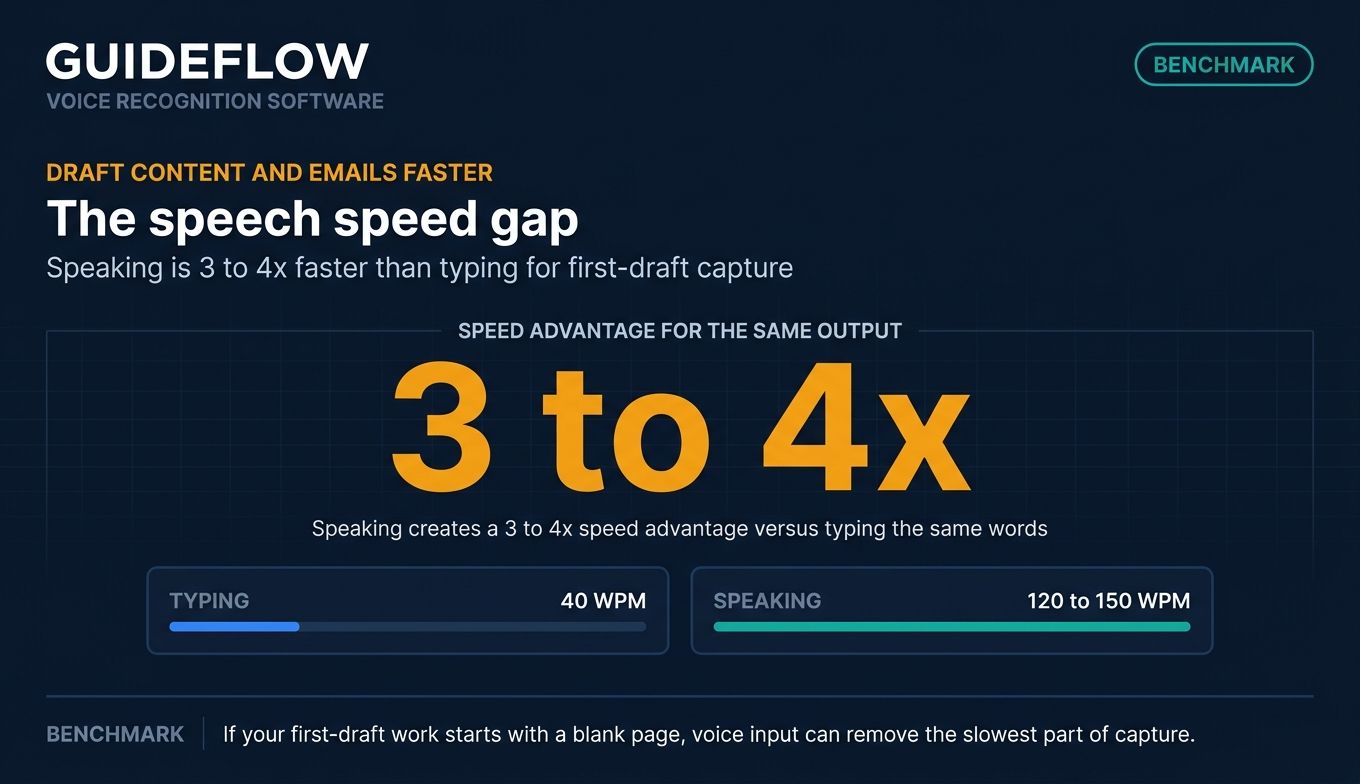
You speak faster than you type. A lot faster. The average person types around 40 words per minute, but speaks at 120 to 150 words per minute, according to Willow Voice's 2026 analysis. That is a 3 to 4x speed advantage for the same output.
Yet most teams still hammer keyboards through interviews, meeting notes, first drafts, and follow-up emails. The bottleneck is not your fingers. It is the tool you are using to capture what you say.
Voice recognition software closes that gap. Modern speech to text software now reaches mid-90% accuracy on clear audio, a level that earlier dictation tools rarely touched. OpenAI Whisper, for example, hits 95 to 98% accuracy on clean English audio per Voicy's 2026 guide. That shift changes the math: dictation went from a frustrating novelty to a daily writing tool.
For a growth marketer or any knowledge worker, the question is simple. Which voice to text program actually works, and which one fits the way you already work? You do not want marketing claims. You want accuracy, speed, platform coverage, and a price that justifies adding one more tool to your stack. If you're a marketer evaluating your toolkit, our roundup of the best growth marketing tools pairs well with adding a dictation tool to your stack.
The market reflects this demand. The global speech and voice recognition market is projected at USD 23.70 billion in 2026, growing to USD 104.05 billion by 2034 at a 20.30% CAGR, per Fortune Business Insights. More tools, more accuracy, more reasons to stop typing.
So which one should you pick? Here is what we found.
What's inside
This guide is for marketers, writers, professionals, and teams choosing a dictation or voice to text tool. We evaluated each pick against four criteria that matter when you are deciding what to buy:
- Accuracy: how cleanly it transcribes real speech, including jargon and accents.
- Speed and latency: how quickly text appears as you talk.
- Platform coverage: Mac, Windows, web, mobile, and whether it works system-wide or in one app.
- Pricing and value: free built-ins versus paid AI tools, and what each one replaces.
Our picks span free built-in options and paid AI tools, so you can match the tool to your budget and your workflow.
TL;DR
Short on time? Here are the decision shortcuts:
- Best built-in free pick: Apple Dictation (Mac/iOS) or Google Docs Voice Typing if you live in Docs.
- Best AI accuracy for cross-app dictation: Wispr Flow.
- Best for professionals, legal, and medical: Dragon by Nuance.
- Best for transcribing meetings and calls: Otter.ai.
- Best for privacy and offline processing: Superwhisper.
- Best for transcribing recorded audio and video at scale: Transkriptor.
Free built-ins handle casual dictation well. Paid AI tools earn their cost when you dictate daily, transcribe meetings, or need specialized vocabulary.
What is voice recognition software?
Voice recognition software (also called speech recognition software, speech to text software, or dictation software) converts spoken language into written text using automatic speech recognition (ASR) models. You speak into a microphone, the software processes your voice, and text appears, often in real time.
The category covers everything from free built-in dictation on your phone to professional-grade dictation programs used in legal and medical work. Most modern voice to text software shares a common set of capabilities:
- Real-time transcription: text appears as you speak, not after.
- Punctuation and formatting: automatic commas, periods, and paragraph breaks.
- Voice commands: control your device or edit text hands-free.
- Custom vocabulary: train the tool on names, acronyms, and industry terms.
- Language support: many tools handle 50 to 100+ languages.
- Offline or local processing: some tools run entirely on your device.
- Integrations: export to docs, sync with meeting tools, push to your stack.
The big change in the last few years is AI. Older ASR software relied on statistical models that struggled with accents and noise. Transformer-based models like OpenAI Whisper now reach 95 to 98% accuracy on clear English audio, with Google Speech-to-Text close behind at 94 to 97% depending on audio quality, per Voicy's 2026 guide. Many of today's dictation apps build directly on these models, which is why accuracy has jumped industry-wide.
For knowledge workers, this matters in practice. Better accuracy means less time correcting transcripts and more time using them. The result is a category that finally delivers on its old promise: talk, and watch usable text appear.
When to use voice recognition software
Voice recognition is not for every task. Here is where it earns its place.
Draft content and emails faster
Speaking is 3 to 4x faster than typing, per Willow Voice's 2026 data. That gap compounds across a workday of emails, blog outlines, and campaign copy. Use a speak to text application to get a messy first draft down, then edit with your keyboard. The point is momentum: capture the idea before you lose it, then refine. If drafting content is a core part of your role, our list of the best content creation software tools covers complementary picks for turning those drafts into finished work.
If you produce demos or product narration as part of content work, AI interactive demo tools can turn spoken explanations into polished AI voiceovers, which pairs naturally with a voice-first workflow.
Transcribe interviews, calls, and meetings
Customer calls, user interviews, and team meetings are full of qualitative input you can mine for messaging. A meeting-focused dictation program captures it automatically, with speaker labels and summaries. Instead of half-listening while you scribble notes, you get a searchable transcript and can stay present in the conversation. For tools built specifically around capturing and organizing meeting content, see our guide to the best AI note-taking tools.
Reduce typing strain and capture ideas on mobile
Long typing sessions take a physical toll. Voice input cuts the strain and also makes capture possible when your hands are busy or you are away from a keyboard. A good dictation app on your phone turns a walk, a commute, or a quick thought into text you can act on later. It is also a genuine accessibility tool for anyone who finds typing difficult.
Comparison table
The table below summarizes all nine picks. Pricing and G2 ratings were verified against vendor pages and live G2 listings as of June 2026. Free built-ins from Apple, Microsoft, and Google do not carry standalone G2 product ratings, so those fields are left open.
| # | Product | Intent | Key use case | Pricing | G2 rating |
|---|---|---|---|---|---|
| 1 | Dragon by Nuance | Professional dictation | Legal, medical, and specialized vocabulary | From $15/mo (mobile); $699 one-time desktop | 3.9/5 |
| 2 | Wispr Flow | AI cross-app dictation | Dictating across many apps | Free; Pro $12/user/mo annual | 4.6/5 |
| 3 | Otter.ai | Meeting transcription | Transcribing calls and meetings | Free; Pro $8.33/user/mo annual | 4.4/5 |
| 4 | Apple Dictation / Voice Control | Built-in dictation | Apple-ecosystem dictation | Free | Not rated |
| 5 | Windows Voice Access | Built-in dictation | System-wide Windows dictation | Free | Not rated |
| 6 | Google Docs Voice Typing | Browser dictation | Dictating in Google Docs | Free | 4.7/5 (Google Docs overall) |
| 7 | Speechnotes | Browser dictation | No-install web dictation | Free; Premium $1.9/mo | Not rated |
| 8 | Superwhisper | Privacy-first dictation | Local, offline Mac dictation | Free; Pro $8.49/mo | 5.0/5 |
| 9 | Transkriptor | File transcription | Transcribing recorded audio/video | From $9.99/mo | 4.7/5 |
The 9 best voice recognition software tools for 2026
1. Dragon by Nuance (Dragon Professional / Dragon Anywhere)

Dragon by Nuance is the long-standing professional standard for speech recognition. It provides dictation, transcription, and documentation workflow automation, with deep custom vocabulary training that makes it a fit for legal, medical, and other specialized fields. Dragon is primarily Windows-centric on desktop, and Dragon Anywhere extends dictation to mobile.
Best for: Professionals and organizations that need Windows-based speech recognition with custom vocabulary and workflow macros.
Key strengths
- Speech-to-text dictation: Create documentation faster by dictating directly into your applications.
- Audio file transcription: Transcribe pre-existing audio recordings, not just live speech.
- Custom commands and auto-text: Build custom voice commands, custom words, and auto-text snippets to automate repetitive documentation.
Why choose Dragon by Nuance: Dragon makes the most sense when accuracy on specialized vocabulary is non-negotiable and you work mostly on Windows. The custom-vocabulary training and macro support reward users who dictate the same complex terms every day. It carries a 3.9/5 rating on G2 from 54 reviews, which reflects both its power and its heavier setup compared to lighter AI apps.
Dragon by Nuance pricing: There is no free tier. Dragon Anywhere Mobile is $15 per month, Dragon Professional Anywhere (cloud) is $55 per month, and Dragon Professional (desktop) is a $699 one-time payment. Pricing is verified from the U.S./Canada Dragon product page as of June 2026.
2. Wispr Flow
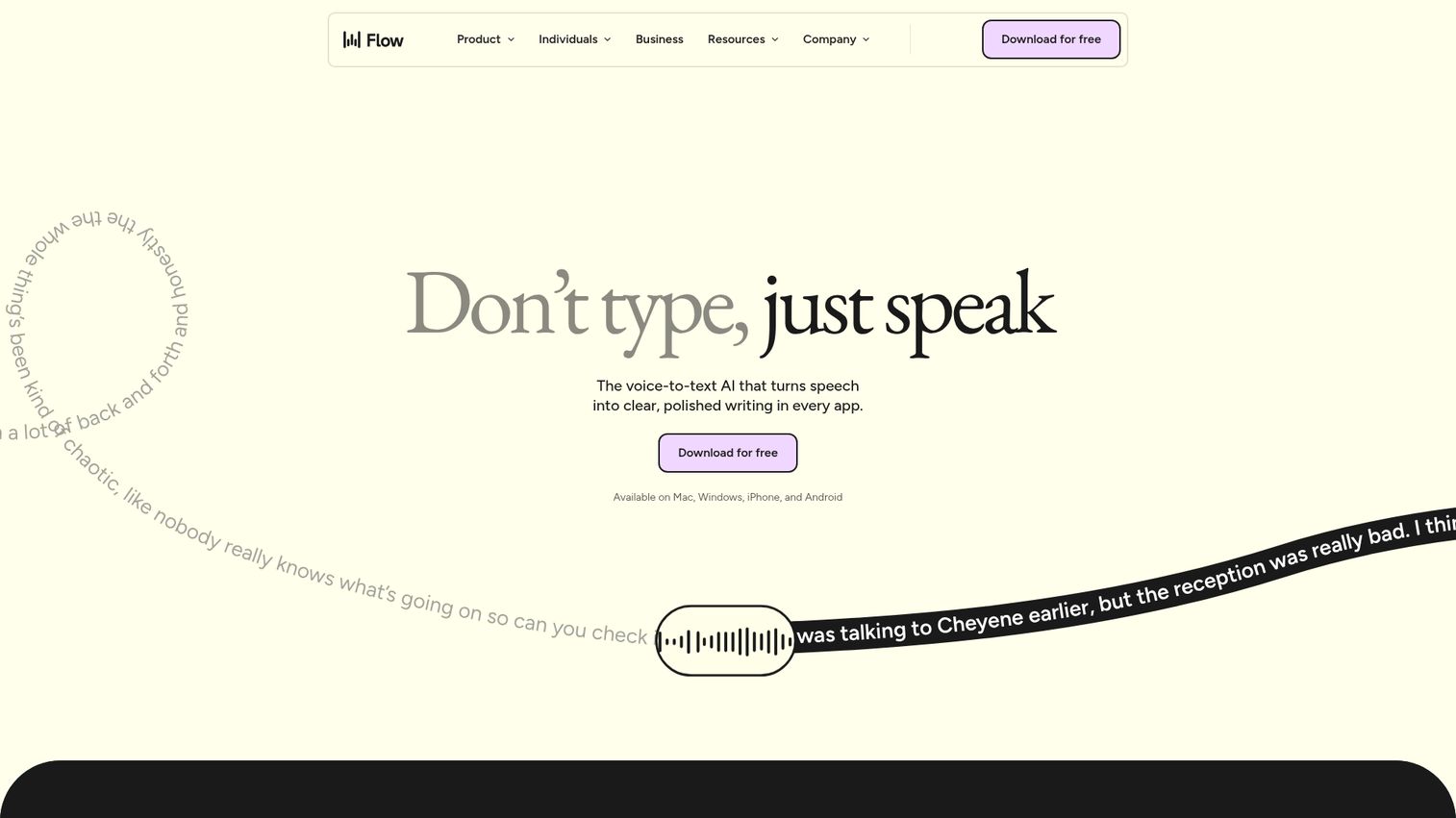
Wispr Flow is a voice-to-text AI app that turns spoken thoughts into polished writing in any app or website. It works across Mac, Windows, iPhone, and Android, and edits while you speak, cleaning up filler words and adding punctuation automatically. For knowledge workers who dictate everywhere, the cross-app coverage is the draw.
Best for: Individuals and teams who want faster cross-app writing through AI voice dictation.
Key strengths
- Dictate in any app: Speak into any text field across Mac, Windows, iPhone, and Android.
- AI editing while you speak: Automatic filler-word cleanup, punctuation, list formatting, and real-time corrections.
- Personal and team customization: Dictionaries, snippets, styles, shared dictionaries, shared snippets, and usage dashboards.
Why choose Wispr Flow: Wispr Flow fits people who write in a dozen different apps and do not want to switch contexts to dictate. The AI cleanup means your spoken thoughts come out as readable text, not a wall of run-on speech. It holds a 4.6/5 rating on G2, one of the higher scores in this list, which signals strong everyday satisfaction.
Wispr Flow pricing: Flow Basic is free with weekly word limits. Flow Pro is $15 per user per month, or $12 per user per month billed annually, and adds unlimited words, Command Mode, and team collaboration. Flow Enterprise is custom-priced and adds SOC 2 Type II, ISO 27001, HIPAA enforcement, and SSO/SAML. Verified from the Wispr Flow pricing page as of June 2026.
3. Otter.ai
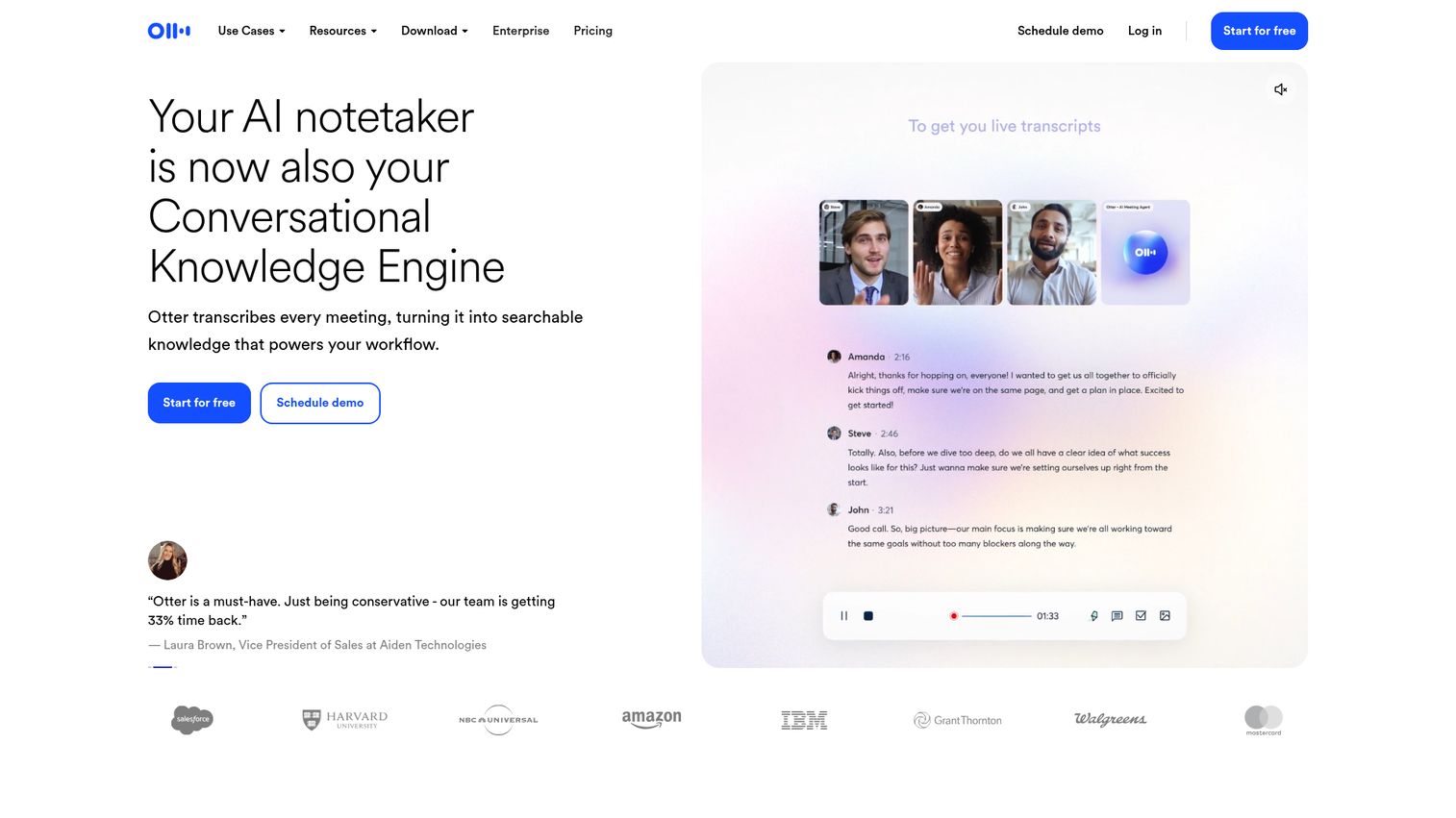
Otter.ai is an AI meeting assistant for recording, transcribing, summarizing, and sharing meeting notes. It records and transcribes Zoom, Google Meet, and Microsoft Teams meetings in real time, identifies speakers, and produces searchable transcripts. For marketers mining customer calls for messaging input, that combination is hard to beat.
Best for: Teams and individuals that need AI-generated transcripts, summaries, and searchable meeting notes.
Key strengths
- Live meeting capture: Automatically records and transcribes Zoom, Google Meet, and Microsoft Teams meetings in real time.
- AI Chat: Ask questions and collaborate directly with your meeting transcripts.
- Automated summaries: Generates meeting summaries with action items and outlines.
Why choose Otter.ai: Otter is the pick when the job is meetings, not solo dictation. Speaker identification and automated summaries turn a one-hour call into a skimmable record you can act on in minutes. It carries a 4.4/5 rating on G2, backed by a large review base, which reflects its position as a default meeting tool for many teams.
Otter.ai pricing: The Basic plan is free forever. Pro is $8.33 per user per month billed annually for individuals and small teams. Business is $19.99 per user per month billed annually for medium teams. Enterprise pricing is demo-based with no public number. Verified from the Otter.ai pricing page as of June 2026.
4. Apple Dictation / Voice Control (with Apple Intelligence)
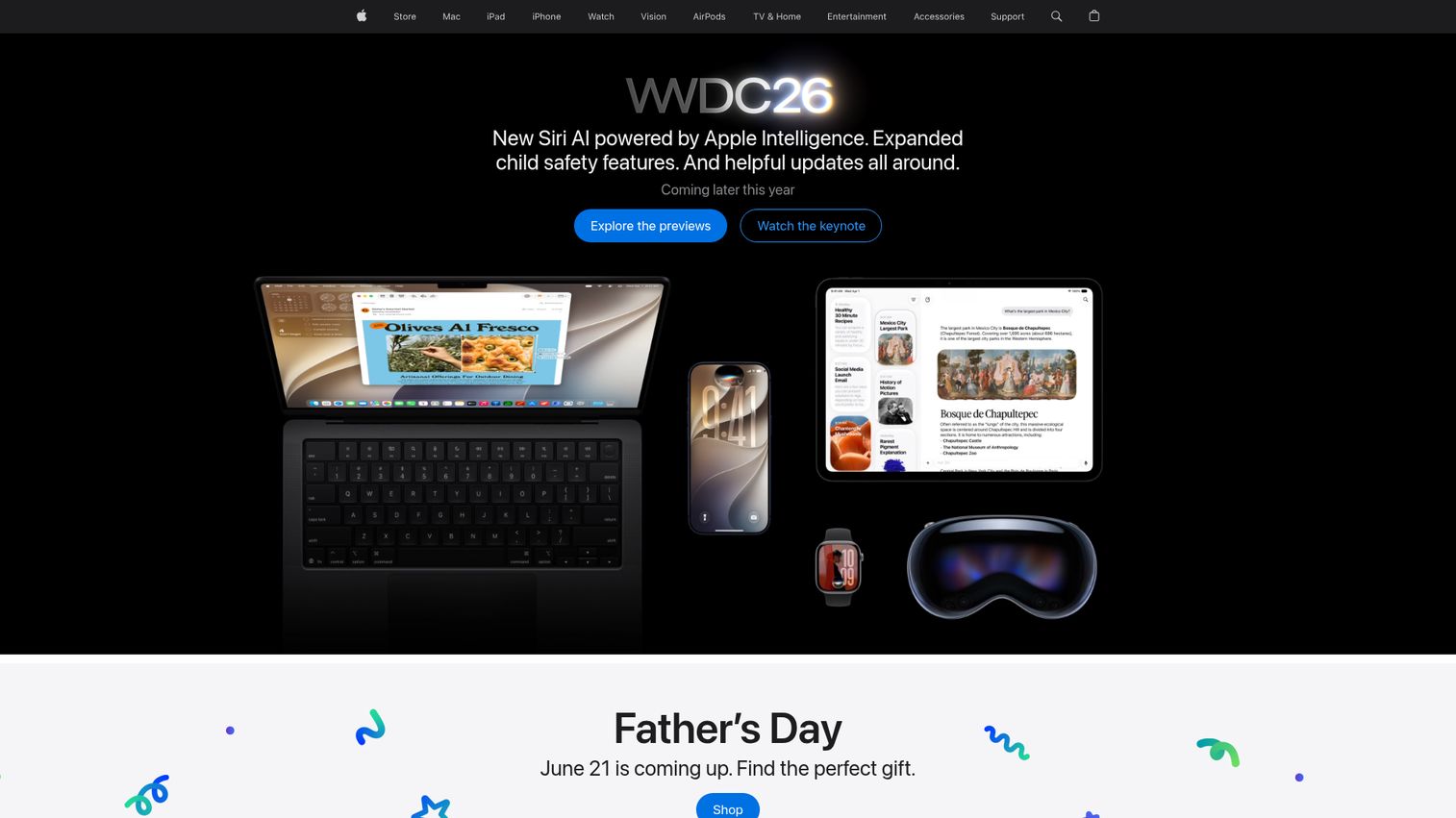
Apple Dictation / Voice Control are built-in Apple features for entering text, editing text, and controlling iPhone, iPad, and Mac by voice. They are free, baked into macOS and iOS, and support on-device processing for many languages. If you already own Apple hardware, you have a capable dictation tool installed right now.
Best for: Apple device users who need built-in voice dictation, text editing, and hands-free device control.
Key strengths
- Voice Control navigation: Navigate and interact with a device using voice commands such as click, swipe, and tap.
- Dictation and editing: Dictate and edit text, including a spelling mode for names, addresses, and custom spellings letter by letter.
- Precise selection tools: Show numbers beside clickable items or overlay a grid for accurate selection, dragging, and zooming.
Why choose Apple Dictation / Voice Control: This is the zero-cost starting point for anyone in the Apple ecosystem. On-device processing keeps your voice data on your machine, and the integration with the OS means dictation works almost everywhere you can type. It trades some advanced professional features for being free and always available.
Apple Dictation / Voice Control pricing: Free. It is built into macOS and iOS at no additional cost, so there is no separate plan to buy.
5. Windows Voice Access / Windows Speech Recognition
Windows Voice Access / Windows Speech Recognition is the built-in Windows option for controlling a PC and authoring text by voice. Voice Access replaced Windows Speech Recognition for Windows 11 22H2 and later starting in September 2024, while WSR remains available on older Windows versions. It is included with Windows, so there is no extra license to buy.
Best for: Windows users, including people with mobility needs, who want hands-free PC control and dictation built into the OS.
Key strengths
- System-wide voice control: Control a Windows PC and author text using voice commands.
- App and web navigation: Open and switch between apps, browse the web, and read and author email by voice.
- On-device recognition: Works without an internet connection after the initial setup.
Why choose Windows Voice Access: This is the free, no-install dictation layer for Windows users. System-wide voice control means you can dictate in nearly any app and navigate the OS hands-free. On-device recognition after setup keeps it usable offline and avoids sending your voice to the cloud for every command.
Windows Voice Access pricing: Free. It ships with Windows 11 as a built-in accessibility feature, so there is no standalone price beyond your Windows license.
6. Google Docs Voice Typing
Google Docs Voice Typing is a built-in Google Docs feature for typing and editing documents with speech in supported browsers. It runs free in Chrome, transcribes in real time, and supports many languages. For writers and teams who draft in Google Docs, it is dictation without leaving the document.
Best for: People and teams who want to dictate, draft, and lightly edit Google Docs documents by voice.
Key strengths
- Voice typing in Docs: Dictate directly into Google Docs documents in real time.
- Voice commands: Use voice commands for editing and formatting your document.
- Punctuation and languages: Punctuation commands plus multi-language voice typing support.
Why choose Google Docs Voice Typing: If your drafting already happens in Google Docs, this removes the friction of a separate dictation app. It is free with a Google account and handles long-form drafting well. The trade-off is that it lives inside Docs, so it is not a system-wide dictation tool for other apps.
Google Docs Voice Typing pricing: Free with a Google account through the personal Google Docs plan. For teams, Google Workspace Business Standard is $12 per user per month on a one-year commitment, or $14.40 per user per month billed monthly. Google Docs holds a 4.7/5 rating on Capterra overall. Verified as of June 2026.
7. Speechnotes
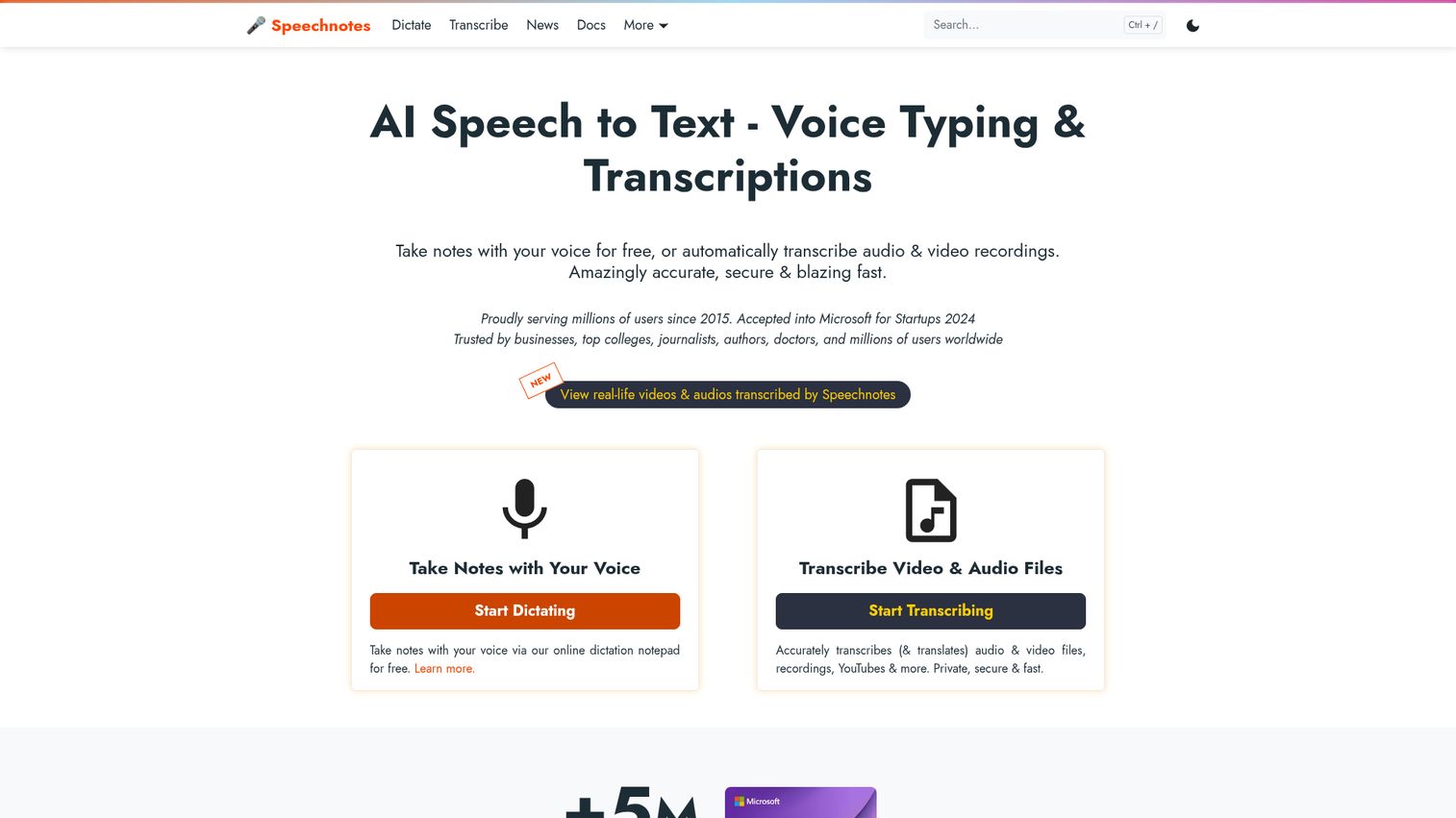
Speechnotes is an online speech-to-text service for voice dictation and automatic audio and video transcription. It runs in the browser with no install, offers a Chrome voice typing extension, and handles long-form dictation with export options. For writers who want a simple web tool, it does the job without setup overhead.
Best for: Individuals and teams needing low-cost browser-based dictation or pay-as-you-go transcription for recordings.
Key strengths
- Online dictation notepad: A browser dictation notepad plus a Chrome voice typing extension.
- Audio and video transcription: Transcription with timestamps and speaker diarization in English.
- Caption export and integrations: Caption export plus REST API, webhooks, and Zapier integration.
Why choose Speechnotes: Speechnotes fits anyone who wants dictation without committing to a desktop app or subscription. The free notepad covers casual long-form dictation, and the pay-as-you-go transcription handles recordings when you need them. The API, webhooks, and Zapier support let you wire it into a larger workflow.
Speechnotes pricing: Dictation Free is $0 per month and includes the notepad and Chrome extension. Dictation Premium is $1.9 per month and removes ads while adding premium tools. Transcription is pay-as-you-go at $0.10 per minute. Verified from the Speechnotes pricing page as of June 2026.
8. Superwhisper
Superwhisper is an AI voice-to-text app for macOS, Windows, and iOS that turns spoken input into polished text across apps. It is Whisper-powered, supports local and cloud AI models, and processes audio on-device for privacy. For Mac users who want offline accuracy without sending voice data to the cloud, it is a strong fit.
Best for: Individuals and teams that want system-wide AI dictation with configurable local and cloud speech models.
Key strengths
- Voice to text anywhere: Dictate into any app, system-wide.
- Local and cloud models: Unlimited use of cloud and local AI models, with custom prompt control and BYO API keys.
- Broad language and file support: Support for 100+ languages, plus transcription of audio and video files and meeting recordings.
Why choose Superwhisper: Superwhisper is the privacy-forward pick. Local model support means your audio can stay on your device, which matters for sensitive work. Power users get custom prompts and the option to bring their own AI API keys. It carries a 5.0/5 rating on G2, though from a small review base, so weigh that against your own testing.
Superwhisper pricing: The Free plan is $0 and includes voice to text in any app, meeting transcription, 100+ languages, and unlimited use of small AI models. Pro is $8.49 per month and adds BYO API keys, unlimited cloud and local models, translation to English, and file transcription. Enterprise is custom-priced with SOC 2 Type II and centralized controls. Verified from the Superwhisper homepage as of June 2026.
9. Transkriptor
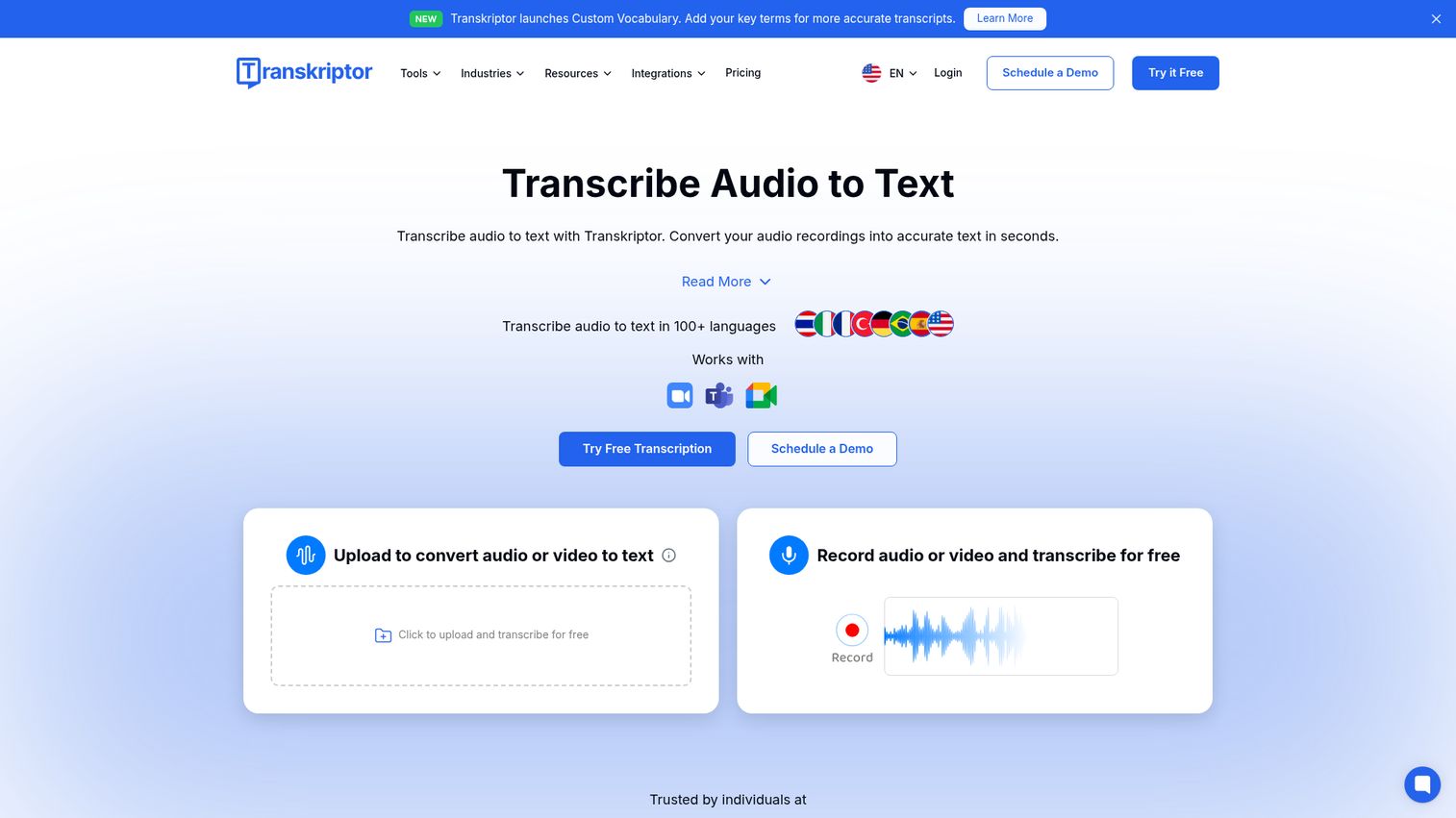
Transkriptor is an AI transcription and meeting assistant for recording, transcribing, summarizing, translating, and analyzing audio, video, and meetings. It handles file uploads and live transcription, supports speaker diarization, and translates across 100+ languages. For teams transcribing recorded content at scale, it is built for the job.
Best for: Teams and professionals who need transcripts, summaries, and searchable knowledge from calls, interviews, lectures, or uploaded media.
Key strengths
- Audio and video transcription: AI transcription with editable transcripts.
- Summaries and AI chat: AI meeting summaries, action items, and AI chat over transcripts.
- Diarization and translation: Speaker diarization, translation in 100+ languages, sentiment analysis, and team collaboration.
Why choose Transkriptor: Transkriptor fits teams whose main job is turning recordings into usable text and insights, not solo dictation. The minute-based plans scale with volume, and the summaries plus AI chat help you act on transcripts without reading every word. It holds a 4.7/5 rating on G2.
Transkriptor pricing: Lite is $9.99 per month with 300 transcription minutes. Pro is $19.99 per month, or $8.33 per month billed annually, with 2,400 minutes plus AI summaries and chat. Team is $30 per month per seat, or $20 per month per seat annually, with 3,000 minutes per seat and advanced analytics. A free tier exists with limited minutes. Verified from the Transkriptor pricing page as of June 2026.
Honorable mentions
A few tools serve niche needs without making the main list. OpenAI Whisper is the open-source engine that powers many apps here, and it is worth knowing if you want to self-host transcription. Rev and Scribie offer human plus automated transcription services when you need higher accuracy than ASR alone. Voice In is a Chrome extension for quick dictation into any browser text field.
How to choose the right voice recognition software
Use this checklist to narrow your shortlist before you commit.
Accuracy on your accent and jargon
Published accuracy figures assume clean audio and common vocabulary. Your accent, your microphone, and your industry terms all affect real results. Test any tool with your actual speech and your real jargon before you decide. A tool that hits 96% in a demo may stumble on your product names.
Platform and app coverage
Decide whether you need dictation in one app or across your whole system. Built-in tools like Apple Dictation and Windows Voice Access work system-wide on their own OS. Cross-platform AI tools like Wispr Flow and Superwhisper run on both Mac and Windows. Match the coverage to where you actually work.
Privacy and offline processing
Ask whether your voice data leaves your device. On-device tools like Apple Dictation and Whisper-based apps like Superwhisper can process locally, which matters for sensitive content. Cloud tools need internet and send audio to a server. If privacy is a hard requirement, prioritize local processing.
Pricing and what it replaces
Free built-ins cover casual dictation at zero cost. Paid AI tools earn their $8 to $20 per month when you dictate daily or transcribe meetings. The consolidation question matters: if a meeting tool replaces both your note-taker and a separate transcription service, the price is easier to justify.
Integrations and team workflows
For teams, look at shared vocabulary, custom dictionaries, snippets, and export formats. Check whether the tool pushes transcripts into the docs, meeting platforms, and automation you already use. The best dictation software for a team reduces handoff friction, not just typing time. If you're building out a broader stack, our best content marketing tools roundup covers tools that slot in alongside dictation software.
How we tested
We evaluated each tool against four consistent criteria rather than marketing claims: accuracy on clear speech, latency between speaking and text appearing, platform coverage, and pricing relative to value. Where vendors or independent guides published accuracy figures, we used those: OpenAI Whisper at 95 to 98% and Google Speech-to-Text at 94 to 97% on clean English audio, per Voicy's 2026 guide.
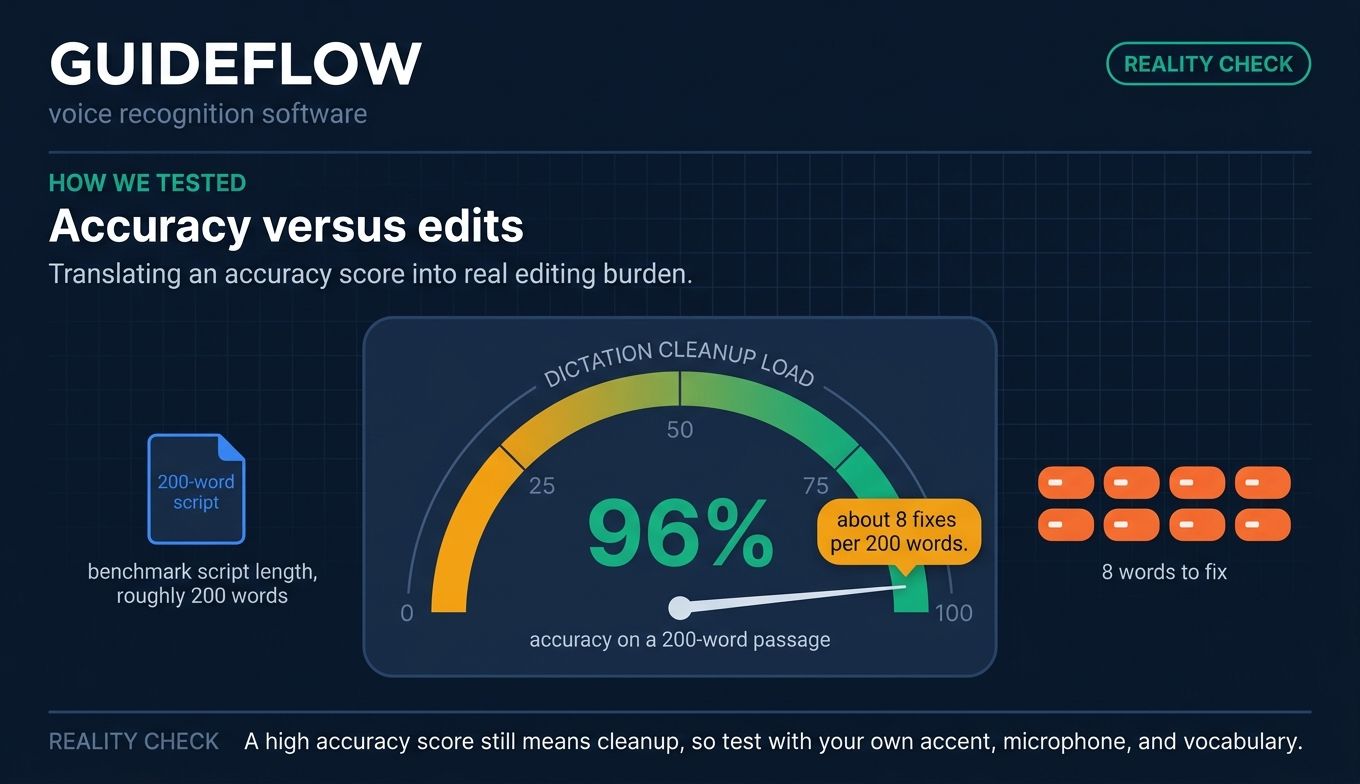
A practical way to benchmark any tool yourself is to read a fixed script of roughly 200 words, then count the errors in the output. A clean run might land around 96% accuracy on a 200-word passage, meaning about eight words to fix. Run the same script through two or three tools to compare them head to head.
We also checked which tools offer offline or on-device processing, since that determines both privacy and whether the tool works without internet. Pricing and G2 ratings were verified against vendor pages and live G2 listings as of June 2026.
The takeaway: published accuracy is a starting point, not a guarantee. Your accent, microphone, and vocabulary shift the numbers. The only test that matters is your own.
Conclusion
The best voice recognition software depends on the job in front of you. For zero-cost dictation, Apple Dictation and Windows Voice Access are already on your machine, and Google Docs Voice Typing covers anyone drafting in Docs. For AI accuracy across every app, Wispr Flow leads with strong cross-platform coverage and a 4.6/5 G2 rating. For specialized professional, legal, or medical work, Dragon by Nuance remains the standard.
For meetings, Otter.ai turns calls into searchable transcripts with summaries. For privacy and offline processing, Superwhisper keeps your audio on your device. For transcribing recorded audio and video at scale, Transkriptor handles volume with minute-based plans.
The next step is simple: shortlist two or three picks that match your platform and budget, then run each one against your own vocabulary for a week. Published accuracy figures are a starting point, but the tool that handles your accent and your jargon best is the one worth paying for. Start with the free built-ins, then upgrade to a paid AI tool only when daily use justifies the cost. And if your content work involves showing software in action, explore how a demo showcase can pair spoken narration with interactive product walkthroughs.
FAQs
It depends on your use case. Dragon by Nuance leads for professional and specialized vocabulary because of its custom-vocabulary training. For general accuracy, AI-native tools like Wispr Flow and Whisper-based apps perform strongly, with Whisper reaching 95 to 98% on clear English audio per Voicy's 2026 guide. Accuracy always depends on your accent, microphone, and vocabulary, so test before you commit.
Yes. Apple Dictation is free and built into macOS and iOS, Windows Voice Access is free in Windows 11, and Google Docs Voice Typing is free with a Google account. There are also freemium web options like Speechnotes, which offers a free browser-based dictation notepad. These cover casual dictation well before you pay for anything.
They are largely synonymous in everyday use, and both rely on automatic speech recognition (ASR). "Voice recognition" sometimes implies voice commands and device control in addition to transcription, while "speech to text software" emphasizes converting spoken words into written text. In practice, most modern dictation apps do both. Pick based on features, not the label.
Some tools do. Apple Dictation supports on-device processing, and Whisper-based apps like Superwhisper can run models locally without internet. Cloud tools like Otter.ai and Transkriptor need a connection because they process audio on a server. Offline processing also has a privacy benefit: your voice data stays on your device.
For cross-platform AI dictation that runs system-wide on both, Wispr Flow and Superwhisper are strong picks. If you prefer free built-ins, use Apple Dictation on Mac and Windows Voice Access on Windows 11. Google Docs Voice Typing works on both through the Chrome browser. Choose based on whether you need system-wide coverage or single-app dictation.
Yes. Otter.ai records and transcribes Zoom, Google Meet, and Microsoft Teams meetings in real time with speaker identification and automated summaries. Transkriptor handles both live and recorded transcription across 100+ languages with speaker diarization. Both integrate with common meeting and collaboration tools, which makes them practical for capturing customer calls and team meetings.
It ranges widely. Free built-ins like Apple Dictation, Windows Voice Access, and Google Docs Voice Typing cost nothing. Paid AI tools typically run $8 to $20 per month, such as Otter.ai Pro at $8.33 per user per month annually or Wispr Flow Pro at $12 per user per month annually. Professional licenses like Dragon Professional desktop run $699 as a one-time payment. Weigh the cost against what each tool replaces in your stack.
Yes. Voicemail-to-text uses the same automatic speech recognition (ASR) technology that powers other speech to text tools. It is a narrower application of the broader category, focused on transcribing recorded phone messages into readable text. The underlying engine is the same kind of model used in general dictation apps.