
Your team closed the quarter strong. Then a deal stalled because nobody sent the follow-up. A support ticket sat untouched for two days. An invoice got approved late because three people thought someone else owned it.
None of that is a talent problem. It is a workflow problem. Repetitive, multi-step work spread across systems that do not talk to each other, with handoffs where momentum quietly dies.
This is exactly where AI agents for business operations earn their place. Unlike a chatbot that summarizes text, an AI agent can observe context, decide the next step, and act across your tools, kicking off a follow-up, routing a ticket, or updating a record without a human babysitting every click. The shift is already happening at scale: 51% of enterprises had AI agents running in production in 2026, with another 23% actively scaling them, according to G2 data summarized by Ringly.io. Gartner expects 40% of enterprise applications to include task-specific agents by 2026, up from under 5% in 2025.
For sales orgs especially, that matters. The relay race from SDR to AE to SE to CS is full of handoffs, and every dropped baton costs pipeline. Agents that tighten follow-up, clean up routing, and cut admin give reps their time back. The same logic applies across finance, HR, IT, and support, which is why the agentic AI platforms category is growing so fast. If you want a sales-specific lens, our roundups of agentic AI tools for sales and best AI sales tools go deeper there. This guide stays broad: 15 agents that hold up across real operational workflows.
What's inside
This is a buyer's guide for operations leaders, RevOps, sales ops, enablement, and the cross-functional teams who actually live with these workflows. It is built for mid-funnel evaluation, when you already know the category exists and you are comparing options on fit, governance, and rollout risk.
We selected platforms based on four things that matter for business operations:
- Real workflow execution, not just chat or summarization
- Integration depth, so the agent can act inside your CRM, support, ERP, or project tools
- Governance and human oversight, including approvals, audit trails, and escalation
- Practical adoption, meaning teams can pilot and scale without a year-long implementation
Use the comparison table to shortlist, then read the individual sections for workflow fit.
TL;DR
- Best for enterprise orchestration across systems: Workato and UiPath both handle complex, cross-app processes with governance built in.
- Best for CRM-native agents: Salesforce Agentforce, with agents wired directly into your customer data and workflows.
- Best for voice automation: Synthflow and Retell AI for inbound and outbound phone workflows at scale.
- Best for Microsoft-centric teams: Microsoft Copilot for daily productivity, Copilot Studio for building governed agents.
- Best for all-in-one work management: ClickUp, where operations and project control live in one workspace.
- Best for cloud-native AI infrastructure: IBM watsonx.ai and Google Vertex AI for teams building and scaling agents themselves.
What an AI agent is and how it works
An AI agent is software that can observe context, decide the next step, and act across tools or systems to complete a goal, not just generate a response. The business value comes from handling multi-step work end to end, not from answering a single question.
Most agents run a simple loop: observe, plan, act. They take in a signal (a new lead, a ticket, an invoice), reason about what should happen next, then use connected tools to carry it out. The better ones remember context across steps, so they can chain actions instead of restarting each time.
What an AI agent is
In plain terms, an agent in artificial intelligence is a system that perceives its environment and takes actions to reach a goal. For business operations, that means four building blocks:
- Memory: retains context across a conversation or a multi-step task, so it does not lose the thread.
- Tools: connects to APIs, CRMs, databases, and apps so it can actually do something, not just talk about it.
- Planning: breaks a goal into ordered steps and adjusts when inputs change.
- Action: executes those steps, updating records, sending messages, routing work, or triggering downstream processes.
That is what separates artificial intelligence agents from a chat window. Chat answers. Agents act.
How AI agents differ from RPA and rule-based automation
Rule-based automation and classic RPA follow predefined paths. If input A appears, do step B. That works beautifully for stable, repetitive tasks with no surprises. The moment an input falls outside the script, the bot stops.
AI agents handle variable inputs, ambiguous requests, and decision points. They can interpret a messy email, choose the right action, and use multiple tools to finish the job. Here is the practical contrast, framed around what each is best for.
| Approach | Best for | How it handles exceptions |
|---|---|---|
| Rule-based automation | High-volume, identical tasks with fixed inputs | Stops or errors out |
| Classic RPA | Structured, screen-based processes across legacy apps | Needs a new rule for each variation |
| AI agents | Variable inputs, judgment calls, multi-tool orchestration | Reasons through the exception or escalates |
The smartest enterprise setups now pair both. RPA handles the deterministic steps, agents handle the variable ones, and an orchestration layer ties them together. If governance is your priority, our guide to AI governance tools covers the controls that make this safe.
The main types of AI agents
Not every agent does the same job. A useful taxonomy maps to four roles:
- Taskers: handle a single, well-scoped job. Example: an agent that drafts a meeting prep brief before every call.
- Automators: run a repeatable workflow end to end. Example: qualifying inbound leads and booking the meeting.
- Collaborators: work alongside a person, suggesting and executing inside a shared workflow. Example: a support agent that drafts ticket replies for an agent to approve.
- Orchestrators: coordinate multiple agents and systems across a process. Example: routing a deal from signed contract through provisioning, billing, and onboarding.
Map your workflow to one of these before you shop. Most ops teams start with a tasker or automator, then graduate to orchestration as trust builds.
When to use AI agents in business operations
Using AI to enhance business operations works best when the workflow has repeatable volume, clear decision points, and a measurable outcome. Here is where agents tend to pay off fastest.
Customer service and support
Support queues are full of repeat questions and predictable routing. Agents triage incoming tickets, route them to the right queue, draft responses, and handle simple self-serve requests, then follow up to confirm resolution.
Before: a customer waits hours for a first reply, then gets bounced between teams. After: the agent acknowledges instantly, routes correctly, and resolves tier-one issues, escalating anything complex to a human with full context attached. The goal is a hybrid model, faster response and cleaner handoffs, not full replacement. For a deeper look, see our roundup of AI customer service software.
Sales and marketing operations
This is where sales teams feel the pain most directly. Leads go cold because follow-up slips. Account research eats hours before every call. Handoffs between SDR and AE lose context.
Agents close those gaps: instant lead follow-up, account enrichment before a meeting, automated meeting prep, and next-step coordination so deals do not stall in the cracks between roles. Fewer stalls, fewer dropped batons, more time selling. Our best AI sales assistant software guide is worth a read if this is your primary use case.
Finance, HR, IT, and supply chain
Operational workflows beyond the front office benefit just as much:
- Finance: invoice matching, approval routing, expense triage, and exception flagging.
- HR: employee service requests, onboarding task coordination, and policy Q&A.
- IT: ticket triage, access requests, and tier-one troubleshooting.
- Supply chain: inventory checks, procurement task handling, and logistics coordination.
The common thread: high volume, clear rules with occasional exceptions, and a clean escalation path when judgment is required.
Comparison table
A quick scan of all 15 platforms by intent, differentiation, pricing, and rating. Pricing reflects publicly listed starting points at time of writing; verify current figures with each vendor before you commit.
| # | Product | Intent | Key differentiation | Pricing | G2 rating |
|---|---|---|---|---|---|
| 1 | Microsoft Copilot | Productivity assistant | Embedded across Microsoft 365 apps | From $18/user/mo (annual) | 4.4/5 |
| 2 | Synthflow | Voice agents | No-code inbound/outbound call automation | Free tier; Enterprise from $30K/yr | 4.5/5 |
| 3 | Podium | Customer comms | Omnichannel inbox and lead conversion | Custom quote | 4.5/5 |
| 4 | ClickUp | Work management | AI inside an all-in-one workspace | Free; paid from $7/user/mo | 4.7/5 |
| 5 | Retell AI | Voice agents | Real-time, lifelike call handling | $0.07–$0.31/min | 4.8/5 |
| 6 | Sobot Omnichannel Suite | Support routing | Unified chat, voice, email, WhatsApp | Free trial; custom | 4.9/5 |
| 7 | Salesforce Agentforce | CRM-native agents | Agents wired to Salesforce data | Free tier; usage and per-user | 4.3/5 |
| 8 | UiPath | Process orchestration | Agentic automation plus RPA | From $25/mo | 4.6/5 |
| 9 | Lindy | Autonomous assistant | Email, scheduling, follow-up automation | From $49.99/mo | 4.9/5 |
| 10 | IBM watsonx.ai | AI platform | Build and govern enterprise AI and agents | Free; paid from pay-as-you-go | 4.4/5 |
| 11 | CloseBot | Conversational agents | Lead qualification and booking | Free tier available | 4.8/5 |
| 12 | Postman | API workflows | Developer-friendly agent orchestration | Free; paid from $9/mo | 4.6/5 |
| 13 | Microsoft Copilot Studio | Agent builder | Low-code agents in Microsoft ecosystem | From $0.01/credit | 4.4/5 |
| 14 | Workato | Orchestration | Cross-system workflow automation | Free; Pro from $100/mo | High performer |
| 15 | Google Vertex AI | AI platform | Build and scale agents on Google Cloud | Usage-based; free tier | 4.3/5 |
Best AI agents for business operations in 2026
Each entry below ties to a real operational workflow, with strengths, ideal users, and pricing context. Read them against the use case you mapped earlier.
1. Microsoft Copilot
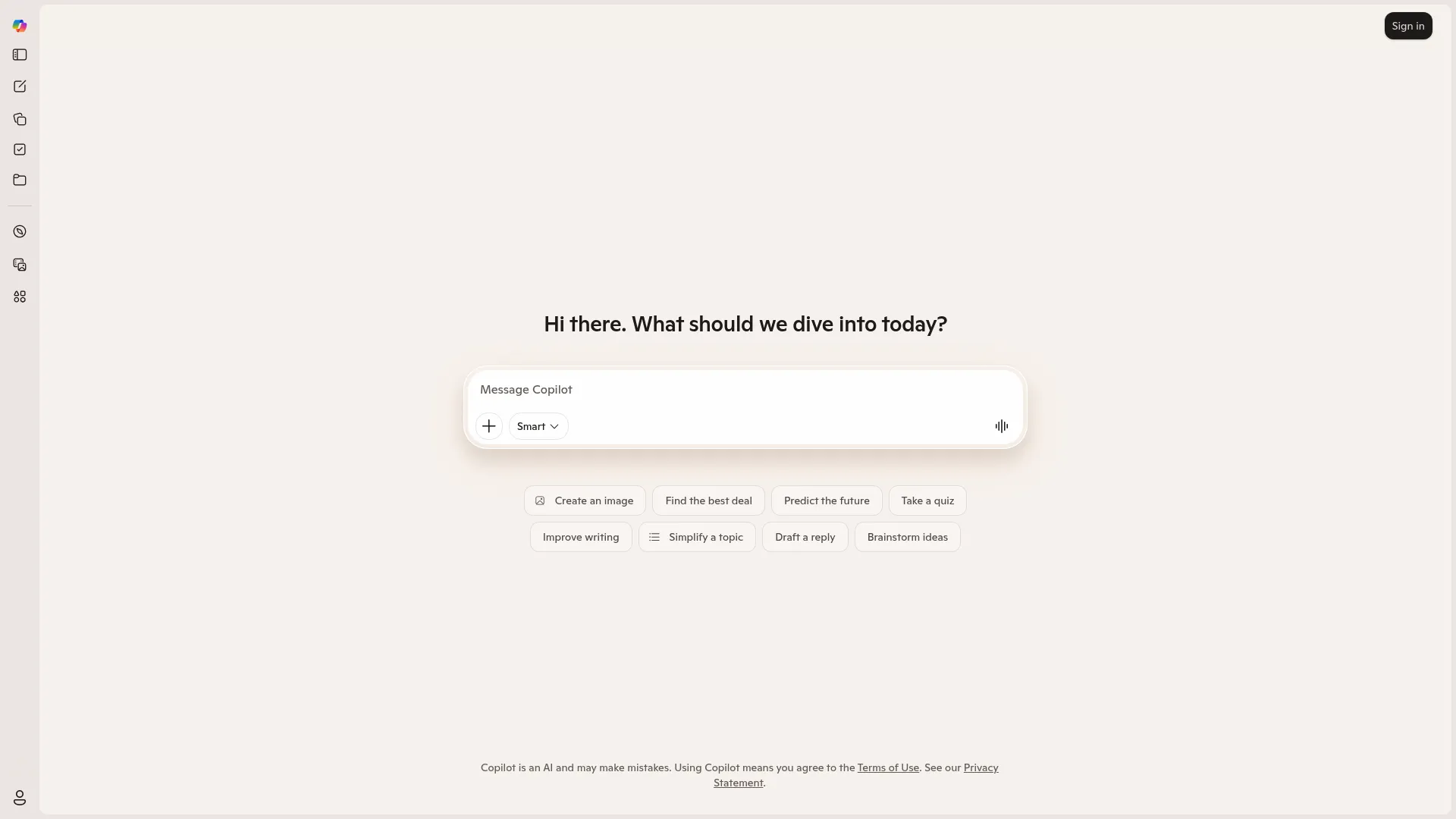
Microsoft Copilot is an AI assistant embedded across Microsoft 365, handling chat, search, and productivity tasks inside the apps your team already uses. It drafts emails, summarizes meetings, builds documents, and assists with everyday task work without forcing anyone into a new tool. For operations teams that run on Outlook, Teams, Word, and Excel, the value is proximity: the agent lives where the work already happens.
Best for: teams already standardized on Microsoft 365 that want an AI assistant inside their existing apps.
Key strengths
- Web-grounded chat: pulls current information into answers rather than relying on stale model knowledge.
- In-app assistance: Copilot works directly inside select Microsoft 365 apps, so context carries over.
- Experimental features: Copilot Vision and Labs surface newer capabilities for teams that want to push further.
Why choose Microsoft Copilot: If your stack is already Microsoft, the adoption curve is short and the friction is low. Reps and ops staff get an assistant in the tools they open every morning, which is usually the difference between a tool that sticks and one that gathers dust.
Pricing: Microsoft 365 Copilot Chat is included at no additional cost with eligible Microsoft 365 subscriptions. Microsoft 365 Copilot Business runs $18 per user per month billed yearly, or $25.20 per user per month on a monthly commitment.
2. Synthflow
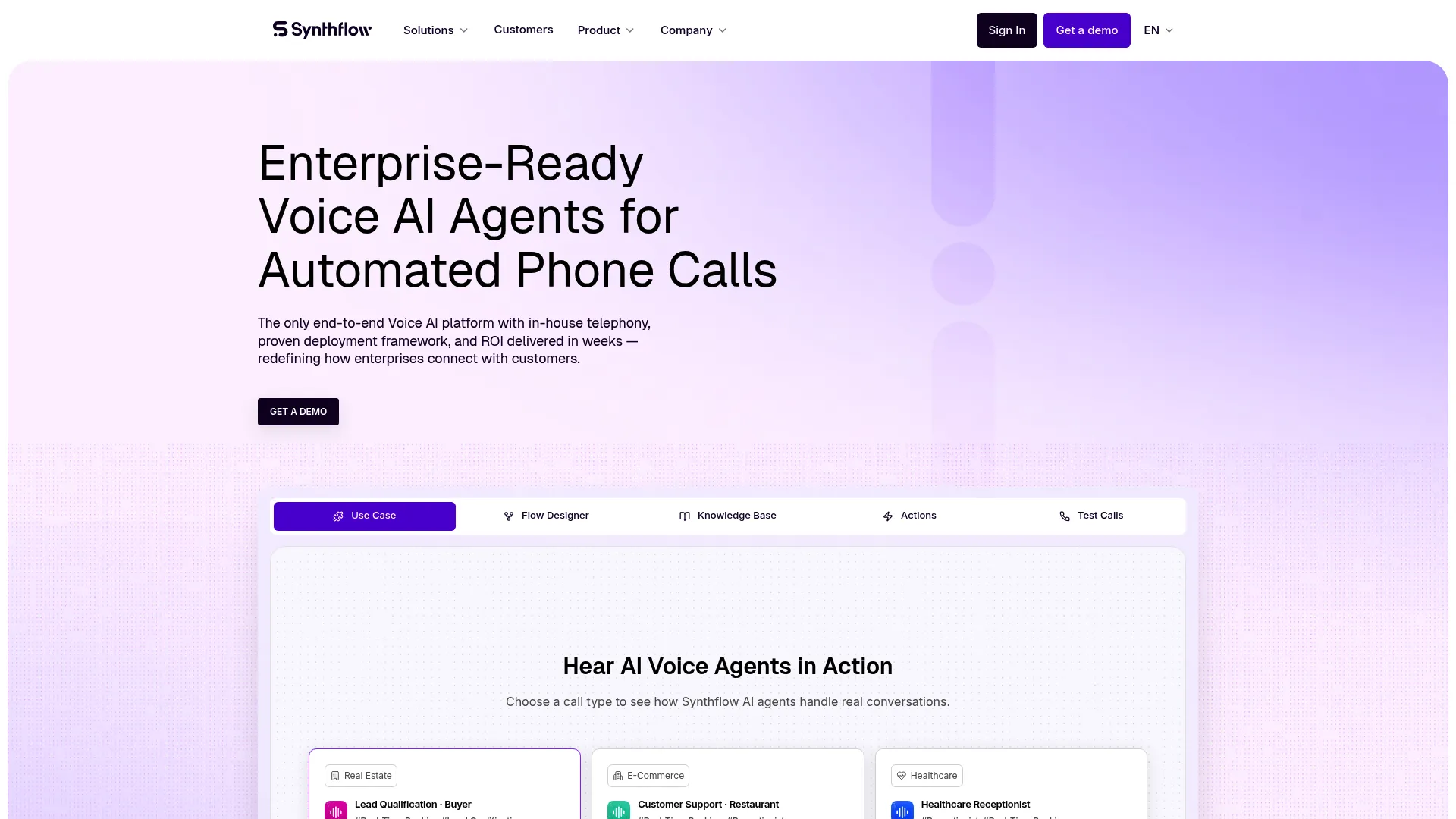
Synthflow is a no-code AI voice platform that automates inbound and outbound phone conversations for enterprises. Build a voice agent, connect your telephony, and let it handle calls, transfers, and custom actions without writing code. For ops teams drowning in repetitive phone work, appointment confirmations, qualification calls, routing, it turns the phone line into an automated workflow.
Best for: teams that want a no-code AI voice agent for call automation and routing.
Key strengths
- Inbound and outbound calling: handles both directions of phone workflows from one platform.
- Custom and MCP actions: triggers call transfers, in-call messaging, and downstream actions mid-conversation.
- Flexible telephony: works with native telephony, Twilio, and SIP/PBX setups.
Why choose Synthflow: Voice is still the channel most ops teams under-automate. Synthflow's no-code builder means you do not need engineering to ship a working call flow, which is why it suits fast-moving teams that need deployment in days, not quarters.
Pricing: Pay As You Go starts at $0 per month with usage-based billing. Enterprise contracts are custom and start at $30,000 annually.
3. Podium
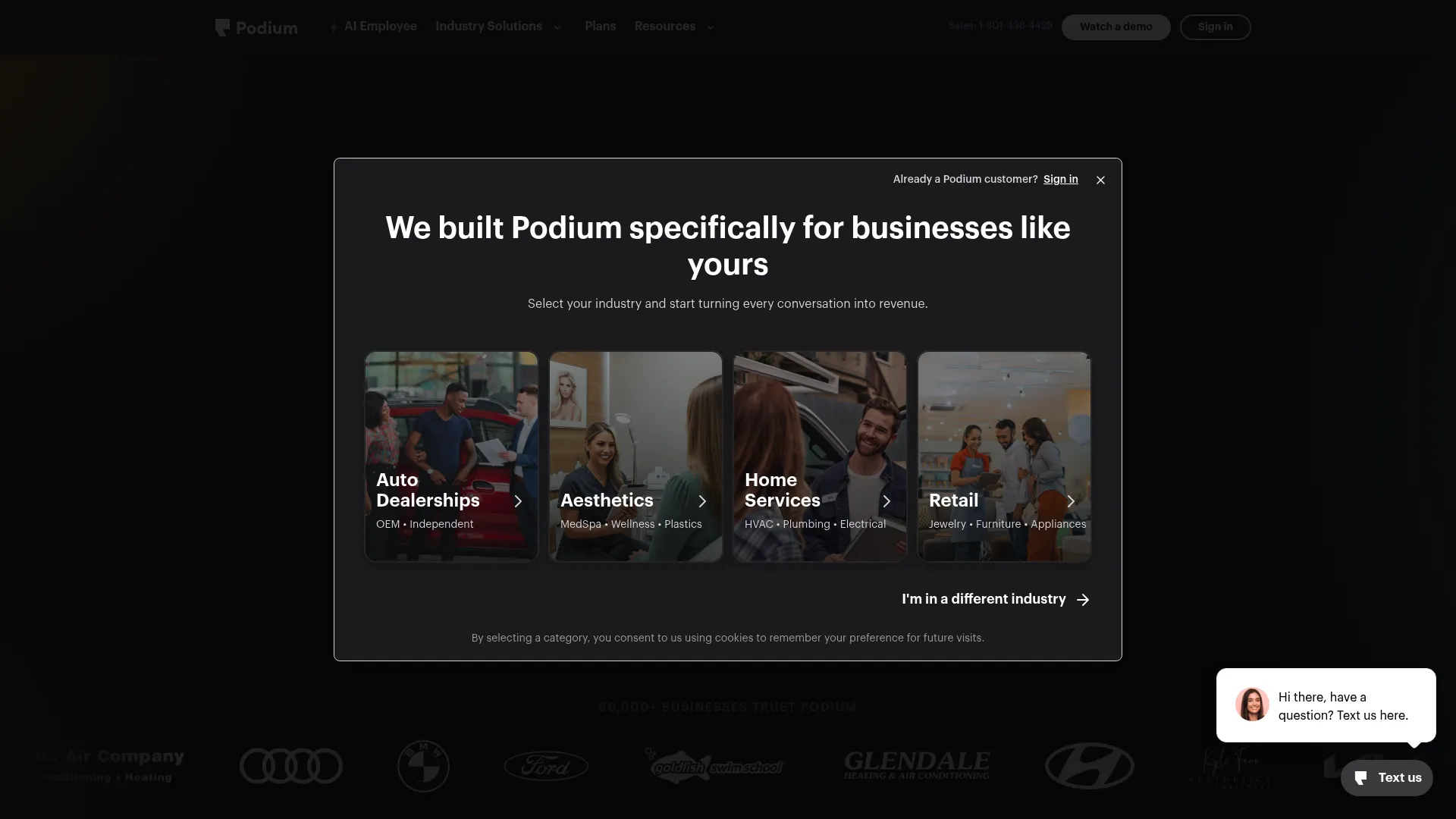
Podium is an AI-powered customer communication and lead conversion platform built for local businesses. It pulls texts, calls, chats, and emails into a single inbox, then layers AI on top to manage reviews, draft responses, and convert inbound leads. For operations teams that juggle messages across channels, it consolidates the chaos into one workflow.
Best for: local businesses that want an AI-driven omnichannel inbox and lead conversion workflow.
Key strengths
- Unified inbox: texts, calls, chats, and emails in one place, so nothing slips between channels.
- AI review management: drafts and assists with review responses to keep reputation work moving.
- Messaging and payments: combines automations, payments, and integrations in one platform.
Why choose Podium: If your inbound comes through many doors and your team loses track of who replied where, Podium's consolidated inbox plus AI follow-up keeps conversations from going cold. It fits teams that live or die on response speed.
Pricing: Podium uses custom quotes. Its pricing page lists Core, Pro, and Signature plans without public numeric prices, so you will need to request a quote.
4. ClickUp
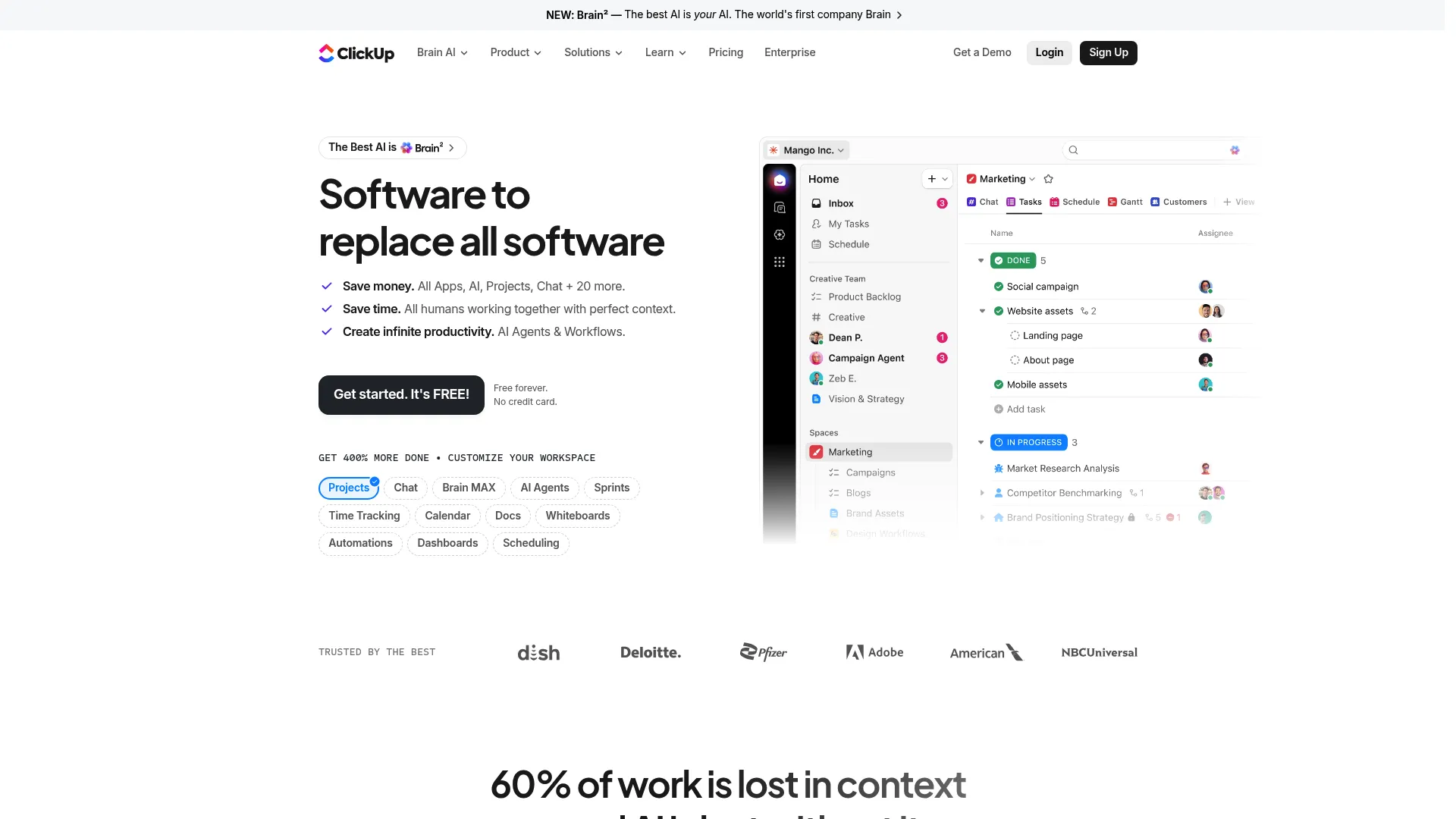
ClickUp is an all-in-one work management platform that combines tasks, docs, goals, chat, and dashboards with AI features. ClickUp Brain adds an AI notetaker, automations, and assistance across the workspace. For ops teams that want process control and AI assistance in the same place rather than stitching tools together, it is a strong single-workspace bet.
Best for: teams wanting a highly customizable, all-in-one work management workspace.
Key strengths
- Unified workspace: tasks, docs, goals, calendars, and dashboards live together.
- ClickUp Brain: AI notetaker and automations reduce manual coordination work.
- Flexible views: Kanban, Gantt, forms, and custom fields adapt to almost any process.
Why choose ClickUp: When operations and project control fragment across five tools, handoffs suffer. ClickUp keeps the work and the AI layer in one workspace, which suits teams that value consolidation over best-of-breed sprawl.
Pricing: Free Forever is available. Unlimited is $7 per user per month and Business is $12 per user per month, both billed yearly. Enterprise is custom. AI plans are priced separately.
5. Retell AI
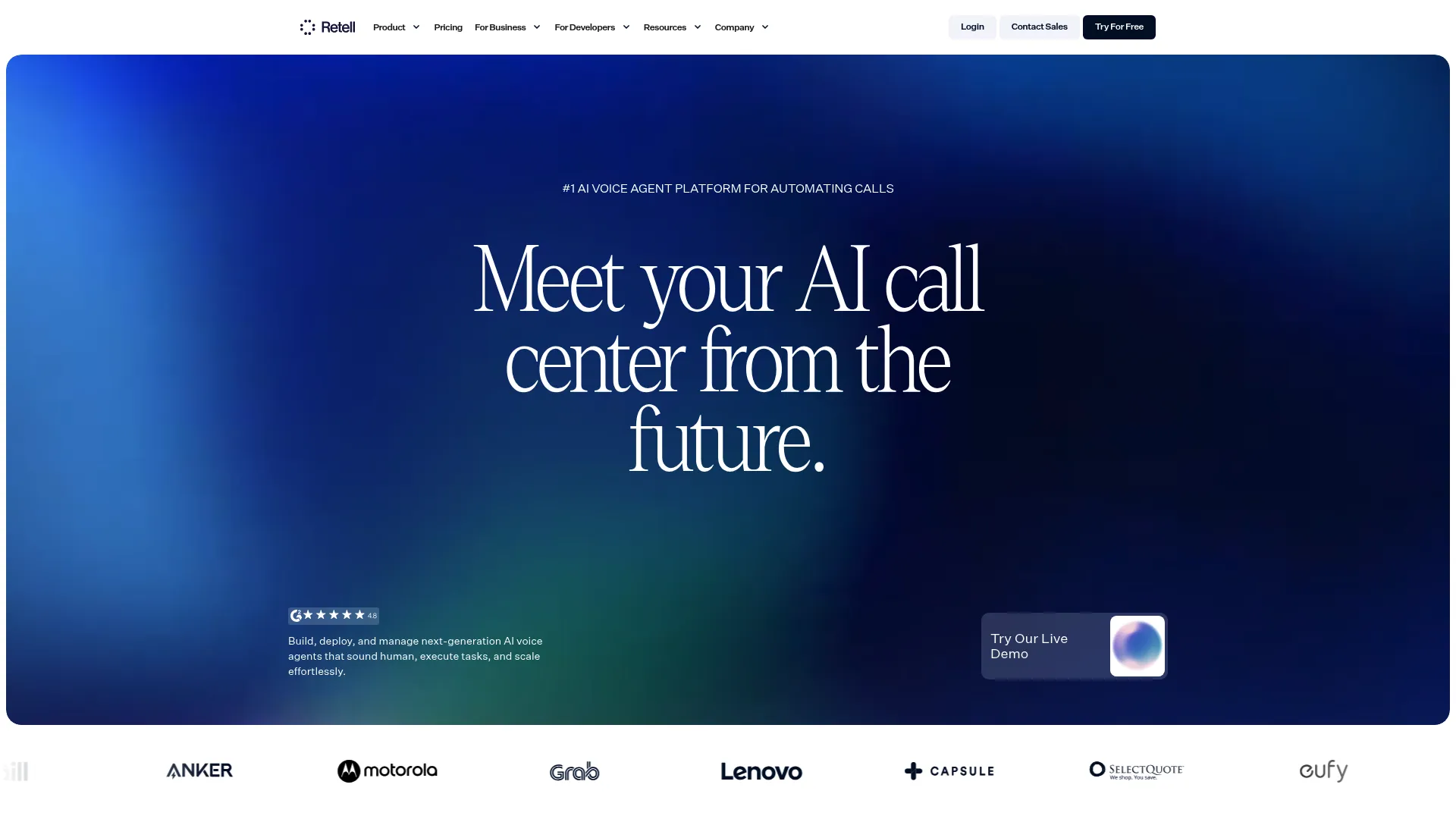
Retell AI is a voice agent platform for automating phone calls with real-time conversational AI. It handles call transfers, appointment booking, IVR navigation, and batch calling, with post-call analysis and AI quality assurance built in. For high-volume call operations, it focuses on voice quality and responsiveness during live calls.
Best for: teams building production AI voice agents for inbound and outbound phone automation.
Key strengths
- Real-time call handling: lifelike voice with low latency for natural conversations.
- Knowledge base and RAG: grounds answers in your own content during calls.
- Post-call analysis and QA: reviews call quality and surfaces what happened after each call.
Why choose Retell AI: If voice quality and live responsiveness are make-or-break, Retell AI is built for production call centers. Features like branded call ID, verified numbers, and batch calling suit teams running phone work at scale.
Pricing: Pay-as-you-go runs $0.07 to $0.31 per minute with full platform access and $10 in free credits. Enterprise is custom, adding compliance, support, and dedicated infrastructure.
6. Sobot Omnichannel Suite
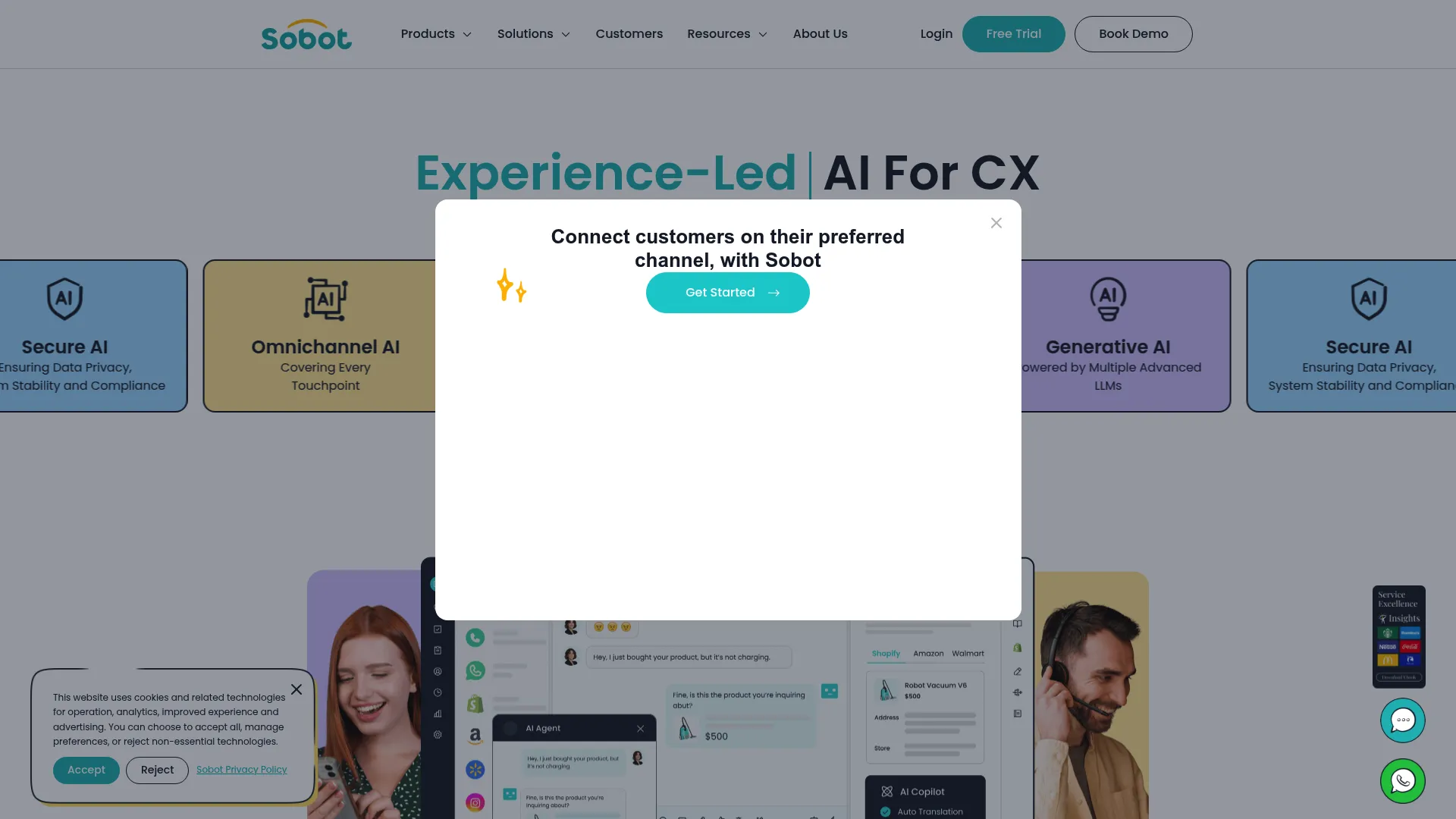
Sobot Omnichannel Suite is AI-powered contact center software that unifies customer support across chat, voice, email, ticketing, and WhatsApp. AI agents and chatbots handle automation across channels, while a single workspace gives human agents one view. For large support and ops teams managing many inbound channels, it brings routing and automation under one roof.
Best for: businesses wanting an omnichannel customer support platform with AI-assisted automation.
Key strengths
- Unified omnichannel workspace: one place for chat, voice, email, ticketing, and WhatsApp.
- AI automation: chatbots and voice AI handle routine volume across channels.
- Enterprise routing: directs conversations to the right queue or agent automatically.
Why choose Sobot: Support teams with inbound spread across five or six channels lose time switching contexts. Sobot consolidates routing and automation, which fits high-volume operations that need consistency across every channel.
Pricing: Sobot offers a 15-day free trial. Its pages reference a discount but do not publish numeric pricing, so contact the vendor for a quote.
7. Salesforce Agentforce
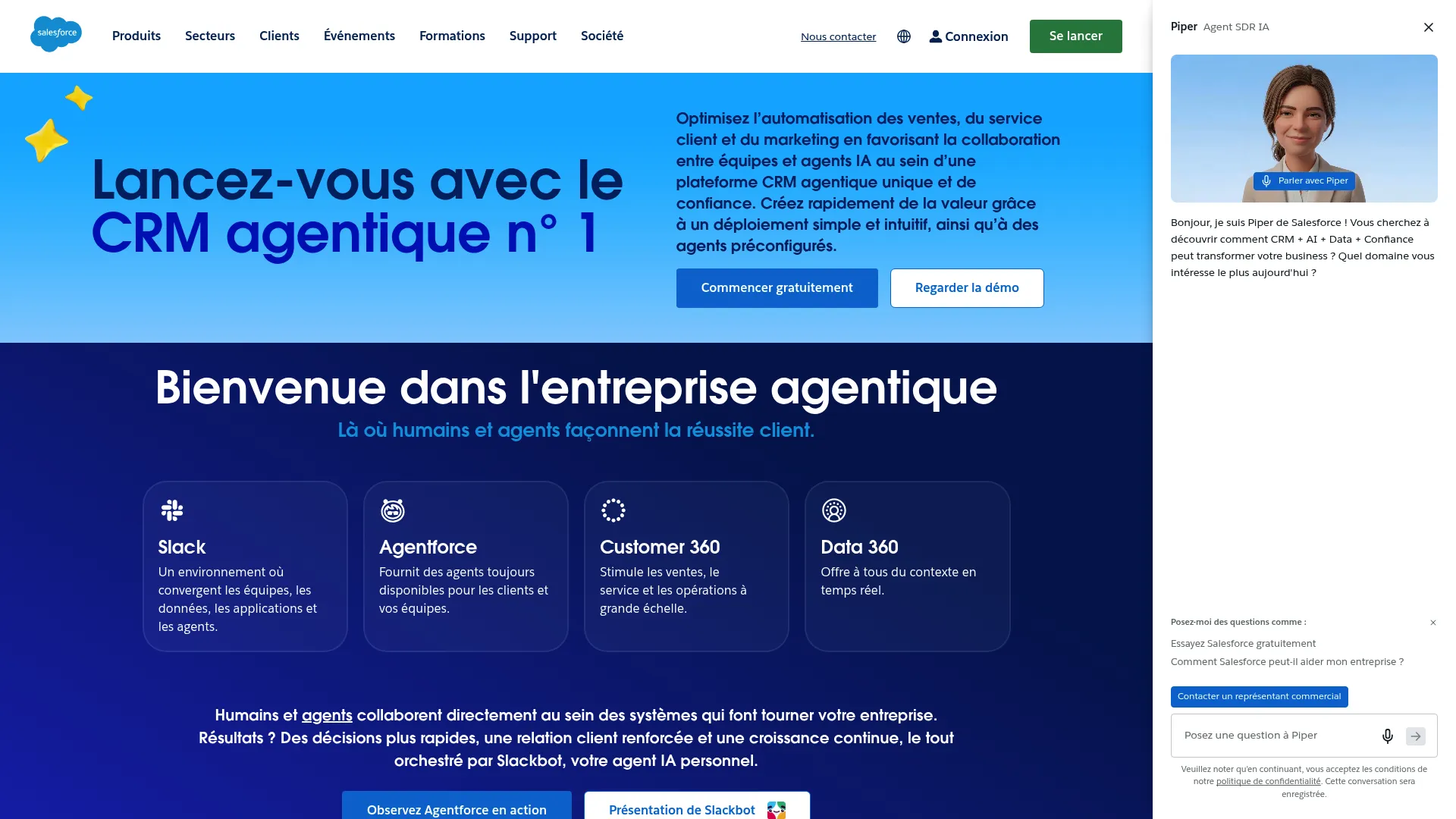
Salesforce Agentforce is Salesforce's enterprise AI agent platform for building, deploying, and governing autonomous agents across business workflows. Agents reason over your CRM data, workflows, and APIs, with governance and observability built in. For teams already on Salesforce, the differentiation is obvious: agents act inside the system of record for service and sales ops.
Best for: enterprises that want to deploy governed AI agents for customer, employee, and partner workflows.
Key strengths
- Low-code agent builder: assemble and orchestrate agents without deep engineering.
- Hybrid reasoning: agents combine data, workflows, and APIs to act on CRM context.
- Built-in governance: security and observability are part of the platform, not an add-on.
Why choose Salesforce Agentforce: When your customer data already lives in Salesforce, an agent that acts natively inside it skips the integration headaches. It fits enterprises that want governed agents close to their pipeline and service workflows.
Pricing: Salesforce Foundations is free. Beyond that, Agentforce uses consumption-based Flex Credits ($500 per 100,000 credits), Conversations ($2 each), an Agentforce User License at $5 per user per month, and Agentforce 1 Editions from $550 per user per month.
8. UiPath
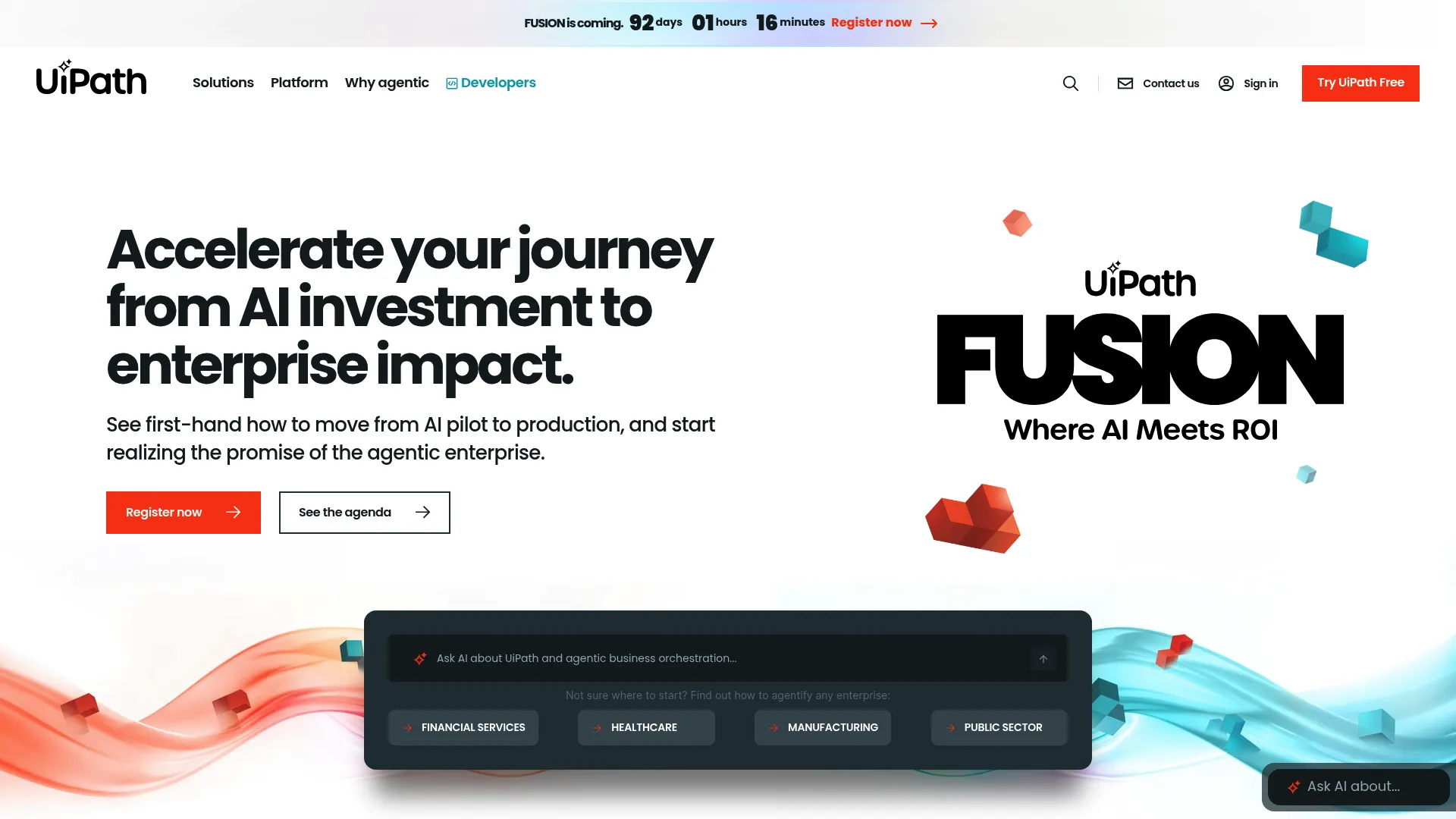
UiPath is an agentic automation platform for building, running, and governing automations, AI agents, robots, and workflows. It pairs agentic reasoning with mature RPA, so deterministic steps and variable judgment calls run inside one orchestrated process. For enterprise workflows that cross many systems and demand governance, this combination is its strongest card.
Best for: enterprises automating end-to-end business processes with governed AI, RPA, and testing.
Key strengths
- Agentic workflows: orchestrates agents, robots, and people across a process.
- Build, test, run, share: full lifecycle for enterprise automations including agents.
- Governance and deployment flexibility: auditing, security, and cloud or self-hosted options.
Why choose UiPath: If your processes span legacy systems and require both rule-based execution and judgment, UiPath's combination of RPA and agentic automation covers both. It suits enterprises that need governance and orchestration at scale. Our guide to AI orchestration platforms is a useful companion here.
Pricing: Basic starts at $25 per month. Standard and Enterprise require contacting sales.
9. Lindy
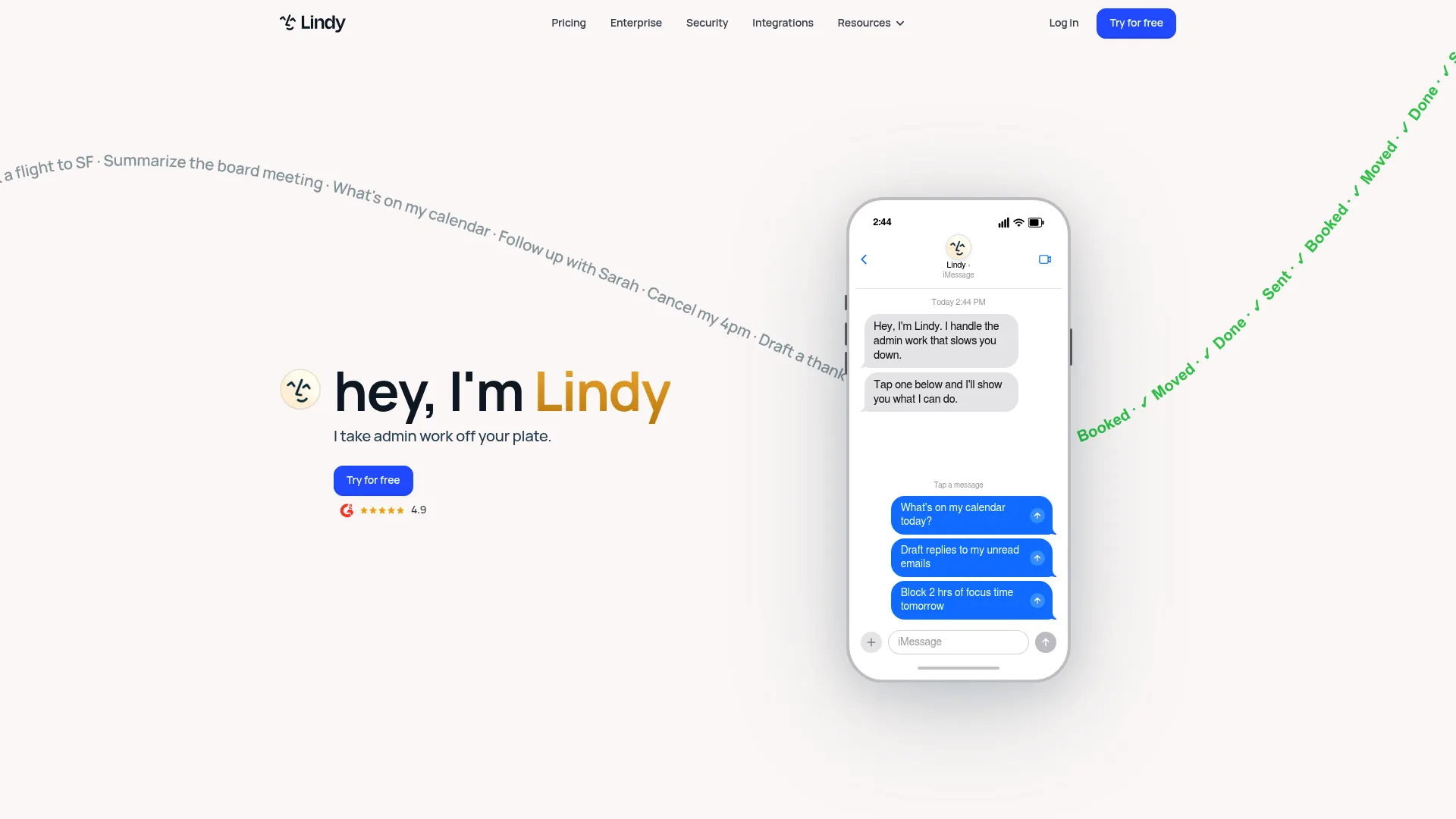
Lindy is an AI assistant platform that automates inbox management, meeting scheduling, calendar work, and follow-ups across apps. It also offers computer use, operating web apps on your behalf. For teams that want practical, lightweight automation of everyday operational work without a long build cycle, Lindy gets running fast.
Best for: professionals or teams automating email, meetings, and repetitive work across apps.
Key strengths
- Inbox management: triages and handles email so it stops piling up.
- Meeting scheduling and follow-up: coordinates calendars and chases next steps automatically.
- Computer use: operates web apps directly, extending automation beyond native integrations.
Why choose Lindy: For teams that want quick wins on the everyday admin that eats hours, Lindy is built for rapid setup. It fits operators who want practical automation now rather than a long orchestration project.
Pricing: Plus is $49.99 per month, Pro is $99.99 per month, and Max is $199.99 per month. Enterprise is custom. New accounts get a 7-day free trial.
10. IBM watsonx.ai
IBM watsonx.ai is IBM's enterprise AI development studio for building, training, tuning, and deploying generative AI and machine learning applications, including agents. It supports foundation models, retrieval-augmented generation, and model customization. For enterprises that want to build and govern their own agents on a controlled platform, watsonx.ai is infrastructure-forward.
Best for: enterprises building and deploying governed AI apps with both generative AI and ML workflows.
Key strengths
- Foundation models and inferencing: choice of models for different workloads.
- RAG and agents: grounds agents in enterprise data and builds agentic flows.
- ML tooling: text extraction, model customization, and validation in one studio.
Why choose IBM watsonx.ai: When you need model choice, governance, and the ability to build agents on your own terms, watsonx.ai gives enterprises that control. It fits teams treating AI as infrastructure they own, not a black box they rent.
Pricing: A free toolbox playground is available. Essentials is pay-as-you-go starting at $0 per month, and Standard starts around $1,110 per month, with additional model and feature-specific pricing.
11. CloseBot
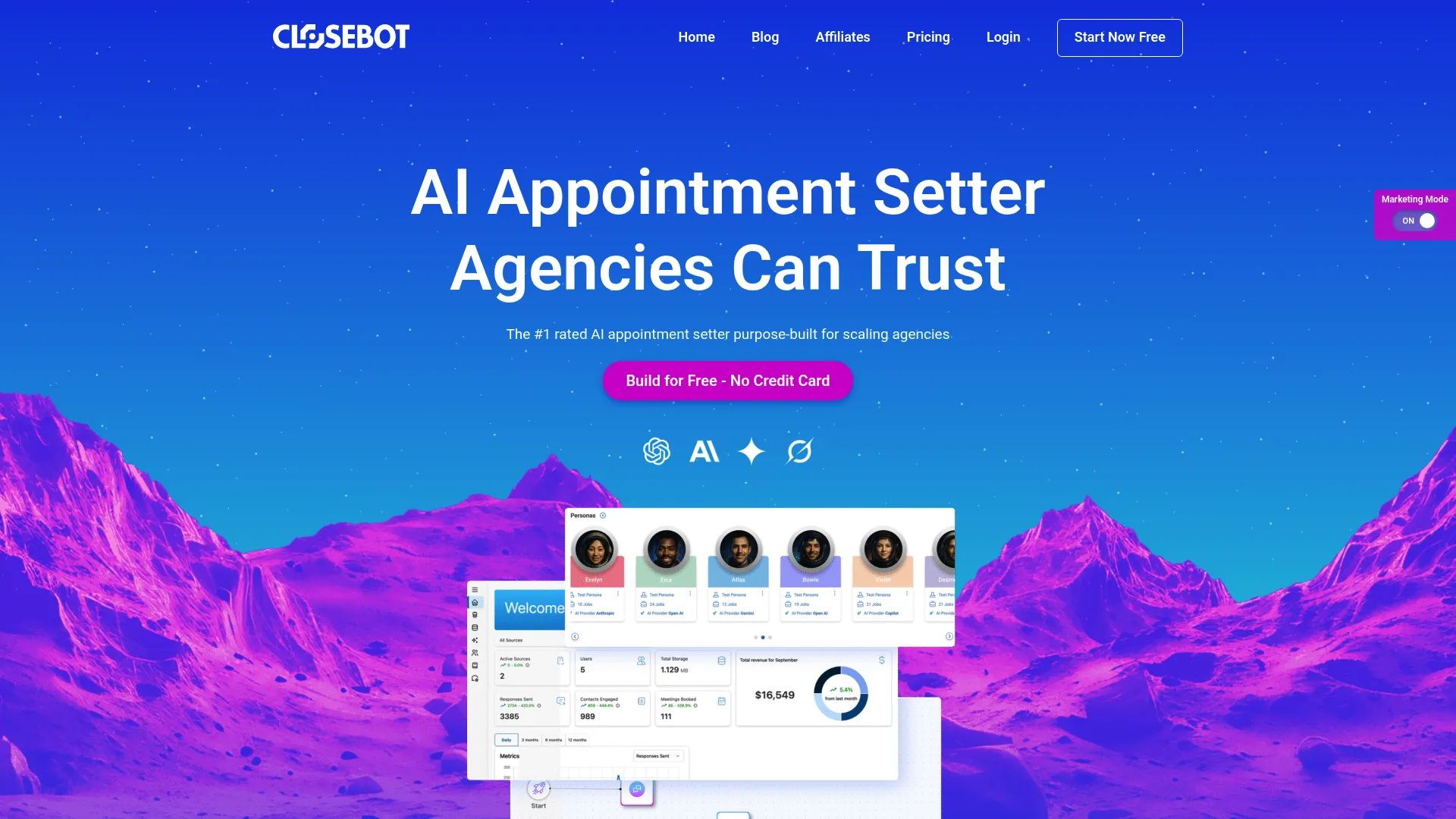
CloseBot is an AI conversational agent platform for lead qualification, appointment booking, and customer messaging automation. A drag-and-drop builder and a persona builder let you create brand-aligned agents that qualify leads and book meetings. For business users who want lead handling plus workflow actions without heavy setup, it is approachable and fast.
Best for: marketing agencies and small businesses automating lead qualification and booking.
Key strengths
- Drag-and-drop builder: assemble conversational agents without code.
- Persona builder: shape agent personalities to match your brand voice.
- Qualification and booking: automate the path from inbound lead to booked meeting.
Why choose CloseBot: For agencies and small teams that need to qualify and book at volume, CloseBot focuses on the conversion workflow specifically. Its builder keeps setup light for non-technical users.
Pricing: CloseBot offers a free tier. Detailed public pricing was not available to confirm at time of writing, so check the vendor for current plans.
12. Postman
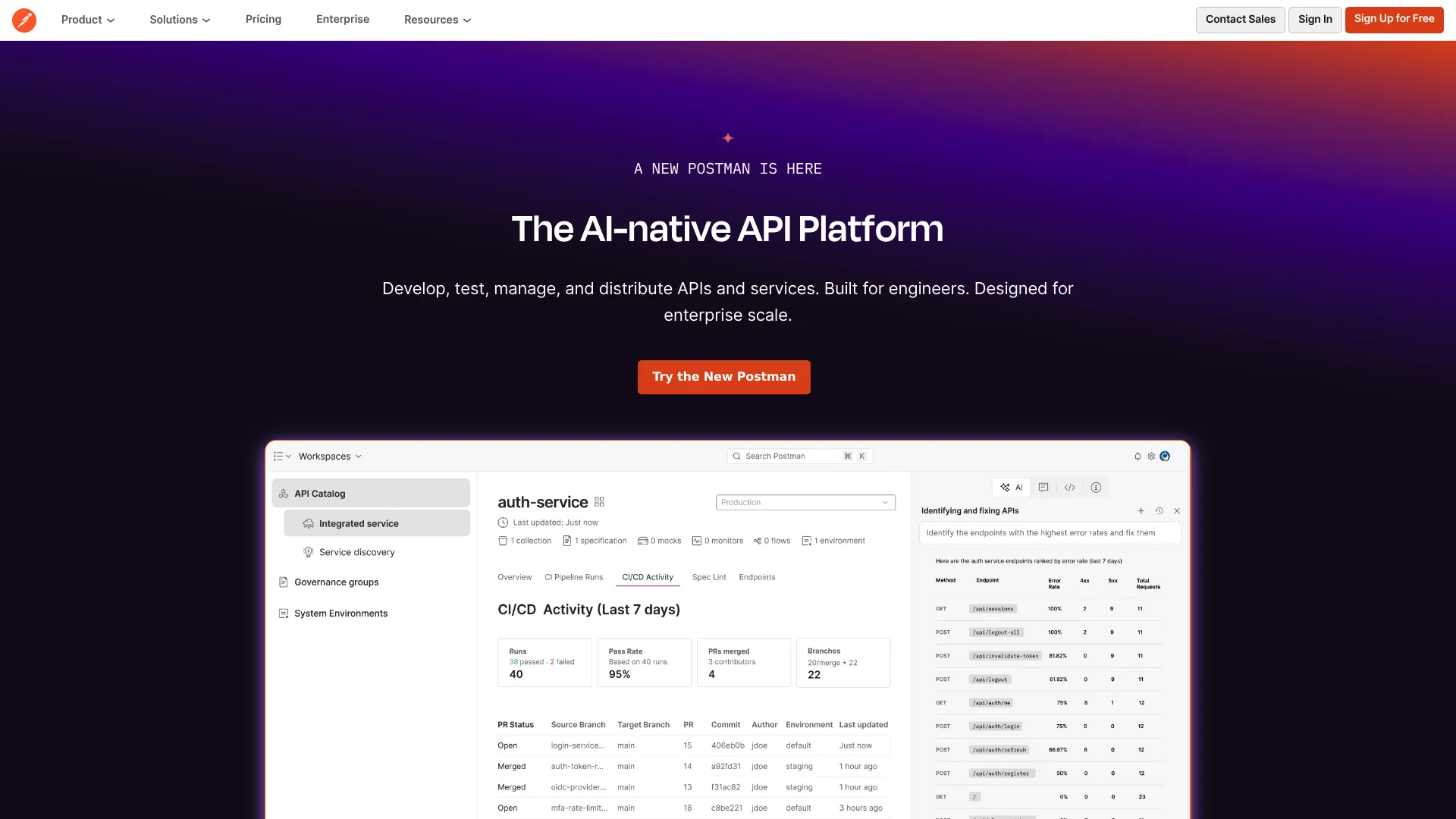
Postman is an API platform for designing, testing, documenting, monitoring, and governing APIs, with Postman Flows for visual workflow building. For teams whose automation depends on chaining API calls, Postman provides the developer-friendly layer to orchestrate agent workflows around real API execution.
Best for: teams that need a single platform for API development, testing, collaboration, and governance.
Key strengths
- API client and core tools: design, test, and document APIs in one place.
- Postman Flows: build visual workflows that chain API calls.
- Collection Runner and monitoring: run, schedule, and watch API-driven processes.
Why choose Postman: When your operational automation hinges on API execution, Postman gives technical teams the tooling to build and govern those flows. It fits teams that treat APIs as the backbone of their automation.
Pricing: Free is $0 per month. Solo is $9 per month, Team is $19 per user per month, and Enterprise is $49 per user per month, all billed annually. Some capabilities are usage-based or add-ons.
13. Microsoft Copilot Studio
Microsoft Copilot Studio is a low-code platform for building and managing AI agents that automate tasks and connect to Microsoft and external systems. It supports generative and classic answers, premium connectors, and workflow actions, with governance for enterprise deployment. For business users who want to build governed agents inside the Microsoft ecosystem, it lowers the barrier to entry.
Best for: teams building enterprise AI agents inside the Microsoft ecosystem.
Key strengths
- Low-code agent creation: business users can build agents without deep development.
- Generative and classic answers: mix flexible AI responses with controlled flows.
- Premium connectors: reach Microsoft and external systems with workflow actions.
Why choose Microsoft Copilot Studio: If you are committed to Microsoft and want internal teams building their own agents with governance in place, Copilot Studio is purpose-built for that. It suits internal operations use cases where control and native deployment matter.
Pricing: Pay-as-you-go starts at $0.01 per credit. A Copilot Credits Capacity Pack runs $200 per tenant per month, and a one-year pre-purchase plan offers tiered discounts. The Copilot Studio user license is free, with a trial license available.
14. Workato
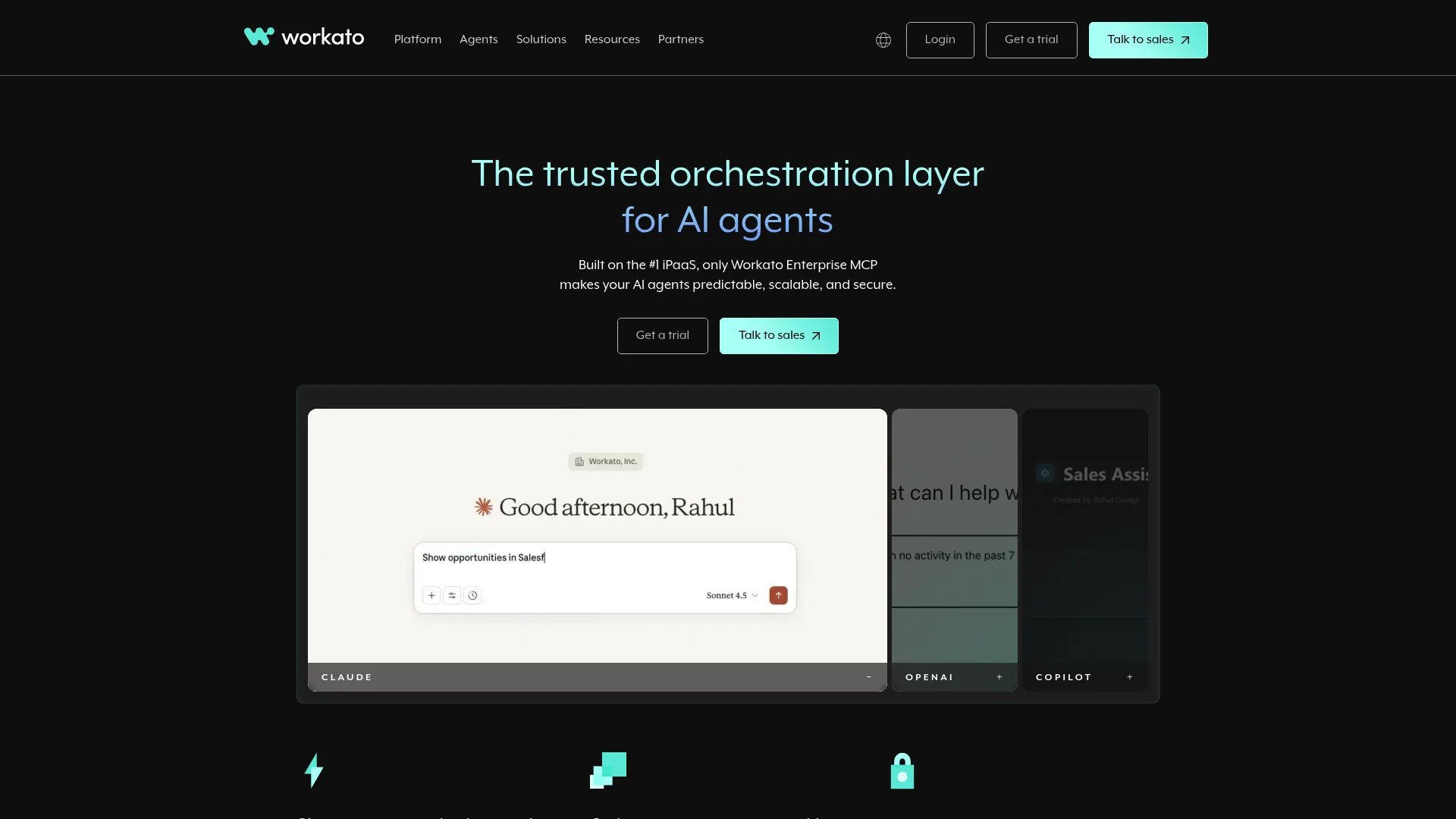
Workato is an enterprise automation and orchestration platform for integrating apps, data, and people through low-code workflows with AI agent capabilities. It handles workflow orchestration, API management, and real-time event orchestration across systems. For enterprise ops teams whose pain is cross-system handoffs, Workato is a natural fit.
Best for: enterprises and teams automating cross-app workflows with governance and AI orchestration.
Key strengths
- Workflow orchestration: coordinates processes across many apps and systems.
- API management: connects and manages the APIs your workflows depend on.
- Real-time event orchestration: triggers actions on events as they happen.
Why choose Workato: When operational handoffs break because systems do not talk, Workato's orchestration ties them together with governance. It fits enterprises that need reliable cross-system automation rather than point-to-point integrations.
Pricing: A free tier is available at $0 per month, and Pro starts at $100 per month. Additional tiers exist beyond what is publicly listed.
15. Google Vertex AI
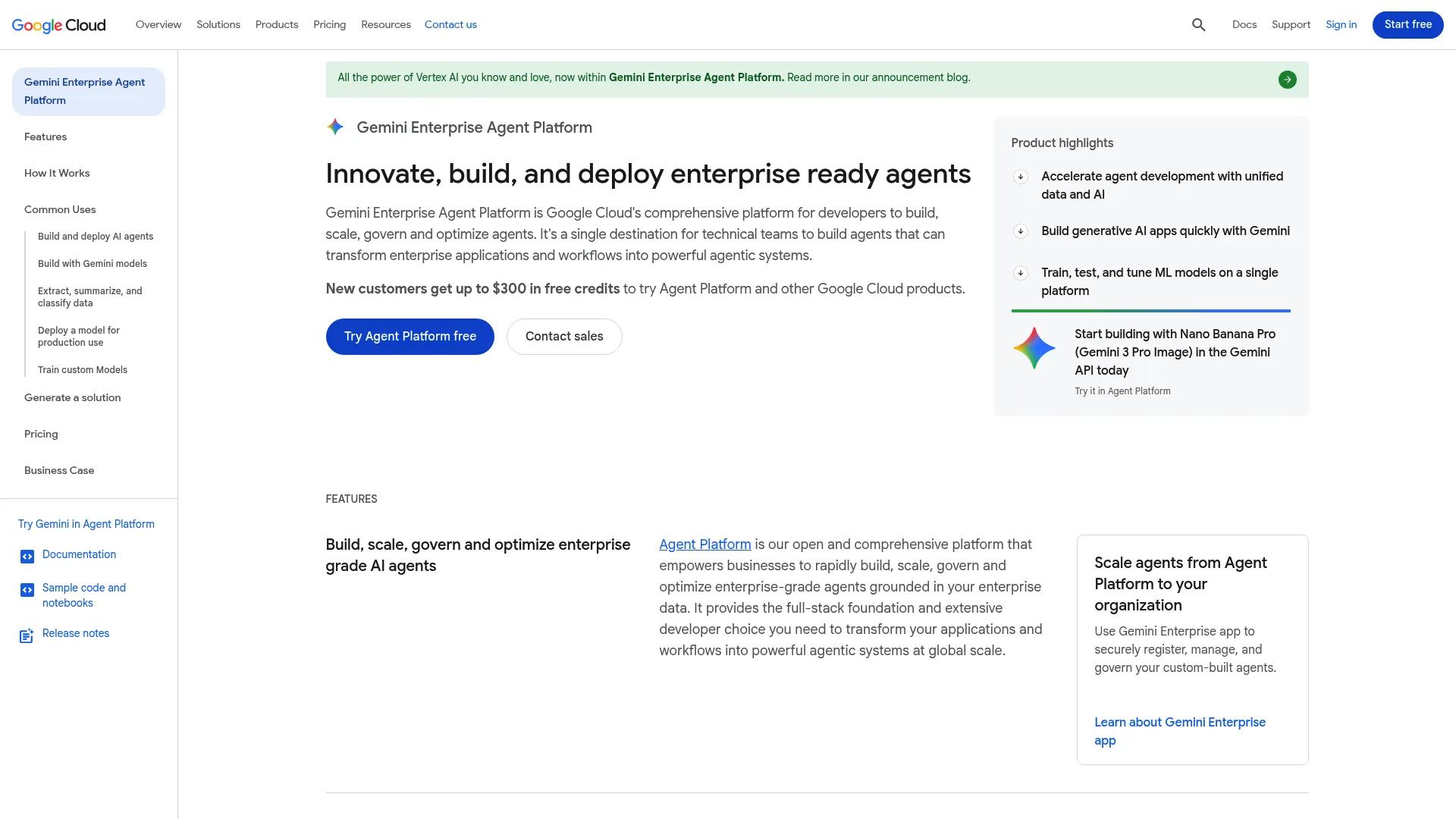
Google Vertex AI is Google Cloud's unified AI and ML platform for building, training, deploying, and managing models and generative AI applications, including agents. It covers the full ML workflow, AutoML, custom training, deployment, and monitoring. For teams building and scaling agents in a Google Cloud environment, it provides the infrastructure to do it at scale.
Best for: teams building and operating production ML and gen AI workloads on Google Cloud.
Key strengths
- End-to-end ML workflow: manage models from training through monitoring.
- AutoML and custom training: flexibility for both quick builds and bespoke models.
- Deployment and monitoring: run and watch production agents at cloud scale.
Why choose Google Vertex AI: For organizations standardized on Google Cloud, Vertex AI keeps agent development inside the same environment as your data and infrastructure. It fits teams building cloud-native operations at scale.
Pricing: Pricing is usage-based and product-specific. The Agent Engine runtime includes a free tier (the first 180,000 vCPU-seconds and 360,000 GiB-seconds per month), then bills per usage beyond that.
What to look for before you choose
The best agent is the one that matches the workflow you already have. Run any shortlist through this checklist before you commit.
Workflow fit
Map the actual process first: the steps, the decision points, the handoffs. Then check whether the agent matches that complexity. A tasker handles a single job well; an orchestrator coordinates a multi-system process. Buying an orchestrator for a one-step task wastes budget, and the reverse leaves you stuck. Match the tool to the workflow, not the hype.
Integrations and system access
An agent that cannot act is just a chatbot. Verify it connects to the systems where work lives, CRM, support, ERP, project tools, and that it can read and write, not just read. API depth and integration breadth are where workflows quietly break, so test the exact connections you need during the pilot, not after rollout.
Governance and human oversight
Trustworthy agents are controlled agents. Before you sign, confirm the platform supports approval paths, escalation rules, audit trails, permissioning, and override controls. Ask vendors how a human steps in mid-workflow, how actions are logged, and how data privacy is handled. If governance is a top concern, our AI governance tools roundup details what to require, and for security specifically, see AI cybersecurity solutions.
Implementation roadmap
Knowing which tool to buy is half the job. The other half is rolling it out without breaking trust. Here is a practical path from pilot to scale.
Pick a narrow pilot
Choose one workflow with repeatable volume and visible friction. Lead follow-up, ticket routing, or employee service requests are strong candidates because they recur daily and have clear inputs and outputs. Name the process and a success threshold up front, for example, cut first-response time by 50% or auto-resolve 30% of tier-one tickets. Vague "start small" advice helps no one; pick a process and a number.
Set baseline metrics
You cannot prove impact without a before. Capture baselines for the metrics that matter:
| Metric | What it tells you |
|---|---|
| Time saved per task | Direct productivity impact |
| Response speed | Customer or lead experience |
| Completion rate | How often the agent finishes the job |
| Escalation rate | How often a human has to step in |
| Error rate | Quality and trust |
Tie every metric to a business outcome the team already cares about, not a vanity number.
Train users and stakeholders
The adoption problem is usually human, not technical. Before launch, communicate what changes, clarify roles, and show people what the agent does and does not do. When reps understand the agent handles the busywork so they can focus on selling, adoption follows. Skip this and even a great tool stalls.
Scale only after the workflow proves out
Expand only when the pilot hits its threshold and the governance holds. Then add adjacent use cases, connect more systems, and widen the rollout. Keep scale tied to evidence and repeatability, not enthusiasm. A proven workflow earns the next one.
Common mistakes to avoid
Learn what good looks like first, then sidestep these patterns. None of these are about the agents themselves; they are about how teams deploy them.
Automating a broken process
If a workflow is messy, automating it just scales the mess faster. An agent will execute a bad process with perfect consistency, which is worse, not better. The fix: clean and document the workflow before you automate. Map the steps, remove the redundant ones, and clarify ownership. Automate the streamlined version, not the tangled one.
Skipping human override paths
Every serious business workflow needs escalation and intervention rules. Without them, an agent can run an edge case off a cliff with no one watching. The fix: define an explicit rule set before launch, what triggers escalation, who gets notified, and how a human takes over mid-task. Build the override before you need it, not after an incident.
Measuring activity instead of outcomes
Message count, calls made, and tasks touched feel like progress, but they are vanity metrics. An agent sending more messages is not the same as an agent driving more revenue. The fix: measure outcomes, cycle time, completion rate, conversion, resolution, and error reduction. Before: "the agent handled 4,000 messages." After: "first-response time dropped 60% and tier-one resolution rose to 38%." One is activity. The other is impact.
Conclusion
The right AI agent is not the most advanced one. It is the one that fits the workflow you already have, connects to your systems, ships with governance you can defend, and moves a metric your team cares about.
By pattern: for cross-system orchestration, Workato and UiPath lead. For CRM-native agents, Salesforce Agentforce. For voice, Synthflow and Retell AI. For Microsoft-centric teams, Copilot and Copilot Studio. For all-in-one work management, ClickUp. For teams building their own infrastructure, IBM watsonx.ai and Google Vertex AI. Start with a narrow pilot, set baselines, and scale only on evidence.
One more thing worth naming. As agents take over more execution, the harder problem is often explaining how a process works, to a new rep, a customer, a partner, or a buyer evaluating your tool. That is where showing beats telling. Guideflow lets teams turn any workflow into an interactive, self-serve experience. Interactive demos guide a buyer through a specific story step by step, sandboxes let technical evaluators explore freely and validate workflows on their own terms, demo centers organize every demo in one branded hub, live demos add the human layer in real-time calls, and mobile demos meet people on any device. You can capture a flow in clicks, personalize it per audience, and analyze exactly where engagement happens.
Start your journey with Guideflow today!
FAQs
An AI agent is software that observes context, decides the next step, and acts across tools or systems to complete a goal. The business value comes from handling multi-step work, like routing a ticket or running a follow-up sequence, rather than just generating text. Unlike a chatbot, an agent takes action.
RPA follows predefined rules along a fixed path, which works well for stable, repetitive tasks. AI agents handle variable inputs, interpret ambiguous requests, and choose actions based on context. Many enterprise systems now pair both: RPA runs the deterministic steps, agents handle the judgment calls, and an orchestration layer ties them together.
Customer service, sales, marketing, IT, finance, HR, and supply chain all see strong results. The best use cases share three traits: repeatable volume, clear decision points, and a clean escalation path when human judgment is required. Functions drowning in routine, multi-step requests tend to gain the most.
Start with one narrow, high-volume workflow that has visible friction, such as lead follow-up, ticket routing, or employee service requests. Set baseline metrics before you launch so you can prove impact. Name a specific success threshold rather than aiming for a vague improvement.
Trustworthy agents are controlled agents. At minimum, require human oversight, audit trails, permissioning, escalation rules, privacy controls, and fallback plans. Ask vendors exactly how a person intervenes mid-workflow and how every action is logged before you deploy anything that touches customer or financial data.
Four roles cover most cases. Taskers handle a single scoped job, like drafting meeting prep. Automators run a repeatable workflow end to end, like qualifying and booking leads. Collaborators work alongside a person, like drafting support replies for approval. Orchestrators coordinate multiple agents and systems across a full process.
Agents connect through APIs, enterprise data sources, and memory that retains context across steps. They orchestrate work across apps like CRM, support, ERP, and project tools, reading and writing data so they can actually execute rather than just observe. Integration depth determines how much an agent can really do.
Yes, when the use case is narrow, governed, and properly integrated. Adoption is already strong: G2 data summarized by Ringly.io reports 51% of enterprises had agents in production in 2026. The results hold up best where the workflow is repeatable and the business outcome is measurable.