You updated the same setup instructions in four places last quarter. The web help, the PDF manual, the in-app help center, and the localized German version. Three of them are already out of sync because the product shipped two releases since then.
That is the real cost of help content. Not writing it once, but keeping it consistent across every format, every language, and every product change. When documentation lives in scattered files with no single source, every update becomes a manual hunt-and-replace across outputs that drift apart the moment you look away.
The category built to fix this is growing fast. The global help authoring tools market was valued at roughly $1.8 billion in 2025 and is projected to reach $4.7 billion by 2034, an 11.2% CAGR, according to Market Intelo (2025). That growth reflects a simple pressure: teams have more content, more channels, and more languages to maintain, and no appetite for doing it by hand.
Help authoring software solves this with structured content, reuse, version control, and single-sourced publishing. Write a topic once, then push it to web, PDF, help files, and ebook formats without rewriting anything. This guide compares eight tools built for that job, so you can match the right one to your documentation maturity, team size, and localization needs.
What's inside
This guide is for technical writers, documentation teams, and enablement-minded operators who own or influence help content systems. If you manage support documentation, product manuals, or internal knowledge bases and need consistency across outputs, this is your shortlist.
We evaluated each tool against the criteria that actually matter for documentation operations:
- Structured authoring and single-sourcing: can you write once and reuse across topics and outputs?
- Multi-channel publishing: does it export to the formats your audiences need?
- Collaboration and version control: can multiple authors work without overwriting each other?
- Translation workflow: does it support localization at scale?
- Integrations and maintainability: does it fit how your team already works?
Tools were chosen for market presence, verified pricing, and fit across different documentation maturity levels.
TL;DR
Short on time? Here are the quick picks:
- Best for broad export formats on a budget: HelpNDoc, with CHM, HTML, PDF, ePub, Word, Qt Help, and Markdown from one source.
- Best for enterprise authoring with a mature pedigree: Adobe RoboHelp, built for online help, knowledge base, and policy content.
- Best for structured authoring depth: MadCap Flare, with topic-based reuse and multi-channel publishing.
- Best for cloud-based collaboration: ClickHelp, a hosted portal with review workflows and analytics.
- Best for component content and localization: Paligo, a cloud CCMS built around single-sourcing and translation management.
- Best for straightforward desktop help files: HelpSmith or Help & Manual, both practical for approachable multi-format publishing.
- Best for large, governed documentation programs: Author-it, an enterprise CCMS with reuse and approval layers.
What are help authoring tools?
A help authoring tool (HAT) is software that lets you create, manage, and publish help documentation from a single source to multiple output formats. Instead of maintaining separate files for web help, PDFs, and help files, you write content once and the tool generates every output.
The core function set breaks into three layers: input, output, and auxiliary capabilities.
Input (how content gets in):
- WYSIWYG or XML topic editors for writing and formatting
- Structured authoring, where content follows a defined component model rather than free-form pages
- Import from Word, HTML, Markdown, and existing documentation
Output (how content gets published):
- Multi-channel publishing to HTML5, PDF, CHM, ePub, Word, and more
- Single-sourcing, so one topic feeds every output format
- Responsive web help and searchable documentation portals
Auxiliary (how teams operate):
- Version control and revision history
- Collaboration workflow with review, comments, and approvals
- Translation workflow and localization management
- Content reuse through snippets, variables, and conditional text
Here is why this matters. Without a HAT, help documentation lives in disconnected files that go stale independently. With one, a single edit propagates to every output and every language. That is the difference between documentation that scales and documentation that quietly rots. For any team past a handful of ad hoc files, structured authoring and single-sourcing are the features that separate a real system from a folder full of Word docs.
When to use help authoring tools
Not every documentation problem needs a HAT. Here is when the category earns its place.
Standardize documentation across products and teams
Once your help content grows beyond a few files with a single owner, consistency starts to slip. Different writers use different terms, formatting drifts, and no one knows which version is current. A HAT introduces version control, content reuse, and a shared authoring workflow, so a growing team can produce documentation that reads like one voice. This is the tipping point most documentation teams hit when they scale from one writer to several.
Publish to multiple formats from one source
Your audiences do not all consume help the same way. Some want searchable online help, some need a printable PDF user manual, and some pull a CHM file into a desktop app. Maintaining each separately is where errors creep in. Multi-channel publishing lets you write a topic once and generate web help, PDFs, ebook formats, and help files from the same content base. When you need publishing flexibility across formats, this is the single strongest reason to adopt a HAT.
Support translation and localization workflows
Regional documentation multiplies the maintenance problem. Every source change means every translated version needs updating too. Structured content, XML import and export, and content reuse make localization manageable at scale, because translation happens at the component level and reuse keeps repeated content in sync. If you publish in more than a couple of languages, a translation workflow built into your HAT saves the coordination overhead that otherwise eats your week.
Comparison table
Here is the shortlist at a glance. Ratings reflect current G2 listings; pricing reflects verified vendor or G2 figures as of mid-2026.
| # | Product | Intent | Key differentiation | Pricing | G2 rating |
|---|---|---|---|---|---|
| 1 | HelpNDoc | Broad export formats on a budget | CHM, HTML, PDF, ePub, Word, Qt Help, Markdown from one source | From €99 one-time; free personal edition | 4.1/5 |
| 2 | Adobe RoboHelp | Enterprise online help and policy content | HTML5 authoring, microcontent, multiformat publishing | US$29.99/month per user | 4.0/5 |
| 3 | MadCap Flare | Structured authoring depth | Topic-based reuse, multi-channel publishing | $3,150/author/year (desktop) | 4.4/5 |
| 4 | ClickHelp | Cloud-based documentation portal | Hosted collaboration, review workflows, analytics | From $185/month | 4.8/5 |
| 5 | Paligo | Component content and localization | Cloud CCMS, single-sourcing, translation management | From $15,000/year | 4.6/5 |
| 6 | HelpSmith | Straightforward desktop help files | CHM, Web Help, PDF, Word, ePub, Markdown | From $199 one-time | 4.8/5 |
| 7 | Help & Manual | Approachable multi-format publishing | WYSIWYG XML editor, single-source publishing | From $399 one-time | 4.8/5 |
| 8 | Author-it | Large, governed documentation programs | Enterprise CCMS, reusable components, workflow | From $1,250 (2 users/month) | 3.9/5 |
1. HelpNDoc
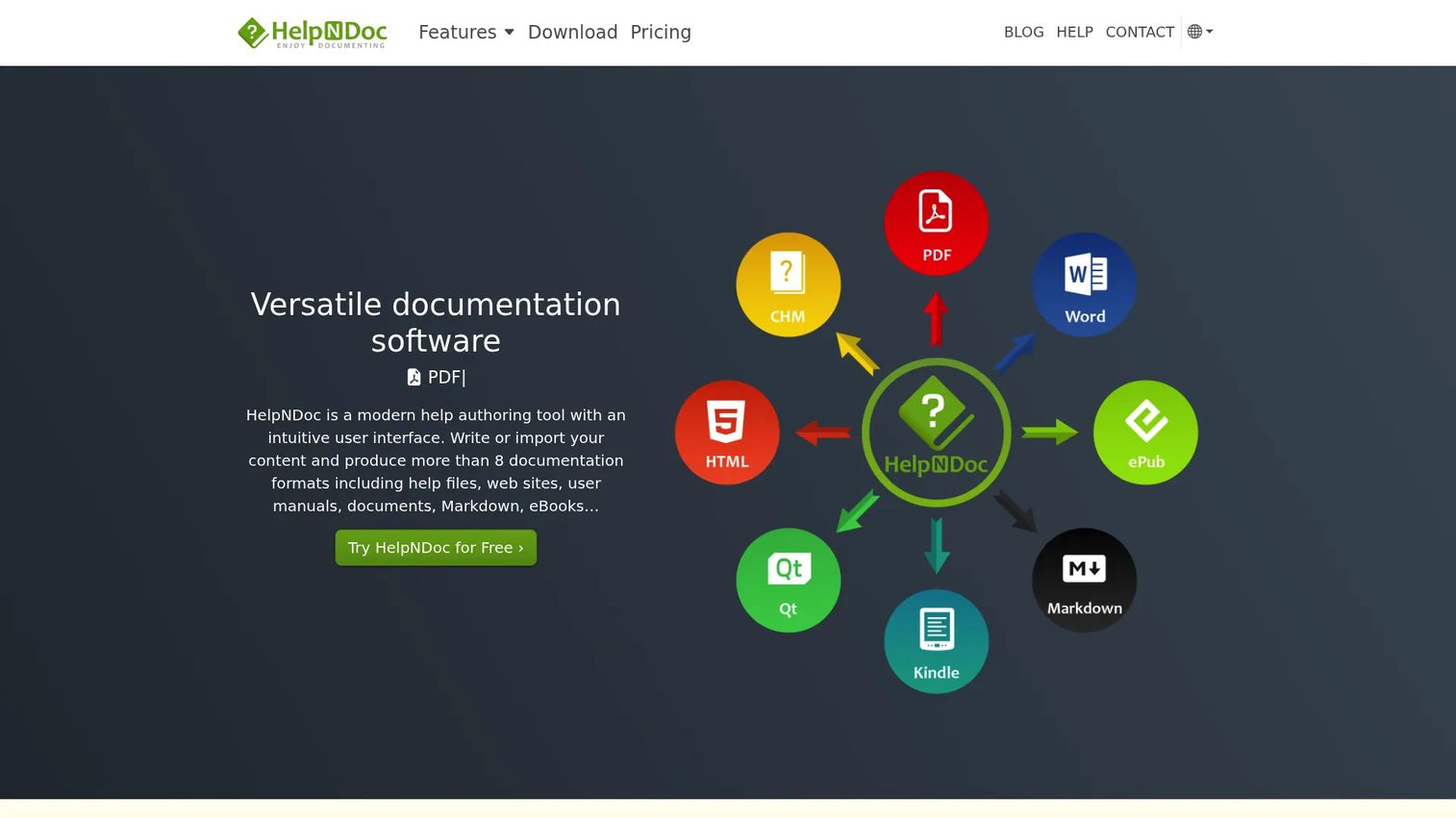
HelpNDoc is a Windows-based help authoring tool built around export breadth. You write topics in a WYSIWYG editor with an integrated table of contents, keyword index, and shared library, then publish the same source to a long list of output formats. For teams that measure a tool by how many outputs it can generate without extra work, HelpNDoc is one of the most format-flexible options on this list.
Its standout is the sheer range of publishing formats: CHM, HTML, Word, PDF, ePub and Kindle, Qt Help, and Markdown, all from a single source. Template-based and scriptable generation means you can customize output without rebuilding content, which suits writers who want repeatable publishing rather than one-off exports.
Best for: Technical writers and small teams who need broad export format support in an approachable Windows tool.
Key strengths
- Multi-format output: CHM, HTML, Word, PDF, ePub, Qt Help, and Markdown from one source.
- Integrated authoring environment: WYSIWYG editor with built-in table of contents, keywords, and library.
- Scriptable generation: template-based and script-driven output for repeatable, customizable publishing.
Why choose HelpNDoc: It fits teams that want serious export flexibility without an enterprise price tag or a steep structured-authoring learning curve. The free personal edition makes it easy to evaluate before committing, and the one-time license model appeals to teams that would rather own software than subscribe.
HelpNDoc pricing: HelpNDoc uses one-time licenses, not subscriptions, with prices shown in Euro excluding VAT. A free Personal Edition is available for personal and non-commercial evaluation use. Paid named licenses start at €99 for Standard, €299 for Professional, and €499 for Ultimate. Floating licenses are also available, starting at €249 for Standard and rising to €1,249 for Ultimate.
2. Adobe RoboHelp
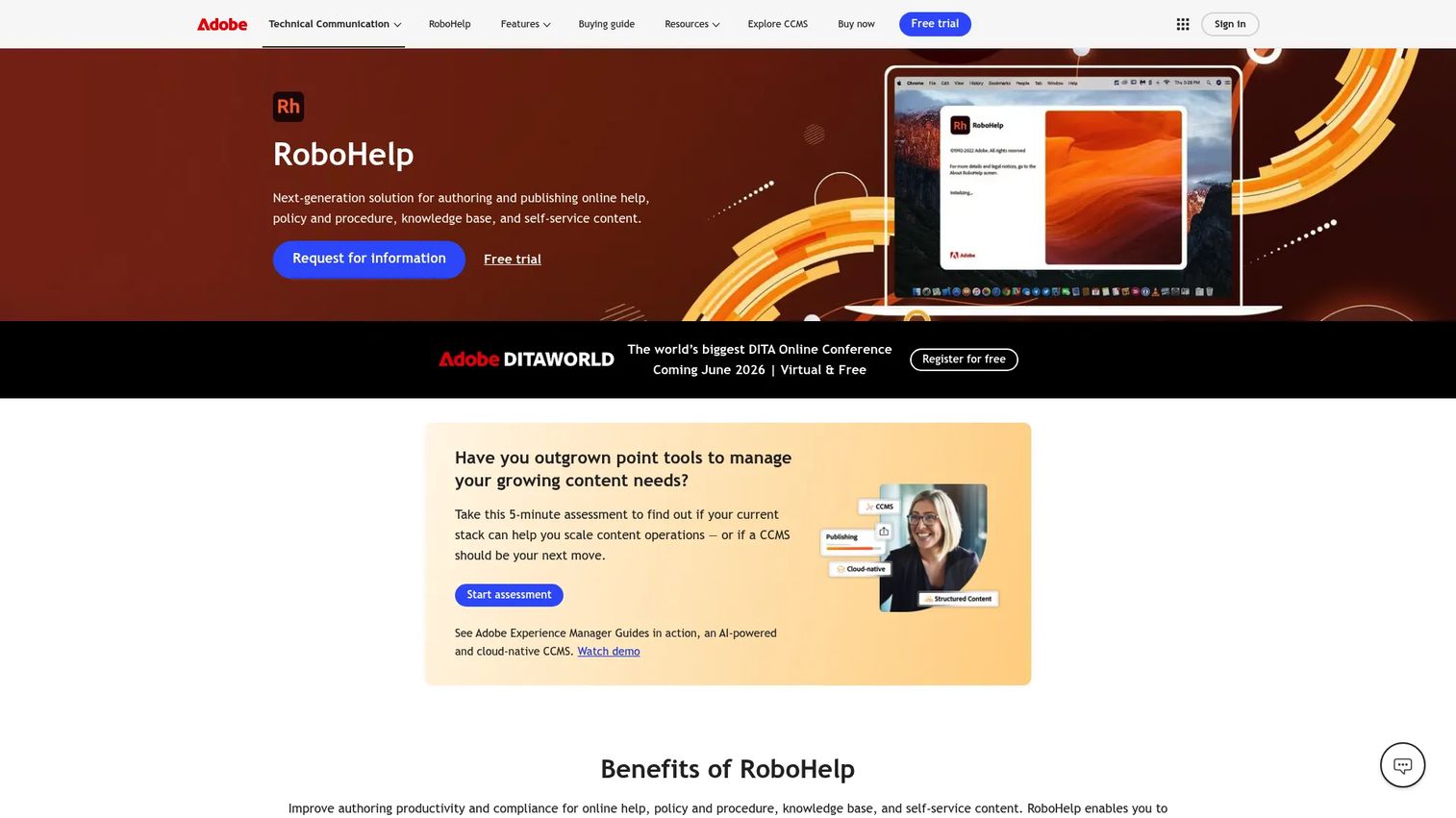
Adobe RoboHelp carries one of the longest pedigrees in help authoring software. It is built for teams producing online help, knowledge base content, policy and procedure documents, and self-service material, and it leans on HTML5 and CSS3 authoring to give writers control over both structure and presentation.
Where RoboHelp earns its place in 2026 is modern content delivery. Microcontent authoring lets you create snippets that feed chatbots and search-driven answers, while multiformat publishing pushes the same source to Responsive HTML5, PDF, Adobe Experience Manager, and Microsoft Help formats. For documentation teams that want a mature authoring workflow with a path into conversational and AI-assisted delivery, it is a strong fit.
Best for: Technical writers and teams publishing help, knowledge base, and policy content across multiple output formats.
Key strengths
- HTML5 and CSS3 authoring: granular control over structure and styling for web-first documentation.
- Microcontent authoring: snippet-based content that powers chatbots and search answers.
- Multiformat publishing: Responsive HTML5, PDF, AEM, and Microsoft Help from one project.
Why choose Adobe RoboHelp: It suits teams already invested in the Adobe ecosystem or those who want an established, well-supported platform for structured, multi-output help. The microcontent and chatbot support make it a forward-looking choice for teams thinking about how support documentation gets consumed beyond the traditional help page.
Adobe RoboHelp pricing: Adobe sells RoboHelp on subscription. The individual subscription runs US$29.99 per month per user with an annual commitment, paid monthly or annually. Team and enterprise licensing are available through volume licensing or direct purchase on a contact-us basis, and an education plan offers a substantial discount. There is no public free tier, but Adobe offers a 30-day trial.
3. MadCap Flare
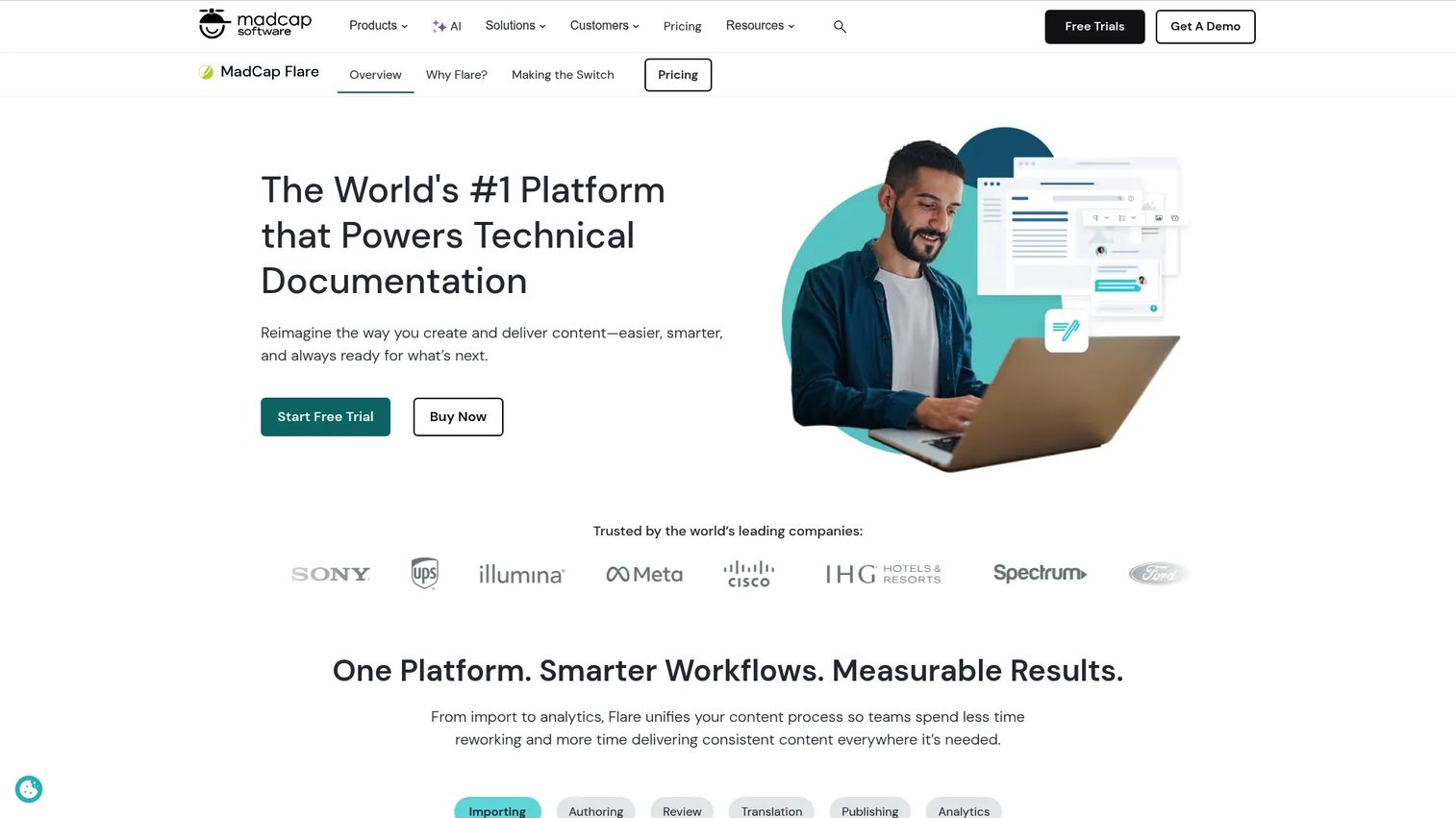
MadCap Flare is a technical documentation platform built for teams that take structured authoring seriously. Topic-based authoring is at its core: you write small, reusable topics and assemble them into different outputs, which is the foundation of true single-sourcing. For documentation teams handling large, interconnected content systems, Flare is a category benchmark.
Its reuse system is where it stands out. Snippets, variables, and conditional text let you maintain one source and publish tailored versions for different audiences, products, or formats. Multi-channel publishing covers HTML5, PDF, Word, PowerPoint, and SCORM, and both cloud-based and on-premise authoring options come with collaboration and workflow support for larger teams.
Best for: Technical writing teams that need reusable, multi-format documentation at scale.
Key strengths
- Topic-based authoring: small, reusable topics that assemble into any output.
- Multi-channel publishing: HTML5, PDF, Word, PowerPoint, and SCORM from one source.
- Flexible deployment: cloud-based and on-premise authoring with collaboration and workflow.
Why choose MadCap Flare: It is the tool for teams whose content complexity has outgrown simpler editors. If you manage thousands of topics, multiple product lines, and conditional output variants, Flare's reuse and single-sourcing depth pays off. The learning curve is real, but so is the payoff for teams that live in structured content every day.
MadCap Flare pricing: The desktop-only plan is publicly priced at $3,150 per author per year, billed annually. Flare Online plans (Individual, Team, and Business) are licensed per user, billed annually, and listed as contact sales rather than public pricing.
4. ClickHelp
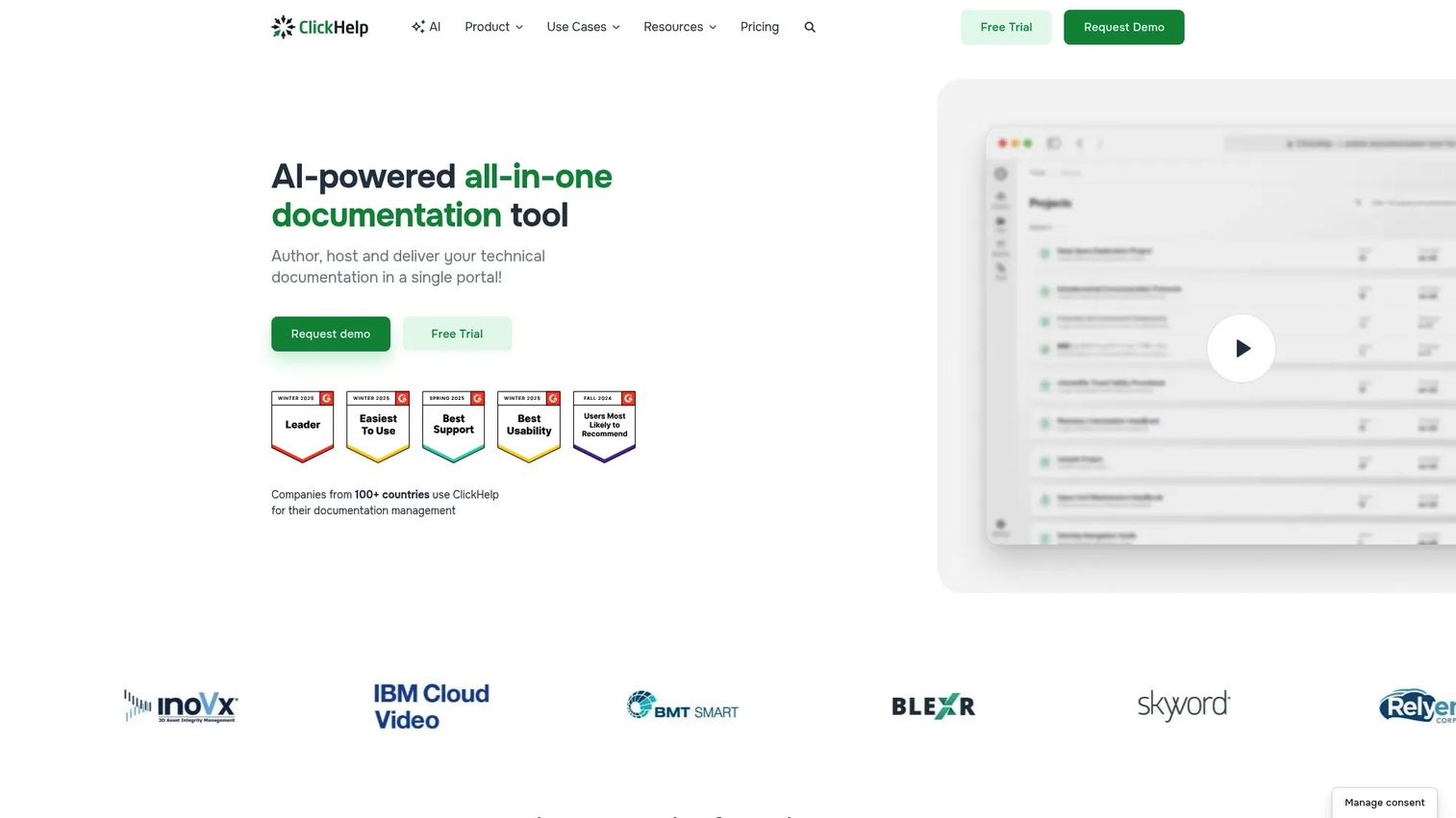
ClickHelp is a cloud-based technical documentation and knowledge base platform built for teams that want a hosted portal without managing infrastructure. Everything happens in the browser, which lowers the setup overhead and makes it easy for distributed teams to author, review, and publish together. It holds one of the highest G2 ratings on this list.
Its strengths center on collaboration workflow. Custom review workflows, review comments, version history, and notifications keep multiple authors coordinated, while full-text search and navigation make the published portal genuinely usable for readers. A translation ecosystem, API and MCP access, SSO, and analytics round it out for teams that need governance and measurement alongside authoring.
Best for: Teams that want a hosted documentation portal with built-in collaboration, publishing, and localization.
Key strengths
- Collaboration workflow: custom workflows, review comments, version history, and notifications.
- Documentation portals: full-text search and navigation for reader-facing help.
- Governance and reach: translation ecosystem, API and MCP, SSO, and analytics.
Why choose ClickHelp: It removes the infrastructure question entirely. For documentation teams that want to centralize authoring in the cloud, collaborate in real time, and publish a searchable portal without a heavy on-premise setup, ClickHelp is a practical, well-reviewed choice. Analytics and reporting also help teams see how help documentation actually gets used.
ClickHelp pricing: ClickHelp lists three public monthly plans: Starter at $185 per month, Growth at $310 per month, and Professional at $610 per month. A free trial is available, along with several paid add-ons for teams that need extra capacity or capabilities.
5. Paligo
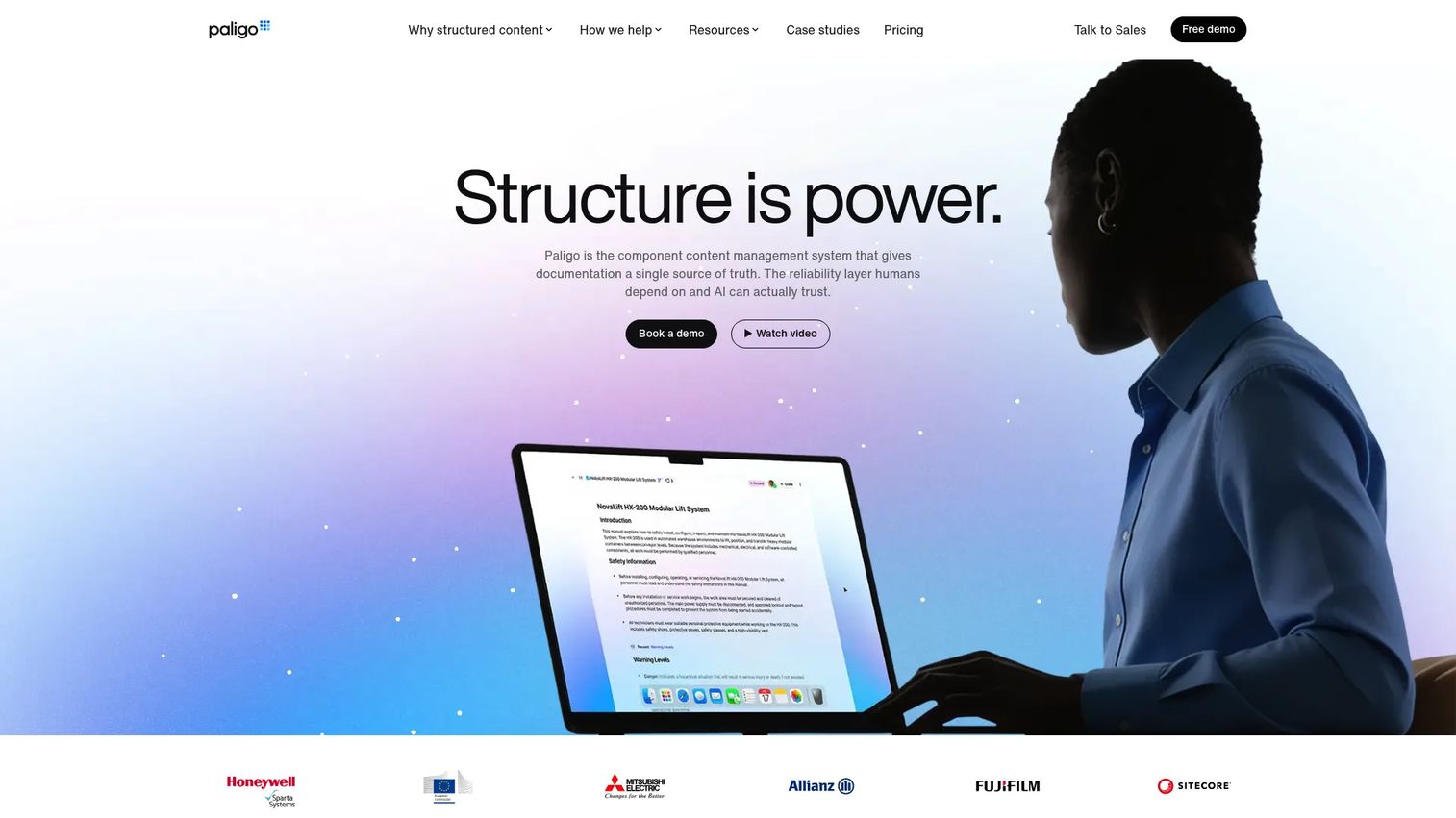
Paligo is a cloud-based component content management system (CCMS) built for structured technical documentation. Where lighter tools focus on editing and export, Paligo is engineered around single-sourcing and content reuse at the component level, which makes it a fit for teams whose documentation operations have real governance and localization demands.
Its differentiation is depth of structured authoring. Content reuse, branching, workflows, and revision control let large teams manage complex documentation without duplication, and translation management is a first-class capability rather than an afterthought. Permissions and workflow controls make it suitable for enterprise documentation teams that need clear ownership and approval layers.
Best for: Teams producing complex technical documentation that need structured authoring, reuse, and localization at scale.
Key strengths
- Single-sourcing and reuse: component-level content that publishes across outputs without duplication.
- Structured workflows: branching, workflows, and revision control for coordinated teams.
- Translation management: localization built into the authoring model, plus granular permissions.
Why choose Paligo: It fits teams that have outgrown file-based authoring and need a true CCMS for reuse, governance, and multilingual publishing. If your documentation spans many products, variants, and languages, Paligo's component model keeps everything in sync. It is an investment aimed at organizations where documentation is a core operational function.
Paligo pricing: Paligo's public pricing lists a Business plan from $15,000 yearly and an Enterprise plan with custom pricing. Additional licenses and services are handled on a contact-sales basis. The pricing reflects its position as an enterprise CCMS rather than a lightweight authoring tool.
6. HelpSmith
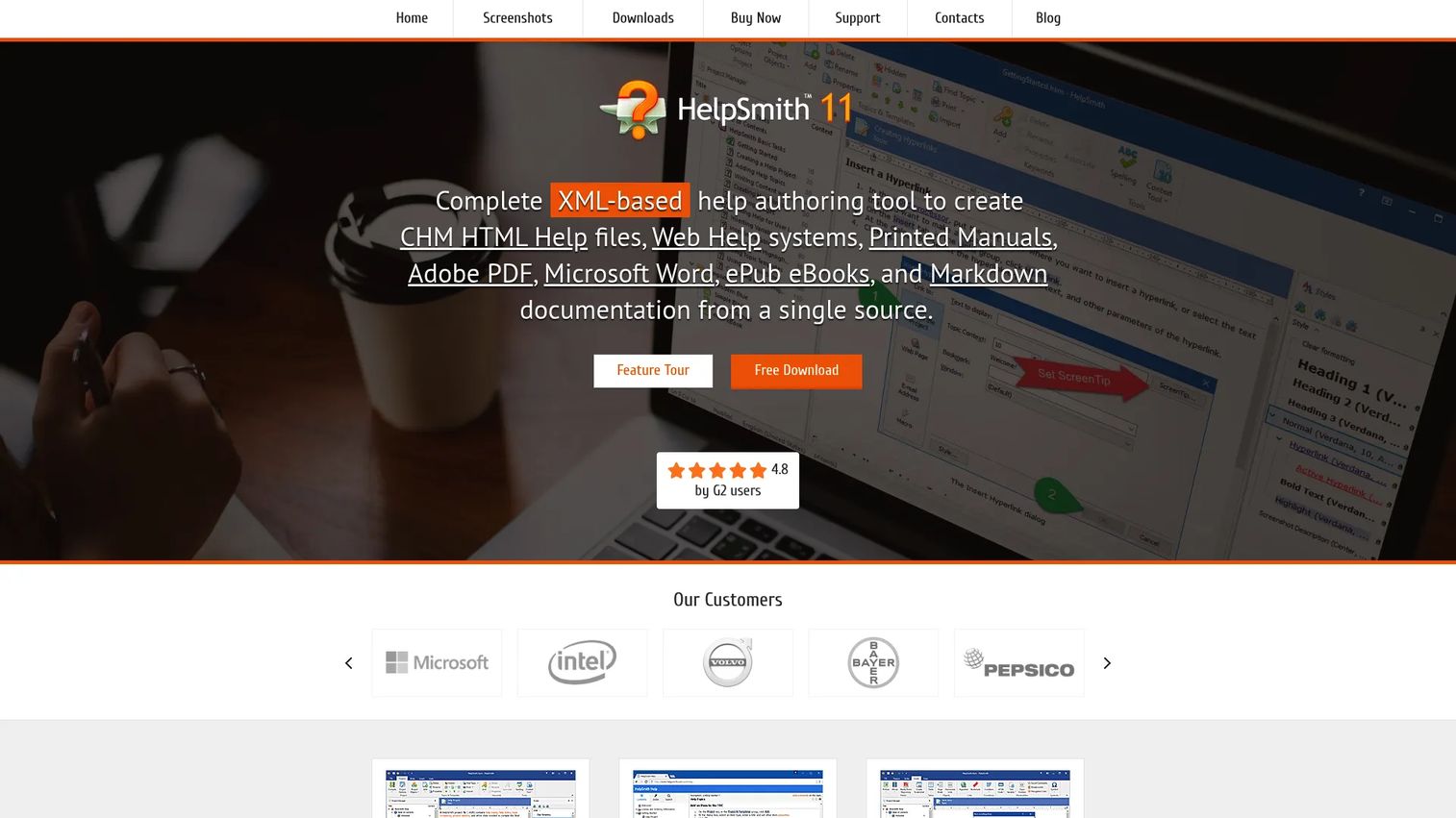
HelpSmith is an on-premise help authoring tool built for teams that want to produce multiple documentation formats from a single source without unnecessary complexity. It leans into a familiar, word-processor-style editing experience, which makes it approachable for writers who do not want to learn a structured authoring model to get help files out the door.
Its practical strengths are the built-in tooling. A word processor with a spell checker handles writing, while a built-in Image Tool captures screenshots and adds annotations, hotspots, and control annotations, which is especially handy for software help. Output covers CHM, Web Help, PDF, Word, ePub, and Markdown from one source.
Best for: Teams that need an on-premise tool to produce CHM, Web Help, and other formats from one source.
Key strengths
- Multi-format output: CHM, Web Help, PDF, Word, ePub, and Markdown from a single source.
- Built-in word processor: integrated editing with a spell checker for fast writing.
- Image Tool: screenshots, annotations, hotspots, and control annotations built in.
Why choose HelpSmith: It suits teams with straightforward documentation needs, especially software help files, that value a self-contained desktop tool. The built-in image and screenshot tooling removes a common workflow gap, and the one-time license model keeps costs predictable for teams that do not need cloud collaboration.
HelpSmith pricing: HelpSmith uses one-time per-seat licenses. The Standard Edition is $199, Professional is $299, and Ultimate is $399. A free trial is available, though there is no permanent free plan.
7. Help & Manual
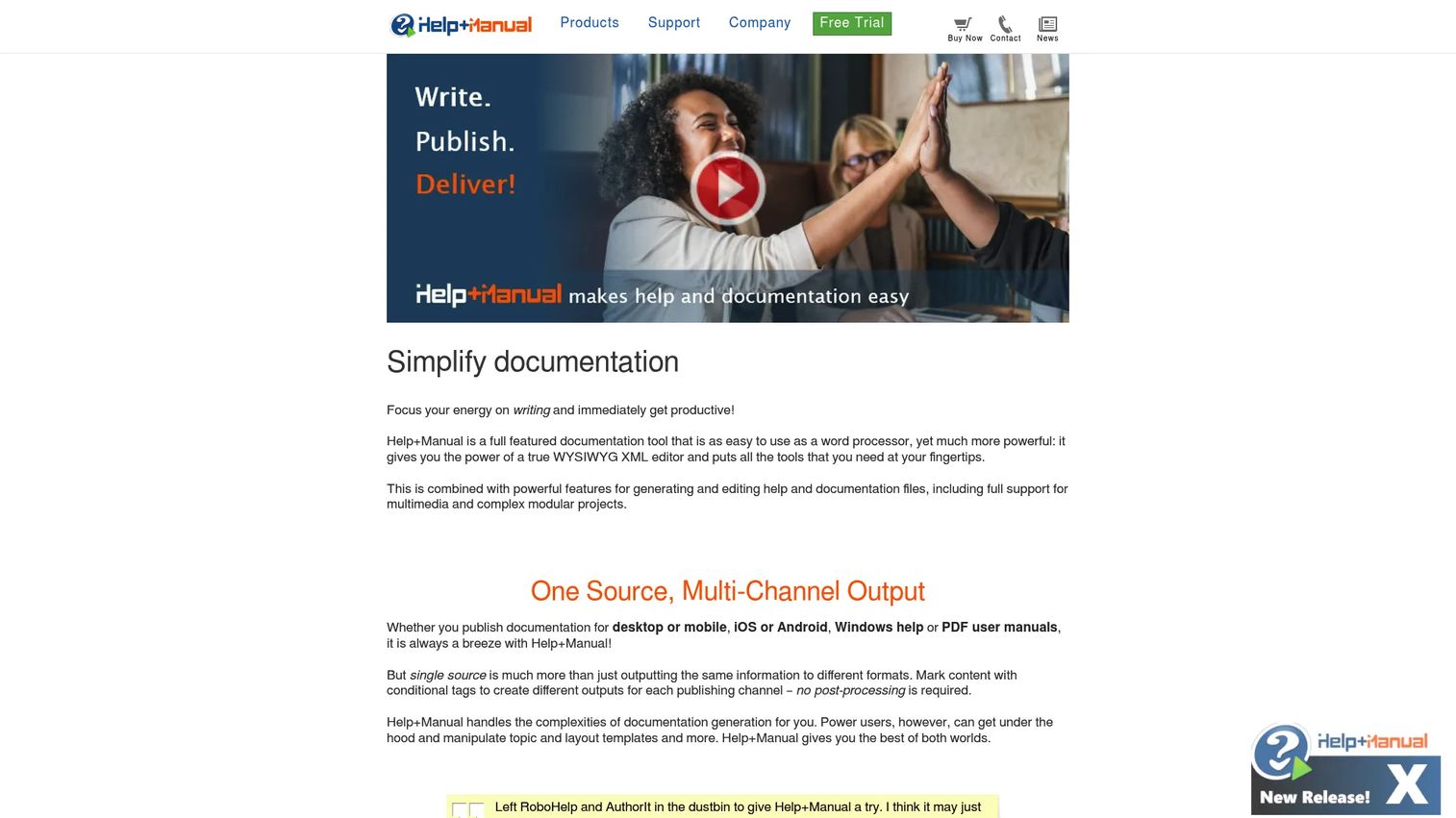
Help & Manual strikes a balance between structured authoring and approachable editing. Under the hood it uses a WYSIWYG XML editor, which means writers get the familiarity of visual editing while the content stays structured enough for single-source, multi-channel publishing. For teams that want structured output without a steep ramp, it is a well-regarded middle path.
Its strengths are single-sourcing and team-friendly workflows. You author once and publish across many output formats, and teamwork with multi-user editing supports collaboration workflow without forcing you into a full CCMS. That combination makes it a comfortable fit for teams that have real documentation needs but want to keep the tooling manageable.
Best for: Teams that need a desktop tool for producing documentation in many output formats with an approachable editor.
Key strengths
- WYSIWYG XML editor: visual editing backed by structured content.
- Single-source publishing: one source, many output formats.
- Teamwork support: multi-user editing for collaborative documentation.
Why choose Help & Manual: It is the sweet spot for teams that want structured authoring benefits without the complexity of an enterprise CCMS. If HelpNDoc feels too basic but Paligo or Author-it feel like overkill, Help & Manual sits comfortably in between with strong multi-format publishing and a usable editing experience.
Help & Manual pricing: Help & Manual comes in Basic, Professional, and Server editions, with pricing verified via G2. The Basic Edition starts at $399, Professional at $598, and Server at $1,099, all one-time purchases. A 30-day fully functional trial is available.
8. Author-it
Author-it is an enterprise component content management system oriented toward large documentation programs. Its focus is structured authoring with reusable components, backed by review, approval, and workflow management, which makes it a fit for organizations where many authors produce many content variants under governance requirements.
Its differentiation is enterprise-grade reuse and governance. Reusable components keep content consistent across products and outputs, and multi-format publishing covers PDF, HTML5, SCORM, Word, and AI-ready JSON (its AION format), which signals a path toward feeding documentation into AI systems. For regulated or documentation-heavy industries, the workflow and approval layers matter as much as the authoring itself.
Best for: Teams needing a structured CCMS for regulated or documentation-heavy content with many authors.
Key strengths
- Component reuse: structured, reusable components for consistency at scale.
- Workflow management: review, approval, and workflow controls for governed content.
- Multi-format publishing: PDF, HTML5, SCORM, Word, and AI-ready JSON output.
Why choose Author-it: It fits large documentation programs with many authors, content variants, and approval layers, particularly in regulated environments where governance is not optional. If your organization treats documentation as a compliance-sensitive operation with formal review chains, Author-it's CCMS orientation is built for exactly that.
Author-it pricing: Author-it's own site notes that pricing depends on team size, deployment model, and requirements, so it is not shown publicly. G2 lists two editions: Technical Publications starting around $1,250 for two users per month, and Training and eLearning around $1,850 for two users per month. Expect a sales conversation for a tailored quote.
Considerations before you choose
The right help authoring tool depends less on feature checklists and more on how your documentation operation actually runs. Weigh these factors before committing.
Structured authoring vs. approachable editing
Decide how much structure you need. Full component-based structured authoring (Paligo, Author-it, MadCap Flare) pays off when content complexity, reuse, and governance are high. If your needs are simpler, a WYSIWYG tool (HelpNDoc, HelpSmith, Help & Manual) gets you to output faster without the ramp.
Publishing formats you actually need
Match the tool to your required outputs. If you need CHM and desktop help files, confirm native support. If web help, PDF, and ePub cover your audiences, most tools here qualify. Do not pay for multi-channel publishing breadth you will never use.
Translation and localization scale
If you publish in multiple languages, translation workflow is not a nice-to-have. Component-level reuse and XML import and export keep localized versions in sync with the source. Tools like Paligo and ClickHelp treat this as core; lighter tools handle it in more limited ways.
Collaboration and version control
For teams beyond one writer, evaluate how the tool handles concurrent editing, review workflows, and revision history. Cloud platforms (ClickHelp, Flare Online, Paligo) tend to make real-time collaboration workflow easier; desktop tools may rely on external version control.
Deployment and licensing model
Decide between one-time desktop licenses (HelpNDoc, HelpSmith, Help & Manual) and subscription or cloud models (RoboHelp, ClickHelp, Paligo). Predictable ownership versus ongoing access changes both cost and maintenance over time.
Conclusion
The best help authoring tool is the one that matches your documentation maturity, not the one with the longest feature list.
If your priority is broad export formats without a big investment, HelpNDoc, HelpSmith, and Help & Manual deliver multi-format publishing from approachable desktop tools. For teams that need structured authoring depth and heavy reuse, MadCap Flare is a category benchmark. When governance, single-sourcing, and localization drive your operation, Paligo and Author-it bring true CCMS capabilities. And if a hosted, collaborative cloud portal fits your team, ClickHelp is a strong, well-reviewed option, with Adobe RoboHelp offering a mature enterprise path into microcontent and AI-assisted delivery.
Your next step: shortlist two tools that match your structure and localization needs, then run a real topic through each. Publish it to every format your audiences use and see which workflow fits how your team actually works. The tool that survives that test is your tool.
FAQs
A help authoring tool (HAT) is software built to create, manage, and publish help documentation from a single source to multiple output formats. Unlike a general word processor, it is designed around structured help and documentation workflows, including single-sourcing, content reuse, version control, and multi-channel publishing. Technical writers use HATs to produce online help, user manuals, knowledge bases, and support documentation without maintaining separate files for each output.
A wiki is built for collaborative, browser-based knowledge sharing where anyone can edit pages quickly. A help authoring tool is built for single-sourcing, multi-format output, and governance. With a HAT, you write content once and publish it to web help, PDF, CHM, and other formats, with version control and approval workflows. Wikis excel at fast, informal collaboration; HATs excel at consistent, controlled, multi-channel help documentation.
It depends on team size and workflow maturity rather than a single winner. Solo writers and small teams often do well with HelpNDoc, HelpSmith, or Help & Manual for approachable multi-format output. Teams handling large, reusable content systems tend to prefer MadCap Flare. Enterprises with heavy governance and localization needs lean toward Paligo or Author-it, while distributed teams that want a hosted portal often choose ClickHelp.
Yes, and this is one of their key advantages for localization. Structured content and XML import and export let translation happen at the component level, so repeated content stays in sync across languages. Content reuse means you translate a snippet once and it propagates everywhere it appears. Tools like Paligo and ClickHelp treat translation management as a core capability, which matters when you publish regional documentation at scale.
Yes, multi-channel publishing from a single source is the defining feature of the category. Common outputs include HTML5 and responsive web help, PDF, CHM (Microsoft Help), ePub and Kindle for ebook-style manuals, and Word. Some tools also export Markdown, SCORM for training content, and structured JSON for AI systems. You write a topic once and generate every format your audiences need without rewriting the content.
No. While product documentation is a common use case, HATs support a much broader range: support documentation and help centers, user manuals, onboarding and training docs, internal knowledge bases, and policy and procedure content. Any team that needs consistent, single-sourced content published across multiple formats and channels can benefit, which is why enablement, support, and internal operations teams use them alongside technical documentation teams.