You don't feel the problem at 20 contracts. You feel it the Friday before a board meeting, when legal, finance, and outside counsel all need the same document version and nobody can find it. Legal work has a distribution problem: Agreements live in inboxes, signed copies sit on someone's local drive, and the "shared folder" structure your team built in year one has quietly become a liability.
The market reflects the urgency. The global legal document management software market was valued at $4.8 billion in 2025 and is projected to reach $12.3 billion by 2034, growing at an 11.2% CAGR, according to Dataintelo (2025). Meanwhile, 73% of law firms now use cloud-based legal tools, with document management among the most-adopted categories, per the American Bar Association's 2025 survey.
The underlying problem is not storage. It's legal control at scale.
What's inside
This guide compares 14 legal document management software options for 2026, covering enterprise legal DMS platforms, small-firm practice management tools, and secure file-sharing systems. Tools were selected based on these criteria:
- Legal workflow fit: Matter-centric filing, email management, and law-specific permissions
- Security controls: Ethical walls, encryption, audit trails, and access governance
- Search and retrieval: Full-text search, metadata, OCR, and version history
- Firm-size suitability: Recommendations span solo practices to global legal departments
This guide is for law firms, in-house legal teams, and SaaS operators building legal infrastructure before the next fundraise.
TL;DR
- Best overall for large law firms: iManage Work for deep matter-centric document and email management
- Best cloud-native legal DMS: NetDocuments for firms prioritizing cloud access and governance
- Best for small and midsize law firms: LexWorkplace for standalone legal DMS; MyCase or CARET Legal if you want practice management included
- Best for records-heavy governance: OpenText eDOCS DM for mature document and records lifecycle management
- Best for secure client file exchange: ShareFile for controlled external sharing without full legal DMS depth
- Best for matter and vendor operations: Lawcadia for corporate in-house legal teams
What is legal document management software?
Legal document management software is a system for storing, organizing, securing, searching, and governing legal documents by matter, client, case, practice area, or legal workflow.
Unlike generic cloud storage, a legal DMS adds structure that law firms and legal teams actually need. Shared drives organize by folder. A legal document management system organizes by legal context, with metadata, permissions, email filing, version histories, and audit trails built in.
Core capabilities to look for:
- Matter-centric document organization: Files are grouped by client, matter, or case, not by arbitrary folder structures
- Full-text search and metadata: Find any clause, attachment, or document version without knowing where it was saved
- Email filing and Office integration: Capture and link emails from Outlook directly to matters; edit documents without leaving Word
- Version control and co-authoring: Track every change with a clear history; multiple team members can work simultaneously
- Ethical walls and need-to-know permissions: Restrict document access by practice group, matter, or role to protect privilege
- Audit trails and records management: Log who accessed, edited, or shared every document; enforce retention policies
- Secure external sharing: Share with clients and outside counsel without losing access control
- Cloud and mobile access: Work from anywhere without sacrificing governance
- Workflow automation: Route documents for review, approval, or signature automatically
- AI-ready knowledge reuse: Surface relevant precedents and clauses from past matters
The boundary between legal DMS and practice management software matters. A legal DMS focuses on document control, search, and governance. Practice management platforms add billing, calendaring, client intake, and case workflow. Several tools in this list combine both, which can reduce sprawl for smaller teams.
When to use legal document management software
Centralize matter files across teams
Shared drives and email threads stop working when multiple attorneys, paralegals, and outside counsel all need the same matter files. A legal document management system creates a single source of truth, organized by client and matter, that everyone can access with the right permissions. For SaaS founders scaling an internal legal function, this is the point where ad-hoc Google Drive folders start creating compliance exposure.
Lock down sensitive legal documents
Legal work carries privilege, confidentiality obligations, and data that cannot be exposed to the wrong people inside or outside your organization. Ethical walls, matter-level permissions, encryption at rest and in transit, and complete audit logs protect that work. Investors and acquirers will ask about this during diligence. A proper law firm document management system gives you a clean answer.
Shorten search and review cycles
When lawyers spend 20 minutes hunting for the signed version of a contract, or when junior associates recreate research that already exists in a closed matter, the cost compounds fast. Full-text search, OCR, metadata filters, and linked email threads reduce that friction to seconds. For in-house legal teams supporting fast-moving sales cycles, this is where document management for law firms pays back immediately.
Legal document management software comparison
The table below summarizes all 14 legal document management systems covered in this guide. Pricing reflects verified data from vendor pricing pages and G2 at time of writing. Quote-based pricing means the vendor requires a direct sales conversation.
| # | Product | Best for | Key differentiator | Pricing | G2 rating |
|---|---|---|---|---|---|
| 1 | iManage Work | Large law firms and enterprise legal teams | Deep matter-centric document and email management | Quote-based | 4.4/5 |
| 2 | NetDocuments | Cloud-first law firms | Cloud-native DMS with governance and AI tools | Quote-based | 3.9/5 |
| 3 | LexWorkplace | Small and midsize law firms | Matter-based DMS with Outlook integration, no enterprise overhead | From $395/month | Not listed on G2 |
| 4 | CARET Legal | Law firms wanting practice management plus documents | Combines case management, documents, billing, and automation | From $79/user/month | 4.4/5 |
| 5 | MyCase | Small firms needing all-in-one legal operations | Practice management with document storage, eSignature, and client portal | From $50/user/month | Not listed on G2 |
| 6 | Worldox | Firms with established DMS workflows | Longstanding document profiling and structured search | \~$460/concurrent license (G2-reported) | 3.8/5 |
| 7 | OpenText eDOCS DM | Records-heavy legal and public-sector teams | Document and records governance at enterprise scale | Perpetual license pricing; quote for commercial terms | Not listed on G2 |
| 8 | Intapp Documents | Professional services firms in the Intapp ecosystem | Engagement-centric document management on Microsoft 365 | Quote-based | Not listed on G2 |
| 9 | ShareFile | Secure file exchange and client sharing | Controlled document sharing with client-facing workflows | From $16.50/user/month | 4.2/5 |
| 10 | LogicalDoc | Teams needing configurable document management | Open-source community edition plus commercial tiers | Free (Community); quote for Business/Enterprise | 4.4/5 |
| 11 | Docsvault | Small businesses and legal-adjacent teams | Self-hosted DMS with scanning, OCR, and workflow | From \~$15.55/month | Not listed on G2 |
| 12 | Revver | Teams focused on process automation | AI-assisted document management with no-code workflow automation | From $25/user/month | 4.3/5 |
| 13 | EisenVault | Firms needing governed cloud document storage | Secure DMS with workflow, compliance controls, and flexible deployment | Quote-based | 4.0/5 |
| 14 | Lawcadia | Corporate legal teams managing matters and vendors | Legal operations platform with matter, spend, and document context | Quote-based | Not listed on G2 |
Best 14 legal document management software tools for 2026
1. iManage Work
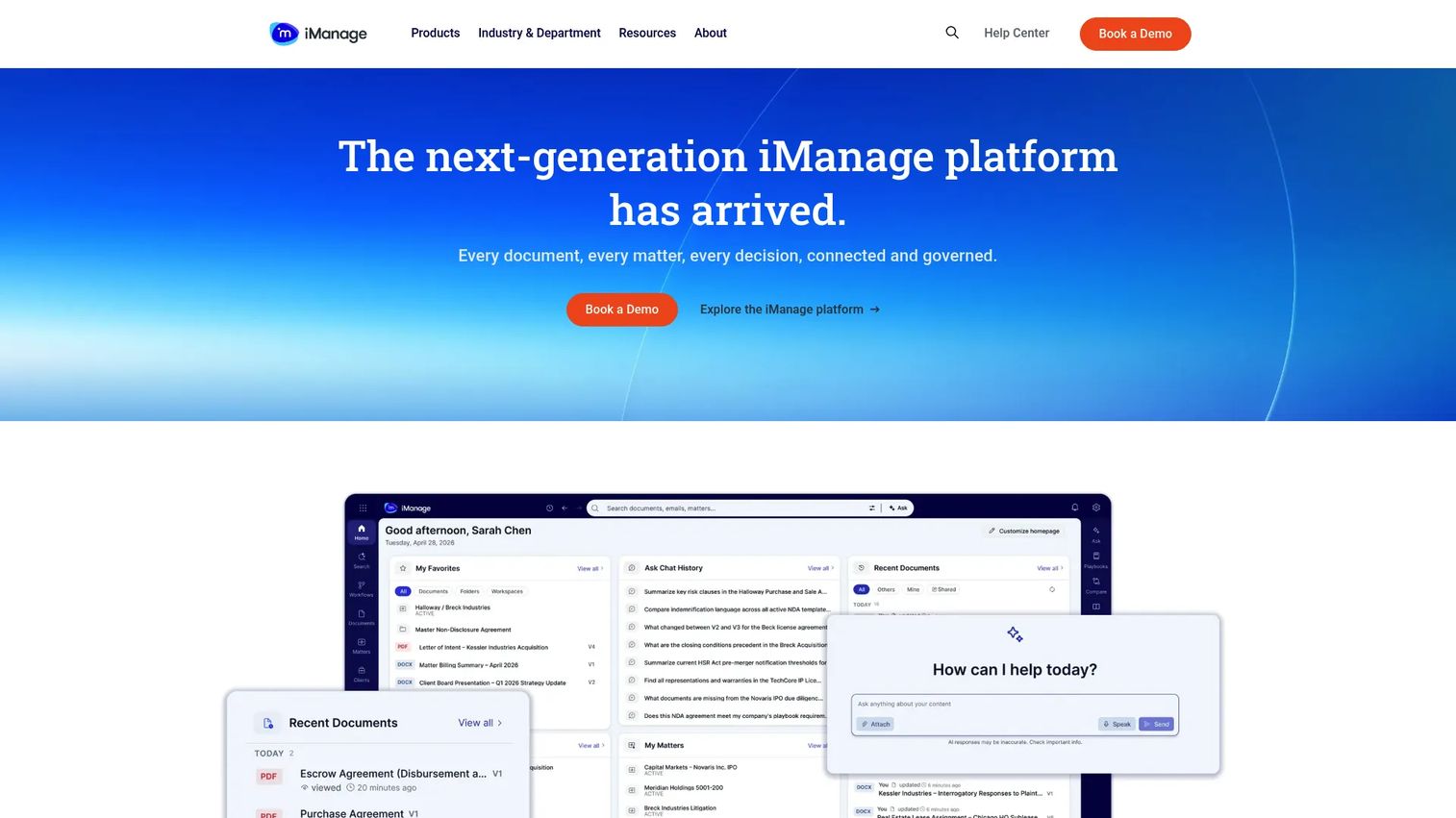
iManage Work is the dominant legal DMS for large law firms and enterprise legal departments. It organizes documents and emails by matter, makes them searchable across the entire firm, and governs who can access what through security policies and ethical walls. iManage integrates deeply with Microsoft 365, Outlook, and Teams, which means lawyers work in familiar tools without bypassing the system.
Best for: Large law firms, global legal departments, and organizations where document governance has become board-level infrastructure.
Key features
- Matter-centric document and email filing
- Enterprise search with document preview
- Ethical walls and need-to-know access controls
- Microsoft 365, Outlook, and Teams integration
- Version control and full activity timeline
Why choose iManage Work: Choose it when your legal operations have outgrown any reasonable workaround and you need a system that survives security reviews, supports hundreds of users, and connects to knowledge management workflows. It's the right call when legal document control is a governance requirement, not just a productivity preference.
iManage Work pricing: iManage directs all buyers to contact sales for pricing. Ask your sales contact specifically about per-user licensing, storage tiers, migration services, and implementation costs, since these vary significantly by firm size and deployment model.
G2 rating: 4.4/5
2. NetDocuments
NetDocuments is a cloud-native legal document and email management platform built for law firms and in-house legal teams that want mature DMS depth without running their own infrastructure. It handles document organization, email filing, secure collaboration, and governance controls in a platform designed specifically for legal work. NetDocuments also includes a Legal AI Assistant and Tabular Review for knowledge work, along with geo-aware cloud storage for data residency requirements.
Best for: Cloud-first law firms and legal departments that want legal-grade document management without managing on-premise servers.
Key features
- Cloud-native document and email management
- AI Legal Assistant and Tabular Review
- Ethical walls, encryption, and data loss prevention
- Microsoft Teams and Microsoft 365 integration
- Secure workspaces and document bundling
Why choose NetDocuments: It fits teams that want iManage-level legal DMS depth in a cloud-first model. For scaling SaaS companies building legal infrastructure, it's a serious option when the legal team is growing and document governance needs to keep pace.
NetDocuments pricing: NetDocuments requires a sales conversation for all pricing. Request a quote that covers users, workspaces, storage, and any implementation or migration support. No free tier is available.
G2 rating: 3.9/5
3. LexWorkplace
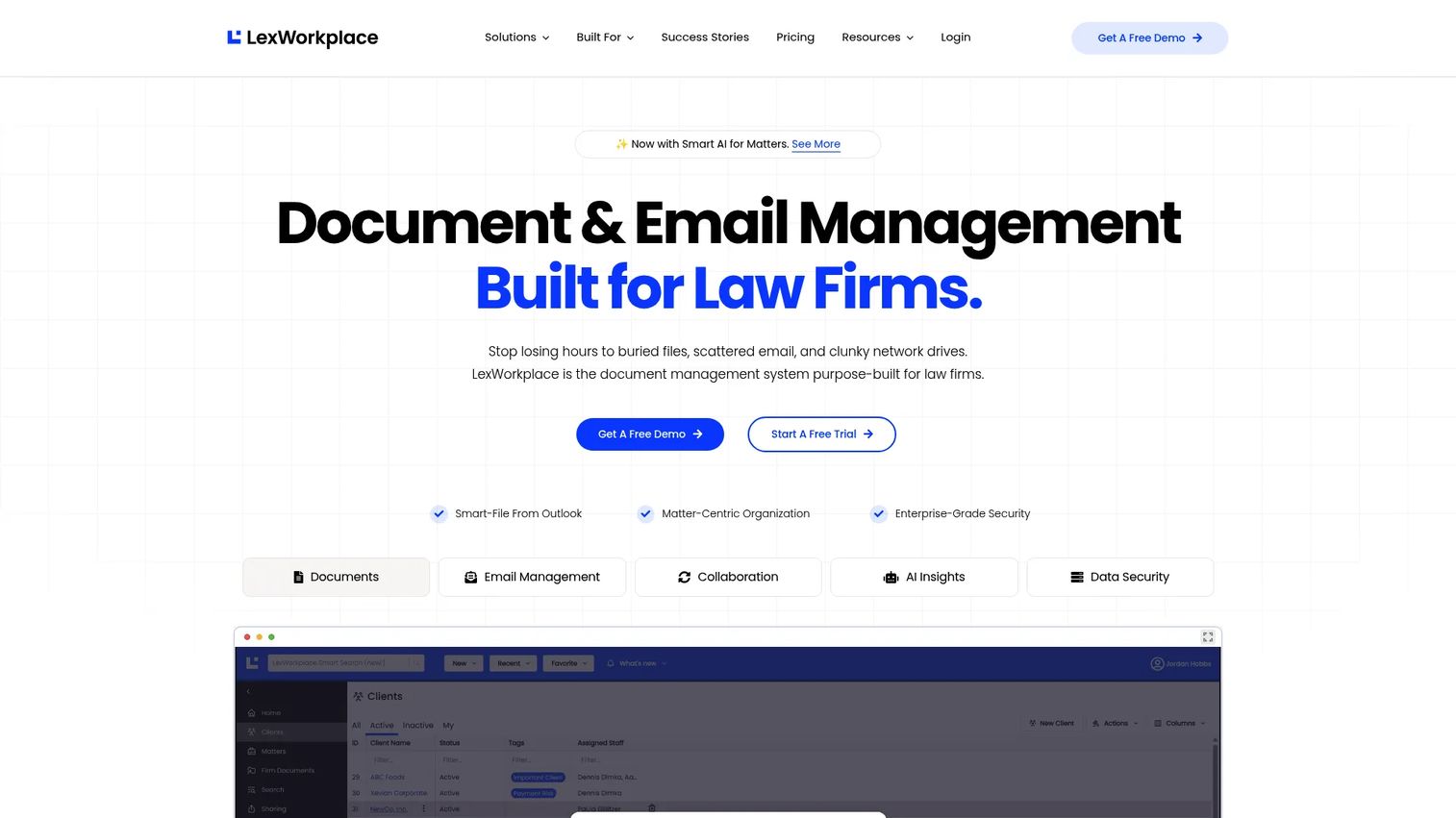
LexWorkplace is a cloud-based legal document and email management system built specifically for small and midsize law firms. It organizes files by matter, integrates with Outlook for email filing, and provides full-text search with OCR. The platform includes Document AI and matter-wide insights. It's designed for firms that have outgrown Dropbox or a shared drive and want a proper legal DMS without enterprise-level complexity or pricing.
Best for: Small and midsize law firms migrating from shared drives, local servers, or generic cloud storage.
Key features
- Matter-based document and email organization
- Outlook email filing and management
- Full-text search and OCR
- Document AI and matter insights
- Version history and inline document comparison (Advanced plan)
Why choose LexWorkplace: It's the most straightforward entry point to a proper law firm document management system for smaller firms. Migration from shared drives is a realistic project, not a multi-year implementation.
LexWorkplace pricing: The Starter plan is free for Uptime Manage and Cloud users. The Core plan starts at $395/month (3 users included, 1,000 GB storage). Advanced is $595/month (3 users, 2,000 GB storage, OCR and comparison tools). Onboarding fees apply separately.
4. CARET Legal
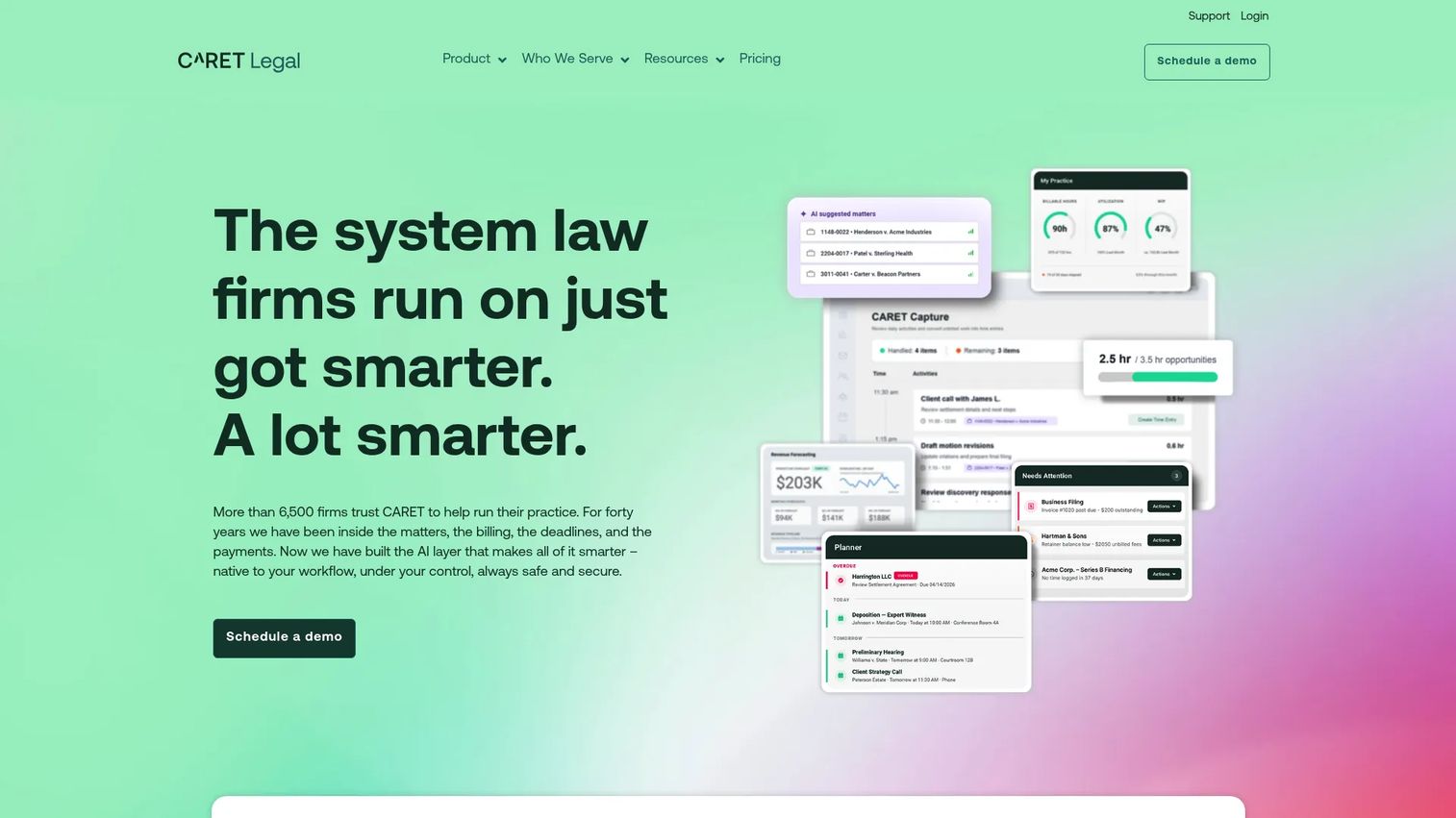
CARET Legal combines case management, document management, billing, accounting, and workflow automation in a single platform for law firms. It's designed as an operating system for a firm, not a standalone document repository. Document automation, client portals, and prospect management sit alongside time tracking and payment processing, which reduces the number of tools a growing firm needs to maintain.
Best for: Law firms that want document management inside a broader practice management platform, without juggling multiple systems.
Key features
- Case and matter management
- Document management and automation
- Billing, accounting, and payment processing
- Automated workflows and reporting
- Client portal and communications
Why choose CARET Legal: Use it when the firm wants fewer systems and values having billing, calendaring, and documents in a single workflow. For founders evaluating legal software for an internal legal team, it's a consolidation play rather than a specialized DMS.
CARET Legal pricing: Enterprise starts at $79/user/month (billed annually). Enterprise Plus is $99/user/month (billed annually) and adds advanced document management, custom permissions, automated workflows, and AI-generated document summaries. Enterprise Insights pricing requires a quote. One-time implementation fees apply.
G2 rating: 4.4/5
5. MyCase
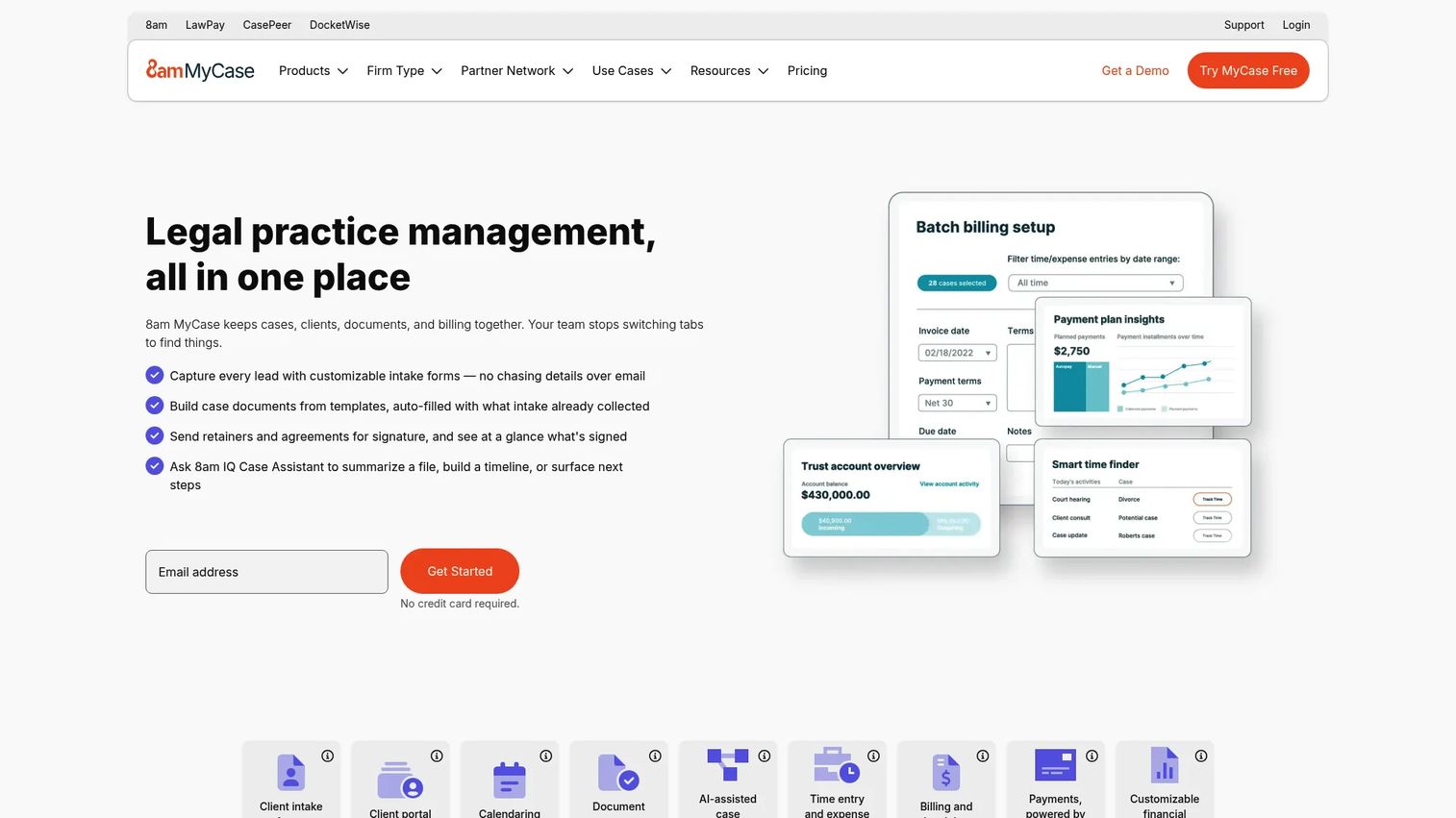
MyCase is an all-in-one legal practice management platform that includes cloud document storage, client portals, eSignature, document generation, time tracking, invoicing, trust accounting, and two-way client texting. It's built for small law firms that want practical day-to-day case management rather than a dedicated enterprise legal DMS. Document storage is unlimited across all plans, and a desktop sync option is available.
Best for: Small law firms that want case management, billing, client communication, and document storage in a single system.
Key features
- Cloud document storage (unlimited)
- Document generation and eSignature
- Client portal and two-way texting
- Time tracking, invoicing, and trust accounting
- Calendaring and workflow automation
Why choose MyCase: Choose it when the bottleneck is not document governance but overall firm operations. Teams that need ethical walls, deep matter-based knowledge management, or enterprise search will find it has less depth than a dedicated legal DMS.
MyCase pricing: Basic starts at $50/user/month (billed annually) or $60/user/month (monthly). Pro is $100/user/month (annual) or $120/user/month (monthly). Advanced is $130/user/month (annual) or $150/user/month (monthly). A 10-day free trial is available with no credit card required.
6. Worldox
Worldox is a long-established legal document management system for law firms and professional services organizations. It organizes documents through a structured profiling and indexing system, supports robust full-text search, and integrates with Microsoft Outlook, Word, Teams, and Office 365. It also offers cloud, web, and mobile access alongside workflow and connector modules.
Best for: Firms with established document management habits that prefer a proven system with structured profiling and deep search.
Key features
- Document profiling, indexing, and tagging
- Full-text search and document retrieval
- Version control and audit trails
- Microsoft Office, Outlook, and Teams integration
- Cloud, web, iOS, and mobile access
Why choose Worldox: It's the right fit when your team already thinks in structured document profiling terms and you want a system with deep roots in legal workflows. Verify current product availability, support terms, and hosting options directly with the vendor before committing.
Worldox pricing: First-party pricing is not currently displayed on the vendor site. G2 reports pricing around $460 per concurrent license for Worldox GX4 Professional. Contact Worldox directly for current licensing, support, migration, and hosting costs.
G2 rating: 3.8/5
7. OpenText eDOCS DM
OpenText eDOCS DM is an enterprise document and records management system used by legal teams, government agencies, and regulated industries. It handles document capture, organization, version control, records lifecycle management, and advanced search through OpenText MindServer. The platform integrates with Microsoft 365, Teams, OneDrive, SharePoint, and Outlook, and supports web, desktop, and mobile access.
Best for: Legal and public-sector teams where document retention policies, records governance, and regulatory compliance are primary requirements.
Key features
- Records management and retention policies
- Advanced full-text search with MindServer
- Microsoft 365, Teams, SharePoint, and Outlook integration
- Document-level security and encryption
- Workflow, imaging, and OCR capabilities
Why choose OpenText eDOCS DM: Choose it when audit trails, records lifecycle enforcement, and regulatory retention requirements matter as much as day-to-day matter work. For founders, this is relevant when legal and compliance operations have become a governance requirement, not a team preference.
OpenText eDOCS DM pricing: An OpenText-hosted government contract price list shows perpetual license prices starting at $286.77 (Read Only Named User) and $477.21 (Standard Named User). Commercial pricing and subscription terms require direct contact with OpenText sales.
8. Intapp Documents
Intapp Documents is a cloud-based document and engagement-content management system built for professional services firms on Microsoft 365. It organizes documents around client engagements and matter lifecycles, provisions Microsoft Teams and SharePoint workspaces automatically, and handles email filing from Outlook. It connects to the broader Intapp platform, which covers intake, conflicts, risk, and client lifecycle workflows.
Best for: Professional services firms and legal teams already operating within the Intapp stack who want documents tied to client and engagement context.
Key features
- Engagement-centric document and communication management
- Automated Microsoft Teams and SharePoint workspace provisioning
- Outlook email filing and attachment management
- Workspace governance, archiving, and version control
- Search and document co-authoring
Why choose Intapp Documents: It's most valuable when the broader Intapp platform is already in use. Buying it outside that context means giving up much of what differentiates it from a general Microsoft 365 document solution.
Intapp Documents pricing: Pricing requires a direct sales conversation with Intapp. Contact sales and ask about per-user licensing, modules, implementation, and integration costs, particularly if you're evaluating it alongside other Intapp products.
9. ShareFile
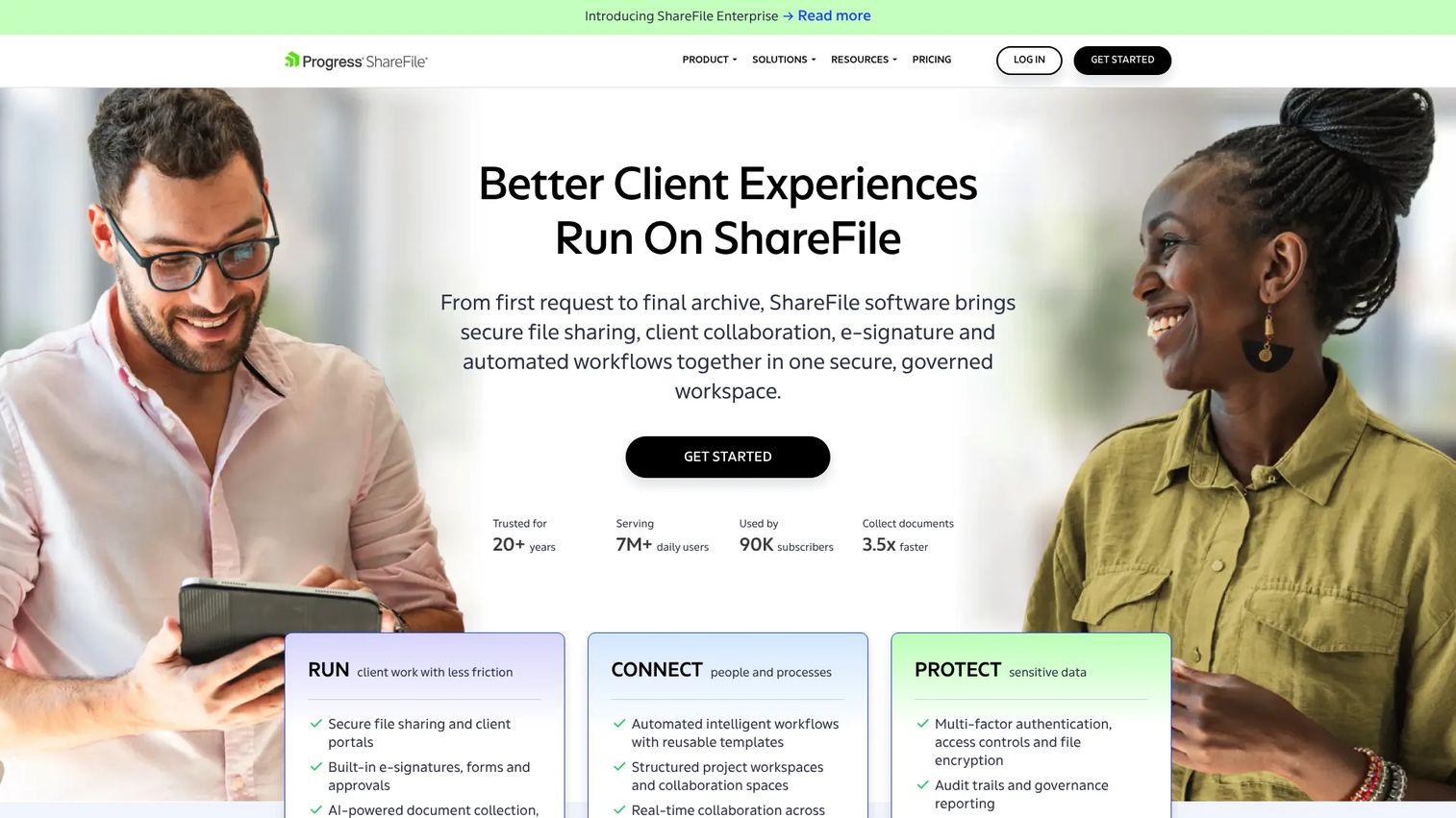
ShareFile is a secure document workflow and file-sharing platform focused on client collaboration, document collection, approvals, and eSignatures. It's not a full legal DMS in the matter-centric sense, but it fills a real gap: Controlled external document exchange with clients, outside counsel, and counterparties. It includes client portals, document requests, form-based workflows, AI document assistance, and integrations with Microsoft 365 and Google Workspace.
Best for: Legal teams whose primary pain is secure external document exchange rather than deep matter-based knowledge management.
Key features
- Secure file sharing with encryption, expiration, and audit trails
- Client portals and document request workflows
- Integrated eSignatures and AI document assistance
- Activity tracking and permission controls
- Microsoft 365 and Google Workspace integrations
Why choose ShareFile: It's the practical choice when the bottleneck is getting documents to clients and outside counsel securely, not organizing an internal matter library. Be clear that it doesn't replace iManage or NetDocuments for firms that need full legal DMS depth.
ShareFile pricing: Advanced starts at $16.50/user/month (minimum 3 users). Premium is $26.00/user/month. Enterprise is $35.00/user/month. A Virtual Data Room plan is available at $69.30/user/month (minimum 5 users). All prices are per user per month.
G2 rating: 4.2/5
10. LogicalDoc
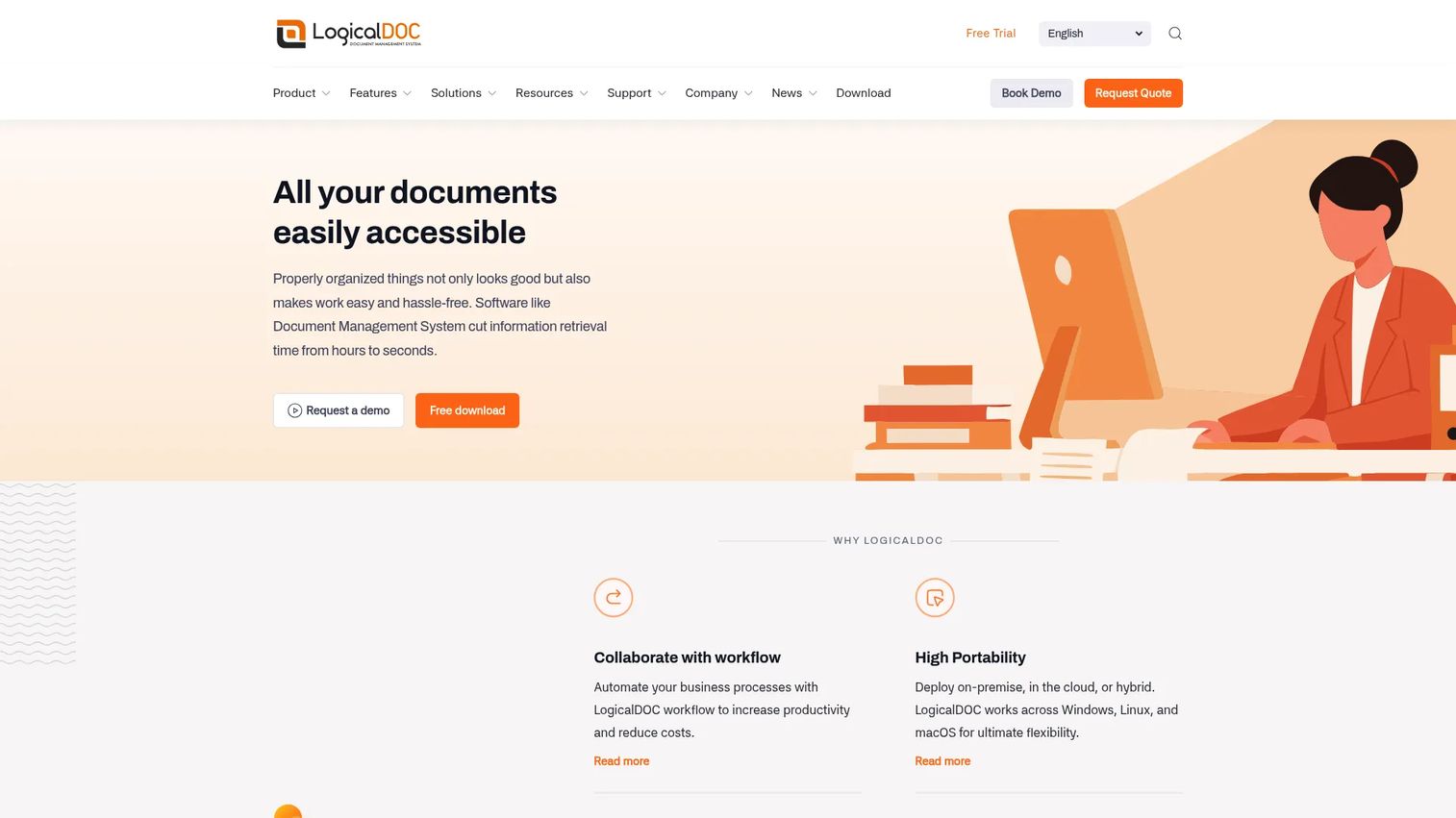
LogicalDoc is a document management system available as a free open-source Community Edition and as paid Business, Enterprise, and Cloud editions. It supports full-text indexing, OCR search, automatic versioning, role-based access control, custom workflow automation, audit history, and API access for ERP and CRM integration. Deployment options include on-premise, cloud, and hybrid.
Best for: Legal-adjacent teams that need configurable document management with workflow controls and want flexible deployment options.
Key features
- Full-text indexing and OCR search
- Automatic versioning and real-time collaboration
- Role-based access control and audit history
- Custom workflow automation and notifications
- API access and ERP/CRM integration
Why choose LogicalDoc: Use it when document governance needs are real but law-firm-specific features like matter-centric profiling or ethical walls are less critical. The free Community Edition is a low-risk starting point for smaller teams evaluating their options.
LogicalDoc pricing: The Community Edition is free and open source. Business, Enterprise, and Cloud editions require a quote from LogicalDoc directly. Ask about user counts, storage, deployment model, and support terms.
G2 rating: 4.4/5
11. Docsvault
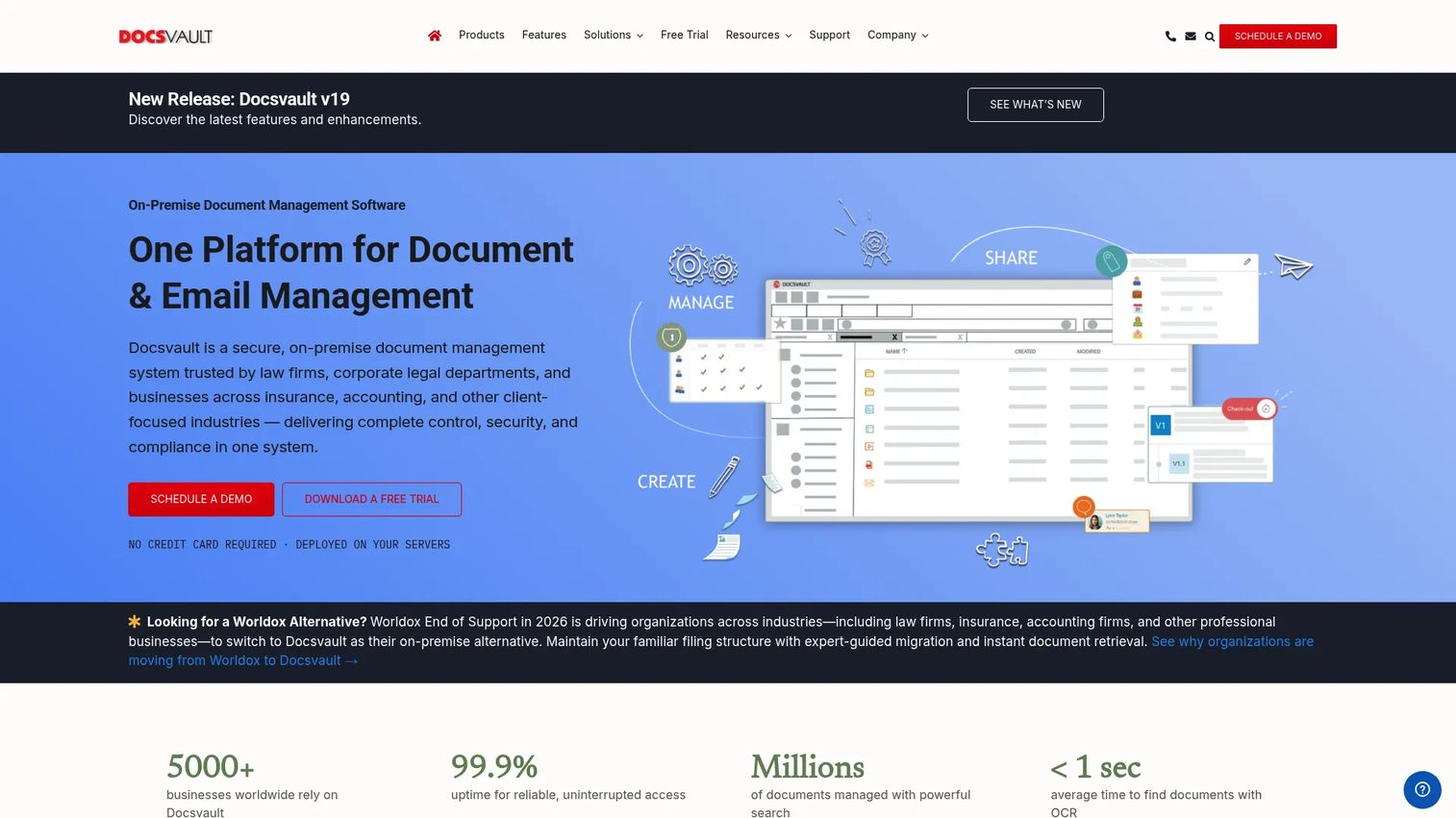
Docsvault is a self-hosted document management system for small businesses and legal-adjacent teams that need document capture, indexing, workflow routing, and version control. It covers scanning and OCR, full-text search, PDF editing and redaction, digital signatures, and web and mobile access. On-premise and cloud deployment options are available.
Best for: Smaller teams replacing paper-heavy or server-based workflows that need document capture, indexing, and process routing.
Key features
- Document scanning, OCR, and capture
- Full-text search and version control
- Role-based security and audit trails
- Workflow automation, tasks, and reminders
- PDF editing, redaction, and digital signatures
Why choose Docsvault: It's a practical fit for teams that are still partially paper-based or working off local servers. Legal buyers should verify whether it covers the specific matter-centric filing and ethical wall requirements their work demands before shortlisting it.
Docsvault pricing: The Small Business edition starts at approximately $15.55/month (5-user minimum). Enterprise and Ultimate editions require contacting sales. A 30-day free trial is available.
12. Revver
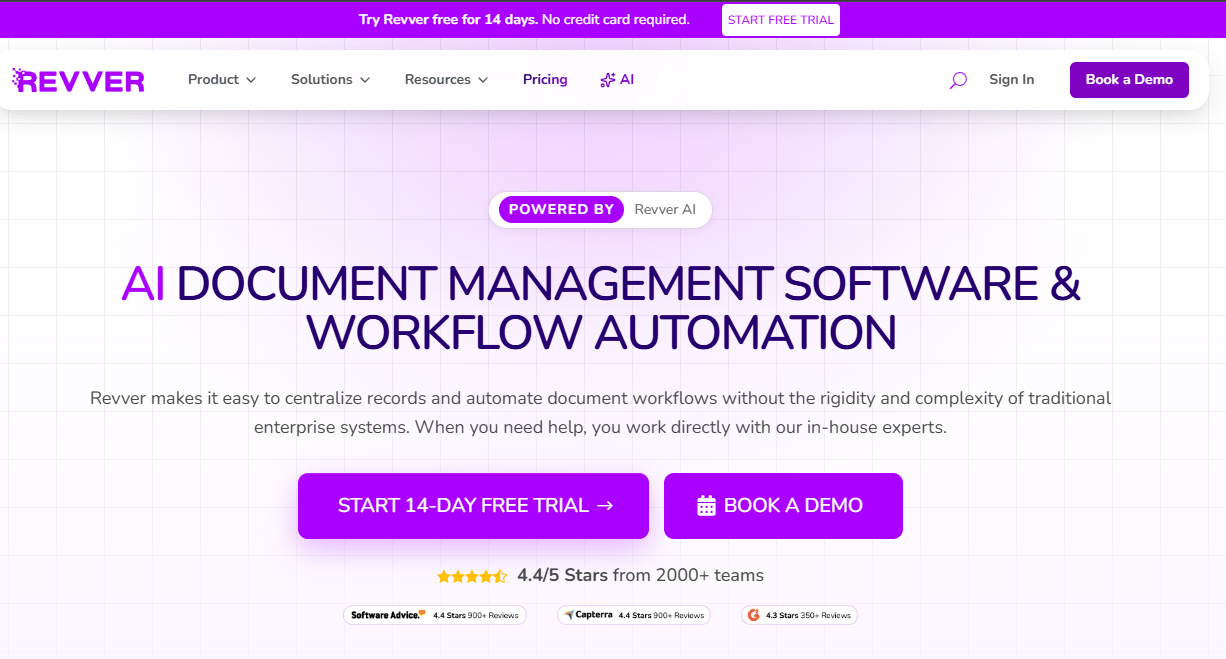
Revver is an AI-assisted document management and workflow automation platform that covers document organization, routing, review, approvals, eSignatures, and compliance controls. It supports OCR and full-text search, AI-powered metadata extraction and document summaries, and audit logs with retention settings. The platform is designed around repeatable document processes rather than law-firm-specific matter workflows.
Best for: Teams that need structured document workflows and process automation more than traditional law firm DMS depth.
Key features
- AI-powered metadata extraction and summaries
- No-code workflow automation for routing and approvals
- OCR, full-text search, and secure storage
- eSignatures, forms, and audit logs
- Permission controls and retention settings
Why choose Revver: It's a strong fit for SaaS operations teams managing legal, HR, finance, or compliance documents that follow repeatable processes. Teams with complex matter-centric legal work will likely find it lighter than a dedicated legal DMS.
Revver pricing: Basic starts at $25/user/month. Essentials is $67/user/month. Full is $87/user/month. A 14-day free trial is offered. No free tier was confirmed.
G2 rating: 4.3/5
13. EisenVault
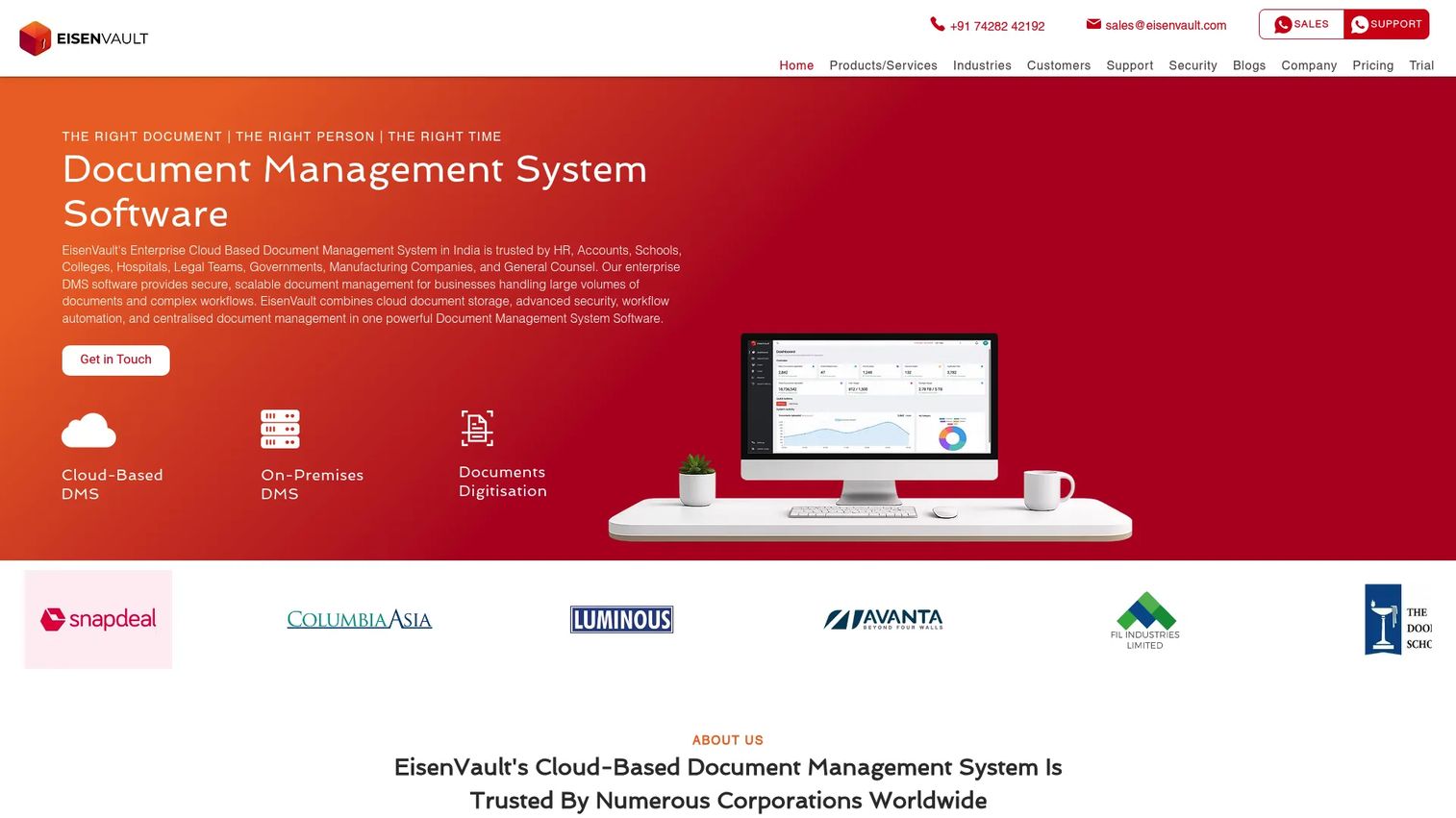
EisenVault is an enterprise document management system for organizations that need secure cloud or on-premise document storage, workflow automation, and compliance controls. It supports approval workflows, advanced search using OCR and Boolean queries, version control, audit trails, and granular role-based access. Integrations cover Microsoft Office, Google Docs, and mobile platforms.
Best for: Document-intensive and regulated organizations that need governed document storage with workflow and compliance controls, in either cloud or on-premises deployment.
Key features
- Centralized secure document storage and sharing
- Workflow automation for approvals, routing, and escalation
- Advanced search: OCR, metadata, full-text, and Boolean
- Version control and granular access controls
- Cloud and on-premises deployment options
Why choose EisenVault: Consider it when security, structured workflow, and deployment flexibility matter more than a law-firm-branded system. Verify regional support and specific compliance claims directly with the vendor before purchasing.
EisenVault pricing: Pricing is quote-based, driven by user count, deployment type, and required features. Contact EisenVault to request a proposal. A free trial is available.
G2 rating: 4.0/5
14. Lawcadia

Lawcadia is a legal operations platform for corporate and government in-house legal teams. It covers matter intake, matter management, no-code workflow automation, external counsel management, spend management with eBilling, email and document management, regulatory workflows, and reporting dashboards. It integrates with Microsoft Outlook, Word, SharePoint, iManage, and OpenText Content Manager.
Best for: Corporate legal departments that need matter management, outside counsel oversight, spend tracking, and document context in one legal operations workflow.
Key features
- Matter intake, triage, and management
- No-code workflow automation and approvals
- External counsel management and matter RFPs
- Spend management and invoice review
- Email and document management with reporting
Why choose Lawcadia: Choose it when the in-house legal team's biggest challenge is managing matters, outside counsel, and spend, not just filing documents. Verify document storage depth against your specific requirements. Teams that need a full document-first legal DMS may need to pair it with another tool.
Lawcadia pricing: Pricing requires a formal proposal and demonstration. Contact Lawcadia to discuss users, workflows, modules, and implementation costs.
Considerations when choosing legal document management software
Matter-centric organization
Test how each system handles real matter and client structures before signing. A general folder system is not the same as a legal DMS, and the difference becomes obvious the first time you need to find every document tied to a specific client across multiple matters. Ask the vendor how the system handles matters that span years, involve multiple parties, or require privilege separation.
Search and retrieval quality
Full-text search, metadata filters, OCR for scanned documents, and email search are not optional. For a Series B company where legal, finance, and sales teams all need fast answers, time spent searching is a direct signal that the system is already failing. Run a search test during your trial with documents that reflect your actual matter types.
Security, ethical walls, and audit trails
Need-to-know permissions, matter walls, encryption at rest and in transit, access logs, external sharing controls, and privilege protection should all be evaluated before purchase. Involve your IT and security teams early. Board-level diligence and investor due diligence will surface gaps in governance, and a legal DMS configured correctly closes most of them.
Email and Microsoft 365 integration
Most legal work flows through Outlook and Word. The system should support email filing to matters, document versioning from within Word, co-authoring, and full email search without forcing lawyers to change how they work. Poor Microsoft integration is the most common reason legal DMS adoption fails after purchase.
Migration and adoption effort
Migration from legacy file shares requires naming convention cleanup, folder-depth decisions, permissions mapping, and user training. A technically strong legal document management system can still fail if attorneys route around it. Budget for change management, not just implementation, and ask each vendor how long comparable firms took to reach full adoption.
Conclusion
The right legal document management software depends on where your organization sits right now and where it's heading.
For mature legal DMS depth, iManage Work and NetDocuments are the category standards. For small and midsize law firms, LexWorkplace gives you a proper legal DMS at a fraction of enterprise pricing. CARET Legal and MyCase suit firms that want case management and billing included.
When records governance and retention are the primary requirements, OpenText eDOCS DM is built for that. When the bottleneck is external document exchange rather than internal matter management, ShareFile does the job without the overhead of a full legal DMS. For corporate in-house teams managing matters and outside counsel alongside documents, Lawcadia brings those workflows together.
Build your shortlist around firm size, existing Microsoft stack, security requirements, and migration capacity. The best legal document management system for your team is the one your lawyers and operators will actually use.
The right tool reduces legal drag, protects sensitive work, and makes diligence cleaner. Start by narrowing to two options that fit your size and then run a structured pilot with your real matter types before committing.
Start your journey with Guideflow today!
FAQs
Legal document management software is a system for storing, organizing, securing, and searching legal documents by matter, client, or case. It adds legal-specific capabilities on top of standard file storage: Matter-centric organization, full-text search, metadata, ethical walls, email filing, version control, and audit trails. Law firms and in-house legal teams use it to maintain document control across attorneys, paralegals, and outside counsel.
Large law firms should compare iManage Work and NetDocuments for full legal DMS depth. Smaller firms should evaluate LexWorkplace for a standalone document management system, or CARET Legal and MyCase if they want practice management capabilities included. Records-heavy legal departments should assess OpenText eDOCS DM.
Cloud storage like Dropbox or Google Drive organizes files in folders. A legal document management system adds matter context, searchable metadata, ethical walls, legal-grade permissions, email filing linked to matters, document version histories, and full audit logs. Cloud storage is useful for simple file access. A legal DMS is designed for document governance, privilege protection, and legal process compliance.
Yes, once the firm handles growing matter volume, remote work, sensitive client data, or too much time searching shared drives. At that point, the risk of a misplaced document or a privilege breach outweighs the cost of a proper system. LexWorkplace and MyCase are both designed for small firms and offer practical entry points without enterprise complexity or pricing.
The features that drive the most value are matter-centric filing, full-text search with OCR, email management linked to matters, ethical walls and need-to-know permissions, version control with complete history, and audit trails. Microsoft 365 and Outlook integration matters most for adoption, and migration support matters most for successful implementation.
Pricing varies by users, storage, deployment model, and implementation requirements. ShareFile starts at $16.50/user/month. CARET Legal starts at $79/user/month. MyCase starts at $50/user/month. LexWorkplace starts at $395/month for a team of three. Enterprise systems like iManage Work, NetDocuments, and Intapp Documents require direct sales conversations, with pricing driven by firm size, modules, and services.
It can be secure when configured correctly. Buyers should evaluate encryption in transit and at rest, granular access controls, ethical walls, audit logs, data residency options, backup policies, and external sharing restrictions. No system is automatically secure out of the box. Configuration, governance policy, and user training all affect whether the system actually protects privileged legal work.
Several platforms now include AI-assisted search and knowledge retrieval. NetDocuments offers an AI Legal Assistant. CARET Legal includes AI-generated document summaries on its Enterprise Plus plan. Revver provides AI metadata extraction. The quality of AI search depends heavily on whether the underlying permissions and governance are strong. Buyers should verify that AI features respect matter-level access controls and evaluate how the vendor handles hallucination risk and confidentiality safeguards before relying on AI for legal research tasks.