A customer asks how to complete a multi-step task inside your product. The agent pulls up a macro built from six screenshots, two of which show a button that moved during last quarter's redesign. The customer replies again, confused, and the ticket sits open for another day.
That loop repeats across support teams every week. According to Atlassian's State of Teams report (2025), employees spend roughly 25% of their work time searching for answers inside their own company, and support agents feel that tax twice: Once hunting for the right procedure, and again trying to explain it clearly enough that a customer doesn't reply a third time. Separately, Pryon's Enterprise Information Discovery Survey (2025) found that 47% of professionals spend one to five hours a day searching for specific information, a pattern that shows up directly in ticket backlogs and outdated macros.
Standard operating procedure (SOP) software exists to fix that gap between what a team knows and what a customer or new hire can actually follow. This guide compares 13 platforms so you can match the tool to the specific procedure problem you're trying to solve.
What's inside
This guide is built for customer support leaders and operations teams replacing scattered documents, stale screenshots, and inconsistent macros with something repeatable. Selection criteria:
- Fit for customer support workflows, including help center content, macros, and agent onboarding
- Creation speed and how procedures get updated when a product changes
- Execution features like checklists, approvals, and role-based assignments
- Verified pricing and G2 ratings, checked against each vendor's live pages
We did not include tools built purely as project trackers, general chat apps, or document editors with no procedure-specific features.
TL;DR
- Best for software process SOPs: Guideflow, for click-through walkthroughs that show customers or agents exactly where to click inside a product
- Best for onboarding and role-based training: Trainual, which pairs SOP documentation with knowledge checks and role assignments
- Best for recurring checklists and approvals: Process Street, for repeatable QA, escalation, and audit workflows
- Best for dedicated SOP documentation: SweetProcess, a focused home for procedures, policies, and version history
- Best for visual frontline work instructions: Dozuki, for manufacturing and technical teams that need step-by-step visuals
- Best for mobile field procedures: Connecteam, for deskless teams that need SOPs on a phone, not a desktop
Guideflow is the strongest pick specifically for software procedures customers and agents must click through, not a stand-in for every SOP job on this list.
What is SOP software?
SOP software is a digital platform for creating, organizing, delivering, updating, and tracking standard operating procedures. Instead of a static Word document buried in a shared drive, modern platforms combine text, screenshots, video, checklists, interactive steps, templates, permissions, and analytics in one searchable system.
Core capabilities worth understanding before you compare tools:
- SOP creation: Write procedures from templates or turn a captured workflow into a step-by-step guide
- Visual documentation: Add screenshots, recordings, diagrams, or interactive click-through steps
- Organization: Group procedures by team, role, product, or location
- Execution: Turn a procedure into a checklist, assignment, approval chain, or guided workflow
- Training: Connect SOPs to onboarding paths, quizzes, or role-based learning
- Maintenance: Track versions, owners, review dates, and edit history
- Access: Support browser, mobile, embedded, or role-restricted delivery
- Measurement: Track views, completion, search behavior, or task progress
SOP software is not one job, and it helps to know what it isn't. A document editor stores text but rarely runs a workflow. A knowledge base organizes articles but may not show a product step by step. An LMS structures formal learning rather than day-to-day execution. A checklist platform manages recurring tasks rather than publishing customer-facing instructions. An interactive demo shows software navigation clearly but doesn't replace formal training records or compliance sign-off.
| Dimension | Paper or static document | Digital SOP software |
|---|---|---|
| Updates | Manual redistribution | Centralized, one edit updates every copy |
| Visual guidance | Limited screenshots | Rich media and interactive steps |
| Access | Fixed file or folder | Browser, mobile, or embedded |
| Accountability | Hard to measure | Views, completion, and assignment tracking |
| Support workflow fit | Copy and paste into replies | Link directly from macros, articles, or tickets |
The global SOP management solution market was valued at $5.85 billion in 2025 and is projected to reach $12.57 billion by 2035, according to Precedence Research (2026), which reflects how many distinct categories of tools now fall under this label.
When to use SOP software
Deflect repetitive customer support questions
Recurring "how do I" tickets are the clearest signal that a written explanation isn't landing. Turning that answer into a searchable article, an embedded guide, or a macro link saves the agent from retyping the same steps every time. A clickable walkthrough that agents can share directly in a ticket reply often resolves the question faster than another paragraph of text.
Standardize agent onboarding
New agents need a consistent starting point rather than tribal knowledge passed between shifts. Training-focused platforms assign SOPs by role, track completion, and test understanding before an agent handles live tickets. Trainual, Whale, and Waybook are built around this job specifically.
Run recurring operational workflows
Some procedures aren't about explaining a task once. They're about making sure the same escalation, QA review, or audit step happens every single time, with a record of who approved what. Process Street and Tallyfy exist for that kind of repeatable execution.
Publish frontline and mobile procedures
Maintenance, manufacturing, and field service teams need instructions at the point of work, often without a desk or a laptop nearby. Dozuki and Connecteam are built for that reality, where a procedure has to survive a warehouse floor or a job site, not just a browser tab.
SOP software comparison
These 13 tools solve different pieces of the SOP problem. A support leader shouldn't reach for a general wiki when the real need is a guided product walkthrough, and a visual demo tool shouldn't stand in for formal training records. Use the table below to shortlist by job, then read the matching section for detail.
| # | Product | Best for | Key differentiator | Pricing | G2 rating |
|---|---|---|---|---|---|
| 1 | Guideflow | Software process SOPs and interactive support education | Click-through demos of real product screens | Free plan; Solo from $35/month billed yearly | 5.0/5 |
| 2 | Trainual | Onboarding and role-based SOP training | Knowledge checks tied to assigned procedures | Custom pricing, quote required | 4.7/5 |
| 3 | Process Street | Recurring checklists and approvals | Conditional logic inside repeatable workflows | Custom pricing, 14 day trial on Pro | 4.6/5 |
| 4 | SweetProcess | Dedicated SOP and policy documentation | One all-inclusive plan with version history | From $82.50/month for 10 members, billed yearly | 4.3/5 |
| 5 | Whale | SOPs combined with training resources | AI-assisted writing plus a browser extension | Free plan; Scale from $249/month billed yearly | 4.8/5 |
| 6 | Waybook | Company playbooks and onboarding | Guided playbook structure for new hires | From $99/month for 20 seats, billed annually | 3.5/5 |
| 7 | Dozuki | Visual frontline work instructions | Digital standard work with skills certification | Custom pricing, quote required | 4.4/5 |
| 8 | Tallyfy | Trackable procedure workflows | Seat-based pricing split by task creators and doers | Light seat from $100/year, Full seat from $300/year | 4.9/5 |
| 9 | Connecteam | Mobile-first frontline procedures | Combines SOPs with scheduling and time tracking | From $29/month for the first 30 users, billed yearly | N/A |
| 10 | Document360 | Publishing SOP knowledge bases | AI search and chatbot layered on articles | Custom pricing, 14 day trial | 4.5/5 |
| 11 | Confluence | Atlassian-based team documentation | Deep fit for teams already on Jira and Atlassian tools | Free for up to 10 users; paid tiers not publicly priced | 4.1/5 |
| 12 | Notion | Flexible SOP workspaces | SOPs live beside notes, tasks, and databases | Free plan; Plus from $10/member/month | 4.6/5 |
| 13 | Guru | Verified knowledge inside daily tools | Permission-aware AI answers with source citations | Custom pricing, quote required | 4.7/5 |
Pricing and ratings were verified against each vendor's official pricing page and current G2 listing in September 2026.
13 best SOP software for 2026
1. Guideflow: Best for SOPs of software processes
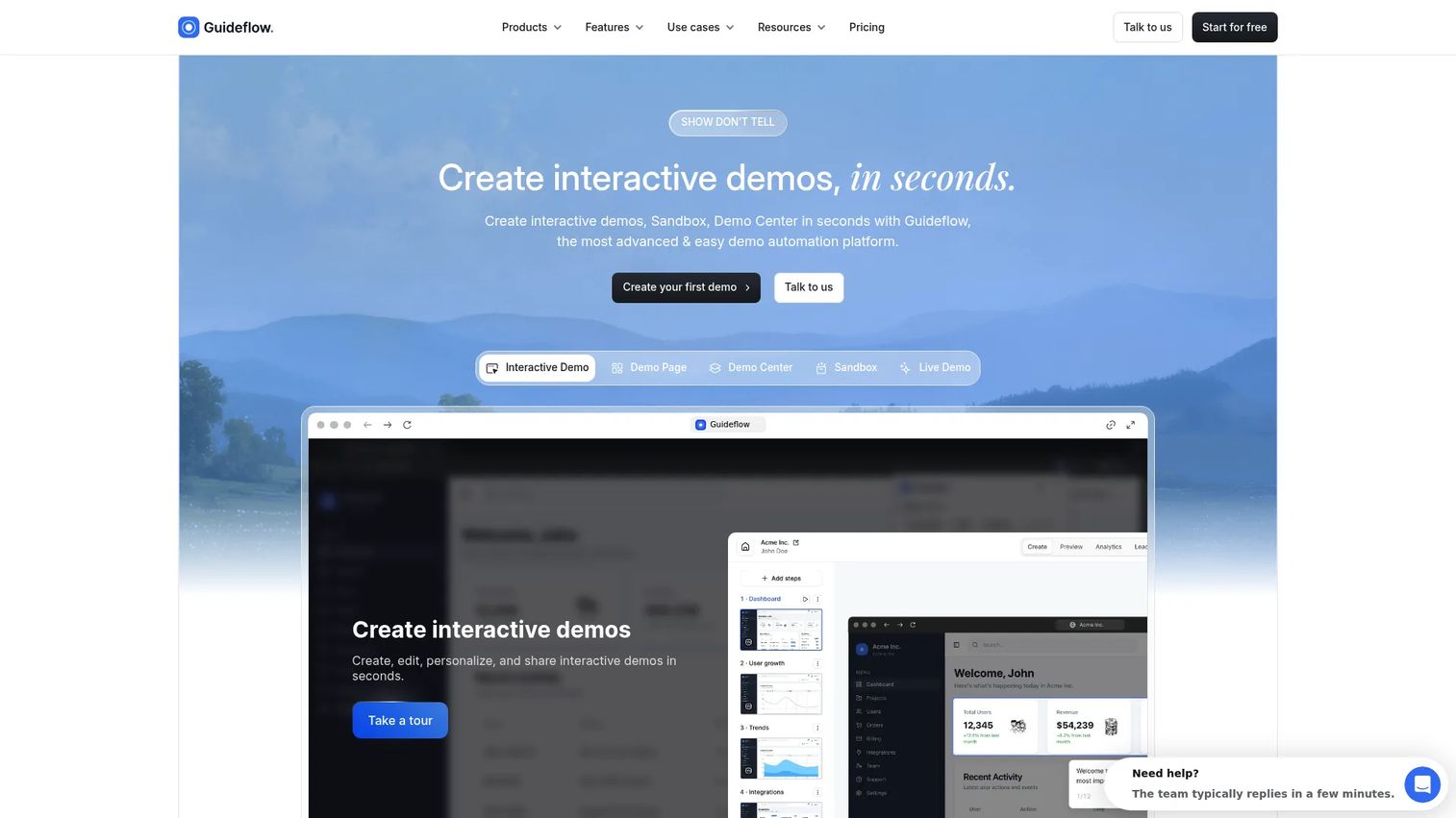
Guideflow turns a software workflow into an interactive, click-through experience instead of a wall of screenshots. A support team captures the steps once, adds guidance, and shares the result through a help center article, a ticket reply, or an onboarding flow. It's strongest when the procedure involves navigating a real web product, not a physical process or a formal training record.
Best for: Customer support teams documenting software workflows customers or agents must complete inside a SaaS product.
Key features
- Click-through software walkthroughs
- Screenshot, HTML, and video capture
- Tooltips, callouts, CTAs, and branching paths
- Embeds for help centers and macros
- Engagement analytics and drop-off tracking
Why choose Guideflow: When a macro requires ten lines of text to explain where to click, a guided walkthrough replaces the explanation with the actual screen. Guideflow doesn't replace employee training administration, recurring checklist execution, or a formal SOP repository. It complements those systems by making the software steps inside them easier to follow.
Guideflow's editor lets a support team update a demo when a button moves, without rebuilding a screenshot sequence from scratch. AI tools can adjust steps and generate translations, so one capture serves multiple markets.
Guideflow offers a free plan with five guideflows and unlimited viewers. The Solo plan starts at $35 a month when billed yearly, and the Startup plan runs $599 a month for teams that need HTML capture and deeper collaboration. Advanced and Enterprise tiers add analytics depth and dedicated support, with Enterprise starting around $3,499 a month.
Guideflow holds a 5.0 rating on G2.
Start your journey with Guideflow today!
2. Trainual: Best for onboarding and role-based training
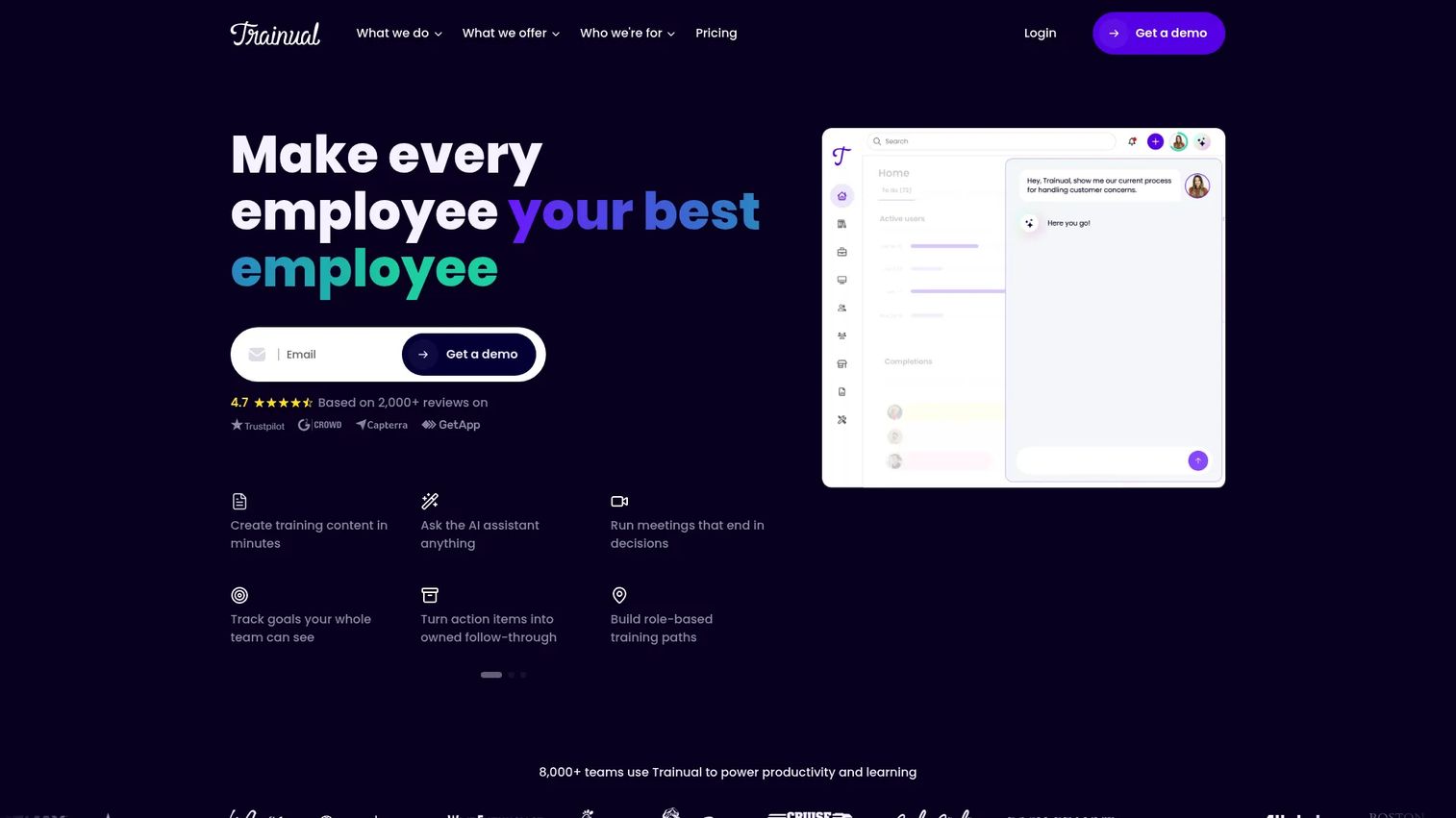
Trainual combines SOP documentation with onboarding, role assignments, training paths, and knowledge checks. It's built for support teams that need new agents to learn the same procedure the same way, every time, with a record that they actually completed it.
Best for: Support organizations building structured onboarding programs for agents and team leads.
Key features
- Role-based training paths
- SOP templates and process documentation
- Knowledge tests and progress tracking
- AI-powered knowledge search and Q&A
- Browser and mobile access
Why choose Trainual: Choose it when the gap isn't the procedure itself but whether new hires actually absorbed it. Compare it against Guideflow on job fit rather than feature count: Trainual handles the learning record, Guideflow handles the click-through walkthrough embedded inside that record.
Trainual doesn't list numeric prices on its site. The pricing page names four plans, Core, Pro, Premium, and Enterprise, and asks you to book a demo for a quote.
Trainual carries a 4.7 rating on G2.
3. Process Street: Best for recurring checklists and approvals
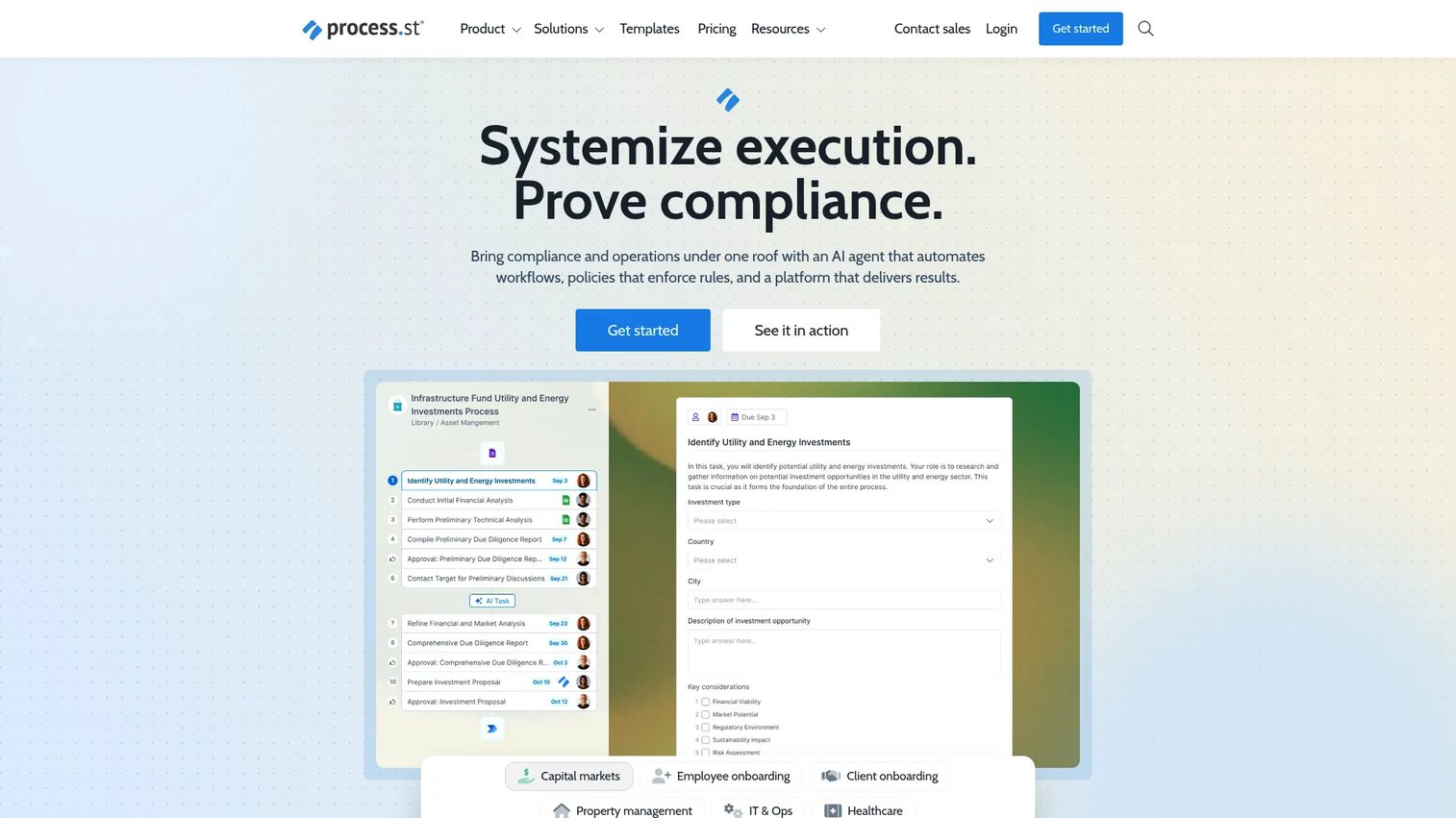
Process Street positions itself as a compliance operations platform for documenting, automating, and tracking business workflows. It fits procedures people must execute repeatedly, like escalations or QA reviews, not just read once.
Best for: Support operations teams running repeatable QA, escalation, and audit workflows.
Key features
- Recurring process checklists
- Conditional logic and approvals
- Task assignments and due dates
- Forms and structured data collection
- Workflow automations and integrations
Why choose Process Street: Pick it when the problem is that a step gets skipped under pressure, not that customers can't find an explanation. Customer-facing procedural guidance still needs a separate layer, like a help center or an interactive walkthrough, alongside the internal checklist.
Process Street quotes pricing directly rather than listing it online. The site names Startup, Pro, and Enterprise plans, and Pro includes a 14 day free trial with no credit card required.
Process Street holds a 4.6 rating on G2.
4. SweetProcess: Best for dedicated SOP documentation
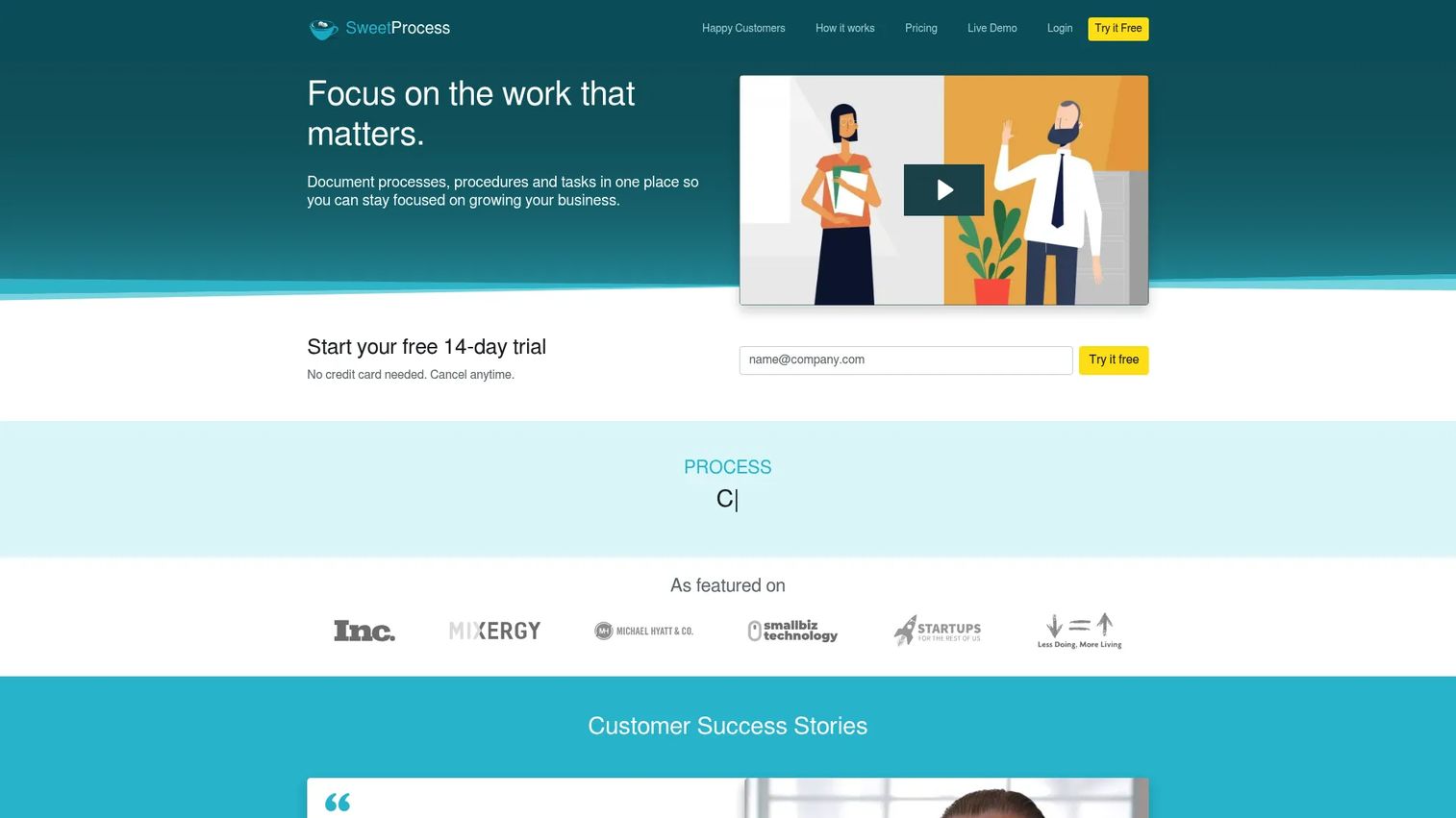
SweetProcess is a focused home for procedures, policies, process maps, and version history, without the broader project management layer that general workspaces carry. It works well for support teams that want one dedicated system for SOP creation and SOP writing.
Best for: Small and growing support teams that need a centralized system for SOPs and operational knowledge.
Key features
- Procedure, policy, and process documentation
- AI-assisted document creation
- Version history and process maps
- Public or private knowledge bases
- SSO, SCIM, and two-factor authentication
Why choose SweetProcess: Choose it when the priority is a dedicated, well-organized library rather than a training or checklist layer built on top. Support teams may still need interactive visuals or a customer-facing help center alongside it for external documentation.
SweetProcess bills $82.50 a month for a team of up to 10 members on the yearly plan, plus $4.17 a month for each additional member. A 14 day free trial is available before you commit.
SweetProcess carries a 4.3 rating on G2.
5. Whale: Best for SOPs plus training resources
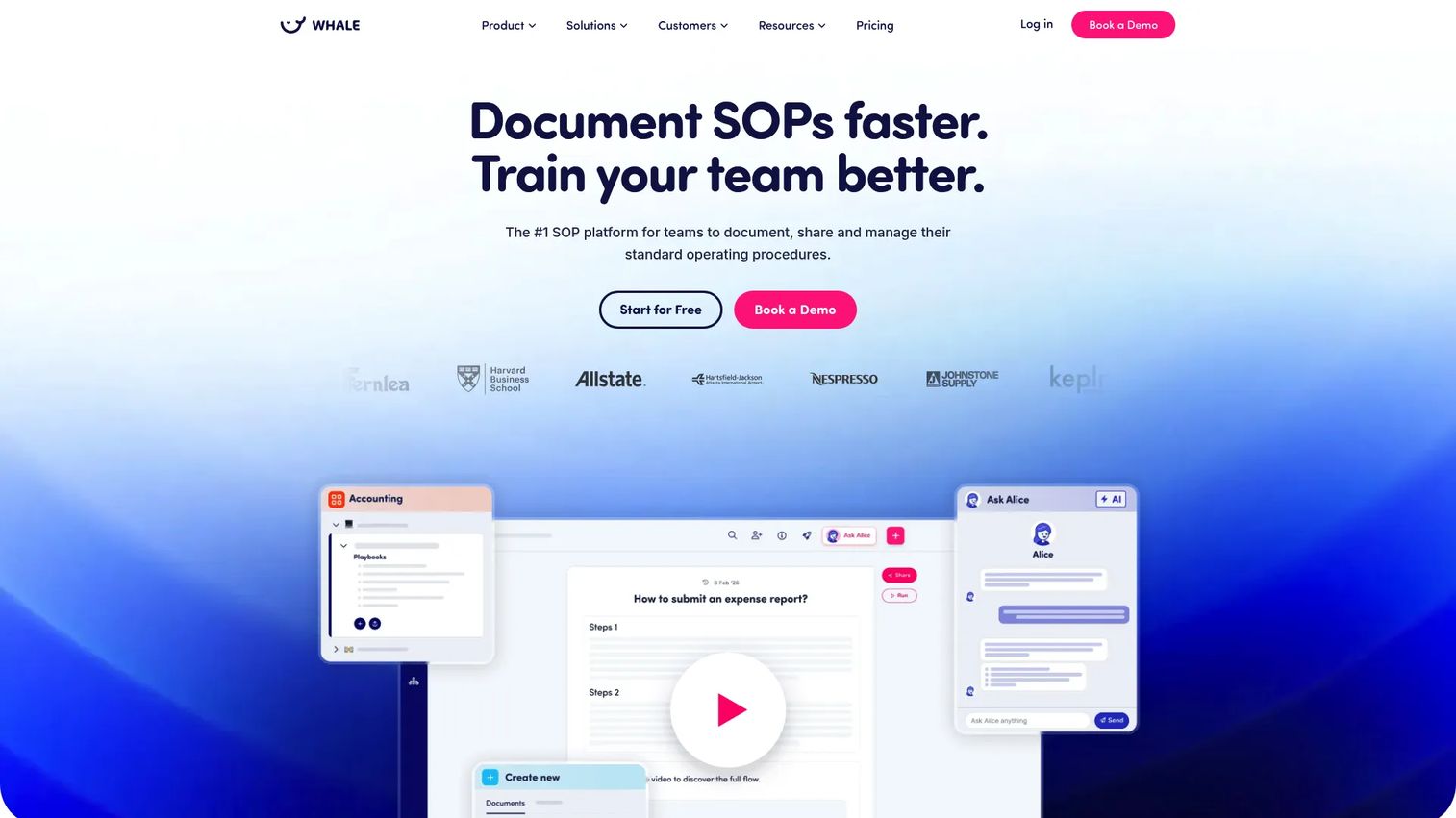
Whale pairs SOP documentation with employee training content and a browser extension that surfaces the right procedure while an agent is working. It sits between a pure documentation tool and a training platform.
Best for: Growing support teams that need repeatable procedures paired with a training library agents actually use.
Key features
- AI-assisted documentation and SOP writing
- Step and screen recording with guide generation
- Conversational AI assistant for knowledge search
- Checklists and training flows
- Browser extension for in-context access
Why choose Whale: The browser extension is the differentiator here: An agent gets the SOP surfaced without leaving the tab they're working in. That's a strong fit for internal enablement, though customer-facing documentation usually still needs a separate publishing layer.
Whale offers a free plan for up to 10 members and one creator. The Scale plan runs $249 a month billed yearly for three creators, and Advance runs $499 a month for five creators. Enterprise pricing is custom and billed yearly only.
Whale holds a 4.8 rating on G2.
6. Waybook: Best for company playbooks and onboarding
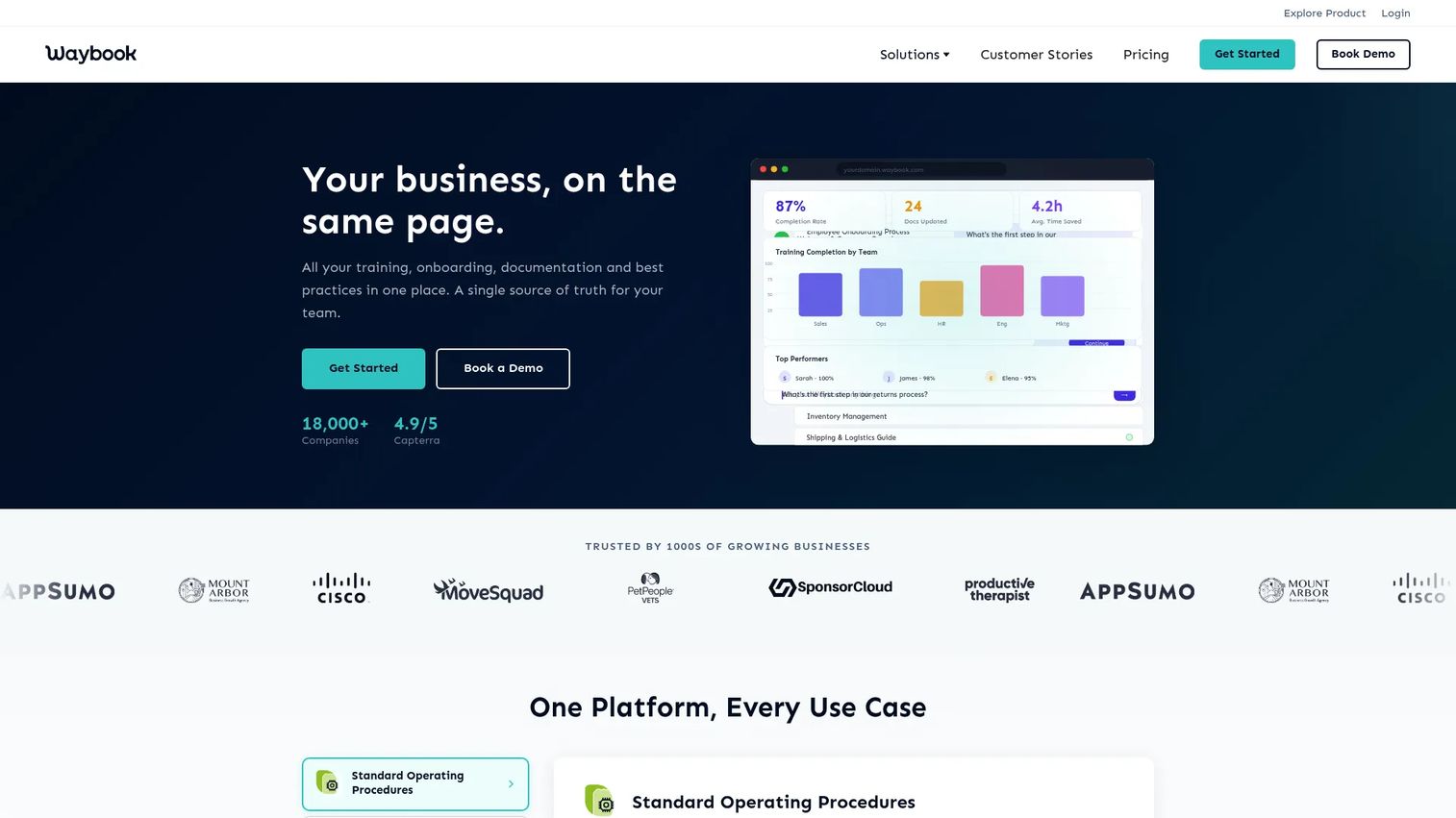
Waybook organizes SOPs, onboarding paths, and company knowledge into a single playbook structure. It leans toward guided learning paths rather than a flat document library.
Best for: SaaS support teams building a repeatable onboarding experience for new agents.
Key features
- Onboarding playbooks
- SOP templates
- Progress tracking with tests and quizzes
- Mobile app access
- Custom branding and org charts
Why choose Waybook: Choose it when new hires need a guided path through company knowledge rather than a search bar. Support leaders who need tighter operational workflow control or customer-facing interactive guidance will likely need a second tool alongside it.
Waybook's Core plan runs $99 a month for 20 seats billed annually, and Pro runs $198 a month for 20 seats with advanced permissions and audit logs added. A 7 day free trial is available, and Enterprise pricing requires a custom quote.
Waybook holds a 3.5 rating on G2.
7. Dozuki: Best for visual frontline work instructions
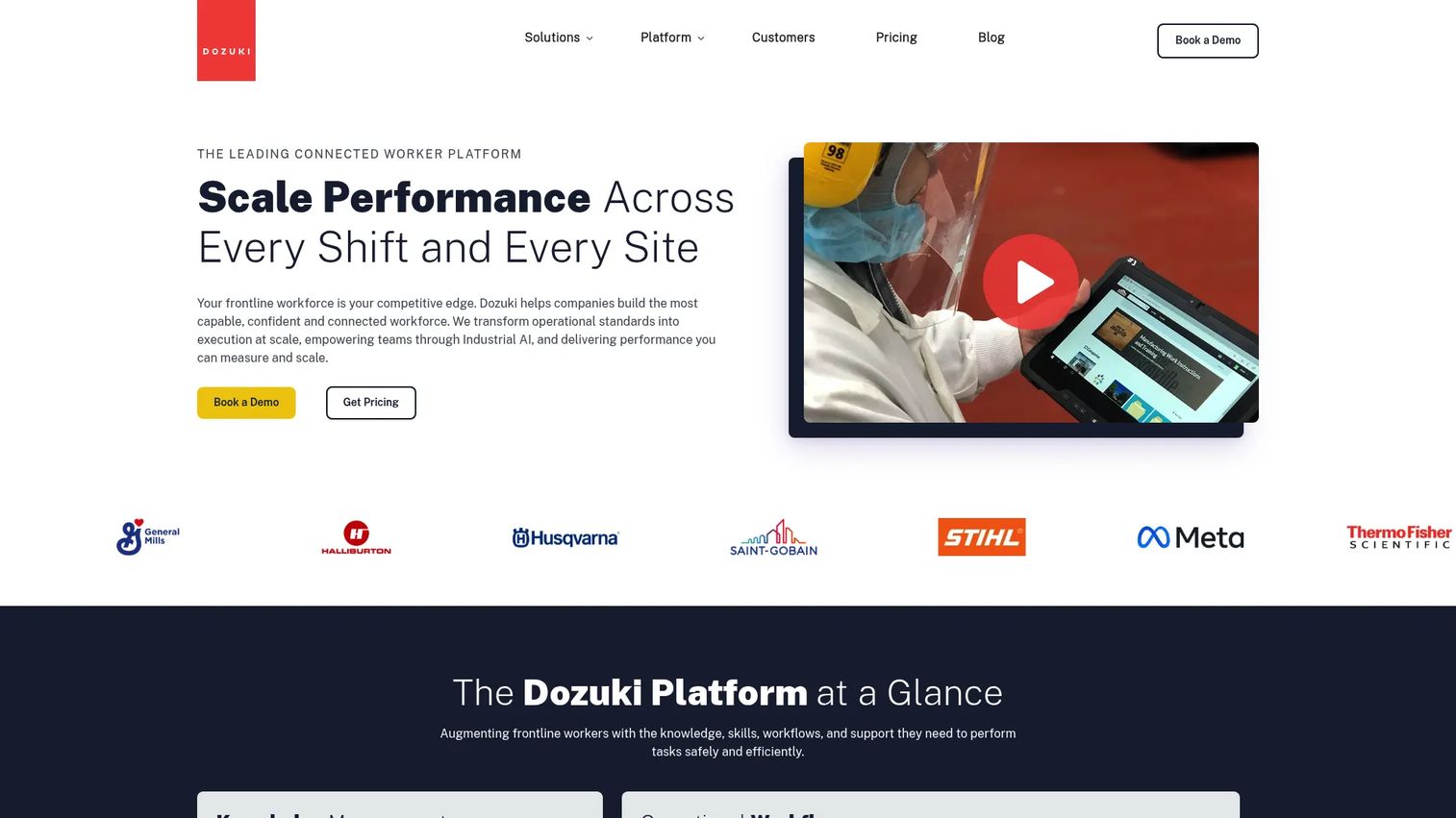
Dozuki is a connected worker platform built for manufacturing and frontline operations, combining digital standard work, training pathways, and offline-capable workflows. Its strongest use case is physical or technical work, not purely SaaS customer education.
Best for: Manufacturers and distributed frontline teams standardizing work across multiple sites.
Key features
- Digital standard work with version history
- Approval workflows and scheduled releases
- Learning pathways and role certifications
- Deviation escalation and audit trails
- Offline access for the shop floor
Why choose Dozuki: Choose it when instructions have to survive a factory floor, not a browser tab. 98% of manufacturers have begun their digital transformation journey, according to Deloitte's Manufacturing Industry Outlook (2025), and platforms like Dozuki sit squarely inside that shift.
Dozuki doesn't list numeric prices online. The pricing page asks you to request a quote, and the plan you land on depends on site count and the training modules you add.
Dozuki holds a 4.4 rating on G2.
8. Tallyfy: Best for trackable procedure workflows
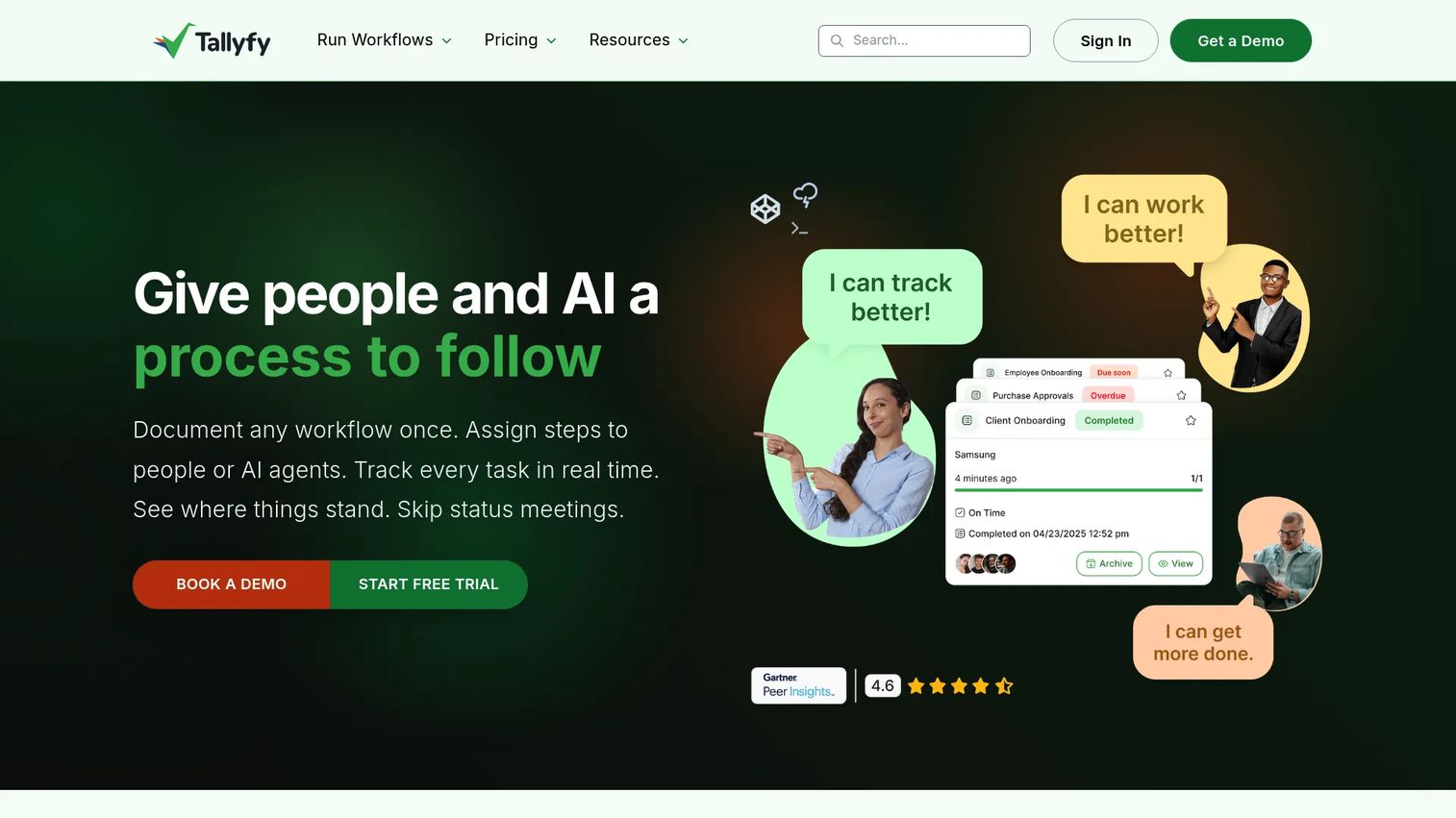
Tallyfy is an AI-native workflow platform for documenting, assigning, automating, and tracking repeatable business processes. It separates seats into people who build templates and people who complete assigned tasks.
Best for: Support operations teams managing escalations, QA reviews, and repeatable internal processes.
Key features
- Real-time workflow status tracking
- Conditional logic and automation
- AI-assisted process and template creation
- Guest collaboration without a login
- REST API and webhook integrations
Why choose Tallyfy: The seat split matters for cost control: Agents who only complete assigned steps cost less than the people building the templates. A workflow engine like this often pairs well with a customer-facing help center or interactive guide for the parts customers see directly.
Tallyfy prices Light Seats at $100 a year and Full Seats at $300 a year, both billed annually per user. A Data Feed analytics add-on runs an extra $20 per seat per year, and a 14 day trial is available.
Tallyfy holds a 4.9 rating on G2.
9. Connecteam: Best for mobile-first frontline procedures
Connecteam is an employee management app that bundles scheduling, time tracking, communication, and forms into one mobile-first system. SOPs live inside a broader operations toolkit rather than as a standalone product.
Best for: Deskless and field teams that need SOPs, checklists, and forms on a phone rather than a desktop.
Key features
- Mobile checklists and forms
- Time clock with GPS
- Job scheduling
- Team chat and company updates
- Skills and HR management
Why choose Connecteam: Choose it when the team you're documenting for rarely sits at a desk. It's broader than a dedicated SOP platform, so a support team seeking only customer-facing documentation may find it covers more ground than needed.
Connecteam's Basic plan starts at $29 a month for the first 30 users on yearly billing, with Advanced at $49 and Expert at $99. Enterprise pricing is customized, and a 14 day free trial requires no credit card.
Connecteam's current G2 rating is not listed at the time of writing.
10. Document360: Best for publishing SOP knowledge bases
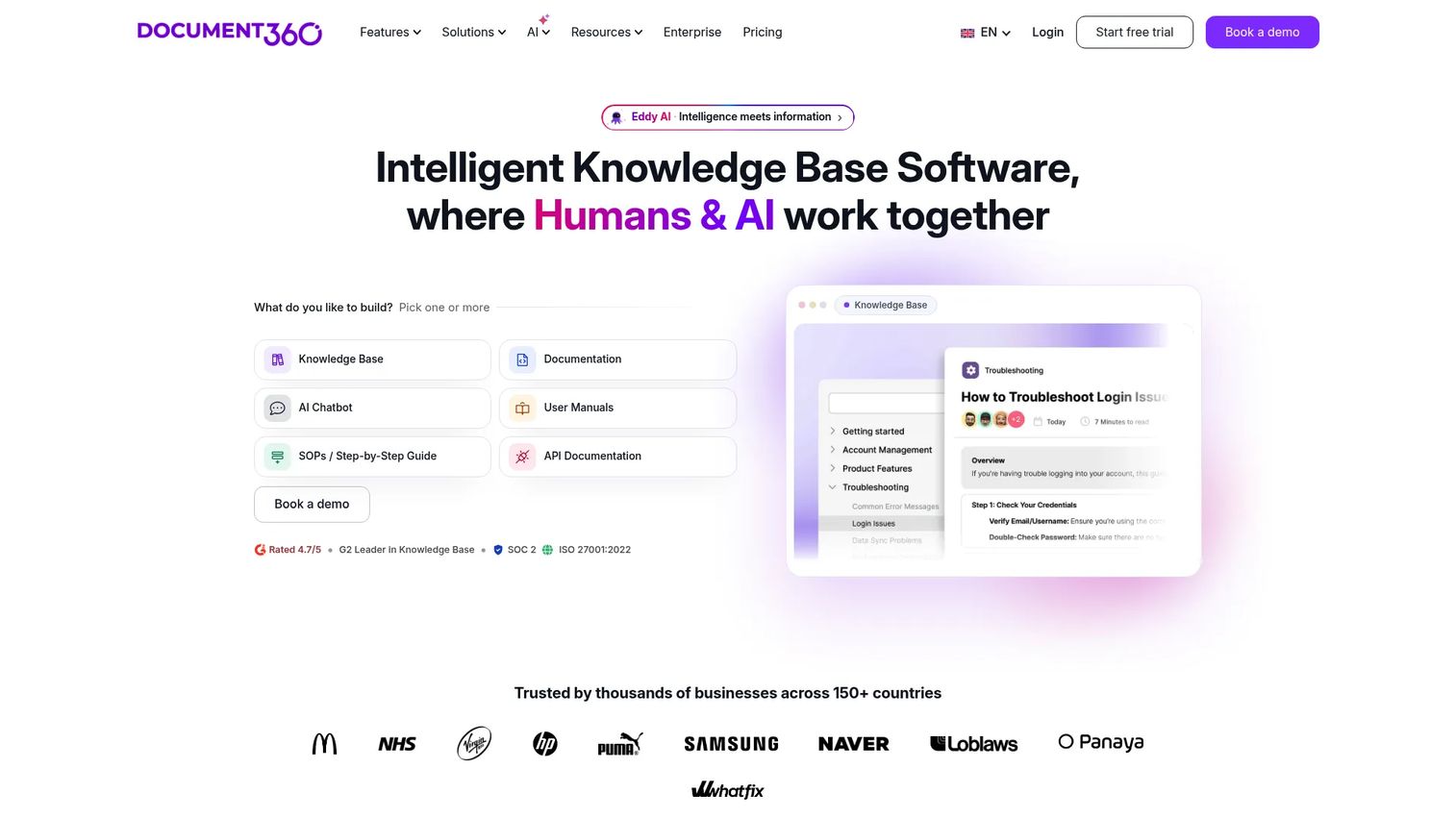
Document360 is an AI-powered knowledge base platform for creating, managing, and publishing customer-facing and internal documentation. It's a strong fit for support teams that need a searchable help center layer on top of SOP content.
Best for: Support teams building a searchable internal or customer-facing documentation hub.
Key features
- AI search and AI chatbot
- AI writing agent
- Interactive decision trees
- SSO and SCIM
- Analytics and embedded help center
Why choose Document360: Choose it when findability and governance matter more than execution. A knowledge base organizes instructions well, but it doesn't provide the interactive product navigation that a click-through walkthrough offers inside a single procedure.
Document360 quotes pricing based on configuration rather than listing it online. A 14 day free trial lets you test the platform before committing to a plan.
Document360 holds a 4.5 rating on G2.
11. Confluence: Best for Atlassian-based documentation
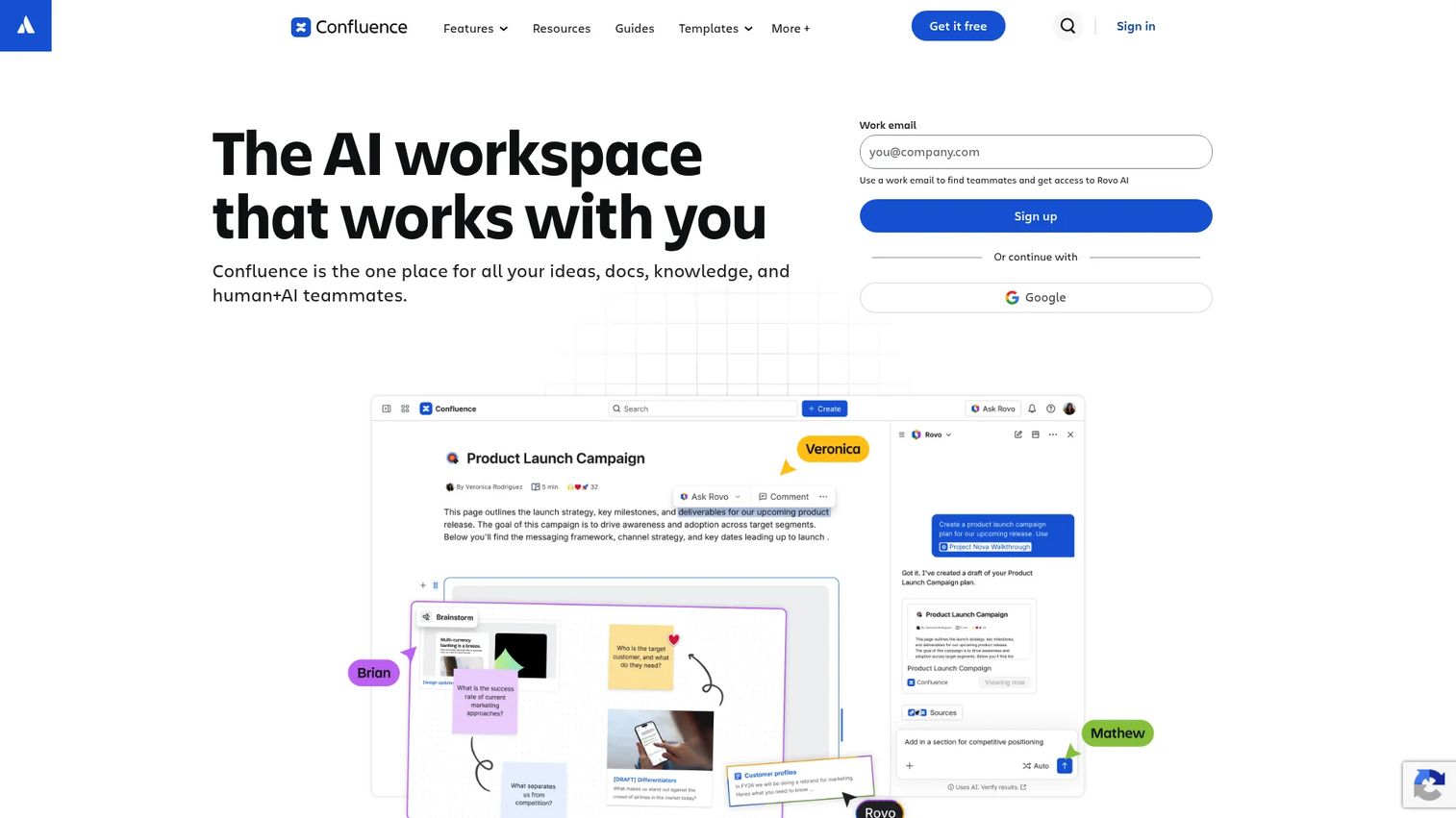
Confluence is an AI-powered workspace for knowledge management and project collaboration, built by Atlassian. It's a natural fit for support teams already running Jira for ticket escalations.
Best for: Support and operations teams that need SOPs inside an existing Atlassian workspace.
Key features
- SOP templates and pages
- Space-based organization
- Page versioning and advanced search
- Comments and real-time editing
- Atlassian integrations and automation
Why choose Confluence: Choose it for the stack fit, not for execution features. Teams often need additional tooling for checklist execution, training automation, or interactive software guidance layered on top.
Confluence's Free plan covers up to 10 users with 2GB of storage. Standard, Premium, and Enterprise tiers add storage, administration, and security controls, though exact prices aren't listed on the public pricing page.
Confluence holds a 4.1 rating on G2.
12. Notion: Best for flexible SOP workspaces
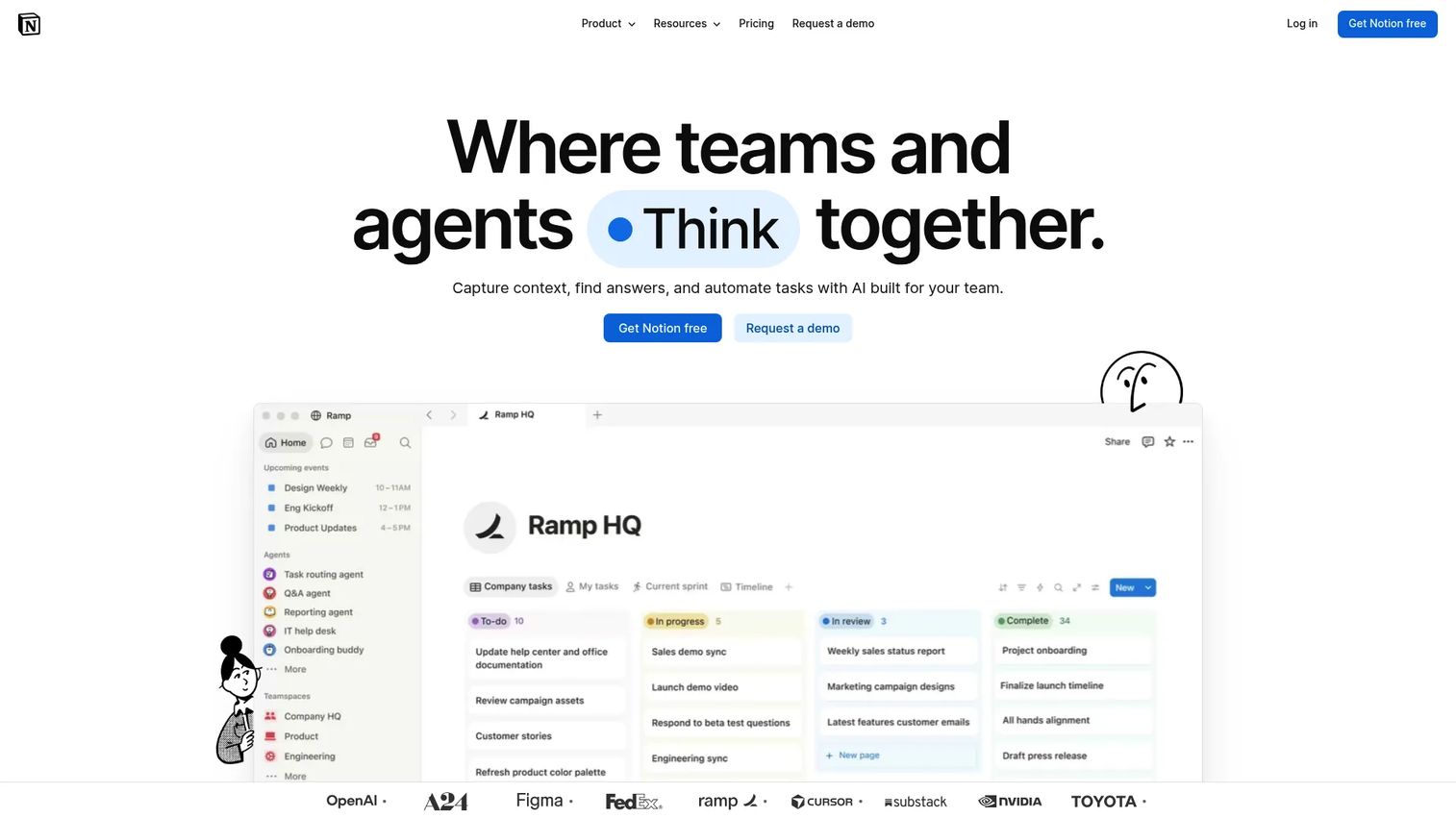
Notion is a unified workspace for documents, databases, and project tracking that many small support teams stretch to cover SOPs as well. Procedures live beside meeting notes and team knowledge rather than in a dedicated system.
Best for: Small support teams that want SOPs beside project notes and team knowledge, without adding another tool.
Key features
- SOP templates
- Databases with linked pages
- Notion AI, including agents and meeting notes
- Public API and integrations
- Forms and dashboards
Why choose Notion: Choose it for low setup overhead if your team already lives in Notion daily. That flexibility can create governance and consistency problems as the SOP library grows past a handful of pages.
Notion's Free plan works for individuals at no cost. The Plus plan runs $10 per member a month, and Business runs $20 per member a month, both billed monthly with annual discounts available.
Notion holds a 4.6 rating on G2.
13. Guru: Best for verified knowledge inside daily tools
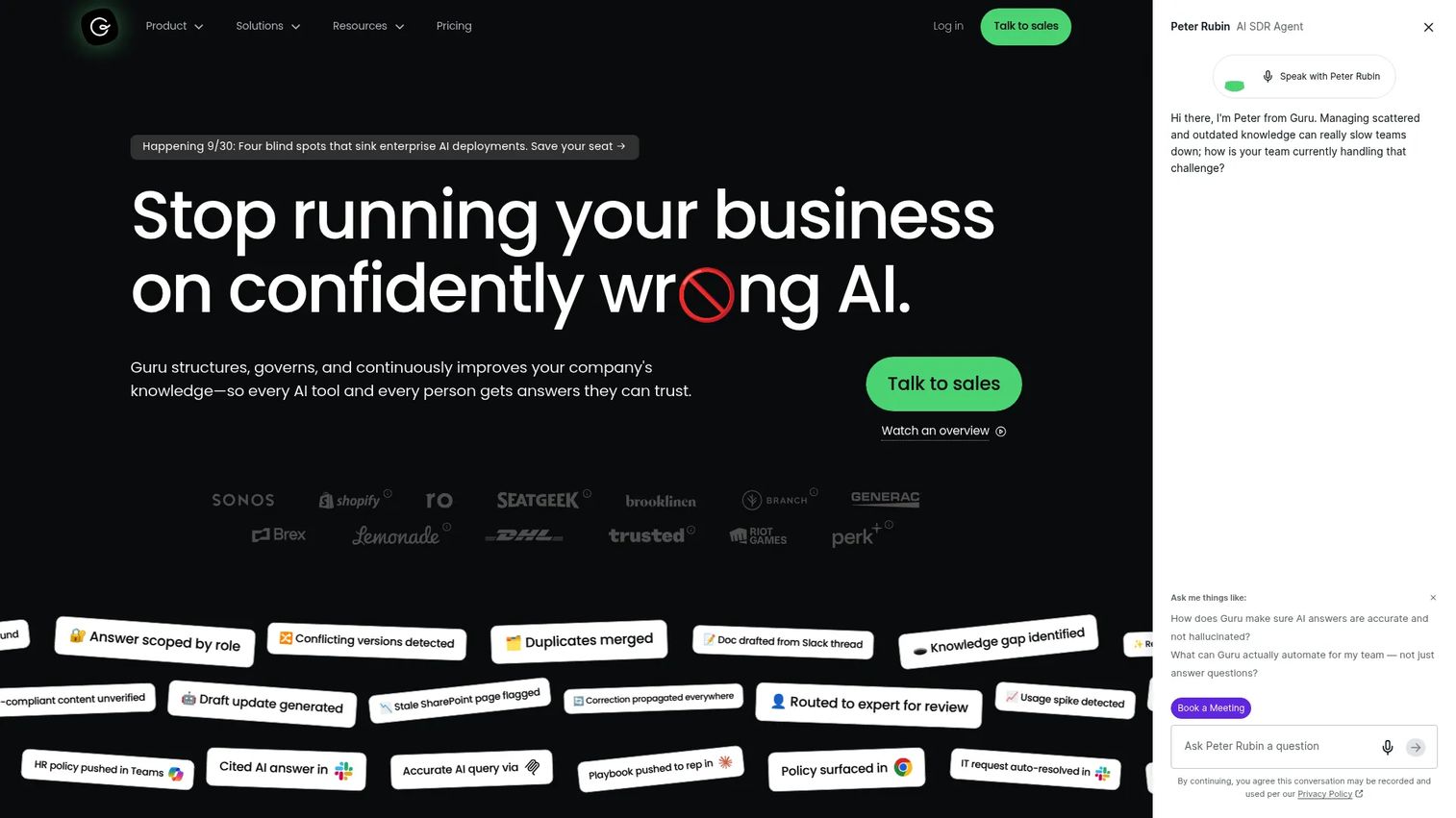
Guru is an AI knowledge platform that connects company knowledge, delivers permission-aware answers with citations, and flags content that needs review. It's built around answer retrieval rather than step-by-step navigation.
Best for: Support teams that need agents to find approved answers without leaving their workflow.
Key features
- 100+ source connectors and unified indexing
- Permission-aware AI search and chat
- Cited answers with source links
- Automated knowledge verification workflows
- Expert review and maintenance flows
Why choose Guru: Choose it when agents need a fast, verified answer pulled from scattered systems. Knowledge retrieval differs from a visual, step-by-step walkthrough, so a click-heavy software procedure may still need a separate guided format.
Guru quotes pricing based on organizational scale and knowledge complexity rather than listing it online. Packages reportedly include platform access alongside solution engineering support.
Guru holds a 4.7 rating on G2.
Considerations when choosing SOP software
Match the tool to the SOP job
Ask whether the team needs to publish instructions, train employees, run recurring workflows, or guide someone through software. Avoid choosing a broad workspace when the actual need is a narrower, specific job like agent onboarding or ticket deflection.
Make updates easy
Check version history, content ownership, review reminders, and how quickly a change propagates. For support teams, a stale screenshot in a procedure often creates more tickets than it prevents.
Check customer-facing delivery
Confirm whether procedures can appear in help centers, ticket macros, chatbot flows, or public links. Internal-only platforms may not support the customer education side of the job at all.
Measure adoption and outcomes
Look for views, completion rates, search behavior, or workflow completion data. Tie whatever you pick back to support metrics like deflection rate, first-contact resolution, and average handle time.
Verify integrations and permissions
Check access controls, SSO requirements, and how the tool connects to your ticketing system or help center. Confirm who owns the content and who has permission to publish a change before agents see it.
Conclusion
The 13 tools above solve different pieces of the same underlying problem: Turning tribal knowledge into something repeatable, searchable, and current. Guideflow leads this list for interactive SOPs that show customers or agents exactly how to complete a software workflow. Trainual and Whale fit structured onboarding, Process Street and Tallyfy fit recurring execution, Dozuki and Connecteam fit frontline and mobile work, and Document360, Confluence, Notion, and Guru fit different shapes of documentation and retrieval.
Start with the procedure that generates the most repetitive tickets. If the issue is software navigation, test an interactive walkthrough. If it's agent ramping, test a training-focused platform. If it's a skipped step, test a checklist or workflow tool.
Start your journey with Guideflow today!
Start your journey with Guideflow today!
Interactive SOPs work best for the exact moment a customer support team feels the most friction: A multi-step product task that a written macro can't explain clearly. When that's the bottleneck, a click-through guide that agents can collaborate on and update together beats another paragraph of instructions.
Start your journey with Guideflow today!
FAQs
SOP software is a platform for creating, organizing, delivering, updating, and tracking standard operating procedures. Platforms differ across documentation, training, checklist execution, knowledge bases, and interactive software guidance, so the right one depends on which job you're solving.
Support teams can centralize procedures, standardize agent responses, and connect instructions directly to help center articles or ticket macros. The outcome is less repetition for agents and more consistent answers for customers, without promising a specific ticket reduction number that varies by team.
The best option depends on the exact workflow. Guideflow fits well when the SOP needs a click-through demonstration of software steps, while knowledge bases like Document360 and training platforms like Trainual serve different jobs entirely.
Some SOP platforms publish searchable documentation, but not every platform supports public help center delivery with permissions and analytics built in. Verify search, article structure, and customer-facing access before assuming a tool covers this job.
Interactive guides work well for visual software tasks and multi-step navigation, but they aren't a full replacement for written context. Keep text-based documentation for prerequisites, edge cases, and policy details that a click-through demo can't cover on its own.
Assign a named owner to each procedure and tie reviews to product release cycles. Track outdated screenshots through support tickets, use version history to catch drift, and retire procedures that no longer match the live product.
Look for role-based assignments, progress tracking, knowledge checks, searchable content, and mobile access. Interactive walkthroughs can supplement formal training by showing new agents exactly where to click, rather than describing it in text.
Pricing varies by user count, workspace size, automation depth, and knowledge base capacity, and several vendors on this list quote pricing directly rather than publishing it. Compare current vendor pricing pages and free trial terms rather than relying on older figures you find elsewhere.