Mobile demand rarely waits for the engineering backlog to clear. Product managers know this friction well: A field workflow needs an app, a customer onboarding flow needs a mobile companion, a stakeholder wants a working prototype before next quarter's planning. Native development can take months. The real risk isn't just building slowly - it's committing engineering capacity to validate a workflow that turns out to be wrong.
The low-code mobile app builder market has grown substantially as a result. According to Mordor Intelligence (2026), the segment was valued at $6.81 billion in 2025 and is projected to reach $18.85 billion by 2031. A separate Gartner forecast from 2021 estimated that 70% of new applications would use low-code or no-code technologies by 2025, up from less than 25% in 2020.
Choosing the right platform still requires careful judgment. Native publishing, code export, backend complexity, and maintenance overhead vary significantly across the 15 tools below. This guide helps you cut through the options and choose based on what your team actually needs to ship.
What's inside
This guide is for product managers, founders, and operations owners evaluating low-code mobile app builders for 2026. Items were selected based on:
- Mobile publishing fit: Does the tool publish to iOS, Android, or both?
- Low-code flexibility: Can developers extend the output with code?
- Integration depth: What data sources and APIs does the tool connect to?
- Scalability and governance: Can this hold up as user volume, roles, and data complexity grow?
- Pricing transparency: Are plans visible without talking to sales?
TL;DR
- Best overall for native mobile apps: FlutterFlow covers iOS, Android, and web with Firebase integration, API connections, and full code export
- Best for simple mobile MVPs: Adalo and Thunkable let teams publish a working app quickly with minimal setup
- Best for enterprise internal apps: Microsoft Power Apps, OutSystems, and Mendix fit governed, Microsoft-stack or enterprise-scale deployments
- Best for data-driven internal tools: Glide and Zoho Creator are strong when the app starts from spreadsheets or business process data
- Best for design-led prototypes: Bravo Studio converts Figma designs into native iOS and Android apps with API connections
What is a low code mobile app builder?
A low code mobile app builder is software that lets teams create mobile apps using visual interfaces, prebuilt components, data connections, and limited custom code, rather than building every screen and backend workflow from scratch.
The distinction between no-code and low-code matters in practice. No-code tools prioritize speed and handle simpler app logic with no developer input. Low-code tools give more room for custom logic, developer handoff, API integrations, and production readiness. Neither label replaces engineering for complex, performance-sensitive native apps. PMs should choose based on workflow complexity and whether engineering will need to extend the result later.
Mobile apps carry requirements that web tools do not. Native publishing to the App Store and Google Play, push notifications, offline behavior, device APIs (camera, GPS, biometrics), native navigation patterns, and performance on lower-end devices all affect which platform is the right fit.
Key capabilities to look for
- Visual screen builder with mobile-specific components
- Native iOS and Android publishing
- Web and progressive web app (PWA) support
- Backend logic and workflow automation
- API and database connections
- User authentication and role-based permissions
- Push notification support
- App store deployment workflow
- Code export or extensibility for developer handoff
- Analytics and error monitoring
- Security controls and audit capabilities
Low-code versus no-code for mobile apps
No-code tools like Glide and Appy Pie are appropriate when the workflow is straightforward and speed matters more than future extensibility. Low-code platforms like FlutterFlow and Draftbit offer more developer surface area, which becomes important when engineering needs to inspect the output, extend it, or move logic elsewhere. The label on the website matters less than whether the tool can support your data model, your release cadence, and your team's technical depth.
You can explore adjacent AI-assisted development approaches in the guide to ai app builder software, or review how api development tools factor into backend integration decisions.
When to use a low code mobile app builder
Validate a mobile workflow before committing engineering capacity
A low-code builder lets a PM test a real workflow with real users before adding it to the core roadmap. If the activation rate or task completion rate on the prototype justifies the investment, engineering can take over with a clear signal. If adoption is low, the opportunity cost of not building it natively was near zero.
Build internal or operational apps faster
Field apps, approval flows, inventory tools, and lightweight internal CRMs are strong candidates for low-code. The users are internal, the data model is controlled, and governance can be handled through roles and permissions rather than app store policies. Maintenance is also more manageable when the audience is a known employee base rather than millions of consumers.
Launch customer-facing apps when requirements are still moving
Early mobile products change frequently. Screens, onboarding paths, data fields, and permissions are often still in discovery during the first release. Low-code builders reduce the cost of iteration during this period, which keeps engineering focused on the core product while the mobile surface stabilizes.
Low code mobile app builder comparison
The table below is a starting point. Verify pricing, app store publishing requirements, code export terms, and data permissions directly with each vendor before committing. Pricing is shown at the entry paid tier or lowest paid plan where applicable.
| # | Product | Best for | Key differentiator | Pricing | G2 rating |
|---|---|---|---|---|---|
| 1 | FlutterFlow | Native mobile with code handoff | Visual builder plus full Flutter code export | Free; paid from $39/mo | 4.5/5 |
| 2 | Adalo | Simple mobile MVPs | Visual canvas for iOS, Android, and web | Free; paid from $36/mo | 4.4/5 |
| 3 | Bubble | Complex web apps | Flexible logic and plugin ecosystem | Free; paid from $59/mo | 4.4/5 |
| 4 | Glide | Spreadsheet-driven internal apps | Fast app creation from structured data | Free; paid from $25/mo | 4.7/5 |
| 5 | Appy Pie | Small business apps | Template-led creation for common use cases | From $16/app/mo | 4.7/5 |
| 6 | Microsoft Power Apps | Enterprise internal apps | Microsoft stack and governance | Free dev plan; $20/user/mo | 4.3/5 |
| 7 | Softr | Portals and internal tools | Database-backed portals with user groups | Contact Softr for pricing | 4.7/5 |
| 8 | WeWeb | Frontend web apps | Visual frontend with backend flexibility | Free; paid from $20/mo | 4.9/5 |
| 9 | Momen | Full-stack web and mobile apps | Frontend, backend, and database in one builder | Free; paid from $33/project/mo | 4.0/5 |
| 10 | OutSystems | Enterprise app delivery | Enterprise low-code with governance and DevOps | Free personal edition; ODC custom pricing | 4.5/5 |
| 11 | Mendix | Enterprise app portfolios | Multi-team governance and AI-assisted dev | Free; Standard from $1,090/mo | 4.4/5 |
| 12 | Zoho Creator | Business process apps | Zoho ecosystem and workflow automation | Free plan available; paid tiers by quote | 4.3/5 |
| 13 | Draftbit | React Native with code access | Visual builder with GitHub export | Free; paid from $15/mo | 4.2/5 |
| 14 | Thunkable | Cross-platform mobile apps | Drag-and-drop native app publishing | Free; paid from $18/mo | 4.4/5 |
| 15 | Bravo Studio | Design-to-native mobile | Figma-to-iOS and Android workflow | Free; paid from $22/mo | 4.8/5 |
Best 15 low code mobile app builders for 2026
1. FlutterFlow
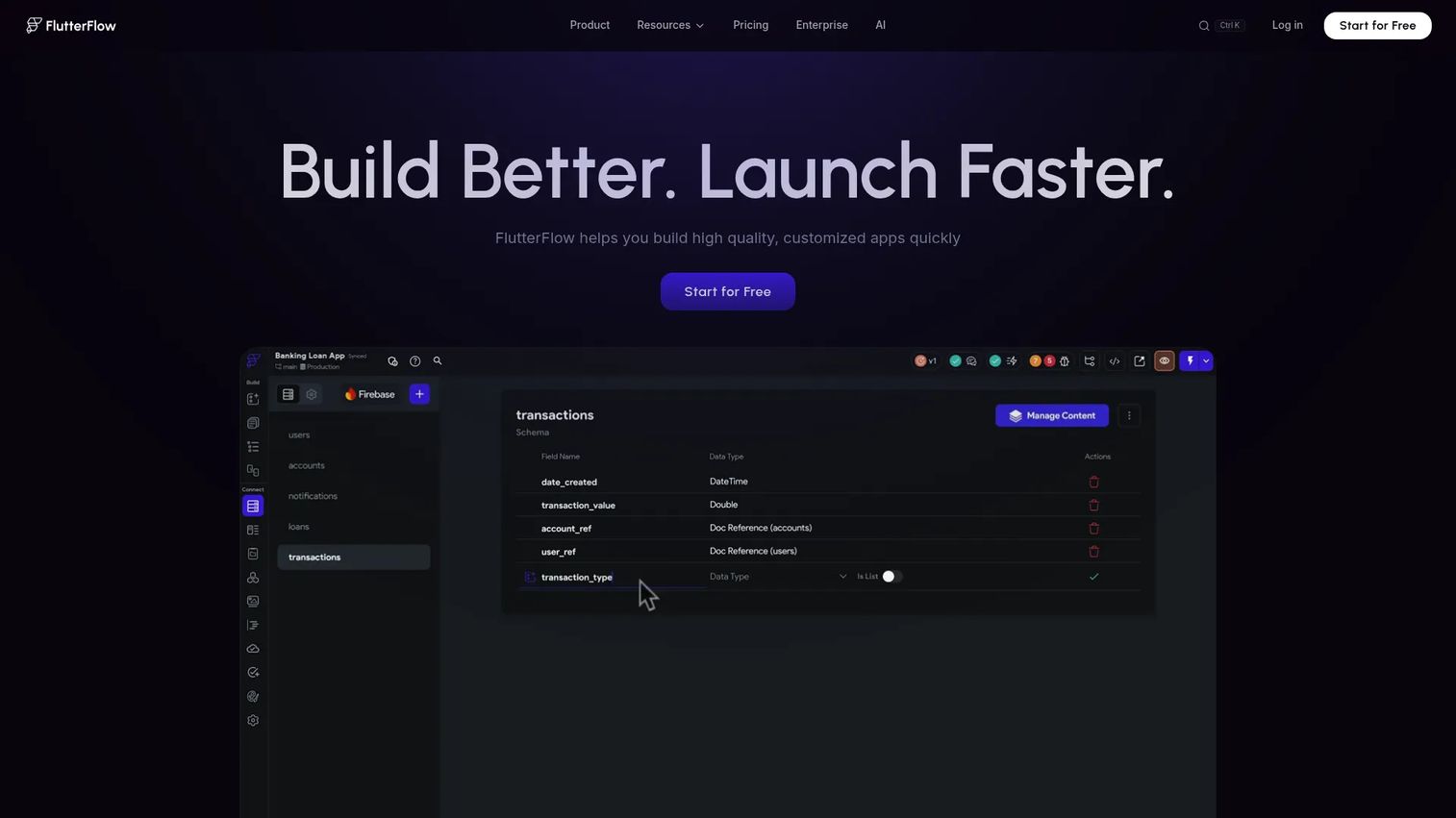
FlutterFlow is a visual development platform for building mobile, web, and desktop applications using Flutter under the hood. Teams can design screens with over 200 configurable UI elements, connect Firebase or REST APIs, write custom Dart functions where needed, and export full Flutter code when engineering is ready to take ownership. It supports iOS, Android, and web publishing from a single project.
Best for: Product and engineering teams building native-feeling mobile apps that will eventually need developer handoff or custom extensions.
Key features
- Visual UI builder with 200+ configurable components
- Firebase, Supabase, and REST API integrations
- Custom Dart code and Flutter widget support
- Real-time collaboration and branching
- Full code export and app store deployment
Why choose FlutterFlow: It's the strongest option when you want a prototype that can grow into a production app without starting over. Engineering can take the exported Flutter code and extend it directly, which avoids the vendor lock-in risk that pure no-code builders carry.
FlutterFlow pricing: Free plan available. Paid plans start at $39/month (Basic), $80/month for the first seat on Growth, and $150/month for the first seat on Business. Enterprise pricing is custom.
G2 rating: 4.5/5
2. Adalo
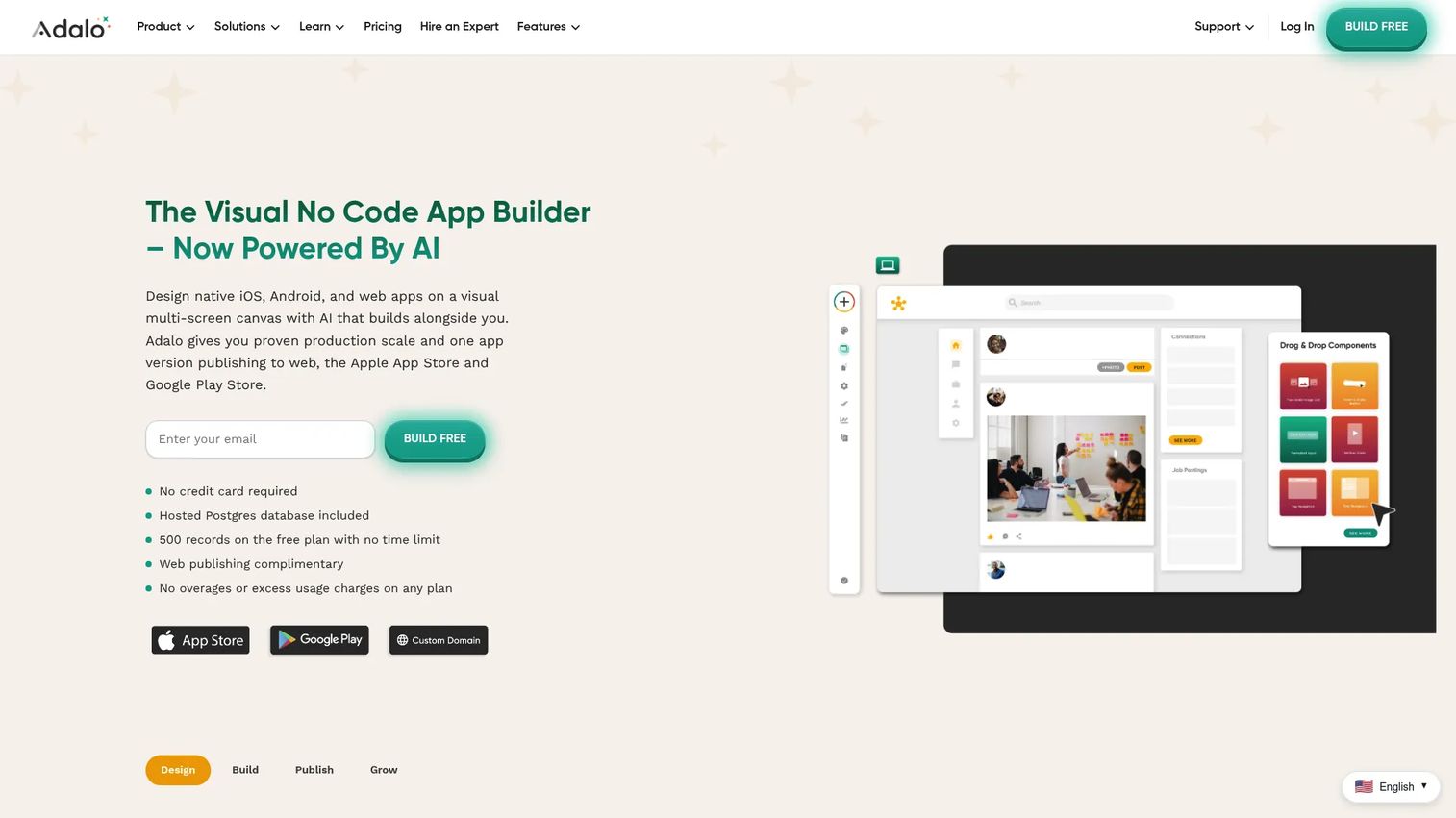
Adalo is a visual, AI-powered no-code app builder designed for creating database-driven web, iOS, and Android apps without writing code. The drag-and-drop canvas lets teams build multi-screen apps connected to a built-in Postgres database, add geolocation and payments, and publish directly to the App Store and Google Play. It includes AI-assisted generation for getting started faster.
Best for: Entrepreneurs and business teams building a straightforward mobile MVP that needs app store publishing and common app patterns.
Key features
- Drag-and-drop multi-screen canvas
- Built-in Postgres database
- iOS, Android, and responsive web publishing
- Payments and geolocation
- AI-assisted app generation
Why choose Adalo: Fast to start, visual throughout, and publishing-ready without developer involvement. When backend logic gets complex or you need deep API integrations, another platform is a better fit.
Adalo pricing: Free plan for building and testing. Starter is $36/month (billed annually), Professional is $52/month (billed annually), and Team is $160/month.
G2 rating: 4.4/5
3. Bubble
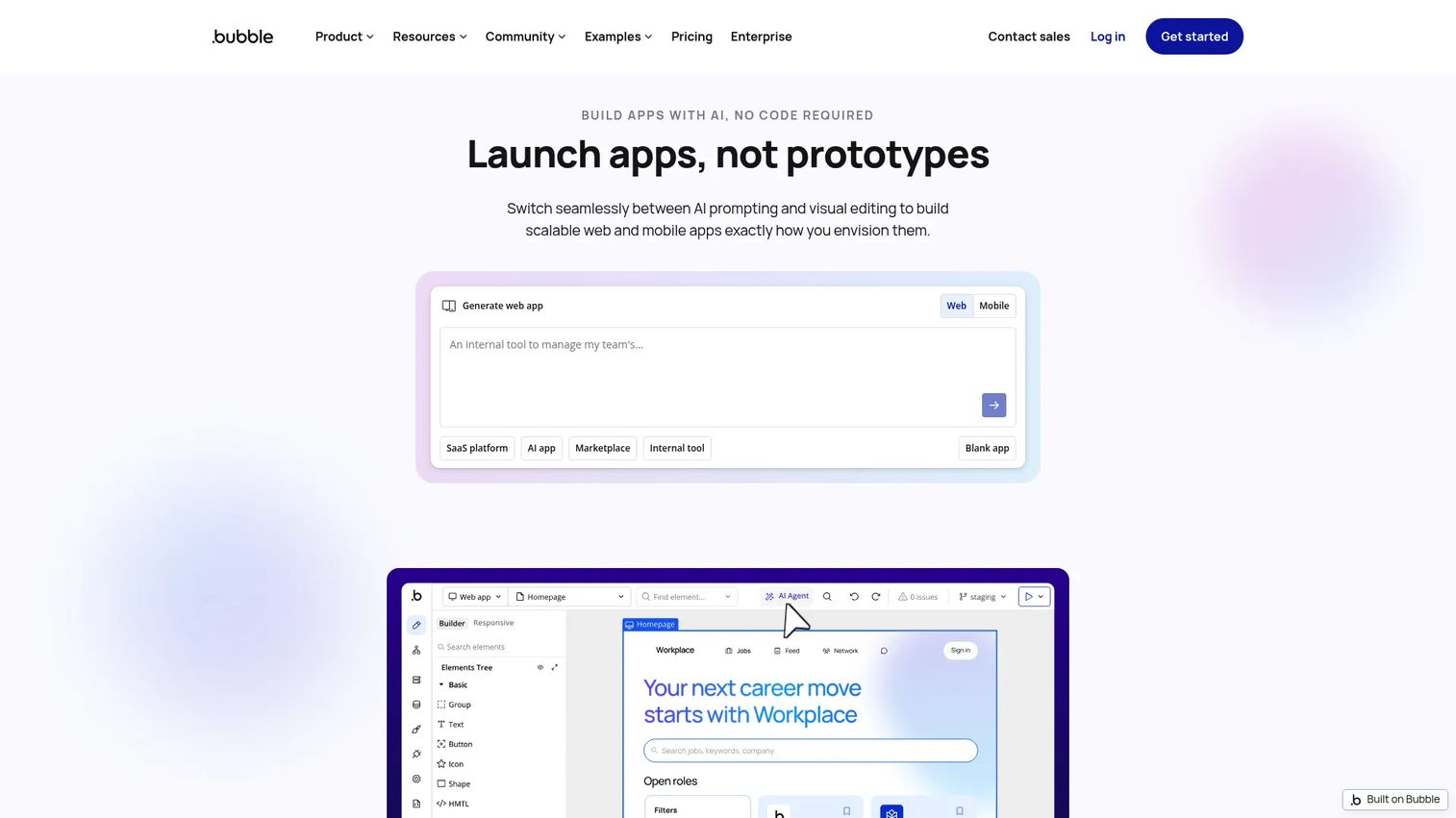
Bubble is a no-code platform for building, hosting, and scaling web and native mobile applications. Its visual editor handles workflow logic, a built-in database, user authentication, and API connections, and its plugin marketplace extends the platform significantly. Bubble is better suited to complex web apps than native mobile experiences - PMs should treat it as a web-first tool that can support mobile-adjacent workflows.
Best for: Founders and product teams building complex web apps or portals that may later need a mobile companion or wrapper.
Key features
- Visual app editor with workflow logic
- Built-in database, authentication, and hosting
- Plugin marketplace
- API connector
- iOS and Android app development (web-first architecture)
Why choose Bubble: Choose it when app logic depth and iteration speed matter more than native app store execution. The platform is capable and extensible, but for strict native mobile requirements, the web-first architecture is a real consideration.
Bubble pricing: Free plan available. Starter is $59/month (billed annually), Growth is $209/month (billed annually), and Team is $549/month (billed annually). Enterprise pricing requires a custom quote.
G2 rating: 4.4/5
4. Glide
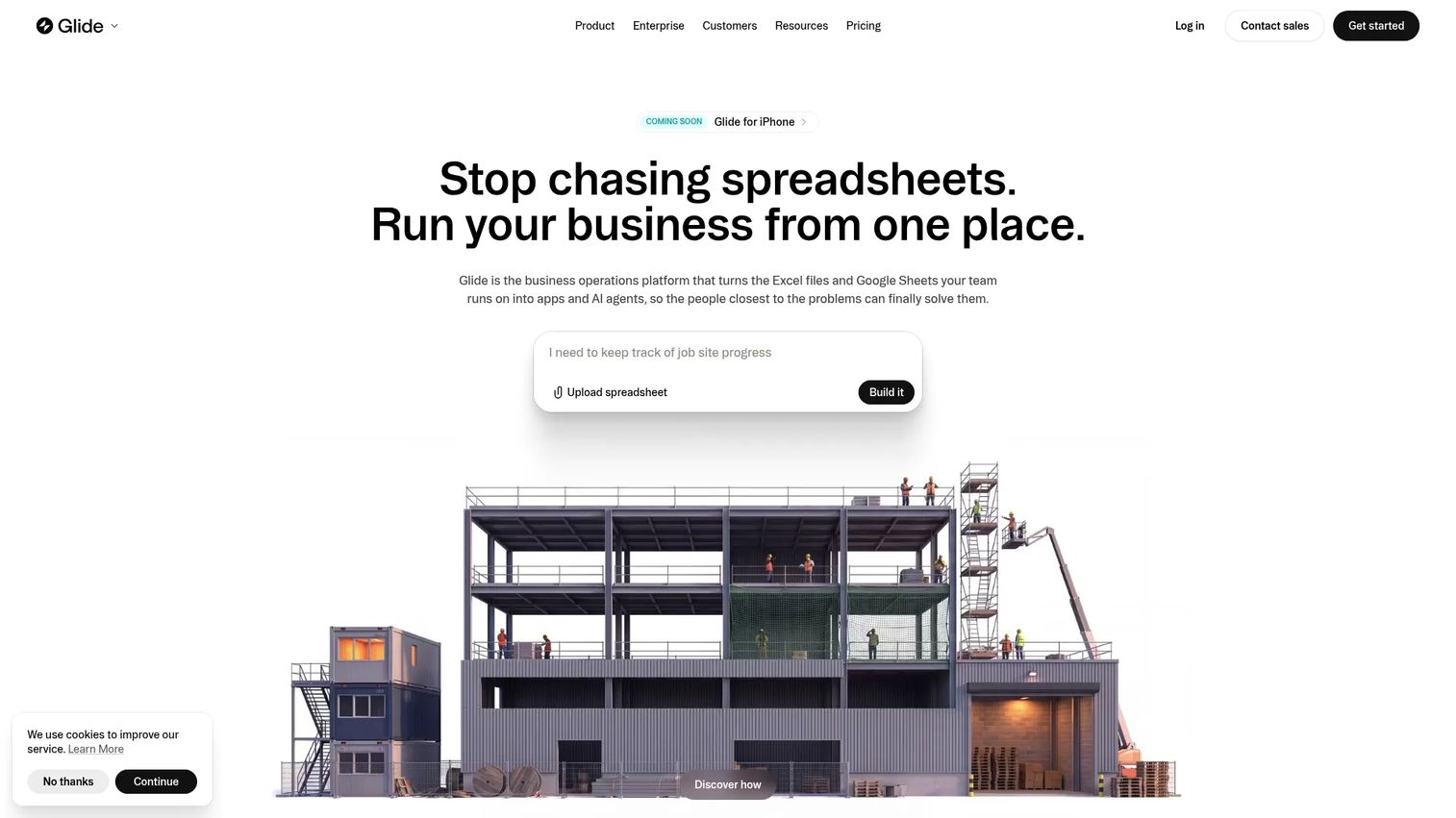
Glide is an AI and no-code platform for building internal business apps directly from spreadsheets, prompts, or files. It connects to structured data sources and generates a usable app quickly, with role-based permissions, SSO, audit logs, and integrations handled on paid tiers. Glide is especially strong for field operations, approvals, directories, and inventory tools.
Best for: PMs and ops teams who need to turn existing business data into a working internal mobile app without a long data modeling phase.
Key features
- App building from spreadsheets, files, or prompts
- AI-assisted development and agent modes
- User roles, permissions, and SSO
- Integrations and workflow automation
- App templates and marketplace
Why choose Glide: It's the fastest route from structured business data to a working internal app. For highly custom native experiences or consumer-grade design requirements, a more code-oriented builder is a better choice.
Glide pricing: Free plan available. Basic is $25/month, Plus is $50/month, Pro is $125/month, and Enterprise pricing requires a custom quote.
G2 rating: 4.7/5
5. Appy Pie
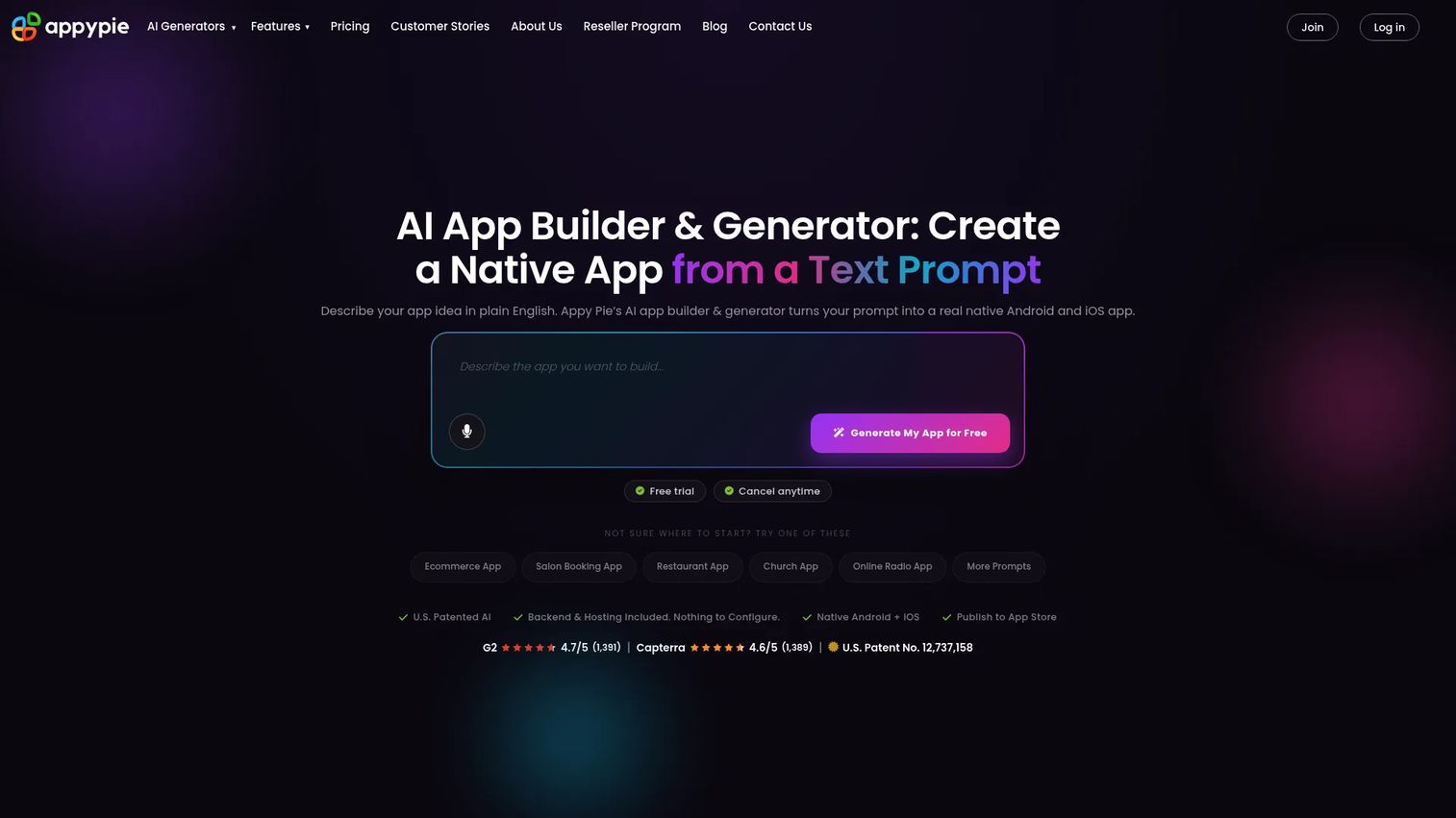
Appy Pie is an AI-powered no-code platform for creating and publishing mobile apps and websites. It offers templates for common use cases - restaurant apps, appointment booking, ecommerce, events, and more - with push notifications, in-app payments, and GPS built in. No permanent free tier exists, but a free trial is available.
Best for: Small businesses and nontechnical teams that need a simple app from a template without custom development.
Key features
- AI-assisted app generation
- Push notifications and GPS
- In-app payments and checkout
- Appointment booking module
- App analytics
Why choose Appy Pie: Good when the priority is speed and a familiar template fits the use case. For PMs at SaaS companies building core product surfaces, the template-first approach may be too constrained, but for side apps and simple commercial tools it gets the job done quickly.
Appy Pie pricing: No free plan. Basic starts at $16/app/month, Gold at $36/app/month, and Platinum at $60/app/month. Enterprise pricing is custom. Pricing is per app, not per seat.
G2 rating: 4.7/5
6. Microsoft Power Apps
Microsoft Power Apps is a low-code platform for building custom business applications connected to Microsoft 365, Dataverse, Power Automate, Teams, and Azure. It supports canvas apps (flexible layout) and model-driven apps (data-first structure), with Copilot-assisted building and role-based security built in. Browser and mobile access are both supported.
Best for: Enterprises building governed internal mobile apps and process workflows inside a Microsoft environment.
Key features
- Canvas and model-driven app creation
- Copilot AI-assisted building
- Microsoft Dataverse and 400+ connectors
- Role-based security and compliance controls
- Browser and mobile app support
Why choose Microsoft Power Apps: Strong when IT governance, Microsoft stack fit, and internal process automation are the primary requirements. Teams outside the Microsoft ecosystem or building consumer-facing apps will find a lighter platform more practical.
Microsoft Power Apps pricing: Developer Plan is free for building and testing. Power Apps Premium is $20/user/month (billed yearly), with a discounted rate of $12/user/month at a 2,000-seat minimum.
G2 rating: 4.3/5
7. Softr
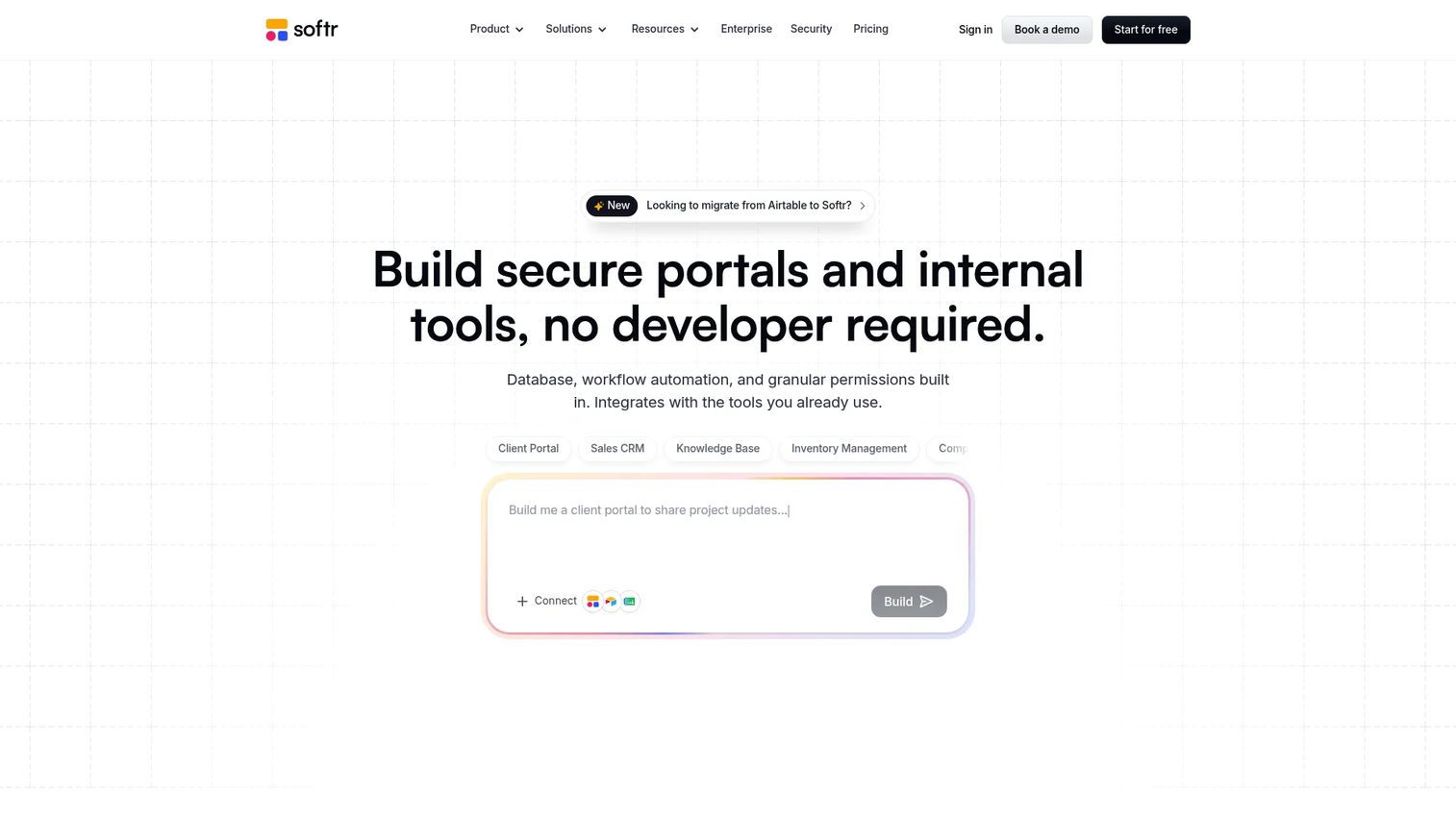
Softr is an AI app builder for creating internal tools, portals, and operational apps with databases, workflow automation, and integrations. It connects to 17+ data sources, supports multi-step workflows with AI agents, and handles user groups, permissions, and custom portals. Softr is a web-first platform - mobile support is responsive rather than natively published.
Best for: Non-technical business teams building mobile-responsive client portals, internal tools, and database-backed apps without native app store publishing.
Key features
- AI and no-code app building
- 17+ data source integrations
- Multi-step workflow automation with AI agents
- Granular user groups and permissions
- Custom portals, dashboards, and mobile-responsive apps
Why choose Softr: Choose it when the mobile need is a responsive web app or client portal rather than a native app store experience. It's a fast way to give internal or external users access to structured business data on any device.
Softr pricing: Softr's pricing page did not display numeric plan prices at the time of this review. Contact Softr directly for current plan pricing.
G2 rating: 4.7/5
8. WeWeb
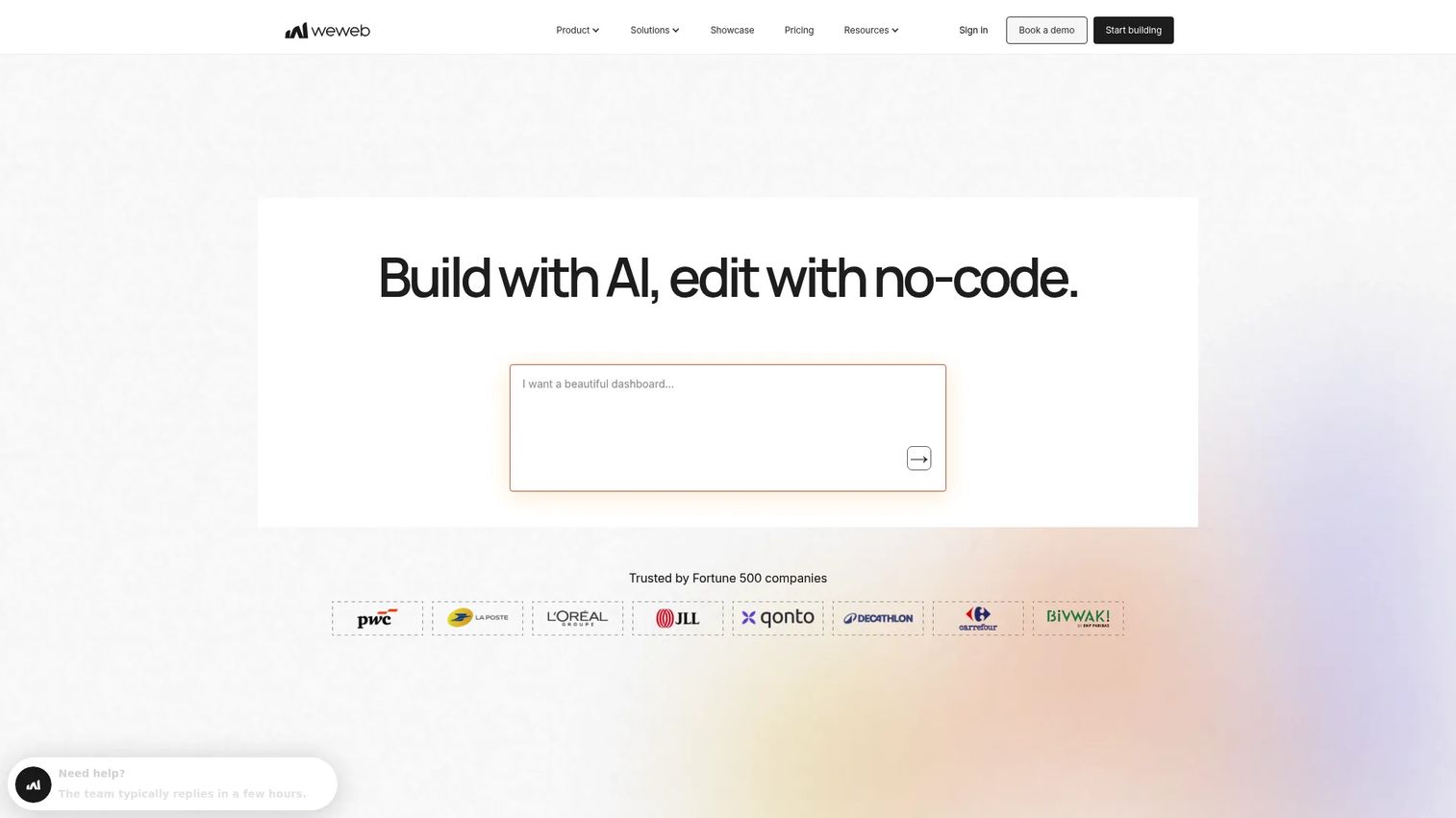
WeWeb is an AI-powered visual development platform for building production-grade custom web applications without code. It connects to external backends, supports code export and self-hosting, and gives product teams strong design control over the frontend. Native mobile publishing is not a primary feature - WeWeb builds web and progressive web apps.
Best for: Product teams that want a visual frontend with external backend flexibility and the option to self-host or export code.
Key features
- AI app generation
- Visual drag-and-drop editor
- API and data integrations
- Code export and self-hosting
- Native backend and database capabilities
Why choose WeWeb: Strong when the team has a backend strategy and wants frontend speed. For teams specifically needing App Store and Google Play publishing, a mobile-first builder is the right starting point instead.
WeWeb pricing: Free plan available. Essential developer plan is $20/month. WeWeb Cloud plans start at $13/month (Launch+), with Scale+ at $66/month and Power+ at $208/month.
G2 rating: 4.9/5
9. Momen
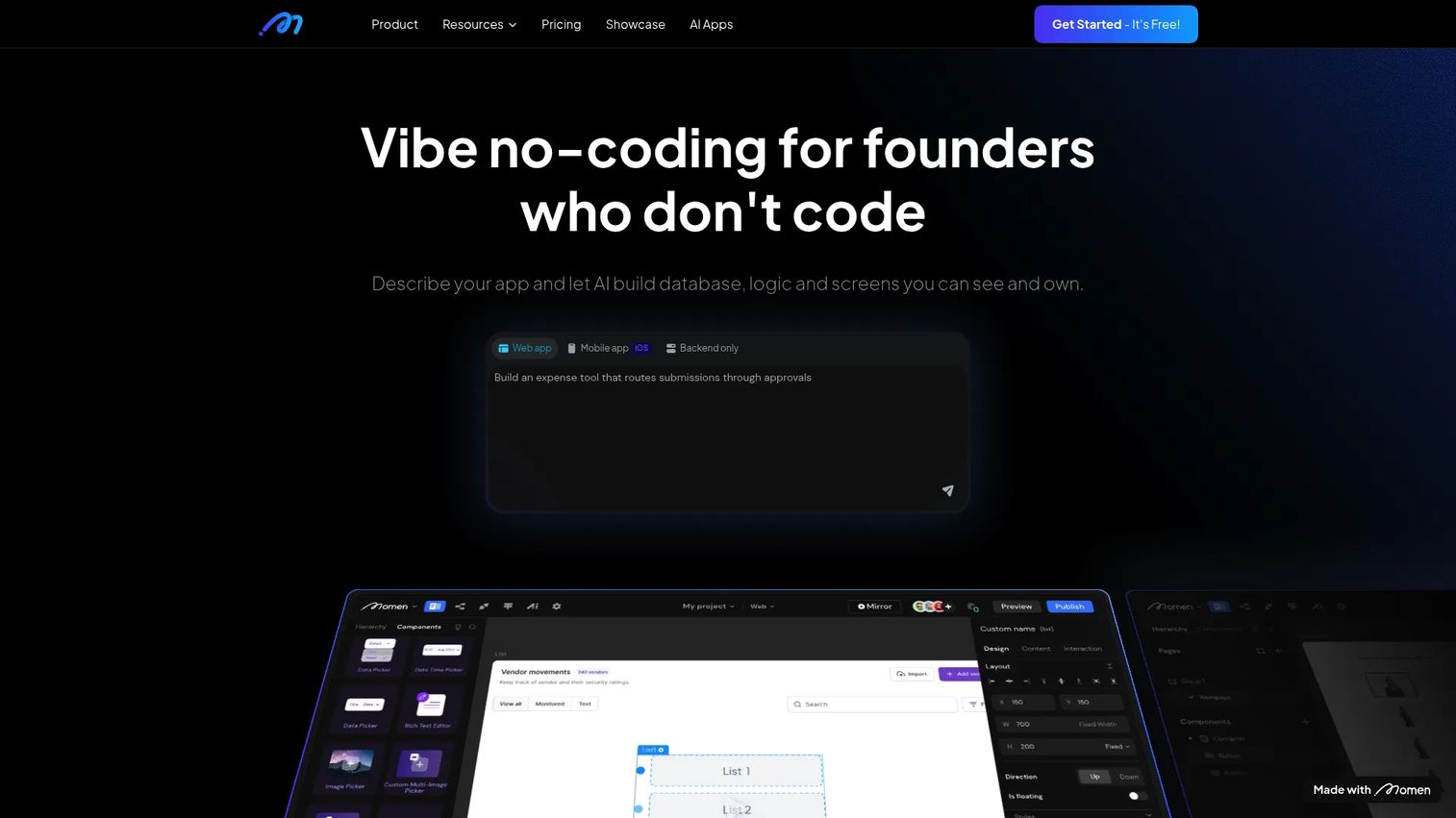
Momen is a full-stack no-code AI app builder for creating and deploying web, mobile, and backend applications. The platform handles frontend design, built-in database modeling, visual logic via Actionflows, AI workflows, and one-click deployment. It positions itself as a contained environment for building complete apps without stitching together separate services.
Best for: Founders and teams who want frontend, backend, and database creation handled in a single visual builder without third-party infrastructure.
Key features
- Visual app design with responsive customization
- Built-in database with AI-assisted modeling
- Visual Actionflows and AI workflows
- One-click frontend and backend deployment
- Custom domains, Stripe payments, and SSO on paid plans
Why choose Momen: It fits teams that want a self-contained app-building environment. Verify current mobile publishing options on Momen's product pages before committing, as capabilities in this area are worth confirming directly.
Momen pricing: Free plan available. Basic is $33/project/month (billed annually). Pro is $85/project/month (billed annually). Pricing is per project, not per seat.
G2 rating: 4.0/5
10. OutSystems
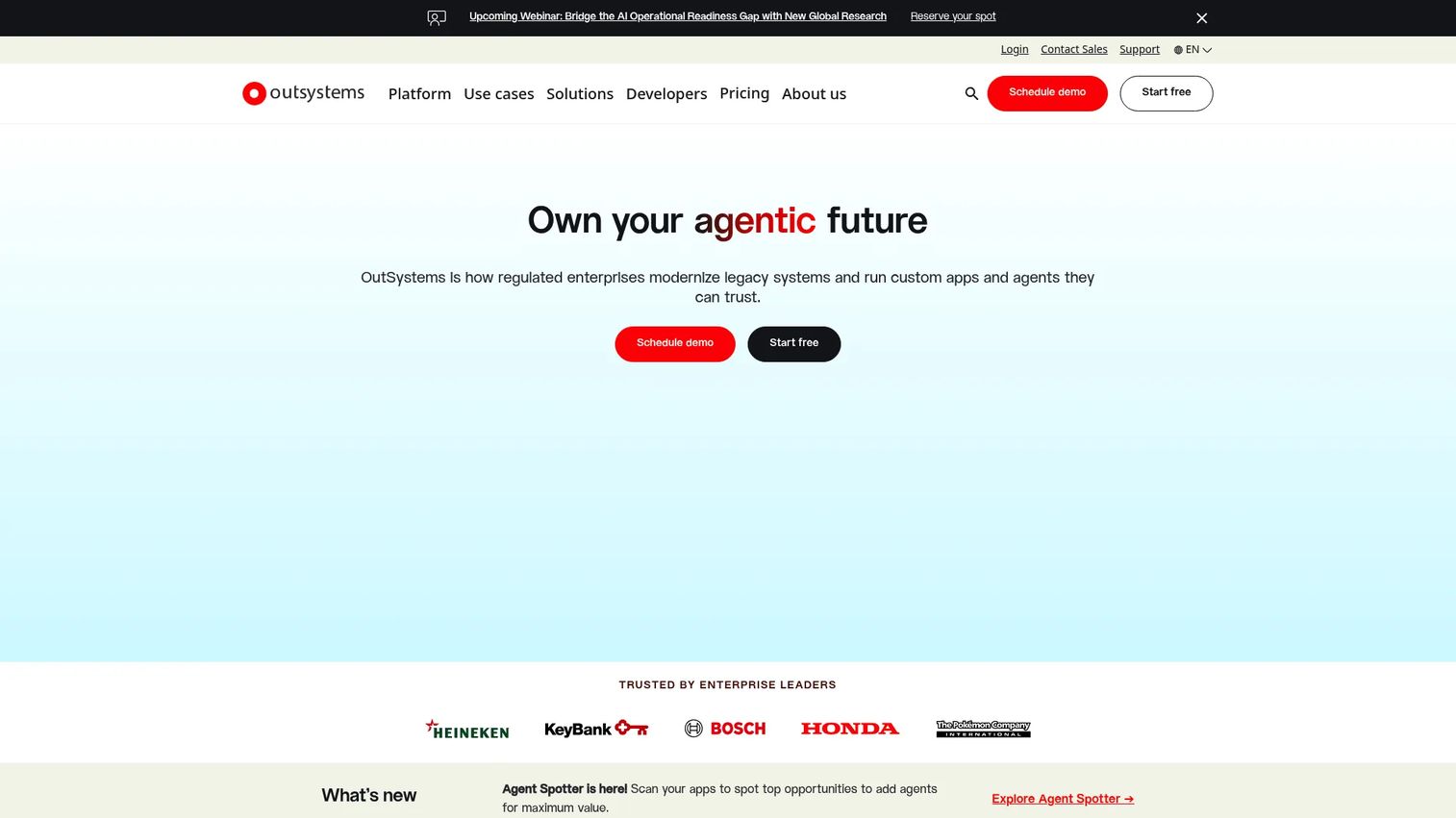
OutSystems is an enterprise AI development platform for building, deploying, governing, and scaling applications and AI agents. It supports mobile and web app development, integrates with 400+ connectors, handles hybrid cloud and on-premises deployment, and includes built-in observability, security governance, and DevOps tooling. It is purpose-built for enterprise application portfolios, not quick mobile MVPs.
Best for: Enterprises building and governing mission-critical custom applications at scale across multiple teams.
Key features
- Model-driven and AI-assisted development
- Mobile and web app support
- Integrated DevSecOps with one-click deployment
- 400+ connectors and API integration
- Built-in observability and governance
Why choose OutSystems: It's the right call when security review, portfolio governance, and multi-team development are the primary requirements. A PM validating a single mobile workflow will find it more platform than needed at the start.
OutSystems pricing: Personal Edition is free (up to 100 internal users, for testing and learning). OutSystems Developer Cloud (ODC) for production use is priced by application, users, and add-ons via a custom quote.
G2 rating: 4.5/5
11. Mendix
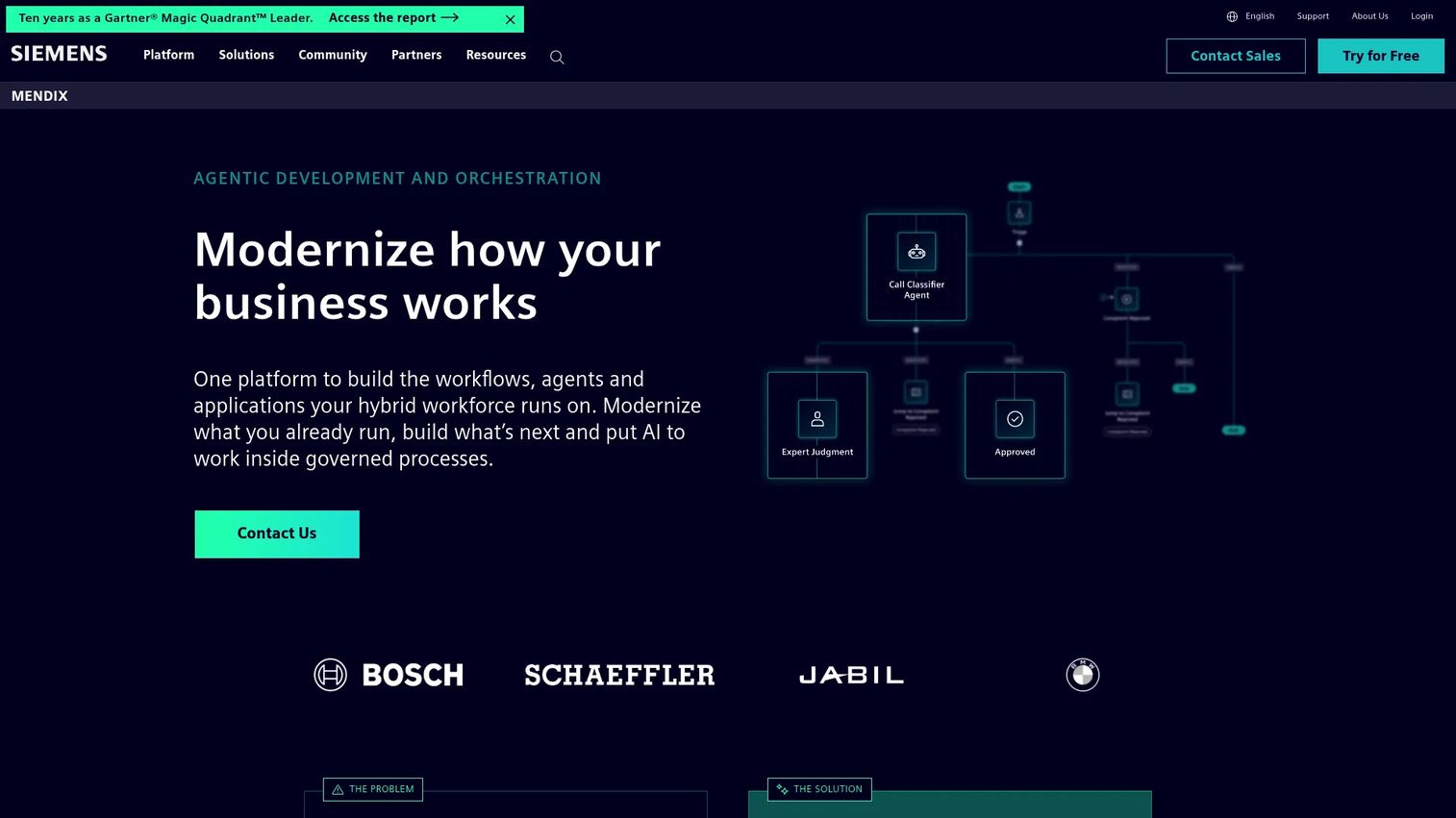
Mendix is an AI-powered, full-stack enterprise application development platform. It supports visual and conversational app development, built-in version control, database modeling, debugging, testing, and agentic application capabilities. Mendix is designed for organizations standardizing low-code development across product, IT, and business teams, and covers mobile, web, and workflow applications.
Best for: Large organizations building and governing a portfolio of business applications with multiple teams involved.
Key features
- Visual and conversational application development
- Built-in version control, database modeling, and testing
- AI-powered development and agentic capabilities
- Mobile and web app support
- Governance features for multi-team development
Why choose Mendix: Strong when product, IT, and business teams need shared governance and lifecycle management across many applications. For a single mobile MVP, it introduces more process than most small teams need at the validation stage.
Mendix pricing: Free plan available for demos and prototypes. Standard starts at $1,090/month. Premium requires a custom quote.
G2 rating: 4.4/5
12. Zoho Creator
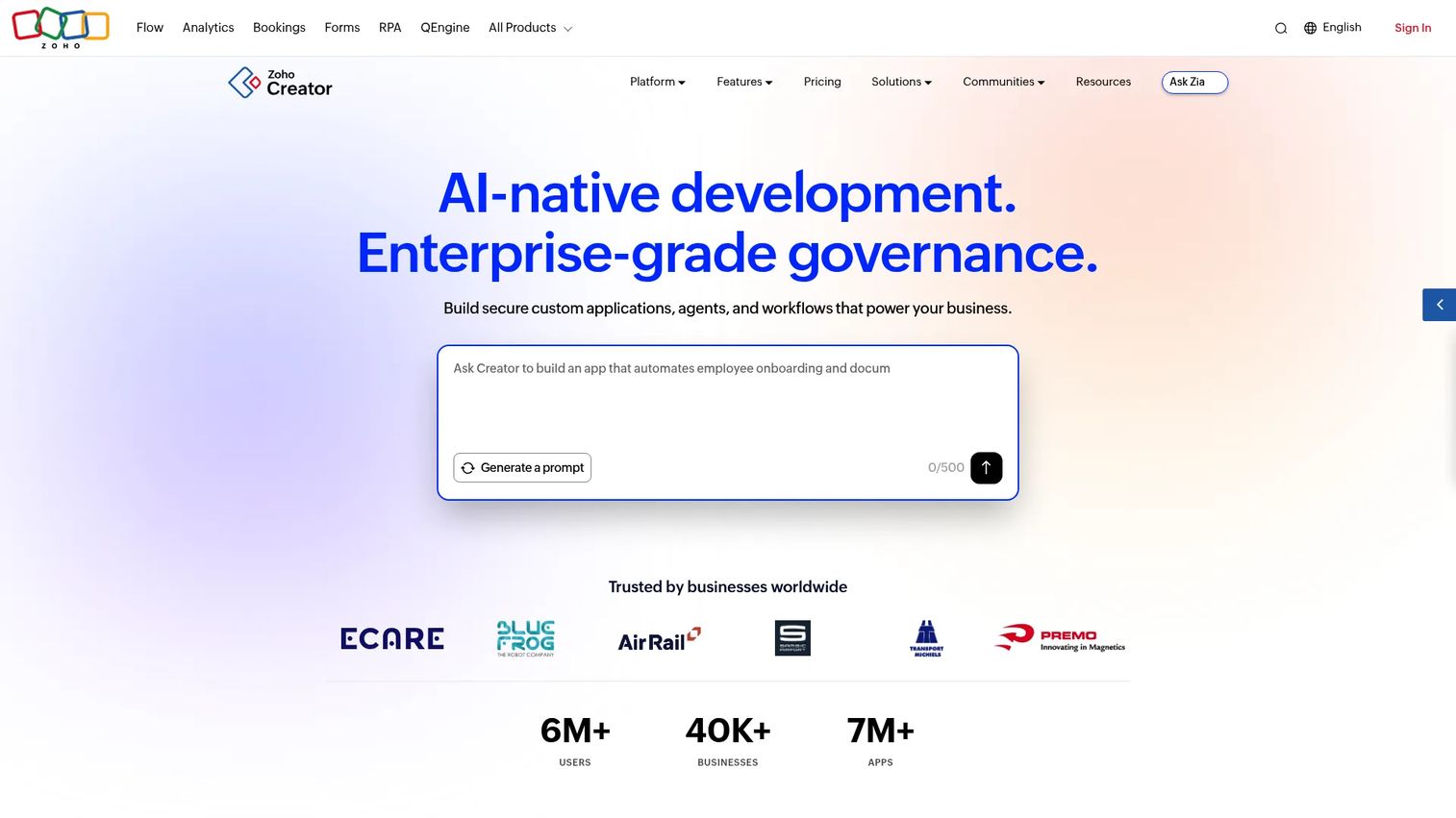
Zoho Creator is an AI-powered low-code platform for building custom business applications. It supports drag-and-drop form building, workflow automation with approvals and Blueprints, Deluge scripting for custom logic, integrations and APIs, and deployment across web, iOS, Android, and cloud environments. Teams already using Zoho products will find the integration with the broader Zoho suite particularly useful.
Best for: Teams building business process apps tied to forms, approvals, and internal operations, especially within a Zoho environment.
Key features
- Drag-and-drop form and app building
- Workflow automation with Blueprints and approvals
- Web, iOS, and Android deployment
- Reports and dashboards
- Zoho suite integrations
Why choose Zoho Creator: Well-suited when the app is part of a broader business process and the team is already invested in the Zoho stack. For consumer-grade native mobile experiences with complex UI requirements, another platform is a better fit.
Zoho Creator pricing: A free plan is available. Paid plan pricing was not displayed numerically on the official pricing page at the time of this review. Contact Zoho Creator directly for current Standard, Professional, and Enterprise rates. Enterprise requires a minimum of 50 users.
G2 rating: 4.3/5
13. Draftbit
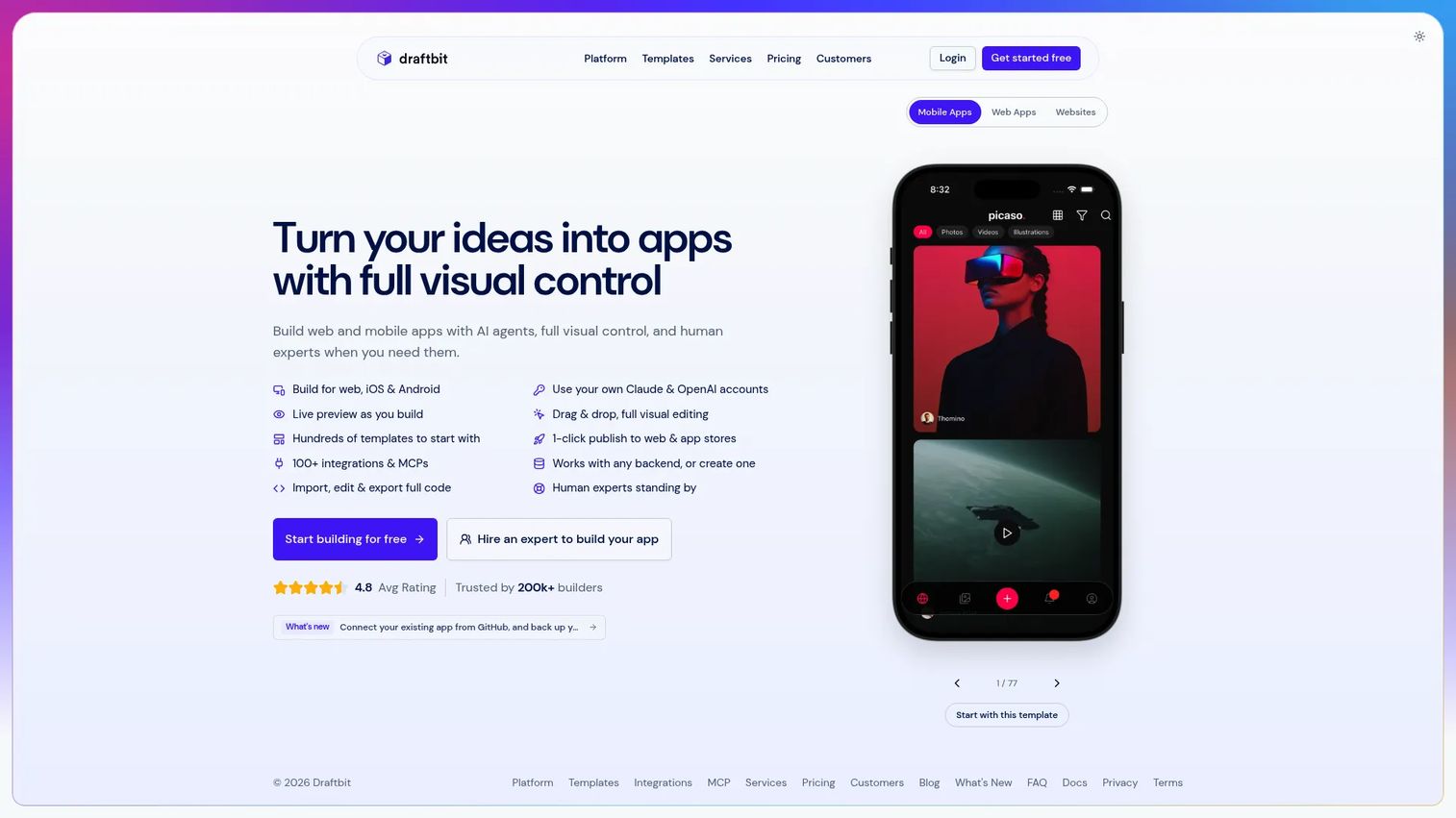
Draftbit is a browser-based AI-assisted app builder for creating and publishing mobile apps, web apps, and websites. It combines visual editing with live previews, code editing and export (GitHub or ZIP), a built-in Supabase backend, and publishing to iOS and Android. Code export and iOS/Android publishing require a paid plan.
Best for: Individuals and teams who want visual building speed alongside genuine code ownership and React Native output.
Key features
- AI-assisted app building with live previews
- Visual editing plus code editor
- Code export to GitHub or ZIP
- Built-in Supabase backend and REST API integrations
- Publishing to web, iOS, and Android
Why choose Draftbit: Strong when PMs need fast design iteration but engineering also wants a real code path they can inspect and extend. It requires more technical comfort than template-led builders, but the code ownership it provides is a meaningful differentiator.
Draftbit pricing: Free plan available (web publishing only). Standard is $15/month or $144/year, which adds code export and iOS/Android publishing. Pro is $30/month or $288/year. Enterprise pricing is custom.
G2 rating: 4.2/5
14. Thunkable
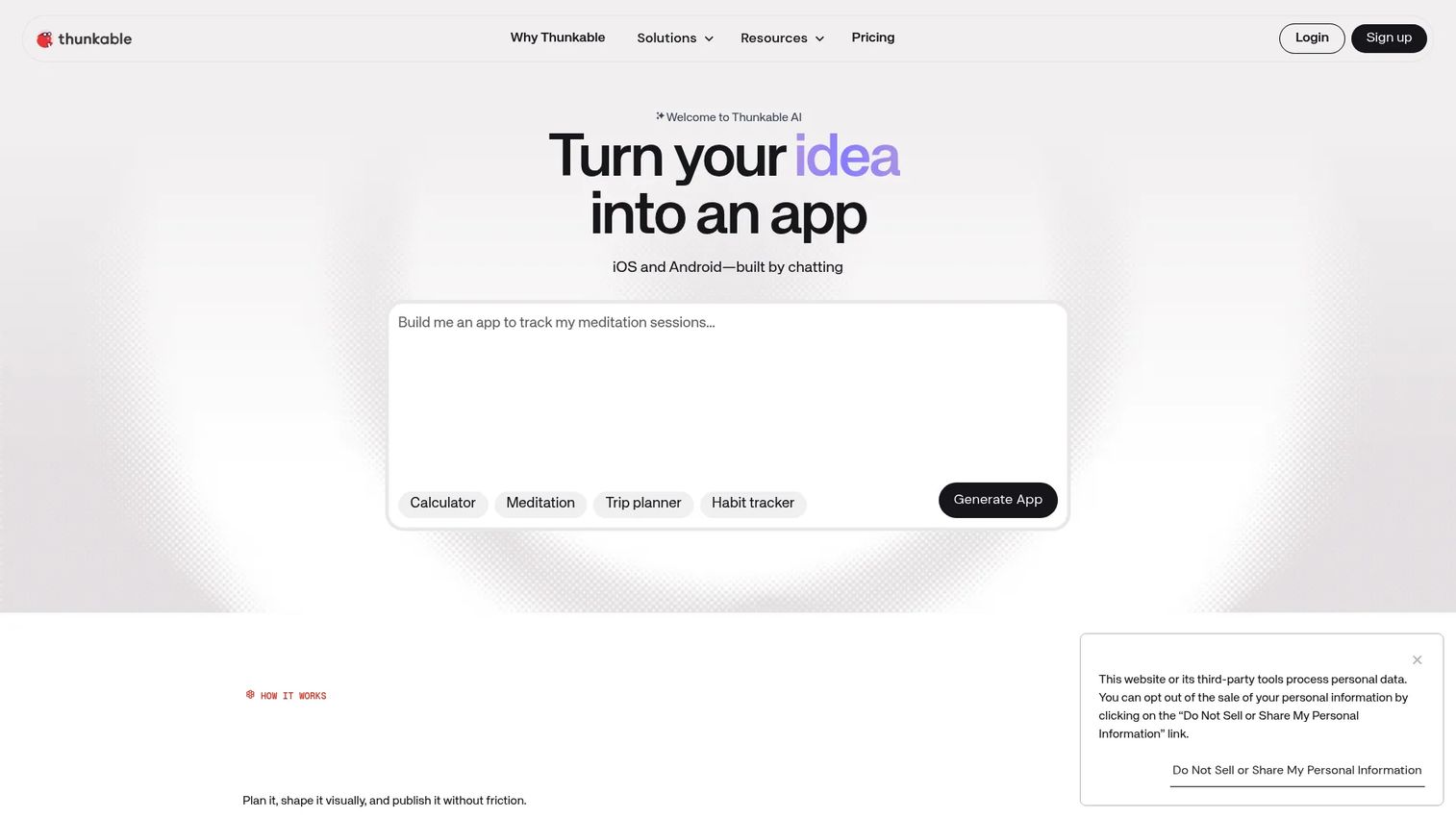
Thunkable is a no-code platform for building, testing, and publishing native iOS, Android, and web apps. It offers a visual drag-and-drop design editor, block-based logic, a code editor for teams that want to go further, version history, and publishing to all three platforms. An AI app builder is included for faster project starts.
Best for: Individuals, product teams, and educators building cross-platform mobile apps without starting in code.
Key features
- AI app builder and visual drag-and-drop editor
- Block-based logic builder
- Code editor for custom extensions
- Version history
- Native iOS, Android, and web publishing
Why choose Thunkable: Useful for educational, internal, and lightweight commercial mobile apps where a visual-first approach fits the team's skill set. Before using it for a core product surface, verify that your data model and performance requirements fall within what the platform supports.
Thunkable pricing: Free plan available (three public projects, five screens per project). Accelerator is $18/month (billed yearly) or $19/month (billed monthly). Builder is $37/month (billed yearly). Advanced is $99/month (billed yearly). Enterprise pricing is custom.
G2 rating: 4.4/5
15. Bravo Studio
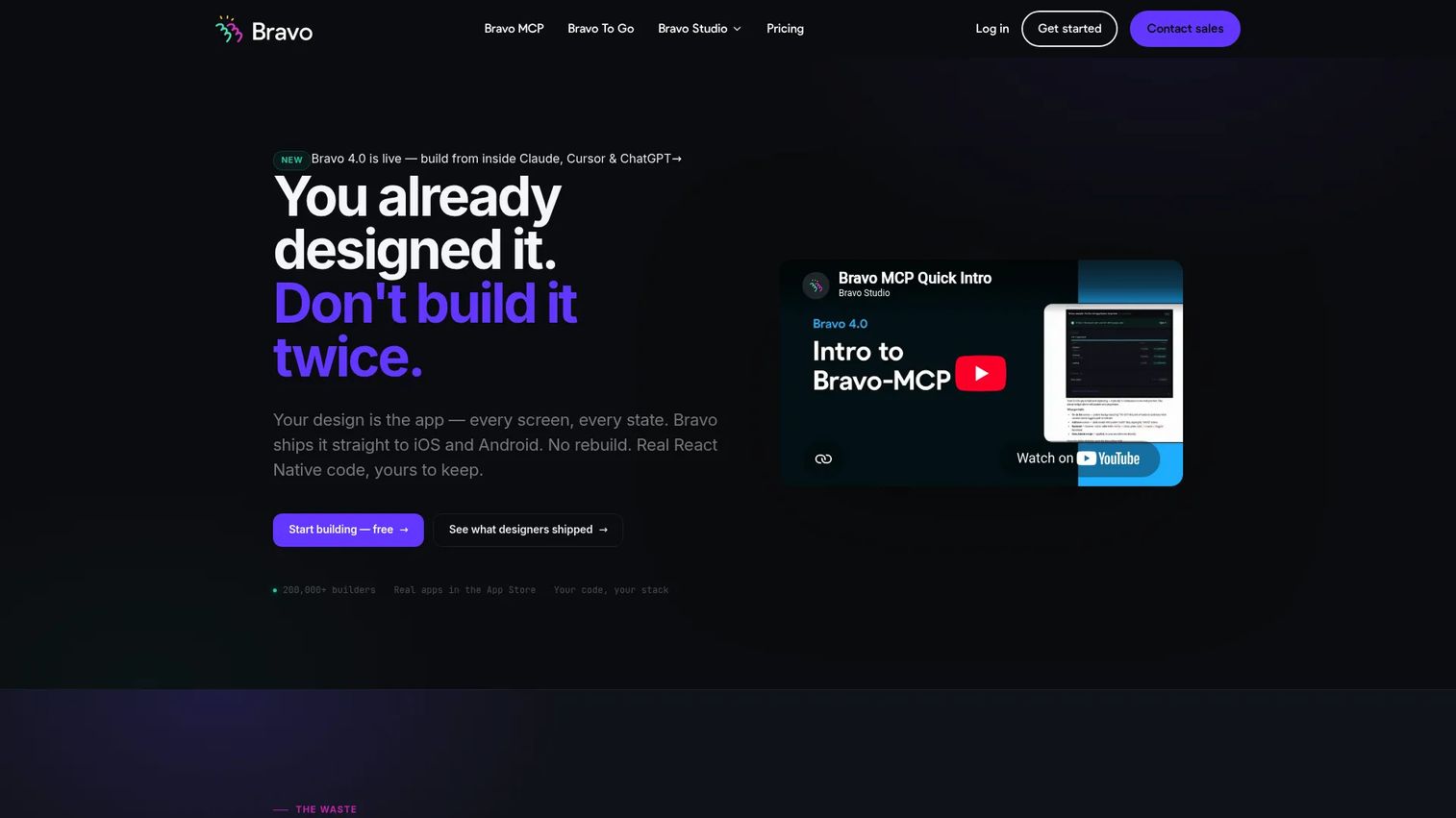
Bravo Studio is a design-first no-code platform for turning Figma designs into native iOS and Android apps. Teams connect their Figma file, bind API data to design components, and publish to the App Store and Google Play. It supports native authentication, Stripe payments, push notifications, maps, deep linking, and device preview.
Best for: Designers, entrepreneurs, and product teams that already have a Figma design and want to test realistic mobile flows with real data.
Key features
- Figma-to-native app conversion
- REST API and external data integrations
- Native authentication, payments, and push notifications
- Device preview and App Store/Google Play publishing
- Charts, maps, and deep linking
Why choose Bravo Studio: The fastest path from a Figma design to a testable native mobile app. For deep backend logic or complex workflow automation, pair it with a separate backend service or switch to a more full-stack builder.
Bravo Studio pricing: Starter plan is free (phone preview, basic API connections, no App Store builds). Solo is $22/month. Bravo To Go is a concierge build service at $999 per app or website.
G2 rating: 4.8/5
Considerations when choosing a low code mobile app builder
Native mobile versus responsive web
The most common mistake is choosing a web-first builder when the team needs native iOS and Android behavior. Responsive web apps do not support native push notifications, offline use, device APIs (camera, GPS, biometrics), or native navigation patterns without significant additional work. If app store publishing is a requirement, confirm it explicitly before choosing a platform.
Code export and developer handoff
Prototypes have a way of becoming permanent. Ask whether engineering can export the code, inspect the logic, or move workflows elsewhere if the platform changes pricing or terms. FlutterFlow and Draftbit both offer code export. Enterprise platforms like OutSystems and Mendix provide developer extensibility by design. For many other tools, the app stays inside the platform's runtime.
Data model, permissions, and security
Internal apps often handle sensitive business data. Evaluate role-based access, authentication options, SSO support, audit logs, data residency, and API security before choosing a platform for anything that touches customer PII or internal financials. Describe the capabilities you need to each vendor and verify what each plan tier actually includes.
Pricing and usage limits
Entry pricing rarely tells the full story. Plans differ on end-user limits, API call quotas, storage, AI credits, hosting costs, and the tier at which app store publishing or code export becomes available. A tool that looks affordable for a prototype may cost significantly more at production scale.
Release cadence and maintenance
A builder only helps if the team can update flows, fix bugs, and keep analytics aligned with product changes over time. Ask how long a typical update takes, whether the tool requires republishing to the app store for every change, and who owns the maintenance responsibility. Low-code tools reduce build time but do not eliminate maintenance overhead.
Conclusion
The right low code mobile app builder depends on how close you need to get to native mobile, how much engineering will need to extend the result, and how long the app needs to hold up in production.
FlutterFlow and Draftbit are the strongest options when native publishing and code handoff both matter. Adalo, Thunkable, and Bravo Studio fit simpler mobile builds, cross-platform publishing, and design-to-app workflows. Microsoft Power Apps, OutSystems, and Mendix fit enterprise internal apps with governance requirements. Glide, Zoho Creator, and Softr serve data-driven or portal-style needs where a responsive web app is sufficient.
Confirm publishing requirements, data ownership, and maintenance expectations before betting a roadmap on any platform. Build a small proof of concept first - a working prototype on the right tool will tell you more than any vendor demo.
If your team already has a mobile product and needs to showcase it before users install or sign up, mobile demos can help prospects experience the workflow first. Start your journey with Guideflow today!
FAQs
FlutterFlow is the strongest starting point when native iOS and Android publishing, Firebase integration, and developer code handoff are all requirements. Draftbit suits teams that want React Native output and GitHub export. Thunkable and Adalo are good for simpler native apps where visual building speed matters more than code ownership. The right pick depends on how complex the backend logic is and whether engineering will need to extend the app after initial validation.
No-code tools minimize or eliminate custom code and work best for simpler app logic, standard templates, and workflows where visual configuration covers the requirements. Low-code tools give more control over custom logic, developer handoff, integrations, and production infrastructure. The distinction matters most when you're deciding whether engineering will ever need to inspect, extend, or port the output.
Many tools in this list support app store publishing, but the workflow varies significantly by platform and plan. Apple and Google both require app review, code signing, privacy disclosures, and compliance with store policies. Some builders handle the submission process directly; others export a build file that teams submit manually. Verify the publishing workflow for each tool before committing, and check whether app store publishing requires a paid tier.
For many use cases, yes. Internal tools, operational apps, customer portals, and mobile companions to web products can run reliably in production on low-code platforms. Production fit depends on performance under real user load, offline behavior, security, integration depth, analytics, and how often the product changes. Consumer-facing apps with strict performance or native experience requirements may eventually need a custom native build.
Microsoft Power Apps is the strongest fit for enterprises already using the Microsoft stack, given its governance, Dataverse integration, and connector library. Glide is faster for teams building from spreadsheets or business data. Zoho Creator suits teams inside the Zoho ecosystem. OutSystems and Mendix fit large organizations managing multiple internal app portfolios with strict governance requirements.
FlutterFlow exports full Flutter code, which engineering can then extend with Dart. Draftbit exports to GitHub or a ZIP file and produces React Native output. Both require paid plans to access code export. For other platforms, code export availability varies by tier and should be verified directly with the vendor before choosing a platform with extensibility in mind.
Entry pricing ranges from free plans to around $15 to $80 per month for individual or small team use. Enterprise platforms like Mendix (Standard from $1,090/month) and OutSystems (custom pricing for production) operate at a different cost level. Pricing models differ across tools: Some charge per seat, some per app, some per project, and some by usage or workload. App store publishing, code export, SSO, and advanced analytics often require higher tiers.
Use a low-code builder when the team needs to validate workflow adoption, activation, or internal demand before committing roadmap capacity. The goal is to generate a real signal with minimal opportunity cost. Bring engineering in when the app is core product infrastructure, requires deep native performance, handles sensitive data at scale, or needs to integrate tightly with systems that the low-code tool cannot connect to cleanly.