Last updated: October 7, 2026
A security scanner can find a problem before release. It can also create a queue nobody trusts. According to the GitLab Global DevSecOps Report (2025), only 29% of organizations currently use static application security testing to enable security in their software development lifecycle. The gap is not a shortage of tools. It is that the wrong tool produces hundreds of findings developers cannot prioritize, and the triage cost lands squarely on your engineering roadmap.
The real decision is not which scanner catches the most theoretical issues. It is which SAST scanner gives developers findings early enough to act on, in the workflow where they already work, without flooding the backlog with noise that trains teams to ignore alerts. For product managers, that distinction matters: Every unresolved security backlog is an opportunity cost, and every late-release security surprise is a planning failure.
How should teams choose between developer-first, platform-based, enterprise-governed, and open-source SAST options? This guide answers that question.
What's inside
This guide covers 12 SAST tools across enterprise, developer-first, open-source, and platform-native options. Selection was based on:
- Detection quality and alert precision relative to real codebases
- Language coverage, framework support, and build-system compatibility
- Workflow fit across IDE, pull request, CI/CD pipeline, and security dashboard surfaces
- Pricing model clarity, from free tiers to enterprise contracts
The guide is written for product managers and engineering leaders who influence security tooling decisions without necessarily configuring every rule.
TL;DR
- Best for customizable developer-first scanning: Semgrep. Custom rules, cross-file analysis, and a free edition make it a strong fit for teams that want control over what gets flagged.
- Best for code quality plus security in one gate: SonarQube. A natural fit when engineering already runs quality gates and wants security findings in the same review workflow.
- Best for a broader developer security platform: Snyk Code. Choose it when you want SAST alongside dependency and infrastructure scanning in a single program view.
- Best for GitHub-native teams: GitHub Advanced Security. Keeps code scanning inside the pull request workflow without adding another tool.
- Best for enterprise AppSec governance: Veracode, Checkmarx One, and OpenText Fortify. Evaluate these when policy control, audit reporting, and formal program management are the primary requirements.
What is SAST software?
Static application security testing, or SAST, is software that analyzes source code, bytecode, or compiled code to identify security weaknesses before an application runs in production.
How SAST works
A SAST scanner parses your code into a structured representation, then examines data flow, control flow, and dangerous coding patterns. It matches findings against security rules and vulnerability classes, then reports the source location, severity, evidence, and remediation guidance. Scans can run in an IDE during development, in a pull request before merge, inside a CI/CD pipeline, or as a scheduled repository-wide job.
What SAST tools detect
Common vulnerability classes flagged by application security testing software include:
- Injection flaws and unsafe input handling
- Authentication and authorization weaknesses
- Hardcoded credentials and secrets (where supported)
- Unsafe cryptography and insecure configurations
- Vulnerable coding patterns in custom application code
- Language-specific security issues
SAST vs DAST and SCA
Mature AppSec programs combine these methods because each answers a different question:
| Method | What it tests | Best timing | What it misses |
|---|---|---|---|
| SAST | Custom code before runtime | IDE, pull request, CI/CD | Runtime behavior and deployed attack paths |
| DAST | Running application behavior | Test or staging environment | Code paths not exercised in testing |
| SCA | Third-party dependencies and licenses | Build, pull request, CI/CD | Vulnerabilities in custom code |
None of these methods replaces the others. SAST does not substitute for threat modeling, penetration testing, or dependency scanning. For product managers, the practical framing is this: A scanner without an ownership model for its findings becomes a reporting system, not a risk-reduction tool. Define remediation SLAs and release-gate rules before you roll one out.
When to use SAST tools
Catch security issues before code review becomes a release blocker
SAST is most valuable when developers receive relevant findings while the change is still contained to a single pull request. IDE integration and pull-request scanning give the fastest feedback loop. A finding surfaced during active development costs a fraction of what the same issue costs after a release candidate is tagged.
Standardize security checks across a growing engineering organization
As the engineering team scales across multiple squads, repositories, and service owners, consistent security baselines become harder to maintain manually. A SAST tool with policy rules and centralized reporting gives security and product leaders visibility across the portfolio without requiring per-team configuration work.
Support enterprise security reviews without slowing feature delivery
SAST scan results help answer customer security questionnaires, internal audit requests, and procurement requirements. They generate evidence that due diligence happened. That said, a scan result alone does not prove compliance with any law or framework. Pair scan evidence with documented remediation workflows and clear ownership to make it defensible. You can see related CI/CD tools and code review tools that support these workflows.
SAST tools comparison
Choosing the right SAST tool depends on the codebase, the development environment, security program maturity, and the team's capacity to maintain rules and triage findings. The table below reflects verified pricing and ratings as of October 2026. Confirm figures against each vendor's live pricing page before making a purchase decision.
| # | Product | Best for | Key differentiator | Pricing | G2 rating |
|---|---|---|---|---|---|
| 1 | Semgrep | Custom rules and developer-first AppSec | Rule customization, cross-file taint analysis, and free edition | Free; Teams from $30/contributor/month | 4.6/5 |
| 2 | SonarQube | Code quality gates plus security analysis | Combines code quality and security in one review workflow | Free (Cloud); Team from $34/month | 4.7/5 |
| 3 | Snyk Code | Platform-based developer security | SAST within a broader code, dependency, and IaC security platform | Free; Team from $25/month | 4.5/5 |
| 4 | GitHub Advanced Security | GitHub-native development teams | Code scanning and security workflows inside GitHub repos and PRs | Code Security: $30/active committer/month | 4.7/5 |
| 5 | Veracode | Enterprise governance and program reporting | Mature application security governance and portfolio reporting | Custom pricing | 3.8/5 |
| 6 | Checkmarx One | Modular AppSec coverage | SAST plus optional supply chain, API, cloud, and runtime modules | Custom pricing | Not listed |
| 7 | OpenText Fortify | Large enterprise and regulated environments | Deep static analysis, policy management, and flexible deployment | Custom pricing | Not listed |
| 8 | GitLab SAST | Teams standardizing on GitLab CI/CD | Built into GitLab security and pipeline workflows | Free tier; Premium $29/user/month; Ultimate: Custom | 4.5/5 |
| 9 | DeepSource | Automated code health and repository analysis | Continuous analysis for quality and security across repositories | Free; Team from $30/contributor/month | 4.6/5 |
| 10 | CodeQL | Custom query development and GitHub code scanning | Query-based analysis for deep, tailored vulnerability research | Free for public repos; private via GitHub Code Security ($30/committer/month) | Not listed |
| 11 | PVS-Studio | C, C++, C#, Java, and Go teams | Deep static analysis across reliability, correctness, and security | Team and Enterprise: Contact for pricing | 5.0/5 |
| 12 | Klocwork | Safety-critical and embedded software | Static analysis for complex embedded and mission-critical environments | Custom pricing | Not listed |
Best 12 SAST tools for 2026
1. Semgrep
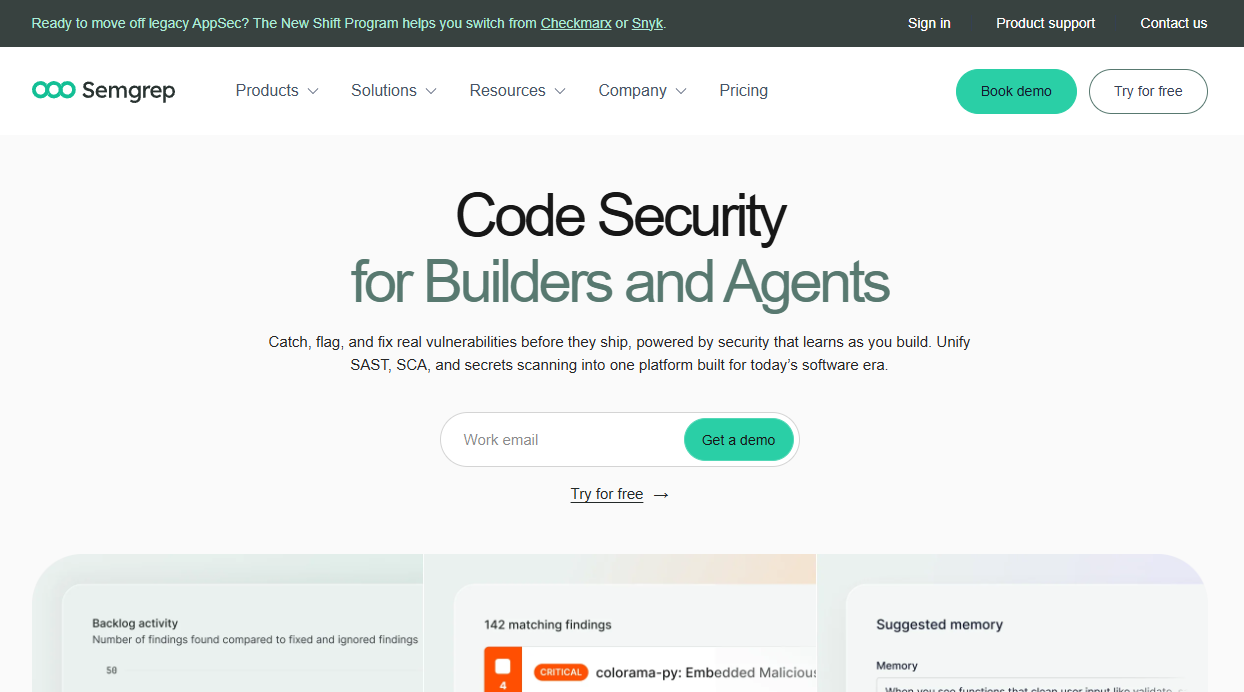
Semgrep is a developer-first application security platform combining SAST, software composition analysis, secrets detection, and AI-assisted remediation. Its rule registry lets teams use community-maintained rules or write their own, which is what separates it from scanners that only offer fixed rule sets. Cross-file and taint analysis catches vulnerabilities that span multiple files and functions, not just isolated patterns.
Best for: Engineering and AppSec teams that need control over what the scanner flags and how findings reach developers.
Key features
- Custom rules and community rule registry
- Cross-file and taint analysis
- Pull request and CI/CD scanning
- IDE, CLI, and source control integrations
- AI-assisted triage and remediation guidance
Why choose Semgrep: The ability to encode your team's specific security expectations into rules means fewer irrelevant alerts clogging the backlog. The ownership requirement is real: Someone must maintain internal rules and tune severity thresholds as the codebase evolves. This is the right tradeoff for teams where AppSec engineers can invest that time.
Semgrep pricing: Free Edition is $0 per contributor. Teams Code and Teams Supply Chain are each $30 per contributor per month. Teams Secrets is $15 per contributor per month. Enterprise is custom.
G2 rating: 4.6/5 (verified October 2026)
2. SonarQube
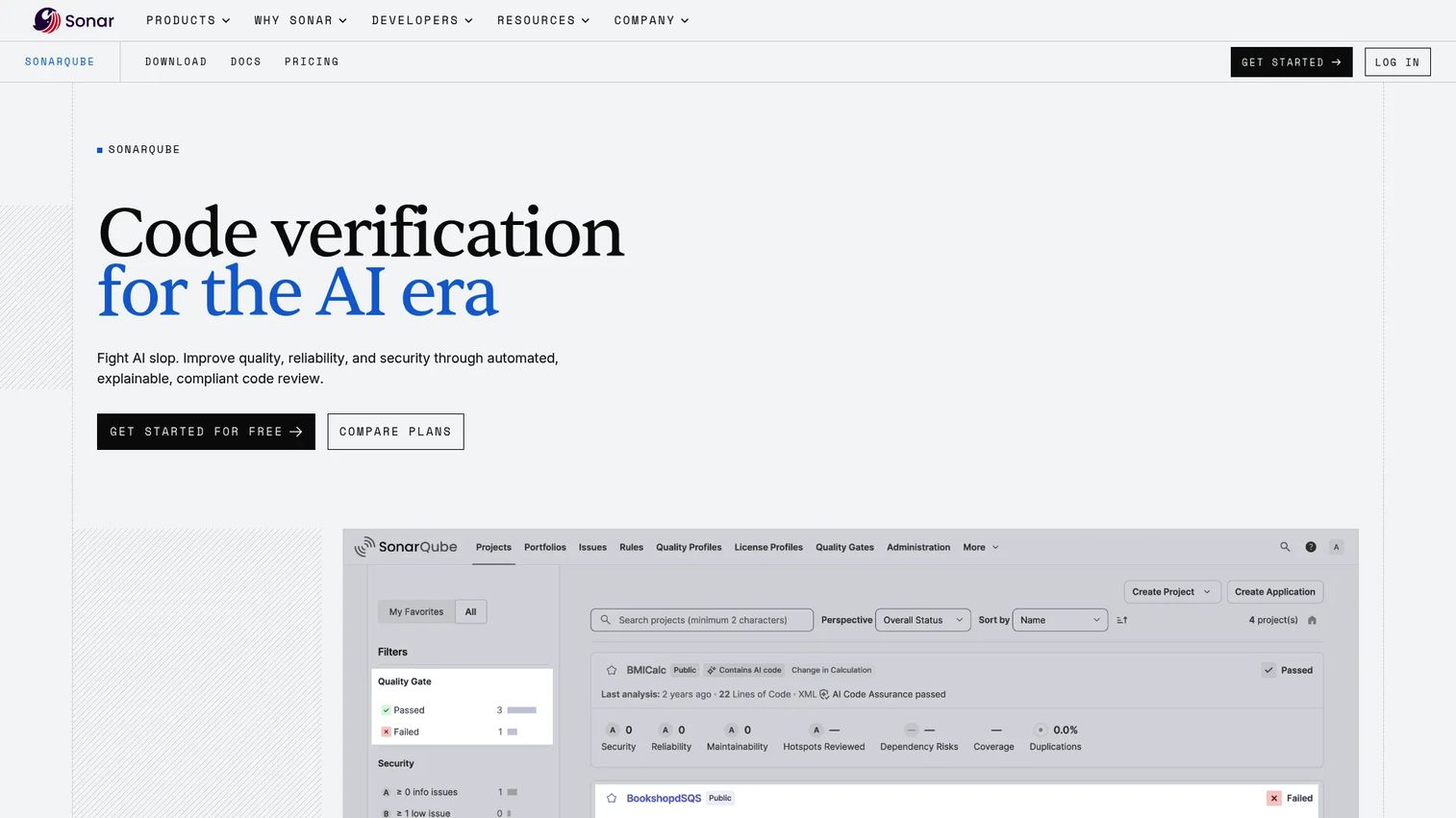
SonarQube is a code verification platform that combines automated code quality and security analysis in a single workflow. It often enters the stack through engineering quality gates rather than a security-led buying motion, which is actually an advantage: Developers already have context on quality failures when security findings appear alongside them.
Best for: Teams that want code maintainability and security findings visible in the same pull-request and release-quality workflow.
Key features
- Quality gates for pull requests and branches
- SAST, taint analysis, and secrets detection
- Infrastructure as code scanning
- CI/CD and DevOps integrations
- AI-powered remediation with SonarQube AI CodeFix
Why choose SonarQube: One quality gate that surfaces maintainability debt alongside security risk gives product managers a shared language with engineering. Teams needing advanced AppSec program features such as centralized policy management or portfolio-level reporting should compare commercial editions against dedicated platforms before committing.
SonarQube pricing: SonarQube Cloud offers a Free plan and a Team plan starting at $34 per month. SonarQube Server Community edition is free; commercial Server editions require a sales quote, and a free trial is available for evaluation.
G2 rating: 4.7/5 (verified October 2026)
3. Snyk Code
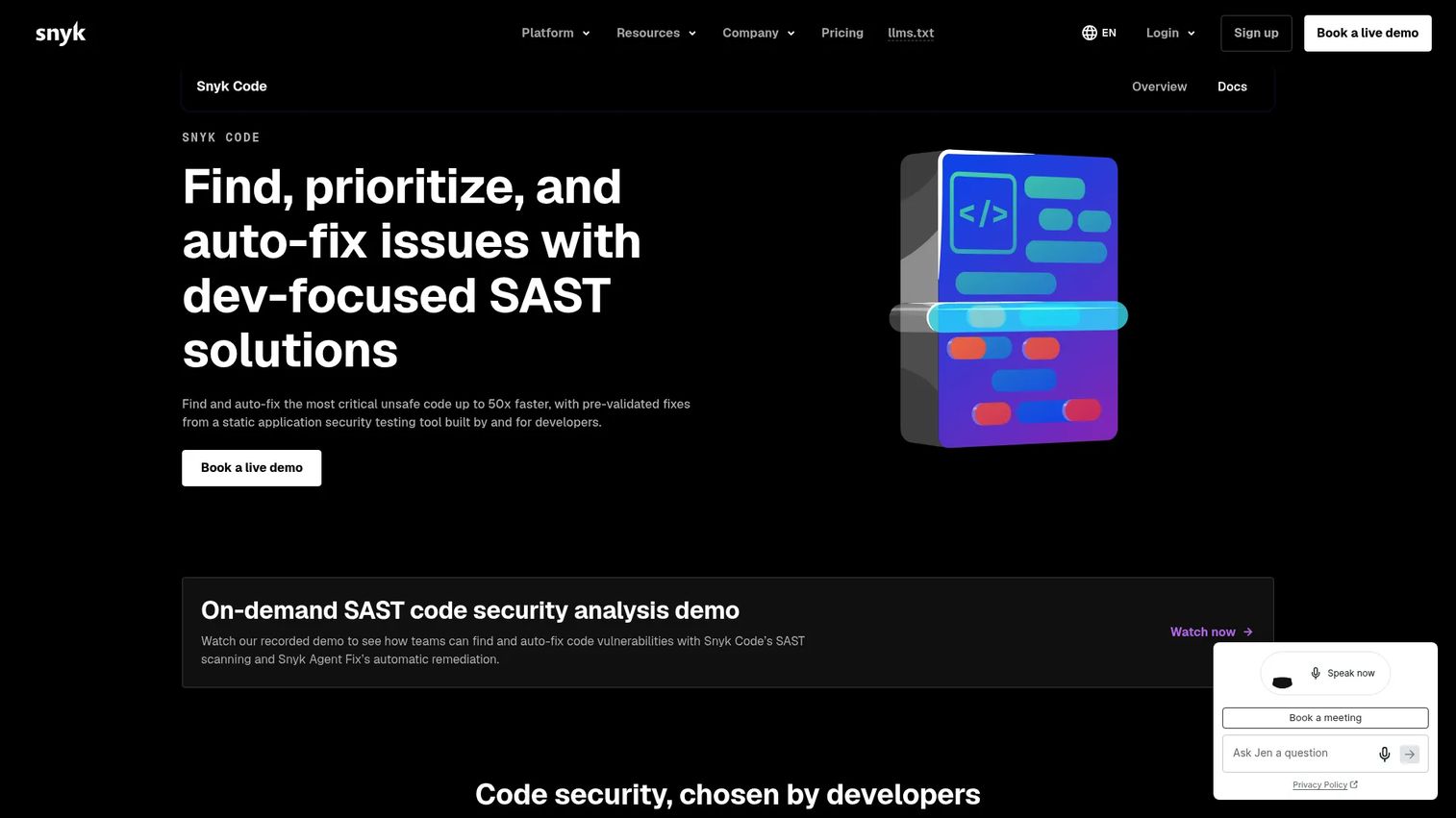
Snyk Code is the SAST component of Snyk's broader developer security platform. It scans for vulnerabilities in real time inside the IDE and in pull requests, using application context to prioritize the findings most likely to matter. For product organizations evaluating a broader security program, Snyk's platform coverage spans custom code, open-source dependencies, containers, and infrastructure as code.
Best for: Product organizations that want SAST as part of a unified security program spanning proprietary code and open-source dependencies.
Key features
- Real-time code scanning in IDEs and pull requests
- Automatic remediation with Snyk Agent Fix
- Risk-based prioritization using application context
- CI/CD security-gate integrations
- Support for popular languages and CI/CD tools
Why choose Snyk Code: Platform consolidation reduces the number of tools and dashboards engineering teams maintain. The key ownership question remains the same: Define clear boundaries for who triages findings in custom code versus dependency risk. A larger platform view can mean a larger unprioritized queue if that boundary is unclear from the start.
Snyk Code pricing: Free plan is $0 per month, covering 100 Snyk Code tests per month. Team plan starts at $25 per month with 1,000 Snyk Code tests per month. Enterprise uses credit-based pricing and requires contacting sales.
G2 rating: 4.5/5 (verified October 2026)
4. GitHub Advanced Security
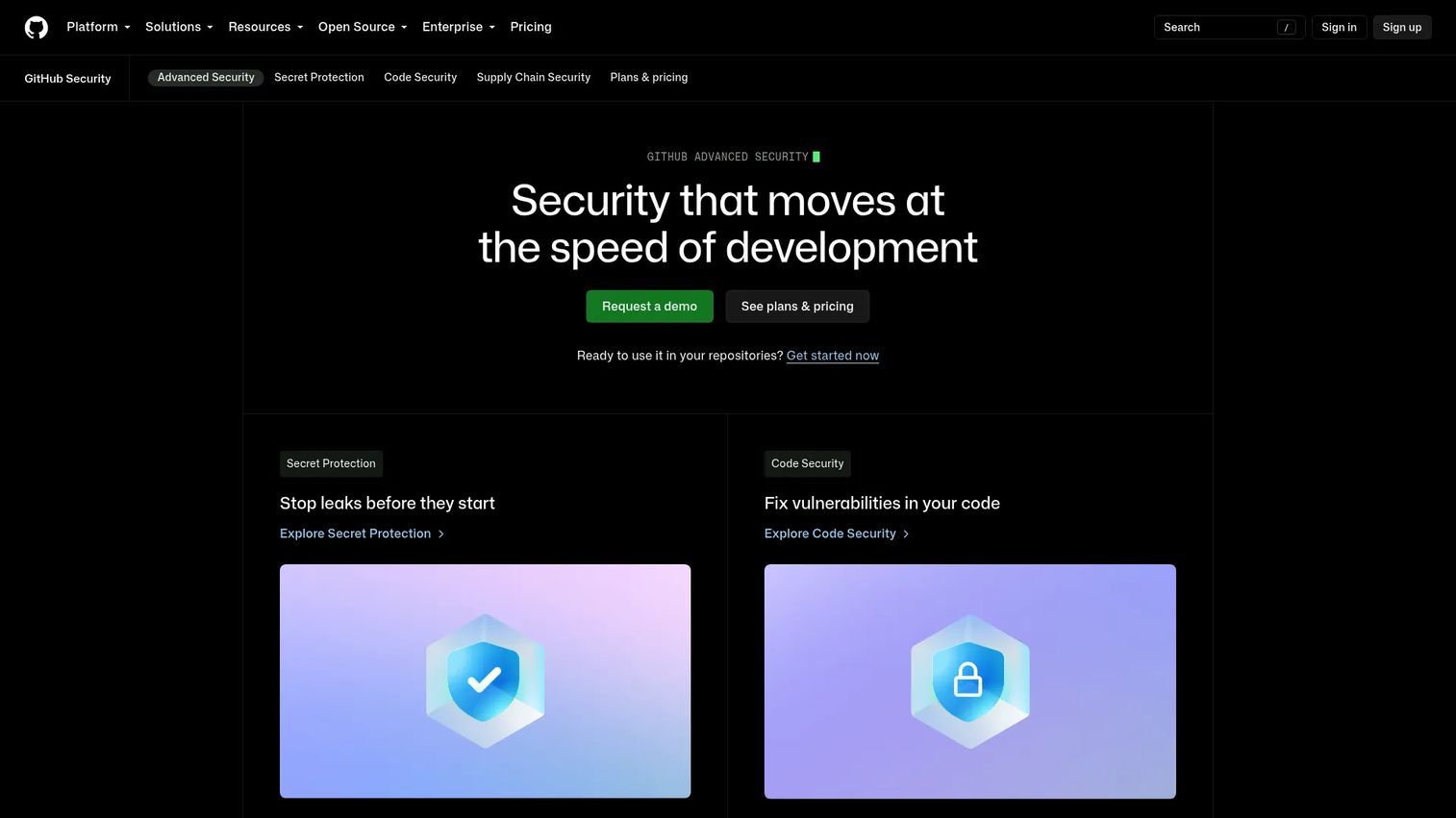
GitHub Advanced Security comprises GitHub Code Security and GitHub Secret Protection. Code Security brings CodeQL-powered code scanning directly into pull requests and repository workflows. For teams whose development process already centers on GitHub, this is the path of least resistance: Security findings appear where developers review code, with no context switching required.
Best for: SaaS teams that run development, pull requests, and security collaboration primarily in GitHub.
Key features
- CodeQL code scanning for custom vulnerabilities
- Secret scanning and push protection
- Dependency review and Dependabot features
- Copilot Autofix support for AI-assisted fixes
- Pull request security alerts integrated into review
Why choose GitHub Advanced Security: Keeping findings inside the code-hosting workflow reduces friction and increases the chance developers act on them. This fit is strongest when GitHub is the single source of truth. Teams managing repositories across multiple platforms will get less value from the native integration model. See also our guide to AI software testing tools for complementary capabilities.
GitHub Advanced Security pricing: GitHub Code Security is $30 per active committer per month. GitHub Secret Protection is $19 per active committer per month. Public repositories receive selected security features at no cost. A 30-day trial is available for eligible organizations.
G2 rating: 4.7/5 (verified October 2026)
5. Veracode
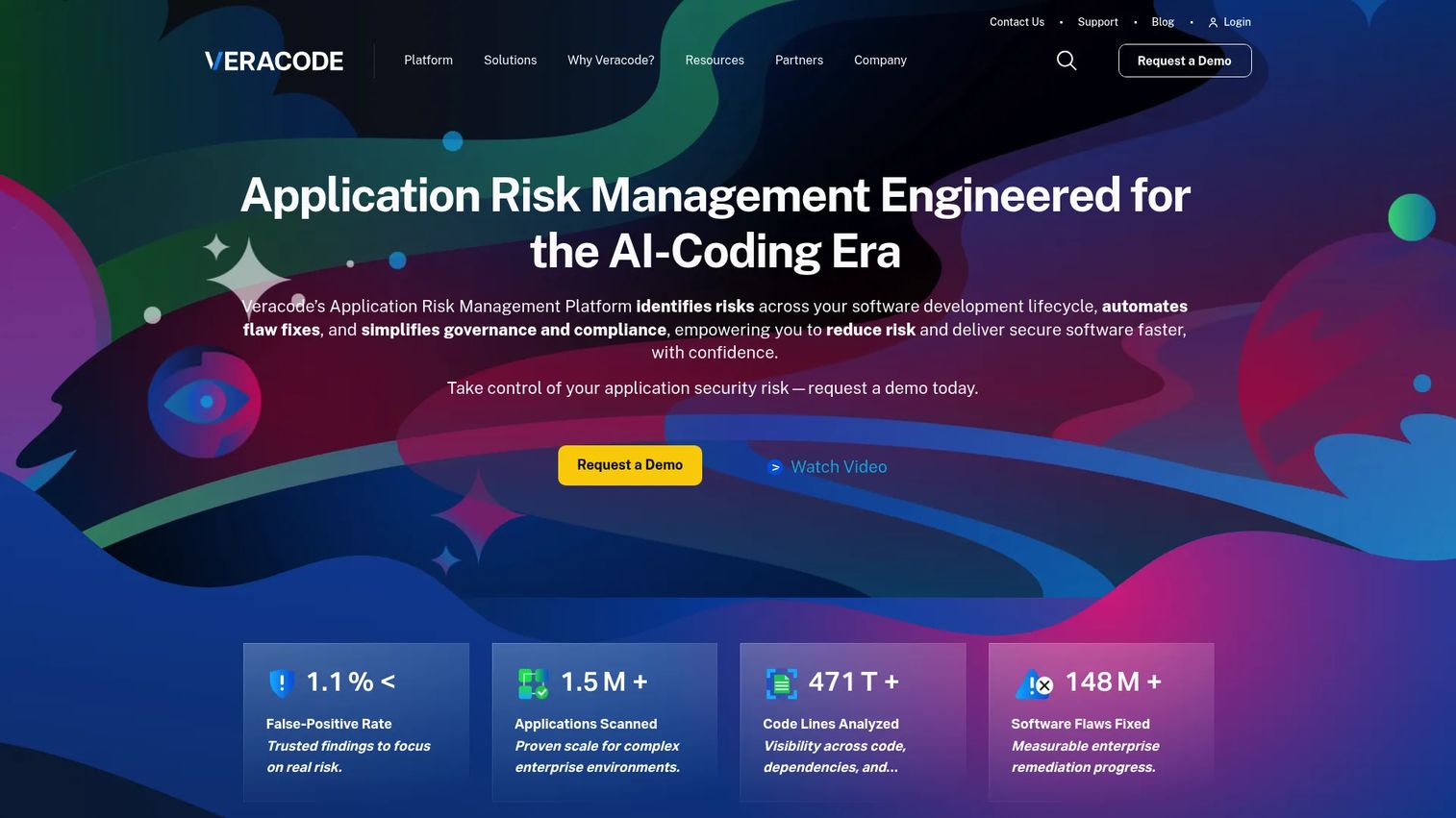
Veracode is a cloud-based application risk management and security platform covering SAST, DAST, software composition analysis, infrastructure as code scanning, and manual penetration testing. It is a full program platform, not a point scanner, which matters when evaluating whether it fits your operating model. Veracode is used most effectively by organizations that have formal AppSec programs, multiple application teams, and audit-driven reporting requirements.
Best for: Enterprises that need centralized program reporting, formal policy management, and broad AppSec governance across many applications.
Key features
- Static analysis for application code
- Policy and compliance reporting
- Developer remediation guidance
- IDE and CI/CD integrations
- Application portfolio risk visibility
Why choose Veracode: The strongest case for Veracode is portfolio-level risk management: A single pane of glass across many applications, with policy controls and evidence for audit. For teams without a formal AppSec program, the platform scope may exceed what the team can operationalize. Measure success by time-to-remediation and findings-per-release, not by findings volume alone.
Veracode pricing: Pricing is custom and requires contacting sales. Veracode directs prospective customers to a demo or sales conversation rather than displaying rates.
G2 rating: 3.8/5 (verified October 2026)
6. Checkmarx One
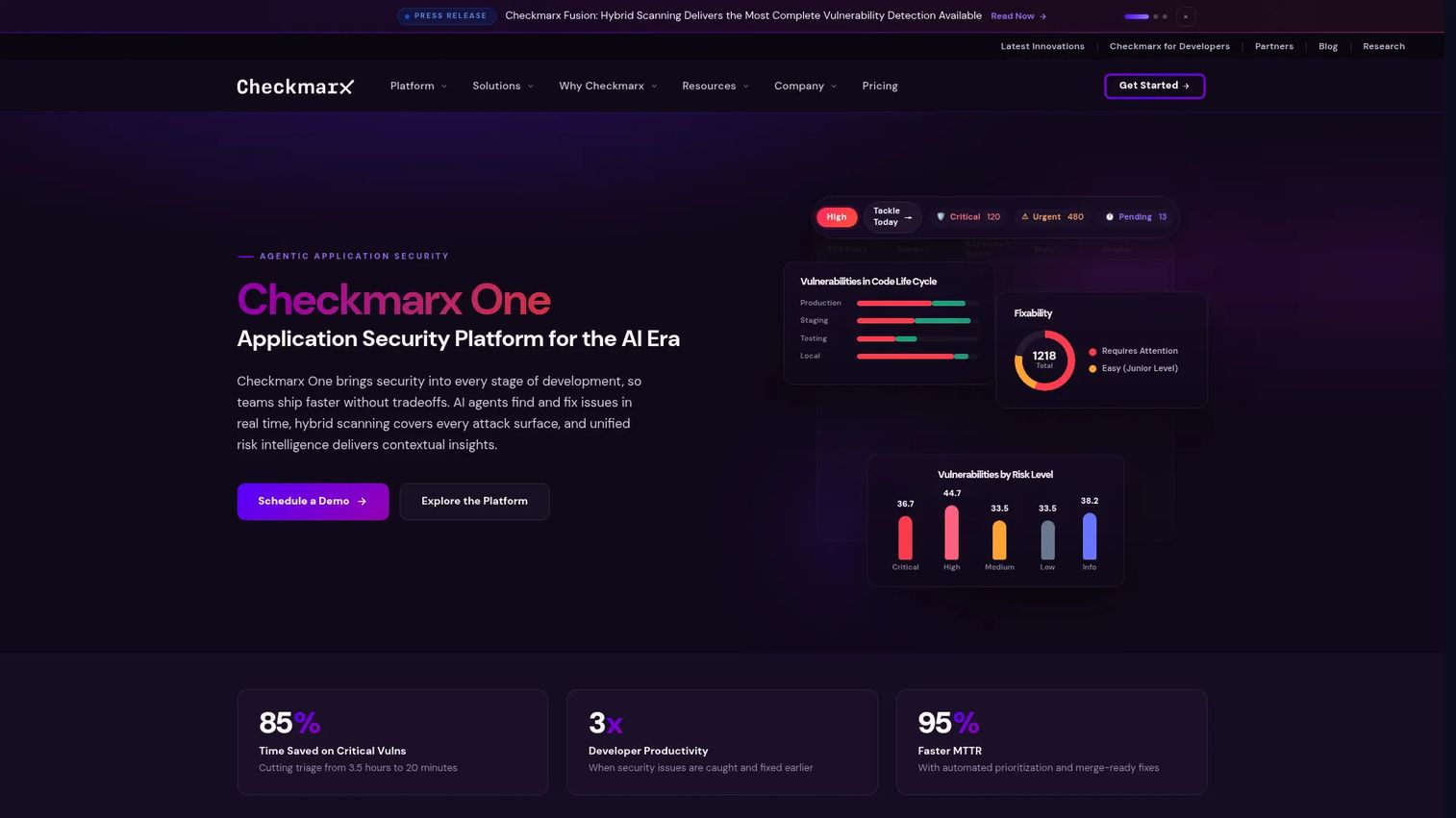
Checkmarx One is a cloud-based application security platform with SAST at the core and optional modules covering supply chain security, API security, DAST, container scanning, secrets detection, infrastructure as code, and application security posture management. Teams can start with SAST and expand coverage as the program matures, rather than adopting the full platform on day one.
Best for: Organizations that want to build an application security program in stages, adding coverage as engineering capacity and security maturity grow.
Key features
- SAST and supply chain security
- API security and ASPM
- AI-assisted remediation
- CI/CD and IDE integrations
- SaaS and self-hosted deployment options
Why choose Checkmarx One: Modular packaging fits a staged security roadmap. Teams in the early stages of formalizing AppSec can start with code scanning and add dependency or API coverage later. One planning requirement stays constant regardless of which modules you adopt: Decide upfront which workflow owns triage, remediation, and exception handling. That decision is separate from the tool choice.
Checkmarx One pricing: All packages use custom quotes. The quote depends on modules selected, deployment model (SaaS or self-hosted), number of developers, number of applications, and usage volume. Contact Checkmarx sales for current package names and rates.
7. OpenText Fortify
OpenText Fortify is an established enterprise application security platform providing SAST, DAST, software composition analysis, and vulnerability management. It supports 44+ languages and 350+ frameworks, and offers both SaaS delivery and on-premises deployment. Fortify's depth comes from decades of static analysis development, making it a serious option for organizations with complex development environments or regulated procurement requirements.
Best for: Large organizations, regulated teams, and environments with legacy applications that need mature governance and extensive language coverage.
Key features
- Static application security testing across 44+ languages
- Dynamic application security testing for live applications
- Software composition analysis with SBOM capabilities
- Security policy management and centralized reporting
- SaaS and enterprise on-premises deployment options
Why choose OpenText Fortify: Fortify belongs on the shortlist when governance depth, legacy application coverage, and flexible deployment are major requirements. It is not a lightweight developer tool, and teams should match the platform's policy management capabilities to their actual capacity to operationalize them. Security policy depth only adds value if someone owns the configuration and review process.
OpenText Fortify pricing: Pricing uses subscription or consumption models and requires a quote. Contact OpenText sales to discuss Fortify on Demand, managed service, or on-premises deployment options.
8. GitLab SAST
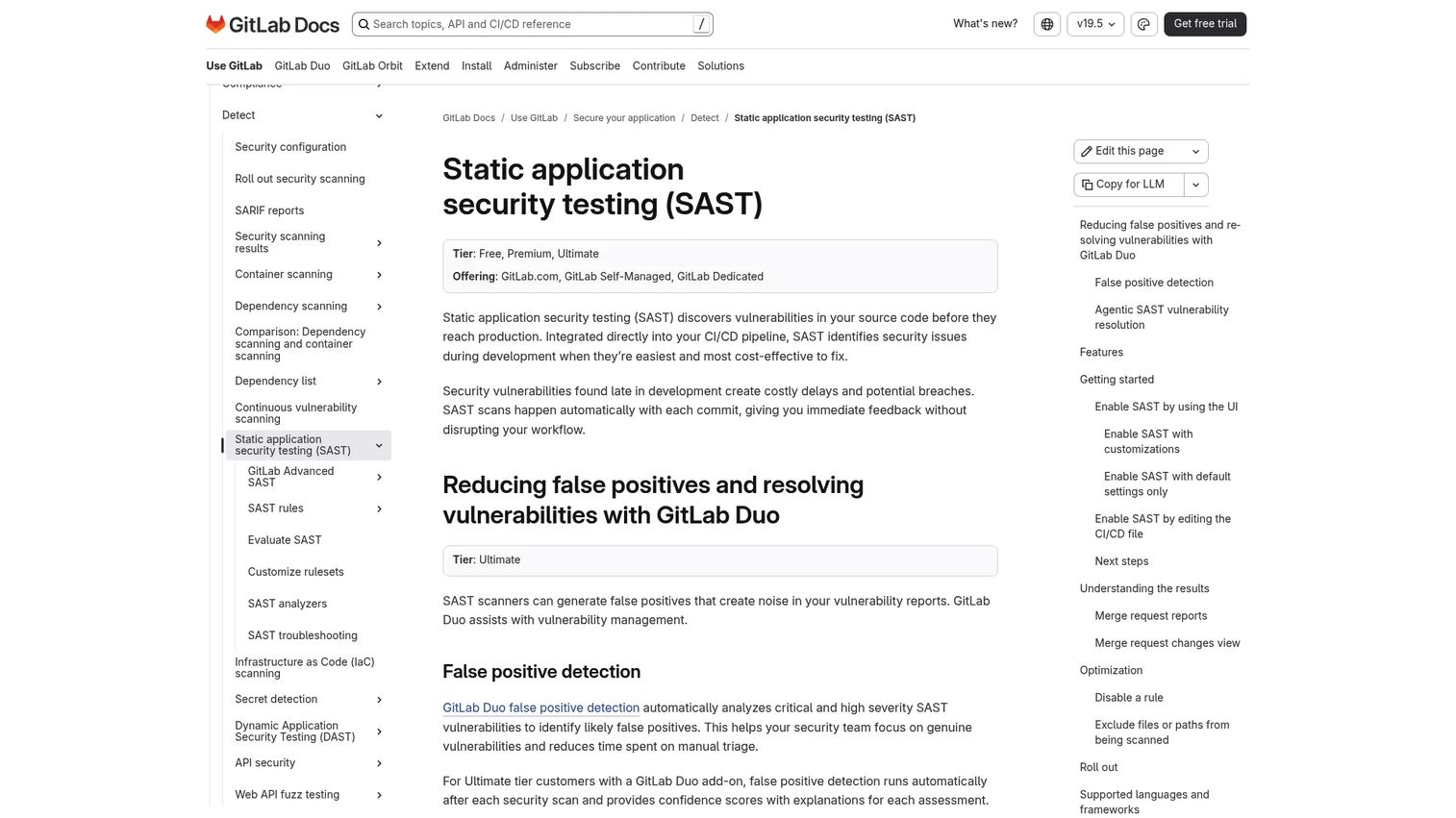
GitLab SAST is static application security testing integrated directly into GitLab CI/CD pipelines. Basic scanning runs on all tiers including Free. GitLab Ultimate adds Advanced SAST with cross-file and cross-function taint analysis, vulnerability management, merge-request findings, and ruleset customization. The result: Security findings live close to the merge request conversation, and remediation stays in the same platform where development happens.
Best for: Engineering teams that standardize source control, CI/CD, and security workflows in GitLab.
Key features
- Pipeline-based SAST scanning across all GitLab tiers
- GitLab Advanced SAST with cross-file taint analysis (Ultimate)
- Merge request security reports and vulnerability tracking
- CI/CD policy enforcement
- Support for C/C++, C#, Go, Java, JavaScript, Python, Ruby, and more
Why choose GitLab SAST: The strongest argument is workflow consolidation. Teams that already rely on GitLab for source control and CI/CD get security findings without adding another tool to manage. Validate supported analyzers, language coverage for your specific stack, and runner resource requirements before assuming full coverage. For code coverage tools that complement this workflow, see our related guide.
GitLab SAST pricing: Basic SAST scanning is included in GitLab Free ($0 per user per month). Premium adds additional features at $29 per user per month, billed annually. Ultimate includes Advanced SAST and enterprise-grade security capabilities at custom pricing.
G2 rating: 4.5/5 (verified October 2026)
9. DeepSource
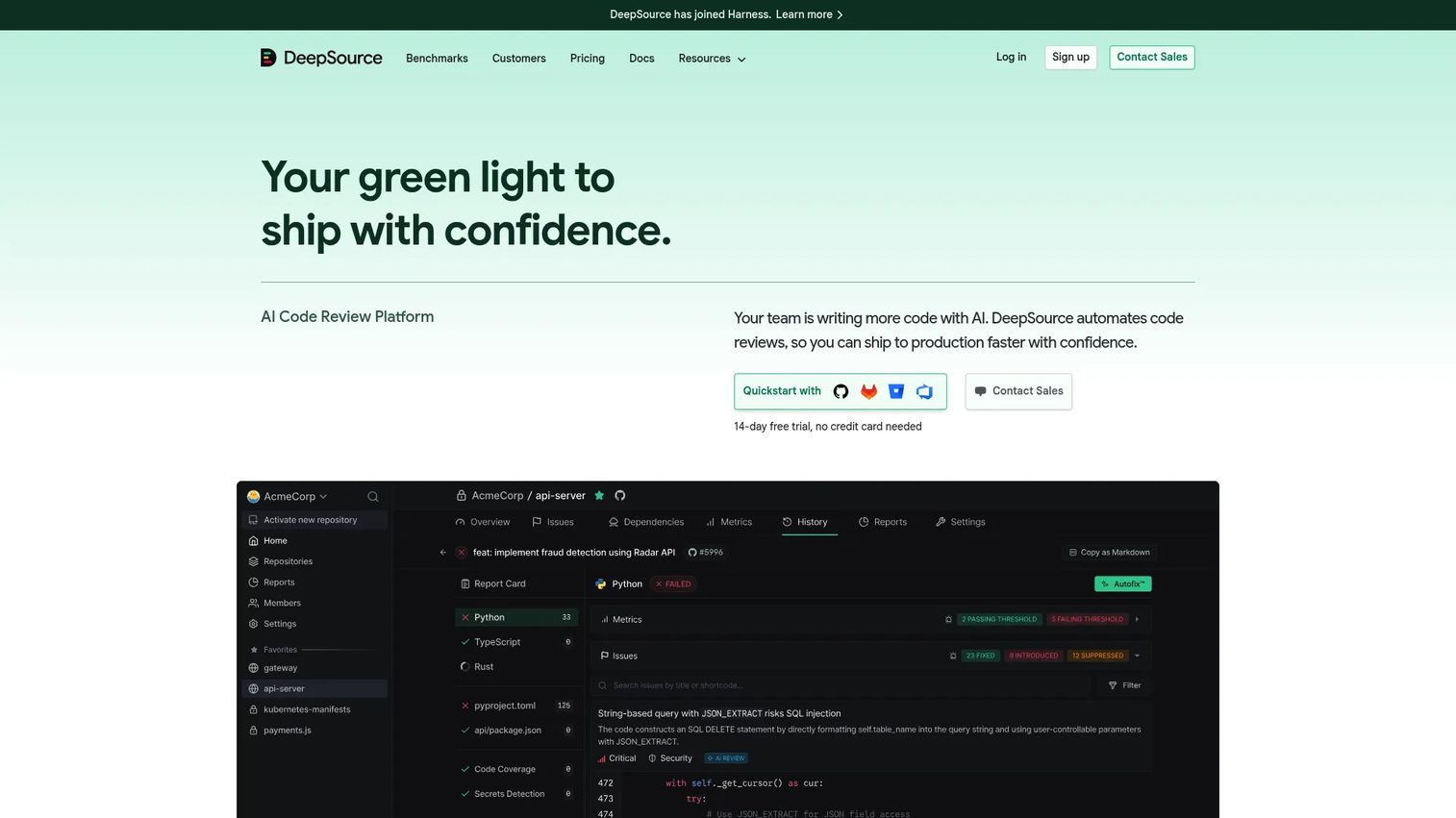
DeepSource is a code health and security platform that runs continuous static analysis across repositories, covering bugs, security vulnerabilities, anti-patterns, secrets detection, infrastructure as code, and dependency vulnerabilities. It attaches findings to pull requests automatically, so developers see issues during review rather than after. AI-powered Autofix can generate fixes directly in the pull request flow.
Best for: Smaller engineering teams that want automated code quality and security checks across repositories without operating a heavy security platform.
Key features
- Continuous repository analysis for quality and security
- Automated pull request feedback and AI Autofix
- Secrets detection and IaC review
- Dependency vulnerability scanning with reachability analysis
- Code coverage tracking and merge-quality gates
Why choose DeepSource: DeepSource is a practical entry point for teams that need automated analysis and code health without the operational overhead of an enterprise AppSec platform. Before committing, validate the depth of security rules against your formal AppSec requirements. General code health analysis and dedicated security testing overlap but are not identical. See our best AI code generation tools guide for adjacent tooling context.
DeepSource pricing: Individual plan is free for public and private repositories. Open Source plan is free for public repositories. Team plan is $30 per contributor per month (or $24 per contributor per month billed annually). Enterprise is custom.
G2 rating: 4.6/5 (verified October 2026)
10. CodeQL
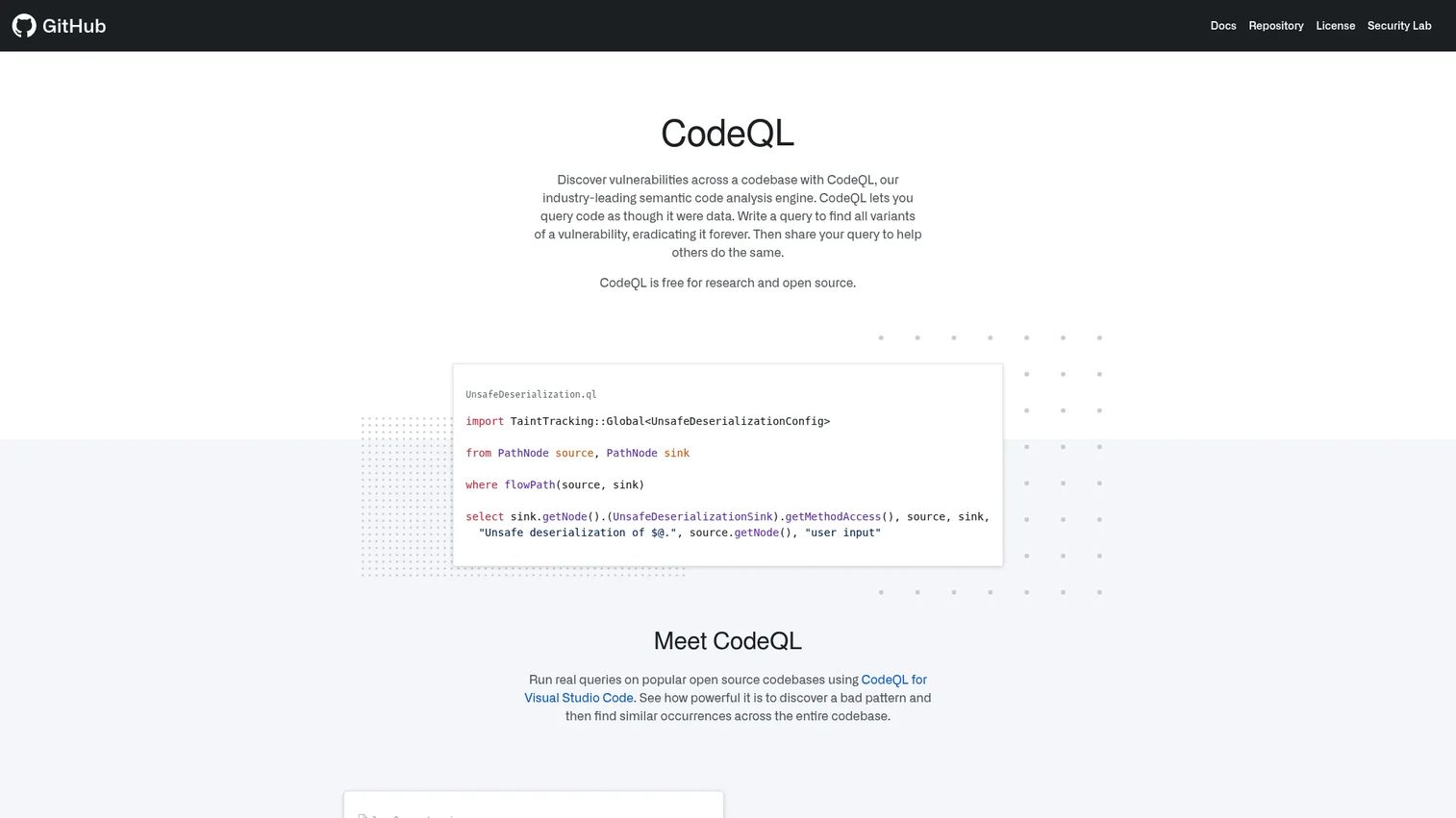
CodeQL is a query-based static analysis engine that treats code as data. Security engineers write queries to identify vulnerability classes, trace data flows, and perform variant analysis across a codebase. It powers GitHub's code scanning feature and is used both as a managed capability inside GitHub Advanced Security and as a standalone analysis toolchain for custom security research.
Best for: Security engineers and advanced developer teams that write or adapt queries to match their specific risk model.
Key features
- Query-based code analysis treating code as queryable data
- Data flow and taint tracking for vulnerability detection
- Custom query packs and community query libraries
- Code scanning integration with GitHub repositories
- Broad language support including C/C++, Java, JavaScript, Python, and more
Why choose CodeQL: The depth is genuine. Custom queries let security teams model application-specific vulnerability patterns that generic rule sets miss. That depth comes with an ownership cost: Someone must write, maintain, and adapt queries as the product and codebase evolve. This makes CodeQL a stronger fit for mature security engineering teams than for product teams seeking a fully managed scanning workflow. See also AI security posture management tools for complementary program-level capabilities.
CodeQL pricing: Code scanning is free for all public repositories. For private repositories, CodeQL is included in GitHub Code Security at $30 per active committer per month.
11. PVS-Studio
PVS-Studio is a static code analyzer for C, C++, C#, Java, Go, JavaScript, and TypeScript. It focuses on code quality, security, and safety diagnostics, covering defect classes that cause reliability failures as well as security vulnerabilities. Incremental analysis means developers get feedback on changed code quickly rather than waiting for a full repository scan. PVS-Studio runs offline and on-premises, which matters for teams with air-gapped environments or strict data residency requirements.
Best for: Engineering organizations building performance-sensitive, systems-level, desktop, or backend software where defects in lower-level code carry high reliability and security consequences.
Key features
- Static analysis and SAST for C, C++, C#, Java, Go, JavaScript, and TypeScript
- IDE integrations and CI/CD system support
- Detection of quality, security, safety, and vulnerable-component issues
- Incremental analysis and false-positive suppression
- Offline and on-premises use
Why choose PVS-Studio: PVS-Studio suits teams where a defect creates meaningful reliability risk, not just a CVSS score. The 5.0/5 G2 rating reflects a smaller but strongly satisfied user base. Validate language fit before evaluating any broader feature set. Teams working primarily in interpreted languages or cloud-native environments may find broader platform tools a better fit. For cloud data security software that pairs with code-level analysis, see the related guide.
PVS-Studio pricing: Team and Enterprise licenses are available. Free trials and free licensing options exist for eligible users. Contact PVS-Studio for current rates.
G2 rating: 5.0/5 (verified October 2026)
12. Klocwork
Klocwork is an enterprise static analysis tool from Perforce for complex, safety-sensitive, and embedded software development. It supports C, C++, Java, and C# with differential and incremental analysis designed for large codebases. Compliance-focused reporting makes it relevant for automotive, industrial, medical device, and other regulated sectors where formal coding standards and process documentation are requirements.
Best for: Teams developing embedded, automotive, industrial, or safety-critical software where static analysis is a process requirement, not just a code quality practice.
Key features
- SAST vulnerability detection and coding-standard compliance
- Differential and incremental analysis for large codebases
- CI/CD, command-line, REST API, and containerized-build support
- Compliance-focused reporting for regulated environments
- Enterprise policy controls
Why choose Klocwork: Klocwork makes sense when code complexity, safety certification expectations, and process rigor justify a specialized static analysis investment. For most small or mid-sized SaaS teams, the operational overhead outweighs the benefit. The tool earns its place in environments where a defect creates safety, liability, or certification consequences. See our application portfolio management software guide for broader program visibility tooling.
Klocwork pricing: Pricing is custom and requires contacting Perforce sales. Free trial options are available.
Considerations when choosing SAST tools
Detection quality and alert trust
Evaluate precision, severity tuning, confidence indicators, and the evidence shown alongside each finding. A scanner that produces too many low-value alerts trains developers to ignore the results. Before committing to a tool, test it against a representative sample of your actual codebase and measure how many findings your team would act on versus suppress. Suppression rate is one of the clearest indicators of alert quality.
Language, framework, and build-system coverage
Validate against your exact stack. Include primary languages, framework-specific rules, generated code, monorepos, and custom build steps. Bazel and Nix workflows, polyglot repositories, and large repository performance are common gaps that surface after purchase rather than during evaluation. Ask vendors for benchmark data on your build type.
Developer workflow fit
Check IDE support, pull-request feedback latency, CLI availability, CI/CD integration depth, and how findings move into your ticketing system. The lowest-friction place to fix an issue is where developers already review code. A finding that arrives in a separate dashboard after merge is harder to act on than one that appears in the pull request before it closes. Browse our code review tools guide for workflow context.
Remediation ownership and release policy
Establish which findings block a merge, which go into the backlog, who verifies fixes, and how teams request exceptions before rollout. Product managers should drive this conversation before the first scan runs. Arriving at these rules mid-release creates conflict between engineering velocity and security requirements.
Reporting, governance, and total cost of ownership
Compare more than subscription cost. Factor in rule maintenance, false-positive triage time, onboarding overhead, platform administration, and the engineering hours needed to remediate findings at your target SLA. For teams evaluating enterprise platforms, also confirm whether security operations or a dedicated AppSec function will own the program, since that changes the operational model significantly.
Conclusion
The right SAST tool is the one your team trusts enough to act on. A high finding count with low developer follow-through is not a security improvement. It is a planning burden.
For teams that need developer-first scanning with custom rule control, Semgrep is the strongest starting point. SonarQube is the natural choice when code quality gates already shape delivery. Snyk Code fits organizations consolidating security coverage across code and dependencies. GitHub Advanced Security and GitLab SAST make sense when your repository platform should remain the security workflow hub.
Shortlist Veracode, Checkmarx One, and OpenText Fortify when formal AppSec governance and portfolio-level reporting are the primary requirements. Consider CodeQL, PVS-Studio, and Klocwork when deep analysis depth or language-specific technical demands drive the decision.
Measure success by time from finding to verified fix, findings introduced per release, and the number of late-stage security surprises avoided. Those metrics connect directly to release predictability and engineering opportunity cost, which is where product managers can hold the clearest accountability. For a broader look at application security testing software, see the related guide.
Start your journey with Guideflow today!
FAQs
SAST stands for static application security testing. It refers to software that analyzes source code, bytecode, or compiled code to identify potential vulnerabilities and risky coding patterns before the application runs in a production environment.
SAST examines code before the application runs, while DAST tests a live application from the outside by sending requests and analyzing responses. Teams use both because they answer different questions: SAST finds issues in the code itself, while DAST finds issues in how the running application behaves under attack conditions.
Source code analysis is a broader term covering quality, style, and correctness checks. SAST is the security-focused subset that specifically looks for vulnerabilities, risky patterns, and security weaknesses in the code. Not all source code analysis tools include security-oriented rules.
No. SAST focuses on custom code written by your team, while software composition analysis identifies vulnerabilities and license risks in third-party libraries and dependencies. A secure custom function that calls a vulnerable open-source package will pass SAST but be flagged by SCA. Mature programs run both.
Semgrep, SonarQube Community edition, and CodeQL are commonly used for open-source projects. CodeQL code scanning is free for all public repositories on GitHub. Selection depends on the primary language, the level of rule customization needed, and whether the team can maintain the tooling configuration over time.
Start with framework-aware rules tuned to your actual stack rather than generic rule sets. Set severity thresholds so only high-confidence findings surface in the pull-request gate. Implement a suppression workflow where developers can mark a finding as a false positive, but require a documented reason and set an expiry date so suppressions get reviewed. Feed suppression patterns back into rule tuning.
Most modern SAST tools integrate with pull requests or merge requests and can surface findings before code is merged. The key configuration decision is which finding severities block the merge versus which go to the backlog for triage. Blocking delivery on low-confidence or informational findings quickly erodes developer trust in the tool. See API testing tools for adjacent security testing coverage in your pipeline.
Track time from finding to verified fix, the percentage of critical findings resolved within your defined SLA, findings introduced per release, suppression rate as a proxy for alert quality, and the number of security-related release delays. Repeat vulnerability patterns by product area are also worth tracking because they indicate a training or process gap rather than a one-off coding mistake.