You buy the cameras first. Then you go looking for software, and the wall hits you.
Half the tools do not list which camera models they support. The other half assume you already run a specific NVR. You want to know one thing before you commit: will this record my feeds, let me review incidents, and give me remote access without a weekend of port-forwarding hell? The product pages rarely answer that directly.
That gap matters more every year. The global CCTV market is projected to grow from $19.97B in 2025 to $37.02B by 2030, a 13.2% CAGR, according to Research and Markets (2024). More cameras, more sites, more compliance pressure. The software layer is now the part that decides whether a deployment scales or stalls.
This guide compares six CCTV software tools by the criteria a technical buyer actually defends: camera compatibility, recording and playback, remote access, deployment environment, and pricing clarity. No aspirational fluff. Just what each tool does well and who it fits.
What's inside
This is a practical comparison for presales engineers, security installers, and technical buyers evaluating CCTV security software in 2026. It is built to help you defend a choice, not just discover brand names.
We picked these six tools on five criteria:
- Camera compatibility: ONVIF, RTSP, USB, and device database coverage
- Recording and playback: local recording, cloud recording, retention, and review
- Remote access: browser access, mobile viewing, and secure connection models
- Deployment flexibility: Windows, macOS, Linux, Docker, Raspberry Pi, or browser-based
- Pricing clarity: published, verifiable pricing with a real free or entry tier
TL;DR
- Best for installer design and proposals: CCTV Design Tool. Field of view, DORI, cable routing, and client-ready PDFs from the browser.
- Best free self-hosted option: Agent DVR. Unlimited cameras, local recording, and AI detection at no cost for private local use.
- Best low-cost cloud recording: CameraFTP Virtual Security System. Turns a PC into a cloud CCTV/DVR system starting under $2/month.
- Best for ONVIF/RTSP integration: ITVDesk. Turns computers and media sources into virtual ONVIF cameras for existing VMS/NVR stacks.
- Best browser-based edge monitoring: Banalytics. ONVIF, RTSP, and USB support with a free-forever community tier.
- Best for enterprise centralized administration: Verkada. Cloud-managed platform spanning cameras, access control, and alarms.
What is CCTV software
CCTV software is the application layer that connects to security cameras to display live feeds, record footage, enable playback and search, trigger alerts, and provide remote access to video across one or more sites.
It sits between your cameras and your operators. The cameras capture. The software decides where footage goes, how long it stays, who can see it, and what happens when motion trips a rule.
Core functions you should expect from any serious video surveillance software:
- Live viewing: watch one or many camera feeds in real time, often in a grid
- Recording: capture streams to local disk, cloud, or both, on schedule or on event
- Playback and search: scrub timelines, jump to events, and export clips for evidence
- Motion detection and alerts: notify operators when something moves in a zone
- Storage management: control retention, overwrite policy, and backup
- Remote access: view feeds from a browser or mobile app, ideally without manual port forwarding
- Camera compatibility: support for IP camera software standards like ONVIF and RTSP, plus USB and webcam sources
The difference between a basic tool and a deployable one usually comes down to two things: how many camera standards it speaks, and how cleanly it handles remote camera viewing across sites.
When to use CCTV software
Monitor multiple cameras from one place
The moment you have more than one camera, you need a single pane of glass. CCTV camera software centralizes feeds from cameras, recorders, and sites into one interface, so an operator is not tabbing between manufacturer apps.
For operations teams, this is the difference between watching and reacting. For presales, multi camera monitoring is a validation checkpoint: can the software handle the buyer's real camera count without choking or forcing a per-camera license surprise?
Record and review incidents
Recording is only half the job. Review is where the value shows up.
Local recording keeps footage on-site for speed and control. Cloud recording protects footage if the hardware is stolen or damaged. Many teams run hybrid: local for fast scrubbing, cloud for off-site backup and evidence retention. When an incident happens, the questions are always the same. Can you find the clip fast? Can you export it in a format that holds up? Search and playback quality are core buying criteria, not nice-to-haves.
Support remote viewing and distributed sites
Distributed sites change the math. Now you need remote access that works from a browser or phone, with authentication that your security team will actually approve.
This is where remote access without port forwarding becomes a real differentiator. Opening ports on every site router is a maintenance and attack-surface problem. Software that tunnels or brokers connections cleanly saves the install team days and gives IT a much easier security review. If a buyer runs more than two sites, ask about this first.
Comparison table
Here is the shortlist at a glance. Use it to match a scenario to a tool, then read the section that fits.
| # | Product | Best for | Key differentiator | Pricing | G2 rating |
|---|---|---|---|---|---|
| 1 | CCTV Design Tool | Installers and integrators designing systems | Browser-based FOV/DORI design and client PDFs | Free; Premium $72/yr | Not listed |
| 2 | Agent DVR | Self-hosted NVR with unlimited cameras | Unlimited cameras plus local and AI detection | Free local use; from $7.95/mo | Not listed |
| 3 | CameraFTP Virtual Security System | Low-cost cloud CCTV on a PC | Turns a PC/laptop into a cloud DVR | From $1.50/mo | Not listed |
| 4 | ITVDesk | ONVIF/RTSP integration into VMS/NVR | Virtual ONVIF camera from any source | Free trial; Lifetime €59 | Not listed |
| 5 | Banalytics | Browser-based edge monitoring | ONVIF/RTSP/USB with edge intelligence | Free forever; Basic $15/mo | Not listed |
| 6 | Verkada | Enterprise centralized administration | Cloud-managed multi-product platform | From $699 MSRP hardware | Not listed |
Best 6 CCTV software tools for 2026
1. CCTV Design Tool
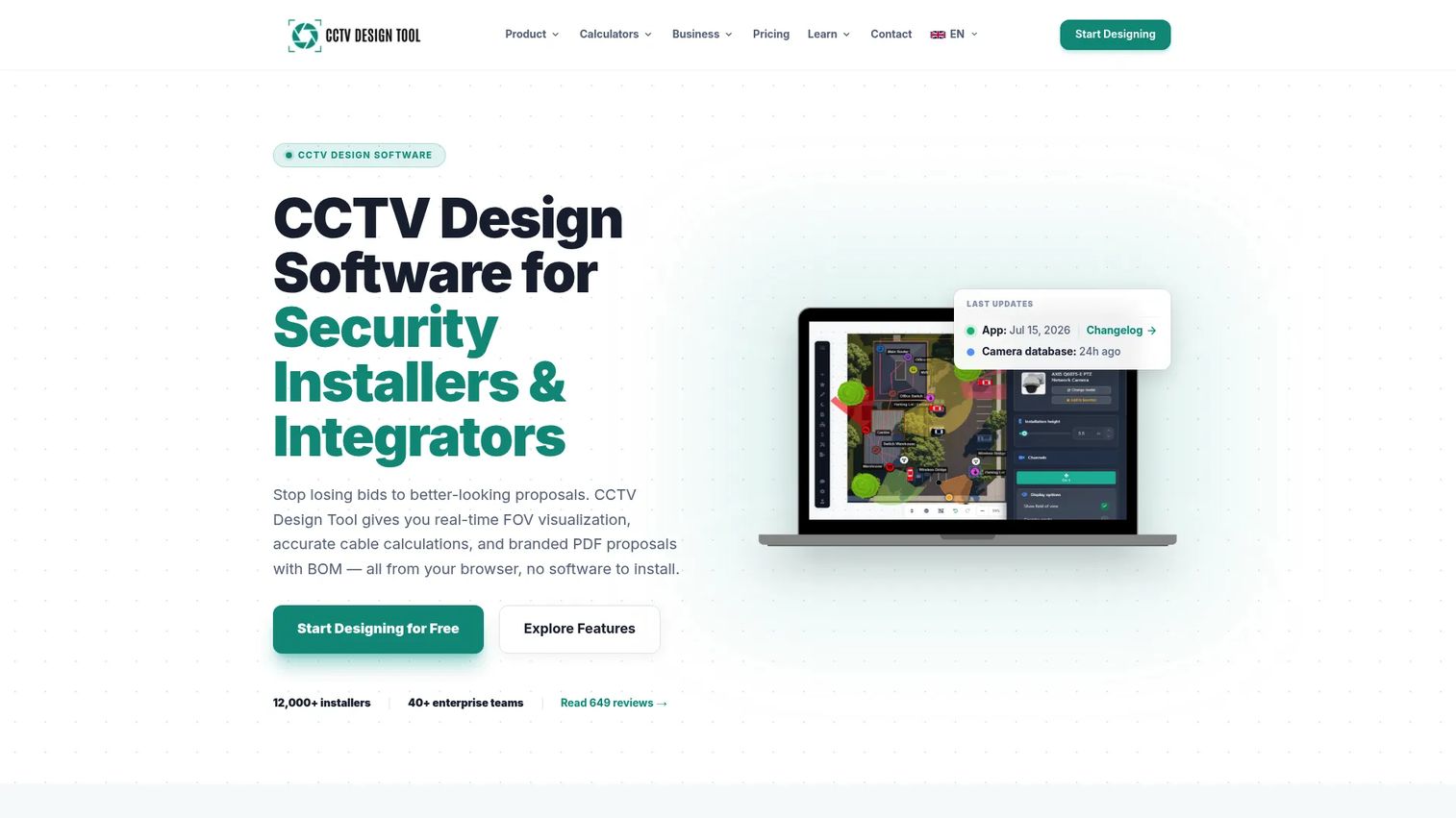
CCTV Design Tool is browser-based CCTV and security system design software built for installers and integrators. It is not a monitoring tool. It is what you use before a single camera goes on the wall, to plan coverage, prove field of view to a client, and generate the bid. That makes it a natural companion to the recording and playback software further down this list.
The workflow centers on the floor plan. You import a plan, drop cameras, and simulate field of view, DORI, and pixels-per-meter to prove a given camera actually resolves a face or a plate at a given distance. From there it routes cable, calculates lengths, and generates a bill of materials with pricing, which rolls straight into a client-ready PDF proposal.
Best for: Security installers and integrators who need to design systems and win bids before any hardware is purchased.
Key strengths
- Floor plan import with FOV, DORI, and PPM simulation
- Cable routing, length calculation, and BOM generation
- Client-ready PDF proposals with custom branding
- Cloud sync and team collaboration on projects
Why choose CCTV Design Tool: If your job is specifying and quoting systems, this removes the guesswork from camera placement and makes proposals look professional. It pairs with a monitoring tool rather than replacing one, so treat it as the design half of your stack.
CCTV Design Tool pricing: A free version covers up to three cameras or devices per project with core design tools. The Premium plan is $72/year and adds unlimited projects, cloud sync, watermark-free exports, custom branding, and night vision simulation. Enterprise starts from $50 per seat per year with multi-user accounts and volume discounts.
2. Agent DVR
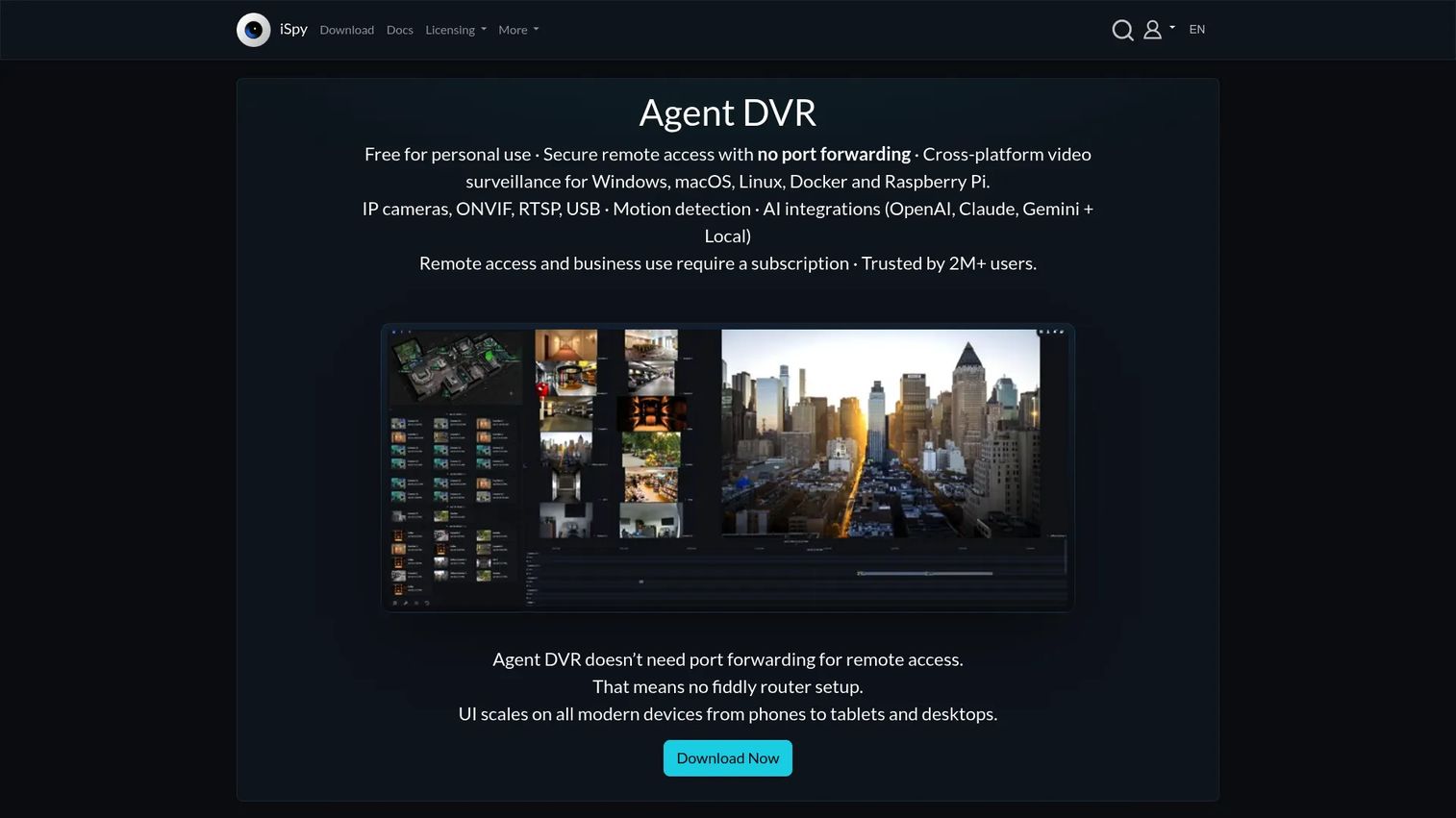
Agent DVR from iSpyConnect is video surveillance software for local and remote camera recording, AI detection, and browser-based monitoring. It is a self-hosted NVR software you run on your own machine, which appeals to buyers who want control over where footage lives and no per-camera licensing math.
The headline is unlimited cameras and microphones. Add as many feeds as your hardware can handle. It supports remote access through a web browser and mobile apps, and layers in local and third-party AI object detection, so you can filter alerts down to people or vehicles instead of drowning in motion noise. As RTSP camera software with broad protocol support, it fits most IP camera fleets without a compatibility scramble.
Best for: Organizations wanting self-hosted CCTV/NVR software with unlimited cameras and optional remote access.
Key strengths
- Unlimited cameras and microphones
- Remote access via web browser and mobile apps
- Local and third-party AI object detection
- Runs across major operating systems
Why choose Agent DVR: You get NVR-grade capability without buying an appliance, and the free local tier is genuinely usable for home and small-site deployments. Step up to a paid plan when you need business use and remote access.
Agent DVR pricing: Free for private local use, with unlimited cameras. Paid subscription plans start at $7.95/month for business use and remote access, with Standard at $14.95/month and Professional at $19.95/month.
3. CameraFTP Virtual Security System
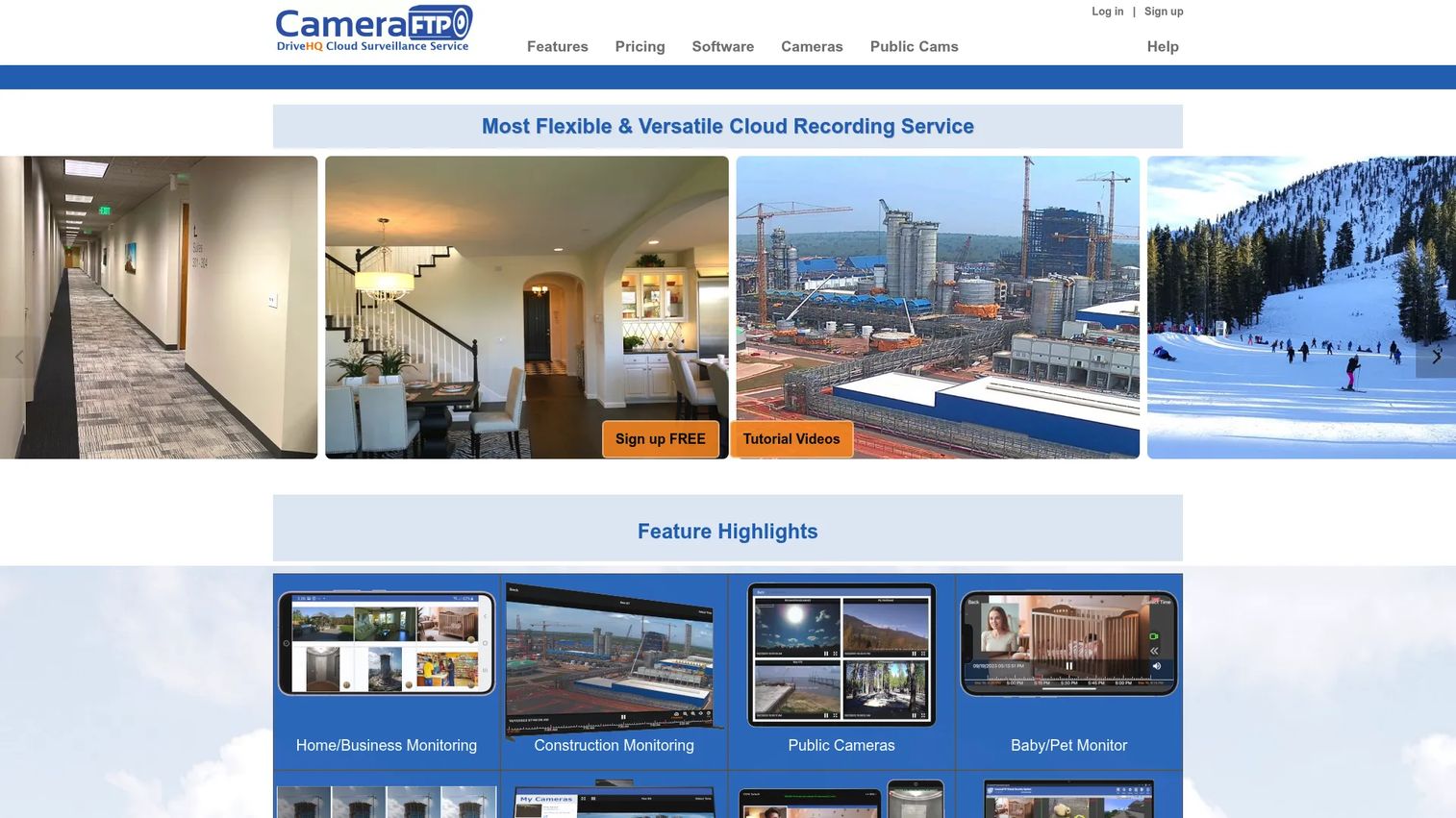
CameraFTP Virtual Security System is cloud surveillance software that turns a PC or laptop into a CCTV/DVR-style security system. Instead of buying a dedicated recorder, you point existing cameras or a webcam at the software and it handles recording, live viewing, and playback.
The pitch is cloud recording with local disk recording as a fallback. Footage lands off-site, which protects it if the on-premise machine is stolen or fails. You get remote live viewing and playback from anywhere, which suits owners who want eyes on a location while traveling. For low-budget single-site setups, this is one of the cheapest paths to real cloud backup.
Best for: Users who want a low-cost cloud CCTV/DVR setup using a PC or laptop and existing cameras.
Key strengths
- Turns a PC or laptop into a CCTV/DVR system
- Cloud recording with local disk recording support
- Remote live viewing and playback anywhere
- Customizable image and video recording plans
Why choose CameraFTP: If off-site footage retention matters more than advanced analytics, this delivers cloud backup at a price most competitors cannot match. It fits small businesses and home users, not large multi-site fleets.
CameraFTP pricing: A free basic tier exists alongside customizable plans. The site lists image recording starting at $1.50/month and video recording starting at $2.50/month. Example video plans run $2.95, $4.95, and $6.95 per month across Entry, Standard, and Premier tiers.
4. ITVDesk
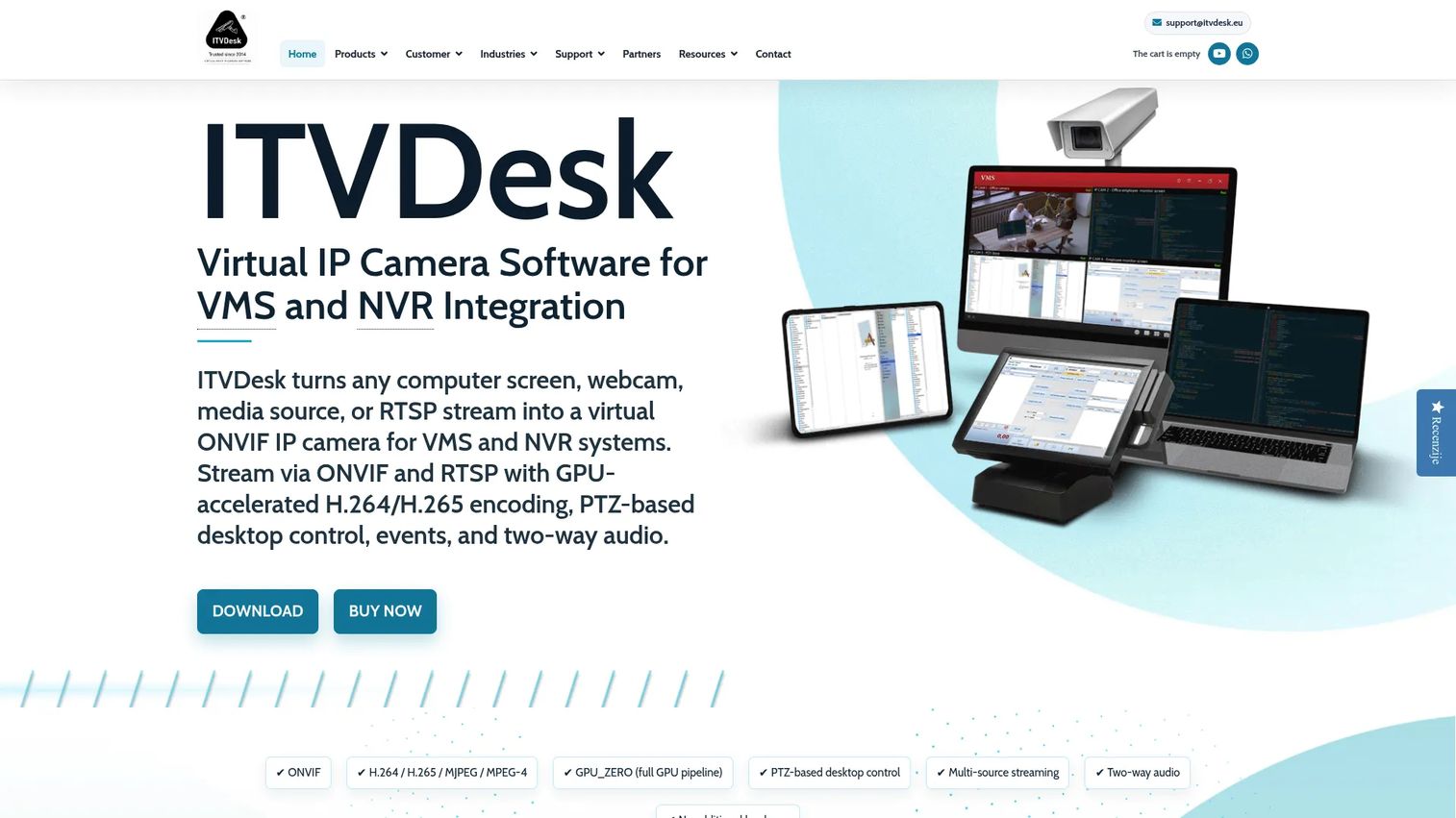
ITVDesk is virtual ONVIF camera software that turns computers, webcams, media files, and RTSP or ONVIF sources into camera feeds your existing surveillance stack can ingest. It solves a narrow but real problem: you have a VMS or NVR, and you want to bring a non-standard source into it as if it were a normal IP camera.
As ONVIF compatible software, it exposes any supported source as a virtual ONVIF camera, so your VMS records and manages it like any other feed. It uses GPU-accelerated H.264 and H.265 processing to keep CPU load down, and supports PTZ-based desktop control and two-way audio. For integrators extending an existing system rather than building a new one, that surveillance camera management fit is the whole point.
Best for: Teams needing to turn PCs or other digital sources into ONVIF cameras for existing surveillance systems.
Key strengths
- ONVIF and RTSP streaming for VMS and NVR integration
- GPU-accelerated H.264/H.265 processing
- PTZ-based desktop control and two-way audio
- Multiple license sizes including multi-computer bundles
Why choose ITVDesk: Choose it when your challenge is integration, not monitoring. It plugs new sources into an existing ONVIF ecosystem instead of asking you to rebuild it, which is exactly the kind of narrow fit presales teams should scope carefully.
ITVDesk pricing: A 15-day trial is free. A Subscription license is €45 for 365 days, and a Lifetime license is a one-time €59. Multi-computer options include a 5-computer subscription at €329/year and a 5-computer perpetual license at €399.
5. Banalytics
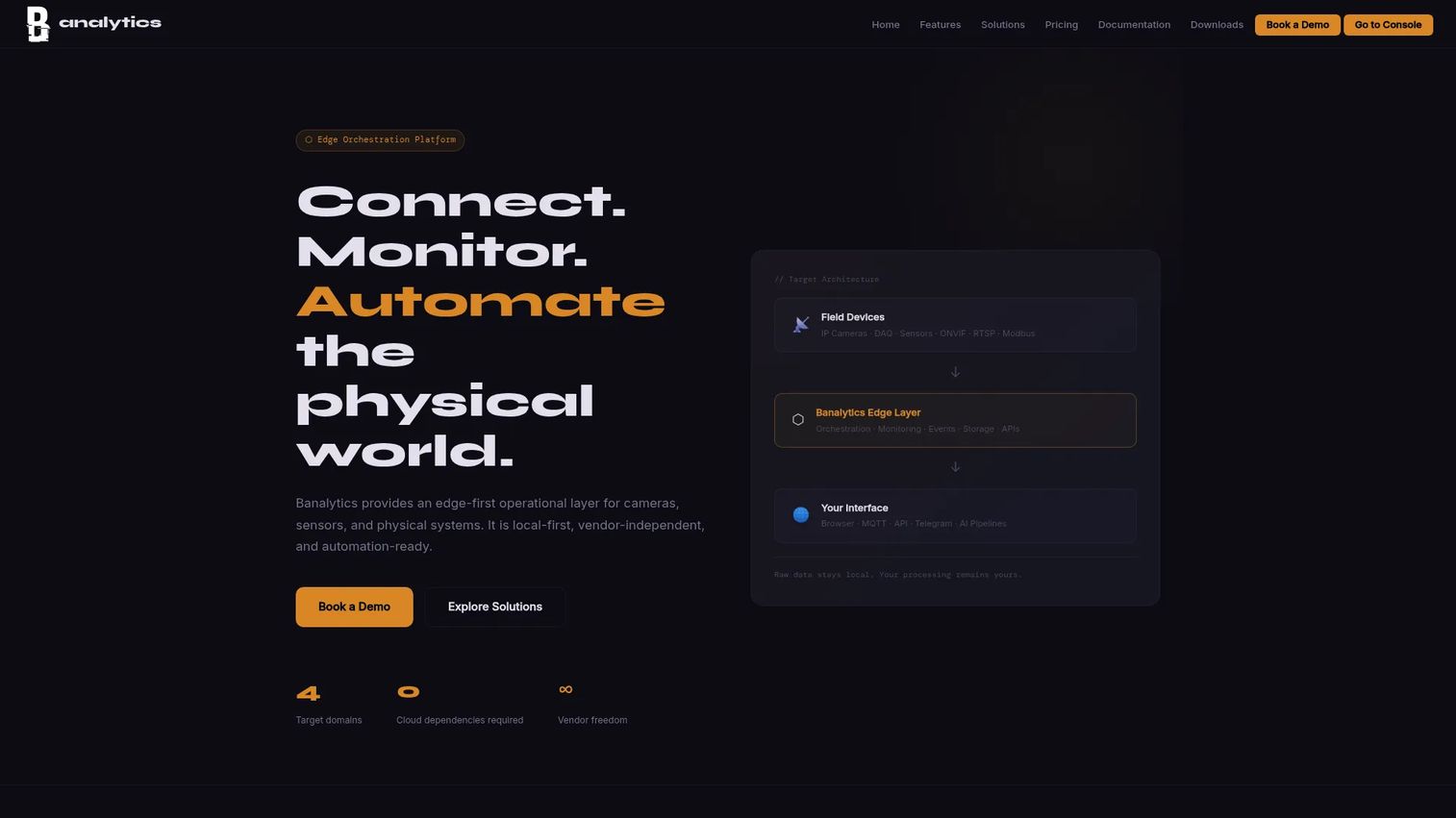
Banalytics is an edge intelligence platform for cameras, sensors, and physical systems, with browser-based access. It reaches beyond pure CCTV into sensor and automation territory, but for surveillance it covers the standards that matter and runs local.
It supports ONVIF, RTSP, and USB camera sources, which makes it flexible browser based CCTV software for mixed hardware. On top of feeds, it adds recording, dashboards, a remote console, and alerts, plus MQTT and Modbus integrations for teams that want video and sensor data in one place. The plug-and-play deployment and free community tier make it easy to trial before committing.
Best for: Teams or individuals needing local edge monitoring and modular video or sensor automation.
Key strengths
- ONVIF, RTSP, and USB camera support
- Recording, dashboards, remote console, and alerts
- MQTT and Modbus integrations
- Browser-based access with local processing
Why choose Banalytics: Pick it when your monitoring extends past cameras into sensors and physical systems, and you want a single edge platform. The free-forever tier lowers the risk of testing it against your real hardware.
Banalytics pricing: The Community tier is free forever. Basic is $15/month and Pro is $50/month. Enterprise is contract-based, and paid components are billed separately.
6. Verkada
Verkada is a cloud-managed physical security platform spanning cameras, access control, alarms, intercoms, sensors, and workplace operations. It sits at the enterprise end of this list, where the buying decision is about centralized administration and scale, not saving money on a single camera.
The platform runs on Verkada's cloud-based Command interface, which pulls video security, access control, alarms, and intercoms into one management layer. It adds AI-based analytics and 24/7 technical support. For organizations managing many sites and many users, the appeal is one console, one permission model, and a managed hardware ecosystem instead of stitching tools together. That governance is what enterprise buyers are actually paying for.
Best for: Organizations wanting a single cloud platform for integrated physical security and workplace hardware.
Key strengths
- Cloud-based Command management platform
- Integrated video security, access control, alarms, and intercoms
- AI-based analytics
- 24/7 technical support
Why choose Verkada: Choose it when centralized governance, user permissions, and audit-ready administration across sites matter more than upfront cost. It is a managed hardware-plus-software commitment, not a bring-your-own-camera tool, so scope camera compatibility against their ecosystem early.
Verkada pricing: Pricing is shown as MSRP for hardware and some licenses. A CM22 camera is listed at $699 USD MSRP, Basic Alarms at $600 USD MSRP for a one-year alarm license, and Video Alarms at $1,500 USD MSRP. Many items require additional licenses, and some products are quote-based.
Considerations
Before you commit, work through this checklist against the buyer's real environment.
Camera compatibility
This is the first thing to verify and the most common source of buyer regret. Confirm the software supports the exact camera models in play, not just "ONVIF cameras" in general. ONVIF, RTSP, and USB coverage matter, but so does the vendor's device database. Ask for the supported-model list and test a real camera before purchase.
Recording and storage
Decide between local recording, cloud recording, and hybrid based on the buyer's risk profile. Local is fast and private but vulnerable to on-site theft. Cloud protects footage off-site but costs more over time and needs bandwidth. Map retention requirements to storage cost, and confirm how evidence gets exported when someone actually needs a clip.
Remote access and security
Remote viewing is standard, but the security model varies widely. Check for SSL, browser access, and granular access control. The big question for multi-site buyers is remote access without port forwarding, because opening router ports across every site is a maintenance and security headache. Anticipate that a security team will review the connection model, so get ahead of it.
Deployment environment
Match the software to the install environment before you promise a rollout date. Windows CCTV software, macOS CCTV software, Linux CCTV software, Docker, and Raspberry Pi CCTV software all exist, but no single tool covers every one. Browser-based options reduce install friction. Environment fit directly affects rollout speed and ongoing maintenance load.
Scale and governance
For anything beyond a single site, ask about camera counts, user permissions, activity logging, and admin controls. Enterprise buyers need centralized governance, audit trails, and role-based access. Confirm the licensing model does not punish you for adding cameras, and that admin controls scale with the number of sites.
Conclusion
There is no single best CCTV software, only the best fit for a deployment model.
If you specify and quote systems, CCTV Design Tool handles the design and proposal work before hardware ships. For self-hosted recording with unlimited cameras, Agent DVR is the strongest free-to-start option. CameraFTP wins on low-cost cloud recording from a PC. ITVDesk is the integration specialist when you need to feed non-standard sources into an existing ONVIF stack. Banalytics fits browser-based edge monitoring across cameras and sensors. Verkada is the pick when centralized administration and scale outweigh cost.
Your next step: shortlist based on your storage model and camera standards, then test one real camera against your top two picks before you commit. Compatibility is where deployments succeed or stall, so validate it first, not last.
FAQs
For home use, prioritize easy setup, broad camera compatibility, and reliable remote viewing over enterprise features. A free self-hosted option like Agent DVR covers most home needs, and CameraFTP suits homeowners who want cheap cloud backup. Test that your specific camera model connects before you settle on anything.
Most serious surveillance software supports ONVIF, including Agent DVR, Banalytics, and ITVDesk. ONVIF matters because it is the standard that lets cameras and software from different brands work together. Always check the vendor's supported device list and test one camera, since ONVIF support in practice varies by model and firmware.
An NVR is hardware, a dedicated network video recorder that captures and stores camera feeds. CCTV software is the application layer that can turn a general-purpose computer into that recorder, or manage cameras alongside existing hardware. Many teams run a hybrid: software like Agent DVR gives you NVR functionality without buying a dedicated appliance.
Yes. Tools like CameraFTP and Verkada record to the cloud, and many others offer hybrid recording that keeps a local copy while backing up off-site. Cloud recording protects footage if hardware is stolen or damaged, but factor in retention costs and upload bandwidth. For evidence retention, confirm how long footage is kept and how you export it.
It depends on the tool. Agent DVR runs across major operating systems including Linux, and browser-based options like Banalytics and CCTV Design Tool work regardless of OS. Raspberry Pi support exists in some tools but not all. Always verify operating system compatibility against the vendor's documentation before you plan a deployment.
For multiple sites, evaluate camera count limits, remote access model, user permissions, and centralized monitoring. Confirm the licensing does not spike as you add cameras, and check whether remote access needs port forwarding at each site. Enterprise platforms like Verkada are built for this scale with role-based admin controls and audit logging.
Browser-based CCTV software is reliable when you test the right things: remote access stability, video latency, and authentication strength. It removes install friction and works across operating systems, which is why tools like Banalytics and CCTV Design Tool use it. For live monitoring at scale, confirm latency and stream count hold up under your real camera load before rollout.