An invoice lands in a shared inbox. It waits. The approver is traveling, the finance lead is heads-down on the board deck, and nobody remembers who owns this vendor. Two weeks later a supplier emails asking where their payment is. You dig through a thread of forwarded PDFs to reconstruct what happened.
That is the cost of manual approvals. According to DocuClipper (2026), about 68% of AP teams still manually key invoice data into their ERP or accounting software, and only 20% are fully automated. The other 80% are chasing reminders.
The friction is not the invoice. It is the routing, the reminders, and the missing audit trail. Every stalled approval turns into cash-flow noise, vendor frustration, and a finance team that spends its week chasing signatures instead of closing the books. For a lean team scaling toward Series B, approval bottlenecks scale faster than headcount does.
This is where invoice approval software earns its place. The right accounts payable approval software captures the invoice, validates the data, routes it to the correct approver, and posts it to your ERP without anyone forwarding an email. That is the difference between electronic invoice approval software that works and a shared inbox with rules taped on top.
What's inside
This guide is for founders, finance leaders, and AP managers evaluating invoice approval software in 2026. We looked past feature lists and focused on what actually reduces manual chasing and tightens control over spend.
We shortlisted seven tools against five criteria:
- Workflow automation depth: how much of the capture-to-post cycle runs without a human touch
- Approval routing flexibility: threshold-based, sequential, and parallel approvals
- Capture and validation quality: OCR, AI extraction, and support for PDF, email, EDI, and scans
- ERP and accounting integrations: clean posting and sync into the systems you already run
- Auditability and reporting: a defensible audit trail and approval history that survives due diligence
TL;DR
Short on time? Here are the decision shortcuts:
- Best for end-to-end AP automation: HighRadius
- Best for invoice workflow simplicity: Yooz
- Best for multi-entity control: Rillion
- Best for SMB finance teams: Bill.com
- Best for AI-assisted approvals: Stampli
- Best for global payments and approvals: Tipalti
- Best for ERP-connected AP teams: AvidXchange
Match the tool to your actual bottleneck. Volume and complexity push you toward HighRadius or Tipalti. Simplicity and speed point to Yooz or Bill.com.
What is invoice approval workflow software?
Invoice approval workflow software is a system that automates the capture, validation, routing, approval, and posting of supplier invoices, replacing manual email chains and spreadsheet trackers.
At its core, this is invoice workflow software built to move a bill from arrival to payment without anyone forwarding a PDF. The best invoice approval system handles the entire cycle rather than one slice of it.
Core capabilities to expect:
- Invoice capture from email, PDF, EDI, vendor portal, and scan
- OCR or AI-assisted data extraction that reads line items, amounts, and vendor details
- Rule-based and multi-level approval routing driven by amount thresholds, department, or entity
- PO matching and exception handling to flag mismatches before they reach an approver
- ERP sync, audit trail, and payment posting so the record stays clean and traceable
The distinction that matters: invoice approval automation is the routing and sign-off engine, while broader AP automation platforms wrap payments, vendor management, and spend controls around it. Most modern tools now do both, but the depth varies a lot from vendor to vendor.
When to use invoice approval workflow software
Reduce manual chasing in AP
If invoices stall in inboxes and approvals depend on someone remembering to send a reminder, you have outgrown manual handling. Automated invoice routing sends each bill to the right approver, escalates when it sits too long, and logs every step. Your AP person stops being a human ping bot.
Control spend across teams or entities
Once approvals need different rules by department, spend threshold, or subsidiary, spreadsheets break. Digital invoice approval lets you set thresholds so a $500 invoice clears fast while a $50,000 one routes to finance leadership. Multi-entity businesses can run separate approval chains without separate systems.
Standardize finance operations during growth
Fast-growing SaaS teams hit a point where the founder-approves-everything model stops scaling. Remote approvals matter here: your approvers are distributed, and the invoice cannot wait for someone to be at a desk. Standardizing the invoice approval process before it breaks is cheaper than fixing it after a bad quarter.
Comparison table
The table below is sorted by workflow depth and overall AP fit, from broad finance automation platforms down to focused invoice approval tools. Pricing and ratings reflect published vendor and G2 data at the time of writing. Several vendors use custom pricing tied to invoice volume, which is standard in this category.
| # | Product | Best for | Key differentiator | Pricing | G2 rating |
|---|---|---|---|---|---|
| 1 | HighRadius | End-to-end AP and finance automation | AI-led capture, matching, and exception handling across the office of the CFO | Custom | 4.3/5 |
| 2 | Yooz | Invoice workflow simplicity | Fast purchase-to-pay automation with unlimited users on its main edition | Custom, 15-day free trial | 4.4/5 |
| 3 | Rillion | Multi-entity control | Unlimited users, approvers, and entities on every plan | Custom | 4.2/5 |
| 4 | Bill.com | SMB and growing finance teams | AP and AR approvals plus payments in one platform | From $49/user/mo | 4.4/5 |
| 5 | Stampli | AI-assisted approvals | Collaboration hub that centers discussion on each invoice | Custom | 4.6/5 |
| 6 | Tipalti | Global payments and approvals | AP automation tied to cross-border mass payments and tax compliance | From $99/mo | 4.5/5 |
| 7 | AvidXchange | ERP-connected AP teams | Purchase, invoice, and payment automation for mid-market | Custom | 4.4/5 |
Best invoice approval workflow software for 2026
1. HighRadius
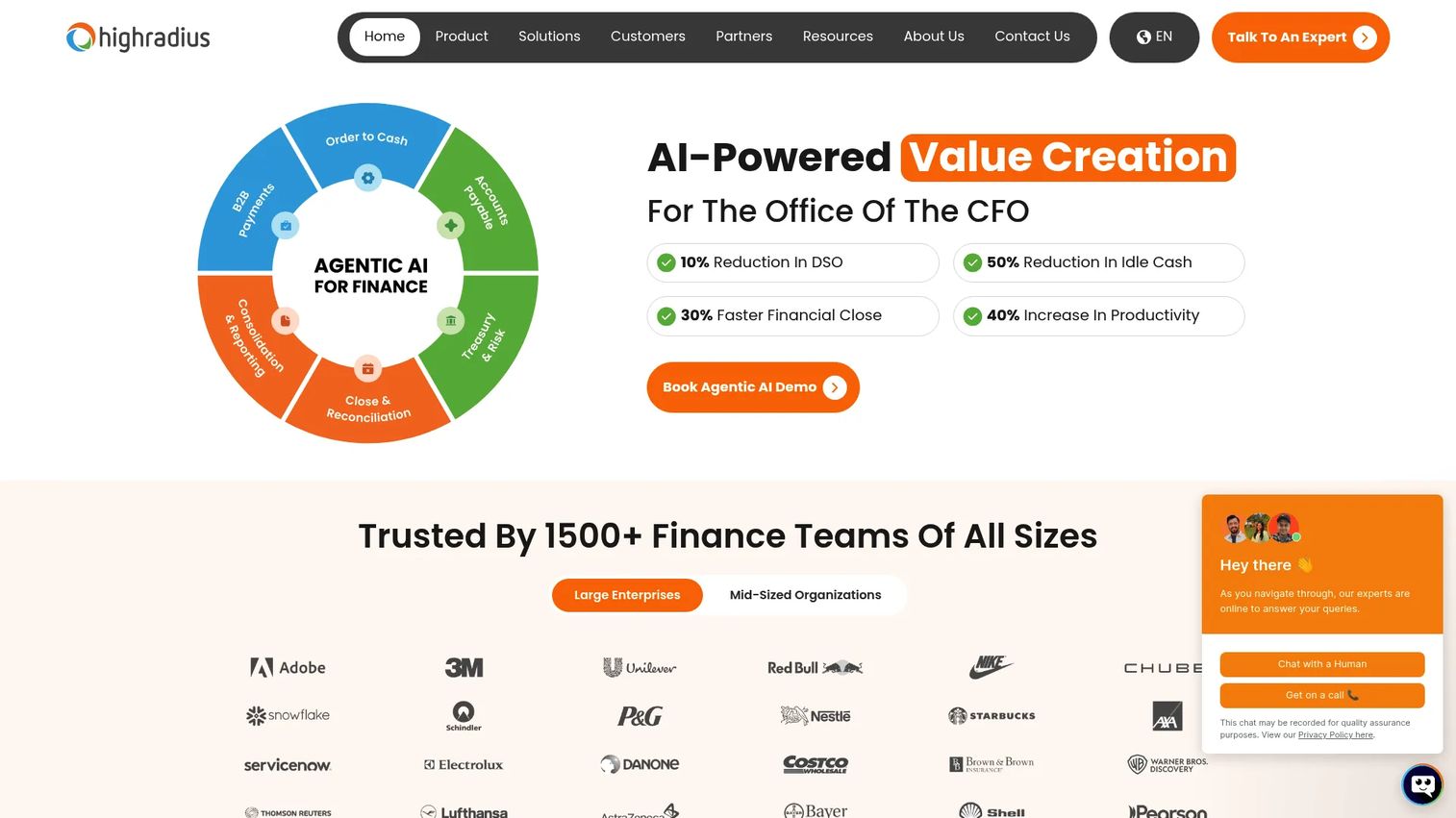
HighRadius is AI-powered finance automation software built for the full office of the CFO. It spans order-to-cash, treasury, financial close, and accounts payable, so invoice approval sits inside a much larger orchestration layer. For finance teams that want match, approve, and pay handled by one platform rather than stitched together, this is the deep end.
The AP side leans on AI-led capture and exception handling. Invoices get read, matched against purchase orders, and flagged when something does not line up, before a human ever sees them. Multi-level approval routing then moves each invoice to the right approver based on your rules. It was named to the 2024 Forbes Cloud 100 for the fifth year running.
Best for: Mid-market and enterprise finance teams automating receivables, treasury, close, and AP under one roof.
Key features
- Order-to-cash automation
- Treasury and risk management
- Financial close and reconciliation automation
- AI-led invoice capture and exception handling
- Multi-level approval routing
Why choose HighRadius: If your bottleneck is high-volume AP tangled up with the rest of finance operations, HighRadius handles the whole cycle. It is the strongest fit when approvals are only one piece of a broader automation mandate.
HighRadius pricing: Custom pricing based on modules, integration needs, and complexity. The vendor references outcome-based options with $0 implementation and subscription fees on some configurations. Request a tailored quote through its pricing page.
2. Yooz
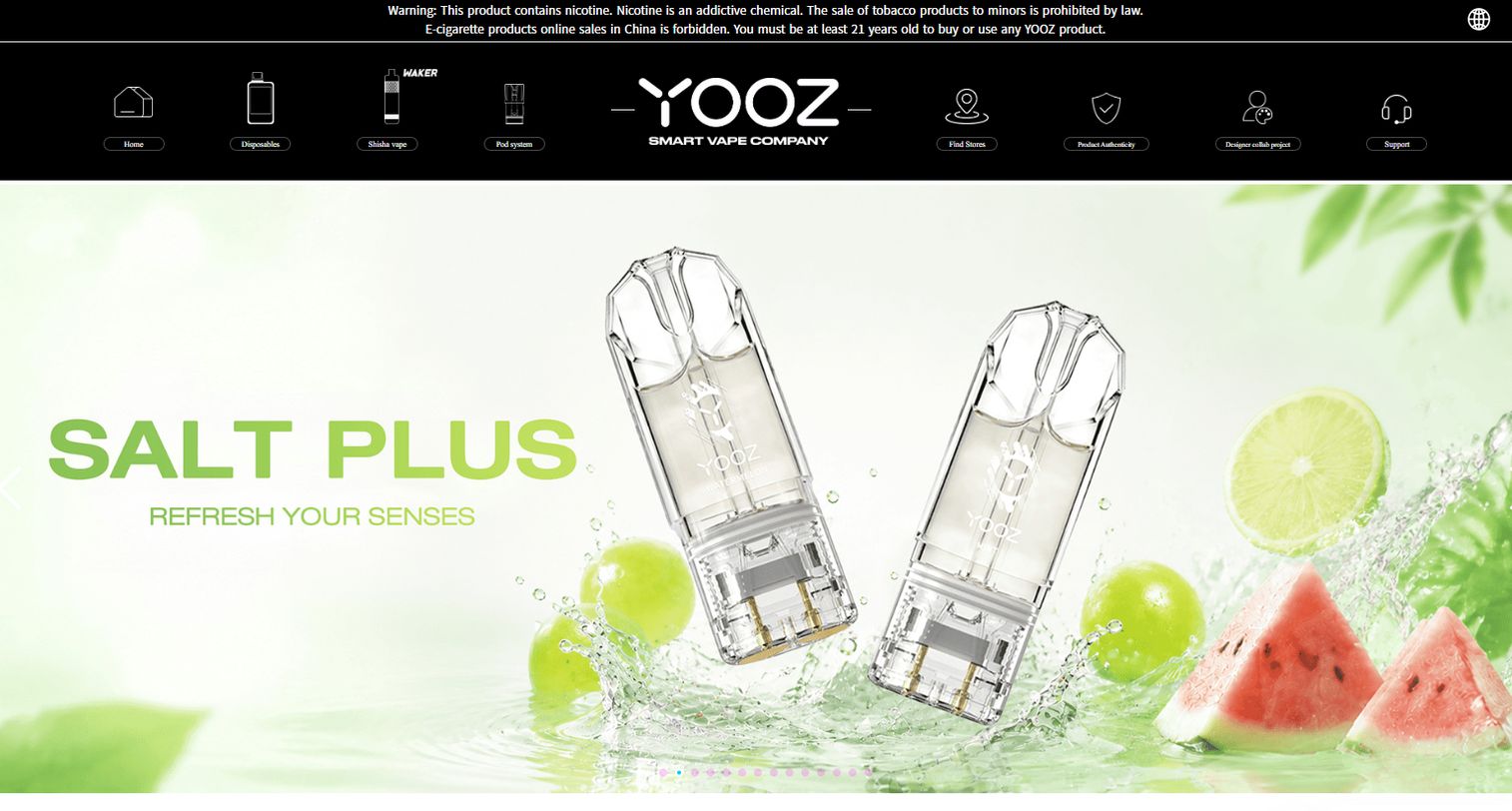
Yooz is AP and purchase-to-pay automation software built around a simple buyer experience. It covers capture to approval to payment, but the pitch is speed and clarity rather than sprawling configuration. Teams that want workflow value without a long implementation gravitate here.
The capture-to-approval flow uses AI to pull invoice data, then routes each document through your approval chain. Its main Gold Edition includes unlimited users, which removes the per-seat math that complicates budgeting on other tools. A 15-day free trial lets you validate the workflow before committing.
Best for: Mid-market and enterprise finance teams that want quick workflow clarity without heavy setup.
Key features
- AI-powered AP automation
- Invoice and payment processing workflow
- Unlimited users on Gold Edition
- Free 15-day trial
- Capture-to-approval routing
Why choose Yooz: Pick Yooz when the goal is getting a clean, working invoice approval process live fast. It fits teams that value simplicity over maximum configurability.
Yooz pricing: A free 15-day trial is available. The Gold Edition is a subscription priced by document volume, with no public numeric starting price displayed.
3. Rillion
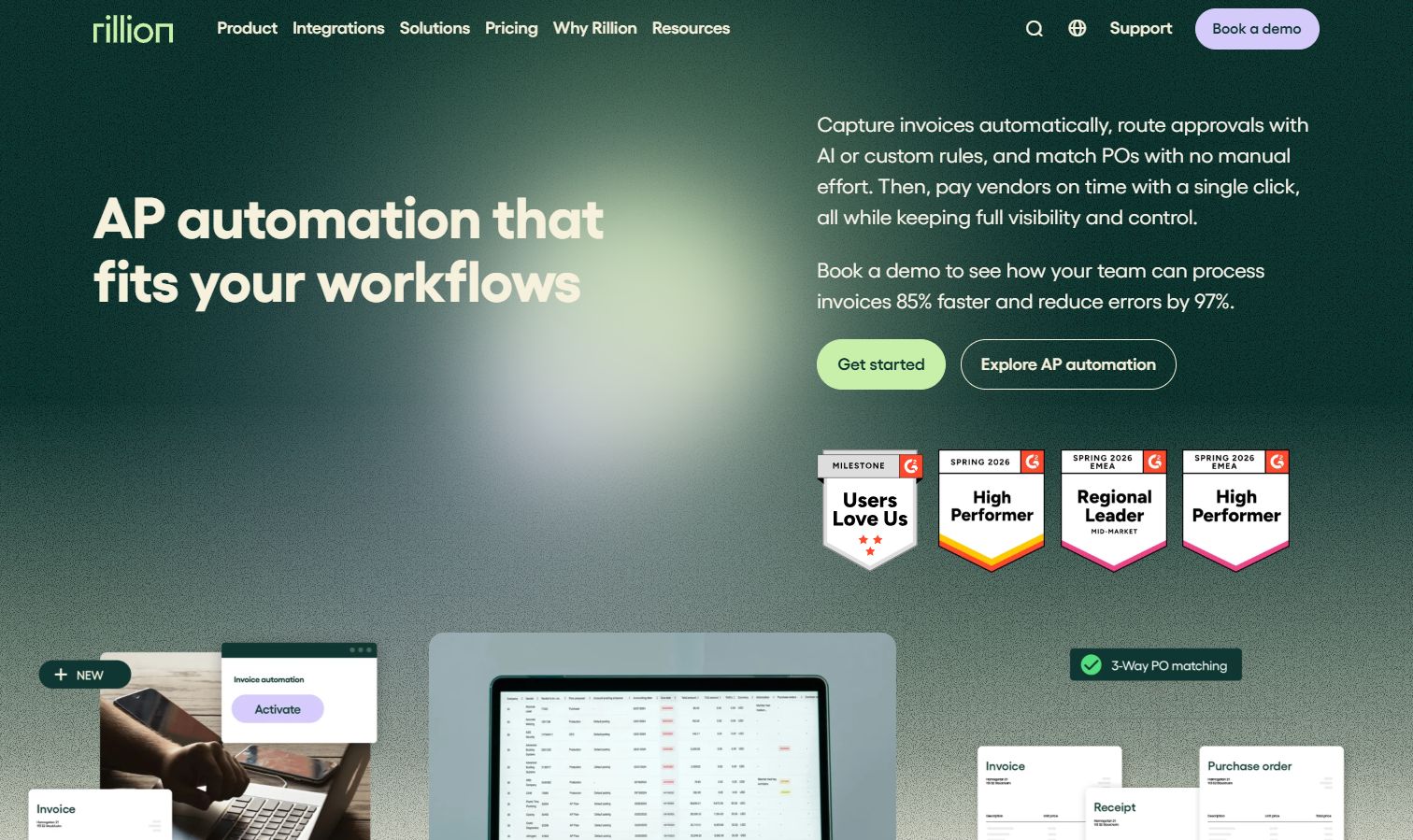
Rillion is AI-powered accounts payable and payment automation software with a clear strength in complex, multi-entity workflows. If you run several legal entities or subsidiaries and need distinct approval chains for each, Rillion is built for that reality without forcing you into separate instances.
Approval workflows handle intricate routing, and PO matching catches exceptions early. The Riley AI assistant supports invoice handling, and AP analytics give you visibility into where invoices sit. Every plan includes unlimited users, approvers, and entities, which matters when your org chart keeps changing. Remote and mobile approvals keep distributed teams moving.
Best for: Mid-sized and large finance teams automating AP across multiple entities and vendors.
Key features
- Invoice automation
- Approval workflow with complex chains
- PO matching
- Multi-entity management
- Riley AI assistant and AP analytics
Why choose Rillion: Choose Rillion when multi-entity control and unlimited approvers are non-negotiable. It excels when your approval structure is genuinely complex and you need strong visibility and tracking.
Rillion pricing: Custom pricing tied to invoice volume. All plans include unlimited users, approvers, and entities, offered across Essential, Professional, and Premium tiers. There is no free trial.
4. Bill.com
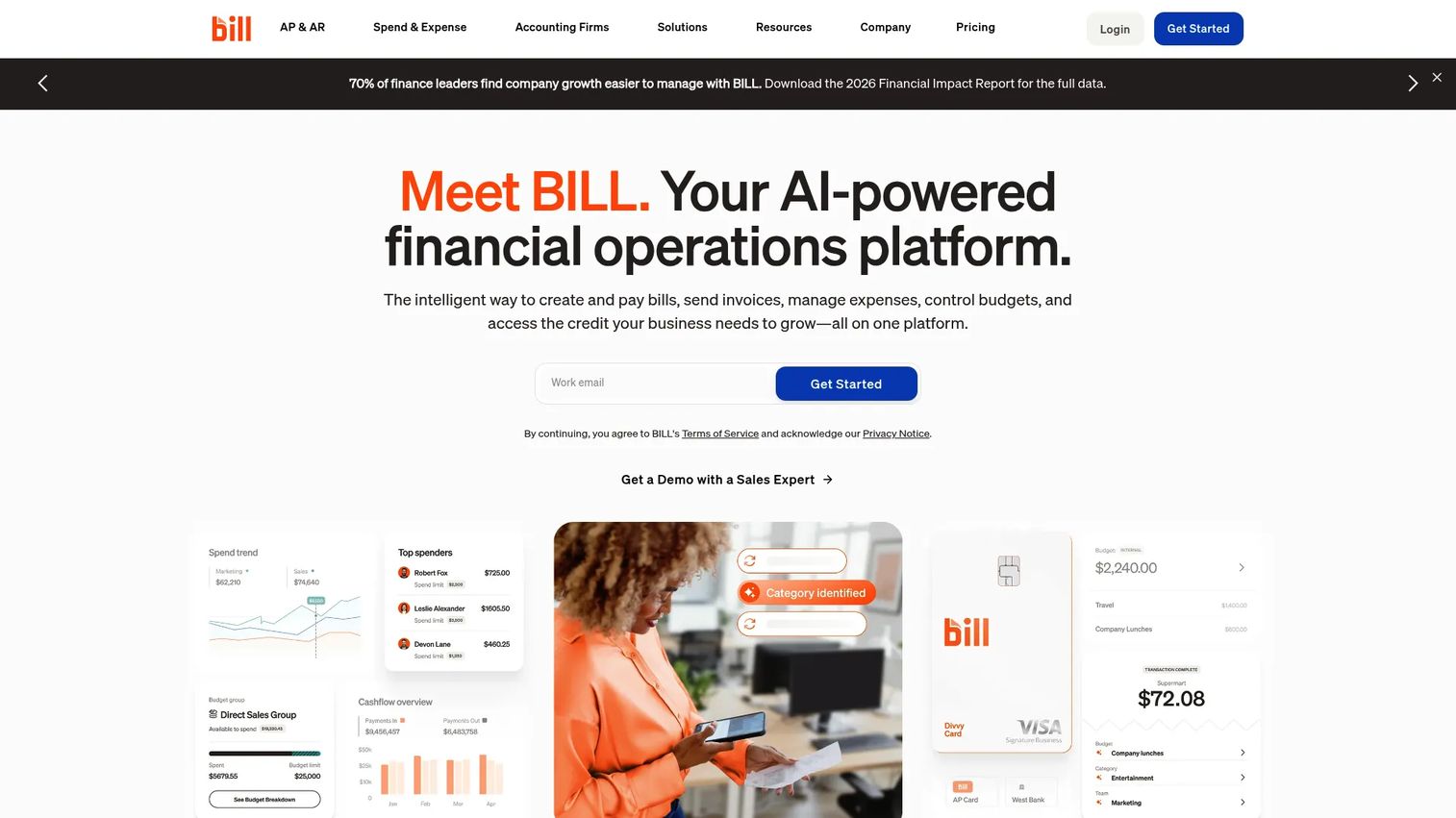
Bill.com is an AI-powered financial operations platform covering AP, AR, spend, and expense management. For SMB and growing finance teams, it hits a practical sweet spot: invoice approvals plus payments in one place, with the ease of use a lean team actually needs.
Approval routing and reminders keep invoices moving without manual follow-up, and the platform connects cleanly to common accounting systems for posting. Because it pairs approvals with payment execution, you close the loop from bill received to vendor paid inside one tool. That consolidation matters when you are trying to reduce your stack rather than expand it.
Best for: SMBs and growing teams needing AP and AR automation with approval workflows and accounting integrations.
Key features
- Accounts payable automation
- Accounts receivable invoicing and collections
- Spend and expense management
- Approval routing and reminders
- Accounting integrations
Why choose Bill.com: Pick Bill.com when you want approvals and payments handled together with minimal overhead. It fits lean finance teams that value simplicity and a clean accounting integration over deep enterprise configuration.
Bill.com pricing: AP/AR plans start at $49 per user per month for Essentials, $65 for Team, and $89 for Corporate. Enterprise is custom pricing. Spend and Expense is listed separately at $0 per user per month.
5. Stampli
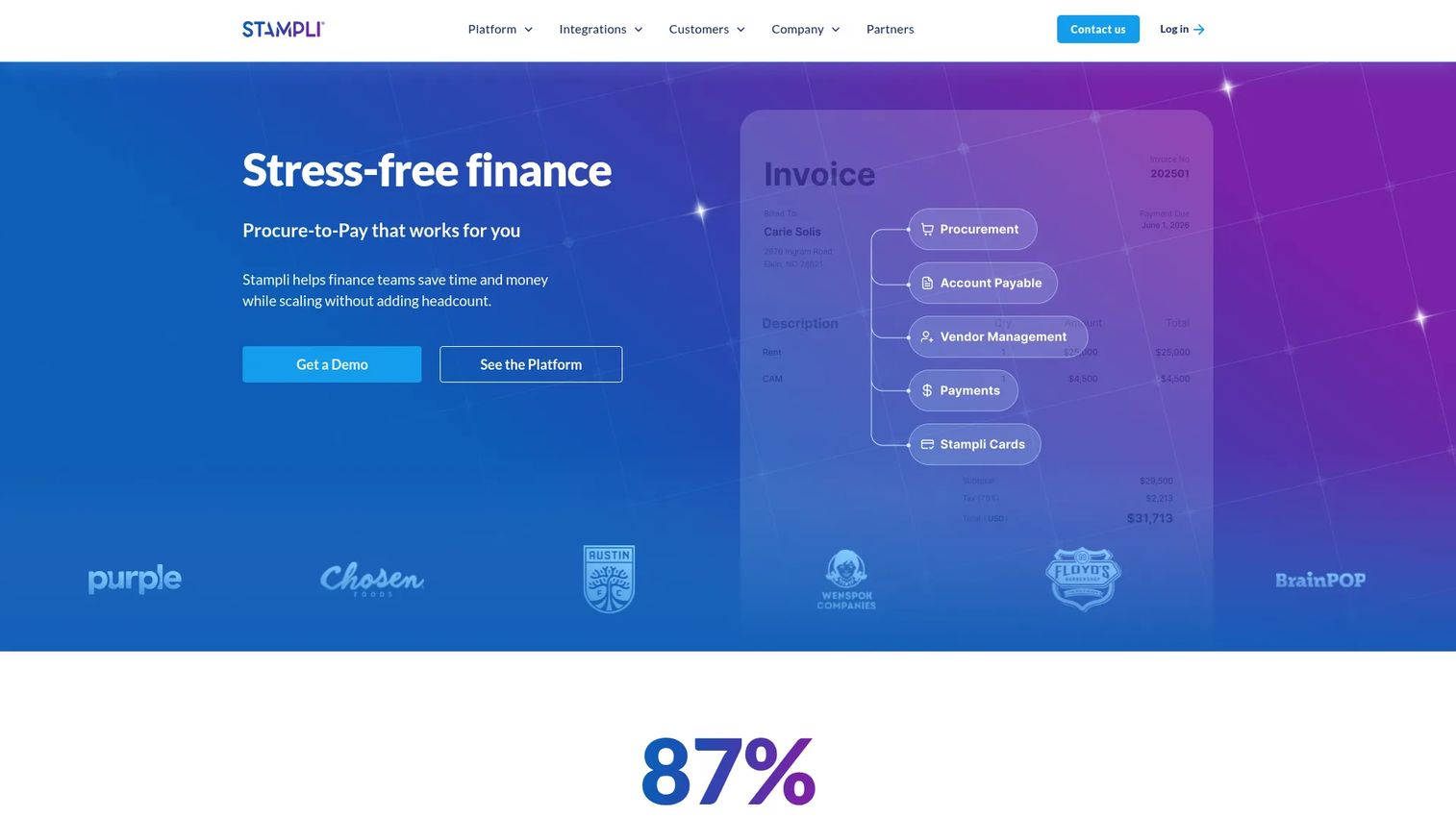
Stampli is an AI-driven procure-to-pay platform that centers everything on the invoice itself. Instead of chasing approvers across email and Slack, every question, comment, and approval lives on the invoice record. That collaboration model is why finance teams that need discussion without heavy process overhead choose it.
The AP automation handles capture and routing, while the collaboration layer keeps approvers, requesters, and finance aligned on one thread. Exception handling surfaces issues in context, and AP visibility shows where each invoice sits. Stampli carries a 4.6/5 rating on G2, the highest on this list.
Best for: Mid-market and enterprise finance teams that want AP and procure-to-pay automation with strong collaboration.
Key features
- Procure-to-pay workflows
- Accounts payable automation
- Vendor management and payments
- Invoice-centered collaboration
- Exception handling and AP visibility
Why choose Stampli: Choose Stampli when approver friction is your real problem and you want conversation to happen on the invoice, not in scattered threads. It excels when finance needs collaboration without imposing rigid process.
Stampli pricing: Quote-based across its modules, including Accounts Payable, Procurement, Direct Pay, Credit Card, and Advanced Vendor Management. No public numeric prices are displayed.
6. Tipalti
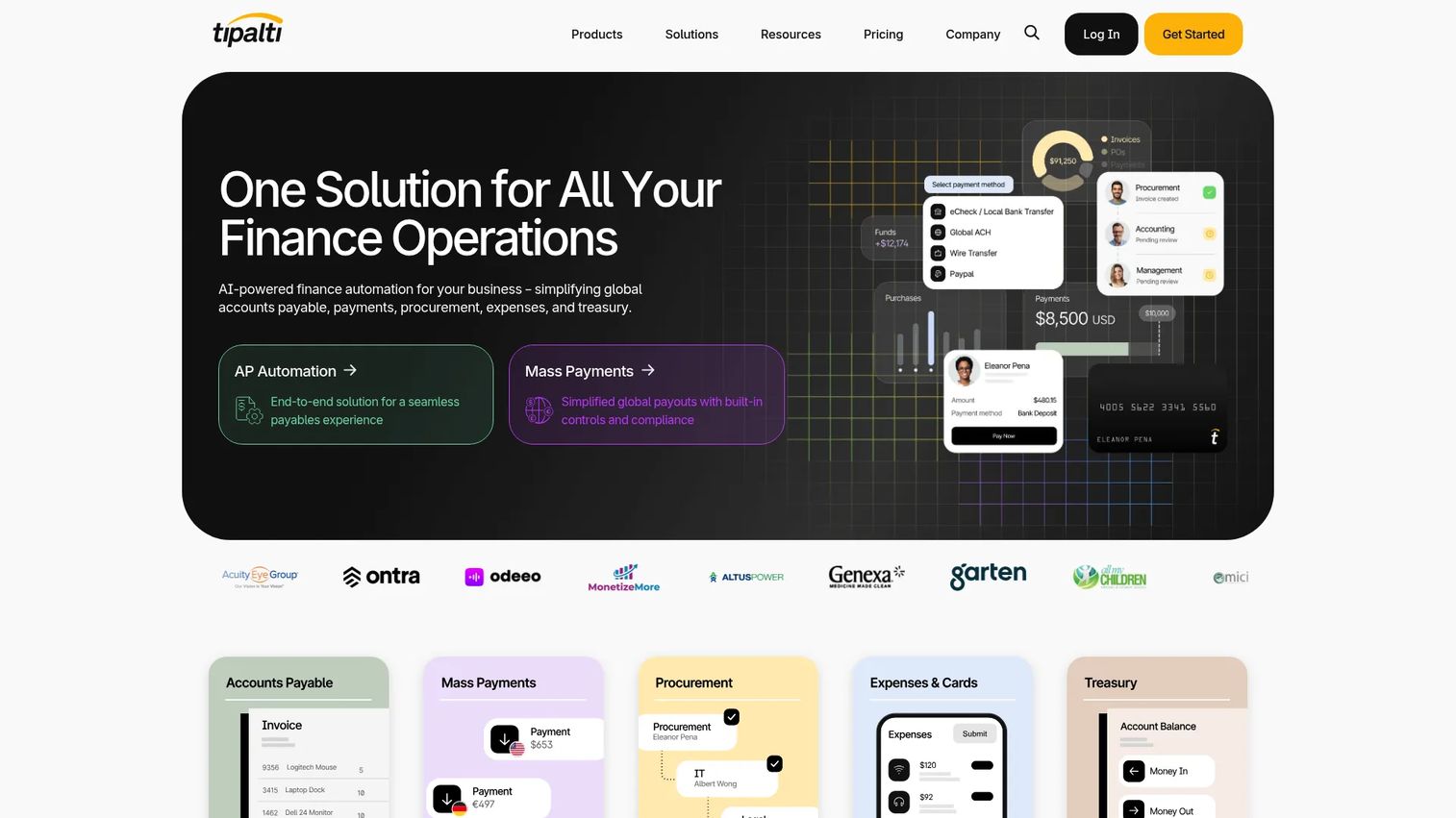
Tipalti is finance automation software that ties invoice approvals to global accounts payable and mass payments. If you pay vendors across borders, the approval workflow is only half the job, and Tipalti covers the payment execution and compliance that follows. It supports payouts across 200+ countries and territories in 120 currencies via 50+ payment methods.
Beyond approvals, Tipalti handles supplier onboarding and tax compliance, which removes a real operational burden for teams paying international suppliers. The AP automation depth and controls make it a fit for finance teams handling more than routing alone. Multi-entity and cross-border context is where it earns its keep.
Best for: Mid-market and enterprise teams needing AP automation plus global payouts and compliance.
Key features
- AP automation
- Mass payments across 200+ countries
- Supplier onboarding and tax compliance
- Multi-entity approval controls
- Payment reconciliation
Why choose Tipalti: Pick Tipalti when approvals are inseparable from global payments and compliance. It is the strongest fit when your finance team needs one system for both sign-off and cross-border payouts.
Tipalti pricing: Accounts Payable starts at $99 per month, with an Advanced tier at $199 per month. Mass Payments starts at $249 per month. Some configurations carry additional fees and custom quotes.
7. AvidXchange
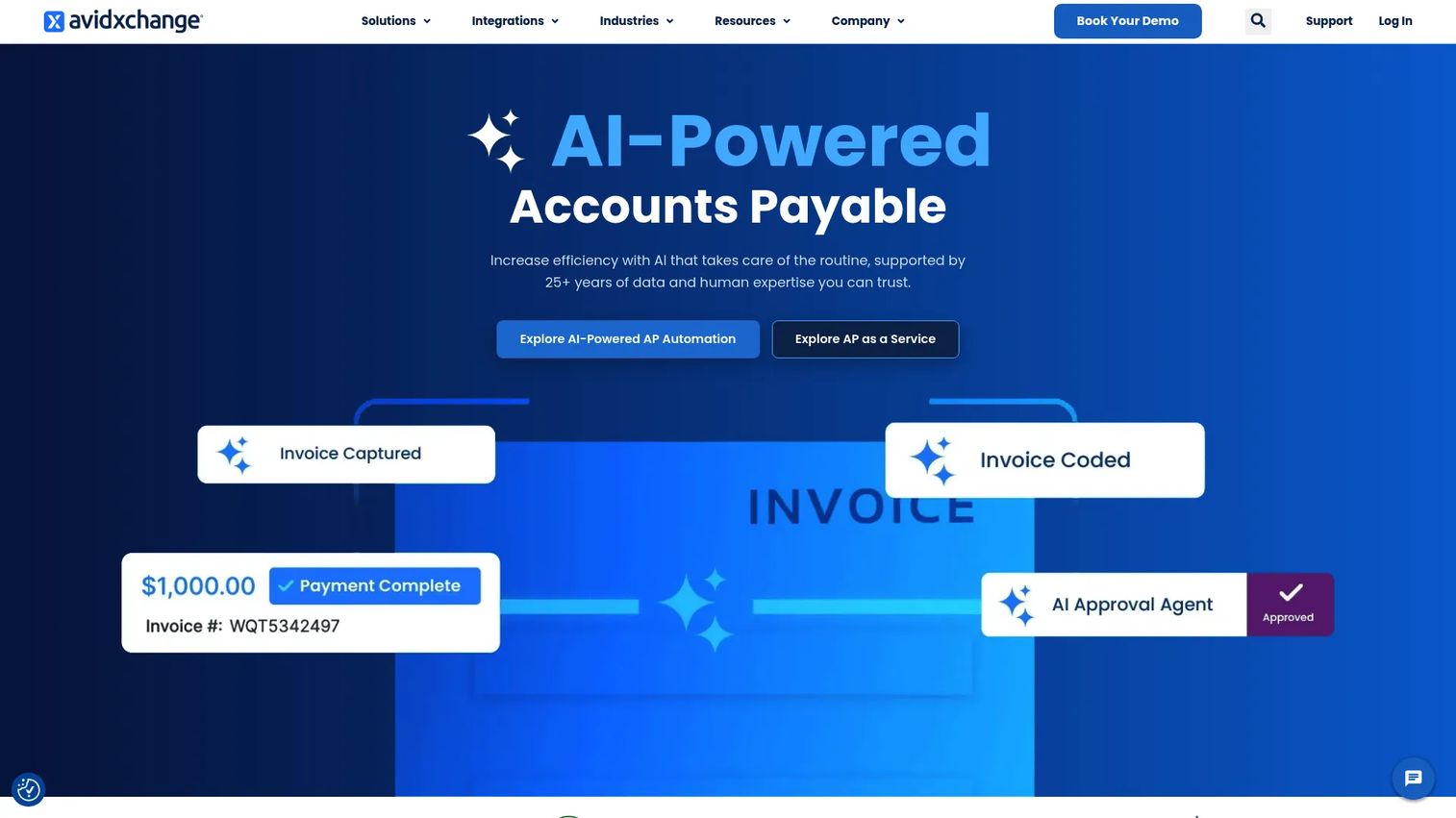
AvidXchange is accounts payable and payment automation software built for mid-market businesses standardizing their AP operations. Founded in 2000, it brings 25+ years of data and human expertise to invoice capture, routing, and payment, with tight ties into the ERP and accounting systems finance teams already run.
The platform covers purchase automation, invoice automation, and payment automation as one connected flow. Approvals route based on your rules and post back to your system of record, so the audit trail stays intact. With over 200 available integrations, ERP fit is a genuine strength rather than an afterthought.
Best for: Mid-market finance teams needing end-to-end AP automation connected to their ERP.
Key features
- Purchase automation
- Invoice automation
- Payment automation
- 200+ integrations
- ERP-connected approval routing
Why choose AvidXchange: Choose AvidXchange when ERP integration is the deciding factor and you want purchase, invoice, and payment handled in one connected system. It fits teams standardizing AP without ripping out their accounting stack.
AvidXchange pricing: Pricing is quote-based and tailored to your business. Contact the vendor for a custom quote.
Considerations
The shortlist narrows the field, but the right pick depends on your specific constraints. Here is what to pressure-test before you sign.
Approval routing flexibility
Check whether the tool supports threshold-based, sequential, and parallel approvals. A $500 invoice and a $50,000 invoice should not follow the same path. If your org has departments or entities, confirm you can route by each without building separate workflows for every case.
Capture and validation quality
The capture engine determines how much manual keying you actually eliminate. Test OCR and AI extraction against your real invoices, not a clean sample. Confirm support for PDF, email, EDI, and scans, because vendors will send all four whether you like it or not.
ERP and accounting fit
Posting and sync are where most implementations quietly stall. Verify the tool writes cleanly to your accounting system or ERP, and that the integration is maintained rather than a one-time connector. A broken sync turns automation back into manual entry.
Audit trails and controls
Every approval should be traceable: who approved, when, and against what. Verify the audit trail captures exception logging and full approval history. For a company heading toward a fundraise, this is not a nice-to-have. It is what survives due diligence.
Implementation effort
Judge setup time, migration complexity, and who internally owns the rollout. The best tool that never gets fully deployed loses to the good tool that goes live in a quarter. Ask vendors for a realistic timeline and name the internal owner before you buy.
Conclusion
The seven tools here solve the same core problem, reducing approval bottlenecks, but they solve it for different teams. HighRadius and Tipalti go deep on end-to-end automation and are the pick when AP is tangled up with the rest of finance or global payments. Yooz and Bill.com win on simplicity and speed, which is exactly what a lean team needs. Rillion earns its spot on multi-entity control, Stampli on collaboration, and AvidXchange on ERP-connected AP.
Start by naming your actual bottleneck. If it is high volume across complex finance operations, look hard at HighRadius. If you want the fastest path to a clean invoice approval process, trial Yooz. If you are a lean finance team that wants approvals and payments in one place, Bill.com is the practical starting point.
Whatever you choose, buy for the workflow you have in 18 months, not the one you have today. Approval bottlenecks scale faster than headcount, and the tool that fits your future org chart is the one worth implementing now.
FAQs
Invoice approval workflow software automates the capture, validation, routing, approval, and posting of supplier invoices. It replaces manual email chains and spreadsheet trackers with a system that moves each bill to the right approver and logs every step. The result is a faster invoice approval process with a defensible audit trail.
The software captures invoices from email, PDF, EDI, portals, or scans, then uses OCR or AI to extract the data. It matches invoices against purchase orders, flags exceptions, and routes each one through your approval rules. Once approved, it posts to your ERP or accounting system and can trigger payment.
Invoice workflow software focuses on the routing, approval, and sign-off of invoices. AP automation is broader, wrapping payments, vendor management, and spend controls around that workflow. Many modern tools now cover both, so the practical difference is how deep each platform goes on payments and controls.
Yes. Most invoice approval systems support two-way or three-way PO matching, comparing the invoice against the purchase order and, where relevant, the goods receipt. Matching flags mismatches before they reach an approver, which cuts errors and reduces the back-and-forth that stalls approvals.
ERP and accounting integration is the one that decides whether automation holds up. Clean posting and sync to your system of record prevents the tool from quietly reverting into manual entry. Beyond that, look for connections to your payment rails and any spend or expense systems you already run.
Yes, arguably more so. A small team feels approval bottlenecks harder because one person absent stalls the whole queue. Digital invoice approval with automated routing and reminders removes the manual chasing that eats a lean team's week, and tools like Bill.com are built with that scale in mind.
Automation removes the two biggest sources of delay: finding the right approver and remembering to follow up. Invoice routing sends each bill to the correct person instantly and escalates when it sits too long. Approvers can act remotely, so an invoice no longer waits for someone to be at a desk.
Prioritize approval routing flexibility, capture and validation quality, ERP fit, and a complete audit trail. Test the capture engine on your real invoices and confirm the integration writes cleanly to your accounting system. Then judge implementation effort honestly, because the tool that goes live beats the tool that never fully deploys.