A scheduler spends three hours rebuilding next month's call rotation. A physician texts to swap a Friday night. Two more emails land asking who covers the ICU over the holiday weekend. The master schedule lives in a spreadsheet, the swaps live in text threads, and the real coverage lives in someone's head.
That is the daily reality physician scheduling software is built to fix. And the stakes are not small. Patient scheduling software adoption already exceeded 64% of physician practices worldwide in 2024, supporting over 3.2 billion digital appointments annually, according to Market Growth Reports. The global physician scheduling software market itself reached USD 1.25 billion in 2024 and is forecast to hit USD 3.95 billion by 2033 at a 13.7% CAGR, per Growth Market Reports.
The problem is not "can software make a calendar." Any tool can. The real question is whether a physician scheduling system reduces manual coordination, enforces fair coverage, supports self-service swaps from a phone, and stays synced with the EHR, payroll, and secure messaging your clinicians already use. That is where the tools separate.
What's inside
This guide compares seven physician scheduling tools built for healthcare operations, not generic staff shifts. It is for hospital ops leaders, practice admins, physician group schedulers, and healthcare IT buyers replacing spreadsheets.
We selected and ranked tools on four criteria that actually matter in physician operations:
- Automation: how much the system builds and rebalances schedules without manual work
- Fairness and rules: call rules, specialty mix, duty-hour limits, and equitable distribution
- Mobile self-service: whether physicians can view, request, and swap from a phone
- Integrations and proof: EHR, calendar, payroll, secure messaging connections, plus evidence teams keep using it
The list favors physician-specific fit over broad scheduling breadth.
TL;DR
- Best overall for physician scheduling: QGenda Advanced Scheduling for Providers, deep rules engine plus enterprise health system fit
- Best for AI-driven automation and fairness: TigerConnect Scheduling, builds balanced schedules fast with strong mobile self-service
- Best for centralized health system operations: symplr Physician Scheduling, connects monthly schedules to daily assignments
- Best for optimization at scale: PerfectServe Lightning Bolt Scheduling, gapless generation tied to clinical communication
- Best for combined nurse and staff scheduling: ShiftWizard, strong mobile app and staff communication
- Best for smaller teams wanting self-serve pricing: Humanity Schedule by TCP, transparent per-employee pricing with time tracking
- Best for forms and approval automation adjacent to scheduling: Droplet, workflow automation and eSignatures for operational paperwork
What is physician scheduling software
Physician scheduling software is a healthcare workforce tool that automates how provider shifts, call rotations, and clinical assignments are built, balanced, and communicated across a hospital or medical group. Unlike a basic calendar, it encodes the rules that govern physician coverage, applies them automatically, and keeps the resulting schedule visible everywhere clinicians work.
Core capabilities most buyers evaluate:
- Centralized schedule management: one source of truth for call, clinic, OR, and ICU coverage instead of scattered spreadsheets
- Rule-based automation: call rules, specialty mix, time-off, credentialing constraints, and duty-hour limits applied without manual checking
- Self-service swaps and requests: physicians request time off, pick up, or trade shifts inside the system, with approval workflows
- Mobile access: a physician scheduling app so providers see the schedule and act on changes from a phone
- Integrations: connections to EHRs, personal and clinical calendars, secure messaging, and payroll or time-tracking systems
The distinction from generic calendar software matters. A shared calendar shows who is scheduled. A physician scheduling system decides who should be scheduled based on rules, fairness, and demand, then keeps that decision current as reality changes.
When to use physician scheduling software
Reduce manual coordination and scheduler workload
If one person spends days each month building rotations in Excel and fielding change requests over text and email, the coordination cost is the problem. Provider scheduling software absorbs that work. Rules and constraints live in the system, so the schedule generates in minutes and rebalances automatically when someone calls out. The scheduler moves from data entry to exception handling.
Balance coverage and fairness across physicians and residents
Fairness disputes quietly erode morale. Who took the last three holidays? Who keeps drawing weekend call? A physician scheduler software with rule-based distribution tracks these patterns and enforces equitable assignment automatically. For teaching programs, resident scheduling adds duty-hour compliance and block schedule logic on top, which manual methods struggle to guarantee.
Keep schedule changes visible across systems and devices
A swap approved on Tuesday means nothing if the EHR, the on-call directory, and the paging system still show the old assignment. The value of a connected physician scheduling system is that one change propagates everywhere: to the physician's phone, the secure messaging routing, the calendar feed, and payroll. Coverage gaps that used to surface at 2 a.m. get caught upstream.
Comparison table
Read this table top to bottom by relevance to physician operations, not alphabetically. Pricing for most enterprise healthcare tools is quote-based, so where no public figure exists we note that directly rather than guess.
| # | Product | Best for | Key differentiator | Pricing | G2 rating |
|---|---|---|---|---|---|
| 1 | QGenda Advanced Scheduling for Providers | Hospitals and health systems needing enterprise physician scheduling | Rules-based scheduling optimized to patient demand | Quote-based | 4.6/5 |
| 2 | TigerConnect Scheduling | Centralized physician and on-call scheduling | AI builds fair, balanced schedules in minutes | Quote-based | 4.5/5 |
| 3 | symplr Physician Scheduling | Health systems with complex physician schedules | Connects monthly schedules to daily assignments | Quote-based | Not rated |
| 4 | PerfectServe Lightning Bolt Scheduling | Medical groups needing automated provider scheduling at scale | Gapless generation with combinatorial optimization | From $89 to $119 per on-call user/mo | 3.5/5 |
| 5 | ShiftWizard | Nurse and clinical staff scheduling in 24/7 care | Scheduling plus built-in staff communication | Quote-based | 4.3/5 |
| 6 | Humanity Schedule by TCP | Teams wanting self-serve pricing and time tracking | Transparent per-employee pricing with forecasting | From $2.75 per employee/mo | 4.3/5 |
| 7 | Droplet | Automating operational forms and approvals | Workflow automation and eSignatures | Free plan available | Not rated |
Best 7 physician scheduling software for 2026
1. QGenda Advanced Scheduling for Providers
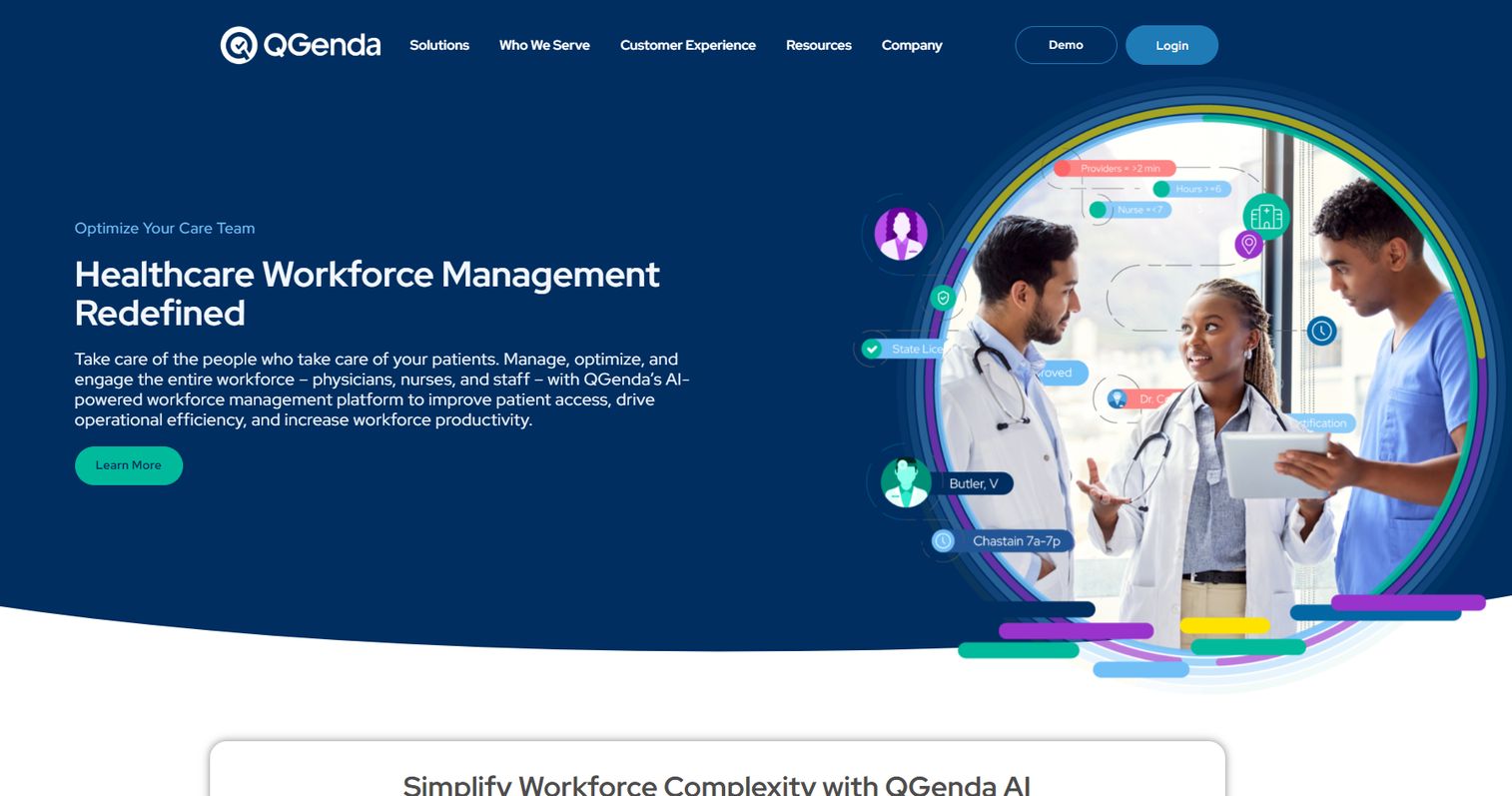
QGenda is healthcare workforce scheduling software focused squarely on physician and provider scheduling. Its Advanced Scheduling product is built for hospitals and health systems that need to encode complex call rules, specialty constraints, and credentialing requirements, then generate schedules that hold up under real operational pressure. It is the tool most large systems reach for when spreadsheets stop scaling.
The differentiator is depth. QGenda optimizes schedules against patient demand, not just headcount, so coverage aligns with where and when patients actually need physicians. That matters for groups juggling multiple sites, subspecialties, and rotating residents.
Best for: Hospitals and health systems that need a deep rules engine for enterprise physician scheduling.
Key strengths
- Rules-based physician scheduling that encodes complex call and coverage logic
- Schedule optimization aligned to patient demand, not just staff count
- Mobile schedule access with shift requests and swaps
- Handles multi-site, multi-specialty, and resident scheduling complexity
Why choose QGenda: If your operation is genuinely complex, many sites, many specialties, layered call rules, QGenda's rules engine is built to carry that weight without breaking. Smaller single-specialty groups may find it more capability than they need, but that same depth is why it repeatedly wins enterprise deployments.
Pricing: QGenda uses demo and quote-based pricing rather than a public price. Contact their sales team for a figure tied to your organization's size and scope.
2. TigerConnect Scheduling
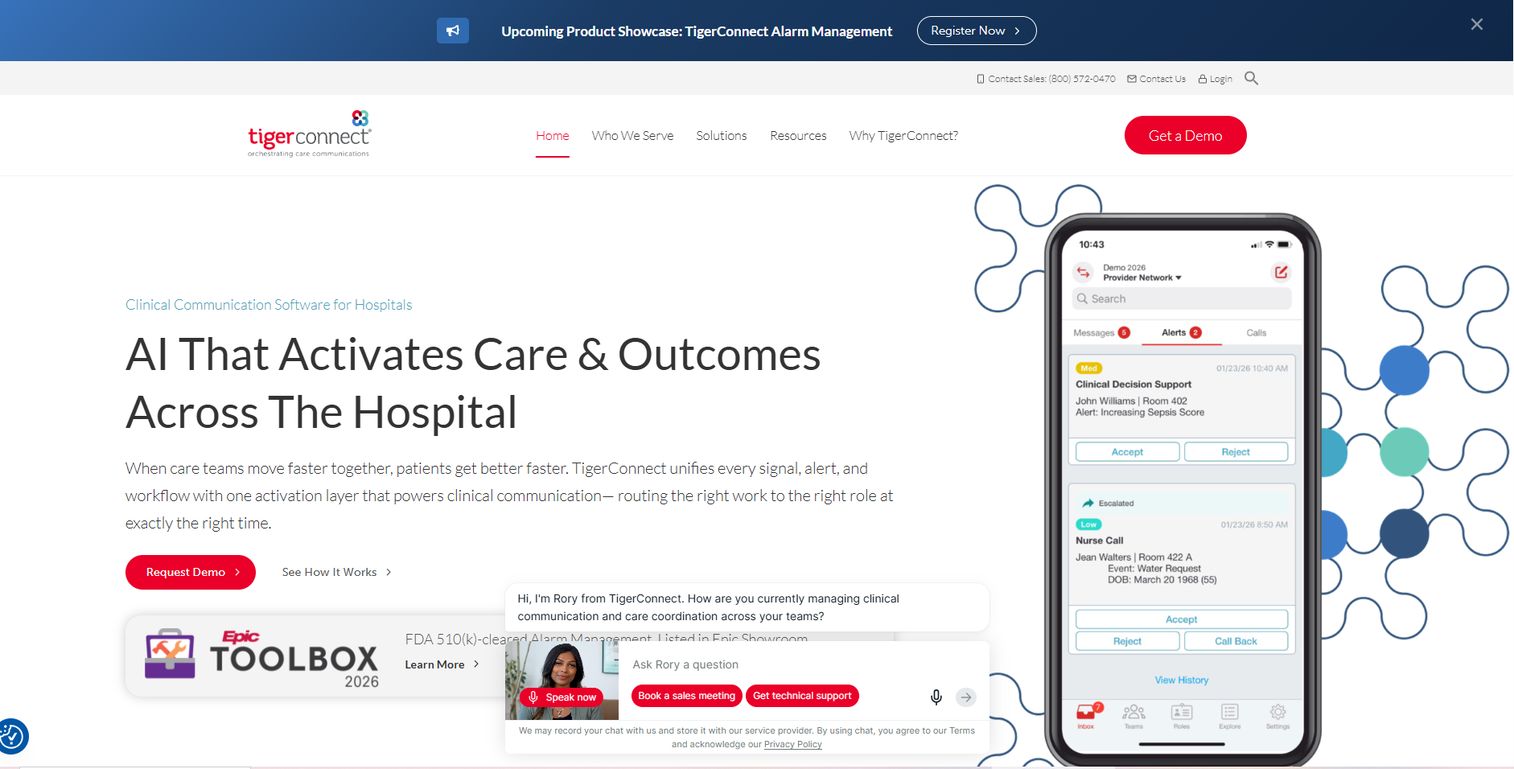
TigerConnect brings physician scheduling into the same platform many hospitals already use for clinical communication. Its scheduling product uses AI automation to build call and shift schedules in minutes, then keeps them as a single source of truth that flows straight into secure messaging and on-call routing. For teams already on TigerConnect for messaging, the scheduling tie-in is a strong pull.
Fairness is a stated design goal. The engine distributes assignments in a balanced way, which reduces the "why me again" friction that manual scheduling breeds.
Best for: Hospitals and health systems that want centralized physician and on-call scheduling connected to secure messaging.
Key strengths
- AI automation that creates full schedules in minutes
- Single source of scheduling truth across the organization
- Fair, balanced assignment distribution
- Resident block scheduling and real-time mobile self-service
Why choose TigerConnect: The value compounds if you already route clinical messages through TigerConnect. A schedule change updates who gets paged, automatically. For teaching hospitals, the resident block scheduling handles a genuinely hard workflow.
Pricing: TigerConnect prices physician scheduling on an enterprise, quote-based model. The product page directs you to request a demo for pricing tied to your deployment.
3. symplr Physician Scheduling

symplr positions physician scheduling as part of a broader healthcare operations platform. Its scheduling product automates and standardizes how physician schedules get built, then connects the monthly master schedule to daily assignments so what was planned actually maps to who works today. That monthly-to-daily link is where many manual processes fall apart.
symplr leans into centralization and administrative burden reduction, framing scheduling as one piece of a connected workforce operations layer.
Best for: Health systems managing complex physician schedules that want scheduling inside a wider operations platform.
Key strengths
- Automates and standardizes physician scheduling
- Connects monthly schedules to daily assignments
- Supports time tracking and payroll integrations
- Fits into a broader healthcare workforce operations platform
Why choose symplr: If you are already consolidating healthcare operations tooling under symplr, adding physician scheduling keeps governance and integrations in one place. The monthly-to-daily assignment link directly targets a common breakdown point.
Pricing: symplr does not publish public pricing. The product page directs buyers to contact sales for details tied to organization size and needs.
4. PerfectServe Lightning Bolt Scheduling
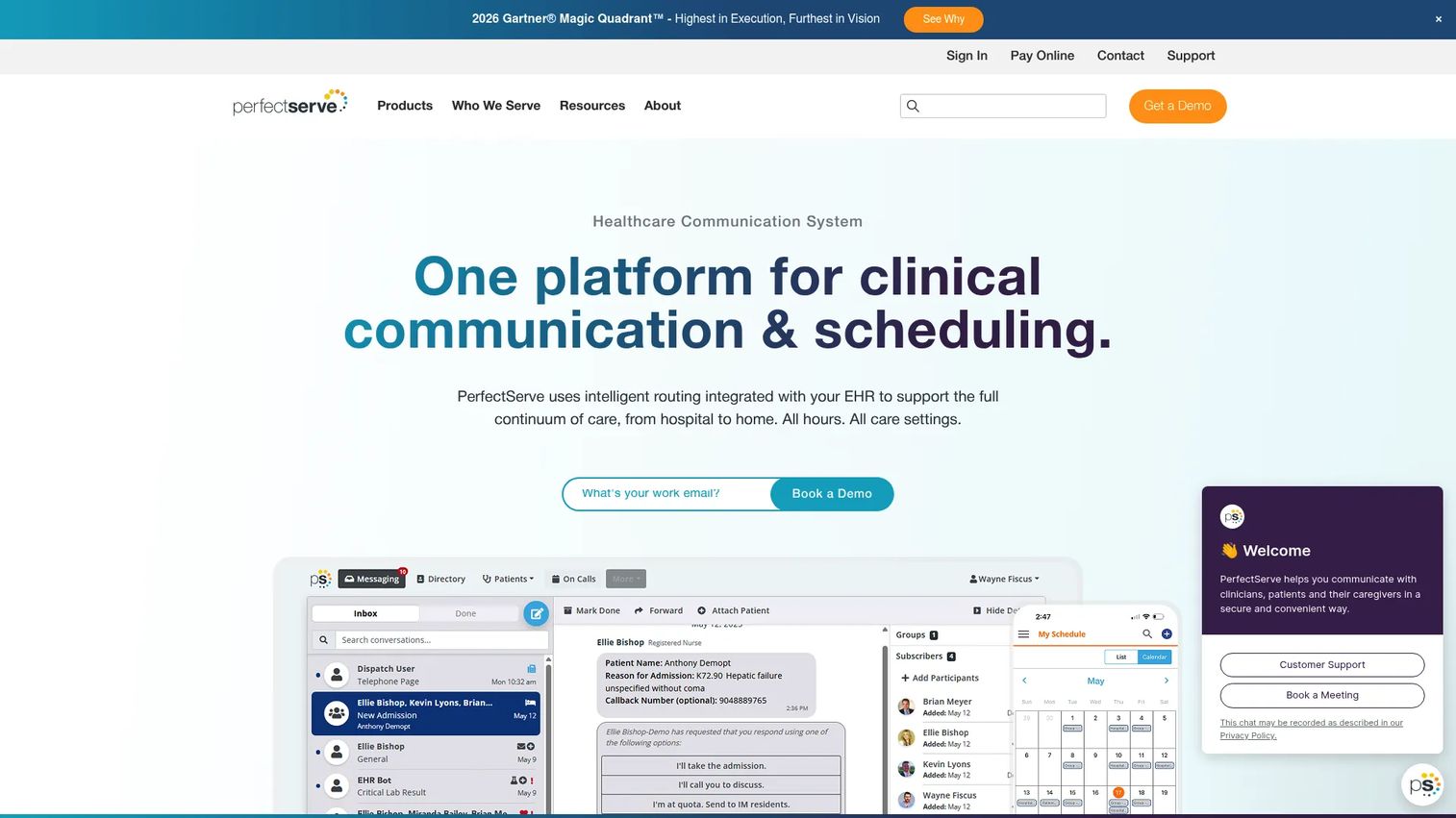
PerfectServe Lightning Bolt Scheduling is built around optimization. Its engine generates gapless provider schedules using custom rules, then applies combinatorial optimization to balance the result across the group. Because PerfectServe also runs clinical communication and call routing, the schedule drives who gets reached, in real time.
The optimization angle is the draw for groups where manual balancing is genuinely hard: many providers, many constraints, no room for coverage gaps.
Best for: Hospitals and medical groups that need automated provider scheduling at scale, tied to clinical communication.
Key strengths
- Gapless provider schedule generation with custom rules
- Combinatorial optimization for balanced schedules
- Real-time schedule updates feeding call routing
- Clinicians view schedules, request time off, and swap shifts
Why choose PerfectServe: When coverage gaps are unacceptable and constraints are dense, the optimization engine earns its place. The tie to schedule-aware call routing means the right clinician actually gets reached.
Pricing: PerfectServe uses custom pricing based on organization size and modules needed. Reported figures place on-call user licensing in the range of $89 to $119 per on-call user per month, though your quote depends on the solutions bundled in.
5. ShiftWizard
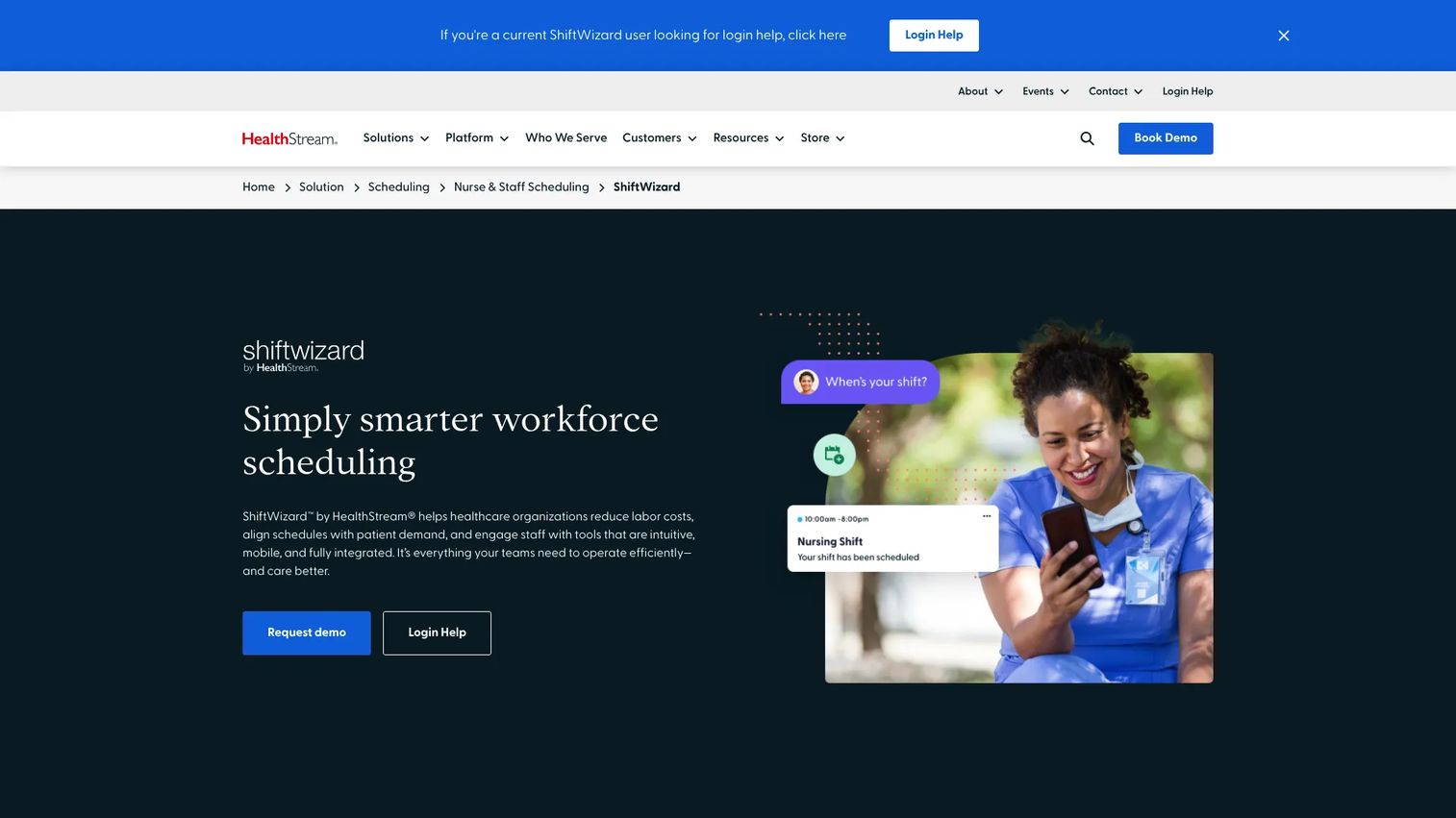
ShiftWizard is healthcare staff scheduling and communication software built for hospitals and other 24/7 care organizations. Its strength is pairing scheduling with built-in staff communication: texts and voicemails, PTO requests, self-scheduling, and real-time updates all live in one place. The mobile app handles schedule management and shift swaps directly.
While ShiftWizard's roots are in nurse and clinical staff scheduling, that same coverage-and-communication model applies to any 24/7 care setting where physicians and staff schedules interlock.
Best for: Healthcare organizations that need clinical staff scheduling with communication baked in.
Key strengths
- Mobile app for schedule management and shift swaps
- Staff communication via texts and voicemails
- PTO requests and self-scheduling
- Real-time schedule updates across the team
Why choose ShiftWizard: If your scheduling pain is as much about communication as coverage, chasing confirmations, filling open shifts fast, ShiftWizard folds both into one workflow. It is a strong fit where nurse and physician coverage need to stay coordinated.
Pricing: ShiftWizard does not publish public pricing. Contact their team for a quote based on your organization's size and requirements.
6. Humanity Schedule by TCP
Humanity Schedule by TCP is employee scheduling and time tracking software with transparent, self-serve pricing, a rarity in this category. It offers drag-and-drop scheduling with shift swaps, availability, and time-off requests, plus AI-driven demand forecasting and auto-fill. The mobile app covers notifications, clock in and out, and even Apple Watch compatibility.
For smaller physician groups or clinics that want to start without a sales cycle, the published per-employee pricing removes the guesswork.
Best for: Teams that want employee scheduling with time tracking, compliance support, and pricing they can see upfront.
Key strengths
- Drag-and-drop scheduling with swaps, availability, and time-off requests
- AI-driven demand forecasting and auto-fill scheduling
- Mobile app with notifications, clock in and out, and Apple Watch support
- Time tracking and compliance support built in
Why choose Humanity Schedule: If transparent pricing and fast self-serve setup matter more than deep healthcare-specific rule engines, this is the accessible entry point. It scales from small teams up through an Enterprise tier.
Pricing: Essentials starts at $2.75 per employee per month billed annually. Professional runs $3.75 per employee per month billed annually and includes a 30-day free trial. Enterprise is a custom quote. All prices are in USD.
7. Droplet
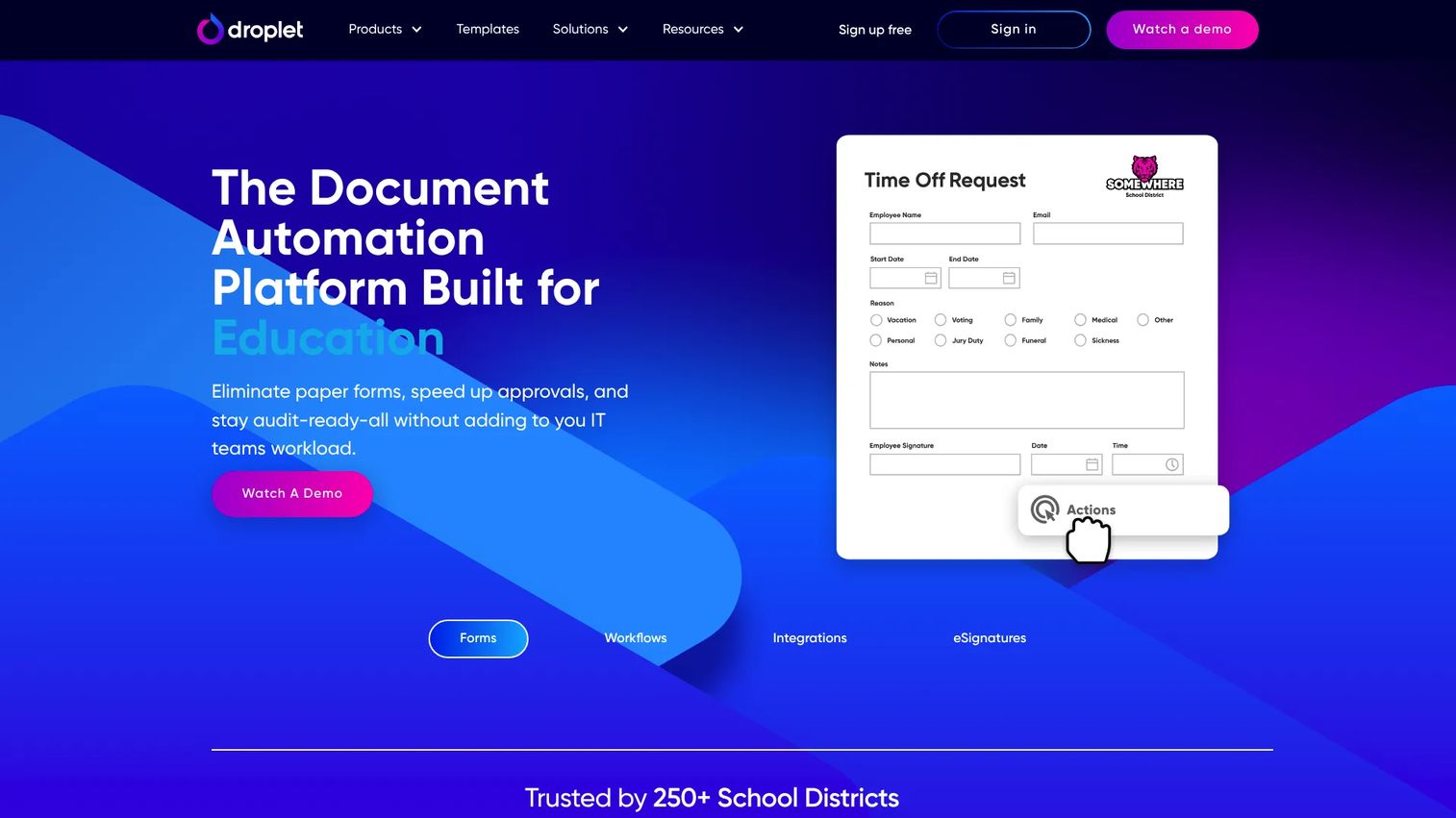
Droplet is a document automation platform focused on online forms, workflow automation, and electronic signatures. It is not a physician rotation builder, but it earns a place on this list for the operational paperwork that surrounds scheduling: time-off approvals, credentialing forms, coverage requests, and the sign-offs that keep a scheduling process compliant and auditable.
If your scheduling friction is less about the calendar and more about the approvals and forms feeding it, Droplet automates that layer.
Best for: Organizations automating the forms and approval workflows that sit alongside scheduling.
Key strengths
- Online forms for time-off, coverage, and credentialing requests
- Workflow automation for approvals and routing
- Electronic signatures for compliant sign-offs
- Free plan with no credit card required to start
Why choose Droplet: Choose Droplet as a complement, not a replacement, for a scheduling engine. It removes the paperwork drag around scheduling decisions and keeps approvals auditable.
Pricing: Droplet offers a free plan with no credit card required to start. Public paid pricing is not listed, so contact them for details on higher tiers.
Considerations
Before you shortlist, pressure-test each tool against the reality of your operation.
Does it support your specialty mix and call rules?
A single-specialty clinic and a multi-site academic system have wildly different rule needs. Confirm the tool can encode your actual call rules, subspecialty constraints, and credentialing limits, not a simplified version. Ask to see it built with your rules during evaluation.
Can physicians self-serve swaps from mobile?
Adoption dies if physicians have to email the scheduler for every change. A real physician scheduling app lets providers view coverage, request time off, and swap shifts from a phone, with approvals routed automatically. Test the mobile flow with an actual physician, not just an admin.
Does it connect to EHRs, calendars, secure messaging, and payroll?
A schedule that lives on an island creates the exact gaps you are trying to close. Verify the integrations you need, EHR, personal and clinical calendars, secure messaging or paging, and payroll or time tracking, are supported and current, not roadmap promises.
How much admin effort will setup and rule changes require?
The demo always looks smooth. Ask who changes a rule six months in: your admin, or a support ticket to the vendor? Repeatable, self-service rule changes keep the system from calcifying as your operation evolves.
What proof exists that teams like yours keep using it?
Look past the logo wall. Ask for references at your size and specialty mix, and ask them about renewal, not just onboarding. G2 ratings help, but a peer who runs a similar operation and still uses the tool a year later is the strongest signal.
Conclusion
There is no single best physician scheduling system, only the best fit for your specialty complexity, mobile needs, and integration stack.
For large, complex health systems, QGenda and PerfectServe lead on rules depth and optimization. If you want AI-built fairness tied to secure messaging, TigerConnect is the strong pick. symplr fits teams consolidating operations under one platform. ShiftWizard wins where staff communication and coverage go hand in hand. Humanity Schedule by TCP is the accessible, transparently priced entry point for smaller teams. And Droplet handles the forms and approvals surrounding scheduling rather than the rotation itself.
Your next step: narrow to two or three tools based on specialty complexity, whether physicians will self-serve from mobile, and which integrations are non-negotiable. Then run a real evaluation with your own rules and one skeptical physician in the room.
FAQs
Most enterprise healthcare tools use quote-based pricing tied to organization size and modules, so vendors like QGenda, TigerConnect, symplr, and ShiftWizard direct you to sales. Humanity Schedule by TCP publishes per-employee pricing starting at $2.75 per employee per month. PerfectServe reports on-call user licensing in the range of $89 to $119 per on-call user per month. Always confirm what is bundled in before comparing figures.
Yes, though not every tool does it equally well. TigerConnect and QGenda explicitly support resident block scheduling and the duty-hour compliance that teaching programs require. If you run a residency program, treat block scheduling and duty-hour logic as a hard requirement during evaluation, not a nice-to-have.
Most modern tools ship a physician scheduling app. QGenda, TigerConnect, ShiftWizard, and Humanity Schedule all offer mobile access for viewing schedules, requesting time off, and swapping shifts. Test the actual mobile swap-and-approval flow with a physician before buying, since that is where adoption is won or lost.
This varies by vendor and is worth probing directly. Some systems let admins adjust call rules and constraints themselves; others route changes through vendor support. Self-service rule changes matter because your specialty mix and coverage needs will shift, and you do not want a support ticket every time.
The stronger physician scheduling systems connect to EHRs, personal and clinical calendars, secure messaging or paging, and payroll. TigerConnect and PerfectServe tie scheduling directly to clinical communication and call routing. Confirm your specific integrations are live and supported, not on a roadmap, before committing.
For large, complex health systems, QGenda's rules engine and PerfectServe's optimization engine both handle dense constraints and multi-site coverage well. symplr is strong for systems consolidating operations under one platform. The right choice depends on whether your priority is rules depth, gapless optimization, or platform consolidation.
Rule-based distribution tracks who has taken which shifts, holidays, and call, then assigns future coverage to balance the load automatically. TigerConnect and PerfectServe both make balanced distribution a core design goal. This removes the perception of favoritism that manual scheduling tends to create and reduces the disputes that erode morale.
Verify the tool can encode your real call rules and specialty mix, that physicians can self-serve swaps from mobile, and that it integrates with your EHR, calendar, secure messaging, and payroll. Then ask for references at your size and specialty and confirm they renewed. The goal is less manual coordination and fewer coverage gaps, not just a prettier calendar.