You rebalanced the territories in a spreadsheet last quarter. Three reps got the dense metros. Two got 400 miles of empty highway between accounts. Someone noticed. Now you are redrawing boundaries again, by hand, in a file that six people have edited and nobody trusts.
Manual territory planning breaks in predictable ways. Accounts overlap. Workload lands unevenly. Redesign cycles drag for weeks because every change means recalculating revenue, headcount, and drive time in cells that were never built for it. And every mistake shows up later as an unfair quota, a missed handoff, or a rep spending half a day in the car instead of in front of a buyer.
The category exists to fix that. Organizations that implement sales territory mapping software report 8 to 15% average revenue uplift and 8 to 12% win-rate improvements from optimized assignments, according to MarketIntelo (2025). The global market sat at roughly $0.8 billion in 2025 and is projected to reach $1.9 billion by 2034 at a 10.2% CAGR. Around 62% of enterprises with sales forces over 100 reps had adopted or were evaluating territory mapping technology by 2026.
This guide ranks the tools that make fair coverage, faster redraws, and cleaner field execution possible without the spreadsheet tax.
What's inside
This is a ranked list of 12 tools for sales territory mapping, balancing, and planning, aimed at sales ops, RevOps, and sales leaders (plus the AEs who feel the results). We picked tools based on four things that actually matter when you buy:
- Territory balancing: how well the tool distributes accounts, revenue, and workload
- CRM integration for territory management: how cleanly it syncs with your system of record
- Scenario planning: whether you can model what-if changes before committing
- Field execution: route optimization and rep-facing usability
The list spans standalone mapping tools, CRM-native options, Microsoft-stack tools, GIS-heavy platforms, and field-first apps. Different stacks, different needs.
TL;DR
- Best overall: Maptive, for broad browser-based territory work without GIS overhead.
- Best for large territory redesigns: eSpatial, for automated balancing and optimization at scale.
- Best for Salesforce users: Salesforce Maps and Sales Planning, for native CRM continuity.
- Best for Microsoft stack teams: EasyTerritory, for Dynamics 365 and Power BI workflows.
- Best for scenario planning: AlignMix, for drag-and-drop realignment with live metrics.
- Best for field reps: Badger Maps or SPOTIO, for route-first daily execution.
If you only remember one rule from these territory planning tools: pick based on your CRM, your territory complexity, and how much of your team lives in the car.
What is sales territory management software
Sales territory management software turns account lists into balanced, mappable sales regions and helps teams design, monitor, and revise coverage over time. Instead of dividing accounts by gut feel in a spreadsheet, you assign them by geography, revenue potential, workload, and rep capacity, then visualize the result on a map.
The category sits next to your CRM and sales ops workflows. It answers questions spreadsheets struggle with: which rep owns which ZIP codes, whether workload is balanced across the team, and how a boundary change ripples through revenue coverage.
Core features to expect from territory management software:
- Territory balancing: distribute accounts and revenue evenly, or equitably by opportunity
- ZIP code and geography mapping: assign coverage by postal code, county, region, or radius
- Workload and revenue modeling: weigh account count against potential and rep capacity
- Scenario planning: model what-if redraws before you commit anything
- CRM sync: push and pull account, owner, and pipeline data
- Route optimization: plan efficient field visits within a territory
- Dashboards and overlays: see demographics, heat maps, and performance layered on the map
The distinction worth holding onto: equal territory design gives everyone the same number of accounts. Equitable design (what sales territory balancing software is really for) gives everyone a fair shot at quota by weighting revenue potential and workload, not just raw counts.
When to use sales territory management software
Replace spreadsheets and manual balancing
Spreadsheets work until they don't. The break point is usually account volume plus change frequency. When you are managing a few hundred accounts across a handful of reps and boundaries rarely move, a spreadsheet holds. Push past that (thousands of accounts, frequent reassignments, multiple people editing) and the errors compound.
The tell: you spend more time reconciling the file than deciding coverage. That is when sales territory optimization software earns its cost. It recalculates revenue, workload, and geography automatically every time you move an account, so you stop doing manual math on a shared file nobody trusts.
Redesign territories after growth or churn
Territories decay. You hire five reps, a new market opens, or churn thins out account density in a region that used to carry a rep. Suddenly the map you drew 18 months ago no longer matches reality.
This is where scenario planning matters most. Good territory balancing software lets you draw a proposed realignment, see the revenue and workload impact instantly, and compare it against the current state before anyone's book of business changes. You test three versions of a redraw in an afternoon instead of arguing about one for a month.
Improve route efficiency for field sales
For outside sales, territory design and drive time are the same problem. A territory that looks balanced on account count can still bury a rep in windshield time if the accounts are scattered. Route optimization for field sales ties the two together: it plans efficient daily visit sequences inside each territory so reps spend more time selling and less time driving.
If your team logs real miles (medical device, distribution, industrial, retail merchandising), field rep routing is not a nice-to-have. It is the difference between six meetings a day and three.
Comparison table
Sorted by relevance to broad sales territory mapping software use. Pricing and ratings verified as of July 2026; check vendor pages before you buy, since plans change.
| # | Product | Best for | Key differentiator | Pricing | G2 rating |
|---|---|---|---|---|---|
| 1 | Maptive | Broad browser-based territory work | 60+ mapping tools on every plan | From $250 / 45 days | 4.7/5 |
| 2 | eSpatial | Large territory redesigns | Automated balancing and optimization | From $1,495/yr | 4.3/5 |
| 3 | Salesforce Maps and Sales Planning | Salesforce-native teams | Territory and quota planning inside CRM | From $75/user/mo | 4.4/5 |
| 4 | EasyTerritory | Microsoft stack teams | Dynamics 365 and Power BI fit | From $2,400/yr | 5.0/5 |
| 5 | AlignMix | Scenario planning and realignment | Drag-and-drop with live metrics | From $2,400/user/yr | Not listed |
| 6 | Geopointe | Salesforce field execution | Mapping plus routing in Salesforce | From $75/user/mo | 4.2/5 |
| 7 | Badger Maps | Field reps and routing | Mobile-first route optimization | From $58/mo | 4.7/5 |
| 8 | SPOTIO | Field sales execution | Territory plus activity in one app | Custom | 4.5/5 |
| 9 | Mapline | Quick map-based planning | Spreadsheet-to-map speed | Free tier available | 4.7/5 |
| 10 | Maptitude | GIS-heavy analysis | 150+ GIS and mapping tools | From $1,095 | 4.7/5 |
| 11 | MapBusinessOnline | SMB and mid-market mapping | No-frills territory and routing | From $150/yr | 4.5/5 |
| 12 | Esri ArcGIS Business Analyst | Enterprise location intelligence | Deep demographics and site analysis | From $4,000/yr | 4.6/5 |
1. Maptive
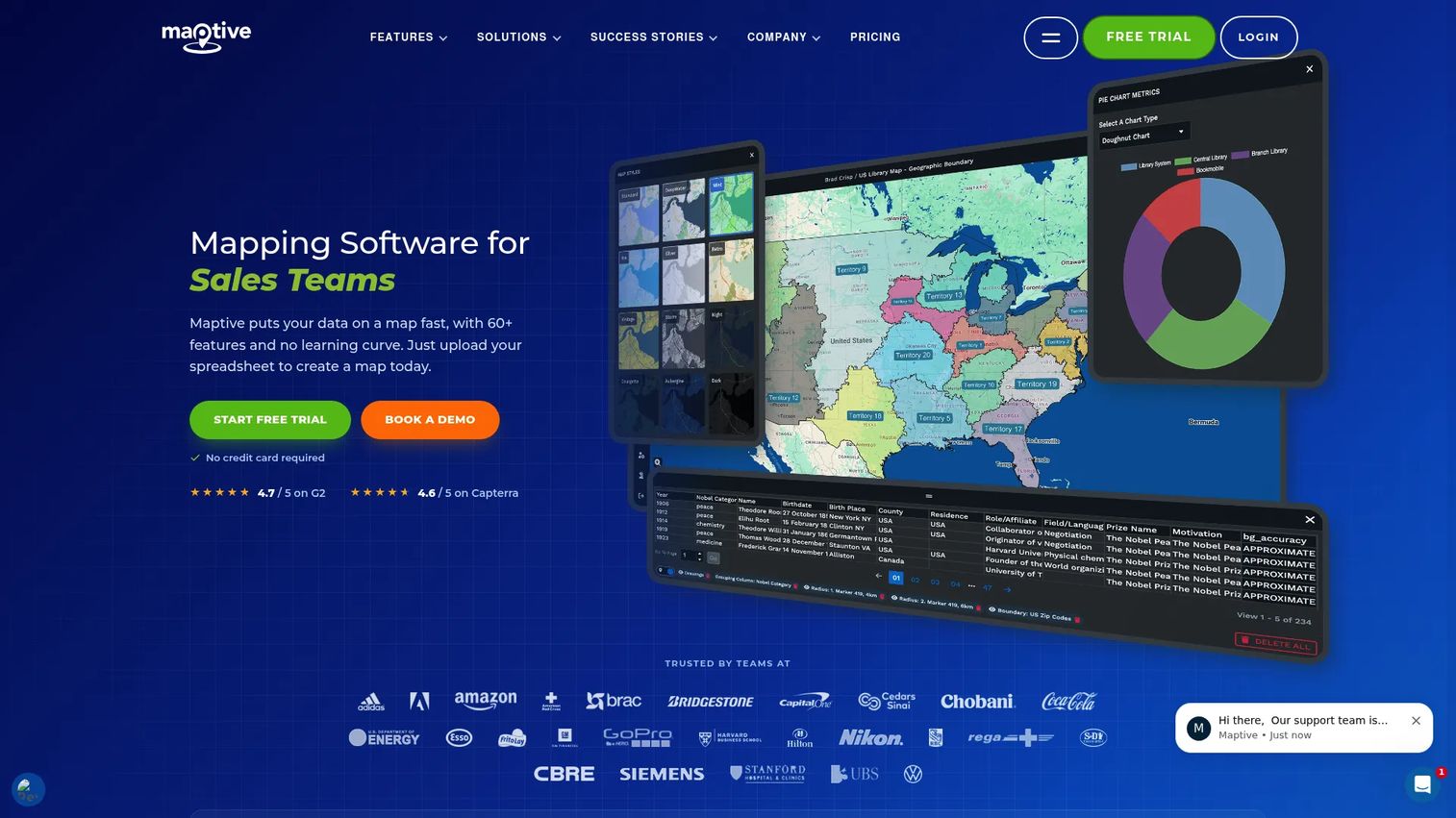
Maptive is browser-based mapping software that turns location data into interactive maps, territories, and route plans. You upload a spreadsheet, and it plots accounts on a map you can slice by geography, revenue, or any custom field. It sits in the sweet spot for teams that want real territory and mapping capability without standing up a GIS deployment.
The pitch is breadth without complexity. Every plan includes all 60+ mapping and analysis tools, so you are not gating balancing behind an enterprise tier. Route optimization handles up to 70 stops, and demographic overlays pull census data straight onto the map.
Best for: teams that need spreadsheet-to-map territory planning and route optimization without GIS overhead.
Key strengths
- All 60+ mapping and analysis tools included on every plan
- Route optimization up to 70 stops
- Demographic overlays using census data
- Browser-based, so no install or IT project
Why choose Maptive: It fits teams that want fast visibility into account distribution and territory balance without a steep learning curve. Upload, map, draw boundaries, done.
Maptive pricing: A 45 Day Pass runs $250 as a one-time purchase. Pro is $110/month or $1,250/year. Team is $220/month or $2,500/year. Enterprise is custom. A free tier is available to test the workflow.
2. eSpatial
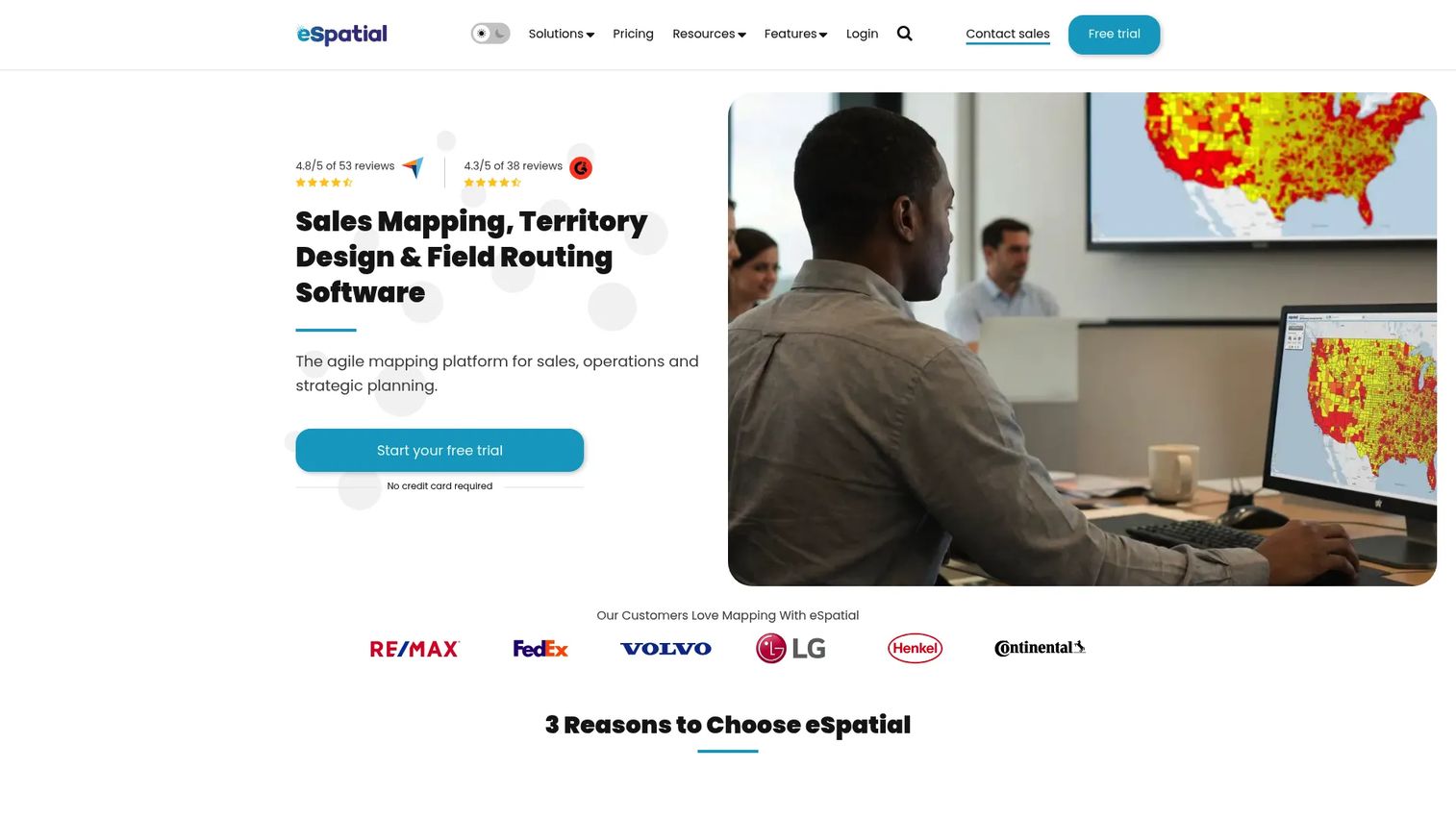
eSpatial is cloud-based mapping, territory management, and route optimization software built for teams redesigning coverage at scale. Where Maptive leans generalist, eSpatial leans into territory design and optimization as a first-class workflow, which is why it shows up in a lot of large realignment projects.
You get interactive data mapping and heat maps to spot white space and over-served regions fast. Territory design and optimization tools balance the map automatically, and the Salesforce integration keeps account and owner data in sync so your redraw does not drift from your CRM.
Best for: sales and operations teams that need mapping, territory planning, and route optimization together for larger redesigns.
Key strengths
- Interactive data mapping and heat maps
- Territory design and optimization
- Route planning and Salesforce integration
Why choose eSpatial: It suits ops teams running periodic realignments who want automated balancing and white-space discovery rather than manual boundary drawing. The optimization engine does the heavy lifting.
eSpatial pricing: Mapping Pro is $1,495/year. Professional Territory Manager is $7,995/year. Advanced Territory Manager is $14,995/year. Each public plan includes three users, and add-ons are priced separately. A 7-day free trial is available.
3. Salesforce Maps and Sales Planning
Salesforce Maps and Sales Planning are add-on products that bring location intelligence and territory and quota planning directly into Salesforce. If your team already lives in Sales Cloud, this is the option that keeps everything on one platform. No export, no sync job, no second system of record.
Salesforce Maps handles map-based visualization and route optimization. Sales Planning covers hierarchy, segment, and territory planning, plus quota alignment. Both connect to the broader Sales Cloud so territory data and pipeline data share the same foundation.
Best for: sales teams needing field route optimization plus territory and quota planning inside Salesforce.
Key strengths
- Salesforce Maps: map-based visualization and route optimization
- Sales Planning: hierarchy, segment, and territory planning
- Native integration with Sales Cloud
Why choose Salesforce Maps and Sales Planning: For Salesforce-standardized teams, the native experience is the whole point. Adoption is easier when reps never leave the CRM, and data continuity means your territory model and your forecast reference the same records.
Salesforce Maps and Sales Planning pricing: Salesforce Maps is $75/user/month, billed annually. Salesforce Maps Advanced is $125/user/month, billed annually. Sales Planning is $75/user/month, billed annually. Each is sold as an add-on and is also available inside broader suites.
4. EasyTerritory
EasyTerritory is territory management and mapping software built for the Microsoft ecosystem. If your data lives in Dynamics 365, Excel, and Power BI, this is the tool that fits your stack instead of fighting it.
It supports Dynamics 365 and Power Platform workflows, so territory design, balancing, and reporting can happen in one flow alongside the tools your team already uses. Azure Maps powers the territory visualization and routing, and Power BI integration means territory metrics land in the dashboards leadership already checks.
Best for: teams that need territory management, mapping, and Power BI or Dynamics 365 workflows in one place.
Key strengths
- Excel and Power BI support
- Dynamics 365 and Power Platform support
- Azure Maps-based territory visualization and routing
Why choose EasyTerritory: It suits Microsoft-first teams who want territory planning to slot into Dynamics and Power BI rather than adding a disconnected tool. One ecosystem, one reporting layer.
EasyTerritory pricing: Standard Edition is $2,400/year. Enterprise Edition is $7,450/year. Standard offers a 7-day free trial and Enterprise a 14-day free trial.
5. AlignMix
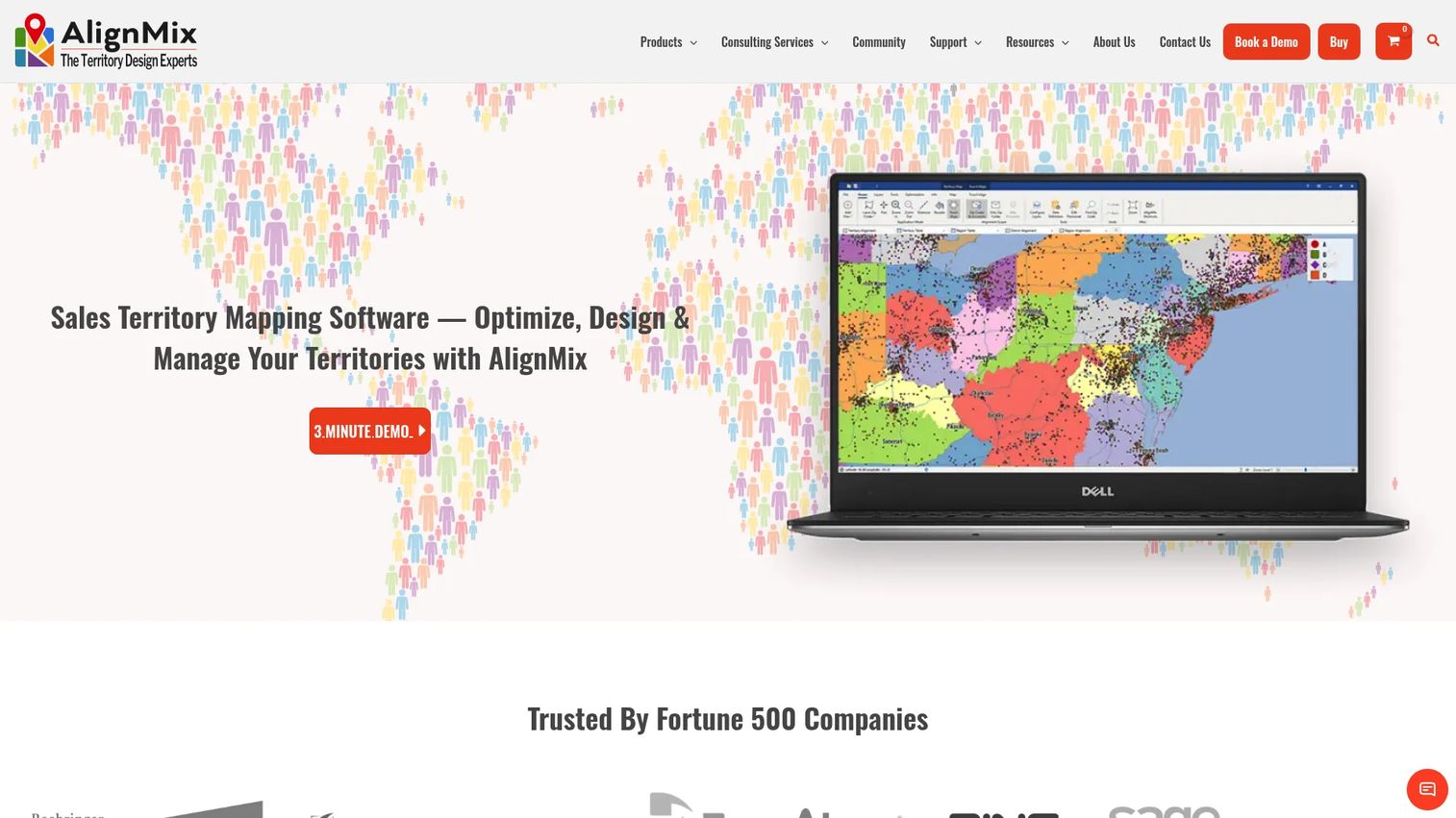
AlignMix is sales territory mapping software focused on designing, managing, and analyzing territories, with drag-and-drop realignment as the headline. Compared to broader mapping tools, AlignMix is built specifically for the realignment cycle, which is exactly what makes it a strong sales territory alignment software pick.
You reassign accounts by dragging them on the map, and metrics update in real time so you see the revenue and workload impact as you go. Territory hierarchy support (territories, districts, regions) mirrors how sales orgs actually roll up, and AI-assisted balancing helps optimize coverage without manual trial and error.
Best for: sales ops teams managing frequent realignment cycles who want scenario modeling front and center.
Key strengths
- Sales territory creation and optimization
- Territory hierarchy support (territories, districts, regions)
- AI-assisted territory balancing and optimization
Why choose AlignMix: When your core job is redrawing territories and comparing scenarios, a tool built around drag-and-drop reassignment with live metrics beats a general mapping tool. You model the change, then defend it with numbers.
AlignMix pricing: AlignMix Professional in-house license is $2,400 per user per year. The consulting license is $6,000 per user per year. AI tiers run $5,000 (AI 50), $10,000 (AI 150), and $15,000 per user per year. Multi-user and enterprise licenses require contact.
6. Geopointe
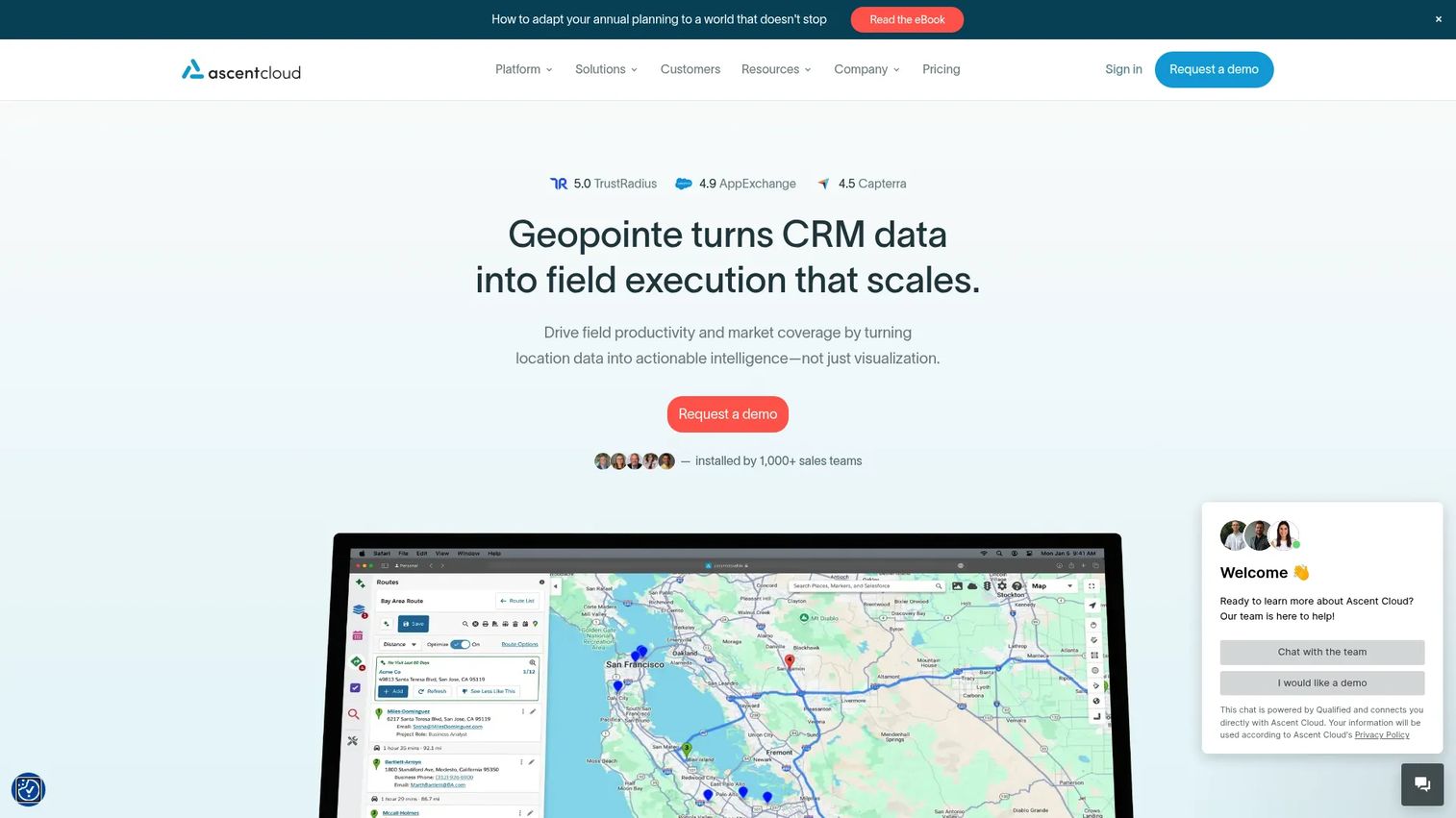
Geopointe is a Salesforce-based geolocation and field execution platform covering mapping, routing, scheduling, and territory analysis. It lives inside Salesforce like the native Maps product, but leans harder into field workflow, so teams get mapping plus routes without leaving the CRM.
Complex filtering across related Salesforce objects lets you segment accounts on real pipeline data, not just geography. Route planning handles multi-day trips, and calendar-based scheduling works directly from the map, so a rep can turn a filtered account list into a booked week of visits.
Best for: sales and field teams on Salesforce who want mapping, routing, and territory planning in one native workflow.
Key strengths
- Complex filtering across related Salesforce objects
- Route planning for multi-day trips
- Calendar-based scheduling from the map
Why choose Geopointe: Pick it when you want field execution tied to Salesforce data and a territory planner in the same tool. The routing and scheduling depth is the draw for teams with real windshield time.
Geopointe pricing: G2 lists an Annual Plan at $75 per user per month. Geopointe directs buyers to request pricing through its site for current terms.
7. Badger Maps
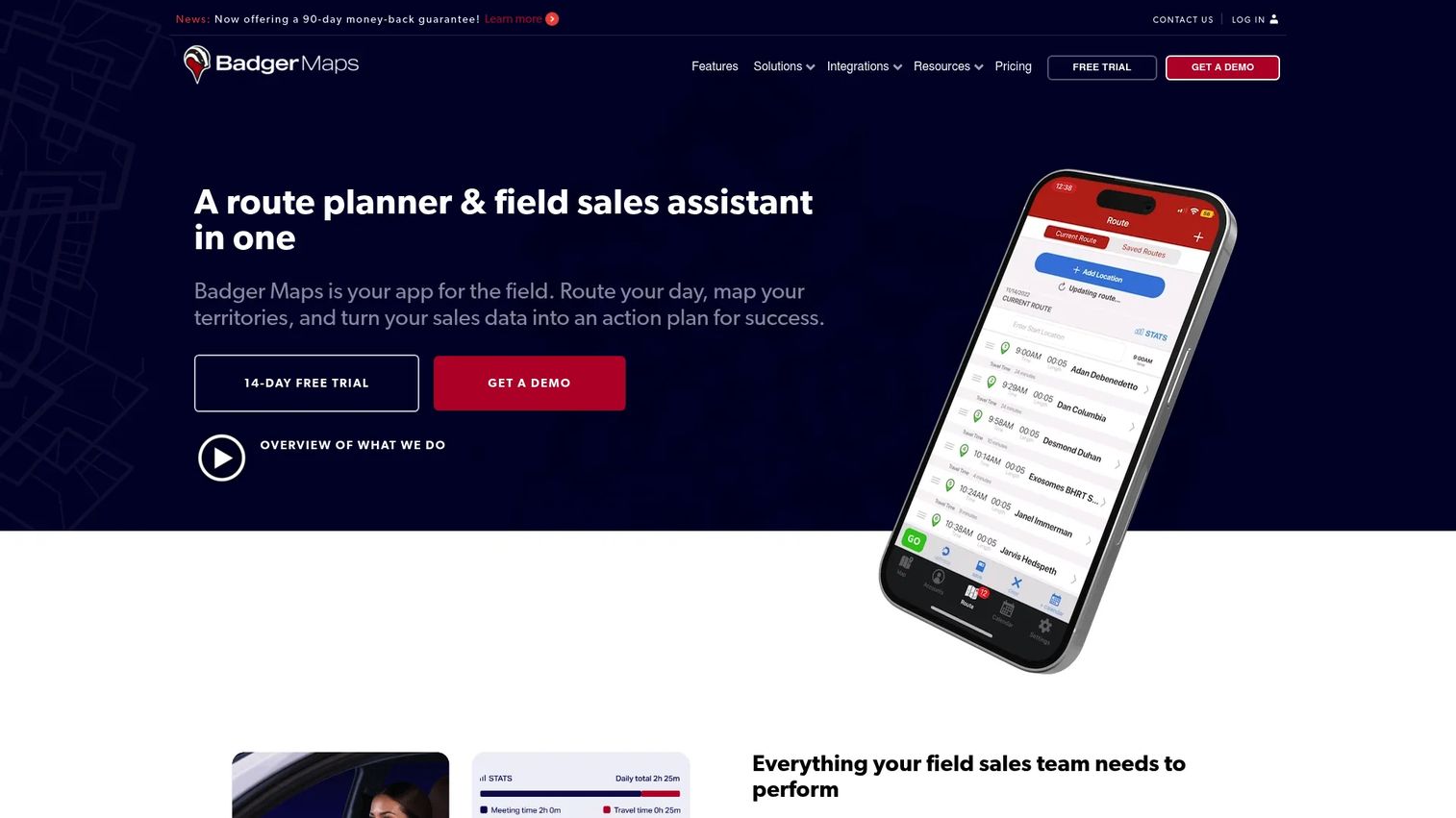
Badger Maps is mobile-first mapping and route planning software built for field sales. This is a field execution tool more than a pure planning platform, and that focus is the point. It optimizes the rep's day, not just the org chart's territories.
Route planning and optimization handle up to 120 stops, which matters when a rep is stringing together a full day of visits. Territory and sales mapping include filters, clustering, and custom fields, and CRM integrations plus lead routing keep the field data connected to the system of record.
Best for: outside sales and field teams that need route planning, territory mapping, and CRM-connected lead routing.
Key strengths
- Route planning and optimization up to 120 stops
- Territory and sales mapping with filters, clustering, and custom fields
- CRM integrations and lead routing
Why choose Badger Maps: If your reps live in the car, Badger optimizes the part of the job that eats their day. The mobile-first design means adoption is easy for people who plan routes from a phone in a parking lot.
Badger Maps pricing: The Business plan is $58/month billed annually or $69/month billed monthly. Add-on products include Badger Align at $20/month per territory, Lead Routing at $16/month per rep, Insights at $50/month per user, and Scoreboard at $12/month per user. A 14-day free trial is available.
8. SPOTIO

SPOTIO is an AI-powered field sales execution platform for teams that manage reps across territories and routes. It is strongest when territory planning and field activity need to live together, so leaders can assign coverage and track what happens in the field from the same place.
Territory management defines who owns what. Route optimization sequences the visits. Activity tracking with location verification confirms the visits actually happened, which is the piece pure mapping tools skip. For managers running frontline teams, that combination is the draw.
Best for: field sales organizations managing reps across territories and routes who want execution and planning together.
Key strengths
- Territory management
- Route optimization
- Activity tracking with location verification
Why choose SPOTIO: Choose it when territory design and daily field activity need to be one system, not two. The location-verified activity tracking gives managers real visibility into frontline execution.
SPOTIO pricing: SPOTIO lists B2B, B2C, and Custom plans with user-based pricing. Public dollar amounts are not published; buyers contact SPOTIO for a personalized quote.
9. Mapline
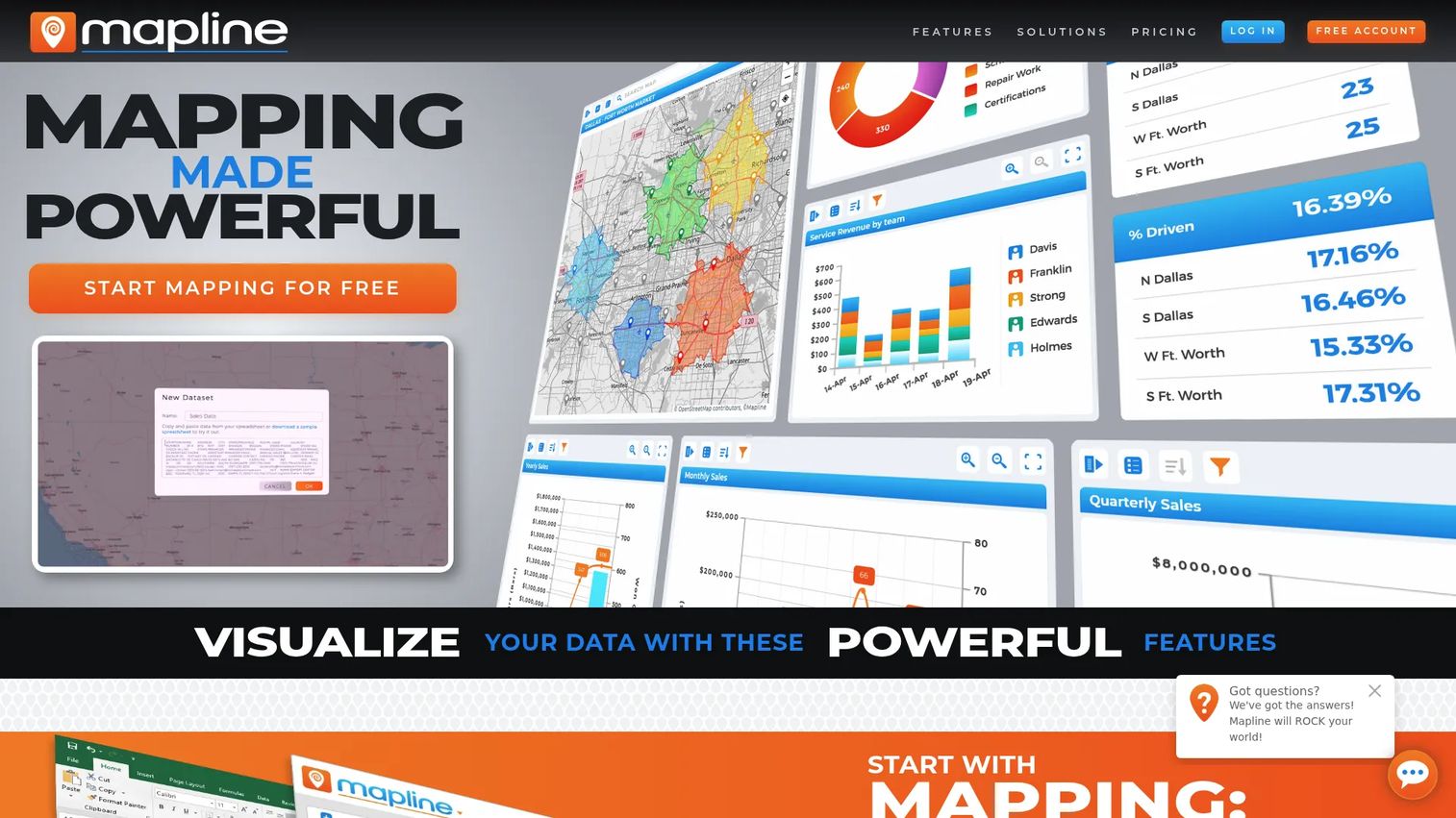
Mapline is geo mapping and geo analytics software for visualizing data, drawing territories, and running field operations. It is a practical pick for teams that want quick map-based planning without wading into deep GIS complexity. Paste a spreadsheet, get a map, draw territories.
Beyond mapping, Mapline layers on charts, dashboards, reporting, and monitoring, plus route optimization, calendars, workflows, e-signatures, forms, connectors, and an API. That breadth means it can grow from a simple territory map into an operations tool as needs expand.
Best for: teams needing map-based analytics, routing, and territory or field operations tools without a GIS learning curve.
Key strengths
- Spreadsheet-to-map creation
- Charts, dashboards, reporting, and monitoring
- Route optimization, calendars, workflows, forms, and API
Why choose Mapline: It fits teams that want speed and simplicity first, with room to expand into dashboards and workflows later. Fast to start, deeper if you need it.
Mapline pricing: A free Geospatial Starter plan is available. The Full Product Subscription is quote-based; contact Mapline for current pricing.
10. Maptitude
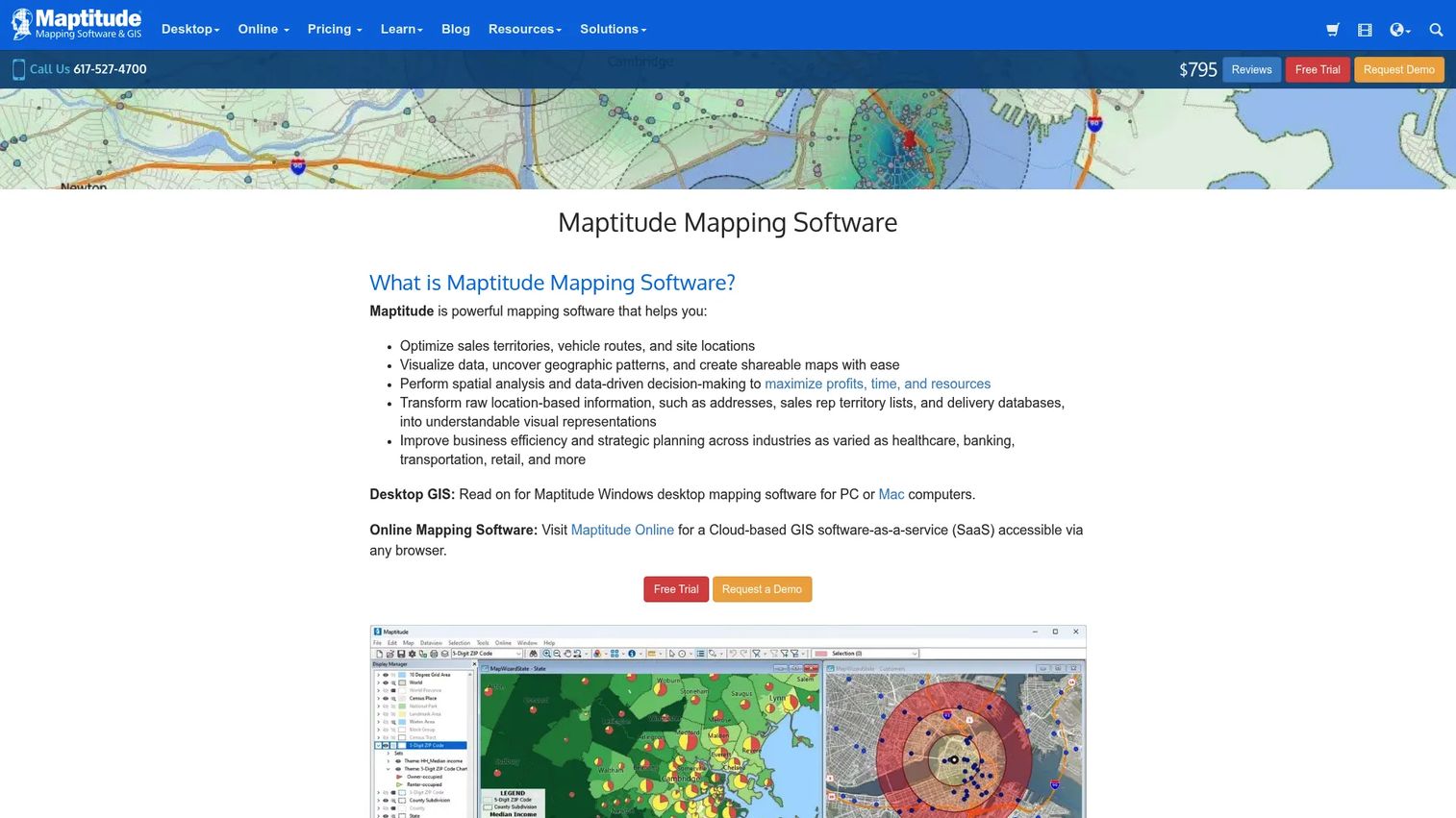
Maptitude is desktop and online GIS and mapping software for business analysis, territory management, routing, and data visualization. This is where the extra geographic depth starts to pay off. When you need real GIS horsepower and not just a map with pins, Maptitude delivers it.
It ships with 150+ mapping, GIS, and analysis tools, unlimited batch geocoding, and full territory management and optimization. The offline-capable desktop option matters for analysts working with large datasets or in environments where a browser tool would not cut it.
Best for: analysts and teams needing offline-capable GIS for territory, routing, and business geography analysis.
Key strengths
- 150+ mapping, GIS, and analysis tools
- Unlimited batch geocoding
- Territory management and optimization
Why choose Maptitude: Pick it when your team has GIS-heavy needs and wants depth over simplicity. The tool rewards analysts who want to do serious geographic modeling, not just draw boundaries.
Maptitude pricing: The Maptitude Enterprise Subscription runs $1,095 to $1,595. Additional users are $1,095, and an upgrade option is $795. Prices are shown in U.S. dollars.
11. MapBusinessOnline
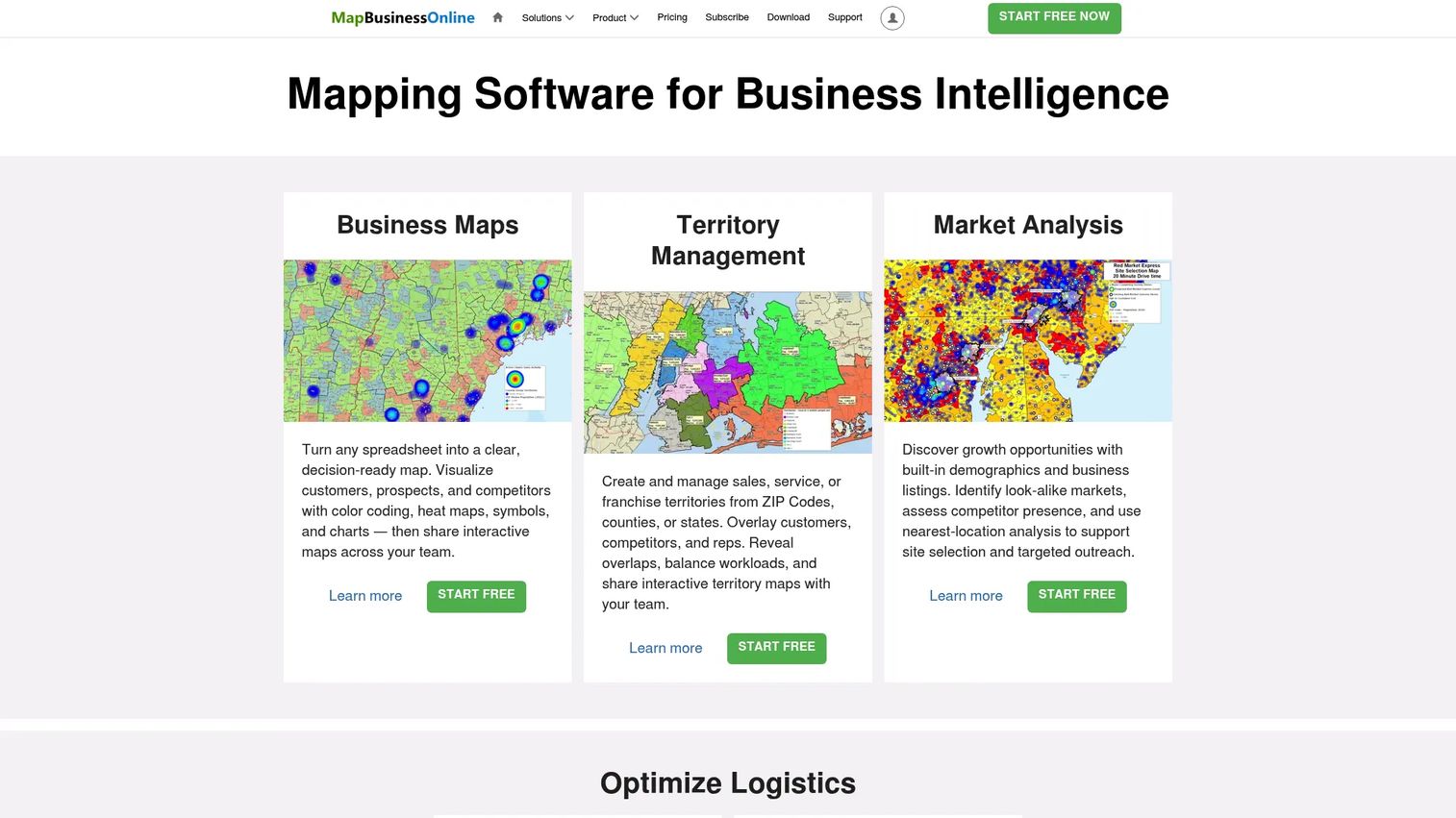
MapBusinessOnline is cloud-based business mapping software for territory management, market analysis, routing, and map visualization. It is a practical, value-focused option for SMB and mid-market teams that want a no-frills mapping workflow without paying for capabilities they will not use.
Business map visualizations cover the core need. Territory management handles assignment and balancing, and route planning with drive-time analysis supports field work. The app is available across Windows, macOS, and a Map Viewer, so it fits mixed environments.
Best for: teams that need business mapping, territories, and routing in one straightforward tool.
Key strengths
- Business map visualizations
- Territory management
- Route planning and drive-time analysis
Why choose MapBusinessOnline: It is the utility pick. When you want dependable territory and routing capability at a lower price point, it covers the essentials without the overhead of a GIS platform.
MapBusinessOnline pricing: A 1-month free trial is available. Starter is $150/year, Standard is $500/year, and Pro is $900/year. Subscription options include Windows App, macOS App, and Map Viewer App.
12. Esri ArcGIS Business Analyst
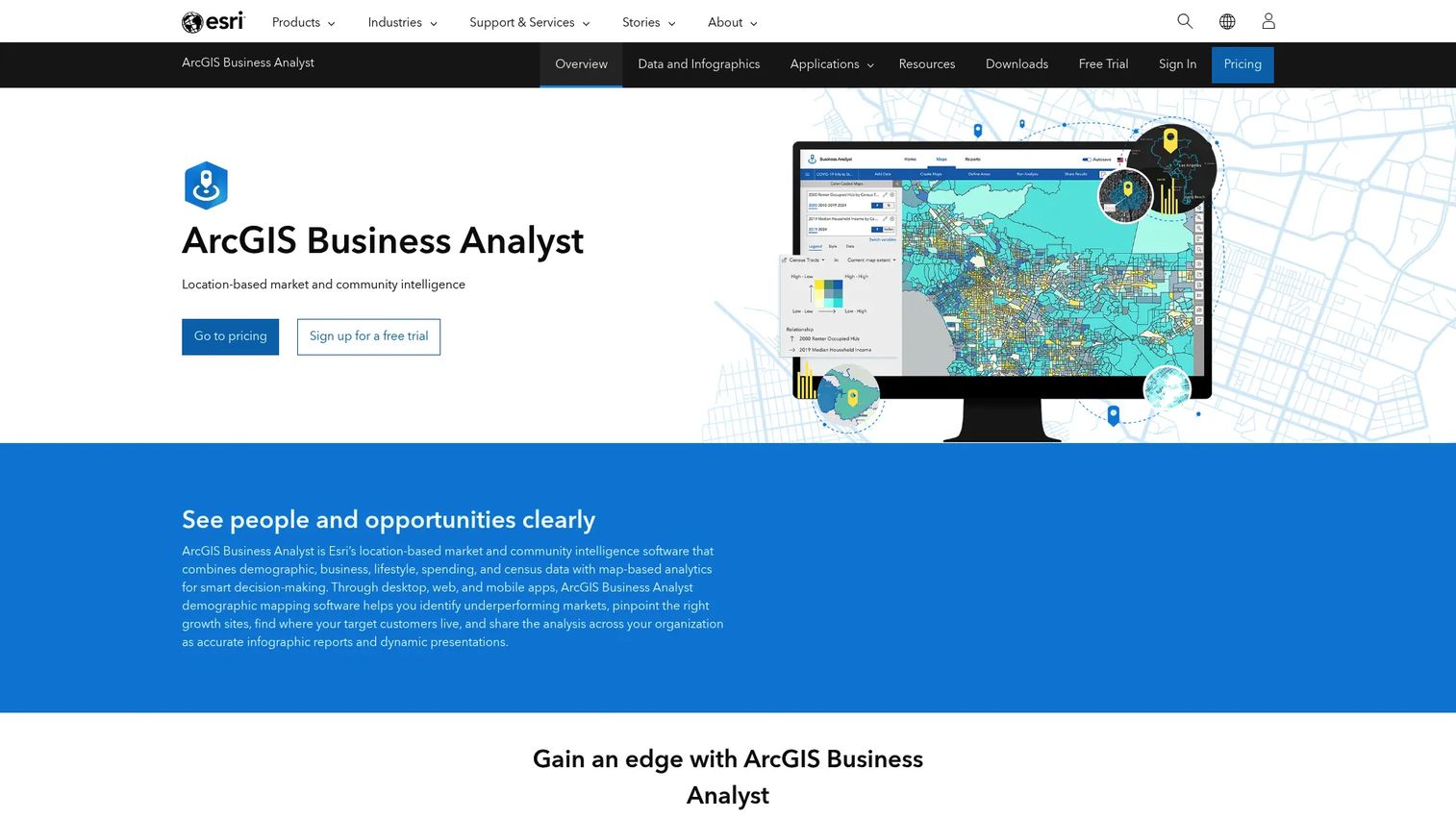
Esri ArcGIS Business Analyst is location-based market intelligence software for site selection, market planning, and customer segmentation. This is more than a simple territory tool. It is enterprise GIS, and it fits teams whose analytics needs run well past drawing boundaries.
Site selection and smart map search support decisions about where to place coverage or expand. Authoritative demographics and global data feed serious market analysis, and reports, infographics, and location comparison turn spatial data into decisions leadership can act on.
Best for: teams that need GIS-driven market, site, and customer analysis alongside territory work.
Key strengths
- Site selection and smart map search
- Authoritative demographics and global data
- Reports, infographics, and location comparison
Why choose Esri ArcGIS Business Analyst: Choose it when your requirements extend into broader location intelligence and demographic analysis, not just territory assignment. It is the heaviest tool on this list, and that depth is the reason to buy it.
Esri ArcGIS Business Analyst pricing: The ArcGIS Business Analyst Web App Advanced online annual subscription is listed at $4,000. Standard bundles and licenses exist, and a 21-day trial is referenced on Esri's product pages.
Conclusion
The shortlist comes down to your stack, your territory complexity, and how much of your team works in the field.
- Maptive for broad, browser-based territory work without GIS overhead.
- eSpatial for automated balancing and optimization on large redesigns.
- Salesforce Maps and Sales Planning for teams standardized on Salesforce.
- EasyTerritory for Microsoft and Dynamics 365 shops.
- AlignMix for scenario-heavy realignment cycles.
- Badger Maps and SPOTIO for field execution and route-first daily work.
- Maptitude and Esri ArcGIS Business Analyst for GIS-heavy analysis.
The practical next step: start with your CRM and your mapping needs, not with feature lists. Map your account data, decide whether you need native CRM continuity or a standalone tool, and figure out how much field routing your team actually requires. That answers most of the shortlist for you. Then run a trial with your real account data before you commit. A tool that balances a demo dataset cleanly can still stumble on your messy reality, and you want to find that out during a free trial, not after the purchase order.
FAQs
It is software that turns account lists into balanced, mappable sales regions by weighing geography, revenue potential, and workload. Instead of splitting accounts by gut feel in a spreadsheet, you assign them on a map, keep the balance fair, and revise coverage as the business changes.
CRM territory tools are native features inside your CRM that assign account ownership and enforce rules. Standalone territory management software adds heavier mapping, balancing, scenario planning, and route optimization that most CRMs do not offer natively. Many teams use both: the standalone tool designs the territories, and the CRM enforces them day to day.
At minimum, an account list with locations or ZIP codes. To get real value, add revenue or pipeline per account, current rep assignments, rep home locations, workload indicators, and historical performance. Clean geographic data matters most, because bad addresses break both balancing and routing.
There is no fixed schedule, but the triggers are consistent: headcount growth, a new market opening, meaningful churn changing account density, or persistent overlap and unfair workload complaints. Many teams review annually and redraw when a trigger hits. Scenario planning makes these redraws far less painful, since you can model changes before committing anyone's book.
Balancing logic you can weight (accounts, revenue, workload, not just count), scenario planning to compare redraws, CRM sync so the design does not drift from the system of record, and reporting leadership will actually read. If the tool cannot show the revenue and workload impact of a change in real time, it will not save you much time.
Badger Maps and SPOTIO are the strongest picks for route-focused field execution. Both optimize daily visit sequences and work mobile-first, so reps plan routes from a phone. Badger leans into route optimization and lead routing; SPOTIO ties territory management to location-verified activity tracking for managers.
For Salesforce-centric teams, it often is. It handles mapping, route optimization, and territory and quota planning natively, which keeps adoption high and data continuous. If your redesigns are complex or scenario-heavy, a dedicated balancing tool like AlignMix or eSpatial may model changes more deeply, but many teams get what they need from the native experience.
Territory mapping decides coverage: which rep owns which accounts and geography. Route optimization decides daily travel efficiency: the best sequence of visits within a territory. Mapping is the strategic layer, routing is the execution layer, and strong field tools handle both so a balanced territory does not turn into a wasted day of driving.