You have shortlisted three simulation packages. One handles the nonlinear contact problem your team keeps hitting. One integrates cleanly with your CAD stack. One fits the budget. None of them does all three, and picking the wrong one means months of retraining, license lock-in, and analysis you can't trust.
That is the real problem with choosing finite element analysis software. It is not a lack of options. It is selection risk: matching a solver and platform to the exact physics, model sizes, and workflow you run today without overbuying capability you will never touch or under-scoping something that stalls the moment your models get complex.
The stakes are rising because the market is. The global finite element analysis software market reached roughly US$7.6 billion in 2026 and is projected to hit US$15.7 billion by 2033, a 10.9% CAGR, according to Persistence Market Research (2026). Adoption is broad, too: Business Research Insights (2026) reports that 68% of engineering firms use FEA software for design optimization, and 57% of new users now prefer cloud-based platforms.
For presales engineers and technical evaluators, that shift matters. The buyer on the other side of the table wants proof the tool handles their physics before they commit. The same discipline that helps sales teams run structured feedback loops and defensible ab testing applies here: define criteria, compare honestly, and shortlist fast. This guide does that for FEA, comparing commercial and open source options side by side, the way a technical evaluation actually happens.
What's inside
This guide is a buyer's shortlist for engineers, analysts, and technical evaluators comparing FEA software before adoption. It covers what finite element analysis software is, the core capabilities that separate serious tools from toys, and when simulation should replace physical iteration.
We selected the eight tools below on five criteria that mirror a presales qualification checklist: physics coverage, solver reliability and accuracy, workflow and CAD integration, collaboration and governance, and compute scalability from desktop to HPC. The list spans enterprise commercial packages, cloud-native platforms, and open source solvers, so you can match the tool to your team's real constraints rather than a vendor's pitch.
TL;DR
- Best for enterprise structural and coupled physics: Ansys Mechanical, with deep nonlinear analysis, fatigue, and HPC scaling.
- Best for true multiphysics breadth: COMSOL Multiphysics, for equation-based, fully coupled modeling across domains.
- Best for cloud-native teams: SimScale, browser-based FEA, CFD, and thermal with no local hardware limits.
- Best for design-to-manufacturing workflows: Autodesk Fusion, integrated CAD, CAM, and simulation in one platform.
- Best for advanced nonlinear analysis: Abaqus, with Standard and Explicit solvers for heavy-duty engineering.
- Best open source options: FreeFEM for PDE-level flexibility, CalculiX for Abaqus-compatible structural work, and openCFS for coupled-field research.
What finite element analysis software is
Finite element analysis software is a class of engineering simulation tools that predict how a physical product will behave under real-world conditions by breaking a complex geometry into thousands or millions of small, simple pieces called elements, then solving the governing physics equations across that network.
The workflow follows a consistent pattern. You start with a CAD geometry, then discretize it into a mesh of elements connected at nodes. You apply boundary conditions and loads, forces, pressures, temperatures, constraints. The solver computes the response at every node. Then you post-process the results to read stress, deformation, temperature distribution, or vibration modes. This is why the terms FEA software and FEM software are used interchangeably: the finite element method is the underlying numerical technique, and FEA is what you do with it.
Core capabilities to expect
Serious finite element software should cover most of the following:
- Structural analysis: stress, strain, deformation, buckling, and contact under static and dynamic loads.
- Thermal analysis: steady-state and transient heat transfer, conduction, convection, and radiation.
- Fluid and heat-transfer analysis: CFD and conjugate heat transfer for flow-driven problems.
- Vibration and modal analysis: natural frequencies, harmonic response, and random vibration.
- Multiphysics coupling: thermal-structural, fluid-structure interaction, and electromagnetic effects in one model.
- CAD and solver integration: clean geometry import, meshing controls, and export to downstream tools.
- HPC and parallel compute: distributed solving for large models, on-premise or through cloud simulation software.
Why FEA software matters
Teams use finite element method software to catch failures before they reach a prototype. Simulating a design instead of building it cuts material and tooling costs, compresses iteration cycles from weeks to hours, and surfaces stress concentrations or thermal hotspots that physical testing might only reveal after a part fails in the field. For regulated industries, FEA also produces the documented evidence that a design meets code before anyone signs off.
When to use FEA software
Validate a design before building a prototype
Simulation earns its keep when a physical prototype is expensive, slow, or dangerous to test to failure. If you are iterating on a bracket, a pressure vessel, or a heat sink, running structural finite element analysis software first lets you eliminate weak designs on screen. You reserve physical testing for the final one or two candidates, which cuts cost and calendar time while lowering the risk of a late-stage surprise.
Test multiple physics in one model
Real products rarely fail from one cause. A power electronics enclosure heats up, expands, and the thermal stress cracks a solder joint. A pump impeller sees fluid pressure that deforms the blade, which changes the flow. These are coupled problems, and this is where multiphysics simulation software matters. When thermal-structural, fluid-structure interaction, or electromagnetic effects drive the failure mode, a single-physics tool gives you an incomplete answer.
Scale from desktop analysis to HPC workflows
A 50,000-element linear static run finishes on a laptop. A 20-million-element nonlinear transient with contact does not. As model fidelity grows, so does the need for HPC simulation software, whether that means a multi-core workstation, an on-premise cluster, or cloud burst compute. If your solve times are creeping past what a single machine can handle, or your team is distributed and needs shared access, parallel and cloud execution becomes a hard requirement rather than a nice-to-have.
Comparison table
Here is the shortlist at a glance. Use it to narrow the field, then read the individual sections for the detail that matters to your workflow.
| # | Product | Intent | Key differentiation | Pricing | G2 rating |
|---|---|---|---|---|---|
| 1 | Ansys Mechanical | Enterprise structural and coupled physics | High-fidelity nonlinear, fatigue, and HPC scaling | Custom (contact sales) | 4.4/5 |
| 2 | COMSOL Multiphysics | True multiphysics modeling | Fully coupled, equation-based simulation | Custom (contact sales) | 4.3/5 |
| 3 | Autodesk Fusion | Design-to-manufacturing teams | Integrated CAD, CAM, and CAE in one platform | From $57/month, billed annually | 4.5/5 |
| 4 | SimScale | Cloud-native simulation | Browser-based FEA, CFD, and thermal | Free tier; paid plans custom | 4.6/5 |
| 5 | Abaqus | Advanced nonlinear analysis | Standard and Explicit solvers | Custom (contact sales) | 4.3/5 |
| 6 | FreeFEM | Research and PDE-level work | Open-source PDE solver flexibility | Free (open source) | Not rated |
| 7 | CalculiX | Budget-conscious structural teams | Abaqus-compatible input format | Free (open source) | Not rated |
| 8 | openCFS | Coupled-field research | Open-source multiphysics under MIT license | Free (open source) | Not rated |
8 best finite element analysis software for 2026
1. Ansys Mechanical
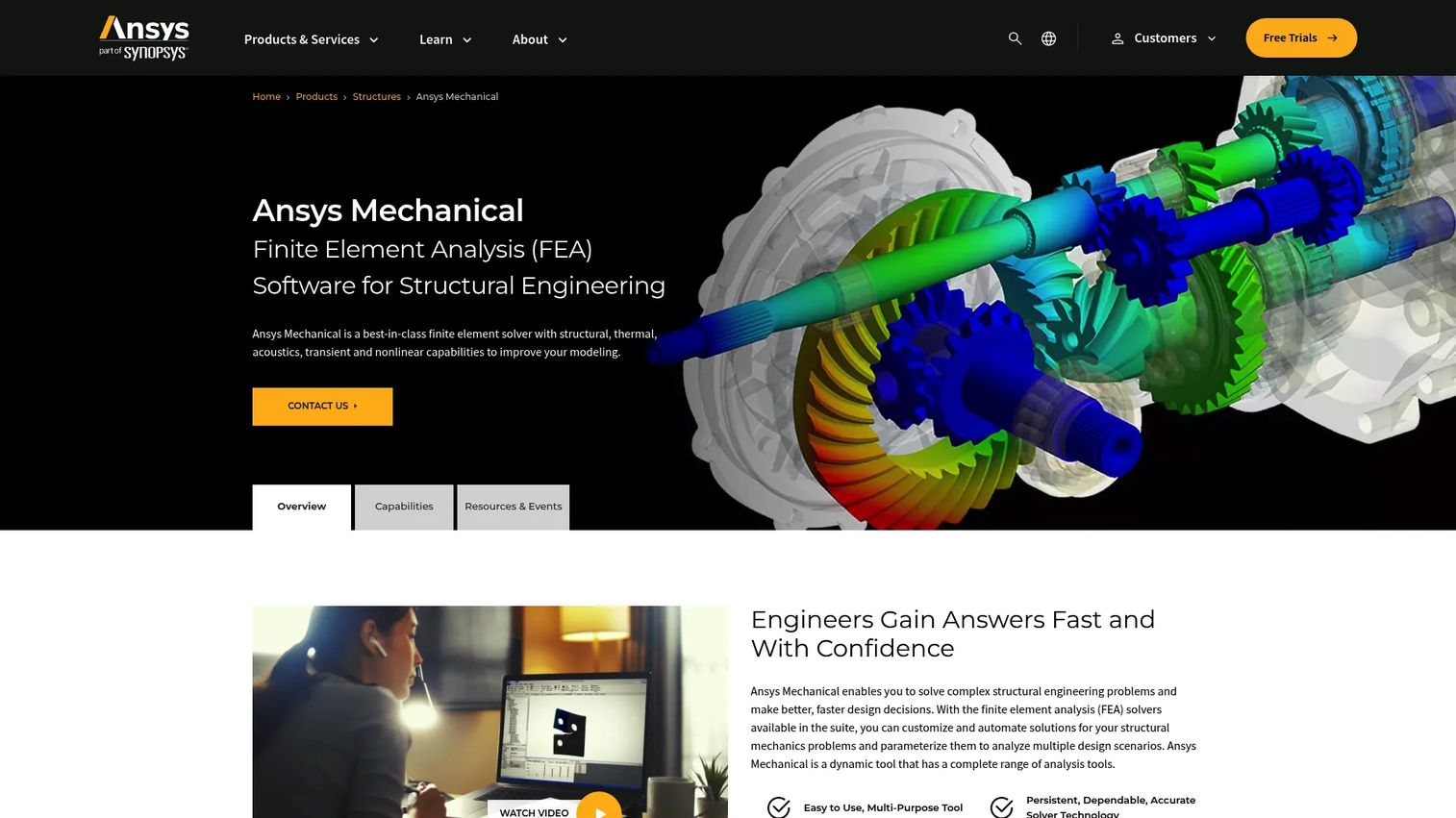
Ansys Mechanical is the reference point most enterprise teams measure other tools against for structural FEA. It covers structural, thermal, acoustics, transient, and nonlinear simulation in one environment, and it scales from a single workstation to large HPC clusters. For teams running complex coupled physics or fatigue-critical designs, it delivers the depth that lighter tools cannot.
Best for: Engineers needing high-fidelity structural simulation and FEA workflows across large, complex models.
Key strengths
- Nonlinear and contact depth: Handles large deformation, plasticity, and complex contact that trip up simpler solvers.
- Customizable workflows: Parameterization and scripting through APDL and MAPDL let teams automate repetitive analysis and build reusable templates.
- HPC scaling: Distributes large models across cores and clusters to keep solve times manageable as fidelity grows.
Why choose Ansys Mechanical: If your team owns fatigue, materials, optimization, and coupled physics work that has to hold up under audit, Ansys is built for that reality. The scripting layer also makes it a strong fit for presales and validation teams that need repeatable, defensible analysis rather than one-off runs. The trade-off is that this depth rewards teams ready to invest in the platform.
Ansys Mechanical pricing: Ansys does not publish list pricing. Licensing is quote-based and typically structured in tiers, so you contact sales for a configuration matched to your solver needs and seat count. On G2, Ansys Mechanical holds a 4.4/5 rating across its reviews.
2. COMSOL Multiphysics
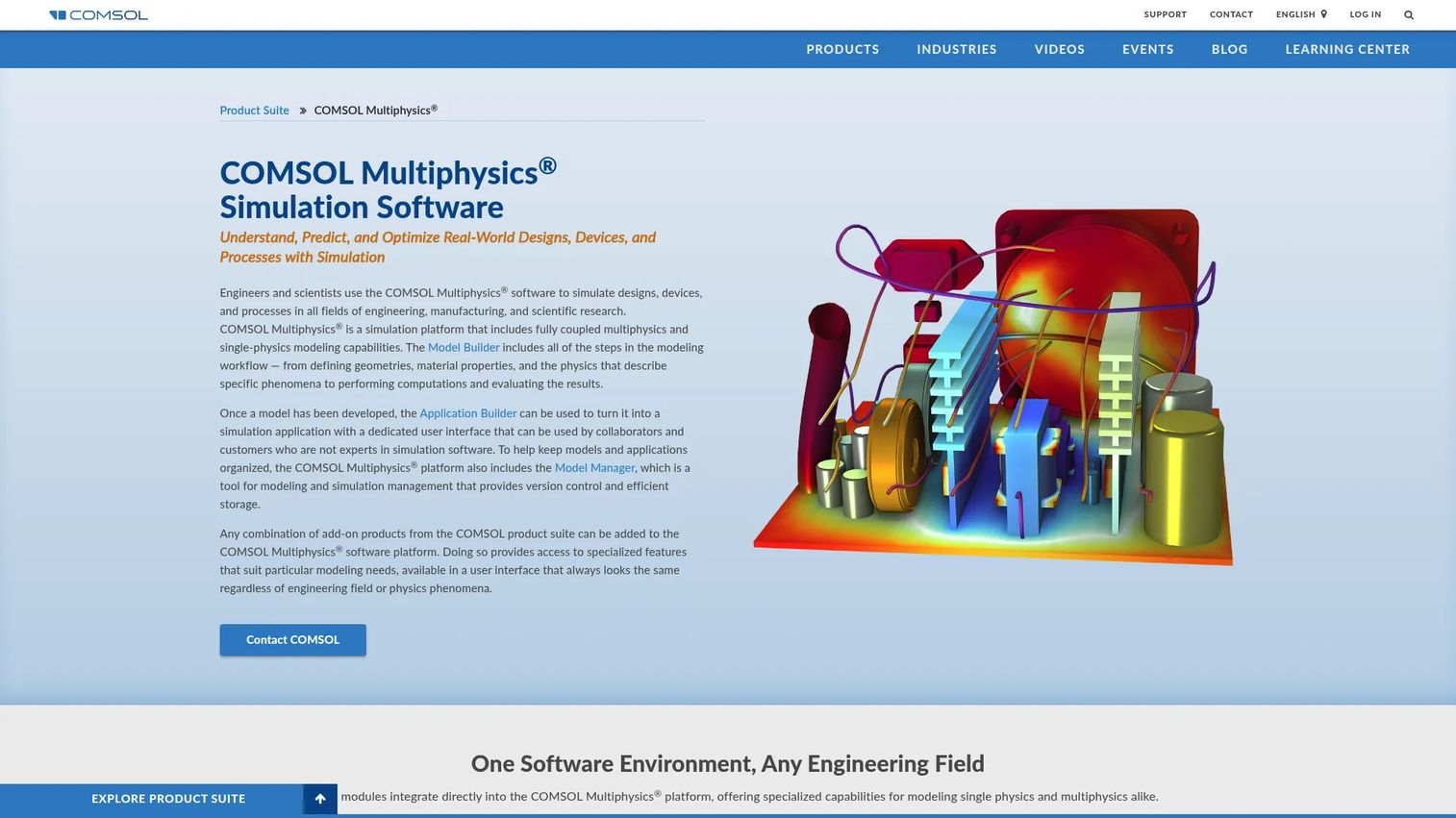
COMSOL Multiphysics is built around coupling. Where many tools bolt physics together, COMSOL lets you define fully coupled and single-physics models through its Model Builder workflow, moving from geometry to physics to meshing to solvers to results in one consistent environment. When the interaction between physics is the whole point, this is a natural fit.
Best for: Engineers and scientists who need a general-purpose multiphysics simulation platform rather than a structural-only tool.
Key strengths
- Fully coupled modeling: Combines structural, thermal, fluid, electromagnetic, and chemical physics in a single solved model.
- Equation-based modeling: Lets advanced users define custom PDEs directly, which matters for research and non-standard problems.
- Application and Model Manager: The Application Builder turns models into custom apps, and the Model Manager handles versioning and model management for teams.
Why choose COMSOL Multiphysics: Choose COMSOL when coupled physics matters more than raw structural depth. The equation-based layer makes it a favorite for R&D groups solving problems that do not fit a standard template, and the app-building workflow lets a specialist package a model for non-experts to run.
COMSOL Multiphysics pricing: COMSOL does not list public pricing. License options include CPU-locked, named single-user, floating network, and academic licenses, available as perpetual or term. You contact COMSOL for a demonstration and a license recommendation. On G2, COMSOL Multiphysics holds a 4.3/5 rating.
3. Autodesk Fusion
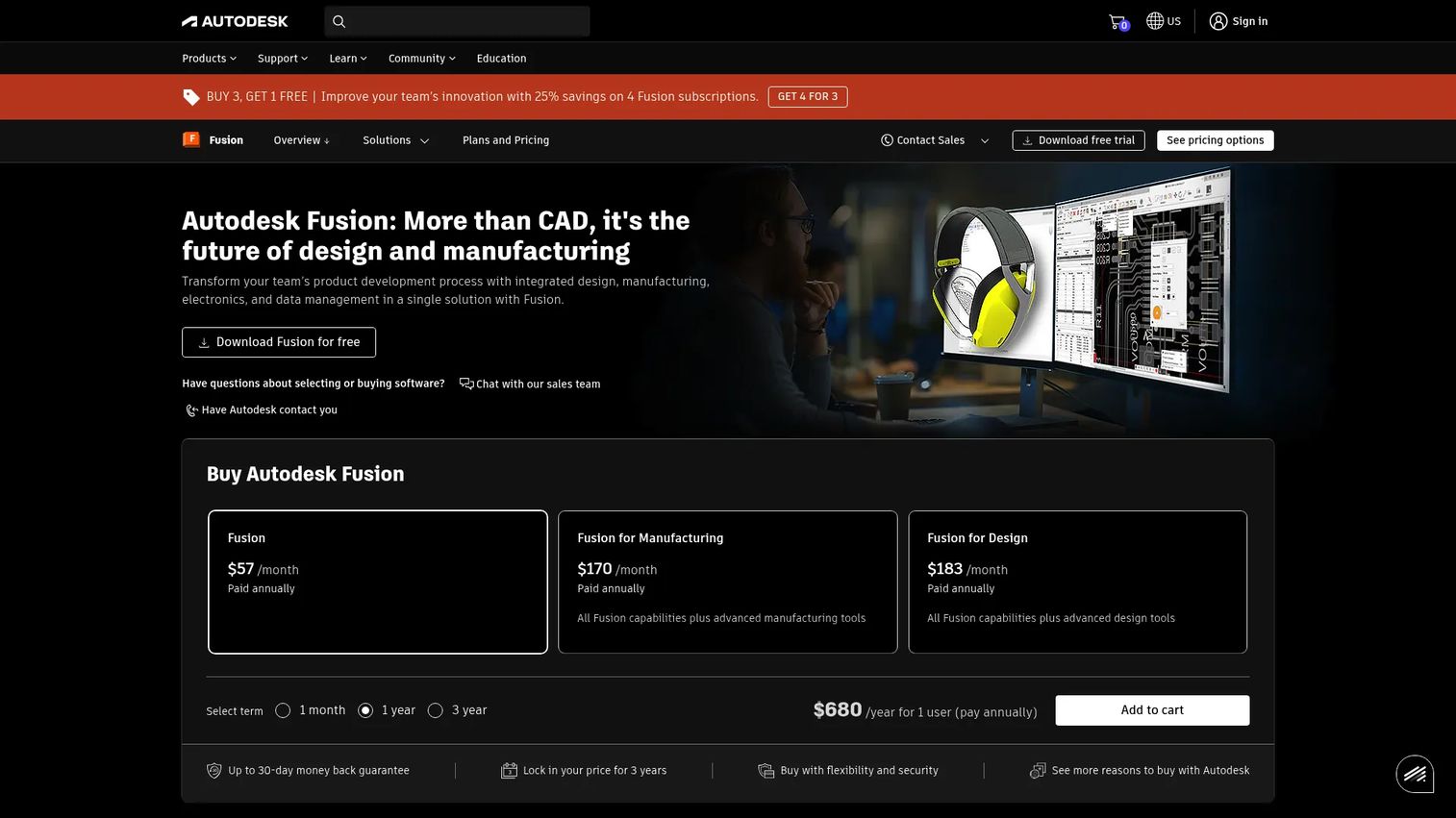
Autodesk Fusion folds CAD, CAM, CAE, and PCB into one cloud-based platform. For product design teams, the pull is the short path from model to analysis: you design a part and run simulation on it without exporting to a separate solver. That integration keeps the design-simulate-iterate loop tight.
Best for: Teams that need an all-in-one platform for design-to-manufacturing workflows without stitching together separate tools.
Key strengths
- Integrated CAD to CAE: Move from parametric model to simulation study without leaving the platform or reimporting geometry.
- Cloud collaboration: Shared data management keeps distributed teams working from one source of truth.
- Design-to-manufacturing continuity: CAM and PCB in the same tool connect analysis directly to how the part gets made.
Why choose Autodesk Fusion: Fusion fits product teams and smaller engineering groups that want simulation embedded in their design workflow rather than as a specialist silo. It is the practical choice when the goal is fast iteration across the whole design-to-manufacture cycle, not the deepest possible nonlinear solver.
Autodesk Fusion pricing: Autodesk publishes multiple options. The overview page lists a starting price of $57/month billed annually, while the FAQ shows $85/month, $680/year, and $2,040 for three years. A limited free version covers personal use, and students and educators are eligible for free access. On G2, Autodesk Fusion holds a 4.5/5 rating.
4. SimScale
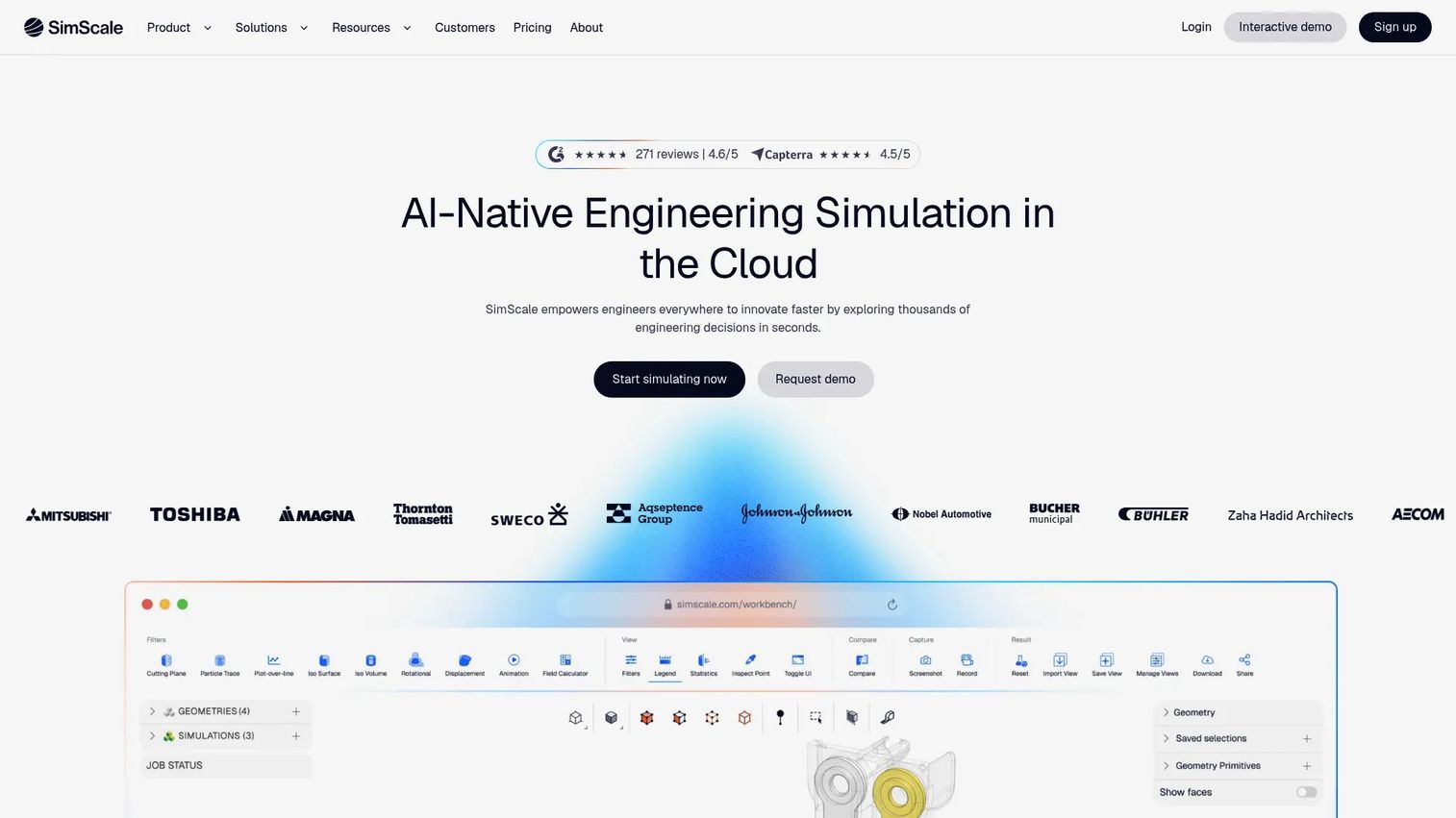
SimScale runs entirely in the browser. There is no local install and no dependency on a beefy workstation, which is why it lands well with distributed teams and anyone tired of hardware limits on solve size. It covers CFD, FEA, thermal, and electromagnetics, with AI-assisted features layered on top.
Best for: Teams needing cloud-based CFD and FEA simulation without local hardware limits or IT provisioning.
Key strengths
- Cloud-native execution: Browser-based solving scales to large models without buying or maintaining local compute.
- Broad solver coverage: CFD, FEA, thermal, and electromagnetics in one platform covers most engineering analysis needs.
- AI-assisted workflows: Engineering AI and Physics AI features help speed up setup and result interpretation.
Why choose SimScale: SimScale is the cloud-first pick when access, collaboration, and elastic compute matter more than owning an on-premise solver. It fits teams that want to spin up analysis fast, share results with stakeholders, and avoid the capital cost of HPC hardware.
SimScale pricing: SimScale offers a free Community plan with up to 10 simulations, aimed at testing and learning. The Mechanical, Professional, and Enterprise plans are custom-priced and require requesting a quote. On G2, SimScale holds a 4.6/5 rating, the highest on this list.
5. Abaqus
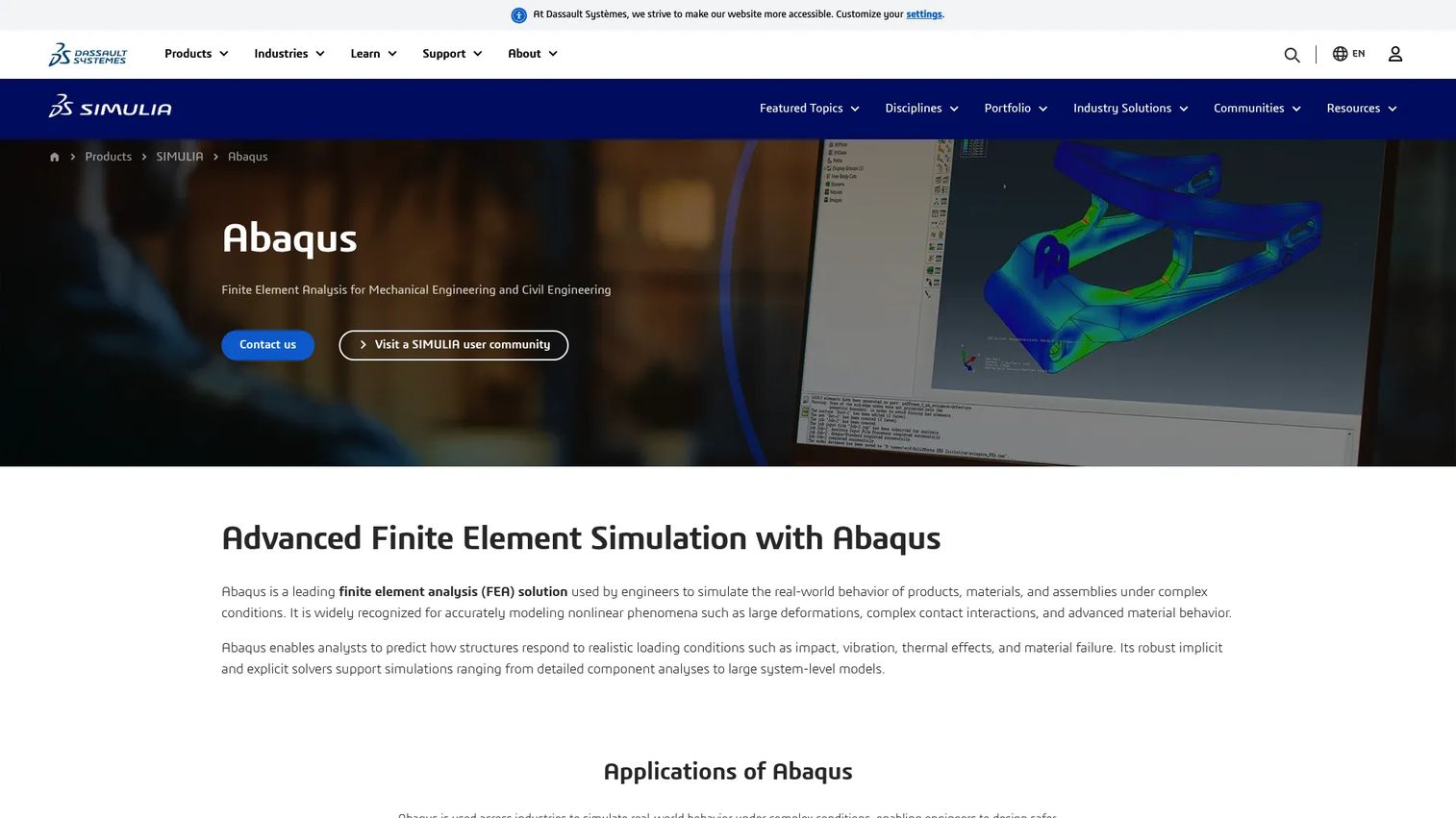
Abaqus, part of Dassault Systèmes SIMULIA, is a heavyweight for nonlinear and advanced structural analysis. Its Standard and Explicit solvers cover implicit and explicit dynamics, and Abaqus/CAE handles modeling, visualization, and process automation. When a problem is genuinely hard, Abaqus is often the tool advanced analysis teams reach for.
Best for: Engineers needing advanced nonlinear FEA and multiphysics simulation for demanding mechanical and civil work.
Key strengths
- Dual solver architecture: Abaqus/Standard for implicit problems and Abaqus/Explicit for high-speed dynamics and impact.
- Nonlinear fidelity: Handles large deformation, complex material models, and difficult contact with strong convergence behavior.
- Process automation: Abaqus/CAE supports scripting and customization for repeatable, automated analysis pipelines.
Why choose Abaqus: Abaqus remains a serious evaluation option for teams whose work lives at the edge of what solvers can handle, crash simulation, forming, complex contact, and nonlinear material behavior. It rewards analysts with the depth to use it fully.
Abaqus pricing: Dassault Systèmes does not publish public product pricing for Abaqus; pricing follows country and currency price-list policy rather than a listed figure, so you contact SIMULIA for a quote. On G2, Abaqus holds a 4.3/5 rating.
6. FreeFEM
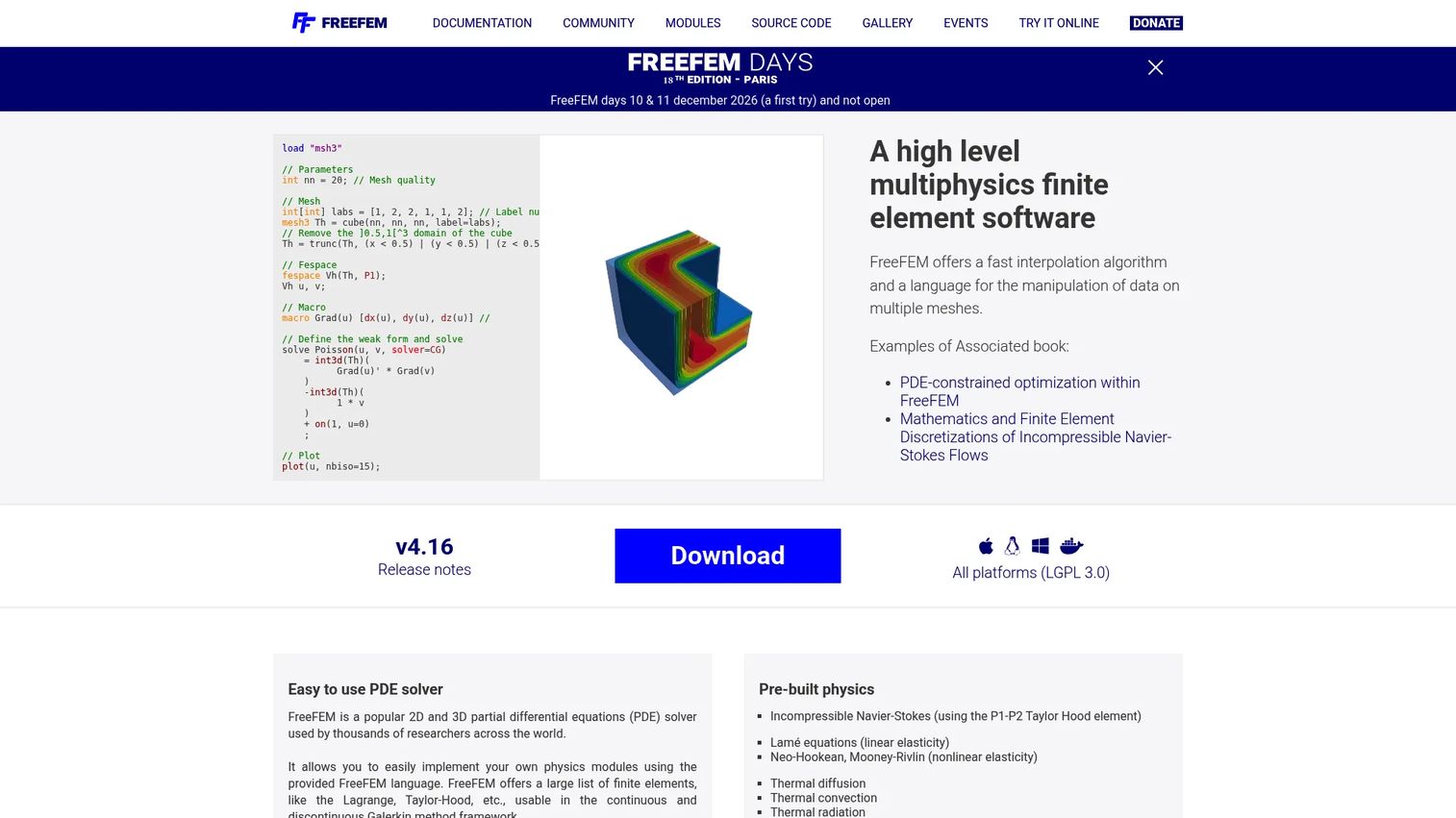
FreeFEM is an open source FEA software project built for solving partial differential equations with the finite element method. It handles nonlinear multiphysics systems across 1D, 2D, 3D, and surface or curve domains, and it gives researchers direct control over the mathematical formulation. This is a tool for people comfortable writing their problem as equations.
Best for: Researchers and engineers solving finite element PDE and multiphysics problems who want full control over the formulation.
Key strengths
- PDE-level flexibility: Solve nonlinear multiphysics systems by defining the equations directly, not through fixed templates.
- Multi-mesh handling: Fast interpolation and data manipulation across multiple meshes support complex coupled problems.
- Open source and documented: Free source code, documentation, and downloadable binaries with HPC integration for parallel solving.
Why choose FreeFEM: FreeFEM is the pick for research groups and advanced users who value flexibility and scripting over a polished commercial interface. If your problem does not fit a standard package and you have the numerical background to formulate it, FreeFEM gives you the freedom to do exactly that.
FreeFEM pricing: FreeFEM is open source and free to use, with no paid tiers. The project maintains a donation and support page rather than a pricing page. No verified G2 rating was available at the time of writing.
7. CalculiX
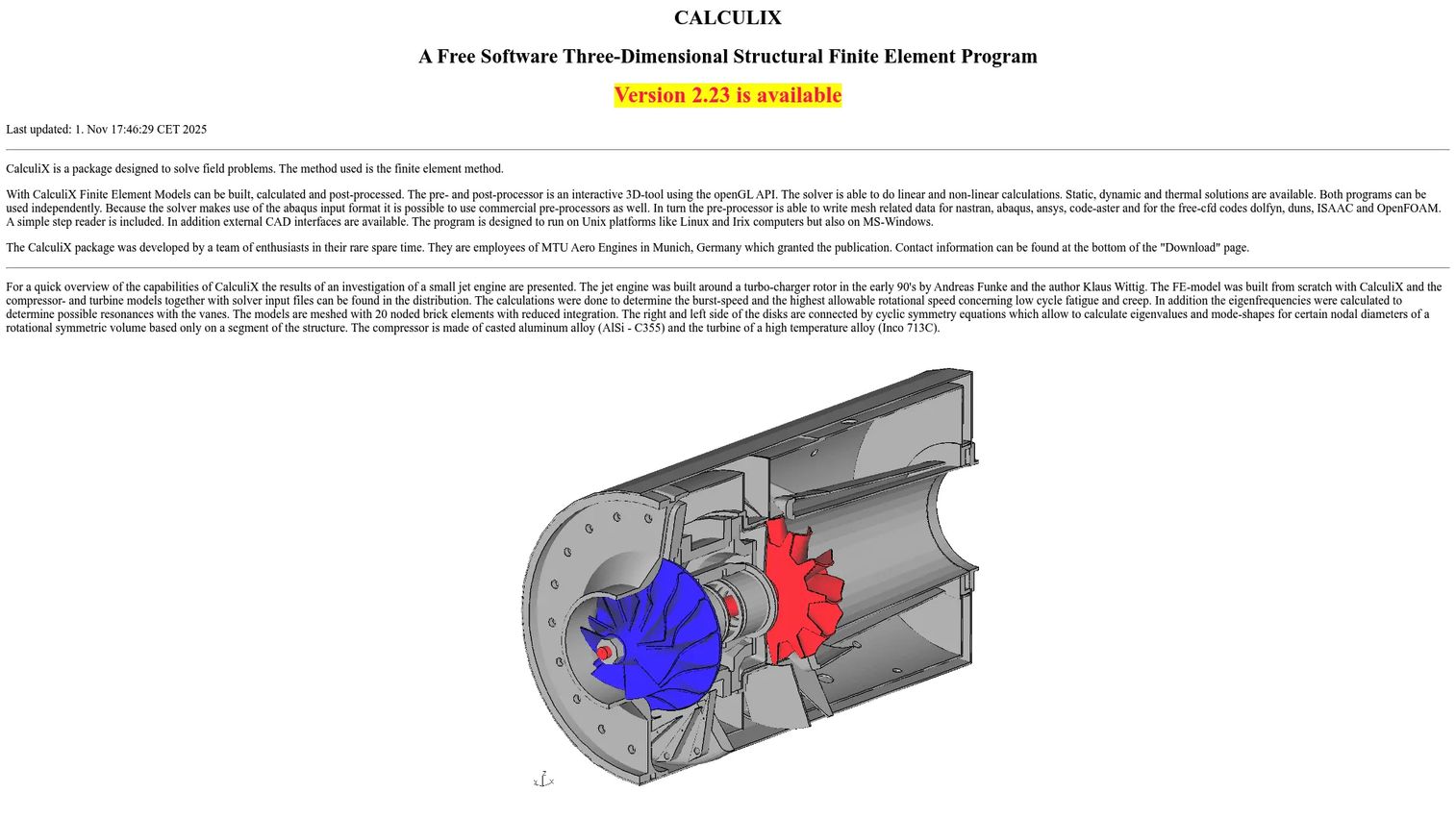
CalculiX is free software for three-dimensional structural finite element analysis, covering pre-processing, solving, and post-processing. Its standout trait for many teams is that it reads the Abaqus input format, which lowers the switching cost for anyone already fluent in that ecosystem. It runs on Linux, Unix, and Windows.
Best for: Engineering teams needing free, capable open source finite element analysis software for structural work.
Key strengths
- Abaqus input compatibility: Uses the Abaqus input format, easing migration for teams with existing decks.
- Full analysis pipeline: 3D modeling, calculation, and post-processing in one open source package.
- Broad solver coverage: Linear and nonlinear analysis with static, dynamic, and thermal solutions.
Why choose CalculiX: CalculiX appeals to budget-conscious technical teams and individuals who need real structural FEA capability without license cost. It rewards users comfortable working closer to the solver, and the Abaqus format compatibility makes it a practical companion for teams that use both.
CalculiX pricing: CalculiX is free software under the GNU GPL, with no paid tiers or public pricing. Documentation and community resources are available through the project site. No verified G2 rating was available at the time of writing.
8. openCFS
openCFS is open source finite element software focused on coupled-field, multiphysics simulation. It covers acoustics, electrostatics, mechanics, magnetics, piezo, and thermal problems, and it supports coupled workflows like vibroacoustics and thermo-mechanics. Released under the MIT license, it is oriented toward scientific and industrial research.
Best for: Scientific and industrial teams running coupled-physics simulation who want open source FEM software with a permissive license.
Key strengths
- Coupled-physics breadth: Handles acoustics, mechanics, magnetics, piezo, and thermal, including vibroacoustics and thermo-mechanics.
- Advanced numerical features: Supports nonconforming grids, model order reduction, and structural optimization.
- Permissive MIT license: Open for both research and commercial use without the copyleft constraints of some open source tools.
Why choose openCFS: openCFS is the fit when coupled-field scientific problems, especially vibroacoustics and multiphysics research, matter more than a polished commercial interface. The MIT license and research orientation make it attractive to academic groups and industrial R&D teams that need to extend the code.
openCFS pricing: The openCFS software is free and open source under the MIT license. The project offers optional membership tiers to support development, starting around 20 to 30 euros per year for individuals and ranging up to 1000 euros per year for large commercial supporters, with free student membership. No verified G2 rating was available at the time of writing.
Considerations before you choose
Physics coverage first
Start with the physics you actually run, then check the next 12 to 24 months. A tool that nails structural today but cannot touch the thermal-structural coupling on next year's roadmap will force a second migration. Map your real problems, static, nonlinear, thermal, modal, coupled, against each candidate's supported physics before anything else.
Solver reliability and performance
Accuracy and convergence behavior separate a solver you can trust from one you constantly babysit. Evaluate nonlinear support, contact handling, and convergence on models the size you actually solve, not a vendor's clean demo case. Solve speed on your real geometry tells you more than any benchmark chart.
Workflow and CAD integration
Simulation lives inside a larger engineering stack. Check geometry import fidelity, meshing controls, and how cleanly results export to your downstream tools. Friction at the CAD boundary is where analysis time quietly disappears, so weigh preprocessing and post-processing as heavily as the solver itself.
Collaboration and governance
For distributed engineering groups, version control, access management, and auditability are not optional. Verify how the tool handles shared models, who can change what, and whether you can reconstruct which version produced a given result. This matters most when analysis feeds regulated sign-off.
Compute and scalability
Match execution mode to your model sizes and cadence. Desktop is enough for small linear runs. Large nonlinear transient models push you toward parallel or cloud simulation software. Confirm the tool supports the HPC or cloud path you will need before your models outgrow a single machine.
Conclusion
The right finite element analysis software depends on your physics, your scale, and how your team works. For enterprise structural and coupled physics with audit-grade depth, Ansys Mechanical and Abaqus lead. For true multiphysics breadth, COMSOL Multiphysics is hard to beat. If you want simulation embedded in design-to-manufacturing, Autodesk Fusion keeps the loop tight, and SimScale is the cloud-native choice when access and elastic compute matter most.
For research groups and budget-conscious teams, the open source options hold up: FreeFEM for PDE-level flexibility, CalculiX for Abaqus-compatible structural work, and openCFS for coupled-field research.
Your next step: shortlist two tools that cover your physics, then run a real model, not a demo case, through each. The tool that handles your actual geometry, converges cleanly, and fits your team's workflow is the one worth committing to. Treat the evaluation like any serious technical validation: define criteria, test against real conditions, and let the results decide.
FAQs
FEA software predicts how a physical product behaves under real-world loads, forces, heat, vibration, or fluid pressure, before you build it. Engineers use it to validate designs, catch failures early, and reduce physical prototyping. It is common across aerospace, automotive, civil, medical devices, and consumer products for structural, thermal, and multiphysics analysis.
For enterprise structural work, Ansys Mechanical and Abaqus lead on nonlinear depth, contact, and fatigue. Autodesk Fusion suits product teams wanting structural analysis integrated with CAD, while SimScale covers structural FEA in the cloud. For budget-conscious or research teams, CalculiX offers capable open source structural analysis with Abaqus input compatibility.
In practice, the terms are used interchangeably. The finite element method (FEM) is the underlying numerical technique that divides a geometry into elements and solves the governing equations. Finite element analysis (FEA) is the applied engineering practice of using that method to predict behavior. So FEM software and FEA software describe the same category of tools.
Yes, many do. Multiphysics simulation software like COMSOL Multiphysics and openCFS couples structural, thermal, fluid, and electromagnetic physics in one model. SimScale covers CFD, FEA, and thermal in the cloud, and Ansys and Abaqus handle coupled thermal-structural work. Tools differ mainly in how tightly the physics are coupled and how much manual setup coupling requires.
For many applications, yes. FreeFEM, CalculiX, and openCFS deliver serious solver capability with no license cost, and they are widely used in research and industry. The trade-off versus commercial tools is usually the polish of the interface, the depth of vendor support, and built-in governance features. Teams with the technical skill to work closer to the solver often run them in production successfully.
Compare five things: physics coverage against your real problems, solver accuracy and convergence on model sizes you actually solve, CAD and workflow integration, collaboration and governance features, and compute scalability from desktop to HPC. Also weigh licensing structure and total cost, since commercial FEA software is often quote-based and can vary widely by seat count and solver modules.
Not always. Small linear static models solve fine on a laptop or workstation. HPC simulation software becomes necessary when models grow to millions of elements, when nonlinear transient analysis stretches solve times, or when your team needs faster turnaround. Cloud platforms like SimScale offer elastic compute as an alternative to owning on-premise HPC hardware.
Test coupled physics on a representative problem, not an isolated single-physics case. Check how the tool handles the interaction, thermal-structural, fluid-structure, or electromagnetic, and whether coupling is automatic or manual. Evaluate the available material models and solver stability under coupling, since convergence is harder for coupled problems. COMSOL Multiphysics and openCFS are strong starting points for genuinely coupled work.
In 2026, weigh cloud and HPC scalability alongside traditional solver depth, since 57% of new users now prefer cloud-based platforms according to Business Research Insights. Prioritize physics coverage for your roadmap, clean CAD integration, and collaboration features for distributed teams. Match the licensing model, commercial quote-based or open source, to your budget and the technical skill of your engineers.