You run a facility with hundreds of lockers. Someone loses a key. A student forgets which locker they were assigned. A renewal deadline slips past because it lived in a spreadsheet no one owns. Multiply that by a few thousand units across a campus, an office, or a recreation center, and you get a steady drip of admin work that never resolves.
The category exists to kill that drip. The global locker management software market sat at USD 1.2 billion in 2024 and is projected to reach USD 3.08 billion by 2033, growing at a 12.5% CAGR, according to LinkedIn Pulse (2026). That growth reflects a shift most facilities teams already feel: manual key handoffs, paper logs, and disconnected spreadsheets do not scale, and they leave no audit trail when something goes wrong.
What replaces them is a system that handles locker assignment, controls who opens what, tracks occupancy in real time, and produces reporting you can actually defend in a budget review. For product managers and operations leaders evaluating this, the real question is not "which tool has the most features." It is "which system reduces admin load, gives me access governance I can audit, and fits the way my users actually behave." That framing matters because a school locker rotation, a workplace day-use policy, and a mailroom parcel handoff are three different jobs wearing the same word.
What's inside
This guide compares eight locker management software tools for schools, workplaces, commercial sites, recreation facilities, and other shared-storage environments. Each entry is written for a buyer who has to justify the purchase internally, not just tick a feature box.
We selected and ordered tools based on four criteria that matter most in real deployments:
- Access control depth: support for PIN code access, RFID locker access, badge, and mobile app access
- Allocation and lifecycle workflows: assignment, reallocation, locker renewal, and locker rotation
- Reporting and auditability: occupancy monitoring, audit trail, and real-time reporting
- Vertical and integration fit: how well the system matches education, workplace, recreation, commercial, and enterprise security environments
TL;DR
- Best packaged, vertical-first pick: LockerGM covers schools, universities, recreation, and commercial rental with registration, payments, and renewals in one place.
- Best for connected, day-use smart locker environments: Bradford Systems pairs occupancy monitoring with scheduling and notifications.
- Best for secure enterprise access governance: Nedap Security ties locker management into high-security access control.
- Best for retrofit-friendly smart locker hardware plus software: GANTNER Relaxx and GAT ECO.Lock Manager centralize control of networked locker locks.
- Best when lockers live inside a broader security stack: Openpath (now Avigilon Alta) and Honeywell fit teams already running building or access infrastructure.
What is locker management software?
Locker management software is a system that digitally handles the assignment, access control, monitoring, and reporting of physical lockers across shared-storage environments. It replaces keys, paper logs, and spreadsheets with a central platform that knows who holds which locker, when, and under what rules.
The gap between traditional and smart locker management is mostly about visibility and control. A traditional workflow relies on a physical key, a sign-out sheet, and a person to reconcile it all. A smart locker management system, sometimes called an electronic locker management system, replaces the key with a credential, logs every open and close, and surfaces occupancy without anyone walking the floor.
Core capabilities you should expect from the category:
- Assignment and reservation: automated locker assignment, self-service reservation, and reallocation without manual re-keying
- Occupancy monitoring: real-time visibility into which lockers are in use, vacant, or overdue
- Access methods: PIN code access, RFID locker access, badge, ID card, and mobile app access
- Reporting and audit trails: real-time reporting on usage plus a complete audit trail of who accessed what and when
- Integrations: connections to access control, identity systems, payment processors, and facilities platforms
- Parcel and asset handling: parcel locker management, mailroom workflows, and asset locker management for equipment handoffs
That last point matters more than most buyers expect. The same platform that assigns a student locker can often run a parcel locker for package pickup, which is why the category keeps expanding into logistics-adjacent use cases.
When to use locker management software
Not every facility needs the same system. Here is how to pattern-match your situation before you scan the list.
Assign lockers without manual admin
If your team still tracks locker assignment in a spreadsheet, reassigns units by hand each term, and chases renewals over email, you need automated allocation. A good system handles registration, locker renewal, and locker rotation on a schedule, then reallocates vacated units automatically. The payoff is fewer support tickets and hours of reclaimed admin time. For a school running thousands of student lockers or a gym cycling day-use storage, this alone justifies the switch.
Secure access with auditability
When you need to prove who opened a locker and when, credential-based entry and an audit trail stop being nice-to-haves. This matters most in regulated environments, workplaces storing sensitive equipment, and any site where loss or tampering carries real cost. Look for PIN code access, RFID locker access, badge support, and mobile app access, all logged to a central record you can pull for compliance reviews.
Handle shared storage and parcel workflows
Mailrooms, package lockers, employee day-use storage, and equipment checkout all run on the same operational need: consistent handoffs with clear visibility. Parcel locker management and mailroom workflows benefit from automated notifications, occupancy monitoring, and reporting that shows dwell time and pickup rates. If packages pile up or gear goes missing between shifts, this is the use case that fixes it.
Comparison table
The table below ranks the eight tools by how directly they serve locker management as a primary job. Pricing and ratings reflect what each vendor publishes or what verified third-party sources report. Where a vendor sells through quotes or bundles lockers into a broader platform, that is noted rather than guessed.
| # | Product | Intent | Key differentiation | Pricing | G2 rating |
|---|---|---|---|---|---|
| 1 | LockerGM | Vertical locker rental and management | Registration, payments, renewals, and rotations for schools, recreation, and commercial | From $60/month (2,000 lockers) | Not listed |
| 2 | Bradford Systems | Smart locker and storage systems | Occupancy monitoring, scheduling, notifications, ID card integration | Quote-based | Not listed |
| 3 | Nedap Security | Enterprise access control with lockers | High-security AEOS access control with locker add-ons | Quote-based | Not listed |
| 4 | GANTNER Relaxx | On-premise locker management software | Centralized control and monitoring of networked locker systems | Quote-based | Not listed |
| 5 | GAT ECO.Lock Manager | Smart locker lock hardware plus management | Retrofit battery locks with wireless software integration | Quote-based | Not listed |
| 6 | Keynius | Product organization accessories | Compact key organization hardware | From €10 (one-time) | Not listed |
| 7 | Openpath (Avigilon Alta) | Cloud access control stack | Mobile credentials and cloud management for workplace access | Quote-based | 4.6/5 |
| 8 | Honeywell | Enterprise building and access automation | Broad building, process, and access automation platform | Quote-based | 4.4/5 |
1. LockerGM
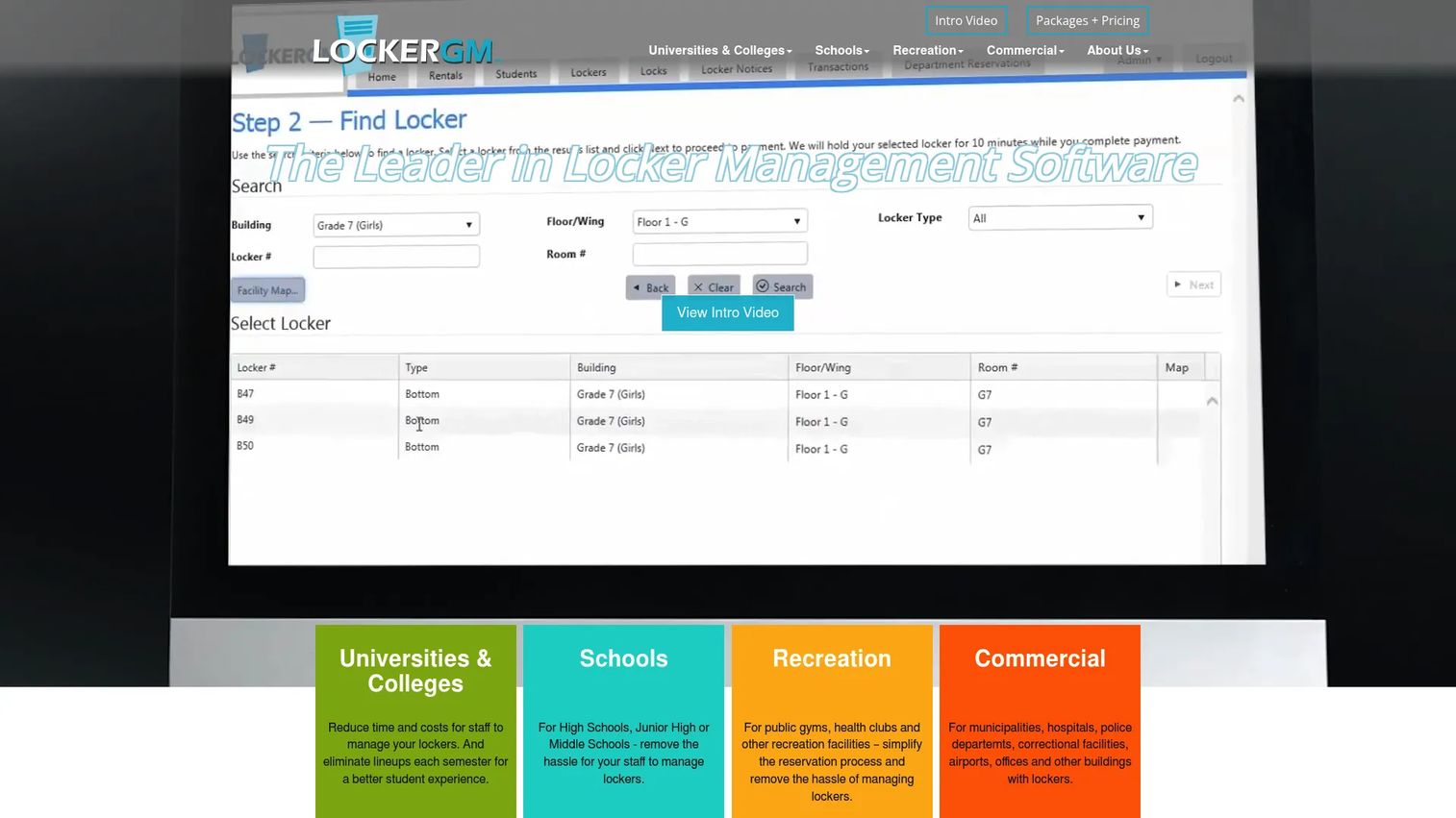
LockerGM is locker management software built for schools, universities, recreation facilities, and commercial locker rental operations. It handles the full rental lifecycle in one place: registration, payments, renewals, reporting, and lock rotations, without pulling your IT team into the deployment. If your locker problem is really a rental-and-renewal problem dressed up as a facilities issue, this is the packaged fit.
Best for: Organizations that want a web-based locker reservation and management system tuned to a specific vertical.
Key strengths
- Rental and inventory management: Track every locker, assignment, and renewal from a single view without spreadsheets.
- Automated emails and reporting: Trigger renewal reminders and pull usage reports without manual chasing.
- Self-service portal: Let users register, reserve, and renew online, which cuts inbound admin tickets.
Why choose LockerGM: The appeal is packaging. Instead of assembling access hardware, payment processing, and reporting yourself, you get a vertical-first platform that ships with the workflows a school or recreation center already runs. That reduces both setup effort and the ongoing operational overhead a product manager worries about. For teams that want online renewals and payments handled out of the box, the tradeoff of vertical focus is exactly the point.
LockerGM pricing: The Lite plan starts at $60 per month plus a $150 setup fee for 2,000 lockers. The Pro plan starts at $120 per month plus the same $150 setup fee for 2,000 lockers. A Custom Integration tier is available on request. There is no free tier. Pricing is published on LockerGM's audience-specific pages, so confirm the plan tied to your vertical during evaluation.
2. Bradford Systems
Bradford Systems provides smart storage, shelving, lockers, automation, and document digitization for commercial and institutional spaces. Its smart locker offering pairs administrator controls with occupancy monitoring, scheduling, notifications, and ID card integrations, which makes it a strong fit for connected locker environments and day-use operations. This is a good match when lockers are one part of a larger space-optimization project.
Best for: Organizations that need customized, space-saving storage and automation alongside locker management.
Key strengths
- High-density storage systems: Combine lockers with mobile shelving to reclaim floor space in tight facilities.
- Smart locker controls: Manage occupancy monitoring, scheduling, and notifications from an administrator dashboard.
- Mailroom and casework solutions: Extend into parcel and mailroom workflows within the same vendor relationship.
Why choose Bradford Systems: Choose it when your project is bigger than lockers alone. Teams consolidating storage, mailroom, and locker needs under one provider get a configured system rather than a stack they wire together. The tradeoff is that pricing and scope are project-based, which fits procurement-led buyers who expect a consultation over a self-serve signup.
Bradford Systems pricing: Pricing is not publicly listed. The site directs visitors to request a quote or consultation, which is standard for configured storage and smart locker deployments. Budget for a scoping conversation early, since the final figure depends on hardware, integration depth, and facility size.
3. Nedap Security
Nedap Security is access control and security management software and hardware for enterprises and critical infrastructure. Its AEOS platform delivers high-security, on-premises access control, and locker management arrives as an add-on inside that broader governance layer. If your locker requirement is really an access-governance requirement, especially in a regulated or high-security setting, this is where lockers belong in the stack.
Best for: Enterprises that need highly secure, integrable access control for critical environments, with lockers governed under the same policy engine.
Key strengths
- High-security access control: Run locker access under the same AEOS policy engine that governs doors and zones.
- Open integrations: Connect third-party systems so lockers, identity, and building access share one audit trail.
- Intrusion and locker add-ons: Extend the platform into locker management and intrusion detection as needs grow.
Why choose Nedap Security: Choose it when compliance and central control outweigh vertical packaging. For a security or facilities team already standardizing on enterprise access control, adding lockers to an existing governance layer beats running a separate locker silo. The audit trail spans doors and lockers together, which is exactly what a compliance review wants to see.
Nedap Security pricing: Public pricing is not displayed. Nedap uses a contact-based sales model, so expect a scoped quote based on your access-control footprint and integration requirements. That is typical for enterprise access platforms and worth planning into your evaluation timeline.
4. GANTNER Relaxx
GANTNER Relaxx, formally eLoxx Relaxx, is on-premise locker management software for centrally managing and monitoring networked locker systems. It gives operations teams centralized control, real-time occupancy monitoring, and integration with RFID and NFC credentials, which makes it a fit for organizations that want their locker fleet managed from one console. This is the software layer for a connected locker deployment.
Best for: Organizations that need centralized, on-premise management of smart locker systems.
Key strengths
- Centralized control: Configure and manage networked locker systems remotely from a single console.
- Real-time occupancy monitoring: See locker status, occupancy, and alarms as they happen.
- Credential and system integration: Work with RFID and NFC credentials and connect to third-party management software.
Why choose GANTNER Relaxx: Choose it when you have networked locker hardware and need a control plane that keeps everything in sync on-premise. For facilities that cannot or prefer not to run locker management in the cloud, an on-premise console with real-time reporting fits the requirement directly. It pairs naturally with GANTNER's own locking hardware for a single-vendor deployment.
GANTNER Relaxx pricing: Public pricing is not listed on GANTNER's site. Pricing depends on system size and hardware pairing, so request a quote scoped to your locker count and integration needs. Plan the hardware and software conversation together, since the two are typically deployed as a unit.
5. GAT ECO.Lock Manager
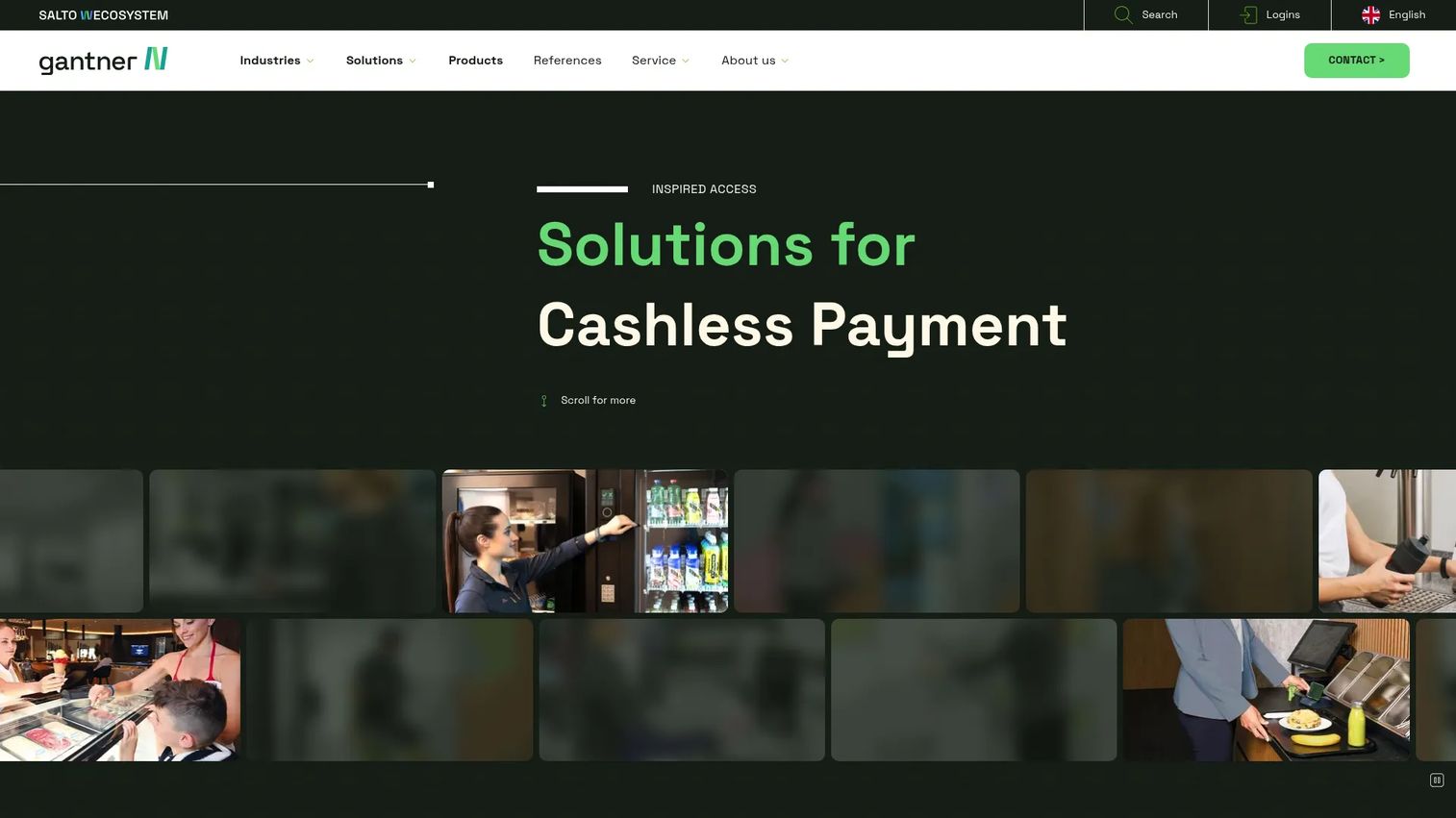
GAT ECO.Lock Manager is GANTNER's battery-operated locker lock solution for smart locker systems. It is designed for easy 1:1 retrofit, with a push-button battery lock and a wireless interface to locker management software, which makes it the hardware entry point for modernizing existing lockers without ripping out cabinets. Where Relaxx is the software console, ECO.Lock is the lock on the door.
Best for: Organizations that need battery-powered smart locker locks with retrofit-friendly installation.
Key strengths
- Easy 1:1 retrofit: Swap mechanical locks for smart locks without replacing existing locker cabinets.
- Wireless software interface: Connect locks to locker management software over a wireless interface.
- Battery-powered operation: Deploy without running power to every locker, which simplifies installation.
Why choose GAT ECO.Lock Manager: Choose it when the cost of new lockers is the blocker. A retrofit-friendly battery lock lets you convert an existing locker bank to smart access at the hardware level, then manage it through software like Relaxx. For facilities modernizing in phases, this keeps capital spend down while adding credential-based access and reporting.
GAT ECO.Lock Manager pricing: Public pricing is not published for this product. As an entry-level retrofit lock, it is typically quoted alongside the management software and installation scope. Ask for pricing that bundles lock count, software, and deployment so you can compare against a full-replacement option.
6. Keynius
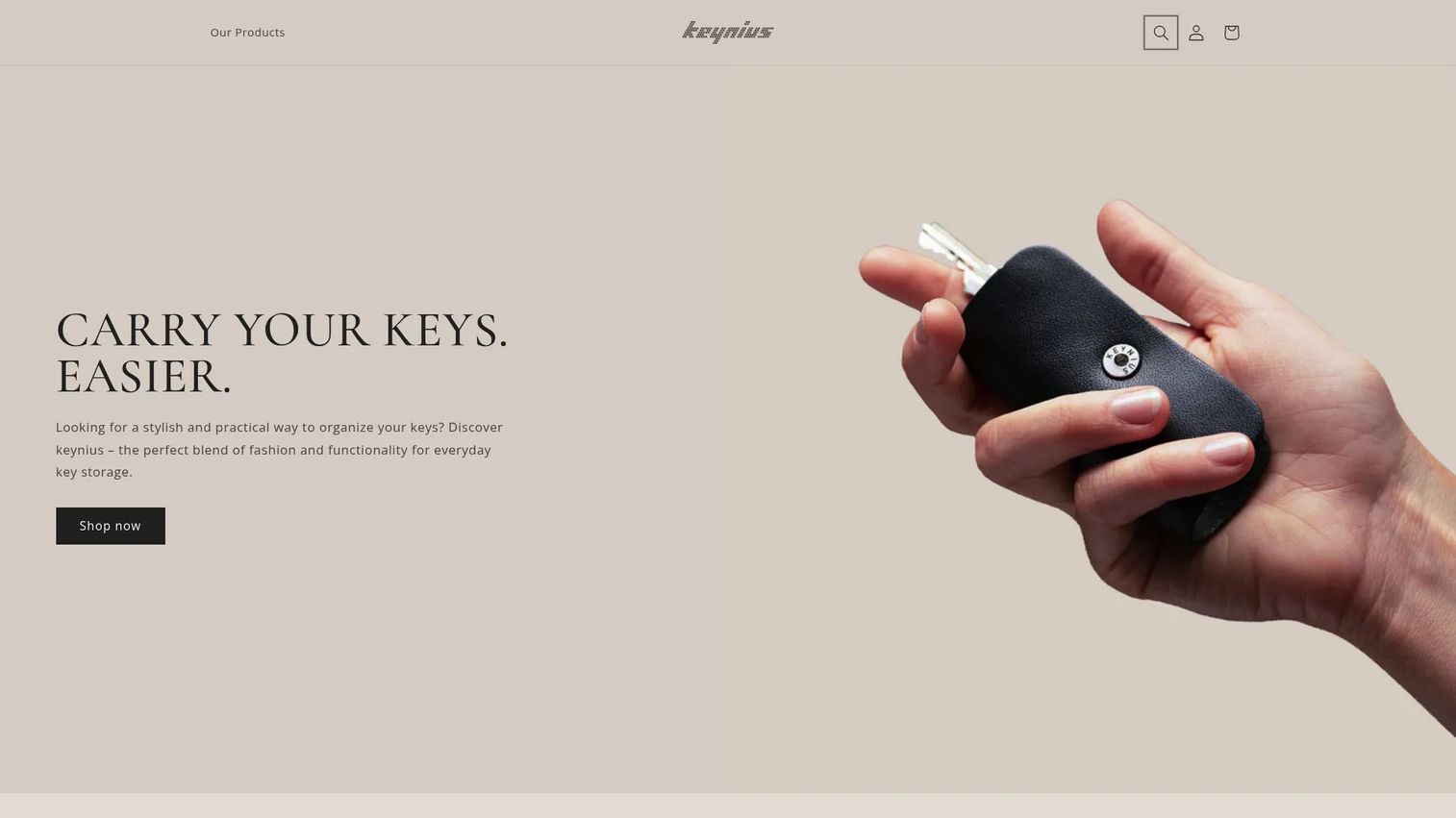
Keynius sells compact, customizable key organizers and accessories built around a leather key holder with customizable assembly holes, a magnetic closure, and upcycled materials. It is included here for completeness because it surfaces in locker and key-management searches, though it addresses the physical key-carry problem rather than software-based locker allocation. If your challenge is organizing the keys people still carry, this is a niche accessory pick.
Best for: Teams or individuals looking for a compact, customizable key organizer to consolidate physical keys.
Key strengths
- Customizable capacity: Configure up to 22 assembly holes to fit the keys a person actually carries.
- Magnetic closure: Keep keys secure and quiet with a simple magnetic mechanism.
- Sustainable materials: Made from upcycled leather for teams that value sustainability sourcing.
Why choose Keynius: Choose it only if your problem is physical key organization, not digital locker management. It does not assign lockers, log access, or report on occupancy. For a facility trying to move off keys entirely, the other tools on this list are the better direction, but for consolidating the keys staff still carry, this is a tidy accessory.
Keynius pricing: Products are sold as one-time purchases. Accessories like a key knife or pin package start around €10, and the leather key organizer runs about €49 depending on color. There is no subscription or free tier, since this is a physical product rather than a software plan.
7. Openpath (Avigilon Alta)
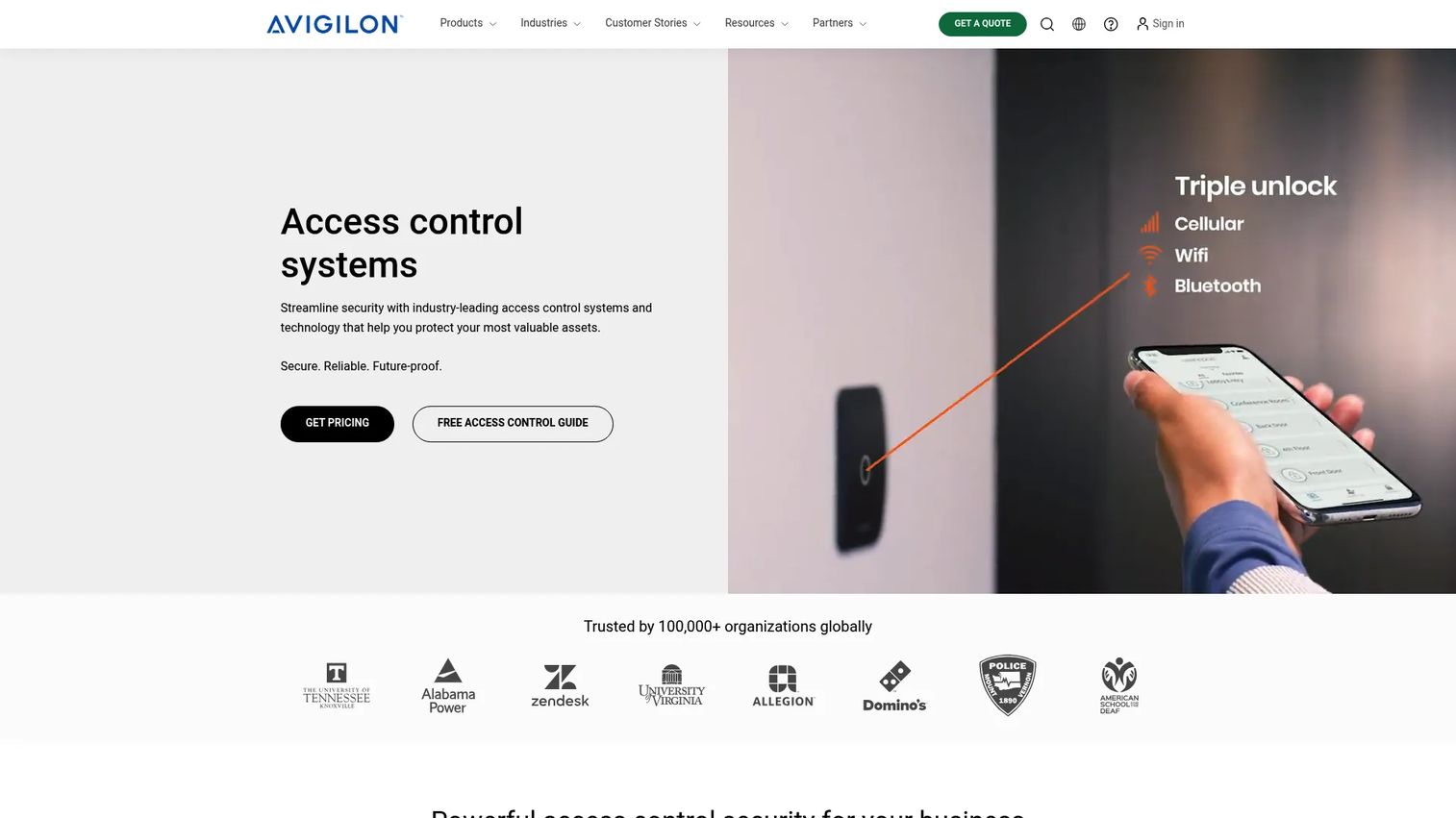
Openpath, now branded under Avigilon Alta, is cloud-based access control for modern workplaces. It centers on mobile credentials, cloud-based remote management, and a broad hardware and integration ecosystem, which positions it as the access-control layer that lockers can live inside rather than a locker-only tool. Choose this when locker control needs to sit alongside door and building access.
Best for: Organizations that need mobile-first workplace access control with cloud management, including lockers within that footprint.
Key strengths
- Mobile credentials: Let employees open doors and access points from their phone, extending naturally to locker access.
- Cloud-based remote management: Manage access rules and audit logs from anywhere without on-site hardware visits.
- Broad integrations: Connect access hardware and third-party systems into one governance layer.
Why choose Openpath: Choose it when workplace access control is the core project and lockers are one endpoint among many. For an office standardizing on mobile-first entry, adding lockers to the same credential and audit system avoids a separate silo. Reviewers rate the platform 4.6 out of 5 on G2 under the Avigilon Alta listing, which reflects strong sentiment on mobile access and cloud management.
Openpath pricing: Public pricing is not displayed. The site directs buyers to contact sales for a quote, which is standard for cloud access-control platforms priced by door count, credentials, and hardware. Budget for a scoping call, since locker access is typically part of a broader access deployment.
8. Honeywell
Honeywell is a global industrial technology company spanning building automation, process automation, and industrial automation. Its building and access-control ecosystems can support locker management workflows as part of a wider facilities and security platform, rather than as a standalone locker product. This is the platform-style option for organizations that already run Honeywell infrastructure.
Best for: Enterprises that need industrial, building, or process automation, with locker workflows folded into existing infrastructure.
Key strengths
- Building automation: Manage safe, energy-efficient, and productive facilities from an integrated platform.
- Access and security integration: Fold locker access into a broader access-control and security footprint.
- Enterprise-grade scale: Support large, multi-site operations with control, analytics, and cybersecurity features.
Why choose Honeywell: Choose it when you already run Honeywell building or access systems and want lockers managed inside that ecosystem rather than as a new vendor. For procurement-heavy enterprises, consolidating under an existing platform can simplify vendor management and security review. Honeywell holds a 4.4 out of 5 rating on G2 across its seller profile, reflecting its enterprise track record.
Honeywell pricing: Public pricing is not available, which is expected for a platform sold through enterprise sales and systems integrators. Pricing depends heavily on scope, existing infrastructure, and integration work. Engage procurement and your integrator early to size the locker component within a larger contract.
Considerations before you buy
A feature list will not tell you whether a system fits. These criteria will.
Access method fit
Match the access method to how people actually behave. PIN code access suits shared or day-use lockers, RFID locker access and badges suit credential-carrying staff, and mobile app access suits phone-first users. Confirm the system supports the methods your population already uses, since forcing a new credential type drives support load.
Allocation and lifecycle automation
Look past assignment to the full lifecycle. The system should handle locker assignment, reallocation, locker renewal, and locker rotation automatically. Ask how vacated lockers get recycled and how renewals trigger, because manual steps here are where admin time quietly returns.
Reporting and audit depth
Reporting is what lets you defend the purchase internally. Verify real-time reporting on occupancy plus a complete audit trail of every access event. For compliance-sensitive sites, confirm you can export logs on demand and retain them for the required period.
Integration and data ownership
Check how the system connects to identity, payments, and access control, and confirm who owns the data. Clean integrations reduce double entry and keep occupancy monitoring accurate across systems. Ownership matters if you ever switch vendors and need your usage history to come with you.
Deployment model and support
Decide between cloud and on-premise before you shortlist. Regulated environments often require on-premise control, while multi-site operations lean cloud for central management. Then evaluate support and implementation, since a smart locker rollout touches hardware, software, and change management at once.
Conclusion
The right locker management software depends less on feature counts and more on the job your facility actually runs.
For schools, universities, recreation, and commercial locker rental, LockerGM offers the most packaged, vertical-first fit with registration, payments, and renewals built in. For connected day-use environments and broader storage projects, Bradford Systems and GANTNER Relaxx handle occupancy monitoring and centralized control, with GAT ECO.Lock Manager providing retrofit hardware to modernize existing cabinets. For workplaces and enterprises where lockers belong inside a security stack, Nedap Security, Openpath (Avigilon Alta), and Honeywell fold locker access into access-control governance you can audit.
The practical next step: name your primary job first, whether that is renewals, access governance, or parcel handling, then shortlist the two or three tools that treat it as a core workflow rather than an afterthought. Score them against access method fit, lifecycle automation, and reporting depth, then run a scoped pilot before committing. That sequence keeps you from buying features you will never configure.
FAQs
Locker management software is a system that digitally handles locker assignment, access control, occupancy monitoring, and reporting across shared-storage environments. It replaces keys, paper logs, and spreadsheets with a central platform that tracks who holds which locker and logs every access event for auditability.
Smart locker management replaces physical keys with credentials such as PIN code access, RFID, badges, or mobile app access. Each open and close is logged to a central system, occupancy is monitored in real time, and assignment, renewal, and rotation can be automated on a schedule without manual re-keying.
Prioritize access control depth, allocation and lifecycle automation, real-time reporting with a complete audit trail, and clean integrations with identity, payments, and access systems. Match those to your vertical, since a school rotation, a workplace day-use policy, and a parcel locker are different jobs.
Education, workplaces, recreation and fitness, government, healthcare, logistics, and commercial rental operations all use locker management systems. Each leans on different capabilities: schools emphasize allocation and renewals, workplaces emphasize access governance, and logistics emphasizes parcel locker management and mailroom workflows.
Yes. Many platforms extend into parcel locker management and mailroom workflows with automated pickup notifications, occupancy monitoring, and dwell-time reporting. This lets a single system manage both assigned personal lockers and shared package lockers, which reduces the number of tools a facility runs.
Common access methods include PIN code access, RFID locker access, badge and ID card credentials, and mobile app access. The best fit depends on your users: shared day-use lockers favor PINs, credential-carrying staff favor RFID or badges, and phone-first populations favor mobile credentials.
Schools should prioritize automated locker assignment, self-service registration and locker renewal, scheduled locker rotation, and payment handling if lockers are rented. Reporting that shows occupancy across a term and a low-IT deployment model both reduce the admin burden on facilities staff.
Confirm credential-based access control, a complete and exportable audit trail, and clear data ownership. For regulated environments, check retention periods, on-premise deployment options, and how the system integrates with your existing access-control and identity governance so lockers share the same policy and audit record.