The billing entry lives in a partner's notebook. The deadline is in someone's personal calendar. The client email thread started four months ago and now spans three folders. And the matter status? Only one senior attorney knows it.
If the operating system for casework lives in one person's head, the firm has a scaling problem. A NALA survey from 2025 found that 70% of litigation-support leaders already use a dedicated case management system, and 57% of that group evaluated other options in the past year. The market is moving, and the firms running on disconnected inboxes and spreadsheets are feeling the friction most.
The right legal case management software gives every matter a home: Deadlines that don't disappear, documents that are findable, billing that connects to the work, and client communication that leaves a record. Which platform actually gives your team a system people use every day?
What's inside
This guide compares 19 legal case management software options for 2026 and is aimed at law firm operators, managing partners, in-house legal ops leaders, and software-savvy founders evaluating tools for a portfolio company or internal legal function. Tools were selected based on:
- Category fit and legal workflow relevance (matter management, billing, documents, payments, AI assistance)
- Pricing visibility and stack compatibility
- Adoption risk and implementation reality
- Coverage across solo practices, small firms, litigation teams, personal injury firms, and in-house legal departments
The list includes full practice management platforms, litigation-specific tools, AI layers, document systems, and adjacent billing or payment tools that support legal case workflows.
TL;DR
- Best overall legal case management software: Clio, for firms that want matters, documents, billing, payments, intake, and integrations in a single platform
- Best for small firms with a client portal priority: MyCase, because client communication and billing sit close together with transparent per-user pricing
- Best for personal injury firms: CASEpeer, built specifically around plaintiff-side workflows and settlement tracking
- Best for litigation teams with complex workflows: Filevine, because its configurable case workflows handle high-volume legal operations
- Best for built-in trust accounting: CosmoLex, where practice management and legal accounting run inside the same system
- Best for legal AI assistance: Harvey, for teams where drafting, analysis, and research create the operational bottleneck
What is legal case management software?
Legal case management software is a system that helps law firms and legal teams organize matters, deadlines, documents, contacts, tasks, billing, and client communication in one structured workflow.
The category overlaps with several adjacent terms. Practice management software typically adds billing, payments, accounting, client intake, and firm-level reporting on top of core case tracking. Legal matter management focuses on organizing work by matter rather than by person. Legal document management handles secure storage, version control, and retrieval of legal files. Court case management software often refers to systems used by courts to manage dockets and proceedings. Some tools in this article are full practice management platforms; others are purpose-built for a slice of the stack, such as documents, accounting, or payments.
Key capabilities to look for
- Matter and case organization by status, type, and responsible attorney
- Contact and client records tied to matters
- Deadline tracking, court calendaring, and statute-of-limitations alerts
- Secure document storage, version control, and document generation
- Time tracking, billing, invoicing, and online payment collection
- Trust accounting and IOLTA compliance
- Client portals and two-way communication
- Workflow automation and task templates
- Reporting, dashboards, and productivity analytics
- Integrations with email, calendars, accounting software, storage, and payments
- Permissions, audit trails, and encryption
Not every tool in this article is a full case management platform. Tools covering documents (iManage, Box, Dropbox), productivity (Microsoft 365, Google Workspace), accounting (QuickBooks Online, Xero), and payments (LawPay) are included because they frequently form part of the legal case workflow stack. Understand which slot each tool fills before shortlisting.
When to use legal case management software
Centralize matter work before growth breaks the system
When matters move across too many inboxes, shared drives, and personal calendars, visibility disappears. A single partner leaving the firm can create genuine operational disruption. Case management software gives every matter a home that the whole team can access, with ownership assigned and status visible to anyone who needs it.
Keep deadlines and tasks from depending on memory
Legal work runs on hard deadlines: Court dates, statute-of-limitations expiry, filing windows, and discovery cutoffs. Missing one can have consequences that go far beyond lost revenue. The right legal case management system converts those deadlines into trackable workflow items with automatic reminders, reducing dependency on individual memory.
Connect casework with billing and client communication
Case management fails when time entries, invoices, and client updates live outside the matter record. Attorneys reconstruct billable hours at month-end, clients don't know where their matter stands, and collections slow down. Platforms that keep billing and client management software inside the same record fix that loop at the source.
Legal case management software comparison
The table below gives a quick-reference view of all 19 tools. Use it to narrow your shortlist, then read each item section for the detail needed to make a final call. Pricing reflects verified figures from each vendor's pricing page; G2 ratings are from live G2 listings, both checked at time of writing.
| # | Product | Best for | Key differentiator | Pricing | G2 rating |
|---|---|---|---|---|---|
| 1 | Clio | All-around law firm practice management | Full practice management plus legal AI | From $49/user/month | 4.6/5 |
| 2 | MyCase | Small to mid-sized firms, client communication | Client portal plus matter workflows, transparent pricing | From $50/user/month | N/A (4.6 on Capterra) |
| 3 | PracticePanther | Solo and small firm practice management | Simple matter, billing, and workflow with free trial | From $49/user/month | 4.3/5 |
| 4 | Filevine | Litigation and high-volume legal teams | Configurable workflows plus integrated legal AI | Custom pricing | 4.6/5 |
| 5 | Smokeball | Firms reducing admin and drafting time | Document automation and activity tracking | Custom pricing | 4.7/5 |
| 6 | CASEpeer | Personal injury law firms | Plaintiff-side case tracking and settlement management | From $90/user/month | 4.7/5 |
| 7 | CosmoLex | Firms needing accounting and practice management combined | Trust accounting inside practice management | From $49/user/month | 4.2/5 |
| 8 | Rocket Matter | Cloud practice management with billing | Case, billing, trust accounting, and payments | From $59/user/month | 4.3/5 |
| 9 | iManage | Document-heavy law firms and legal departments | Legal document and knowledge management | Custom pricing | 4.4/5 |
| 10 | Harvey | AI-assisted legal workflows | Legal AI for drafting, analysis, and research | Custom pricing | 4.3/5 |
| 11 | Thomson Reuters Case Center | Courts and litigation evidence presentation | Digital evidence bundles and court presentation tools | Custom pricing | 5.0/5 |
| 12 | Thomson Reuters Case Notebook | Trial preparation teams | Facts, transcripts, issues, and case timeline | Custom pricing | N/A |
| 13 | Microsoft 365 | Firms standardizing productivity and collaboration | Email, documents, Teams, and OneDrive | From $7/user/month | 4.6/5 |
| 14 | Google Workspace | Google-native workflows | Gmail, Drive, Calendar, Docs, and Meet | From $7/user/month | N/A |
| 15 | Box | Secure legal document collaboration | Cloud content management with permissions and compliance | From $5.80/user/month | 4.3/5 |
| 16 | Dropbox | Simple file sync and document sharing | File sync, version history, and PDF tools | From $9.99/month | 4.4/5 |
| 17 | QuickBooks Online | Cloud accounting for law firms | Invoicing, bookkeeping, and financial reporting | From $19/month | 4.0/5 |
| 18 | Xero | Small firm cloud accounting | Accounting, bank reconciliation, and reporting | From $27/month | 4.4/5 |
| 19 | LawPay | Legal payment processing | Payments and trust accounting built for law firms | From $19/month | 4.7/5 |
Best 19 legal case management software tools for 2026
1. Clio

Clio is legal AI and cloud-based practice management software that brings matters, contacts, documents, billing, payments, calendaring, client intake, and communication into one platform. It is one of the most widely adopted platforms in the legal technology category and serves firms across practice areas and sizes. Clio now includes AI features covering legal research, drafting, and document analysis.
Best for: Law firms that want a full operating system for practice management, from intake through billing, without stitching together separate tools.
Key features
- Matter and contact management with task and deadline tracking
- Legal billing, online payments, and trust accounting
- Document management with e-signatures
- Client intake forms and client portal
- AI legal research, drafting, and analysis
- 250+ app integrations
Why choose Clio: Clio is the broadest shortlist candidate for firms that want to consolidate legal operations. Growing firms should map user permissions, migration support, and plan gating against their specific workflow before committing.
Clio pricing: Plans start at $49/user/month for the Starter tier. Core, Signature, and Elite plans add automation, reporting, workflow, and Clio Grow capabilities, and require a quote. A free trial is available.
G2 rating: 4.6/5
2. MyCase
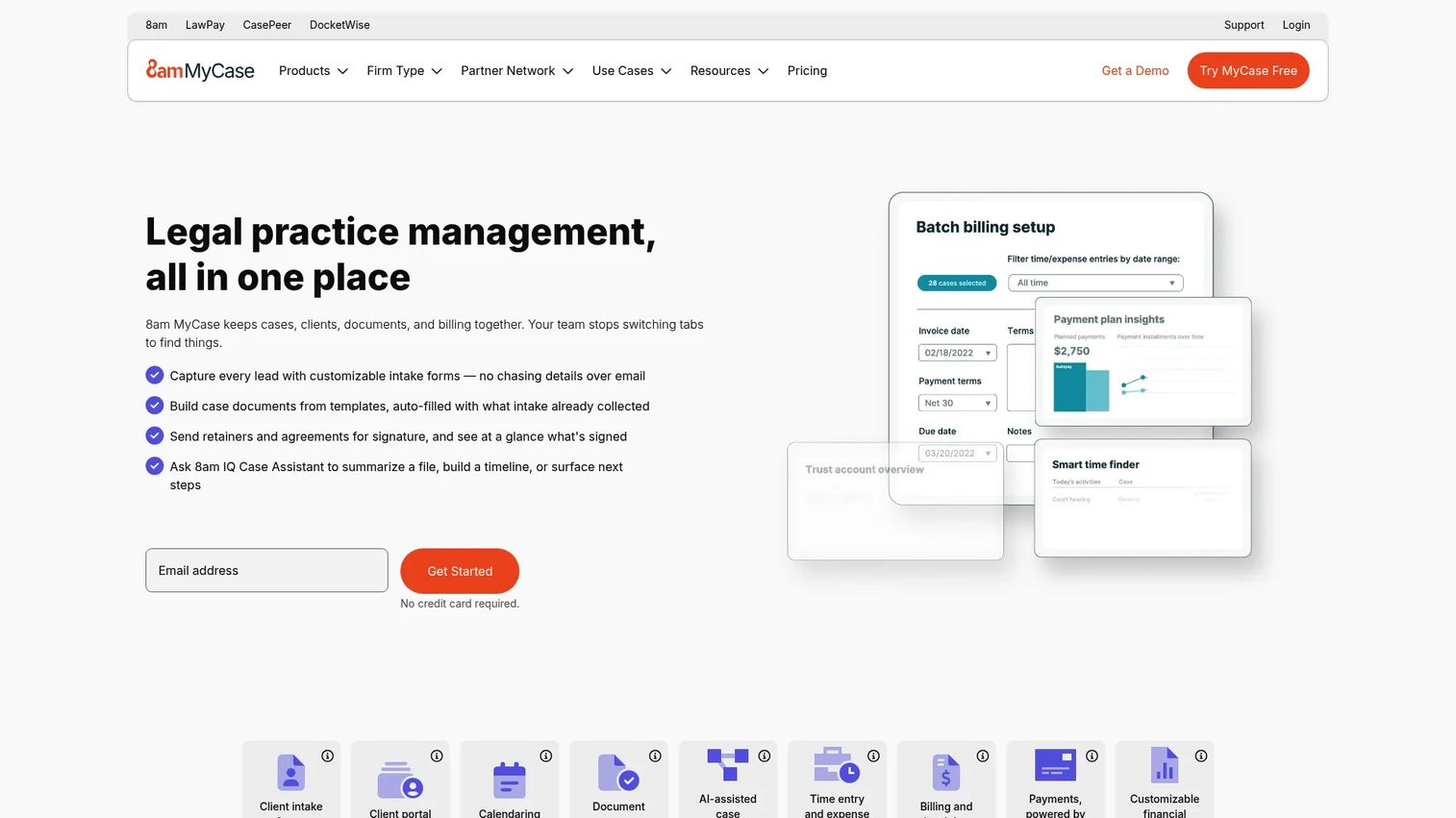
MyCase is a legal practice management platform covering case management, documents, billing, payments, client communication, and intake. It offers one of the most transparent pricing structures in this category, with three clearly priced tiers and a 10-day trial. The built-in client portal lets clients view case updates, pay invoices, and exchange documents without a phone call.
Best for: Small to mid-sized law firms where client experience and billing transparency are the primary operational bottlenecks.
Key features
- Case and contact management
- Client portal with two-way texting
- Document management with unlimited storage
- Time tracking, invoicing, and trust accounting
- Workflow automation and calendaring
- eSignature and document automation
Why choose MyCase: Strong fit for firms where client status updates and collections consume too much staff time. The portal reduces inbound calls, and the billing workflow keeps invoices tied to matter records. Evaluate whether the accounting add-on ($39/user/month) fits your finance setup.
MyCase pricing: Basic starts at $50/user/month billed annually ($60 monthly). Pro is $100/user/month annually ($120 monthly). Advanced is $130/user/month annually ($150 monthly). A 10-day trial is included on all plans.
3. PracticePanther
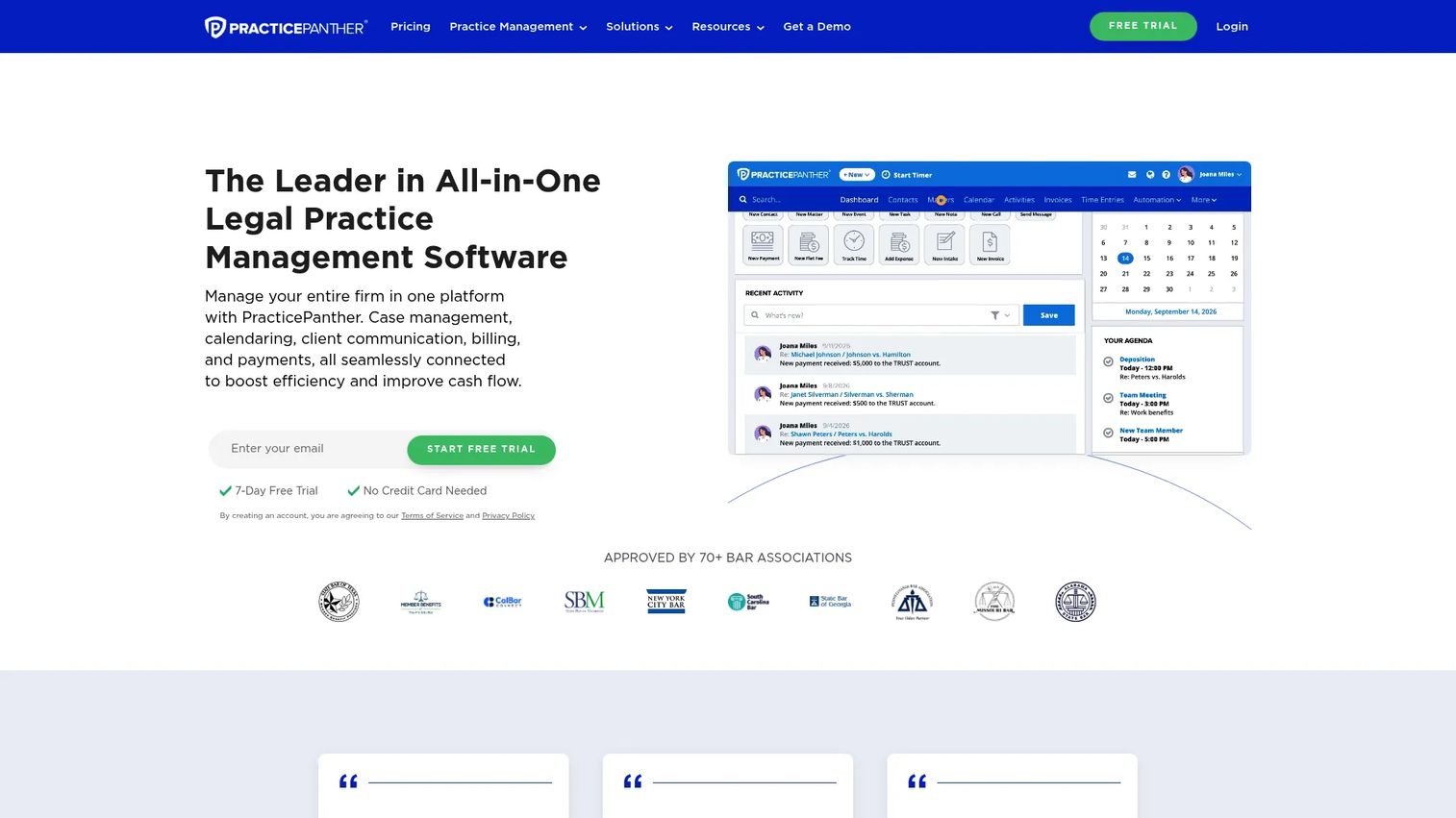
PracticePanther is an all-in-one law practice management platform covering cases, clients, documents, billing, payments, and accounting. It is positioned for solo practitioners and small to mid-sized firms that want to move off spreadsheets and disconnected billing tools without a heavy enterprise rollout. A 7-day free trial requires no credit card.
Best for: Solo and small firm attorneys that want practical practice management with billing and workflow automation.
Key features
- Matter and contact management
- Document management with templates and eSignature
- Time tracking, billing, and invoicing
- Client intake forms and secure client portal
- Automated task and event workflows
- Native online payments and trust accounting
Why choose PracticePanther: Good starting point for firms moving from spreadsheet-based operations. Test workflow depth against your actual matter types before committing, especially if your practice area has specific task templates or calendar-rule requirements.
PracticePanther pricing: Solo is $49/user/month, Essential is $69/user/month, Business is $89/user/month, and Business Pro is $114/user/month. Annual billing saves $120/user/year. A 7-day free trial is available.
G2 rating: 4.3/5
4. Filevine

Filevine is a legal operating intelligence platform built for litigation-heavy teams and high-volume legal operations. Its configurable workflow engine lets firms structure case stages, tasks, and documents to match their actual matter process rather than a predefined template. It also includes AI-powered tools for document analysis, demand letter drafting, and deposition review.
Best for: Litigation firms and legal teams with repeatable, complex workflows that justify upfront configuration investment.
Key features
- Custom matter workflows and case stages
- Document management with OCR, PDF editing, and search
- AI tools including LOIS, AIFields, and DemandsAI
- Task automation and team collaboration
- Case reporting and productivity analytics
Why choose Filevine: Use it when the case process is consistent enough to model and complex enough that a generic template won't fit. Plan for implementation time; the configuration capability requires setup work before the system runs smoothly.
Filevine pricing: Case management packages are custom-quoted based on firm size, practice area, and modules. A free LOIS Explore AI tier is available. Request a quote directly through Filevine.
G2 rating: 4.6/5
5. Smokeball

Smokeball is legal practice management software with a strong automation angle, particularly around document drafting and activity tracking. It integrates directly with Microsoft Word and Outlook, which means attorneys work inside tools they already know. Smokeball automatically tracks time spent in documents and emails, reducing manual time-entry work.
Best for: Small and growing firms whose margin problem stems from repetitive drafting and administrative overhead.
Key features
- Document automation with legal template library
- Matter and client management
- Automatic time tracking via Word and Outlook activity
- Legal billing, invoicing, and trust accounting
- Workflow and task management
- AI matter assistant
Why choose Smokeball: The automatic time capture is a real differentiator for firms that lose billable hours because attorneys don't record time as they work. Test the document template library against your actual matter types before assuming it covers your practice area.
Smokeball pricing: Four plans are available: Bill, Boost, Grow, and Prosper+. All plans are custom-quoted; pricing depends on firm size, contract term, and selected modules. Contact Smokeball for a personalized quote.
G2 rating: 4.7/5
6. CASEpeer
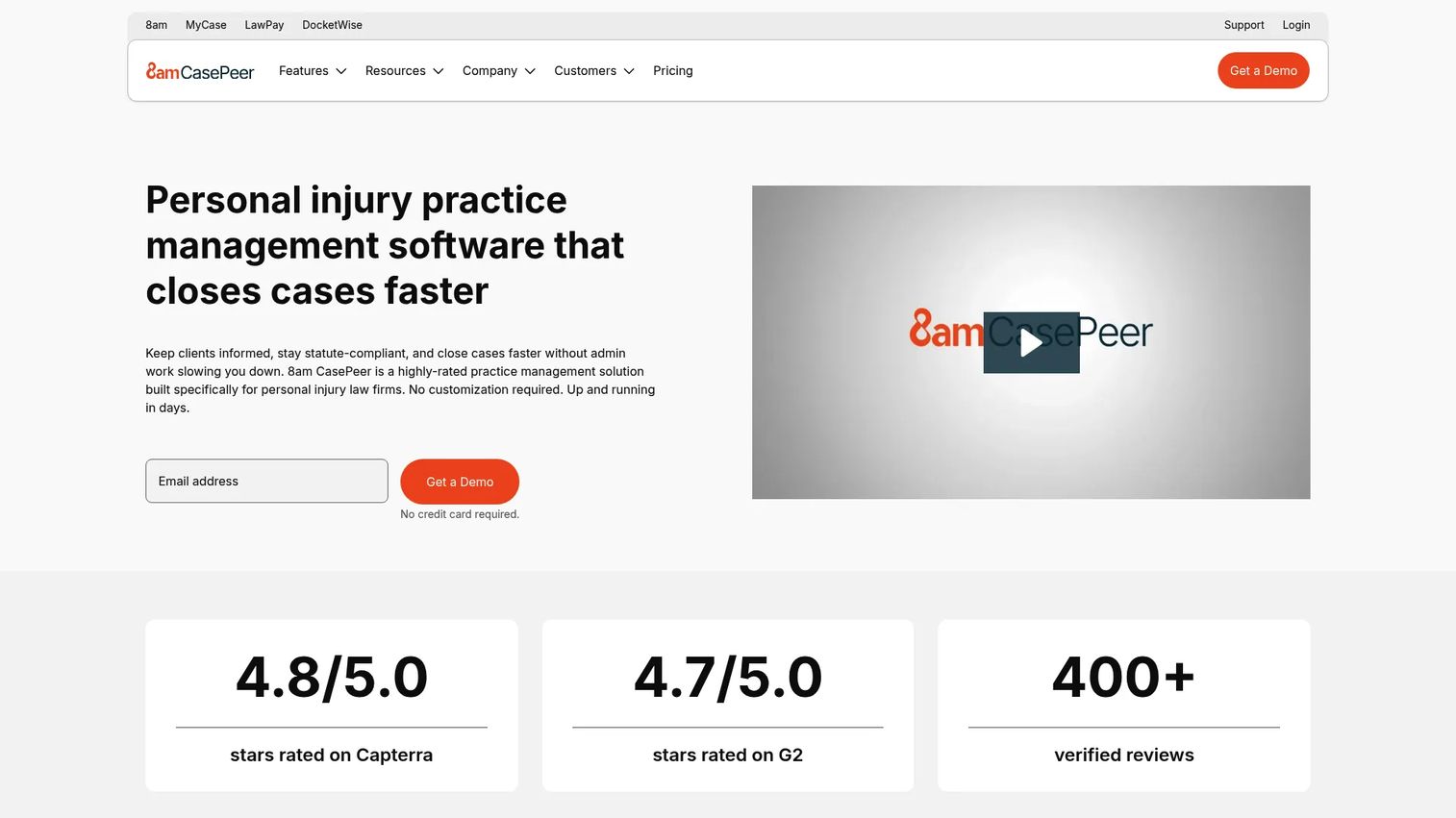
CASEpeer is cloud-based personal injury practice management software built for plaintiff-side law firms. Everything in the platform is oriented around PI workflows: Case stages, medical treatment tracking, settlement and lien management, statute-of-limitations alerts, and client intake. It is the most purpose-specific tool for personal injury case management on this list.
Best for: Personal injury law firms managing a high volume of plaintiff-side matters that need settlement tracking, medical records, and case stage visibility.
Key features
- Personal injury case and contact management
- Client intake and portal with two-way texting
- Medical treatment and records tracking
- Settlement, lien, and expense tracking
- Automated statute alerts and task workflows
- Reporting and firm productivity analytics
Why choose CASEpeer: Strong fit when the firm's entire workflow centers on plaintiff-side PI cases. Multi-practice firms should evaluate whether the PI-specific defaults create friction in other matter types.
CASEpeer pricing: Basic is $90/user/month. Pro is $130/user/month and adds intake management, two-way texting, integrations, and 8am IQ. Advanced is $160/user/month and adds scheduled texts and multi-office reporting.
G2 rating: 4.7/5
7. CosmoLex
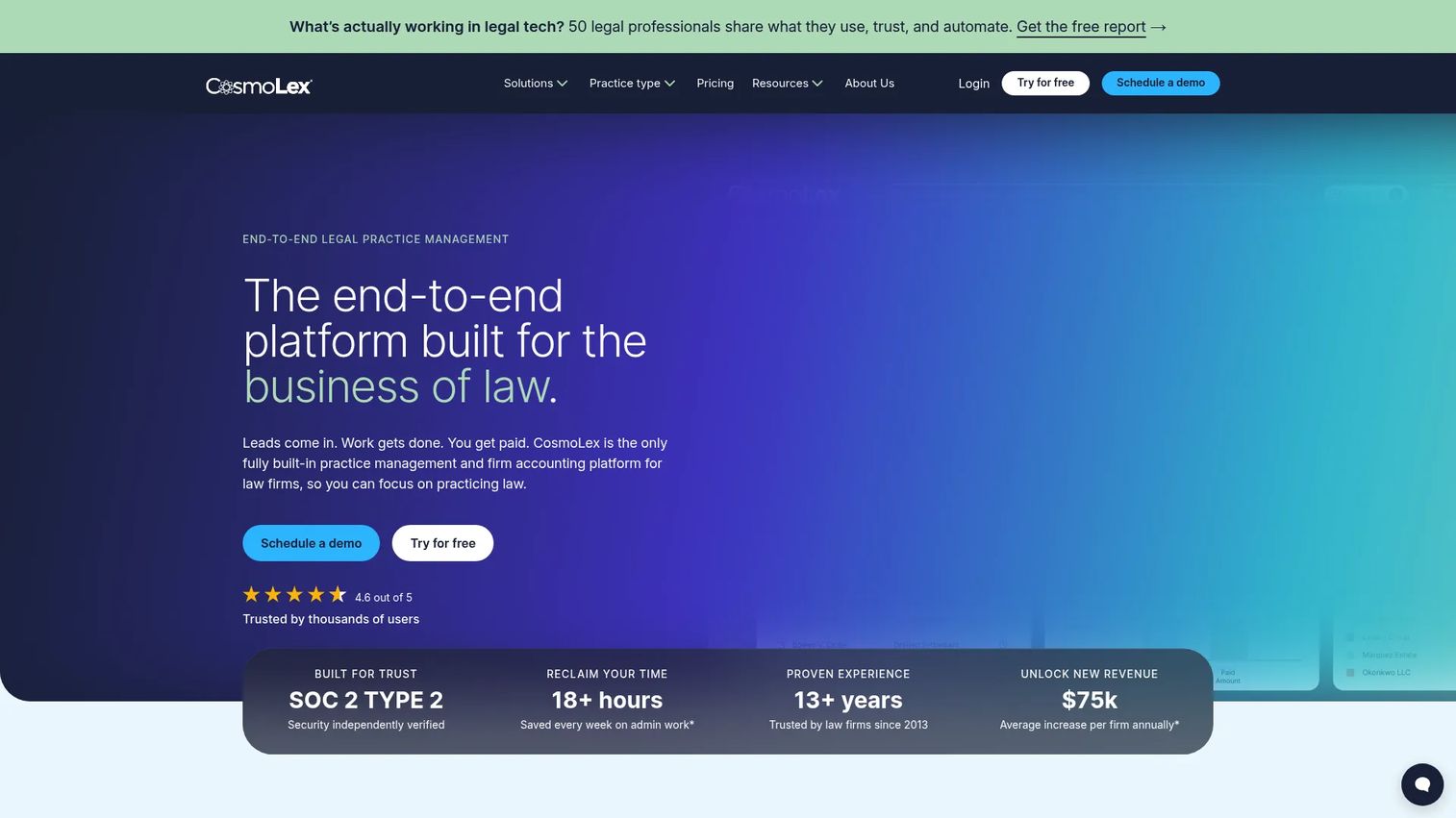
CosmoLex is cloud-based legal practice management software that combines matter management, billing, payments, and full legal accounting, including trust and business accounting, in a single system. Firms that use general accounting tools alongside a separate case platform often find they are duplicating data entry and creating reconciliation risk. CosmoLex removes that gap.
Best for: Small and mid-sized law firms where financial controls, trust compliance, and matter tracking need to live in the same record.
Key features
- Time tracking, invoicing, and online payments
- Trust and business accounting in one system
- Calendar, task, and workflow management
- Document storage, automation, and AI summaries
- Secure client portal with e-signatures
- Client intake tools
Why choose CosmoLex: Best when whoever owns the bookkeeping and whoever manages matters need to see the same data without a manual export. Involve your bookkeeper or accountant in the evaluation before selecting.
CosmoLex pricing: Launch is $49/user/month, Core is $99/user/month, and Pro is $129/user/month, all billed monthly. Annual billing saves $120/user/year. A 10-day free trial is available.
G2 rating: 4.2/5
8. Rocket Matter

Rocket Matter is cloud legal practice management software covering matter management, timekeeping, billing, trust accounting, document automation, and online payments. It is positioned for firms that want an established cloud platform without overbuilding. All plans include unlimited support and free data migration.
Best for: Law firms looking for core practice management, billing, and trust accounting on a cloud platform with predictable per-user pricing.
Key features
- Legal case and matter management
- Time and expense tracking
- Legal billing and online payments
- Trust accounting and financial reporting
- Document automation and secure file sharing
- Task and calendar management
Why choose Rocket Matter: Good option for firms that want a complete cloud practice management stack without the configuration overhead of a more customizable platform. Compare reporting depth and integration options before deciding.
Rocket Matter pricing: Essentials is $59/user/month, Pro is $95/user/month, Premier is $115/user/month, and Elite is $145/user/month, all billed annually. A free trial is available.
G2 rating: 4.3/5
9. iManage
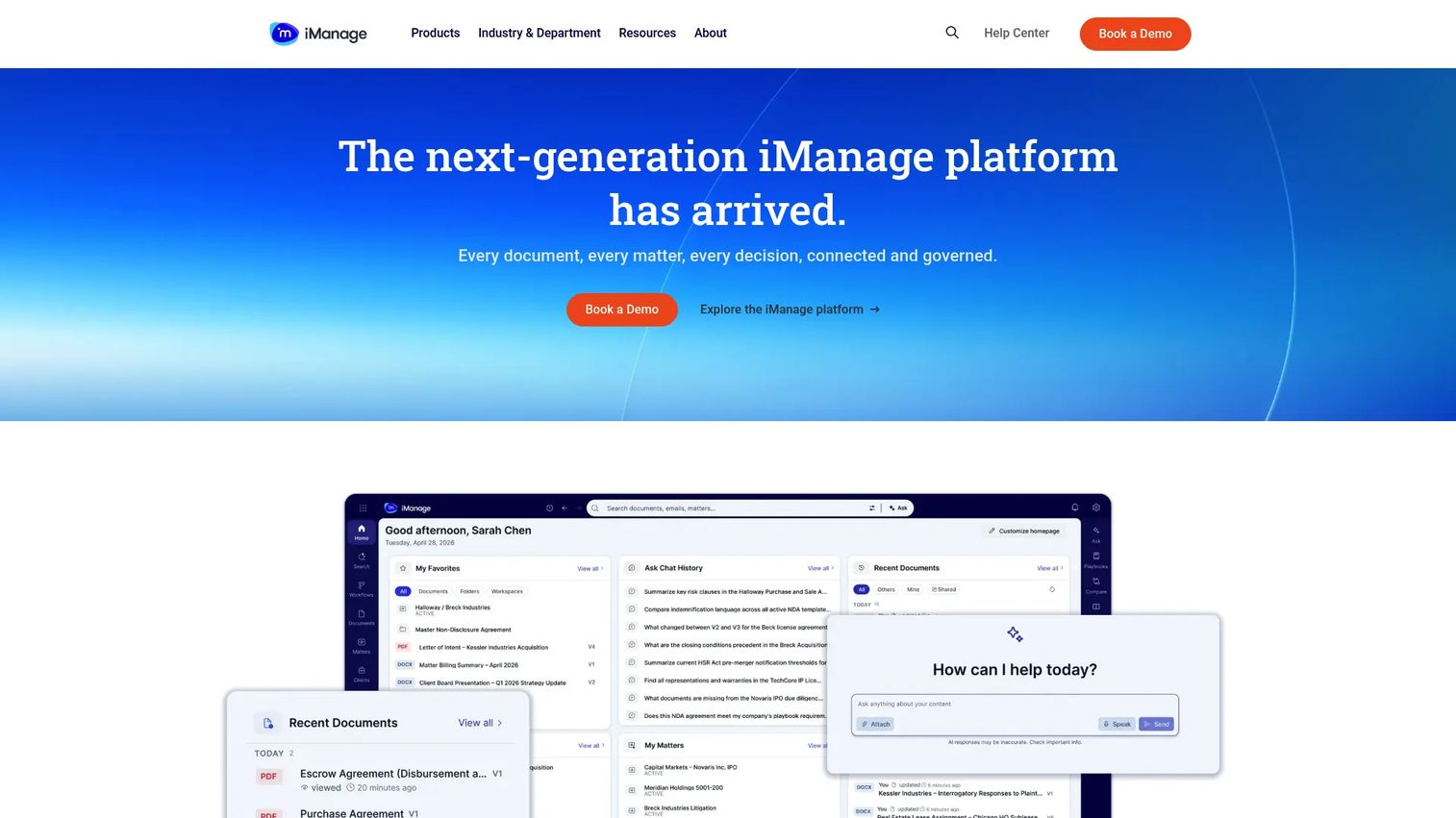
iManage is a document and knowledge management platform built for legal teams with high document volume, complex permissions requirements, and enterprise security needs. It is not a general case management tool in the same sense as Clio or MyCase; it specializes in document governance, email management, and AI-powered knowledge work. Many large law firms run iManage alongside a separate billing and matter system.
Best for: Document-heavy law firms and in-house legal departments where document retrieval, version control, and security governance are the primary pain points.
Key features
- Document and email management with unified search
- Version history and document revisions
- Secure external collaboration and sharing
- AI-powered document classification and Q&A
- Records management and retention policies
- Microsoft 365 integration with real-time co-authoring
Why choose iManage: Choose it when documents are the operational bottleneck and existing storage is creating retrieval or compliance problems. Frame it as a layer in the broader stack, paired with a billing and matter system rather than replacing one.
iManage pricing: Contact iManage sales for pricing. No public plan prices are displayed; the buying conversation should cover deployment model, user count, security requirements, and data migration.
G2 rating: 4.4/5
10. Harvey
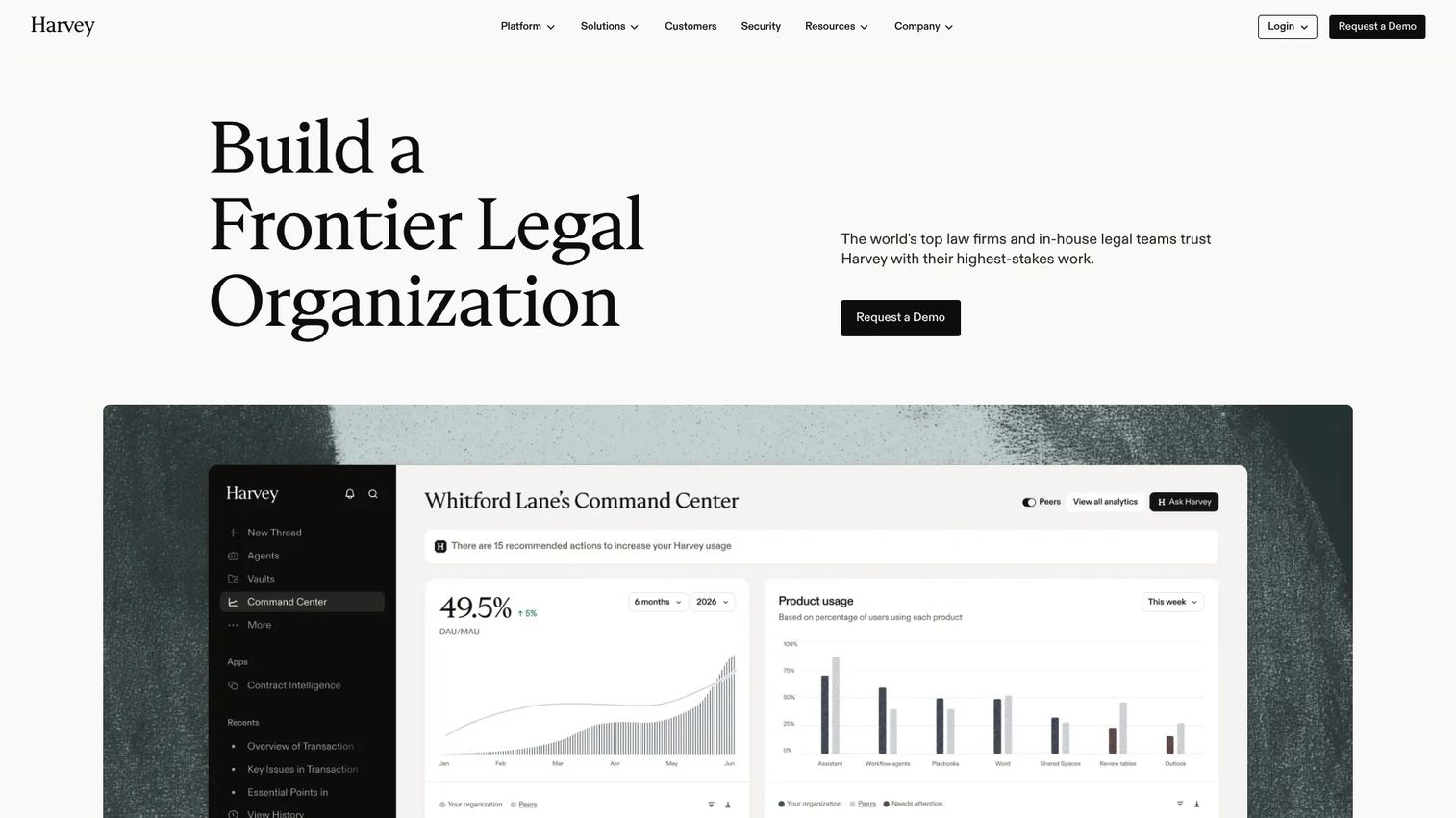
Harvey is an AI platform built for legal and professional services organizations. It supports complex legal workflows through AI agents, document analysis at scale, legal research, contract review, and collaborative workspaces. Harvey is not a traditional case management system with integrated billing and calendaring; it is an AI layer that addresses knowledge-intensive legal work.
Best for: Law firms and in-house legal teams where drafting, research, and document analysis create the productivity bottleneck and who want enterprise-grade AI governance.
Key features
- AI agents for complex legal workflows
- Bulk document analysis and secure storage via Vault
- Legal, regulatory, and tax research via Knowledge
- Contract review and negotiation support
- Collaborative workspaces with Spaces
- Analytics and benchmarking via Command Center
Why choose Harvey: Strong fit when the bottleneck is knowledge work rather than matter tracking. Any AI evaluation in legal should include a governance review: How the model handles confidential client data, what review processes attorneys apply to AI output, and what data handling agreements are in place.
Harvey pricing: Custom pricing; Harvey directs prospects to request a demo. Contact Harvey's sales team for a quote.
G2 rating: 4.3/5
11. Thomson Reuters Case Center
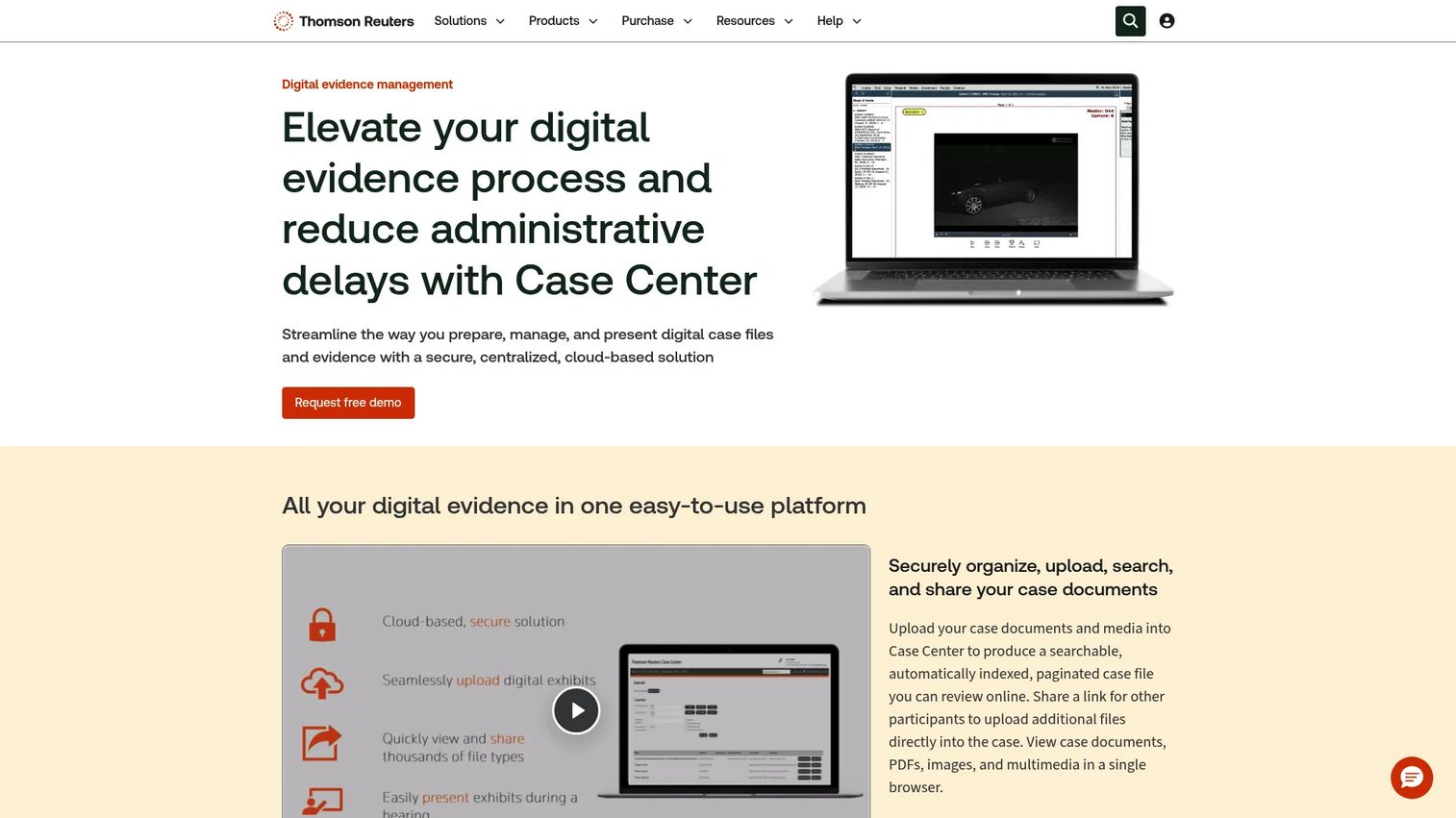
Thomson Reuters Case Center is secure, cloud-based digital evidence management software for courts, administrative hearing agencies, prosecutors, defense counsel, and litigation teams. It organizes case files into searchable, paginated bundles and supports browser-based presentation at hearings and trials. Court case management software in this sense is different from a law firm practice management platform.
Best for: Courts, administrative agencies, and litigation teams that manage digital evidence bundles for hearings or trial proceedings.
Key features
- Searchable, indexed, and paginated case files
- Secure document and multimedia sharing with permissions
- AI-powered Boolean and natural-language search
- Annotation, redaction, and document comparison
- Browser-based hearing and trial presentation tools
Why choose Thomson Reuters Case Center: Use it when the primary challenge is organizing, sharing, and presenting evidence in formal proceedings. This is a specialized litigation and court tool, not a general small-firm practice management system.
Thomson Reuters Case Center pricing: Contact Thomson Reuters for pricing. No public pricing is displayed; the buying process goes through their sales team.
G2 rating: 5.0/5 (based on 1 review)
12. Thomson Reuters Case Notebook
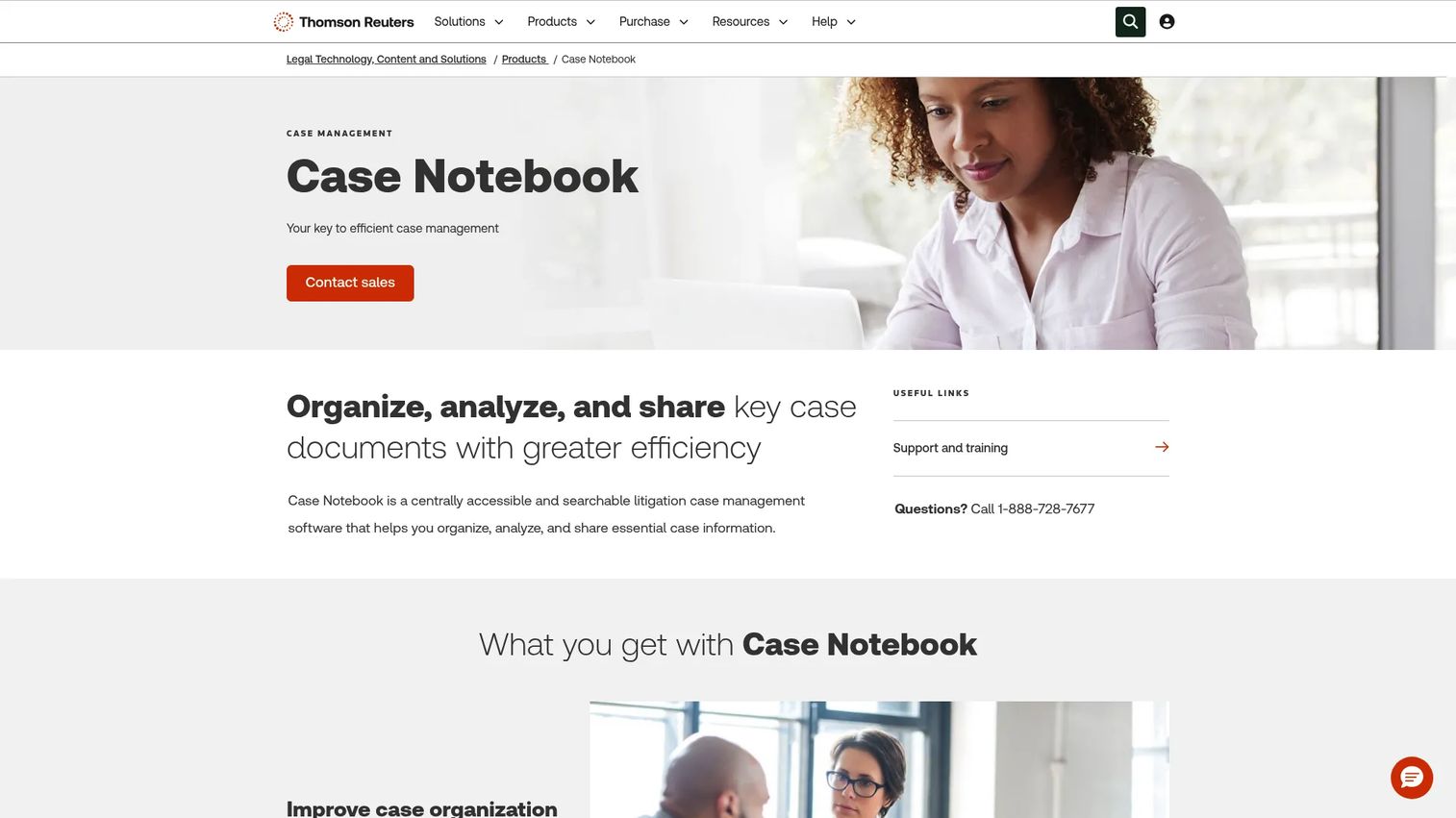
Thomson Reuters Case Notebook is litigation case management software for organizing, analyzing, and sharing case information across a trial team. It centralizes transcripts, exhibits, research, issues, characters, and facts in one searchable workspace, and integrates with LiveNote for real-time transcript streaming during proceedings.
Best for: Litigation teams preparing complex matters for trial who need structured fact management and transcript organization across the case team.
Key features
- Transcript and exhibit organization and search
- Fact and issue tracking with Case Timeline
- Centralized annotation and issue coding
- Team collaboration across case documents
- LiveNote integration for real-time transcripts
Why choose Thomson Reuters Case Notebook: Best for litigation teams where the sheer volume of transcripts, facts, and issues makes manual organization impractical. It sits in the trial preparation slot, not as a replacement for billing, intake, or client communication systems.
Thomson Reuters Case Notebook pricing: Contact Thomson Reuters sales. Pricing is not publicly displayed.
13. Microsoft 365
Microsoft 365 is a productivity and collaboration suite many law firms already use as their productivity backbone. Word, Excel, Outlook, Teams, OneDrive, and SharePoint cover document creation, email, collaboration, and storage. It is not purpose-built legal case management software, but it often supports legal case workflows and integrates with most dedicated legal platforms.
Best for: Firms standardizing on Microsoft productivity tools, particularly those already deep in the Microsoft ecosystem for email and documents.
Key features
- Word, Excel, and PowerPoint for document creation
- Outlook for email and calendaring
- Microsoft Teams for chat, calls, and collaboration
- OneDrive and SharePoint for cloud storage
- Microsoft Copilot for AI-assisted productivity
Why choose Microsoft 365: Choose it as the productivity backbone, then pair it with a legal-specific platform for matters, deadlines, trust accounting, and client portals. Most dedicated legal systems integrate directly with Microsoft 365.
Microsoft 365 pricing: Business Basic starts at $7/user/month, Business Apps at $10/user/month, Business Standard at $12.50/user/month, and Business Premium at $22/user/month, all billed annually.
G2 rating: 4.6/5
14. Google Workspace
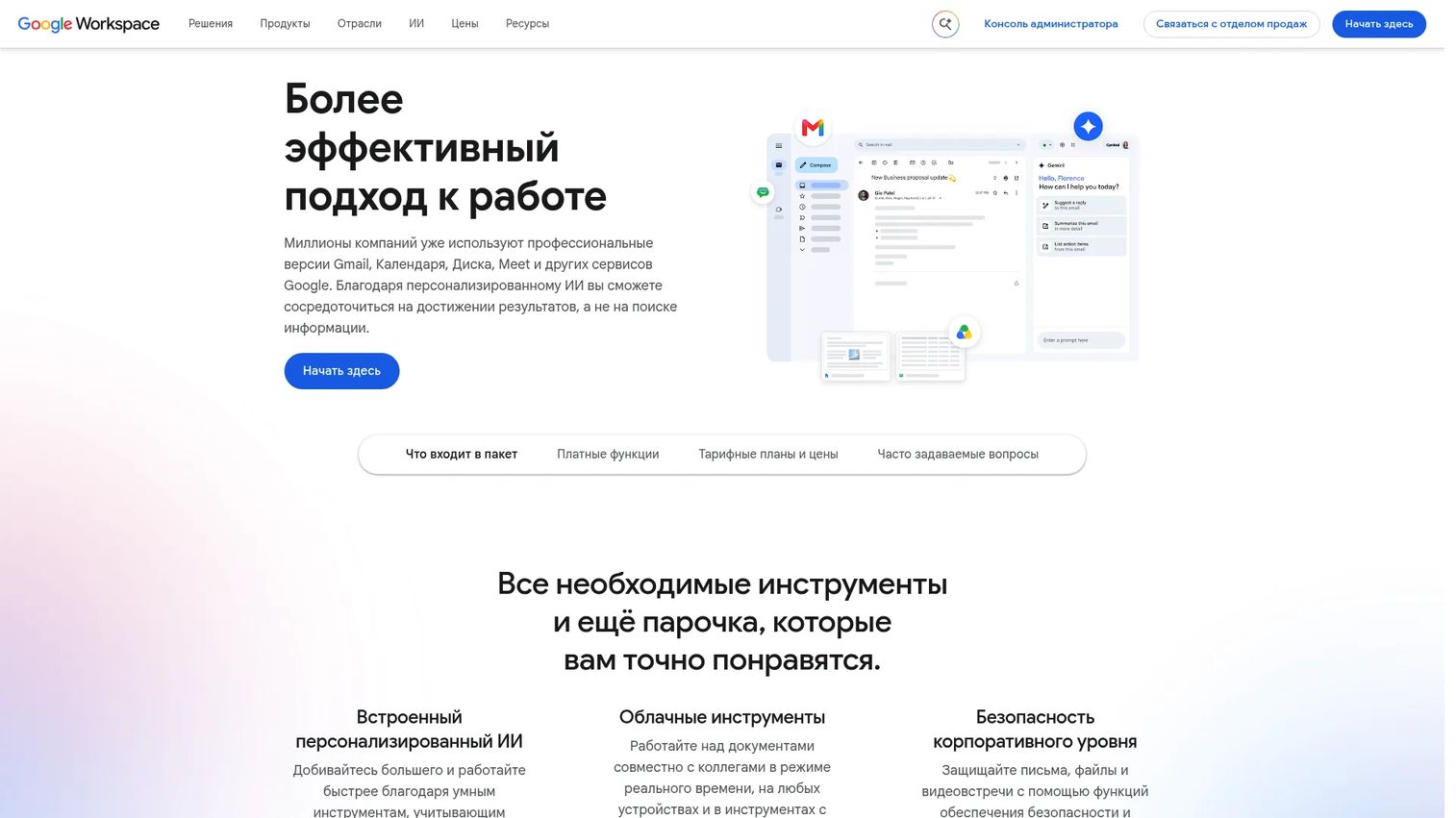
Google Workspace is a cloud productivity and collaboration suite that gives legal teams Gmail, Drive, Calendar, Docs, Sheets, Meet, and Chat under one subscription. Like Microsoft 365, it serves as the productivity layer rather than the legal case management core. It is a strong fit for firms already using Google tools for internal communication and document creation.
Best for: Firms that prefer Google-native workflows for email, file sharing, and real-time document collaboration.
Key features
- Custom business email with Gmail
- Google Drive for cloud file storage and sharing
- Google Calendar for scheduling
- Google Docs, Sheets, and Slides for document collaboration
- Google Meet for video conferencing
Why choose Google Workspace: Good for teams that want simple, cloud-first collaboration. Legal-specific case tracking, billing, and trust accounting will require a dedicated platform alongside it. Verify which legal case management tools integrate with Google Workspace before committing.
Google Workspace pricing: Business Starter is $7/user/month, Business Standard is $14/user/month, and Business Plus is $22/user/month, all on annual plans. A 14-day trial is available.
15. Box

Box is an AI-powered intelligent content management platform that handles secure file storage, external collaboration, permissions, compliance controls, and workflow automation. Legal teams use Box when document security, external sharing with co-counsel or clients, and content governance are the primary concerns. Box Sign provides native e-signature capability.
Best for: Firms and legal departments that need secure document collaboration across internal teams, clients, and external counsel, with strong access controls.
Key features
- Secure file storage with granular permissions
- External collaboration and content sharing
- Box AI for document insights and content generation
- Workflow automation and document processing
- Native e-signatures with Box Sign
- Compliance, threat detection, and retention controls
Why choose Box: Strong when document security, external sharing permissions, and compliance governance are the main drivers. Pair it with a matter management system if deadlines, billing, and case tracking are also in scope.
Box pricing: Business Starter is $5.80/user/month, Business is $17.30/user/month, and Business Plus is $28.70/user/month, all billed annually with a minimum of 3 users. A free individual plan is available.
G2 rating: 4.3/5
16. Dropbox

Dropbox is a cloud storage and file collaboration tool that many small firms already use for sharing documents with clients and co-counsel. It offers file sync, shared folders, version history, large-file transfers, PDF annotation, and a basic e-signature feature. For legal case management purposes, it covers the file-sharing layer without providing matter tracking, billing, or calendar management.
Best for: Smaller firms that need straightforward file sync, document exchange with clients, and version history without a heavy content management implementation.
Key features
- Cloud file storage and cross-device sync
- File sharing and large-file transfer
- Version history and file recovery
- PDF editing, annotation, and signatures
- Dropbox Paper for collaborative documents
Why choose Dropbox: Useful when the immediate problem is organizing and sharing files with clients or external parties. Evaluate matter-level organization, audit trails, and permission granularity before treating Dropbox as a complete document management layer.
Dropbox pricing: Plus is $9.99/month for a single user. Standard is $15/user/month and Advanced is $24/user/month for teams, both billed monthly. A free Basic plan with 2 GB is available.
G2 rating: 4.4/5
17. QuickBooks Online
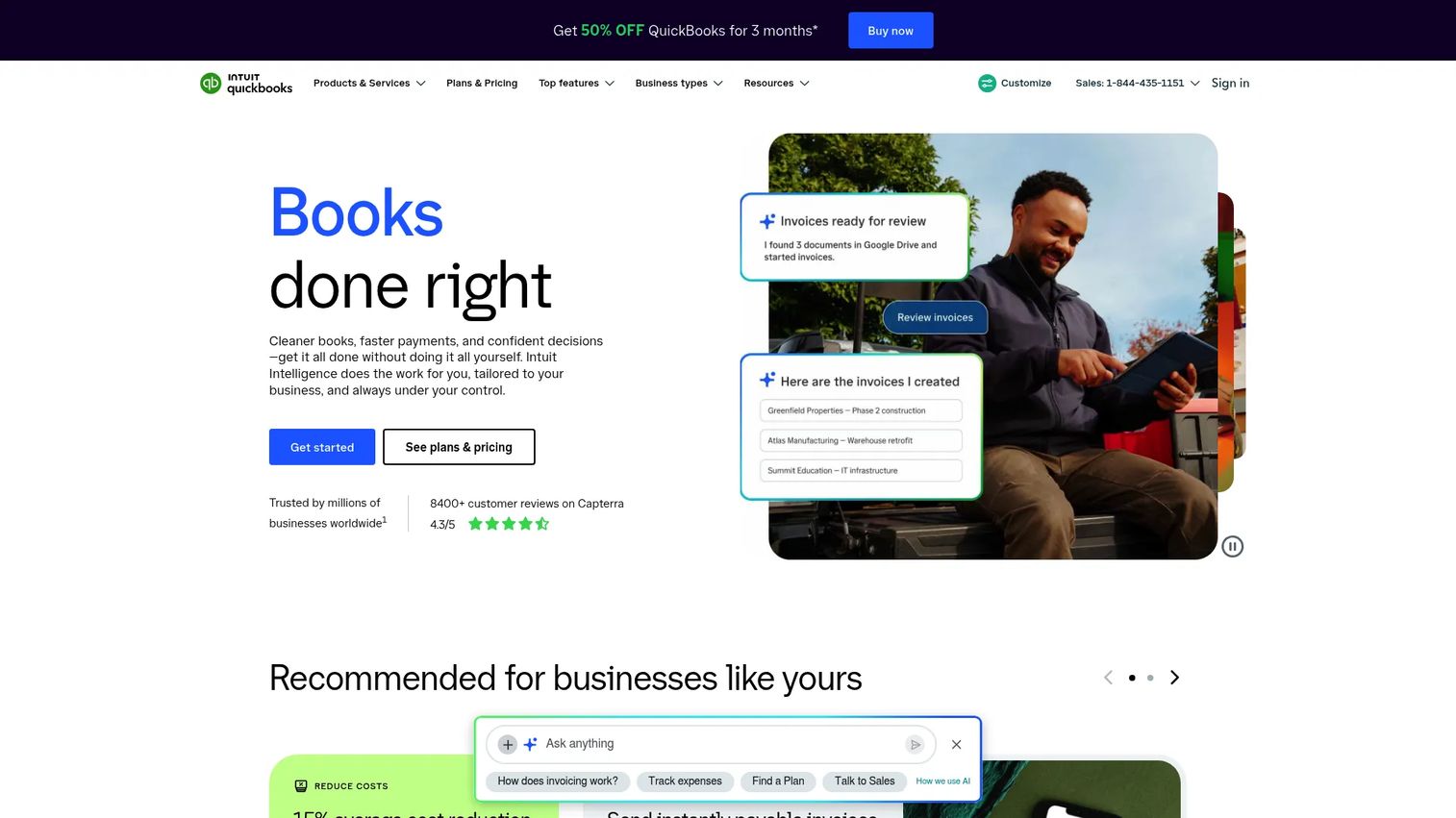
QuickBooks Online is cloud accounting software widely used by small businesses, including law firms. It handles invoicing, general ledger, expense tracking, bank reconciliation, financial reporting, and basic payroll. Many legal practices use it as their accounting layer alongside a dedicated case management platform. It does not provide legal matter management, trust accounting compliance specific to IOLTA rules, or client portals by itself.
Best for: Firms that need cloud accounting and bookkeeping, particularly those whose finance function is already standardized around QuickBooks.
Key features
- Automated bookkeeping and expense categorization
- Invoicing and online payment acceptance
- General ledger and financial reporting
- Bill pay and cash flow forecasting
- Integration with 800+ third-party applications
Why choose QuickBooks Online: Works well when the accounting function is already on QuickBooks and the firm needs a general ledger that integrates with a dedicated legal billing platform. Verify trust accounting requirements carefully; IOLTA compliance typically requires a purpose-built legal accounting tool or a direct integration.
QuickBooks Online pricing: Simple Start is $19/month, Essentials is $42.50/month, Plus is $70/month, and Advanced is $170/month, all at promotional rates billed monthly. A free tier with limited features is available.
G2 rating: 4.0/5
18. Xero

Xero is cloud accounting software built for small businesses and their accountants. It covers invoicing, bank connections, automated reconciliation, expense management, and real-time financial reporting. Like QuickBooks Online, it is an adjacent accounting tool rather than a legal case management system. Xero is popular with firms whose accountants prefer its interface and multi-currency handling.
Best for: Small law firms with simple cloud accounting needs, particularly those whose external accountant already works in Xero.
Key features
- Online invoicing and payment acceptance
- Bank connections and automated reconciliation
- Expense management and claims
- Real-time financial reporting
- Third-party app integrations
Why choose Xero: Good fit for firms whose finance workflows are straightforward and whose advisors already use the platform. Validate legal accounting requirements, especially trust account separation and compliance, before selecting Xero as the primary accounting layer.
Xero pricing: Early is $27/month, Growing is $59/month, and Established is $97/month, all billed monthly. No free tier; a free trial is available.
G2 rating: 4.4/5
19. LawPay
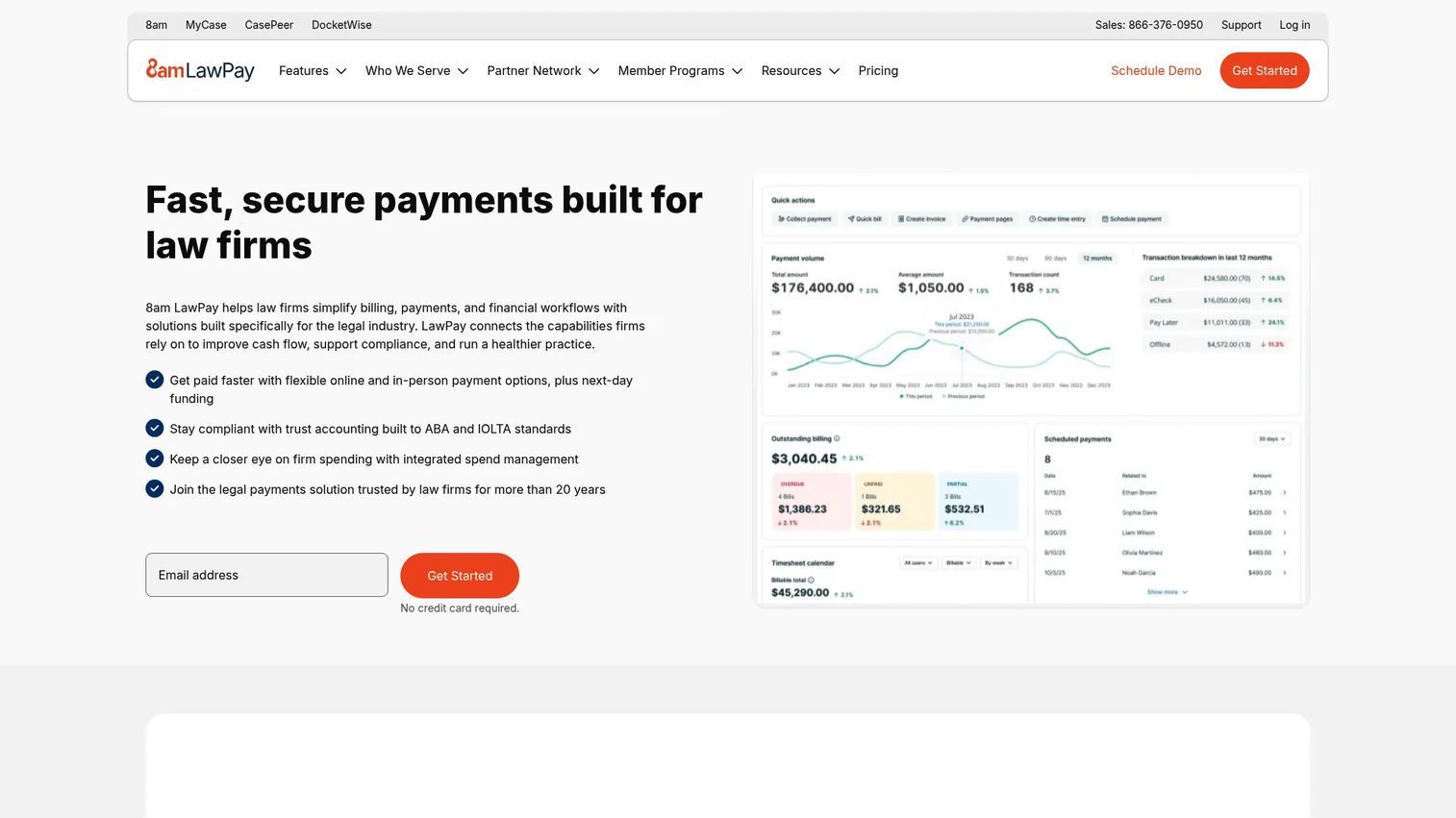
LawPay is a legal payment management platform built specifically for law firm payment workflows. It handles credit and debit card payments, eCheck/ACH, Apple Pay, payment links, scheduled payments, billing, invoicing, and time and expense tracking, with IOLTA/trust account compliance built in. LawPay integrates with most major legal practice management platforms and with QuickBooks.
Best for: Law firms that need compliant client payment processing tied to billing workflows, trust accounting rules, and existing practice management or accounting tools.
Key features
- Credit card, eCheck/ACH, Apple Pay, and payment link processing
- Billing, invoicing, and time and expense tracking
- IOLTA/trust account compliance and financial reporting
- Scheduled payments and legal-fee financing options
- 65+ integrations including practice management and accounting tools
Why choose LawPay: Best when collections and compliant payment workflows are the bottleneck. LawPay complements a case management or billing platform rather than replacing one. Review transaction fee structures alongside the monthly plan cost for a full picture.
LawPay pricing: Monthly plan starts at $19/month, with transaction fees applied by payment type. Custom pricing is available for specialized processing needs.
G2 rating: 4.7/5
Considerations when choosing legal case management software
Founders and operators evaluating legal software for the first time should think through these factors before requesting demos or entering pricing conversations.
Practice area fit
Map any platform against the actual matter types the firm handles. A personal injury firm, estate planning practice, and commercial litigation boutique each need different defaults, templates, and deadline-calculation rules. A general-purpose platform may require configuration; a specialist tool may be too narrow for a multi-practice firm. Ask each vendor for a demo that reflects your specific matter types, not a generic walkthrough.
Migration and implementation
Switching legal case management systems is operational work. Ask vendors directly about data import for matter history, documents, contacts, calendar entries, billing records, and trust ledgers. Understand training requirements and whether the vendor provides dedicated migration support or hands you documentation. First-week adoption matters more than feature volume. The client portal software you choose should be one the team will use from day one, not one that requires months of onboarding.
Billing, trust accounting, and payments
Involve whoever owns bookkeeping before the final selection. The wrong choice can create duplicate data entry between a billing system and an accounting platform, or leave IOLTA compliance to a manual workaround. Confirm whether trust accounting is natively built in, provided through an integration, or not covered at all. See also our guide to accounting practice management software for adjacent accounting platform comparisons.
Security, permissions, and data governance
Legal work involves confidential client data. Evaluate access controls, audit logs, encryption at rest and in transit, external sharing settings, SSO support, and data residency. Cloud-based legal case management software can meet high security standards when configured correctly, but each vendor's security documentation requires active review. This section is operational guidance, not legal or regulatory advice.
Integrations and adoption risk
A platform only works if attorneys and staff actually use it. Prioritize tools that integrate directly with the email, calendar, document, accounting, and payment systems already in the firm's stack. Ask vendors for customer references at firms of similar size and practice type. Tools that earn their place in the first week tend to stick; tools that require six months of configuration often don't.
Conclusion
The right legal case management software is the one your team opens every day, not the one with the longest feature list.
For most law firms starting a full-platform search, Clio is the strongest broad shortlist candidate. MyCase and PracticePanther offer more transparent pricing structures for smaller firms. Filevine and CASEpeer serve litigation teams and personal injury firms where generic templates create friction. CosmoLex stands out when accounting and trust workflows need to live inside the same system. Smokeball addresses the time-recovery problem for firms that lose billable hours to manual entry.
For the document and collaboration layer, iManage, Box, Microsoft 365, and Google Workspace each serve different profiles. Harvey addresses knowledge-intensive legal work where AI assistance on drafting and research creates measurable output gains. LawPay, QuickBooks Online, and Xero cover the payment and accounting layer.
The practical test for any tool on this list: Can a new attorney or paralegal understand a matter's status and next steps on day one, without calling a senior partner? If yes, the system is earning its place.
For more on related software stacks, see our comparisons of client management software, accounting software, and best contract management software.
FAQs
Legal case management software is a system that helps law firms and legal teams organize matters, deadlines, documents, contacts, tasks, billing, and client communication in one structured workflow. Full platforms typically include client intake, portals, legal calendaring, time tracking, billing, trust accounting, and reporting. Some tools in the category cover a specific layer, such as documents, payments, or AI assistance, rather than the full stack.
Small firms usually prioritize ease of setup, transparent per-user pricing, billing, client portals, and reliable calendaring. Clio, MyCase, PracticePanther, and Rocket Matter are frequently shortlisted by small firms. MyCase offers the most transparent tier pricing, making budget planning straightforward. PracticePanther's 7-day free trial gives small teams a low-risk way to test before committing.
Case management software focuses on matters, tasks, documents, deadlines, and case progress tracking. Practice management software typically adds billing, payments, trust accounting, client intake, firm-level reporting, and broader operational workflows. Many tools in this category cover both functions and market themselves as practice management platforms. The terms are often used interchangeably, so verify which specific workflows each platform actually includes.
Cloud legal case management systems can be highly secure when they provide access controls, encryption at rest and in transit, audit trails, strong permission settings, and regular vendor security reviews. Buyers should evaluate each vendor's security documentation, SOC 2 certifications, data residency options, and external sharing controls before committing. Professional responsibility obligations vary by jurisdiction; consult your bar's guidance on cloud adoption rather than relying on vendor security claims alone.
CASEpeer is purpose-built for plaintiff-side personal injury workflows, covering case stages, medical treatment tracking, settlement and lien management, statute-of-limitations alerts, and client intake. Filevine is also a strong option for personal injury firms with higher case volume that need configurable workflows and robust document management. Evaluate settlement tracking, intake automation, case status reporting, and integrations with medical records systems before choosing.
Many full practice management platforms include time tracking, invoicing, payment collection, and trust accounting. However, adjacent tools in this category, including iManage, Box, Dropbox, Microsoft 365, and Google Workspace, do not include billing. QuickBooks Online and Xero handle general accounting but require separate legal billing tools or integrations for time tracking and trust compliance. Verify the specific billing workflow for each platform during your evaluation.
Pricing in this category ranges from around $7/user/month for productivity suites like Microsoft 365 up to $160/user/month for purpose-built platforms like CASEpeer's Advanced tier. Full practice management platforms typically run $49 to $130/user/month at the entry level, with custom pricing for enterprise tiers or complex configurations. Total cost also covers implementation, data migration, training, add-on modules, and integration fees, so compare the full stack cost rather than the entry-plan price alone.
Start by auditing existing data: Matter records, documents, contacts, billing history, calendar entries, and trust ledger balances. Clean the records before migration rather than importing duplicates or incomplete data. Map fields from the existing system to the new platform, then run a test migration with a sample of matters before the full cutover. Train staff on the new workflows before going live, and set a firm cutover date so the team isn't running two systems simultaneously. Migration quality directly affects adoption; a poorly executed migration gives staff a reason to revert to email and spreadsheets.