You dialed 60 numbers today. You had four real conversations. The rest went to voicemail, dead lines, or gatekeepers who hung up.
Most reps blame the list. Bad data, wrong titles, dead numbers. Sometimes that's true. But a huge chunk of that lost time is mechanical: manually punching digits, waiting on rings, logging calls by hand, and clicking between seven tabs to update the CRM after every attempt.
That's the friction a sales dialer is built to remove. The right sales dialer software cuts the clicks between a lead in your CRM and a live human on the line, then logs the whole thing without you touching a field.
The market reflects the shift. The sales dialer tools market is projected to grow from USD 1.2 billion in 2024 to USD 2.5 billion by 2033, a 9.2% CAGR (LinkedIn, Sales Dialer Tools Market, 2024). Automated dialing can reduce manual dialing time by up to 70% (PMarketResearch, 2023).
So the question is not whether to use a dialer. It's which dialing mode, which CRM fit, and which compliance posture matches how your team actually sells.
What's inside
This guide is for SDRs, outbound managers, and RevOps teams choosing a calling tool for prospecting and qualification. We picked tools that a real SDR would live in all day.
We evaluated each dialer on four things:
- Dialing mode: click-to-dial, power dialer, predictive, or AI/parallel dialing
- CRM integration: native fit with Salesforce, HubSpot, and bi-directional sync
- Compliance: TCPA compliance, GDPR compliance, and number reputation controls
- SDR workflow fit: call logging, call recording, voicemail drop, and analytics
TL;DR
- Best for Salesforce-native calling: Fastcall lives inside Salesforce, so call logging and routing happen where reps already work.
- Best for HubSpot-heavy teams: HubSpot Call Tracker keeps calling, logging, and CRM in one place with a free entry tier.
- Best for power dialing throughput: Kixie PowerCall pairs multi-line dialing with local presence and voicemail drop.
- Best for coached teams: Dialpad adds real-time transcription and live coaching to every call.
- Best for a modern all-in-one: CloudTalk covers dialing modes, call analytics, and compliance support for growing teams.
What is sales dialer software?
Sales dialer software is a tool that automates the process of placing outbound and inbound sales calls, connects reps to prospects faster, and logs call activity directly into a CRM. It removes manual dialing, routes connected calls to reps, and captures data like call recording, disposition, and notes without extra clicks.
A sales dialer platform sits between your contact list and your phone line. Instead of reading a number off a screen and typing it, you click once, or the system dials for you, and you talk. The best sales dialer tools also record, transcribe, and sync every touch back to the CRM.
Core features to expect from a modern sales dialer:
- Dialing automation: click-to-dial, power dialing, predictive dialing, or parallel dialing
- CRM integration: native or bi-directional sync with Salesforce and HubSpot
- Call logging: automatic activity capture against the contact record
- Call recording and transcription: for coaching and QA
- Voicemail drop: pre-recorded messages left in one click
- Local presence: area-code matching to lift connect rates
- Number reputation management: spam-label monitoring and rotation
- Call analytics: connect rate, talk time, and disposition reporting
- Compliance controls: TCPA compliance, GDPR compliance, and consent tracking
The distinction that matters most for buyers is the dialing mode. It changes your connect rate, your compliance exposure, and how the calls feel to prospects.
When to use each dialing mode
Not every team needs the same dialer. Match the mode to your motion.
Use click-to-dial for warm, low-volume calling
Click-to-dial removes typing and logs the call, but a rep still initiates each one. It fits inbound SDRs working marketing-sourced leads, AEs calling into active deals, and anyone who values control over raw volume. Speed-to-lead matters more than throughput here.
Use a power dialer for high-volume outbound
A power dialer works through a list automatically, dialing the next number the moment a call ends. Reps get more conversations per hour without predictive-dialing's compliance complexity. This is the workhorse mode for outbound SDR teams grinding through cold lists.
Use predictive or parallel dialing for large-scale prospecting
A predictive dialer calls multiple numbers at once and connects reps only to answered calls. Parallel and AI dialer setups do something similar with detection layers. Throughput is highest here, but so is compliance risk, so this mode fits mature teams with tight TCPA and GDPR processes.
Sales dialer software comparison
Here's how the nine tools stack up on dialing mode, best fit, pricing, and rating. Use it to shortlist two or three, then read the full sections below.
| # | Product | Best for | Key differentiator | Pricing | G2 rating |
|---|---|---|---|---|---|
| 1 | Fastcall | Salesforce-native teams | Calling and messaging built inside Salesforce | From $24/user/mo (annual) | 4.2/5 |
| 2 | HubSpot Call Tracker | HubSpot CRM users | Calling native to HubSpot Sales Hub | Free; paid from $7/seat/mo | 4.4/5 |
| 3 | Sales Dialers | Cloud dialing on a budget | Web-based click-to-call with lead routing | $70/user/mo | N/A |
| 4 | InsideSales | Enterprise outbound | Buyer intelligence with guided plays | Custom | 4.5/5 |
| 5 | Kixie PowerCall | Power dialing throughput | Multi-line dialing, local presence, voicemail drop | Free trial; contact sales | 4.8/5 |
| 6 | JustCall | Calling plus SMS | Omnichannel calling and texting with CRM sync | From $29/user/mo (annual) | 4.3/5 |
| 7 | Dialpad | Coached SDR teams | Real-time transcription and live coaching | From $15/user/mo | 4.4/5 |
| 8 | Aircall | SMB cloud phone | Easy setup with deep integrations | Contact sales | 4.4/5 |
| 9 | CloudTalk | Modern all-in-one | Dialing modes plus analytics and compliance | From $25/user/mo (annual) | 4.4/5 |
Best 9 sales dialer software for 2026
1. Fastcall
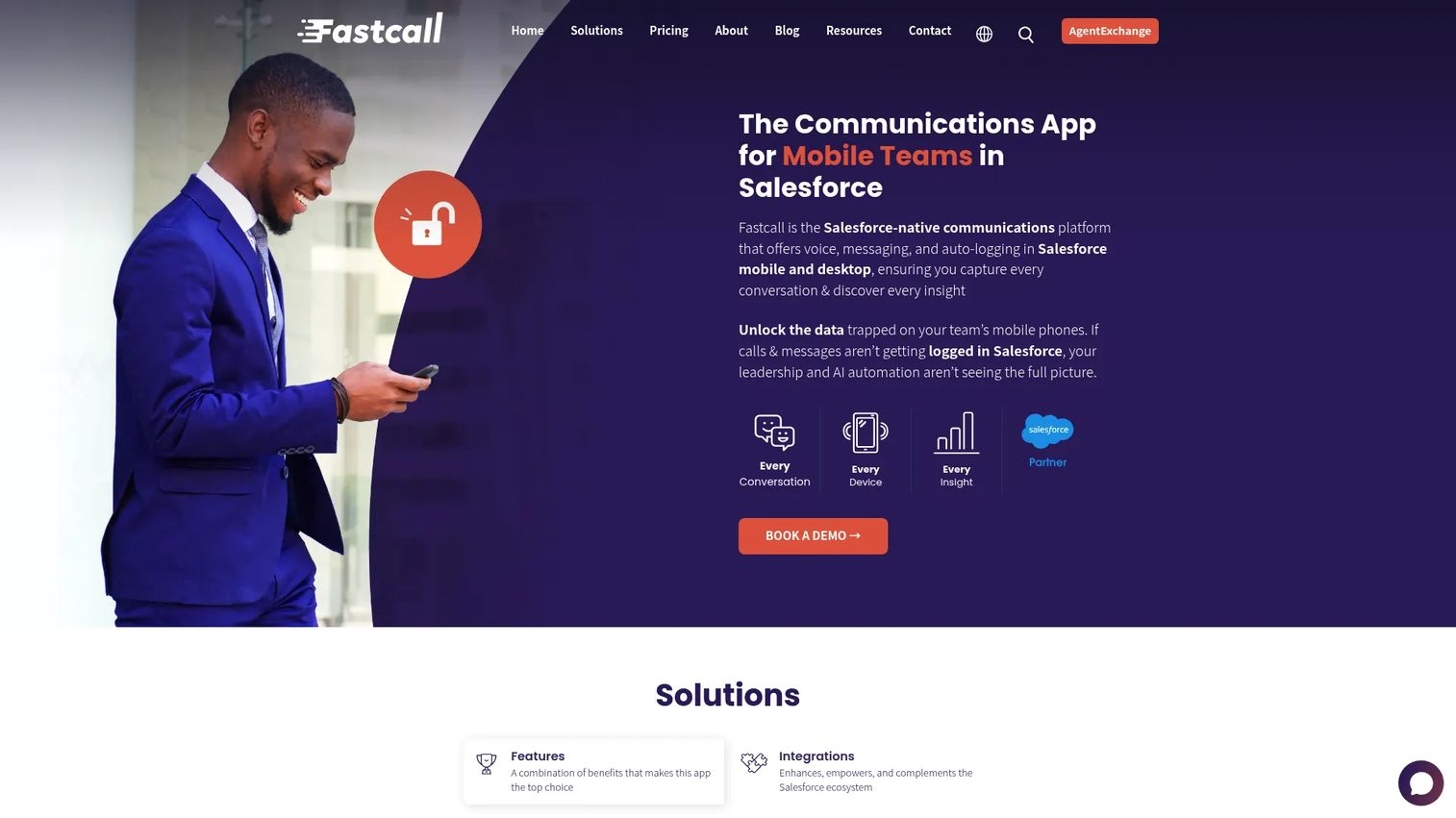
Fastcall is a Salesforce-native communications platform. Calling, SMS, MMS, WhatsApp, IVR, and conversation intelligence all run inside Salesforce, so reps never leave the record they're working. For teams that live in Salesforce, that means call logging and routing happen automatically against the right contact, opportunity, or lead.
Best for: Salesforce teams that want native click-to-dial and messaging without a separate calling tab.
Key features
- Click-to-dial for desktop and mobile
- Call logging, recording, transcription, and voice intelligence
- SMS, MMS, and WhatsApp with templates and automation
- Native Salesforce activity capture and routing
Why choose Fastcall: If your CRM is Salesforce and your reps hate switching tools, native calling removes the sync problem entirely. Every call, text, and disposition lands on the right record without a bi-directional connector to babysit.
Fastcall pricing: The Essential (phone) plan starts at $24 per user per month billed annually, or $30 monthly. The Pro plan, which adds messaging and IVR, is $49 per user per month annually or $60 monthly. A custom plan is available with a 10-user minimum. No free tier is listed.
2. HubSpot Call Tracker
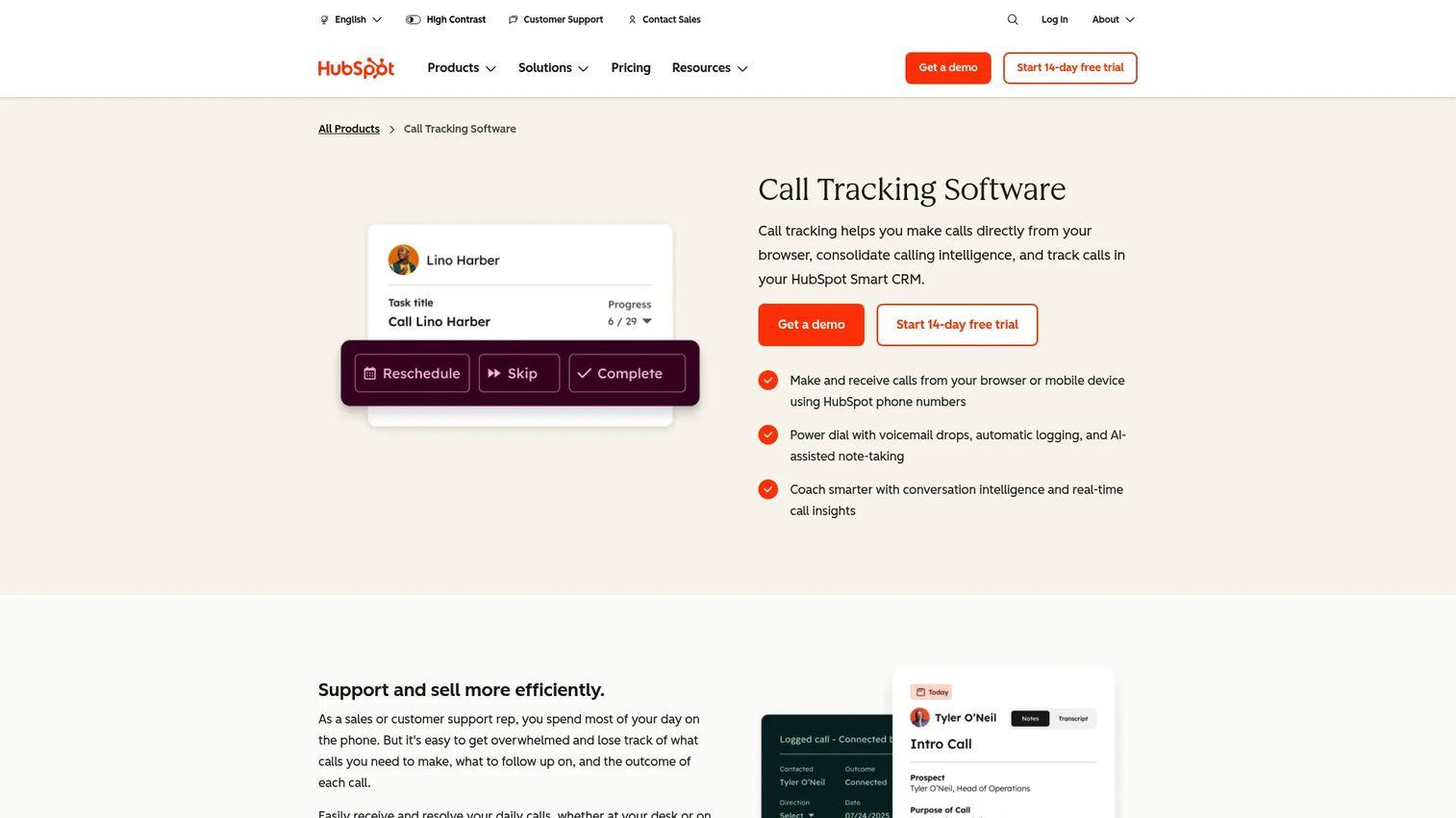
HubSpot Call Tracker lets reps make, receive, record, and log calls directly inside HubSpot CRM. Because it's part of Sales Hub and Service Hub, calls attach to the contact record with AI-assisted notes and conversation intelligence, no separate dialer to reconcile. For inbound-heavy SDR teams already running HubSpot, that convenience is the whole point.
Best for: Teams standardized on HubSpot that want calling and call tracking in one place.
Key features
- Make and receive calls from browser or mobile
- Automatic call logging plus AI-assisted note-taking
- Conversation intelligence and real-time call insights
- Native HubSpot contact and deal association
Why choose HubSpot Call Tracker: If HubSpot is your system of record, keeping calls inside it means clean data and no context lost at handoff. Reps see the full timeline of touches without jumping tools.
HubSpot Call Tracker pricing: Call tracking is included in Sales Hub. The Free tier covers up to two users at $0. Starter is $7 per seat per month billed annually, Professional is $90 per seat per month billed annually, and Enterprise is $150 per seat per month. Call limits scale with the tier.
3. Sales Dialers
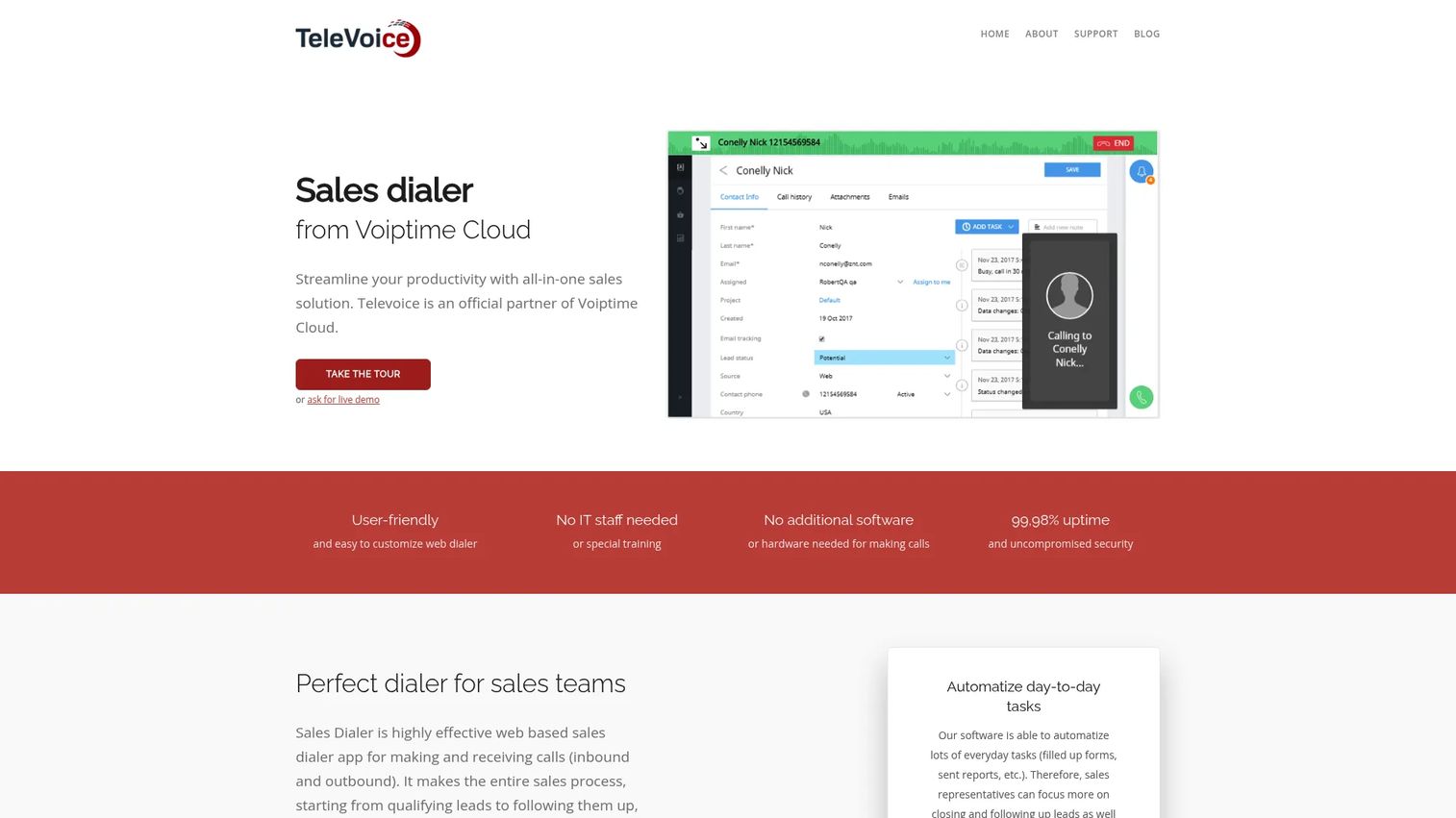
Sales Dialers is a web-based sales dialer and lead management tool from Voiptime Cloud. It focuses on the basics that matter to a calling team: click-to-call dialing, lead management, and intelligent call routing. There's no heavy CRM to configure, which makes it a straightforward option for teams that want a dialer without a full platform migration.
Best for: Sales teams that need a cloud dialer with basic lead handling at a flat per-user price.
Key features
- Click-to-call sales dialing
- Built-in lead management
- Intelligent call routing
- Web-based, no desktop install
Why choose Sales Dialers: If you want dialing and lightweight lead tracking in one place without stitching together a separate CRM, the simple pricing model keeps the math easy. It fits a leaner stack where the dialer does most of the work.
Sales Dialers pricing: Simple pricing is listed at $70 per user per month. A 14-day free trial package is available.
4. InsideSales
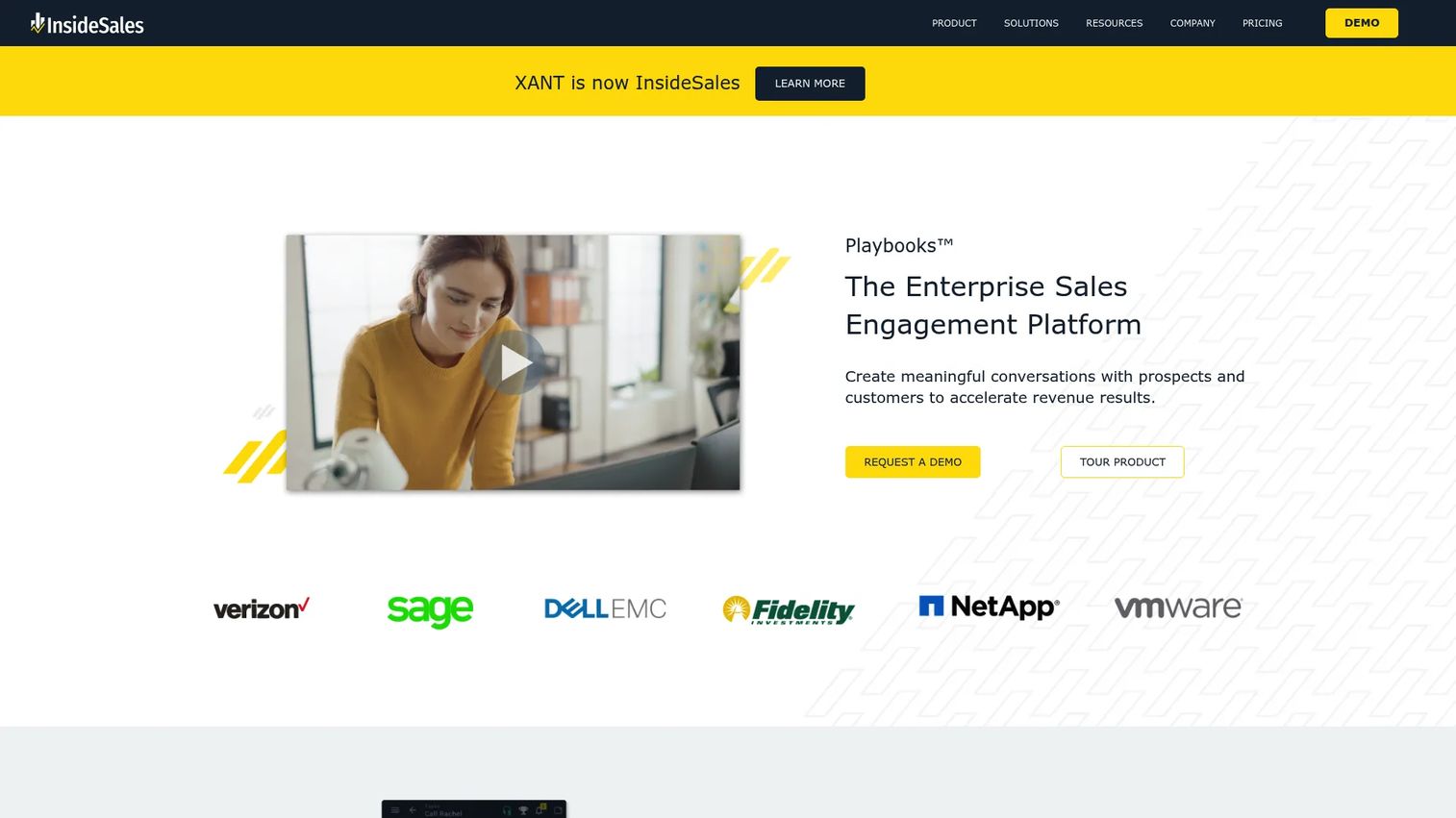
InsideSales (Playbooks) is a sales engagement and automation platform with buyer intelligence layered on top. Rather than a standalone dialer, it wraps calling inside multi-channel cadences, prioritization, and CRM reporting. The buyer intelligence engine uses data to tell reps which accounts to work and when, which is where it earns its enterprise price.
Best for: Enterprise outbound teams that want guided plays, automation, and reporting alongside dialing.
Key features
- Sales cadence and multi-channel plays
- Automation and lead prioritization
- Buyer intelligence and account scoring
- Reporting and CRM integration
Why choose InsideSales: For large teams, the value is less about raw dialing and more about telling reps where to spend their time. If your problem is prioritization at scale, not click reduction, this is the fit.
InsideSales pricing: Pricing is not publicly listed. The platform is tailored to each company, so you'll meet with their team for a quote.
5. Kixie PowerCall
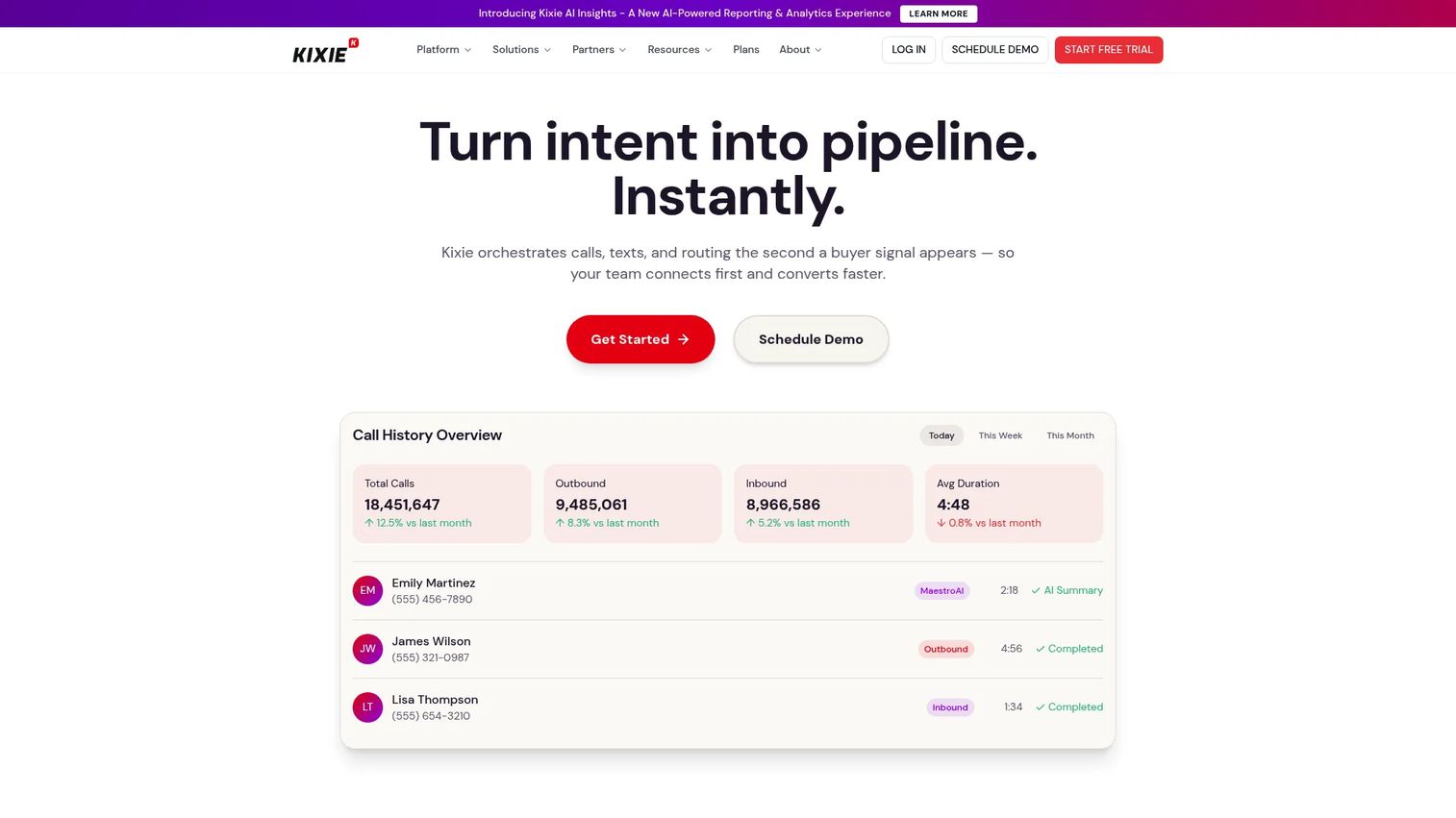
Kixie PowerCall is an AI-powered sales dialer and revenue communications platform with CRM-integrated calling and texting. This is the throughput play: multi-line power dialing, AI human voice detection, and automatic CRM logging move reps through lists fast. Local presence and spam protection via ConnectionBoost help keep connect rates up, and voicemail drop clears the no-answers in one click.
Best for: Outbound SDR teams that need CRM-synced power dialing and high call volume.
Key features
- Multi-line power dialing
- AI human voice detection
- Automatic CRM logging with bi-directional sync
- Voicemail drop and local presence (ConnectionBoost)
Why choose Kixie PowerCall: When the job is volume, multi-line dialing plus voice detection means reps spend their time talking, not waiting on rings. The bi-directional CRM sync keeps activity clean without manual logging.
Kixie PowerCall pricing: Kixie lists three plans, Professional, Single-Line PowerDialer, and Multi-Line PowerDialer, plus a 7-day free trial. Plan prices are not shown publicly, so contact Kixie for a quote.
6. JustCall
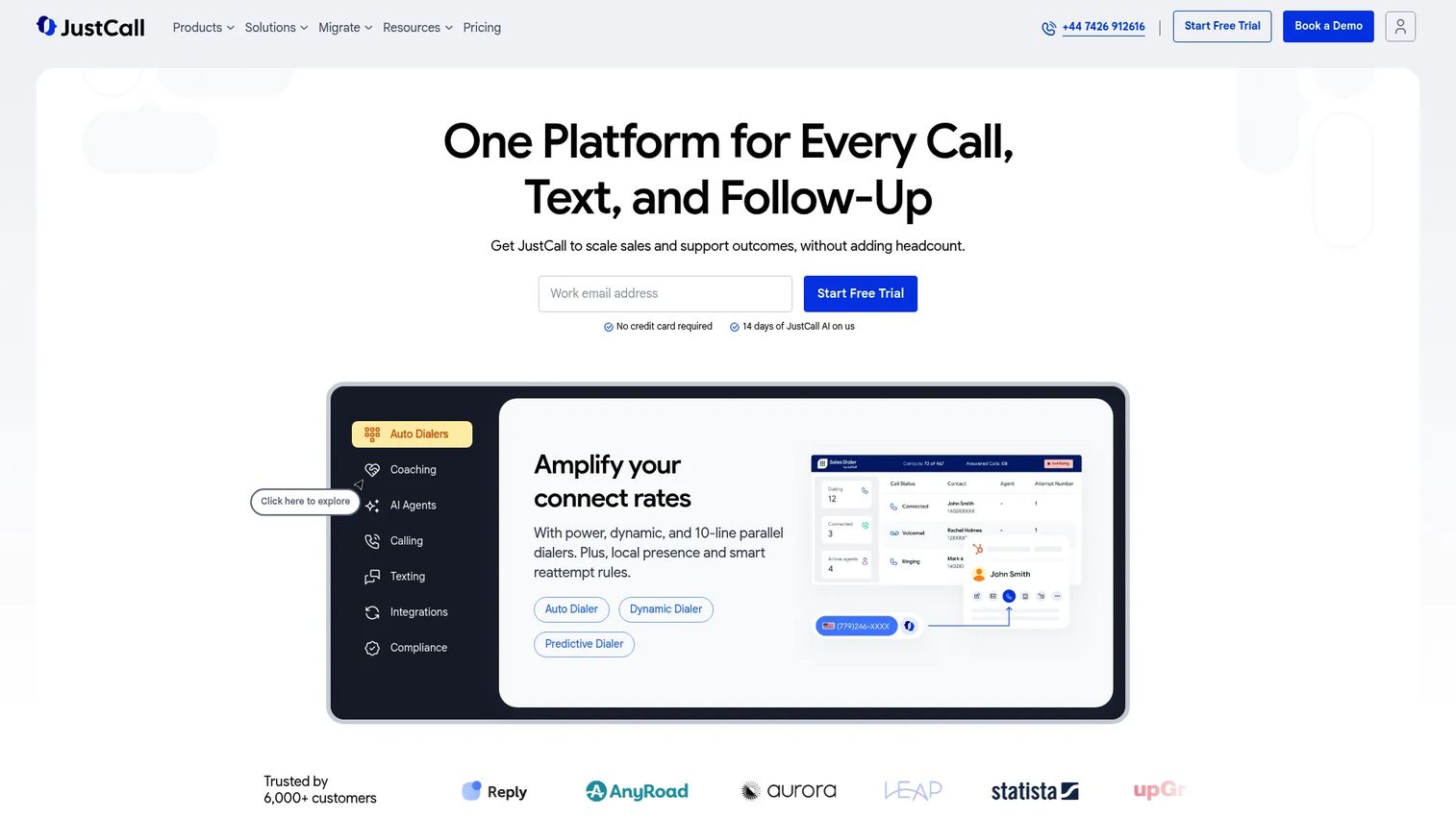
JustCall is an AI-powered business communications platform that combines calling, SMS, dialers, and customer conversation workflows. For SDR teams that work prospects across voice and text, having both in one system with CRM sync cuts the tool sprawl. AI features like call scoring and coaching help managers spot what's working across the team.
Best for: Sales and support teams that want calling, texting, and CRM sync in one platform.
Key features
- Calling and SMS in one platform
- CRM and helpdesk integrations with workflows
- AI call scoring, coaching, and voice agents
- Multiple dialer modes
Why choose JustCall: If your outreach spans calls and texts, running both from one system keeps the contact history unified and the CRM clean. The AI scoring gives managers coaching signal without listening to every call.
JustCall pricing: The Team plan starts at $29 per user per month billed annually. Pro is $49 and Pro Plus is $89 per user per month billed annually. Business and SalesPro are custom-quote plans. A 14-day free trial is available.
7. Dialpad
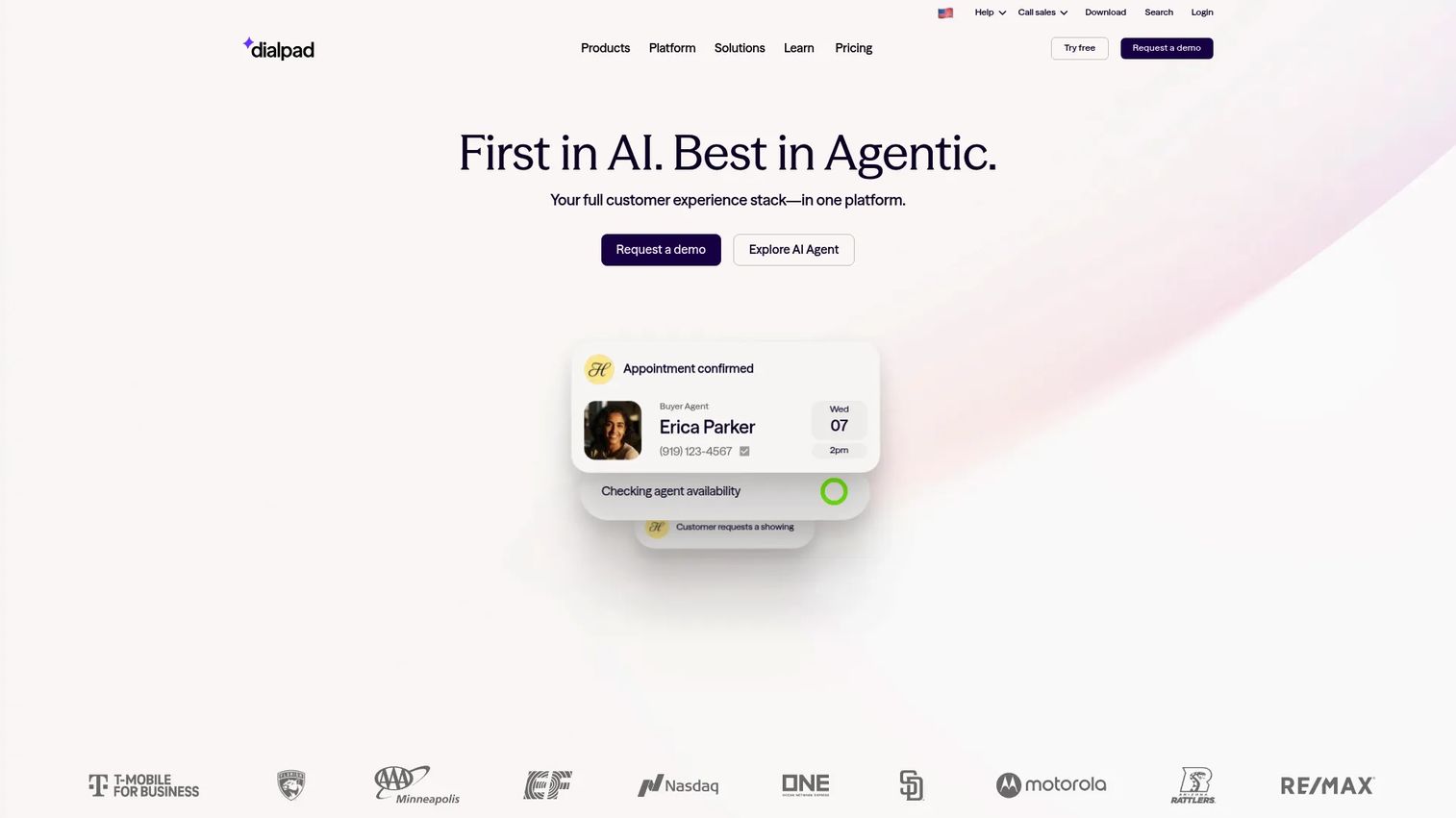
Dialpad is an AI-powered communications platform for calls, messages, meetings, and contact center workflows. Its standout for sales teams is real-time voice transcription paired with live coaching, so managers can assist reps mid-call and every conversation gets an AI recap. For teams that treat coaching as a growth lever, that live layer is the differentiator.
Best for: Coached SDR teams that want AI transcription and real-time call assist.
Key features
- Real-time voice transcription
- AI recaps and meeting summaries
- AI agents and live coaching
- Omnichannel calling, messaging, and meetings
Why choose Dialpad: When ramp time and rep consistency are the bottleneck, live coaching and automatic recaps shorten the feedback loop. New reps improve faster because the guidance happens during the call, not a week later.
Dialpad pricing: Dialpad Connect Standard is $15 per user per month and Connect Pro is $25 per user per month. Enterprise is contact sales. Dialpad AI Agent uses conversation-based pricing that requires a sales conversation.
8. Aircall
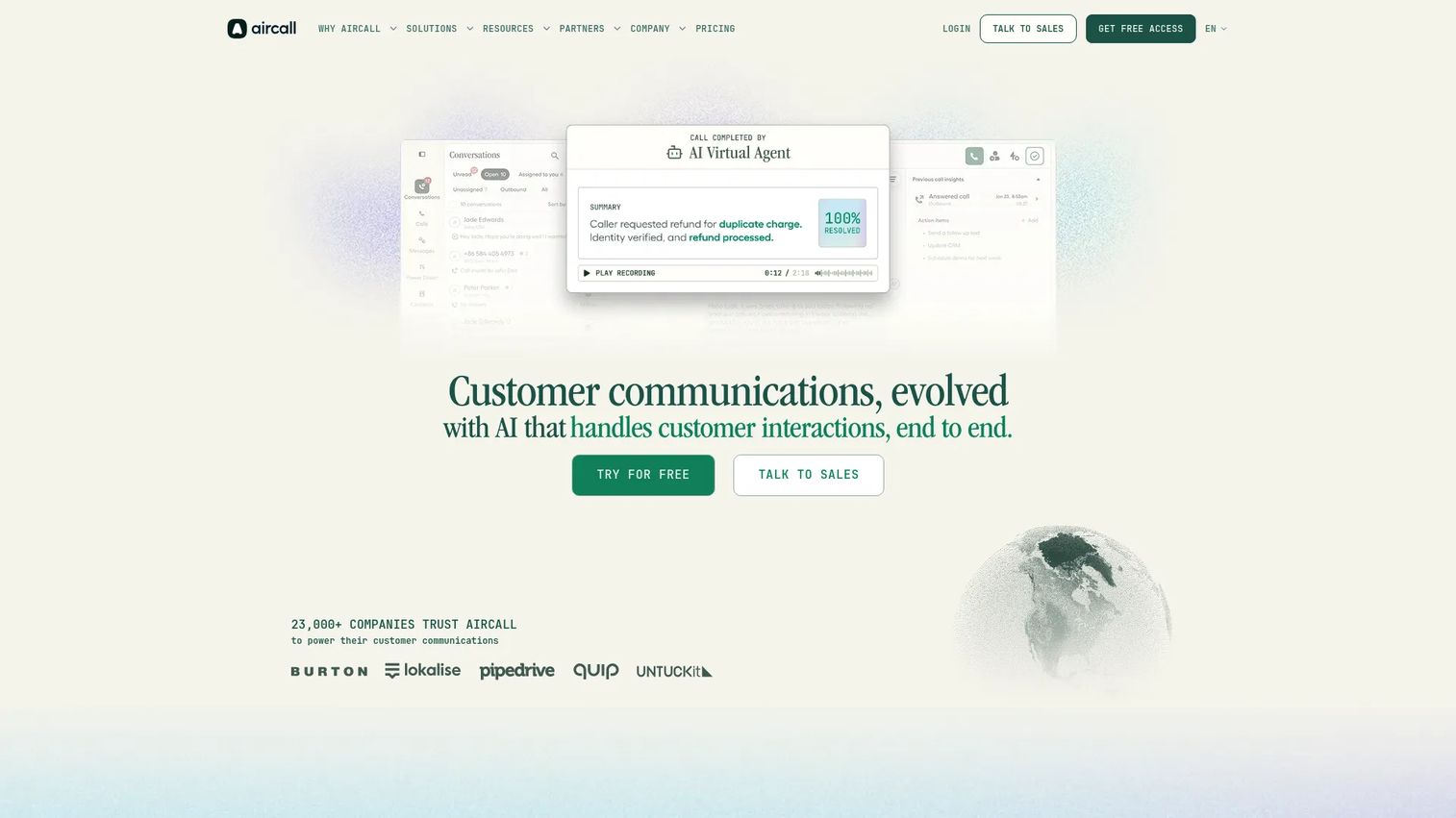
Aircall is a cloud phone and customer communications platform built for sales and support teams. Its strength is ease of setup and a deep catalog of integrations, so a small team can be dialing quickly with CRM, helpdesk, and analytics wired in. Click-to-dial, IVR, call routing, recording, and transcription cover the core calling workflow without heavy configuration.
Best for: SMBs that want an easy-to-use cloud phone system with strong integrations.
Key features
- Click-to-dial with IVR and call routing
- Call recording and transcription
- CRM and helpdesk integrations
- Call analytics and reporting
Why choose Aircall: If you want a phone system that connects to your existing stack without a long implementation, Aircall's integration depth and quick setup make it easy to adopt. It suits teams that value usability over deep dialing automation.
Aircall pricing: Aircall publishes Essentials and Professional plans billed annually, plus a Custom plan with a 25-license minimum. Contact Aircall for current plan pricing.
9. CloudTalk
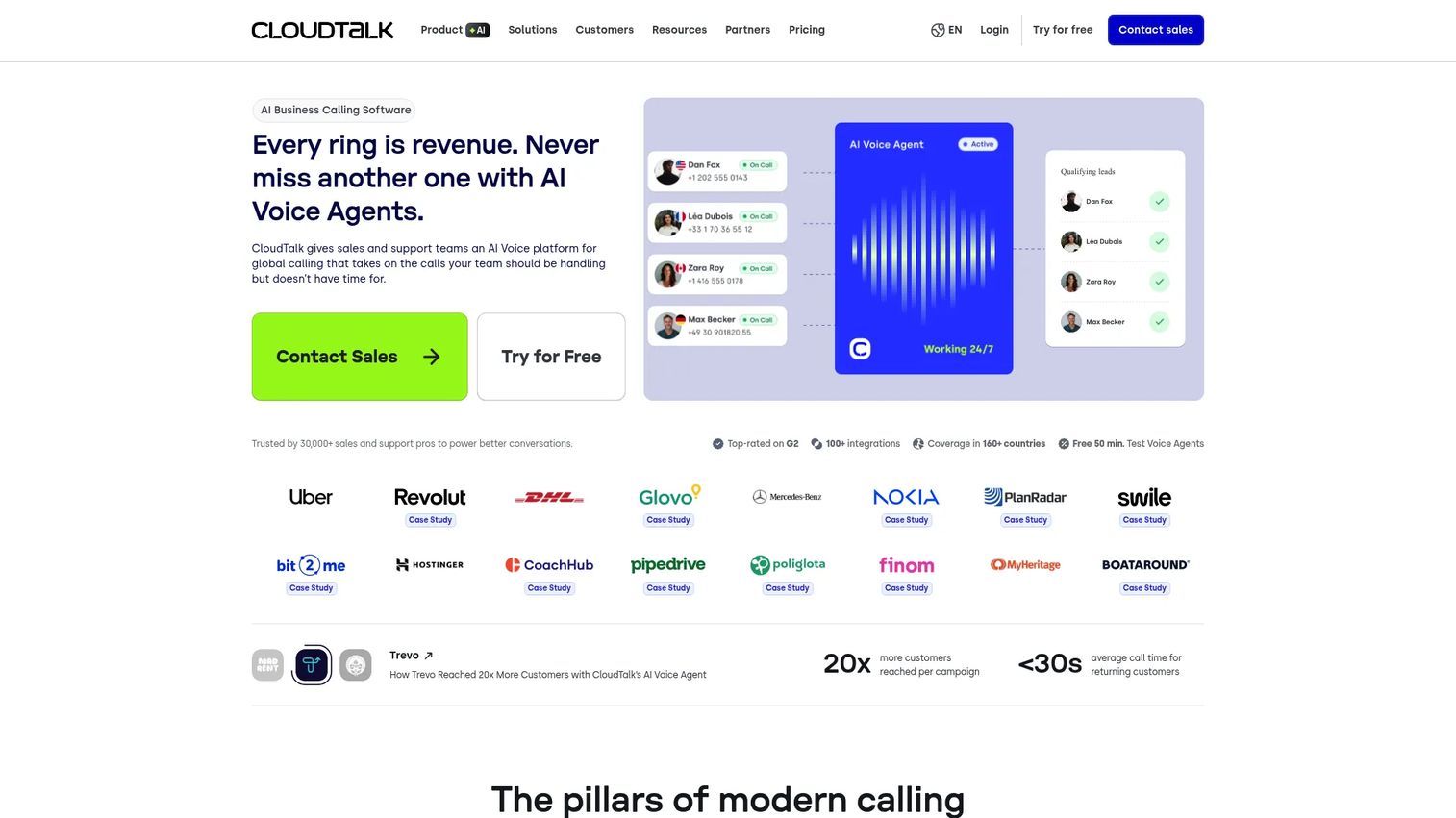
CloudTalk is a cloud-based contact center and business phone system for sales and support teams. It's a strong modern comparison pick because it bundles dialing modes, call analytics, workflow automation, and international numbers with compliance-friendly controls. AI smart notes and call monitoring give managers visibility, while WhatsApp messaging extends reach beyond voice.
Best for: SMB sales and support teams that want a modern all-in-one phone and contact center platform.
Key features
- Call monitoring and analytics
- International numbers (over 160)
- WhatsApp inbound and outbound messaging
- Workflow automation and AI smart notes
Why choose CloudTalk: For teams selling across regions, the international number coverage and analytics depth make it a practical single platform. The workflow automation keeps repetitive post-call tasks off reps' plates.
CloudTalk pricing: The Starter plan is $25 per user per month billed annually. Essential is $29 and Expert is $49 per user per month billed annually. Monthly billing is priced higher.
Considerations before you buy
Before you commit, pressure-test each shortlisted tool against how your team actually sells.
CRM integration depth
A dialer is only as good as its sync. Confirm the tool logs calls, recordings, and dispositions to the right object in your CRM automatically. For Salesforce and HubSpot, check whether the integration is native or a bi-directional connector, and test that activity lands on the correct contact, lead, and opportunity without duplicates.
Dialing mode fit
Match the mode to your motion. Click-to-dial suits warm, inbound-heavy calling. A power dialer drives outbound throughput. Predictive and parallel dialing scale volume but raise compliance stakes. Buying a predictive dialer for a five-rep inbound team is overkill; buying click-to-dial for a 30-rep cold-calling floor caps your throughput.
Compliance controls
Outbound calling carries real regulatory exposure. Verify TCPA compliance features like consent tracking and time-zone controls, plus GDPR compliance for any calling into the EU. Ask how the tool handles number reputation and spam labeling, since a flagged number tanks connect rates fast.
Total cost and pricing model
Most sales dialers price per user per month, and subscription models dominate the market at 68% of it (PMarketResearch, 2023). Watch for what's gated behind higher tiers: local presence, voicemail drop, analytics depth, and integrations often live on pricier plans. Factor in per-minute or SMS charges on top of seat cost.
Conclusion
The best sales dialer software is the one that matches your CRM, your dialing mode, and your compliance reality, not the one with the longest feature list.
If you live in Salesforce, Fastcall keeps calling native to the record. HubSpot teams get the same convenience from HubSpot Call Tracker, with a free tier to start. For raw outbound throughput, Kixie PowerCall's multi-line dialing and voicemail drop move reps through lists fast. Dialpad wins for coached teams that want live transcription and assist. And CloudTalk is the modern all-in-one for teams that want dialing modes, analytics, and compliance support in one platform.
Your next step: shortlist two tools that fit your CRM and dialing mode, then run a two-week trial with a real list. Measure connect rate, talk time, and meetings booked, not just how the demo felt. The dialer that lifts those numbers is the one worth paying for.
FAQs
Sales dialer software automates outbound and inbound calling, connects reps to prospects faster, and logs call activity into a CRM. It replaces manual dialing with click-to-dial, power, predictive, or AI dialing modes, and captures recordings, notes, and dispositions automatically.
A power dialer calls one number at a time, dialing the next as soon as a call ends, so a rep is always on a live line or waiting a beat. A predictive dialer calls several numbers at once and connects the rep only when someone answers. Predictive dialing drives higher throughput but carries more compliance risk and needs tight TCPA processes.
Fastcall is built natively inside Salesforce, so calling, logging, and routing happen against the right record with no separate connector. Kixie PowerCall and JustCall also offer bi-directional Salesforce sync if you want power dialing or combined calling and SMS. The right pick depends on whether you value native depth or dialing throughput more.
CRM integration determines whether your call data stays clean. A native or bi-directional sync logs calls, recordings, and dispositions to the correct contact and opportunity automatically, so reps skip manual data entry and managers get accurate activity reporting. Weak integration means duplicate records, lost context at handoff, and unreliable analytics.
Look for TCPA compliance controls like consent tracking, time-zone-aware dialing, and do-not-call list management for US calling. For the EU, confirm GDPR compliance for call recording and data storage. Number reputation management matters too, since spam-flagged numbers crater your connect rates.
An AI dialer adds value when it removes wasted time or surfaces coaching signal. Features like AI human voice detection skip dead lines and voicemails, while real-time transcription and call scoring help managers coach without listening to every call. For high-volume outbound and teams focused on ramp, the productivity lift usually justifies the cost.
If your reps make a moderate number of warm calls and you mainly need clean CRM records, click-to-dial with automatic call logging is enough. If your team runs high-volume cold outbound, full dialer automation like power or predictive dialing pays off by cutting the time between conversations. Match the level of automation to your call volume.
Most sales dialer platforms charge per user per month, with subscription models making up 68% of the market (PMarketResearch, 2023). Entry plans often start in the $15 to $30 per seat range, while power dialing, local presence, and advanced analytics tend to sit on higher tiers. Watch for add-on charges like per-minute calling and SMS on top of the seat price.