A law firm does not lose time in one dramatic failure. It loses time in the handoffs. Intake notes sit in one system. Matter updates live in another. Billing depends on someone remembering to start the clock. Leadership cannot see which cases are profitable until the month is already gone.
That friction compounds fast. According to Grand View Research (2025), software accounted for 75.5% of the global legal technology market, which itself reached $28.7 billion that year. The market is large because the operational drag is real, and firms that fix it earlier scale faster without adding headcount.
The right law firm software does not add another layer to manage. It replaces the spreadsheets, the inbox threads, and the manual reporting that currently sit between your intake, your matters, your billing, and your leadership dashboard.
This guide compares 9 legal software tools to help you find the right fit.
What's inside
This guide is for managing partners, operations leads, and firm administrators evaluating software to reduce operational drag in 2026. Tools were selected based on:
- Workflow coverage: Does the tool handle the category it is built for, end to end?
- Firm-size fit: Solo, small, mid-sized, or enterprise?
- Implementation and adoption: How long before the team is actually using it?
- Pricing transparency and G2 sentiment: Verified from primary sources at drafting time
The list spans practice management, legal document management software, legal CRM systems, scheduling, AI, and managed IT support.
TL;DR
- Best overall legal software: Clio covers matters, billing, client intake, documents, and firm operations in one cloud platform
- Best for personal injury and plaintiff firms: Litify delivers Salesforce-based case workflows and structured intake visibility
- Best for mid-sized firms: SurePoint connects practice management with accounting and legal reporting and analytics
- Best for document-heavy firms: NetDocuments provides cloud document management with governance, search, and version control
- Best legal CRM infrastructure: Salesforce handles custom intake, referral, and relationship workflows for firms that need flexibility
- Best support layer: Gain Servicing covers managed IT and cybersecurity for firms that need law-firm-focused technology operations
What is legal software?
Legal software is a category of tools that helps law firms manage matters, documents, billing, client intake, deadlines, communications, research, and reporting.
It is not one product. A firm's legal technology stack typically combines several specialized systems, each owning a different operational layer.
Core categories of legal software
- Law practice management software: End-to-end platform for matters, tasks, calendaring, billing, and client records
- Case and matter management: Workflow visibility, timelines, assignments, and status tracking
- Legal document management software: Storage, version control, permissions, search, and collaboration
- Document automation tools: Template-based drafting, clause libraries, and repeatable document workflows
- Legal billing software: Time tracking, invoicing, trust accounting, and collections
- Legal CRM systems: Client intake, lead follow-up, referral source tracking, and relationship management
- AI legal research tools: Research acceleration, contract analysis, and matter drafting support
- E-discovery tools: Digital evidence review, processing, and production for litigation
- Law firm communication tools: Email, calendaring, and scheduling across teams and clients
- Cybersecurity and managed IT: Infrastructure, security controls, and operational support
Key capabilities to evaluate
- Matter and case visibility across the firm
- Billing accuracy, time capture, and collections
- Document search, permissions, and version control
- Intake, CRM, and lead follow-up workflows
- Reporting on firm profitability and staff capacity
- Security, audit trails, and access controls
- Integrations with email, accounting, and research tools
What legal software should replace
Good software for law firms should replace spreadsheet tracking, duplicate data entry, inbox dependency, and manual reporting. If leadership still needs a weekly phone call to understand case status or billing health, the tool is not doing its job. Think of tool sprawl and handoff cost as the metrics you are reducing, not the feature count you are adding.
When to use legal software
Standardize matter workflows across the firm
Firms need law office management software when tasks, deadlines, and billing depend on individual habits rather than a shared system. This matters most when the managing partner or operations lead is still the bottleneck for status updates. A practice management platform moves matter ownership from inboxes to a shared operational record.
Improve intake, follow-up, and client service
Client intake software for law firms captures leads, routes consultations, tracks referral sources, and automates follow-up. Slow follow-up is a common source of lost revenue at growing firms. Legal CRM systems close that gap by making intake a process rather than a person-dependent task.
Get cleaner reporting before growth decisions
Cloud based legal practice management software gives leadership a real-time view of case status, staff capacity, collections, and matter-level profitability. If you cannot see those numbers weekly without pulling data manually, the reporting layer is broken. Fix it before the next board meeting, not after.
Legal software comparison
The table below covers the 9 tools in this guide, sorted by relevance to core legal software categories. Pricing and G2 ratings were verified from primary sources in November 2026. Tools without a public price require a quote from sales; verified context is included in each item section.
| # | Product | Best for | Key differentiator | Pricing | G2 rating |
|---|---|---|---|---|---|
| 1 | Clio | Overall law practice management | Broad cloud platform covering matters, billing, intake, and documents | From $49/user/month | 4.6/5 |
| 2 | Litify | Plaintiff and personal injury firms | Salesforce-based legal operations and structured case workflows | Custom pricing | 4.2/5 |
| 3 | SurePoint | Mid-sized law firms | Practice management plus accounting and operational reporting | Custom pricing | 4.0/5 |
| 4 | NetDocuments | Document-heavy legal teams | Cloud document management with governance, search, and version control | Custom pricing | 3.9/5 |
| 5 | Salesforce | Legal CRM and intake customization | Flexible CRM for relationship, referral, and intake workflows | From $25/user/month | 4.4/5 |
| 6 | Microsoft Outlook | Legal communication and email | Email, calendar, and Microsoft 365 workflow integration | From $7/user/month | 4.5/5 |
| 7 | Google Calendar | Lightweight scheduling | Simple calendar coordination for small teams on Google Workspace | Free; Workspace from $7/user/month | N/A |
| 8 | Gain Servicing | Personal injury and managed IT support | LOP servicing, case collaboration, and settlement-funding support | Custom pricing | N/A |
| 9 | Agentforce | AI agents inside Salesforce | Agentic automation for Salesforce-based service and operations | From $0 (Foundations) | 4.4/5 |
Best legal software for law firms in 2026
1. Clio

Clio is a cloud-based legal practice management platform that covers matters, clients, documents, billing, calendaring, tasks, intake, and online payments. It is one of the most widely adopted law practice management software platforms for solo, small, and growing firms. Clio describes itself as an intelligent legal work platform connecting legal AI, client intake, billing, and firm operations.
Best for: Firms that want an all-in-one operational platform to replace disconnected tools.
Key features
- Matter, task, and contact management
- Time tracking, billing, and online payments
- Client intake and CRM
- Document management and storage
- Legal AI for drafting, research, and workflow automation
Why choose Clio: Clio is the first platform most firms evaluate because it covers the core operating system: Intake, matters, billing, and documents in one place. It earns its place when the goal is to stop managing work through inboxes and spreadsheets.
Clio pricing: The Starter plan begins at $49 per user per month. Higher tiers (Core, Signature, and Elite) add AI features, automation, reporting, and client acquisition tools; those prices require a conversation with Clio's sales team. A 7-day free trial is available.
G2 rating: 4.6/5
2. Litify
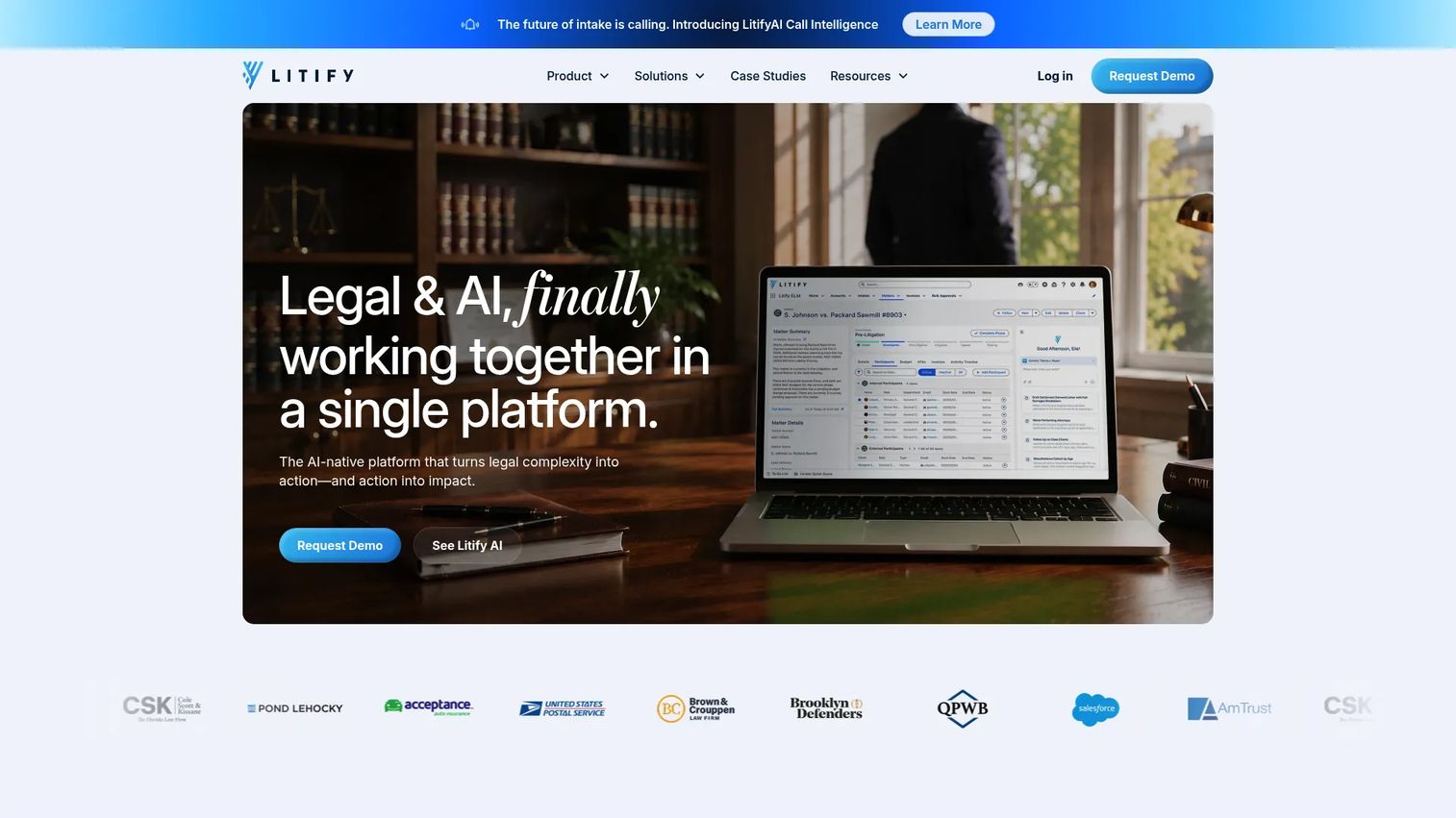
Litify is an AI-native legal operations platform built on Salesforce. It covers matter management, client intake, document handling, timekeeping, billing, legal spend, and analytics. The platform targets enterprise law firms and corporate legal departments that need configurable workflows and real-time case visibility. Firms already running Salesforce infrastructure often find the fit straightforward.
Best for: Plaintiff firms, personal injury firms, and larger organizations that need structured case workflows and intake visibility.
Key features
- Intake management with predictive lead scoring and AI qualification
- Matter management with configurable plans and AI matter summaries
- Document generation, automated classification, and PDF editing
- Timekeeping, billing, and mass bill generation
- No-code reporting, dashboards, and real-time analytics
Why choose Litify: Litify suits firms that need CRM-level rigor applied to legal operations. If your intake is leaking cases and your case timelines are hard to track across a large team, Litify's Salesforce foundation gives you visibility and control that generic practice management tools do not match.
Litify pricing: Litify does not display subscription pricing. Pricing depends on team size, structure, and required modules. Contact Litify sales to get a quote scoped to your firm. Reviewer context on G2 confirms enterprise-level packaging.
G2 rating: 4.2/5
3. SurePoint
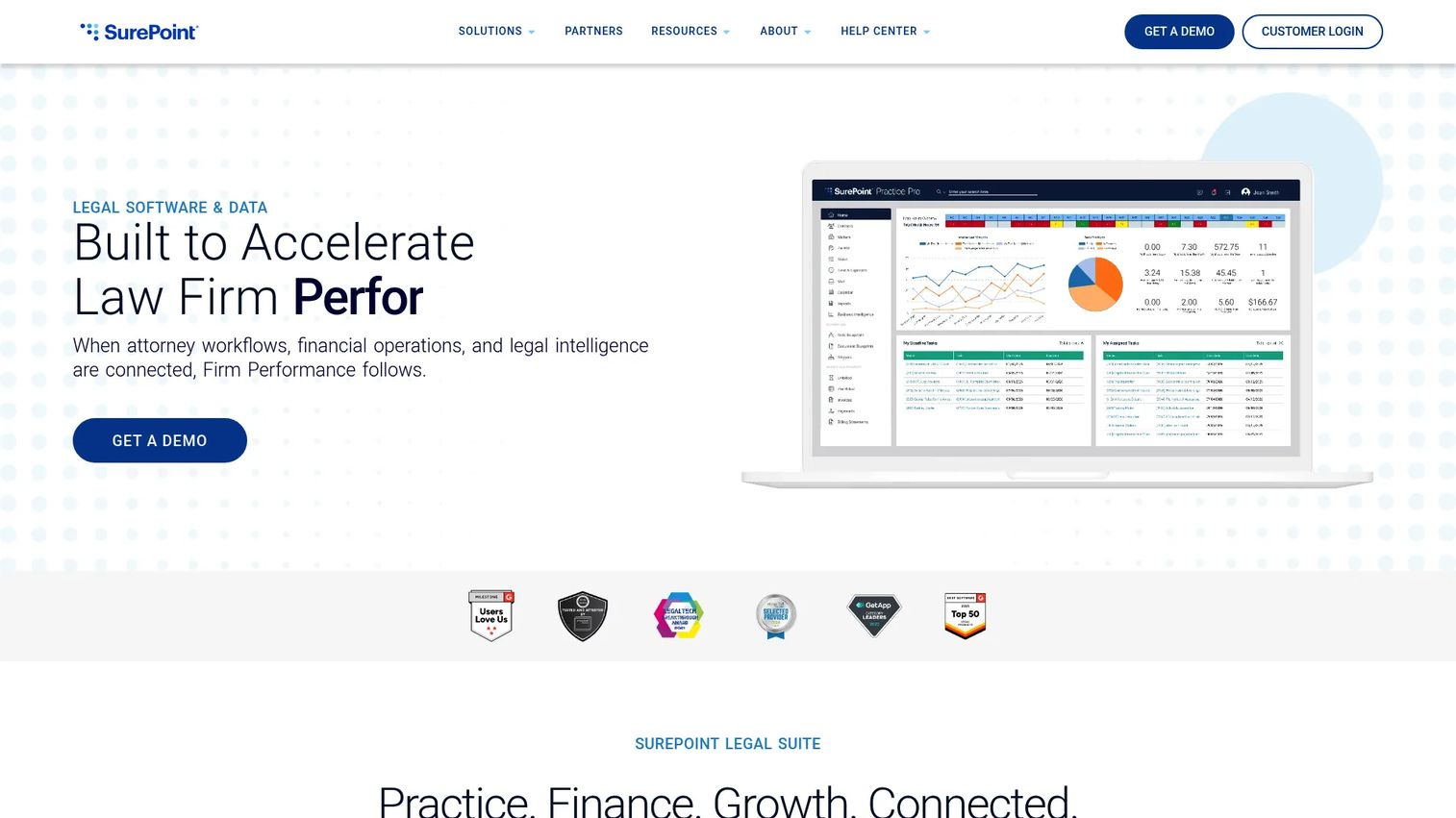
SurePoint provides connected legal practice management, financial management, and legal market intelligence for mid-sized law firms. The platform covers matter management, automated timekeeping, billing, accounting, legal knowledge management, and client relationship management. It is designed for firms that have outgrown lightweight practice tools and need tighter financial control alongside operations.
Best for: Mid-sized firms that need accounting, practice management, and legal reporting analytics connected in one platform.
Key features
- Matter management and workflow automation
- Automated timekeeping and time capture
- Billing, accounting, and financial management
- Legal market intelligence and benchmarking
- Client relationship management
Why choose SurePoint: SurePoint is the right call when a firm's leadership needs cleaner reporting on profitability and capacity before making growth decisions. The connection between practice management and accounting means billing and matter data live in the same system rather than being reconciled monthly across two tools.
SurePoint pricing: SurePoint does not display pricing. The company directs prospective customers to request a demo. G2 reviewer context suggests mid-market enterprise packaging with quote-based pricing tied to firm size and selected modules.
G2 rating: 4.0/5
4. NetDocuments
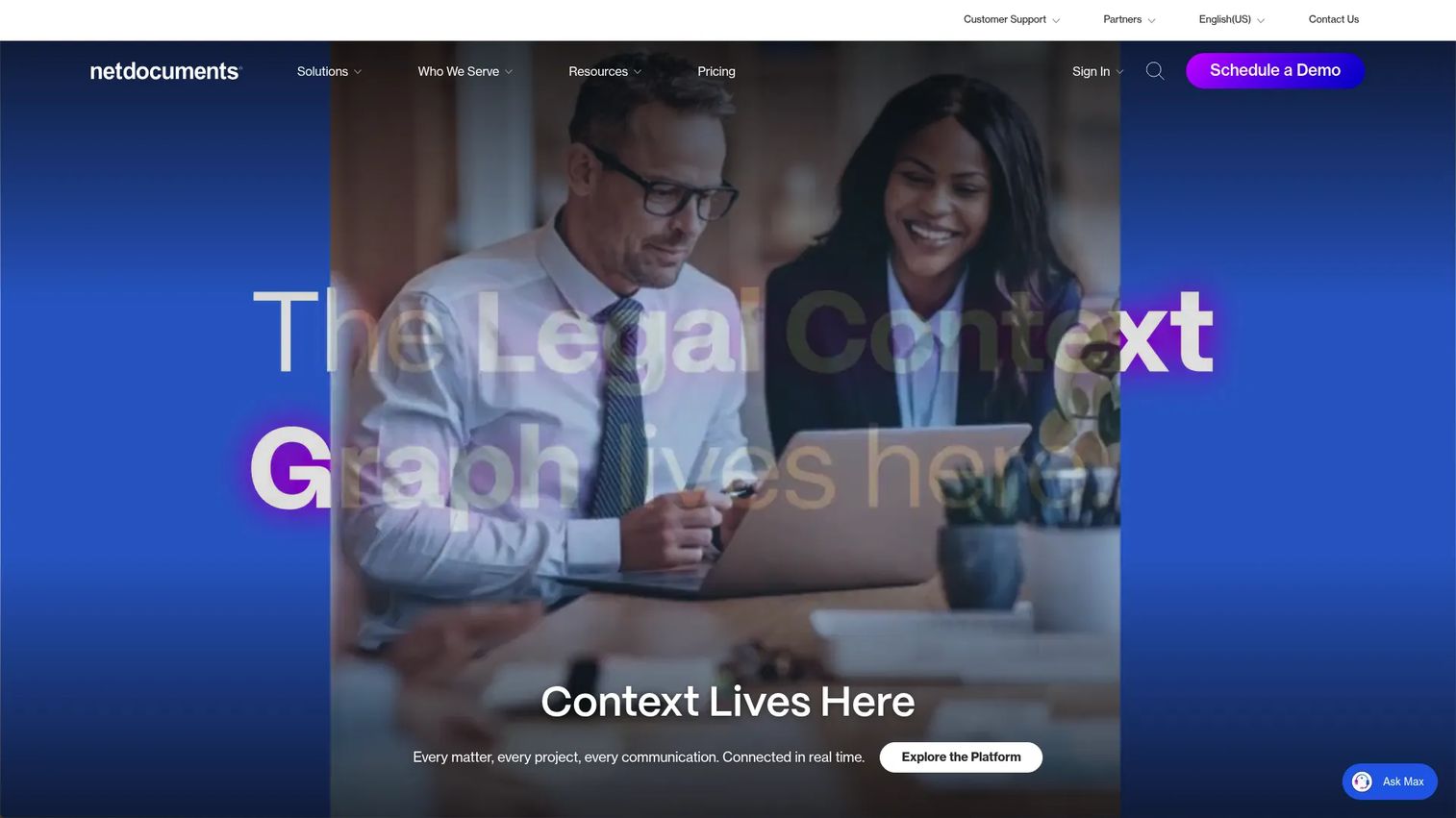
NetDocuments is a cloud-native legal document management platform for law firms, corporate legal departments, and public-sector legal teams. It handles document storage, version control, email management, advanced search, permissions, and collaboration. Unlike generic file storage, NetDocuments is purpose-built for matter-organized document workflows with access governance and ethical walls built in.
Best for: Document-heavy firms in litigation, corporate, or multi-office practice areas where document search, permissions, and version control are critical to every case.
Key features
- Centralized document management with version control and sharing
- Legal AI Assistant for querying across document libraries
- Email management and Microsoft Outlook, Word, and Teams integrations
- Workflow automation and AI-powered tabular document review
- Ethical walls, data loss prevention, and access governance
Why choose NetDocuments: When documents are the workflow rather than a side artifact, general cloud storage creates confidentiality and retrieval problems. NetDocuments keeps matter files organized, searchable, and governed, and it integrates directly with the Microsoft tools attorneys already use daily.
NetDocuments pricing: NetDocuments requires a quote. Pricing is tailored to organization size, selected products, security requirements, and implementation scope. Contact NetDocuments for a proposal.
G2 rating: 3.9/5
5. Salesforce
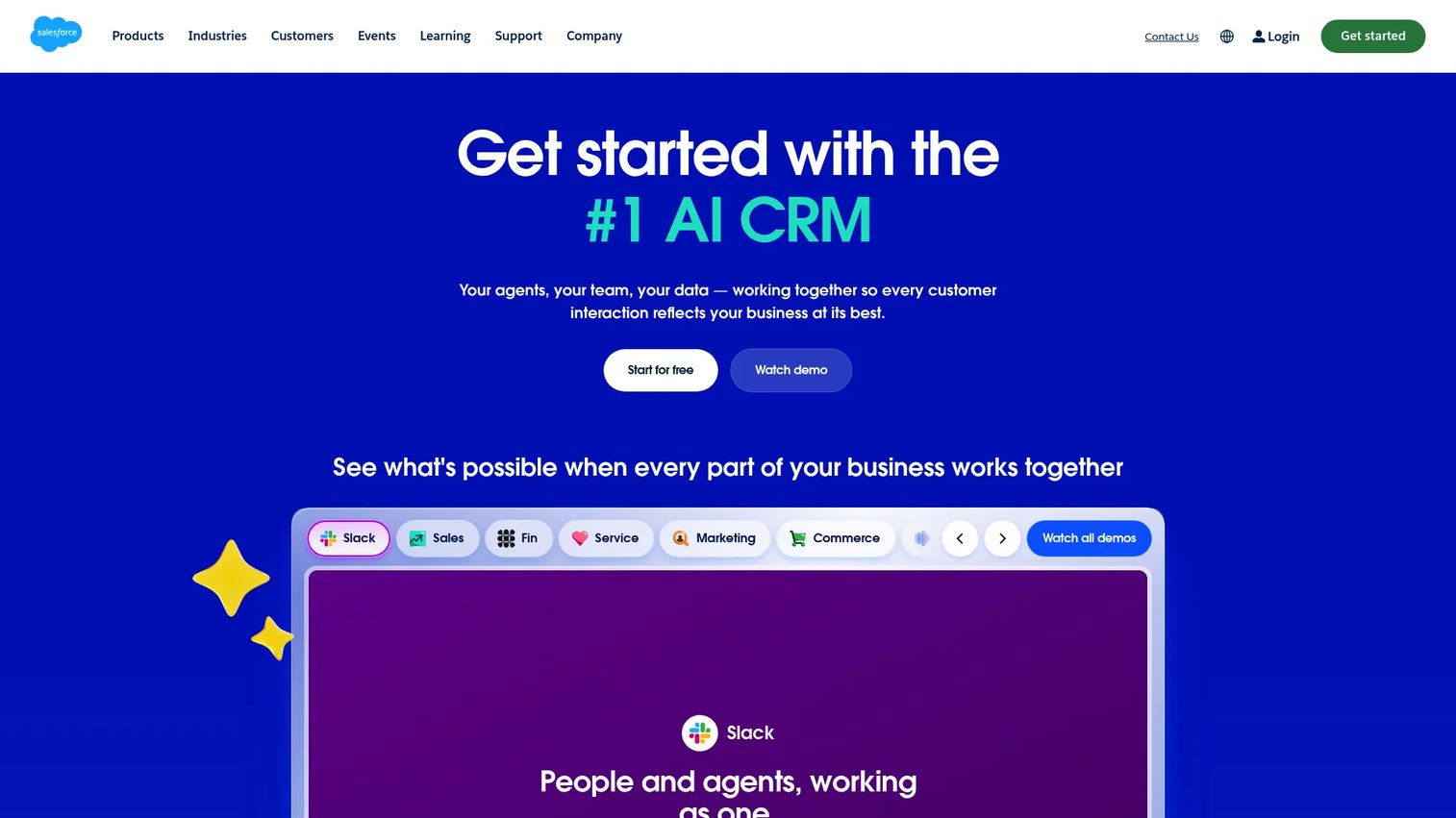
Salesforce is a CRM platform that legal teams use for intake, relationship management, referral tracking, and client lifecycle workflows. It is not legal-specific out of the box. Firms typically need configuration or a legal-specific platform layer (like Litify) to make it fit legal operations. Where it earns its place is in firms that need a flexible, customizable foundation for intake and referral pipelines.
Best for: Firms with custom CRM requirements or those already running Salesforce-based operations that want to extend into legal intake and client relationships.
Key features
- Lead, account, contact, and opportunity management
- Pipeline visibility and forecasting
- Workflow automation and custom objects
- AI agents and automation (see Agentforce below)
- App marketplace with legal-specific add-ons
Why choose Salesforce: Choose Salesforce when your intake workflow is complex enough to require custom fields, routing logic, and referral source attribution that off-the-shelf legal CRM tools cannot handle. The tradeoff is configuration time; plan for it.
Salesforce pricing: Starter Suite begins at $25 per user per month (billed monthly or annually). Pro Suite is $100 per user per month billed annually, Core is $195, Advanced is $395, and Max is $550 per user per month, all billed annually. A 30-day trial is available.
G2 rating: 4.4/5
6. Microsoft Outlook
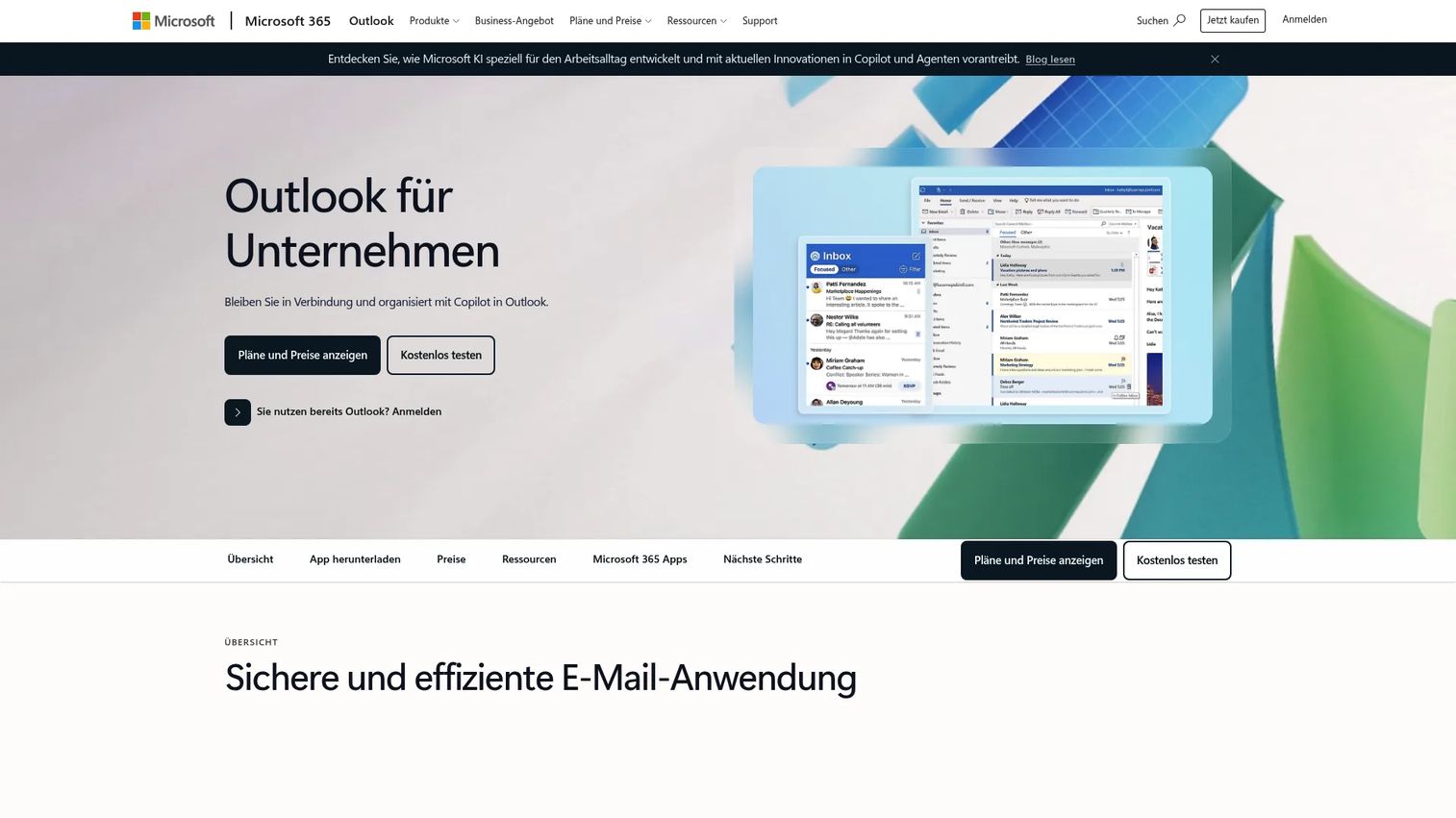
Microsoft Outlook is the email and calendar platform most law firms already rely on for client communication, scheduling, and internal coordination. It covers email, calendar, contacts, shared mailboxes, and Microsoft 365 integrations with security controls. Outlook is not full legal practice management software, but it is a core communication layer that integrates with document and matter management tools like NetDocuments.
Best for: Firms already standardized on Microsoft 365 that need a well-governed communication and scheduling layer integrated with the rest of their legal stack.
Key features
- Email and calendar management
- Shared mailboxes and contacts
- Security controls and spam filtering
- Microsoft 365 app integrations
- Web, desktop, and mobile access
Why choose Microsoft Outlook: Outlook works best as infrastructure, not as the system of record. Pair it with a practice management platform and a document management system. Its value is in the integrations, not in replacing specialized legal tools.
Microsoft Outlook pricing: A free personal version is available. Microsoft 365 Business Basic starts at $7 per user per month billed annually. The Business Standard with Copilot plan is $23.50 per user per month billed annually.
G2 rating: 4.5/5
7. Google Calendar

Google Calendar is a shared scheduling and calendar platform used by smaller firms, solo attorneys, and teams running Google Workspace. It covers shared calendars, event reminders, appointment booking pages, Google Workspace integrations, and mobile access. Google Calendar is not a legal docketing or practice management system. It handles simple scheduling well; it cannot replace deadline management for litigation.
Best for: Small firms and solo practices on Google Workspace that need lightweight shared scheduling without additional infrastructure.
Key features
- Shared team and client-facing calendars
- Appointment booking pages
- Event reminders and notifications
- Google Workspace integration (Gmail, Meet, Tasks)
- Mobile access across devices
Why choose Google Calendar: It fits teams that already use Google Workspace and do not yet need a dedicated legal docketing layer. Once deadlines and calendar rules create risk, pair it with a practice management platform that handles docketing.
Google Calendar pricing: Available free with a personal Google account. Google Workspace Starter is $7 per user per month; Standard is $14 per user per month; Plus is $22 per user per month. Enterprise pricing requires a sales conversation.
G2 rating: A consolidated G2 rating for Google Calendar as a standalone product was not available at time of drafting.
8. Gain Servicing

Gain Servicing provides personal injury case management, Letter of Protection servicing, managed services, and settlement-funding support for attorneys and healthcare providers. The platform includes AI-enhanced dashboards, secure document storage, case messaging, a provider map for scheduling medical care, medical lien management, and non-recourse plaintiff cash advances. It belongs in the legal software category because plaintiff firms need case-specific financial and case collaboration infrastructure that general practice management tools do not cover.
Best for: Personal injury attorneys and healthcare providers that need LOP servicing, lien management, and settlement-funding support alongside case collaboration.
Key features
- AI-enhanced dashboards and case reporting
- Secure document storage and case messaging
- Letter of Protection management and servicing
- Medical lien funding, purchasing, and servicing
- Non-recourse plaintiff cash advances
Why choose Gain Servicing: Gain Servicing addresses the operational and financial workflows specific to plaintiff law: Managing LOPs, coordinating medical providers, and handling settlement funding. These workflows sit outside standard practice management platforms and require a specialized layer.
Gain Servicing pricing: Gain Servicing does not display pricing. Contact the company directly for a proposal. No third-party pricing ranges were available at time of drafting.
G2 rating: No verified G2 listing for Gain Servicing was found at time of drafting. N/A.
9. Agentforce
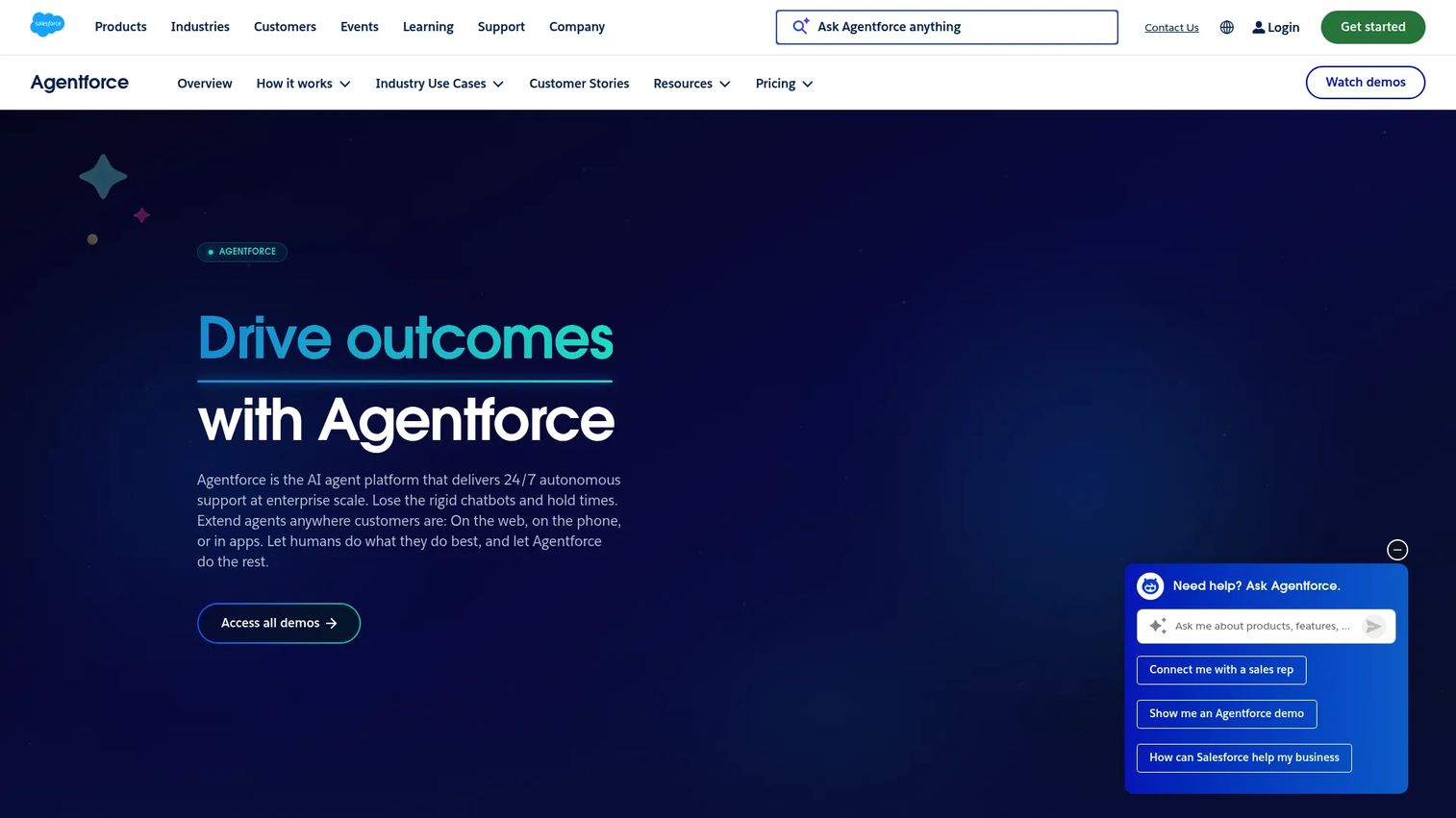
Agentforce is Salesforce's AI agent platform for building, customizing, and deploying agents across customer-facing and employee-facing workflows. It runs inside Salesforce environments and uses CRM data, business processes, and custom actions to automate repetitive service and operations tasks. Legal teams evaluating AI for operations should treat Agentforce as a Salesforce extension, not a standalone legal AI tool. Human review, permissioning, auditability, and data governance are required before deploying agents in any client-facing or matter-related workflow.
Best for: Firms already using Salesforce that want to explore AI-assisted operations in controlled, governed workflows.
Key features
- Agentforce Builder for creating custom agents and actions
- Customer-facing and employee-facing agent types
- Prompt Builder and Agent Script
- Agentforce Voice and Slackbot integration
- Digital Wallet for usage tracking
Why choose Agentforce: Agentforce fits firms where Salesforce is already the CRM backbone and leadership wants to test AI agents without rebuilding infrastructure. Start with narrow, well-governed workflows where the agent's output is reviewed before any client or matter action is taken.
Agentforce pricing: Salesforce Foundations is available at $0. Flex Credits are $500 per 100k credits. Per-conversation pricing is $2. Add-ons start at $125 per user per month, and the Agentforce User License starts at $5 per user per month (requires Flex Credits). Max Edition starts from $550 per user per month.
G2 rating: 4.4/5 (verified from the Agentforce Sales listing on G2)
Considerations when choosing legal software
Start with the workflow that breaks most often
Avoid feature-first evaluation. The right first purchase depends on where work actually breaks: Intake, matter tracking, documents, billing, calendaring, or reporting. If billing is consistently inaccurate, legal billing software solves a different problem than a document management system. Identify the bottleneck before shopping.
Check whether the tool becomes the system of record
Some tools are systems of record, while others are workflow layers. Email and calendar should not become the firm's matter database. Before committing, confirm that data ownership, export, and portability are clear. A system you cannot leave without data loss is a risk, not an asset.
Verify security, permissions, and audit trails
Confidentiality requirements make security evaluation non-negotiable for law firms. Review encryption, role-based access controls, audit logs, and vendor security documentation before purchasing. Cloud based legal practice management software providers typically publish security documentation; ask for it early in the evaluation. This is not legal or compliance advice; involve your own counsel where required.
Plan the migration before signing
Matter data, documents, billing history, contacts, templates, and calendar records all need a migration plan. Understand who owns the cleanup, how long it takes, and what training the team needs. The tools that earn their place in the first quarter are the ones where implementation was scoped honestly before the contract was signed.
Measure adoption in the first 90 days
Track active users, matters created, billing accuracy, document retrieval time, intake response time, and reporting usage in the first quarter. These metrics tell you whether the tool is replacing the old workflow or running alongside it. If both systems are still active after 90 days, adoption is the problem, not the software.
Conclusion
The legal technology stack is not one decision. It is a sequence of decisions tied to where operational drag is highest.
If intake is leaking revenue, start with legal CRM and client intake software. If matters are hard to track, start with law practice management software. If documents slow every case down, start with legal document management software. If billing is inconsistent, start with legal billing software. If the stack is creating security risk, start with managed IT and governance.
Clio is the most logical starting point for firms that want one platform covering the core: Matters, billing, intake, and documents. Litify earns its place at firms with complex plaintiff workflows. SurePoint fits mid-sized firms where accounting and practice management need to share the same data. NetDocuments is the right call when documents are the bottleneck. Salesforce and Agentforce suit teams already invested in that ecosystem.
For SaaS teams evaluating how to demonstrate their own software to legal buyers and other complex audiences, Guideflow makes it possible to build and share interactive demos that show product workflows without scheduling a call.
Start your journey with Guideflow today!
FAQs about legal software
Legal software is a category of tools that helps law firms manage matters, documents, billing, client intake, deadlines, communication, and reporting. It can be a full practice management platform or a specialized tool covering one operational layer, such as document management, billing, or client intake.
Small firms typically prioritize practice management, legal billing software, calendaring, and client intake first. Clio is a common shortlist candidate because its Starter plan covers matters, billing, and intake at $49 per user per month, which fits small-firm budgets. The right choice depends on which workflow is currently causing the most friction.
Legal software is the broader category covering all tools that support law firm operations, including documents, billing, CRM, AI research, e-discovery, and communication. Legal practice management software is a subcategory focused specifically on day-to-day firm operations: Matters, tasks, billing, calendars, and documents within a single platform.
A full legal technology stack covers matter management, legal document management, billing, time tracking, trust accounting, client intake, calendaring, reporting, integrations, and security controls. The priority order depends on firm size and practice area. Litigation-heavy firms weight e-discovery and document management more heavily. Plaintiff firms weight intake and settlement tracking.
Cloud security depends on the vendor's controls, your configuration, access policies, encryption, audit logs, and internal governance. Most cloud based legal practice management software providers publish security documentation including SOC 2 reports and encryption policies. Review that documentation, confirm role-based access controls meet your requirements, and involve your internal IT or security team before selecting a vendor. This answer is informational, not legal or compliance advice.
Costs vary by category, user count, firm size, and implementation scope. Practice management tools like Clio start at $49 per user per month. CRM platforms like Salesforce start at $25 per user per month. Enterprise legal platforms, document management systems, and managed IT services typically require a quote from sales, with pricing tied to team size, modules, and implementation requirements.
Yes. Legal CRM systems and client intake software can capture leads, track referral sources, schedule consultations, automate follow-up, and move qualified clients into matter workflows. Clio handles intake within its practice management platform. Litify and Salesforce support more complex intake customization for firms with high lead volume or multi-channel referral networks.
Start with the operational bottleneck: The workflow that breaks most often or costs the most time. Then evaluate integrations with your existing email, accounting, and document tools; verify security documentation; scope the migration before signing; and set a 90-day adoption plan with clear metrics. Firms that define success criteria before purchasing are more likely to see the tool earn its place in the first quarter.