A resident submits a deck permit on a Tuesday. It sits in an inbox. A plans examiner asks for a revision by email. The applicant misses it. Three weeks later, nobody can say where the application is or who touched it last. Multiply that by a few thousand permits a year and you have the operational reality most building departments live inside.
Permitting software exists to close those gaps. It connects intake, review, approvals, issuance, inspections, and resident visibility into one system instead of a stack of PDFs, spreadsheets, and email chains. The demand for it is not theoretical. According to Market Growth Reports (2026), 61% of permitting processes worldwide were digitized in 2024, and more than 80% of users reported improved regulatory efficiency after digitizing. The same research pegs the global permit software market at USD 266.29 million in 2026, growing toward USD 400.73 million by 2035.
The trouble is that "permitting software" covers two very different buyers. Municipalities need government permitting software that handles the full end-to-end permit lifecycle across departments. Construction firms need building permit software that pulls jurisdiction requirements and files applications faster across many authorities. A tool that fits a county community-development office may be the wrong call for a national contractor, and the reverse is just as true.
This guide sorts that out. It ranks nine platforms by how well they match real operational needs, separating municipal permitting software from construction-focused systems so you can shortlist without wading through vendor hype.
What's inside
This is a buyer's shortlist for anyone evaluating permitting software in 2026: community development directors, building officials, county administrators, IT leads, and construction stakeholders who file across jurisdictions. We chose tools based on four things that actually decide procurement outcomes: workflow coverage across intake through inspections, online permit submission and self-service portals, shared data and reporting, and verifiable customer proof. The list mixes local-government platforms and construction-specific systems because the market genuinely splits by use case. Each entry names who it fits, what it does well, and what pricing looks like where a public figure is confirmed.
TL;DR
- Best overall for enterprise government workflows: Accela, for multi-department civic operations at scale.
- Best for configurable municipal workflow automation: OpenGov Permitting & Licensing, for teams that want to change workflows without heavy IT.
- Best for cloud-based community development teams: Citizenserve, for small to mid-sized agencies that want value fast.
- Best for construction permitting and contractor intake: PermitFlow, the construction-focused outlier built for builders and trades.
- Best for broad municipal ecosystem buyers: CivicPlus Community Development, for cities wanting wider community-development tooling.
- Best for full enterprise suite buyers: Tyler EnerGov and Oracle, for agencies standardizing on a larger public-sector platform.
What is permitting software?
Permitting software is a system that manages the full lifecycle of permits and licenses, from application intake through review, approval, issuance, inspections, renewals, and reporting. It replaces paper forms, disconnected spreadsheets, and email approvals with a single tracked workflow that both staff and applicants can see.
In practice, most permit management software handles a consistent set of stages:
- Online application and guided forms: applicants submit through a resident portal or contractor portal, with fields that adapt to permit type.
- Application review and routing: submissions route automatically to the right reviewers and departments.
- Plan review software: examiners mark up drawings, log comments, and run concurrent multi-department reviews.
- Approvals and issuance: permits move through defined approval steps and issue with fee collection built in.
- Inspections and field operations: inspection scheduling software assigns, schedules, and records field visits with photos and results.
- Renewals, licensing, and reporting: licensing and permitting software tracks expirations, renewals, and compliance reporting.
- Resident and contractor portals: applicants track permit status without calling the front counter.
Key capabilities buyers evaluate include:
- Configurable, no-code workflow configuration
- Automated routing and workflow automation
- Permit tracking software with real-time status
- GIS and parcel mapping
- Mobile inspections and code enforcement software
- Fee collection and online payments
- Integrations with finance, GIS, CRM, and ERP systems
- Dashboards and compliance reporting
Governments buy this now for concrete reasons: permit backlogs, staff time lost to manual routing, pressure for transparency, and residents who expect the same digital experience they get from any private service. Market Growth Reports (2026) found more than 80% of users saw improved regulatory efficiency after digitizing, which is why municipal workflow automation has moved from nice-to-have to procurement priority.
When to use permitting software
Not every agency needs a full platform on day one. Here is how to know when the pain justifies the project.
Replace paper and email chains
If applications arrive through the counter, email, a web form, and a drop box all at once, you have no single source of truth. Documents get lost. Status questions eat front-counter time. When staff cannot answer "where is my permit" in under a minute, online permit submission and centralized permit status tracking pay for themselves quickly.
Speed up reviews and approvals
Backlogs grow when review routing is manual and reviewers work from their inboxes. If plan review cycles are stretching and applicants keep resubmitting incomplete packages, guided intake and automated routing cut the churn. AI permitting software that pre-checks submissions for completeness before a human touches them removes a large share of avoidable back-and-forth.
Run inspections and field work from one system
When inspectors carry paper checklists and re-enter results back at the office, data lags and errors creep in. Inspection scheduling software with mobile access lets inspectors pull the day's route, upload photos, record results, and update permit status from the field. That closes the loop between office and site without a second data-entry pass.
Comparison table
The table below orders the nine platforms by relevance to general permitting software search intent, with government-first tools leading and the construction-specific option flagged clearly. Pricing reflects verified first-party figures where public; most public-sector vendors quote based on population, seats, and implementation scope, so several list custom pricing. Ratings are drawn from G2 or Capterra where a product-specific listing was verified.
| # | Product | Intent | Key use case | Pricing | G2 rating |
|---|---|---|---|---|---|
| 1 | Accela | Government | Enterprise multi-department civic permitting | Custom | 3.9/5 |
| 2 | OpenGov Permitting & Licensing | Government | Configurable municipal workflow automation | Custom | 4.5/5 |
| 3 | Citizenserve | Government | All-in-one community development for mid-sized agencies | $150/user/mo or less | 2.5/5 |
| 4 | PermitFlow | Construction | Contractor permit management and jurisdiction research | Custom | 4.2/5 (Capterra) |
| 5 | Tyler EnerGov | Government | Enterprise community development suite | Custom | 3.4/5 |
| 6 | CivicPlus Community Development | Government | Local-government permitting workflow | Custom | 4.3/5 (Capterra) |
| 7 | CityView | Government | Municipal permitting and licensing workflows | Custom | Not verified |
| 8 | Clariti | Government | Configurable permitting and community development | Custom | 4.0/5 |
| 9 | Oracle Public Sector Permitting and Licensing | Government | Enterprise permitting inside the Oracle stack | Custom | Not verified |
1. Accela

Accela is cloud software built for government agencies to manage permitting, licensing, inspections, and related civic workflows. It is one of the most established names in government permitting software, and its strength is depth. Accela handles the full arc from permit intake through inspection, approval, and renewal, with the multi-department coordination large agencies need. If your building department, planning office, and code enforcement team all touch the same parcel, Accela is designed to keep them working from one record.
Best for: larger municipalities and multi-agency environments with complex, cross-department permitting needs.
Key strengths
- End-to-end civic platform: covers permit intake through inspection, approval, and renewal in one system.
- Multi-channel access: public portal, mobile apps, GIS, and communications reach residents wherever they are.
- Concurrent plan review: building permitting workflow supports multi-department plan review running in parallel.
Why choose Accela: The platform fits agencies that have outgrown single-department tools and need one civic system across permitting, licensing, and enforcement. Accela layers AI across its civic platform, and its configurability suits organizations willing to invest in a structured implementation to get workflows exactly right. It is a heavier lift than a lightweight portal, and that is the point: it is built for scale and complexity.
Accela pricing: Accela does not publish list pricing. The company states that cost depends on products, seats, implementation scope, and other factors, and directs prospects to contact sales. On G2, Accela holds a 3.9/5 rating. For agencies weighing a multi-year platform, budget for implementation and configuration alongside the subscription.
2. OpenGov Permitting & Licensing
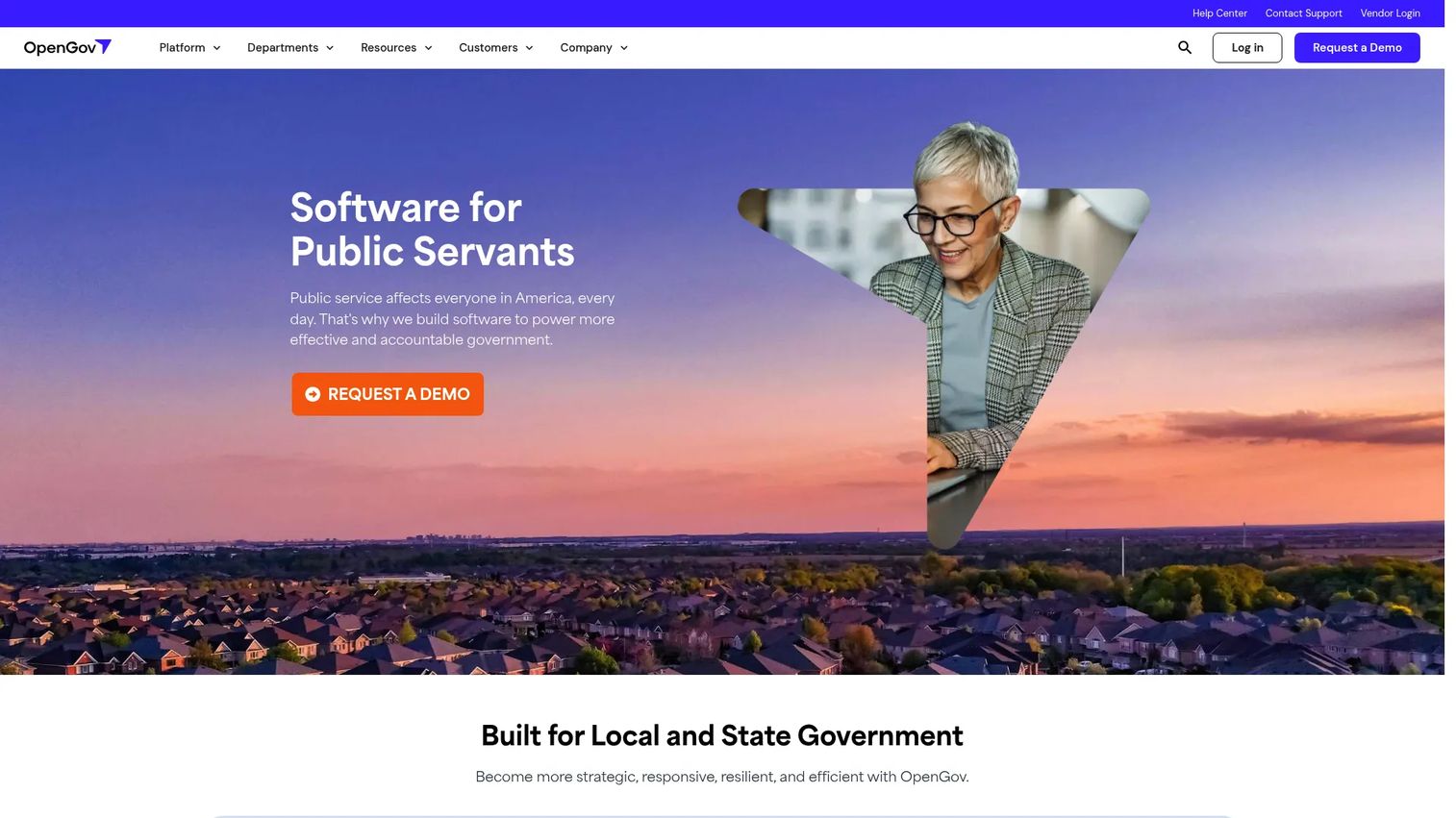
OpenGov Permitting & Licensing is cloud software for local and state governments to manage permits, licenses, inspections, and related workflows. Its calling card is configurability. Staff can build and adjust workflows without waiting on IT, which matters when ordinances change and a process needs updating this quarter, not next fiscal year. That flexibility makes it a strong fit for teams that want to own their own municipal workflow automation.
Best for: government teams modernizing permitting and licensing who want to reconfigure workflows themselves.
Key strengths
- Intuitive applicant portal: guided forms help applicants submit complete packages the first time.
- Workflow automation and approvals: routing and approval steps configure without heavy technical work.
- Automated renewals: licensing and renewal cycles run on schedule without manual tracking.
Why choose OpenGov: The platform pairs no-code workflow configuration with AI pre-check that flags incomplete submissions before they hit a reviewer's queue. Add inspection management, fee collection, and cross-department visibility, and you get a government operations system that staff can shape without a vendor ticket for every change. Teams that value flexibility over rigid structure gravitate here.
OpenGov pricing: OpenGov does not publish public pricing on its site. On G2, OpenGov Permitting & Licensing holds a 4.5/5 rating from reviewers, the highest verified G2 score on this list. Expect a quote-based process tied to your agency's size and scope.
3. Citizenserve
Citizenserve is cloud-based community development software for municipalities, covering permitting, code enforcement, planning, zoning, licensing, and inspections in one platform. It is a practical pick for small to mid-sized agencies that want an all-in-one system without an enterprise-scale project. The resident self-service portal handles requests, payments, and permit status tracking, which cuts front-counter volume fast.
Best for: small to mid-sized municipalities needing an all-in-one community development platform that delivers value quickly.
Key strengths
- Unified modules: permitting, code enforcement software, planning, zoning, and licensing live in one platform.
- Citizen self-service portal: residents submit requests, pay fees, and track status without calling in.
- Automation and mobile access: automated workflows, reporting, mobile inspections, and unlimited support come standard.
Why choose Citizenserve: Mid-sized agencies get broad functionality without the implementation weight of an enterprise suite. Electronic plan review, automated workflows, and mobile inspections cover the daily work, and the bundled support model means staff are not paying extra to get help. It is a fit when you want the full community-development toolkit without a multi-year rollout.
Citizenserve pricing: Citizenserve prices on annual user subscriptions at $150 per user per month or less, with setup, configuration, training, project management, data migration, and integration included as one-time items rather than recurring add-ons. There is no free tier. On G2, the seller page shows a 2.5/5 rating; weigh that against the transparent, all-in pricing and broad module coverage when you build your shortlist.
4. PermitFlow
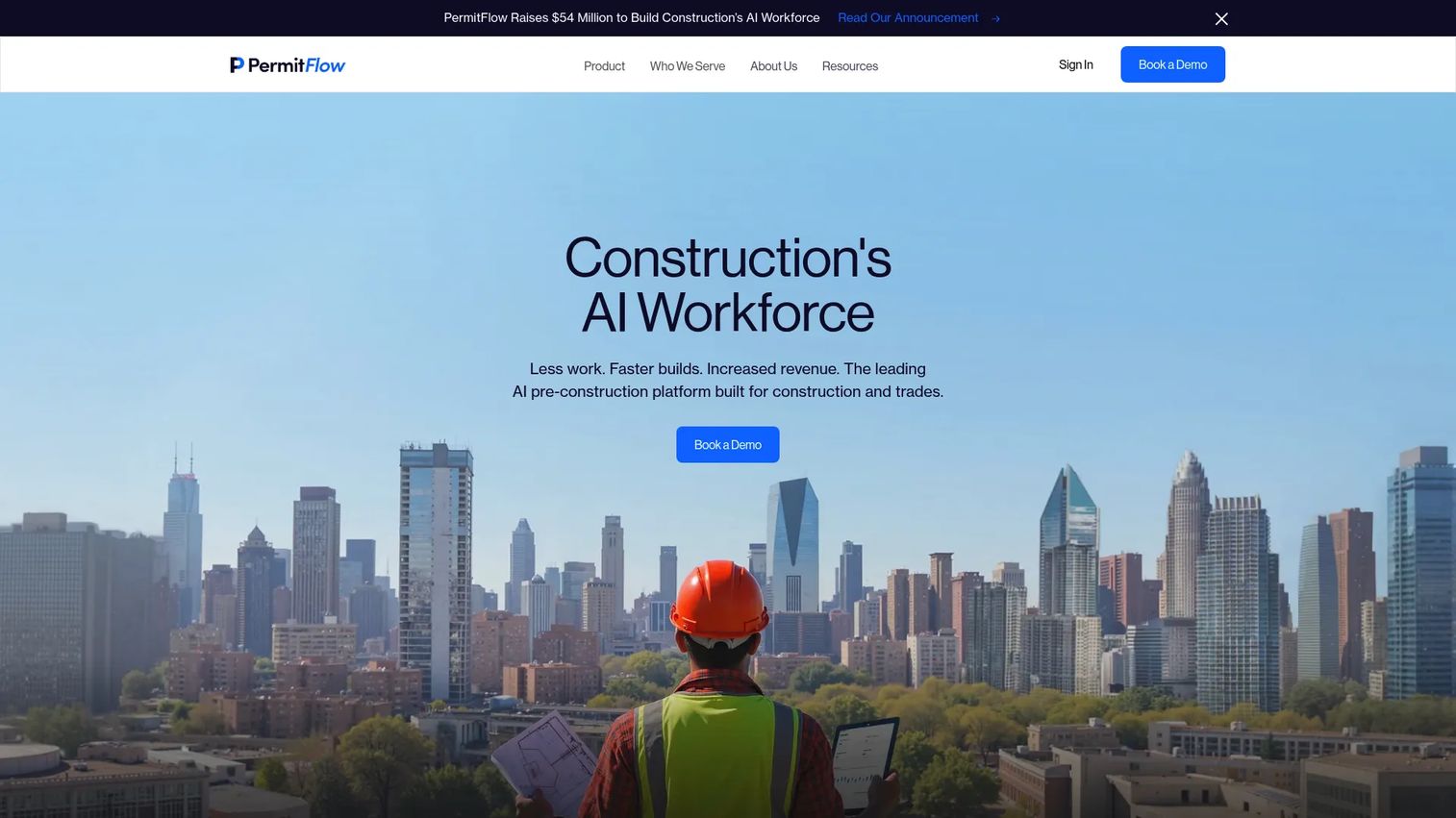
PermitFlow is the construction-focused outlier on this list. It is an AI-powered construction permitting platform built for builders and trades, aimed at the other side of the counter from the municipal tools above. Where government platforms manage the permits coming in, PermitFlow helps contractors get permits out the door faster across many jurisdictions, each with its own rules, fees, and timelines.
Best for: construction teams needing end-to-end permit management and jurisdiction research, including commercial contractors, home builders, architects, and developers.
Key strengths
- Intake Agent: pulls project data from CRM, files, and contracts to start applications without manual re-entry.
- Research Agent: surfaces requirements, fees, and timelines for the authority having jurisdiction.
- Full workflow coverage: supports submission, coordination, issuance, inspections, and closeout.
Why choose PermitFlow: If your bottleneck is filing permits across dozens of authorities rather than processing them, this is the tool built for that job. The AI workforce framing is not marketing gloss here: the Intake and Research agents do the tedious AHJ research and data assembly that otherwise ties up project coordinators. National contractors and multi-market builders get the most leverage.
PermitFlow pricing: PermitFlow does not publish a public first-party price. Capterra shows a 4.2/5 rating. Because pricing scales with project volume and jurisdictions, plan to talk to sales for a quote tied to your permit throughput.
5. Tyler Technologies Enterprise Permitting & Licensing (EnerGov)
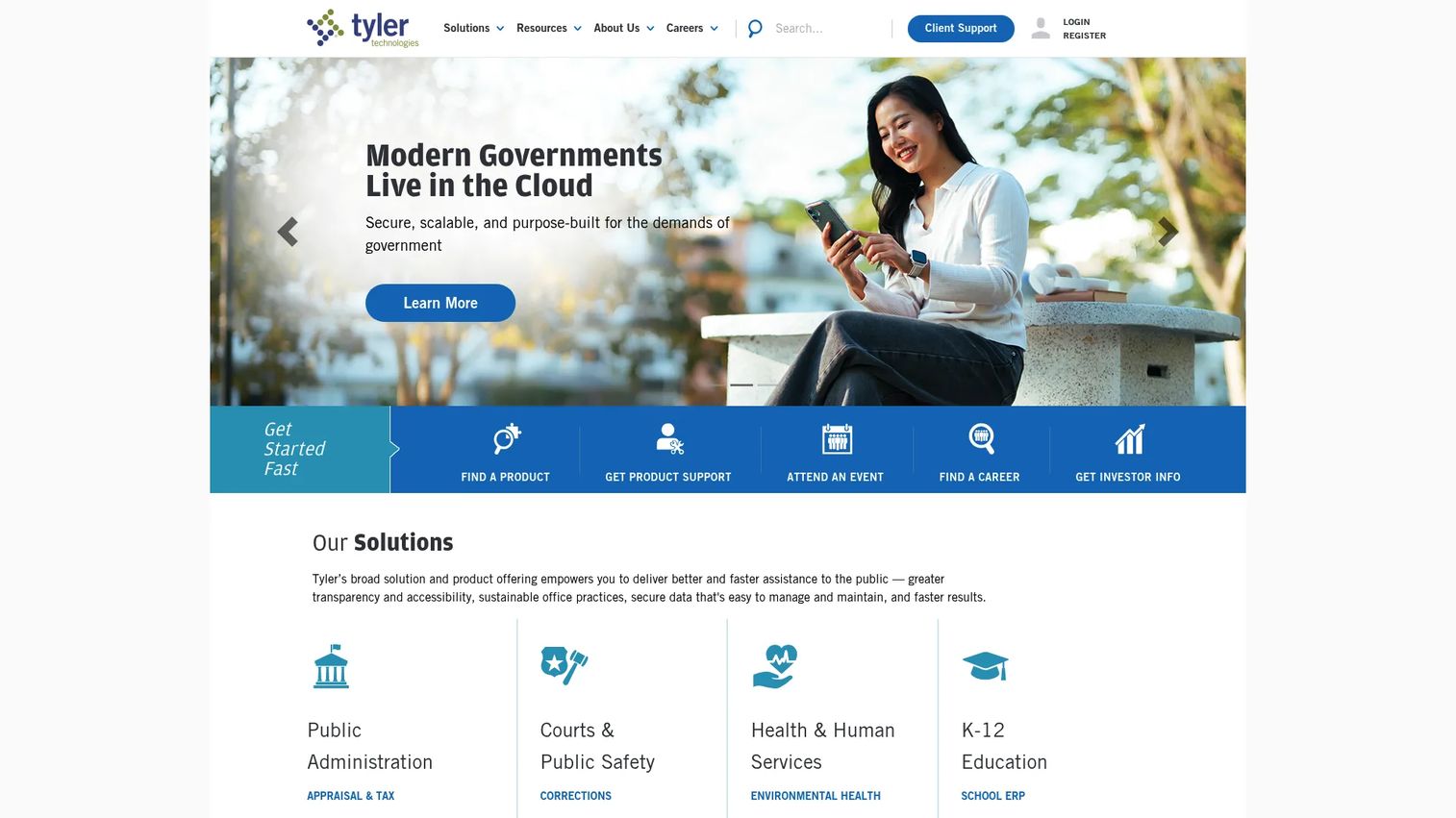
Tyler Technologies Enterprise Permitting & Licensing, still widely known as EnerGov, is government permitting, licensing, inspections, code enforcement, and compliance software for local agencies. Its advantage is suite alignment. Tyler runs a broad public-sector platform, so agencies already using Tyler for other functions get permitting that lives inside the same ecosystem rather than bolted on.
Best for: cities and counties needing an enterprise community development permitting and licensing platform, especially those already invested in Tyler systems.
Key strengths
- 24/7 online access: customers apply, pay, and check status any time through the portal.
- Embedded GIS: GIS intelligence and native Esri integration tie permits to parcels and maps.
- Mobile field apps: dedicated applications for inspections and enforcement work in the field.
Why choose Tyler EnerGov: For agencies that want plan review, licensing, and inspections inside a larger local-government platform, the integration story is the draw. Procurement teams often favor consolidating on one enterprise vendor, and Tyler's breadth across public-sector functions makes it a natural fit for that strategy. It suits organizations planning a long-term platform commitment.
Tyler EnerGov pricing: Tyler does not display public pricing; the community development product uses a quote and demo motion. On G2, the platform holds a 3.4/5 rating based on reviews. Expect enterprise-style procurement with implementation scoped to your agency.
6. CivicPlus Community Development (Permitting Module)
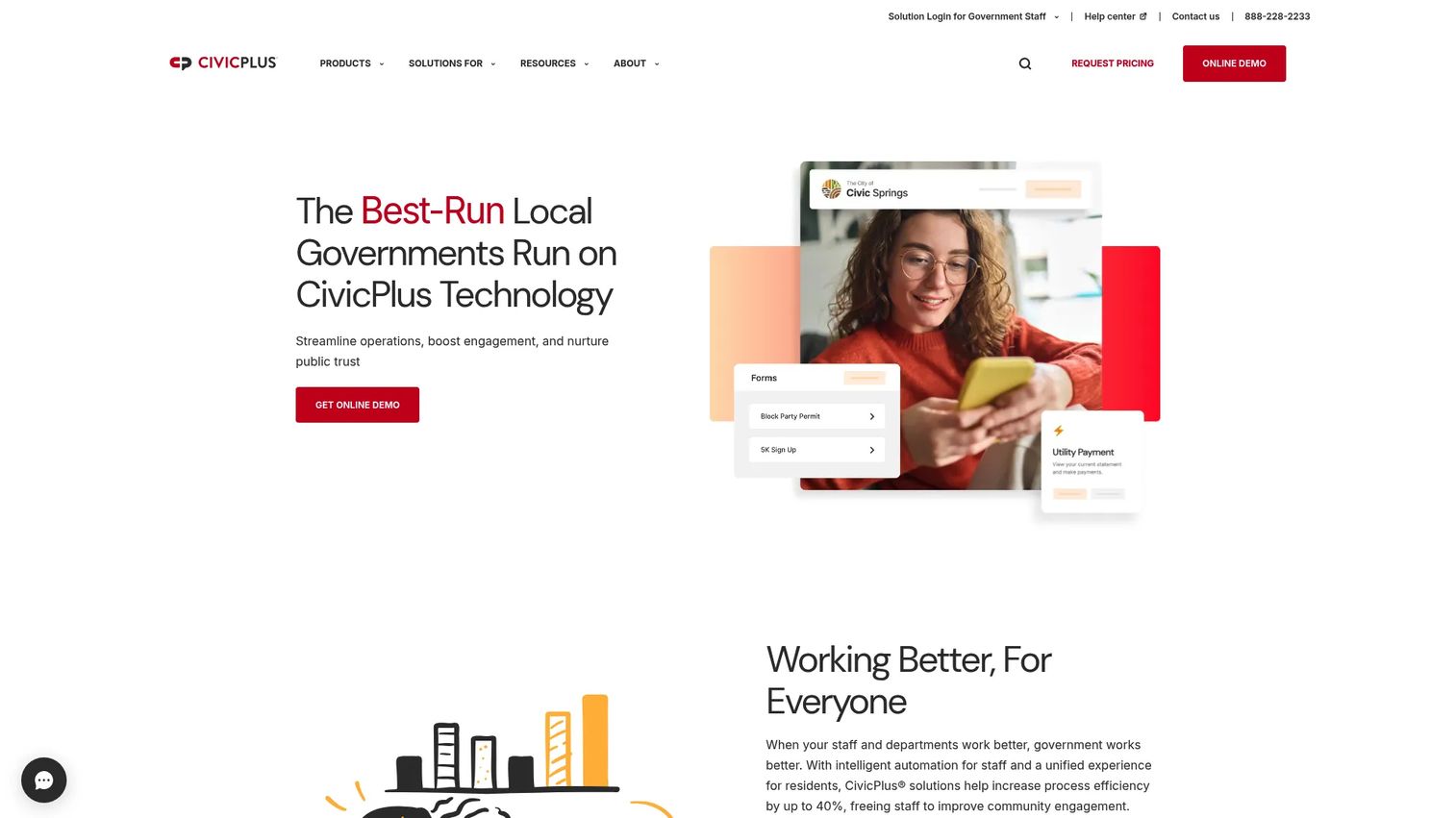
CivicPlus Community Development is local-government permitting software for submitting, reviewing, approving, and issuing permits. It sits inside the broader CivicPlus ecosystem, which appeals to cities and counties that want permitting alongside wider community engagement and government tooling. The permitting module covers the core workflow with the portal, tasks, and mapping local governments expect.
Best for: cities and counties that need a permitting workflow platform and value a broader community-development ecosystem.
Key strengths
- Online application and payment portal: residents and contractors submit and pay in one place.
- Task management and communications: work routes to staff with built-in notifications and messaging.
- GIS mapping: parcel and location data ties directly into the permitting workflow.
Why choose CivicPlus: The pull here is ecosystem breadth. Agencies that already run CivicPlus for websites or citizen engagement can add community-development permitting without introducing a separate vendor. Custom workflows, inspections, parcel management, and task management cover the operational core, and the modular approach lets cities expand as needs grow.
CivicPlus pricing: CivicPlus does not show public pricing; the permitting product uses a quote and demo motion. Capterra lists a 4.3/5 rating for CivicPlus. Pricing will depend on modules, population, and implementation scope, so a scoped quote is the path to a real number.
7. CityView

CityView has historically been referenced in the municipal permitting space for application intake, approvals, inspections, and resident-facing digital services. When evaluating it, verify current product scope directly, because public detail on the government permitting offering is limited and the CityView name is used by more than one organization. Treat the vendor conversation as the source of truth for feature specifics and licensing terms.
Best for: municipalities evaluating a permitting and licensing workflow platform who will validate scope directly with the vendor.
Key strengths
- Application intake: online submission for permits and licenses through a resident portal.
- Approvals and inspections: workflow routing and inspection tracking for building department operations.
- Resident digital services: self-service status tracking and communications for applicants.
Why choose CityView: For agencies that want a municipal permitting and licensing workflow and are running a formal evaluation anyway, CityView is worth a scoping call to confirm current capabilities against your requirements. Because public pricing and a verified product-specific rating were not confirmed, keep this entry grounded in your own diligence rather than published figures.
CityView pricing: No public first-party pricing was verified, and a product-specific G2 rating was not confirmed. Request a scoped quote and current feature documentation before shortlisting so you are comparing verified capabilities, not assumptions.
8. Clariti
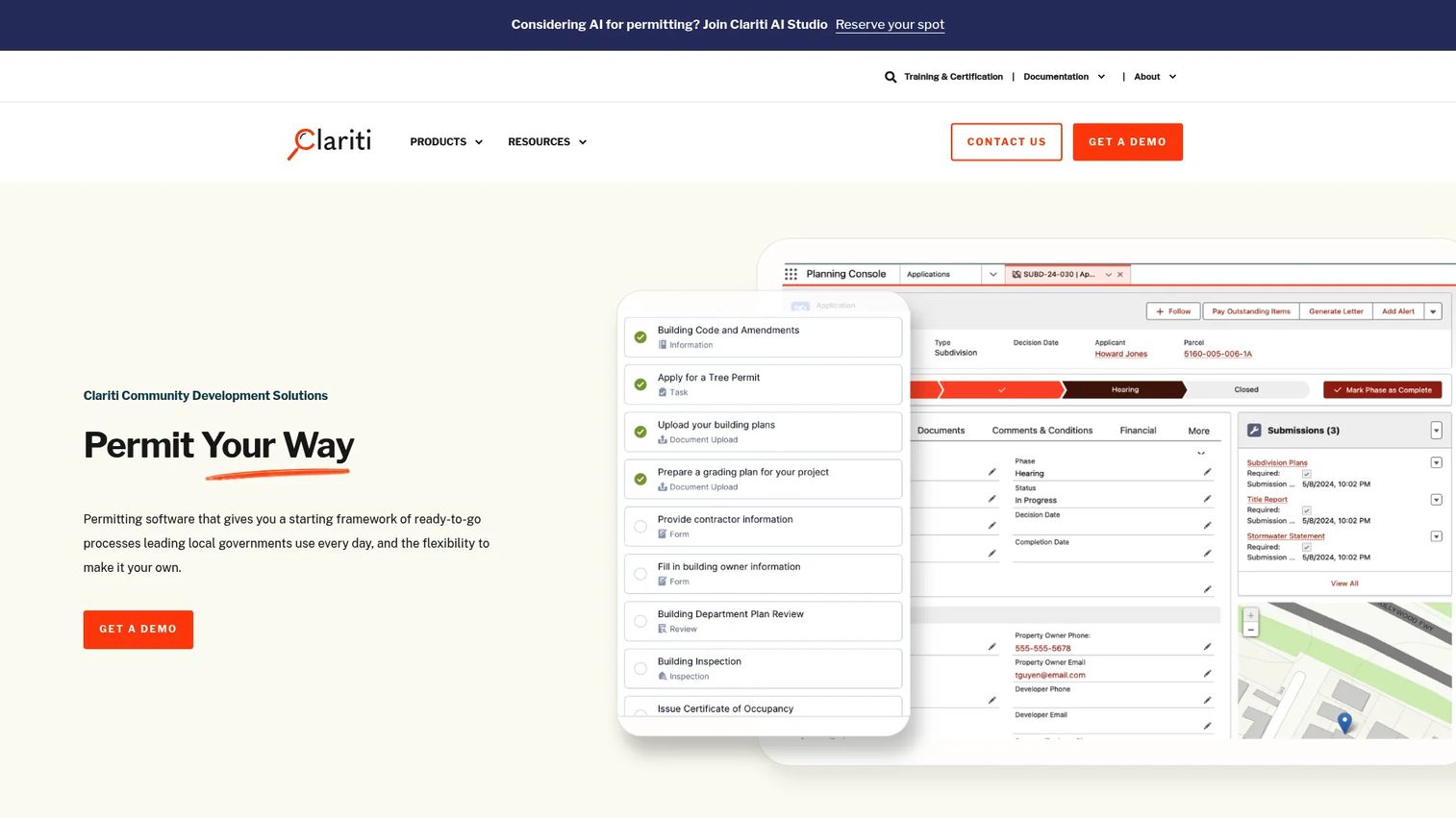
Clariti is configurable community development and permitting software for governments. Its positioning is modern process automation: online intake, configurable workflows, and government process simplification built to be shaped around how an agency actually works rather than forcing the agency to change to fit the software.
Best for: local governments needing configurable permitting and community development software that adapts to existing processes.
Key strengths
- Permitting workflows: configurable end-to-end permit processing from intake to issuance.
- Inspections: field inspection scheduling and results capture tied to permit records.
- Code enforcement: case management for violations alongside permitting and licensing.
Why choose Clariti: Agencies that prize configuration gravitate to Clariti because the platform is built to bend around local ordinances and existing routing rather than impose a fixed process. It fits governments that have specific workflow requirements and want online intake and automation without heavy rework. The configurability is the differentiator.
Clariti pricing: Clariti states that its Launch pricing is based on population and requires contacting sales for an accurate quote, while Enterprise cost depends on user count and use-case complexity. No public numeric pricing is shown. A Clariti listing on G2 shows a 4.0/5 rating, though confirm the rating corresponds to the government permitting product during your evaluation.
9. Oracle Public Sector Permitting and Licensing
Oracle Public Sector Permitting and Licensing is cloud-native government permitting, licensing, planning, and code enforcement software for state and local agencies. Its position is enterprise scale and integration. For large organizations already running Oracle systems, or those that want a deeply integrated enterprise platform, permitting inside the Oracle public-sector stack keeps data and governance under one roof.
Best for: state and local government agencies modernizing permitting at scale, particularly those already invested in Oracle infrastructure.
Key strengths
- Online intake and plan review: permit application intake, plan review, and inspections in one cloud-native system.
- Business licensing: registration, amendments, and renewals for licensing and permitting workflows.
- Code enforcement: incident reporting and case workflows tied to the permitting record.
Why choose Oracle: The enterprise governance and integration story is the reason large agencies evaluate Oracle. If your organization standardizes on Oracle for finance and ERP, permitting inside the same stack reduces integration friction and centralizes data. It suits large, complex public-sector environments over lean single-department offices.
Oracle pricing: Oracle does not display public pricing for its permitting and licensing product; the pages use request-a-demo and contact-sales motions. A current product-specific G2 rating was not verified. As with any enterprise Oracle product, expect scoped, negotiated pricing tied to modules and deployment.
Considerations before you buy
Before you shortlist, run every candidate against the criteria that actually determine whether a rollout succeeds.
Workflow fit across departments
Map how permits move through your organization today, then check whether the platform models that reality. If planning, building, and code enforcement touch the same record, the system needs to route across them cleanly. Concurrent plan review software matters most for agencies with multi-department approvals.
Resident and contractor self-service
A resident portal and contractor portal cut front-counter and phone volume more than any internal feature. Verify that applicants can submit, pay, and handle permit status tracking without staff intervention. Self-service is where most of the efficiency gains show up.
Inspection mobility
Inspectors work in the field, not at a desk. Confirm the inspection scheduling software includes real mobile apps for routing, photo upload, and on-site result entry. Re-keying results back at the office defeats the purpose.
Integration with finance, GIS, CRM, or ERP
Permitting does not live alone. Check native integration with your finance system for fee collection, your GIS for parcel data, and any ERP or CRM you run. Weak integration turns a clean workflow into duplicate data entry.
Configuration without heavy IT dependency
Ordinances change. If every workflow tweak requires a vendor ticket, the system ages badly. Favor no-code workflow configuration your own staff can manage. Balance that against implementation time and migration effort, and press every vendor for pricing transparency and procurement fit before you commit.
Conclusion
The right permitting software depends less on feature checklists and more on your operational context. For large, complex public-sector environments, Accela and Oracle offer the depth and enterprise governance that multi-department agencies need. For configurable government workflow that staff can own, OpenGov and Citizenserve give teams flexibility without an enterprise-scale project. For construction-focused teams filing across many jurisdictions, PermitFlow is the purpose-built choice. And for cities wanting broader municipal ecosystems, CivicPlus and Tyler EnerGov fit agencies standardizing on a wider platform.
Shortlist based on two variables: workflow complexity and implementation readiness. A mid-sized agency with a lean IT team and a clear process will get value fastest from a configurable cloud platform. A large county with cross-department approvals and existing enterprise systems should weigh integration and governance more heavily. Start with the two or three tools that match your context, run scoped demos against your real permit types, and validate pricing before you commit.
FAQs
Permitting software manages the full lifecycle of permits and licenses: application intake, review, approvals, issuance, inspections, renewals, and reporting. Governments use it to replace paper and email workflows with tracked, transparent processes, while construction firms use building permit software to file and manage permits across many jurisdictions faster.
Permitting software focuses on approvals for specific projects or activities, such as building, electrical, or zoning permits, which are typically one-time and tied to a location. Licensing and permitting software often live in the same platform, but licensing manages recurring credentials like business or contractor licenses that renew on a schedule. Most modern government platforms handle both in one system.
At minimum: online permit submission with guided forms, automated routing and workflow automation, plan review software, inspection scheduling software with mobile access, fee collection, and a resident portal for permit status tracking. Strong platforms add GIS mapping, code enforcement software, no-code workflow configuration, and integrations with finance and ERP systems.
Inspection scheduling software lets inspectors pull the day's route, record results, upload photos, and update permit status from the field on mobile devices. That removes the second data-entry pass back at the office, reduces errors, and closes the loop between the counter and the site so applicants see status updates in near real time.
Yes, in specific, measurable ways. AI permitting software pre-checks submissions for completeness before a human reviewer touches them, which cuts the back-and-forth of incomplete applications. On the construction side, AI research agents surface jurisdiction requirements, fees, and timelines automatically. The value is in removing repetitive manual work, not in vague automation claims.
Look for guided forms that adapt to permit type, a resident and contractor portal with self-service permit status tracking, integrated fee collection, and automated routing to the right reviewers. Confirm the online permit submission flow produces complete applications the first time, since incomplete submissions are the biggest driver of review backlogs.
PermitFlow is the construction-focused option on this list, built for commercial contractors, home builders, architects, and developers. It handles jurisdiction research, application intake, submission, coordination, issuance, inspections, and closeout across many authorities having jurisdiction, which is the core challenge for firms filing permits in multiple markets.
It varies widely by scope. A configurable cloud platform for a small to mid-sized agency can go live in a few months, while an enterprise deployment across multiple departments with data migration and integrations can run a year or more. Implementation time depends on workflow complexity, the number of departments involved, and how much configuration or migration the rollout requires, so scope it explicitly in every vendor conversation.