A user signs up on Tuesday. By Thursday they have not returned, and nobody on your team knows why. The onboarding email fired. The help doc exists. The feature they needed was two clicks away. They just never found it.
That gap is where activation and retention quietly die. And the standard fix, another email or another CS call, misses the moment. The user needed guidance while they were inside the product, at the exact step they stalled on, not a day later in an inbox they are ignoring.
In product messaging is how teams close that gap. The market reflects the shift too: the in-app messaging software market was valued at USD 2.23 billion in 2026 and is projected to reach USD 4.65 billion by 2031, according to Mordor Intelligence (2026). But most of that spend gets wasted on noisy, untargeted nudges that annoy users instead of moving them forward.
The real problem is not message delivery. It is segmentation, trigger logic, and measurement. Weak targeting produces noise. Weak triggers fire at the wrong moment. And without message-level analytics, you cannot prove whether any of it lifted product adoption. This guide breaks down the tools that get those three things right.
What's inside
This guide covers software that delivers contextual messages inside web and mobile products: tooltips, banners, checklists, walkthroughs, and prompts.
We selected tools based on four criteria that matter to product teams:
- Segmentation depth (role, plan, behavior, lifecycle stage)
- Trigger logic (event based, time based, contextual)
- Analytics and experimentation (testing, reporting, attribution)
- Setup effort and maintenance cost across frequent releases
It is written for product managers, product marketers, growth teams, and onboarding owners who own activation and retention.
TL;DR
- Best all in one onboarding and messaging: Userpilot combines analytics with in-app engagement in one no-code platform.
- Best for customizable in-app experiences: Appcues, for teams that want flexible flows without heavy engineering.
- Best for lightweight onboarding: UserGuiding, with a free tier and fast setup.
- Best for support heavy orgs: Intercom, when in-app messaging sits next to your helpdesk.
- Best for enterprise lifecycle orchestration: Braze, for cross-channel journeys beyond the product surface.
- Best for analytics first teams: Pendo, when product analytics and in-app guides need to live together.
- Best for mobile and push adjacent journeys: OneSignal, for push-first omnichannel messaging.
What is in product messaging software?
In product messaging software delivers contextual messages inside a live product experience, using formats like tooltips, banners, modals, checklists, and guided walkthroughs to reach users at the moment they act. It sits inside the broader in app messaging software category and overlaps with onboarding and digital adoption tools.
The difference from adjacent channels comes down to timing and context. Email reaches users after they have left. Push pulls them back from outside. Support chat waits for them to ask. In product messages meet users while they are active, at the step where guidance actually changes behavior. That is what makes them effective for onboarding messages, feature adoption, and product adoption more broadly.
A strong platform in this category gives you a clear product messaging framework built on these core capabilities:
- User segmentation by role, plan, behavior, and lifecycle stage
- Trigger based messaging tied to events, time, and in-app context
- Personalization of content by persona, account, or use case
- Analytics and experimentation with A/B testing and message-level attribution
- Cross platform support across web and mobile surfaces
- No-code setup so teams ship without constant engineering interrupts
The point is not more messages. It is the right message, to the right segment, at the right trigger, with data to prove it worked. Get segmentation and triggers wrong and you generate noise that trains users to dismiss everything. Get them right and you shorten time to first value without adding operational drag.
When to use in product messaging software
Onboard users without live calls
New users hit blank states, empty dashboards, and setup steps they do not understand. Contextual prompts guide them through the first meaningful action before they give up. A checklist that shows three setup steps, or a tooltip that fires when someone lands on an empty screen, shortens time to first value. That is the difference between a user who activates and one who churns silently.
Drive adoption of underused features
You shipped a feature. Nobody uses it. In-app messages let product teams announce, teach, and reinforce usage at the moment it is relevant. A banner announcing a launch, a tooltip pointing at a new setting, or a lifecycle messaging nudge that fires when a user hits a workflow the feature improves. Feature discovery works best when the prompt appears in context, not buried in a changelog nobody reads.
Reduce support load and confusion
Repetitive "how do I" tickets drain your team. In-app guidance deflects them before they reach the queue. A tooltip linking to a help article, a checklist that walks through a tricky flow, or a rescue message triggered by repeated errors. Instead of an agent explaining the same three steps for the hundredth time, the product explains itself at the point of confusion.
Comparison table
Every tool below solves a version of the same job, but the fit changes with your stage, stack, and whether messaging needs to extend beyond the product surface. Verified pricing and G2 ratings are listed where the vendor publishes them. Several use MAU-based pricing without a public dollar figure, noted as custom.
| # | Product | Best for | Key differentiator | Pricing | G2 rating |
|---|---|---|---|---|---|
| 1 | Userpilot | All in one onboarding and product adoption | Analytics plus in-app engagement in one no-code platform | From $299/mo | 4.6/5 |
| 2 | Appcues | Customizable no-code in-app experiences | Flexible flows, checklists, and cross-channel messaging | MAU-based, custom | 4.6/5 |
| 3 | UserGuiding | Lightweight, budget-friendly onboarding | Free tier plus fast no-code setup | Free; Starter from $174/mo | 4.7/5 |
| 4 | Intercom | Support heavy orgs needing messaging | In-app messaging alongside AI helpdesk | From $19 per seat/mo | 4.5/5 |
| 5 | Braze | Enterprise lifecycle orchestration | Cross-channel journeys with AI personalization | MAU-based, custom | 4.5/5 |
| 6 | Pendo | Analytics first product teams | Product analytics plus in-app guides together | Free; paid custom | 4.4/5 |
| 7 | OneSignal | Mobile and push adjacent journeys | Omnichannel push-first messaging | Free; Growth from $19/mo | 4.7/5 |
Best 7 in product messaging tools for 2026
1. Userpilot
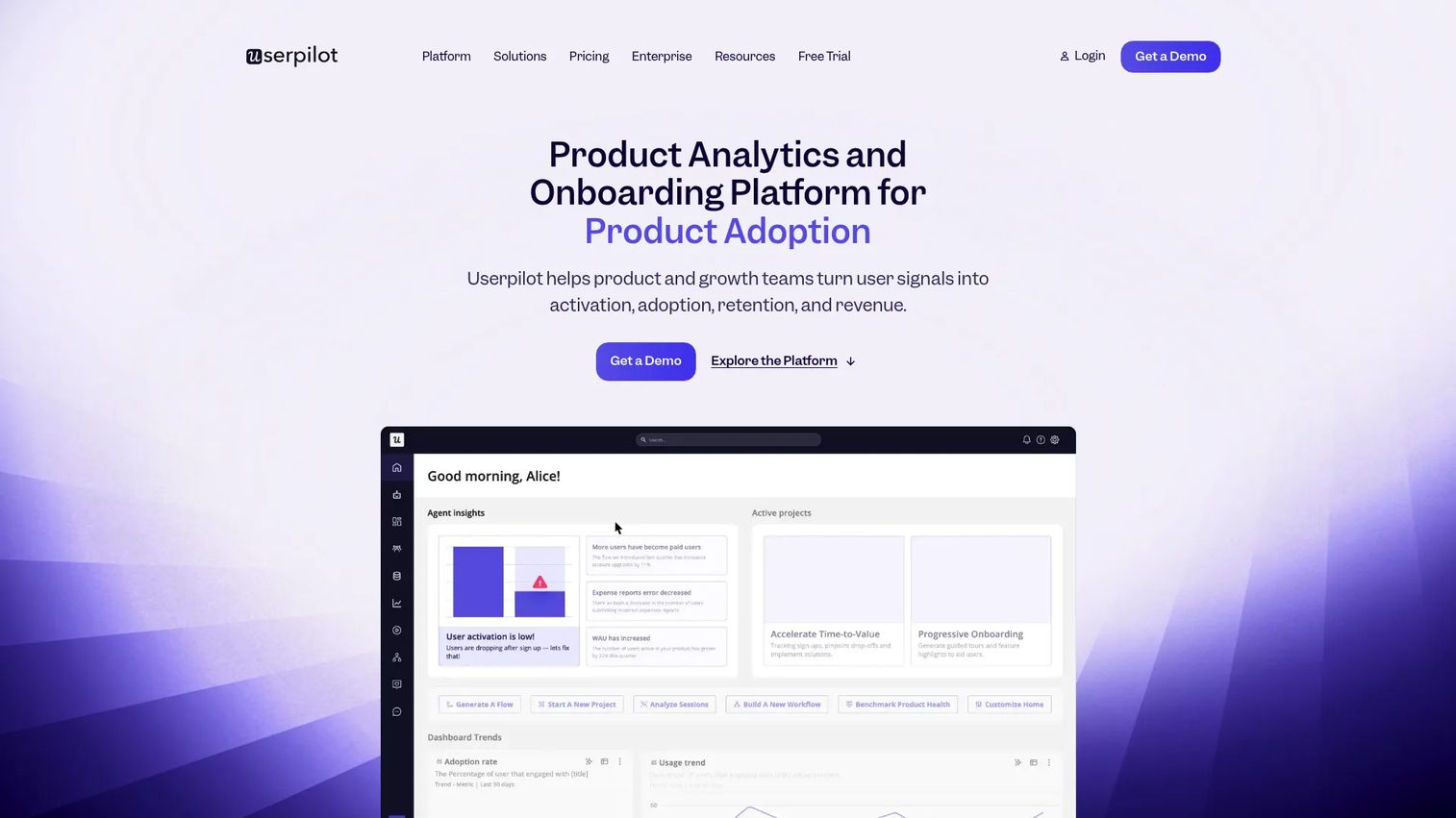
Userpilot is a no-code product growth platform that pairs product analytics with in-app engagement, feedback, and session replay. For PMs, that combination matters because it lets you build onboarding messages and adoption flows, then measure their impact on activation without stitching together three tools. You segment users, trigger contextual messages, and watch the analytics in one place.
The reason growth teams reach for it is the loop between messaging and measurement. You do not just ship a checklist. You see which segment completed it, where they dropped, and whether the flow moved your activation metric. That closes the ROI gap PMs usually face when defending onboarding work against feature work.
Best for: Product and growth teams that want no-code onboarding plus product analytics in a single platform.
Key features
- Product analytics with user segmentation
- In-app engagement: flows, checklists, tooltips
- User feedback and NPS surveys
- Event based trigger logic
- Session replay for behavior context
Why choose Userpilot: Pick it when you want one system for both delivering messages and proving they worked. The tradeoff is that its pricing scales with monthly active users, so cost grows as your base does.
Userpilot pricing: Starter starts at $299/mo (up to 2,000 MAU). Growth starts from $849/mo. Enterprise is custom. A 14-day free trial is available.
2. Appcues
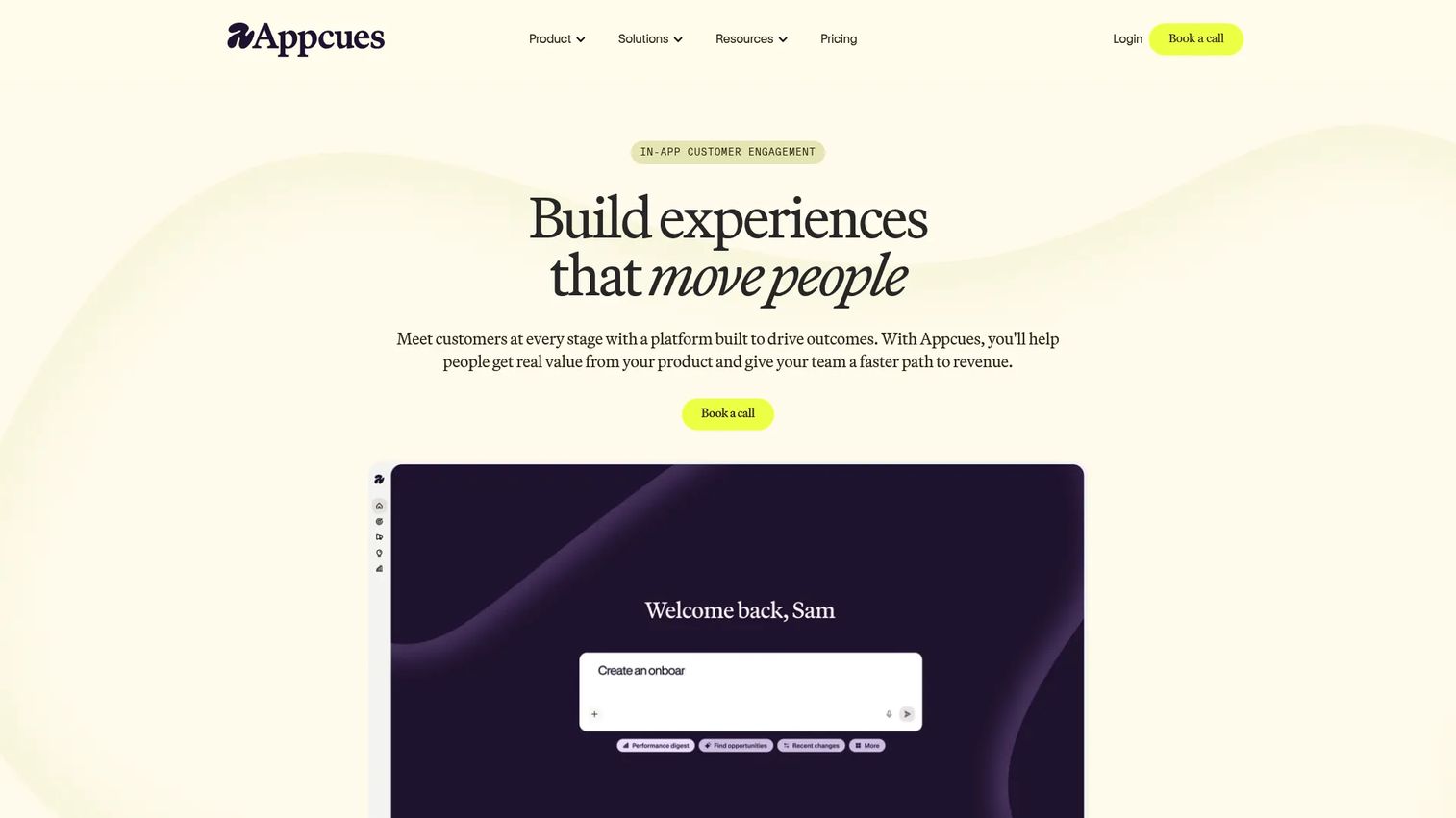
Appcues is a product experience platform for building in-app and cross-channel onboarding, adoption, and engagement flows without heavy engineering. It handles flows, checklists, banners, and launchpads, plus messaging across web, mobile, email, and push. That breadth makes it a fit for teams that want to run in-product and lifecycle messaging from one place.
For product marketers and PMs, the draw is flexibility without an engineering dependency. You build and target experiences, then track how each performs. Because every plan includes every experience type and integration, you are not gated out of a message format by your tier.
Best for: B2B SaaS teams that want no-code onboarding and in-product engagement without leaning on developers.
Key features
- In-app experiences: flows, checklists, banners, launchpads
- Cross-channel messaging: web, mobile, email, push
- Targeting and user segmentation
- Analytics and reporting per experience
- No-code builder for non-technical teams
Why choose Appcues: Choose it when you need flexible experience types and cross-channel reach without engineering lift. Pricing is MAU-based and quote-driven, so you will need a conversation to size cost.
Appcues pricing: Three plans, Start (up to 3,000 MAUs), Grow (from 3,000 MAUs), and Enterprise (custom). Pricing is based on MAUs, installations, and published experiences. No public numeric price is listed.
3. UserGuiding
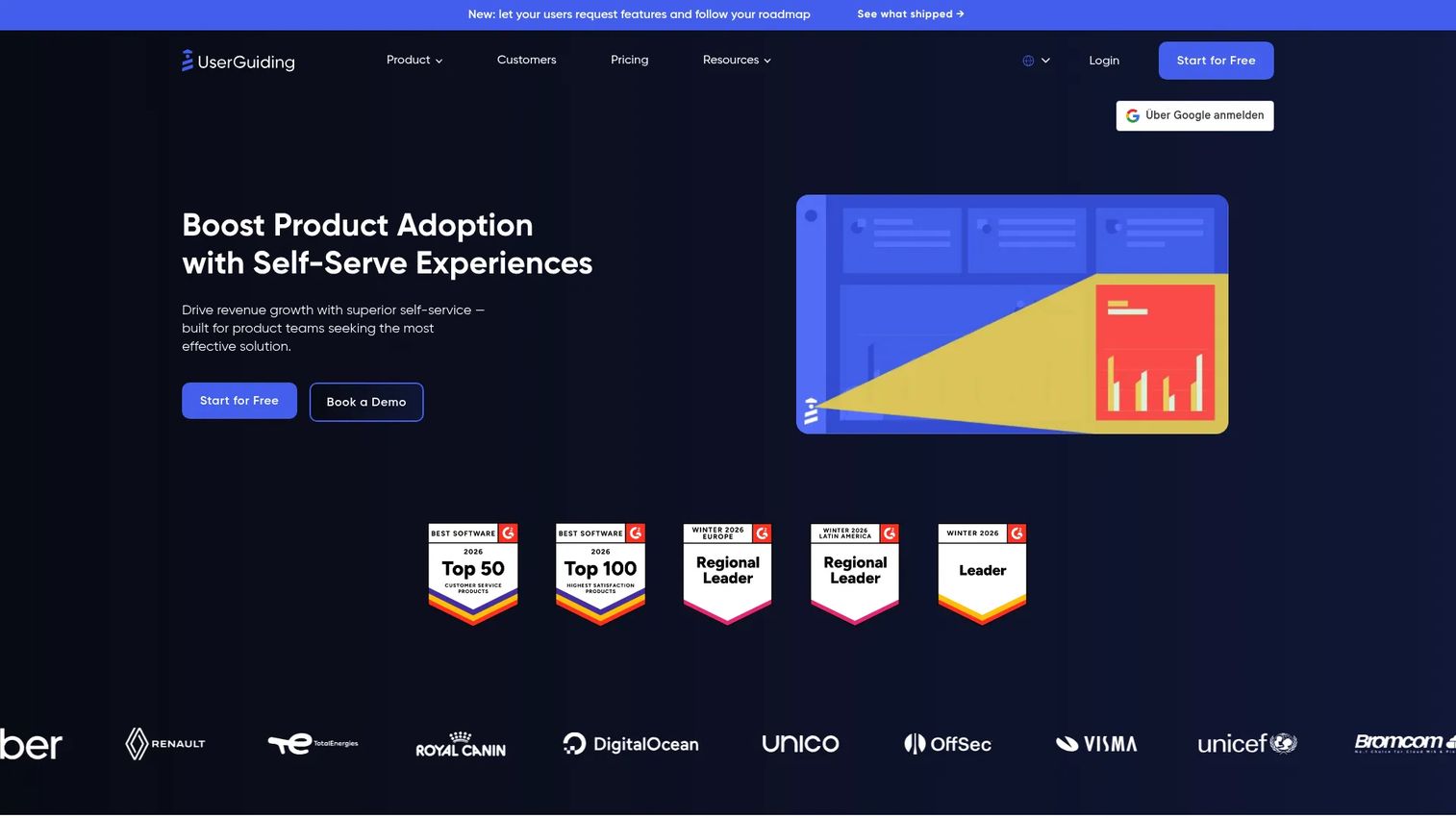
UserGuiding is a no-code product adoption platform focused on user onboarding, self-service support, and in-app communication. It covers product tours, onboarding checklists, and a knowledge base or resource center. Smaller teams reach for it when they need speed over depth, getting onboarding messages live quickly without a long implementation cycle.
The appeal for lean teams is the free tier plus fast setup. You do not need engineering time or a large budget to ship a first onboarding flow. That makes it a practical starting point for early-stage SaaS onboarding, where the goal is validating that guided prompts lift activation before investing in a heavier platform.
Best for: Teams that want code-free onboarding, self-serve support, and product adoption tools on a tight budget.
Key features
- Product tours and guided walkthroughs
- Onboarding checklists
- Knowledge base and resource center
- No-code onboarding builder
- User segmentation for targeting
Why choose UserGuiding: Pick it when speed and budget matter more than deep analytics or advanced experimentation. The tradeoff is less measurement depth than analytics-first platforms.
UserGuiding pricing: A free Support Essentials tier is available. Starter starts at $174/mo billed yearly, Growth at $349/mo billed yearly, and Enterprise is quote-based.
4. Intercom
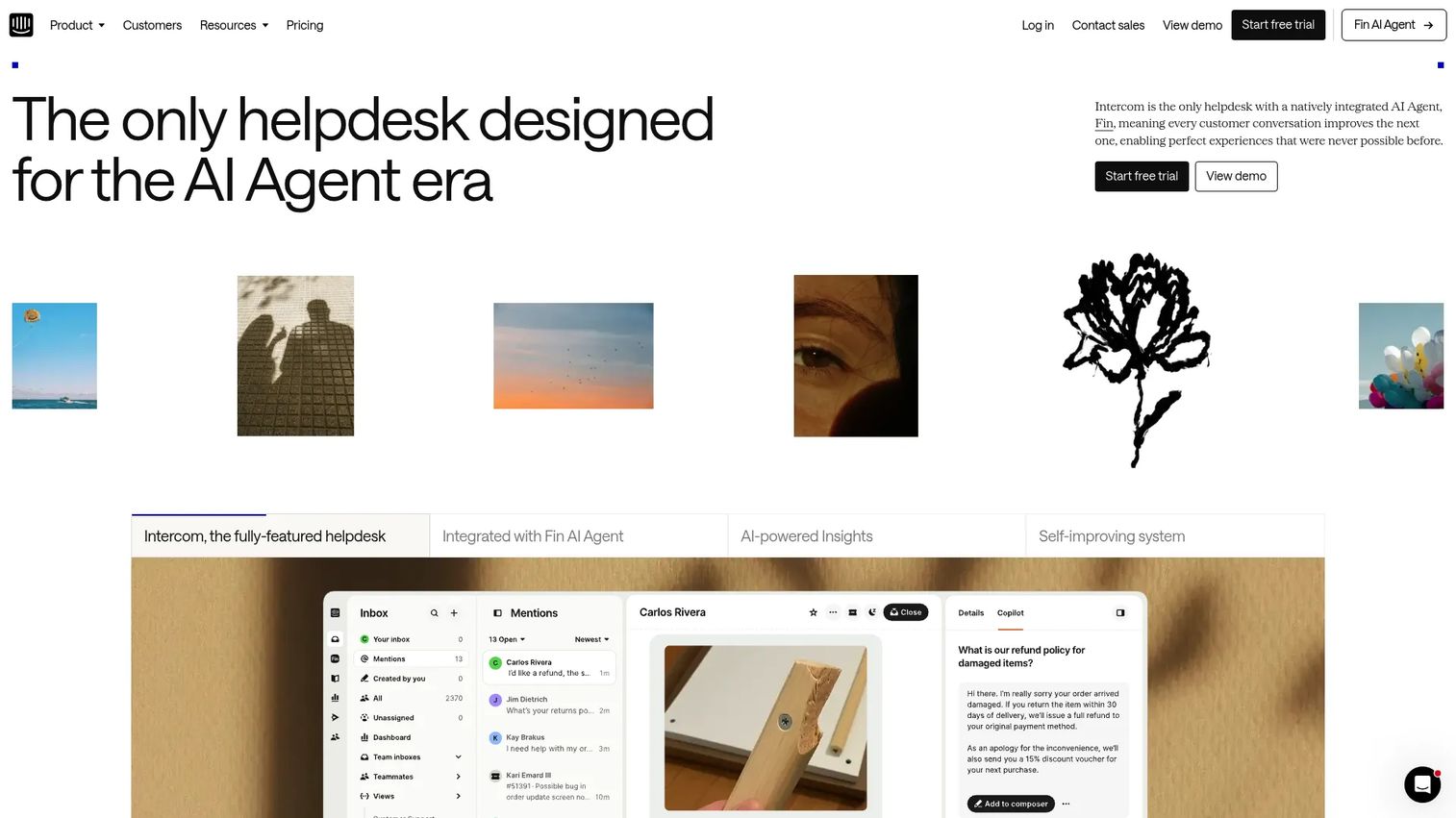
Intercom is an AI-powered customer service platform where in-app messaging sits alongside live chat, email, a shared inbox, and a help center. Its Fin AI Agent handles automated resolution. For support-led orgs, that means product communication and service workflows run in the same tool, so a tooltip, a chat, and a ticket all live together.
It fits best when your in-product messaging need is tightly coupled to support. If your team already runs the helpdesk here, adding proactive in-app messages keeps everything unified. That said, it is built around service first, so pure product-led onboarding teams may find dedicated adoption platforms more focused.
Best for: Support heavy teams that want in-app messaging next to an AI-first helpdesk.
Key features
- AI Agent (Fin) for automated resolution
- Shared inbox and helpdesk
- Live chat, email, and in-app messaging
- Help center and proactive support
- Behavior based messaging triggers
Why choose Intercom: Choose it when support and messaging should live in one platform. The tradeoff is seat-based plus usage-based pricing that can climb with volume and AI usage.
Intercom pricing: Essential is $19 per seat/mo, Advanced $85 per seat/mo, Expert $132 per seat/mo. Fin AI Agent is $0.99 per outcome. Proactive Support Plus is a $99/mo add-on.
5. Braze
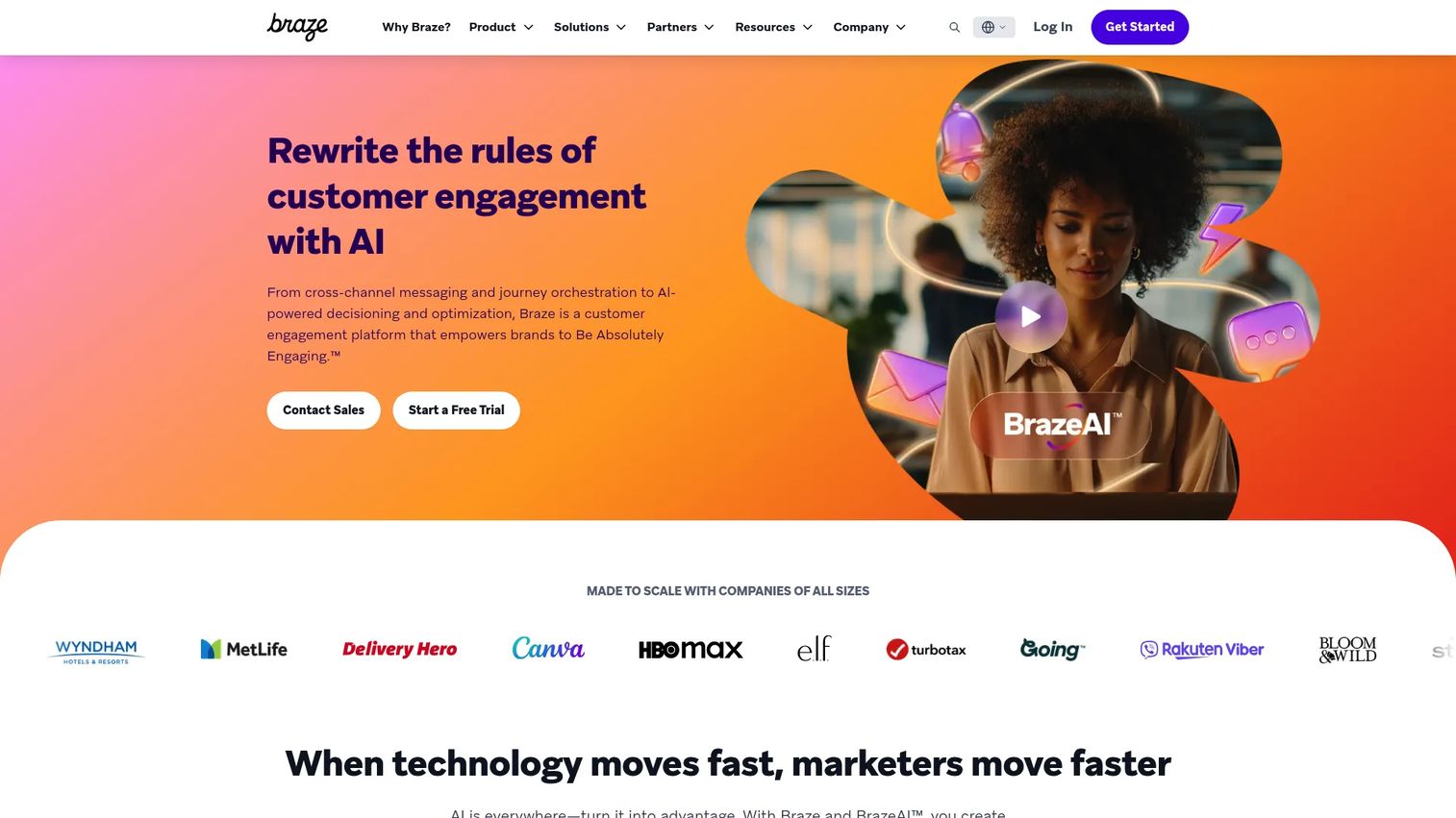
Braze is a customer engagement platform for cross-channel messaging, journey orchestration, and AI-driven personalization. It reaches users across email, push, SMS, WhatsApp, in-app, banners, and content cards, with campaign and canvas tools for lifecycle messaging. Larger teams pick it when messaging has to extend well beyond the product surface into a full omnichannel journey.
For enterprise product and growth teams, the strength is orchestration at scale. You coordinate in-app messages with every other channel, run experimentation, and apply rate limiting so users are not overwhelmed. It is heavier than a pure onboarding tool, which is the point when your motion spans many channels and segments.
Best for: Enterprises and growth teams that need omnichannel engagement and personalization at scale.
Key features
- Cross-channel messaging: email, push, SMS, in-app, more
- Journey orchestration with canvases and campaigns
- BrazeAI personalization and generative features
- Analytics and experimentation with rate limiting
- Behavior based and trigger based messaging
Why choose Braze: Pick it when in-product messaging is one part of a broader lifecycle motion across many channels. The tradeoff is enterprise weight and complexity for teams that only need in-app onboarding.
Braze pricing: Four editions, Braze Go, Select, Pro, and Enterprise, priced by monthly active users. A free trial is available. No public numeric prices are listed.
6. Pendo
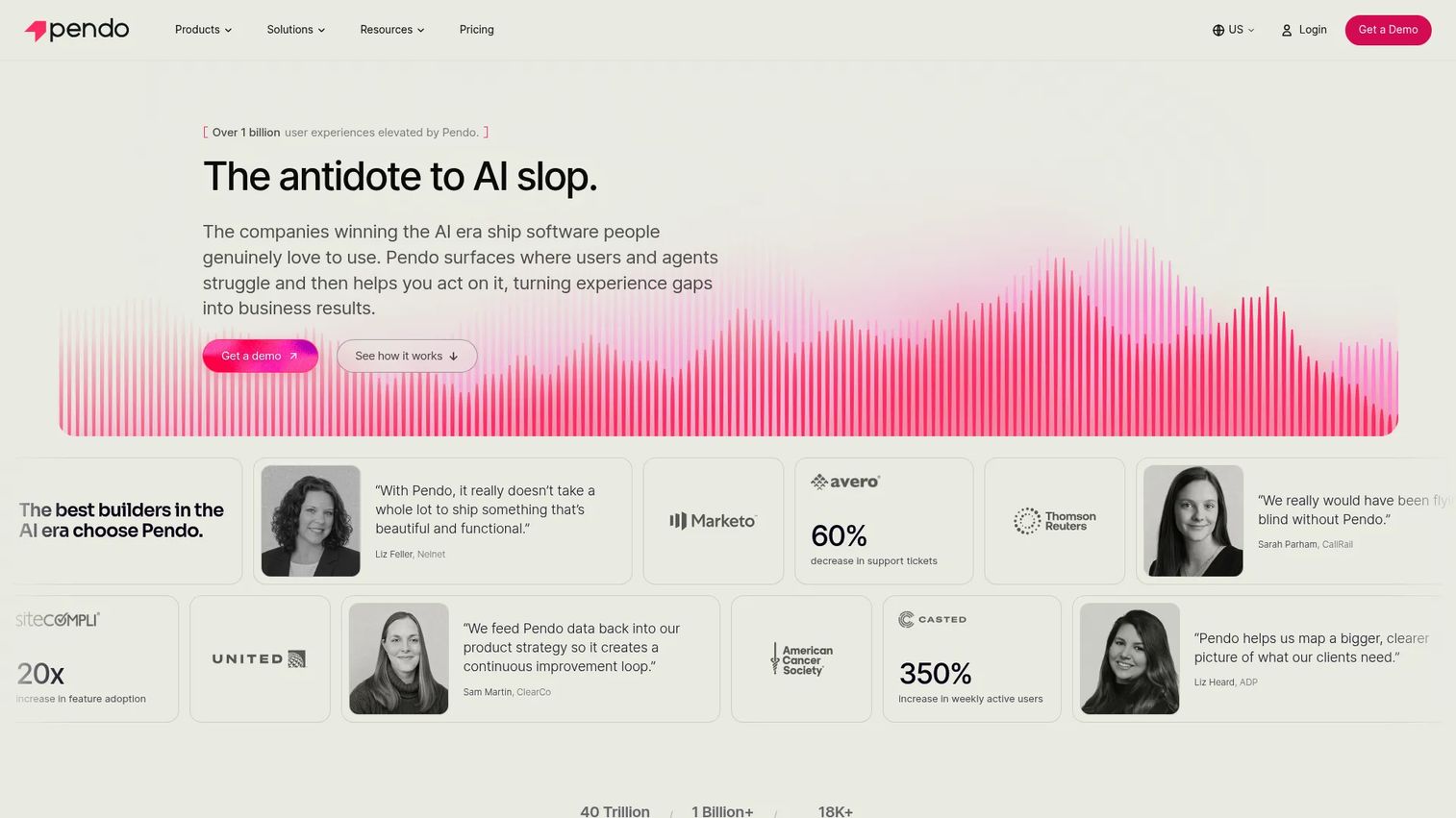
Pendo is a product experience platform combining product analytics, in-app guides, feedback, and session replay. The pull for PMs is having analytics and guidance in one place, so the same tool that shows you a drop-off point also lets you ship the guide that fixes it. That tight loop between insight and action is why analytics-first teams favor it.
Product teams like that guidance decisions are grounded in usage data, not guesswork. You see which feature is underused, target the segment that ignores it, and measure whether the in-app guide moved adoption. For teams where analytics and experimentation drive every onboarding change, that integration matters.
Best for: Product and growth teams that want analytics plus in-app engagement in one platform.
Key features
- Product analytics with segmentation
- In-app guides and walkthroughs
- Session replay for behavior context
- Feedback and NPS surveys
- Trigger based messaging on usage events
Why choose Pendo: Choose it when analytics should drive your messaging decisions directly. The tradeoff is that paid plans are custom-quoted, so cost transparency requires a sales conversation.
Pendo pricing: A free plan covers product analytics, in-app guides, and NPS for up to 500 MAUs. Base, Core, and Ultimate are custom-priced by MAU volume and functionality.
7. OneSignal
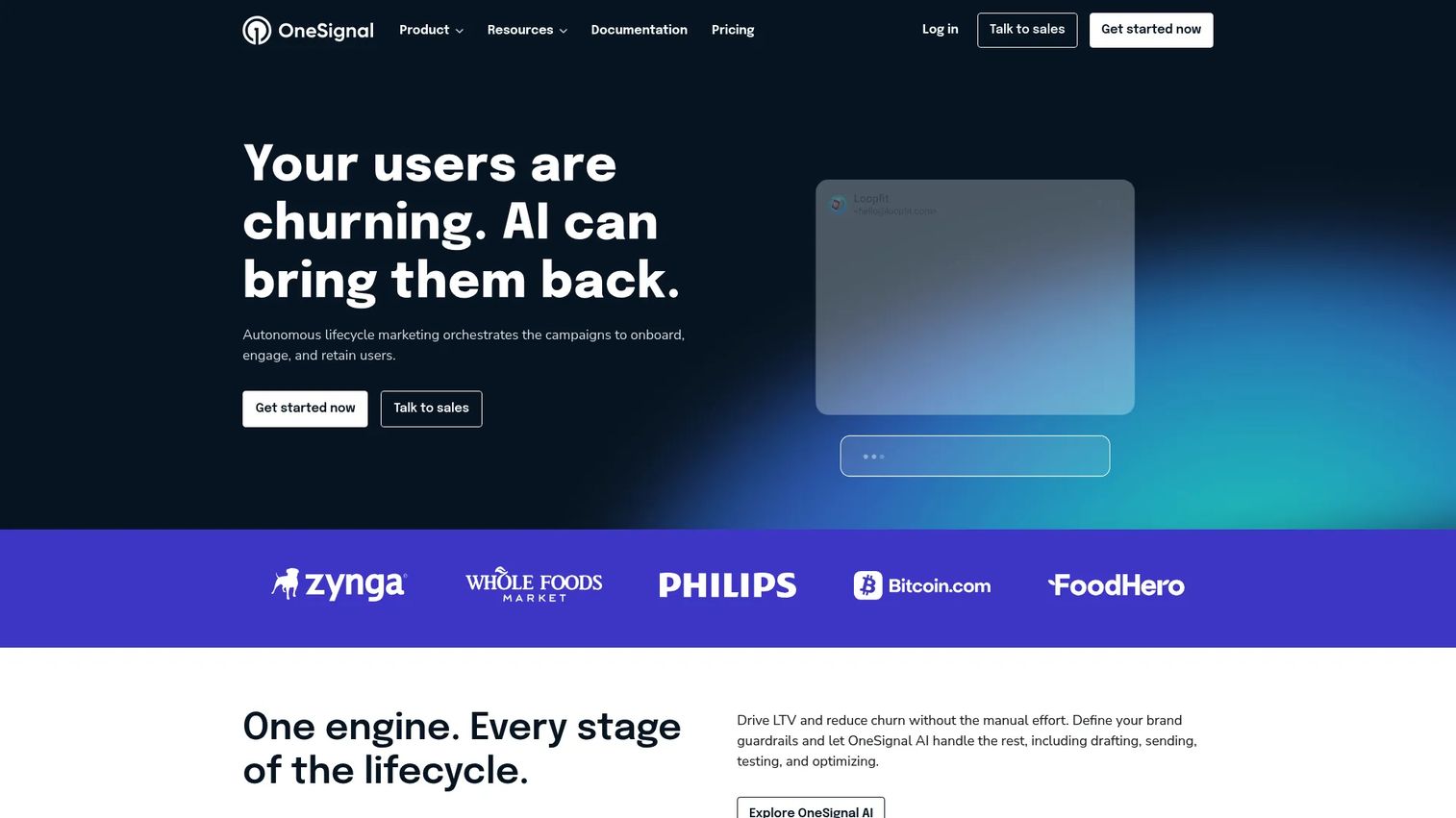
OneSignal is an omnichannel customer messaging platform built around push, with email, SMS, RCS, in-app messaging, and journeys layered on. It is push-first, which makes it a fit for mobile-adjacent journeys where re-engagement from outside the product matters as much as messages inside it.
Here is the honest distinction. True in product messaging reaches users while they are active in your app. Push-oriented messaging pulls them back from outside it. OneSignal does both, but its center of gravity is push and re-engagement. If your primary need is contextual in-app onboarding, that is worth weighing against the dedicated adoption tools above.
Best for: Teams needing scalable omnichannel messaging with a push-first engagement model.
Key features
- Mobile and web push notifications
- In-app messaging
- Email and SMS/RCS
- Journeys and automation
- Analytics and behavior based triggers
Why choose OneSignal: Pick it when push and re-engagement lead your strategy and in-app messaging is a complement. The tradeoff is that dedicated adoption platforms go deeper on onboarding flows.
OneSignal pricing: A free plan is available. Growth starts at $19/mo plus usage by channel. Professional and Enterprise are custom annual plans with volume-based pricing.
Considerations
Segmentation depth
Check whether the platform can target by role, plan, behavior, and lifecycle stage. Weak user segmentation is the fastest way to create noisy messaging that users learn to dismiss. It also wrecks attribution, because you cannot tell which cohort a message actually moved. Ask whether segments can combine attributes, not just filter on one.
Trigger logic
Evaluate event based, time based, and contextual triggers. Trigger flexibility is what separates a message that fires at the right moment from one that annoys. A tooltip that appears when a user lands on an empty state helps. The same tooltip on every page trains users to ignore it. Trigger precision directly affects activation and retention.
Analytics and experimentation
Assess whether the tool supports message testing, reporting, and message-level attribution. This is how you prove ROI instead of shipping generic nudges and hoping. Without analytics and experimentation, onboarding work loses every prioritization argument against feature work. Look for A/B testing and the ability to tie a message to a downstream metric.
Implementation and maintenance
Look at no-code setup, engineering dependencies, and ongoing upkeep. Onboarding rot happens when message maintenance is too expensive to keep pace with UI changes. A no-code builder that lets a PM update a flow without a ticket is the difference between messaging that stays current and messaging that quietly breaks after the next release.
Stack fit
Check integrations with your analytics, CRM, data warehouse, and support tools. Product managers need clean instrumentation to segment accurately and clean reporting to prove impact. A tool that does not sync with your data stack becomes another silo, which defeats the point of trigger based messaging tied to real user behavior.
Conclusion
The right pick depends on your stage and operating model. Early-stage teams that want speed and a free tier should start with UserGuiding. Product and growth teams that want messaging and analytics in one loop should look at Userpilot or Pendo. Teams needing flexible no-code experiences across channels fit Appcues. Support-led orgs get unified workflows with Intercom, while enterprises orchestrating full lifecycle messaging across channels fit Braze, and mobile-first, push-heavy motions fit OneSignal.
If you want faster validation, start with one of the top three. Ship a single onboarding flow, segment tightly, trigger it at one clear moment, and measure whether it moves activation before you expand. The mistake is not choosing the wrong tool. It is shipping untargeted messages and treating engagement as a black box. Pick a platform that lets you segment, trigger, and measure, then let the data tell you what to build next. That is how in-product messaging drives product adoption, protects activation and retention, and earns support deflection over time.
Start your journey with Guideflow today!
FAQs
In product messaging reaches users while they are active inside your product, at the exact step where guidance changes behavior. Email automation reaches them later, in an inbox, after they have left. The key difference is timing and context. A tooltip fires at the moment of confusion. An email hopes to pull the user back hours or days later.
Track activation rate, time to first value, feature adoption, early retention, and support deflection. Tie each message to a downstream metric rather than just measuring clicks. The honest approach is to set a baseline first, then run message testing against it. Claiming lift without a control group is how onboarding work loses credibility in prioritization debates.
Tooltips, banners, modals, checklists, guided walkthroughs, and contextual prompts each fit different moments. The best format depends on the user's stage and task. A checklist works for setup. A tooltip works for a single feature. A modal works for a launch announcement. Match the format to the job, not the other way around.
No. They complement those functions rather than replace them. In-product messages support the workflow at the moment of action, deflecting repetitive questions and shortening time to value. Docs still carry depth, and CS still handles complex, high-touch accounts. The product message should carry the immediate step, not the entire education burden.
It varies by segmentation and analytics depth. No-code onboarding tools like UserGuiding and Appcues let PMs ship flows with minimal engineering. Enterprise platforms with deeper orchestration and data integration usually need more setup. The buying question is whether your team can update messages without a ticket, because that determines whether messaging stays current across releases.
Prioritize user segmentation, trigger logic, analytics and experimentation, integrations, and maintenance cost. For larger teams, add security and governance to the list. The core question is whether the tool lets you send the right message to the right segment at the right trigger, and then prove it worked. If it cannot measure impact, it will lose every ROI argument.