Your team keeps hearing that the app is slow. The network team says utilization looks fine. Engineering sees no obvious regression. Customers still wait for reports, file transfers, or branch workflows to complete.
WAN performance problems are rarely caused by a single metric. Latency, packet loss, congested links, application behavior, encrypted traffic, and routing decisions can each produce the same complaint. The real question is whether the bottleneck sits in application behavior, WAN path quality, branch resiliency, or large-file movement, because the answer changes which tool category you should be evaluating.
The WAN optimization market reached $1.76 billion in 2025 and is projected to grow to $2.58 billion by 2031, according to Mordor Intelligence (2026). That growth reflects a market still sorting out how traditional WAN optimization, SD-WAN, and file-transfer acceleration coexist, especially as enterprises have shifted 70 to 80 percent of workloads to SaaS and public cloud (AvidThink Enterprise Connectivity Report, 2026). Buying without a baseline first is the most common way to pick the wrong category.
What's inside
This guide is for product managers, network architects, and infrastructure leaders evaluating WAN performance tools in 2026. It covers:
- Eight tools across application acceleration, SD-WAN, and file-transfer acceleration
- Selection criteria: Current deployment model, category fit for the problem being solved, pricing availability, and review data
- How to separate traffic steering from payload optimization before you pilot anything
- What to validate before issuing an RFP or booking vendor calls
TL;DR
- Best for hybrid WAN application acceleration: Riverbed SteelHead, for enterprises with distributed sites and latency-sensitive enterprise applications
- Best for branch resiliency and multi-link traffic control: FatPipe SD-WAN, when path selection and failover matter more than payload compression
- Best for Citrix infrastructure environments: Citrix SD-WAN, for teams already running Citrix application delivery or VDI
- Best for distributed data synchronization: Resilio Connect (now branded Resilio), for automated replication across remote sites and edge locations
- Best for high-speed large-file movement: IBM Aspera, for organizations moving large datasets over long distances on tight schedules
- Best for media and content workflows: Signiant, for distributed production and post-production teams
- Best for focused transfer acceleration: FileCatalyst, for high-latency or lossy links where missed transfers carry direct operational cost
No single tool wins across all workloads. Match the product to the bottleneck.
What is WAN optimization software?
WAN optimization software improves the performance, reliability, or efficiency of applications and data transfers that cross wide-area network links.
The category covers several distinct approaches. Traditional WAN optimization targets how traffic behaves across constrained or high-latency links, using techniques that operate on the payload or the protocol. SD-WAN focuses primarily on path selection, policy enforcement, and resiliency. File-transfer acceleration focuses on moving large files reliably over long-distance or unreliable connections. Most "WAN optimization software" searches return tools from all three categories, which is why identifying the actual bottleneck first matters.
Core capabilities in this category
- Compression: Reduces payload size before transmission
- Data deduplication: Eliminates repeated byte patterns across transfers
- Caching: Stores frequently accessed content closer to the user
- TCP and protocol optimization: Addresses chatty protocols and round-trip latency
- Traffic shaping and QoS: Prioritizes application traffic by policy
- Path selection and failover: Routes traffic across available links based on performance or policy
- Forward error correction: Reconstructs lost packets without retransmission
- Transfer resume and checkpointing: Restarts interrupted transfers without starting over
- Centralized policy management: Controls acceleration rules across sites from one console
- Performance telemetry: Surfaces latency, loss, throughput, and application response metrics
What changed in modern WAN optimization
Encryption changed the calculus. TLS 1.3 and IPsec protect traffic from endpoint to endpoint, which means a device sitting in the path has limited ability to inspect or modify payload content. QUIC and HTTP/3 further reduce the value of TCP-level manipulation because they run over UDP with built-in connection management. SaaS traffic is also increasingly dynamic and routed through CDNs, making caching less effective for these workloads.
The practical result: For modern SaaS and web application traffic, path quality, telemetry, forward error correction, and cloud on-ramp routing often deliver more measurable improvement than payload-level compression. For file transfer workloads, purpose-built UDP-based protocols (FASP, FileCatalyst's own protocol) sidestep TCP entirely and outperform compression-based approaches on long-distance or lossy links.
| Category | Primary mechanism | Works well for | Less effective when |
|---|---|---|---|
| Traditional WAN optimization | Payload inspection, caching, deduplication | Legacy enterprise apps, internal data-center traffic | Encrypted SaaS traffic, QUIC/HTTP/3 |
| SD-WAN | Path selection, policy, failover | Branch connectivity, multi-link resiliency | Deep application protocol acceleration |
| File-transfer acceleration | UDP-based transport, FEC, resume | Large-file movement, high-latency links | General application traffic |
When to use WAN optimization software
Improve application response times across branch offices
When ERP access, VDI sessions, database queries, or collaboration platforms feel slow at branch locations but perform normally at headquarters, the gap is often latency or protocol chattiness across the WAN. Application acceleration tools address this by reducing round trips, compressing payloads, and optimizing protocol behavior. Establish an application performance monitoring baseline before piloting, so you can quantify improvement against a defined starting point.
Reduce transfer windows for large or repeated data movement
Media files, research datasets, backup jobs, CAD assets, and data-center-to-cloud replication all share one characteristic: The cost of a failed or slow transfer is concrete and measurable. File-transfer acceleration tools fit here because they use purpose-built protocols that outperform TCP on high-latency or lossy links. This is a different problem from general branch application optimization, and it warrants a separate category evaluation.
Stabilize hybrid WAN connectivity without buying more bandwidth
When branch sites use a mix of MPLS, broadband, and cellular links and experience inconsistent performance or occasional outages, the bottleneck is often path selection and resiliency rather than payload compression. SD-WAN tools address this through per-packet load balancing, QoS policies, and automated failover. Before committing to a bandwidth upgrade, pilot an SD-WAN solution to see whether intelligent traffic steering closes the gap.
WAN optimization software comparison
These tools sit in related but distinct categories. Compare them against the performance problem you are trying to solve, rather than treating every product as a like-for-like replacement.
| # | Product | Best for | Key differentiator | Pricing | G2 rating |
|---|---|---|---|---|---|
| 1 | Riverbed SteelHead | Hybrid WAN application acceleration | Deduplication, protocol optimization, traffic visibility | Contact Riverbed for quote | 4.5/5 |
| 2 | FatPipe SD-WAN | Branch resiliency and multi-link traffic control | Per-packet load balancing and MPSec multi-path security | Contact FatPipe for quote | 4.5/5 |
| 3 | Citrix SD-WAN | Citrix-heavy enterprise environments | Integrated SD-WAN, routing, firewall, and WAN optimization | Contact Citrix for quote | Not verified |
| 4 | Resilio Connect | Distributed data replication and synchronization | Peer-to-peer sync across constrained and edge networks | Contact Resilio for quote | 4.7/5 |
| 5 | IBM Aspera | High-speed large-file movement | FASP transport protocol for long-distance transfer | From $1.07/GB (usage-based) | 4.4/5 |
| 6 | Signiant | Media and content supply-chain transfers | SaaS-based large-file movement with workflow automation | From $13,000/year (Professional) | 4.5/5 |
| 7 | FileCatalyst | Accelerated UDP file transfer across high-latency links | UDP-based protocol with delta transfers and resume | Contact FileCatalyst for quote | 3.0/5 |
| 8 | Sangfor WANO | Integrated WAN optimization deployments | WAN acceleration with centralized traffic management | Contact Sangfor for quote | 4.8/5 |
Best WAN optimization software tools for 2026
The right choice depends on whether you need application acceleration, traffic steering, branch resiliency, or reliable high-speed data movement.
1. Riverbed SteelHead

Riverbed SteelHead is a WAN optimization product focused on accelerating applications and data movement across hybrid wide-area networks. It targets enterprises with distributed sites that still depend on data-center-hosted or hybrid application paths. The product is available as a physical appliance, a virtual appliance, and a cloud-managed option through SteelHead Virtual.
Best for: Large enterprises with distributed sites that need application acceleration across hybrid WAN environments.
Key features
- Data deduplication and bandwidth reduction across WAN links
- Transport streamlining to reduce latency impact on chatty protocols
- Application-layer optimization for enterprise protocol stacks
- SteelHead Virtual for hybrid and cloud-hosted deployment
- Security features including Secure Boot, TPM, and Total Memory Encryption
Why choose Riverbed SteelHead: Use it when your team has instrumented the WAN and confirmed that latency and protocol behavior, not path quality, are the root cause. It is especially relevant when legacy enterprise applications still traverse long-distance or branch-to-data-center links and encrypted traffic has not fully replaced inspectable application traffic. For SaaS-heavy environments where most traffic is TLS 1.3 or QUIC, test your actual traffic mix during a pilot to confirm the acceleration benefit before committing.
Riverbed SteelHead pricing: Riverbed sells SteelHead through a quote-based model. Pricing varies by throughput tier, deployment type (physical, virtual, or cloud), and support terms. Contact Riverbed directly or through an authorized partner to get a configuration-specific quote.
G2 rating: 4.5/5
2. FatPipe SD-WAN
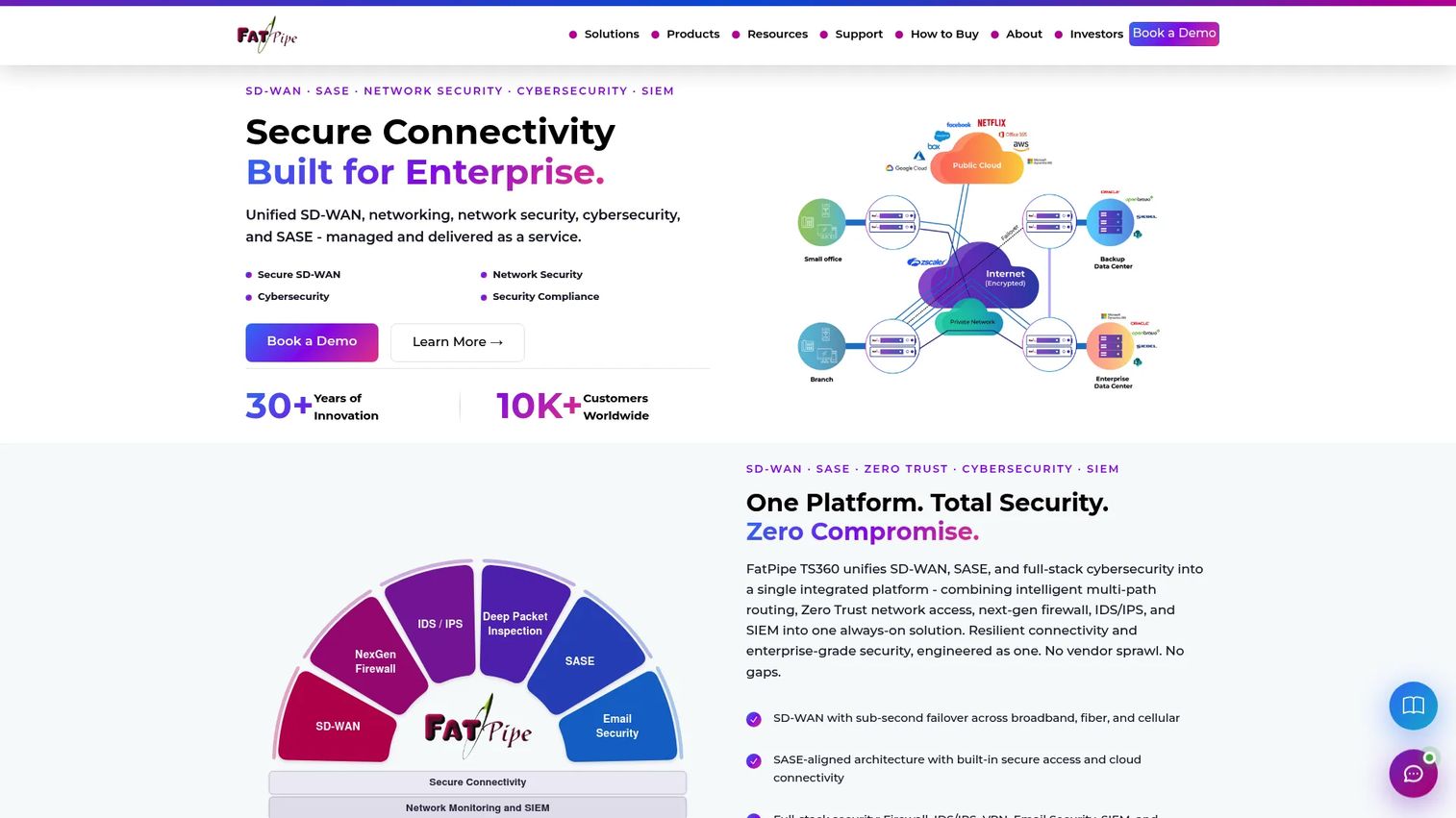
FatPipe SD-WAN aggregates multiple WAN connections, including broadband, MPLS, LTE, and cloud links, into a single managed connection with dynamic load balancing and failover. Its MPSec technology applies security across multiple paths simultaneously. The platform supports centralized orchestration and zero-touch deployment for branch rollouts.
Best for: Distributed organizations that need reliable branch connectivity across multiple internet, MPLS, or cellular links.
Key features
- Dynamic per-packet load balancing across active links
- Automated failover with minimal session disruption
- Application-aware QoS and policy-based routing
- MPSec multi-path security for encrypted tunnels
- Zero-touch deployment and centralized orchestration
Why choose FatPipe SD-WAN: Choose FatPipe when the primary problem is branch uptime, link diversity, and consistent performance, not payload-level compression. It is a stronger category fit than appliance-style WAN optimization when branch connectivity changes frequently or when the team manages a mix of link types across many sites. If your investigation shows that path quality and failover behavior are the bottleneck, this is where to start.
FatPipe SD-WAN pricing: FatPipe does not display pricing on its public site. Contact the vendor directly for deployment-specific licensing and subscription terms.
G2 rating: 4.5/5
3. Citrix SD-WAN
Citrix SD-WAN combines application-aware routing, WAN optimization, integrated firewall, IPsec VPN, and centralized management in a single platform. It is designed for enterprises already running Citrix virtual apps or desktops, where WAN performance directly affects the user experience on those workloads. The SD-WAN Orchestrator provides centralized visibility and policy control.
Best for: Enterprises that already run Citrix infrastructure and want WAN controls integrated with their broader application-delivery environment.
Key features
- Intelligent per-packet path selection and automated failover
- Integrated routing, firewall, NAT, and WAN optimization
- Application QoS with packet duplication for critical workloads
- Zero-touch branch deployment
- Centralized management through SD-WAN Orchestrator
Why choose Citrix SD-WAN: Use it when WAN performance, virtual app and desktop delivery, and existing Citrix architecture need to be evaluated together. The evaluation opportunity cost is lowest when your network and workplace-infrastructure teams are already aligned on the Citrix stack. For teams without Citrix dependencies, the integration benefit is less relevant and a standalone SD-WAN or WAN optimization product may fit better.
Citrix SD-WAN pricing: Citrix does not post subscription or appliance pricing on its public pages. Contact Citrix or an authorized reseller for a configuration-specific quote.
4. Resilio Connect
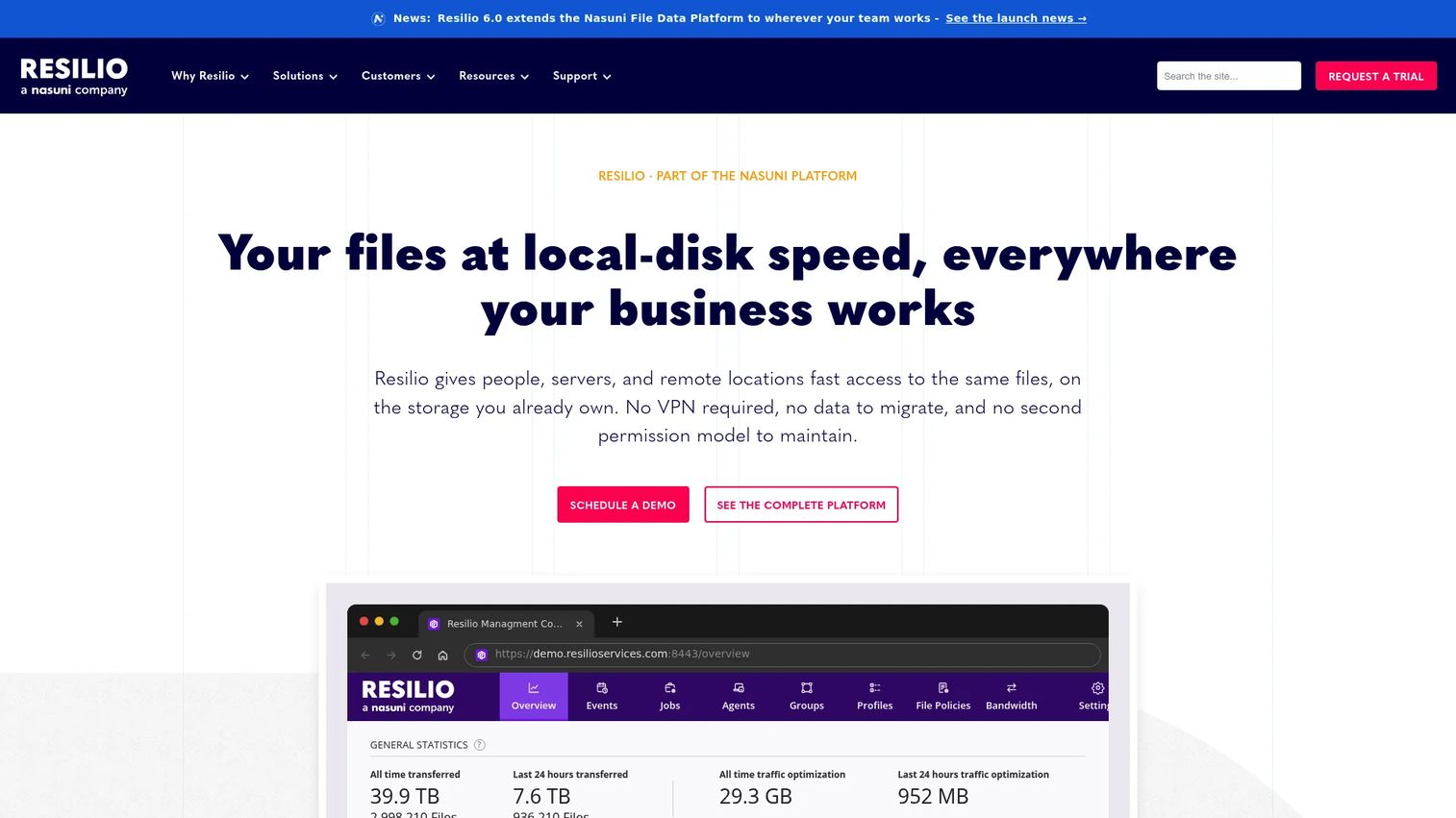
Resilio Connect (rebranded as Resilio and now marketed as Resilio Active Everywhere since 2024) is a peer-to-peer file synchronization and data movement platform. It moves files across distributed servers, cloud environments, edge nodes, and remote locations with WAN optimization built into the transfer layer. The platform supports one-to-many, many-to-one, and many-to-many topologies, which makes it useful for large-scale distribution workflows.
Best for: Teams that need reliable, automated synchronization of large datasets across remote sites, cloud storage, and constrained or edge networks.
Key features
- Peer-to-peer file synchronization across diverse network topologies
- WAN optimization for high-latency and unreliable link environments
- Transfer resume and fault tolerance after connection loss
- Bandwidth policy controls and centralized job management
- Support for VSAT, cellular, and low-bandwidth environments
Why choose Resilio Connect: Use it when the business problem is specifically moving and keeping distributed data synchronized, rather than improving every application on the WAN. It reduces operational overhead for workflows where incomplete transfers carry a direct business cost. It is a narrower category fit than a general SD-WAN or WAN optimizer, but within its scope, the peer-to-peer architecture avoids single-point-of-failure risks common in hub-and-spoke replication approaches. Reviewing cloud file storage software options alongside Resilio is worth considering if your workflows also involve cloud-object-storage targets.
Resilio Connect pricing: Pricing is based on the number of devices or endpoints. Contact Resilio for a tailored quote.
G2 rating: 4.7/5
5. IBM Aspera
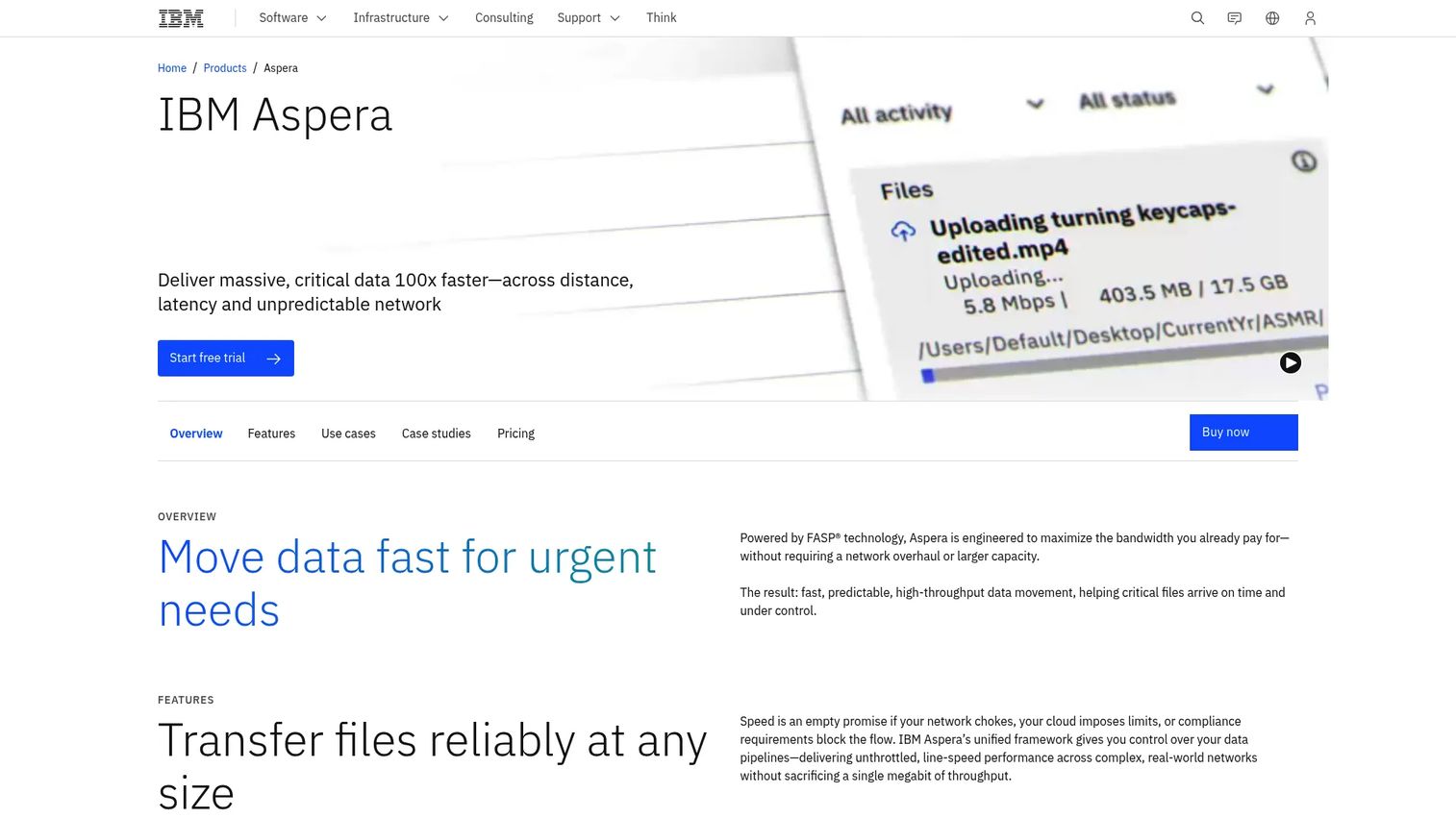
IBM Aspera is a high-speed file transfer platform built on IBM's FASP transport protocol. FASP sidesteps TCP's congestion-control behavior by running over UDP, which lets it fill available bandwidth on long-distance or lossy links where TCP would throttle back. The platform supports hybrid and multi-cloud endpoints, secure sharing, and workflow automation through APIs.
Best for: Organizations moving large, high-value files over long distances where conventional file-transfer methods miss delivery windows or produce unacceptable transfer durations.
Key features
- FASP high-speed transfer protocol over UDP
- Hybrid and multi-cloud data movement and synchronization
- Secure file sharing with access controls and encryption
- Workflow automation with API integrations
- Near-zero-latency streaming for large-scale data pipelines
Why choose IBM Aspera: Use it when large-file movement is the central bottleneck and you can define success through transfer duration, reliability, and delivery deadlines. It is a focused tool, not a general WAN optimization platform, so it pairs well with an SD-WAN or application-acceleration product in environments where both problems exist. IBM offers a 14-day free trial, which makes it practical to establish a before-and-after baseline for a defined transfer workflow during a short pilot.
IBM Aspera pricing: IBM offers multiple packages. Usage-based transfer starts at $1.07 per GB per month. The Essentials Edition starts at $22.10 per month for 1 TB per year. Standard Plus starts at $660 per month for 6 TB per year. The Lite self-managed license starts at $11,916 per year. A 14-day free trial is available.
G2 rating: 4.4/5
6. Signiant
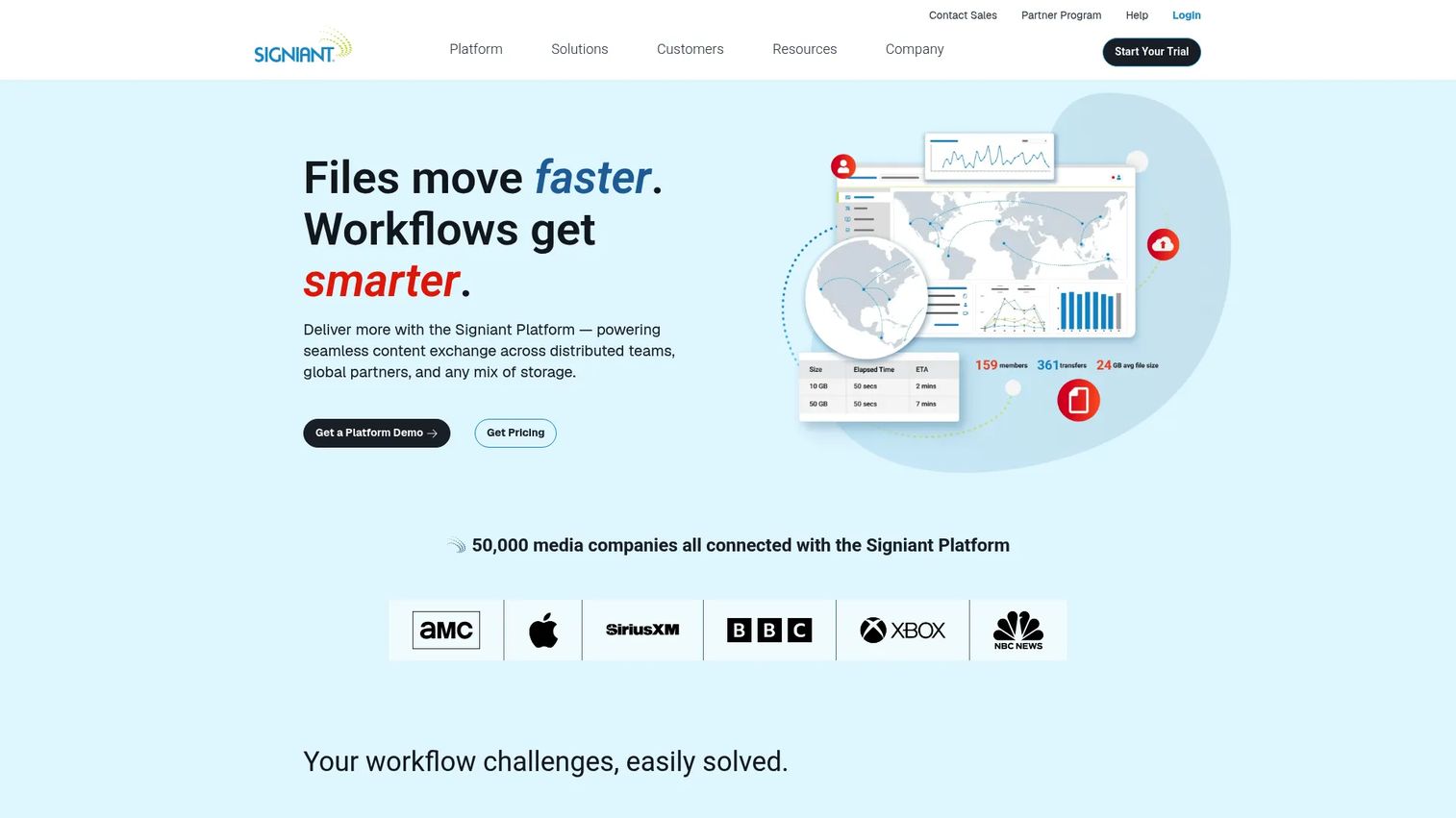
Signiant is a SaaS platform for accelerated large-file transfer and media-content exchange. It connects distributed teams, production partners, cloud platforms, and on-premises storage through a managed cloud layer. The platform provides checkpoint restart, transfer monitoring, and workflow coordination rather than general WAN traffic optimization.
Best for: Media and content teams moving large files among distributed production partners, cloud platforms, and global locations where transfer visibility and workflow automation matter as much as raw speed.
Key features
- Accelerated large-file transfers with cloud-managed routing
- Checkpoint restart and automatic retry on interruption
- Hybrid cloud and on-premises storage support
- Transfer monitoring, alerting, and audit trail
- SaaS operations model with no on-premises infrastructure required
Why choose Signiant: Use it when file movement is embedded in a content supply chain and operational visibility matters. Teams that need to coordinate handoffs between remote production, post-production, and distribution partners benefit from the workflow layer Signiant provides alongside raw transfer speed. It is a specialized tool; if your primary need is general branch application acceleration or data-center-to-data-center replication, a different category fits better.
Signiant pricing: Media Shuttle Professional starts at $13,000 per year. Enterprise starts at $25,000 per year. Small Business pricing requires a custom quote.
G2 rating: 4.5/5
7. FileCatalyst
FileCatalyst, now part of Fortra's GoAnywhere product family, is an accelerated file transfer platform built on a proprietary UDP-based protocol. It is designed for moving large files across high-latency or packet-loss-prone links where TCP degrades significantly. The platform supports delta transfers, on-the-fly compression, automatic retransmission, browser-based transfers via TransferAgent, and cloud integrations with AWS, Azure, and Dropbox.
Best for: Teams that need to move large files reliably across high-latency or lossy connections, particularly in remote operations, satellite, global content delivery, and technical asset workflows.
Key features
- UDP-based transfer protocol optimized for impaired links
- Delta transfers to move only changed file portions
- Automatic retransmission and resume after failure
- On-the-fly compression to reduce transfer volume
- Browser-based transfer via TransferAgent and cloud storage integrations
Why choose FileCatalyst: Use it when a missed transfer window has a direct operational cost and the network path is genuinely impaired by latency or packet loss. It is a practical shortlist candidate alongside IBM Aspera for teams evaluating focused transfer acceleration. The G2 review count is low (2 reviews), so complement G2 data with references from Fortra directly or from GoAnywhere's broader user base before making a final call.
FileCatalyst pricing: FileCatalyst does not display pricing on its public site. Contact Fortra or request a quote through the GoAnywhere product page.
G2 rating: 3.0/5
8. Sangfor WANO
Sangfor WANO is a WAN optimization product that combines application acceleration, byte-level caching, data compression, bandwidth management, and centralized policy control. It deploys as a hardware appliance, a virtual appliance, a public-cloud instance, or a Windows client, and supports gateway, bridge, and ARM deployment modes. The platform targets enterprises that want traditional WAN optimization capabilities with centralized reporting and visibility.
Best for: IT teams that want an integrated WAN optimization product with centralized control over traffic and acceleration policies, particularly where regional support and appliance procurement are decision factors.
Key features
- Byte-level caching and data compression for bandwidth reduction
- Application-layer protocol proxy for accelerated enterprise traffic
- Dynamic path selection with QoE-based link detection and failover
- Traffic management, bandwidth control, and application-aware policies
- Real-time monitoring, traffic visibility, and reporting
Why choose Sangfor WANO: Use it when the team wants a traditional WAN optimization approach with centralized policy control and broad deployment flexibility. It is worth evaluating when regional support coverage, appliance availability, and local procurement requirements are part of the decision. Because G2 coverage is limited (3 reviews), validate the product through Sangfor's own reference program and check regional availability with a local partner before committing.
Sangfor WANO pricing: Sangfor does not display pricing on its public site. Contact Sangfor or an authorized regional partner for deployment-specific licensing and support costs.
G2 rating: 4.8/5
Considerations when choosing WAN optimization software
Start with the bottleneck, not the product category
Before contacting any vendor, establish a baseline. Measure latency, packet loss, jitter, throughput, retransmissions, application response time, and file-transfer duration for the affected workflow. A network utilization chart alone does not confirm that the WAN is the cause of a user-facing problem. Reviewing your application performance monitoring tools and application portfolio management software alongside WAN tooling can surface whether the bottleneck is the application itself rather than the network.
Separate traffic steering from application acceleration
SD-WAN solves link selection, resiliency, and routing problems. Application acceleration addresses protocol behavior and payload efficiency on a given path. The two categories complement each other, but evaluating them as interchangeable delays finding the actual fix. One in three businesses buying SD-WAN services had not yet extended them to all business locations as of 2025 (Analysys Mason), which means many teams are mid-deployment and may need both tools at different sites simultaneously.
Test encrypted and modern protocol traffic
TLS 1.3, IPsec, QUIC, and HTTP/3 change what any WAN optimization product can inspect or modify. Require vendors to demonstrate performance improvement against your actual traffic mix, not against a synthetic benchmark. For SaaS workloads, cloud routing, telemetry, and forward error correction typically matter more than payload compression. Also review your cloud data security software posture alongside this evaluation, since decryption-capable devices introduce their own security surface.
Evaluate deployment and ownership requirements
Compare hardware appliances, virtual devices, cloud-managed services, and endpoint software models against your release cadence, branch rollout process, and monitoring infrastructure. A tool that requires engineering involvement to update policies or troubleshoot incidents adds ongoing opportunity cost that a cloud-managed or software-based option may eliminate. Factor in cloud cost optimization software considerations if cloud egress and WAN service costs are a significant driver of this evaluation.
Define a pilot scorecard before procurement
Document your baseline and success criteria before starting any pilot. Suggested metrics to track:
- Application response time at branch locations
- Large-file transfer duration and completion rate
- Packet loss during peak periods
- Branch failover behavior and recovery time
- Operations time spent troubleshooting WAN-related incidents
- WAN service and cloud egress costs where measurable
Conclusion
WAN optimization covers three distinct problems. Application acceleration tools like Riverbed SteelHead address protocol behavior and payload efficiency for enterprise applications still traversing long-distance links. SD-WAN tools like FatPipe SD-WAN and Citrix SD-WAN address path selection, branch resiliency, and multi-link traffic management. File-transfer acceleration tools, including IBM Aspera, Signiant, and FileCatalyst, focus on moving large files reliably over constrained or long-distance paths. Resilio Connect handles distributed data synchronization across edge and remote locations. Sangfor WANO offers a traditional WAN optimization approach with centralized management for teams that prefer that deployment model.
The most common procurement mistake is starting with a product rather than a baseline. Build a one-page performance baseline before booking vendor evaluations. It will expose whether you need application acceleration, better path control, or a dedicated data-transfer platform, and it will give you the success criteria your pilot needs to produce a defensible answer.
For teams researching adjacent infrastructure decisions, see our guides on cloud file storage software and application security testing software for related evaluation frameworks.
FAQs
WAN optimization software improves the performance, reliability, or efficiency of applications and data transfers that cross wide-area network links. The category includes tools that reduce latency through protocol optimization, eliminate redundant data through deduplication and caching, accelerate large-file movement through purpose-built transport protocols, and improve branch connectivity through path selection and traffic steering. Not all products in this category address the same bottleneck.
SD-WAN primarily manages paths, policies, and resiliency across available links, such as broadband, MPLS, and cellular. WAN optimization focuses on traffic behavior, application acceleration, caching, compression, and protocol efficiency on a given path. Many enterprises run both: SD-WAN to choose and protect the path, WAN optimization to improve how applications behave across it. According to AvidThink's 2026 Enterprise Connectivity Report, 33 percent of surveyed organizations had already deployed SASE (which often includes SD-WAN), with 55 percent reporting active deployments underway.
Encryption limits payload-level inspection, which reduces the value of some traditional compression and caching techniques. TLS 1.3 prevents middleboxes from reading or modifying encrypted content. QUIC runs over UDP and handles congestion control internally, making TCP-level optimization ineffective. For modern SaaS and web application traffic, path selection, forward error correction, telemetry, and cloud routing deliver more consistent improvement. Test your actual traffic mix, including the proportion that is already encrypted, during any pilot before accepting vendor performance claims.
File-transfer acceleration fits large, repeatable, time-sensitive file movement where a missed delivery window has a direct operational cost. IBM Aspera, Signiant, and FileCatalyst are purpose-built for this use case. General WAN optimization fits broader application-performance problems across branches, data centers, and cloud environments where many applications and users share the same link. If the primary complaint is that a specific file-transfer workflow is too slow or unreliable, start with the file-transfer category. If the complaint is that everything feels slow at a branch, start with WAN optimization or SD-WAN.
Reduced duplicate traffic, smarter link usage, and more efficient transfer protocols can lower pressure to upgrade circuits or purchase additional bandwidth. Deduplication and compression reduce the volume of data crossing the WAN. Better QoS policies prevent low-priority traffic from consuming capacity during peak periods. Savings depend on the traffic profile, current network design, and how much of the traffic is already encrypted. Establish a baseline before piloting so you can measure actual bandwidth reduction rather than relying on vendor benchmarks.
Appliances remain relevant for specific enterprise and branch deployments, particularly where physical hardware is required by security policy, where cloud-managed options are not available in a given region, or where the application traffic is not yet fully encrypted. Virtual appliances and cloud-managed SD-WAN services have replaced physical appliances in many distributed environments. The choice between hardware, virtual, and cloud-managed deployment depends on your traffic location, security controls, operations model, and the vendor's regional support coverage.
A useful pilot scorecard includes application response time before and after deployment, large-file transfer duration and completion rate, packet loss during peak usage periods, branch failover behavior under a simulated link failure, operations team time spent troubleshooting WAN-related incidents, and WAN service or cloud egress costs where those are a driver of the evaluation. Set the baseline before the pilot starts. Without a documented starting point, the pilot produces anecdote rather than evidence, and it becomes difficult to justify procurement or expansion to leadership and engineering.
Run application performance monitoring tools to distinguish between network-level latency and application-level processing time. If response time is slow at the branch but fast at headquarters on the same application, the WAN link is a likely contributor. If response time is slow everywhere, the bottleneck is more likely in the application tier, the database, or the cloud environment hosting the workload. WAN optimization cannot fix an under-provisioned application server or a poorly indexed database query, so instrument both layers before committing to a network-layer purchase.