Most marketing decisions happen before the research is finished. A campaign brief gets approved, budget gets allocated, creative gets made, and somewhere in that chain someone said "we think our audience cares about X." Sometimes they're right. Often they're not.
The cost of skipping or rushing research shows up in campaign metrics: High CPCs on the wrong keywords, landing pages that don't convert, messaging that speaks to the wrong pain. The global market research industry reached $153 billion in 2024, up 8% year over year, according to ESOMAR's Global Market Research 2025 report. That number reflects how seriously organizations take the problem of not knowing their market well enough.
Marketing research tools exist to close that gap before you spend the budget, not after. They help you validate demand, understand your audience, track competitors, and build the kind of evidence that makes leadership trust the plan.
What's inside
This guide covers 21 marketing research tools for growth marketers, digital marketers, and marketing teams at every stage. Tools were chosen based on:
- Data quality and research intent fit: Does the tool answer a real marketing decision?
- Coverage across research types: Audience insight, competitor intelligence, surveys, trend analysis, UX testing, social listening, and BI
- Pricing transparency: Free, freemium, and paid options across team sizes
- Workflow integration: Can outputs move into campaign planning, reporting, or attribution workflows?
TL;DR
- Best overall audience research platform: GWI for global consumer datasets and deep segmentation
- Best free trend tool: Google Trends for validating search demand before committing budget
- Best enterprise research suite: Qualtrics for structured surveys, panels, and experience management at scale
- Best competitor traffic intelligence: Similarweb for benchmarking website channels and category share
- Best SEO demand research stack: Semrush for keyword and competitive intelligence; Ahrefs for organic depth
- Best free public data source: Pew Research Center for demographic and social trend context
What is marketing research software?
Marketing research software helps teams collect, analyze, and interpret market, audience, competitor, customer, and trend data so they can make better marketing decisions.
The category spans several distinct research jobs:
- Primary research: Surveys, feedback widgets, usability studies, and interview tools that collect original data from your audience
- Secondary research: Public datasets, market reports, search trend data, and industry benchmarks that already exist
- Competitive intelligence: Tools that track traffic, keywords, content performance, social share of voice, and pricing signals
- Analysis and reporting: Dashboards, visualization platforms, and segmentation tools that turn raw data into decision-ready outputs
- Applied marketing output: Personas, campaign angle validation, launch research, landing page hypotheses, and budget allocation inputs
Key capabilities to look for in market research platforms:
- Survey and feedback collection
- Audience segmentation and profiling
- Search trend and demand tracking
- Competitor benchmarking
- Social listening and sentiment analysis
- Data visualization and dashboards
- SEO and content research
- Panel and sample access
- Integrations with CRM, analytics, and BI tools
No single tool covers all of these jobs well. The best approach is to match the tool to the decision you need to make, not to find one platform that does everything.
When to use marketing research tools
Validate a campaign before spending budget
Before committing paid media spend, search trend data and audience panels can tell you whether demand exists and whether your messaging matches how buyers describe their own problem. Tools like Google Trends, Semrush, and GWI can answer whether a campaign angle has traction or whether you're building for an audience that doesn't search for what you're selling. The cost of weak research here shows up directly in CAC and ROAS.
Understand your audience beyond CRM fields
CRM records tell you job title, company size, and deal stage. They rarely tell you what your audience reads, what they fear, or how they evaluate a purchase. Consumer research platforms like GWI and tools like Qualtrics or SurveyMonkey let you fill in the behavioral, psychographic, and intent signals that campaign targeting requires. This is especially important when you're entering a new segment or repositioning.
Track competitors before they show up in pipeline
By the time a competitor affects your win rate, they've usually been building presence for months. Social listening tools like Brandwatch, SEO platforms like Ahrefs, and traffic intelligence tools like Similarweb let you catch those signals earlier: Rising keyword share, new content angles, shifting messaging, and changes in ad spend. Competitive research at this stage lets you respond, not react.
Marketing research tools comparison
No research stack looks the same for every team. A startup running lean might rely entirely on Google Trends, Pew Research Center, and a free survey tool. A mid-market team managing a $1M+ media budget needs panel data, SEO intelligence, and social listening. Use the table below to match tool type to your research question.
Pricing and G2 ratings below were verified against each vendor's pricing page and G2 listing.
| # | Product | Best for | Key differentiator | Pricing | G2 rating |
|---|---|---|---|---|---|
| 1 | GWI | Consumer audience research | Global consumer datasets with deep segmentation | Contact sales | N/A |
| 2 | Statista | Market statistics and reports | 170 industries, 150+ countries, downloadable charts | Free / from $199/mo | 4.4/5 |
| 3 | Google Trends | Free trend discovery | Real-time search interest by topic and region | Free | N/A |
| 4 | Qualtrics | Enterprise research programs | Surveys, panels, and experience management at scale | From $420/mo | 4.4/5 |
| 5 | SurveyMonkey | Fast survey research | Templates, panels, and AI-assisted analysis | Free / from $39/mo | 4.4/5 |
| 6 | Typeform | High-completion conversational surveys | Logic-branching forms with strong completion rates | Free / from $39/mo | 4.5/5 |
| 7 | Similarweb | Competitor traffic research | Website, category, and channel benchmarking | From $199/mo | 4.4/5 |
| 8 | BuzzSumo | Content research | Content performance and topic discovery | From $199/mo | 4.5/5 |
| 9 | Semrush | SEO and competitor research | Keyword, domain, ads, and content intelligence | Free / from $117/mo | 4.4/5 |
| 10 | Ahrefs | Search demand research | Backlink, keyword, and competitive SEO data | From $29/mo | 4.5/5 |
| 11 | Tableau | Research dashboards | Flexible BI and visualization across data sources | From $15/user/mo | 4.4/5 |
| 12 | Brandwatch | Social listening | Consumer intelligence from online conversations | Contact sales | 4.2/5 |
| 13 | Sprinklr | Enterprise social insights | Unified social intelligence across large brand operations | Contact sales | 4.2/5 |
| 14 | NielsenIQ | Retail and purchase behavior | Consumer and retail measurement with purchase data | Contact sales | N/A |
| 15 | Pew Research Center | Free demographic research | Public social, demographic, and trend studies | Free | N/A |
| 16 | Ubersuggest | Budget SEO research | Affordable keyword and competitor SEO data | Free / from $29/mo | 4.2/5 |
| 17 | Loop11 | UX research | Unmoderated website and prototype usability testing | From $179/mo | 3.7/5 |
| 18 | Userlytics | User testing | Moderated and unmoderated UX panels with AI analysis | From $34/session | 4.4/5 |
| 19 | Qualaroo | Website feedback | On-site survey prompts targeting live visitors | Free / from $19.99/mo | 4.3/5 |
| 20 | SurveySparrow | Omnichannel surveys | Conversational surveys with automation and offline support | Free / from $19/mo | 4.4/5 |
| 21 | Make My Persona | Buyer persona building | Free AI persona generator for campaign planning | Free | N/A |
Best marketing research tools for 2026
1. GWI
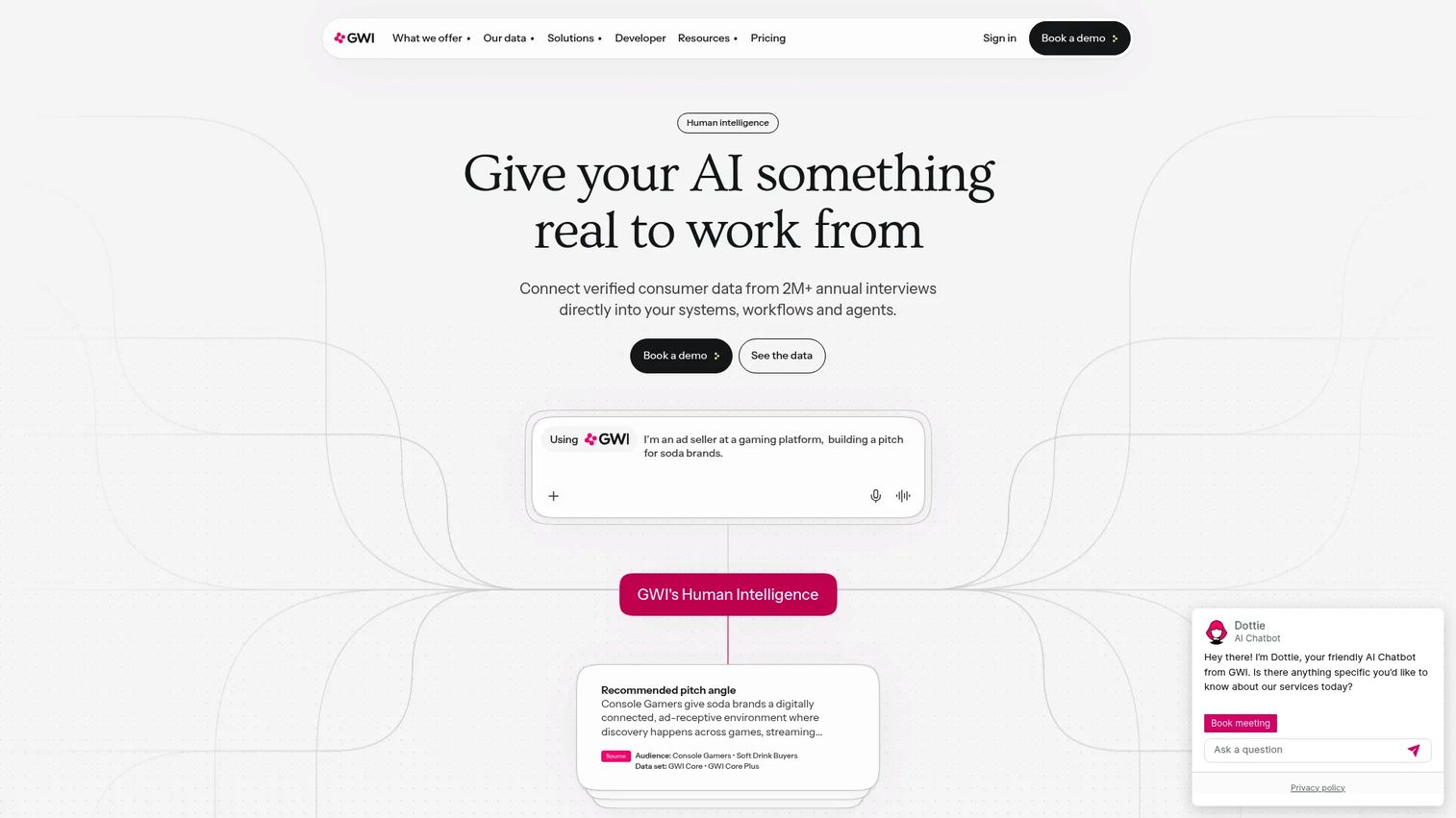
GWI is a consumer insights platform built on global survey data covering audiences across 50+ markets. It goes beyond demographic slices to surface psychographic profiles, media habits, purchase behavior, and brand attitudes. Marketing teams use it to answer questions that website analytics can't: Who your audience really is, what they care about, and where they spend their attention.
Best for: Growth, brand, and strategy teams that need consumer audience data to inform campaign targeting and positioning.
Key features
- Global consumer datasets across 50+ markets
- Audience building, comparison, and segmentation
- Brand tracking, ad effectiveness, and concept testing
- Presentation and dashboard tools built in
- APIs and MCP integrations for data export
Why choose GWI: It suits teams who need to build audience definitions that go deeper than firmographics or CRM filters, particularly before a major campaign or market entry.
GWI pricing: GWI prices by seat for platform access, by usage for integrations, and by project scope for bespoke research. Contact GWI directly for a quote.
2. Statista
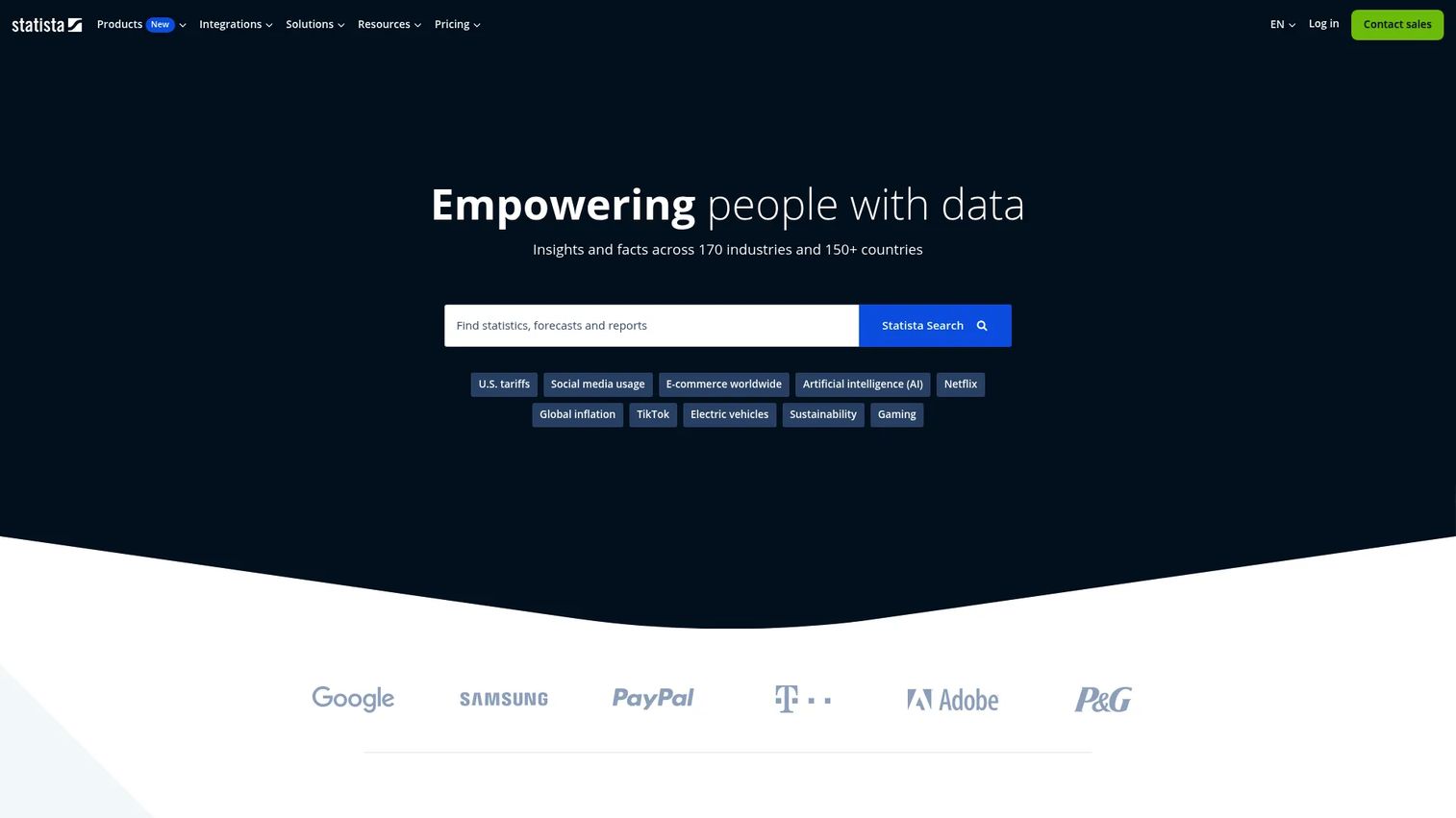
Statista is a research database covering statistics, forecasts, market reports, and consumer survey data across 170 industries and more than 150 countries. Marketers use it when they need credible numbers fast: Market size, category growth rates, consumer behavior benchmarks, and industry comparisons. Charts can be downloaded in PNG, PDF, XLS, or PPT formats, with automated citations built in.
Best for: Marketers who need sourced market statistics for pitch decks, executive reports, or campaign planning without commissioning original research.
Key features
- Premium statistics and industry forecasts
- Market reports and consumer survey data
- Research AI for querying the database
- Downloadable charts with automated citations
- Publication rights on higher-tier plans
Why choose Statista: It's the fastest way to anchor a brief with credible secondary data, particularly for category sizing or demographic context in new markets.
Statista pricing: A free Basic plan is available. Paid plans start at $199/month (billed annually) for the Starter tier, rising to $649/month for Personal and custom pricing for Professional.
G2 rating: 4.4/5.
3. Google Trends
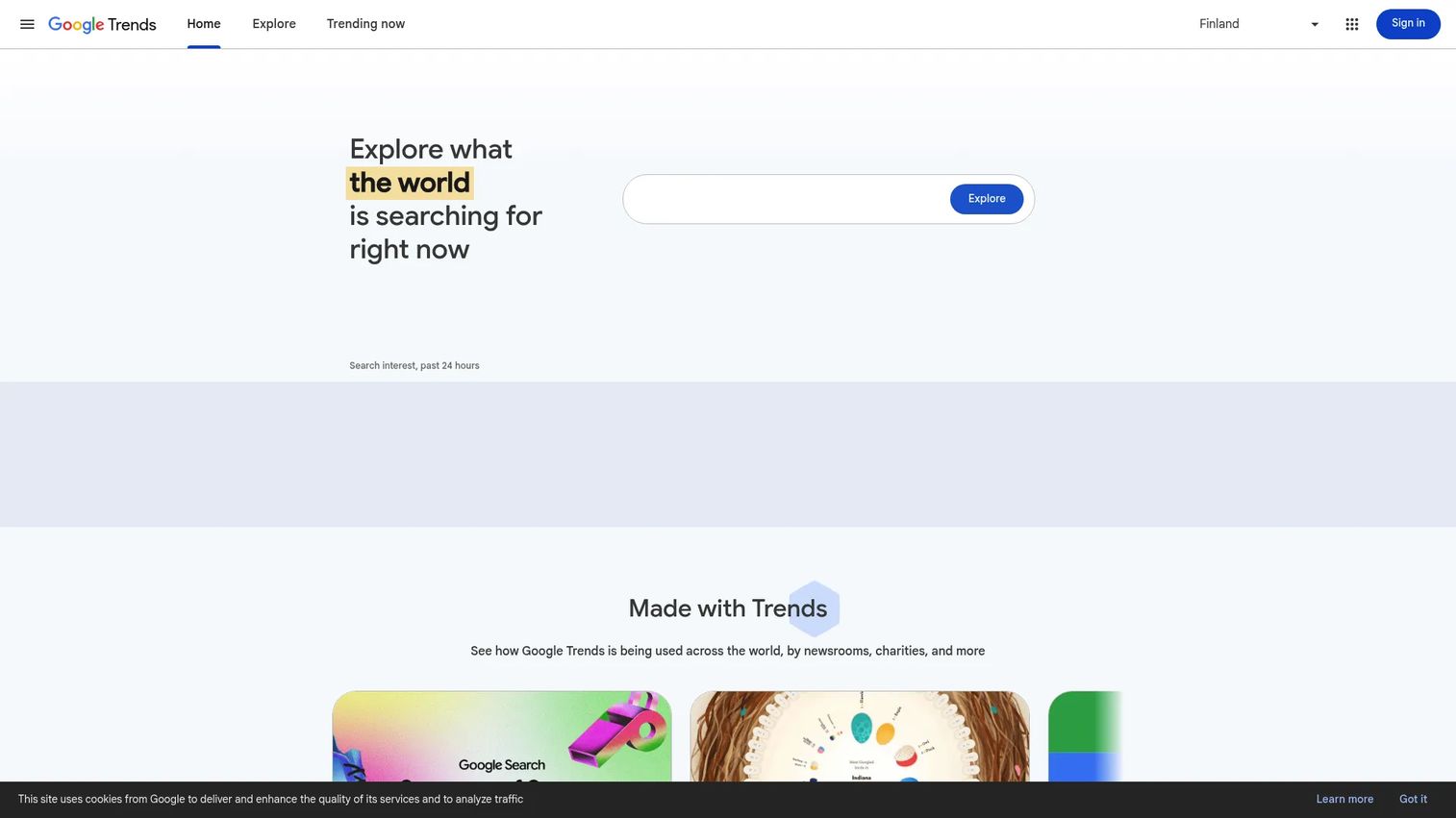
Google Trends shows the relative search popularity of terms and topics over time, broken down by country, region, city, and metro area. It's not keyword volume data, but it's the fastest free check available for validating whether demand for a topic is rising, falling, or seasonal. You can compare up to five terms at once and export or embed the data.
Best for: Budget-conscious marketers validating topic demand direction before investing in deeper keyword or survey research.
Key features
- Search interest trends over custom time ranges
- Regional and metro-level breakdowns
- Related top and rising queries
- Topic and category comparisons
- Export, embed, and citation support
Why choose Google Trends: It's the right first stop before spending on paid keyword tools or audience panels. It doesn't replace them, but it quickly tells you whether the question is worth asking at scale.
Google Trends pricing: Free.
4. Qualtrics
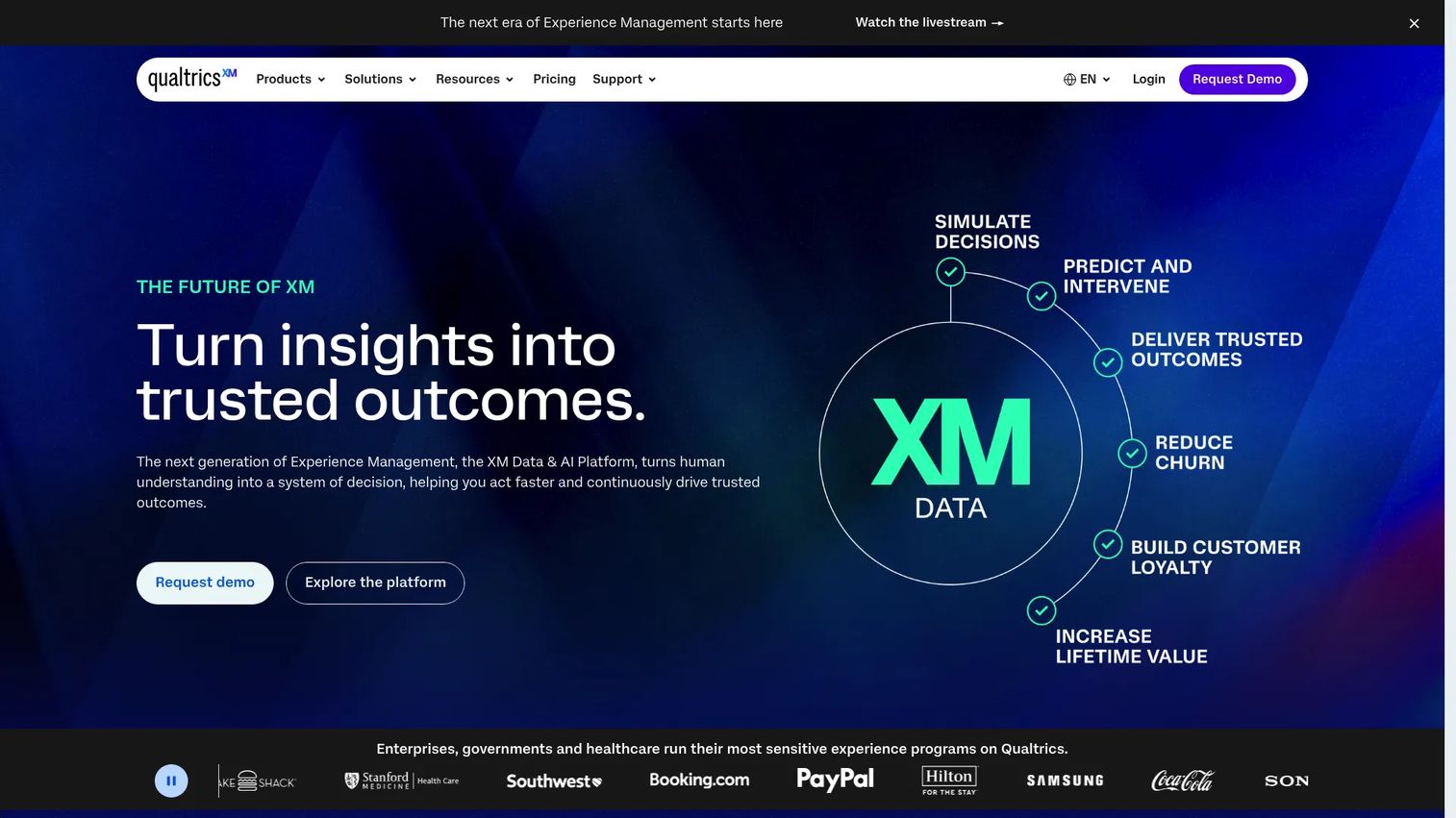
Qualtrics is an enterprise experience management and research platform. It covers survey design, research panels, customer experience programs, text analytics, and advanced statistical analysis in one governed environment. Teams use it for structured market research programs, not just one-off surveys: Concept testing, conjoint analysis, MaxDiff studies, and recurring audience tracking.
Best for: Enterprise marketing and insights teams running recurring research programs that need governance, sampling controls, and advanced analysis.
Key features
- Survey builder with branching, skip logic, and display logic
- Research panels with sampling controls
- Video and audio feedback collection
- Automated dashboards and sentiment analysis
- Conjoint, MaxDiff, and concept testing modules
Why choose Qualtrics: It fits teams that need research infrastructure rather than a survey tool. The platform supports the full workflow from study design through analysis and reporting, with security controls that satisfy enterprise procurement.
Qualtrics pricing: A free Surveys account is available. The Strategic Research self-serve plan costs $420/month ($5,040 billed annually) for 1,000 annual responses. Enterprise Strategic Research pricing is custom.
G2 rating: 4.4/5.
5. SurveyMonkey
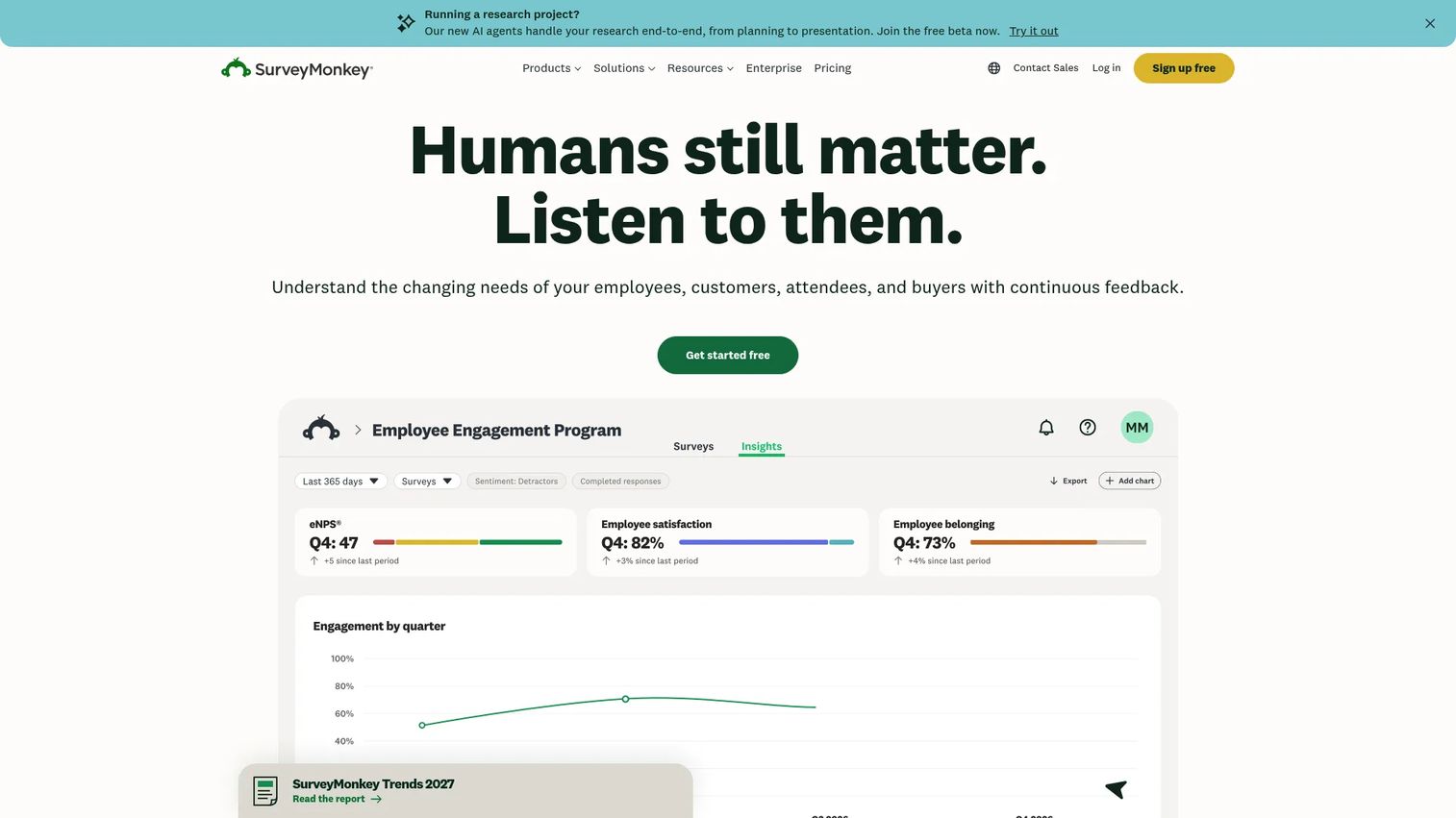
SurveyMonkey is one of the most widely used survey platforms for primary research. It covers customer feedback, NPS, concept testing, market research, and employee surveys through a template library and an AI-assisted creation workflow. Teams without a dedicated research function use it as a practical workhorse for getting audience data quickly.
Best for: Marketing teams that need fast, recurring survey data without heavy setup or dedicated research ops.
Key features
- Survey templates across NPS, market research, and concept testing
- Audience panels for reaching external respondents
- AI-assisted survey creation and response analysis
- Skip logic, custom branding, and multilingual support
- Export options and team collaboration controls
Why choose SurveyMonkey: It reduces the gap between "we need to ask our audience something" and having data in hand. The panel access removes the need to build a separate respondent list for quick research.
SurveyMonkey pricing: A free Basic plan is available. The Advantage Annual plan runs $39/month ($468 billed annually). The Standard Monthly plan is $149/month. Premier Annual is $139/month ($1,668 billed annually). Enterprise pricing requires a demo.
G2 rating: 4.4/5.
6. Typeform
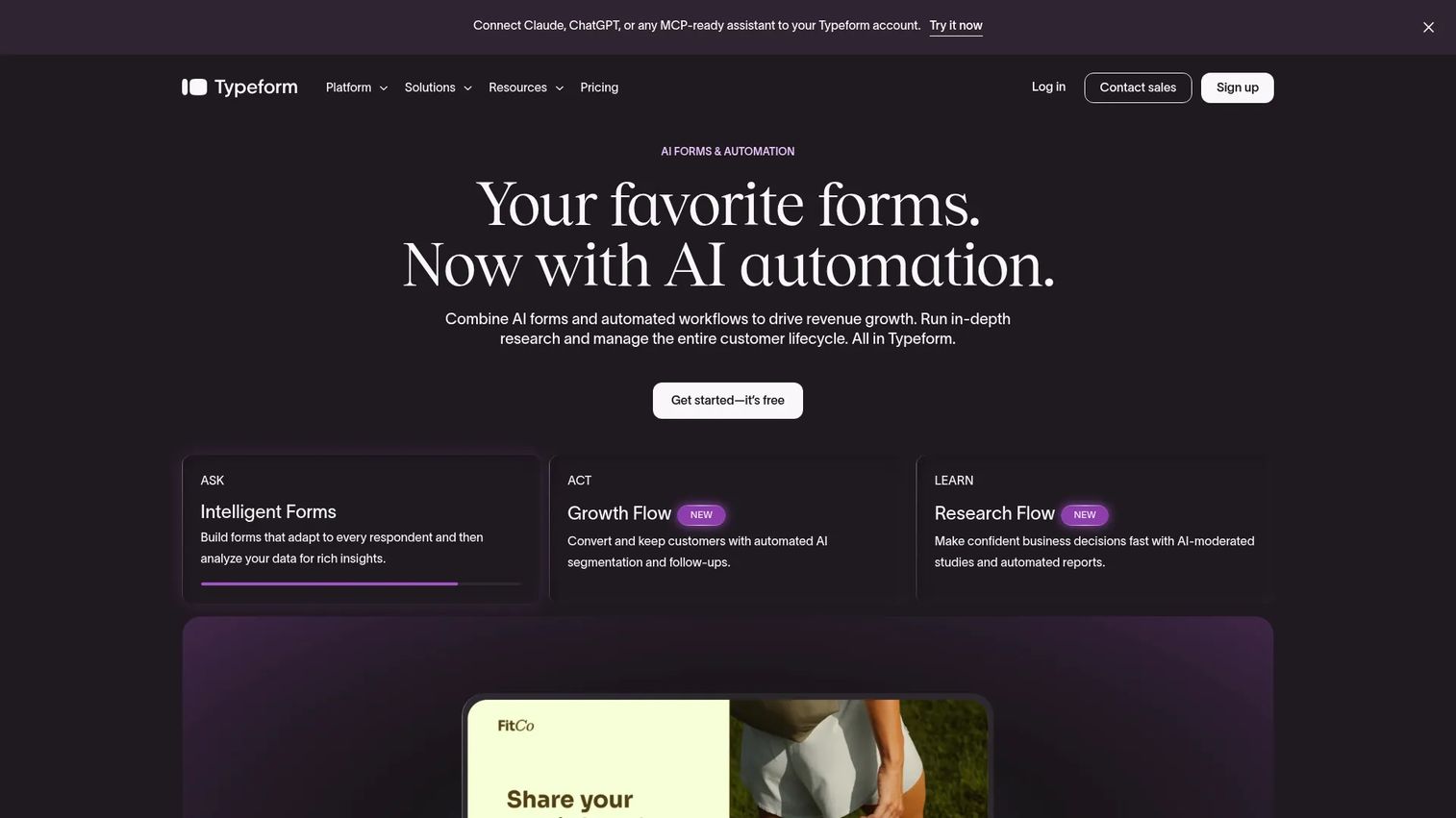
Typeform takes a conversational approach to forms and surveys. Instead of presenting all questions at once, it shows one question at a time, which tends to increase completion rates on research surveys that need to live on a landing page or in an email sequence. It supports logic jumps, scoring, integrations, and branded themes.
Best for: Marketers who want polished, conversational surveys where the research is also a conversion touchpoint.
Key features
- Conversational one-question-at-a-time format
- Conditional logic jumps and branching
- Custom branding and subdomain support
- Performance analytics with drop-off analysis
- Webhook and integration support
Why choose Typeform: It works well when your survey needs to serve two jobs simultaneously: Collecting research data and reflecting well on the brand. The experience is noticeably different from a standard form.
Typeform pricing: A free plan is available (10 responses per month). Paid plans start at $39/month (or $28/month billed annually) for Basic. The Business plan is $129/month (or $91/month annually).
G2 rating: 4.5/5.
7. Similarweb
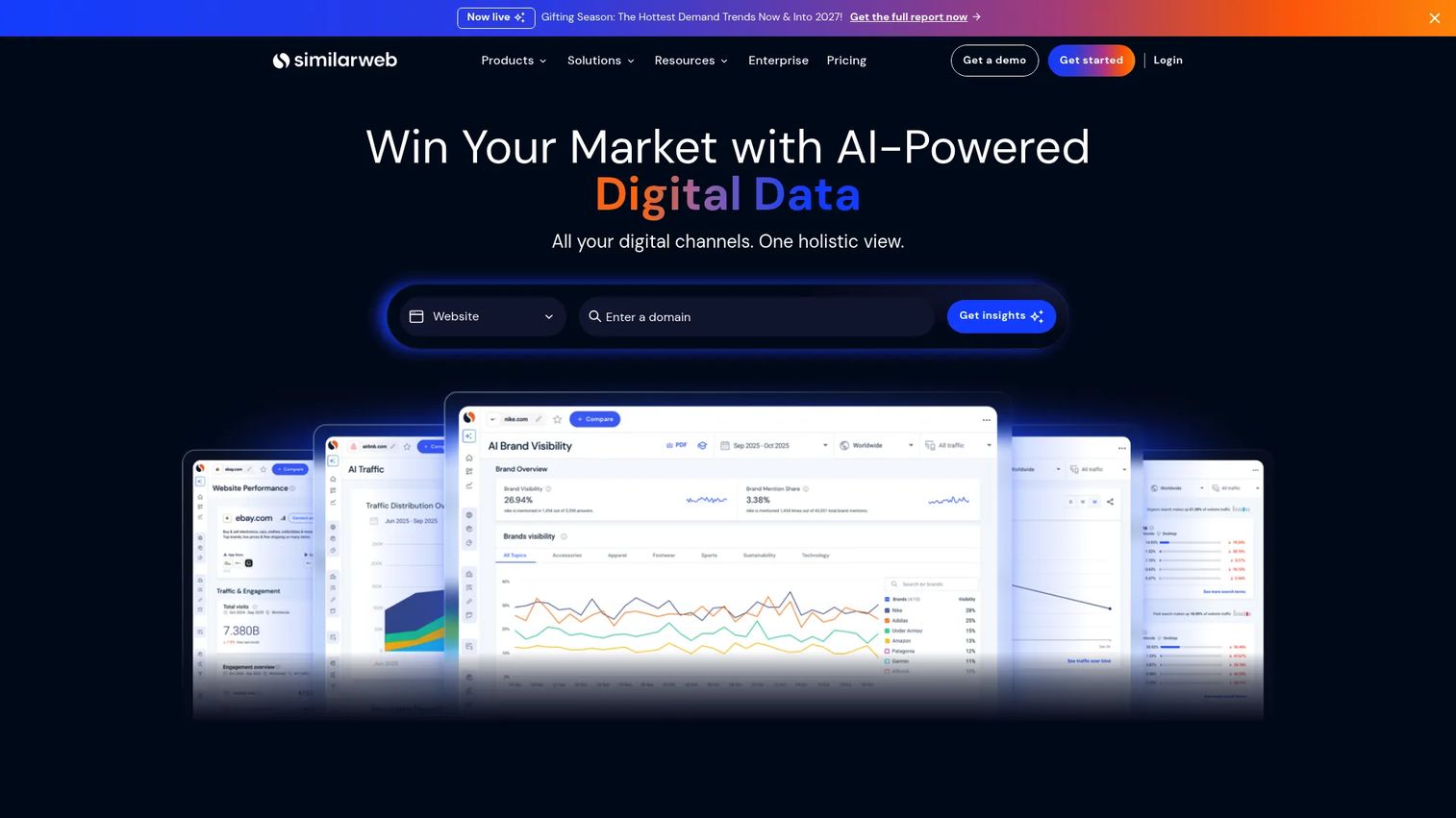
Similarweb is a digital intelligence platform that estimates website traffic, channel mix, referral sources, audience interests, and competitive benchmarks. It's one of the most direct ways to answer questions like "how much traffic does our competitor get from paid search?" or "what share of this category does our brand hold?" without needing a custom study.
Best for: Marketing teams benchmarking competitor traffic, channel performance, and market share.
Key features
- Website traffic and engagement estimates
- Channel breakdown (organic, paid, referral, social, direct)
- Category and market share analysis
- Audience interest and demographic overlays
- SEO and SERP rank tracking
Why choose Similarweb: It suits competitive research at the channel level. If you want to know where competitors are investing and which channels are growing for your category, this is where to start.
Similarweb pricing: A free version is available. Paid Starter plans cost $199/month or $1,500/year. Team plans are $14,000/year and Business plans are $35,000/year.
G2 rating: 4.4/5.
8. BuzzSumo
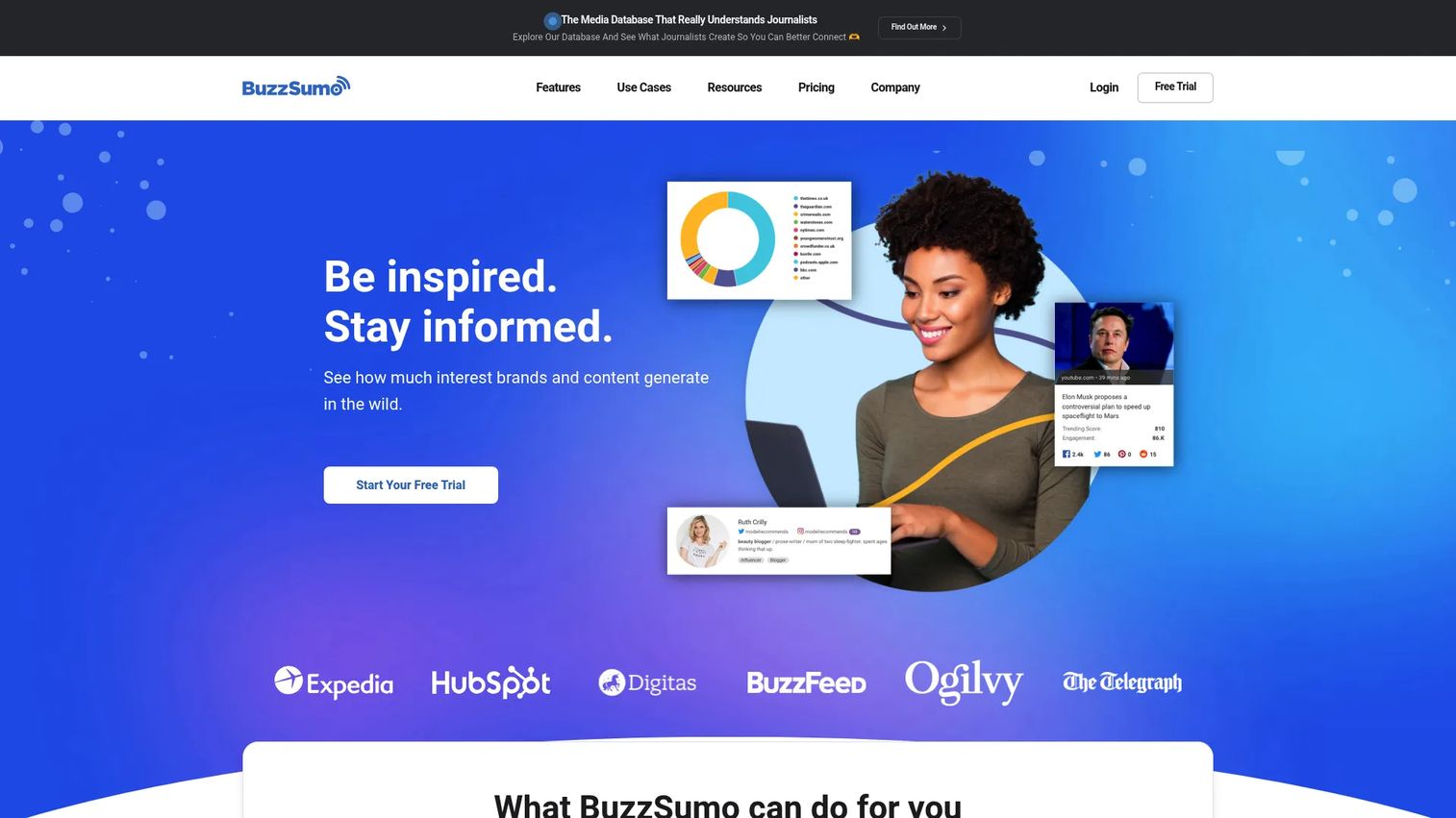
BuzzSumo is a content research and media intelligence platform. It surfaces which topics get the most social engagement, which publications are covering a subject, who the relevant influencers are, and what content your competitors are producing. Content teams and growth marketers use it to validate campaign angles before building them out.
Best for: Content marketers and growth teams researching topics, formats, and content angles before campaign production.
Key features
- Content Analyzer for high-performing content research
- Trending Feeds by topic and industry
- Question Analyzer for audience research
- Influencer identification across major platforms
- Competitor content and backlink tracking
Why choose BuzzSumo: It answers the question most content teams skip: Does this idea get engagement? Checking topic performance before writing saves production cycles on campaigns built for an audience that won't share them.
BuzzSumo pricing: Plans start at $199/month (billed annually) for the Content Creation tier. PR and Comms is $299/month, Suite is $499/month, and Enterprise is $999/month.
G2 rating: 4.5/5.
9. Semrush
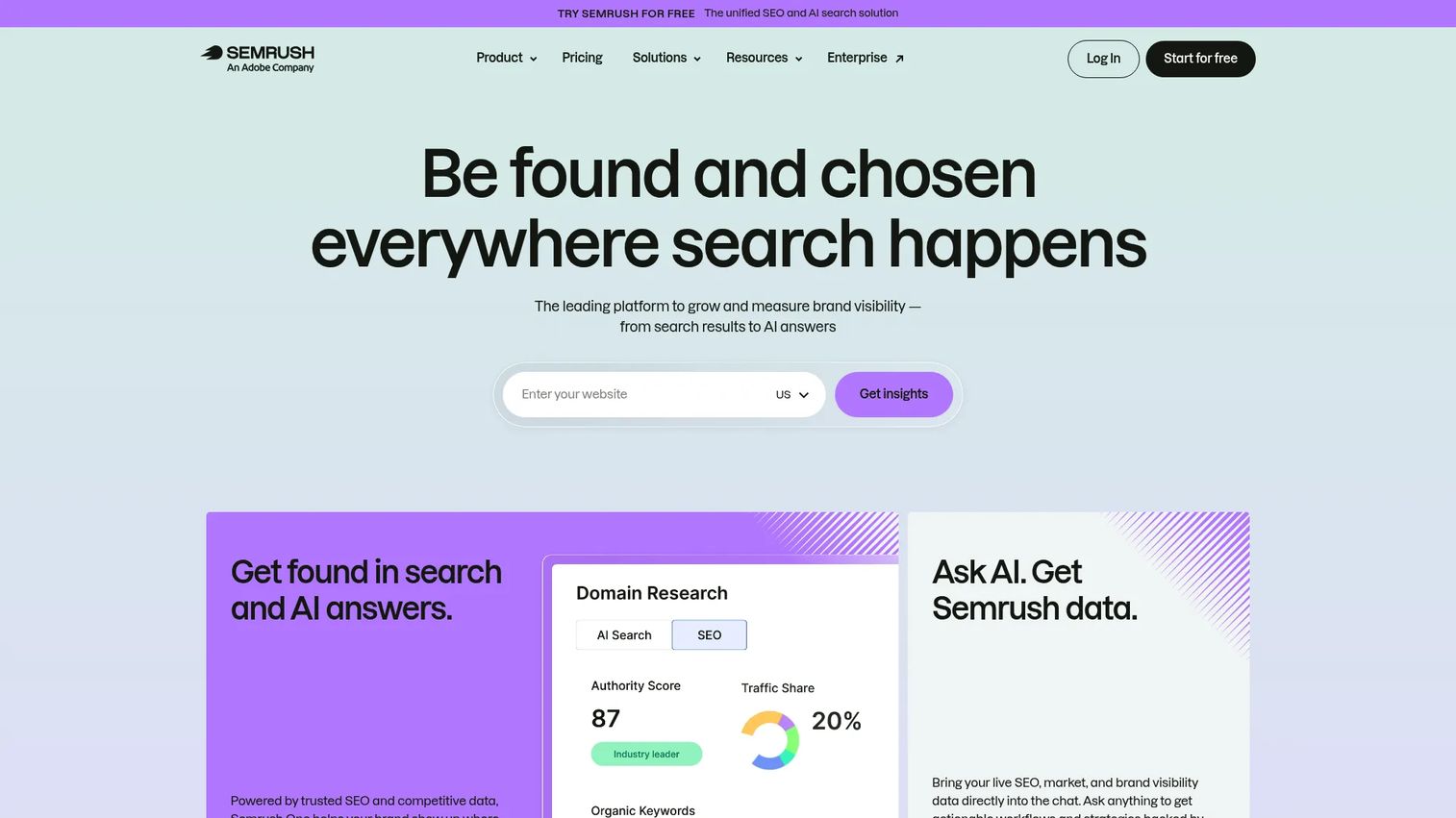
Semrush is a brand visibility and SEO platform covering keyword research, domain analysis, ad intelligence, rank tracking, content optimization, and AI-search visibility. For digital marketers, it functions as a combined competitor and demand research suite: You can see what your competitors rank for, what they're spending on paid search, and where content gaps exist in your category.
Best for: Teams combining SEO research with competitive intelligence across organic, paid, and content channels.
Key features
- Keyword research and competitive keyword gap analysis
- Domain traffic and backlink analysis
- Paid ad research and display ad tracking
- AI-search visibility and brand monitoring
- Technical site audit and rank tracking
Why choose Semrush: It covers more research channels than most SEO tools, making it a practical choice when the team needs both search demand data and competitor intelligence without running two separate platforms.
Semrush pricing: A free tier is available. Paid SEO plans start at $117.33/month (billed annually). The Starter plan is $165.17/month and Pro+ is $248.17/month. Advanced pricing is custom.
G2 rating: 4.4/5.
10. Ahrefs
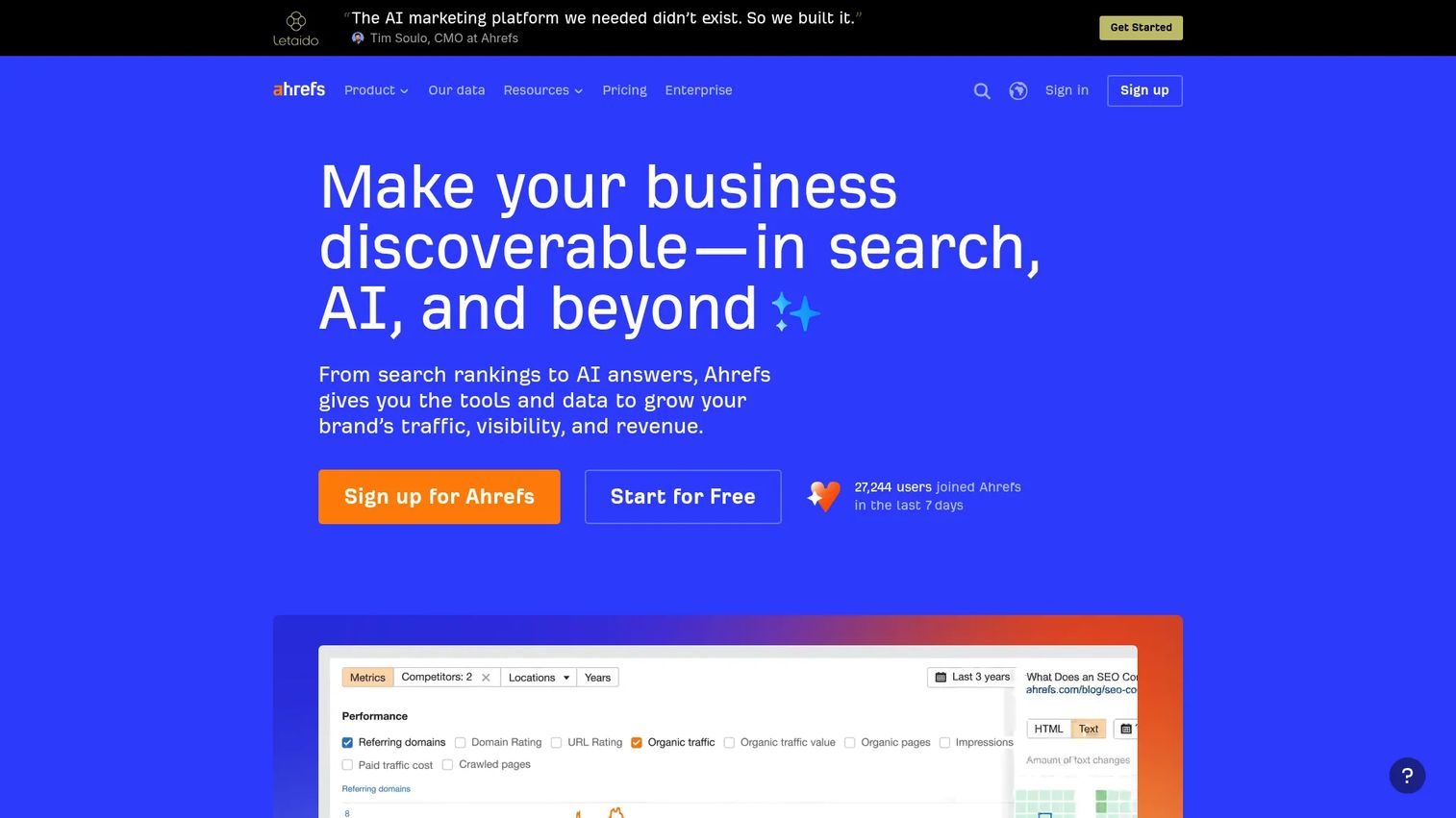
Ahrefs is an SEO and search intelligence platform known for one of the largest backlink indexes available and a highly detailed keyword explorer. Marketers use it to understand organic search demand, audit technical health, identify content gaps against competitors, and track ranking progress. It recently added Brand Radar for AI-search visibility.
Best for: Marketers focused on SEO, content strategy, and understanding organic search demand as a proxy for market interest.
Key features
- Site Explorer for domain and URL traffic analysis
- Keywords Explorer with volume, difficulty, and click data
- Content gap analysis against competitor domains
- Site Audit for technical SEO issues
- Brand Radar for AI-search visibility
Why choose Ahrefs: It's the stronger choice when backlink data, content gap analysis, or SEO authority is the primary research question. Teams that treat organic search as market demand data will get more signal depth here than from generalist platforms.
Ahrefs pricing: A free plan is available. The Starter plan is $29/month. Lite is $129/month, Standard is $249/month, and Advanced is $449/month. Enterprise plans start at $1,499/month (annual commitment required).
G2 rating: 4.5/5.
11. Tableau
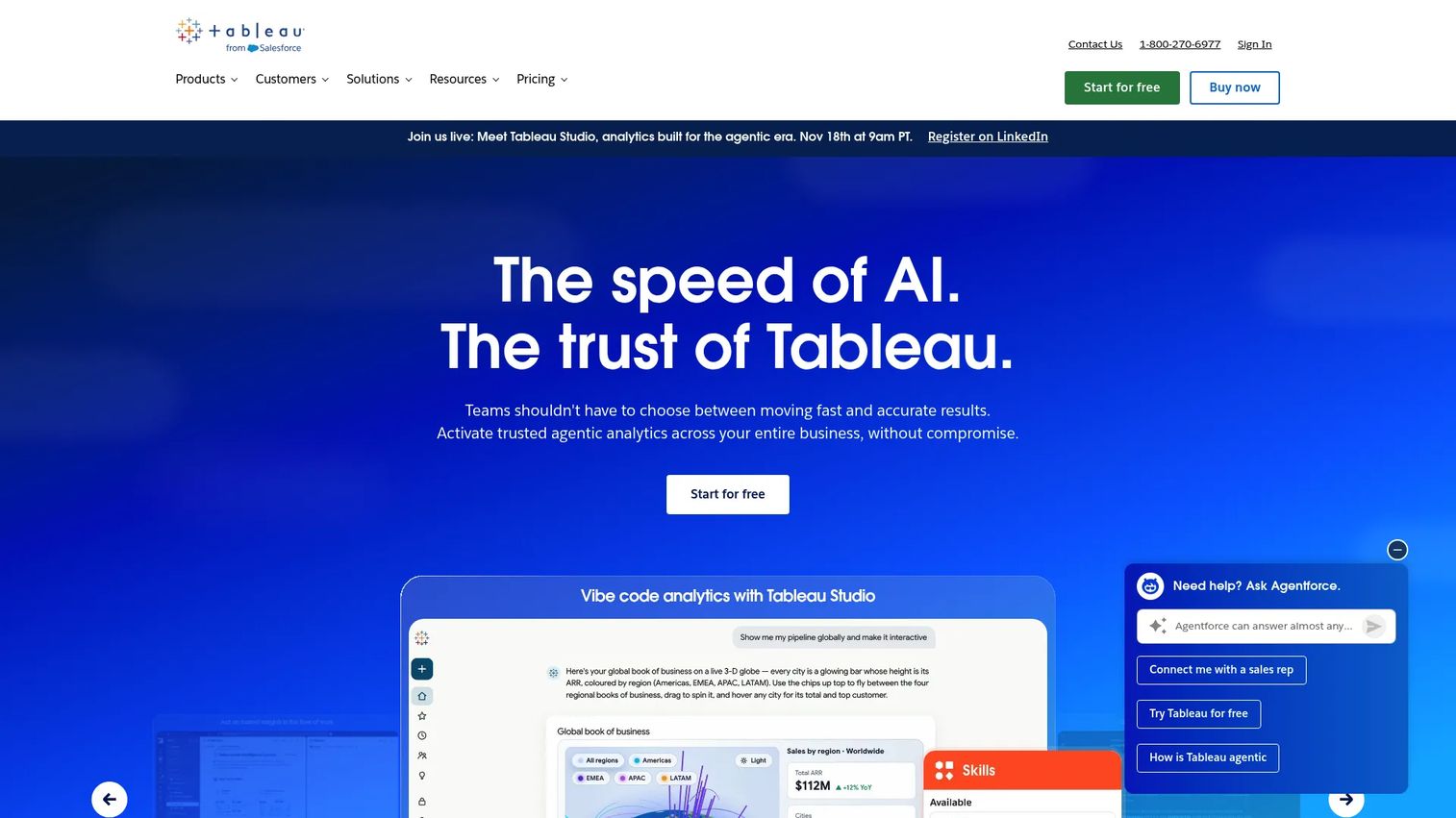
Tableau is an analytics and data visualization platform. For marketing research purposes, it's the layer that makes research usable: You connect survey exports, CRM data, campaign analytics, and web traffic into a single interactive dashboard that stakeholders can explore. It's not a data source itself, but it's where research outputs become actionable reports.
Best for: Marketing teams that need to combine research data from multiple sources into dashboards that leadership can trust.
Key features
- Interactive dashboards with drag-and-drop building
- Data connectors across databases, CRM, and cloud sources
- Tableau Prep Builder for data preparation
- Tableau Pulse for metric monitoring
- AI-assisted visualization with Tableau Agent
Why choose Tableau: It's the right call when the problem is making research understandable across stakeholders, not collecting more of it. If findings are sitting in spreadsheets that nobody reads, Tableau solves the last mile.
Tableau pricing: A free Desktop Free Edition is available for local analysis. Tableau Standard starts at $15/user/month (billed annually). Tableau Enterprise is $35/user/month. Tableau Next is $40/user/month.
G2 rating: 4.4/5.
12. Brandwatch
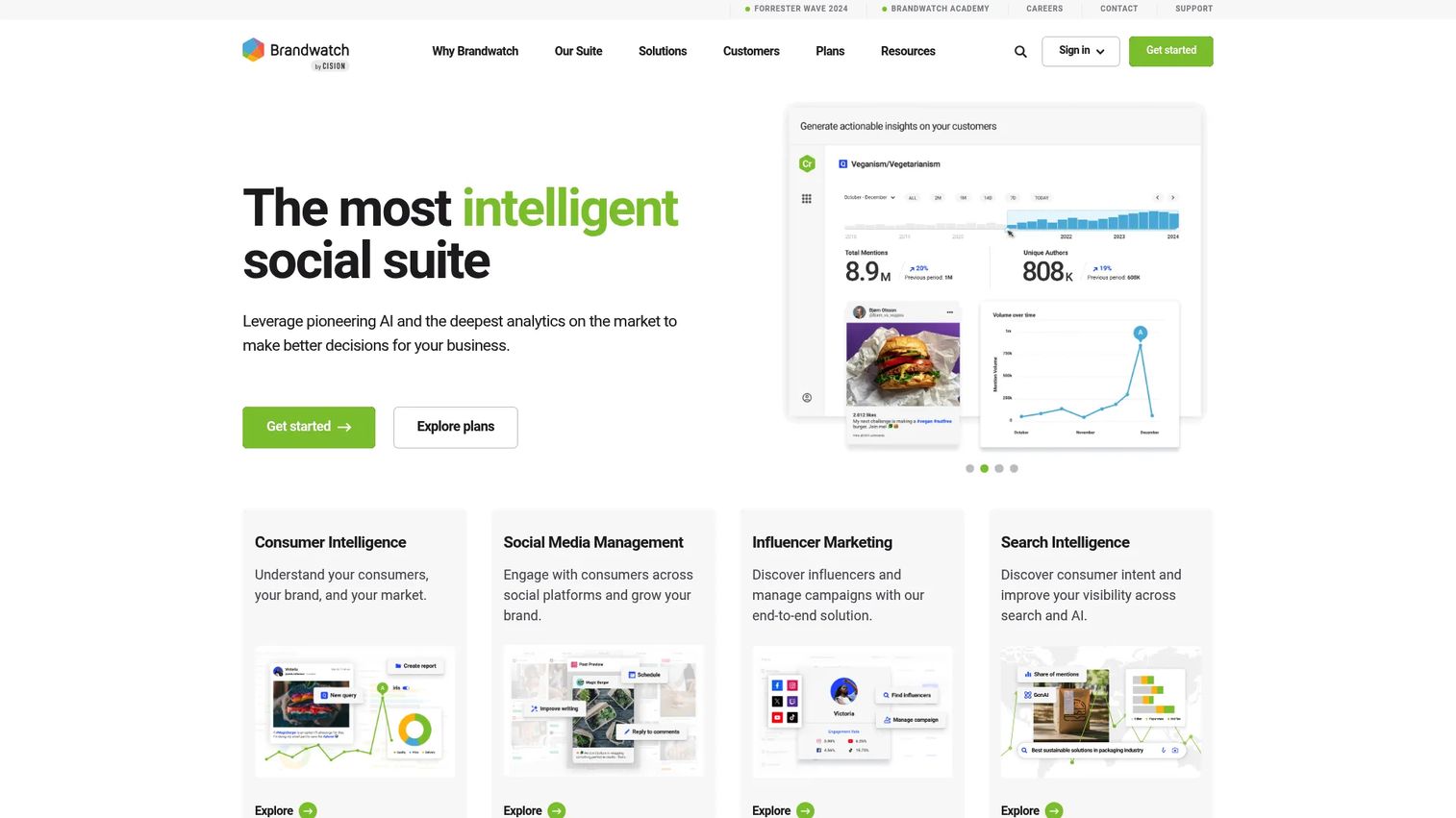
Brandwatch is an enterprise social listening and consumer intelligence platform. It tracks online conversations across social networks, news, forums, review sites, and blogs, then surfaces sentiment trends, topic clusters, and audience signals. Brand and campaign teams use it to monitor how messaging lands and where conversations about their category are happening.
Best for: Marketing teams tracking consumer sentiment, brand mentions, and online conversation trends as inputs to campaign strategy.
Key features
- Social listening across social, news, forums, and reviews
- Boolean search with historical data access
- Sentiment analysis and AI-generated alerts
- Trend detection and audience profiling
- Social inbox and publishing integration
Why choose Brandwatch: It suits teams where social conversation is a primary input to positioning or campaign planning, particularly for brands where public perception shifts quickly or where category sentiment data informs product direction.
Brandwatch pricing: Brandwatch prices by plan type (Consumer Intelligence, Social Media Management, Influencer Marketing) with custom enterprise quotes. Contact Brandwatch for pricing.
G2 rating: 4.2/5.
13. Sprinklr
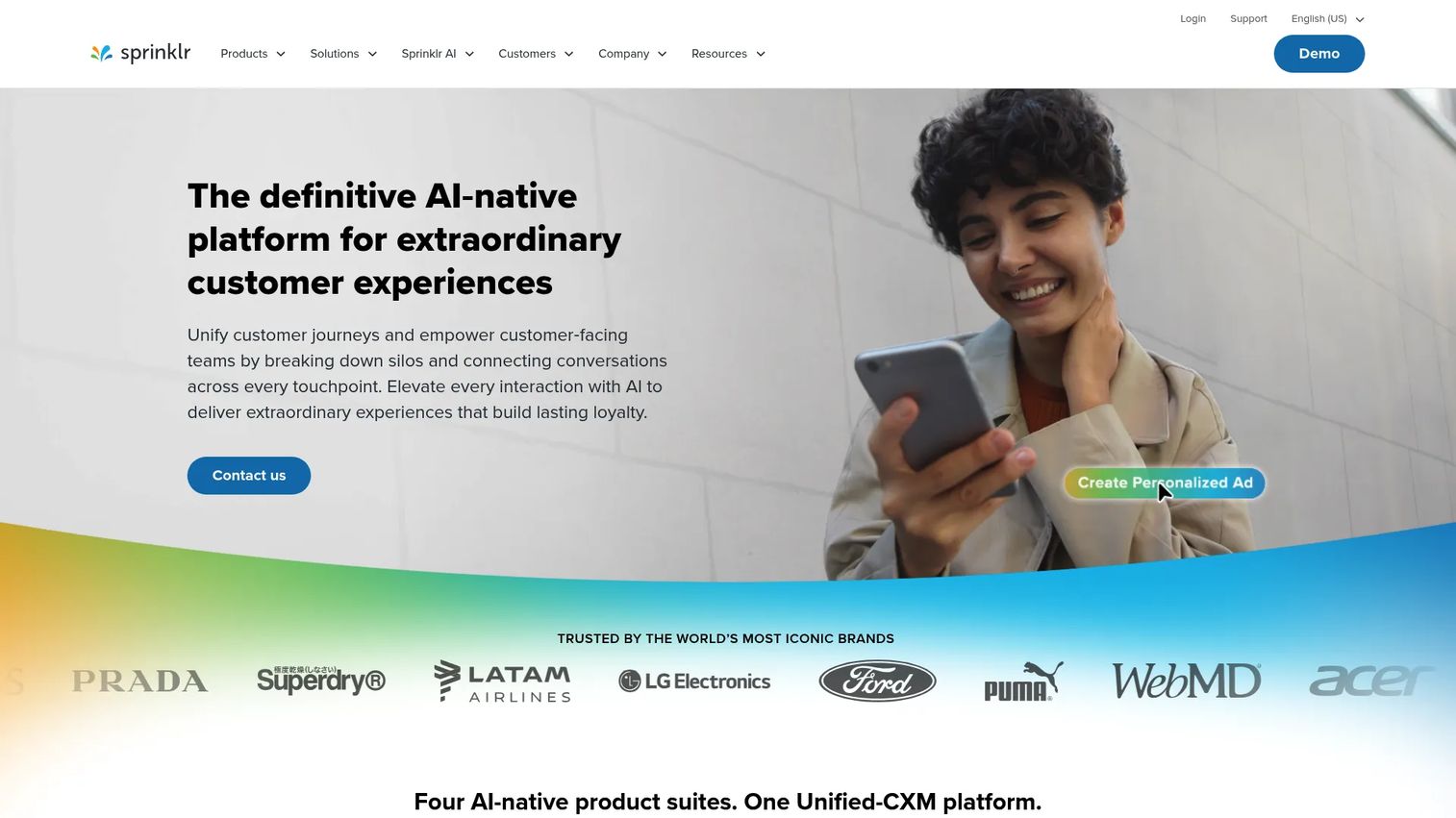
Sprinklr is an AI-native unified customer experience management platform built for large enterprises. Its social listening and consumer intelligence modules cover brand monitoring, sentiment dashboards, media monitoring, and product insights across digital and social channels. It's built for multi-brand, multi-market operations where governance and workflow management are as important as the data itself.
Best for: Enterprise marketers managing social intelligence across multiple brands, regions, or business units.
Key features
- Social listening and consumer intelligence
- Brand monitoring with sentiment dashboards
- AI-powered media monitoring and product insights
- Workflow governance and approvals
- Omnichannel publishing and engagement
Why choose Sprinklr: It makes the most sense when social intelligence has to serve many teams simultaneously, with governance controls that satisfy legal and compliance requirements. For smaller teams, the complexity and cost are unlikely to match the need.
Sprinklr pricing: Custom enterprise pricing. Contact Sprinklr for a quote.
G2 rating: 4.2/5.
14. NielsenIQ
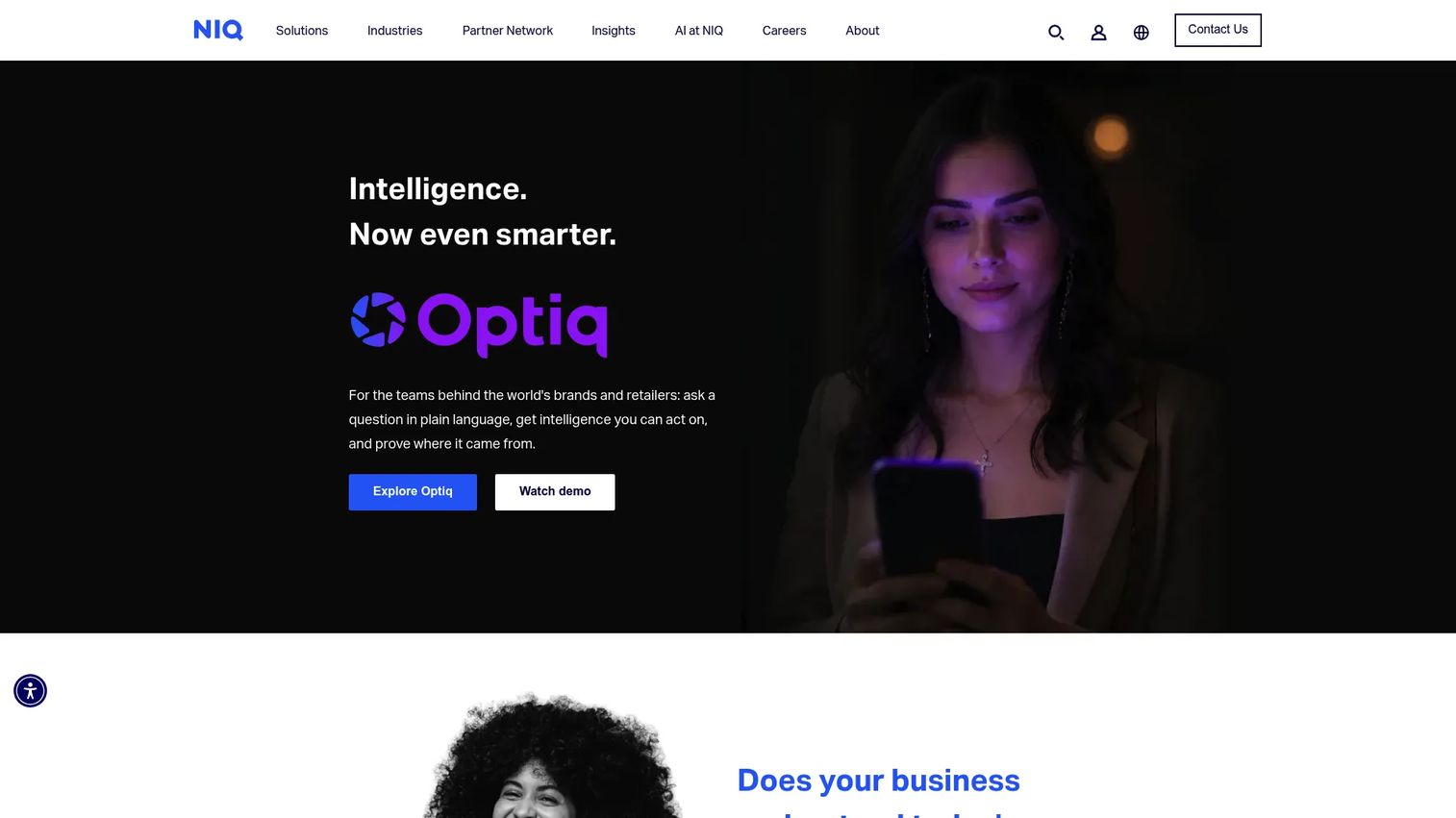
NielsenIQ is a consumer intelligence company focused on retail measurement, purchase behavior, and market share data. It goes beyond stated preferences to show what consumers actually buy: Category performance, brand share, pricing sensitivity, and shopper behavior across channels. It primarily serves CPG manufacturers, retailers, and commerce-focused brands.
Best for: Teams researching retail purchase behavior, category performance, and consumer buying patterns rather than stated survey preferences.
Key features
- Retail measurement and market share analysis
- Consumer panels and purchase data
- Category analytics and product intelligence
- Digital commerce and shopper data
- Interactive dashboards and advanced reporting
Why choose NielsenIQ: It's the right tool when survey intent data isn't sufficient and you need to see what consumers actually purchased. For non-CPG and non-retail teams, the category fit is narrower.
NielsenIQ pricing: Contact NielsenIQ directly for pricing.
15. Pew Research Center
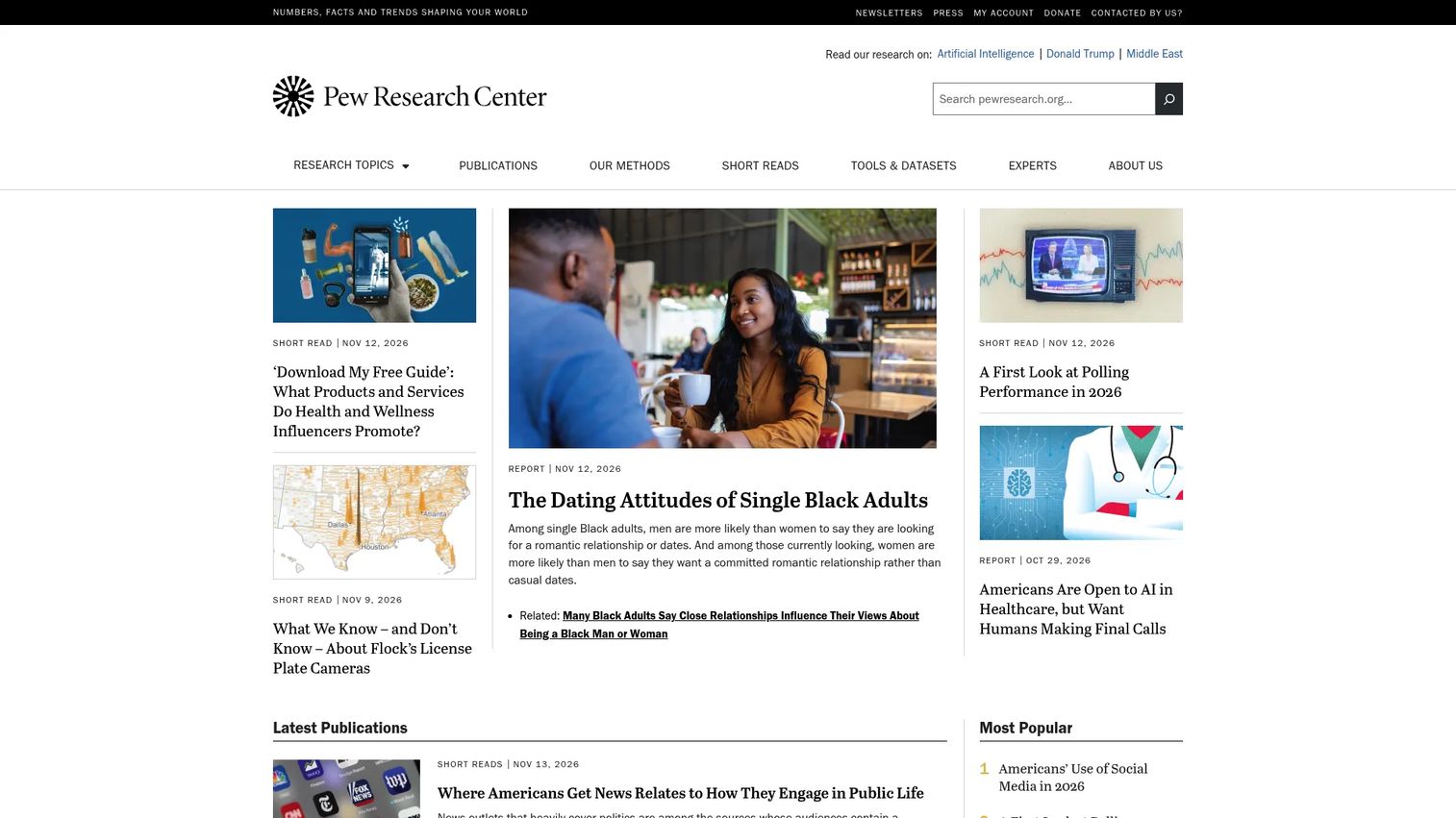
Pew Research Center is a nonprofit, nonpartisan research organization that publishes public opinion polling, demographic analysis, and social trend research. It covers politics, technology adoption, journalism, religion, immigration, and social change. For marketers, it's one of the most credible free sources for demographic and societal context, particularly when building audience understanding or making the case for a new segment.
Best for: Marketers needing credible public research and demographic context to support audience definitions or executive presentations.
Key features
- Public opinion polling across major social topics
- Demographic and economic analysis
- Technology adoption and media research
- Downloadable charts and datasets
- Methodology transparency and survey documentation
Why choose Pew Research Center: It's not a campaign research tool and won't tell you which keyword to buy. It is an excellent source for the broader societal context that shapes what audiences care about, and it's free and citable.
Pew Research Center pricing: Free.
16. Ubersuggest
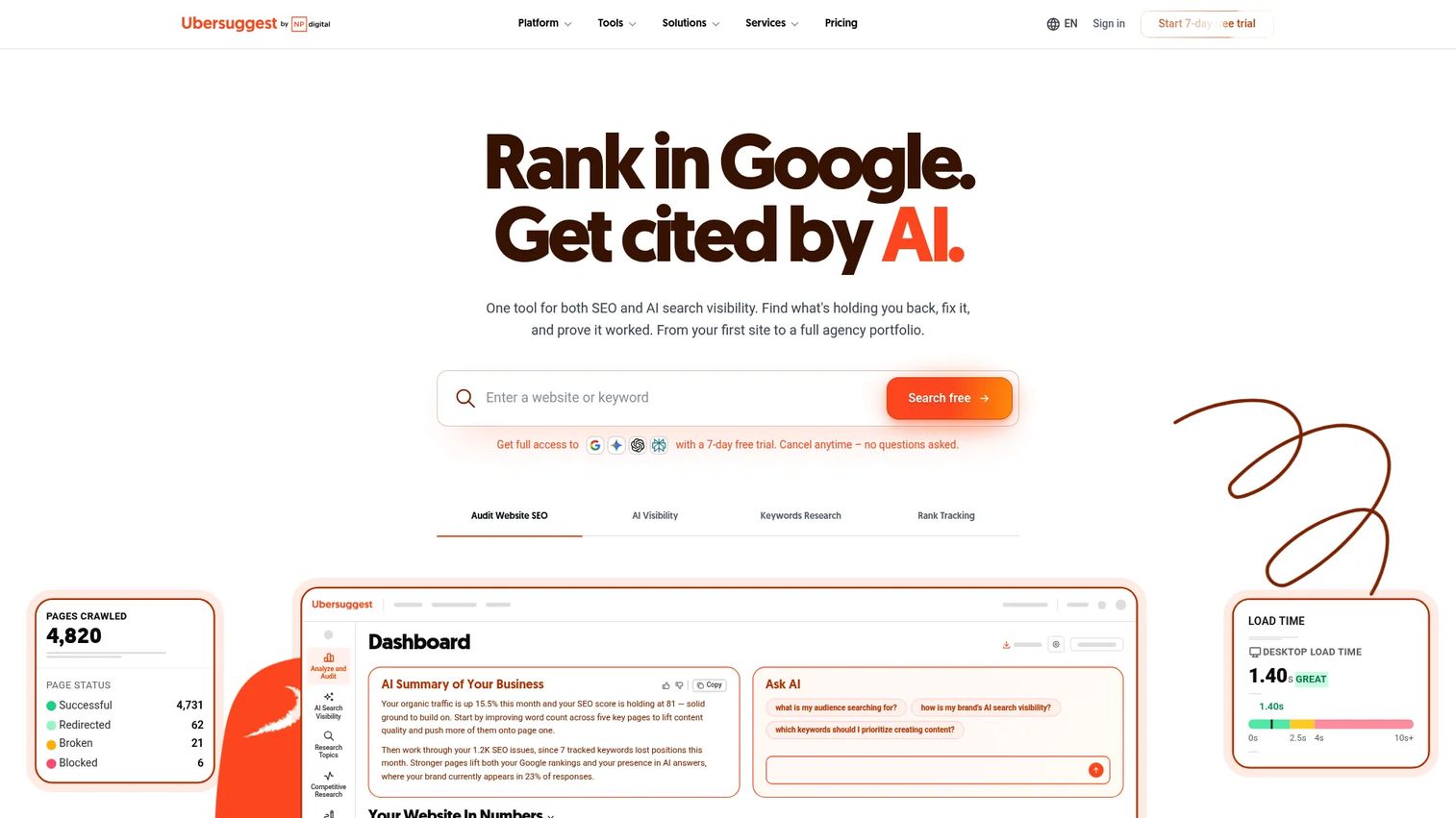
Ubersuggest is an SEO and AI-search visibility platform positioned as an affordable entry point into keyword and competitor research. It covers keyword ideas, domain analysis, backlink research, rank tracking, technical audits, and competitor top-page analysis. For startup or small-team marketers who need directional SEO data without an enterprise subscription, it covers most of the core research questions.
Best for: Startup and small marketing teams that need keyword and competitor SEO research at a lower monthly cost than enterprise platforms.
Key features
- Keyword ideas and suggestions
- Domain overview and competitor traffic analysis
- Technical SEO site audit
- Backlink profile and opportunity research
- AI-search visibility and brand citation tracking
Why choose Ubersuggest: It delivers most of the keyword and competitor research workflows at a fraction of the cost of larger platforms. The trade-off is data depth: For high-stakes SEO decisions or agency-scale work, the larger platforms offer more granularity.
Ubersuggest pricing: A free plan is available, plus a 7-day free trial on paid plans. Monthly plans start at $29/month for Individual, $49/month for Business, and $99/month for Enterprise. Lifetime plans are also available at $290, $490, and $990 respectively.
G2 rating: 4.2/5.
17. Loop11
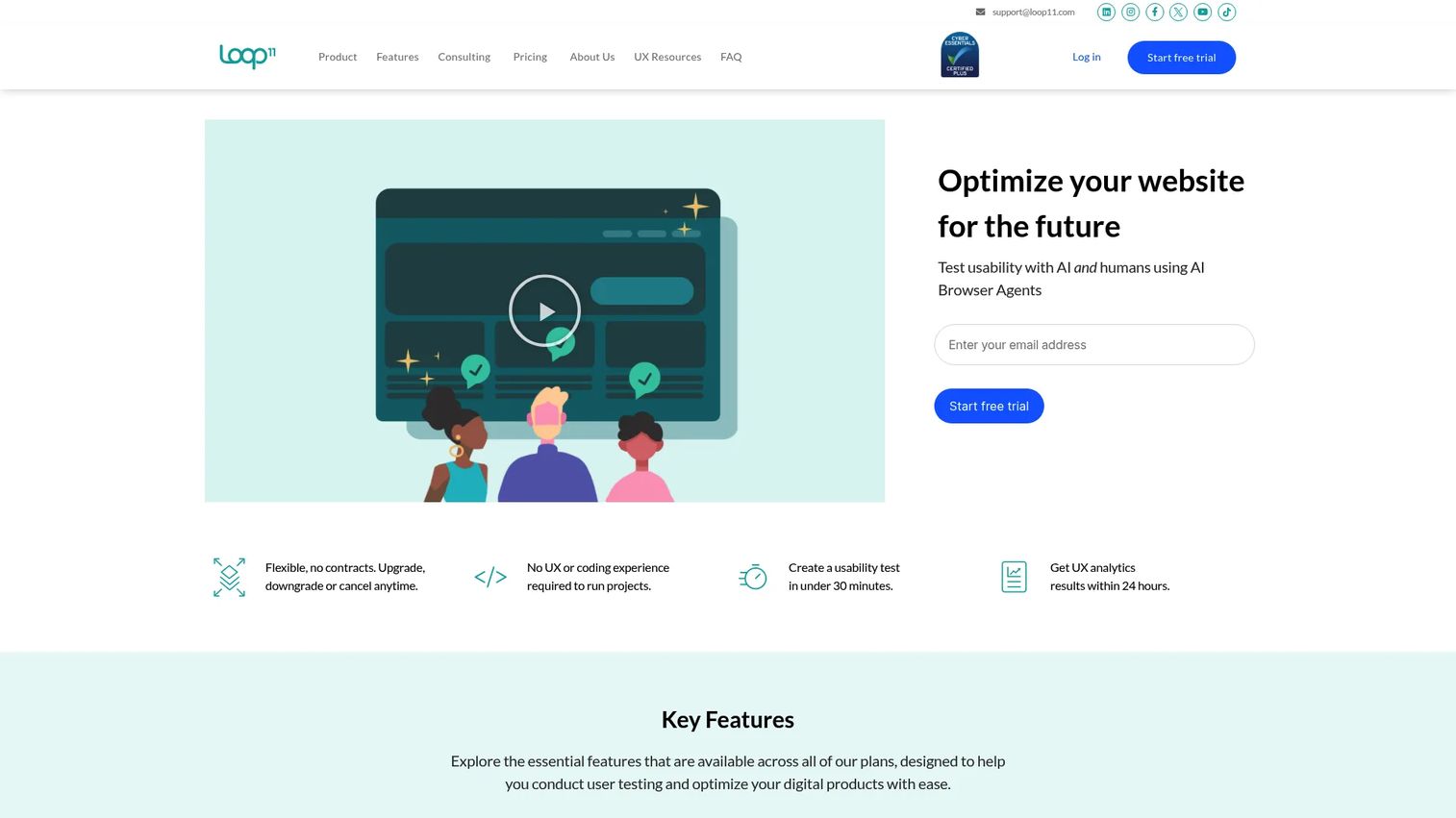
Loop11 is a UX and usability testing platform for websites, applications, and prototypes. It supports moderated and unmoderated testing, information architecture studies, A/B testing, heatmaps, clickstream analytics, and session recordings. Marketers use it when they need to understand why a landing page or conversion path isn't working.
Best for: Marketing and UX teams validating website usability, landing page conversion flows, or prototype concepts before launch.
Key features
- Unmoderated and moderated usability testing
- Information architecture and tree testing
- Prototype and mobile testing
- Heatmap and clickstream analysis
- UX benchmarking and AI insights
Why choose Loop11: It's the right tool when quantitative traffic data tells you there's a problem but doesn't tell you why. User behavior recordings and task analysis close that gap before you invest in a redesign.
Loop11 pricing: A 14-day free trial is available. The Rapid Insights plan is $179/month ($199/month billed monthly). Pro is $358/month ($399/month billed monthly). Enterprise pricing is custom.
G2 rating: 3.7/5.
18. Userlytics
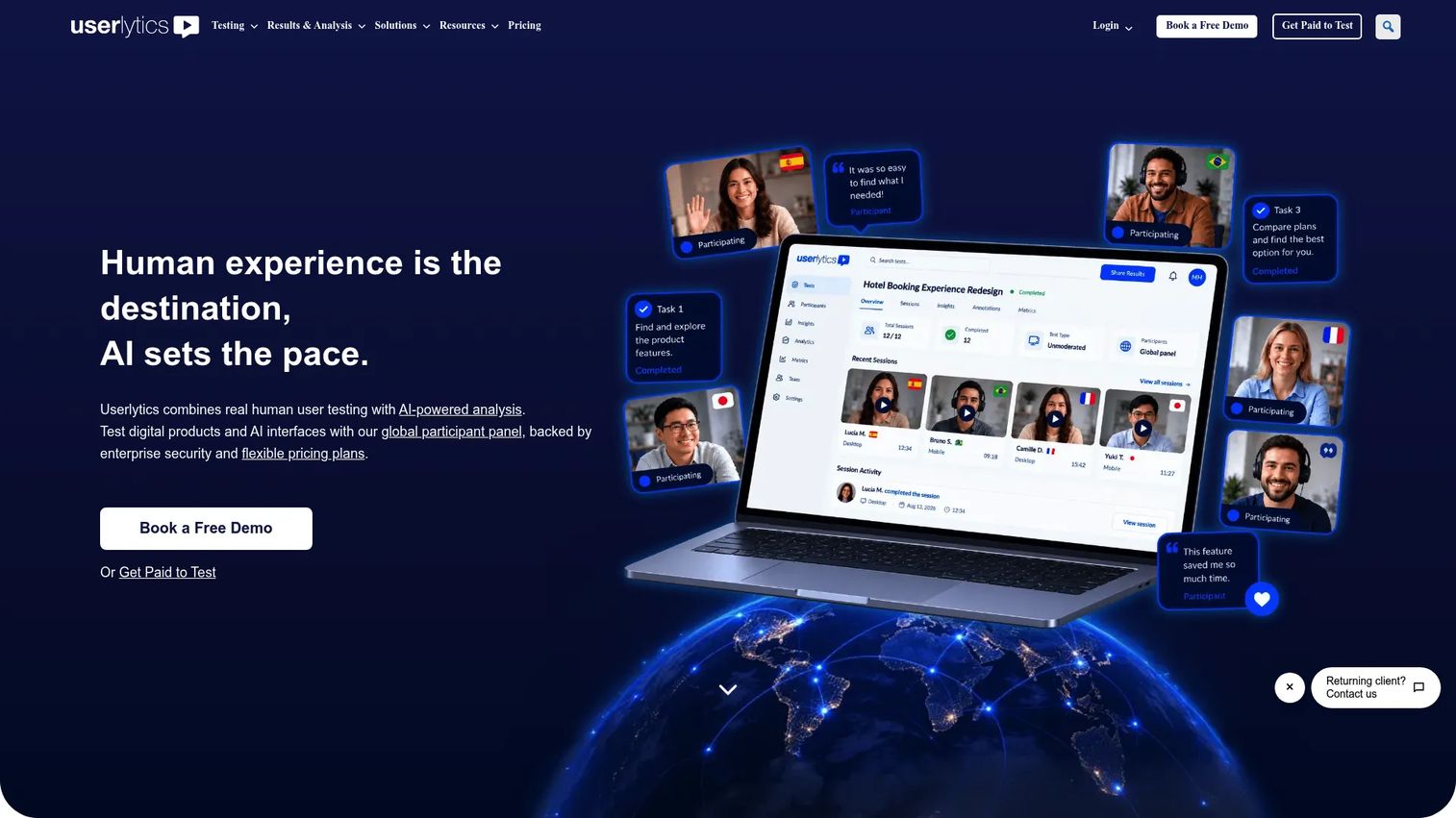
Userlytics is a user research platform combining moderated and unmoderated testing with AI-powered analysis and a global participant panel. It supports website testing, mobile app testing, prototype evaluation, card sorting, tree testing, and picture-in-picture session recording. The AI analysis tools surface sentiment, generate transcripts, and produce highlight reels.
Best for: UX, product, and research teams that need to hear and see real user reactions to websites, prototypes, or competitor assets.
Key features
- Global participant panel with advanced screener options
- Moderated and unmoderated remote testing
- AI-powered annotations, sentiment analysis, and summaries
- Card sorting and tree testing
- Picture-in-picture recording with highlight reels
Why choose Userlytics: It's stronger than Loop11 on qualitative depth, particularly when you need video feedback and AI-assisted analysis rather than purely quantitative task metrics. The moderated session capability adds the ability to follow up on unexpected responses.
Userlytics pricing: Project-based testing starts at $34/session (minimum 5 sessions, annual Enterprise plan). The Premium subscription starts at $699/month (billed annually). Limitless plans are custom-priced.
G2 rating: 4.4/5.
19. Qualaroo
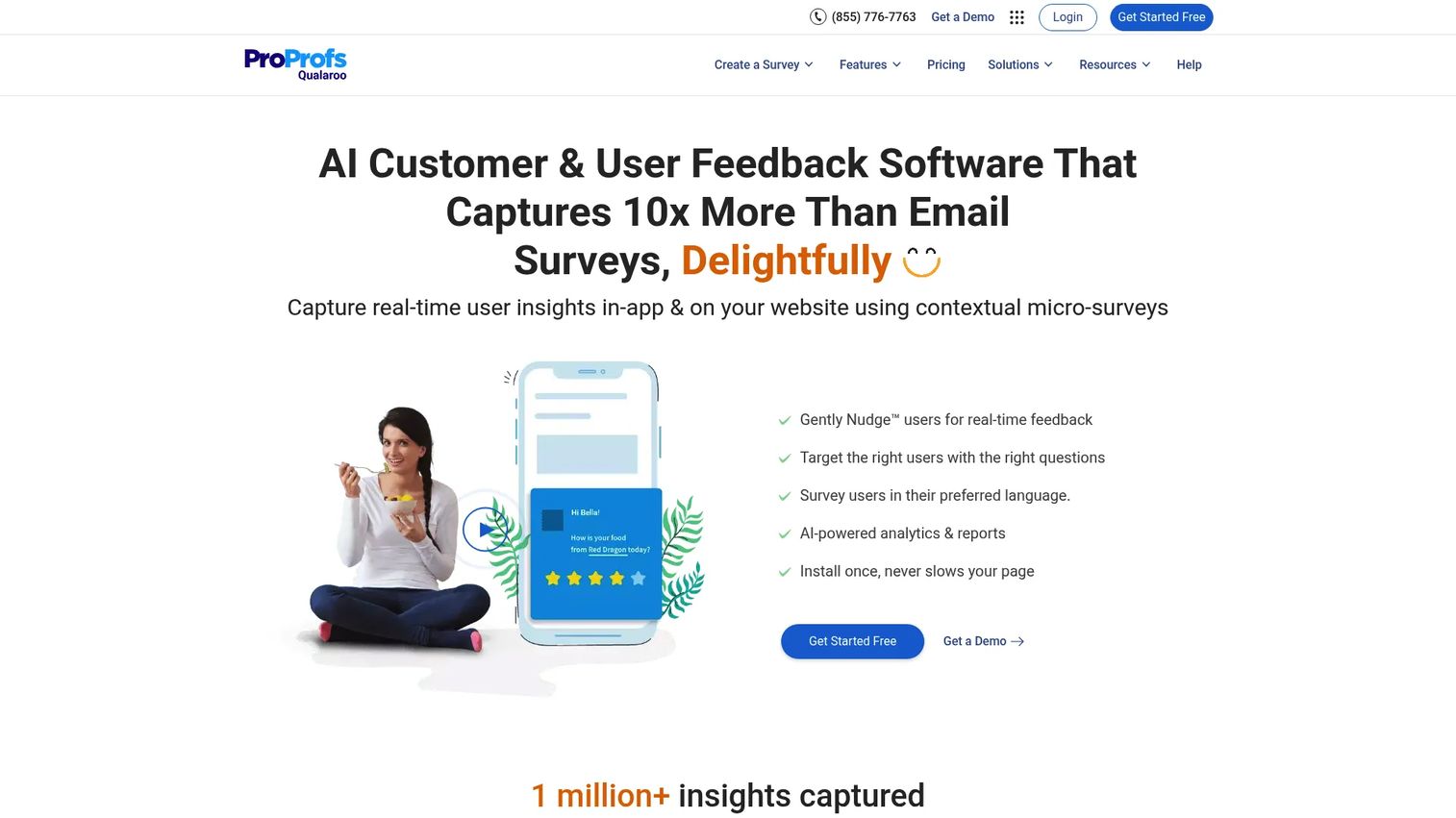
Qualaroo is an on-site feedback platform that serves survey Nudges to website visitors at specific moments: Pricing pages, checkout flows, post-sign-up, or exit intent. It supports NPS, CSAT, and CES surveys, with behavioral targeting rules that determine who sees each question. The IBM Watson sentiment analysis layer classifies open-text responses automatically.
Best for: Marketers collecting in-context feedback from live website visitors while they're still evaluating a purchase or sign-up decision.
Key features
- On-site survey Nudges for websites and apps
- Behavioral and demographic targeting rules
- NPS, CSAT, and CES survey templates
- IBM Watson sentiment analysis on responses
- Multilingual surveys in 70+ languages
Why choose Qualaroo: It captures feedback at the moment of decision, which is when it's most relevant and hardest to get through external surveys. The in-context data is different from post-purchase NPS.
Qualaroo pricing: A free plan covers 50 responses. The Essentials plan is $19.99/month ($239.88 billed annually). Business is $49.99/month ($599.88 annually). Enterprise starts at $149.99/month ($1,798.88 annually).
G2 rating: 4.3/5.
20. SurveySparrow
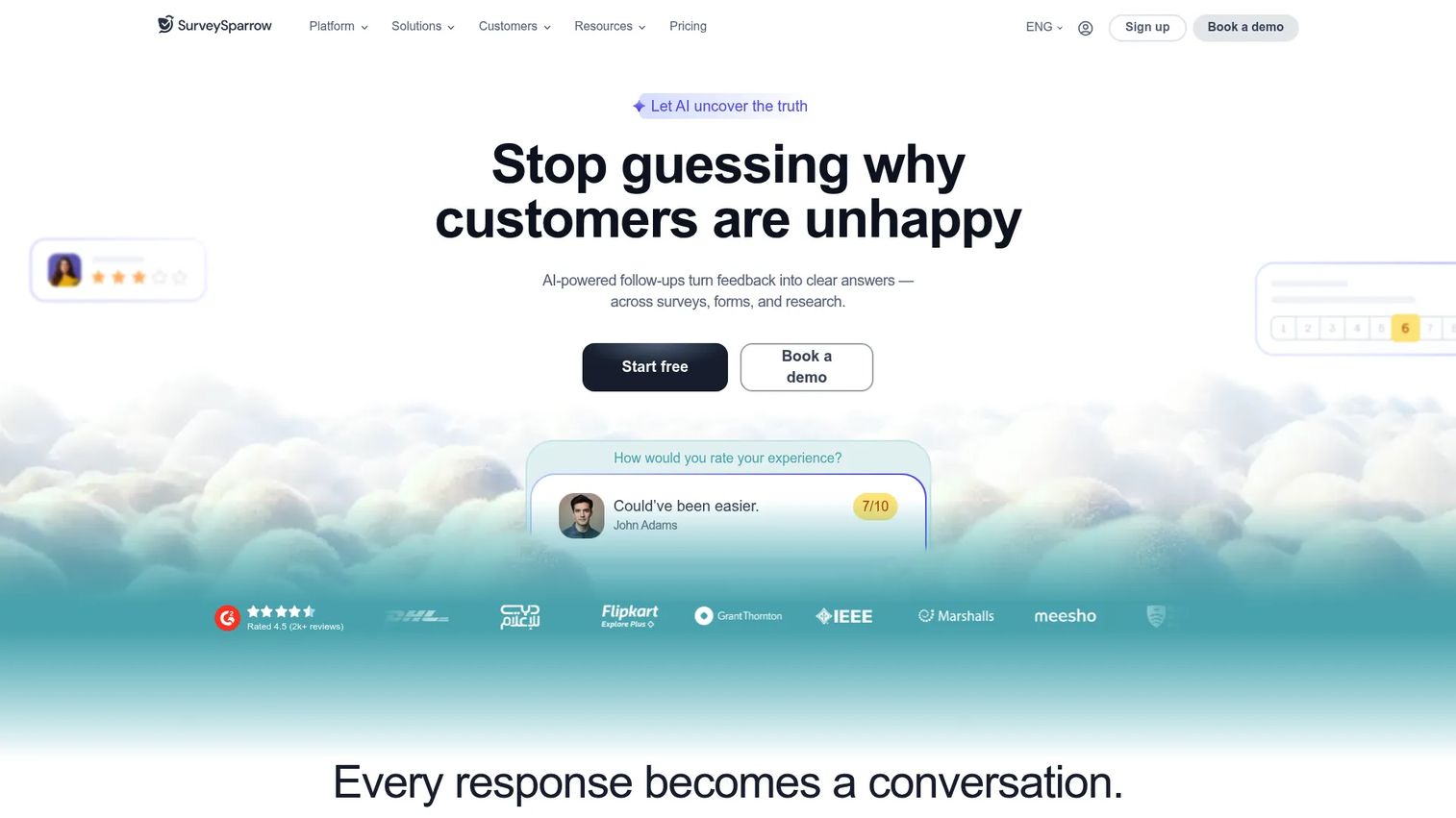
SurveySparrow is an omnichannel experience management platform focused on conversational surveys, recurring feedback programs, and audience management. It covers NPS, CSAT, offline surveys, automation workflows, and omnichannel distribution across email, SMS, and web. Teams running continuous feedback loops rather than one-off studies find it more flexible than basic survey tools.
Best for: Marketing teams running recurring audience surveys, continuous NPS programs, or omnichannel feedback collection.
Key features
- Conversational survey format with conditional logic
- NPS, CSAT, and CES survey templates
- Offline survey mode
- Automation workflows and API integrations
- Omnichannel distribution (email, SMS, web, mobile)
Why choose SurveySparrow: It suits teams that want survey programs rather than one-off forms. The automation and recurring survey features reduce the manual overhead of maintaining a continuous research cadence.
SurveySparrow pricing: A free plan is available (75 responses per quarter). Paid plans start at $19/month for Basic (billed annually), $30/month for Starter, and $60/month for Business. Enterprise pricing is custom.
G2 rating: 4.4/5.
21. Make My Persona
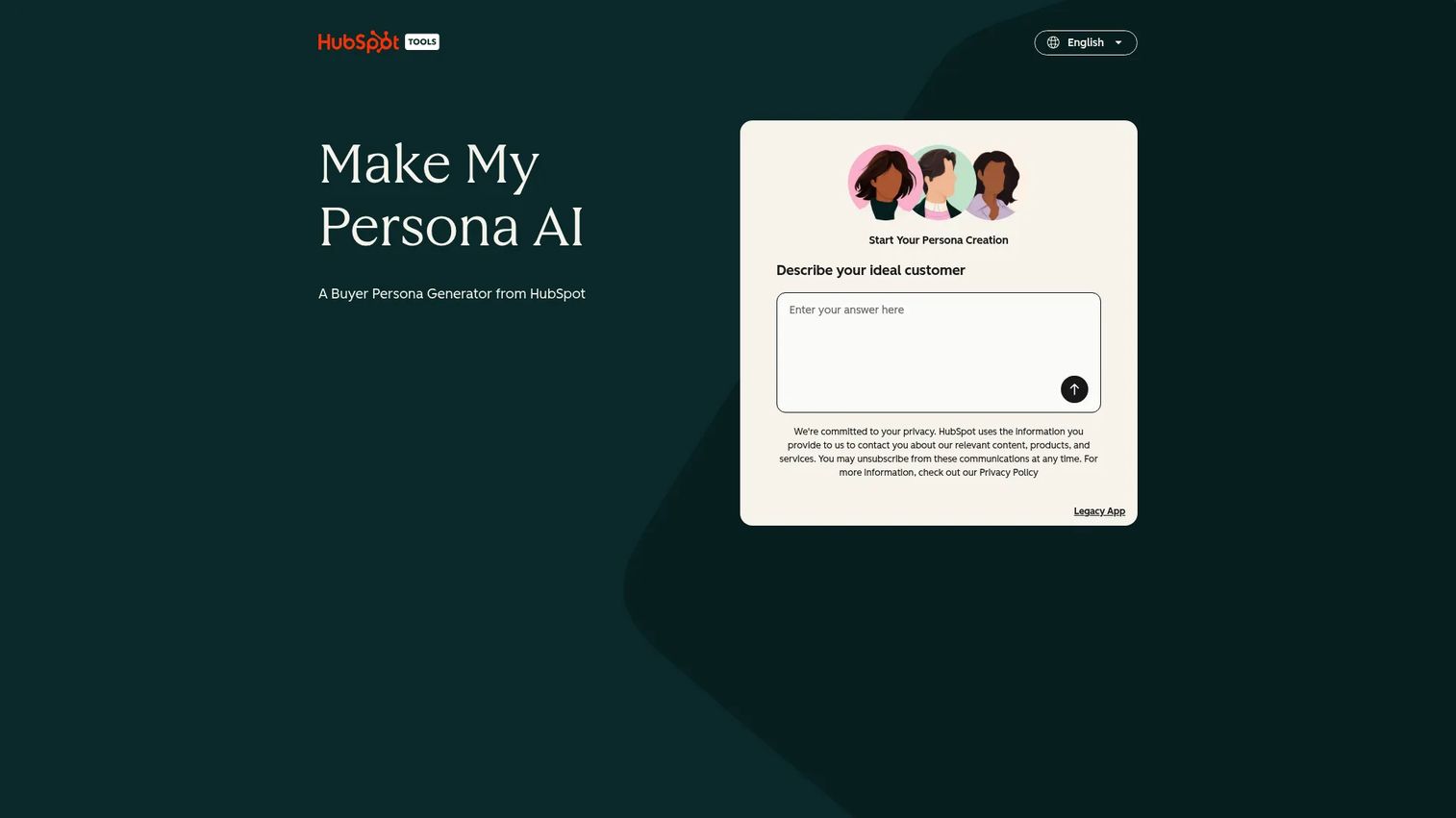
Make My Persona is a free HubSpot AI tool that generates structured buyer personas from plain-language descriptions. It captures demographics, professional context, goals, pain points, information sources, and communication preferences, then produces a shareable PDF or link. It's not a data source, it's a structured way to turn research you've already done into a shared campaign artifact.
Best for: Marketing teams turning audience research inputs into documented, shareable persona outputs for campaign planning workshops.
Key features
- AI-generated persona profiles from text prompts
- Covers demographics, motivations, and pain points
- Shareable link and PDF export
- Saves up to three personas at a time
- Original step-by-step Legacy App also available
Why choose Make My Persona: It removes the time cost of formatting persona documents manually. For teams without a formal research ops function, it converts qualitative findings from GWI, surveys, or customer interviews into a consistent artifact the whole team can use.
Make My Persona pricing: Free. No subscription or credit card required.
Considerations when choosing marketing research tools
Start with the decision, not the tool
Define the marketing decision first: Is this about validating a campaign angle, understanding a new audience segment, sizing a market, or tracking competitor positioning? The decision type determines the tool category. Buying an enterprise social listening suite to answer a one-time keyword question wastes both budget and setup time.
Check data source quality
Not all research data is equivalent. Evaluate sample size, methodology (observed vs. reported vs. modeled), panel quality, geographic coverage, and how recently the data was collected. A trend line from Google Trends and a validated panel study from Qualtrics are both research, but they carry very different levels of confidence for different decisions.
Match pricing to research frequency
A survey tool on an annual contract makes sense for teams running monthly NPS programs. It doesn't make sense for a team that needs one concept test before a launch. Consumer research platforms like GWI are priced for teams doing continuous audience work. Free tools like Google Trends handle directional checks without a contract.
Look for workflow fit
Research findings only create value if they reach the people making decisions. Evaluate how easily outputs move into your existing stack: Does the tool export to your BI platform? Can survey responses sync to your CRM? Does the data format match your reporting workflow? A tool with great data but no export path creates another information silo.
Separate directional insight from defensible evidence
Google Trends and free public data sources give you directional signals quickly. For budget decisions, board presentations, or positioning changes, you need methodology you can defend: Validated surveys, properly sampled panels, or third-party datasets with named methodology. Knowing which level of evidence the decision requires prevents both under-investing and over-engineering the research.
Conclusion
The best marketing research pick depends on the decision you're trying to make. For consumer audience depth, GWI is the strongest option. For free demand validation, Google Trends covers most initial checks. When you need enterprise-grade surveys and panels, Qualtrics handles the governance and scale. Similarweb answers competitive traffic questions; Semrush and Ahrefs handle search demand from different angles. For quick primary research, SurveyMonkey and Typeform remain practical workhorses. Social listening at scale goes to Brandwatch or Sprinklr depending on team size.
The tools in this list cover every stage of the research-to-decision cycle. The ones that pay off fastest are the ones that match the decision you're actually trying to make, not the ones with the most features.
Research without action is just data storage. Once you know what your audience wants, the next step is showing them a product experience that proves you built it. Start your journey with Guideflow today!
FAQs
Marketing research tools are software platforms and data sources that help marketers collect and analyze information about their audience, competitors, market demand, and consumer behavior. They range from free survey builders and public data sources to enterprise panels, social listening platforms, and SEO intelligence suites. The category covers primary research (surveys, UX testing), secondary research (public datasets, market reports), and competitive intelligence (traffic analysis, keyword data).
Google Trends is the most useful free tool for validating search demand before spending on campaigns. Pew Research Center is the strongest source for public demographic and social trend research with citable methodology. Make My Persona helps teams document audience findings at no cost. The right choice depends on the research question: Demand validation, demographic context, or audience documentation.
Similarweb tracks competitor website traffic, channel mix, and category benchmarks. Semrush covers competitor keywords, ad spend, and content visibility. Ahrefs goes deep on backlinks and organic search gaps. BuzzSumo surfaces which competitor content gets social traction and which topics drive engagement. Most competitive research programs combine at least two of these depending on whether the priority is traffic, search, or content.
SurveyMonkey is the most practical choice for teams that need fast, recurring surveys with panel access. Typeform performs better in contexts where survey completion rate matters, such as embedded landing page research. SurveySparrow suits teams running continuous NPS or feedback programs. Qualtrics is the right choice for enterprise research programs requiring advanced statistical analysis, conjoint studies, or validated sampling. Qualaroo is specifically built for on-site feedback from live website visitors.
Market research studies markets, customers, competitors, and demand at a category level. It answers questions like "how big is this market?" and "who buys this product type?" Marketing research focuses on decisions within a marketing function: Campaign angles, messaging effectiveness, pricing perception, channel performance, and audience positioning. The terms overlap significantly in practice, and most tools in this list support both.
AI tools can accelerate desk research, cluster open-ended survey responses, generate persona drafts, and summarize large report volumes. For those tasks they're genuinely useful. Where caution is warranted is in using AI-generated outputs as primary evidence for budget decisions or strategy changes. The underlying data quality, sample design, and source methodology still determine whether the research is defensible. Qualtrics noted in a 2025 study that 62% of market researchers reported using synthetic data in the previous six months, which signals growing adoption alongside a need for transparency about data provenance.
Start with the specific decision you need to make. For audience sizing and segmentation, look at GWI, Statista, or Qualtrics. For search demand, use Semrush or Ahrefs. For social sentiment, Brandwatch or Sprinklr. For website behavior, Loop11 or Userlytics. For recurring customer feedback, SurveyMonkey or SurveySparrow. The most common mistake is choosing a tool for its feature list rather than matching it to a concrete research question.
No, not at first. Google Trends, Pew Research Center, Make My Persona, and the free tiers of SurveyMonkey or Typeform cover most early-stage research needs at no cost. Paid tools become worthwhile when research is recurring rather than one-off, when the findings will influence a significant budget decision, or when you need data you can defend to a leadership team. The free tools are excellent for directional insight; the paid tools add sample quality, historical data depth, and the methodology rigor that high-stakes decisions require.