You filed a ticket three weeks ago to update the hero copy on the pricing page. It is still in the backlog. Meanwhile, the campaign you built that copy for launches Monday, and engineering is heads down on a release. So you ship a workaround, watch your conversion goal slip, and start wondering why your content management software needs a developer to change a headline.
This is not a marketer problem. It is a platform problem. Forrester forecasts the web content management software market to grow at a 13.5% compound annual rate through 2028, faster than the broader software market, because the work marketing teams do has outgrown the CMS platforms most of them inherited. Today a single launch has to publish to a website, an app, an email, a partner portal, and increasingly to AI surfaces like answer engines.
2026 changes what good looks like in a web CMS. Composable architectures are no longer an enterprise novelty. Answer engine optimization (AEO) is showing up on growth roadmaps next to SEO. Consolidation pressure is real, with most marketing teams actively cutting tools that do not earn their seat. The shortlist below is built for digital marketers evaluating their stack against that reality, not for someone trying to remember what CMS stands for.
What's inside
This guide is for digital and growth marketers building a shortlist of web content management software, not a definitional primer. Each of the 10 tools below was selected against four criteria that map to how mid-market and enterprise marketing teams actually buy:
- Time-to-publish without engineering dependency
- Integration depth with the marketing stack (CRM, marketing automation, analytics)
- Multi-channel and headless delivery capability
- Total cost of ownership at scale
Every entry includes verified pricing where vendors publish it, G2 ratings pulled from current listings, and an honest read on who each platform fits.
TL;DR
- Best for marketers who want zero engineering dependency: Webflow
- Best for content velocity at enterprise scale: Adobe Experience Manager
- Best open-source CMS for full control: WordPress
- Best headless CMS for multi-channel publishing: Contentful
- Best for composable, AI-ready stacks: Contentstack
- Best for design-led brand sites: Squarespace
- Best for mid-market teams consolidating CMS and CRM: HubSpot Content Hub
- Best for CMS plus experimentation in one platform: Optimizely
If you already know what category you need, skip to the comparison table. If you are replatforming, read the considerations section before you shortlist.
Background: what is web content management software
Web content management software is a platform that lets non-technical teams create, edit, publish, and manage digital content across websites and connected channels without writing code. It separates the people who own the content from the people who own the code, which is the entire reason CMS platforms exist.
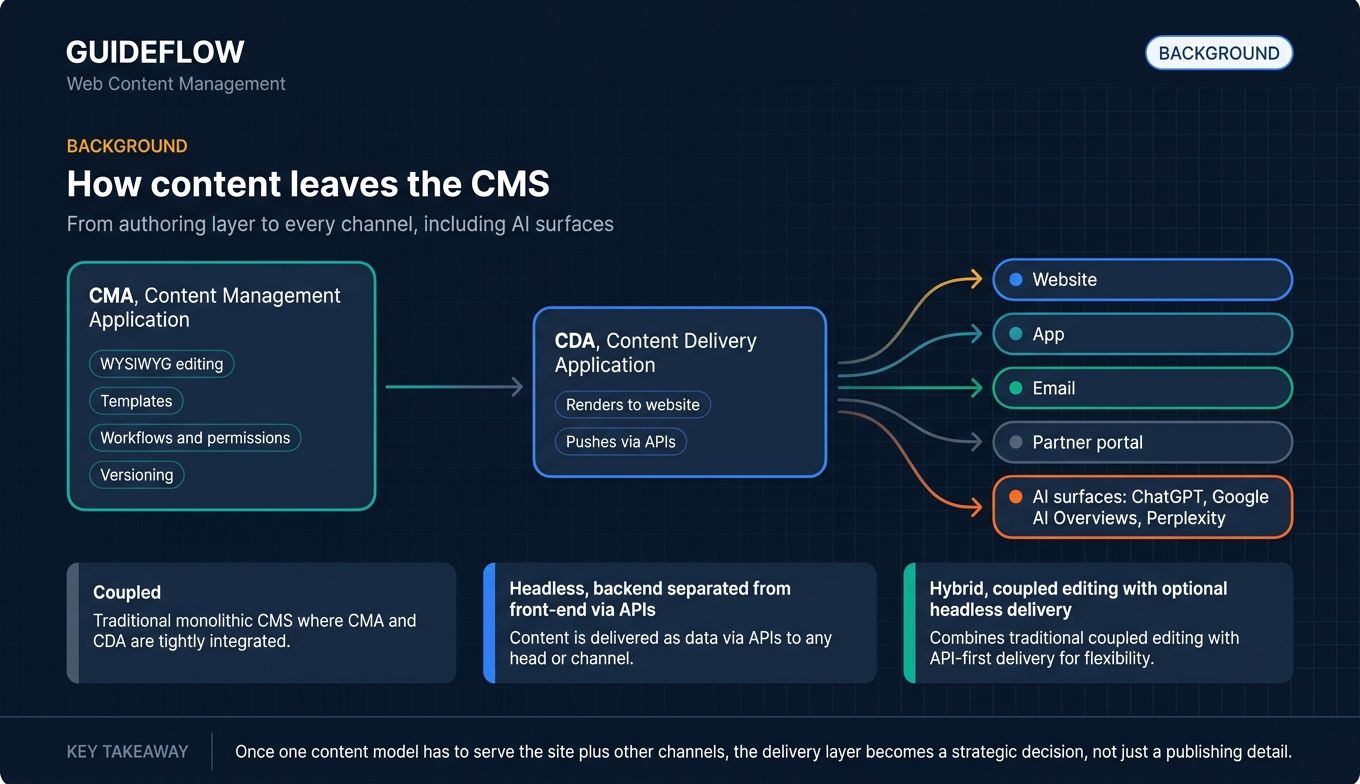
Under the hood, a web content management system typically combines two layers. A content management application (CMA) gives marketers, editors, and content ops teams a WYSIWYG interface, templates, workflows, permissions, and versioning. A content delivery application (CDA) takes that content and renders it on the website or pushes it through APIs to other surfaces.
Core capabilities you should expect from any modern web CMS:
- WYSIWYG or visual editing, plus structured content modeling
- Templates, components, and reusable content blocks
- Workflows, roles, permissions, and approval routing
- Version history and rollback
- SEO controls (metadata, schema, redirects, sitemap)
- Multi-language and multi-site support
- Analytics and personalization, native or through integrations
CMS platforms today fall into three architectural models:
- Traditional (coupled): Content storage and front-end presentation are bundled. WordPress and Drupal sit here by default.
- Headless (API-first): Content lives in a backend, and the front end consumes it through APIs. Contentful and Contentstack are headless-native.
- Hybrid: A coupled experience with optional headless delivery. Webflow, HubSpot, and Sitecore lean hybrid.
A web CMS is not the same thing as a digital asset management (DAM) tool, an enterprise content management (ECM) system, or a digital experience platform (DXP). DAM stores and serves rich media. ECM manages internal documents and records. DXP is an umbrella for CMS plus personalization, analytics, and customer data, usually sold by Adobe, Sitecore, or Optimizely.
In 2026, three trends matter. AI surfaces (ChatGPT, Google AI Overviews, Perplexity) are consuming content directly, which makes answer engine optimization (AEO) and clean structured data a CMS requirement. Composable architecture, where teams assemble best-of-breed services through APIs, is now the default enterprise pattern per Forrester research. And consolidation pressure means every CMS shortlist now answers "what does this replace?"
When to use web content management software
Launching campaigns without filing engineering tickets
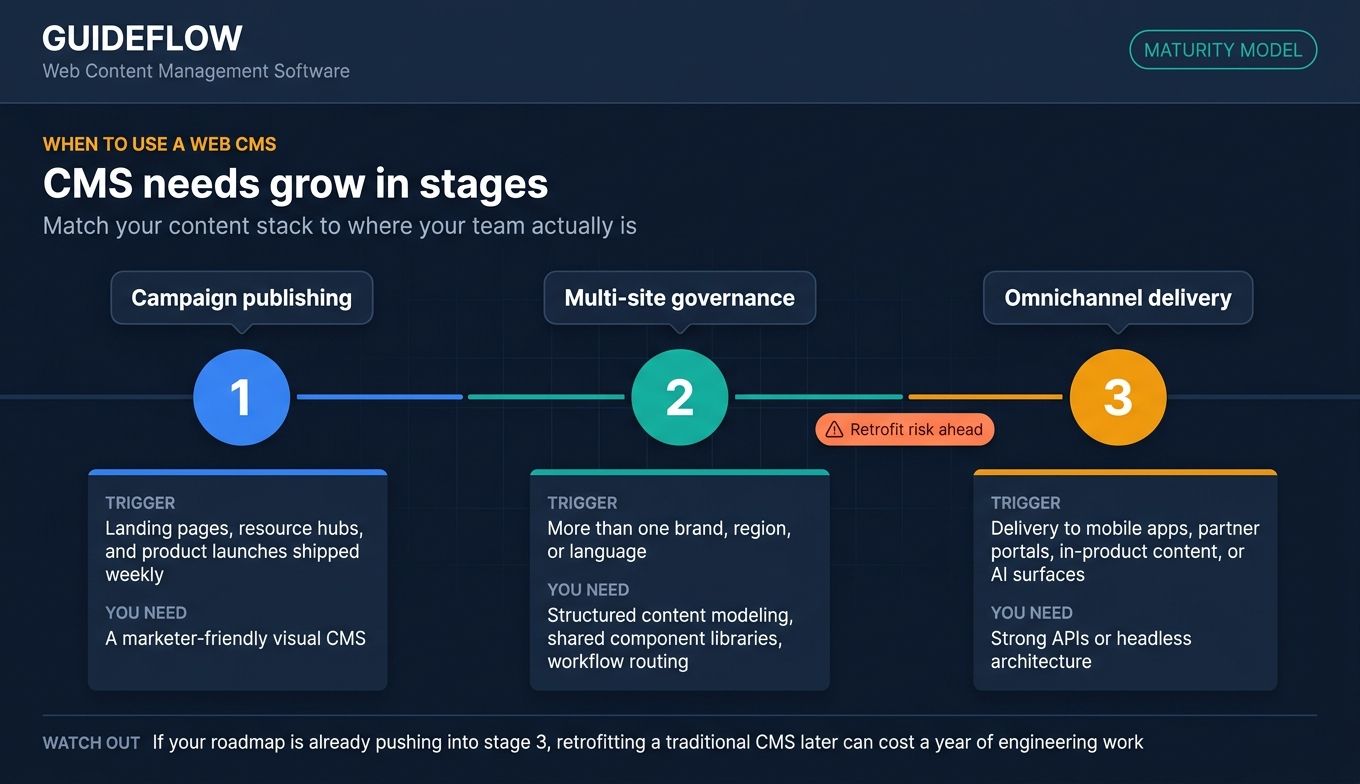
If your team ships landing pages, resource hubs, or product launches weekly, a marketer-friendly CMS is the difference between a campaign that launches on time and one that misses the moment. The right web CMS lets a marketer publish a new page in minutes, not sprints. Pairing your CMS with the best landing page builders can compress that time even further for campaign-specific pages.
### Scaling content across multiple sites, brands, or regions
Multi-site governance is where most CMS platforms either earn their cost or fall apart. If you run more than one brand, region, or language, you need structured content modeling, shared component libraries, and workflow routing built into the platform. Bolting this on later is expensive.
Delivering content beyond the website
If your roadmap includes mobile apps, partner portals, in-product content, or AI-surface delivery, you need a CMS with strong APIs or a headless architecture. A traditional CMS can be retrofitted, but a headless or hybrid CMS will save you a year of engineering work.
Comparison table
Tools are sorted by relevance to digital marketers evaluating their stack. Pricing reflects verified figures from each vendor's pricing page or G2-reported ranges where vendors do not publish public pricing. G2 ratings match each tool's current listing.
| # | Product | Intent | Key differentiation | Pricing | G2 rating |
|---|---|---|---|---|---|
| 1 | WordPress | Open-source web CMS | Largest plugin ecosystem, lowest licensing exposure | Free open-source core; hosting separate | 4.6/5 (Capterra) |
| 2 | Webflow | Visual web CMS for marketers | Visual editor with production-grade code output | Starter free, Basic $15/mo, Premium $25/mo, Team $2,500/mo | 4.4/5 |
| 3 | Drupal | Enterprise open-source CMS | Content modeling depth, multi-site governance | Free open-source; hosting and implementation separate | 3.9/5 |
| 4 | Adobe Experience Manager | Enterprise DXP and web CMS | Native Adobe stack, DAM included | Custom enterprise pricing | 4.2/5 |
| 5 | Contentful | Headless web CMS | API-first content model, multi-environment workflows | Free tier, Lite $300/mo, Enterprise custom | 4.2/5 |
| 6 | Contentstack | Composable headless CMS | MACH architecture, native AI for content ops | Custom enterprise pricing | 4.4/5 |
| 7 | Sitecore | Enterprise DXP | Native personalization and CDP | Custom enterprise pricing | 4.1/5 |
| 8 | Optimizely | CMS plus experimentation | Native A/B testing and personalization | Custom enterprise pricing | 4.2/5 |
| 9 | Squarespace | Design-led website builder | Polished templates, near-zero setup time | Paid plans only, 14-day free trial | 4.4/5 |
| 10 | HubSpot Content Hub | CMS bundled with CRM and MAP | Native CRM and personalization in one platform | Professional $450/mo annual, Enterprise $1,500/mo | 4.5/5 |
1. WordPress
WordPress is the default open-source CMS, used by roughly 42 to 43% of all websites according to W3Techs data. Its scale is the point: the largest plugin ecosystem, the largest talent pool, and the lowest long-term licensing exposure of any platform on this list. WordPress is the answer when you want full control over what you build and what you spend.
Best for: Marketers and content teams who want full control, plugin flexibility, and predictable hosting costs.
Key strengths
- Plugin ecosystem: Thousands of plugins for SEO, forms, analytics, commerce, and marketing automation
- SEO control: Mature SEO tooling through Yoast, Rank Math, and native schema controls
- Cost flexibility: Scales from a $10/month managed host to enterprise WordPress VIP with the same content model
Why choose WordPress
WordPress wins when you want the broadest hiring pool, the widest plugin library, and the lowest licensing exposure on the market. The trade-off is real: maintenance overhead, plugin sprawl, and security hygiene fall on your team or your hosting partner. Marketing teams that treat it as a managed service tend to be the happiest.
WordPress pricing
WordPress core is free and open-source under the GPL license. You pay for hosting, premium themes and plugins, and any agency or developer work. Entry-level WordPress-focused hosting from major providers typically starts under $10 per month, with fully managed plans running into the tens of dollars per month for small sites. WordPress VIP, the enterprise tier, is custom-priced and generally positioned at the enterprise level with contracts in the five-figure-plus annual range.
2. Webflow
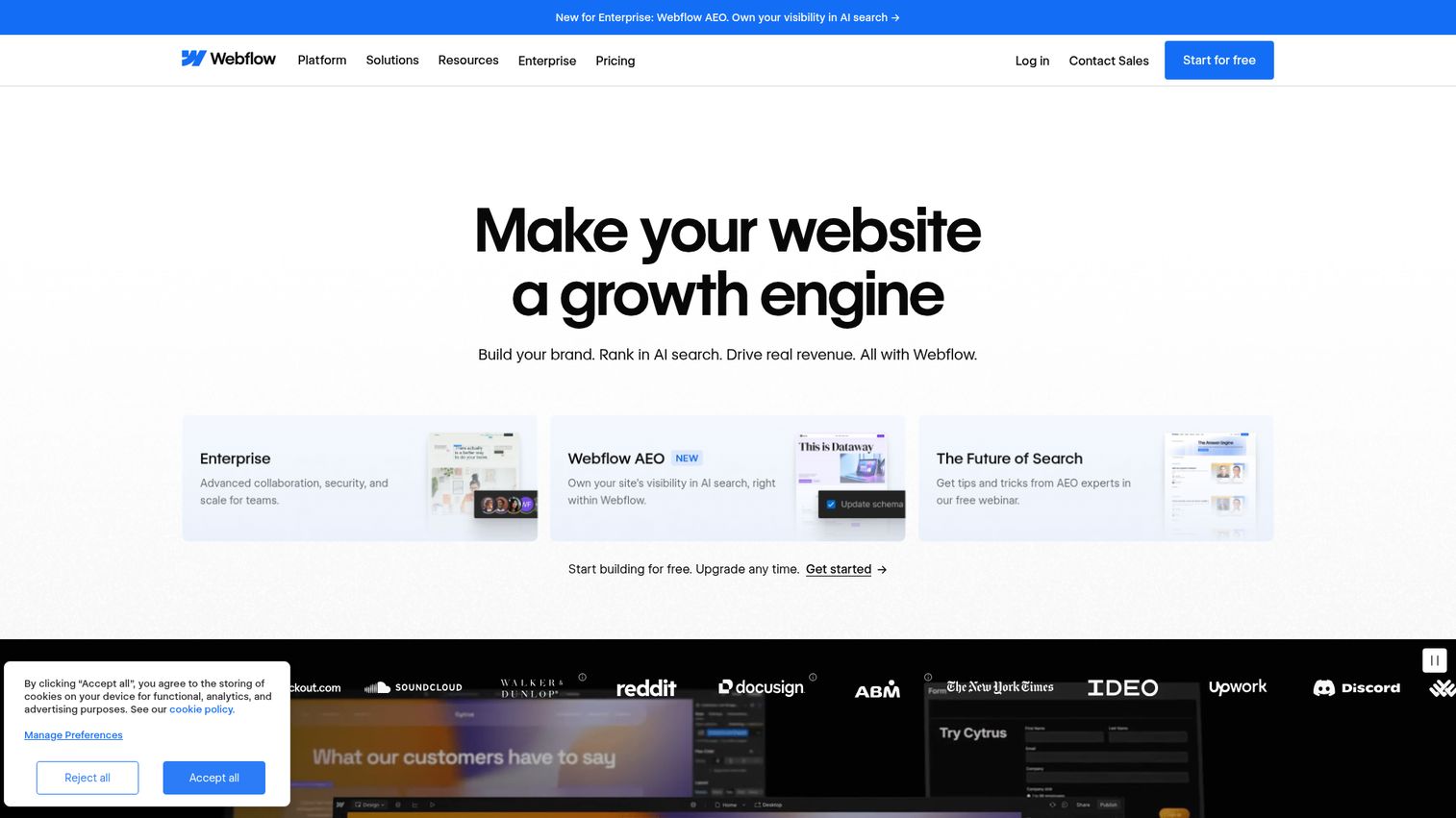
Webflow is an AI-native website experience platform that lets marketers and designers build, publish, and manage sites visually while producing clean, production-grade code. It is the platform marketing teams reach for when they are tired of filing tickets to change a headline. Webflow holds a 4.4/5 rating on G2.
Best for: Marketing teams who want full design control and zero engineering dependency on landing pages and campaign sites.
Key strengths
- Visual web design: CSS grid-powered layouts that produce real, indexable code
- Built-in CMS: Native CMS collections for blogs, resource hubs, and structured content
- Marketing and SEO tools: Native SEO controls, hosting, and CDN included
Why choose Webflow
Webflow is the strongest fit for marketing teams that ship landing pages weekly. It replaces the designer-to-developer handoff for most web work, and it scales from a single landing page to a 500-page resource hub without rebuilding the architecture. Marketing teams that pair Webflow with interactive product demos on key landing pages consistently report higher engagement on top-of-funnel pages, because the visitor can experience the product instead of reading about it.
Webflow pricing
Webflow publishes Site plans and Platform plans on its pricing page. Site plans include Starter (free), Basic ($15/mo billed yearly), and Premium ($25/mo billed yearly). Platform plans include Team ($2,500/mo with an annual contract) and Enterprise (custom). The free Starter tier is enough to evaluate the builder, and most marketing teams land on Basic or Premium for production sites.
3. Drupal
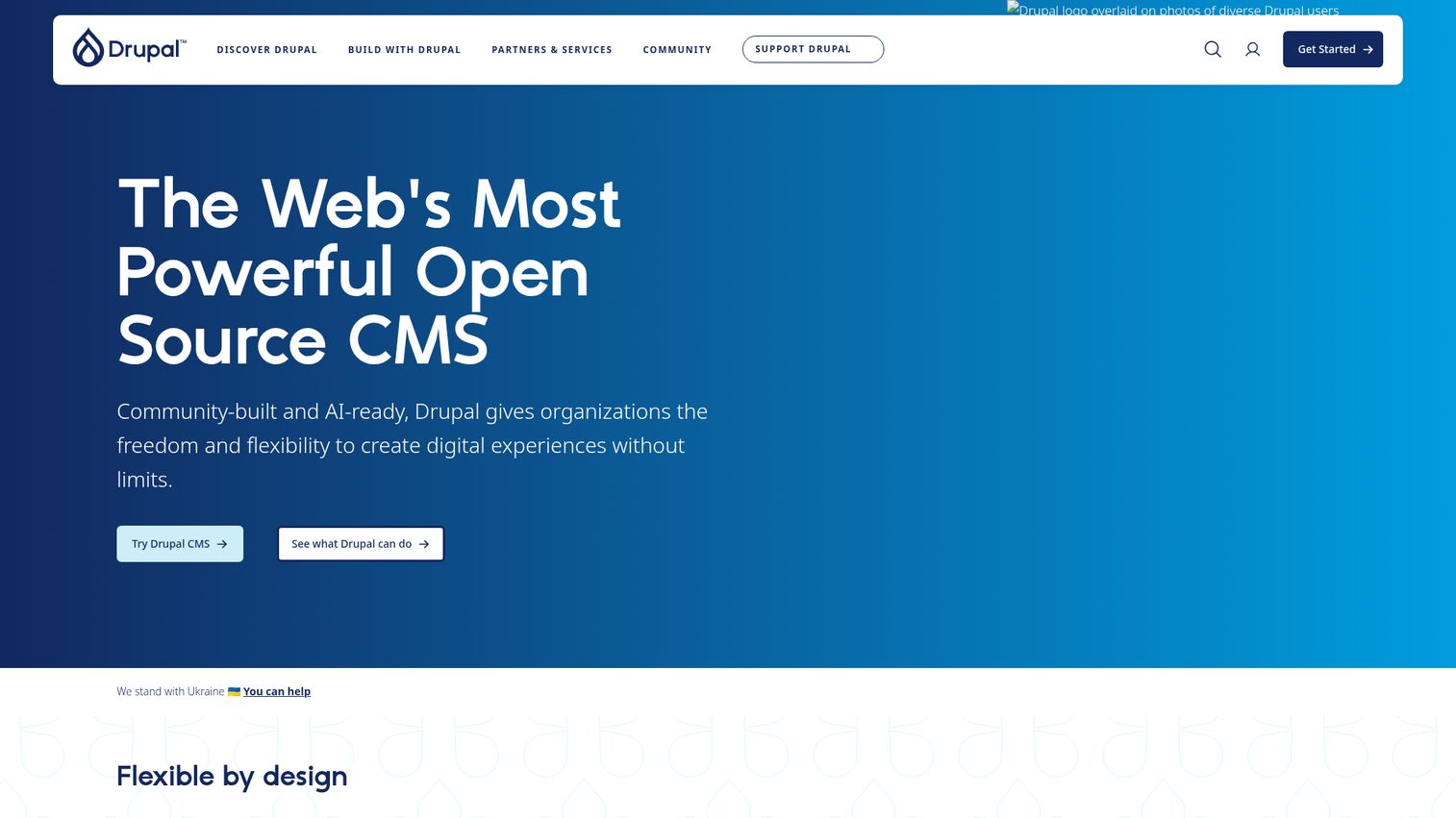
Drupal is an open-source enterprise CMS known for content modeling depth, multi-site governance, and a strong security track record. It is the platform behind universities like Princeton, brands such as Nestlé, and many major government sites. Drupal holds a 3.9/5 rating on G2, reflecting both its power and its learning curve.
Best for: Enterprise teams with complex content models, multi-site requirements, or strict security and compliance needs.
Key strengths
- Visual page building: Drupal Canvas brings drag-and-drop authoring to a structured content backbone
- Structured content modeling: Reusable content, blocks, fields, and media with deep taxonomy support
- Built-in media management: Responsive images, image cropping, and remote video handled natively
Why choose Drupal
Drupal is the hardest CMS on this list to learn and the hardest to displace once embedded. That is the right trade-off when your information architecture is genuinely complex, your governance requirements are non-negotiable, or you run dozens of sites from one team. It is the wrong trade-off when you just need to ship a marketing site fast.
Drupal pricing
Drupal core is free and open-source. Costs come from hosting, implementation, and ongoing maintenance, not licenses. Managed Drupal vendors like Acquia and Pantheon are custom-priced and typically target enterprise budgets in the five-figure-plus annual range. Most enterprise Drupal builds also involve an implementation partner, which can be a significant first-year cost.
4. Adobe Experience Manager
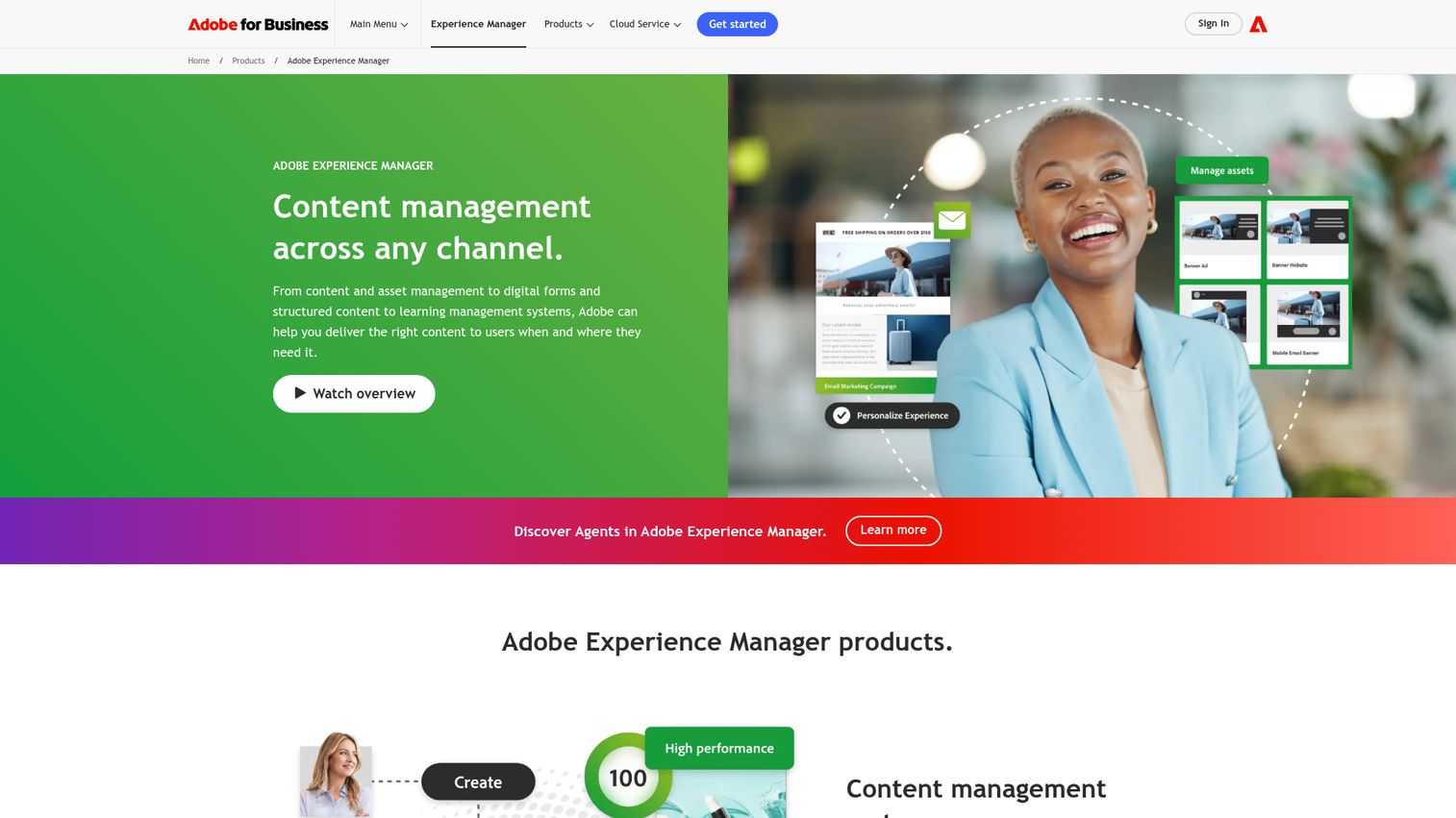
Adobe Experience Manager is Adobe's enterprise suite for content management, digital asset management, digital forms, structured content, and learning experiences across channels. It sits inside the Adobe Experience Cloud, which is its biggest strength and its biggest constraint. AEM holds a 4.2/5 rating on G2.
Best for: Enterprise marketing organizations already running the Adobe stack who need personalization and DAM in one platform.
Key strengths
- Content management at scale: Create, manage, optimize, and deliver digital experiences across channels
- Digital asset management: Source, adapt, and deliver assets across audiences and channels in one repository
- AI-powered experience intelligence: Automated workflows, smart crop and tags, and asset insights
Why choose Adobe Experience Manager
AEM is the strongest fit when your marketing team already lives in Adobe Analytics, Adobe Target, and Workfront. The Adobe-native integration depth is genuinely hard to replicate. Cost and implementation timeline are real considerations: AEM is enterprise-only, and most deployments involve a large implementation partner.
Adobe Experience Manager pricing
Adobe does not publish public pricing for AEM. It is sold through Adobe sales as a custom enterprise contract, and total annual costs commonly land in the high five-figure to six-figure range for licenses and implementation combined. Procurement and implementation timelines should be planned accordingly.
5. Contentful
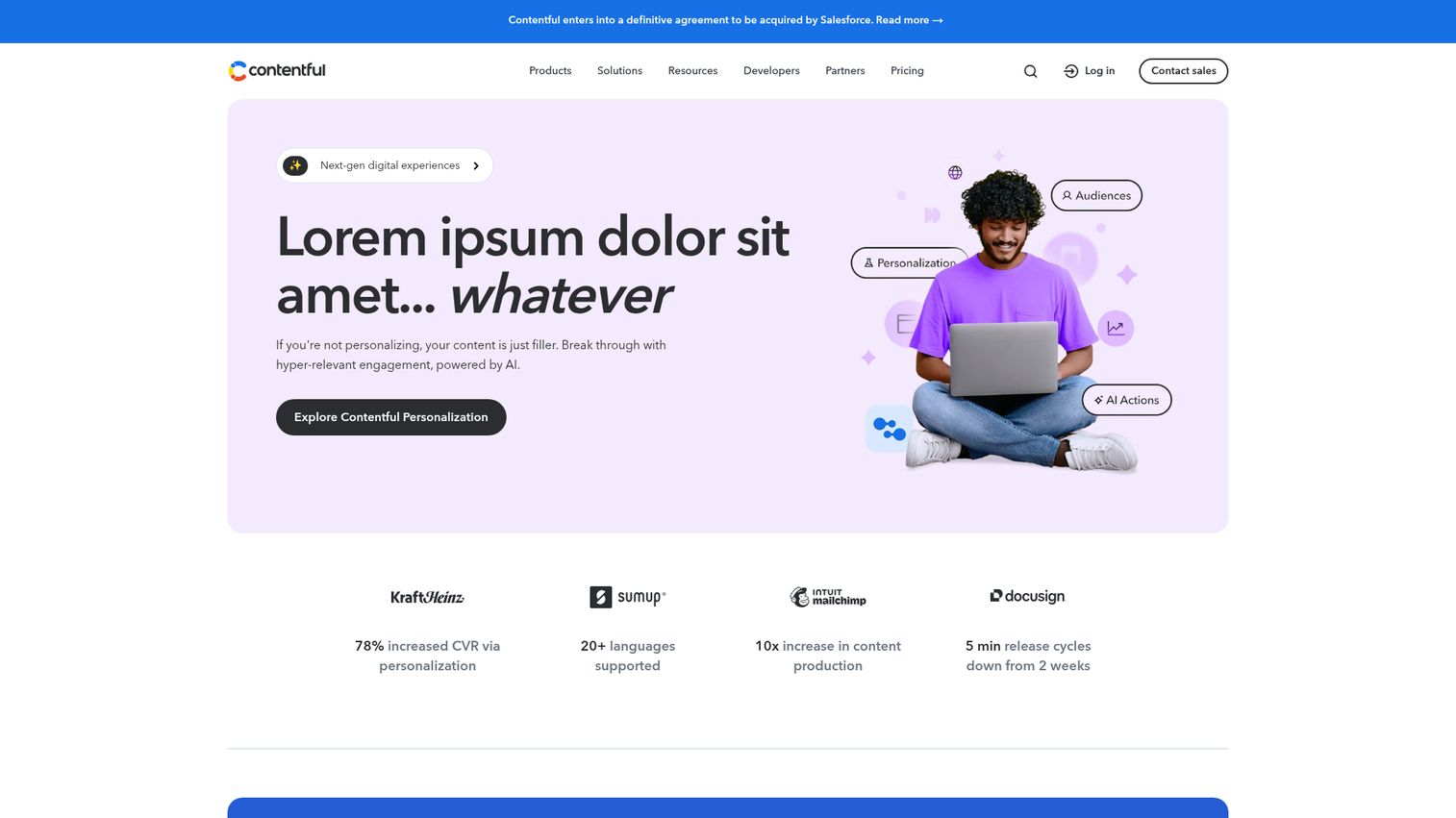
Contentful is a digital experience platform that helps teams create, manage, and scale structured content across digital channels. It is API-first by design, which makes it the right backbone for marketing teams publishing to web, mobile, and emerging surfaces from a single content model. Contentful holds a 4.2/5 rating on G2.
Best for: Marketing teams in composable stacks publishing to multiple front ends or AI consumers.
Key strengths
- Structured content models: Define content once, deliver everywhere through APIs
- Localization and translation: Native multi-language workflows for global teams
- Automations and workflows: Editorial workflows, approvals, and integration triggers
Why choose Contentful
Contentful removes the "one CMS per channel" problem. If your roadmap includes mobile apps, AI surfaces, or partner portals alongside the website, Contentful gives you one content backbone instead of three. The trade-off is that you need front-end engineering to render that content, which is why it is the wrong tool for a small marketing team that just needs a website.
Contentful pricing
Contentful publishes three platform plans on its pricing page. Free ($0 / forever) is genuinely free for evaluation and small projects. Lite ($300 / month) is the entry paid tier with expanded limits and roles. Enterprise is custom-priced and adds advanced governance, SSO, and dedicated support. The free tier is enough to prototype before committing.
6. Contentstack
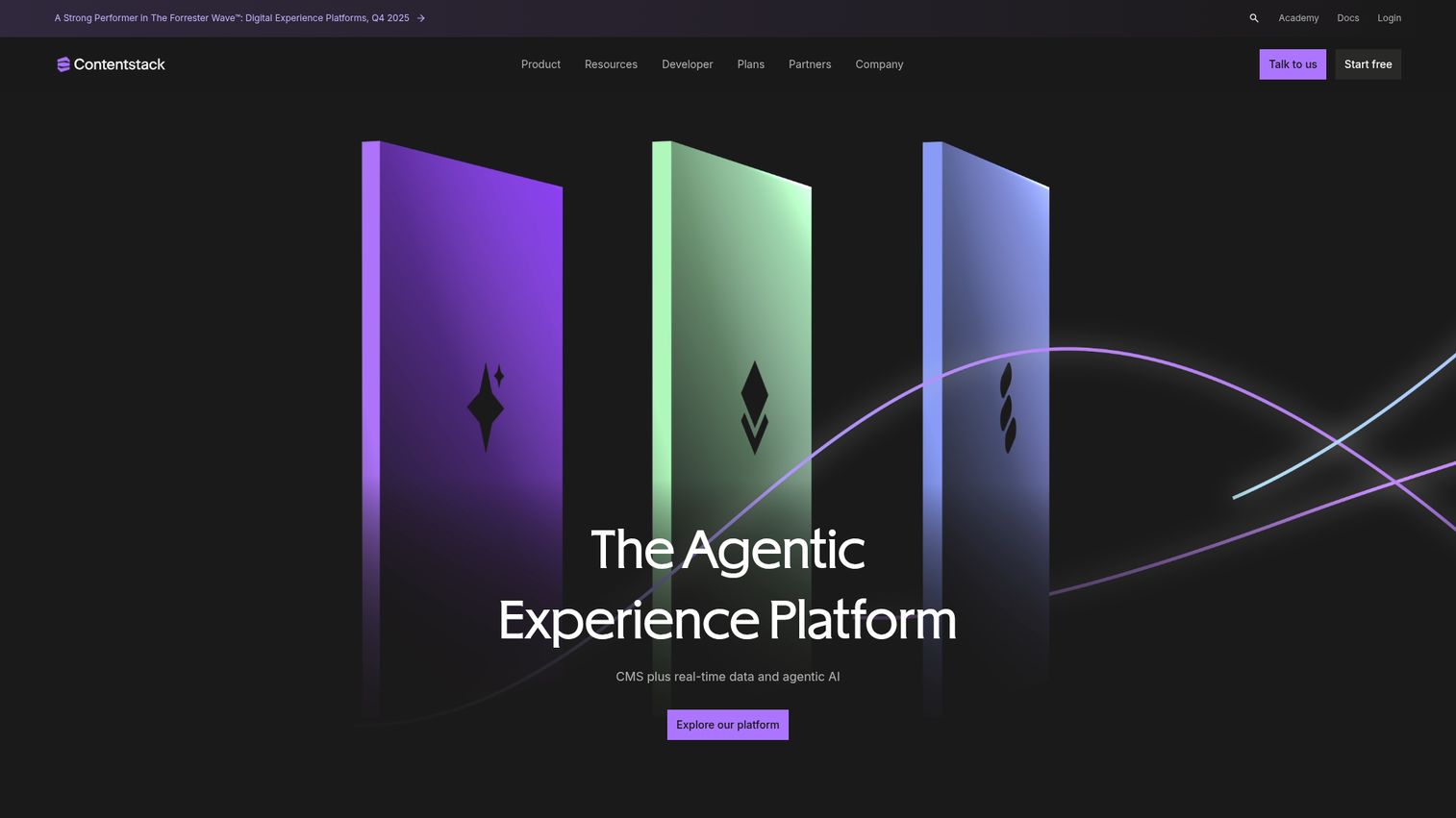
Contentstack is an API-first, cloud-native headless CMS built for enterprise digital experiences. It is one of the founding members of the MACH Alliance and is positioned squarely at enterprises executing a composable replatform. Contentstack holds a 4.4/5 rating on G2, the highest among the pure headless platforms on this list.
Best for: Enterprise marketing teams executing a composable replatform with AI-ready content workflows.
Key strengths
- Visual Editor: Visual authoring on top of a structured headless backend
- Timeline: Preview and roll back content states across environments
- Modular Blocks: Reusable content blocks for marketer-friendly composition
Why choose Contentstack
Contentstack is built for the post-monolithic enterprise. It is the right fit when IT mandates MACH principles or when you are already buying composable services for commerce, search, and personalization. The platform's brand-aware AI and no-code automation are increasingly differentiated as content ops teams take on AEO and multi-channel work.
Contentstack pricing
Contentstack does not publish public pricing. The pricing page lists capabilities under a "Contentstack AXP - CMS" plan, including headless CMS, personalization engine, AI writing assistant, and visual editing, but contracts are quoted by sales. Expect enterprise pricing in line with other composable DXP platforms.
7. Sitecore
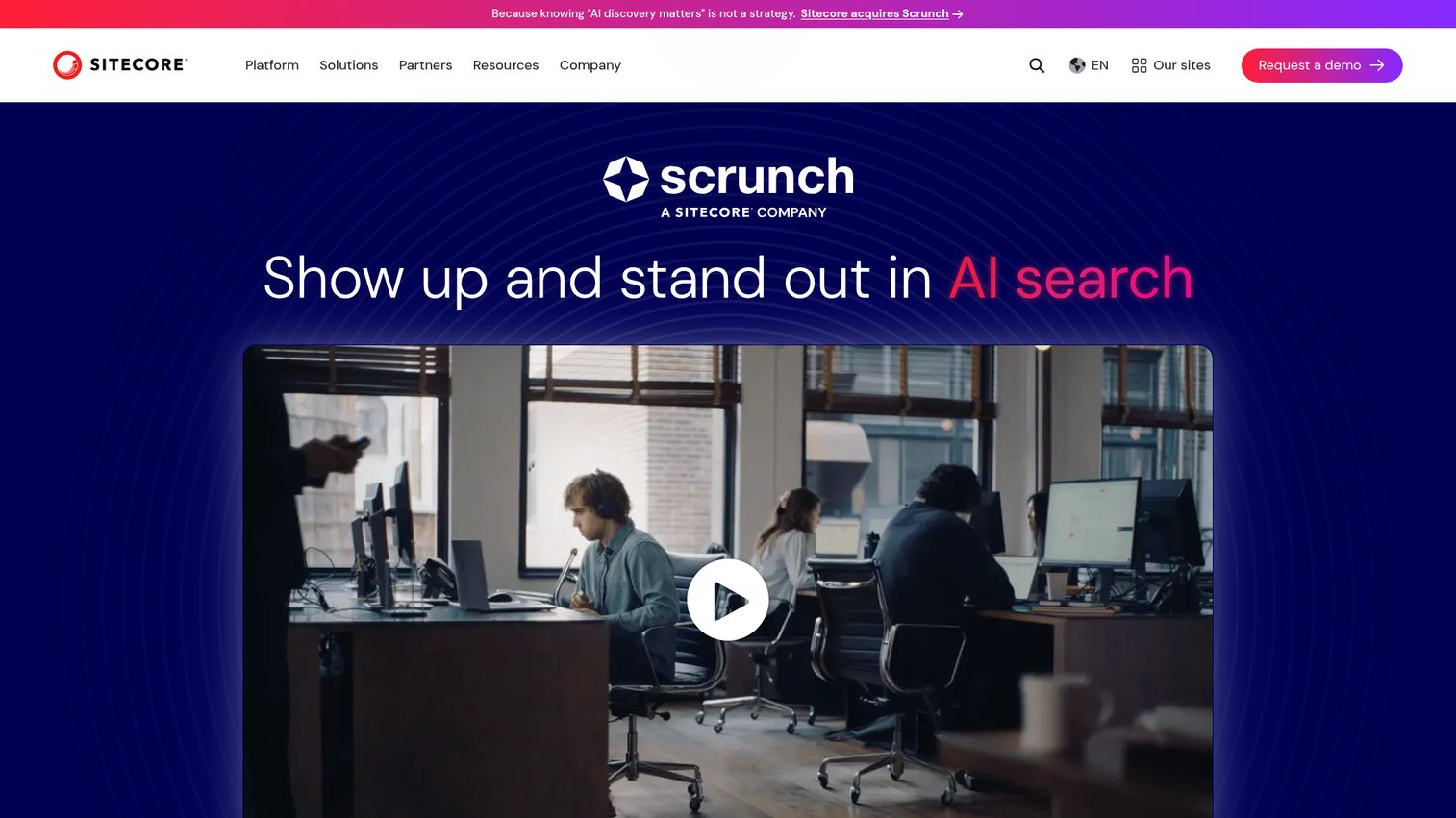
Sitecore is an AI-powered digital experience platform for managing content, data, personalization, and optimization across digital channels. It is one of the most established enterprise DXPs on the market and a frequent finalist in RFPs that pit Adobe against a non-Adobe alternative. Sitecore holds a 4.1/5 rating on G2.
Best for: Enterprise teams that want CMS, personalization, and customer data orchestration under one vendor.
Key strengths
- Visual authoring and fast publishing: High-volume, multi-brand, multi-region, omnichannel content delivery
- Centralized digital asset management: AI-powered search and tagging across the asset library
- Real-time personalization: A/B testing, search, and recommendations in one platform
Why choose Sitecore
Sitecore is the strongest fit when you are consolidating a fragmented enterprise marketing stack into one vendor and want personalization software, CDP, and CMS to share a data layer. Like all enterprise DXPs, the cost and implementation effort are significant, and you should expect a multi-quarter rollout.
Sitecore pricing
Sitecore does not publish public pricing. Licensing and implementation are quoted by sales and commonly reach six-figure annual investments for enterprise deployments. The first-party packaging page lists capabilities and demo CTAs without prices.
8. Optimizely
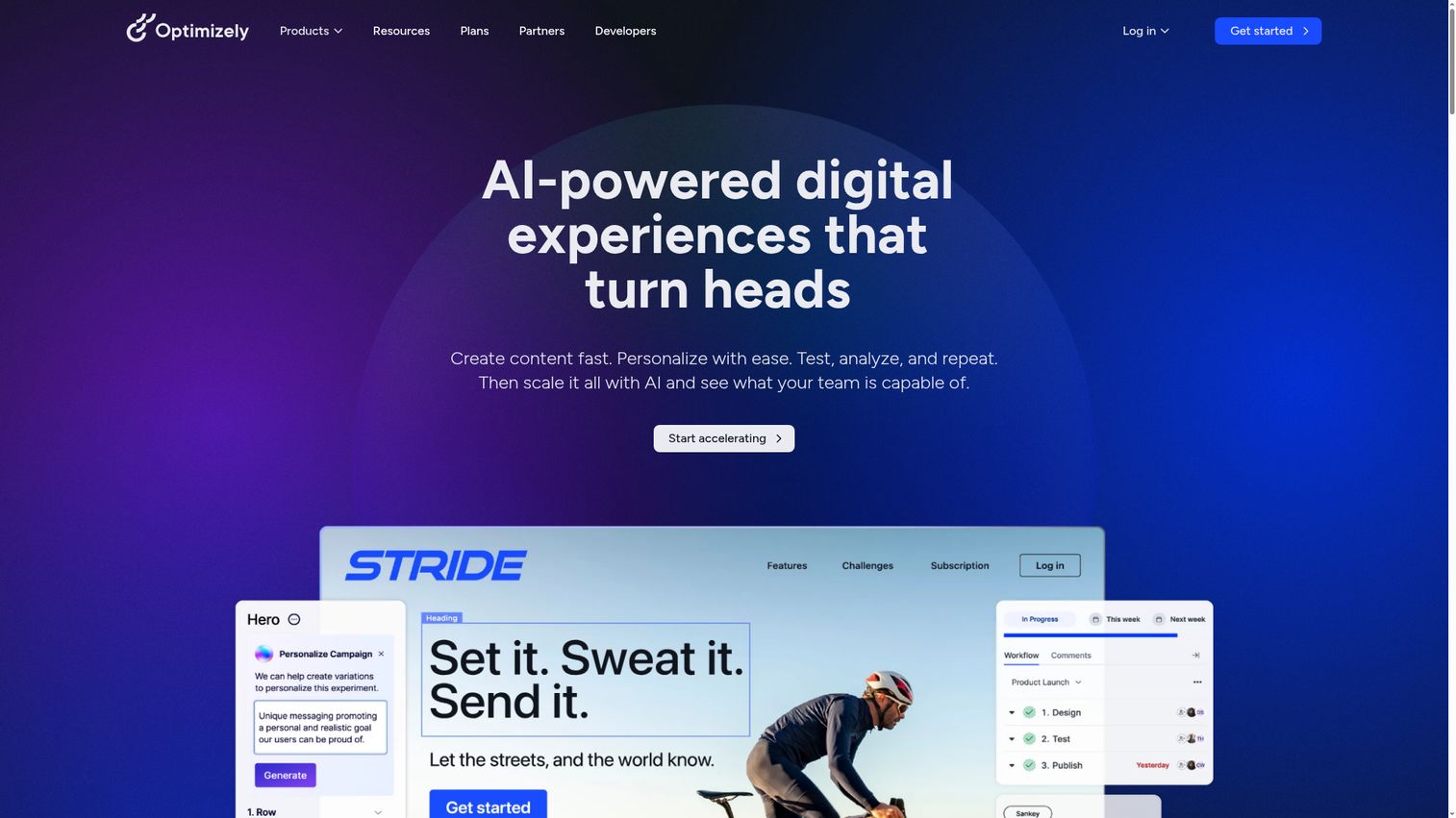
Optimizely is an AI-powered digital experience platform spanning content, experimentation, personalization, analytics, and commerce. It is the platform to look at when you want CMS and A/B testing under one roof instead of stitching them together. Optimizely holds a 4.2/5 rating on G2.
Best for: Growth marketers who want CMS, experimentation, and personalization in one platform to reduce tool sprawl.
Key strengths
- A/B testing and multi-armed bandits: Native experimentation across web and product surfaces
- Feature flags and progressive delivery: Targeted rollouts that work for marketing and product teams
- Warehouse-native analytics: Reports and dashboards on top of your data warehouse
Why choose Optimizely
Optimizely is a direct answer to the "what does this replace?" objection. It can consolidate CMS, experimentation, and content ops into one platform, which is appealing when you are auditing the stack. It integrates with leading CRMs rather than replacing them, so it pairs well with Salesforce or HubSpot rather than competing with them. If you're evaluating standalone experimentation, our roundup of the best A/B testing tools and CRO tools is worth a look.
Optimizely pricing
Optimizely does not publish public pricing. The plans page lists product lines including Content Marketing Platform, Web Experimentation, CMS, Personalization, and Commerce with "Request pricing" CTAs. Contracts are quoted by sales and generally sit in the five-figure-plus annual range for licenses, with implementation additional.
9. Squarespace
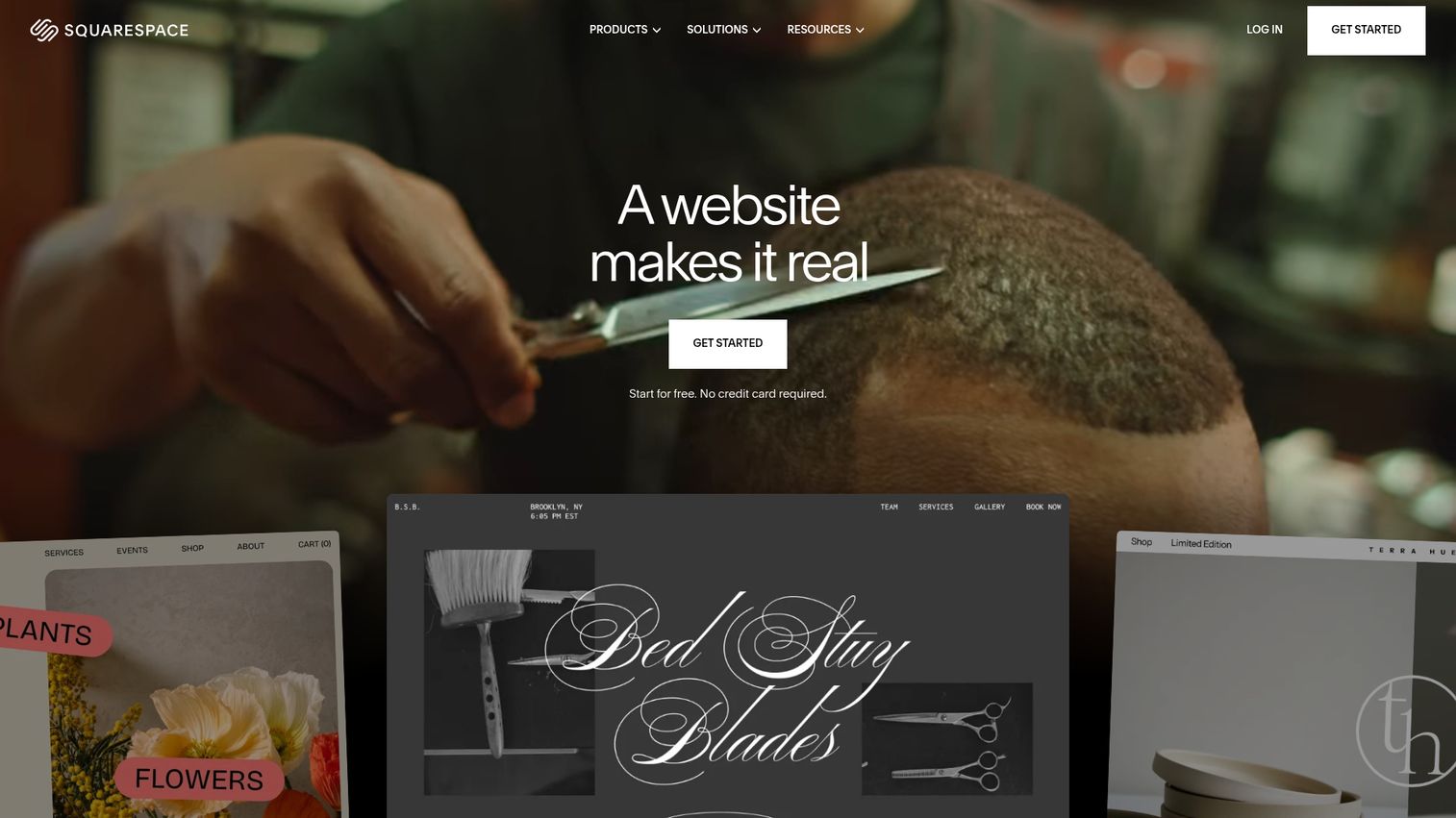
Squarespace is a user-friendly, all-in-one platform for building and running professional websites. It is the right call when speed and design polish matter more than extensibility, and it scales further than most teams expect. Squarespace holds a 4.4/5 rating on G2.
Best for: Solo marketers, startups, and small teams launching brand sites, portfolios, or simple resource hubs.
Key strengths
- Drag-and-drop editor: Designer templates and AI website-building tools for non-technical users
- Built-in ecommerce: Secure checkout on your domain and customer accounts included
- Built-in SEO: AI-powered guidance and automatic sitemap generation out of the box
Why choose Squarespace
Squarespace is the fastest way to launch a polished brand site if you do not have a developer. The trade-off is extensibility: Squarespace has a narrower plugin and integration ecosystem than WordPress or HubSpot, which becomes a constraint as your marketing stack matures.
Squarespace pricing
Squarespace offers paid monthly and annual subscriptions and includes a 14-day free trial. There is no free plan. Plan names and current prices are listed on the Squarespace pricing page; confirm directly before purchase, as tiers and prices have shifted over the past year.
10. HubSpot Content Hub
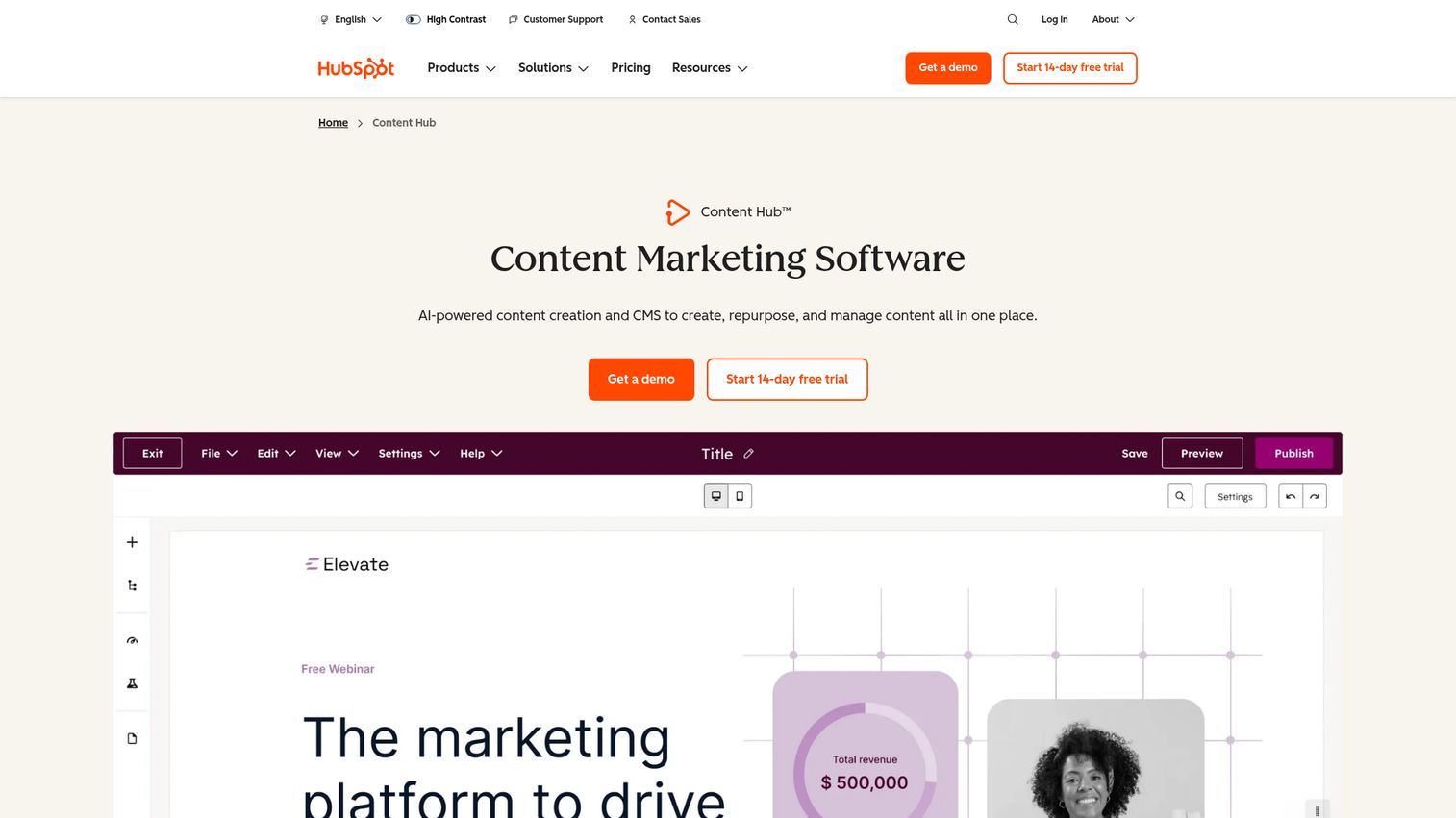
HubSpot Content Hub, formerly CMS Hub, is HubSpot's AI-powered content creation and CMS product. The differentiator is not the CMS itself but the data layer it shares with HubSpot's CRM, marketing automation, and reporting. Content Hub holds a 4.5/5 rating on G2, the highest of any platform on this list. Teams comparing CRM options can review our list of the best CRM software alongside the best marketing automation software to map their stack.
Best for: Mid-market marketing teams already running HubSpot who want their CMS to share one data layer with their CRM.
Key strengths
- Content Remix: AI-powered repurposing of existing content across formats and channels
- Scalable CMS: Built-in personalization tokens, dynamic content, and membership features
- Reporting Dashboards: Native attribution from page view to closed-won
Why choose HubSpot Content Hub
For teams already paying for HubSpot, Content Hub is the cleanest answer to "what does this replace?" It collapses CMS, personalization, lead capture, and reporting into one system with no integration tax. Marketing teams that pair Content Hub with interactive product demos embedded on landing pages tend to see stronger engagement and cleaner intent data flowing into HubSpot.
HubSpot Content Hub pricing
HubSpot publishes pricing for Content Hub on its pricing page. Professional is $450/mo when paid annually or $500/mo paid monthly. Enterprise is $1,500/mo. A Starter edition is also available. Always confirm current tiers and limits on the HubSpot pricing page before purchasing, as HubSpot updates pricing periodically.
Considerations for digital marketers evaluating web CMS software
Integration depth with your existing stack
Verify native connectors and API quality for your CRM, marketing automation platform, analytics tools, and ad platforms before you sign. A CMS with a long integration list is not the same as a CMS that integrates cleanly with the specific tools you use. Test the data flow end to end, not just the connector logo. See how Guideflow handles this with its native integrations across the marketing stack.
Time-to-first-publish for non-technical users
Test the editor with an actual marketer on your team, not an admin or an implementation partner. Measure clicks from login to a published page. If a non-technical user cannot ship a basic page on day one, that pattern will repeat for every campaign for the life of the contract.
Total cost of ownership including implementation
Add license, implementation partner fees, hosting, plugin and module costs, and ongoing maintenance. The sticker price rarely matches the year-one bill, especially for enterprise CMS platforms. Build a three-year TCO model before you compare quotes.
Multi-channel and AEO readiness
Confirm headless or API delivery if you publish beyond the website. Check structured data, schema controls, and how the platform handles content for AI surfaces. AEO is moving from "nice to have" to a baseline requirement, and the CMS choices you make in 2026 will shape what is possible in 2027.
How to choose the right web content management software
- If you're a startup marketer shipping landing pages weekly: Webflow or WordPress with managed hosting. Both let a single marketer ship without engineering, with different trade-offs on extensibility versus polish.
- If you're a mid-market team consolidating tools: HubSpot Content Hub if you already run HubSpot, Optimizely if you want CMS plus native experimentation. Both replace multiple line items.
- If you're enterprise replatforming for composable: Contentstack or Contentful. Both are API-first and designed for multi-channel delivery from one content backbone.
- If you're locked into Adobe or considering it: Adobe Experience Manager. The Adobe-native integration depth justifies the cost only if you already use Analytics, Target, and Workfront.
- If you need enterprise governance with open-source flexibility: Drupal. It is the right call when content modeling and multi-site requirements are complex.
- If you need a brand site fast without a developer: Squarespace. It is the fastest way to a polished public site for a small team.
Conclusion
The right web content management software for 2026 is the one that maps to how your marketing team actually works, not the one with the longest feature list. Webflow and HubSpot Content Hub solve the velocity and integration problem for mid-market teams. Contentful and Contentstack solve the multi-channel and composable problem for enterprises. WordPress and Drupal solve the control and cost problem for teams that want full ownership. AEM, Sitecore, and Optimizely solve the enterprise DXP consolidation problem. Squarespace solves the speed and polish problem for small teams.
Shortlist two or three of these against your actual workflow before you take a demo. Run a real publishing test with a non-technical marketer on your team. Map the integration path to your CRM, marketing automation, and analytics stack. Build a three-year TCO model that includes implementation, not just licenses. The CMS you choose in 2026 will shape your team's ship velocity for the next three to five years, so the time you spend evaluating now is the cheapest part of the project. For more category breakdowns, browse our full library of best tools roundups.
FAQs
A content management system (CMS) is the broader category and can include systems for documents, records, and digital assets. A web content management system (WCMS) is specifically focused on managing content for websites and connected digital channels, with publishing, templates, and presentation control built in. In practice, most people use "CMS" and "WCMS" interchangeably when they mean a platform like WordPress, Webflow, or Contentful.
It depends on your use case. WordPress offers the highest flexibility, the largest plugin ecosystem, and the lowest licensing cost of any platform, which is why it powers about 42 to 43% of the web. The trade-offs are maintenance overhead, security hygiene, and plugin sprawl. For marketing teams that want minimal maintenance and tight CRM integration, HubSpot Content Hub or Webflow often fit better.
A traditional CMS couples content storage and front-end presentation in one system. A headless CMS separates them, storing content in a backend that delivers through APIs to whatever front end you choose, including websites, mobile apps, in-product surfaces, and AI consumers. Hybrid CMS platforms give you a traditional editing experience with optional headless delivery.
Pricing ranges from free open-source platforms like WordPress and Drupal to around $1,500/mo for HubSpot Content Hub Enterprise, up to six-figure annual contracts for Adobe Experience Manager and Sitecore. Mid-tier platforms like Webflow and Contentful sit between, with entry plans from $15 to $300 per month. Always build a TCO model that includes hosting, implementation, and ongoing maintenance, not just license fees.
Yes, on modern marketer-friendly platforms. Webflow, Squarespace, HubSpot Content Hub, and WordPress (with the right setup) are built for non-technical users to publish without engineering involvement. Drupal, Adobe Experience Manager, and Sitecore typically need technical support for setup, custom components, and ongoing changes. Test the editor with an actual marketer before you buy.
Answer engine optimization (AEO) is the practice of structuring and writing content so AI consumers like ChatGPT, Google AI Overviews, and Perplexity can extract and cite it accurately. AEO depends heavily on clean structured data, schema markup, and API-accessible content. Headless and structured-data-first platforms like Contentful and Contentstack lead here, and WordPress can be configured for AEO with the right SEO plugins.
At minimum: your CRM, marketing automation platform, analytics tools, A/B testing platform, DAM, and ad platforms. Native integrations beat custom builds for reliability and total cost. If you depend on a specific CRM like Salesforce or HubSpot, prioritize CMS platforms with first-party connectors to that system.
Simple migrations to SMB platforms like Webflow or Squarespace often complete in a few weeks, especially for sites with a clear content model and limited integrations. Complex enterprise replatforms to AEM, Sitecore, or Drupal can take several months to a year or more, depending on content volume, custom integrations, and governance requirements. Build a realistic timeline that includes content migration, integration rebuild, and team training before you commit.