A customer stands at your counter. The pickup is ready. But the paperwork is not. Someone hunts for a pen, the printed slip is smudged, and the signed copy ends up in a drawer nobody will ever open again.
Multiply that by a few hundred transactions a week and you have a real cost. Slow checkouts. Lost records. No audit trail when a dispute lands on your desk six months later.
Signature capture software fixes the moment where paper slows everything down. It records a signature on a device at the point of sale, on an invoice, or inside a document workflow, then stores it with a timestamp you can retrieve later.
The demand is not niche. The global signature capture device market was valued at US$ 1.45 billion in 2025 and is forecast to reach US$ 2.53 billion by 2032, a CAGR of 8.21%, according to 360iResearch (2025). Buyers want faster checkout, cleaner records, and device fit that matches how they already work.
This guide compares seven tools across POS signature capture, invoice and receipt signing, and broader document workflows, so you can match the right one to your actual workflow.
What's inside
This guide is for product managers, operations leads, and small business owners choosing a tool to capture signatures at checkout, on invoices, or inside document flows. We selected tools based on four things:
- Workflow fit: POS capture, invoice signing, or document signing
- Device and hardware compatibility, including tablet signature capture software support
- Compliance features: audit trails, authentication, and storage
- Integrations with your CRM, POS, or document stack
Every pricing figure and rating below reflects verified vendor data at the time of writing.
TL;DR
- Best for POS signature capture: Windward Software, built for retail, rental, and service checkout with signature capture tied to the transaction.
- Best for legal and compliance-heavy teams: DocuSign, the widely recognized standard for legally binding agreement workflows.
- Best for PDF and document workflows: Adobe Acrobat Sign, tight with Microsoft 365 and the Adobe ecosystem.
- Best for SMB budgets: SignWell and Dropbox Sign, both with free tiers and clean pricing.
- Best for proposals and quotes: PandaDoc, which pairs signature capture with document creation.
- Best for affordable automation: SignNow, low per-user pricing with templates and multi-signer flows.
What is signature capture software?
Signature capture software is a tool that records a signature on a device, at a point of sale, or inside a document workflow, then stores it with a timestamp and audit trail for later retrieval. It covers two distinct jobs that often get lumped together.
The first is POS signature capture: recording a customer signature on a tablet or signature pad at checkout, on a receipt, or against an invoice. The second is e signature software, sometimes called electronic signature software, which handles document approval flows like contracts, proposals, and agreements sent for remote signing.
Both fall under the umbrella of digital signature capture, but they solve different problems. A retailer needs a signature tied to a transaction at the counter. A sales team needs a contract signed by someone three time zones away. The best tool depends on which of those describes your day.
Core capabilities to expect:
- Signature collection: capture on tablets, touch devices, signature pads, or via typed and drawn input
- Audit trails: tamper-evident records with timestamps and signer identity
- Device compatibility: support for iOS, Android, desktop, and dedicated peripherals
- Storage and retrieval: searchable archives you can pull up on demand
- Integrations: connections to POS, CRM, accounting, and document systems
- Authentication: identity verification to confirm who signed
If you build customer-facing flows, a signature step is one piece of a larger onboarding or checkout experience. Teams designing those flows often prototype the surrounding steps as interactive demos before shipping, so stakeholders can see the full journey. Guideflow's capture and personalize features let product teams build those walkthroughs without engineering time.
When to use signature capture software
Capture signatures at checkout
Retail, rental, and service businesses need a signature at the moment of payment. Customer signature capture on a tablet or pad ties the signature directly to the receipt or invoice, so the record matches the transaction. This is where POS-native tools earn their place: the signature lives inside the sale, not in a separate app you have to reconcile later.
Partial pickups and delivery confirmations follow the same pattern. Someone signs for what they took, and the system logs it against the order.
Replace paper forms and manual filing
Paper signatures create back-office work nobody wants. Someone scans, files, and hopes the copy stays readable. Invoice signature capture removes that step by storing the signed document digitally the moment it is signed. When a dispute or audit arrives, you search instead of digging through a filing cabinet. Teams building these internal workflows often map the process first, and tools that analyze engagement help refine where handoffs slow down.
Standardize customer approval workflows
Field service, delivery, and remote sales all need a consistent way to collect approval. A technician confirms work is done. A driver logs a delivery. A rep gets a contract signed after a call. Document signing tools standardize these approvals so every signature carries the same audit trail, whether it happened at a customer site or over email. If you distribute approval flows across a team, being able to share a consistent process matters as much as the signature itself.
Comparison table
Here is how the seven tools compare on primary use case, differentiator, pricing, and G2 rating. Pricing reflects verified vendor data at the time of writing.
| # | Product | Best for | Key differentiator | Pricing | G2 rating |
|---|---|---|---|---|---|
| 1 | Windward Software | POS and checkout signature capture | Integrated POS and ERP with signature tied to transactions | Custom quote | 3.0/5 |
| 2 | DocuSign | Legally binding agreement workflows | Widely recognized e-signature standard | From $10/user/mo | See G2 |
| 3 | Adobe Acrobat Sign | PDF and document-centric signing | Deep Microsoft 365 and Adobe integration | Custom pricing | 4.4/5 |
| 4 | Dropbox Sign | Lightweight, SMB-friendly signing | Simple workflows with a free tier | Free, from $10/mo | 4.7/5 |
| 5 | PandaDoc | Proposals, quotes, and agreements | Document creation plus e-signature | Free, from $19/seat/mo | 4.7/5 |
| 6 | SignNow | Budget-conscious document signing | Low per-user pricing with automation | From $9.99/mo | 4.6/5 |
| 7 | SignWell | Straightforward signing for small teams | Affordable with tamper-evident records | Free, from $10/mo | 4.8/5 |
Best signature capture software for 2026
1. Windward Software
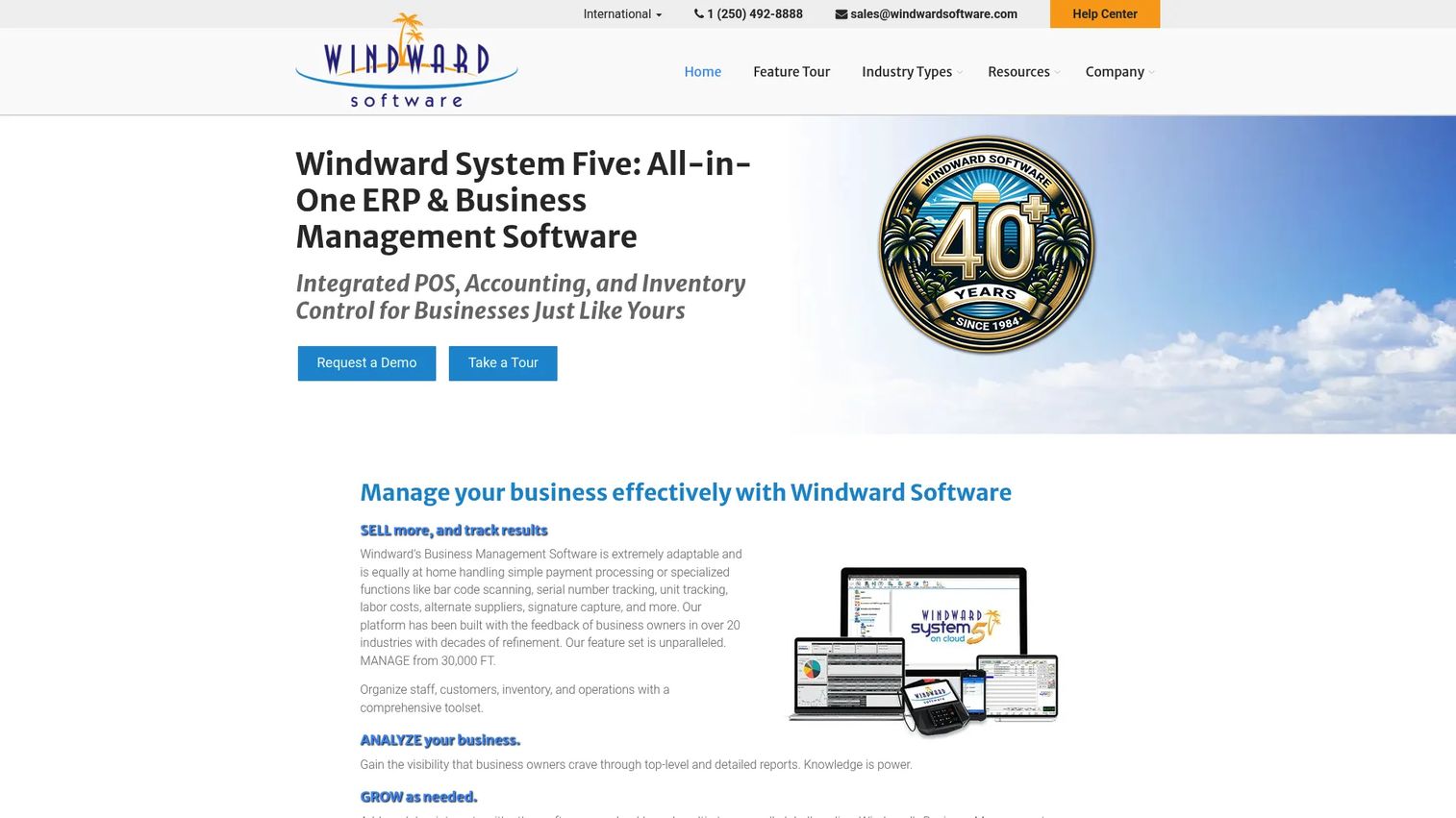
Windward Software is business management and retail POS software built for retail, rental, and service businesses. Unlike the document-first tools on this list, Windward captures signatures at the point of sale as part of an integrated system that also handles inventory and accounting. That makes it the closest fit for teams whose core need is POS signature capture rather than remote document signing.
The signature lives inside the transaction. When a customer signs at checkout, the record ties directly to the receipt, invoice, or order, which matters for partial pickups and dispute resolution later.
Best for: Retail, rental, and service businesses that want signature capture inside an integrated POS and ERP-style system.
Key features
- Point-of-sale with signature capture at checkout
- Inventory control tied to transactions
- Accounting and general ledger built in
- Support for retail, rental, and service workflows
Why choose Windward Software: If your signature need is at the counter and you want it inside the same system that runs your inventory and books, Windward keeps everything in one place instead of bolting on a separate e-signature app.
Windward Software pricing: Pricing is custom quoted. Windward states that no two systems are priced the same and asks prospects to request a quote through its pricing page.
2. DocuSign
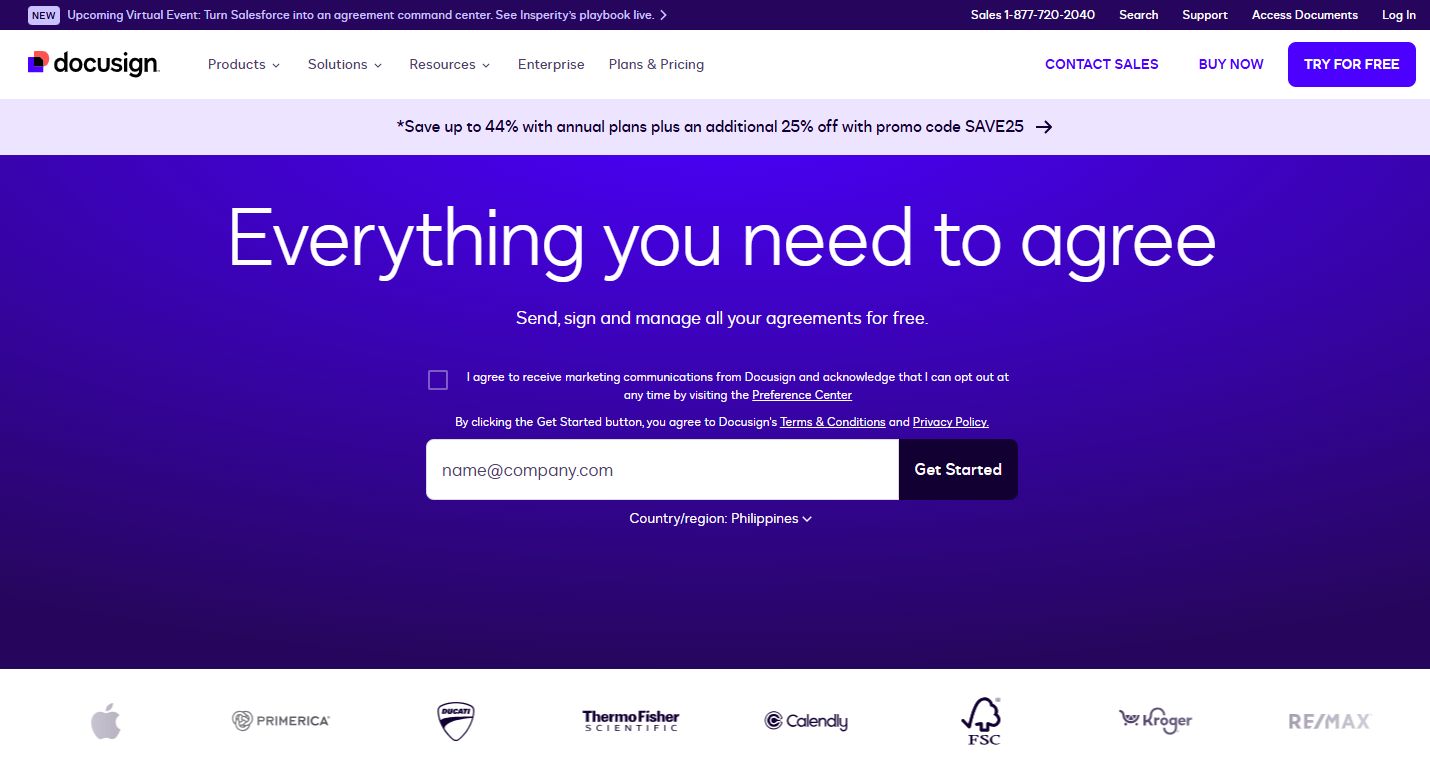
DocuSign is agreement management and e-signature software for sending, signing, tracking, and managing documents. It is the name most people reach for when they need a legally binding signature, and its recognition carries weight when a counterparty questions whether a digital signature holds up.
DocuSign leans toward document and agreement workflows rather than counter-side POS capture. If your signatures happen inside contracts, NDAs, and approvals sent for remote signing, it covers that reliably with electronic notarization and web forms on top.
Best for: Teams that need legally binding e-signatures and structured agreement workflows across contracts and approvals.
Key features
- eSignature for remote and in-person signing
- Electronic notarization
- Web forms for collecting signatures at scale
- Tracking and status across documents
Why choose DocuSign: When legal defensibility and counterparty trust matter more than counter-side capture, DocuSign's recognition and audit trail make it the default for compliance-heavy teams.
DocuSign pricing: Public eSignature plans include Personal at $10/month per user ($120 billed annually), Standard at $25/month per user ($300 billed annually), and Business Pro at $40/month per user ($480 billed annually). DocuSign offers a free option for individuals to get started.
3. Adobe Acrobat Sign
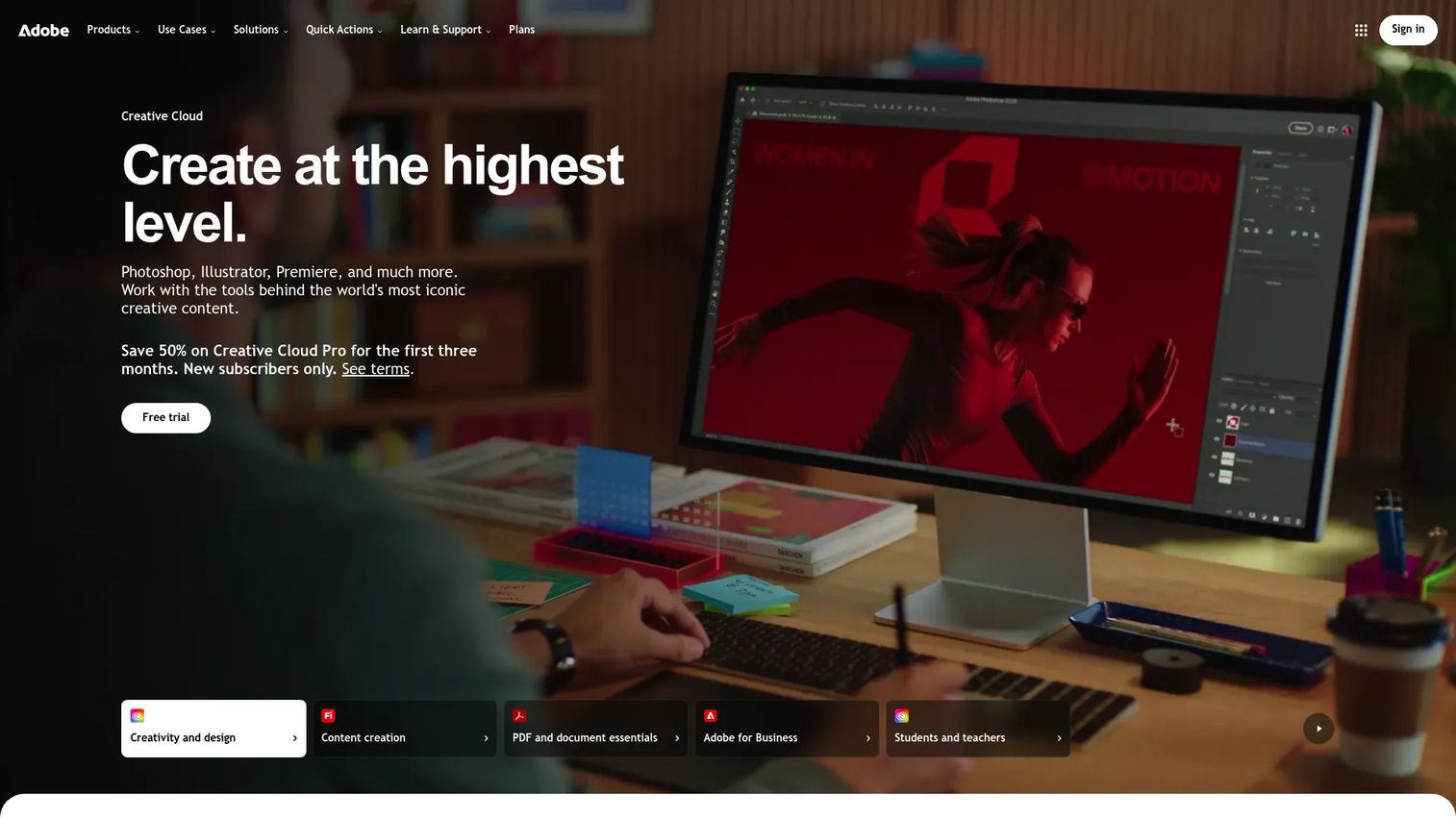
Adobe Acrobat Sign is Adobe's e-signature platform for sending, signing, tracking, and managing agreements. If your team already lives in PDFs and Microsoft 365, Acrobat Sign fits that world naturally, with signing built into the document tools you already use.
Its strength is document-centric signing and ecosystem fit. Real-time tracking and notifications keep everyone informed, and native integrations with Microsoft 365, Salesforce, and Workday reduce the number of places a signed document has to travel.
Best for: Businesses that want a branded, compliant e-signature workflow with deep Adobe and Microsoft integrations.
Key features
- Electronic signatures inside PDF workflows
- Real-time tracking and notifications
- Integrations with Microsoft 365, Salesforce, and Workday
- Branded signing experiences
Why choose Adobe Acrobat Sign: For teams standardized on Adobe and Microsoft, Acrobat Sign removes the friction of moving documents between tools and keeps signing inside a familiar environment.
Adobe Acrobat Sign pricing: Adobe promotes a free trial and directs enterprise buyers to sales, describing Acrobat Sign as the essential e-signature solution with customized enterprise pricing. A public numeric price is not listed on the Sign Solutions page.
4. Dropbox Sign
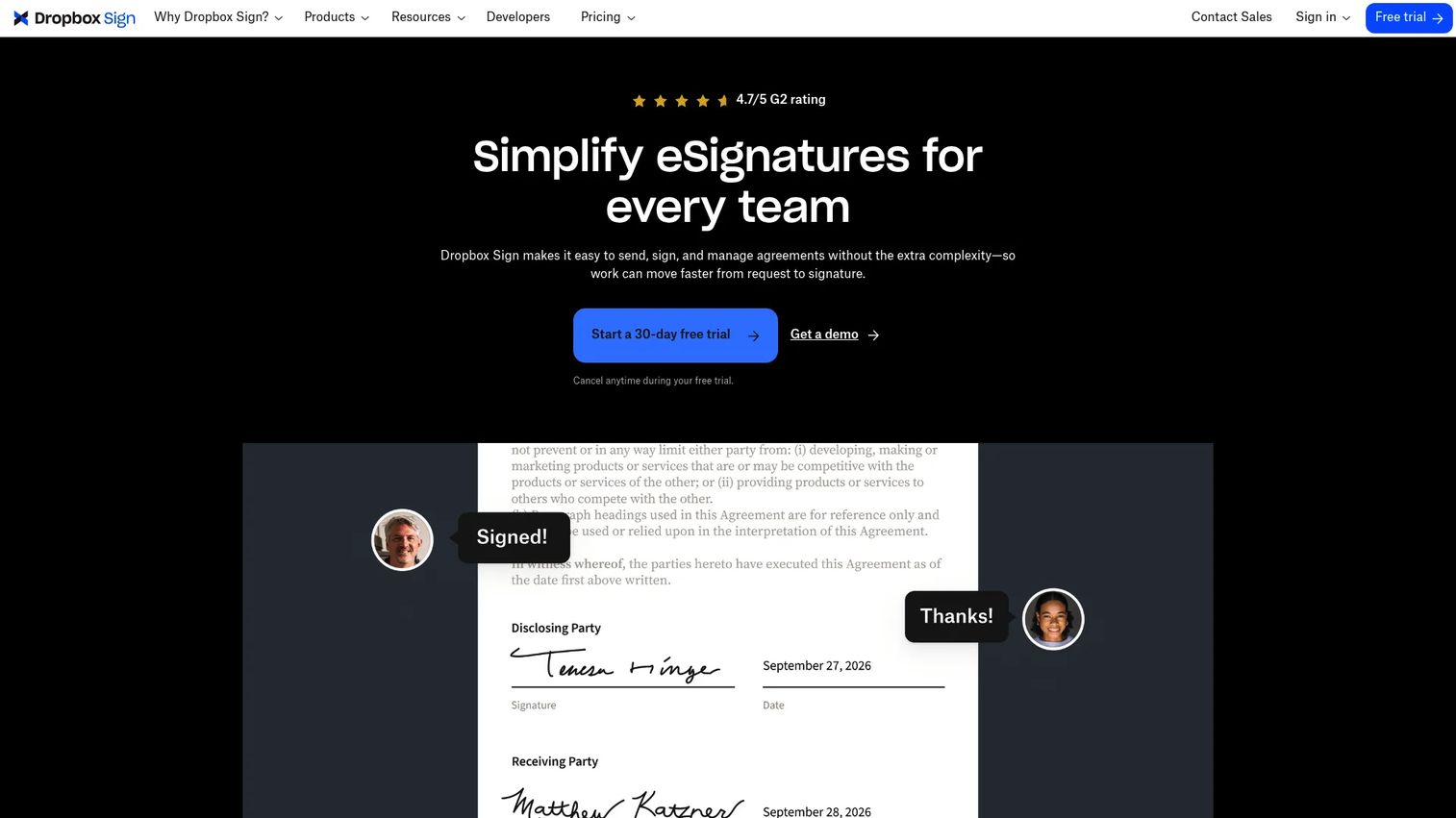
Dropbox Sign is an eSignature product for sending, signing, and managing documents online. Formerly HelloSign, it keeps things simple, which is exactly what small teams and individuals want when they do not need a heavy agreement platform.
Dropbox Sign is a lightweight, SMB-friendly option. Unlimited signature requests on paid tiers, reusable templates, and no-code integrations mean you can set up a signing flow without pulling in a developer.
Best for: Teams and individuals that need legally binding eSignatures with simple, fast workflows.
Key features
- Unlimited signature requests
- Reusable templates
- No-code integrations
- Legally binding eSignatures
Why choose Dropbox Sign: If you want a clean, low-friction signing tool with a real free tier and predictable pricing, Dropbox Sign avoids the complexity of enterprise agreement suites.
Dropbox Sign pricing: A Free tier is available. Essentials is $15/month, or $10.05/month billed yearly. Standard is $25/user/month, or $17.50/user/month billed yearly. Premium is a custom quote. A 30-day free trial is offered.
5. PandaDoc
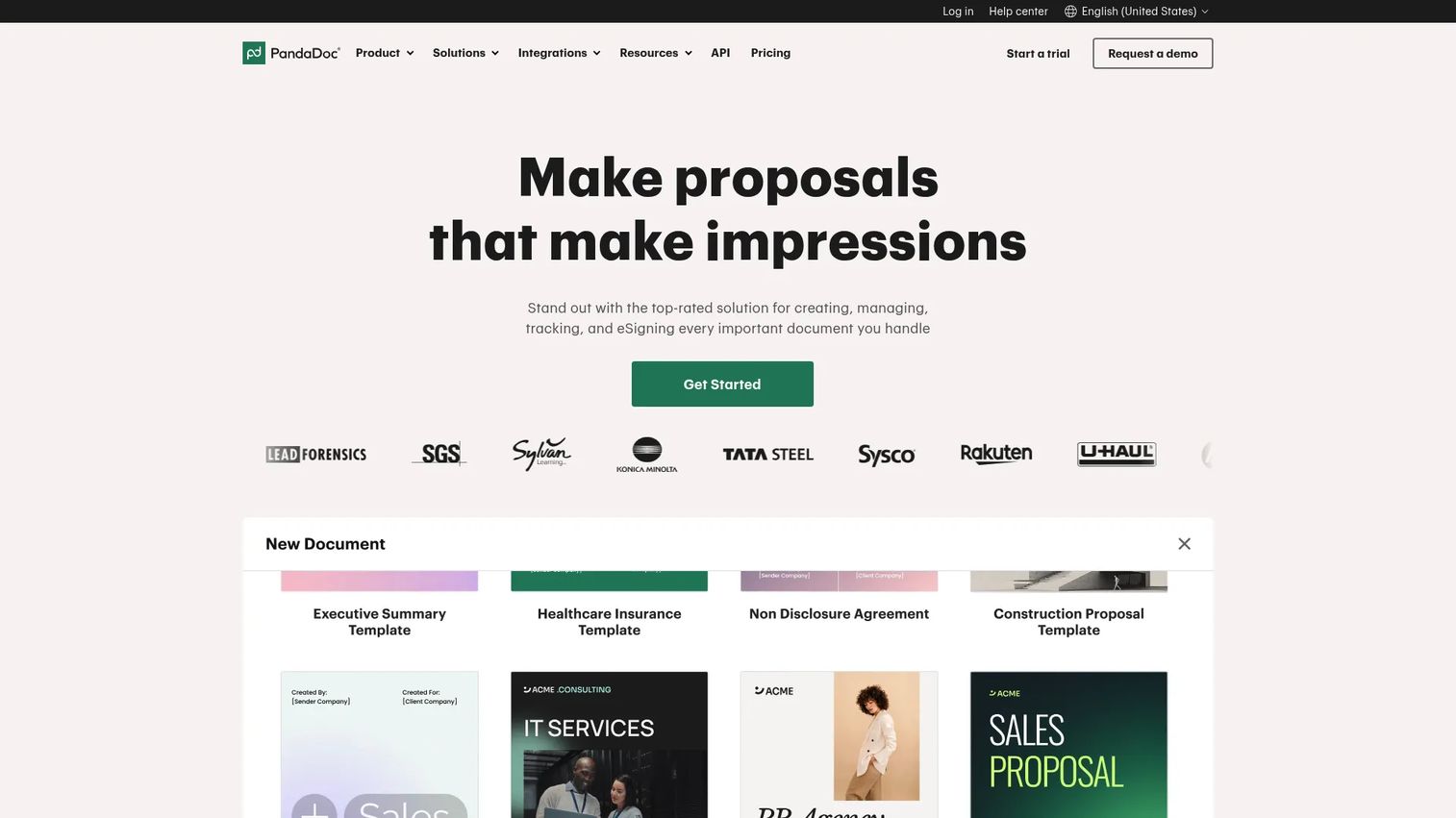
PandaDoc is document workflow software for creating, sending, tracking, and signing business documents. It stands apart because the signature is part of a larger document, so proposals, quotes, and contracts get built and signed in one place instead of two.
For sales and operations teams, this pairing matters. You draft the proposal with a drag-and-drop editor, add e-signature fields, track when it is opened, and close the loop when it is signed, all inside one workflow with templates and approvals.
Best for: Sales and operations teams that need proposals, contracts, and e-signatures in a single workflow.
Key features
- Drag-and-drop document editor
- E-signatures and document tracking
- Templates and content library
- Approvals and automations
Why choose PandaDoc: If your signatures live inside documents you also create, PandaDoc removes the handoff between authoring and signing, which speeds up quote-to-close cycles.
PandaDoc pricing: A Free plan is available. Starter is $19 per seat per month billed annually. Business is $49 per seat per month billed annually. Enterprise uses per-seat or per-document pricing through sales.
6. SignNow
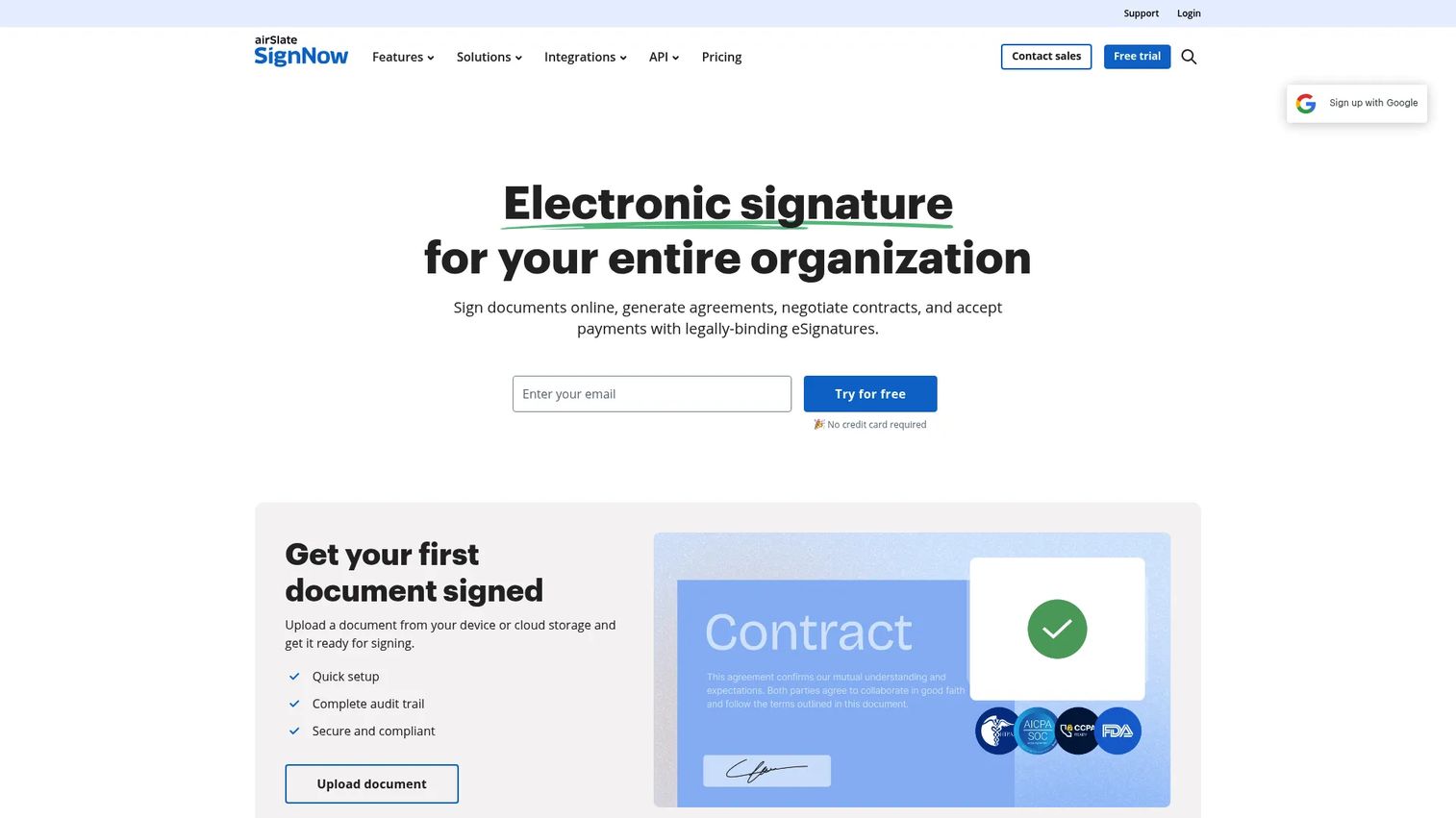
SignNow is cloud eSignature and document workflow software for sending, signing, and managing documents. Its draw is price. For teams that need reliable signing with templates and multi-signer flows but do not want to pay premium rates, SignNow keeps costs down.
The feature set covers the essentials well. Send documents for signing, build reusable templates, and set up fillable fields and multi-signer workflows without a steep learning curve.
Best for: Teams that need affordable e-signatures with templates and workflow automation.
Key features
- Send documents for signing
- Reusable templates
- Fillable fields
- Multi-signer workflows
Why choose SignNow: When budget is the deciding factor and you still need templates and multi-signer automation, SignNow delivers the core signing workflow at a low entry price.
SignNow pricing: An eSign plan is available at $9.99 per month or $79 per year. Personal is $25 per month, and Standard is $44 per month, with annual billing options. A free trial is available.
7. SignWell
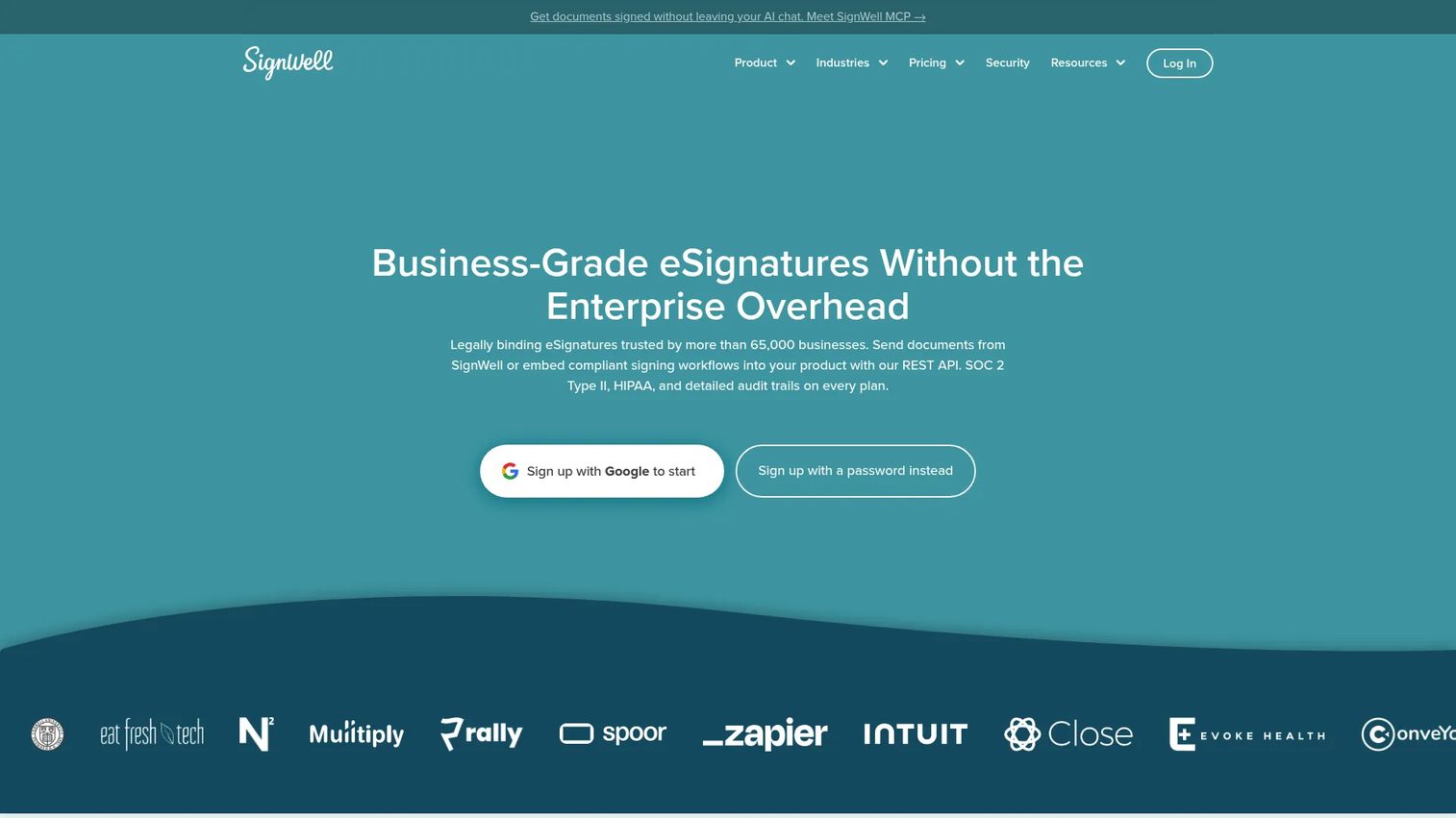
SignWell is cloud e-signature software for sending, tracking, and signing documents online. It is built for small and mid-sized teams that want legally binding signatures without complexity, and its high G2 rating reflects how well that focus lands.
SignWell keeps the workflow simple while covering the compliance basics. Document tracking with reminders, a full audit trail, and tamper-evident documents give you the record-keeping you need without an enterprise price tag.
Best for: Small to mid-sized teams that need affordable e-signatures with tracking and templates.
Key features
- Legally binding eSignatures
- Document tracking with reminders and notifications
- Templates and audit trail
- Tamper-evident documents
Why choose SignWell: For a small team that wants a clean, affordable signing tool with solid audit trails, SignWell hits the sweet spot between price and compliance.
SignWell pricing: A Free plan includes 1 sender, 1 template, and 3 documents per month. Light starts at $10/month. Business starts at $30/month. Enterprise is custom pricing for teams of 50 or more and high-volume or custom compliance needs.
Considerations
Before you commit, run each shortlisted tool through this checklist. The right pick depends on your workflow, not on which brand is best known.
Workflow fit
Decide first whether you need POS capture, invoice signing, or document signing. A retailer collecting signatures at the counter has different needs than a sales team sending contracts remotely. Matching the tool to the actual moment a signature happens is the single most important decision here.
Device and hardware compatibility
Confirm tablet support, touch device behavior, and any peripheral requirements like dedicated signature pads. If your team works on iPads at the counter or Android tablets in the field, verify the tool renders and captures cleanly on those devices before you buy.
Compliance and audit trails
Look for tamper-evident records, signer authentication, and storage controls. If a signed document ever ends up in a dispute, the audit trail is what protects you. Check how long records are retained and whether you can export them on demand.
Integrations
Validate that the tool connects to your CRM, POS, accounting, or document systems. A signature that lands in an isolated app creates reconciliation work later. The fewer places a signed record has to travel, the cleaner your process stays.
Pricing model
Compare per-user, per-document, and custom enterprise pricing carefully. A low per-user rate can still cost more than a per-document plan if you have many light users. Map your actual volume against each pricing model before deciding.
Conclusion
The best signature capture software depends entirely on where your signatures happen.
If they happen at the counter, Windward Software keeps POS signature capture inside the same system that runs your inventory and books. If they happen inside contracts and agreements, DocuSign remains the recognized standard for legally binding workflows, and Adobe Acrobat Sign fits teams already living in PDFs and Microsoft 365. For SMB budgets, Dropbox Sign and SignWell both offer clean pricing and free tiers, while PandaDoc suits teams that build proposals and quotes, and SignNow wins on affordable automation.
Start by naming the exact moment a signature happens in your workflow. Match that moment to the tool built for it, then verify device fit, audit trails, and integrations before you commit. That order of operations beats picking on brand recognition alone.
If a signature is one step inside a broader customer-facing flow you are designing, mapping the full journey first helps. Interactive demos let teams prototype and share those flows before build, and Guideflow makes them fast to edit and integrate into your existing stack.
Start your journey with Guideflow today!
FAQs
Signature capture software records a signature on a device, at a point of sale, or inside a document, then stores it with a timestamp and audit trail. It spans POS signature capture at checkout and e signature software for document approval workflows. The right type depends on whether your signatures happen at a counter or inside contracts sent for remote signing.
In most cases, yes. Reputable e signature and signature capture tools produce legally binding records backed by audit trails, timestamps, and signer authentication. Legal enforceability depends on your jurisdiction and how the tool handles consent and identity, so confirm the specifics with the vendor and your own counsel before relying on it for high-stakes agreements.
POS signature capture records a signature on a device at checkout, tied directly to a transaction, receipt, or invoice. E signature software handles document approval flows, like contracts and proposals sent for remote signing. Some tools do both, but most lean one way. Windward focuses on POS capture, while DocuSign, PandaDoc, and SignWell focus on document signing.
Yes. Most modern tools support tablet signature capture software workflows on iPads and Android tablets, letting customers sign with a finger or stylus. This matters for checkout counters and field service, where a tablet replaces a paper form. Confirm the tool renders and captures cleanly on your specific devices before committing.
POS-native tools like Windward Software build signature capture directly into the point of sale, so the signature ties to the transaction automatically. General e-signature tools may connect to POS or accounting systems through integrations, but the fit is tighter with software designed for checkout. Verify the specific integration your setup needs before buying.
Small businesses should prioritize a real free or low-cost tier, tablet support, and simple setup without a developer. Signature capture software for small business works best when it matches your actual volume and workflow. Dropbox Sign, SignWell, and SignNow all offer affordable entry points with the audit trails smaller teams need.
Yes. Storage and retrieval is a core capability of signature capture software. Signed documents are archived digitally with searchable metadata, so you can pull up a specific record when a dispute or audit arrives. Check how long each vendor retains records and whether you can export them on demand before you commit.
Name the moment a signature happens. If it is at a counter, tied to a receipt or invoice, choose POS signature capture software like Windward. If it happens inside a contract or proposal sent remotely, choose a document signing tool like DocuSign, Adobe Acrobat Sign, PandaDoc, or SignWell. Workflow fit beats brand recognition every time.