Dental imaging software looks like a clinical purchase until implementation starts. Then it becomes an integration decision, a storage architecture question, and a training problem rolled into one.
That gap is expensive. According to Fortune Business Insights (2025), the global dental imaging market was valued at $2.28 billion in 2025 and is forecast to reach $4.71 billion by 2034. Meanwhile, a 2025 Inside Dentistry survey found that 87% of dentists already use digital radiography sensors, yet practices routinely scatter those images across sensors, CBCT viewers, practice-management systems, and local storage with no connective tissue between them.
The result: Clinicians switch between tools to complete a single diagnostic review. Practices buy imaging hardware before choosing software that actually fits. And operators evaluating the landscape find vendor landing pages instead of a structured buyer comparison.
This guide fixes that.
What's inside
This guide compares 14 dental imaging software tools for 2026. Items were selected from current category competitors and platform-fit tools across the following criteria:
- 2D and 3D imaging support: Covers radiographs, CBCT, panoramic, intraoral, and CAD/CAM workflows
- DICOM, PACS, and interoperability: Includes standards-based image exchange and archiving infrastructure
- AI and reporting: Reviews AI-assisted analysis, structured reporting, and transcription layers
- Practice-management and hardware integration: Evaluates compatibility with EDR systems and real-world deployment constraints
TL;DR
- Best overall imaging hub: CS Imaging version 8 for practices that want 2D, 3D, CAD/CAM, and patient history access in one workspace
- Best for dental X-ray workflows: XDR CLARITY for practices prioritizing image clarity, sensor support, and hands-on implementation help
- Best for AI-assisted imaging: Diagnocat AI and its Radiological Report module for teams evaluating automated CBCT analysis
- Best for enterprise dental imaging infrastructure: INFINITT Versity Dental Platform for academic and multi-site environments
- Best for PACS and archiving: INFINITT Dental PACS for organizations managing DICOM and non-DICOM image storage at scale
- Best for specialized 3D workflows: CS 3D Imaging Software, Xelis Dental, and the CS Airway Module for focused CBCT and treatment-planning needs
What is dental imaging software?
Dental imaging software is a clinical software category used to capture, view, enhance, store, share, and analyze dental images, including radiographs, CBCT scans, panoramic images, intraoral photos, and 3D models.
Core image types
Most dental digital imaging software handles some combination of the following:
- Bitewing, periapical, panoramic, cephalometric, and full-mouth series radiographs
- CBCT scans for 3D volumetric review
- Intraoral camera images
- 3D scans and STL files
- CAD/CAM data for restorative workflows
Core capabilities
Key features vary by product type, but the category broadly includes:
- Image capture from sensors and intraoral cameras
- 2D and 3D viewing with contrast, sharpening, and measurement tools
- CBCT reconstruction and visualization
- Implant planning and airway analysis
- DICOM import, export, and interoperability
- PACS archiving and patient history management
- AI-assisted analysis and structured reporting
- Practice-management and EDR integration
- Patient presentation and image sharing
What separates tools in this category
Dental imaging systems split across several functional axes. Practice workflow tools focus on chairside capture and review. Enterprise infrastructure tools handle storage, lifecycle management, and multi-site governance. AI reporting layers sit on top of imaging data rather than replacing the viewer. Treatment-planning modules address specific clinical workflows like implant placement or airway assessment.
Confusing these categories creates implementation debt. A buyer who selects a PACS expecting chairside usability, or a chairside viewer expecting enterprise archiving, will spend months backfilling the gaps.
When to use dental imaging software
Centralize image review across the patient record
Practices use dental image management software to bring radiographs, CBCT scans, and intraoral images into a single workflow. Fragmentation forces clinicians to open multiple viewers per patient, which slows throughput and complicates onboarding for new staff. A connected imaging layer reduces that friction without requiring a full practice-management replacement.
Plan treatment with 2D and 3D context
CBCT review, implant planning, airway analysis, and surgical case comparison all require software that goes beyond basic X-ray viewing. The depth of planning capability varies sharply by product. Some tools offer full prosthetic-driven workflows; others provide visualization without the measurement or surgical-guide export features that implant workflows require.
Share images across clinical, technical, and patient workflows
Practices in DSO networks, academic environments, or multi-specialist settings need DICOM-compliant image exchange, reporting tools, and patient communication features. Standards-based interoperability is often what determines whether a dental imaging system scales beyond a single location or remains a point tool.
Dental imaging software comparison
The table below covers all 14 tools with verified pricing and G2 ratings where available. Several tools in this category price by quote or do not maintain public pricing pages; those are marked accordingly. G2 listings were checked at generation time and are marked N/A where no active listing exists.
| # | Product | Best for | Key differentiator | Pricing | G2 rating |
|---|---|---|---|---|---|
| 1 | CS Imaging version 8 | Centralized 2D, 3D, and CAD/CAM workflows | Unified imaging hub with DICOM and practice-management integration | From $1,299 (license) + $49/mo support | 3.8/5 |
| 2 | XDR CLARITY | Dental X-ray workflow with strong sensor support | Projective-distortion correction and caries/endo filters | From $99/location/mo (Club XDR plans) | N/A |
| 3 | Diagnocat AI | AI-assisted CBCT and 2D X-ray analysis | Automatic segmentation, 3D STL generation, PMS integration | Custom pricing | N/A |
| 4 | INFINITT Versity Dental Platform | Academic and enterprise dental image management | Centralized DICOM and non-DICOM storage with lifecycle management | Custom pricing | N/A |
| 5 | INFINITT Dental PACS | DICOM-based dental image archiving and exchange | Web-based viewer, hanging protocols, and 3D STL export | Custom pricing | N/A |
| 6 | Xelis Dental | Advanced 3D reconstruction and oral/maxillofacial measurement | Operates independently or alongside INFINITT Dental PACS | Custom pricing | N/A |
| 7 | Dental Smart NET | Cloud-hosted dental imaging and STL file management | Supports hybrid, public, and private cloud deployment | Custom pricing | N/A |
| 8 | CS 3D Imaging Software | CBCT visualization and implant planning | Automated segmentation and intraoral scan matching | From $85/user/mo (Premium) | 3.8/5 |
| 9 | CS Airway Module | Upper-airway analysis from CBCT data | Two-click airway segmentation with color-coded 3D views | Custom pricing | N/A |
| 10 | Prosthetic-Driven Implant Planning Module | Prosthetically driven implant planning workflows | Automatic CBCT and digital impression data merging | Custom pricing | N/A |
| 11 | CS DICOM module | DICOM interoperability for CS Imaging environments | PACS query, retrieve, and transfer within CS Imaging v8 | Custom pricing | 3.8/5 |
| 12 | Radiological Report | AI-assisted CBCT reporting and patient communication | FDA-cleared, HIPAA- and SOC 2-compliant automated reports | Custom pricing | N/A |
| 13 | 3D Viewer | 3D volume viewing within Carestream imaging environments | Nerve and root canal tracing with virtual implant placement | Custom pricing | N/A |
| 14 | Transcriptor | Dictation and transcription within dental imaging workflows | Speech recognition for reporting and documentation | Custom pricing | N/A |
Best 14 dental imaging software tools for practices in 2026
1. CS Imaging version 8
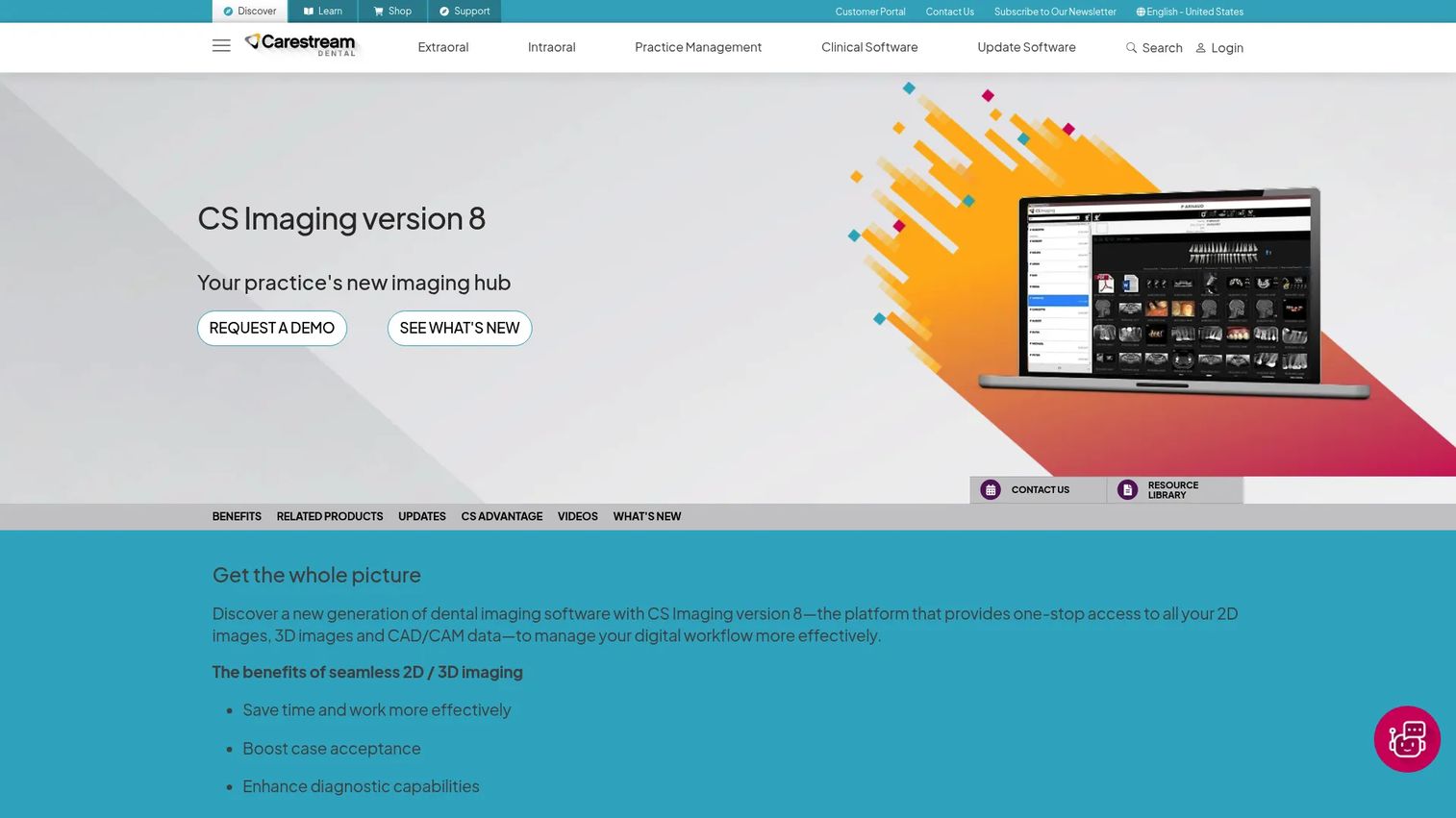
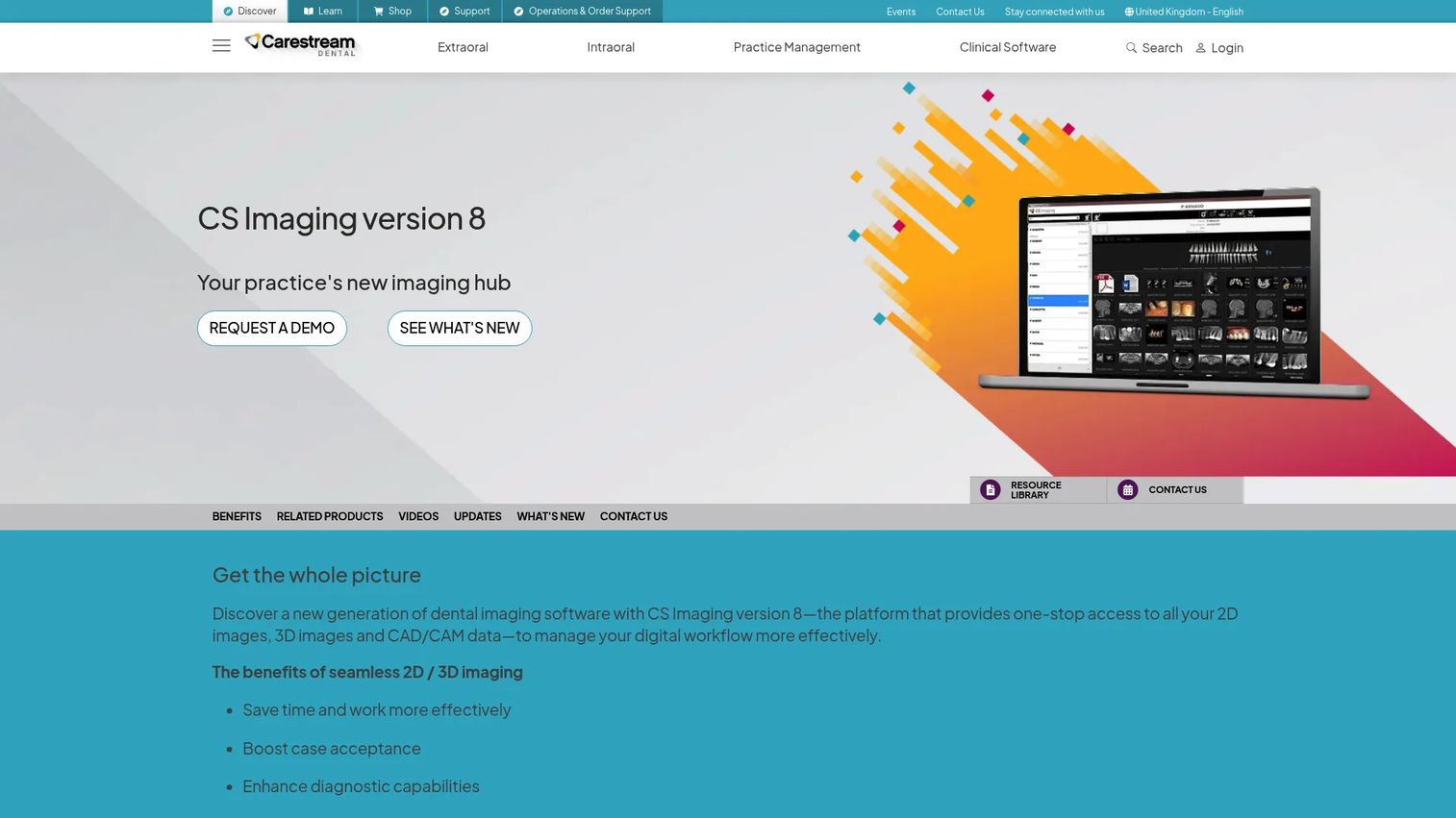
CS Imaging version 8 from Carestream Dental is a unified dental digital imaging platform for managing 2D images, 3D scans, and CAD/CAM data from a single workspace. The patient image gallery provides a dashboard view of the full imaging history, and the software supports side-by-side 3D review, implant planning, and multi-image enhancement tools including a darkroom mode for full-screen review. Integration with practice-management systems and support for JPEG, DICOM, and STL import/export make it a practical hub for practices already in the Carestream ecosystem.
Best for: Dental practices that want one imaging workspace for patient history, image review, and digital workflow access.
Key features
- Unified 2D, 3D, and CAD/CAM data access
- Patient image dashboard with gallery view
- Side-by-side 3D image review and implant planning
- Multi-image enhancement with darkroom mode
- DICOM, JPEG, and STL import/export support
Why choose CS Imaging version 8: Strong fit when a practice wants a central imaging environment rather than separate viewers. Works especially well for teams already aligned around Carestream Dental hardware and software.
CS Imaging version 8 pricing: The license runs $1,299 for up to 99 computers (one-time purchase). Monthly support, including phone support and software updates, is $49 per month on a 12-month commitment that then continues month-to-month.
G2 rating: 3.8/5 (Carestream Dental Imaging on G2).
2. XDR CLARITY
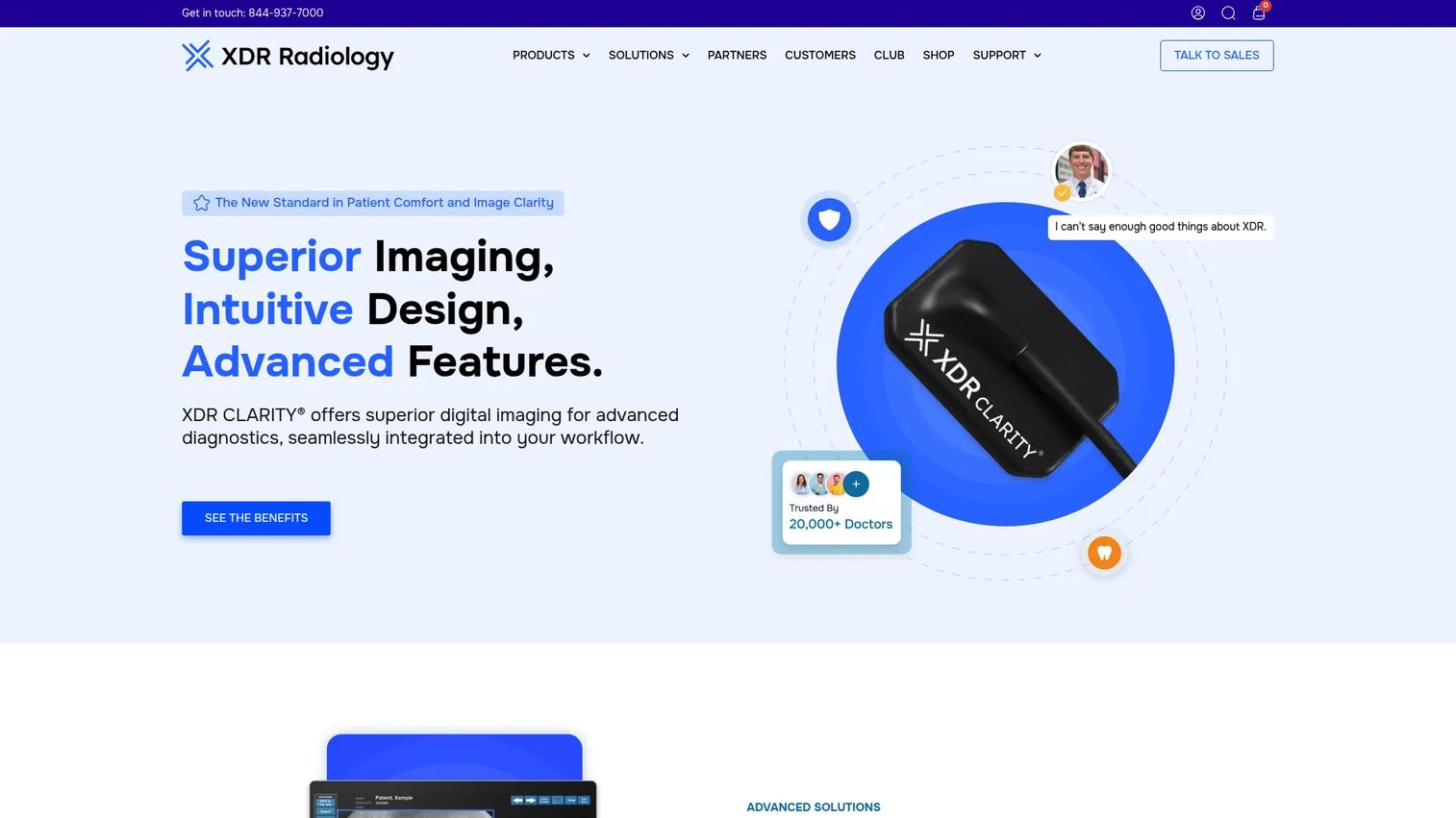
XDR CLARITY combines intraoral sensors with imaging software built around clinician workflow. Image capture, saving, and management happen in one click. The software applies customizable sharpening filters, including dedicated caries/endo and perio modes, and provides exposure-level feedback on every radiograph. Patented projective-distortion correction and virtual implant overlays give clinical users additional diagnostic context without switching tools. Integration spans sensors, intraoral cameras, servers, networks, and practice-management systems.
Best for: Practices prioritizing dental X-ray workflows, image clarity, and implementation support.
Key features
- One-click image capture, saving, and management
- Caries/endo and perio sharpening filters
- Exposure-level feedback on every radiograph
- Patented projective-distortion correction
- Practice-management and sensor integration
Why choose XDR CLARITY: Good fit for practices replacing clunky X-ray workflows without rebuilding the entire imaging stack. The hands-on support model reduces the training lag that typically follows a sensor swap.
XDR CLARITY pricing: Club XDR service plans start at $99 per location per month (Concierge), with Expert at $125 per location per month and Advisor at $165 per location per month. Software-only pricing for XDR Imaging is not displayed on the vendor site; contact sales for a quote.
G2 rating: N/A (no verified G2 listing found).
3. Diagnocat AI
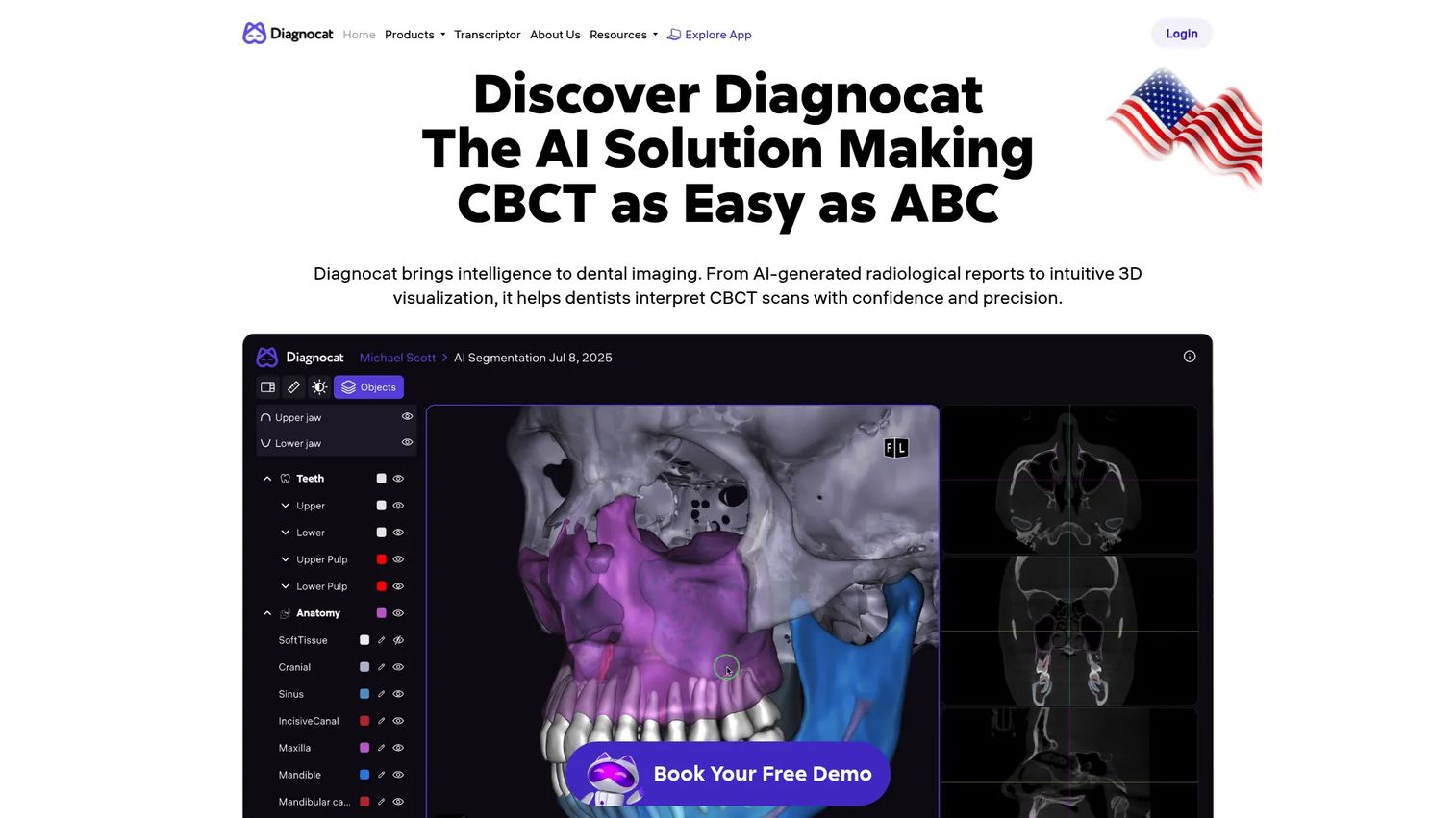
Diagnocat AI is AI-assisted dental imaging software for CBCT, intraoral, and panoramic X-ray analysis. It automatically generates radiological reports, performs segmentation, and produces 3D STL models with superimposition. Beyond imaging, it records and transcribes consultations, creates SOAP notes, and generates patient letters. PMS integration and analytics make it a workflow layer as much as a viewer. Clinicians retain full review responsibility; the AI surfaces findings for validation or dismissal rather than making independent determinations.
Best for: Practices and imaging centers evaluating AI-assisted review and structured radiological reporting.
Key features
- AI-generated reports for CBCT, intraoral, and panoramic images
- Automatic segmentation and 3D STL model generation
- 3D visualization and MPR tools
- Implant and orthodontic report support
- AI consultation recording, transcription, and SOAP notes
Why choose Diagnocat AI: Strong fit when the practice wants AI as a review layer, not just a passive viewer. Adoption depends on clinician trust and workflow integration, so evaluate it with actual clinical staff rather than a vendor-only demo.
Diagnocat AI pricing: Subscription-based, billed monthly or annually. Pricing varies by services and usage frequency. Contact Diagnocat for a quote.
G2 rating: N/A (G2 lists Diagnocat with 0 reviews at generation time).
4. INFINITT Versity Dental Platform
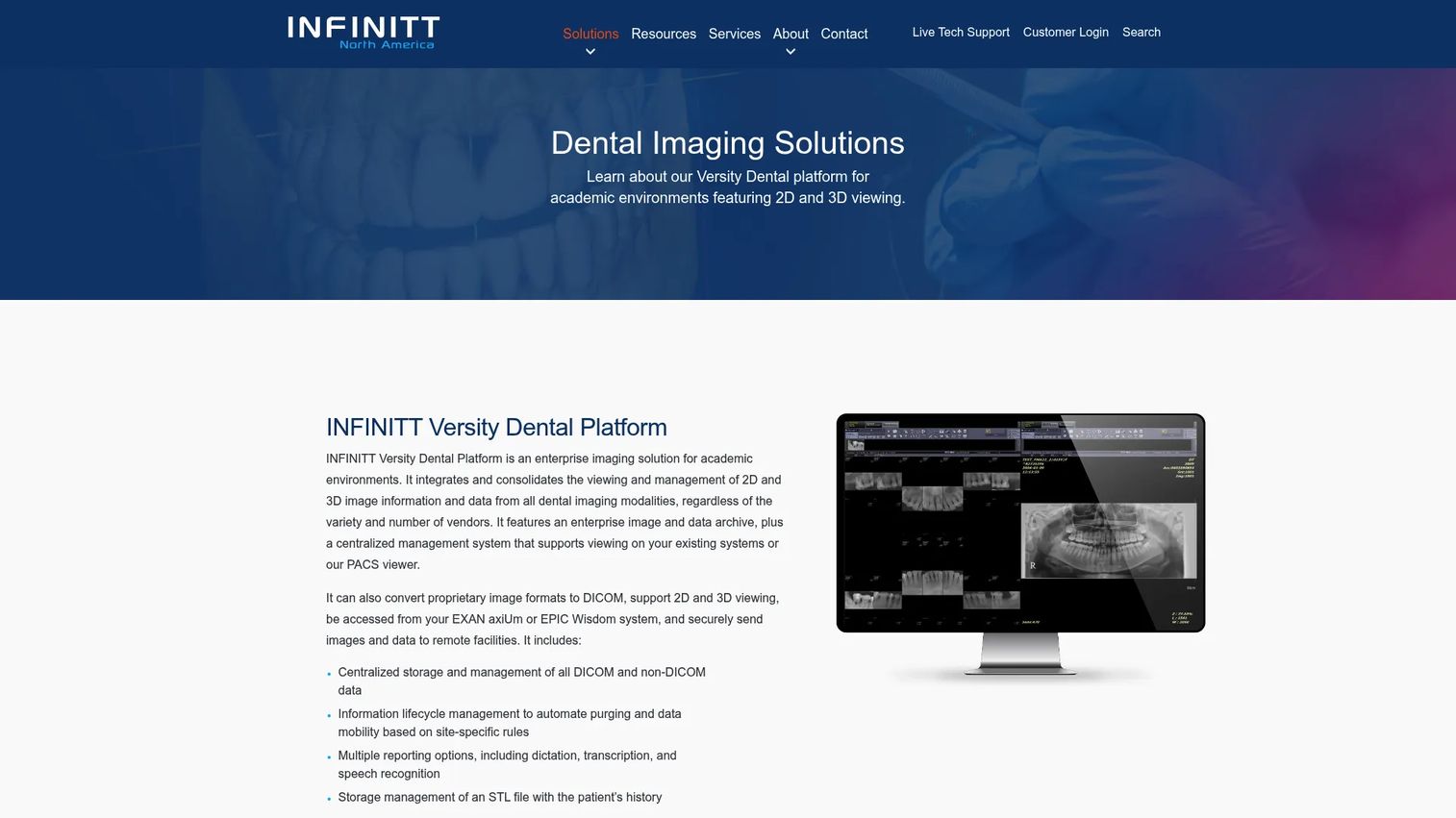
INFINITT Versity Dental Platform is an enterprise dental imaging management platform built for academic dental environments. It centralizes storage and management of DICOM and non-DICOM data across 2D and 3D modalities, converts proprietary image formats to DICOM, and handles information lifecycle management including automated purging and data mobility. Reporting options cover dictation, transcription, and speech recognition. STL file storage with patient history, integration with EXAN axiUm and EPIC Wisdom EDR systems, and support for secure remote sharing make it a serious infrastructure choice for multi-site or academic deployments.
Best for: Academic dental institutions, DSOs, and enterprise environments managing complex imaging data across multiple clinical systems.
Key features
- Centralized DICOM and non-DICOM storage and management
- Conversion of proprietary formats to DICOM
- Information lifecycle management with automated purging
- STL file storage with patient history
- Integration with EXAN axiUm and EPIC Wisdom
Why choose INFINITT Versity Dental Platform: The right call when imaging must serve many clinicians, departments, and systems simultaneously. Deployment flexibility and enterprise data governance are where it earns its place.
INFINITT Versity Dental Platform pricing: Custom pricing. Contact INFINITT for deployment and licensing details.
G2 rating: N/A (no verified G2 listing found).
5. INFINITT Dental PACS
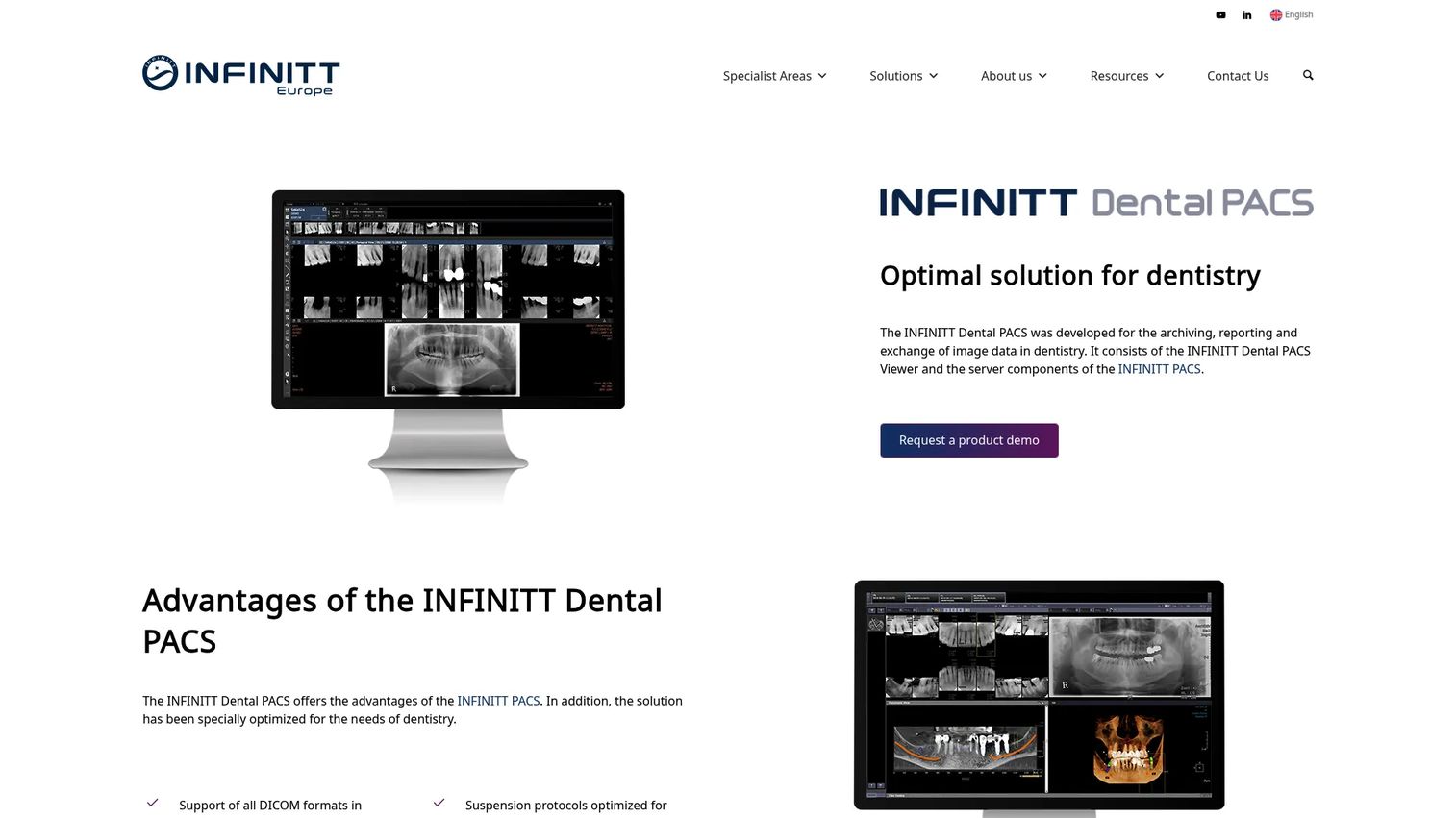
INFINITT Dental PACS is dental PACS software focused on archiving, reporting, exchanging, and viewing dental imaging data. It supports dental DICOM formats, hanging protocols, FMX templates, and panoramic image segmentation. The web-based viewer works across desktop and mobile. Integrated implant planning, 3D segmentation with MIP and MPR, STL export, and integration with Dental Information Systems extend its clinical utility beyond pure archiving.
Best for: Organizations that need centralized image archiving across dental imaging modalities with web-accessible viewing.
Key features
- Dental DICOM format support
- FMX templates and hanging protocols
- Web-based viewer for desktop and mobile
- 3D segmentation with MIP and MPR
- Dental Information System integration
Why choose INFINITT Dental PACS: Strong choice when storage, interoperability, and governance are bigger problems than chairside viewing. Think of it as infrastructure, not a point tool. Practices that need both chairside and archiving capability typically pair it with a dedicated viewer.
INFINITT Dental PACS pricing: Custom pricing. Contact INFINITT for a quote.
G2 rating: N/A (no verified G2 listing found).
6. Xelis Dental
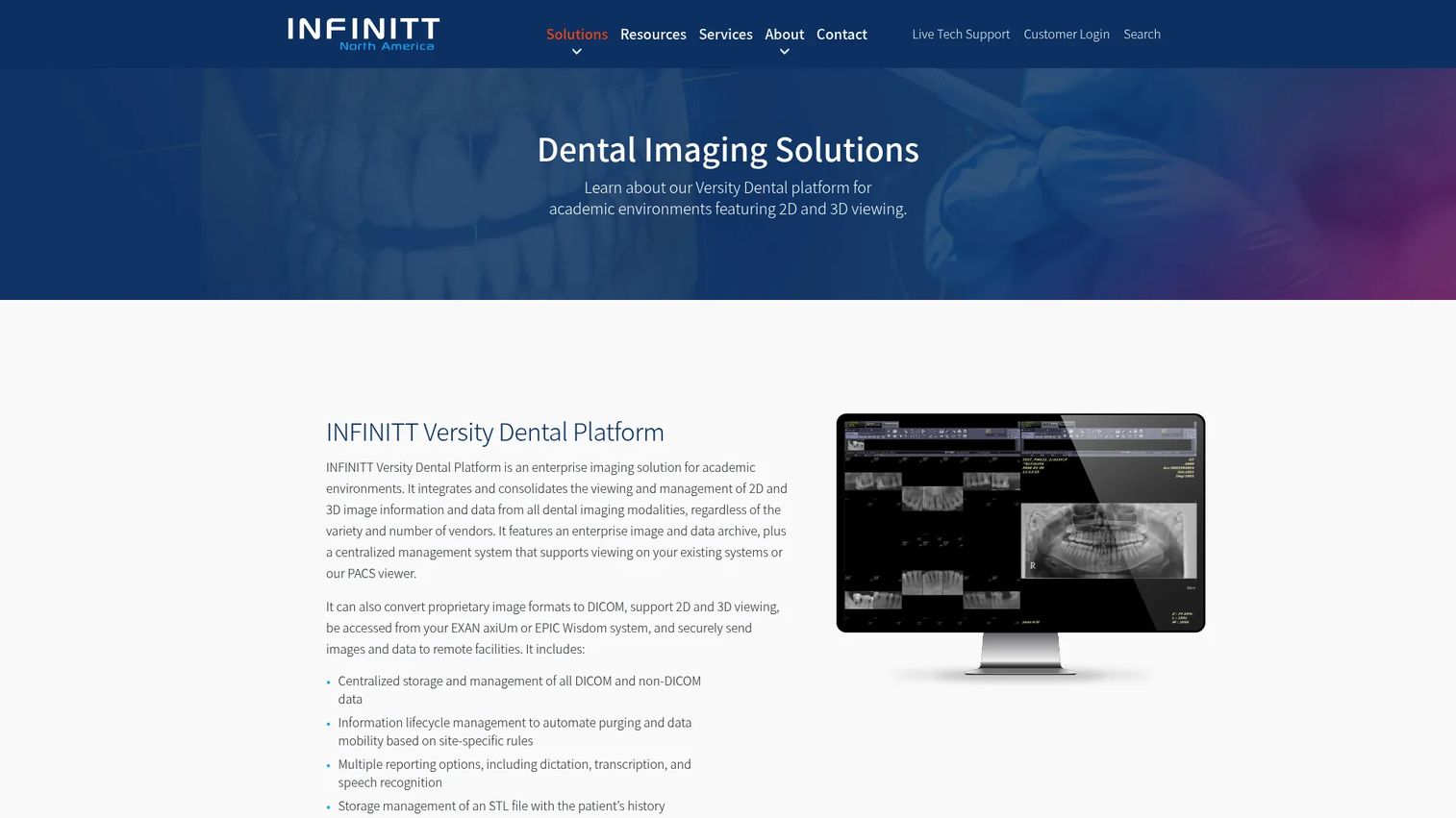
Xelis Dental is advanced 3D reconstruction software for oral and maxillofacial imaging. It can operate independently or alongside INFINITT Dental PACS, offering precise measurements and detailed anatomical information for oral and maxillofacial structures. Treatment-planning tools support complex workflows where 3D reconstruction accuracy drives clinical decisions.
Best for: Teams that need deeper 3D reconstruction and measurement capability for oral and maxillofacial imaging.
Key features
- Advanced 3D reconstruction and visualization
- Precise anatomical measurements
- Oral and maxillofacial structure analysis
- Treatment-planning tool support
- Compatible with standalone or INFINITT PACS deployment
Why choose Xelis Dental: Good fit when 3D imaging precision is the primary clinical driver. Practices still need storage, practice-management, or PACS infrastructure around it; Xelis handles the reconstruction layer, not the full imaging stack.
Xelis Dental pricing: Custom pricing. Contact INFINITT for details.
G2 rating: N/A (no verified G2 listing found).
7. Dental Smart NET
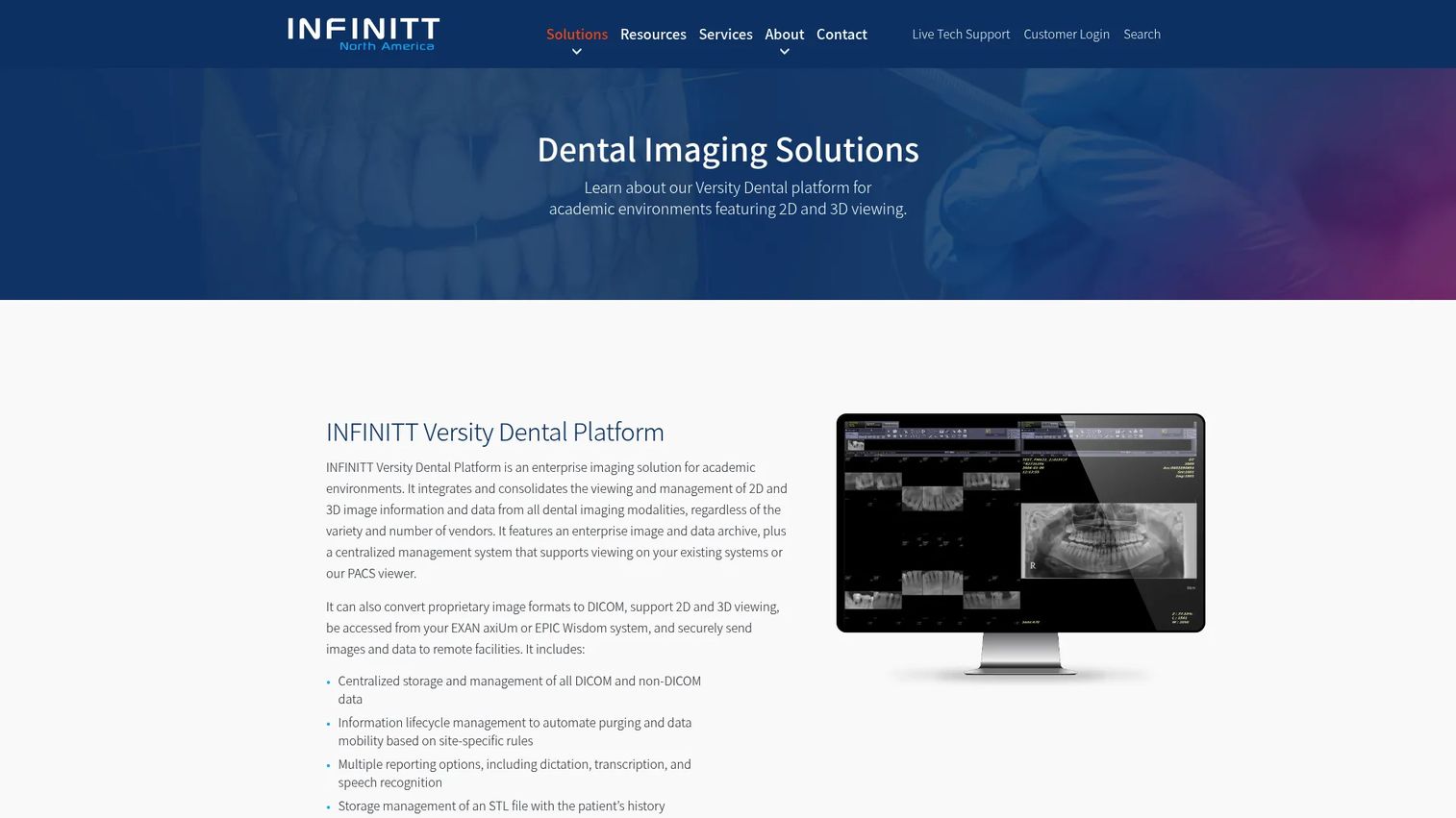
Dental Smart NET is cloud-hosted dental imaging management software from INFINITT. It supports STL file storage with patient history and offers flexible deployment across hybrid, public, or private cloud models. The platform provides cloud-based access to dental applications without requiring on-premises infrastructure for every location.
Best for: Dental organizations that need cloud-based image management and STL storage across multiple sites or deployment models.
Key features
- Cloud-hosted dental application access
- STL file storage with patient history
- Hybrid, public, and private cloud deployment support
- DICOM and non-DICOM data handling
- Patient history connectivity
Why choose Dental Smart NET: The deployment flexibility is the differentiator here. Organizations that need to standardize image management across locations without a single on-premises infrastructure model will find this worth evaluating alongside the broader INFINITT dental platform.
Dental Smart NET pricing: Custom pricing. Contact INFINITT for deployment and licensing details.
G2 rating: N/A (no verified G2 listing found).
8. CS 3D Imaging Software
CS 3D Imaging Software from Carestream Dental handles CBCT visualization, implant planning, intraoral scan matching, and automated segmentation. The Premium tier adds prosthetic planning, automated bone segmentation, data export, 3D case sharing, the CS Airway Module, and premium updates. It is purpose-built for dental, ENT, and radiology practices that use CBCT as a core part of their diagnostic and treatment workflow.
Best for: Practices that use CBCT imaging for 3D visualization, surgical planning, and implant workflow.
Key features
- 2D and 3D CBCT visualization
- Implant planning with implant libraries
- CBCT and intraoral scan matching
- Automated teeth and bone segmentation
- 3D case sharing and collaboration
Why choose CS 3D Imaging Software: Strong for practices where 3D imaging already drives significant clinical volume. The subscription model means ongoing access to updates, which matters when CBCT software evolves with hardware generations.
CS 3D Imaging Software pricing: CS 3D Imaging Premium is $85 per user per month on a 12-month commitment, then monthly renewal. Standard tier pricing was not publicly displayed at generation time.
G2 rating: 3.8/5 (Carestream Dental Imaging on G2).
9. CS Airway Module
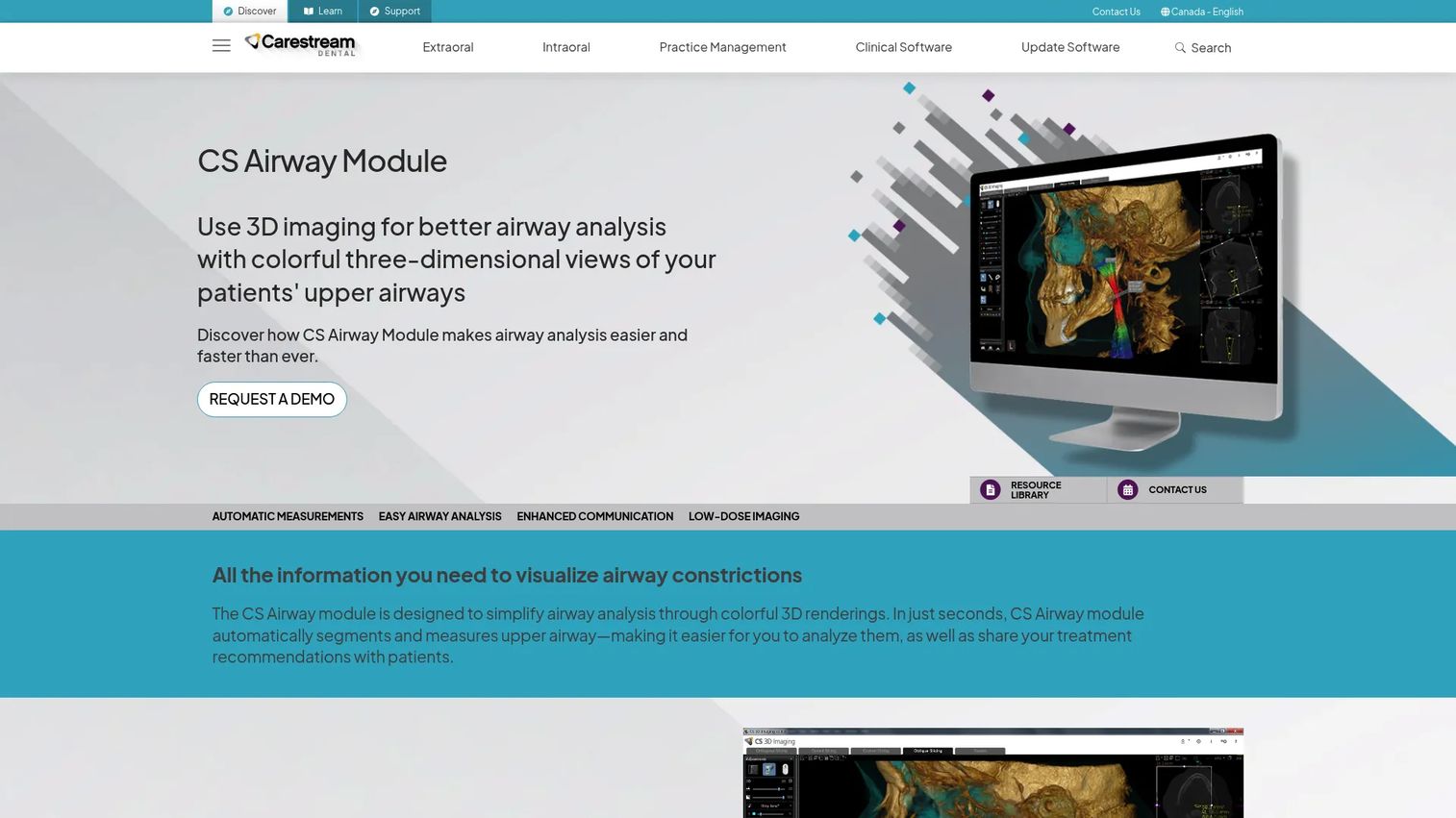
CS Airway Module from Carestream Dental is an airway analysis tool that uses 3D imaging and color-coded renderings to support upper-airway review. Airway segmentation happens in as few as two clicks. Measurements include total volume and minimal cross-sectional area, updating in real time as clinicians browse slices or change angulations. Before-and-after images and shareable captures support patient communication.
Best for: Dental professionals who perform upper-airway analysis as a recurring part of their 3D imaging workflow.
Key features
- Automatic airway measurements: Total volume and minimal cross-sectional area
- Two-click airway segmentation
- Color-coded 3D views with customizable thresholds
- Real-time measurement updates while browsing
- Patient communication with shareable captures
Why choose CS Airway Module: Fit for practices where airway review is frequent enough to warrant a dedicated workflow layer. It is a module, so evaluate it in context of the broader Carestream imaging suite rather than as a standalone purchase.
CS Airway Module pricing: Custom pricing. Contact Carestream Dental for module and support costs.
G2 rating: N/A (no verified G2 listing specific to this module).
10. Prosthetic-Driven Implant Planning Module
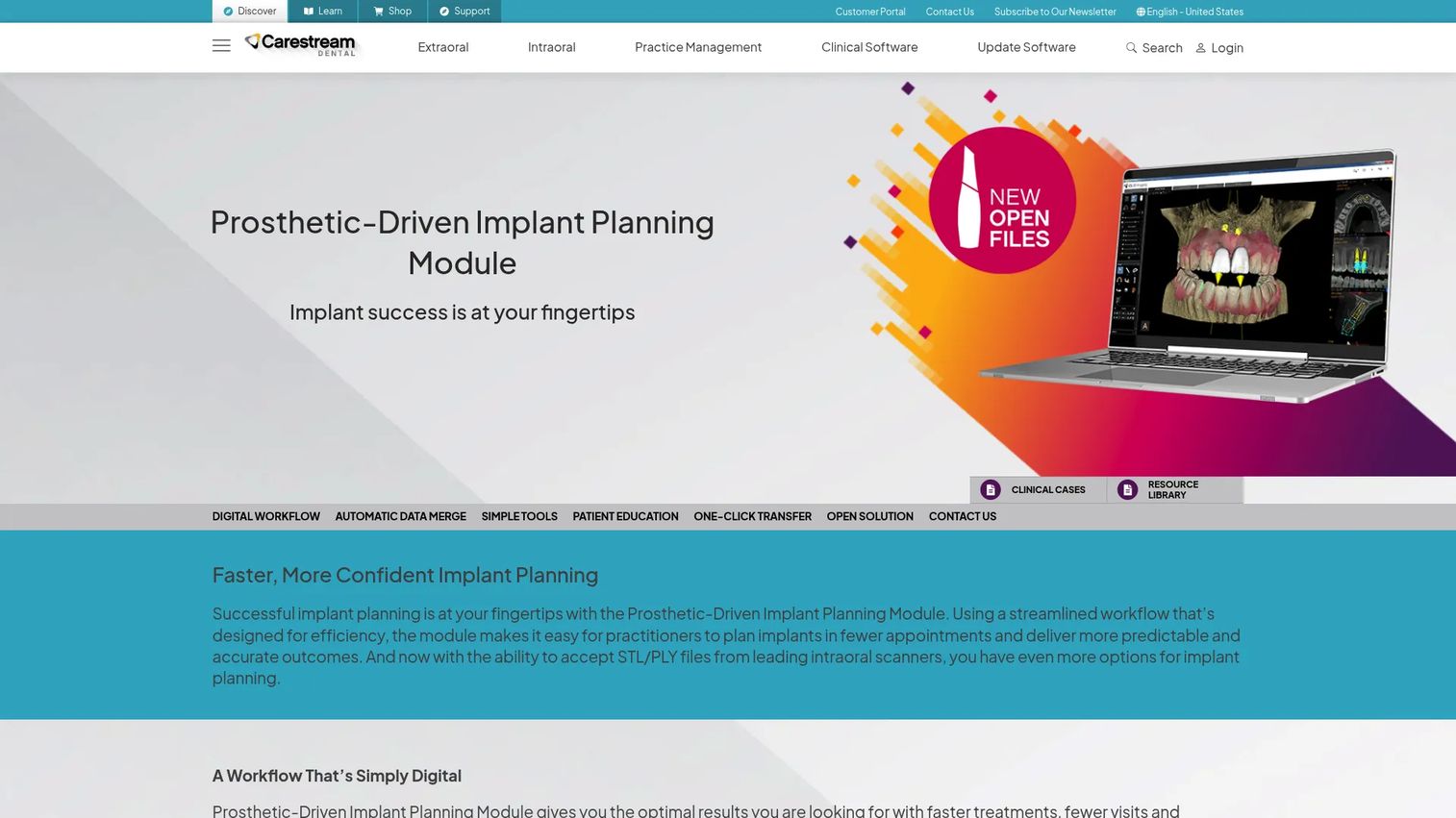
The Prosthetic-Driven Implant Planning Module from Carestream Dental creates a fully digital implant workflow from 3D scanning through surgical-guide export. It automatically merges CBCT and digital impression data, supports virtual crowns and wax-up import, applies implant libraries, plans safety zones, and generates one-click implant reports. STL and PLY files from leading intraoral scanners are supported. One-click transfer to compatible surgical-guide software, including SMOP and BlueSkyBio, connects planning to execution.
Best for: Implant-focused practices that want planning tied to restorative goals and surgical-guide output.
Key features
- Automatic CBCT and digital impression data merging
- Virtual crowns, wax-up import, and implant library selection
- Safety-zone planning and abutment tools
- One-click implant reports
- One-click transfer to SMOP and BlueSkyBio
Why choose Prosthetic-Driven Implant Planning Module: The strongest case for this module is when implant planning and restoration are tightly connected in the clinical workflow. It fits best alongside compatible Carestream imaging software and hardware.
Prosthetic-Driven Implant Planning Module pricing: Custom pricing. Contact Carestream Dental for module and licensing costs.
G2 rating: N/A (no verified G2 listing found).
11. CS DICOM module
The CS DICOM module is a DICOM interoperability add-on for CS Imaging version 8. It enables the software to receive images and clinical work via DICOM, query and retrieve images from PACS servers, and transfer images to DICOM servers. For practices or institutions operating in environments where multiple imaging systems must exchange data, this module is what makes CS Imaging standards-compliant.
Best for: Dental practices and institutions that need standards-based DICOM image exchange across providers, systems, or imaging centers.
Key features
- DICOM image receive from clinical workflows
- PACS server query and retrieval
- DICOM server image transfer
- Third-party system interoperability
- Integration within CS Imaging v8 environment
Why choose CS DICOM module: Interoperability is often the deciding factor in enterprise readiness. Practices running CS Imaging as their primary platform and connecting to external PACS or referral networks need this module to close that gap.
CS DICOM module pricing: Custom pricing. Contact Carestream Dental for add-on costs.
G2 rating: 3.8/5 (Carestream Dental Imaging on G2).
12. Radiological Report
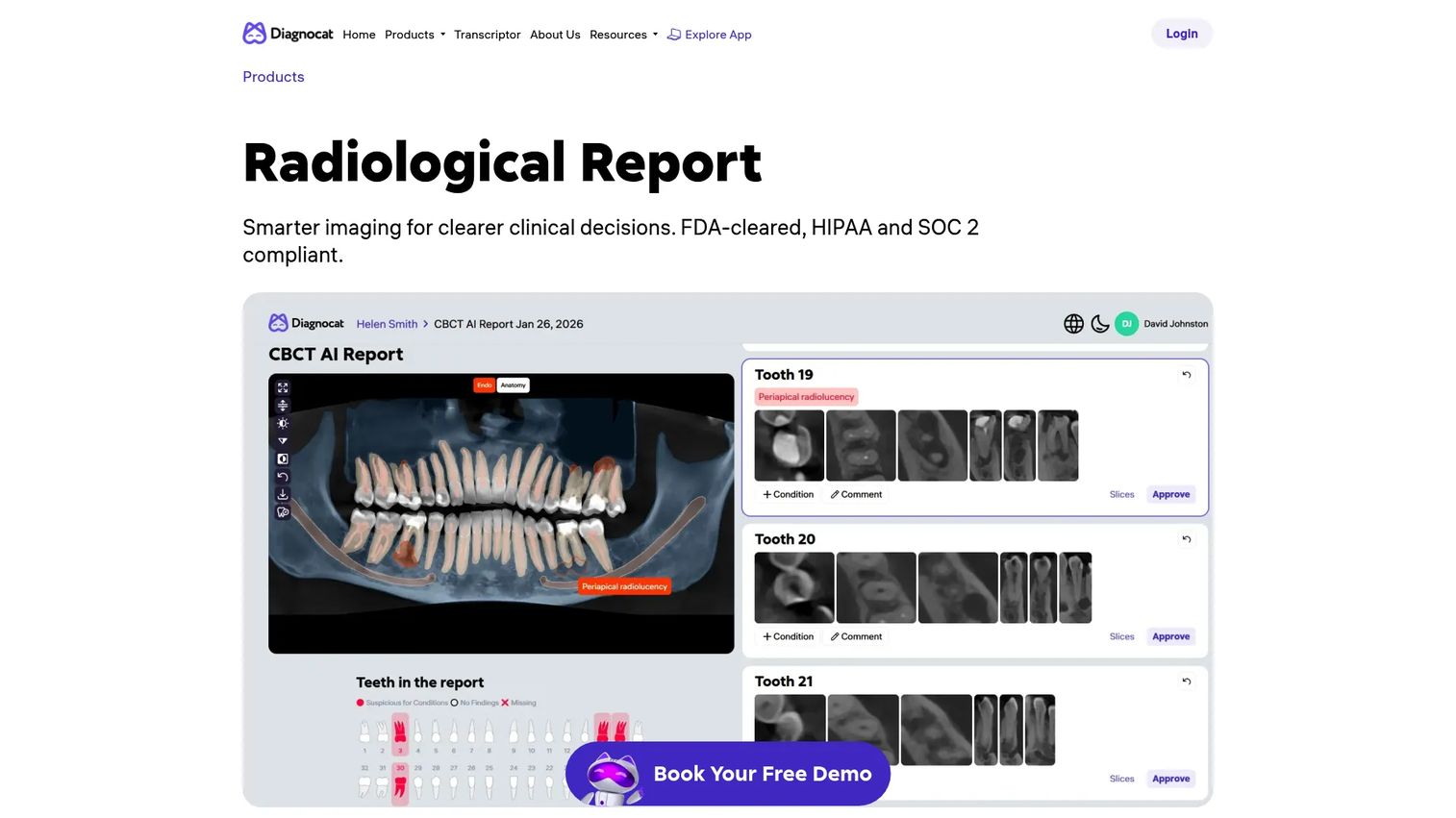
Radiological Report by Diagnocat is an FDA-cleared, HIPAA- and SOC 2-compliant product that analyzes CBCT scans and generates automated radiological reports. AI-driven analysis highlights clinically relevant areas, with panoramic reconstruction, tooth charts, MPR views, and automatically generated slices. Smart segmentation overlays surface suspected periapical radiolucency for clinician review. Reports are personalized, patient-friendly, and print-ready.
Best for: Dental practices seeking AI-assisted CBCT interpretation with structured, patient-ready reporting output.
Key features
- AI-driven CBCT analysis with clinical-area highlighting
- Panoramic reconstruction, tooth charts, and MPR views
- Smart segmentation overlays for periapical findings
- Adjustable slice review with finding validation or dismissal
- Patient-friendly, print-ready report output
Why choose Radiological Report: Strong when the output of imaging review needs to become a shareable clinical document. Clinician sign-off remains required; the module accelerates documentation, not clinical judgment.
Radiological Report pricing: Custom pricing. Contact Diagnocat for subscription details.
G2 rating: N/A (G2 lists Diagnocat with 0 reviews at generation time).
13. 3D Viewer
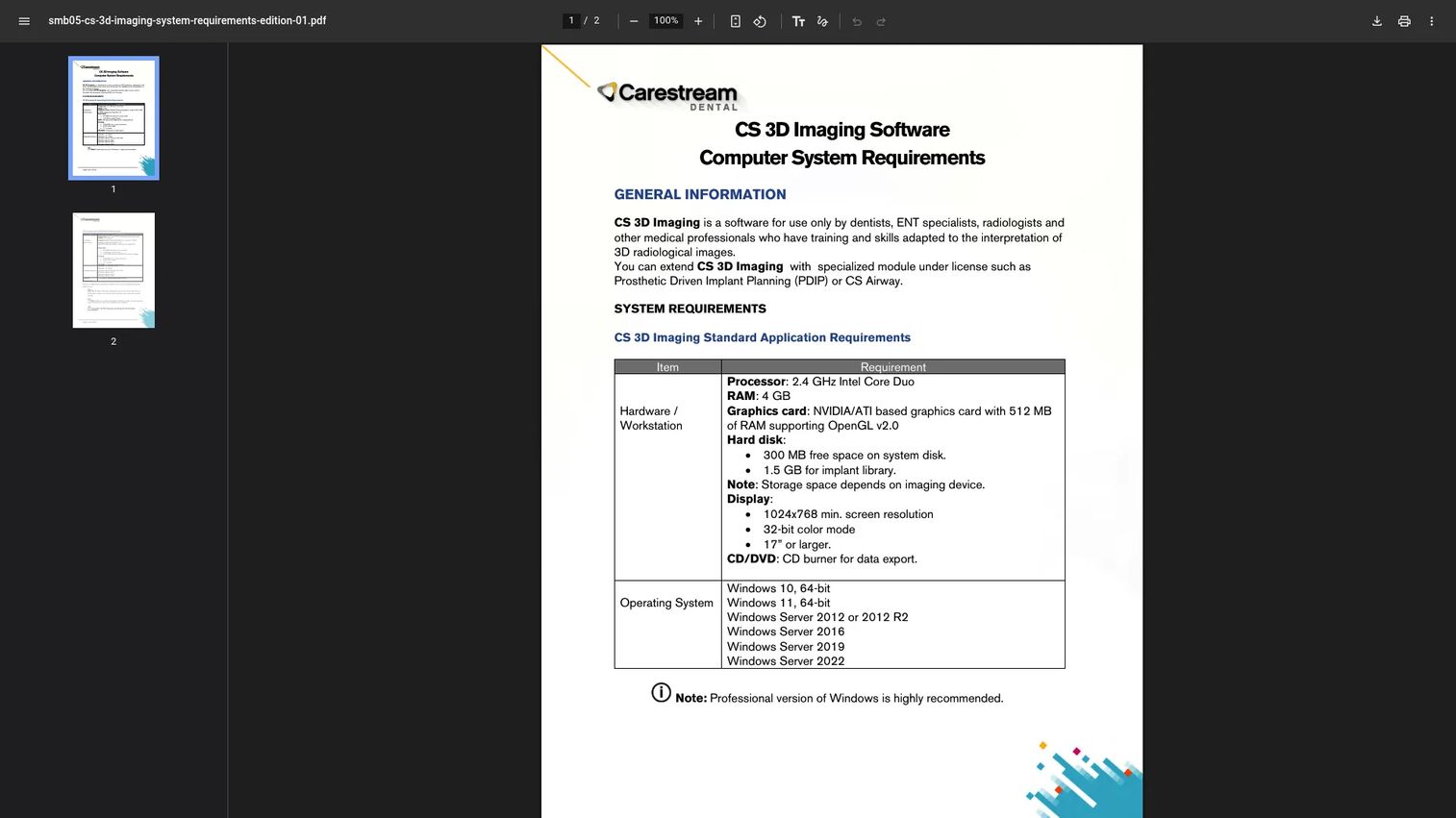
3D Viewer is a component of Carestream Dental's CS 3D Imaging software for viewing and analyzing dental 3D volumes. It supports 2D and 3D volume visualization, slice creation for viewing and printing, curved traces for reconstructed panoramic and temporal bone views, custom slice planes for TMJ and ear anatomy, nerve and root canal tracing, and virtual implant placement.
Best for: Dental, ENT, and radiology professionals using Carestream Dental 3D imaging systems who need a focused volume viewing layer.
Key features
- 2D and 3D volume visualization
- Slice creation for viewing and printing
- Nerve and root canal tracing
- Custom slice planes for TMJ and ear anatomy
- Virtual implant placement support
Why choose 3D Viewer: Good fit when reviewing 3D anatomy or explaining cases visually. Storage, acquisition, and reporting require adjacent tools; the 3D Viewer handles the visualization piece within the Carestream environment.
3D Viewer pricing: Custom pricing. Contact Carestream Dental for module availability and costs.
G2 rating: N/A (no verified G2 listing specific to this module).
14. Transcriptor
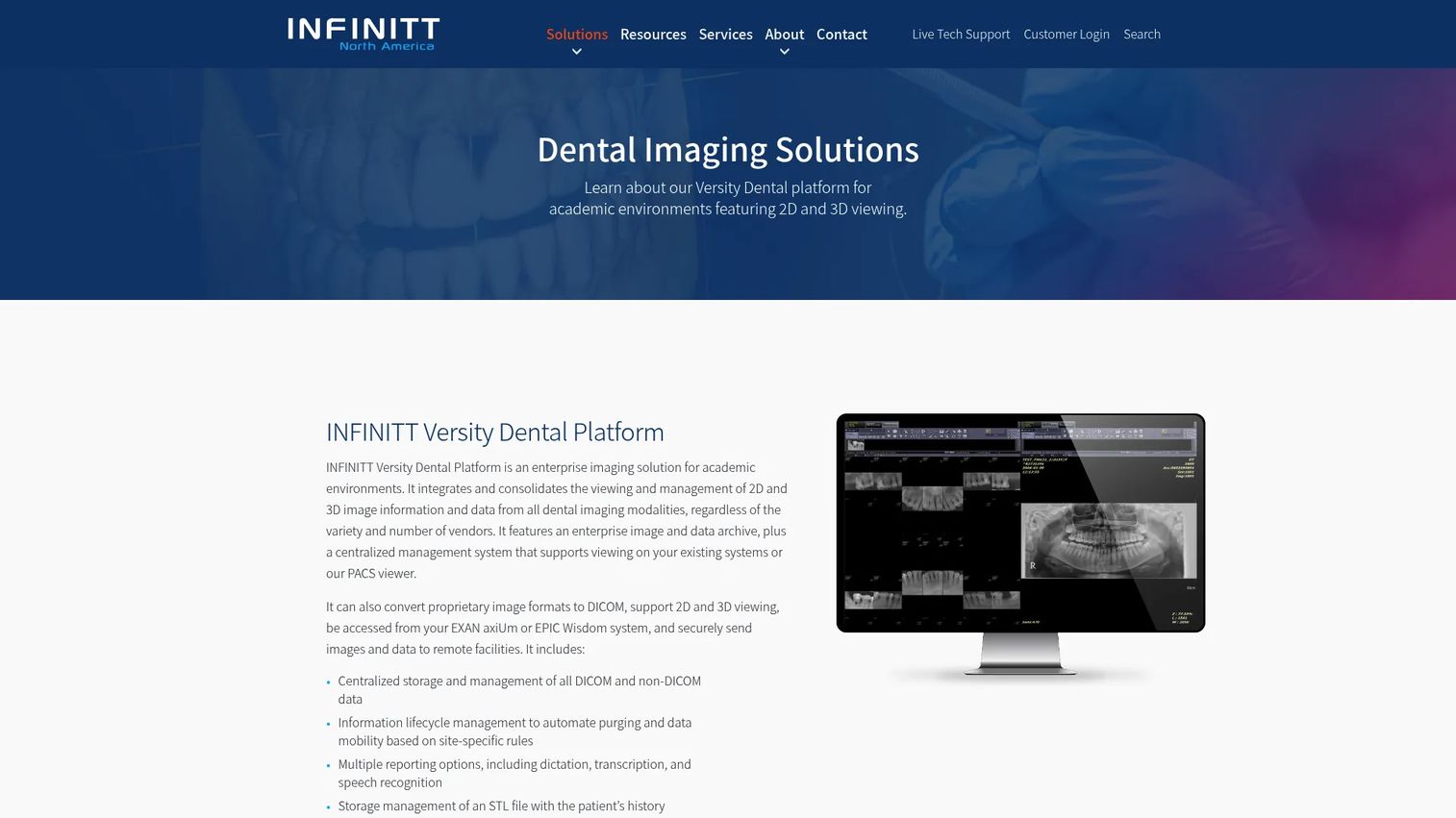
Transcriptor is the dictation and transcription component within the INFINITT dental imaging platform. It supports speech recognition-based documentation, case note capture, and report generation as part of the broader INFINITT Versity Dental environment. The tool sits in the reporting layer rather than the image capture or viewing layer.
Best for: Academic dental environments and enterprise teams that want speech-driven documentation layered onto their dental imaging workflow.
Key features
- Speech recognition for case documentation
- Dictation and transcription support
- Report generation integration
- Case note capture
- Part of the INFINITT Versity Dental environment
Why choose Transcriptor: Useful when documentation pace limits radiological review or clinical handoff speed. It does not replace core dental imaging software; it reduces the manual effort of turning imaging findings into written records.
Transcriptor pricing: Custom pricing. Contact INFINITT for details.
G2 rating: N/A (no verified G2 listing found).
Considerations when choosing dental imaging software
Match the software to the imaging workflow
A dental X-ray workflow differs significantly from a CBCT and treatment-planning workflow. PACS differs from a chairside viewer. AI-assisted reporting differs from manual diagnostic review. Buyers who conflate these categories end up with software that handles one job while creating gaps in adjacent ones. Map your workflow before mapping a vendor shortlist.
Check hardware and practice-management compatibility
Sensors, intraoral cameras, CBCT devices, and practice-management or EDR systems all have compatibility requirements. Before committing to any dental imaging system, verify compatibility lists against your current hardware. Installation surprises cost more than most licensing negotiations. Workstations, monitors, and network infrastructure also affect performance at the clinical level.
Evaluate DICOM, PACS, and data portability
DICOM import and export, non-DICOM conversion, storage lifecycle management, and multi-site data access matter more as organizations grow. Interoperability is a sales-cycle accelerator in enterprise healthcare procurement; buyers who can demonstrate clean data portability close faster. Confirm DICOM compliance before treating any imaging system as enterprise-ready.
Test clinical usability before full rollout
Image loading speed, click count for common tasks, enhancement workflow, and measurement accuracy affect adoption at the staff level. Practices should trial with real staff roles covering real patient scenarios rather than vendor-controlled demonstrations. A system that demos well but slows down during peak hours or requires eight clicks for a basic task creates resistance that training rarely fixes.
Separate AI capability from workflow value
AI detection categories, report quality, and clinician review responsibility are not equivalent to workflow value. The buyer needs adoption, trust, and workflow fit, not an AI badge. Understand what the AI surfaces, what the clinician must verify, and how the output integrates into the daily review process before building it into a purchasing decision.
Conclusion
Dental imaging software is not a single category. It is a stack of capture, review, storage, reporting, AI analysis, interoperability, and treatment-planning tools. Picking the wrong layer creates implementation debt that compounds across every clinician who uses it daily.
For broad imaging workflow needs, CS Imaging version 8 offers the most complete single-workspace approach for practices in the Carestream ecosystem. XDR CLARITY fits practices focused on dental X-ray and sensor workflow quality. Diagnocat AI and its Radiological Report module address AI-assisted CBCT analysis and structured reporting. For enterprise infrastructure, INFINITT tools cover PACS archiving, enterprise data management, cloud deployment, and transcription at scale. Carestream modules including CS 3D Imaging Software, the CS Airway Module, the Prosthetic-Driven Implant Planning Module, and the CS DICOM module handle specialized 3D, airway, implant, and interoperability needs.
Before committing to any tool, recheck pricing, G2 ratings, hardware compatibility, and deployment requirements against the vendor's current documentation.
Start with the workflow that breaks most often: Image capture, 3D review, storage, reporting, or sharing. Then choose the software built for that job.
FAQs
Dental imaging software is a clinical software category for capturing, viewing, enhancing, storing, sharing, and analyzing dental images. This includes radiographs (bitewing, periapical, panoramic, cephalometric), CBCT scans, intraoral photos, and 3D models. Some platforms cover the full workflow from capture through reporting; others handle specific layers like archiving, treatment planning, or AI-assisted analysis.
Small practices typically prioritize ease of use, sensor compatibility, image enhancement, practice-management integration, and implementation support. CS Imaging version 8 and XDR CLARITY are worth evaluating based on workflow fit, but hardware compatibility and pricing structure should be verified directly with each vendor before deciding.
Dental imaging software typically handles capture, viewing, enhancement, and clinical review at the chairside level. Dental PACS focuses on storage, archiving, retrieval, and image management across modalities and locations. Enterprise platforms like INFINITT Versity Dental Platform include both capabilities, but many practices start with one layer and add the other as they grow.
Practices that use CBCT, plan implants, assess airways, support oral surgery, or manage complex treatment cases generally need 3D dental imaging software. Practices focused primarily on 2D radiographs may not require that depth. The decision follows the clinical volume: If CBCT drives more than a few cases per week, a dedicated 3D viewer or planning module pays off in clinician time.
Sensor compatibility, fast image capture, enhancement filters calibrated for clinical use (caries, endo, perio), measurements, practice-management integration, image history, and support responsiveness are the functional priorities. Workflow speed matters because dental assistants and clinicians use the software many times daily. A single extra click per image adds up across a full schedule.
AI dental imaging tools analyze image data, flag clinically relevant areas for review, and generate structured reports or segmentation overlays. Clinician review and sign-off remain required; AI surfaces findings but does not replace diagnostic judgment. Tools like Diagnocat AI and the Radiological Report module apply this model to CBCT and 2D X-ray analysis, producing output that supports rather than replaces clinical decision-making.
Multi-site deployment, DICOM compliance, PACS or archiving infrastructure, centralized storage, user permissions, technical support, structured reporting, and integration with EDR systems are the primary evaluation points for DSOs. Standardization across locations matters both for clinical consistency and for data governance. Tools in the INFINITT dental imaging suite address the enterprise and multi-site requirements most directly.
Costs vary by product type, number of users, module selection, hardware requirements, deployment model, and support tier. CS Imaging version 8 starts at $1,299 for a license plus $49 per month for support. CS 3D Imaging Premium runs $85 per user per month. XDR CLARITY Club plans start at $99 per location per month. Most enterprise and specialized module pricing requires a direct quote from the vendor. Ask for itemized costs covering software, modules, hardware, implementation, and ongoing support before committing.