Your study database does not break at database lock. It breaks much earlier, when a site enters inconsistent data, a monitor catches it three weeks late, or a spreadsheet formula quietly overwrites a field it was never meant to touch.
Clinical data workflows have real consequences when they fail. According to Grand View Research (2026), the global electronic data capture systems market was valued at $2.1 billion in 2025 and is projected to reach $5.3 billion by 2033. That growth reflects a shift already underway: In a 2026 survey of clinical operations professionals, only 30% of sites still relied on manual data entry for most data capture (Pharmaceutical Technology/GlobalData, 2026). The rest have moved to digital, and the question is which system fits the work.
This guide separates true electronic data capture software for clinical research from survey builders, spreadsheets, and statistical packages that often get lumped into the same category.
What's inside
This guide covers 16 tools evaluated across four distinct categories: Purpose-built EDC platforms, lightweight form builders, spreadsheet tools, and statistical or database infrastructure. It is written for product and research operations teams evaluating data capture systems for clinical trials, healthcare research, or regulated workflows.
Tools were selected based on:
- Fit for clinical or regulated research data workflows
- Availability of audit trails, role-based permissions, and edit checks
- Verified pricing and current G2 ratings
- Practical differentiation across study types, from academic registries to medical device trials
TL;DR
- Best for academic and institutional research: REDCap is the strongest starting point for universities and non-profit research teams that need configurable, no-cost data capture
- Best for regulated clinical operations: Advarra EDC, Castor EDC, Medrio, and Smart Trial all warrant evaluation for sponsor, CRO, and site workflows
- Best for mobile and field data collection: Teamscope handles offline and low-connectivity environments well
- Best for simple surveys and non-regulated intake: Google Forms, SurveyMonkey, and Qualtrics work for survey research, not full clinical EDC
- Best for downstream statistical analysis: SPSS, Stata, SAS, and R support analysis after data export, not capture itself
What is electronic data capture software?
Electronic data capture (EDC) software is a system for collecting, validating, managing, and exporting research or clinical trial data in digital form, typically through electronic case report forms (eCRFs). An eCRF is the digital equivalent of a paper case report form: It is the structured instrument a site coordinator fills out for each subject visit. The EDC system is the broader platform that hosts those forms and manages everything around them.
EDC is not the same as a general survey tool. Google Forms can collect responses electronically, but it lacks the regulated workflow controls a clinical study requires. EDC is also distinct from a Clinical Trial Management System (CTMS), which handles site management, milestones, budgets, and study administration rather than patient-level data capture.
Key capabilities in a purpose-built EDC system include:
- eCRF design: Configurable forms per protocol with field types, required fields, and visit structures
- Edit checks: Automated validation rules that flag out-of-range or inconsistent entries at point of entry
- Query management: Workflow for flagging, sending, and resolving data discrepancies between sites and monitors
- Role-based permissions: Granular access controls by site, role, and study phase
- Audit trails: Timestamped records of every data entry, edit, and deletion
- Data exports: Outputs to SAS, SPSS, Stata, R, CSV, or Excel for downstream statistical analysis
- Database lock: Controlled workflow to freeze data for analysis at study close
- Integrations: Connections to ePRO (electronic patient-reported outcomes), eCOA, IWRS, EHR systems, wearables, and lab data sources
- Reporting dashboards: Real-time data review and enrollment tracking
Tools that support electronic records and signatures in regulated studies must address 21 CFR Part 11 controls. This means system validation, audit trails, electronic signature attribution, and user authentication. Describing a tool as "supporting Part 11 controls" is a product claim, not a compliance guarantee; each study team must validate its own implementation.
When to use electronic data capture software
Run clinical trials without paper forms
Sponsors, CROs, and investigative sites use EDC platforms to collect protocol-specific patient data through eCRFs, apply edit checks at entry, and manage queries between monitors and coordinators. A well-configured EDC system cuts the lag between data entry and query resolution, which means fewer late corrections before database lock. PMs evaluating EDC for a SaaS clinical product should prioritize maintainability: A system that lets the study team update forms as protocols amend without engineering involvement reduces release-cycle dependency.
Collect healthcare research data across sites
Academic medical centers, registries, and observational studies need consistent forms, shared access across institutions, and reliable exports. Multi-site projects require role-based access at the site level, standardized form libraries, and export formats that statisticians can consume directly. Audit trails matter even in non-commercial research, because IRB requirements and publication standards increasingly expect them.
Prepare data for monitoring, analysis, and database lock
EDC does not do statistics. It organizes and validates data so that statistical tools can consume it reliably. The handoff matters: A clean EDC export directly into an analysis pipeline shortens the time from last patient visit to first analysis run. Statistical packages like SPSS, Stata, SAS, and R sit downstream, not alongside, the EDC system.
Electronic data capture software comparison
The table below covers all 16 tools in this guide. Pricing reflects verified current information from each vendor's official pricing page or G2 context. Tools with sales-led pricing are labeled as such. G2 ratings are listed where a verified current listing exists.
| # | Product | Best for | Key differentiator | Pricing | G2 rating |
|---|---|---|---|---|---|
| 1 | REDCap | Academic and non-profit research | Free for consortium members; configurable research data capture | Free for eligible non-profits | 4.3/5 |
| 2 | Advarra EDC | Investigator-initiated clinical trials | Site-centric EDC with CTMS integration | Contact sales | 4.0/5 |
| 3 | Castor EDC | Hybrid and decentralized clinical studies | Low-code eCRF builder with patient-facing options | Contact sales | 4.6/5 |
| 4 | Medrio | Regulated clinical trials and medical device studies | No-code EDC with ePRO, eConsent, and RTSM | Contact sales | 4.2/5 |
| 5 | Smart Trial | Medical device clinical investigations | Now Greenlight Guru Clinical; Essentials, Plus, Professional tiers | Contact sales | N/A |
| 6 | Teamscope | Mobile and offline field research | iOS and Android offline capture with audit trail | From €159/month (billed annually) | 4.3/5 |
| 7 | Google Forms | Low-risk surveys and intake | Fast, free form creation; integrates with Sheets | Free; Workspace from $7/user/month | 4.6/5 |
| 8 | SurveyMonkey | Survey research and feedback programs | 400+ templates; skip logic; panel access | From €30/user/month (3-user minimum, annual) | 4.4/5 |
| 9 | Qualtrics | Complex experience and survey research | Advanced logic; dashboards; enterprise research workflows | Free plan; from $420/month (annual) | 4.4/5 |
| 10 | Microsoft Excel | Manual tracking and data cleaning | Pivot tables, formulas, Copilot; wide adoption | Free (web); Microsoft 365 from $9.99/month | 4.7/5 |
| 11 | Google Sheets | Collaborative tabular data work | Real-time editing; Gemini AI; BigQuery integration | Free (personal); Workspace from €6.80/user/month | 4.6/5 |
| 12 | SPSS | GUI-based statistical analysis | AI Output Assistant; predictive modeling; bootstrapping | From $99/authorized user/month | 4.2/5 |
| 13 | Stata | Reproducible biostatistics and econometrics | Syntax plus GUI; wide modeling library | Contact StataCorp (country-based pricing) | 4.3/5 |
| 14 | SAS | Enterprise clinical analytics and reporting | Established regulated analytics environment | Contact sales | N/A |
| 15 | R | Open-source statistical computing | Free; extensible packages; strong research community | Free | N/A |
| 16 | MySQL | Research data infrastructure | Relational database for custom research systems | Free (Community Edition); commercial tiers contact sales | 4.4/5 |
Best 16 electronic data capture software tools for 2026
This list includes four tool categories: Purpose-built EDC platforms, general collection tools, statistical analysis packages, and database infrastructure. Not every tool is appropriate for regulated clinical studies. Match the tool to your study's risk level, validation requirements, and data sensitivity before committing to a build.
1. REDCap
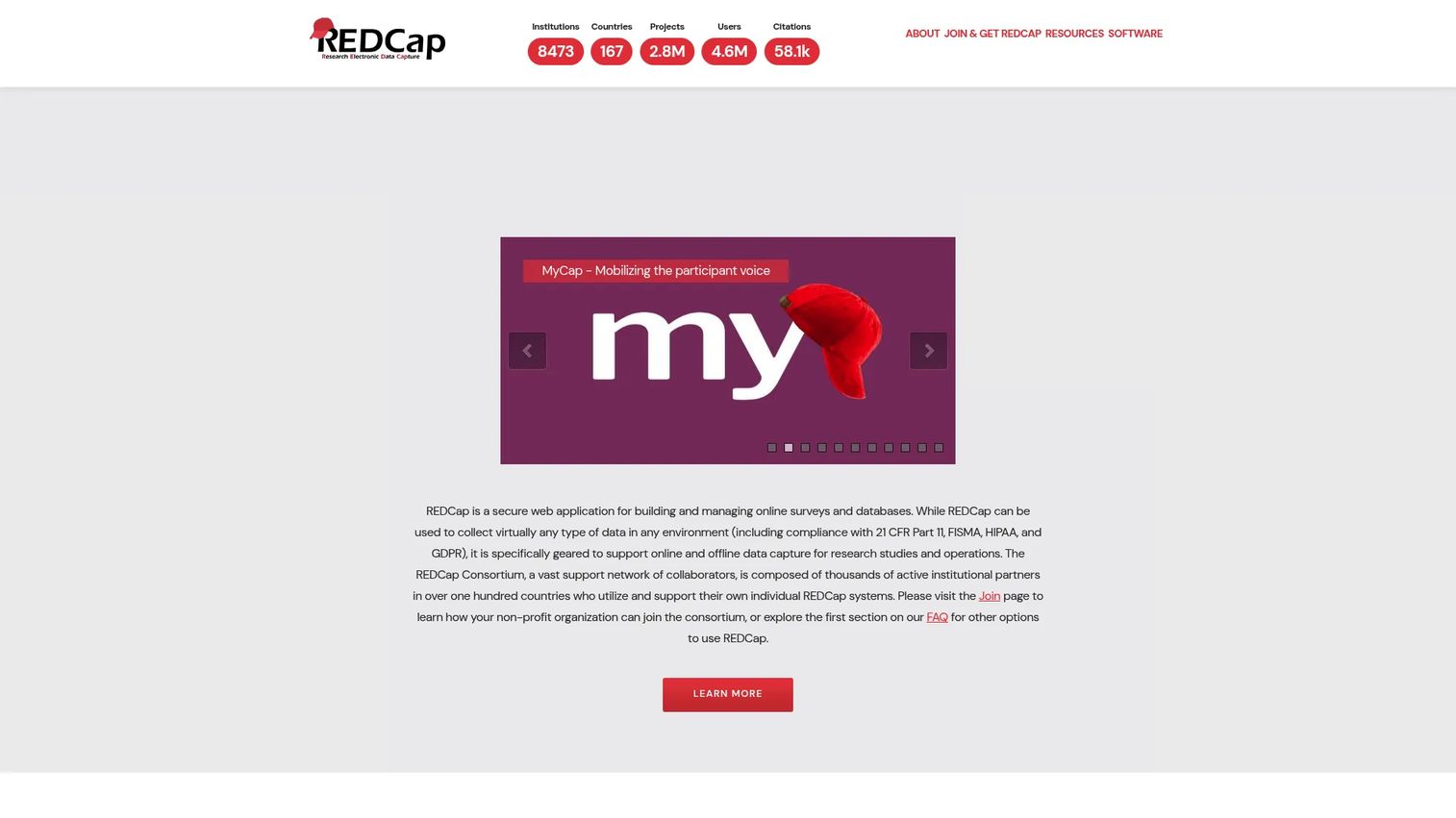
REDCap is a secure, web-based platform for building and managing research databases and surveys. It supports online and offline data collection, multi-site access, branching logic, calculated fields, scheduling, and automated exports to SPSS, SAS, Stata, R, and Excel. FHIR-based EHR interoperability is available through CDIS for institutions that need it.
Best for: Non-profit universities, academic medical centers, and government research teams running investigator-led studies.
Key features
- eCRF and survey design with branching logic and calculated fields
- Audit logging, user authentication, and role-based permissions
- Multi-site access and customizable databases
- Offline data entry capability
- Exports to Excel, PDF, SPSS, SAS, Stata, and R
Why choose REDCap: REDCap is not a general survey tool. Its governance model, audit trails, and institutional administration layer make it appropriate for studies with real data quality requirements. The tradeoff is that local IT or a consortium member must host and administer it, so engineering ownership does not disappear entirely.
REDCap pricing: REDCap software, licensing, and source code access are available at no cost to eligible non-profit organizations that join the REDCap Consortium. Third-party hosting arrangements may carry fees.
G2 rating: 4.3/5
2. Advarra EDC

Advarra EDC is a site-centric electronic data capture platform built for collecting and managing clinical research data at investigative sites. It supports custom form building, reusable forms across protocols, conditional logic, visit tolerances, edit checks, and remote data management workflows. Integration with Advarra's OnCore and Clinical Conductor CTMS connects data capture to the broader trial operations stack.
Best for: Academic medical centers, cancer centers, health systems, and research sites running investigator-initiated clinical trials.
Key features
- Custom and reusable eCRF form building
- Edit checks, conditional forms, and visit tolerances
- Audit trails and 21 CFR Part 11 electronic record controls
- Remote data capture and management workflows
- Integration with Advarra OnCore and Clinical Conductor CTMS
Why choose Advarra EDC: The site-centric design fits institutions that run many investigator-initiated trials and want EDC connected to their existing CTMS. Sponsors or CROs seeking a platform they control end-to-end may find purpose-built sponsor-side platforms a better fit for larger, multi-site studies.
Advarra EDC pricing: Advarra does not display EDC pricing on its website. Contact the sales team for a quote.
G2 rating: 4.0/5
3. Castor EDC
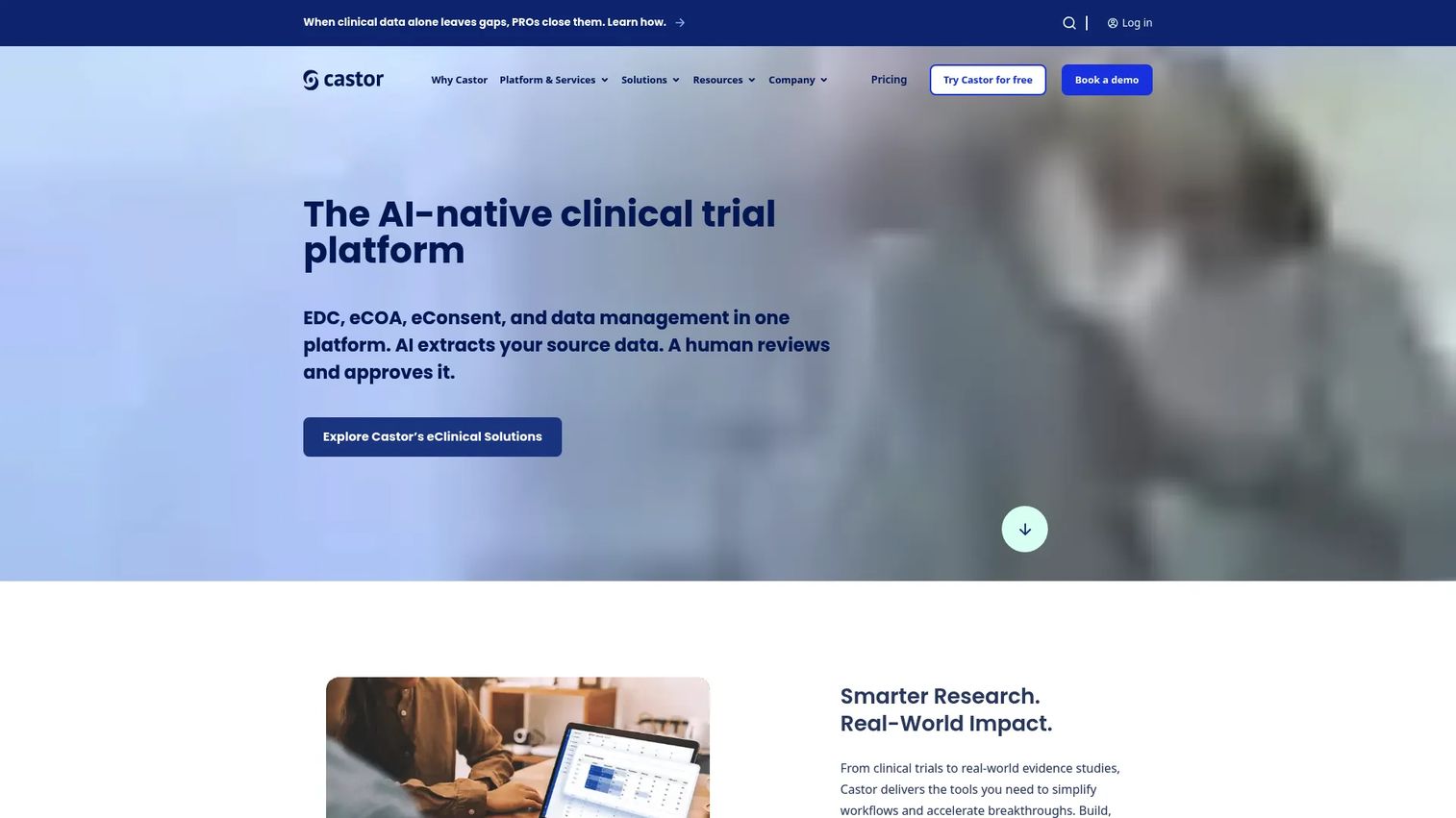
Castor EDC is a cloud-based clinical data capture platform for building compliant eCRFs and managing research data across academic, biotech, pharmaceutical, and medical device studies. Its low-code form builder supports conditional logic, real-time validation, calculations, and query management. Randomization, multicenter user management, and a range of data integrations are included.
Best for: Research teams running hybrid, remote, or patient-connected studies where eCRF design and patient-reported data need to connect.
Key features
- Low-code eCRF builder with reusable templates and conditional logic
- Real-time validation, calculations, and query management
- Audit trails and regulatory compliance controls
- Randomization and multicenter user management
- Data import and export with integration options
Why choose Castor EDC: Castor's combination of a low-code builder and patient-facing data options makes it practical for decentralized study designs where a coordinator is not always the only data entry point. Teams that need deep back-end customization or very large enterprise studies may need to validate fit through a pilot.
Castor EDC pricing: Study design, building, and testing are free. Fees apply when activating a study for live production data collection, with pricing based on organization and sponsorship.
G2 rating: 4.6/5
4. Medrio
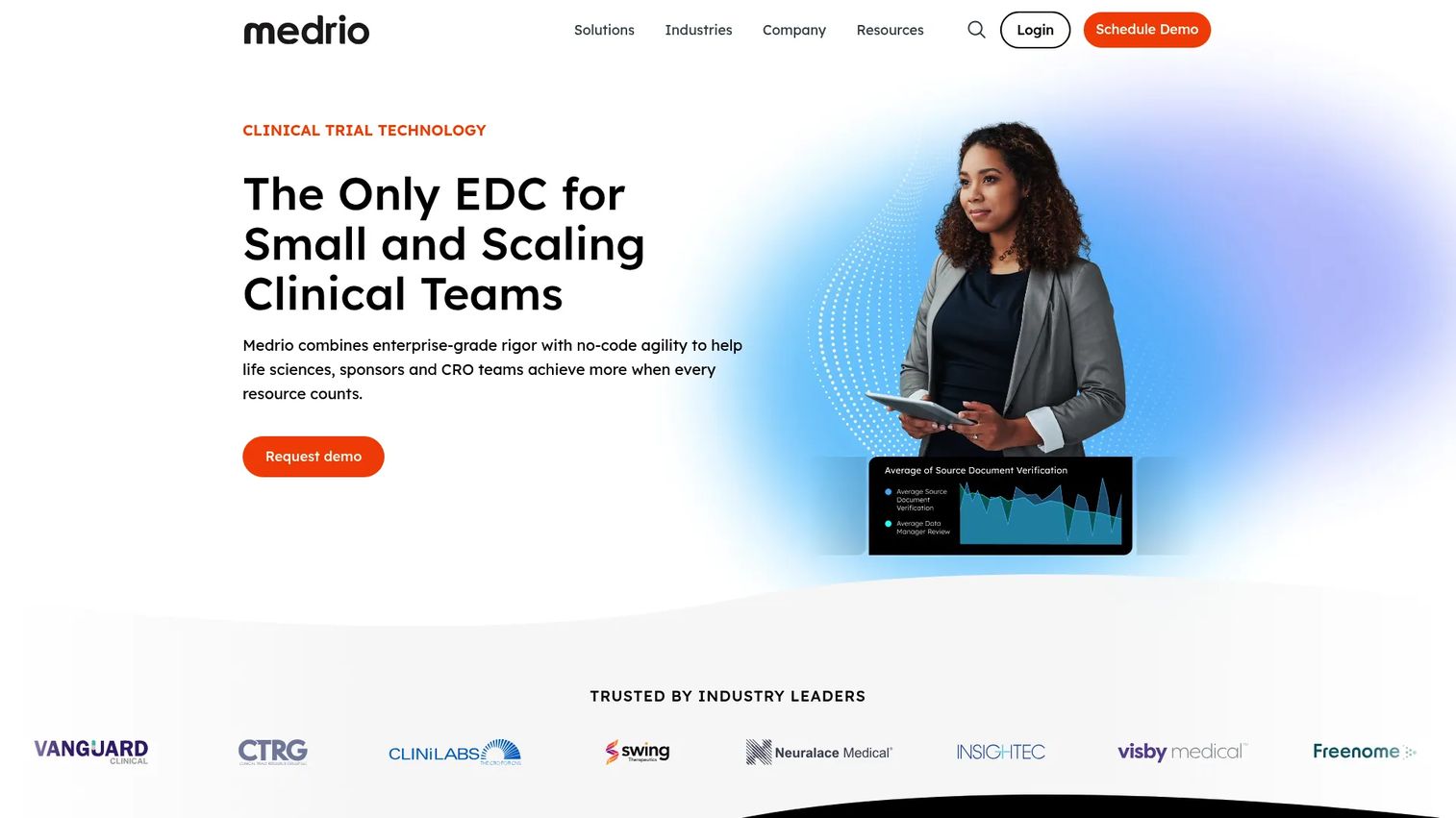
Medrio provides cloud-based eClinical technology covering EDC, ePRO/eCOA, eConsent, RTSM/IRT, CTMS, and eTMF in one connected suite. Its no-code EDC supports real-time dashboards, data validation, audit trails, and database lock workflows. The platform is oriented toward sponsors and CROs that want a single eClinical system rather than a patchwork of point tools.
Best for: Sponsors, CROs, and life sciences teams running regulated clinical trials who want EDC and adjacent eClinical tools from one vendor.
Key features
- No-code electronic data capture and clinical data management
- ePRO/eCOA, eConsent, RTSM, CTMS, and eTMF modules
- Real-time dashboards, audit trails, and database lock support
- Data validation and edit checks
- Regulatory-ready study build tools
Why choose Medrio: Medrio suits teams that want to avoid assembling separate vendors for each clinical function. The tradeoff is that a full eClinical suite requires more upfront implementation work than a standalone EDC platform.
Medrio pricing: Medrio does not display pricing on its website. Contact the sales team for a quote based on study scope and modules needed.
G2 rating: 4.2/5
5. Smart Trial
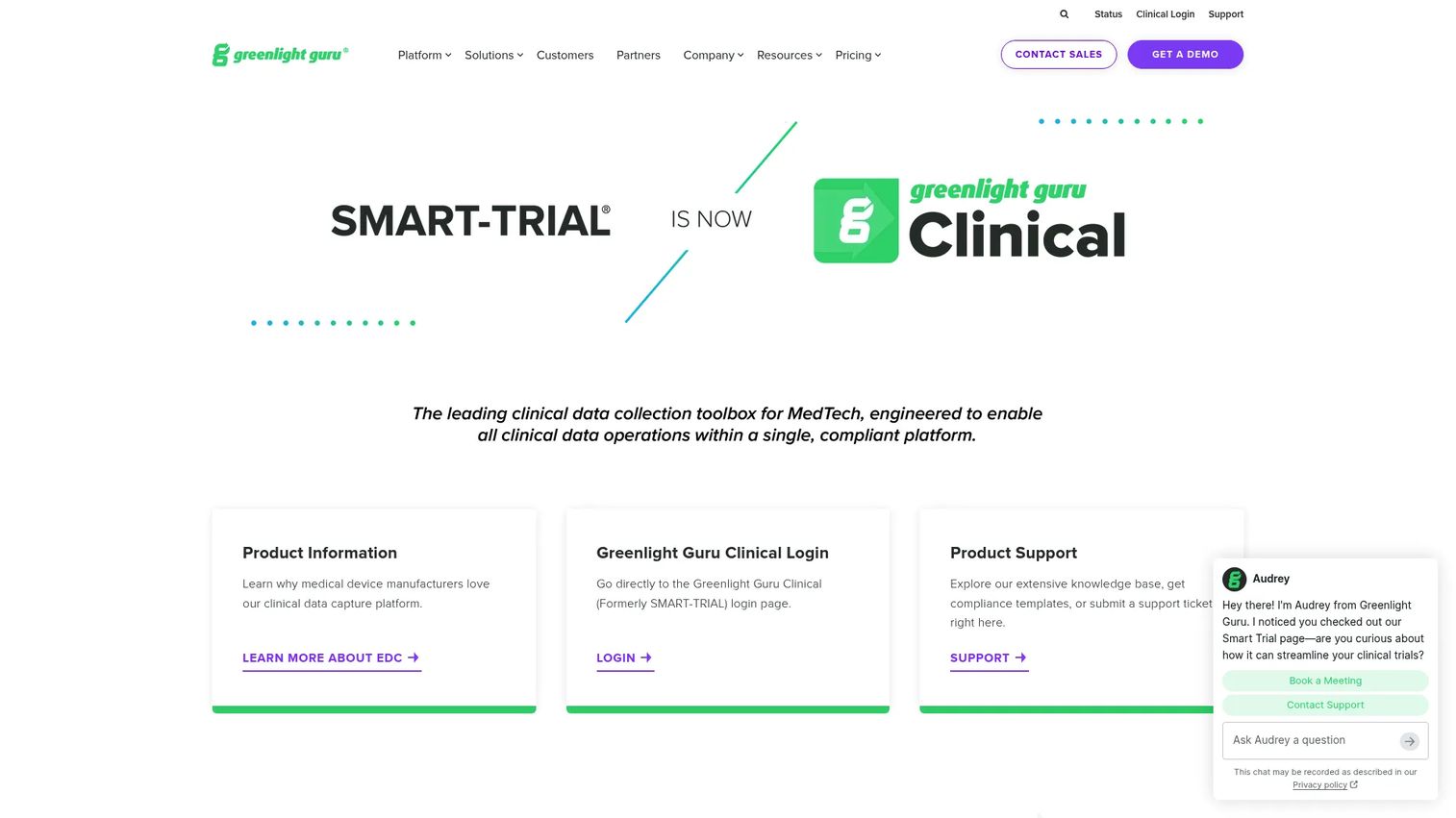
Smart Trial has rebranded as Greenlight Guru Clinical, a compliant clinical data capture platform designed specifically for medical device clinical studies. It supports validated EDC, ePRO/eCOA collection, adverse event and serious adverse event tracking, randomization, multi-language forms, eConsent, and external API access.
Best for: Medical device companies and clinical research teams that need compliant data capture built around device study requirements.
Key features
- Validated medical device EDC for clinical trials
- ePRO/eCOA data collection and eConsent
- AE and SAE tracking with randomization
- Multi-language form support
- External API and File Vault
Why choose Smart Trial: The medical device focus means the platform is shaped around ISO 14155 and device-specific regulatory expectations, not just pharma study patterns. Teams running drug studies may find more flexibility with broader-purpose EDC platforms.
Smart Trial pricing: Greenlight Guru Clinical offers Essentials, Plus, and Professional plans. No prices are displayed on the pricing page. Contact the vendor for a quote.
6. Teamscope
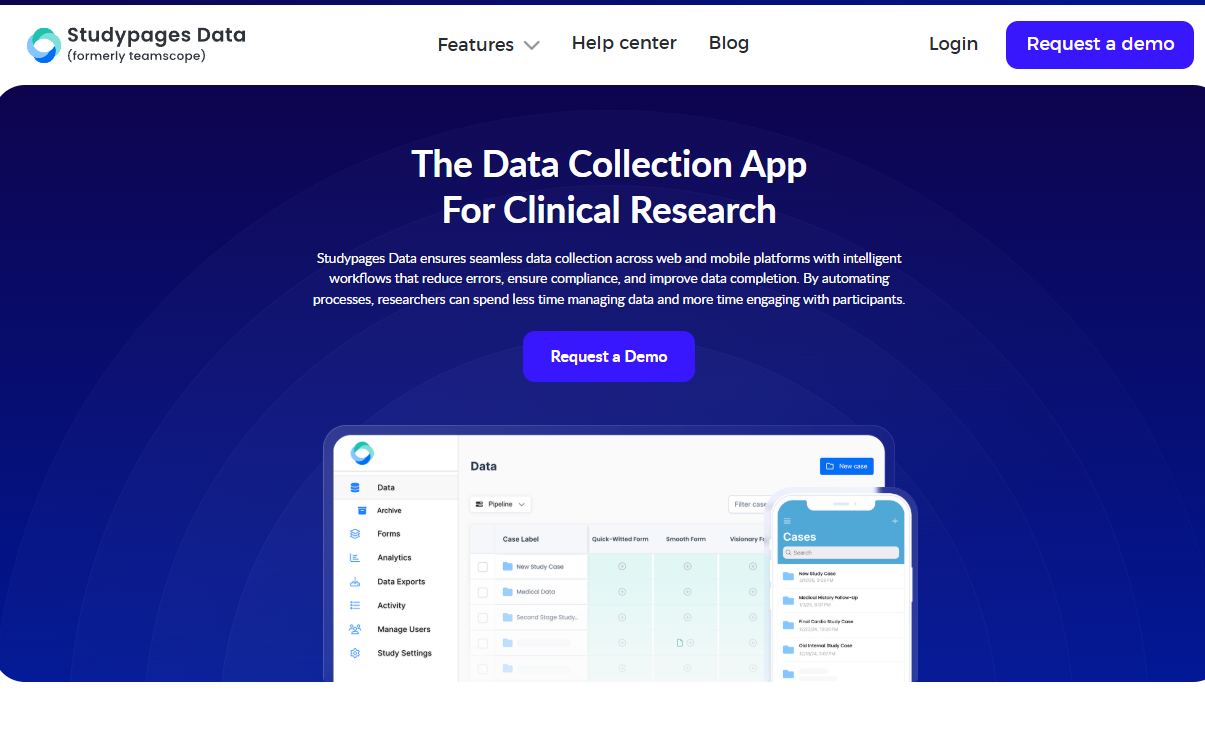
Teamscope is an electronic data capture and case management platform built for clinical, field, and academic research. Its core differentiator is reliable offline data collection on iOS and Android, which matters when sites operate in clinics, field locations, or low-connectivity environments. Forms support branching logic, calculations, audit trails, query management, and data validation.
Best for: Clinical researchers, NGOs, and academic teams collecting structured data where internet access is unreliable.
Key features
- Offline data collection on iOS and Android
- Custom form builder with branching logic and calculations
- Longitudinal case management
- Audit trail, query management, and data validation
- Data export to CSV and Excel; team permissions
Why choose Teamscope: When mobile and offline access matter more than a full enterprise EDC workflow, Teamscope covers the gap. Studies with complex regulatory requirements or large multi-site sponsor operations may need the governance controls of a more established EDC platform.
Teamscope pricing: Team plan starts at €159/month billed annually (€199 billed monthly). Scale plan is €399/month annually. Business plan is €749/month annually. Enterprise pricing is custom. A 7-day free trial is available.
G2 rating: 4.3/5
7. Google Forms
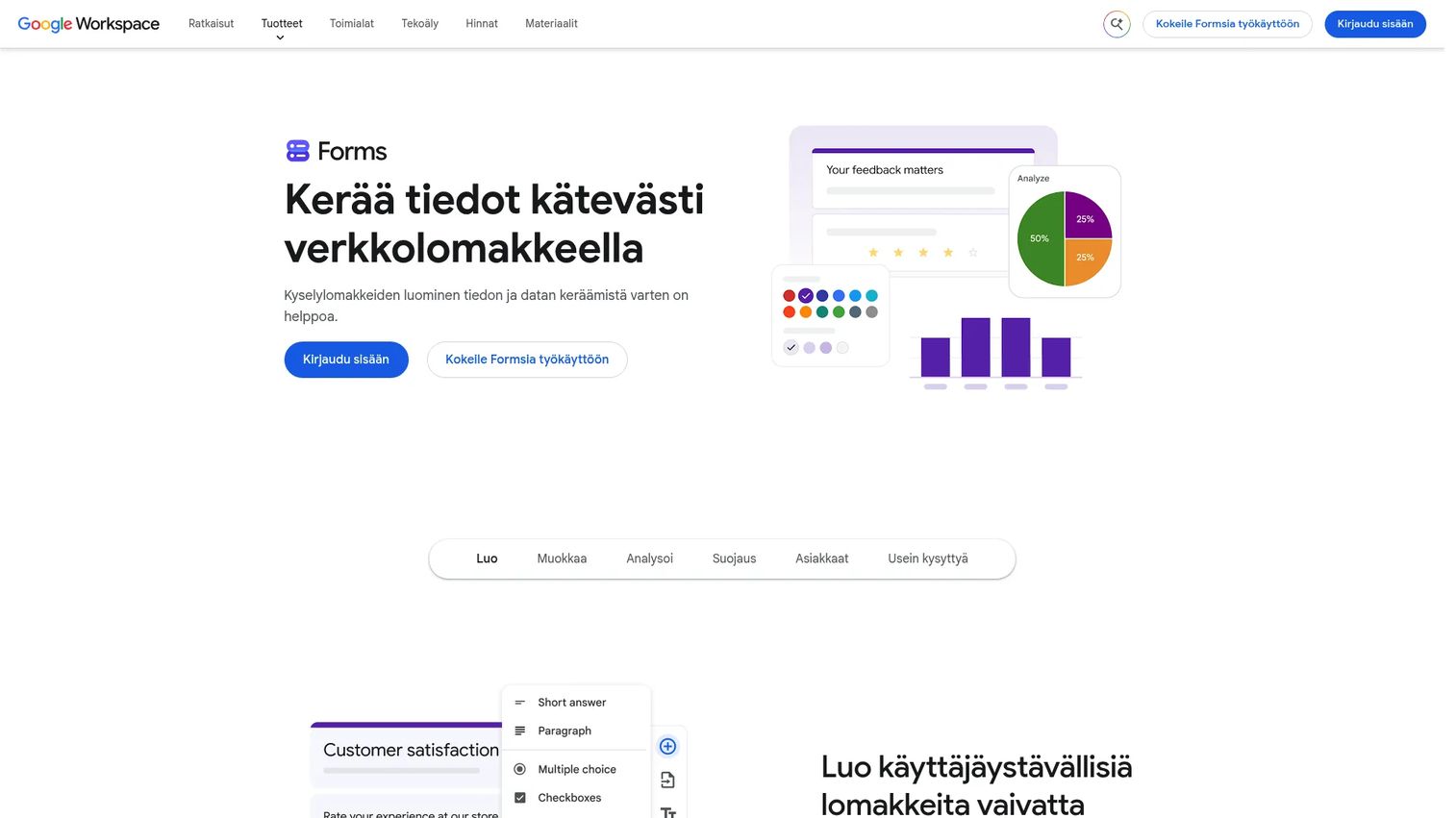
Google Forms is an online form and survey builder included in Google accounts and Google Workspace plans. It supports multiple question types, conditional logic, custom branding, real-time response charts, and direct export to Google Sheets. It is fast to set up and requires no technical configuration.
Best for: Individuals, educators, and teams collecting simple survey responses, intake data, or event registrations with no regulated-study requirements.
Key features
- Multiple question types with drag-and-drop organization
- Conditional logic and quiz mode
- Custom branding with colors and images
- Real-time response charts and Google Sheets export
- Team sharing and collaboration
Why choose Google Forms: Speed and zero cost make Google Forms the right choice when compliance, audit trails, and validation are not requirements. For regulated clinical data, it lacks the permission granularity, query management, and electronic record controls that a true EDC system provides.
Google Forms pricing: Free for personal use. Google Workspace Business Starter is $7 per user per month (annual commitment), with higher tiers at $14 and $22 per user per month. Enterprise pricing requires contacting sales.
G2 rating: 4.6/5
8. SurveyMonkey
SurveyMonkey is a survey and forms platform with over 400 templates, 25+ question types, skip logic, multilingual support, and panel access for recruiting respondents. It includes AI-powered survey creation, response analytics, cross-tabulation, and statistical significance testing for survey data.
Best for: Organizations running survey research, patient or participant feedback programs, or market research outside complex clinical trial workflows.
Key features
- 400+ templates and 25+ question types with skip logic
- AI-powered survey creation and analysis
- Multilingual surveys and custom URL endings
- Panel access for respondent recruitment
- Response export and cross-tabulation
Why choose SurveyMonkey: SurveyMonkey is the right tool when the job is survey distribution and response analysis. It is not a substitute for clinical EDC: It does not provide study-grade validation, query management, or audit trails designed for regulated data workflows.
SurveyMonkey pricing: A free Basic plan is available. Team Advantage starts at €30 per user per month (minimum 3 users, billed annually). Team Premier is €75 per user per month annually. Enterprise pricing is sales-led.
G2 rating: 4.4/5
9. Qualtrics
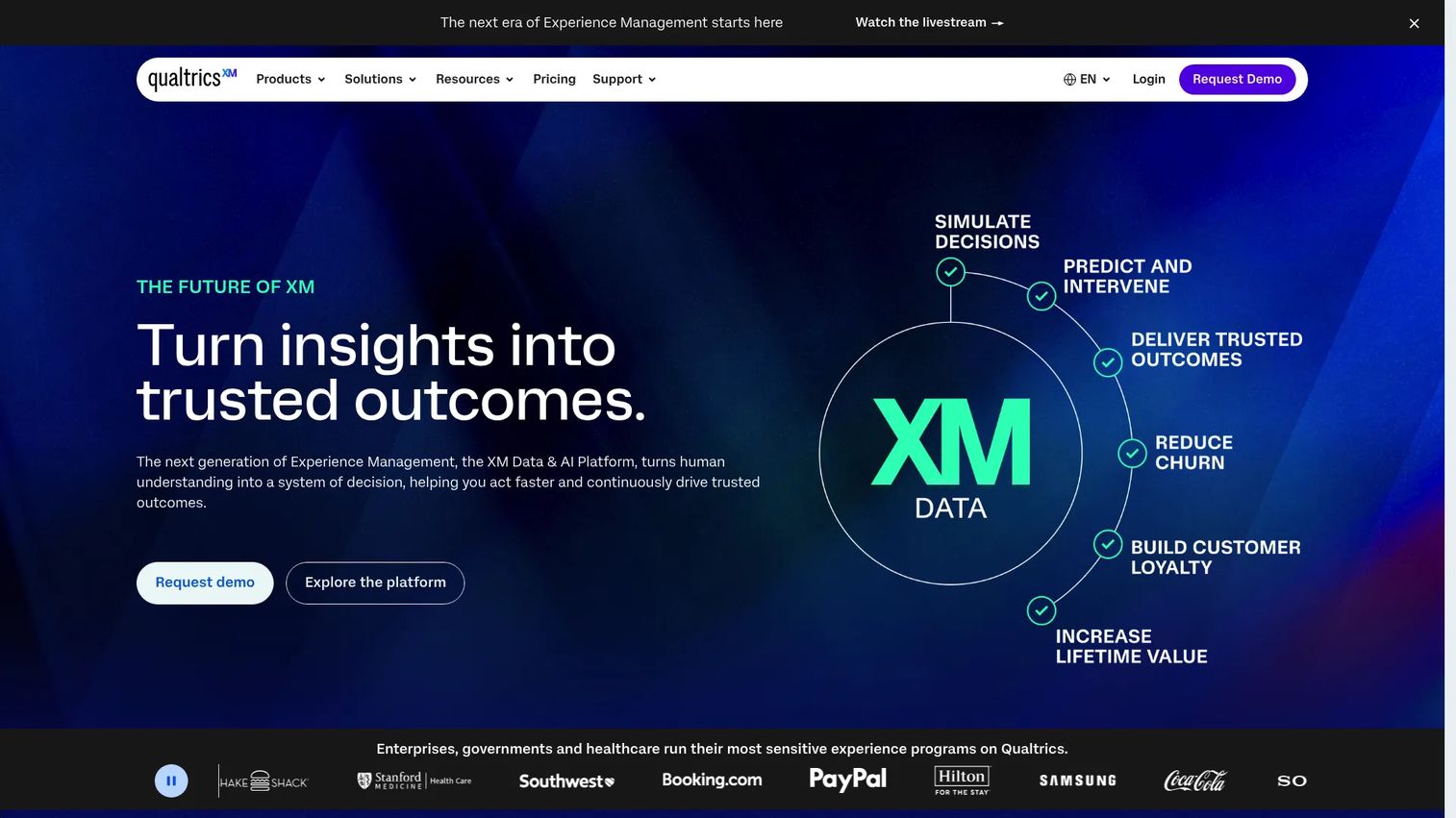
Qualtrics is an enterprise experience management platform with advanced survey logic, branching, panel management, dashboards, and AI-powered video feedback summarization. It covers customer, employee, product, and brand experience research in addition to academic and market research workflows.
Best for: Organizations running complex survey research, large respondent programs, or experience measurement studies across customer and employee populations.
Key features
- Advanced survey logic and branching with panel management
- AI-powered analysis including video feedback summarization
- Dashboards, highlight reels, and cross-tabulation
- Customer, employee, product, and brand experience modules
- Integrations with enterprise data and CRM systems
Why choose Qualtrics: Qualtrics excels at survey-heavy research programs where experience measurement and analytical depth matter. The enterprise buying process and platform breadth add complexity for teams that only need a form builder. It is not a clinical EDC platform.
Qualtrics pricing: A free Surveys plan is available. Self-service Strategic Research starts at $420 per month billed annually ($5,040 annually). Broader XM platform pricing is quote-based.
G2 rating: 4.4/5
10. Microsoft Excel
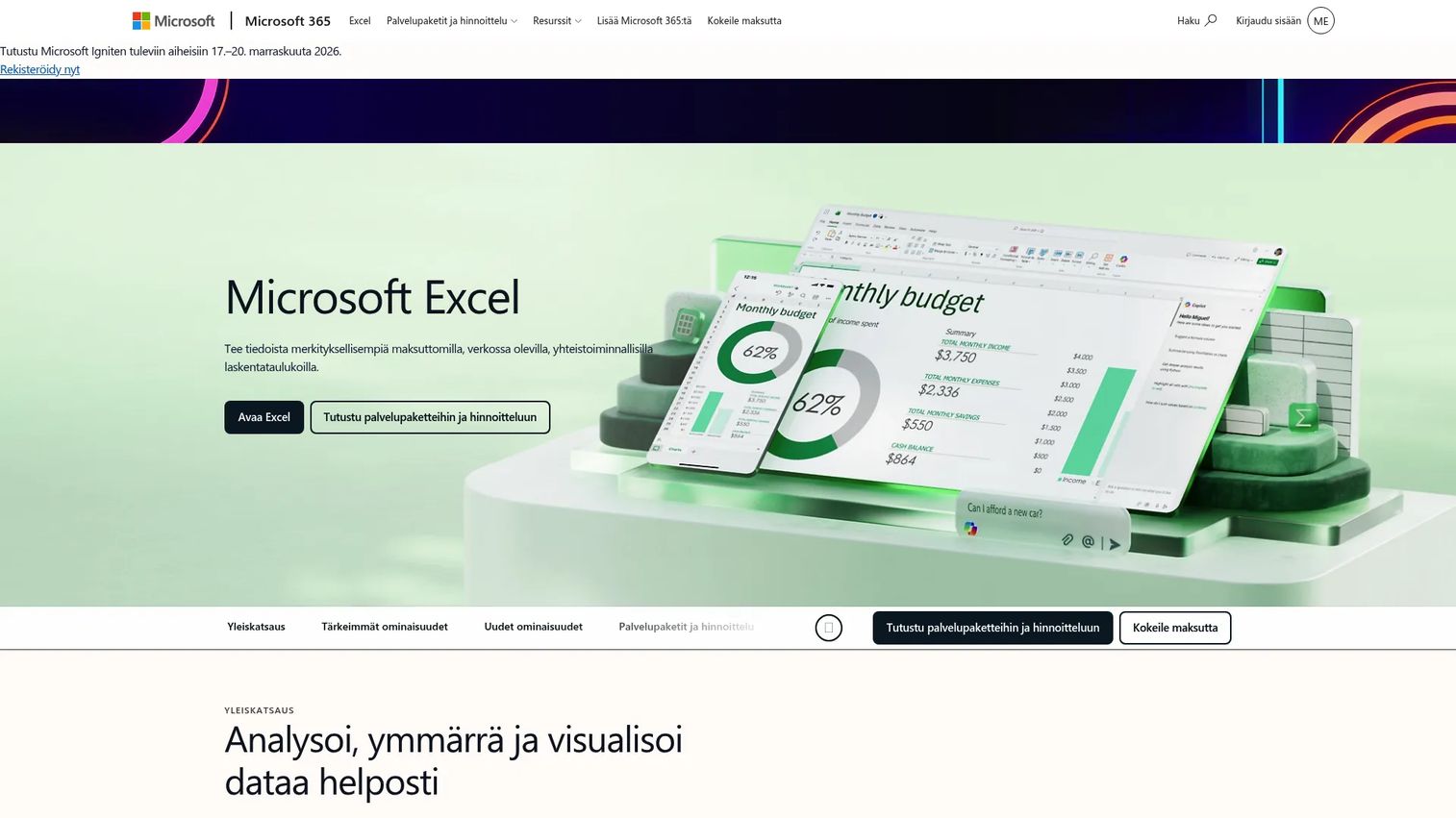
Microsoft Excel is spreadsheet software for analyzing, cleaning, visualizing, and sharing tabular data. It is widely used for small datasets, ad hoc tracking, and working with exports from EDC or statistical systems. Copilot-assisted editing is available on paid plans.
Best for: Small teams doing lightweight manual tracking, data cleaning, or preliminary analysis on exports from other systems.
Key features
- Formulas, pivot tables, and Copilot-assisted editing
- Data analysis, charting, and insights
- Real-time sharing and collaboration
- Import and export across common formats
Why choose Microsoft Excel: Excel is included here because many teams still compare it against EDC when scoping clinical or research data collection. It works for simple, non-regulated tabular work. For regulated studies, spreadsheets create real operational risk: No enforced audit trail, no permission model that prevents unauthorized edits, and formula errors that propagate silently.
Microsoft Excel pricing: Excel for the web is free. Microsoft 365 Personal starts at $9.99 per month (or $99.99 per year). Microsoft 365 Family is $12.99 per month ($129.99 per year). Microsoft 365 Premium is $19.99 per month ($199.99 per year).
G2 rating: 4.7/5
11. Google Sheets
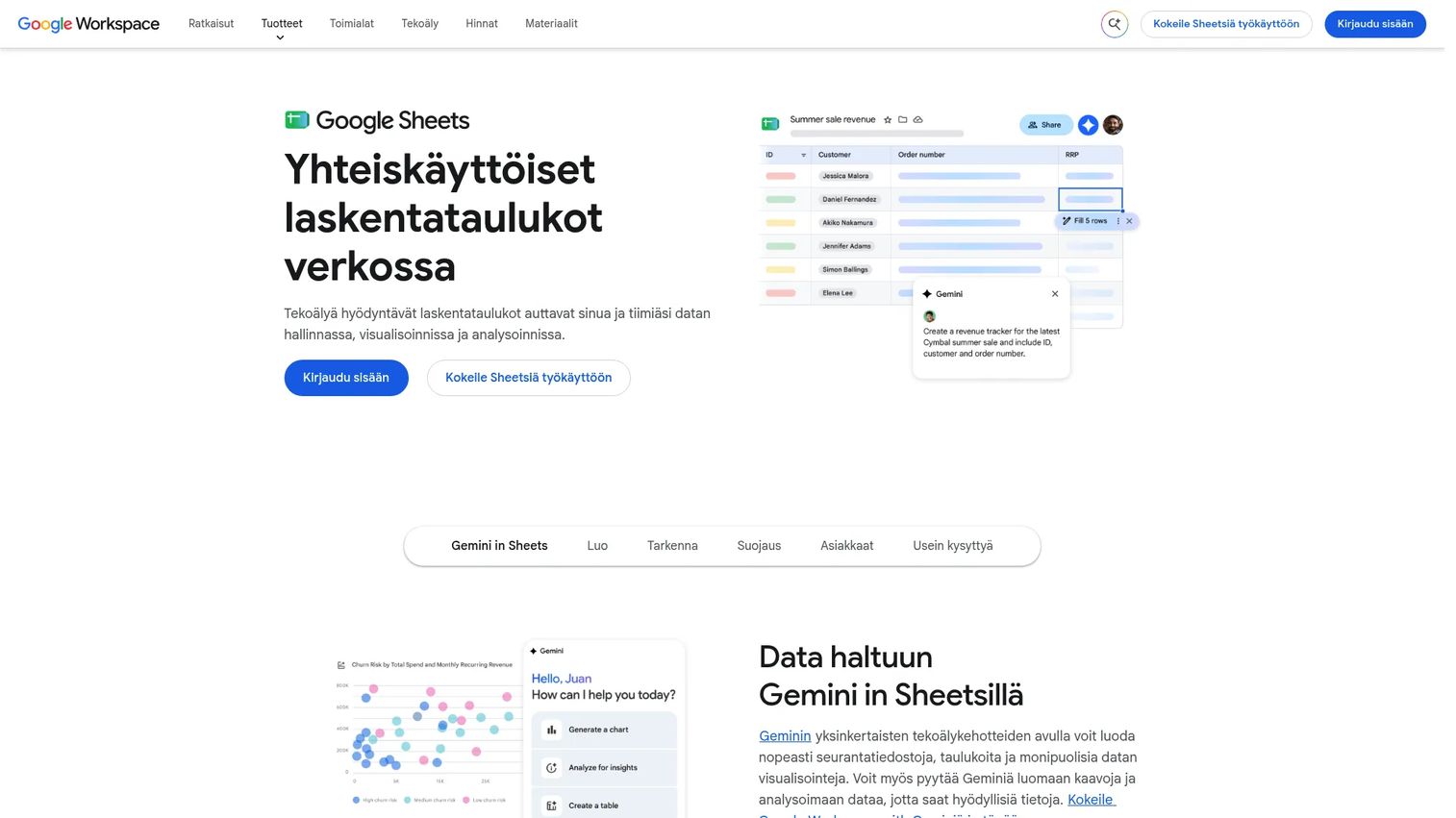
Google Sheets is a cloud-based spreadsheet application for creating, analyzing, and collaboratively editing tabular data. It offers real-time co-editing, version history, sharing permissions, Gemini AI assistance, and Connected Sheets integration with BigQuery for larger datasets.
Best for: Small, collaborative teams managing simple non-regulated tracking, data sharing, or prototype data structures.
Key features
- Real-time collaboration with comments and version history
- Gemini-powered formula generation and data analysis
- Connected Sheets integration with BigQuery and Looker
- Sharing permissions and export formats
- Third-party data integrations
Why choose Google Sheets: Collaboration and version history in Sheets are useful for light research coordination. Collaboration controls do not equal EDC governance: There is no field-level audit trail, no query workflow, and no protocol-driven validation. Use it as a companion or prototyping tool, not as a primary data collection system for studies with regulatory exposure.
Google Sheets pricing: Free for anyone with a Google Account. Google Workspace Starter is €6.80 per user per month. Standard is €13.60 per user per month. Plus is €21.10 per user per month. Enterprise pricing requires contacting sales.
G2 rating: 4.6/5
12. SPSS
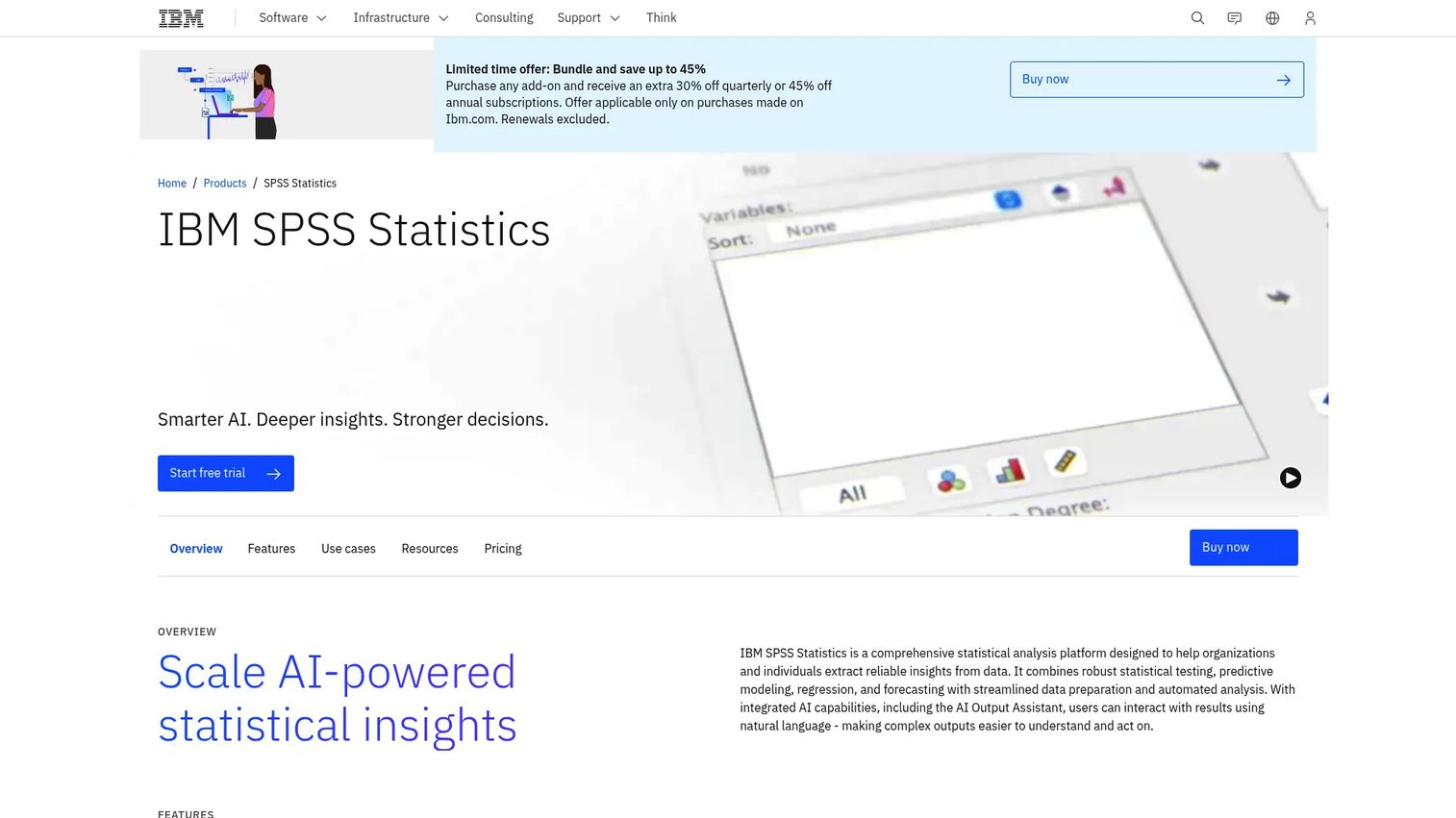
IBM SPSS Statistics is a statistical analysis platform for statistical testing, predictive modeling, regression, forecasting, and data preparation. The AI Output Assistant, powered by watsonx.ai, helps analysts interpret results in plain language. SPSS is commonly used in clinical research after data export from an EDC system.
Best for: Researchers and analysts who need GUI-driven statistical analysis after exporting study data from an EDC or database system.
Key features
- AI Output Assistant with watsonx.ai for result interpretation
- Advanced statistics including bootstrapping and custom tables
- Predictive modeling with regression, decision trees, and neural networks
- Syntax support alongside the point-and-click interface
- Data export and charting
Why choose SPSS: SPSS is not an EDC platform. It sits downstream: Import your locked study data, run your analyses, and produce outputs for regulatory submissions or publication. Teams that want reproducible syntax-driven workflows may prefer Stata or R.
SPSS pricing: Base subscription starts at $99 per authorized user per month. Add-on modules for custom tables, forecasting, and complex sampling start at $79 per user per month each. Monthly, quarterly, and annual billing options are available.
G2 rating: 4.2/5
13. Stata
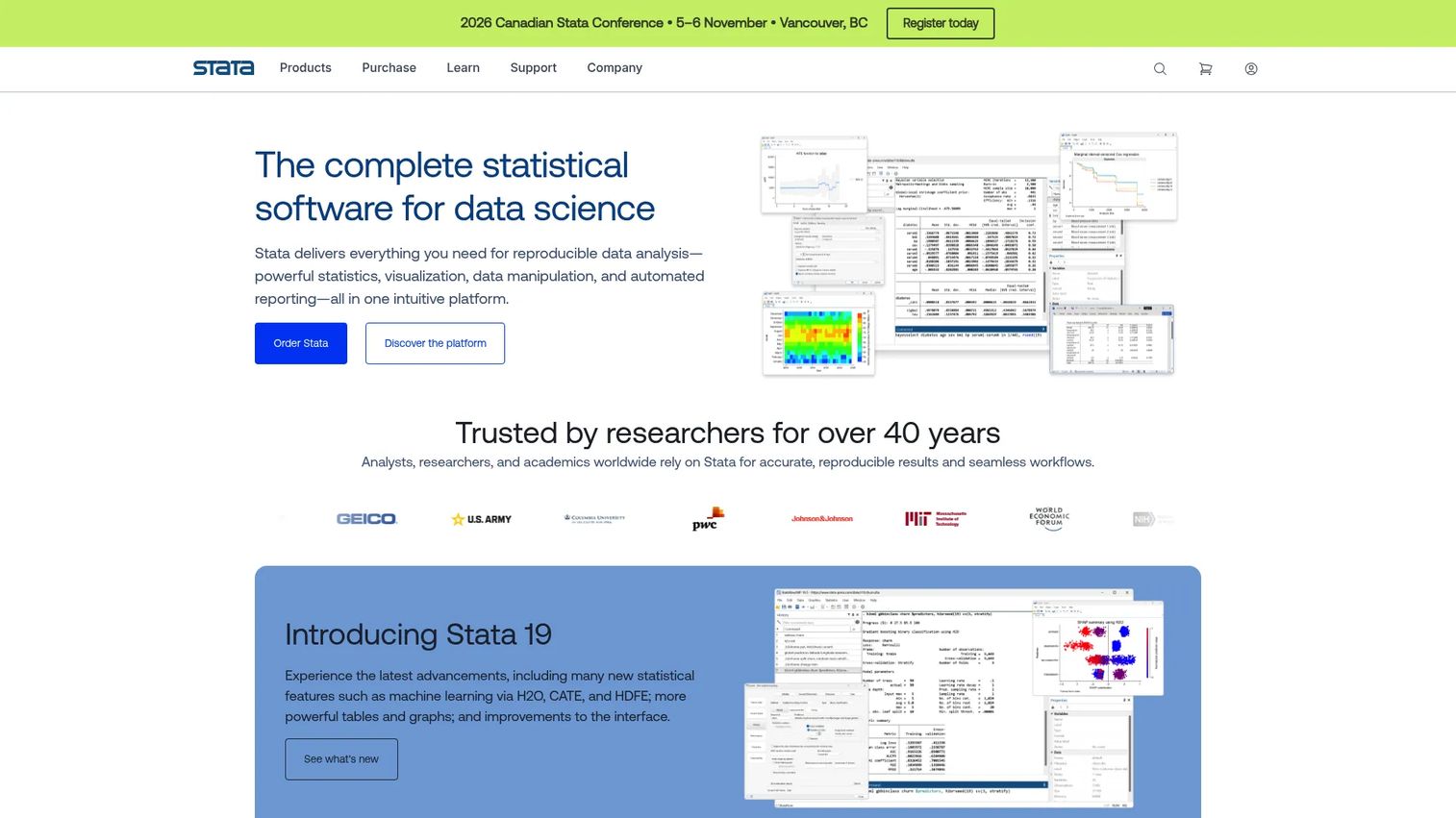
Stata is statistical software widely used in biostatistics, epidemiology, clinical trials analysis, and econometrics. It combines a command syntax interface with a menu-driven GUI, supports a wide modeling library including panel data and survival analysis, and produces publication-quality graphics and reports.
Best for: Biostatisticians, epidemiologists, and research teams that need reproducible analytical workflows after clinical data export.
Key features
- Statistical modeling: Regression, panel data, multilevel models, Bayesian analysis, and survival analysis
- Reproducible scripts and do-file documentation
- Data management with JDBC, ODBC, and SQL import/export
- Publication-quality graphics and report export (Word, Excel, PDF, SVG)
- Python, Jupyter, and Java integration
Why choose Stata: Stata's combination of syntax reproducibility and GUI accessibility makes it practical for teams where some analysts prefer point-and-click and others prefer scripting. It does not capture clinical trial data; it analyzes data that has been captured and exported.
Stata pricing: Pricing requires country selection through the StataCorp order page. Contact StataCorp or a regional distributor for current license costs, including perpetual and annual options.
G2 rating: 4.3/5
14. SAS
SAS is an enterprise analytics platform covering data management, statistical programming, machine learning, predictive analytics, model deployment, and reporting. It has a long history in regulated pharmaceutical and clinical analytics environments, particularly for submission-ready statistical analyses and FDA regulatory reporting.
Best for: Enterprise organizations with established statistical programming operations and regulatory reporting requirements in life sciences.
Key features
- Statistical programming and data management
- Visualization, reporting, and analytical dashboards
- Machine learning, deep learning, and predictive analytics
- Model deployment and monitoring
- Enterprise governance and regulatory analytics workflows
Why choose SAS: SAS is most appropriate for organizations that already run SAS environments and need consistency across regulated analytical pipelines. The cost and implementation footprint make it harder to justify for smaller teams or academic groups where R or Stata cover the same analytical ground at lower cost.
SAS pricing: SAS pricing is quote-based. Contact SAS or request a price quote through the official website. No self-service pricing is available.
15. R
R is a free, open-source language and environment for statistical computing, data visualization, and reproducible research. Its package ecosystem (CRAN) covers almost every statistical method used in clinical and health research, from survival analysis to mixed models to Bayesian inference.
Best for: Statisticians, data scientists, and research teams with programming skills who need flexible, reproducible analysis and visualization after data capture.
Key features
- Open-source statistical modeling and analysis
- Publication-quality graphics and data visualization
- Extensible package system through CRAN
- Reproducible scripts and RMarkdown reporting
- Integration with Python, SQL, and other environments
Why choose R: R's flexibility and cost make it appealing for research teams with coding skills. The tradeoffs are real: Package governance requires attention, dependency management across versions takes effort, and onboarding analysts who are new to scripting takes time. R does not capture data; it analyzes exports from EDC or database systems.
R pricing: Free under the GNU General Public License.
16. MySQL
MySQL is an open-source relational database management system used for web, cloud, SaaS, and transactional applications. Research institutions use it as back-end infrastructure for custom data repositories, including some that underpin academic EDC-like systems.
Best for: Technical teams building custom research databases, data repositories, or back-end storage layers for applications that need relational data structure.
Key features
- ACID-compliant relational tables and SQL queries
- Replication, high availability, and InnoDB Cluster
- JSON support and Document Store
- Stored procedures, triggers, and views
- MySQL Workbench for visual modeling and administration
Why choose MySQL: MySQL is infrastructure, not a user-facing EDC application. Building an EDC-equivalent system on top of a database requires engineering design, system validation, audit trail implementation, access control development, and ongoing maintenance. For most clinical teams, that effort is significantly higher than deploying a purpose-built EDC platform. MySQL belongs in this list because some academic repositories are built on relational databases, and research engineers need to understand where it fits.
MySQL pricing: Community Edition is free. Standard, Enterprise, and Cluster Carrier Grade editions require annual subscriptions; contact Oracle for current pricing.
G2 rating: 4.4/5
Considerations when choosing electronic data capture software
Match the tool to study risk
Low-risk observational surveys can use simpler tools. Studies with regulatory exposure, multi-site enrollment, or publication requirements need audit trails, field-level validation, and controlled access from the start. Retroactively adding those controls after data collection has begun is costly and often not possible.
Verify compliance controls before study build
21 CFR Part 11 covers electronic records and signatures in FDA-regulated studies. Before selecting a platform, confirm that it supports system validation, timestamped audit trails, electronic signature attribution, and user authentication controls. These are system capabilities; whether your study implementation satisfies Part 11 depends on your validation and configuration work, not solely on the vendor.
Check edit checks, queries, and data review workflows
Data quality in a clinical study depends on validation at point of entry and active monitoring during the study. Ask whether the platform supports range checks, required-field enforcement, cross-form edit checks, query initiation by monitors, and query resolution by site coordinators. Missing these features means catching problems later, when corrections are more expensive.
Confirm exports and statistical handoff
Before committing to any EDC platform, test a real export into your planned analysis environment, whether that is SPSS, Stata, SAS, R, or a custom pipeline. Verify that variable names, value labels, and missing data codes survive the transfer cleanly. Database lock procedures should be documented and tested in a pilot study before go-live.
Plan for integrations and maintenance
Consider whether the study requires connections to ePRO, eCOA, IWRS, EHR systems, lab data feeds, wearables, or device endpoints. EDC platforms vary significantly in their native integration depth. Also account for protocol amendments: A system that requires re-validation or engineering work every time a form changes will slow your release cadence and increase operational overhead across the study lifecycle.
Conclusion
The 16 tools in this guide fall into four practical categories, and buying the wrong category for your study type is a common and expensive mistake.
If the study has regulatory exposure, start your evaluation with REDCap for academic and non-profit research, and with Advarra EDC, Castor EDC, Medrio, or Smart Trial for commercial or medical device trials. Teamscope is worth adding to that shortlist when mobile and offline access are operational requirements, not nice-to-haves.
If the work is survey collection without regulated data requirements, Google Forms, SurveyMonkey, or Qualtrics cover those jobs without the implementation overhead of a full EDC platform.
If the bottleneck is analysis rather than capture, evaluate SPSS, Stata, SAS, or R as part of the broader data workflow. MySQL belongs in the conversation only if your team is building custom infrastructure.
The practical next step for most evaluation teams is a pilot build. Configure a single study visit in your top two or three candidates, test an export, and check how the query workflow feels for coordinators and monitors. Paper is easier to prototype than live-study failures are to fix.
Start your journey with Guideflow today!
FAQs
Electronic data capture software is a digital system for collecting, validating, managing, and exporting clinical or research data, typically through electronic case report forms. Purpose-built EDC systems include edit checks, query management, audit trails, role-based permissions, and database lock workflows. They differ from general survey tools, which collect responses but do not provide the regulated workflow controls that clinical studies require.
An eCRF (electronic case report form) is the specific digital form a site coordinator fills out to capture patient or subject data at each study visit. EDC software is the broader system that hosts those forms and manages the surrounding infrastructure: User access, validation rules, query workflows, audit trails, data exports, and database lock. Every EDC system contains eCRFs, but an eCRF alone is not an EDC system.
Google Forms collects data electronically, but it is not a clinical EDC system. It lacks the field-level audit trail, granular role-based permissions, edit checks, query management, and regulated study workflow controls that clinical trials require. It is appropriate for low-risk surveys and intake forms where compliance documentation is not a requirement.
A clinical trial EDC system should support eCRF design per protocol, role-based access controls at the site and monitor level, edit checks and range validation at entry, query initiation and resolution workflows, timestamped audit trails, data exports in formats compatible with SAS or R, and database lock procedures. Systems used in FDA-regulated studies should address 21 CFR Part 11 controls around electronic records and signatures, including system validation, audit trail completeness, and electronic signature attribution.
EDC systems enforce data quality at point of entry through required fields, range checks, format validation, and cross-field edit checks. When inconsistencies are detected by monitors during review, the query workflow routes the discrepancy to the site coordinator for clarification and records the resolution. This active validation during the study reduces the volume of late corrections before database lock, which in turn shortens the time from last patient visit to clean analysis-ready data.
EDC manages study data capture: The patient-level data collected per protocol at each visit, including eCRFs, edit checks, queries, and audit trails. A Clinical Trial Management System (CTMS) manages trial operations: Site management, enrollment milestones, budget tracking, document management, and study administration. Most mid-to-large clinical programs use both. Some vendors, including Medrio and Advarra, offer CTMS and EDC modules in the same platform.
Spreadsheets work for small, simple, non-regulated tracking workflows. For regulated or multi-site studies, spreadsheets create operational risk around permissions (anyone with access can edit any cell), audit trails (version history is not a substitute for field-level change logs), validation (formula errors are silent until someone looks), and data integrity across concurrent editors. The moment a monitor asks who changed a specific value, when they changed it, and why, a spreadsheet becomes an operational liability rather than a data management tool.
Start with four variables: Study risk and regulatory context, number of sites and user roles, data sensitivity requirements, and the analysis pipeline the data needs to feed. Academic non-profits at a single site with no regulatory filing requirement should evaluate REDCap first. Multi-site commercial studies with sponsor oversight should evaluate Advarra EDC, Castor EDC, Medrio, or Smart Trial. Field studies with offline data collection requirements should add Teamscope to the shortlist. Run a pilot build before committing: Configure a representative study visit, test real data export into your analysis environment, and validate that the query and permissions model works for your team structure.