
An OSHA auditor shows up. They ask for proof that every worker on your floor completed the training they were supposed to. You open a spreadsheet, a folder of PDF certificates, and three separate systems, and you start stitching the story together by hand. That is the moment most operators realize their record-keeping is the actual product they need, not the courses.
The market has moved fast on this. The global safety management software market is valued at USD 1.64B in 2026 and is projected to reach USD 4.41B by 2035 at an 11.59% CAGR, according to Business Research Insights (2026). More than 68,000 organizations had already integrated safety management software by 2024, per Market Growth Reports (2024). The buyers driving that growth are not shopping for more courses. They are shopping for a system that assigns, tracks, reports, and proves training without adding admin drag.
If you run operations at a scaling company, this is a repeatability problem. You want training that standardizes across sites, records that stay clean without a full-time coordinator, and reporting your leadership team can read in one screen. The same discipline that makes you consolidate tools and demand clear signal from your best email tracking software tools or your audit management software applies here. Safety training software is compliance infrastructure. Treat it like infrastructure.
What's inside
This guide is for operators, EHS leads, and founders who need to compare safety training platforms on the things that actually matter once you scale: course breadth, LMS workflows, records and certificate tracking, mobile access, and compliance reporting. We evaluated each tool on four criteria: the depth and relevance of its course library, how it handles assignments and training records, whether it supports mobile and field teams, and how strong its compliance reporting and audit trail are. We verified pricing and features against each vendor's own pages. Where a figure was not public, we say so rather than guess.
TL;DR
- Best for mobile and operations-heavy teams: SafetyCulture, with a free tier and a mobile-first inspection and training app.
- Best for integrated training plus EHS compliance: HSI, with an 800+ course library and combined LMS and EHS workflows.
- Best for course-first OSHA training: ClickSafety, with OSHA 10 and 30-hour authorized courses sold per course.
- Best for multi-location compliance tracking: eSafety, with LMS scheduling, auto-reports, and contractor management.
- Best for LMS depth with custom content: SafetySkills, with SCORM upload support and automatic assigning by group.
- Best for all-in-one EHS operations: BIS Safety Software, with an LMS, digital forms, training matrix, and asset management.
What is safety training software?
Safety training software is a platform for assigning, delivering, tracking, and documenting workplace safety and compliance training, usually built on a learning management system with a library of ready-made courses.
The category sits at the intersection of a safety training LMS, a course library, and a compliance record system. Most platforms combine online course delivery with the administrative machinery that proves the training happened. That proof layer is what separates a real safety training platform from a generic e-learning tool.
Core features to expect:
- Course library: Ready-made OSHA training, EHS training, and industry-specific courses, often with multilingual safety training options.
- Safety training LMS: Assignment, scheduling, automatic assigning by group or role, and progress tracking.
- Training records: A central system of record for who completed what, when, and with what score.
- Certificate tracking: Automatic issuance, expiration alerts, and refresher training reminders.
- Training matrix: A grid view mapping required training to roles, sites, or job functions.
- Compliance reporting: Audit-ready exports, dashboards, and reports aligned to OSHA and other regulatory standards.
- Mobile safety training: A safety training app or responsive interface for field and distributed teams.
- Digital forms: Incident reports, site inspections, and audits, in the platforms that go beyond training.
Adoption of the digital version of this work is now the norm, not the exception. Cloud-based safety management software accounted for 62.7% of installations globally in 2024, up from 51.3% in 2022, per Market Growth Reports (2024). Roughly 42.5% of industrial operations used digital tools to monitor occupational health and safety in real time that same year.
When to use safety training software
Standardize training across multiple sites
If you run more than one location, consistency is the whole game. A safety training LMS lets you assign the same courses, deadlines, and refresher schedules to every site from one place. This is where employee training management stops being a per-manager task and becomes a repeatable system. It also means a new site inherits your training standard on day one instead of reinventing it.
Prove compliance without manual record-keeping
When an audit lands, you need training records and certificate tracking that hold up without a scramble. Software that timestamps completions, stores certificates, and exports compliance reporting on demand turns audit readiness from a fire drill into a filter and export. The goal is a clean paper trail that survives scrutiny from a regulator, a customer's security review, or your own board.
Train field and distributed teams
If your workers are on job sites, in trucks, or spread across regions, mobile safety training is not optional. A safety training app that works offline or on a phone means training gets done where the work happens. Look for this if desk time is scarce and you need completions from people who never touch a laptop.
Comparison table
Here is how the seven platforms compare on the factors operators weigh most: intent, key use case, pricing, and rating. Pricing reflects each vendor's publicly listed figures at the time of writing.
| # | Product | Intent | Key use case | Pricing | G2 rating |
|---|---|---|---|---|---|
| 1 | SafetyCulture | Mobile-first operations and training | Inspections, checklists, and training in one app | Free; Premium from $24/license/mo billed annually | Not verified |
| 2 | HSI | Integrated training plus EHS compliance | 800+ course LMS with EHS workflows | Safety Training from $4,000/year | 4.6/5 |
| 3 | ClickSafety | Course-first OSHA training | OSHA 10 and 30-hour authorized courses | OSHA 10 from $59, OSHA 30 from $159 | Not verified |
| 4 | eSafety | Multi-location compliance tracking | LMS with auto-reports and contractor management | Custom quote by user count | Not verified |
| 5 | SafetySkills | LMS depth with custom content | SCORM upload and automatic assigning | Per-credit Direct plan | Not verified |
1. SafetyCulture
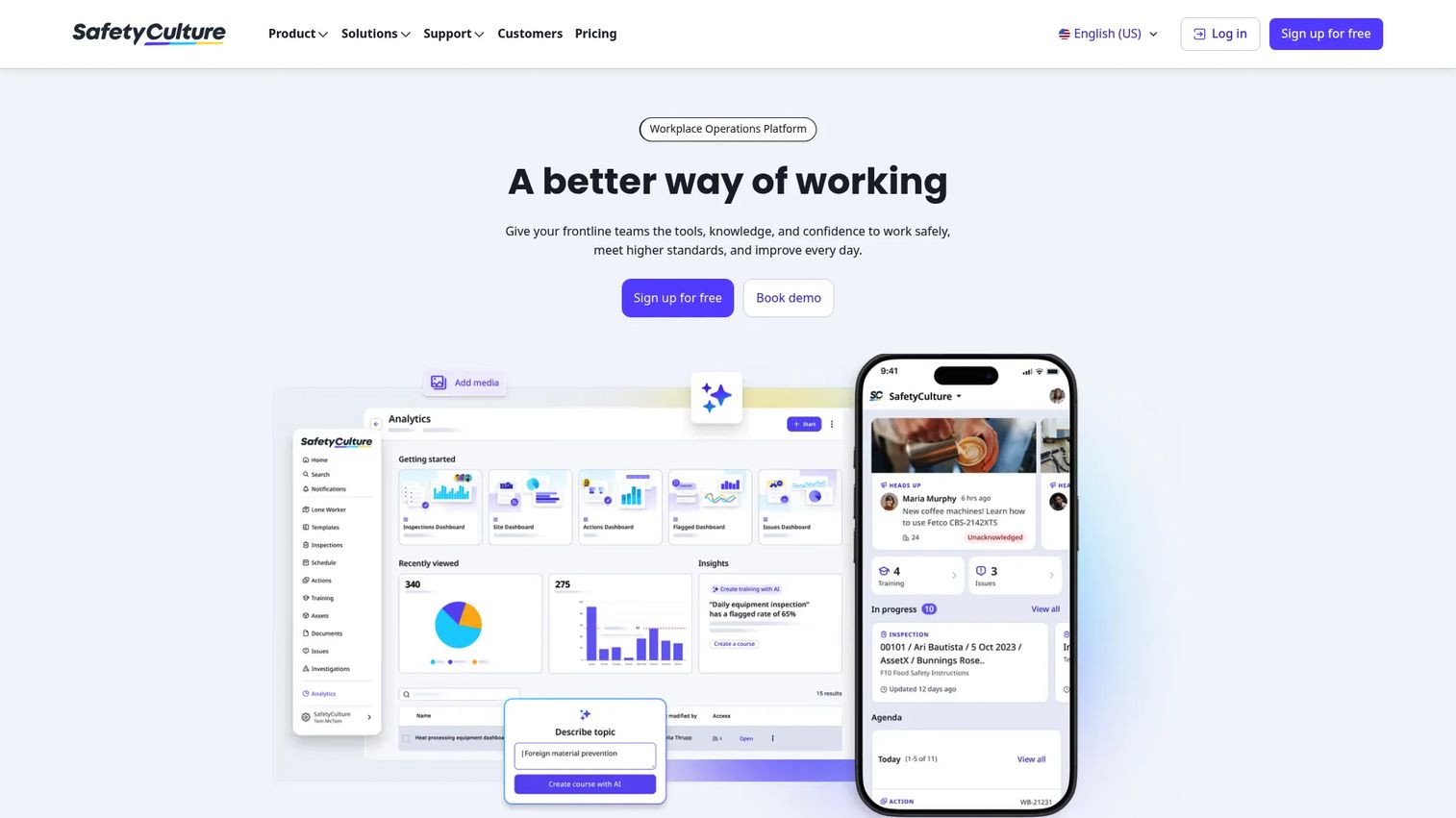
SafetyCulture is a workplace operations platform that covers safety, quality, operations, ESG, and asset management in one system. It started as a mobile inspection tool and grew into a broader platform, which is why its training sits alongside checklists, audits, and asset workflows rather than in a standalone LMS silo. For teams that want their safety training software and their field operations in the same app, that combination is the draw.
Best for: Operations-heavy teams that need mobile inspections, training, and workflows in a single app.
Key strengths
- Mobile-first design: The app is built for field use, so completions happen on the floor, not at a desk.
- AI-powered inspections: Audits, checklists, and inspections run alongside training in one place.
- Asset and task management: Equipment maintenance and task assignment live in the same system as training.
Why choose SafetyCulture: If your safety problem is really an operations problem, SafetyCulture consolidates several tools into one. Teams already running mobile inspections get workplace training without adding a separate learning platform. The free tier lets a small team validate the workflow before committing budget, which matters when you are protecting cash and want a first win in week one.
SafetyCulture pricing: SafetyCulture offers a free plan for small teams. Its Premium plan is $24 per license per month billed annually, or $29 per license per month billed monthly. Enterprise pricing is custom. The free tier makes it one of the few platforms here you can trial hands-on without a sales call.
2. HSI
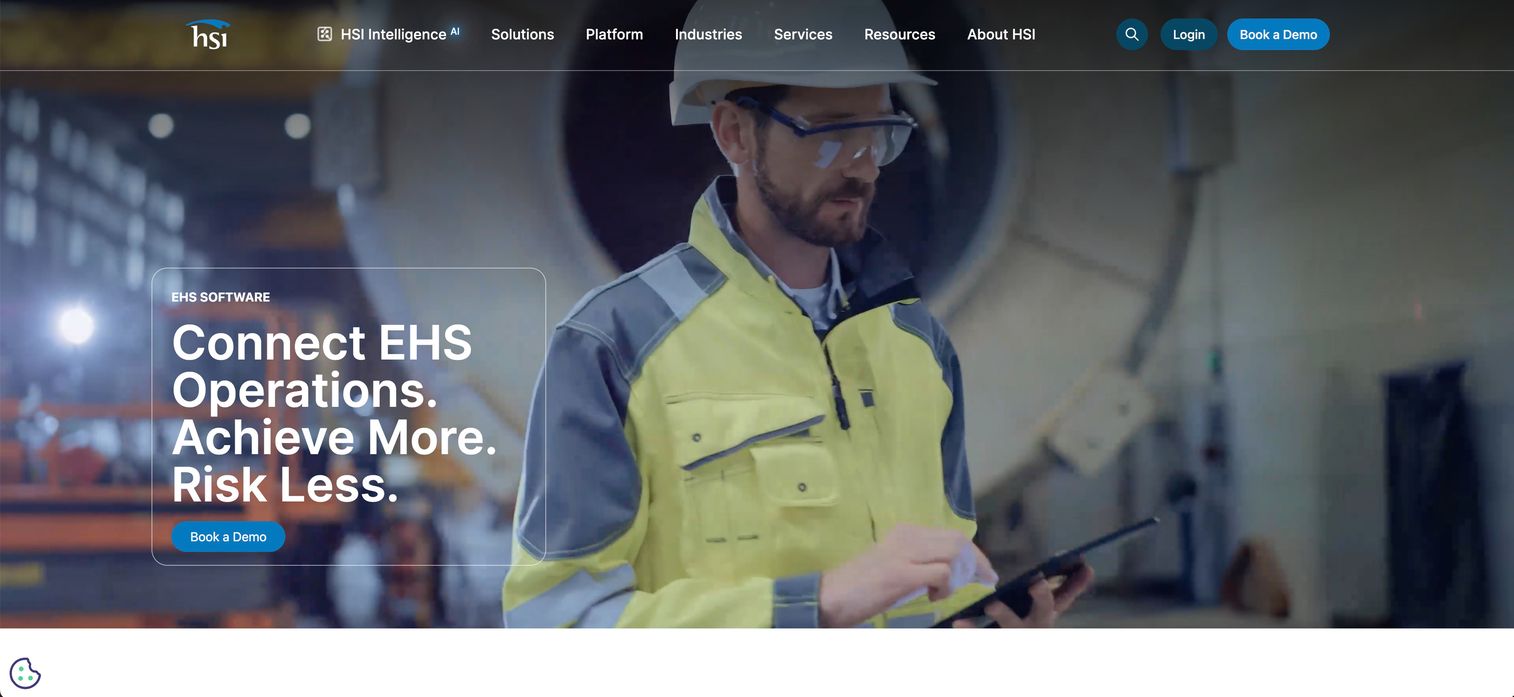
HSI is cloud-based EHS, compliance, workforce training, and safety management software aimed at mid-market organizations that want training and compliance in one system. Its differentiator is breadth: an LMS with a large course library sitting on top of EHS reporting, audits, inspections, and incident workflows. For operators who do not want to run a separate LMS and a separate EHS tool, HSI collapses that into one vendor.
Best for: Mid-market organizations that need integrated safety training and EHS compliance software.
Key strengths
- 800+ course library: Broad OSHA training and EHS training coverage without sourcing content elsewhere.
- Integrated EHS workflows: Incident, hazard, audit, and inspection reporting connect to training records.
- AI-enabled workflows: Includes image-based hazard recognition and AI-assisted processes.
Why choose HSI: HSI fits when you are consolidating vendors and want training, compliance reporting, and EHS records under one roof. The published pricing floor gives you a real budget anchor, which is rare in this category. For a founder or operator standardizing safety across a growing headcount, one integrated system beats stitching an LMS to a compliance tool.
HSI pricing: HSI publishes Safety Training pricing starting at $4,000 per year. HSI notes this is a minimum yearly contract price based on 75 employees and 10 safety training courses, with other conditions applying. Its separate eLearning pricing is customized by bid rather than shown as a rate card. HSI carries a 4.6 out of 5 rating on G2.
3. ClickSafety
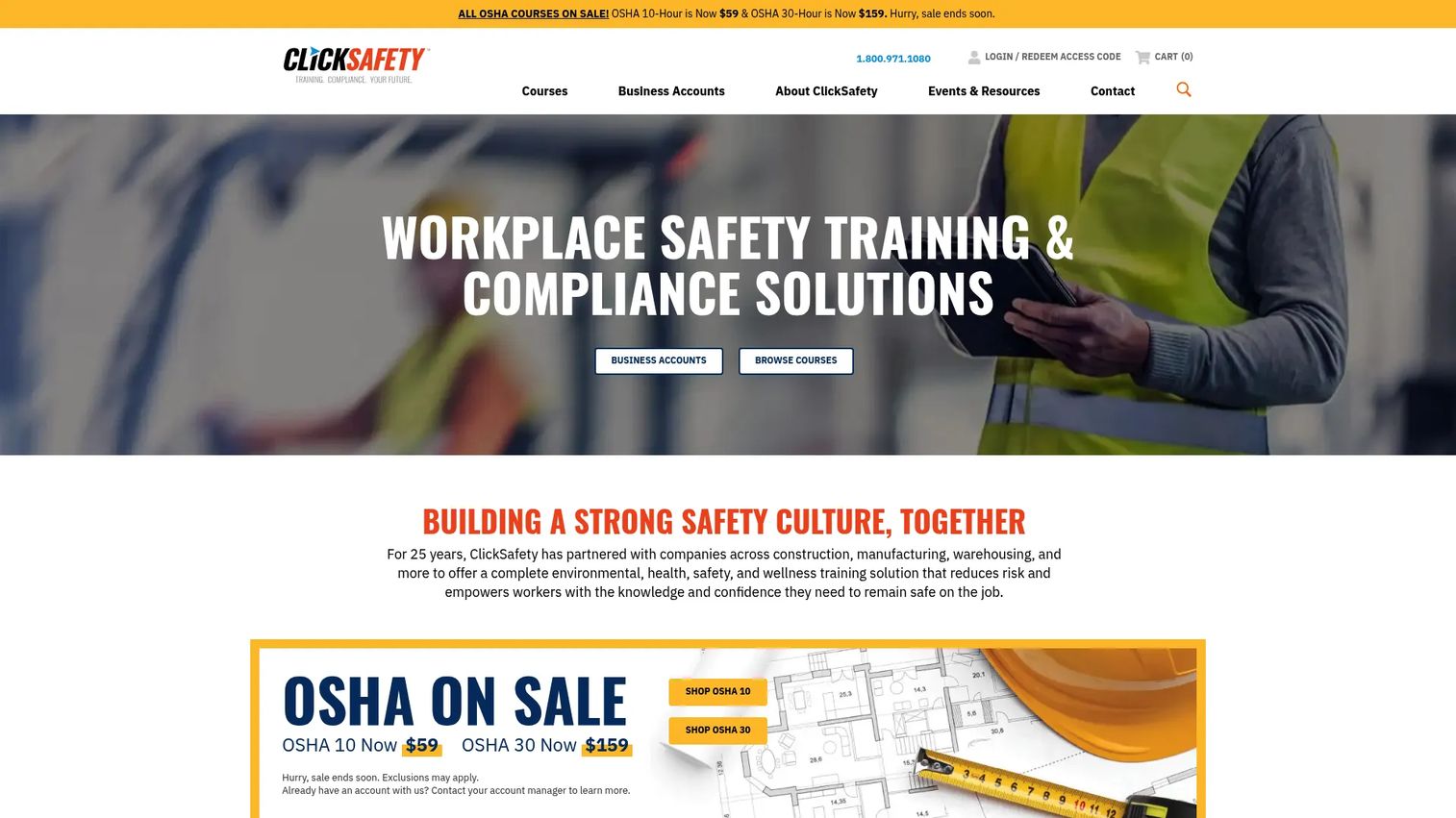
ClickSafety is online safety training built around a catalog of compliance courses for construction and general industry. Where the LMS-first platforms lead with administration, ClickSafety leads with the courses themselves, including OSHA 10 and 30-hour authorized training and Spanish-language options. If your immediate need is getting workers certified rather than building a long-term training system, this is the course-first route.
Best for: Organizations and individual workers who need online OSHA and workplace safety training fast.
Key strengths
- OSHA-authorized training: OSHA 10- and 30-hour courses with recognized completion credentials.
- 500+ safety courses: A deep catalog spanning construction and general industry needs.
- Multilingual safety training: Spanish-language courses and safety packs for diverse workforces.
Why choose ClickSafety: ClickSafety wins when the job is clear compliance value per course, not platform depth. You buy the training you need, workers complete it, and the OSHA credential follows. For a company that needs a specific cohort certified this quarter, per-course pricing is easier to justify than an annual platform contract.
ClickSafety pricing: ClickSafety prices individual courses and bundles rather than a subscription. OSHA 10-hour courses start at $59, OSHA 30-hour courses at $159, and some safety packs at $56. EM 385-1-1 courses run $200. There is no free tier; you pay per course or bundle.
4. eSafety
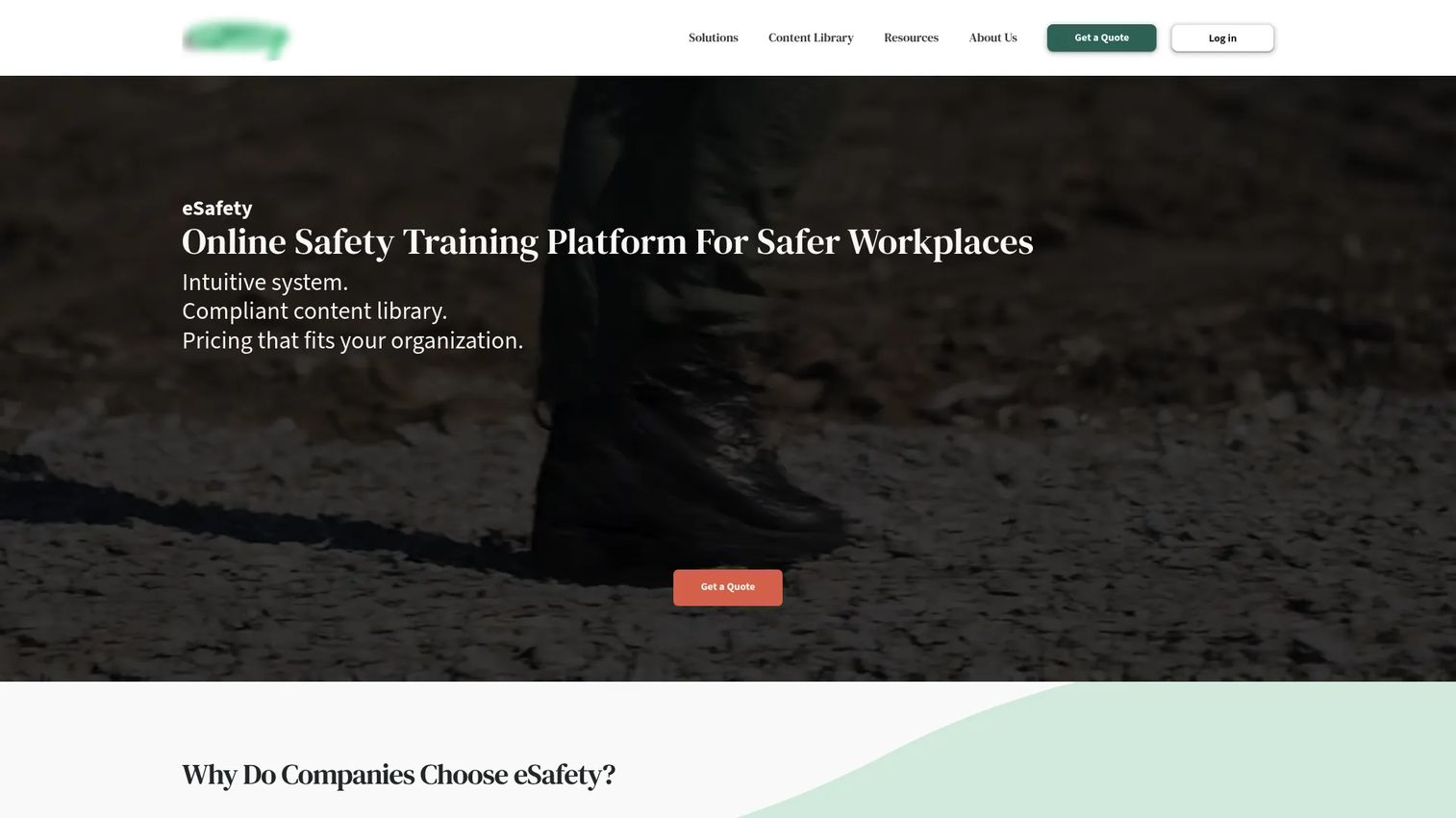
eSafety is online safety training and compliance software built around an LMS with strong record-keeping and reporting. Its strength is the administrative layer: course scheduling, automatic reminders, compliance reporting, and contractor management. For operators running training across multiple locations and outside contractors, that admin machinery is the point.
Best for: Organizations that need OSHA-oriented safety training with clean compliance tracking across locations.
Key strengths
- LMS scheduling and reminders: Course scheduling with automated reminders keeps refresher training on track.
- Compliance reporting and auto-reports: Scheduled reports keep audit readiness continuous, not last-minute.
- Custom content upload: A course builder lets you add your own material alongside the library.
Why choose eSafety: eSafety fits multi-location operations that also manage contractors and need audit-ready records without manual chasing. The contractor management piece matters if your compliance exposure includes people who are not on your payroll. Auto-reports mean leadership can see training status without asking an admin to build a spreadsheet.
eSafety pricing: eSafety does not publish public pricing. The company states pricing fits the organization and is based on total users, with annual subscription-based pricing available on request. You will need a quote scoped to your headcount.
5. BIS Safety Software
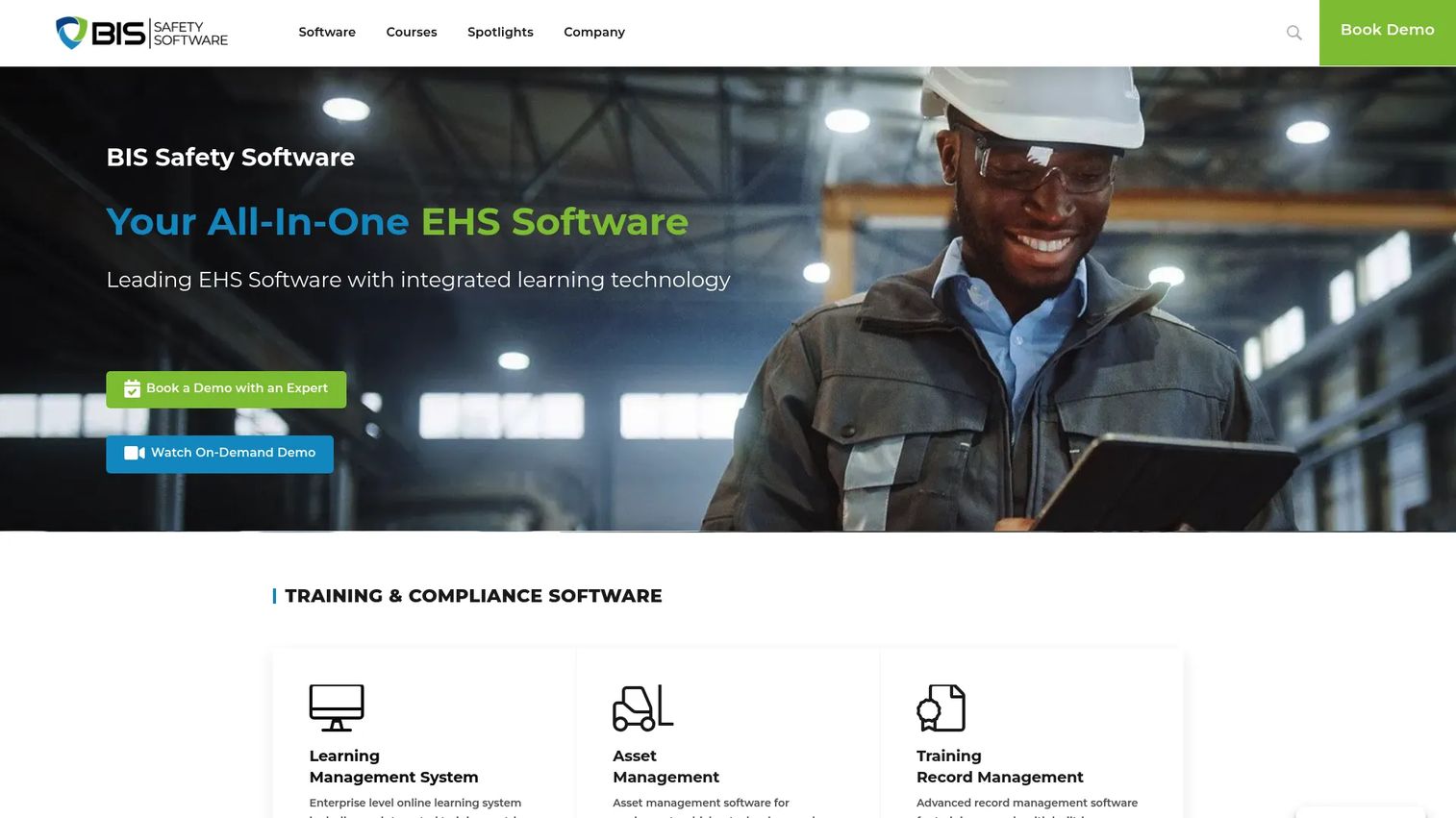
BIS Safety Software is EHS learning and compliance software that bundles training, digital forms, asset management, and training record tools into one platform. This is the most all-in-one option on the list. Its LMS includes an integrated training matrix and exam engine, and its digital forms cover incident reports, inspections, and audits. For larger, highly regulated operations, that breadth means fewer separate systems to reconcile.
Best for: Organizations that need EHS training and compliance software with bundled online courses and forms.
Key strengths
- LMS with training matrix: An integrated training matrix and exam engine map required training to roles.
- Digital forms: Online forms for incidents, inspections, and audits live alongside training.
- Asset management: Track equipment, vehicles, and technology in the same platform as training records.
Why choose BIS Safety Software: BIS fits complex, highly regulated operations that want their training matrix, digital forms, and records in one place rather than across three tools. The exam engine and matrix give you a clear grid of who needs what and who has it, which is exactly the view an auditor asks for. Consolidation is the value here: one system to manage, one place to report from.
BIS Safety Software pricing: BIS publishes course subscription pricing starting at $1.00 per user per month for its Safety Basics plan, up to $2.00 per user per month for Regulatory Compliance, with mid-tier bundles in between. Plans require a one-year contract plus a $500 custom portal setup fee, and per-user rates vary by volume. BIS carries a 4.8 out of 5 rating on G2.
Considerations before you buy
The right platform depends on how you weigh a handful of operational factors. Run every shortlist through these.
Course library depth and relevance
A large course library only matters if it covers your industry and regulatory scope. Check for the specific OSHA training, EHS training, and role-specific courses your work requires, and confirm multilingual safety training if your workforce needs it. A thousand generic courses are worth less than fifty that match your risk profile.
Training records and certificate tracking
Your records are the asset you will actually lean on in an audit. Verify that the platform timestamps completions, stores certificates, tracks expirations, and triggers refresher training automatically. Certificate tracking that quietly lapses is worse than no tracking, because it creates false confidence.
Compliance reporting and audit readiness
Look at the actual reports, not the feature list. You want exports and dashboards that map to OSHA and other standards, and a training matrix that shows required-versus-completed at a glance. The test is simple: can you produce audit-ready proof in minutes, not days?
Mobile access and field readiness
If any part of your workforce is off-desk, a safety training app is a requirement, not a nice-to-have. Confirm the mobile experience is genuinely usable, ideally offline-capable, so completions come from the field without friction. Distributed teams live or die on this.
Admin overhead and scalability
The point of software is less manual work, not more. Prioritize automatic assigning, scheduled reminders, and reporting that leadership can read without an analyst. As you add sites and headcount, the platform should absorb the load rather than force you to hire a coordinator for it.
Conclusion
The pattern across all seven tools is the same: the course library gets you in the door, but the records, reporting, and mobile access decide whether the platform actually reduces your admin burden. Pick based on your operational reality, not the length of the course catalog.
If you want mobile-first training tied to inspections and operations, SafetyCulture is the natural fit, and its free tier lets you test it this week. If you are consolidating training and EHS compliance into one system, HSI gives you integrated workflows with a published price floor. Need workers certified fast? ClickSafety's per-course OSHA training is the direct path. For multi-location compliance and contractor tracking, eSafety earns its place, while SafetySkills and Vivid Learning Systems round out the HSI ecosystem for LMS depth and custom content. And if you want the broadest all-in-one EHS platform with digital forms and a training matrix, BIS Safety Software covers the most ground.
Match the tool to your stage and team size, run a small pilot before you scale it, and make sure the reporting survives an audit before you sign.
FAQs
Safety training software is used to assign, deliver, track, and document workplace safety and compliance training. It combines a course library with a learning management system so administrators can enroll employees, monitor progress, and keep training records that prove compliance. Most platforms also handle certificate tracking, refresher scheduling, and compliance reporting for audits.
The features that matter most are automatic assigning by role or group, progress and completion tracking, certificate tracking with expiration alerts, and compliance reporting. A training matrix that maps required courses to job functions is valuable for larger teams. If your workforce is distributed, mobile access and offline course delivery become just as important as the course library itself.
You track them through the LMS record system, which timestamps each completion and stores the associated certificate. Strong platforms automatically flag expiring certifications and trigger refresher training before the deadline. Look for exportable records so you can hand an auditor a clean report rather than reconstructing history from folders and spreadsheets.
For any team with field, site, or distributed workers, yes. A safety training app lets people complete required training where the work happens instead of at a desk, which lifts completion rates. Offline capability matters when workers are on job sites with poor connectivity. If your entire workforce is office-based, mobile is less critical but still convenient.
At minimum, look for OSHA 10-hour and 30-hour authorized courses, since these are the common baseline for construction and general industry. Depending on your operations, you may also need hazard communication, respiratory protection, lockout/tagout, and other standard-specific courses. Confirm the courses carry recognized completion credentials, such as DOL cards where applicable, before you buy.
Do not compare on raw course count. Compare on how well the library covers your specific industry, regulatory scope, and languages. Check whether courses are OSHA-authorized where required, how often content is updated, and whether you can upload custom SCORM content for internal training. Fifty relevant, current courses beat a thousand generic ones.
Look for reporting that produces audit-ready proof in minutes and dashboards leadership can read without an analyst. The report should map completions against requirements by role, site, and deadline, and export cleanly for regulators or customer security reviews. Scheduled auto-reports are the difference between continuous audit readiness and a quarterly scramble.
It keeps a continuous, timestamped record of who completed what training and when, so proof is always current rather than assembled after the fact. A training matrix shows required-versus-completed at a glance, and compliance reporting exports that record on demand. When an auditor or customer asks for evidence, you filter and export instead of chasing paper across systems.