Your customers are asking for help in six different places at once. Email. Chat. Instagram DMs. WhatsApp. App store reviews. The contact form your developer set up two years ago and nobody maintains.
Meanwhile, your support data lives completely separate from your CRM, your lifecycle campaigns, and anything resembling attribution. Someone churns, and you have no idea whether they opened three support tickets first. That signal was sitting in a different tool, unconnected.
According to Verint's State of Customer Experience (2025), 73% of consumers now prefer digital customer service channels over the phone. That shift has moved fast, and most teams are still stitching together their response with shared Gmail inboxes, ad hoc chat widgets, and manual routing.
The tools in this guide are built for teams that want to fix that. The right customer service platform should consolidate the channels your customers actually use, connect support data to the rest of your stack, and give you enough reporting to make the case for what's working.
Which tool reduces the mess without becoming another system nobody trusts?
What's inside
This guide covers 15 digital customer service tools for 2026, evaluated for teams across growth, support, and RevOps.
- Who it's for: Growth marketers, support leaders, and RevOps teams comparing customer service platforms
- Selection criteria: Omnichannel channel coverage, AI automation depth, CRM integration quality, reporting clarity, and pricing transparency
- Evidence standard: Pricing and G2 ratings verified against live sources
- Scope: Shared inboxes, help desks, AI agents, ticketing systems, and omnichannel platforms
TL;DR
- Best all-around enterprise platform: Zendesk handles omnichannel ticketing, AI, knowledge base, and routing at scale
- Best value for growing teams: Freshdesk delivers broad help desk capability with accessible per-agent pricing
- Best for AI-first conversations: Intercom leads on conversational AI with its Fin AI Agent and proactive messaging
- Best for CRM-connected growth teams: HubSpot Service Hub keeps support, marketing, and customer data in one stack
- Best for ecommerce support: Gorgias is built around Shopify workflows, order context, and revenue reporting
- Best for Gmail-based teams: Hiver adds help desk accountability without leaving Google Workspace
What is digital customer service software?
Digital customer service software helps teams manage, route, automate, and measure customer conversations across digital channels. It is the operational layer that sits between your customers and your team, turning scattered incoming messages into tracked, assigned, resolved tickets with measurable outcomes.
The category spans several tool types. Help desk software centers on ticket management, shared inboxes, SLA tracking, and agent workflows. Omnichannel customer service platforms add chat, voice, social media, and messaging integrations alongside the core help desk. CRM-connected service hubs like HubSpot Service Hub and Salesforce Service Cloud tie support data directly into customer records and lifecycle workflows. AI-first platforms like Intercom lead with automated resolution before routing to a human agent.
Core capabilities to look for:
- Ticket management and shared inboxes
- Live chat and messaging (web, mobile, WhatsApp, social)
- Knowledge base and customer self-service portal
- AI agents for automated resolution and agent assist
- Workflow automation and smart routing
- CRM integration and customer history context
- Reporting, CSAT, NPS, and SLA tracking
- Integrations with ecommerce platforms, marketing automation tools, and analytics stacks
Where digital customer service tools fit in your growth stack: A CRM stores customer data. A customer service platform manages the support workflow around that data. When those two are connected, support conversations surface churn risk, expansion signals, and campaign feedback loops. When they're not, that signal disappears.
That gap is what makes the tool choice a growth decision, not just a support decision. Teams running our best AI customer service agents guide often find the distinction between platform categories is the first thing to clarify before comparing features.
When to use digital customer service tools
Consolidate scattered support channels
Your team is managing email in Gmail, chat via a disconnected widget, social DMs manually, and phone calls through a separate system. Attribution breaks at every handoff. A customer service platform brings those channels into a single inbox so agents have context, managers have reporting, and no conversation falls through.
Automate repetitive customer questions
Billing questions, order status checks, password resets, subscription change requests, and returns follow predictable patterns. AI agents, macros, and routing rules handle these before they reach a human agent. The goal is not fewer support staff. The result is support staff spending time on the conversations that actually need them.
Connect customer service to revenue data
Growth teams care about support data for a specific reason: Customers who struggle tend to churn. CRM-connected service tools let support conversations update contact records, trigger lifecycle workflows, and flag accounts that look like churn risks. That feedback loop is worth more than any single resolution metric.
Digital customer service tools comparison
The table below sorts 15 tools by relevance to digital customer service needs. Pricing reflects verified annual rates where applicable. G2 ratings are sourced from live listings.
| # | Product | Best for | Key differentiator | Pricing | G2 rating |
|---|---|---|---|---|---|
| 1 | Zendesk | Enterprise omnichannel service | Mature help desk, AI, routing, and large app marketplace | From $19/agent/mo (annual) | 4.3/5 |
| 2 | Freshdesk | Value-conscious support teams | Broad help desk with Freddy AI and accessible pricing | From $19/agent/mo (annual) | 4.4/5 |
| 3 | Intercom | AI-first customer conversations | Fin AI Agent with per-outcome pricing | From $19/seat/mo + $0.99/Fin outcome | Not confirmed |
| 4 | HubSpot Service Hub | CRM-connected growth teams | Support, CRM, and lifecycle data in one HubSpot stack | Free plan; paid from $7/seat/mo (annual) | 4.4/5 |
| 5 | Zoho Desk | Zoho ecosystem users | Affordable ticketing with Zia AI and Zoho CRM | Free plan; paid from $7/user/mo (annual) | 4.4/5 |
| 6 | Help Scout | Customer-first small teams | Shared inbox, Docs, Beacon, and simple workflows | From $25/user/mo | 4.4/5 |
| 7 | Salesforce Service Cloud | Large Salesforce organizations | Enterprise case management tied to Salesforce CRM | From $25/user/mo (Starter Suite) | 4.4/5 |
| 8 | LiveAgent | Multichannel support on a budget | Ticketing, live chat, call center, and portal in one tool | From $11/agent/mo (annual) | 4.5/5 |
| 9 | Kustomer | Unified customer timeline | Conversation-based service with 360-degree customer view | Custom pricing | 4.4/5 |
| 10 | Gorgias | Ecommerce support teams | Shopify-native workflows and revenue-aware support | From $10/mo | 4.6/5 |
| 11 | Hiver | Gmail-based support teams | Help desk workflows built inside Google Workspace | From $25/user/mo (annual) | 4.6/5 |
| 12 | Re:amaze | Small ecommerce brands | Chat, help desk, FAQ, and storefront integrations | From $29/team member/mo | 4.6/5 |
| 13 | Nextiva | Voice and digital support | Business phone plus digital customer service in one platform | From $15/user/mo (annual) | 4.5/5 |
| 14 | Gladly | People-centered service | Customer timeline model, not ticket-first workflows | Custom pricing | 4.7/5 |
| 15 | ProProfs Help Desk | Simple help desk adoption | Ticketing, shared inbox, knowledge base, and surveys | From $29.99/mo | 4.7/5 |
Best 15 digital customer service tools for 2026
1. Zendesk
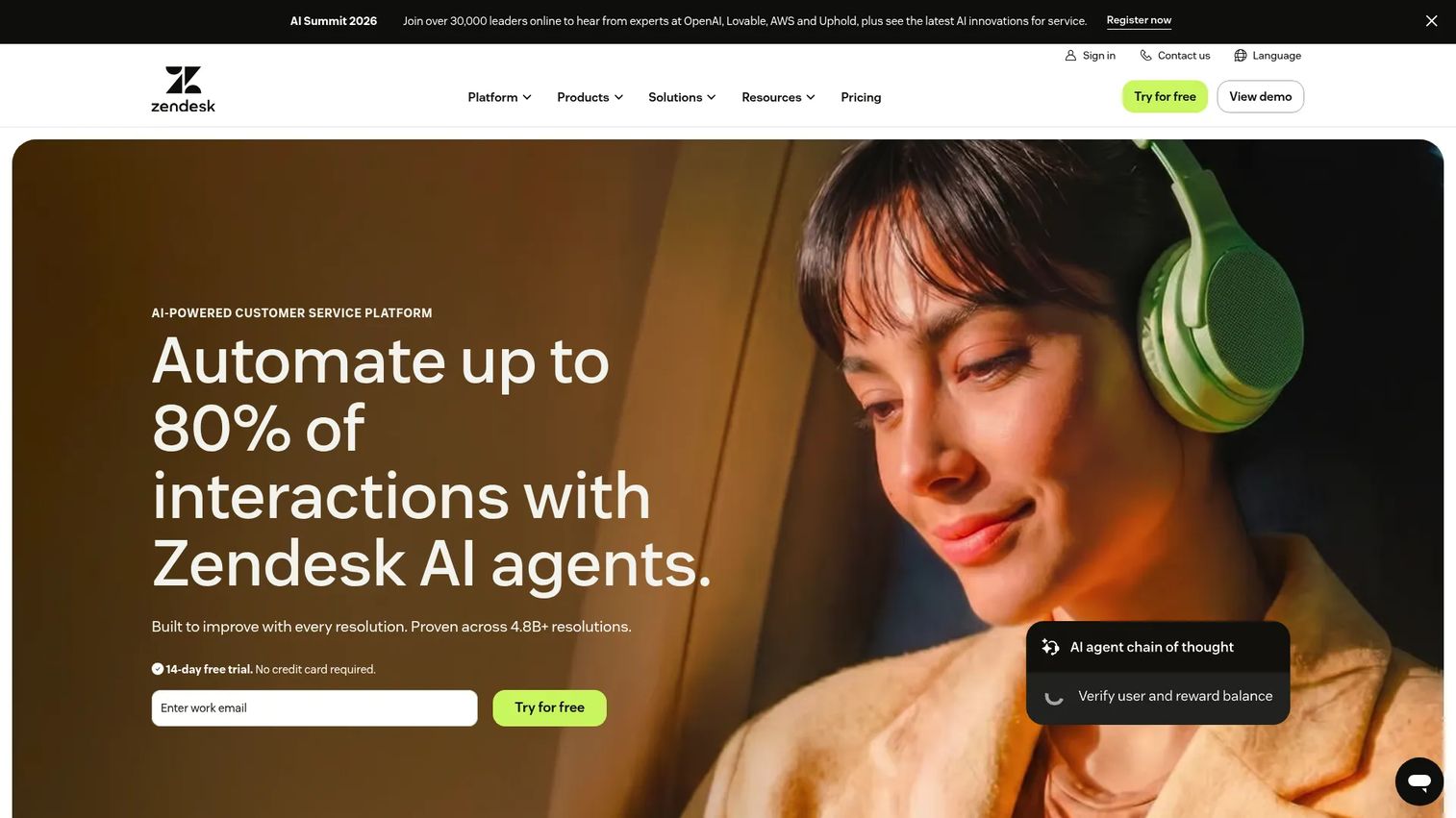
Zendesk is the most established omnichannel customer service platform for teams that need breadth, governance, and a mature app ecosystem. It covers email, messaging, voice, SMS, social media, live chat, and self-service from a unified agent workspace, with AI, routing, SLAs, and analytics built in. Zendesk's marketplace includes hundreds of prebuilt integrations, making it one of the more flexible options for teams with complex stacks. The platform suits scaling support operations more than lean early-stage setups.
Best for: Enterprise and mid-market support teams managing high-volume omnichannel support.
Key features
- Omnichannel ticketing across email, chat, voice, SMS, and social
- Zendesk AI for automated resolution and agent assist
- Knowledge base and self-service help center
- SLA management and smart routing
- Prebuilt integrations via the Zendesk Marketplace
Why choose Zendesk: Choose Zendesk when your team handles significant volume across multiple channels and needs a platform with deep governance, proven enterprise reliability, and a large integration catalog. Smaller teams may find the setup heavier than their actual needs.
Zendesk pricing: Plans start at $19 per agent per month on the Support Team plan, billed annually. Suite plans, which add omnichannel, AI agents, messaging, and advanced analytics, start at $55 per agent per month (annual). Enterprise pricing requires a sales conversation.
G2 rating: 4.3/5
2. Freshdesk
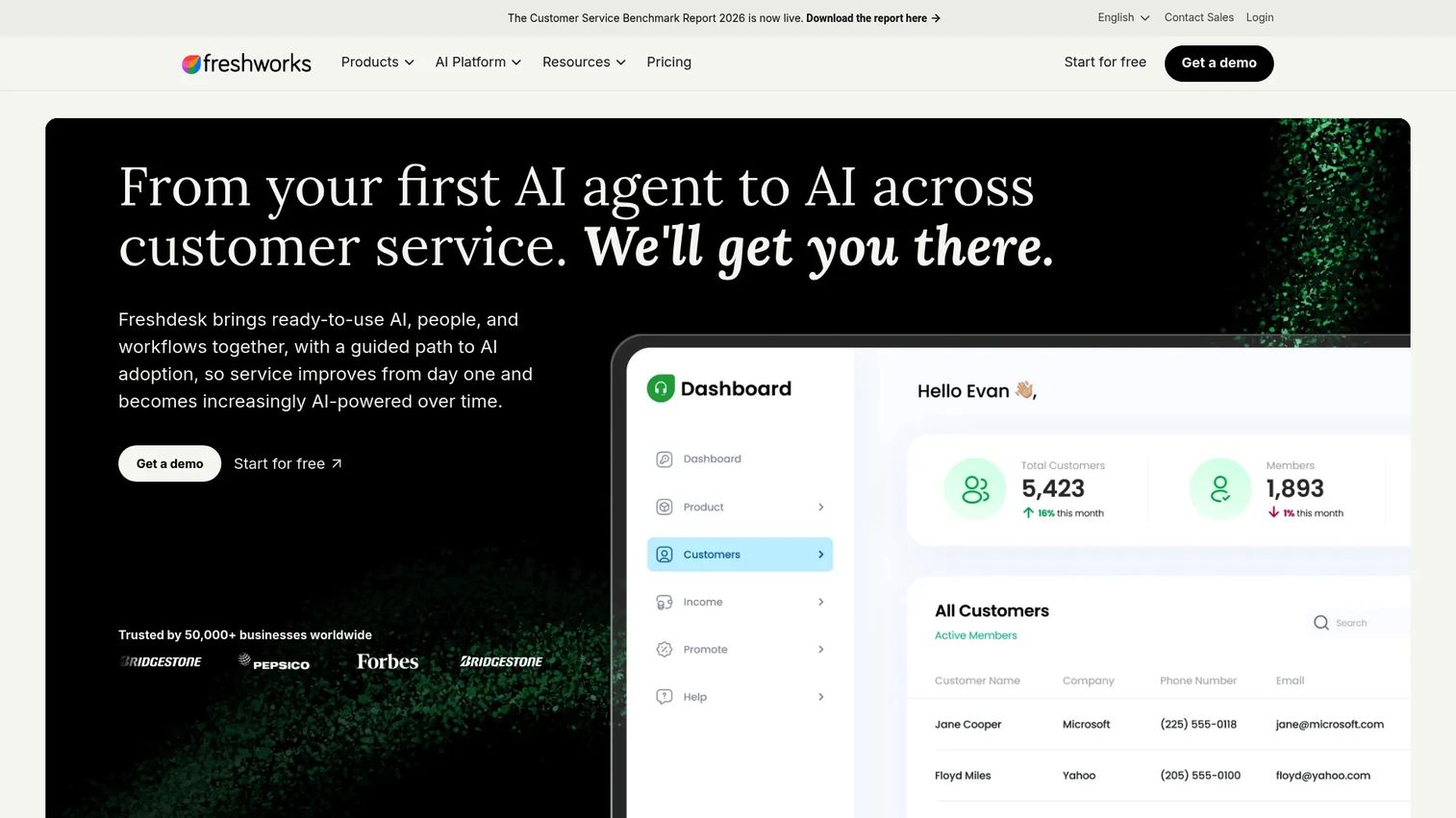
Freshdesk is a help desk platform built for teams that want practical omnichannel support without enterprise-tier complexity or pricing. It covers email, phone, chat, social, and self-service from a shared inbox, with Freddy AI handling automated responses, agent suggestions, and insights across plan tiers. The platform is part of the broader Freshworks ecosystem, which means teams can add sales, ITSM, or CRM capabilities from adjacent Freshworks products as they scale.
Best for: Growing support teams that want a capable help desk with predictable per-agent pricing.
Key features
- Ticketing with shared inbox, internal threads, and task linking
- Freddy AI Agent, Copilot, and AI Insights
- Knowledge base, customer portal, and multilingual support
- Multiple SLA policies and intelligent routing (Pro and above)
- Sandbox and audit logs on Enterprise
Why choose Freshdesk: Freshdesk works well for teams that want fast time-to-value and a broad feature set at accessible pricing. Advanced capabilities like skill-based routing and AI Insights require higher plan tiers or Freshworks add-ons, so check whether the features you need live on the tier you're evaluating.
Freshdesk pricing: Growth starts at $19 per agent per month (annual). Pro is $55 per agent per month, and Enterprise is $89 per agent per month, both billed annually. A 14-day enterprise trial is available.
G2 rating: 4.4/5
3. Intercom
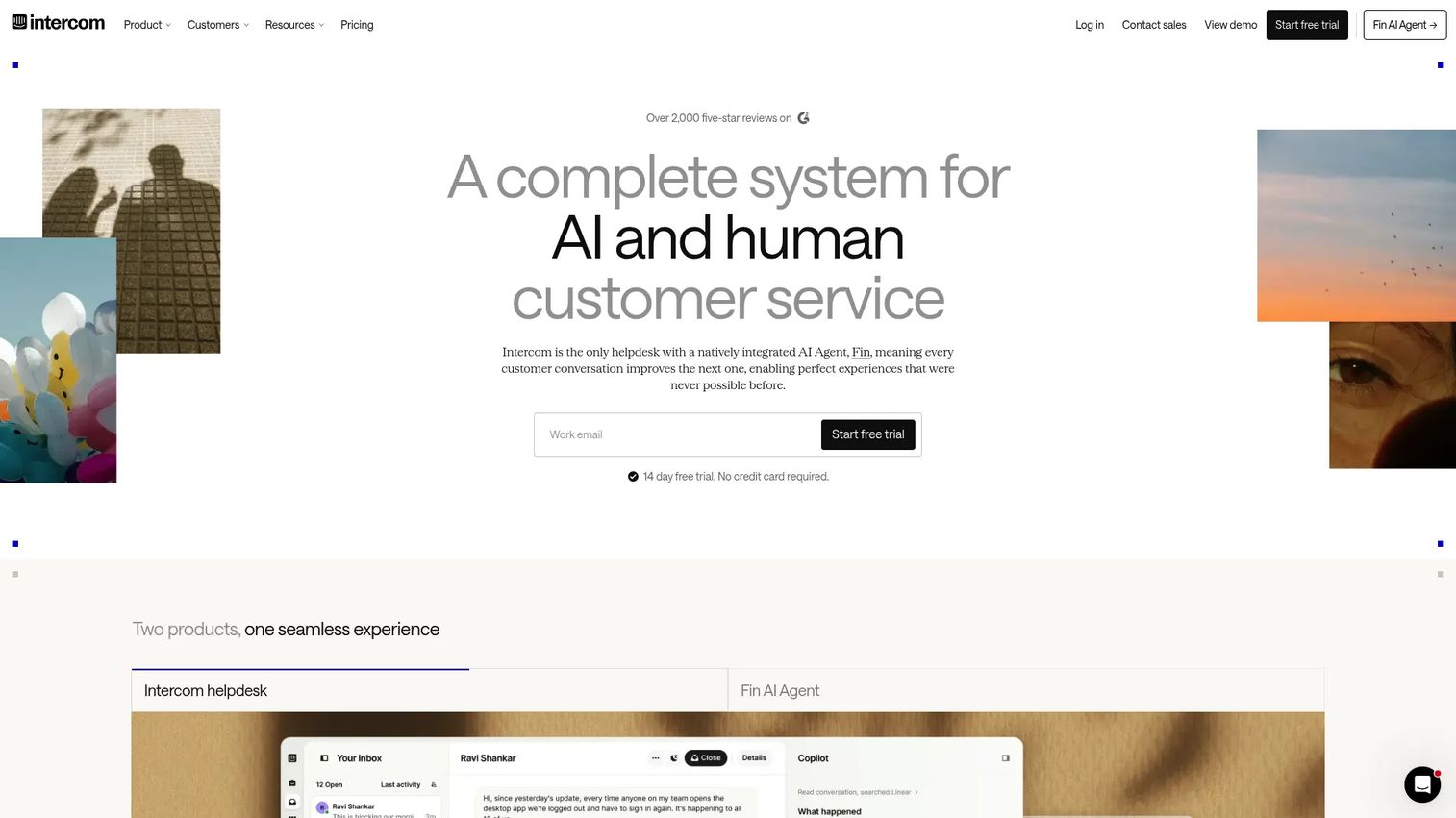
Intercom is built for teams that want conversational AI at the front of their support operation rather than as an add-on. Its Fin AI Agent handles customer questions across the help center, Messenger, and email using the company's own knowledge base, escalating to human agents only when it cannot resolve. Intercom also supports proactive outbound messaging, which makes it useful for SaaS teams running in-app support, onboarding flows, and product-led lifecycle messages from a single platform. For a broader look at how AI is reshaping this category, our AI customer service software roundup covers the landscape.
Best for: SaaS and digital product teams that want chat, AI resolution, and customer messaging in one system.
Key features
- Fin AI Agent with usage-based per-outcome pricing
- Messenger for web, mobile, and email
- Help center and knowledge hub
- Proactive outbound messaging and in-app support
- Workflow automation and conversation routing
Why choose Intercom: Intercom leads on conversational AI and proactive messaging, making it the strongest pick for SaaS teams with product-led support motions. Total cost can climb quickly as you add AI resolutions, seats, and advanced workflows, so model your volume before committing.
Intercom pricing: Essential starts at $19 per seat per month. Advanced is $85 per seat per month, and Expert is $132 per seat per month. All plans include Fin AI Agent at $0.99 per resolved outcome. A 14-day free trial is available.
4. HubSpot Service Hub
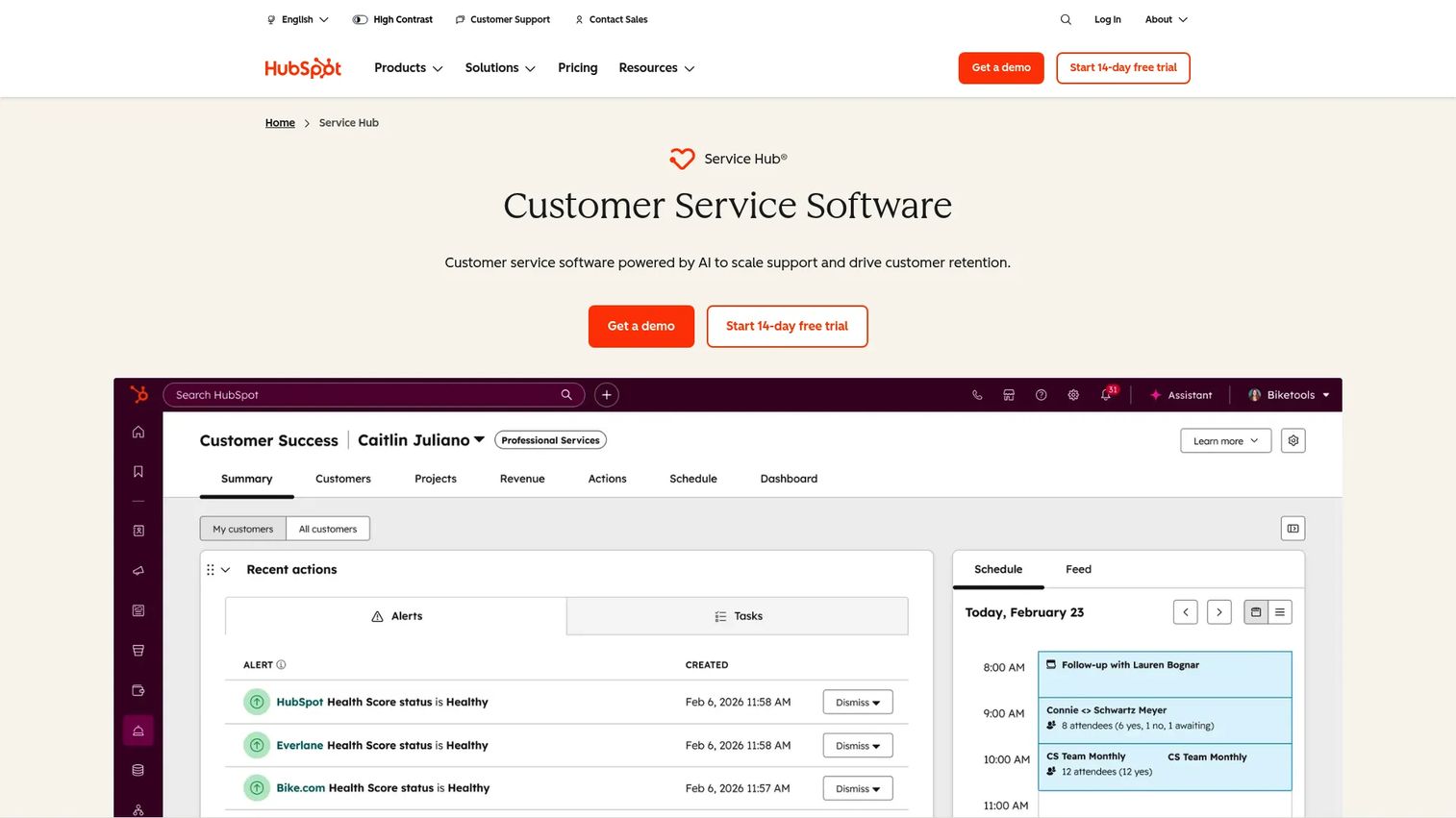
HubSpot Service Hub is the support layer of the HubSpot platform, sharing CRM data with HubSpot Marketing Hub and Sales Hub. For digital marketers already running campaigns, lifecycle flows, and lead scoring inside HubSpot, adding Service Hub means support conversations immediately update contact records, feed into segmentation, and surface churn signals without a separate integration. The platform covers tickets, live chat, knowledge base, customer portal, AI-powered responses, and customer journey analytics. Teams without HubSpot elsewhere should weigh the switching cost carefully.
Best for: Marketing and RevOps teams that want customer service data tied to campaigns and CRM records.
Key features
- Ticket pipelines with shared inbox and live chat
- Knowledge base and customer self-service portal
- AI Customer Agent for automated resolution
- Customer feedback surveys (CSAT and NPS)
- Customer journey analytics and HubSpot CRM data
Why choose HubSpot Service Hub: The integration with HubSpot CRM is the core value proposition. When support data, campaign data, and contact records live in the same platform, attribution improves and churn signals reach the right people faster. Teams not using HubSpot elsewhere should run a migration-effort comparison before committing.
HubSpot Service Hub pricing: A free plan is available for up to 2 users. Starter begins at $7 per seat per month (annual). Professional starts at $90 per seat per month, and Enterprise starts at $150 per seat per month. Professional and Enterprise tiers carry one-time onboarding fees of $1,500 and $3,500 respectively.
G2 rating: 4.4/5
5. Zoho Desk
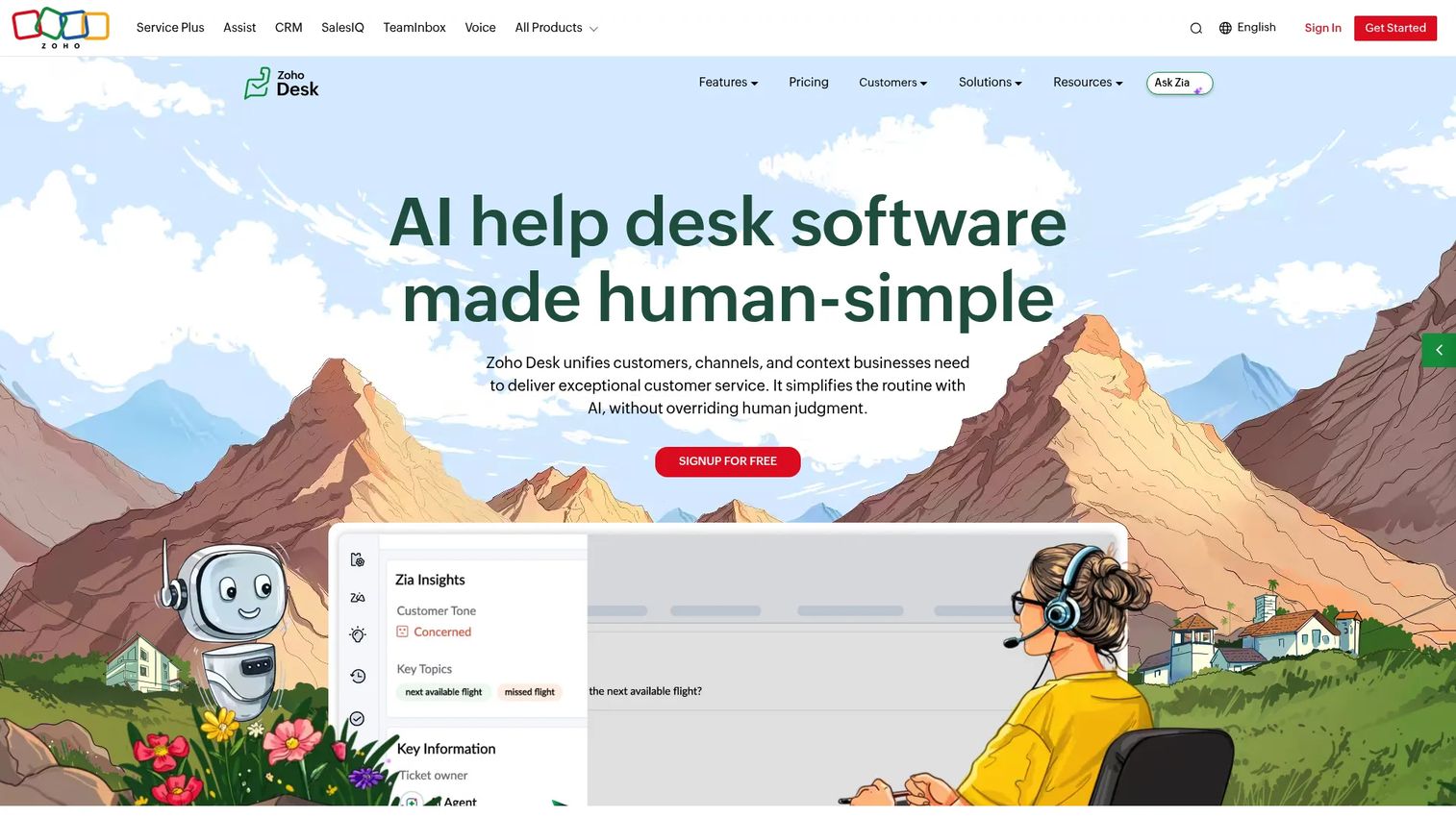
Zoho Desk offers omnichannel ticketing, workflow automation, and a knowledge base at pricing that undercuts most competitors at equivalent feature depth. It includes Zia, Zoho's AI layer, for sentiment analysis, ticket tagging, response suggestions, and anomaly detection. Teams running Zoho CRM, Zoho Analytics, or other Zoho apps benefit from native data sharing without a third-party integration. For teams outside the Zoho ecosystem, the platform still functions well independently, but the integration story is strongest inside the suite.
Best for: Small to mid-sized support teams that want affordable omnichannel ticketing with AI, especially those already in the Zoho stack.
Key features
- Multichannel ticketing across email, phone, chat, social, and web forms
- Zia AI for sentiment analysis, tagging, and response assistance
- Knowledge base with self-service portal
- Workflow automation, blueprints, and SLA management
- Zoho CRM integration and reporting dashboards
Why choose Zoho Desk: Zoho Desk delivers strong feature coverage at a price point that lets smaller teams afford AI-assisted support without jumping to enterprise contracts. Teams outside Zoho should test the admin experience and integration fit before committing to the full setup.
Zoho Desk pricing: A free plan is available. Express starts at $7 per user per month (annual). Standard is $14, Professional is $23, and Enterprise is $40 per user per month, all billed annually.
G2 rating: 4.4/5
6. Help Scout
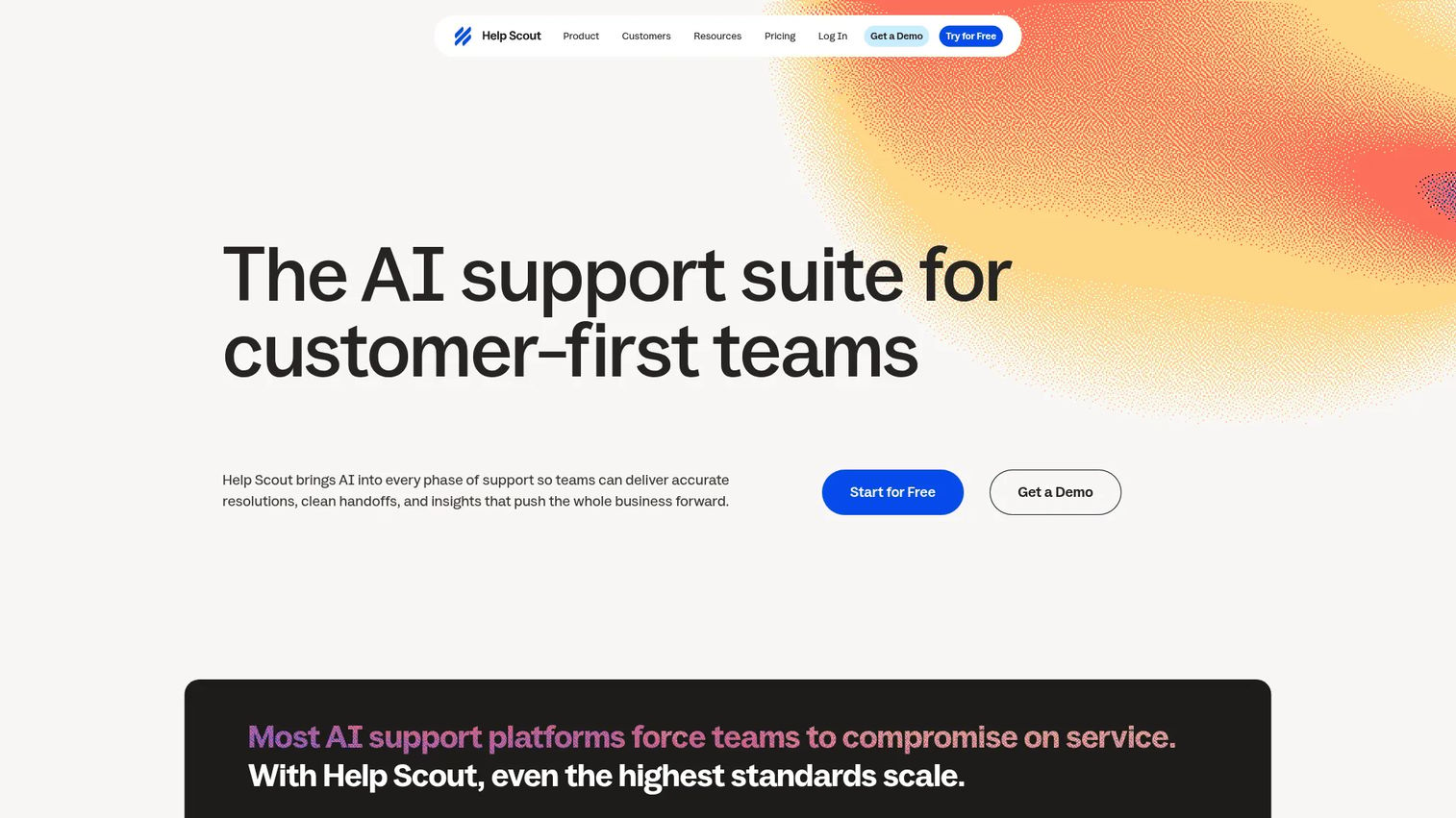
Help Scout is designed for teams that want customer support to feel personal rather than transactional. The shared inbox handles email, live chat, SMS, WhatsApp, Instagram, and Messenger without overwhelming agents with a complex interface. Docs, the platform's knowledge base builder, pairs with Beacon, an embeddable widget that surfaces self-service answers before a customer opens a conversation. AI assistance handles drafting, conversation summaries, and chatbot resolutions at $0.75 per AI-resolved interaction. Help Scout's reporting is solid for smaller teams but not built for enterprise-grade analytics.
Best for: Customer-centric small teams that value simplicity, personal support, and clean self-service documentation.
Key features
- Shared inbox across email, chat, SMS, WhatsApp, and social
- Help Scout Docs knowledge base builder
- Beacon widget for in-site self-service and chat
- AI drafting, summaries, and chatbot resolutions ($0.75 per resolution)
- Customer profiles, automations, and team reporting
Why choose Help Scout: Help Scout is a strong fit when agents need to work quickly without a heavy interface, and when the team values keeping support personal. It is not built as a large enterprise service cloud, so teams expecting high-volume multichannel operations should compare accordingly.
Help Scout pricing: A free plan covers up to 5 users with one inbox and one Docs site. Standard starts at $25 per user per month. Plus is $45 and Pro is $75 per user per month.
G2 rating: 4.4/5
7. Salesforce Service Cloud
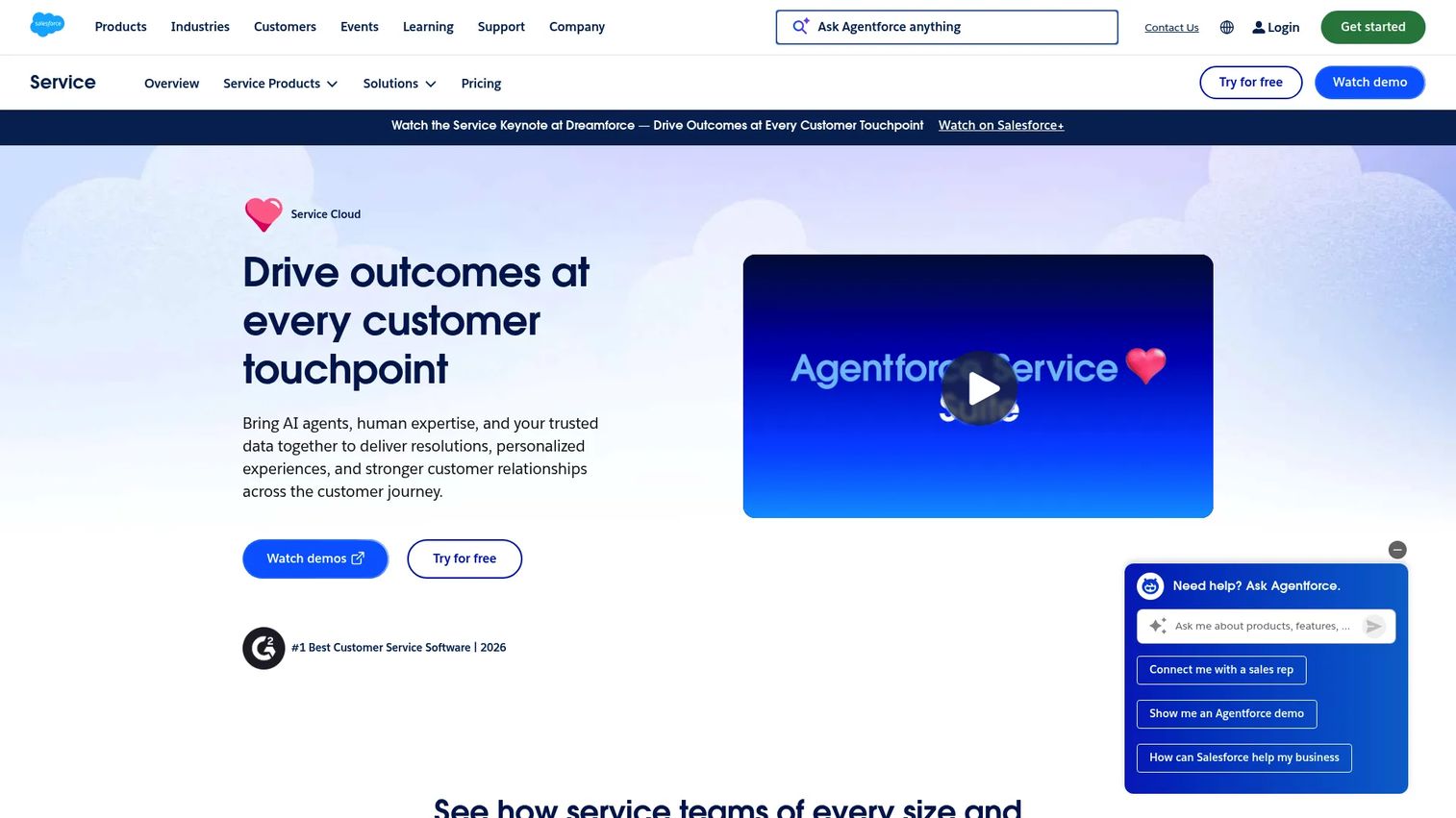
Salesforce Service Cloud is built for large organizations that run their sales, marketing, and service operations on the Salesforce platform. Case management, omnichannel routing, Einstein AI, Salesforce Knowledge, voice integration, and field service capabilities sit inside a system already connected to Salesforce CRM data. The result is a support operation that can see the full customer relationship before responding. Implementation typically requires Salesforce admin resources, partner involvement, or both. Teams evaluating this alongside other options should factor that overhead into the total cost.
Best for: Large enterprises that need service workflows tightly integrated with Salesforce customer data.
Key features
- Case management and omnichannel routing
- Einstein AI for suggestions, automation, and agent assist
- Salesforce Knowledge base
- Voice and telephony integration
- Workflow automation and field service management
Why choose Salesforce Service Cloud: Choose Salesforce Service Cloud when the organization already runs on Salesforce and service data needs to live in the same environment as sales pipeline and account records. The integration depth is unmatched for Salesforce shops. For everyone else, the implementation investment is real and should be priced into the decision.
Salesforce Service Cloud pricing: Starter Suite begins at $25 per user per month. Pro Suite is $100, Core is $195, Advanced is $395, and Max is $550 per user per month, all billed annually.
G2 rating: 4.4/5
8. LiveAgent
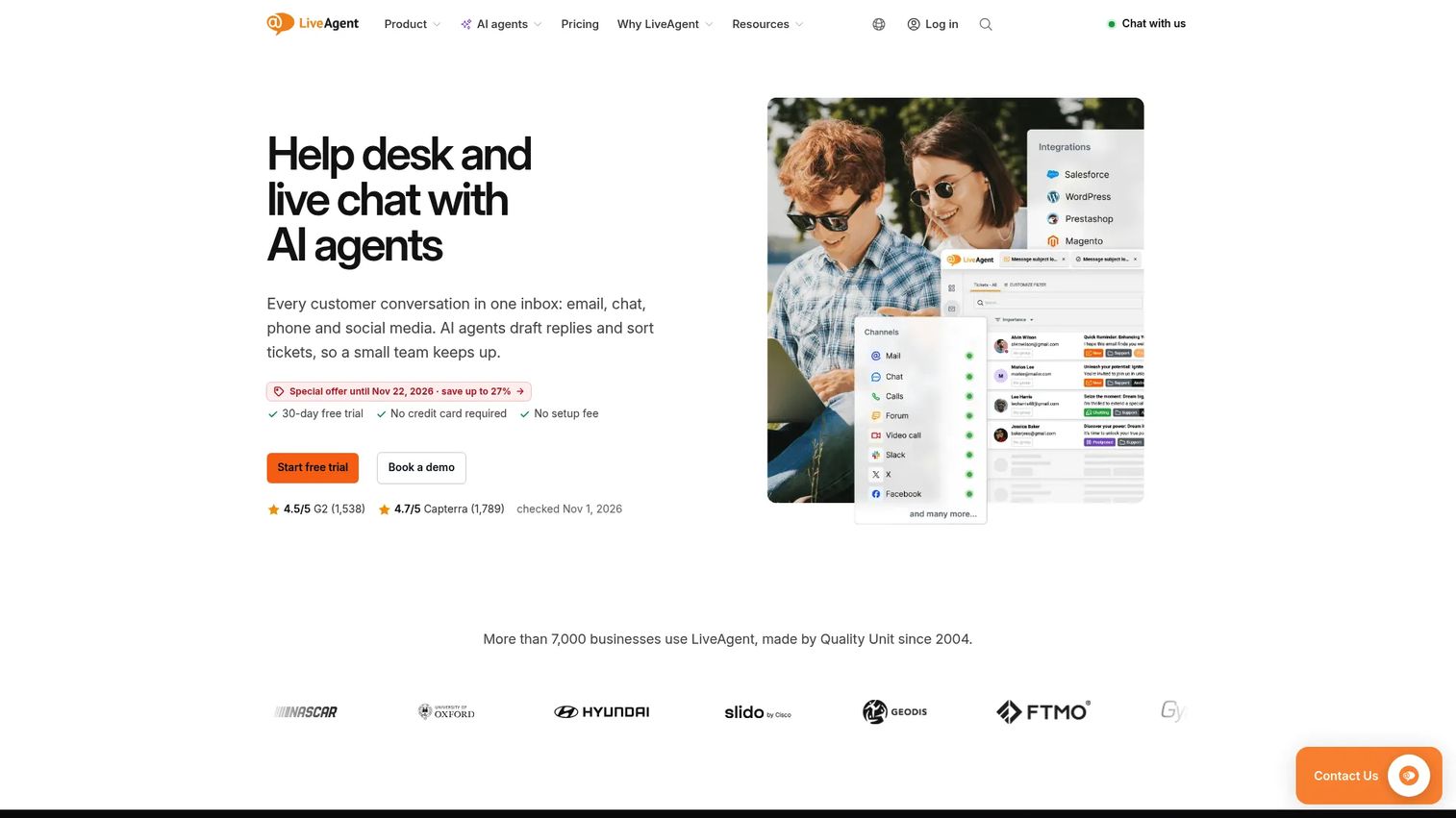
LiveAgent combines ticketing, live chat, a built-in call center, social media support, and a customer portal in one platform at pricing that makes it accessible for budget-conscious teams. The call center includes IVR, routing, recording, and transfers without a separate telephony add-on. AI chatbot and automation capabilities are available across plan tiers. For teams that want omnichannel coverage without jumping into enterprise contracts, LiveAgent covers a lot of ground at a comparatively low per-agent cost.
Best for: Budget-conscious support teams that need multiple channels, including phone, chat, and ticketing, in a single tool.
Key features
- Omnichannel ticketing and shared inbox
- Live chat widget and AI chatbot
- Built-in call center with IVR, recording, and routing
- Social messaging integrations
- Knowledge base, customer portal, and SLA rules
Why choose LiveAgent: LiveAgent fits teams that want multichannel capability, including voice, without paying enterprise rates. The interface and setup should be tested by agents before a full rollout, since the breadth of features can require some configuration time to get right.
LiveAgent pricing: Starter starts at $11 per agent per month (annual billing; $15 at monthly rates). Team is $22 per agent per month (annual), Business is $38, and Enterprise is $3,199 per month for up to 80 agents.
G2 rating: 4.5/5
9. Kustomer
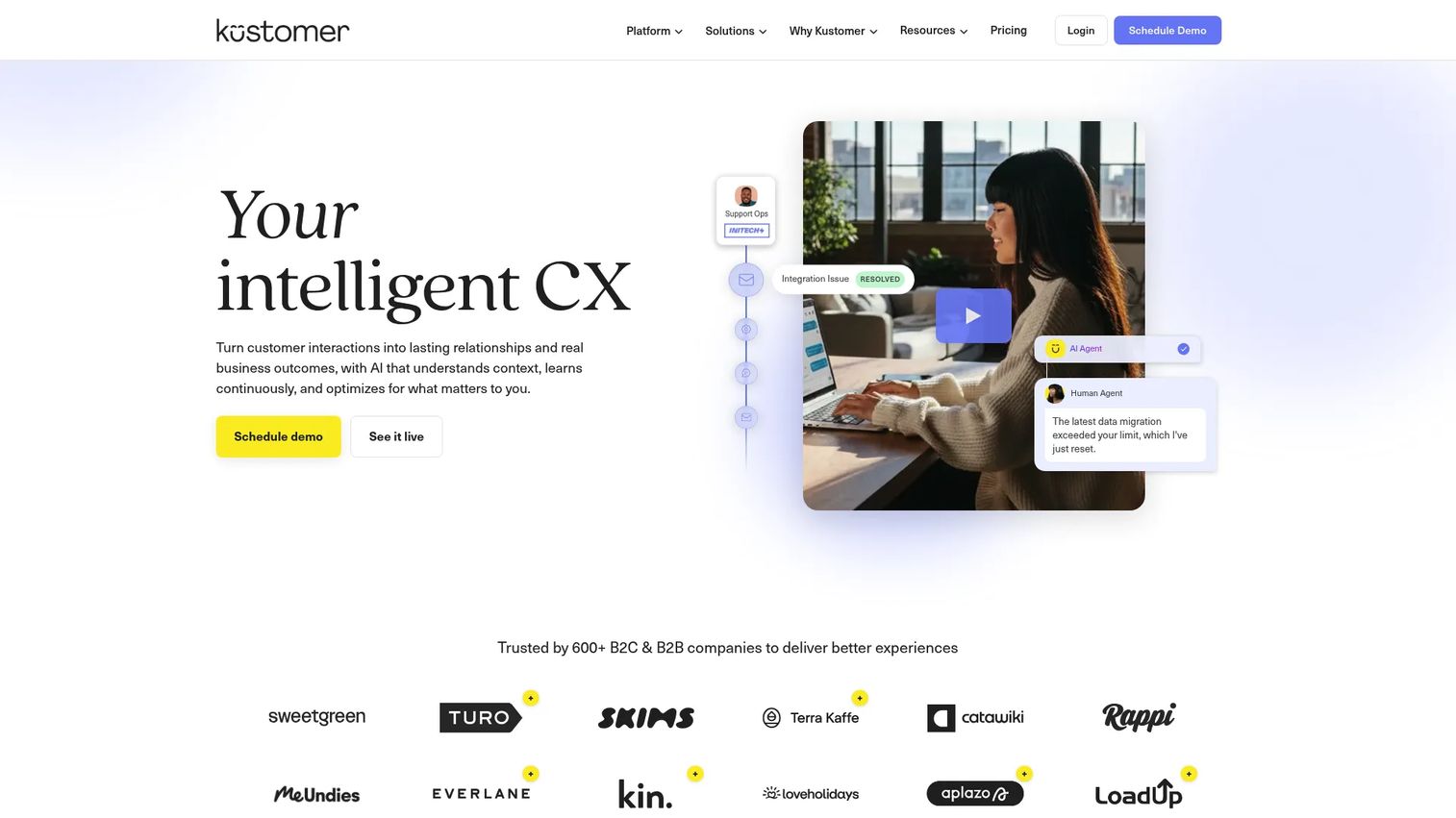
Kustomer is built around a unified customer timeline that shows every interaction a customer has had across channels, purchases, support history, and custom data, before an agent responds. That context-first model suits consumer brands handling high volumes of conversations where the history of the relationship matters as much as the current question. AI agents, omnichannel messaging across chat, email, voice, text, Slack, social, and form-based channels, plus configurable workflow automation, round out the platform. Implementation and data migration work is worth scoping upfront.
Best for: Consumer brands and high-volume support teams that need full customer context before every interaction.
Key features
- 360-degree customer timeline with interaction history
- Omnichannel conversations across chat, email, voice, SMS, and social
- AI agents and automation for routing and resolution
- Custom objects, attributes, and workflow configuration
- Team dashboards and reporting
Why choose Kustomer: Kustomer works best when agents need the complete customer relationship history to give a useful answer. Teams handling complex, context-dependent support at volume will find the unified timeline worth the setup investment. Voice and SMS are priced separately on a pay-as-you-go basis.
Kustomer pricing: Kustomer prices by custom quote through a sales conversation. Voice (including talk and SMS) and WhatsApp are billed on usage. Contact Kustomer for a quote.
G2 rating: 4.4/5
10. Gorgias
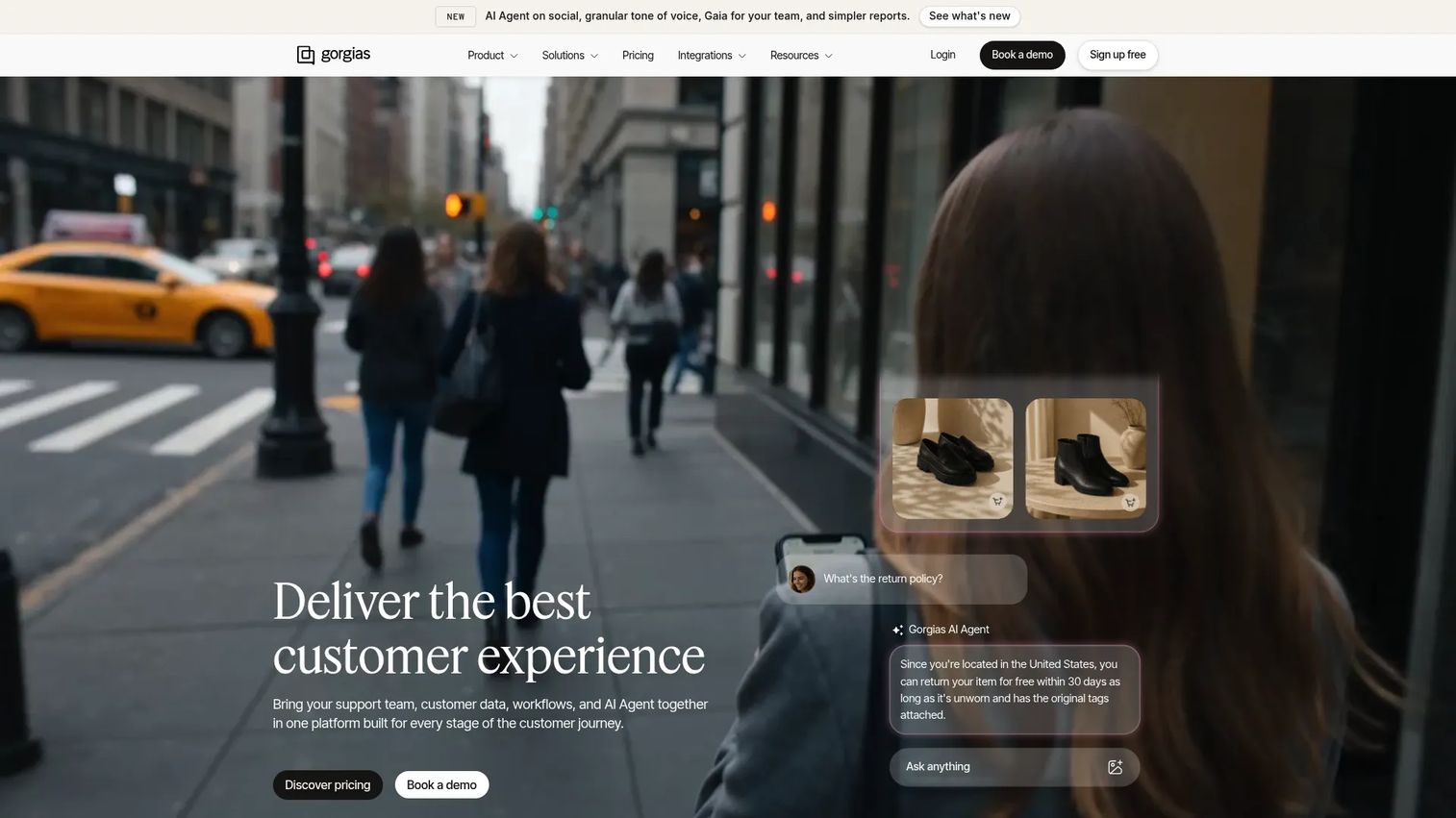
Gorgias is built specifically for ecommerce support teams, with native integrations that pull order data, shipping status, subscription details, and customer history directly into the support conversation. Agents can process refunds, edit orders, apply discounts, and cancel subscriptions without switching tools. The AI Agent is trained on brand policies and can handle returns, shipping questions, and common order issues end-to-end. Revenue reporting shows which support interactions drive or protect revenue, which connects support work to growth metrics in a way most help desk tools don't. If you're running Shopify, this is worth evaluating first. For comparison shopping in the best customer data platform space, the customer-context angle also matters here.
Best for: Ecommerce brands, especially Shopify-native teams, that want support agents to resolve order questions without switching context.
Key features
- Native Shopify integration with order context
- AI Agent trained on brand policies for automated resolution
- Macros and automation for common ecommerce workflows
- Omnichannel inbox across email, chat, SMS, WhatsApp, Instagram, and Facebook
- Revenue reporting tied to support interactions
Why choose Gorgias: Gorgias excels when ecommerce context, order management, and revenue attribution are the support team's core requirements. Teams without an ecommerce-first operation should choose a more general-purpose platform.
Gorgias pricing: Starter is $10 per month. Basic is $60, Pro is $360, and Advanced is $900 per month, all billed monthly based on ticket volume. Enterprise pricing is custom. Voice and SMS are add-ons.
G2 rating: 4.6/5
11. Hiver
Hiver adds help desk workflows directly into Gmail and Google Workspace, which means teams get shared inboxes, assignment, collision detection, SLA tracking, and analytics without migrating agents to a new interface. It has expanded beyond Gmail to cover omnichannel ticketing across email, chat, Slack, Microsoft Teams, voice, WhatsApp, and SMS. AI agents handle investigation and resolution for complex requests, and cross-team collaboration uses internal notes and @mentions that live alongside the conversation. For teams where Google Workspace is the operating environment, Hiver removes most of the change management friction that comes with adopting a separate help desk tool.
Best for: Teams already operating in Google Workspace that want help desk accountability without leaving Gmail.
Key features
- Gmail-native shared inbox with collision alerts and assignment
- Omnichannel ticketing across email, chat, voice, WhatsApp, and Slack
- AI agents for investigation and complex request resolution
- SLA tracking and team analytics
- Cross-team collaboration with internal notes and @mentions
Why choose Hiver: Hiver is the strongest pick when change management is a concern and the team lives in Gmail. Teams that need deep omnichannel service beyond Google Workspace may find the Gmail-first architecture a constraint at scale.
Hiver pricing: Growth starts at $25 per user per month (annual). Pro is $55 and Elite is $85 per user per month, billed annually. AI resolution pricing is $0.80 per successful outcome.
G2 rating: 4.6/5
12. Re:amaze
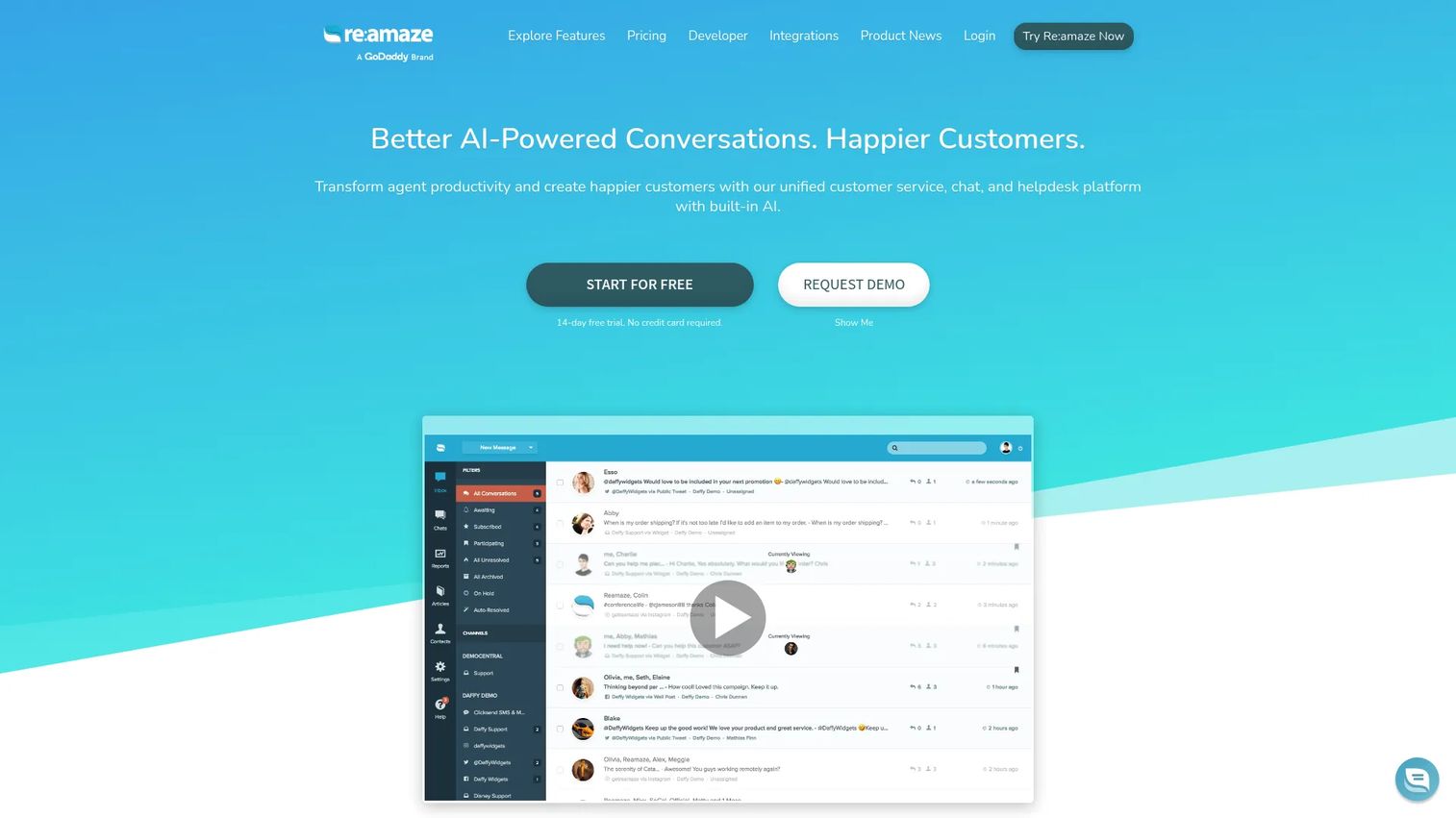
Re:amaze gives small ecommerce and online businesses a shared inbox, live chat, FAQ center, chatbots, and customer messaging in one platform with ecommerce integrations that surface order and customer data in context. The AI Agent handles routine questions, and AI-assisted replies plus conversation summaries reduce agent effort on more complex issues. Live customer activity monitoring lets agents see what a customer is browsing in real time before they open a conversation. For lean ecommerce teams that want several support channels without a heavy implementation, Re:amaze covers the core ground well.
Best for: Small ecommerce brands that want live chat, shared inbox, FAQ, and storefront context in an approachable tool.
Key features
- Shared inbox across email, chat, social, SMS, and push notifications
- AI Agent, AI-assisted replies, and conversation summaries
- Customizable FAQ and help center
- Live customer activity monitoring
- Ecommerce integrations and multibrand support
Why choose Re:amaze: Re:amaze fits lean ecommerce teams that want multichannel coverage and a reasonable automation layer without a large implementation project. Fast-scaling brands should compare automation depth and reporting against larger ecommerce-focused platforms before committing.
Re:amaze pricing: Basic starts at $29 per team member per month. Pro is $49 and Plus is $69 per team member per month. A flat-rate Starter plan is $59 per month for unlimited team members, capped at 500 responded conversations monthly. Annual billing reduces each per-member price by roughly $3 to $7. A 14-day free trial is available.
G2 rating: 4.6/5
13. Nextiva
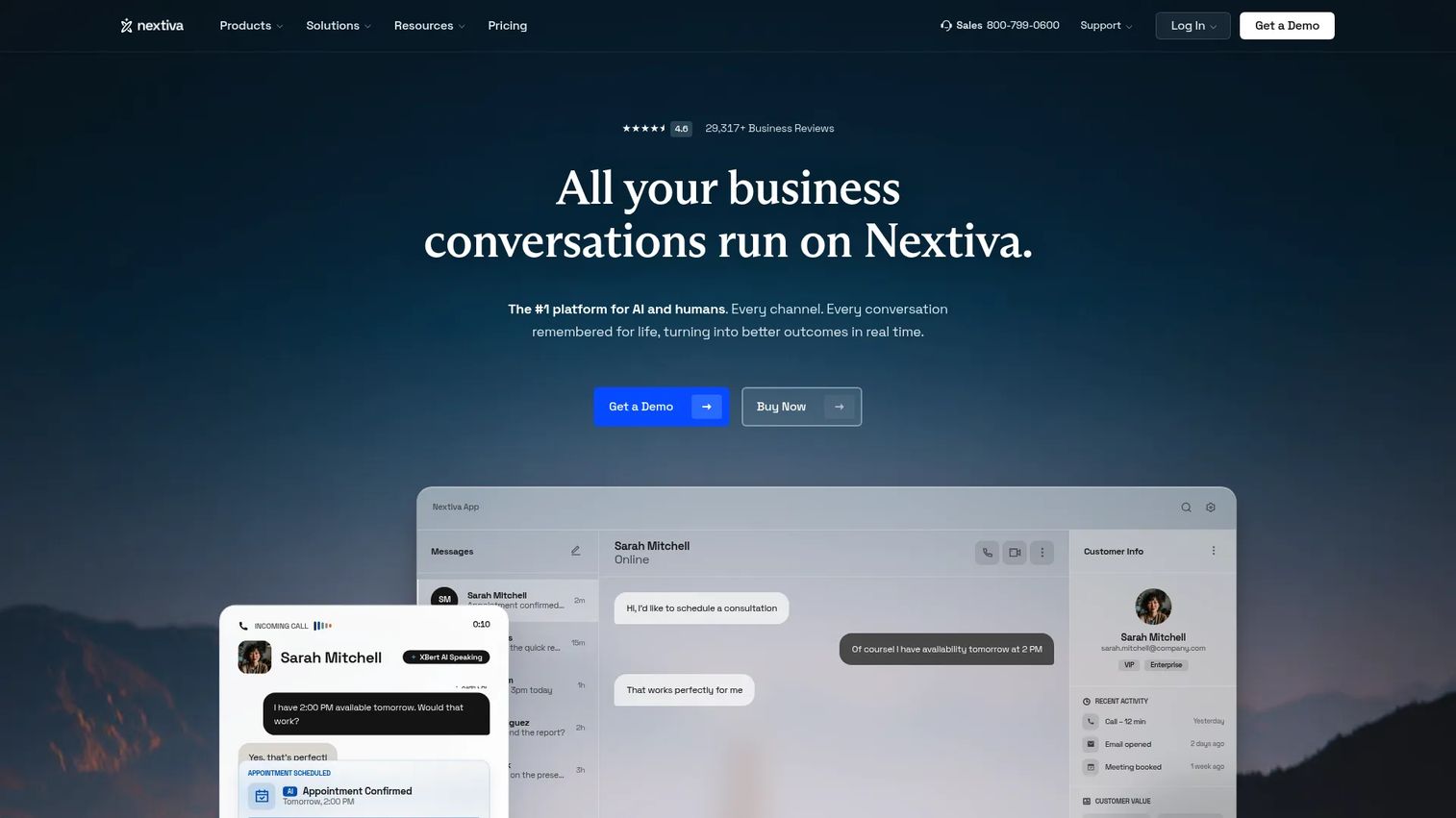
Nextiva combines business phone, video calling, SMS, team collaboration, live chat, and customer service workflows into one platform. AI features include transcription, conversation summarization, and answer assist. The CX journey builder lets teams automate routing and follow-up across voice and digital channels. For support operations that still rely heavily on inbound phone calls alongside digital channels, Nextiva removes the need to stitch a separate telephony system into a help desk. Teams running purely digital-first support may not need the voice depth, and a dedicated help desk could serve them better.
Best for: Service teams that need voice and digital customer support managed together from one platform.
Key features
- Unlimited voice and video calling with business SMS
- Skills-based routing and supervisor monitoring
- AI transcription, summarization, and answer assist
- Live chat and shared team inboxes
- CX journey builder for automated routing
Why choose Nextiva: Nextiva is the right fit when phone support remains central to the operation and the team wants digital channels in the same system. Teams with purely chat and email-based operations should compare against more specialized help desk platforms before choosing.
Nextiva pricing: NEXT Core starts at $15 per user per month (annual). NEXT Engage is $25 and NEXT Scale is $75 per user per month, annually. Contact center plans start from $75 per agent per month for the Essential tier.
G2 rating: 4.5/5
14. Gladly
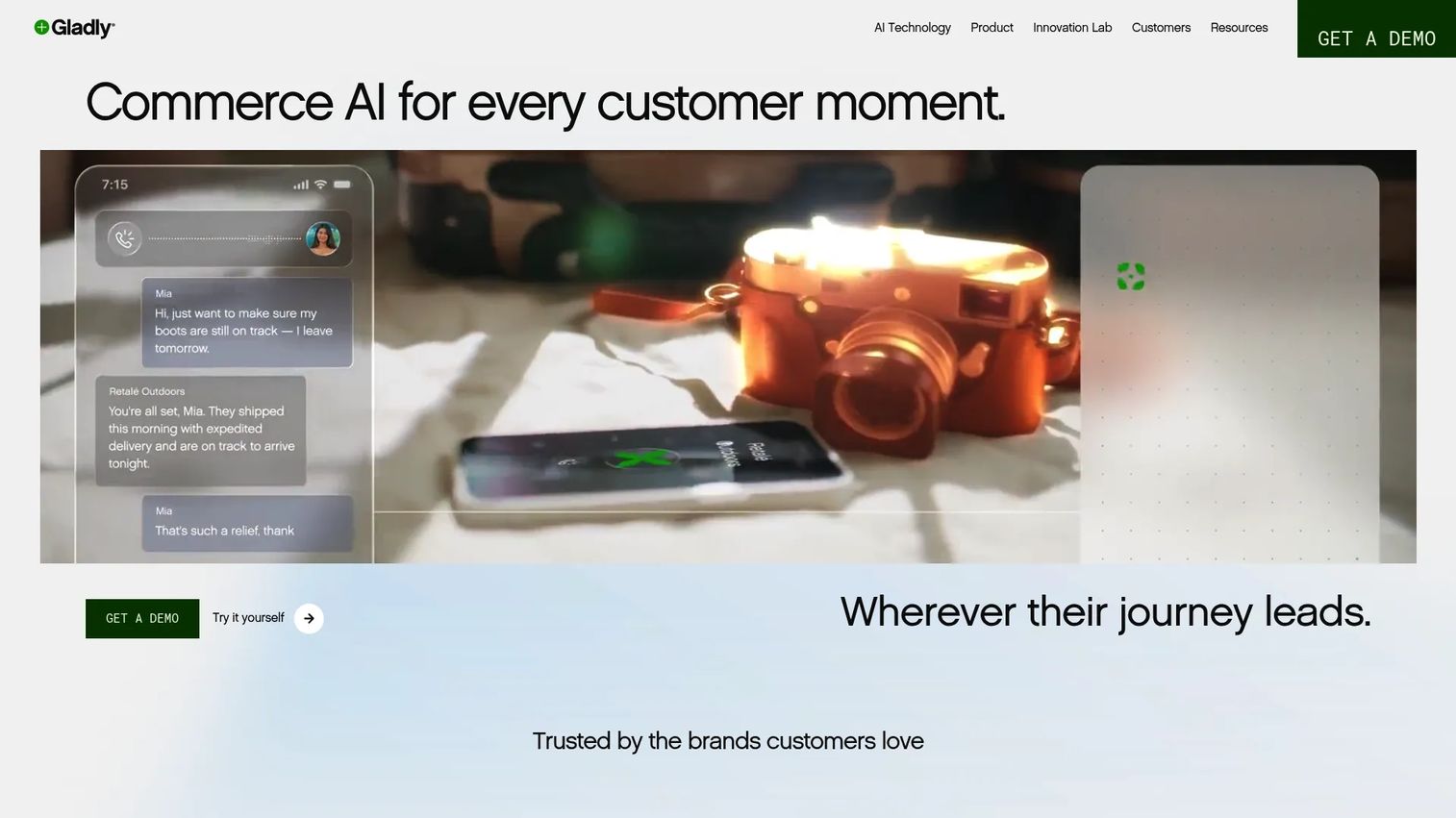
Gladly organizes customer service around the person, not the ticket number. Every agent sees a lifelong customer timeline, covering all previous conversations across channels, purchases, and service history, before responding. Voice AI, smart routing, conversational commerce features, and unified customer profiles sit alongside standard omnichannel support capabilities. Gladly positions itself as an agentic commerce platform, meaning AI and human agents work from the same customer context to both serve and sell. It suits B2C brands where the relationship history is as important as the current issue.
Best for: B2C consumer brands that want service organized around the full customer relationship rather than individual ticket queues.
Key features
- Lifelong customer timeline across all channels and interactions
- Omnichannel conversations across voice, chat, email, and social
- Voice AI and smart routing
- Conversational commerce capabilities
- Self-service and IVR integration
Why choose Gladly: Gladly is the right choice when agents need the complete relationship picture before every interaction and when the brand wants to blur the line between support and commerce. The model requires a sales conversation for pricing and a commitment to reorganizing workflows around people rather than tickets.
Gladly pricing: Contact Gladly for a quote.
G2 rating: 4.7/5
15. ProProfs Help Desk
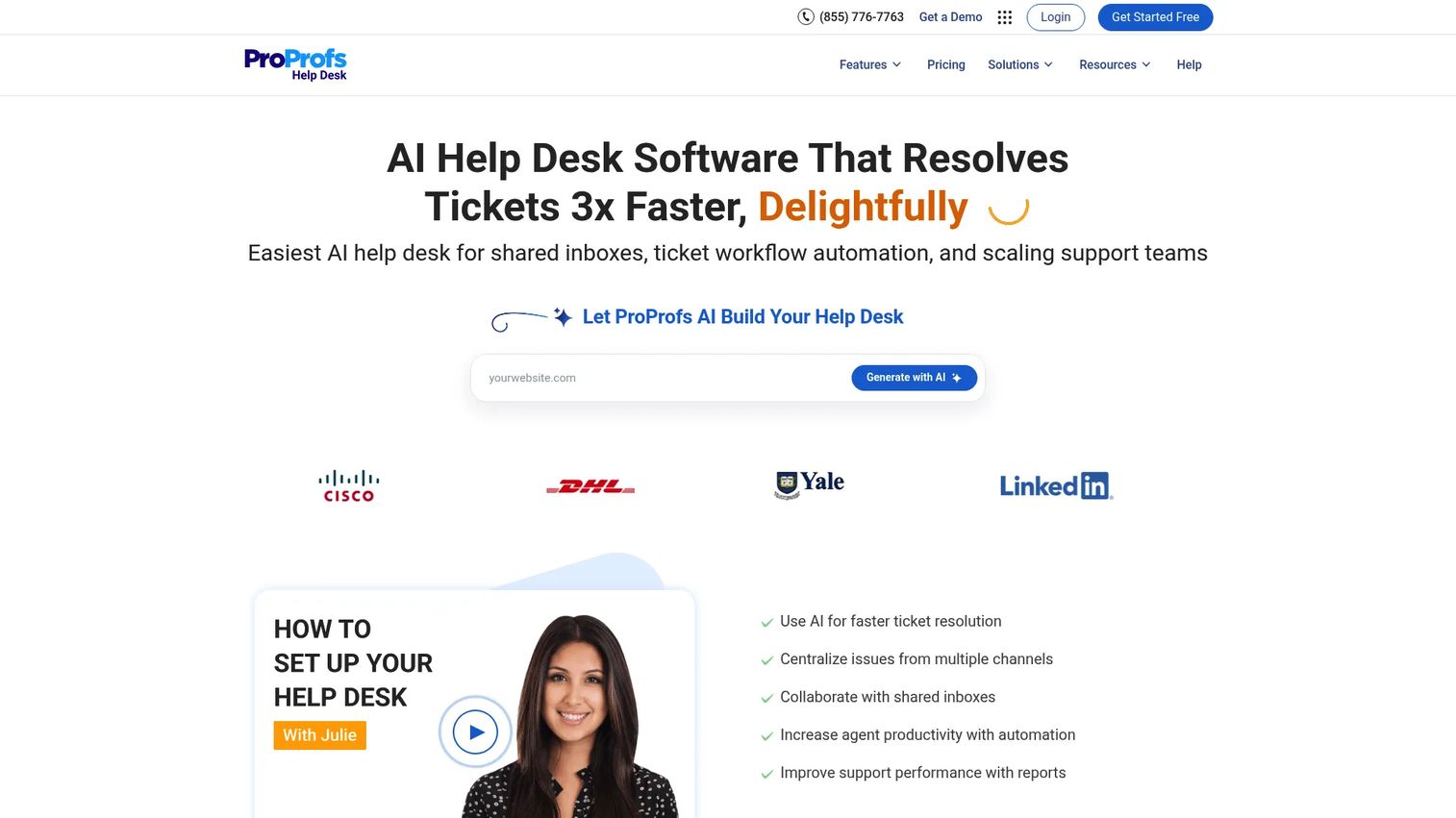
ProProfs Help Desk gives small support teams a shared inbox, ticket management, knowledge base, live chat, automation, CSAT surveys, and AI-assisted resolution in one tool that is built to be adopted quickly. AI features handle ticket summarization, response suggestions, tone adjustment, and prioritization. Round-robin assignment, canned responses, and SLA management are available without complex setup. The platform suits teams that need a straightforward help desk with adjacent customer feedback tools, without the overhead of a large enterprise platform.
Best for: Small businesses and early-stage support teams that want a practical help desk with ticket management, self-service, and feedback collection.
Key features
- Shared inbox across email, chat, WhatsApp, Instagram, SMS, and web forms
- AI ticket summarization, response suggestions, and prioritization
- Knowledge base with self-service documentation
- CSAT surveys and customer satisfaction reporting
- Round-robin assignment, canned responses, and SLA management
Why choose ProProfs Help Desk: ProProfs Help Desk is worth considering when simplicity and fast adoption matter more than feature depth. Larger teams should evaluate reporting depth, integration capabilities, and scalability before committing.
ProProfs Help Desk pricing: Essentials starts at $29.99 per month. Business Complete Elite is $179.97 per month (annual billing). A Customer Delight Suite bundle is available from $499.
G2 rating: 4.7/5
Considerations when choosing digital customer service tools
Channel coverage
Map the channels your customers actually use before comparing platforms. Email and chat are table stakes. Voice, WhatsApp, SMS, Instagram, and in-app messaging vary significantly by audience. Avoid paying for channel capacity your team won't staff in the next 12 months.
AI depth and testability
The gap between "AI-powered" and "AI that actually resolves tickets" is significant. Evaluate whether the AI handles resolution end-to-end or just suggests replies. Test on real ticket samples from your own queue, not vendor demo prompts. Ask specifically about escalation logic and fallback behavior.
CRM and marketing stack fit
For growth teams, support data should flow into CRM records, trigger lifecycle campaigns, and expose churn signals. Verify whether the integration is native or requires a middleware tool, whether it syncs one-way or two-way, and whether it can trigger workflows from support events.
Self-service quality
A knowledge base reduces repeat tickets only when customers find the answers themselves. Evaluate article search quality, analytics on article performance, and how easy it is to keep content current when the product changes. The escalation path from self-service to live support also matters.
Total cost of ownership
The starting price per seat rarely tells the full story. Factor in AI resolution fees, additional channel costs, implementation, data migration, annual contract minimums, and admin time. Some platforms look affordable at the entry tier and become expensive quickly once real usage patterns apply.
Conclusion
The right customer service platform for your team depends on what you need it to do beyond managing tickets. For enterprise teams with high volume and complex governance, Zendesk and Salesforce Service Cloud offer the most depth. Freshdesk covers similar ground at a lower per-agent cost, making it the stronger value pick for growing teams. Intercom leads when AI-first conversational support and proactive messaging are the priority. HubSpot Service Hub is the obvious choice for teams already running on HubSpot CRM who want support data connected to their marketing stack. Gorgias and Re:amaze both serve ecommerce teams well, with Gorgias having the edge for Shopify-heavy operations. Hiver removes adoption friction for Gmail-first teams. Kustomer and Gladly both center on customer context, with Gladly adding a commerce angle.
The practical next step: Shortlist three tools by operating model, run the same 20-ticket test in each, and compare agent time, customer effort, reporting quality, and actual cost at your expected volume.
Start your journey with Guideflow today!
If your support strategy includes self-serve product education, interactive demos can help customers understand workflows before they open a ticket, reducing low-value support volume before it reaches your queue. Teams building out a self-service layer often pair a help desk with a Demo Center to give customers a guided library of product walkthroughs they can access on their own terms.
FAQs
Digital customer service tools are platforms that help teams manage customer conversations across digital channels, automate repetitive support tasks, deliver self-service content through knowledge bases, and measure service performance with CSAT, SLA, and ticket analytics. They range from lightweight shared inbox tools to full omnichannel platforms with AI agents, CRM integration, and contact center capabilities.
For small businesses, the choice comes down to channel needs and existing tools. Help Scout and Hiver suit teams that want simple shared inbox workflows. LiveAgent covers more channels at a lower price point. Zoho Desk and Freshdesk both offer free or low-cost starting plans with solid feature coverage. Re:amaze and ProProfs Help Desk are worth evaluating for small ecommerce teams. Our best knowledge base software guide covers the self-service layer separately for teams building that out in parallel.
Intercom leads on AI-first conversational support with Fin AI Agent. Zendesk, Freshdesk, Kustomer, and Gorgias all offer AI resolution and agent assist at varying depths and price points. Salesforce Service Cloud includes Einstein AI for enterprise teams. The important step is testing any AI on real tickets from your actual queue before buying. Canned demo prompts rarely reflect the ambiguous, unstructured questions your customers actually send. See our best AI customer service agents roundup for a focused comparison on this dimension.
Help desk software centers on ticket management, shared inboxes, SLA tracking, and agent workflows. Customer service software is broader: It can include live chat, voice, knowledge bases, AI agents, CRM context, surveys, analytics, and omnichannel channel orchestration. Many platforms today cover both, but tools like Help Scout and ProProfs Help Desk are closer to the help desk end, while Zendesk, Intercom, and Salesforce Service Cloud cover the full customer service platform category.
Most do, though integration depth varies. HubSpot Service Hub and Salesforce Service Cloud are CRM-native by design. Zendesk, Freshdesk, Kustomer, and Zoho Desk all offer documented CRM integrations. Before committing, verify whether the integration syncs one-way or two-way, whether support events can trigger CRM workflows, and whether contact records update automatically from resolved tickets. Native integrations generally outperform middleware connections on data reliability.
Seat pricing ranges from around $7 to $550 per user per month depending on the platform and tier. That range is wide because the real cost drivers include AI resolution fees, additional channels like voice or SMS, implementation complexity, annual contract minimums, and add-on modules. Gorgias prices by ticket volume rather than seats. Kustomer and Gladly both require custom quotes. Compare total cost at your expected usage volume rather than the cheapest advertised starting price.
Gorgias is the strongest pick for Shopify-native teams, with order management, macros, and revenue reporting built specifically for ecommerce workflows. Re:amaze suits smaller ecommerce brands that want chat, FAQ, and storefront context in an approachable tool. Kustomer, Zendesk, and Freshdesk all support ecommerce operations at larger scale with integration options across major platforms. Ecommerce teams should prioritize order context, returns and refund automation, and shipping status visibility when evaluating any of these.
Start with how support data connects to your existing stack. Does the tool update CRM records from resolved tickets? Can support events trigger lifecycle campaigns? Does it surface which customers are churning before they cancel? Beyond integration, look at self-service performance (how often customers find answers without opening a ticket), AI resolution quality, and whether the reporting gives you defensible numbers rather than vanity metrics. The right tool reduces stack sprawl and generates campaign insight, not just resolved ticket counts.