
A demo request lands in your CRM at 9:14 a.m. The right rep doesn't see it until 11:40. By then the prospect has booked a call with someone else.
That gap is where pipeline dies. Speed-to-lead isn't a nice-to-have metric for inbound SDRs. It's the whole game. When the wrong rep gets a lead, or the right rep gets it two hours late, connect rates drop, meeting-set rates drop, and handoffs to AEs get messier.
Most teams blame the SDR. "You should have moved faster." But it's rarely a person problem. It's a routing problem. Leads sit in a queue, get assigned to someone on PTO, or land with a rep who has no context. The fix isn't more hustle. It's a system that assigns inbound leads to the right owner, fast, without breaking rules or creating duplicates.
The market backs this up. The global lead-to-account matching and routing software market was valued at roughly USD 2.6 billion in 2025 and is projected to reach USD 6.6 billion by 2035, a 9.6% CAGR, according to Future Market Insights (2025). Over 65% of businesses have adopted lead management and tracking software to improve conversion, per Global Growth Insights (2025).
This guide compares seven tools that solve the assignment problem, with attention to the things SDRs feel and the things RevOps has to defend.
What's inside
This guide is for SDRs who live with slow inbound assignment and for the RevOps and Sales Ops teams who own the rules behind it. We looked at each tool through both lenses: does it move leads fast, and can you trust and audit what it does?
We selected and ranked tools based on:
- Routing logic depth - round robin, weighted distribution, territory rules, queue-based assignment, and fallback behavior
- CRM integration - how cleanly it works with Salesforce, HubSpot, or as a separate routing layer
- Availability handling - calendar sync, out-of-office, and capacity caps so leads never land with someone unavailable
- Auditability and governance - assignment logs, change history, and rollback
- Lead-to-account matching - how the tool ties incoming people and companies to existing account ownership
TL;DR
- Best for availability-aware, auditable routing: Default. Assignment logs, calendar sync, and rollback in one place.
- Best for automated routing with a compliance emphasis: LeadAngel. Flexible matching and distribution across contacts, opportunities, and accounts.
- Best for Salesforce-heavy teams: Salesforce. Native assignment inside the system of record.
- Best for CRM-native automation: HubSpot. Workflow-based assignment that's fast to adopt.
- Best for lead-to-account matching at scale: LeanData. The pick for complex, RevOps-heavy routing programs.
- Best for Salesforce-native routing: Kubaru. Round robin, skill-based routing, and load balancing.
- Best for Salesforce data and routing governance: Traction Complete. Routing paired with matching and hierarchy automation.
What is lead routing software
Lead routing software automatically assigns inbound leads to the right rep, team, or queue based on rules and real-time context, so no lead sits unassigned or lands with someone unavailable.
Instead of an SDR manually claiming leads from a shared view, or a manager reassigning by hand, the system evaluates each new record against your rules and routes it in seconds. That's the core of automated lead routing: turn a manual, error-prone step into a repeatable one.
Under the hood, most lead routing systems combine a few assignment methods:
- Round robin lead routing - distributes leads evenly across reps or a queue, one at a time
- Weighted routing - sends more volume to reps with higher capacity or seniority
- Territory-based routing - assigns by geography, segment, or named-account territory
- Owner-based assignment - routes to the existing account owner when a lead matches a known company
- Queue-based assignment - drops leads into a shared queue reps pull from, with capacity caps
- Availability-aware routing - skips reps who are out of office, off the clock, or at capacity
- Fallback rules - a defined backup so nothing lands nowhere
The strongest lead assignment software layers these with calendar sync, audit logs, and lead-to-account matching so routing stays fast, fair, and defensible as your team grows.
When to use lead routing software
Route inbound leads faster
When someone fills out a demo request form or a high-intent inquiry, the clock starts. Manual assignment adds minutes or hours you can't get back. A lead routing tool assigns the record the instant it's created, so the right SDR can act while intent is still hot. For inbound teams, this is the difference between a connect and a voicemail.
Balance rep capacity and fairness
Volume spikes. Some reps get slammed while others sit idle. Round robin lead routing, weighted distribution, and capacity caps keep the load balanced and the split fair. Queue-based assignment lets reps pull work at their own pace without one person hoarding the good leads. Fair routing also keeps the peace between reps and managers.
Keep routing aligned with ownership and territory
When a lead comes from a company an AE already owns, it shouldn't get routed to a random rep. Lead-to-account matching and territory-based routing make sure inbound leads respect existing ownership, named accounts, and geographic rules. This matters most for teams running ABM or enterprise motions where account context is everything.
Comparison table
Look at routing logic first, then CRM fit, then how the tool handles availability and audit trails. Pricing and G2 ratings below are current as of the latest verified data.
| # | Product | Best for | Key use case | Pricing | G2 rating |
|---|---|---|---|---|---|
| 1 | Default | RevOps teams automating routing, enrichment, and scheduling | Availability-aware, auditable inbound routing | From $500/month | 4.5/5 |
| 2 | LeadAngel | Sales and RevOps needing routing and account matching | Automated matching across contacts, opportunities, accounts | Contact sales; free trial | 4.5/5 |
| 3 | Salesforce | Teams standardized on the Salesforce platform | Native CRM assignment inside the system of record | Free tier; Starter from $25/user/mo | 4.4/5 |
| 4 | HubSpot | Teams running on HubSpot CRM and workflows | Workflow-based native assignment | Free tier; Starter from $7/mo/seat | Rated on G2 |
| 5 | LeanData | Mid-market and enterprise RevOps teams | Lead-to-account matching and orchestration at scale | Package-based, contact sales | 4.6/5 |
| 6 | Kubaru | Salesforce teams needing automated assignment | Round robin, skill-based routing, load balancing | Free trial; Standard $20/user/mo | 4.9/5 |
| 7 | Traction Complete | RevOps teams on Salesforce | Routing, matching, and hierarchy automation | Contact sales | 4.6/5 |
1. Default
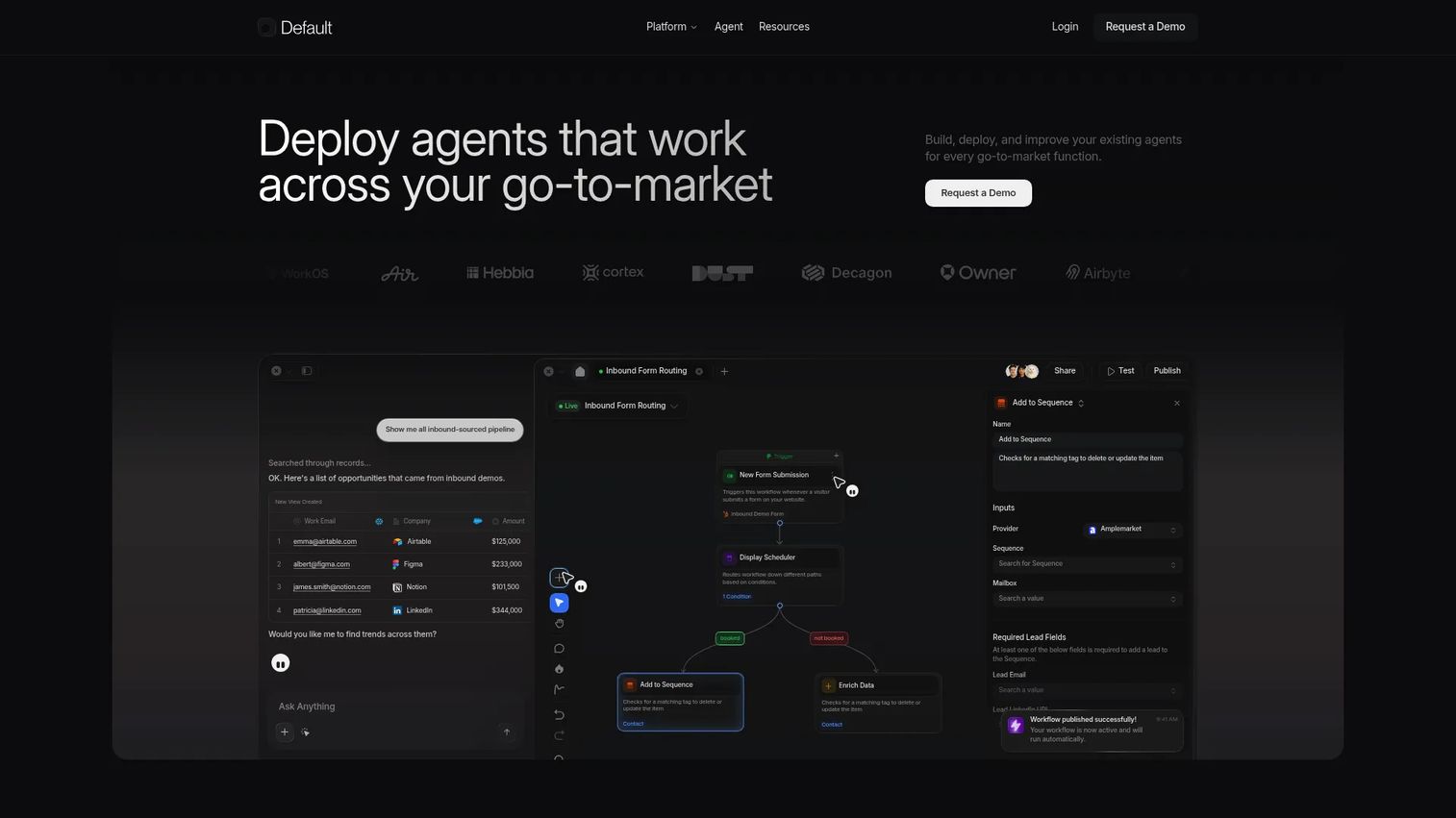
Default is AI infrastructure for revenue teams, built on a unified, identity-resolved data model. It handles routing, enrichment, scheduling, and workflow automation in one place, which is why RevOps teams reach for it when they want assignment and the operational plumbing around it to live in the same tool.
For SDRs, the payoff is speed. Inbound leads get matched and routed the moment they arrive, with scheduling built in so a hot lead can book time without a back-and-forth. For RevOps, the draw is control. Default emphasizes fast, fair, and auditable routing, with assignment logs, calendar sync, out-of-office handling, and rollback so you can see exactly what happened and undo a bad rule.
That governance layer is what separates it. When a lead is misrouted, you don't guess. You check the assignment log, find the rule that fired, and roll it back. Availability-aware routing means leads skip reps who are on PTO or at capacity, so nothing lands in a dead inbox.
Best for: RevOps teams that want availability-aware routing, enrichment, and scheduling unified under one auditable system.
Key strengths
- Unified identity-resolved data model
- Workflow automation for routing, scheduling, enrichment, and tables
- Assignment logs and rollback for governance
- Calendar sync and out-of-office handling
Why choose Default: If you want routing that's fast for SDRs and fully auditable for RevOps, without stitching together three tools, Default keeps assignment, availability, and governance in one system.
Pricing: Growth starts at $500/month. Scale is custom pricing. Editor seats are free, and scheduling seats are $20/month per user.
2. LeadAngel
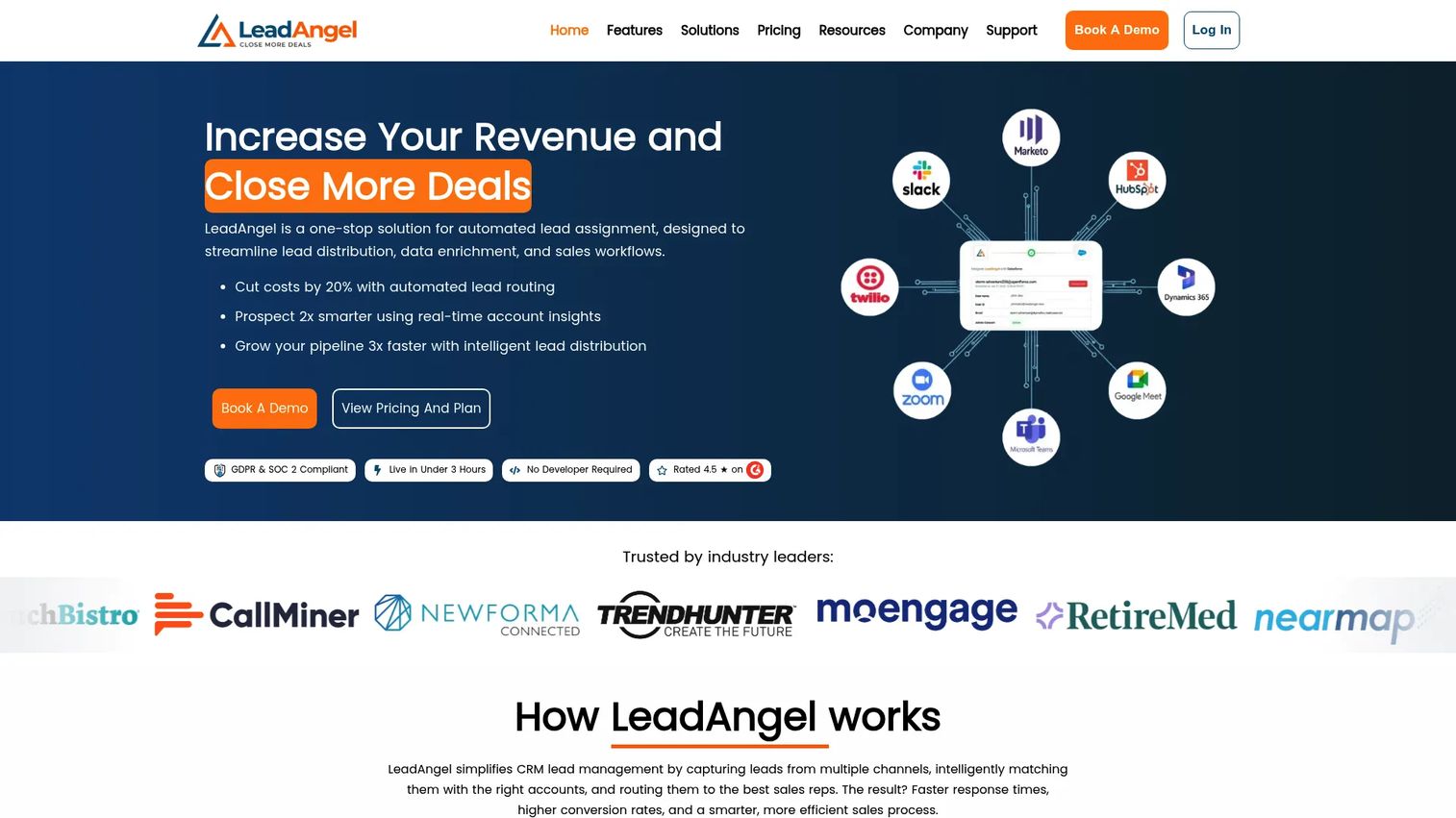
LeadAngel is a B2B lead management platform built around lead-to-account matching, lead routing, scheduling, and deduplication. It's a strong fit for CRM teams that need routing flexibility and lean on clean data and compliance as much as speed.
What makes it useful for SDRs and RevOps alike is breadth. LeadAngel routes not just leads but contacts, opportunities, and accounts, so assignment respects the full picture of an account rather than treating every inbound record as brand new. Deduplication runs alongside matching, which cuts the duplicate-record mess that clogs pipelines and skews reporting.
On routing logic, it covers round robin, weighted distribution, and live transfer, so you can hand a hot inbound lead straight to an available rep instead of dropping it in a queue. CRM compatibility is a core selling point, which matters when your system of record has to stay the source of truth.
Best for: Sales and RevOps teams that need automated routing plus account matching and deduplication in one tool.
Key strengths
- Lead-to-account matching across records
- Round robin and weighted distribution
- Live transfer to available reps
- Data deduplication built in
Why choose LeadAngel: If clean data and compliance matter as much as speed, LeadAngel pairs flexible automated routing with matching and dedup so leads land accurately, not just quickly.
Pricing: Professional and Professional Plus are contact sales. A Lite Edition free trial is available, and Enterprise is priced by lead database size. Contact LeadAngel for a numeric quote.
3. Salesforce
Salesforce is the CRM most B2B teams already run on, and its native assignment tooling is the baseline for lead routing inside the system of record. If your data, reporting, and workflows all live in Salesforce, native routing keeps assignment where the rest of your process already runs.
For SDRs, that means leads route inside the same environment they work all day, no extra tab. Assignment rules, lead queues, and workflow-driven ownership handle the common cases: assign by territory, drop into a queue, or hand off based on field values. For RevOps, keeping routing native means one fewer integration to manage and one source of truth for who owns what.
Be honest about where this fits. Native Salesforce assignment covers straightforward routing well. As complexity grows, weighted distribution, availability-aware routing, lead-to-account matching, and detailed audit trails, many teams add a dedicated routing layer on top. That's why several tools on this list are Salesforce-native by design.
Best for: Teams standardized on Salesforce that want assignment to live inside their existing CRM and reporting.
Key strengths
- Native lead assignment rules and queues
- Workflow-driven ownership inside the CRM
- Sales pipeline and opportunity management
- AI and automation across sales workflows
Why choose Salesforce: If Salesforce is your system of record and your routing needs are straightforward, native assignment avoids adding another tool. For deeper logic, pair it with a routing layer.
Pricing: A Free Suite is available at $0/user/month. Starter Suite is $25/user/month, Pro Suite $100/user/month, Enterprise $175/user/month, and Unlimited $350/user/month, billed annually.
4. HubSpot
HubSpot is the practical choice for teams already running on its CRM and workflows. Native assignment tools and workflow automation make lead routing something you can set up without a separate platform, which is why fast-moving SDR teams like it.
The strength here is ease of adoption. HubSpot workflows let you assign leads based on form fills, properties, or scoring, and rotate ownership across a team with built-in rotation. New SDRs get up to speed fast because routing lives inside the same CRM they already learn on day one. For RevOps, that means less onboarding friction and fewer moving parts.
Where custom logic gets important is scale. As you add weighted distribution, availability-aware routing across time zones, capacity caps, and deep audit trails, growing teams often extend HubSpot with a dedicated routing tool. For most small and mid-size inbound teams, though, native workflows cover the job.
Best for: Teams on HubSpot CRM that want native, workflow-based assignment that's quick to launch.
Key strengths
- Workflow-based lead assignment
- Built-in owner rotation across teams
- Native to the HubSpot CRM
- Sales Hub reporting on assignment
Why choose HubSpot: If HubSpot is your CRM, native workflows get routing live fast with minimal setup. Extend with a routing layer as your logic grows more complex.
Pricing: A free tier is available. Starter is $7/month per seat, Professional is $800/month, and Enterprise is $3,600/month, based on HubSpot's Marketing Hub pricing.
5. LeanData
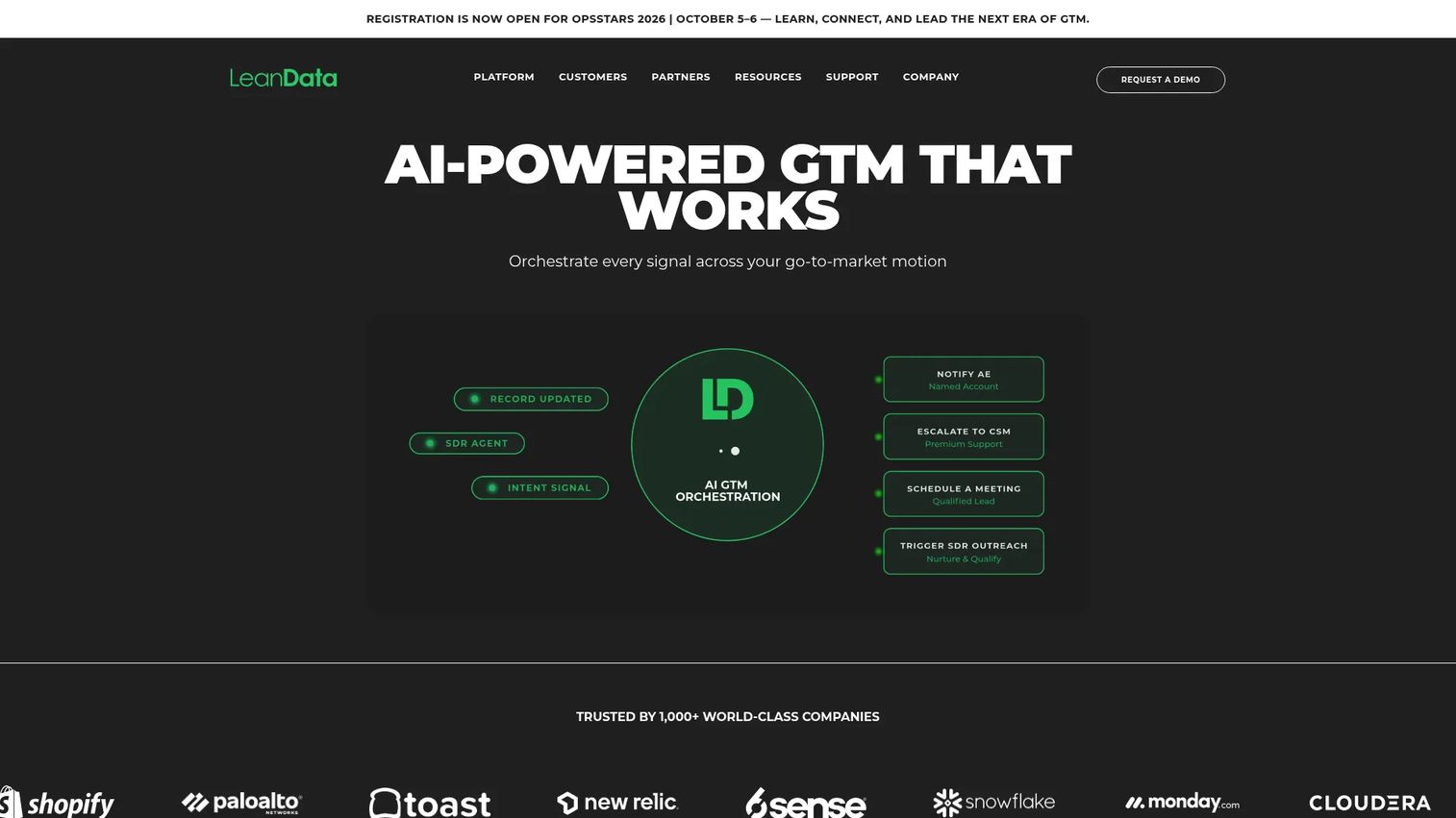
LeanData is B2B go-to-market orchestration software for lead routing, matching, scheduling, and workflow automation. It's the best fit on this list for complex routing programs, the kind RevOps-heavy teams run when account context and territory logic can't be an afterthought.
The core strength is intelligent lead-to-account matching. LeanData ties every incoming lead and contact to the right account before it routes, so ownership, territory, and buying-group context all inform assignment. For SDRs, that means fewer leads landing with the wrong rep and cleaner handoffs to AEs who already own the account. For RevOps, it means routing that respects the account model you built.
On top of matching, LeanData layers routing across leads, contacts, and accounts, plus scheduling and booking workflows. Operational visibility into how leads flow through the model helps ops teams tune rules and catch gaps. This is the tool for teams whose routing has outgrown simple rules.
Best for: Mid-market and enterprise B2B teams that need Salesforce-centric revenue orchestration with deep matching.
Key strengths
- Intelligent lead-to-account matching
- Routing across leads, contacts, and accounts
- Scheduling and booking workflows
- Operational visibility into lead flow
Why choose LeanData: If your routing depends on account ownership, territory, and buying-group logic, LeanData's matching-first approach handles complexity that simple assignment rules can't.
Pricing: Pricing is package-based across Standard, Advanced, and Premium editions, plus BookIt add-ons, and depends on features, objects, and user or queue counts. Contact LeanData for a tailored quote.
6. Kubaru
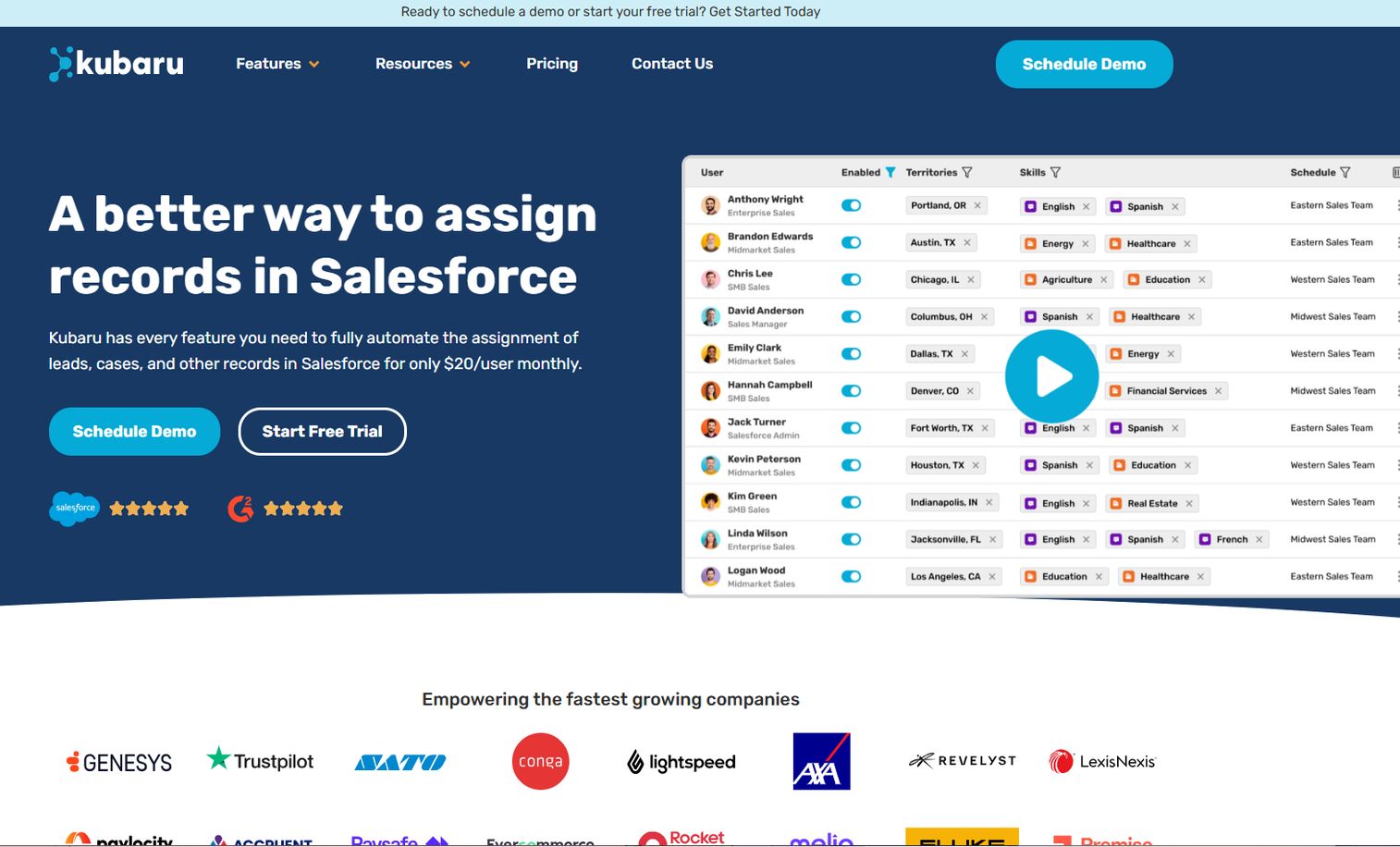
Kubaru is Salesforce-native lead, case, and record assignment and routing software. For teams comparing routing tools inside the Salesforce ecosystem, it maps cleanly to what Salesforce buyers are shopping for: automated assignment that lives natively in the CRM without a heavy external platform.
Its distribution logic covers the essentials SDR teams care about. Round robin assignment spreads inbound leads evenly, skill-based routing sends records to the rep best suited to handle them, and load balancing keeps volume fair when inbound spikes. Because it runs natively in Salesforce, assignment happens where reps already work, with no context switching.
For RevOps evaluating routing options, Kubaru fits the shortlist as a focused, Salesforce-first tool. It carries a strong 4.9/5 rating on G2, which reflects how well it serves teams that want reliable assignment without adopting a broad orchestration suite.
Best for: Salesforce teams that need automated lead and case routing without a heavy external platform.
Key strengths
- Round robin assignment
- Skill-based routing
- Load balancing across reps
- Salesforce-native record assignment
Why choose Kubaru: If you want dependable, Salesforce-native routing focused on assignment rather than a full orchestration suite, Kubaru delivers the core logic SDR teams need.
Pricing: A free 30-day trial is available. The Standard plan is $20 per user per month, per G2's pricing listing.
7. Traction Complete
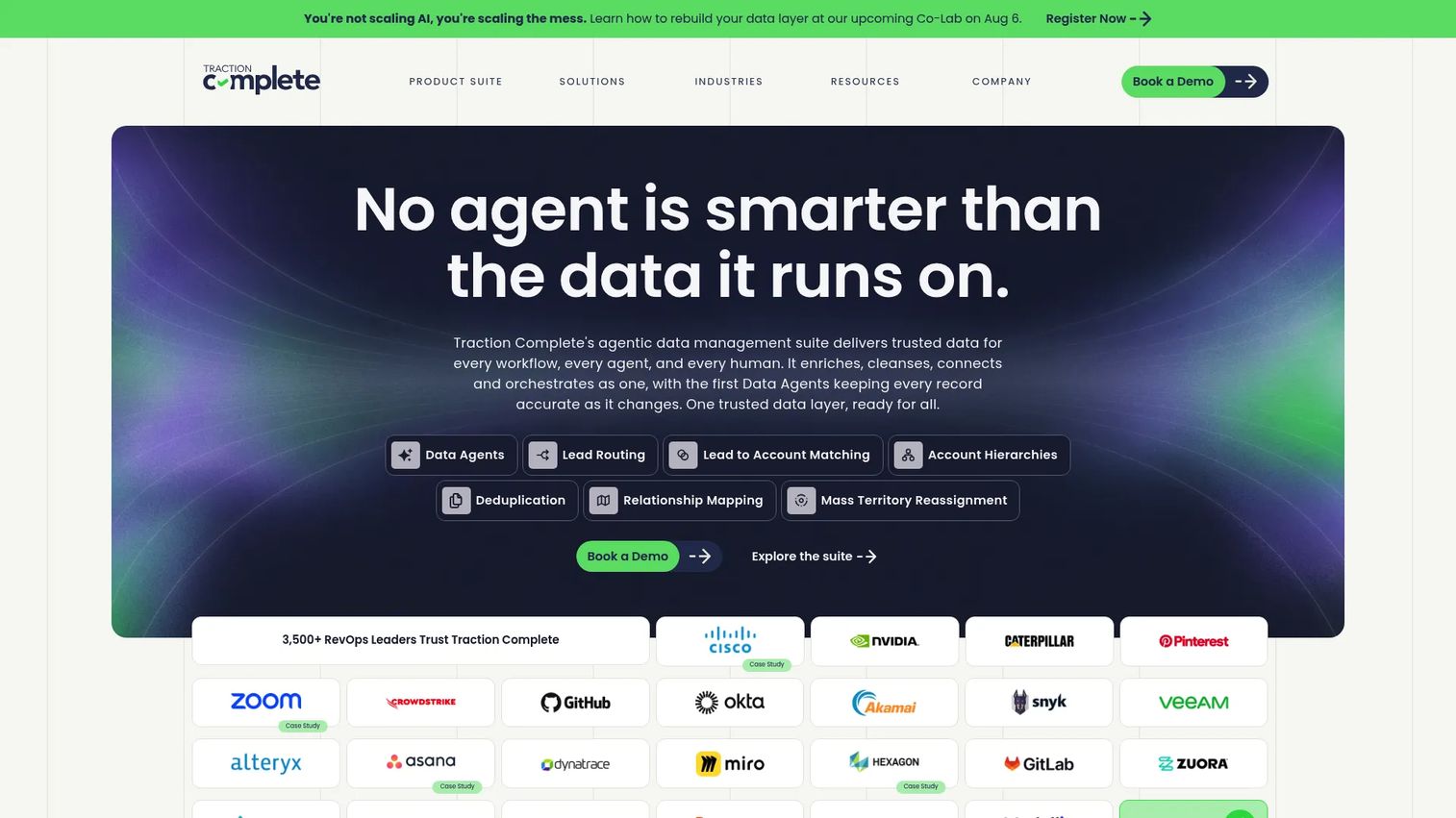
Traction Complete is a Salesforce-native data management suite for RevOps teams, combining lead routing with matching, hierarchy automation, and data cleanup. For Salesforce teams comparing routing and account-matching tools, it's a serious shortlist contender because it treats routing and data quality as the same problem.
The routing side handles lead-to-account matching and assignment, so inbound leads tie to the right account and owner before they're routed. Where it stands out for ops-minded buyers is governance: account hierarchies, territory reassignment, deduplication, and relationship mapping keep the underlying data clean, which is what makes routing accurate in the first place. Bad data is the root cause of most misrouted leads, and Traction Complete addresses it directly.
For SDRs, cleaner data means fewer duplicate records and leads that land with the right owner. For RevOps, the appeal is operational control across routing, matching, and hierarchy in one Salesforce-native suite.
Best for: RevOps teams on Salesforce that need routing tied to data cleanup, matching, and hierarchy automation.
Key strengths
- Lead routing and lead-to-account matching
- Account hierarchies and territory reassignment
- Deduplication and relationship mapping
- AI data enrichment
Why choose Traction Complete: If misrouted leads trace back to messy account data, Traction Complete fixes routing and data quality together in one Salesforce-native suite.
Pricing: Traction Complete does not publish public pricing. Contact the team for a quote based on your Salesforce environment and needs.
Considerations
Before you buy, work through these criteria against your own routing reality.
CRM fit and system of record
Decide whether routing should live inside your CRM or in a separate layer on top. Native assignment keeps everything in one place and is simpler to maintain. A dedicated routing layer gives you deeper logic when native rules run out of room. Match the choice to how complex your routing actually is.
Routing logic depth
Check for round robin, weighted assignment, territory rules, and fallback behavior. The last one matters more than teams expect: without a fallback rule, an edge-case lead can land nowhere. Verify the tool supports the specific logic your motion needs, not just the basics.
Availability handling
Make sure out-of-office, blocked time, and calendar sync are handled cleanly. A lead routed to a rep on vacation is a lead lost. Availability-aware routing and capacity caps keep assignment realistic, not just mechanical.
Auditability and governance
Look for assignment logs, change history, versioned rules, and rollback. When a lead is misrouted, you want to see which rule fired and undo it fast. Auditability is what turns routing from a black box into something RevOps can defend and improve.
Lead-to-account matching
Confirm how the tool matches people, companies, and account ownership. Strong matching prevents inbound leads from getting routed away from the AE who already owns the account, which protects deal context and keeps handoffs clean.
Conclusion
Routing is a speed problem for SDRs and a governance problem for RevOps. The right tool solves both.
Choose Default when you want availability-aware routing plus assignment logs and rollback in one auditable system. Choose LeadAngel for flexible automated routing with matching and deduplication built in. Lean on Salesforce or HubSpot when you want assignment to stay native inside the CRM you already run, and extend with a routing layer as your logic grows. Pick LeanData when lead-to-account matching and operational scale drive your program, and consider Kubaru or Traction Complete when you want Salesforce-native routing focused on assignment or data governance.
The decision comes down to three things: how complex your routing logic is, how deep you're committed to your CRM, and how much rep availability affects your inbound motion. Start with the tool that matches where those three land for your team.
Start your journey with Guideflow today!
FAQs
It automatically assigns inbound leads to the right rep, team, or queue based on rules and real-time context. Instead of manual claiming or hand-reassignment, the system evaluates each new lead against your routing rules, checks factors like territory, ownership, and availability, and routes it in seconds. The goal is faster speed-to-lead with fewer assignment errors.
Availability-aware routing skips reps who are out of office, off the clock, or at capacity. Calendar sync lets the system see blocked time and PTO, so leads never land in a dead inbox. Fallback rules then route the lead to the next available rep or a shared queue, so nothing sits unassigned while someone is away.
Lead scoring prioritizes leads by ranking how likely they are to convert. Lead routing assigns leads to the right owner. Scoring tells you which leads matter most; routing makes sure the right rep gets them fast. Most teams use both, scoring to prioritize and routing to distribute.
Yes. Many routing tools connect to both, and several are built natively for one platform. Native assignment inside Salesforce or HubSpot covers straightforward routing well. External routing layers add deeper logic like weighted distribution, availability-aware routing, and detailed audit trails. The right choice depends on how complex your routing needs to be.
Round robin lead routing distributes leads evenly across a set of reps or a queue, one at a time in rotation. Each new lead goes to the next rep in line, so volume is shared fairly. Many tools add capacity caps and weighting on top, so heavier or more senior reps get an adjusted share.
Lead-to-account matching ties an incoming person or company to an existing account record in your CRM before assignment. This ensures a new inbound lead from a known company gets routed to the account's existing owner, not a random rep. It protects deal context, prevents duplicates, and keeps ownership clean in ABM and enterprise motions.
Use audit logs and assignment logs to trace which rule fired on each lead. Test rules before you push them live, set fallback logic so edge cases always land somewhere, and monitor assignment regularly. Ownership checks and lead-to-account matching prevent leads from bypassing the correct account owner. Rollback lets you undo a bad rule fast.
No. SDRs feel the impact most because speed-to-lead affects their connect and meeting-set rates. But RevOps and Sales Ops own the routing rules, AEs depend on clean handoffs and correct account ownership, and sales leadership relies on fair distribution and auditable assignment. The same system serves the whole revenue org.