



A laptop stops charging. A collaboration app crashes twice before a client call. VPN latency drags on for a week. None of it shows up in a dashboard until the employee files a ticket, and by then the productive hours are already gone.
That gap between when technology starts failing an employee and when IT actually finds out is the problem workforce experience software exists to close. It gives IT teams three things they rarely have in one place: endpoint telemetry that shows device health, employee sentiment that shows how people actually feel about their tools, and proactive remediation that fixes recurring issues before they hit the queue.
The demand is not theoretical. More than 80% of organizations now run a formal workplace transformation strategy, and 84% offer flexible or hybrid work models, according to Market.US (2026). Distributed teams break the old model where IT could walk to a desk. When your workforce logs in from home, an office, and three time zones, you need visibility that follows the device, not the building.
This guide breaks down seven options in the workforce experience platform space, explains how the category differs from workforce management software, and gives you a buyer's checklist you can actually use.
What's inside
This guide is for IT, workplace, and employee-experience teams evaluating a digital employee experience platform, plus operations leaders who care about how technology friction affects productivity.
Here is how the seven picks were chosen and compared:
- Who it's for: IT operations, DEX owners, and workplace teams supporting a hybrid workforce
- Selection basis: telemetry depth, sentiment capture, remediation automation, and integration breadth
- Comparison criteria: best-fit use case, key differentiator, pricing transparency, and third-party rating
- Why these four criteria: telemetry tells you what is happening, sentiment tells you how it lands, integrations connect it to your stack, and automation turns insight into action
TL;DR
Short on time? Here are the decision shortcuts.
- Best for enterprise DEX visibility: HP Workforce Experience Platform combines device telemetry, employee sentiment, and automated remediation in one AI-powered analytics layer.
- Best for telemetry plus sentiment scoring: HP WXP, the shorthand buyers use for the same platform, pairs endpoint health data with survey-based sentiment.
- Best for labor and workforce operations: WorkForce Software, a different category, handles time, scheduling, attendance, and compliance for shift-based teams.
- Best for peer validation: Gartner Reviews and the HP Workforce Experience Platform review pages give you rating context before you shortlist.
- Best for deployment depth: The Bechtle WXP datasheet documents modules, integrations, and requirements for technical buyers.
- Best for legacy device analytics: HP Proactive Insights, the predecessor capability, still shows up in research and feeds into modern WXP positioning.
What is workforce experience software
Workforce experience software is a category of digital employee experience platform that monitors device and application health, captures employee sentiment, and automates IT remediation to improve how technology serves people at work.
That is different from workforce management software, which schedules shifts, tracks time and attendance, and manages labor compliance. Workforce management runs the labor operation. Workforce experience improves the technology experience underneath it. Both matter. They solve different problems.
A workforce experience platform typically covers:
- Endpoint telemetry: continuous device signals on battery, memory, crashes, boot time, and application performance
- Employee sentiment: in-context surveys and sentiment scoring that reveal how people feel about their tools
- Experience scoring: a composite score that blends telemetry plus sentiment scoring into one health metric per device, app, or team
- Proactive remediation: automated fixes and scripts that resolve recurring issues before a ticket lands
- ITSM integrations: connections to service management, identity, analytics, and automation tools, including ServiceNow integration and Microsoft Intune integration
- Cross-platform coverage: support for Windows, macOS, mobile, and browser-based environments
The category earns its keep by joining two data streams most IT teams keep separate. Telemetry shows what a device is doing. Sentiment shows what the person using it thinks. Put them together and IT operations visibility stops being a guessing game.
The market reflects that pull. The global workplace experience platform market was USD 8.6 billion in 2025 and is forecast to reach USD 24.3 billion by 2034 at a 12.2% CAGR, according to DataIntelo (2025). Buyers are consolidating scattered monitoring tools into a single DEX platform.
When to use workforce experience software
Not every IT team needs this category yet. Here is where it earns a slot in the stack.
Reduce employee friction before it becomes a ticket
When device issues surface only after an employee complains, you are always reacting. Endpoint telemetry flags a failing SSD or a memory leak before the user notices. Proactive remediation then applies a fix automatically. Fewer tickets, less lost productivity, and support agents freed for work that needs a human.
Improve visibility across hybrid and distributed teams
A hybrid workforce logs in from everywhere. You cannot walk to the desk anymore. Workforce experience software gives IT operations visibility that travels with the device, so a laptop in a home office reports the same signals as one in headquarters. That matters most when your people are spread across regions and time zones.
Standardize response to recurring endpoint issues
The same VPN error keeps generating tickets. The same app keeps crashing on one OS build. A DEX platform lets you codify the fix once as an automated remediation, then apply it fleet-wide. You stop solving the same problem by hand and start solving it at the pattern level.
Comparison table
The seven picks below differ mainly by telemetry depth, remediation automation, integration breadth, and workforce scope. Most center on HP's digital employee experience platform and the ecosystem around it, with one adjacent entry in workforce management to clear up a common naming mix-up.
| # | Product | Best for | Key differentiator | Pricing | G2 rating |
|---|---|---|---|---|---|
| 1 | HP Workforce Experience Platform | Enterprise DEX visibility | Telemetry, sentiment, and remediation in one AI-powered layer | Standard, Pro, Elite (contact HP) | 4.3/5 |
| 2 | HP WXP | Telemetry plus sentiment scoring | Same platform, shorthand naming used by buyers | Standard, Pro, Elite (contact HP) | 4.3/5 |
| 3 | WorkForce Software | Labor and workforce operations | Time, scheduling, attendance, compliance | Contact vendor | Not listed |
| 4 | HP Workforce Experience Platform Reviews | Review validation | Peer sentiment and rating context | Contact HP | 4.4/5 |
| 5 | Bechtle WXP datasheet | Deployment depth | Module, integration, and requirement detail | Contact vendor | 4.3/5 |
| 6 | Gartner Reviews WXP | Peer proof | Verified reviewer ratings for DEX tools | Contact HP | Not listed |
| 7 | HP Proactive Insights | Legacy device analytics | Device-fleet health and remediation predecessor | Contact HP | Not listed |
Best 7 workforce experience software tools for 2026
1. HP Workforce Experience Platform
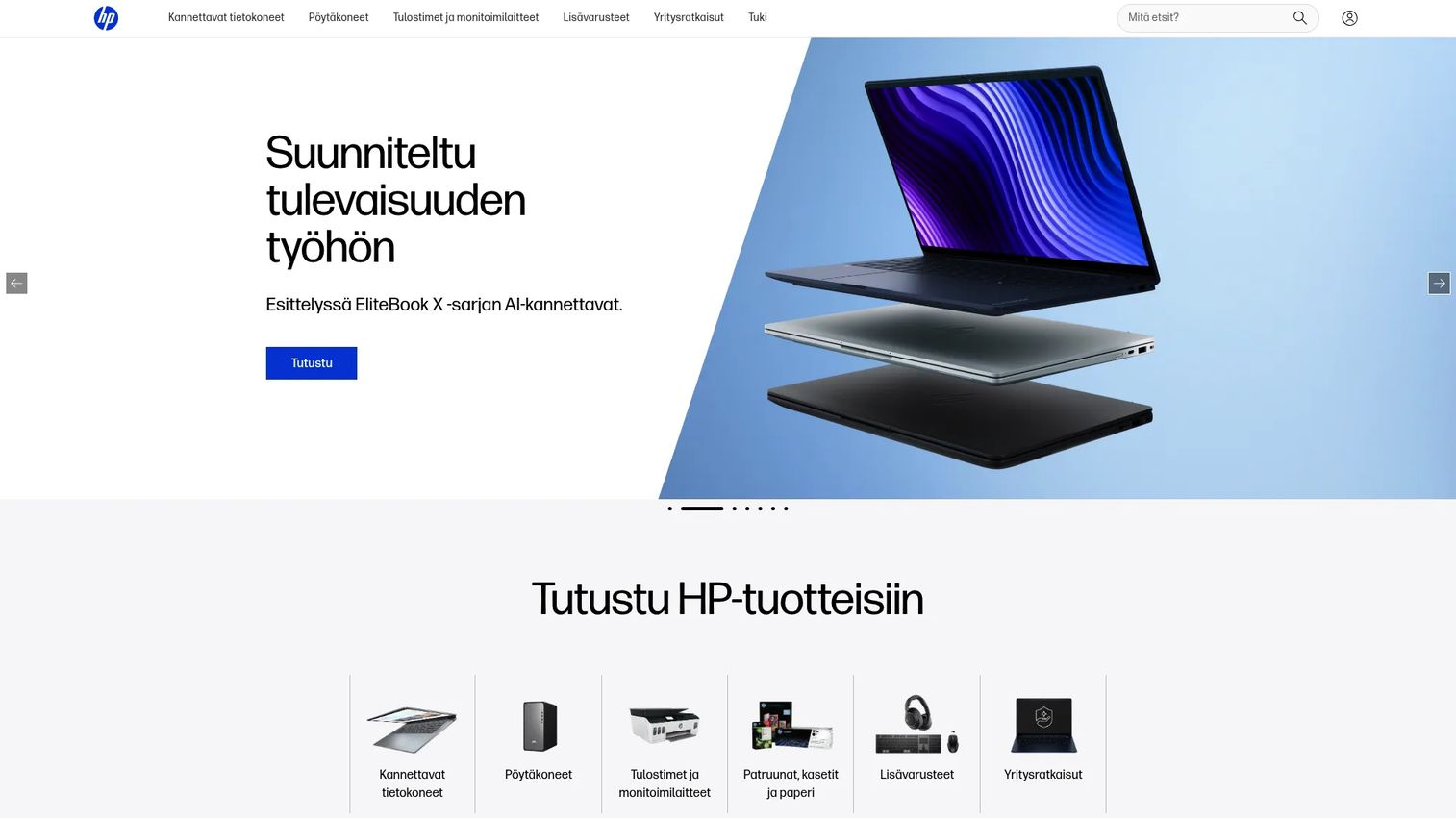
HP Workforce Experience Platform is a cloud-based digital employee experience platform built to monitor, manage, and improve endpoint and employee experience across devices and applications. It joins device and application visibility with employee sentiment surveys, then layers AI-driven recommendations and automation on top. The result is a single view of how technology performs and how people feel about it.
The operating model is AI-native. Rather than making IT teams parse raw telemetry, the platform surfaces recommendations and automates remediation across the fleet. It covers PCs, Macs, printers, and collaboration tools, so coverage is not locked to one OS or device type. Sentiment surveys feed the same analytics layer as the hard telemetry, which is what lets you correlate a drop in satisfaction with a specific device or app.
Integrations reach into the tools IT already runs. The platform connects to service management, analytics, and automation systems, and the broader WXP ecosystem documents ServiceNow, Power BI, Power Automate, Tableau, and Microsoft Intune connections.
Best for: IT teams managing digital employee experience across PCs, Macs, printers, and collaboration tools.
Key strengths
- Device and application visibility across the fleet
- AI-driven recommendations and automation
- Employee sentiment surveys and analytics
- Print and fleet management
- Cross-platform coverage for Windows, macOS, and peripherals
Why choose HP Workforce Experience Platform: If you want telemetry, sentiment, and remediation in one AI-powered layer rather than three stitched-together tools, this is the anchor product in the category. It fits enterprise IT teams standardizing DEX across a mixed device fleet.
HP Workforce Experience Platform pricing: HP offers Standard, Pro, and Elite tiers on term licenses. Public numeric prices are not listed on HP's pricing page, which directs buyers to request a demo or contact HP. WXP is included at no additional cost for new and renewing HP Proactive Insights customers in the U.S.
2. HP WXP
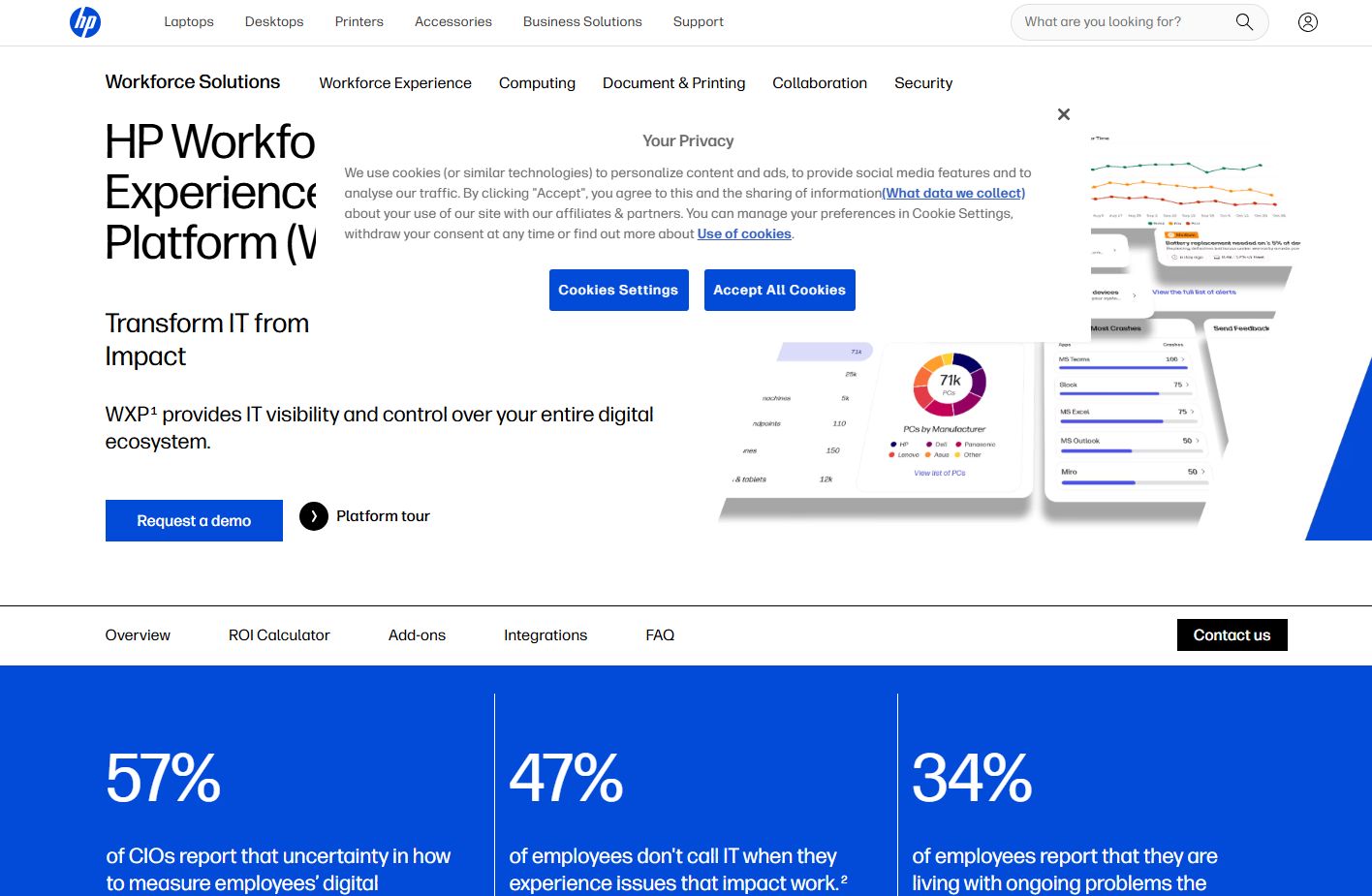
HP WXP is the shorthand buyers and analysts use for the HP Workforce Experience Platform. The acronym shows up in datasheets, review pages, and procurement docs because "Workforce Experience Platform" is a mouthful in day-to-day conversation. When you see WXP, it maps to the same AI-powered digital employee experience platform for IT teams described above.
The reason the shorthand matters for your research is search behavior. Some vendors, partners, and reviewers list the product as WXP, others as the full name. If you only search one, you miss half the reviews and half the deployment docs. Treat WXP and HP Workforce Experience Platform as one product with two labels.
On capability, HP WXP delivers device and application visibility, AI-driven recommendations and automation, and employee sentiment surveys and analytics. It is built for commercial IT teams managing the digital employee experience across a device and application estate. The value is the correlation between telemetry and sentiment: you see not just that a machine is slow, but that its user is frustrated enough to say so.
Best for: Commercial IT teams managing digital employee experience across devices and applications.
Key strengths
- Device and application visibility
- AI-driven recommendations and automation
- Employee sentiment surveys and analytics
- Telemetry and sentiment correlated in one score
- Coverage across a mixed device and app estate
Why choose HP WXP: Use the WXP label when searching partner catalogs, datasheets, and reviewer sites so you surface the full body of research. The buyer fit is identical to the parent platform: enterprise IT standardizing DEX.
HP WXP pricing: Available in Standard, Pro, and Elite tiers across multiple term-license durations. HP does not publish numeric pricing; the pricing page directs you to contact HP. WXP is included at no extra cost for new and renewing HP Proactive Insights customers in the U.S.
3. WorkForce Software
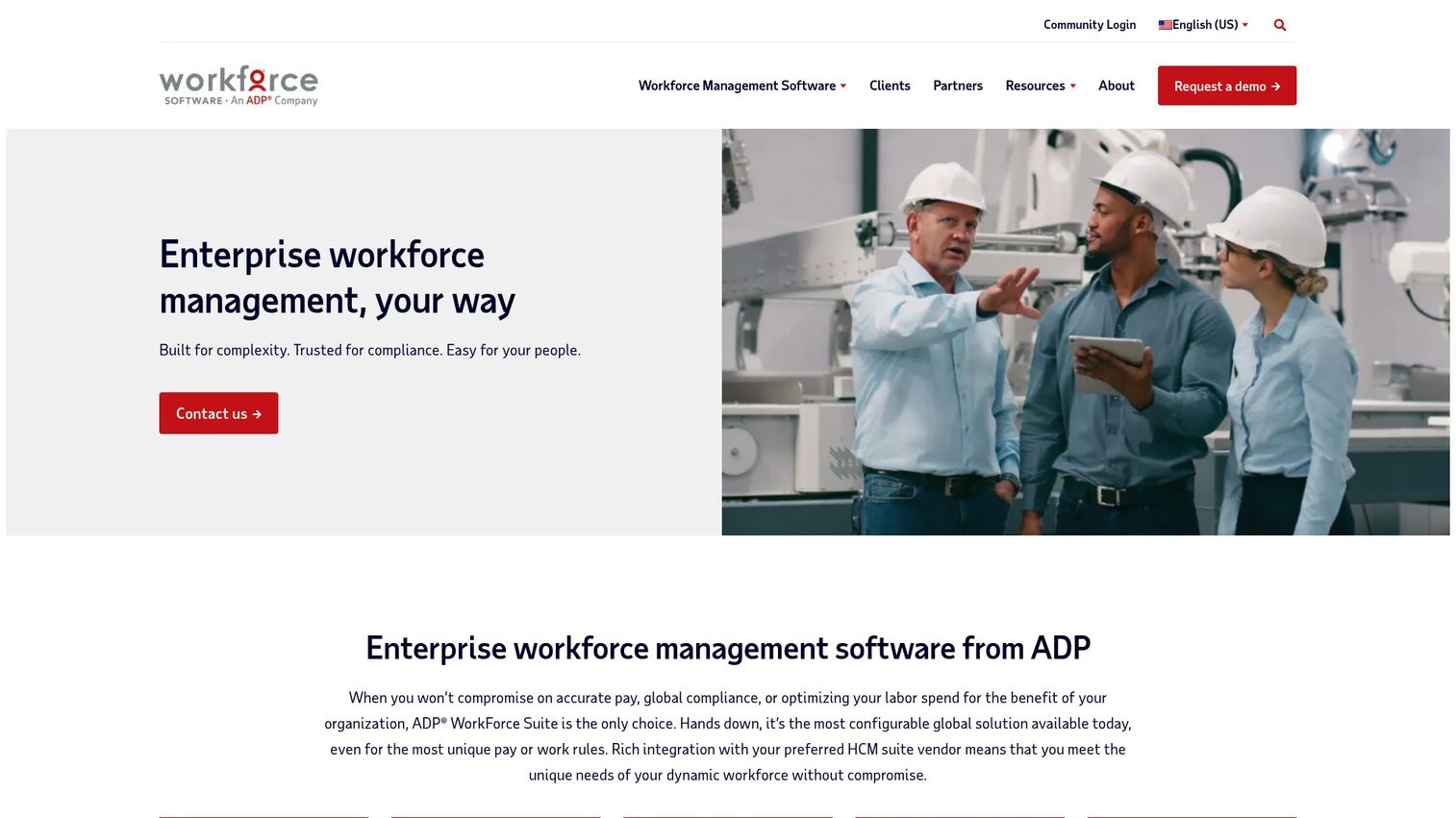
WorkForce Software sits in a different but adjacent category, and it is the single most common source of confusion for buyers searching this space. It is enterprise workforce management software, not a digital employee experience platform. The name is close enough that shortlists routinely mix the two.
What WorkForce Software actually does is run the labor operation. It handles time and attendance, scheduling and forecasting, and employee communication and engagement for large, global employers with complex hourly or shift-based workforces. Think manufacturing floors, retail chains, healthcare systems, and logistics operations where labor compliance and shift coverage are the core problem.
That is a real and valuable job. It is just not the same job as endpoint telemetry, employee sentiment scoring, and proactive remediation. If your goal is to reduce device friction and improve IT operations visibility, this is not the tool. If your goal is to schedule thousands of shift workers and stay compliant with labor law, it is a strong fit.
Best for: Large, global employers with complex hourly or shift-based workforce needs.
Key strengths
- Time and attendance tracking
- Scheduling and forecasting
- Employee communication and engagement
- Labor compliance management
- Built for global, shift-based operations
Why choose WorkForce Software: Choose it when your problem is labor operations, not device experience. It is the better fit for time, scheduling, and compliance at enterprise scale, and the wrong fit if you need DEX telemetry and remediation.
WorkForce Software pricing: No public pricing figure is listed on the vendor site, which routes buyers to contact and demo paths. Pricing is quoted per engagement based on workforce size and modules.
4. HP Workforce Experience Platform reviews
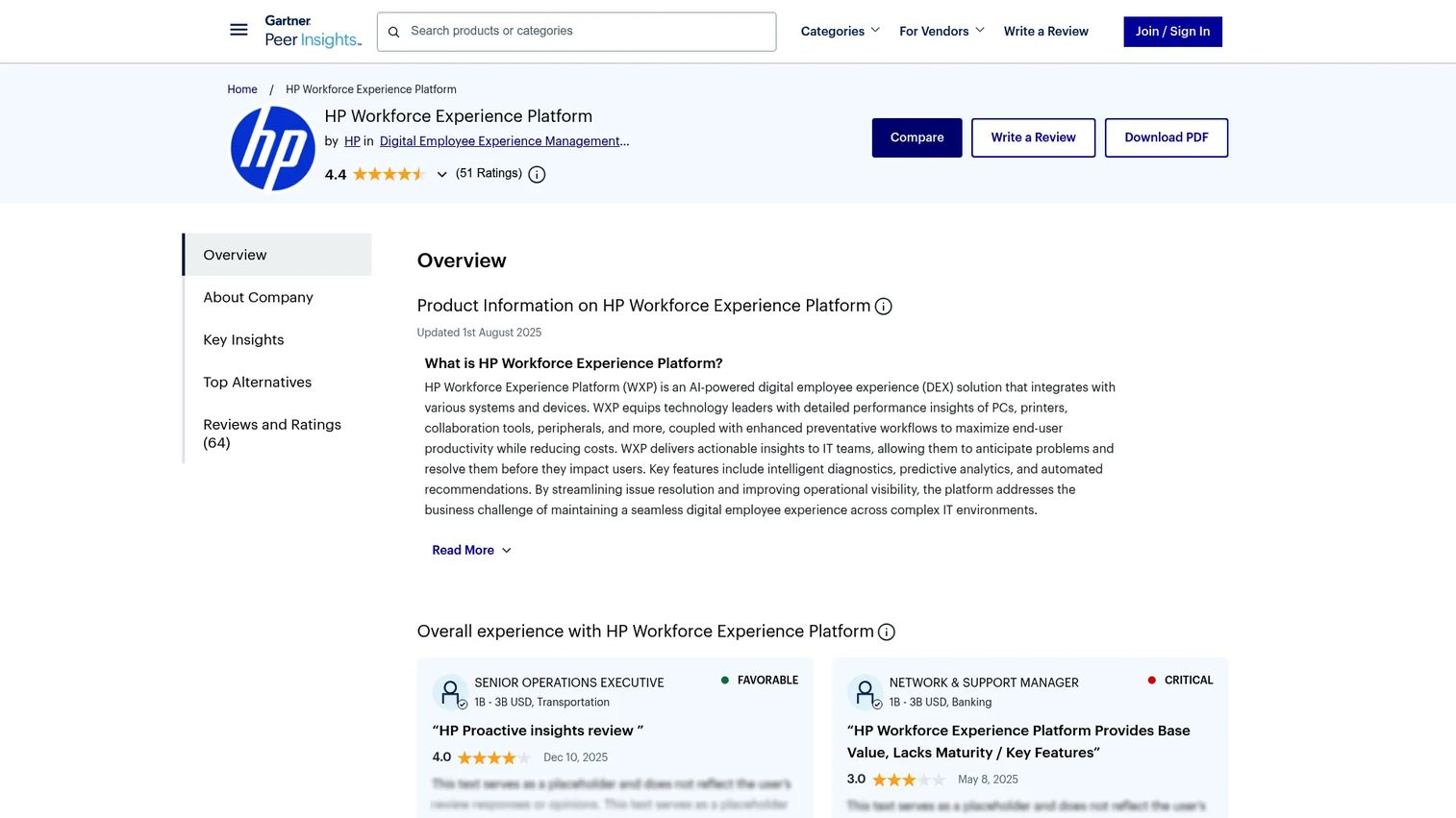
HP Workforce Experience Platform review pages are a validation lens, not a separate product. Buyers use them to pressure-test vendor claims before committing budget. On Gartner Peer Insights, the platform carries a 4.4/5 rating, which gives you a peer-verified read on real deployments.
What reviews tell you that a vendor page cannot: how the platform behaves in production. Reviewers consistently mention device and application visibility, automated remediations and alerts, and the value of employee surveys and sentiment feeding third-party integrations. Those are the capabilities that hold up once the software is live across a real fleet.
Reviews also surface the practical caveats. Read for comments on rollout effort, how sentiment surveys are configured, and how the analytics map to your existing ITSM integrations. That is where you learn whether the AI-powered analytics deliver signal or noise in a fleet like yours.
Best for: IT teams that want centralized DEX monitoring and remediation and want peer proof before buying.
Key strengths
- Device and application visibility
- Automated remediations and alerts
- Employee surveys, sentiment, and third-party integrations
- Peer-verified rating context
- Production-tested capability signals
Why choose the reviews lens: Use review pages to confirm that vendor claims survive contact with real deployments. They tell you what onboarding, remediation, and sentiment configuration actually look like at scale.
Pricing: Review pages do not set pricing. HP's own pricing page shows Standard, Pro, and Elite tiers with no public dollar figures and directs buyers to contact HP.
5. Bechtle WXP datasheet
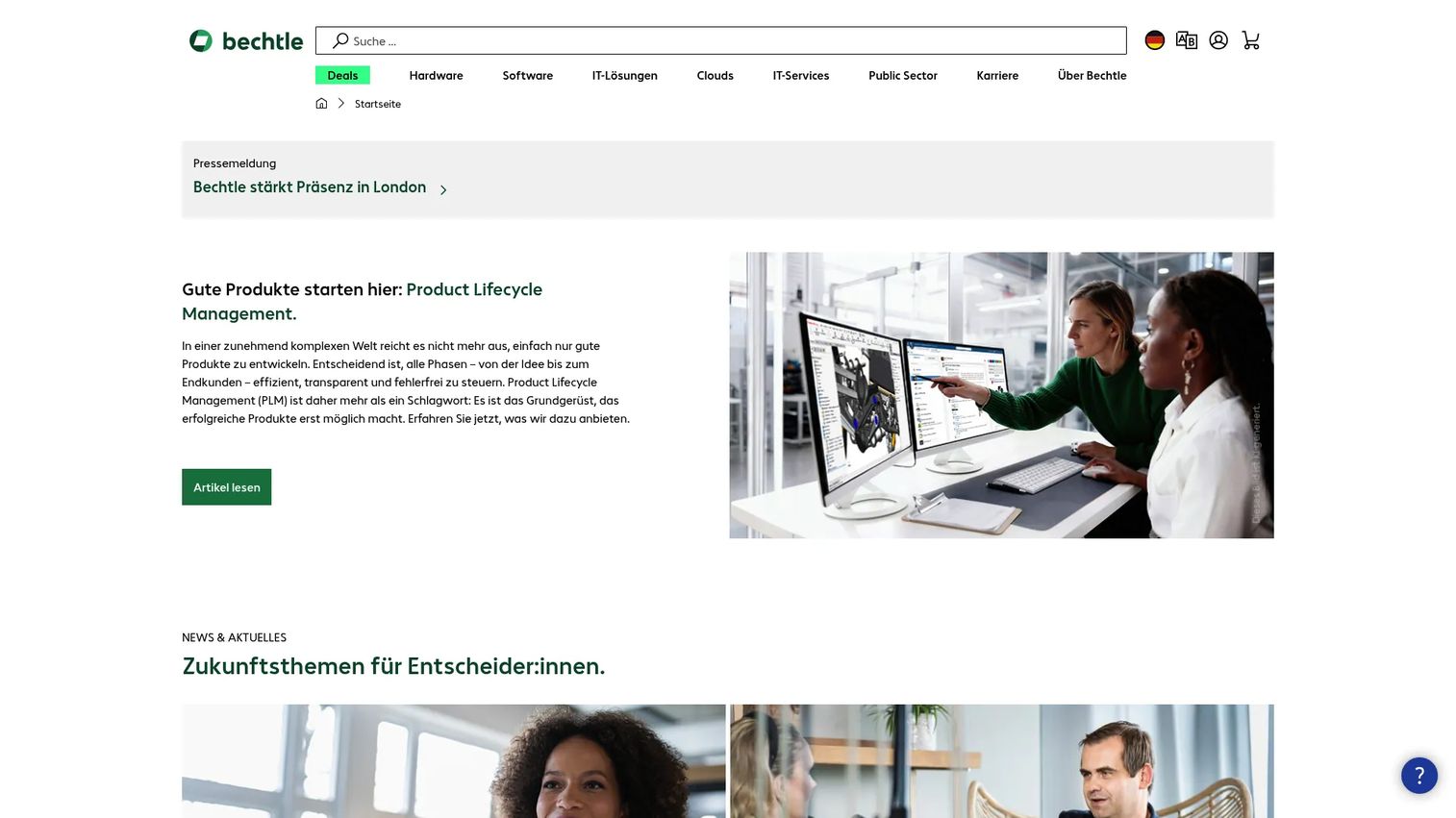
Bechtle WXP datasheet is a resource-style entry for technical buyers who want deployment depth before they commit. Bechtle, an IT partner, hosts a datasheet describing HP's AI-powered workforce and device analytics platform at the module and integration level. It is where you go when the marketing page does not answer your architecture questions.
The datasheet detail is what makes it useful. It documents fleet health analytics and insights, BIOS policy deployment, and Windows 11 readiness assessment. It covers employee surveys and sentiment analysis and AI-powered natural language search across the fleet data. Crucially for stack fit, it lists integrations including ServiceNow, Power BI, Power Automate, Tableau, and Microsoft Intune.
Technical buyers care about this level of detail because a DEX platform only works if it plugs into the systems already running. A ServiceNow integration decides whether remediation flows into your existing ticket workflow. A Microsoft Intune integration decides how device policy syncs. The datasheet is where you verify those connections exist before a proof of concept.
Best for: IT teams seeking HP-backed DEX analytics and device fleet visibility with documented deployment detail.
Key strengths
- Fleet health analytics and insights
- BIOS policy deployment and Windows 11 readiness
- Employee surveys and sentiment analysis
- AI-powered natural language search
- Integrations: ServiceNow, Power BI, Power Automate, Tableau, Microsoft Intune
Why choose the datasheet lens: Reach for it when you need module-level and integration-level detail to plan a deployment. It answers the architecture and prerequisite questions a landing page skips.
Bechtle WXP datasheet pricing: No public pricing is listed on the Bechtle sources for this datasheet. Pricing follows HP's tiered model and is quoted through the partner or HP directly.
6. Gartner Reviews WXP
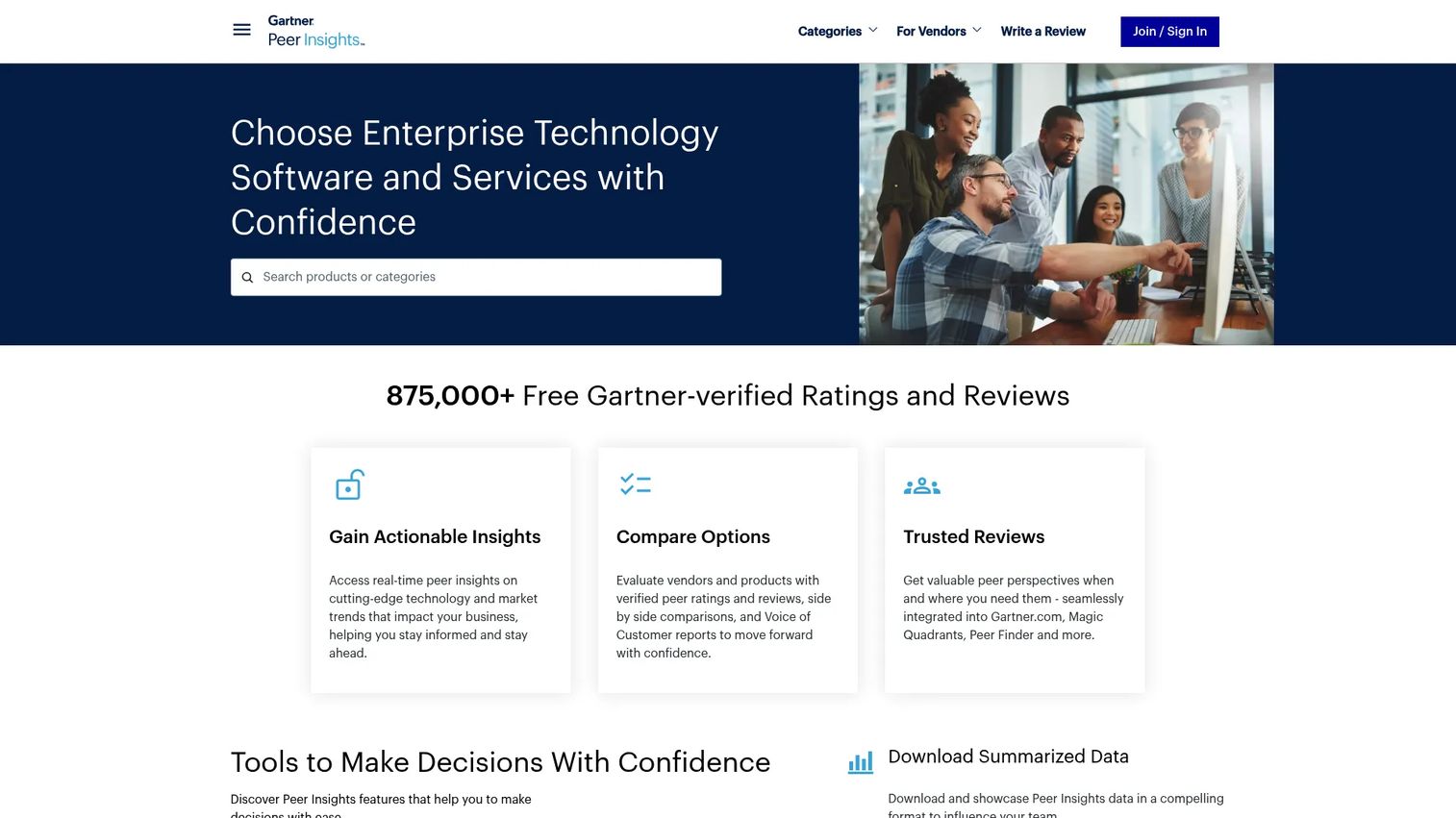
Gartner Reviews captures peer proof and rating context for DEX tools, including the HP Workforce Experience Platform. Where a vendor page tells you what a product should do, verified reviewer ratings tell you what buyers report it actually does. On Gartner Peer Insights, the WXP product page shows a 4.4/5 rating across dozens of ratings.
What buyers learn from review data is pattern, not anecdote. One glowing review means little. Dozens clustered around the same praise or the same friction point mean a lot. Common praise themes for DEX platforms include AI-powered insights, device and peripheral visibility, and predictive diagnostics with automated recommendations. Common criticism themes tend toward setup effort and survey configuration.
Review pages help most during shortlist creation. They let you validate a vendor's claims against a body of peer feedback before you invest in a proof of concept. Use them to confirm that the AI-powered analytics, endpoint telemetry, and proactive remediation you saw in the demo hold up in the field.
Best for: IT teams building a DEX shortlist who want verified peer ratings before committing to evaluation.
Key strengths
- AI-powered digital employee experience insights
- Device, printer, collaboration, and peripheral visibility
- Predictive analytics, diagnostics, and automated recommendations
- Aggregated peer rating patterns
- Shortlist validation before proof of concept
Why choose the Gartner review lens: Use it to move from vendor claims to peer-verified evidence. Aggregated ratings expose the patterns a single case study or demo cannot.
Pricing: Gartner review pages do not publish product pricing. HP's tiered plans require a direct quote through HP.
7. HP Proactive Insights
HP Proactive Insights is the device-fleet analytics service that predates and feeds into today's WXP positioning. It monitors, reports on, and proactively remediates workplace PCs and employee experience through the HP TechPulse dashboard. If you are researching this category, you will run into it, so it helps to know how it relates to the modern platform.
The capability is real and still relevant. Proactive Insights provides predictive analytics across multi-vendor, multi-OS inventory, incidents, and system health. It sends incident notifications and remediation recommendations, and it tracks employee experience through satisfaction campaigns and diagnostic tools. Much of that capability now lives inside or alongside the broader Workforce Experience Platform.
The relationship matters for buyers. WXP is included at no additional cost for new and renewing HP Proactive Insights customers in the U.S., which tells you the two are tightly linked rather than competing. Treat Proactive Insights as an inherited, evolving capability set that modern WXP builds on, not as a separate purchase decision.
Best for: IT teams managing commercial endpoints that want proactive device-health analytics and employee-experience insights.
Key strengths
- Predictive analytics for multi-vendor, multi-OS inventory
- Incident notifications and remediation recommendations
- HP TechPulse dashboard
- Employee experience tracking and satisfaction campaigns
- Diagnostic tools for device health
Why choose HP Proactive Insights: Consider it when device-health analytics and proactive remediation are the priority. For most buyers it is best understood as the predecessor capability now folded into the wider WXP offering.
HP Proactive Insights pricing: HP states the service is sold separately, as a stand-alone solution or through HP Device as a Service. No public numeric price is listed on the sources reviewed.
Considerations
Before you commit budget, run each shortlisted platform through this checklist.
Telemetry depth
Ask what signals the platform actually captures and how often. Shallow telemetry reports uptime; deep telemetry reports battery health, memory pressure, application crashes, boot time, and network latency. The deeper the endpoint telemetry, the earlier you catch friction before it becomes a ticket. Confirm the sampling frequency and whether historical data is retained for trend analysis.
Sentiment and survey design
Telemetry tells you what a device is doing. Employee sentiment tells you how the person feels about it. Evaluate how surveys are triggered, whether they are in-context or scheduled, and how sentiment scores roll up to devices, apps, and teams. Poorly timed surveys create fatigue; well-designed ones surface issues telemetry misses entirely.
ITSM and automation integrations
A DEX platform is only as useful as its connections. Verify the ITSM integrations you need, especially ServiceNow integration for ticket workflows and Microsoft Intune integration for device policy. Check whether remediation actions fire automatically or require manual approval, and how well the automation maps to your existing runbooks.
OS and device coverage
Confirm cross-platform coverage matches your fleet. If you run Windows, macOS, mobile, and browser-based environments, the platform needs to report consistent signals across all of them. Coverage gaps mean blind spots, and blind spots are where recurring issues hide.
Governance and maintenance
Ask who owns the platform after rollout and how it stays current. Check data retention, access controls, and how remediation scripts are versioned and approved. A platform that drifts out of date, or that no one owns, quietly loses value over the quarters that follow.
Conclusion
Workforce experience software earns its place when IT teams need three things at once: visibility into device health through endpoint telemetry, insight into how people feel through employee sentiment, and the ability to act through proactive remediation. That combination is what turns proactive IT support from an aspiration into a workflow.
For most enterprise buyers evaluating a digital employee experience platform, the HP Workforce Experience Platform is the anchor option, pairing telemetry, sentiment, and remediation in one AI-powered analytics layer with broad cross-platform coverage. HP WXP is the same platform under the shorthand you will see in datasheets and review pages. WorkForce Software is the right call only if your actual problem is labor operations rather than device experience. And the review and datasheet lenses, from Gartner Reviews to the Bechtle WXP datasheet, give you the peer proof and deployment depth to validate before you buy.
Start with your operating model. If you run a hybrid workforce across a mixed device fleet and want fewer tickets and better IT operations visibility, evaluate the WXP platform first, then use the review and datasheet resources to confirm it fits your stack.
FAQs
Workforce experience software is a digital employee experience platform that monitors device and application health, captures employee sentiment, and automates IT remediation. It combines endpoint telemetry with sentiment scoring so IT teams can see both what technology is doing and how employees feel about it, then fix issues before they become tickets.
They solve different problems. Workforce management software schedules shifts, tracks time and attendance, and manages labor compliance for hourly and shift-based teams. Workforce experience software improves the technology experience through telemetry, sentiment, and remediation. The names are similar, which is why buyers confuse them, but the jobs are distinct.
Prioritize telemetry depth, well-designed employee sentiment surveys, and proactive remediation automation. Then check integration breadth, especially ITSM integrations like ServiceNow and device-management connections like Microsoft Intune. Finally, confirm cross-platform coverage for Windows, macOS, mobile, and browser-based environments so you have no blind spots.
No. It complements them. A DEX platform feeds insight and automated remediation into your service management workflow rather than replacing it. The ServiceNow integration, for example, lets remediation actions flow into your existing ticket process. Think of workforce experience software as the visibility and automation layer above ITSM, not a substitute.
Telemetry reports objective device signals: crashes, battery health, boot time, and application performance. Employee sentiment reports the subjective experience through surveys. Telemetry plus sentiment scoring correlated in one platform tells you not just that a laptop is slow, but that its user is frustrated enough to say so, which helps you prioritize the fixes that matter most.
The highest-value integrations connect the platform to your existing stack. ITSM integrations like ServiceNow route remediation into ticket workflows. Microsoft Intune integration syncs device policy. Analytics connections such as Power BI and Tableau surface trends, and automation tools like Power Automate extend remediation. Confirm the specific integrations your environment depends on before committing.
Compare on telemetry depth, sentiment and survey design, integration breadth, OS and device coverage, and governance. Use peer review sources like Gartner Reviews for validation and deployment resources like the Bechtle WXP datasheet for architecture detail. Run each shortlisted platform against your actual fleet and stack rather than the feature list alone.










