Your reps type the same follow-up email forty times a week. The same objection rebuttal. The same pricing recap. The same "thanks for hopping on the call" intro. Every one of those keystrokes is time they could spend selling, and every one is a chance for the message to drift away from the language your team agreed on.
That drift is the real cost. When a rep retypes a value prop from memory, it loses a word here, a proof point there. Multiply that across a 20-person team and your carefully built positioning quietly fragments. The fix is not "type faster." It's removing the typing entirely.
That's what text expander software does. You map a short trigger to a long block of approved text, and the software replaces it the moment you type the shortcut. The category is growing alongside the broader writing tools market, which Business Research Insights projected at USD 0.48B in 2026, with 62% of organizations already integrating writing tools to improve digital communication. For sales enablement managers, the appeal is sharper than raw productivity: shared snippets, dynamic variables, and snippet templates turn scattered rep messaging into a governed, repeatable system.
This guide ranks the 15 best text expander tools for 2026 across Windows, Mac, browser, and team workflows. If your larger goal is consistent, on-brand buyer messaging, you may also find value in pairing snippet libraries with interactive demo tools for marketing teams and other productivity automation approaches that standardize how your team communicates value.
What's inside
This guide compares the best text expander software for individuals and teams in 2026. It covers desktop apps, browser-based tools, open-source projects, and native OS features that qualify as real text replacement software, not generic productivity apps.
We selected and ranked tools using four criteria that matter most for teams standardizing messaging:
- Platform support: Windows, Mac, browser, and cross-device coverage.
- Snippet automation: shortcuts, dynamic variables, and reusable snippet templates.
- Shared libraries and governance: team snippet library support, permissions, and ownership.
- Pricing and security: transparent text expander pricing, free options, and admin controls.
TL;DR
Short on time? Here are the fast picks by use case.
- Best overall for teams: TextExpander, for its shared snippet libraries, admin controls, and cross-platform reach.
- Best browser-based text expander: Text Blaze, built for Chrome and Edge workflows with a generous free tier.
- Best free text expander: Espanso, open-source and cross-platform, with Beeftext close behind on Windows.
- Best for Windows teams: PhraseExpress, for desktop automation plus business deployment controls.
- Best one-time purchase for Mac: Typinator and aText, for power users who prefer to own a license.
- Best for power-user automation: AutoHotkey on Windows and Keyboard Maestro on Mac.
What is text expander software?
Text expander software is a tool that replaces short, typed abbreviations with longer blocks of pre-written text, automating repetitive typing across apps and devices.
The mechanics are simple. You create a snippet, assign it a trigger (an abbreviation like ;sig or /intro), and the keyboard shortcut app watches your keystrokes. When you type the trigger, it expands instantly into the full text. The best text expansion software layers on more than static replacement.
Core capabilities to know:
- Snippets: the saved blocks of text, from a one-line signature to a full email.
- Shortcuts: the abbreviations or hotkeys that trigger expansion.
- Dynamic variables: fields like date, time, clipboard contents, or cursor position inserted automatically.
- Fill-in fields: placeholders that prompt you to customize a snippet before it sends.
- Snippet templates: structured, reusable formats for replies, proposals, or macros.
- Shared snippets: libraries synced across a team so everyone uses the same approved language.
For enablement, support, and operations teams, the last point is the whole game. A cross-app text expander that supports a team snippet library with permissions and version control turns individual shortcuts into governed content. That's the difference between a personal time-saver and a system that keeps an entire org on-message.
When to use text expander software
Text expander tools earn their place the moment repetition meets the need for consistency. Here are the three situations where they pay off fastest.
Standardize repetitive customer-facing messages
Sales and support teams send the same replies constantly: discovery follow-ups, objection rebuttals, pricing clarifications, scheduling confirmations. Without a system, every rep writes their own version, and quality drifts.
A snippet library fixes this. Store approved objection handling as /objprice, your standard follow-up as /fwup, and your security overview as /sec. Reps insert vetted language in two keystrokes, so the message stays on-brand whether it's sent by your top closer or a rep in week two. This is the same consistency goal behind well-built interactive demo tools for marketing teams, applied to text.
Speed up internal workflows and admin tasks
Repetitive typing hides everywhere beyond customer messages. Email signatures, meeting note templates, date formats, ticket macros, internal status updates, form responses, and CRM field entries all eat time.
- Insert a formatted date with a two-character trigger.
- Drop a meeting-notes template before every call.
- Expand a ticket macro into a full troubleshooting reply.
- Fill standard form fields without retyping your details.
Each expansion removes a context switch. Reps stay in the flow instead of hunting through a doc for the right boilerplate.
Scale approved language across a team
This is where text expander software for teams becomes an enablement tool, not just a personal one. Shared snippet libraries let you publish approved talk tracks once and push them to every seat.
Add ownership and approvals, and you get governance: an enablement lead controls the master library, updates a value prop in one place, and every rep gets the new version instantly. Version control means no one is quoting a deprecated price or last quarter's positioning. That's the operational backbone enablement managers care about: consistency you can defend, updated centrally, adopted everywhere.
Comparison table
Here's how the 15 best text expander tools compare at a glance. Pricing reflects publicly listed figures at the time of writing; ratings come from G2 where available. Tools are ordered by relevance to teams standardizing messaging.
| # | Product | Intent | Key differentiation | Pricing | G2 rating |
|---|---|---|---|---|---|
| 1 | TextExpander | Team text expansion | Shared libraries, admin controls, cross-platform | From $3.33/user/mo | 4.8/5 |
| 2 | Text Blaze | Browser-first expansion | Dynamic forms and logic in the browser | Free; Pro from $2.99/mo | 4.9/5 |
| 3 | PhraseExpress | Windows + business automation | Autotext plus workflow automation | Lifetime license | 3.3/5 |
| 4 | Beeftext | Free Windows expander | Open-source, simple combos | Free | - |
| 5 | aText | Mac + Windows productivity | One-time purchase, cloud sync | From $4.99/yr | 4.5/5 |
| 6 | Typinator | Mac power users | Local expansion, placeholders, scripting | From $29.99 | 4.9/5 |
| 7 | Espanso | Open-source cross-platform | Free, scriptable, search bar | Free | - |
| 8 | Rocket Typist | Mac + iOS personal use | Free core, iCloud sync | Free; Pro $19.95 | - |
| 9 | AutoTextify | Windows shortcut expansion | Variables and autofill | Free; Pro from $9/mo | - |
| 10 | AutoHotkey | Windows scripting | Full automation language | Free | - |
| 11 | Microsoft Office AutoCorrect | Native Office replacement | Built into Word, Outlook, Excel | Included with Office | 4.7/5 |
| 12 | Keyboard Maestro | Mac automation suite | Macros plus text expansion | $36 one-time | 5.0/5 |
| 13 | Alfred | Mac launcher + snippets | Search, snippets, workflows | Free; Powerpack from £34 | 4.5/5 |
| 14 | Snippety | Mac + iOS snippets | iCloud sync, placeholders | Free; from $2.99/mo | - |
| 15 | Breevy | Windows desktop expander | TextExpander import, Dropbox sync | $29.95 | - |
The 15 best text expander software tools for 2026
1. TextExpander

TextExpander is the benchmark for team-oriented text expansion. It lets individuals and teams create reusable snippets and abbreviations, then share them through synced libraries with permissions and admin management. It works across Mac, Windows, Chrome, iPhone, and iPad, which makes it a genuine cross-app text expander for distributed teams.
Best for: Enablement, sales, and support teams that need approved language reused consistently across apps and devices.
Key strengths
- Shared team libraries: Publish approved snippets once and sync them to every seat with admin control.
- Fill-in fields and personalization: Add placeholders so reps customize a snippet before sending without breaking structure.
- Cross-platform reach: Works on Mac, Windows, Chrome, iPhone, and iPad for consistent expansion everywhere.
Why choose TextExpander: If your priority is governance, TextExpander is the clearest fit. The shared library plus admin controls let an enablement lead own the master snippet set, update messaging centrally, and keep every rep on the current version. That central control is exactly what scattered docs and Slack threads can't provide.
TextExpander pricing: Plans are priced per user, billed annually. Individual starts at $3.33/user/mo (billed at $39.96/yr), Business at $8.33/user/mo, and Growth at $10.83/user/mo. Enterprise is custom. All plans include a 30-day free trial.
2. Text Blaze
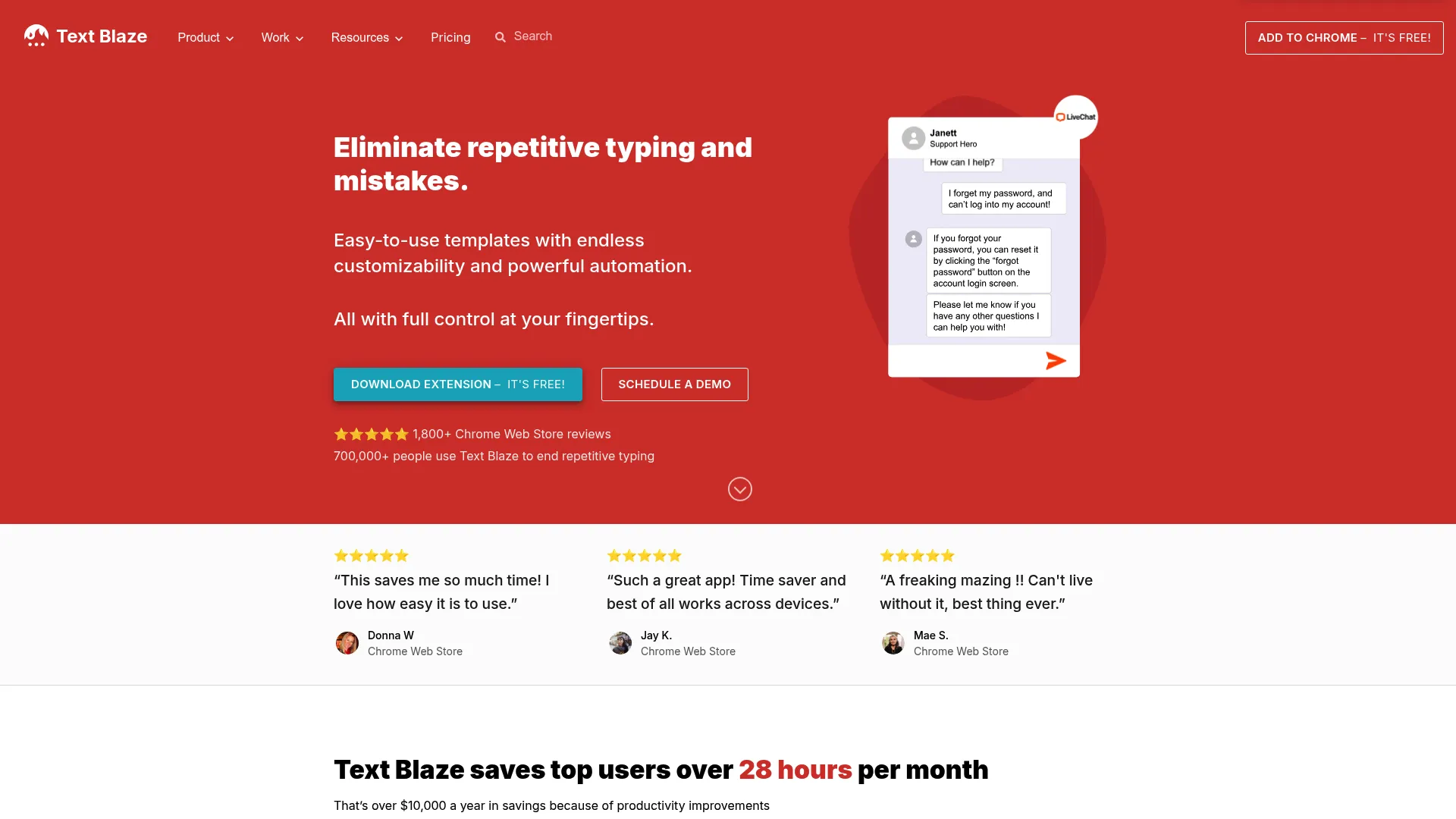
Text Blaze is a browser-first text expander built for teams that live in Chrome and Edge. It turns repetitive typing into reusable snippets with keyboard shortcuts, then layers on dynamic templates with form fields and logic. For anyone running web-based workflows in Gmail, a CRM, or a help desk, it's a natural evaluation.
Best for: Sales and support teams automating templated responses inside browser-based tools.
Key strengths
- Dynamic templates: Build snippets with form fields, dropdowns, and logic for light personalization at scale.
- Browser-native speed: Expansions fire instantly inside Gmail, CRMs, and web help desks.
- Autopilot automation: Trigger data- and webpage-based actions beyond plain text insertion.
Why choose Text Blaze: If your team works primarily in the browser, Text Blaze removes the friction of desktop-only tools. The free tier makes it easy to pilot, and the form-field logic supports reusable snippet templates that adjust per recipient. It's a strong shared-snippets option for web-heavy go-to-market teams.
Text Blaze pricing: Text Blaze offers a free-forever plan. Pro is $2.99/mo billed yearly, Business is $6.99/user/mo billed yearly, and Enterprise is custom-priced.
3. PhraseExpress
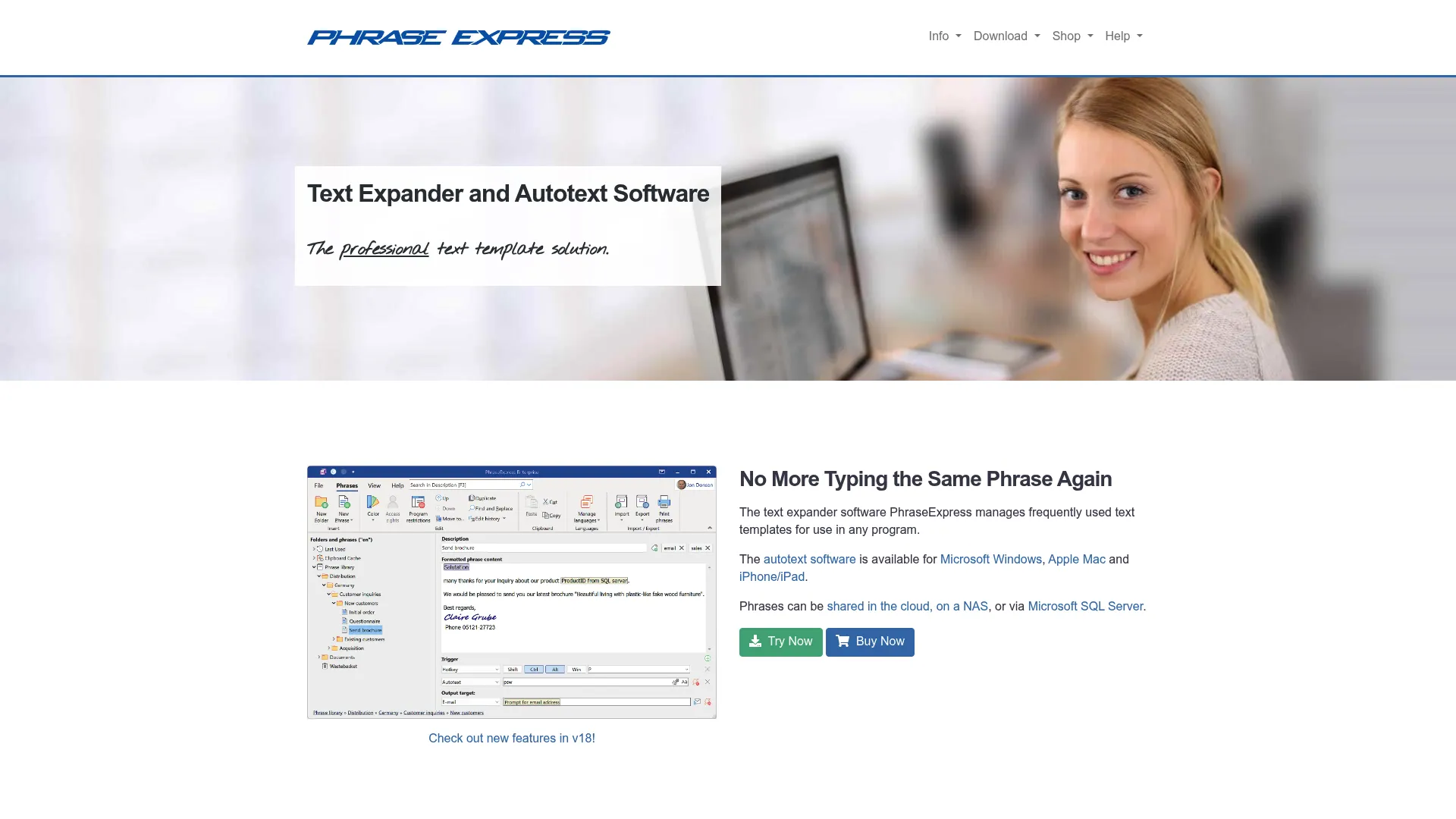
PhraseExpress is a desktop-oriented option with strong automation and business controls. Beyond autotext and text expansion, it includes a clipboard manager and phrase sharing with SQL server support, which suits teams that want text replacement plus deeper workflow flexibility. It runs on Windows, Mac, and iOS.
Best for: Windows-centric teams that want text expansion combined with business automation and centralized phrase sharing.
Key strengths
- Autotext expansion: Map abbreviations to phrases across any application.
- Clipboard manager: Capture and reuse copied content alongside snippets.
- Phrase sharing with SQL support: Centralize a shared library for teams using a database backend.
Why choose PhraseExpress: PhraseExpress fits teams that want more than replacement: macros, automation, and centralized deployment. The SQL server option appeals to IT-managed environments that need a controlled, shared phrase database. It's a practical choice for organizations standardizing text on Windows.
PhraseExpress pricing: PhraseExpress sells Standard, Professional, and Enterprise editions as lifetime licenses that include one year of updates. A free version is available for personal use; numeric pricing is provided through the official shop.
4. Beeftext
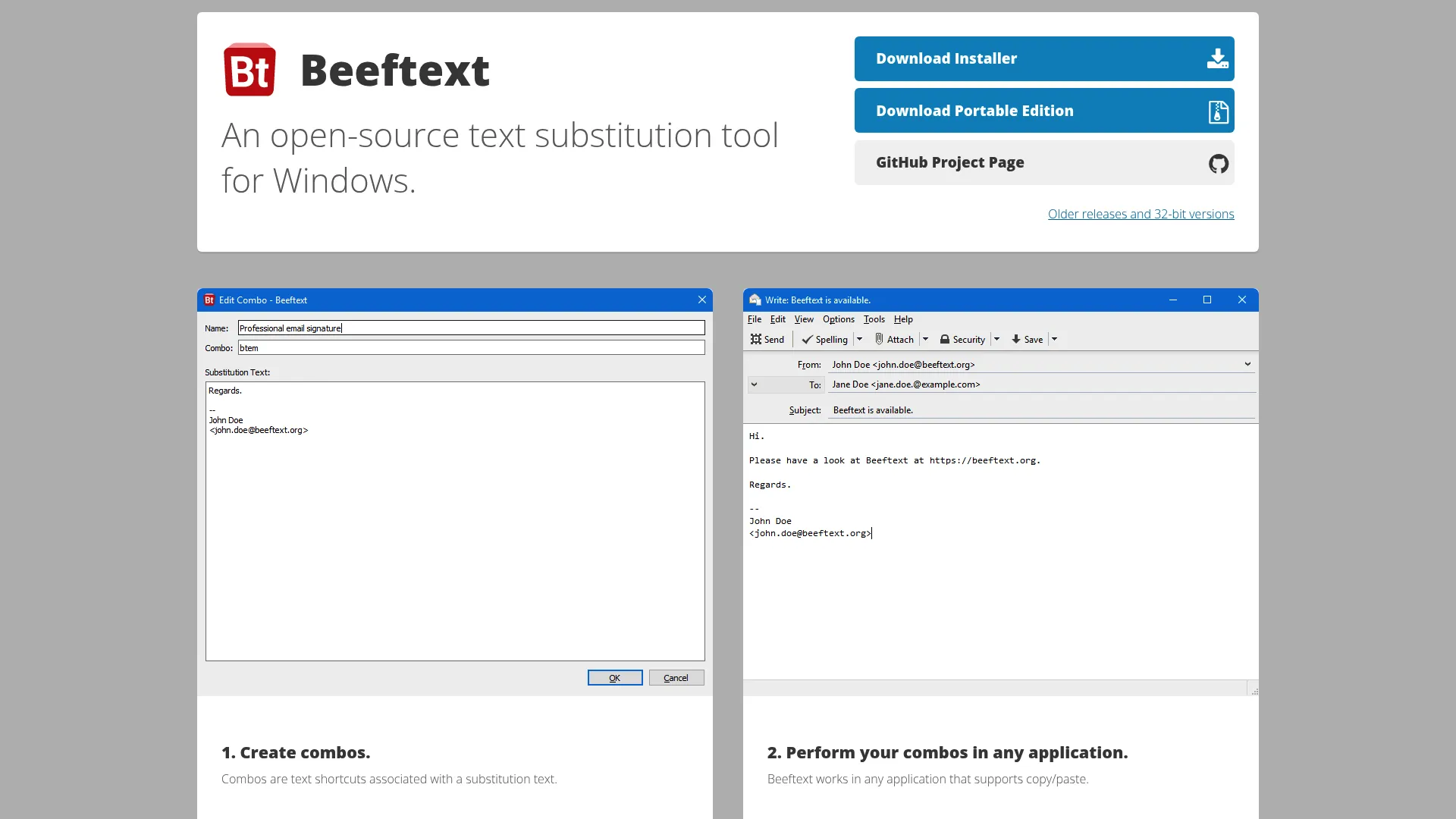
Beeftext is a lightweight, open-source text substitution tool for Windows. It maps short shortcuts (called "combos") to substitution text and works in any application that supports copy and paste. There's no subscription and no paywall, which makes it a frequent pick for budget-conscious teams.
Best for: Windows users who want free, no-frills snippet expansion without a subscription.
Key strengths
- Combos: Map text shortcuts directly to substitution text in seconds.
- Universal app support: Works anywhere copy and paste does on Windows.
- Free and open-source: No license cost and a transparent codebase.
Why choose Beeftext: When the requirement is simple shortcut-to-snippet mapping with zero budget, Beeftext delivers. It's not built for deep team governance, but for individuals and small Windows teams testing the value of text expansion, it removes every barrier to entry.
Beeftext pricing: Beeftext is free and open-source. There are no paid tiers.
5. aText
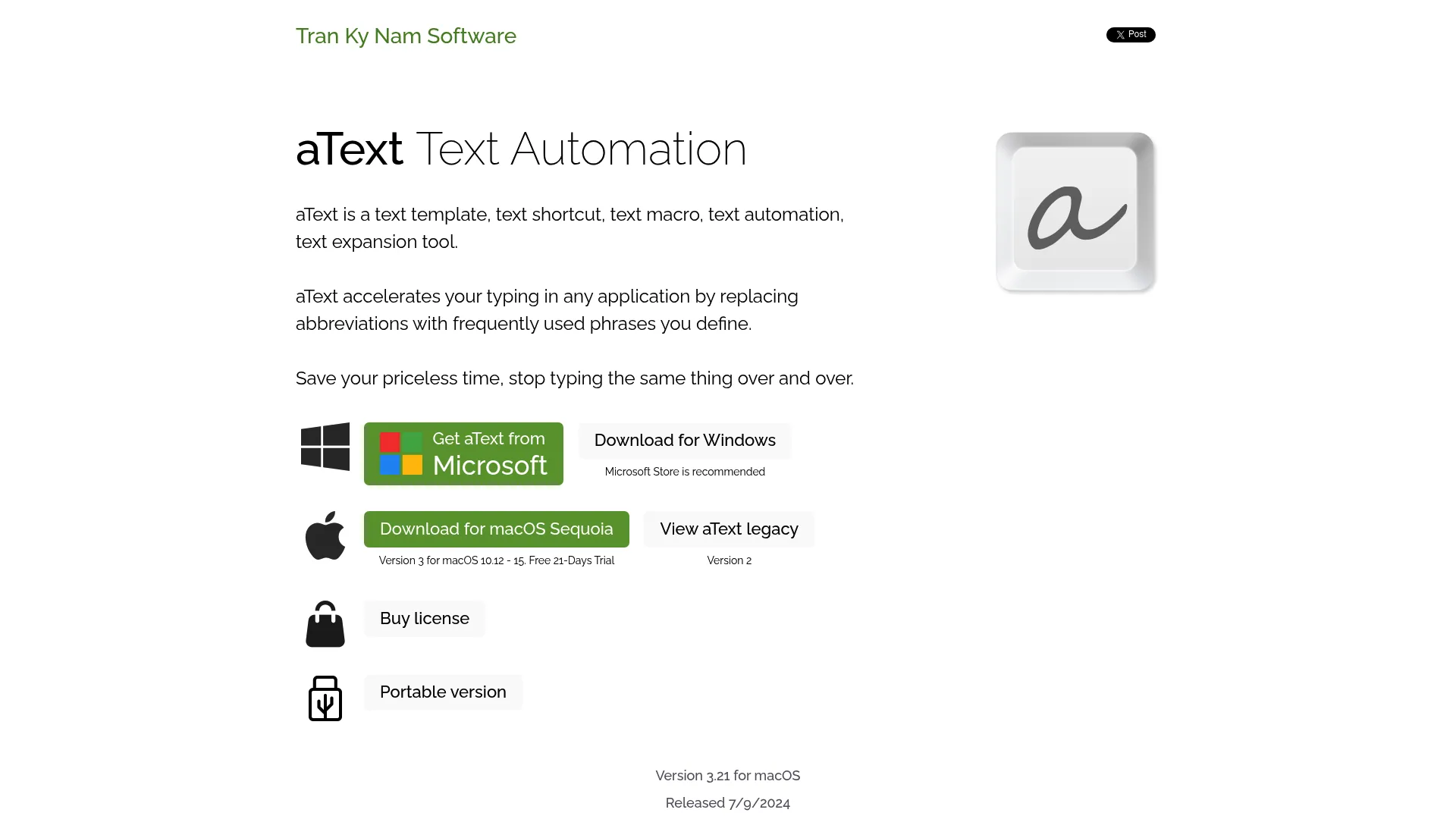
aText is a text expansion and automation tool for Mac and Windows with strong personal-productivity value. It expands abbreviations into snippets, supports rich text and image insertion, and syncs across devices through the cloud. The one-time purchase pricing appeals to users who'd rather own a license than subscribe.
Best for: Individuals and small teams who want affordable, cross-platform expansion with a lifetime option.
Key strengths
- Abbreviation expansion: Trigger snippets fast from short shortcuts.
- Rich text and image insertion: Expand formatted content, not just plain text.
- Cloud sync: Keep snippets consistent across devices.
Why choose aText: aText hits a sweet spot for cost-conscious users who want more than open-source basics. The lifetime license options keep long-term cost low, and cross-platform support means a mixed Mac and Windows team can standardize on one tool.
aText pricing: aText offers a free version and a 21-day trial. Paid licenses include Personal One Year at $4.99, Personal Lifetime at $29.99, Business at $29.99 lifetime, and Floating licenses starting at $14.99/yr.
6. Typinator
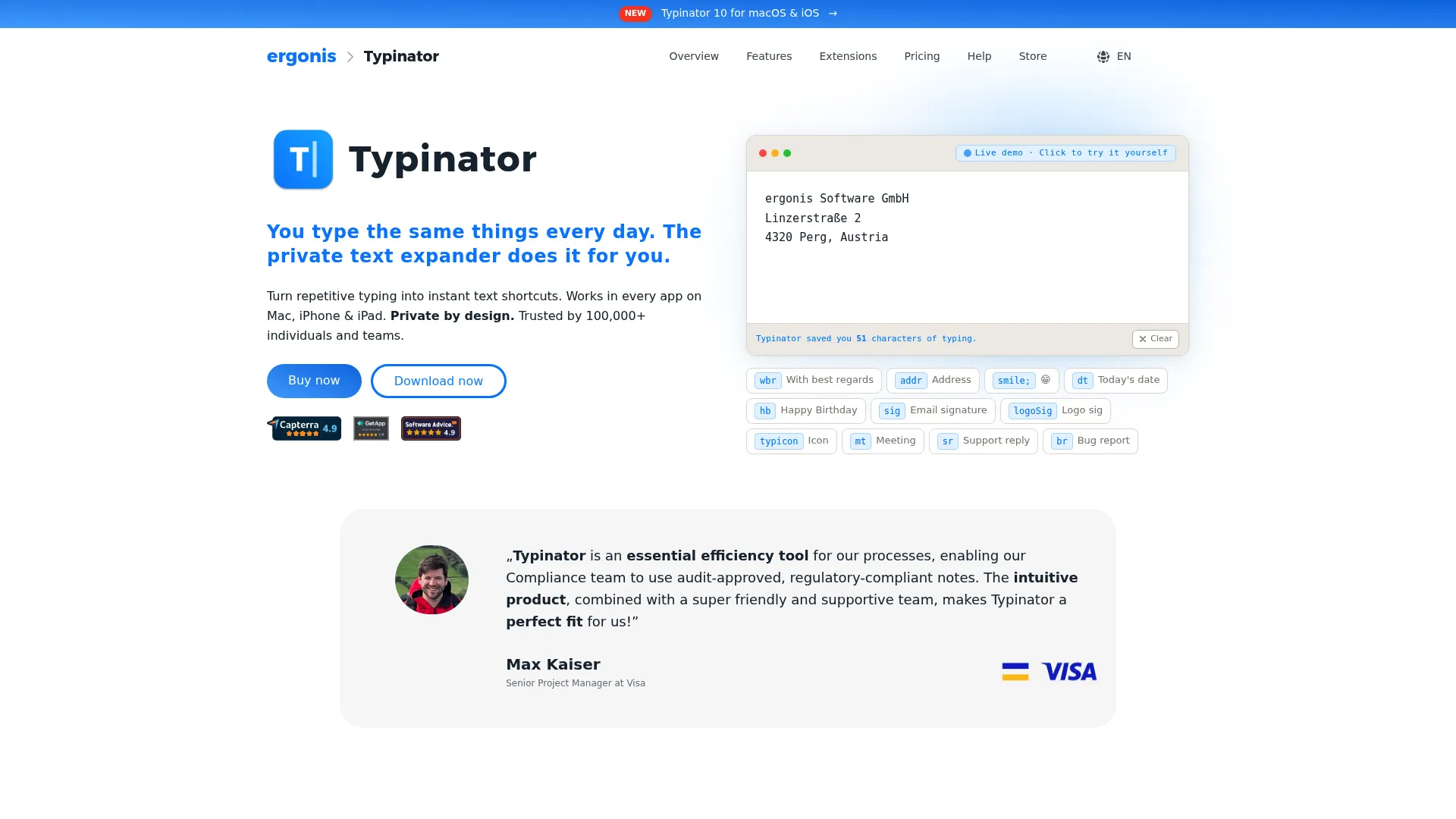
Typinator is a Mac-focused text expander built for power users. It handles abbreviation-based expansion, dynamic placeholders and variables, and supports AppleScript and JavaScript for macro-style automation. Mac teams routinely compare it against other premium expanders for its speed and depth.
Best for: Mac power users who want fast local expansion with scripting and dynamic variables.
Key strengths
- Dynamic placeholders: Insert variables and prompts for flexible, reusable snippets.
- Scripting support: Extend snippets with AppleScript and JavaScript.
- Local expansion: Fast, reliable performance without cloud dependency.
Why choose Typinator: Typinator rewards Mac users who want serious capability without a subscription model on the entry tier. The placeholder and scripting support make it a strong fit for technical workflows and macro-heavy use. It's a dependable, polished choice in the Mac ecosystem.
Typinator pricing: Basic is a one-time purchase at $29.99 for private Mac use. Advanced is $29.99/yr and adds iOS support, while Business is $59.99/yr for professional use.
7. Espanso
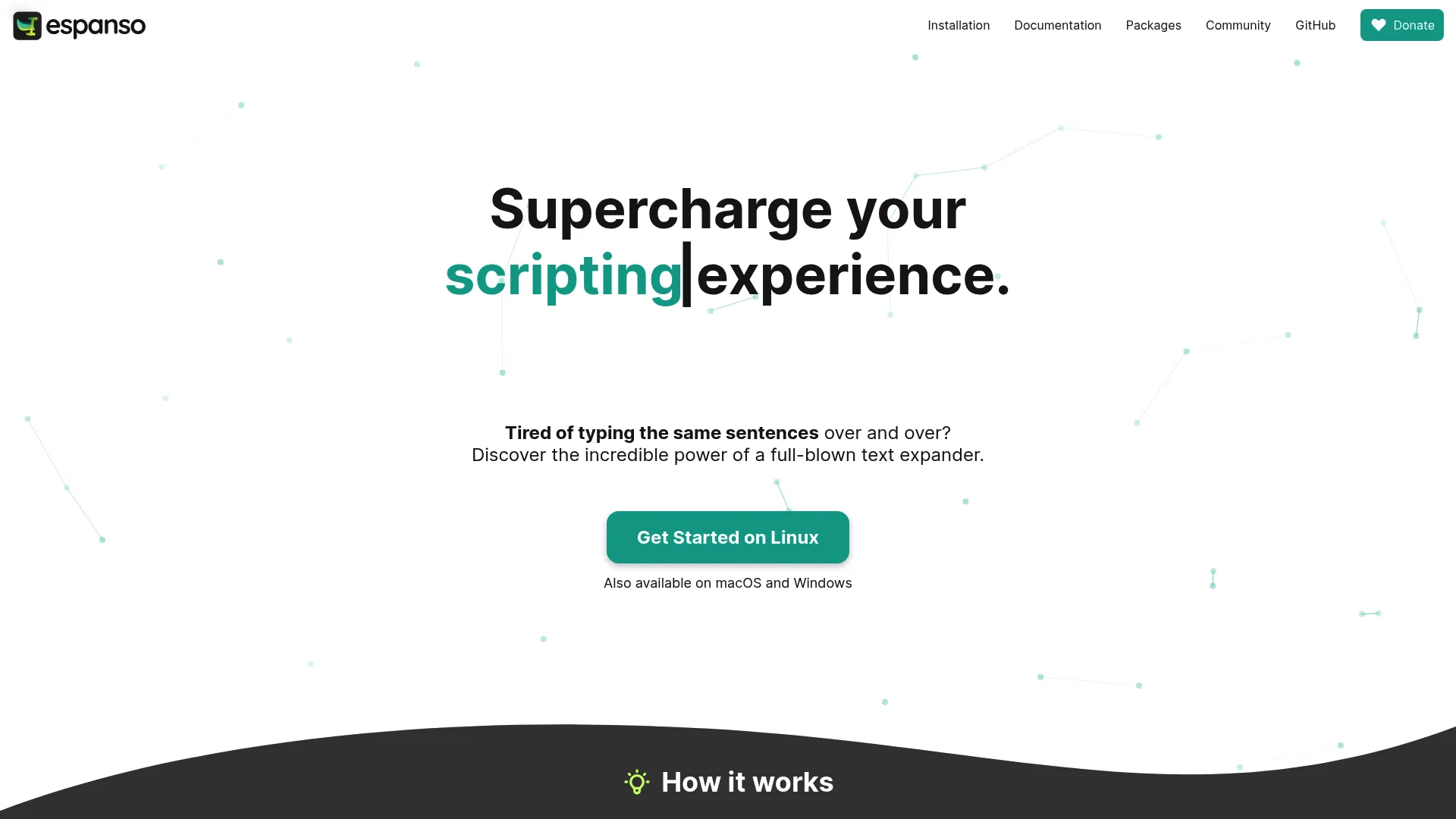
Espanso is the open-source, cross-platform pick. It runs on Windows, Mac, and Linux under a GPL-3 license, offers keyword-based expansion, an ALT+Space search bar for snippets, and shell, script, and form support. Technical users value the local control and flexible configuration.
Best for: Developers and technical users who want a free, scriptable, cross-platform text expander.
Key strengths
- Keyword expansion: Trigger snippets with simple keyword matches.
- Search bar: Pull up snippets with ALT+Space when you forget a trigger.
- Shell and form support: Run scripts and prompt for input inside snippets.
Why choose Espanso: Espanso is the free text expander for people who want full control. The config-file approach and scripting hooks suit developers and power users who'd rather own their setup than pay a subscription. For technical teams, it's hard to beat on flexibility and price.
Espanso pricing: Espanso is free and open-source. The project is supported through donations; there are no paid plans.
8. Rocket Typist
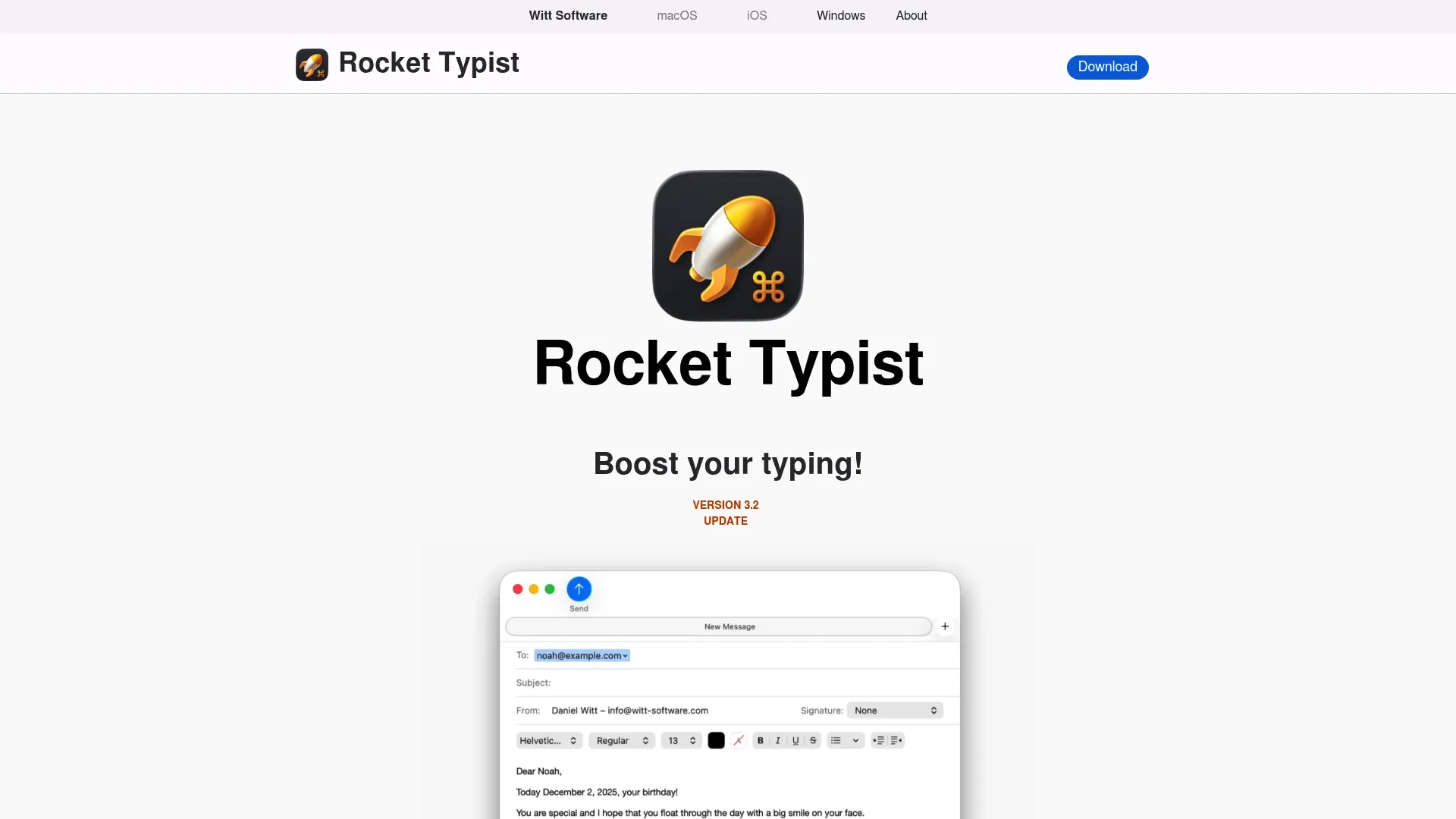
Rocket Typist is a Mac and iOS text expander built for personal workflows. It turns abbreviations into snippets, supports auto-paste, and syncs through iCloud. The core app is free, with a Pro tier that unlocks additional features, making it low-friction for individuals.
Best for: Mac and iPhone or iPad users who want a simple, affordable personal text expander.
Key strengths
- Unlimited abbreviation expansion: Expand snippets without count limits even on the free tier.
- Auto-paste: Insert snippets cleanly into any text field.
- iCloud sync: Keep snippets aligned across Mac and iOS.
Why choose Rocket Typist: For individuals in the Apple ecosystem, Rocket Typist removes cost and complexity. The free core covers most personal needs, and Pro adds extras like AI snippets for those who want them. It's a lightweight, friendly entry into text expansion on Mac.
Rocket Typist pricing: Core features are free. Rocket Typist Pro is a one-time $19.95 on macOS and $9.99 on iPhone and iPad, with no subscription or update fees.
9. AutoTextify
AutoTextify is a text expander and autofill tool for repetitive typing and form filling. It offers customizable text shortcuts, works across platforms and applications, and inserts dynamic variables like date, time, and clipboard content. It appeals to users who want a straightforward installed app with folder organization.
Best for: Individuals and teams who want shortcut expansion plus autofill for forms.
Key strengths
- Customizable shortcuts: Define triggers for any block of text.
- Universal compatibility: Works across platforms and applications.
- Dynamic variables: Insert date, time, and clipboard content automatically.
Why choose AutoTextify: AutoTextify suits users who want both text expansion and autofill in one tool, with a free tier to start. The variable support handles light personalization, and folder organization keeps growing snippet sets manageable. It's a practical pick for form-heavy workflows.
AutoTextify pricing: A free Starter plan is available. Pro is $9/mo or $49/yr, Team is $49/mo, and one-time options include Pro at $99 and Family Pro at $199.
10. AutoHotkey

AutoHotkey is a free, open-source Windows automation and scripting language. It handles hotkeys and hotstrings, scriptable automation, and full UI control. Text expansion is one task among many it can perform, which is why technical users reach for it when they want custom workflows.
Best for: Windows power users who want scriptable automation with text expansion as one capability.
Key strengths
- Hotstrings: Map typed abbreviations to expanded text natively.
- Scriptable automation: Build custom workflows beyond text replacement.
- Open-source and free: No license cost, with a large community.
Why choose AutoHotkey: AutoHotkey is for people who want to script their environment, not just expand text. The learning curve is real, but the payoff is near-unlimited flexibility on Windows. For technical teams already comfortable with scripting, it folds text expansion into a broader automation toolkit.
AutoHotkey pricing: AutoHotkey is free and open-source, distributed as a free download with public documentation.
11. Microsoft Office AutoCorrect
Microsoft Office AutoCorrect is the built-in text replacement feature inside Word, Excel, OneNote, and Outlook. It corrects typos and capitalization, auto-inserts symbols and custom text replacements, and syncs the AutoCorrect list across supported Office programs. For Office-heavy teams, it's a native workaround with no extra install.
Best for: Teams that work primarily in Microsoft Office and want built-in text replacement without a separate app.
Key strengths
- Built-in replacement: Set custom abbreviations directly inside Office apps.
- Typo and capitalization correction: Clean up text automatically as you type.
- Cross-app list sync: Your AutoCorrect entries follow you across Office programs.
Why choose Microsoft Office AutoCorrect: If your repetitive typing happens inside Office, AutoCorrect handles standardized replacements without a new tool to buy or manage. It works best within Office apps rather than system-wide, so it fits teams whose workflows already center on Word and Outlook.
Microsoft Office AutoCorrect pricing: AutoCorrect is included with Microsoft Office and Microsoft 365 plans. There is no standalone price for the feature.
12. Keyboard Maestro
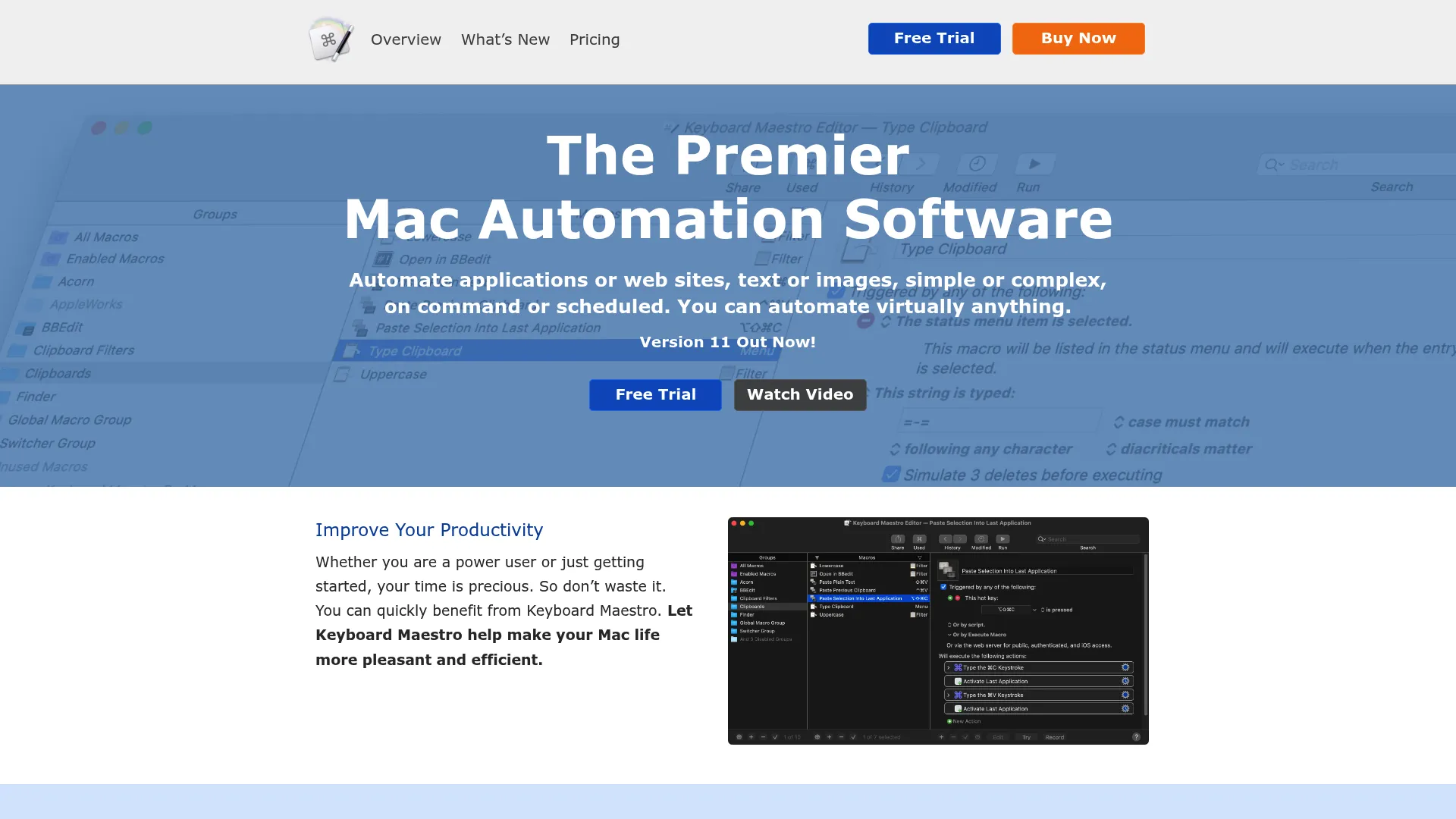
Keyboard Maestro is a Mac automation suite that supports text expansion alongside broader macro workflows. It triggers macros from hotkeys, typed strings, time, or app events, and adds program and window switching plus clipboard history. Power users combine snippets with full desktop automation.
Best for: Mac users who want text expansion as part of a deeper automation toolkit.
Key strengths
- Typed-string triggers: Expand text and fire macros from abbreviations.
- Clipboard history: Reuse copied content with named clipboards.
- App and window switching: Automate your whole Mac workflow, not just text.
Why choose Keyboard Maestro: Keyboard Maestro fits Mac users who want automation that goes far beyond snippets. Text expansion is one piece of a much larger toolkit, so it's ideal when you want a single app handling macros, clipboards, and window management. The one-time license keeps long-term cost predictable.
Keyboard Maestro pricing: Keyboard Maestro is a one-time $36 license for version 11.x, with upgrade licenses at $25. It's not a subscription.
13. Alfred
Alfred is a Mac productivity launcher that folds text expansion into faster command and search habits. It searches apps and files, and through the Powerpack adds clipboard history, snippets and text expansion, plus workflows and universal actions. Users build snippet habits into a broader keyboard-driven flow.
Best for: Mac users who want a launcher with snippets and text expansion built in.
Key strengths
- App and file search: Launch and find anything from the keyboard.
- Snippets and text expansion: Insert reusable text through the Powerpack.
- Workflows: Chain actions for custom keyboard-driven automation.
Why choose Alfred: Alfred suits Mac users who want one tool for launching, searching, and expanding text. If you already live in a launcher, adding snippets there avoids running a separate expander. The Powerpack unlocks the snippet and workflow features that make it a real text expansion option.
Alfred pricing: Alfred's core app is free. The Powerpack offers a Single License at £34 for the current major version and a Mega Supporter license at £59 with free lifetime upgrades.
14. Snippety
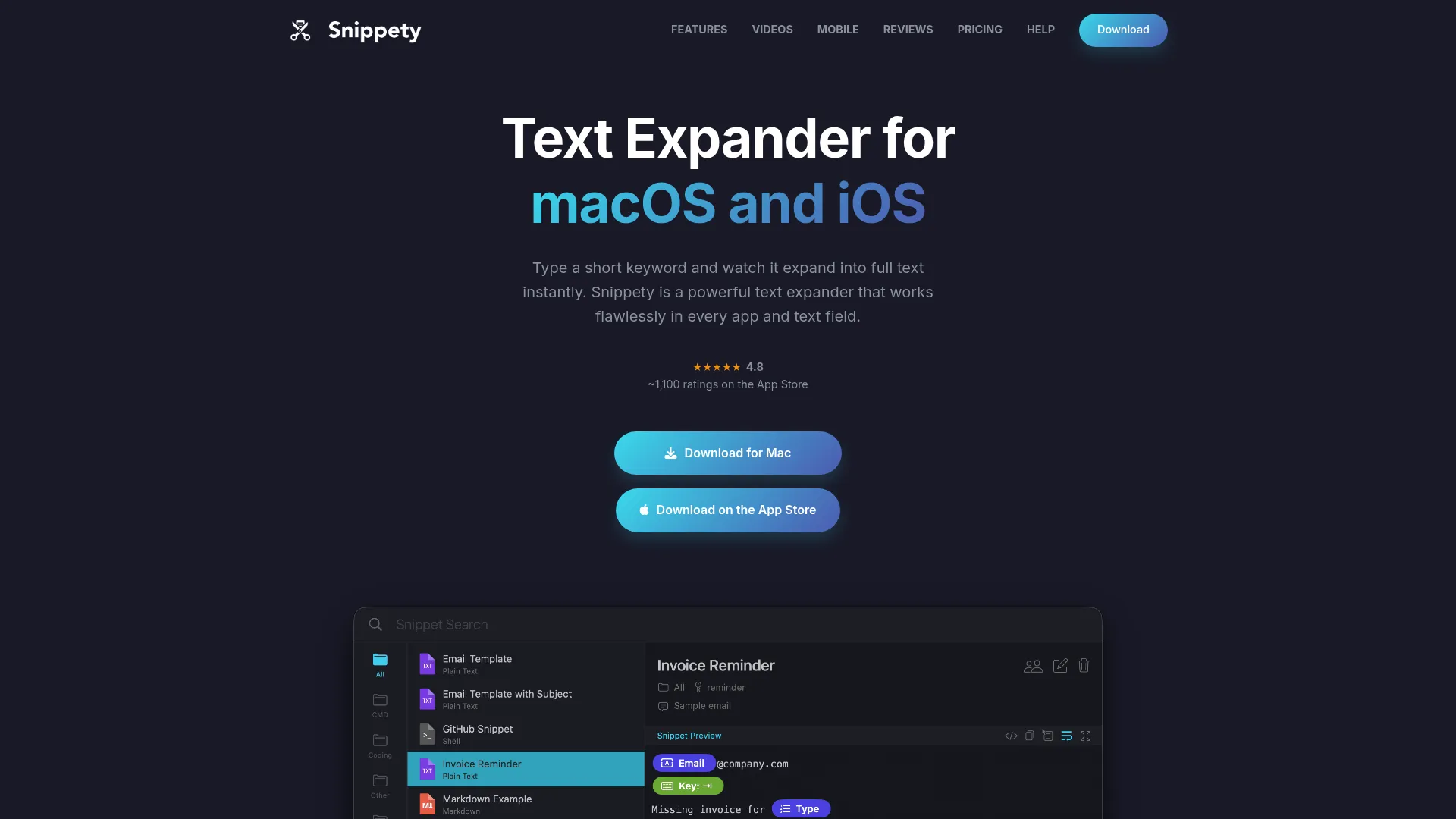
Snippety is a text expander and snippet manager for macOS and iOS. It works in every text field with keyword expansion, syncs through iCloud for collaboration across devices, and supports smart placeholders, automation, and AI assistant features. It's a lightweight choice for personal snippet use.
Best for: Mac and iOS users who want a simple, affordable snippet manager with sync.
Key strengths
- Universal field support: Expand snippets in any text field.
- iCloud sync and collaboration: Keep snippets aligned across devices.
- Smart placeholders: Add dynamic fields and light automation to snippets.
Why choose Snippety: Snippety is a clean, low-friction option for individuals in the Apple ecosystem who want snippet management without complexity. The free tier and one-time Lifetime option give cost flexibility, and the placeholder support covers reusable templates. It's a tidy personal tool.
Snippety pricing: Snippety offers a free tier. Paid options include Monthly at $2.99, Annual at $19.99, and a one-time Lifetime plan at $49.99.
15. Breevy
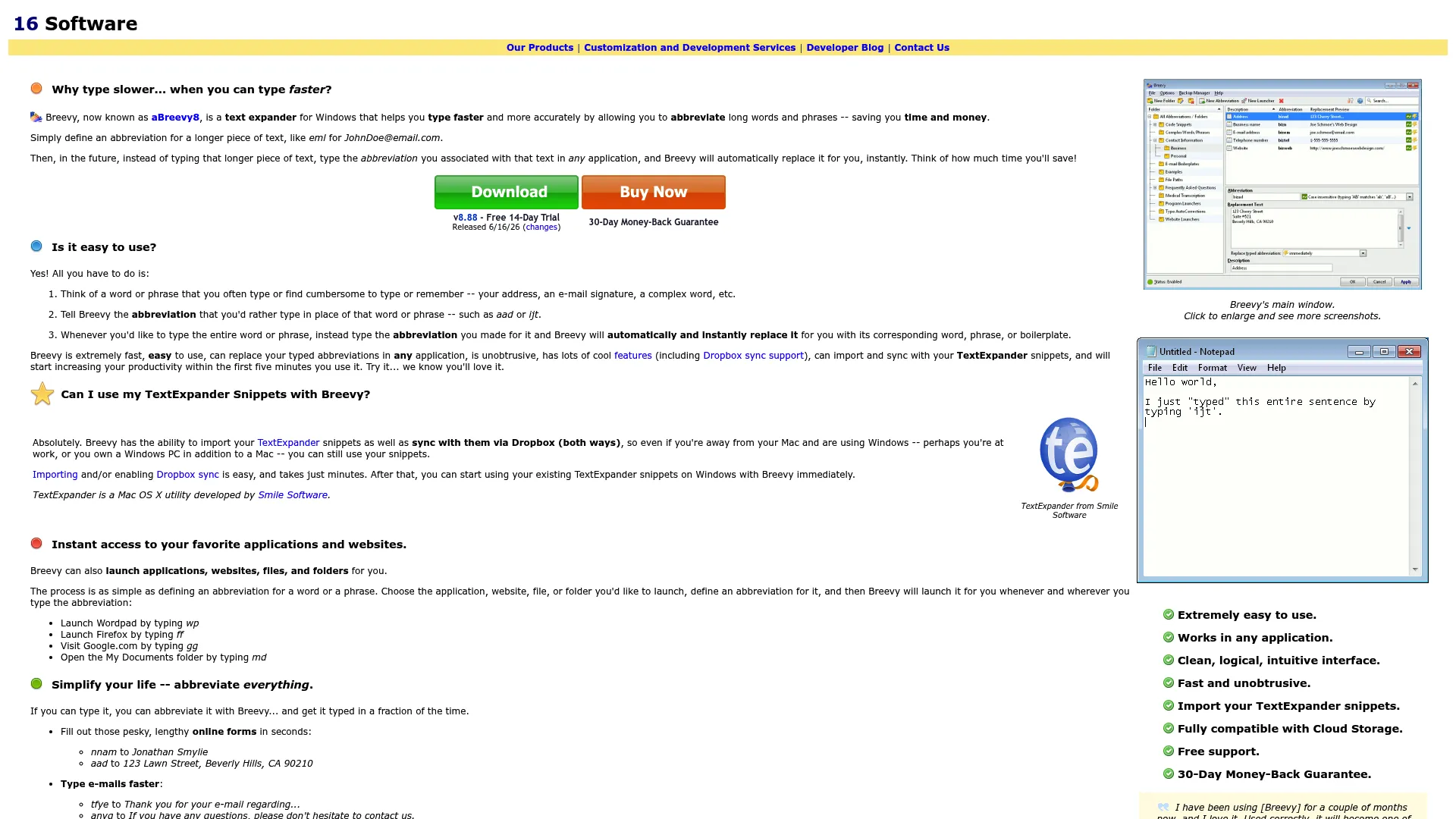
Breevy is a Windows text expander and AutoText tool for shortcut-heavy users. It supports custom abbreviations and text replacement, works in any Windows application, and can import TextExpander snippets and sync through Dropbox. It's a desktop-first replacement tool for Windows workflows.
Best for: Windows users who want a fast, desktop-first text replacement tool with import options.
Key strengths
- Custom abbreviations: Map shortcuts to any text block.
- System-wide replacement: Works in every Windows application.
- TextExpander import and Dropbox sync: Migrate snippets and sync across machines.
Why choose Breevy: Breevy fits Windows users who want a reliable desktop expander and a path to migrate existing TextExpander snippets. The Dropbox sync keeps a library consistent across machines without a dedicated cloud backend. It's a focused, dependable Windows pick.
Breevy pricing: Breevy is a one-time purchase at $29.95, with a 30-day trial and a 30-day money-back guarantee.
What to consider before choosing text expander software
Picking the right tool is less about the longest feature list and more about fit with your team's platforms, governance needs, and rollout reality. Run candidates through these five checks.
Platform fit
Confirm the tool works across every operating system your team actually uses. A Mac-only expander leaves Windows reps behind, and a desktop-only app misses browser-heavy workflows. If your team is mixed, prioritize a cross-app text expander or a browser-based text expander that covers Chrome and Edge. Match the tool to where the work happens, not the other way around.
Shared libraries and governance
For enablement, support, and ops, this is the deciding factor. Check whether the tool supports a shared team snippet library, role-based permissions, snippet ownership, and version control. You want one approved master library an admin controls, not 20 personal copies drifting apart. Approvals and central updates keep messaging aligned as positioning changes.
Variables and template flexibility
Static replacement is table stakes. Look for dynamic variables like date, time, and clipboard content, plus fill-in fields and snippet templates that prompt for light personalization. This matters when reps need reusable messaging that still feels tailored to each recipient without rewriting from scratch.
Security and compliance
For enterprise buyers, admin controls can decide the purchase. Review SSO support, granular permissions, data privacy posture, and where snippet data is stored. Nearly 29% of potential users hesitate to adopt writing tools over data security concerns, per Business Research Insights, so a compliance-friendly text expander with secure text expansion and audit-friendly controls removes a real blocker.
Pricing model and rollout cost
Compare subscription, one-time purchase, and free options against your real rollout cost, not just list price. A per-seat subscription scales with headcount; a lifetime license is cheaper long-term but offers less ongoing support. Factor in onboarding time, admin overhead, and whether a free text expander covers your needs before paying for features you won't use.
Conclusion
Text expander software turns your team's most repetitive typing into a governed, repeatable system. The right pick depends on platform and governance needs more than feature count.
For teams that need shared snippets, admin controls, and cross-platform reach, TextExpander is the strongest all-around choice. Browser-first teams should evaluate Text Blaze. Windows shops wanting automation get the most from PhraseExpress, while Mac power users will lean toward Typinator or Keyboard Maestro. If budget is the constraint, Espanso and Beeftext deliver real text expansion for free.
Start with the tool that matches your team's workflow, platform mix, and governance requirements. Pilot it with a small group, build a shared snippet library, and measure adoption before rolling it out org-wide. Consistent, on-brand communication compounds, and the sooner your reps stop retyping the same lines, the sooner that consistency shows up in your numbers.
FAQs
Text expander software replaces short typed abbreviations with longer blocks of pre-written text. You assign a trigger like ;sig to a snippet, and the tool expands it instantly when you type the shortcut. It removes repetitive typing across apps, emails, and forms while keeping your wording consistent.
Yes, especially for teams that send the same follow-ups, objection rebuttals, and pricing recaps daily. Snippets speed up rep execution and keep talk tracks consistent. With a shared team snippet library and governance, an enablement lead can update approved language once and push it to every seat, which protects messaging at scale.
Espanso is the strongest free option: open-source, cross-platform, and scriptable for Windows, Mac, and Linux. Beeftext is an excellent free choice on Windows, and Text Blaze offers a generous free-forever tier for browser workflows. Free tools cover personal use well; dedicated team governance usually starts at paid tiers.
Many tools work system-wide across desktop apps, while browser-based expanders like Text Blaze focus on Chrome and Edge. Cross-app coverage depends on the operating system and the tool. If your team splits time between desktop software and web apps, pick a cross-app or browser-based text expander that matches both environments.
Most modern tools support dynamic variables and fill-in fields. Common variables include date, time, clipboard contents, and cursor position. Fill-in fields prompt you to customize a snippet before it sends, and snippet templates structure reusable formats. These features let teams reuse messaging while still personalizing each send.
Teams manage shared snippets through a central library with defined ownership, permissions, and approvals. A clear naming convention keeps triggers discoverable, version control prevents outdated language, and an admin owns updates. Tools like TextExpander and Text Blaze offer the shared-library and permission controls that make this governance practical.
Enterprise buyers should prioritize SSO, granular permissions, audit-friendly admin controls, and a clear data privacy posture. Confirm where snippet data is stored and whether deployment can be centrally managed. Support quality, contract terms, and rollout assistance also matter when standardizing secure text expansion across a large team.
Built-in tools like Microsoft Office AutoCorrect or macOS text replacement work for basic, personal substitutions. They're enough if your needs are simple and contained to a few apps. Dedicated text expander software becomes worthwhile when you need shared snippets, dynamic variables, cross-app coverage, and team governance that native features can't provide.