You changed the price of a combo meal last week. The register knows. The website knows. The board above the counter still shows the old number, and a customer is arguing about it right now.
That gap between what your kitchen sells and what your screens say is the whole problem. Reprinting laminated boards costs money and days. Manual edits across ten locations means ten chances to miss one. Out-of-stock items keep selling. Breakfast pricing hangs around at noon.
Digital menu board software closes that gap. The category is growing fast: the global digital menu board software market was valued at $1.8 billion in 2025 and is projected to reach $3.4 billion by 2034, according to MarketIntelo (2025). More restaurants are trading print for screens they can update from a laptop.
The question is which tool fits your operation. Some are restaurant-first with deep POS integration. Some are broad signage platforms that handle menus as one of many jobs. Price ranges from a few dollars per screen to a few hundred. This guide breaks down seven options so you can pick without guessing.
What's inside
This guide is for restaurant operators, multi-location owners, and founders scaling a food concept who need cleaner control over their menus.
We picked and ranked these seven tools on the factors that matter most for restaurant menus:
- Menu update speed and real-time changes
- POS integration depth for price and stock sync
- Template flexibility and design control
- Daypart scheduling and promotion rotation
- Multi-location management and permissions
- Pricing clarity and hardware support
Each tool below includes verified pricing, key strengths, and a clear read on who it fits.
TL;DR
- Best for restaurant automation and POS sync: Menuboard Manager, built for live price and menu updates from the register.
- Best for POS-connected multi-location menus: MenuPi, restaurant-first with sync for prices, modifiers, and sold-out status.
- Best for broad signage plus menu flexibility: Yodeck, with 800-plus templates and a large app library.
- Best for cloud editing and schedule-driven menus: NoviSign, with drag-and-drop design and playlist scheduling.
- Best for flexible signage stacks: ScreenCloud and OptiSigns, when menus are one part of a wider screen setup.
- Best for simple, low-cost rollouts: Kitcast, with straightforward setup on Apple TV and other devices.
What is menu board software?
Menu board software is cloud-based or locally managed software that lets restaurants create, schedule, and update digital menu boards across one or more screens without reprinting anything.
It replaces static print and manual screen edits with a central dashboard. You change a price once, and every connected board reflects it. You schedule a breakfast layout to swap for lunch on its own. You pull an item the moment the kitchen runs out.
The core feature set across most digital menu board software includes:
- Template-based design: Pre-built restaurant layouts you customize with your prices, items, and brand colors.
- Remote publishing: Push changes to any screen from a browser, no on-site work required.
- Daypart scheduling: Automatically rotate breakfast, lunch, dinner, and promo menus by time of day.
- POS and content integrations: Sync prices, items, modifiers, and out-of-stock status from your register.
- Multi-location control: Manage many screens and locations from one account with regional overrides.
- Hardware and player support: Run boards on regular TVs with a media player, signage sticks, or smart displays.
- Pricing and promotional flexibility: Feature limited-time offers, upsells, and combos without new print runs.
The payoff is operational: faster service, fewer pricing errors, consistent branding, and less waste. Restaurant menu software turns your boards into something you manage like a spreadsheet, not a print job.
When to use menu board software
Update prices and items without reprinting
Print menus lock you in. Every price change, new item, or seasonal swap means a design file, a print order, and a wait. Digital menu boards let you edit and publish in minutes. If a supplier cost jumps, you adjust the board before the lunch rush and skip the reprint entirely.
Run breakfast, lunch, dinner, and promo menus on a schedule
Daypart scheduling is why QSRs and cafes move to digital. You build a breakfast layout and a lunch layout, set the times, and the boards switch on their own. No staff member climbs a ladder at 10:30 to swap panels. Promotions rotate automatically, and happy hour pricing appears and disappears on schedule.
Manage menu consistency across locations
One store is easy. Twenty stores with regional pricing and franchise rules is where manual updates break down. Multi-location management lets you push a core menu from headquarters, allow regional price overrides, and keep branding consistent everywhere. Approval workflows stop a single location from going off-brand.
Comparison table
Here is how the seven tools stack up on restaurant fit, menu automation, pricing, and ratings. Prices reflect verified per-screen rates at the time of writing.
| # | Product | Best for | Key differentiator | Pricing | G2 rating |
|---|---|---|---|---|---|
| 1 | Yodeck | Broad signage plus menu flexibility | 800+ templates and 160+ apps | Free for 1 screen; paid from $8/screen/mo | 4.7/5 |
| 2 | Menuboard Manager | Restaurant automation and POS sync | Live POS price sync and Menu Magik AI | From $89/screen/mo | Not listed |
| 3 | NoviSign | Cloud editing and scheduled menus | Drag-and-drop studio and playlists | From $20/screen/mo | 5.0/5 |
| 4 | ScreenCloud Digital Signage | Flexible signage stacks | Central CMS across many screens | From $20/screen/mo | 4.7/5 |
| 5 | Kitcast | Simple, low-cost rollouts | Apple TV and multi-platform support | From $7/screen/mo | 4.5/5 |
| 6 | OptiSigns | Flexible content plus menus | Free tier and broad app support | Free; paid from $10/screen/mo | 4.7/5 |
| 7 | MenuPi | POS-synced multi-location menus | Sync for prices, modifiers, sold-out status | Free for 1 screen; paid from $8/screen/mo | Not listed |
Best menu board software for 2026
1. Yodeck
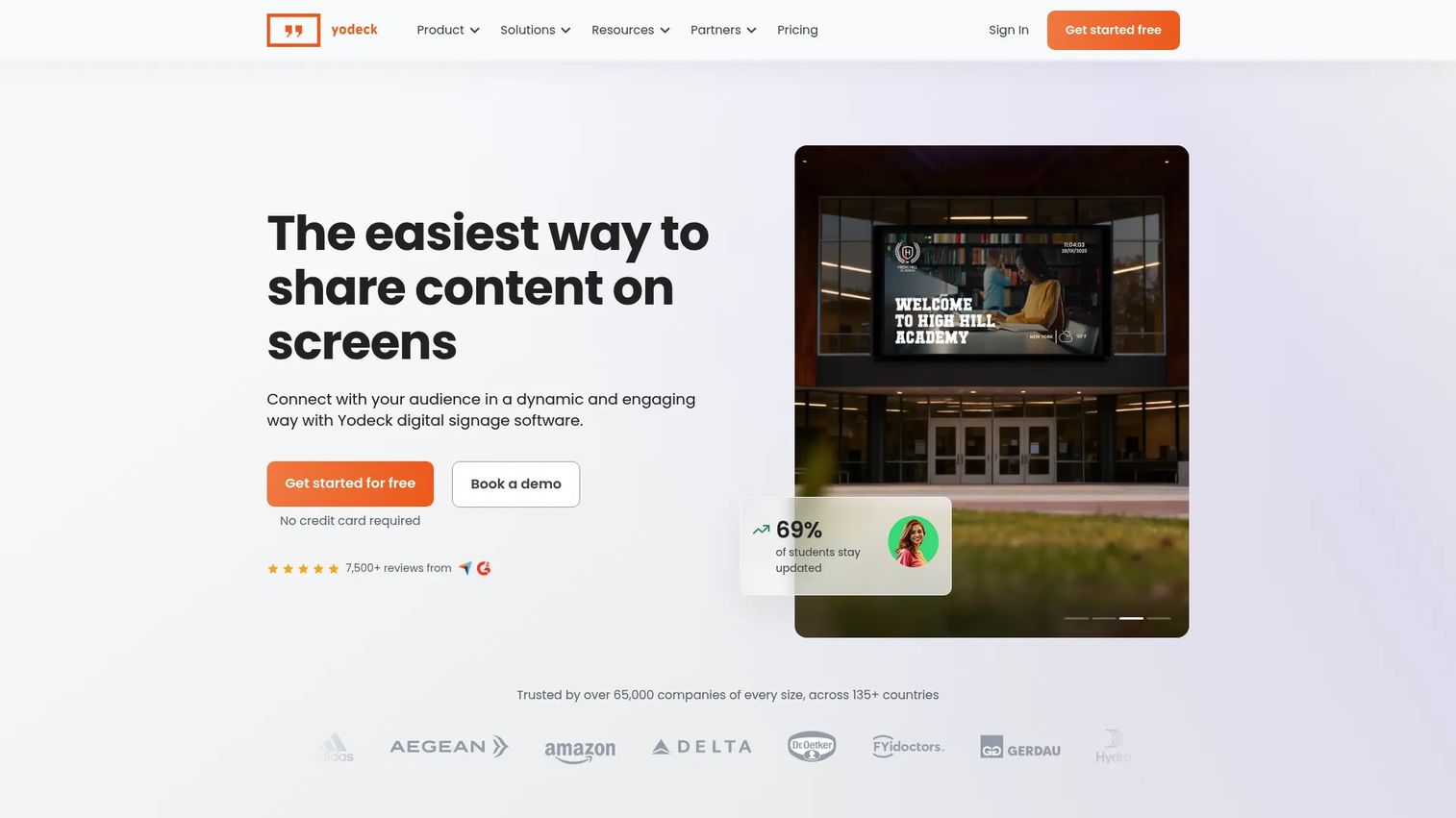
Yodeck is cloud-based digital signage software for creating, scheduling, and managing screen content remotely. It covers menu boards well, with more than 800 templates and 160-plus apps, but its reach goes beyond food. If you run screens for menus plus promotions, wait times, or lobby displays, Yodeck handles all of it from one dashboard.
The template gallery gives restaurants a fast start, and AI-assisted layout tools speed up design. Playlists and scheduling let you rotate content by time of day, so breakfast and lunch boards switch on their own. Remote management means you push changes to any screen without leaving the office.
Best for: Operators who want menu boards alongside broader signage needs across one or many screens.
Key strengths
- Real-time menu changes pushed from a browser
- 800+ templates and 160+ apps
- AI-assisted layout and content tools
- Playlists, scheduling, and daypart rotation
- Multi-screen and remote management
Why choose Yodeck: Pick it when menus are one part of a wider screen setup. The free tier lets you test on a single screen before scaling, and the app library covers content types most restaurant-only tools skip.
Yodeck pricing: Free for 1 screen forever. Basic is $8 per screen per month, Premium is $12 per screen per month, and Enterprise is $16 per screen per month. Enterprise+ is custom for larger deployments.
2. Menuboard Manager
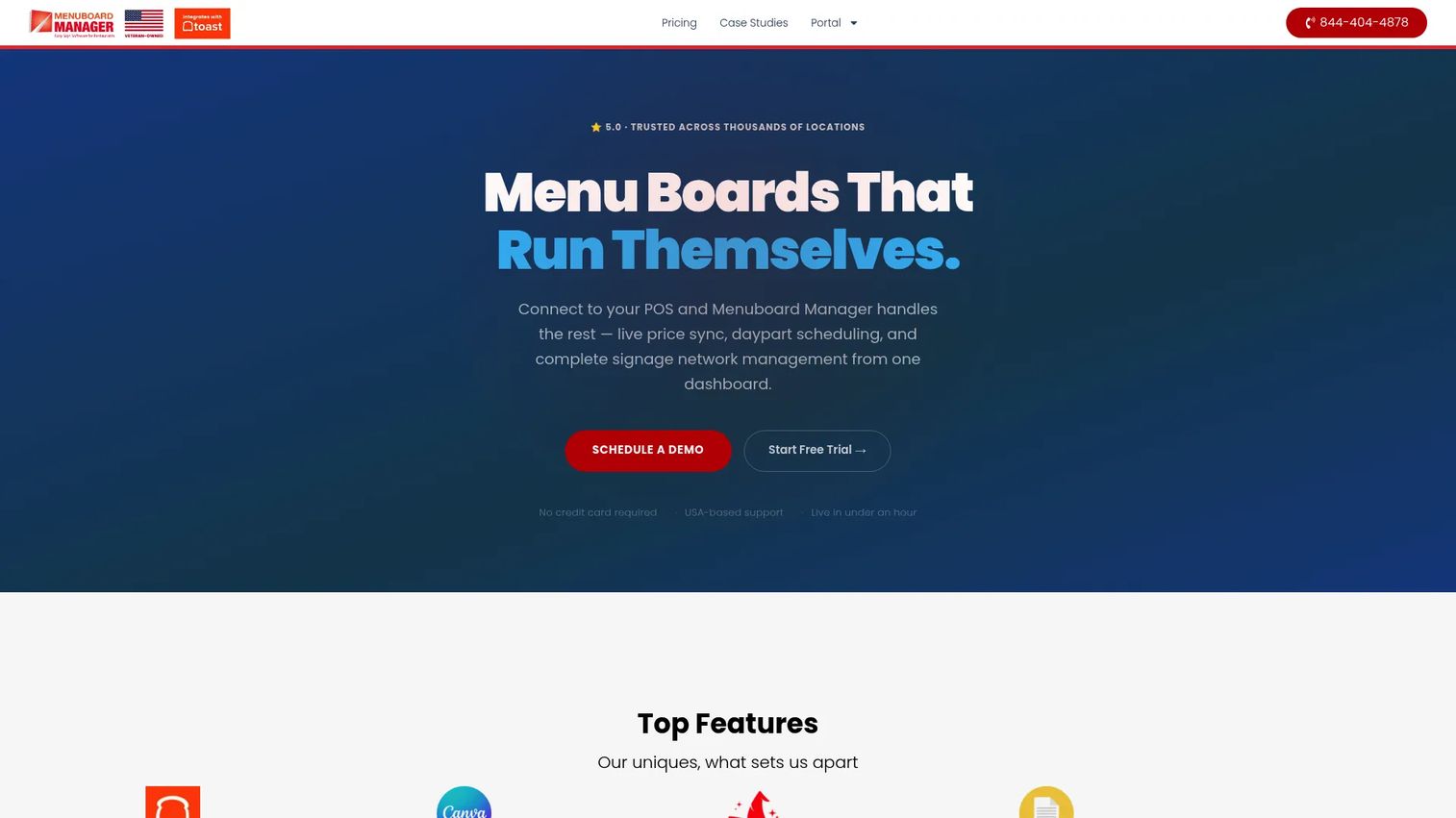
Menuboard Manager is cloud-based digital menu board software built specifically for restaurants, with POS syncing at its core. When you change a price in your register, connected boards update in real time. This is the tool for operators whose menus and prices shift often and who do not want manual edits in the loop.
Daypart and advanced calendar scheduling handle breakfast, lunch, dinner, and promo rotations automatically. You can import designs from Canva, and the Menu Magik AI feature turns graphics into editable text. POS integration is the headline: live price sync keeps boards accurate across every screen and location.
Best for: Restaurants with changing menus and multiple locations that want boards driven by the register.
Key strengths
- POS integrations with live price sync
- Daypart and advanced calendar scheduling
- Canva import for designs
- Menu Magik AI graphics-to-text tooling
- Per-screen plan tiers for scaling
Why choose Menuboard Manager: Choose it when POS-driven automation matters more than a broad app library. The restaurant-first workflows and live sync remove the manual step that causes pricing errors on print and generic signage tools.
Menuboard Manager pricing: Starter is $89 per screen per month, Professional is $199 per screen per month, and Business is $299 per screen per month. Annual billing is offered with a stated 8% savings. No free tier.
3. NoviSign
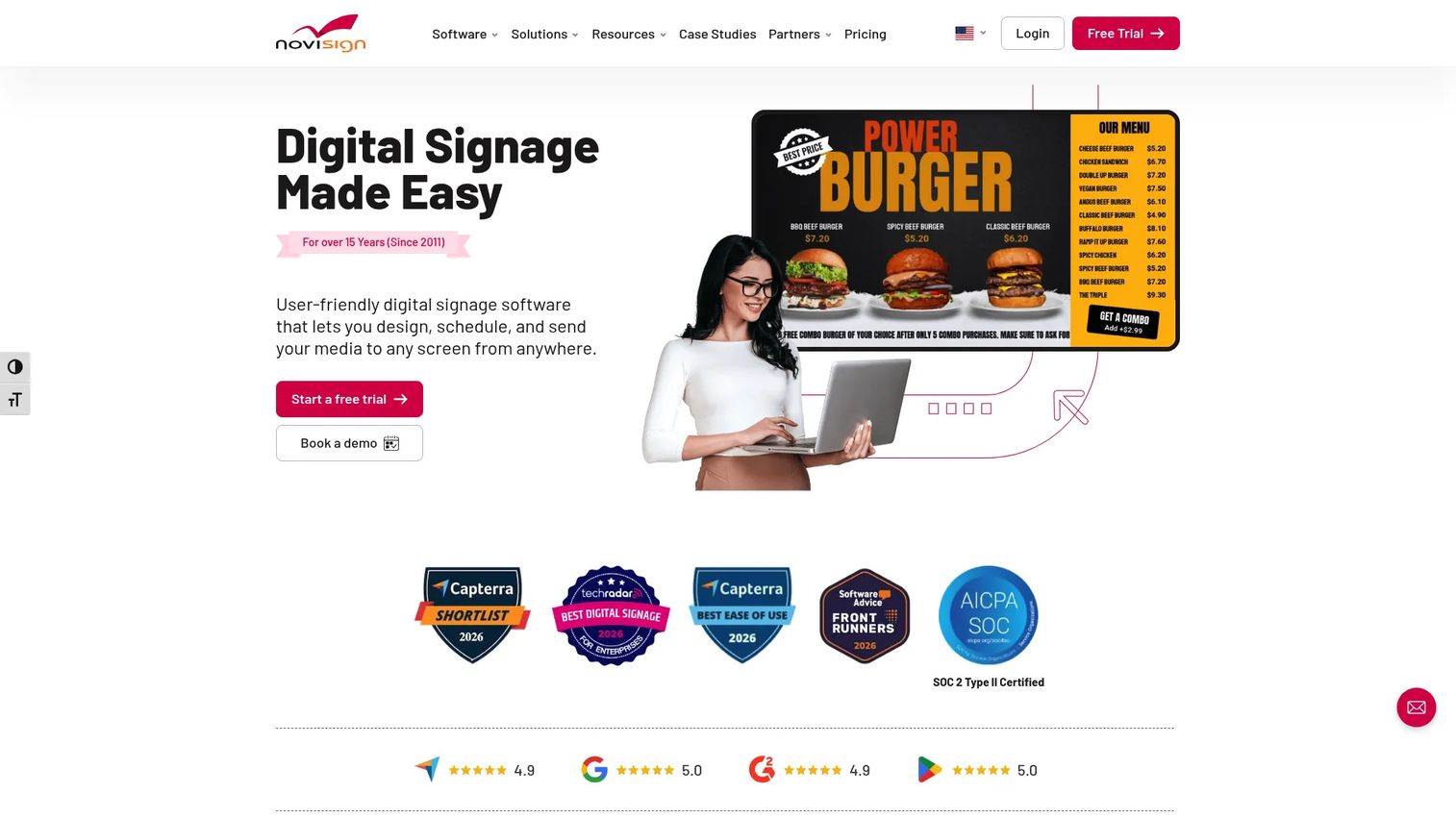
NoviSign is cloud-based digital signage software for designing, scheduling, and managing screens remotely. Its drag-and-drop editor and widget library make menu design approachable without a designer on staff. For operators who want flexibility and quick edits, NoviSign balances ease of use with real control.
The design studio supports custom templates, and schedule-based playlists handle daypart rotation. POS integration keeps menu content current, and screen monitoring shows you which boards are live. NoviSign supports multiple device types, so it fits whatever hardware you already run.
Best for: Operators who want cloud editing and schedule-driven menus without a heavy setup.
Key strengths
- Drag-and-drop content editor and widgets
- Custom templates for menu layouts
- Schedule-based playlists for dayparting
- POS integration for current pricing
- Broad device and hardware support
Why choose NoviSign: Pick it when design flexibility and remote management matter and you want to run boards on hardware you already own. The editor is friendly enough for non-designers to keep menus fresh.
NoviSign pricing: Publicly stated pricing starts at $20 per screen or media player per month, month to month. NoviSign mentions discounts for annual prepay, education and non-profit, and volume, though a full tier table is not published.
4. ScreenCloud Digital Signage
ScreenCloud is a digital signage platform for managing and scheduling content across screens from a centralized cloud CMS. It handles menu boards well while also supporting wider display needs like dashboards, wayfinding, and internal comms. For restaurants that run screens beyond the counter, ScreenCloud centralizes everything.
Screen management and remote device management let you control boards across many locations from one place. Scheduling handles daypart rotation for menus, and template support gives restaurant layouts a starting point. Team permissions keep control tight so only the right people publish changes.
Best for: Businesses that need centralized signage across multiple screens and locations, with menus as one use case.
Key strengths
- Central content control across screens
- Remote device management for locations
- Restaurant screen scheduling and dayparting
- Template support for menu layouts
- Team permissions and access control
Why choose ScreenCloud: Choose it when you need one CMS for menus plus other content and you value governance across a distributed setup. It fits operators managing screens at scale, not just menu boards.
ScreenCloud pricing: Core is $20 per screen per month plus VAT, and Pro is $30 per screen per month plus VAT, both billed monthly or annually. Enterprise is quote-based. A free trial is available, with no free tier.
5. Kitcast
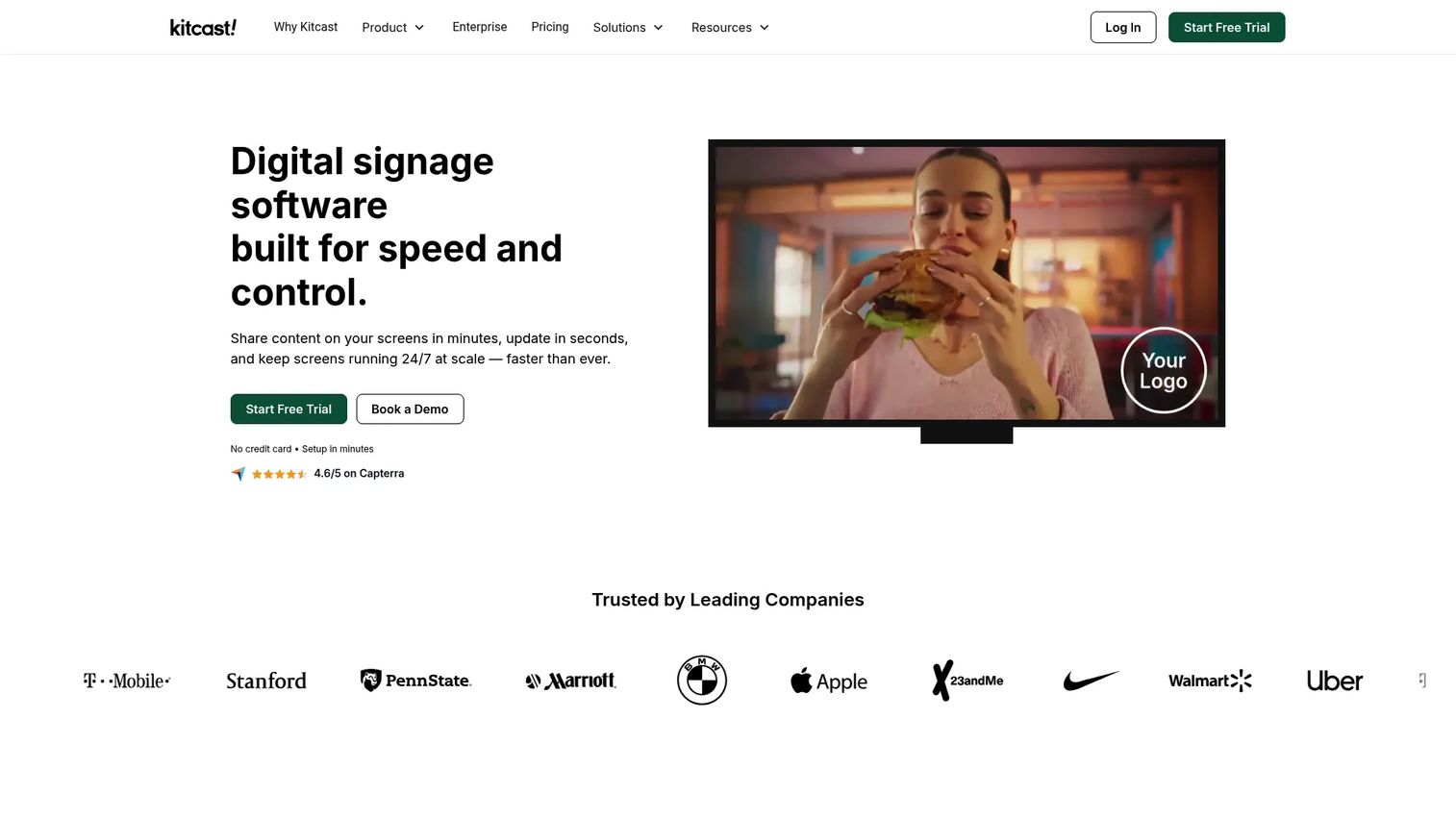
Kitcast is cloud-based digital signage software for managing and publishing content to screens across multiple device platforms. It leans into simple setup, with strong Apple TV support and a straightforward admin workflow. For single locations or smaller chains that want menu boards running fast without complexity, Kitcast fits.
Per-screen content publishing and scheduling cover daypart rotation, and screen zoning lets you split a board into sections. Enterprise controls like SSO, SCIM, MDM, and audit logs are available for teams that need them. Menu board templates and remote publishing keep the day-to-day easy.
Best for: Teams wanting simple digital signage across Apple TV and other supported screens at a low entry price.
Key strengths
- Simple setup and admin workflow
- Apple TV and multi-platform support
- Menu board templates
- Per-screen publishing and scheduling
- Screen zoning for layout sections
Why choose Kitcast: Pick it when you want the lowest-friction path to live menu boards and a low starting price. It fits operators who value a clean admin experience over deep restaurant-specific POS automation.
Kitcast pricing: Starter is $7 per screen per month billed annually, Pro is $10 per screen per month billed annually, and Enterprise is custom-priced. No free tier.
6. OptiSigns
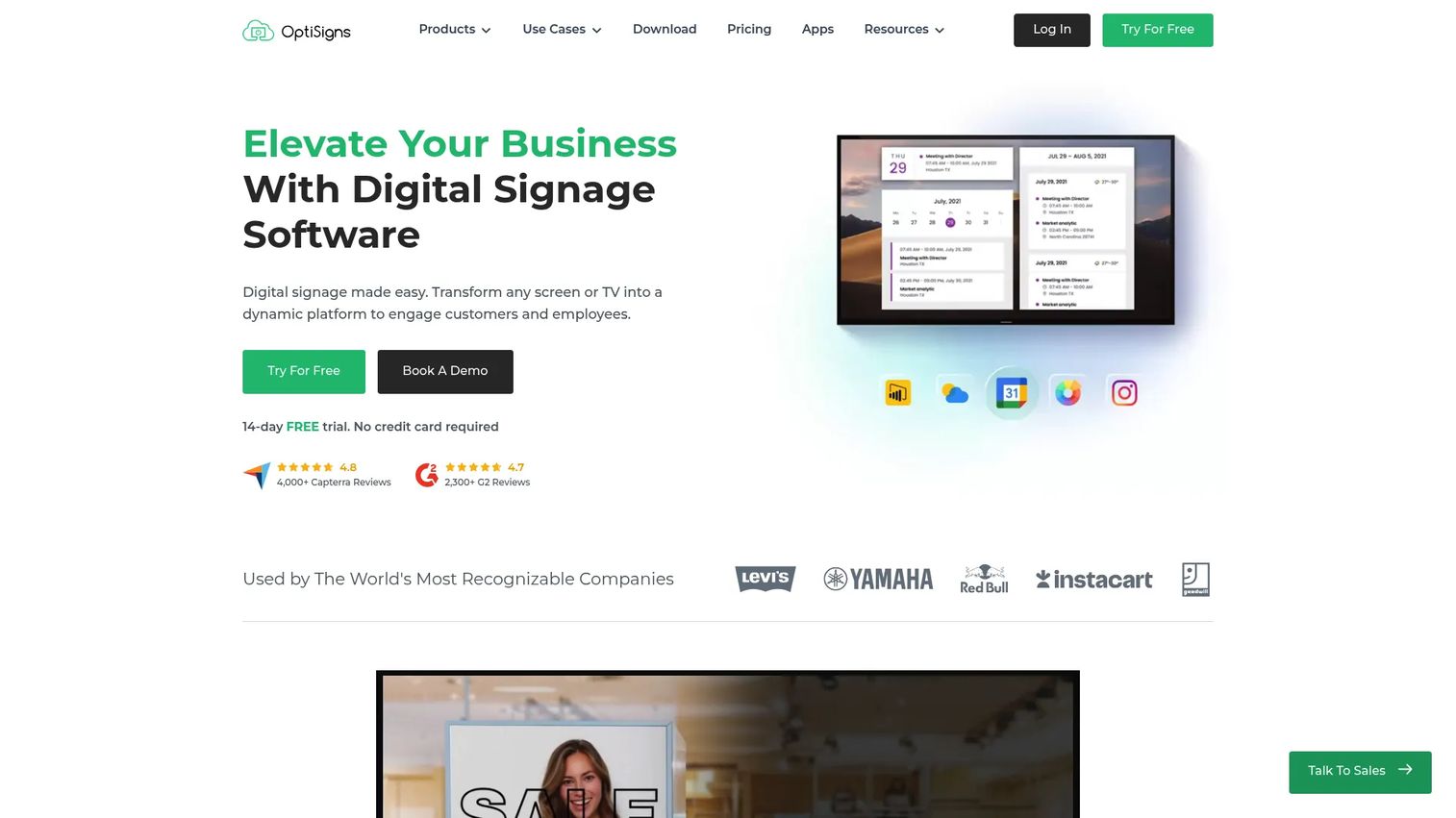
OptiSigns is cloud-based digital signage software for managing screens, content, schedules, and integrations. It handles menu boards alongside a wide range of content types, so it fits operators whose signage stack goes beyond food. If menus are one job among many, OptiSigns covers them without a separate tool.
Content playlists and scheduling handle daypart rotation, and a broad app and integration library extends what your screens can show. Offline playback keeps boards running if the network drops, and multi-user permissions support larger teams and locations. Device compatibility is wide, so it works with common signage hardware.
Best for: Businesses needing centrally managed signage across multiple screens where menus are part of a broader mix.
Key strengths
- Flexible signage content and playlists
- Scheduling controls for dayparting
- Multi-location support and permissions
- Offline playback for network gaps
- Broad device compatibility
Why choose OptiSigns: Choose it when you want a free tier to start and flexible content types alongside menus. It suits operators managing varied signage who do not need restaurant-only POS depth.
OptiSigns pricing: A free plan is available on up to three supported screen types. Standard is $10 per screen per month, Pro-Plus is $15, Engage is $30, and Enterprise is $45, all per screen per month billed annually.
7. MenuPi
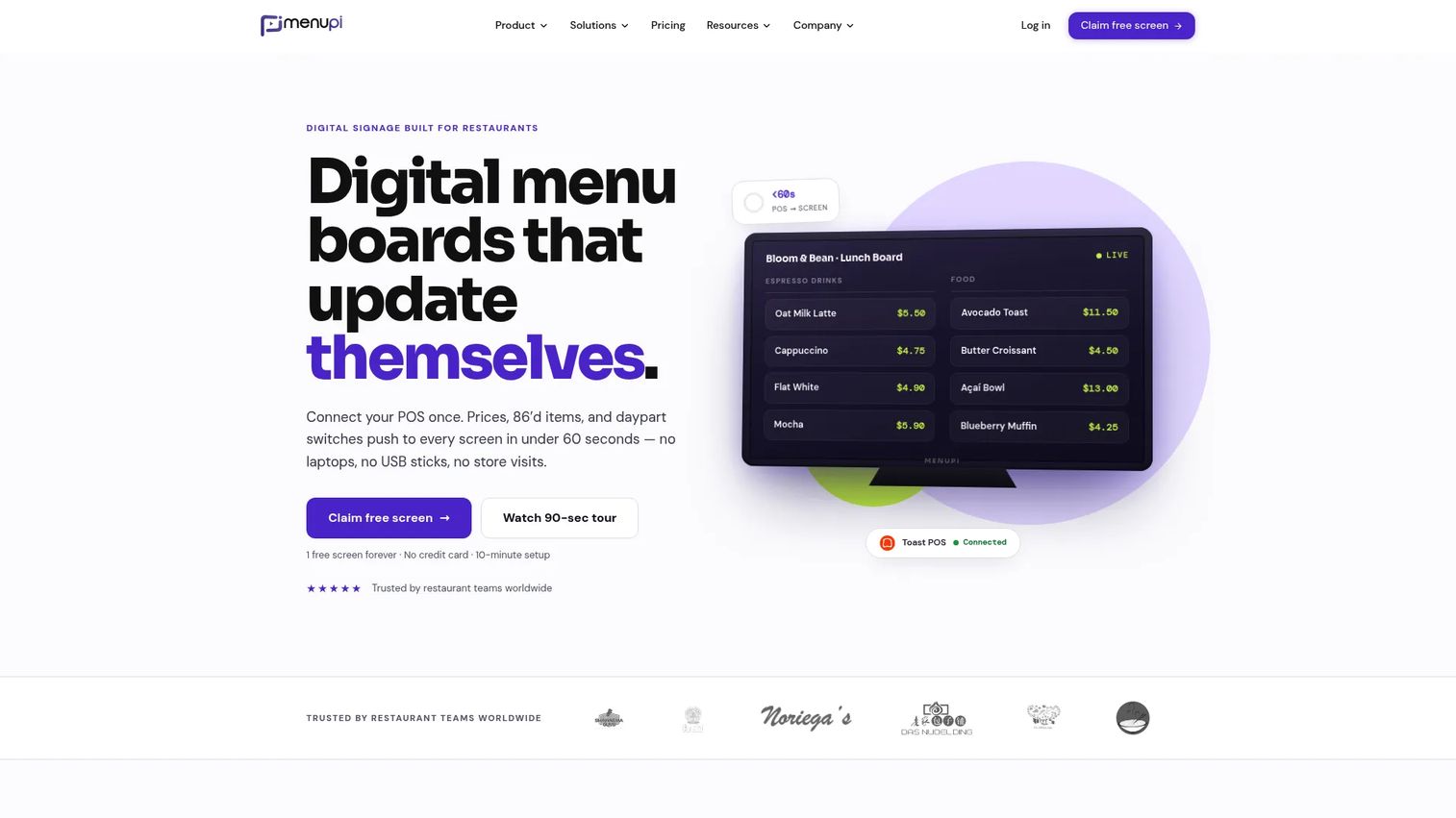
MenuPi is restaurant-focused digital menu board software that syncs menu changes from your POS to your screens. It is built for food service, with POS sync for prices, menu items, modifiers, and sold-out status. For operators who want restaurant-first simplicity with real automation, MenuPi keeps rollout light.
Beyond TV boards, MenuPi publishes to printable PDFs, public web pages, and QR codes, so one menu source feeds many surfaces. A brand kit and templates keep branding consistent, and multi-location menu management handles chains. Regional pricing and SSO round out the operator-friendly feature set.
Best for: Restaurants that want POS-synced digital menu boards across one or many locations without heavy setup.
Key strengths
- POS sync for prices, modifiers, and sold-out status
- Multi-surface publishing to boards, PDFs, web, QR
- Brand kit and menu templates
- Multi-location menu management
- Regional pricing and SSO support
Why choose MenuPi: Pick it when you want restaurant-first POS sync at a low entry price and the option to publish menus beyond screens. It fits operators who value simple rollout and consistent branding across locations.
MenuPi pricing: One screen is free forever. Starter is $8 per screen per month, Pro is $19 per screen per month, and Business is $39 per screen per month. Volume discounts apply at 5, 20, 50, and 100-plus screens, and annual billing saves an additional 20%.
Considerations
POS integration depth
Surface-level sync is not enough for a busy kitchen. Confirm whether the tool pushes prices, item availability, modifiers, and sold-out status, not just prices. Check that it connects to your specific POS, whether that is Toast, Square, or another system. Real-time updates matter most when items sell out mid-service.
Daypart scheduling and promotion control
Before you buy, confirm how many dayparts you can schedule and whether promotions rotate independently. Ask whether schedules apply per screen, per location, or account-wide. A cafe running breakfast, lunch, and a happy hour needs three or more scheduled layouts switching on their own without staff involvement.
Hardware and player compatibility
Menu board software runs on different hardware, and this drives your setup cost. Some tools work with a regular TV plus a media player or signage stick. Others prefer specific players or smart displays. Confirm OS support and whether you can reuse screens you already own before committing.
Multi-location governance
If you run more than one location, permissions matter. Look for the ability to push a core menu from headquarters, allow regional price overrides, and require approval before a location publishes. Franchise operators especially need controls that keep branding and pricing consistent without micromanaging every screen.
Pricing and total rollout cost
Menu board software pricing is per screen for most tools, so multiply by your screen count. Then add hardware, installation, and any support fees. A tool at $7 per screen and one at $299 per screen serve different needs, so weigh POS automation and restaurant features against the monthly cost per board.
Conclusion
The right pick comes down to how much of your signage stack you want in one tool and how deep your POS automation needs to run.
- Yodeck fits broad signage plus menu flexibility, with a big template and app library.
- Menuboard Manager wins for restaurant automation and live POS sync when prices change often.
- NoviSign suits cloud editing and schedule-driven menus with a friendly design studio.
- ScreenCloud and OptiSigns work best for flexible signage stacks where menus are one job of many.
- Kitcast and MenuPi keep simpler or lower-complexity rollouts fast and affordable.
Pick based on three things: how fast you need to update, how tightly the tool syncs with your POS, and how much of the screen stack you want to manage in one place. Start a free trial or free tier where one exists, run a single location for a week, and confirm the daypart and multi-location controls do what you need before you scale.
FAQs
Menu board software pricing is usually per screen per month. Broad signage tools run from around $7 to $20 per screen, with free tiers on some like Yodeck, OptiSigns, and MenuPi. Restaurant-first tools with deep POS automation, such as Menuboard Manager, start higher at $89 per screen. Add hardware and installation to get your true rollout cost.
Yes. Most menu board software runs on a standard TV paired with a media player, signage stick, or a compatible smart display. You install the tool's app on the player, connect it to your account, and the board pulls content from the cloud. Confirm which players and operating systems a tool supports before buying hardware.
Yes, that is daypart scheduling. You build separate layouts for breakfast, lunch, dinner, and promotions, set the times, and the boards switch automatically. Happy hour pricing and limited-time offers rotate on their own with no staff action. Most tools in this list, including Yodeck, NoviSign, and ScreenCloud, support daypart scheduling.
Yes, with POS integration. Tools like Menuboard Manager and MenuPi sync prices, items, modifiers, and sold-out status from your register to your screens in real time. Depth varies, so confirm whether a tool pushes availability and modifiers or only prices. Also check that it supports your specific POS system before committing.
For multi-location management, look for centralized control, regional overrides, and approval workflows. MenuPi and Menuboard Manager handle restaurant chains with POS-driven updates, while ScreenCloud and OptiSigns offer strong governance across many screens. The best fit depends on whether you need deep restaurant POS sync or broader signage control across locations.
Not usually. Most tools run on regular TVs with a small media player or signage stick, and some support smart displays directly. Kitcast leans on Apple TV, while OptiSigns and NoviSign support a wide range of devices. Check each tool's supported hardware list so you can reuse existing screens where possible and budget for players where needed.