You built the route in your head this morning. Three pumps in one plaza, two more across town, a septic job squeezed in because the customer called at 7 a.m. By noon a driver texts that a trap wasn't on the sheet, the office can't find the last manifest, and you're already an hour behind on invoicing. That's a normal Tuesday for a lot of grease trap operators, and it's the exact tax that good software removes.
The stakes are bigger than a messy day. The global grease trap management market was valued at $2.8 billion in 2025 and is projected to reach $4.1 billion by 2034, growing at a 5.2% CAGR, according to MarketIntelo (2025). More work is coming, and the operators who capture it profitably are the ones who stop running dispatch on whiteboards and paper. The right grease trap software ties routing, scheduling, compliance, and billing into one system so the office sees everything and drivers only see what they need.
This is a buyer's guide, not a vendor pitch. We compare seven platforms that grease trap and liquid waste teams actually shortlist, from grease trap routing software built for used cooking oil collection to broad field service management suites. If you're weighing purpose-built grease trap pumping software against generic field service tools, this article gives you the criteria to decide and the honest trade-offs for each pick.
What's inside
This guide is for owners, dispatchers, and office managers running grease trap pumping, septic, or liquid waste service businesses. Every tool here was evaluated against the operational realities of the work, not marketing copy.
We chose and ranked platforms on five criteria:
- Operational fit: How well it handles route optimization, dispatch, and recurring service the way grease trap teams actually run it.
- Field usability: Whether a driver can complete a job on a mobile app without a training class.
- Compliance support: Digital manifests, audit-ready records, and FOG compliance reporting.
- Accounting fit: QuickBooks integration and billing that reduces admin instead of duplicating it.
- Buyer proof: Public pricing, ratings, and real-world positioning.
TL;DR
Short on time? Here are the fast picks by scenario.
- Best overall for grease trap service teams: ServiceCore, for dispatch, routing, and billing in one place.
- Best for digital manifests and compliance-first ops: GreaseIQ, built around audit-ready records.
- Best for QuickBooks-heavy operators: The Service Program, with public per-user pricing.
- Best for route optimization on a lighter stack: Route Simplified, purpose-built for grease and used cooking oil routing.
- Best for broader field service consolidation: Jobber, for mixed-service teams.
- Best for office-to-field simplicity: Housecall Pro, with fast field adoption.
- Best for larger operations needing depth: ServiceTitan, for reporting and office visibility at scale.
The theme across all of these: fewer manual steps, more stops per day, and one system the office and field both trust.
What is grease trap software?
Grease trap software is a field service platform built to schedule, route, dispatch, document, and bill grease trap pumping and related liquid waste jobs from one system. It replaces the whiteboard, the paper manifest, and the scattered spreadsheet with a shared record the whole business runs on.
The core workflows good grease trap service software should handle:
- Route optimization: Cluster stops geographically and cut windshield time, so drivers hit more stops per day on less fuel.
- Dispatch and scheduling: Assign jobs, adjust in real time, and send the day's work to the right truck.
- Recurring scheduling: Auto-generate jobs on 30, 60, 90-day, or custom frequencies so nothing slips.
- Customer and job history: One record per site with trap size, access notes, and past service.
- Mobile field updates: Drivers complete jobs, capture photos, and log gallons pumped from a phone.
- Compliance records and digital manifests: Paperless, signature-backed documentation that survives an inspection.
- Billing and accounting sync: Invoice from completed work and push it to QuickBooks without re-keying.
- Office visibility: Live status on every job, exception, and completion.
The FOG compliance angle matters more than most buyers expect. Over 50% of U.S. food service establishments are mandated to maintain grease traps under FOG discharge regulations, according to DataIntelo via MyQuoteIQ (2026). That's a large, recurring, regulated customer base, and software that documents each service cleanly protects both the customer and your business.
When to use grease trap software
Not every operator needs the same depth. Here's how to match the tool to the pain.
Reduce manual routing and dispatch
If you're sequencing stops by hand every morning, route logic is where software pays for itself first. Grease trap work clusters naturally, restaurants in the same plaza, recurring accounts on the same block, and route optimization turns that density into fuel savings and more stops per day. Smart, IoT-enabled grease trap systems grew from 8% of the installed base in 2020 to 22% by 2025, per MarketIntelo (2025), a signal that the whole category is moving toward automated, data-driven operations.
Replace paper manifests and scattered job records
Paper manifests get lost, smudged, or filed in the wrong truck. Digital manifests solve traceability: every service is timestamped, signed, and searchable. When a municipality or a customer asks for proof of a pump-out from six months ago, you find it in seconds instead of a filing cabinet. Faster compliance reporting also means faster office reporting overall.
Improve field-to-office handoffs
The gap between a completed job and an accurate invoice is where margin leaks. A good mobile app for field technicians lets a driver mark the job done, snap a photo of the trap, log gallons, and capture a signature before leaving the site. The office sees it instantly, bills from it, and skips the back-and-forth phone calls that eat everyone's afternoon.
Comparison table
Here's the shortlist at a glance. Pricing and ratings are pulled from each vendor's public pages and G2 listings as of mid-2026. Where a vendor doesn't publish a number or hasn't accumulated a meaningful public rating, we note that rather than guess.
| # | Product | Intent | Key use case | Pricing | G2 rating |
|---|---|---|---|---|---|
| 1 | ServiceCore | Grease, septic, and dumpster ops | Dispatch, routing, and billing in one platform | Quote-based (START and Pro plans) | Not yet rated |
| 2 | GreaseIQ | Compliance-first grease operators | Digital manifests and audit-ready records | 30-day trial, no public price | Not published |
| 3 | The Service Program | QuickBooks-centric service teams | QuickBooks-connected dispatch and routing | From $99.95/mo | Not published |
| 4 | Route Simplified | UCO and grease routing specialists | Route optimization and driver dispatch | From $100/mo | Not published |
| 5 | Jobber | Mixed home-service teams | Scheduling, quoting, and invoicing | From $21/mo | 4.6/5 |
| 6 | Housecall Pro | Office-to-field simplicity | Scheduling, dispatch, and mobile completion | From $59/mo | 4.3/5 |
| 7 | ServiceTitan | Larger trade operations | Advanced dispatch, reporting, and visibility | Per-technician, request pricing | 4.4/5 |
Purpose-built grease tools lead on compliance and route density. Broad field service platforms lead on breadth and public pricing. The next sections break down each pick so you can match it to your workflow.
1. ServiceCore
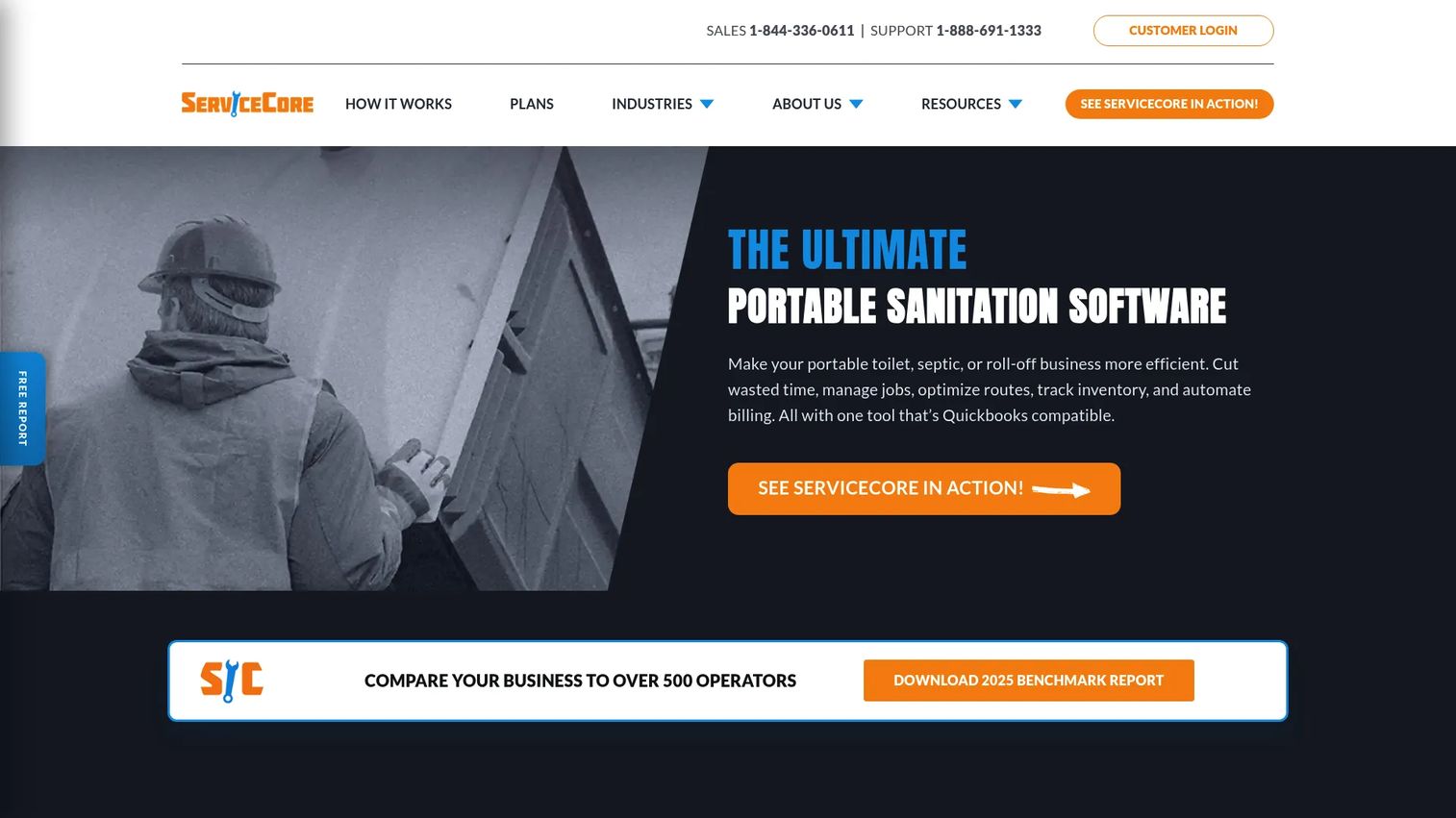
ServiceCore is software for portable toilet, septic, and dumpster rental businesses, and that same operational DNA makes it a strong fit for grease trap pumping teams. It pulls customer and job management, scheduling, routing, dispatching, and billing into one connected system, so the office isn't stitching together a routing tool, a spreadsheet, and an accounting file. For operators who run recurring liquid waste routes, that consolidation is the whole point.
The platform is built around the workflows grease trap teams live in daily: recurring scheduling for accounts that pump on a fixed cadence, route optimization to keep clustered stops tight, dispatch software to push the day's jobs to each truck, and a mobile app for field technicians to complete work on site. Compliance and job history live in the customer record, so a site's full service timeline is one click away.
Best for: Grease trap, septic, and portable sanitation operators who want dispatch, routing, and billing in a single purpose-built system.
Key strengths
- Customer and job management: One record per site with service history, notes, and account details in reach.
- Billing and accounts receivable: Invoice from completed work and manage receivables without leaving the platform.
- Scheduling, routing, and dispatching: Recurring service, optimized routes, and real-time dispatch in one flow.
Why choose ServiceCore: If your business runs recurring liquid waste routes and you're tired of gluing tools together, ServiceCore is the closest thing to a native fit among broad-but-specialized platforms. It's the strongest all-around pick for grease-focused operators who value operational visibility from office to field.
ServiceCore pricing: ServiceCore lists two plans, START and Pro, billed monthly on an annual contract. Public numeric pricing isn't shown; the pricing page directs you to schedule a personalized demo to see pricing for your business size. There is no free tier listed.
2. GreaseIQ
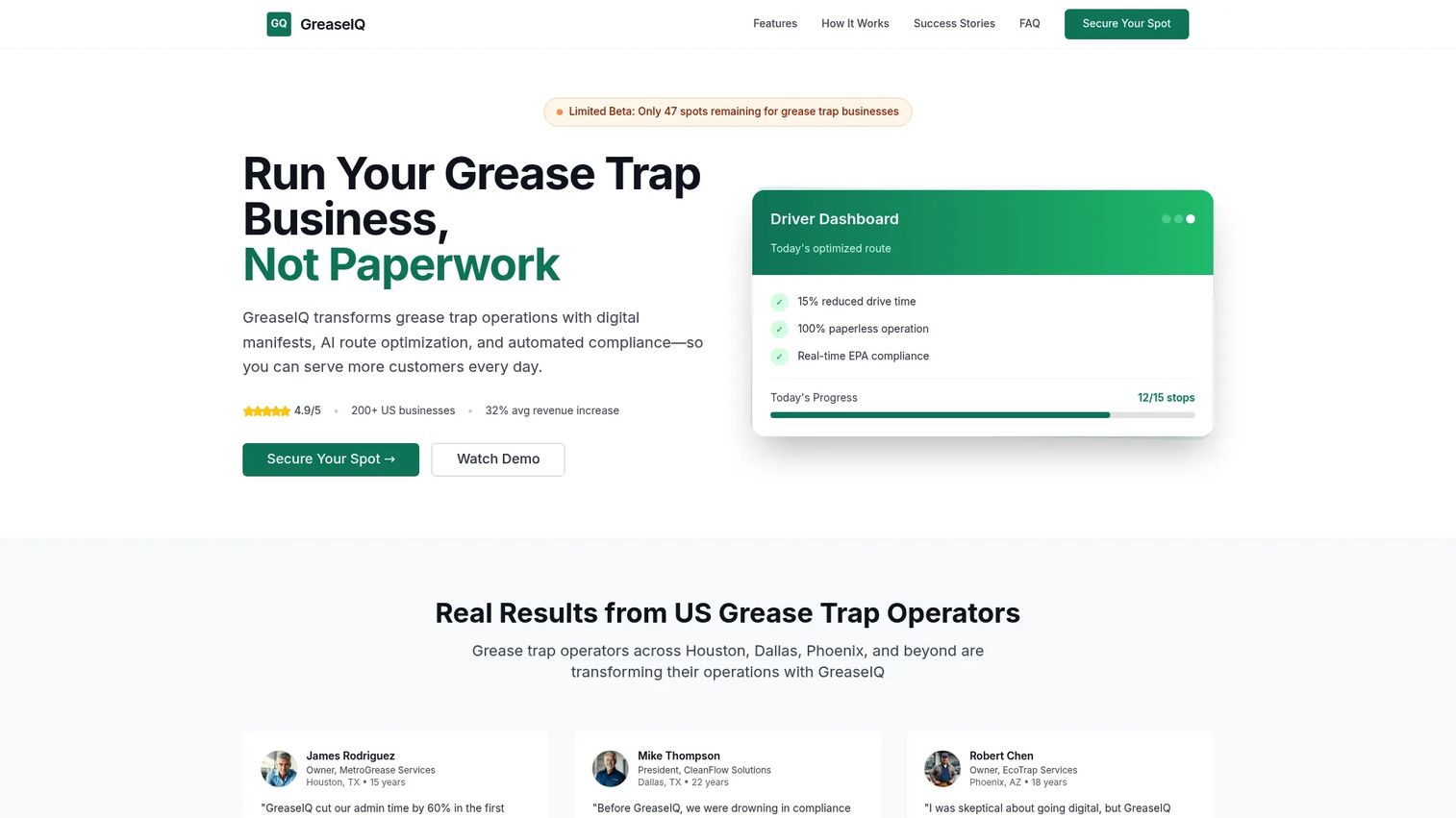
GreaseIQ is grease trap business management software built around compliance. Where general field service tools treat manifests as an add-on, GreaseIQ makes real-time manifest tracking, digital signatures, and audit-ready records the center of the product. For operators whose biggest risk is a failed inspection or a customer disputing a service, that focus is the differentiator.
The platform leans hard into paperless operations. Digital manifests replace the carbon-copy paper that gets lost between the truck and the office, and every service builds an audit trail you can produce on demand. That makes compliance reporting faster and cleaner, which matters given how many food service accounts are regulated. Paired with route logic and a driver-facing workflow, it covers the full grease trap service cycle from dispatch to documentation.
Best for: Grease trap operators whose top priority is compliance, manifest tracking, and inspection-ready documentation.
Key strengths
- Real-time manifest tracking: See each disposal event as it happens, not days later.
- Digital signatures: Capture customer sign-off on site to close the loop on every service.
- Audit-ready records: Keep a searchable audit trail that stands up to municipal review.
Why choose GreaseIQ: If FOG compliance is the thing that keeps you up at night, GreaseIQ is the most compliance-forward option on this list. It's the strongest fit for teams that want digital manifests and audit documentation to be a core capability, not a bolt-on.
GreaseIQ pricing: GreaseIQ's site offers a 30-day trial with no setup fees, but does not publish numeric pricing. Reach out to the vendor for a quote tied to your fleet size and account volume.
3. The Service Program
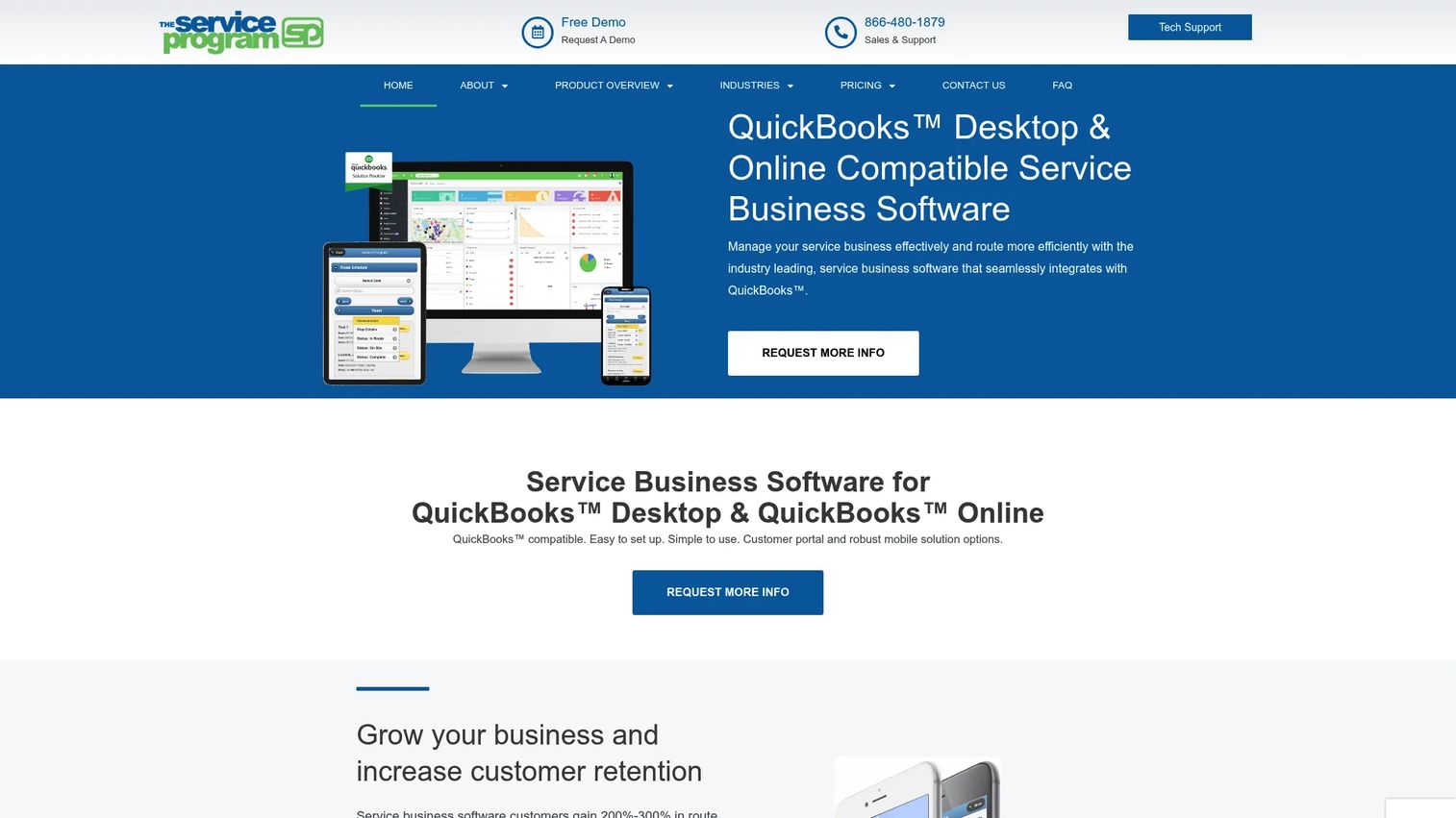
The Service Program is QuickBooks-compatible service business software for dispatch, routing, work orders, mobile field use, and customer portal management. If your books already live in QuickBooks and you don't want to migrate your accounting to switch field software, this is the pick that meets you where you are. The QuickBooks integration is the headline: it works with both QuickBooks Desktop and QuickBooks Online.
Beyond accounting fit, it covers the operational basics grease trap teams need: route management and dispatching, mobile work orders for the field, and a customer portal for account self-service. Recurring scheduling and equipment management round it out for operators tracking traps, tanks, and service intervals across many sites. It feels more established than flashy, which accounting-minded buyers often prefer.
Best for: Service businesses that want QuickBooks-connected dispatch, routing, and field operations without re-platforming their accounting.
Key strengths
- QuickBooks Desktop and Online integration: Sync billing both directions to avoid double entry.
- Route management and dispatching: Plan routes and assign work to trucks from the office.
- Customer portal and mobile solution: Give customers self-service access and drivers a mobile workflow.
Why choose The Service Program: For operators whose non-negotiable is deep QuickBooks integration, this is the most direct fit. It rewards teams that value accounting continuity and a broad service management feature set over a modern interface.
The Service Program pricing: Pricing is public and scales by office-user count: One Office User at $99.95/mo, Two at $134.95/mo, Three at $169.95/mo, Five at $219.95/mo, and Ten at $344.95/mo. Add-ons include a Mobile Solution at $79.95/mo and a Customer Portal at $59.95/mo. Onboarding fees are listed separately. There is no free tier.
4. Route Simplified
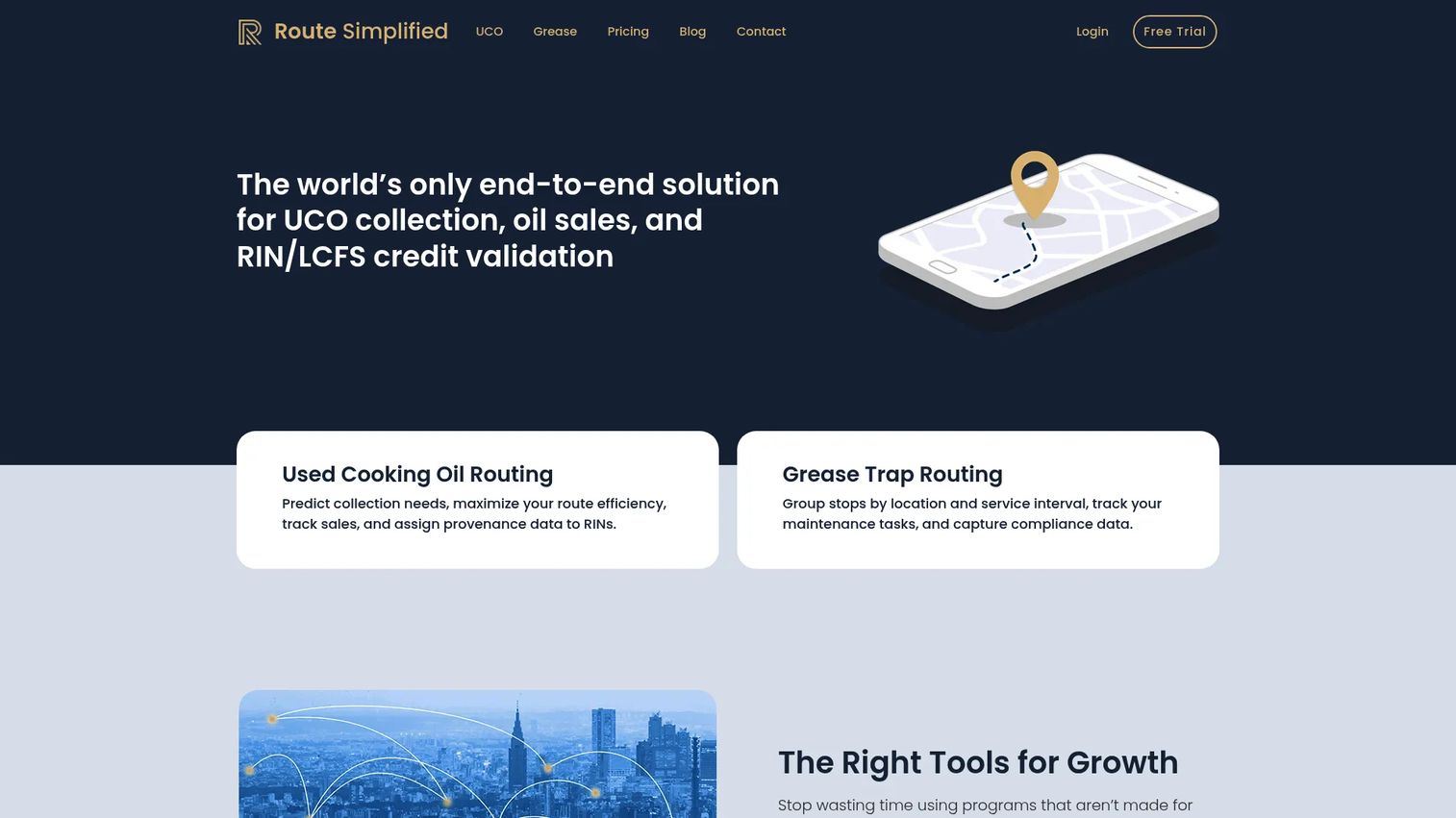
Route Simplified is industry-specific software for used cooking oil collection, grease trap routing, and RIN/LCFS tracking. It's the most route-centric, purpose-built pick here, aimed squarely at operators whose day revolves around driving efficient routes across many accounts. If routing is 80% of your operational headache, this lightweight, specialized tool goes deep where it counts.
The core is UCO collection route optimization and grease trap routing with driver dispatch. On top of that, it handles oil sales tracking with RIN/LCFS credit validation, a feature that matters specifically to used cooking oil operators and that generic field service platforms simply don't offer. Client documentation management keeps the paperwork side organized without the weight of a full enterprise suite.
Best for: Used cooking oil and grease collection operators who need sharp route optimization and industry-specific credit tracking.
Key strengths
- UCO collection route optimization: Sequence high-volume collection routes to cut miles and fuel.
- Grease trap routing and driver dispatch: Build and dispatch grease routes with driver-facing workflows.
- Oil sales and RIN/LCFS credit tracking: Validate and track credits tied to used cooking oil sales.
Why choose Route Simplified: If you run a lean operation and route optimization is the problem you most need solved, this focused tool delivers without asking you to adopt a heavy platform. It's the specialist's choice for grease and oil routing.
Route Simplified pricing: Public monthly plans scale by size: Local at $100/mo plus $1 per account, Metro at $350/mo plus $0.50 per account, and Regional at $850/mo plus $0.25 per account. Companies with fewer than 100 clients can ask about a free starter package, and a one-month free trial is available.
5. Jobber
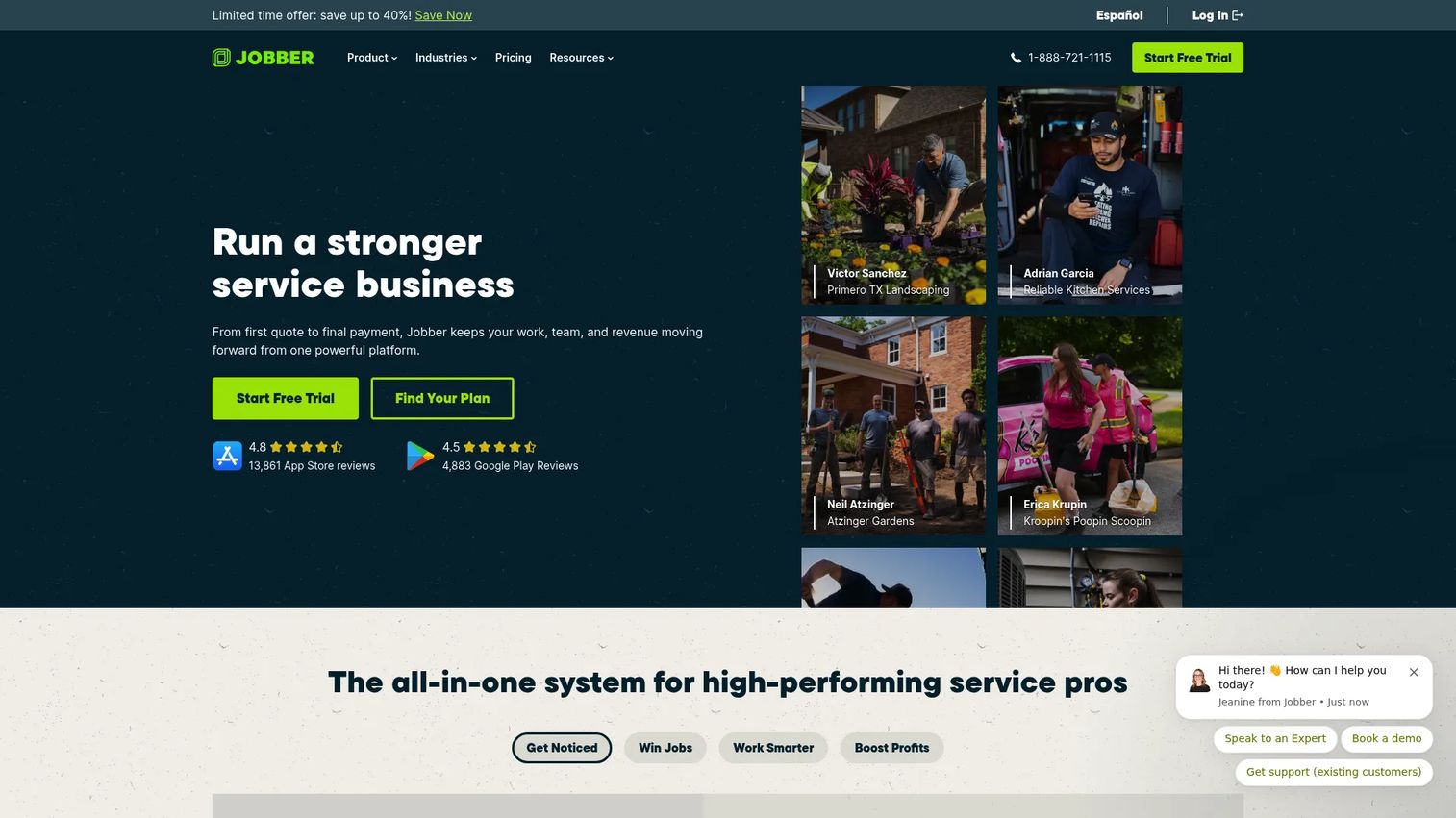
Jobber is field service management software for home service businesses, and it's the strongest pick when grease trap work is one line in a broader service mix. If you also run drain cleaning, plumbing, or general maintenance alongside grease routes, Jobber consolidates scheduling, quoting, invoicing, and customer communication into one clean, well-adopted system.
For grease trap teams specifically, the draw is breadth plus polish: online booking, client management, route planning, mobile updates, and invoicing with payments all live together. Recurring service and job history are handled cleanly, and the client hub gives customers a professional self-service experience. It won't match a grease specialist on manifest depth, but for mixed operators it's hard to beat on usability and public pricing transparency.
Best for: Smaller or mixed-service operators who run grease trap work alongside other home service lines.
Key strengths
- Online booking: Let customers request and schedule service without a phone call.
- Quoting, invoicing, and payments: Move from estimate to paid invoice in one system.
- Client management and client hub: Give customers a self-service portal and keep records in one place.
Why choose Jobber: If grease trap service is part of a diversified book of business, Jobber's breadth and clean field experience make it the practical consolidation play. It trades grease-specific compliance depth for all-around field service coverage.
Jobber pricing: Public plans start at $21/mo for Core, $70/mo for Connect, $105/mo for Grow, and $280/mo for Plus, with annual options billed annually. A 14-day free trial with full access to Grow features is available, no credit card required. Jobber holds a 4.6/5 rating on G2.
6. Housecall Pro
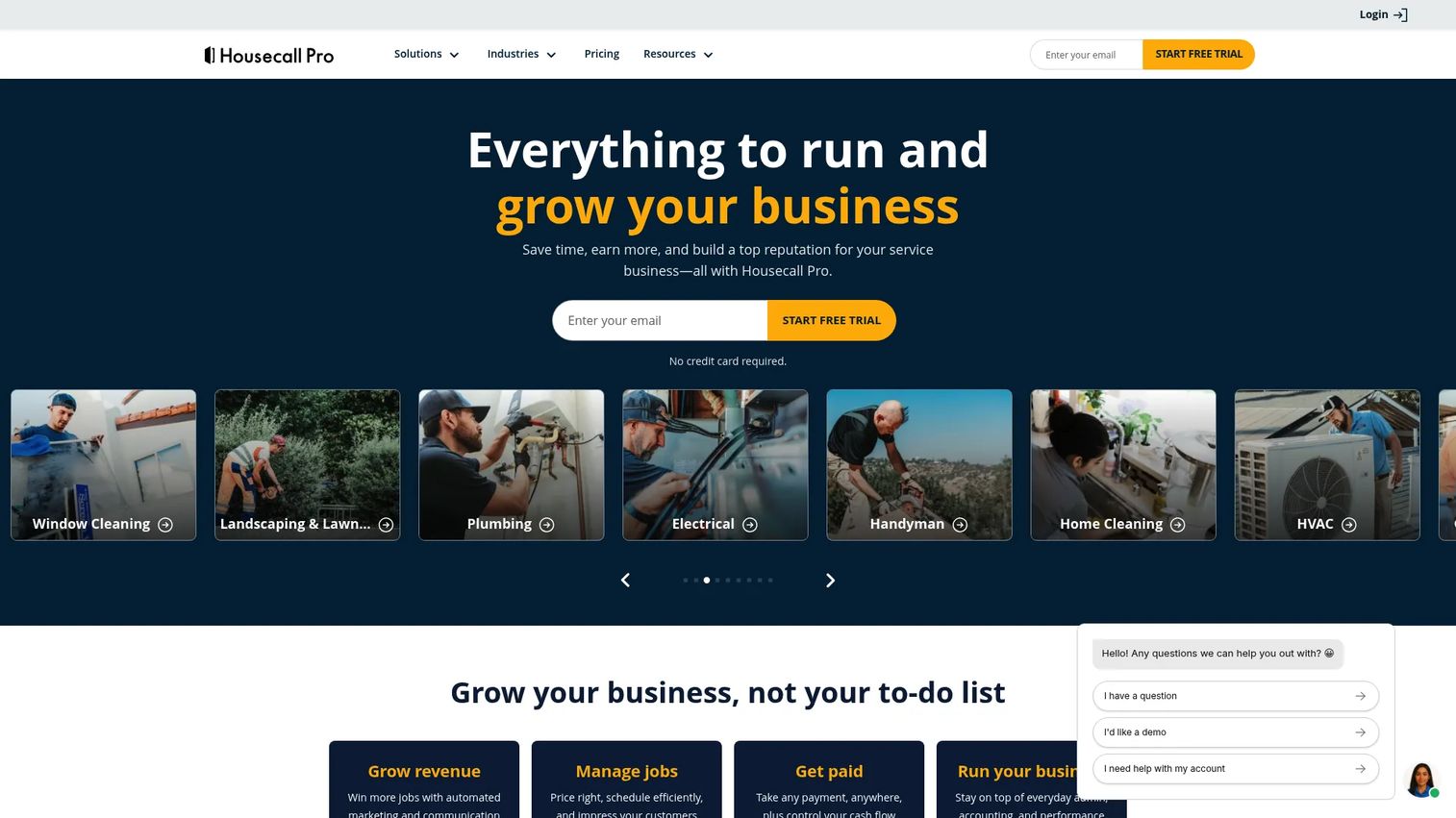
Housecall Pro is field service management software for home service businesses, positioned as an all-in-one job, scheduling, and invoicing platform. Its calling card is simplicity: teams that want office-to-field execution without a steep learning curve tend to adopt it fast. For grease trap operators who prioritize a driver picking up the app on day one, that ease of use is the selling point.
The platform covers scheduling and dispatching, online booking, invoices and payments, customer notifications, and mobile field completion. Drivers close out jobs from the field, customers get automatic updates, and the office bills from finished work. It's a mainstream field service choice with broad adoption, which also means a large community and support ecosystem behind it.
Best for: Home service and grease trap teams that want simple, fast-to-adopt office-to-field execution.
Key strengths
- Scheduling and dispatching: Assign and adjust jobs across the team from one dashboard.
- Invoices and payments: Bill and collect from completed work without extra tools.
- Online booking: Capture new jobs directly through a customer-facing booking flow.
Why choose Housecall Pro: If field adoption is your biggest worry, Housecall Pro's simplicity gets drivers productive quickly. It favors straightforward execution and broad usability over deep grease-specific compliance features.
Housecall Pro pricing: Basic starts at $59/mo billed annually, Essentials starts at $149, and MAX requires contacting sales. Pricing varies by plan and crew size, and a 14-day free trial is offered. Housecall Pro holds a 4.3/5 rating on G2.
7. ServiceTitan
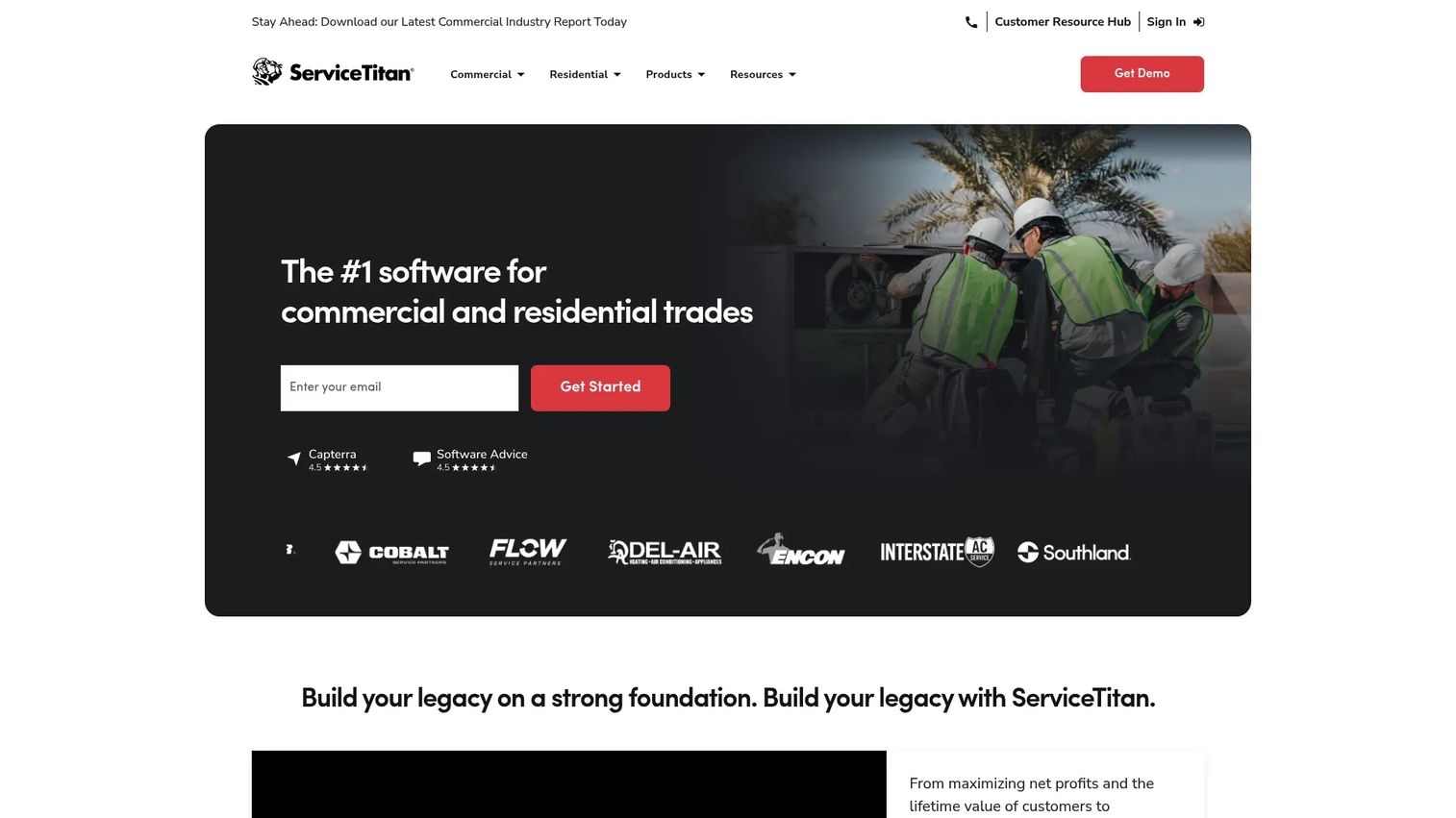
ServiceTitan is cloud-based software for trade contractors to manage scheduling, dispatch, invoicing, CRM, reporting, and related operations. It's the depth option on this list, built for larger operations that need serious office visibility, reporting, and systemization. If you're running a sizable fleet and want to standardize processes across dispatchers, techs, and back office, ServiceTitan is the enterprise-grade choice.
For grease trap and liquid waste operations at scale, the value is control: advanced dispatching and scheduling, a structured pricebook and invoicing, mobile estimates, payroll management, and reporting deep enough to run the business on the numbers. It's more platform than a small crew needs, but for growing operators who've outgrown lighter tools, it provides the operational backbone to scale without chaos.
Best for: Larger trade and liquid waste operations that need advanced dispatch, reporting, and office visibility.
Key strengths
- Dispatching and scheduling: Coordinate large teams and complex schedules from a central board.
- Invoicing and pricebook: Standardize pricing and billing across every job and tech.
- Mobile estimates and payroll management: Handle field estimates and back-office payroll in one platform.
Why choose ServiceTitan: If you've outgrown simpler tools and need reporting and control that scale, ServiceTitan is the depth play. It rewards larger operations willing to invest in systemization, and it's more than most small grease crews require.
ServiceTitan pricing: ServiceTitan uses per-technician pricing across three tiers, Starter, Essentials, and The Works, each behind a request-pricing flow. No public dollar figure is shown, and there is no free tier. ServiceTitan holds a 4.4/5 rating on G2.
Considerations before you buy
Marketing pages all sound similar. Judge software on operational reality instead. Here's the checklist that separates a good fit from a costly mismatch.
Route density and recurring service support
Confirm the tool actually handles clustered stops and real recurring frequencies, not just a basic calendar. Ask whether it auto-generates recurring jobs on custom cadences and whether route optimization accounts for time windows and truck capacity. For grease trap operators, route density is where the fuel savings and more stops per day come from, so test it against a real route.
Field adoption
Software only works if drivers use it. Put the mobile app in a technician's hands and time how long it takes to complete a job, log gallons, capture a photo, and get a signature. If it needs a training class, adoption will lag. A clean mobile app for field technicians pays for itself in accurate, same-day data.
Compliance and manifests
Verify digital manifests, timestamped records, and inspection-ready compliance reporting. Ask how you'd produce a service record from a year ago in front of a municipal inspector. Given how many food service accounts are regulated for FOG compliance, clean documentation protects both your customers and your business.
QuickBooks and accounting fit
Check whether QuickBooks integration genuinely reduces admin or just creates a second place to key the same data. Confirm which QuickBooks version syncs, whether it's one-way or two-way, and whether invoices flow from completed jobs automatically. The goal is less office work, not duplicate steps.
Office visibility
Assess whether managers can see job status, exceptions, and completions in real time. When a customer calls asking where the truck is, the office should answer instantly. Live office visibility is what turns a scattered operation into a system that doesn't route every decision through the owner.
Conclusion
The right grease trap software depends less on feature counts and more on where your operation hurts most. Here's the fast recap.
For a purpose-built all-arounder covering dispatch, routing, and billing, ServiceCore is the strongest overall grease trap pick. If compliance and digital manifests are your top risk, GreaseIQ puts audit-ready records at the center. QuickBooks-heavy shops should look hard at The Service Program and its public per-user pricing. Route-obsessed grease and used cooking oil operators get sharp route optimization from Route Simplified. Mixed-service teams gain breadth from Jobber, simplicity-first crews adopt Housecall Pro fast, and larger operations needing depth and reporting scale with ServiceTitan.
Your next step: pick the two tools that map to your current pain, then run each against one real route and one real compliance record. Most of these offer a trial or a demo. Test paperless operations, route density, and field adoption with your own accounts before you commit. The tool that gives your office visibility and gets your drivers to more stops per day on less fuel is the one that earns its place in your stack.
FAQs
Grease trap software runs the operational core of a pumping business from one system: it schedules recurring services, optimizes routes, dispatches jobs to trucks, captures completion data and digital manifests in the field, and syncs billing to your accounting. In practice, it replaces the whiteboard, the paper manifest, and the spreadsheet with a single shared record the office and field both use.
It clusters geographically close stops and sequences them to minimize drive time, then pushes the optimized route to each driver's mobile app. For grease trap teams with dense recurring accounts, that translates into fuel savings and more stops per day. The better tools also factor in service windows and truck capacity, not just distance.
Yes. Compliance-focused platforms make digital manifests, timestamps, and digital signatures central, replacing carbon-copy paper with searchable, audit-ready records. When an inspector or customer asks for proof of a past service, you produce it in seconds. Look for a full audit trail, not just a PDF export, if compliance reporting is a priority.
The Service Program is the most direct QuickBooks fit here, with integration for both QuickBooks Desktop and QuickBooks Online so billing syncs without double entry. Several broader field service platforms also connect to QuickBooks, but the depth varies. Always confirm whether the sync is one-way or two-way and whether invoices flow automatically from completed jobs.
A strong mobile app for field technicians lets a driver see the day's route, mark jobs complete, log gallons pumped, capture photos of the trap, and collect a customer signature, all from a phone and ideally offline. Speed and simplicity matter more than feature count. If a driver needs training to complete a basic job, adoption will suffer.
Purpose-built grease trap and liquid waste tools go deeper on route density, recurring service, digital manifests, and FOG compliance reporting, sometimes including used cooking oil and RIN/LCFS credit tracking. Generic field service platforms win on breadth, polish, and public pricing but may treat manifests as an add-on. If compliance and route density drive your business, specialization usually pays off.
Prioritize digital manifests, timestamped service records, on-site digital signatures, and a searchable audit trail you can produce for a municipality on demand. Given that over half of U.S. food service establishments are regulated under FOG rules, inspection-ready documentation protects both your customers and your business. Confirm you can retrieve any past service record quickly.
Recurring scheduling auto-generates jobs on set frequencies, such as 30, 60, or 90 days, or custom cadences per account, so nothing slips through the cracks. The system builds those recurring stops into optimized routes and dispatches them without the office rebuilding the schedule each cycle. That automation is what keeps a growing book of recurring accounts profitable instead of chaotic.