



Your personal cell number is on 40 signed contracts, three cold prospects, and a vendor who now texts you at 11pm on Sundays.
That is the problem a virtual number solves. And it is bigger than it looks. The global virtual phone number market hit $8.2 billion in 2025 and is projected to reach $16.8 billion by 2034, growing at 8.9% CAGR, according to Dataintelo (2025). Small and mid-sized businesses drive most of that spend, about 58.3% of the market.
For a founder or a lean team, the pain is rarely "we need phones." It is messy inbound, no visibility into who called whom, and a personal number that leaks into every deal. This guide compares seven virtual phone number software options so you can pick one that separates work from personal, routes calls without hardware, and handles SMS and voicemail cleanly.
What's inside
This guide is for founders and small teams choosing a virtual business phone number without buying desk phones or hiring a receptionist. We selected tools based on four criteria that matter at this stage:
- Number types: local, toll-free, vanity, and the ability to port your existing number
- Call handling: forwarding, extensions, routing, and business hours logic
- SMS and voicemail: business texting plus voicemail transcription
- Pricing and small-business fit: transparent plans that scale with a team, not against it
Every pricing figure and G2 rating below reflects each vendor's live listing at the time of writing.
TL;DR
- Cheapest small-business setup: Grasshopper starts at $14/month with unlimited users on paid plans.
- Google Workspace users: Google Voice ties calling into the Google account you already run.
- Local and toll-free inventory: Twilio gives you programmable access to numbers worldwide.
- Call routing and analytics: CloudTalk and RingCentral handle queues, IVR, and reporting.
- Founder-friendly business/personal split: OpenPhone and Dialpad keep work calls off your personal line with modern, mobile-first apps.
What is virtual phone number software
Virtual phone number software gives you a business phone number that routes calls and texts through an app instead of a physical phone line or SIM card. You place and receive calls from a desktop or mobile app over the internet, so there is no hardware to buy and no landline to install.
The number itself can take several forms:
- Local number: a standard area-code number that signals presence in a specific city or region
- Toll-free number: an 800-style number customers can call at no charge, common for support lines
- Vanity number: a memorable pattern like 1-800-FLOWERS for brand recall
- Ported number: your existing business or personal number moved into the new system
Once the number is live, the software layers on the features that actually run your communications:
- Call forwarding to send inbound calls to the right person or device
- Voicemail transcription so you read messages instead of listening to them
- Business SMS for texting customers from your business line, not your cell
- Extensions and auto attendants to route callers ("press 1 for sales")
- Desktop and mobile apps so the number works wherever you are
The result: one business identity that follows your team across devices, with a record of every call and text.
When to use
Separate business and personal calls on one device
Founders answer calls from their personal phone until the day a prospect saves that number and starts using it for everything. A virtual number puts a second line on the same device. Work calls ring through the app, personal calls stay on your SIM, and your cell number never ends up on a signed contract. When you hire, you reassign the business line without touching anyone's personal phone.
Route inbound calls without hardware
You do not need a PBX or desk phones to sound organized. Virtual phone systems handle call forwarding, extensions, ring groups, and business-hours routing in software. A caller hits your main line, the auto attendant offers options, and the call lands with the right person or rolls to voicemail after hours. Setup takes minutes, and changes are a settings toggle, not a service call.
Add business SMS and voicemail automation
Response time is where small teams win or lose deals. Business SMS lets you text customers from your company number, and voicemail transcription turns every missed call into readable text you can triage from your inbox. No replaying messages, no guessing who called. You see the message, you reply, you move on.
Comparison table
Here is a side-by-side view of all seven tools. Pricing reflects entry-tier plans, and G2 ratings come from each product's current listing. Read the "best for" column first to narrow your shortlist, then dig into the sections below.
| # | Product | Best for | Key differentiator | Pricing | G2 rating |
|---|---|---|---|---|---|
| 1 | Google Voice | Google Workspace users | Calling tied to your Google account | From $10/user per month | 4.1/5 |
| 2 | Grasshopper | Budget-conscious small teams | Unlimited users on every plan | From $14/month | 3.9/5 |
| 3 | Twilio | Developer-led teams | Programmable number provisioning | Pay-as-you-go from $0.0083/SMS | 4.2/5 |
| 4 | RingCentral | Scaling teams wanting one platform | Unified phone, video, and messaging | From $19.99/user per month | 4.3/5 |
| 5 | Dialpad | Teams wanting AI-assisted calling | AI transcription and call summaries | Free trial, then paid plans | 4.4/5 |
| 6 | OpenPhone | Small collaborative teams | Shared numbers and inboxes | From $15/user per month | 4.7/5 |
| 7 | CloudTalk | Sales and support call operations | Call flow builder and routing | From €19/user per month | 4.4/5 |
Best virtual phone number software for 2026
1. Google Voice
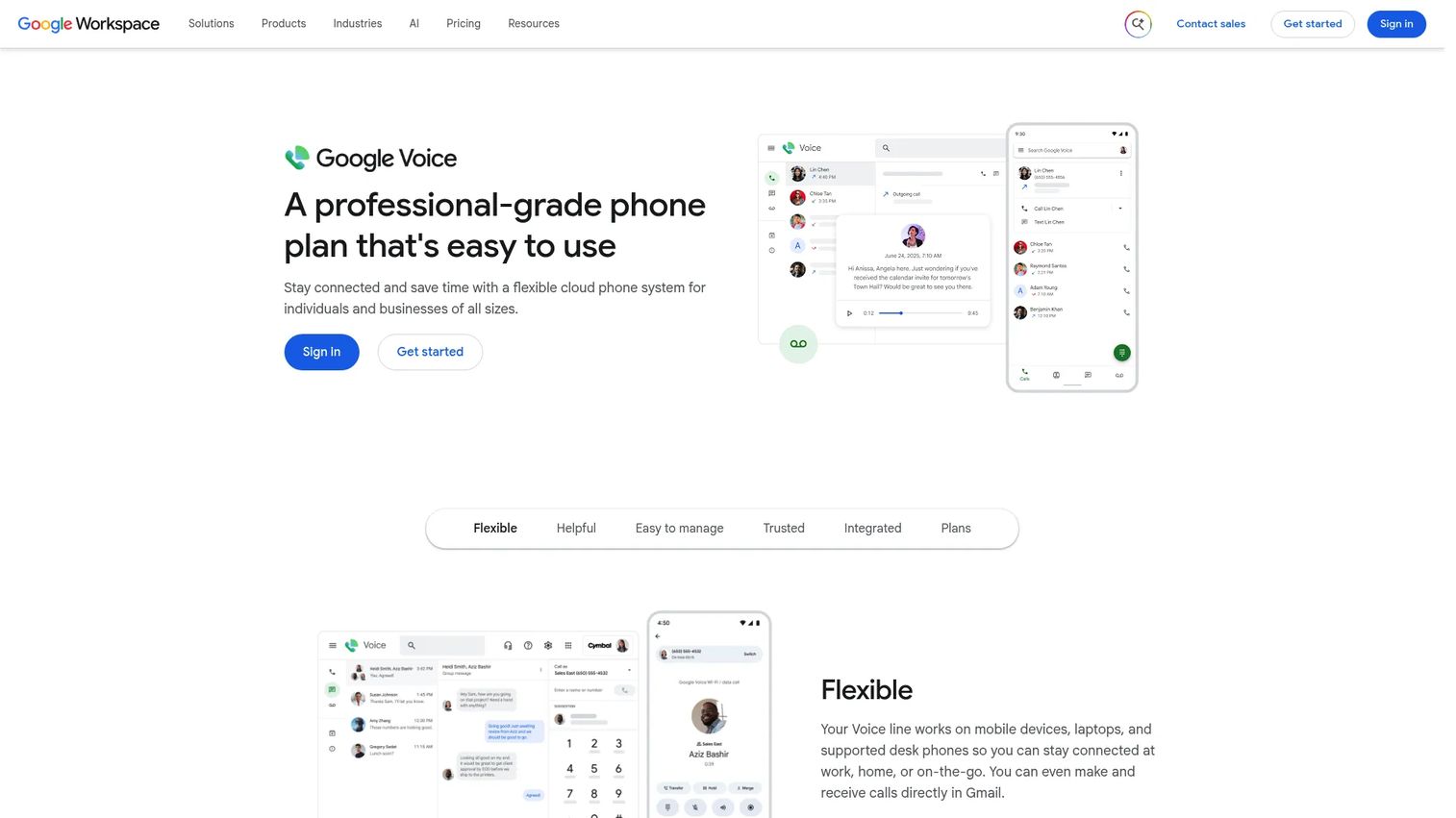
Google Voice is a cloud phone system for personal use and businesses that offers calling, texting, voicemail, and business call management. If your team already runs on a Google account, it slots into a workflow you know. You get a separate number for calls and texts, voicemail transcription, spam blocking, and business handling like auto attendants, ring groups, and call recording on higher tiers.
Best for: Individuals or teams that want a simple cloud phone number with basic business call management.
Key features
- Separate phone number for calling and texting
- Voicemail transcription and spam blocking
- Auto attendants, ring groups, and call recording
Why choose Google Voice: It works cleanly for straightforward setups where the priority is a second number tied to accounts you already use. Teams that need heavy call routing, queues, or sales analytics will lean toward a more sales-focused platform, but for simple business calling, the fit is hard to beat.
Google Voice pricing: A free Basic plan is available for personal use. Business plans through Google Workspace start at $10/user per month for Starter, $10/month for Standard, and $30/user per month for Premier. Multiple-user Voice requires Workspace.
2. Grasshopper
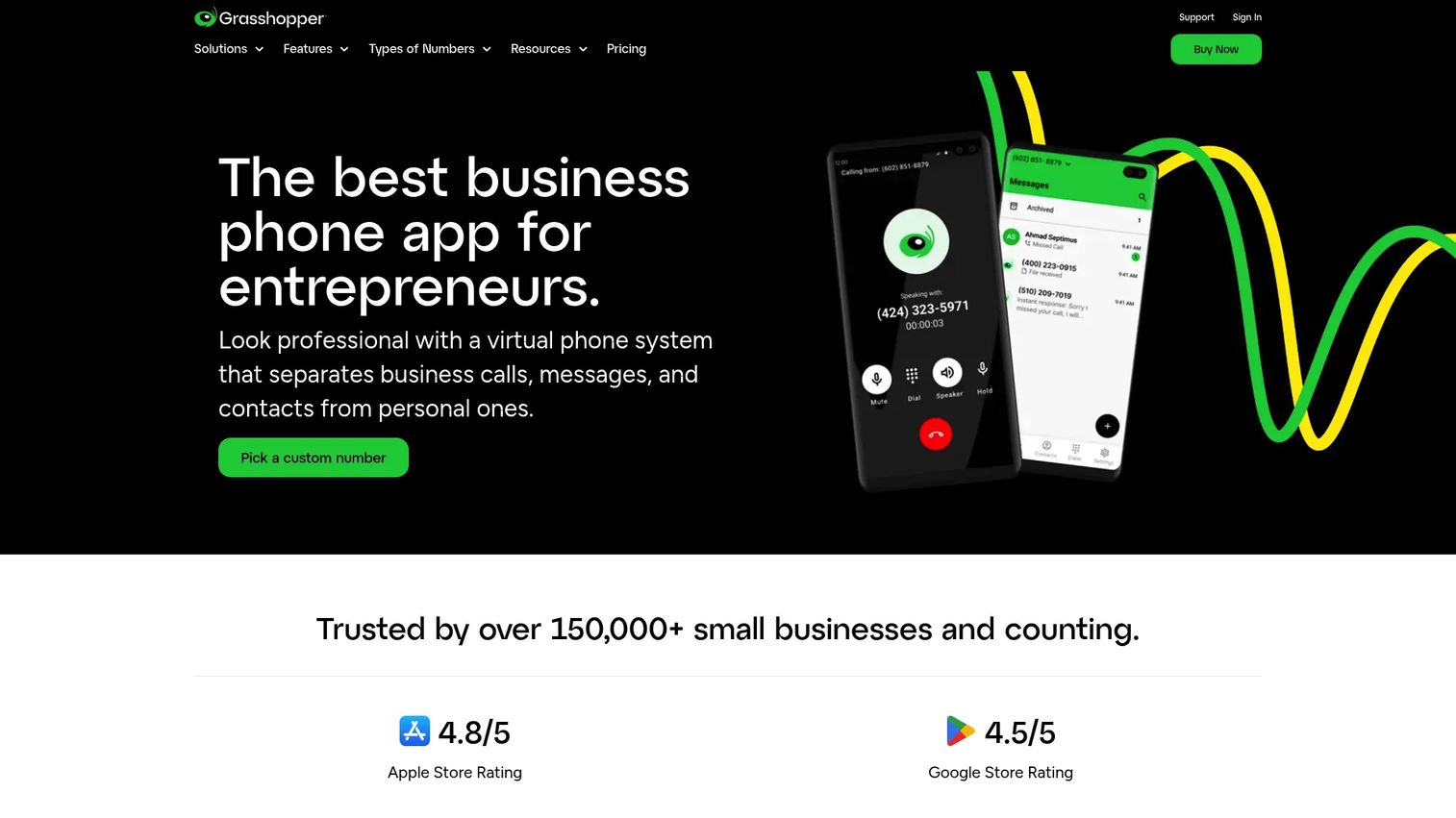
Grasshopper is a virtual business phone system built for small businesses that want a clean split between work and personal. You pick a local, toll-free, or vanity number, then run calls, minutes, and texts through the app on your existing phone. No new hardware, no per-user math to worry about.
Best for: Small businesses that want a separate business number and virtual phone system.
Key features
- Local, toll-free, and vanity business numbers
- Unlimited calls, minutes, and texts
- Call recording, transcription, shared inbox, and AI sentiment
Why choose Grasshopper: The pricing model is the draw. Plans include unlimited users at no extra cost, so a growing team does not get punished per seat. For a founder who wants a professional business line without a per-user meter running, this is the most direct fit on the list.
Grasshopper pricing: Three paid plans, no free tier. True Solo starts at $14/month, Solo Plus at $25/month, and Small Business at $55/month, billed monthly. A 7-day free trial is available.
3. Twilio
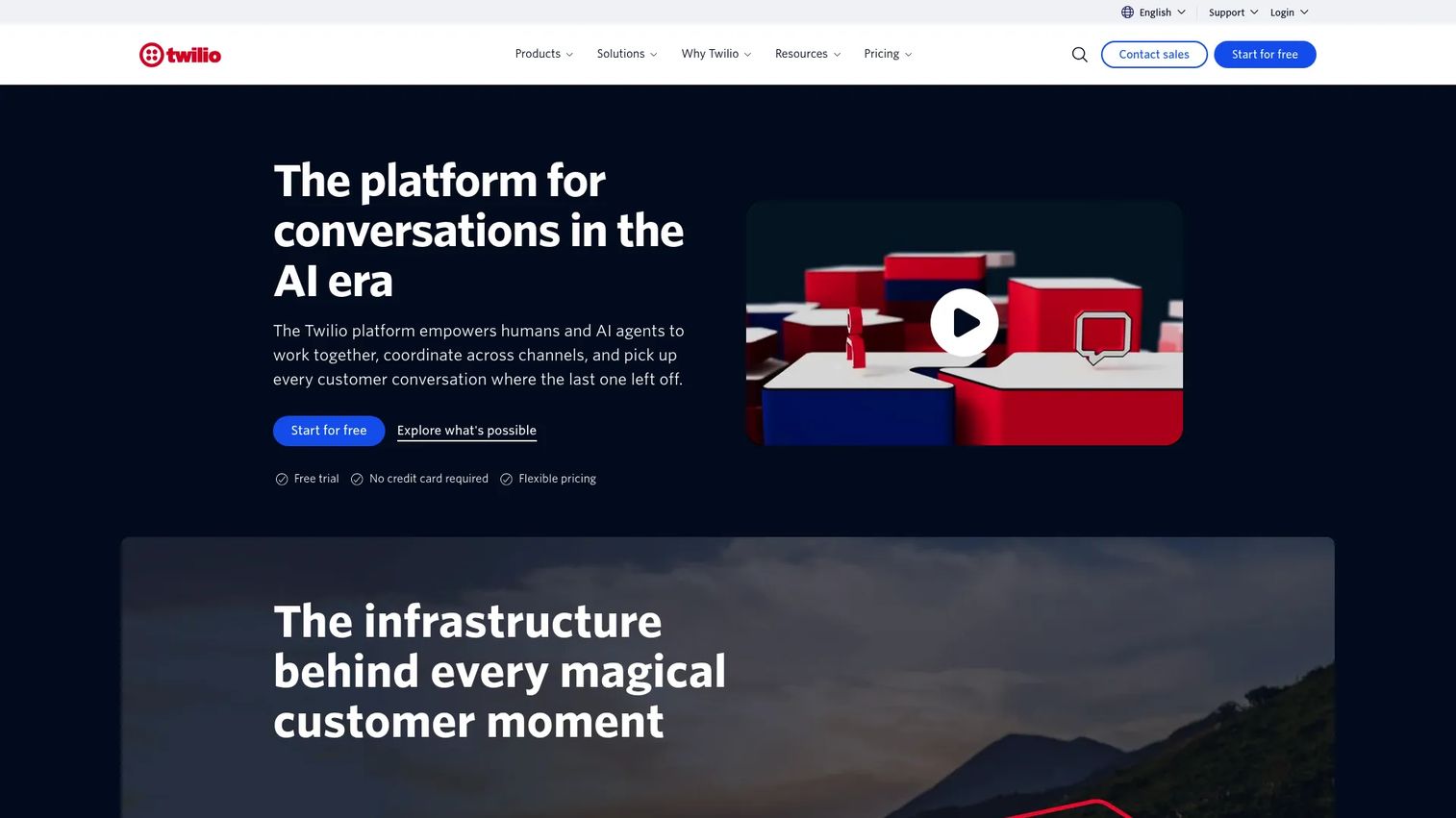
Twilio is a customer engagement platform for communications, customer data, and AI. Instead of a packaged phone app, Twilio hands you programmable APIs to provision numbers and build call and text workflows exactly how you want them. Local, toll-free, vanity, and global number inventory is available on demand.
Best for: Teams building programmable customer communication and engagement workflows.
Key features
- Messaging APIs for SMS and other channels
- Voice API for building call flows
- Customer data and identity products
Why choose Twilio: This is the pick for teams with developer resources who want full control over how numbers, routing, and messaging behave. You are building the phone system rather than buying a finished one, which trades out-of-the-box simplicity for near-unlimited flexibility.
Twilio pricing: Twilio uses pay-as-you-go pricing per product. SMS runs from $0.0083 to send or receive a message. Voice APIs start at $0.0085/min to receive and $0.014/min to make a call. Some products offer free tiers, and enterprise offerings are custom-priced.
4. RingCentral
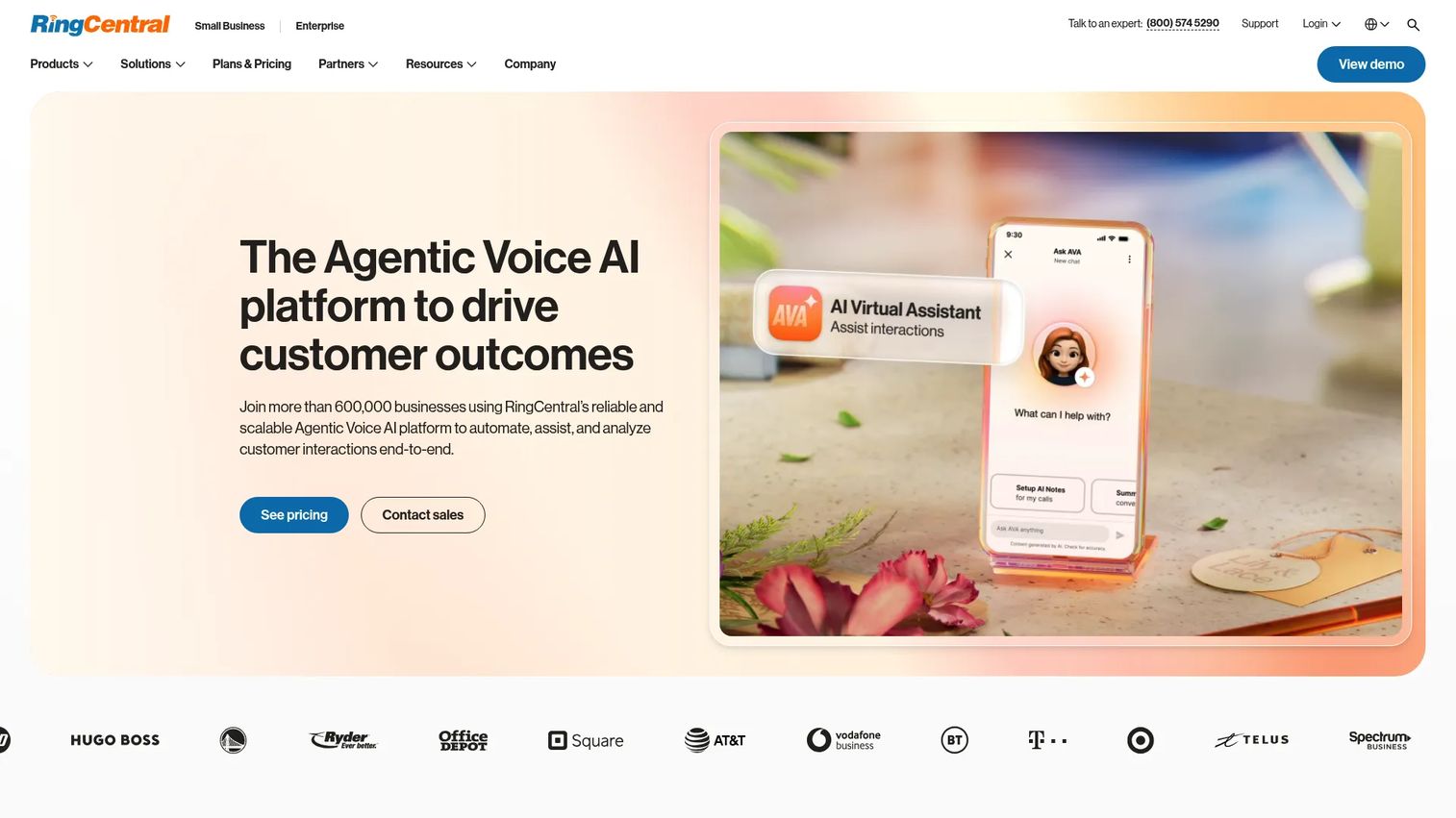
RingCentral is an AI-powered business communications platform for phone, video, messaging, and contact center. It goes beyond a virtual number into a full unified communications suite, which suits teams that would rather run everything from one platform than stitch together separate tools. Local, toll-free, and vanity numbers are all supported.
Best for: Businesses wanting a unified cloud communications suite with phone, meetings, and contact center options.
Key features
- Unlimited US/CA calling on business phone plans
- Unlimited audio meetings and video conferencing
- Internet fax, voicemail-to-text, and automatic call recording
- 500+ pre-built integrations and open APIs
Why choose RingCentral: For a scaling team, the appeal is consolidation. Phone, video, messaging, and call routing live in one place with deep integrations. It is more platform than a solo founder needs, but if you are replacing three tools with one, the math works.
RingCentral pricing: RingEX plans start at $19.99/user per month for Essentials, $24.99 for Standard, $44.99 for Premium, and $59.99 for Ultimate, billed monthly per user. Annual billing lowers the starting amounts. No free tier is shown.
5. Dialpad
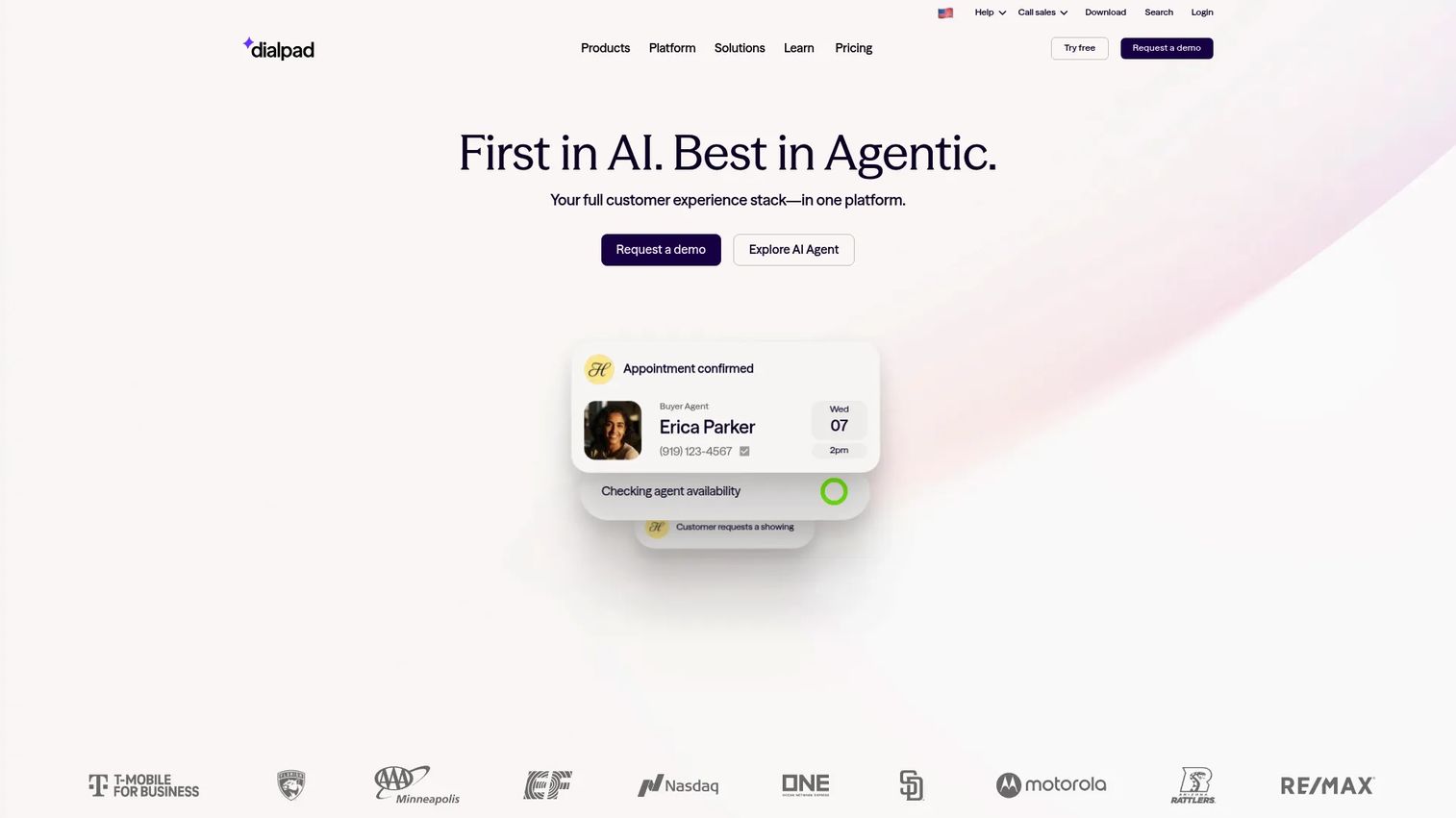
Dialpad is an AI-native customer communications platform for voice, video, messaging, and contact center workflows. The differentiator is the AI layer: live transcription and automatic call summaries run in the background, so you get a written record of every conversation without taking notes. Calls, texts, and meetings live in one app.
Best for: Teams that want AI-assisted business calling, meetings, and contact center tools.
Key features
- AI transcription and call summaries
- Voice, video, and messaging in one platform
- Contact center AI with coaching, analytics, and automation
Why choose Dialpad: For founders who want a modern, clean interface and hate manual note-taking, the AI summaries alone can justify it. It fits teams that treat calls as a source of insight, not just conversations, and want that captured automatically.
Dialpad pricing: Dialpad offers a free 14-day trial. Product areas span AI Agent, Support, Sell, and Connect, with AI Agent using conversation-based pricing. Check the pricing page for current tier details before you commit.
6. OpenPhone
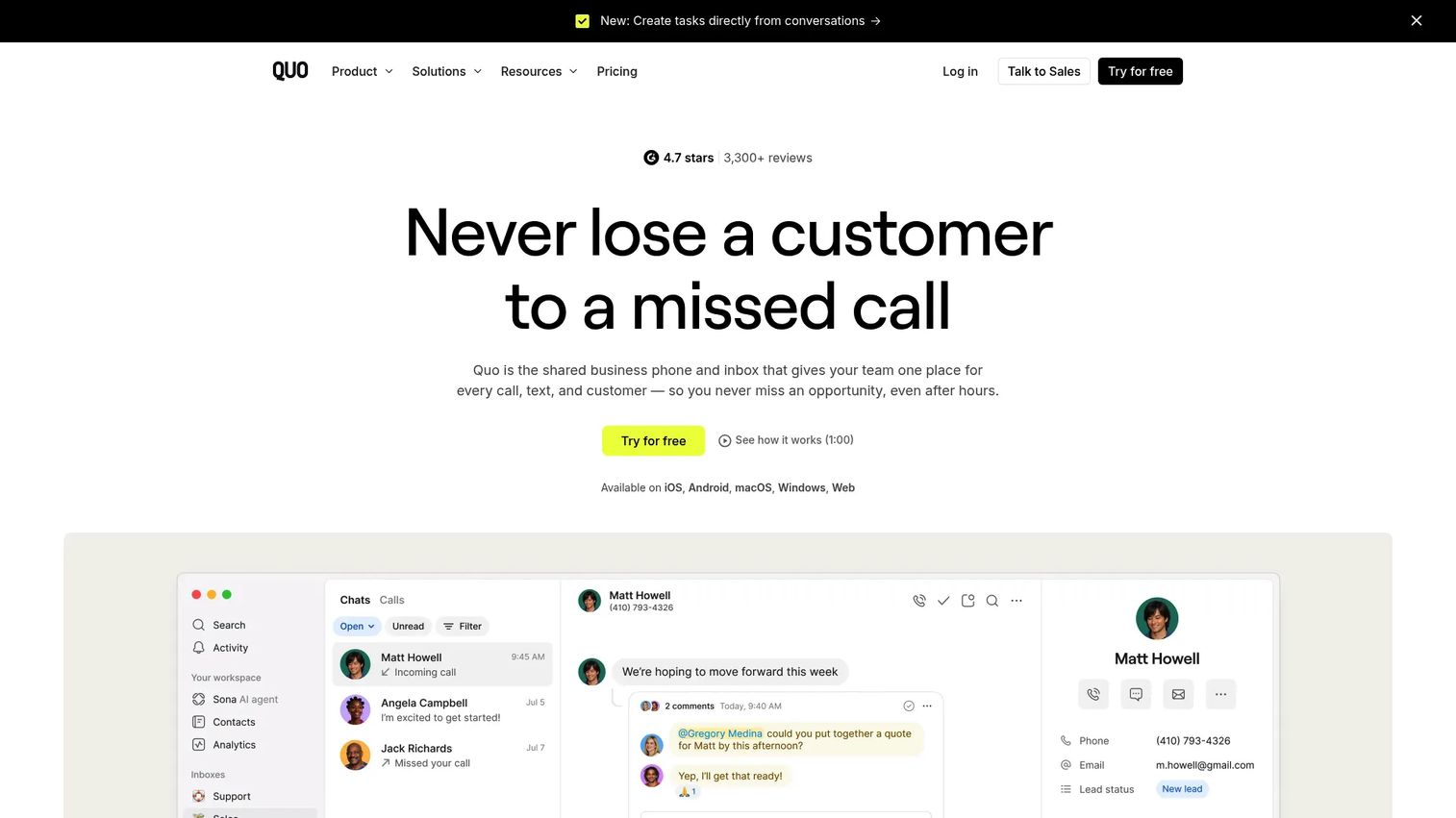
OpenPhone is business phone software for calls, texts, and team collaboration. It is built around shared numbers and shared inboxes, so a small team can handle one business line together instead of routing everything through a single person. AI call summaries, transcripts, transfers, and phone menus round it out.
Best for: Small teams that need a shared business phone system with collaboration features.
Key features
- Shared inboxes for calls and texts
- AI call summaries and transcripts
- Call transfers and phone menus
Why choose OpenPhone: The mobile-first, collaborative model fits a small team that wants everyone to see the same conversation thread. Instead of a call disappearing into one person's phone, the whole team has context. Its 4.7/5 G2 rating is the highest on this list.
OpenPhone pricing: No free tier. Starter is $15 per user per month, Business is $23, and Scale is $35, billed annually. Monthly pricing runs higher than annual.
7. CloudTalk
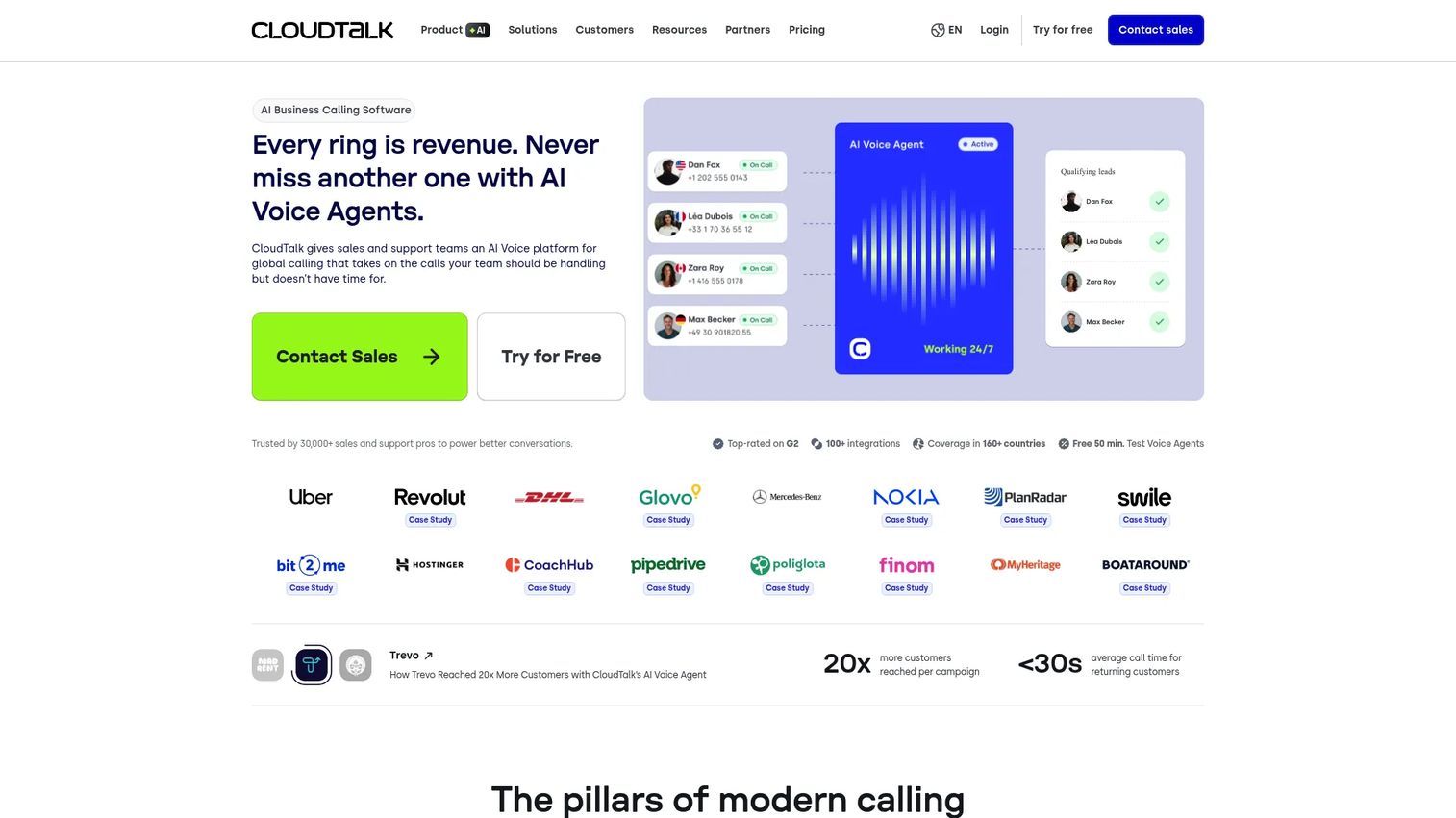
CloudTalk is AI business calling software for sales and support teams. It leans into call operations: a call flow builder, IVR, and routing let you design exactly how inbound and outbound calls move through your team. International calling and CRM integrations make it a fit for teams selling or supporting across borders.
Best for: SMB sales and support teams needing global cloud calling with automation and CRM integrations.
Key features
- Call recording, call flow builder, IVR, and routing
- AI Voice Agent, AI Smart Notes, and conversation intelligence
- Integrations, workflow automation, reporting, and WhatsApp/SMS
Why choose CloudTalk: If your team runs a real call operation, sales or support with volume, CloudTalk gives you the operational control that simpler tools do not. Routing logic, analytics, and automation are the core, not add-ons.
CloudTalk pricing: No free tier. Lite starts at €19/user per month, Starter at €25, Essential at €29, and Expert at €49, billed annually. Monthly billing is also available.
Considerations
Before you commit, run every candidate through the same checklist.
Number type and availability
Confirm the provider offers the exact number type you need, local for regional presence, toll-free for a national support line, or vanity for brand recall. If you are keeping an existing number, verify porting is supported and ask how long it takes. Some ports finish in days, others in weeks.
SMS and voicemail requirements
Not every plan includes business SMS, and some meter it. Check whether texting is included or extra, and whether voicemail transcription comes standard. If you rely on text to close deals or confirm appointments, this is not a feature to leave for later.
Routing and extensions
Map your call flow before you buy. Do you need an auto attendant, ring groups, business-hours routing, or extensions for each person? A solo founder may need none of it. A five-person sales team will want all of it. Match the tool to the flow, not the other way around.
Mobile and desktop usability
You will live in this app. Test the mobile and desktop clients during the free trial. Check call quality, how fast it launches, and whether switching between business and personal calls is clean. A tool you avoid because the app is clunky is a tool you wasted money on.
Pricing model and team scaling
Per-user pricing adds up fast as you hire. Compare flat-rate plans with unlimited users against per-seat models based on your headcount in twelve months, not today. The cheapest plan at two people can be the most expensive at ten.
Conclusion
The right virtual phone number software depends on where your team sits today.
For simple business use tied to accounts you already run, Google Voice is the easy call. For founders on a budget who want unlimited users without per-seat costs, Grasshopper is the most direct fit. Technical teams that want full control over numbers and workflows should build on Twilio. And scaling teams that would rather run one platform than five should look at RingCentral, with CloudTalk as the pick for serious sales and support call operations.
If you want a modern, collaborative experience, start a free trial with OpenPhone or Dialpad and test the mobile app against how your team actually works. The best way to choose is to port a spare number, run real calls for a week, and see which one you stop noticing.
FAQs
A virtual phone number is a business phone number that works over the internet through an app instead of a physical phone line or SIM card. It is not tied to one device, so calls and texts can route to a desktop, a mobile app, or multiple people on your team.
Calls and texts route through software over an internet connection rather than a traditional phone network. When someone dials your number, the provider directs the call to the app or device you have set up, applying any forwarding, routing, or business-hours rules you configured.
Usually, yes. Most virtual phone number providers support number porting, which moves your existing business or personal number into their system. Timelines vary from a few days to a few weeks, so confirm the process and any fees with the provider before you switch.
Most virtual phone number software supports business SMS, letting you text customers from your business line instead of your personal cell. Check whether texting is included in your plan or billed separately, since some providers meter message volume.
Many do. Tools like CloudTalk and Twilio are built for international calling and provide numbers across multiple countries. If you sell or support customers abroad, confirm the specific countries and per-minute rates before committing to a plan.
Google Voice works well for individuals and small teams that already use a Google account and need straightforward calling, texting, and voicemail. Teams that need heavy call routing, queues, or sales analytics will get more from a dedicated sales and support platform like CloudTalk or RingCentral.
The terms overlap. VoIP describes the underlying technology that carries calls over the internet, while a virtual number describes a number not tied to a single physical line or device. Most virtual phone numbers are delivered over VoIP, so in practice they are closely related rather than opposites.
Yes. Every tool in this guide offers a mobile app, so your business number works on your phone alongside your personal SIM. This is the core appeal for founders: a professional line and your personal number on one device, kept cleanly separate.










