Your warehouse added a second shift. Your engineering team moved into a new office. Your field operations doubled in headcount. Somewhere in that growth, ergonomic risk assessments got scattered across spreadsheets, consultant PDFs, and a shared drive nobody can find.
The bottleneck is not awareness. Nearly one-third of serious U.S. workplace injuries involve musculoskeletal disorders, according to EHS (2025). Most companies know the risk exists. The gap is between identifying a problem and proving someone fixed it.
A spreadsheet can track a handful of workstations. It cannot assign corrective actions with owners and deadlines, compare risk scores across five sites, or give a new operations leader a clean view of where the program stands on day one. That is what ergonomics software is built to do.
Which platform gives your team a repeatable way to assess risk, assign fixes, and show progress across sites?
What's inside
This guide covers ten ergonomics platforms evaluated for industrial, office, and field programs. Tools were selected based on:
- Assessment depth: Support for validated methods such as RULA, REBA, NIOSH, and Snook Tables
- Corrective action workflow: Action owners, deadlines, evidence capture, and closure verification
- Scalability: Multi-site reporting, role permissions, and governance fit for growing organizations
- Deployment fit: Whether the tool suits dedicated ergonomics programs, broader EHS stacks, or specific capture methods such as video, wearables, or mobile
TL;DR
- Best overall for structured ergonomic assessments: ErgoPlus, for teams building a repeatable program around validated assessment methods and improvement planning
- Best for enterprise EHS integration: VelocityEHS, for organizations connecting ergonomics to broader safety operations and compliance workflows
- Best for multi-site enterprise management: Ergoweb, for teams managing assessments, cases, and centralized reporting across locations
- Best for video-based analysis: Moovency, for industrial teams analyzing motion and posture from smartphone or camera capture
- Best for connected-worker data: MākuSafe, for manufacturing and logistics teams monitoring exposure through wearable technology
- Best for mobile-first adoption: Mitti, for frontline teams that need fast field assessments and checklist-based documentation
What is ergonomics software?
Ergonomics software helps organizations identify, assess, prioritize, and reduce musculoskeletal disorder (MSD) risk across workstations, tasks, and employee populations.
The global ergonomic assessment software market was valued at $348.5 million in 2025 and is projected to reach $902.4 million by 2034, growing at 11.2% CAGR, according to Dataintelo (2025). Cloud-based deployments account for 73.2% of the market, per PMarketResearch (2026), which reflects how teams are moving away from installed tools toward accessible, multi-site platforms.
Core functions of ergonomics software
- Task, posture, force, repetition, and lifting risk assessments
- Validated scoring methods: RULA, REBA, NIOSH Lifting Equation, Snook Tables
- Video, mobile, wearable, or computer vision data capture
- Corrective action plans with assigned owners, due dates, and verification
- Case management for employee discomfort reports and accommodation requests
- Training content for employees, supervisors, and assessors
- Dashboards for risk trends, action closure rates, and multi-site comparison
- Integrations with EHS, HR, incident management, and business intelligence systems
How the category divides
| Category | Typical strength | Best fit |
|---|---|---|
| Dedicated ergonomics platforms | Formal assessments and program management | Safety teams with recurring ergonomic risk |
| EHS suites with ergonomics modules | Connected safety and compliance workflows | Enterprises consolidating safety data |
| Computer vision platforms | Motion analysis from video or camera feeds | High-volume industrial task observation |
| Wearable platforms | Exposure data and connected-worker insights | Field, logistics, and manufacturing workforces |
| Mobile inspection apps | Fast checklist-based field capture | Distributed teams building assessment discipline |
Assessment methods worth understanding
- RULA: Upper-limb posture screening
- REBA: Whole-body posture risk scoring
- NIOSH Lifting Equation: Manual lifting task evaluation
- Snook Tables: Push, pull, carry, and lifting capacity reference data
- 3D biomechanical models: Detailed force and body-load analysis for complex tasks
Software supports these methods. It does not replace a qualified ergonomist where professional assessment is required.
When to use ergonomics software
Standardize assessments across sites
When different plants, warehouses, or field teams assess risk differently, leadership gets incomparable data. Standardized templates, scoring methods, and evidence capture workflows give operations leaders numbers they can actually act on. A new safety leader at any site should be able to run the same process on day one.
Turn recommendations into accountable corrective actions
An assessment that does not result in a closed corrective action is just a document. The program needs action owners, due dates, remediation status, and evidence that a control changed the task or workstation. Spreadsheets can log this, but they do not route notifications, escalate overdue items, or aggregate closure rates across sites.
Track office, hybrid, and industrial ergonomics in one program
Companies with mixed workforces need one system that handles remote workstation assessments, repetitive production work, material handling tasks, and field technician activities. Managing these through separate tools creates the same fragmented data problem you started with.
A spreadsheet works for a single-site, low-volume program. Once you have multiple locations, workforce types, or a new safety leader who needs to own the program independently, a dedicated platform earns its cost.
Ergonomics software comparison
No single tool wins every scenario. The right choice depends on whether you need validated assessment methods, connected-worker data, computer vision analysis, EHS consolidation, or mobile frontline documentation. Use the table below as your starting shortlist, then verify pricing and ratings directly with each vendor before committing.
Pricing and G2 ratings verified October 2026 from each vendor's official pricing page and G2 listing.
| # | Product | Best for | Key differentiator | Pricing | G2 rating |
|---|---|---|---|---|---|
| 1 | ErgoPlus | Structured ergonomics programs | Validated assessment methods, training, improvement planning | $295/year (Education); Industrial: Custom | N/A |
| 2 | VelocityEHS | Enterprise EHS integration | Ergonomics connected to full EHS workflows | Custom pricing | 4.4/5 |
| 3 | Ergoweb | Multi-site enterprise management | Case management and centralized program reporting | Custom pricing | N/A |
| 4 | Cardinus | Office and hybrid ergonomics | Employee self-assessments and workplace wellbeing programs | Custom pricing | N/A |
| 5 | Briotix | Services-led ergonomics programs | Consultant support alongside software | Custom pricing | N/A |
| 6 | Moovency | Video-based motion analysis | Computer vision from smartphone or camera capture | Custom pricing | N/A |
| 7 | Intenseye | Existing-camera safety analytics | AI observation on current CCTV infrastructure | Custom pricing | 4.6/5 |
| 8 | MākuSafe | Connected-worker exposure insights | Wearable data for continuous industrial monitoring | From $13/worker/month | N/A |
| 9 | Mitti | Mobile field assessments | Checklist-based frontline safety workflows | Free; $24/seat/month (Premium) | 4.6/5 |
| 10 | EazySAFE | Training-led safety programs | Digital training, compliance tracking, and reporting | Custom pricing | N/A |
Best 10 ergonomics software tools for 2026
1. ErgoPlus
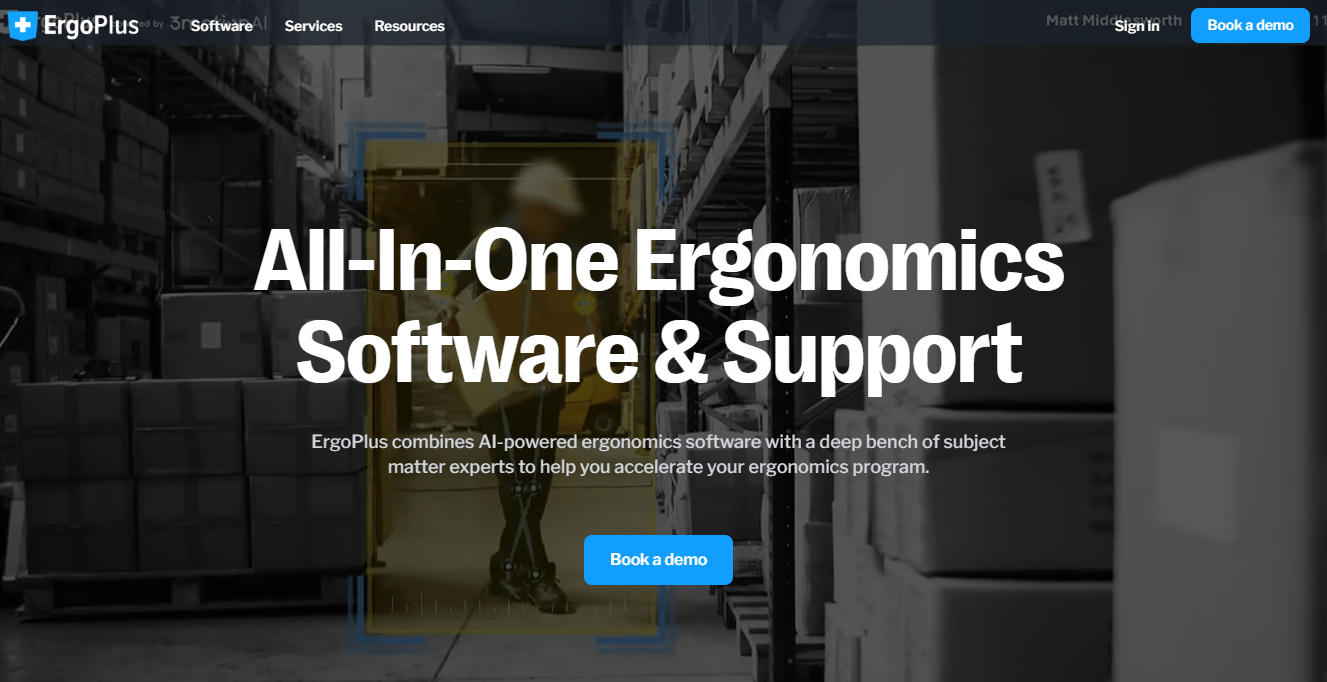
ErgoPlus is a dedicated ergonomics platform built around validated assessment methods, online training, improvement planning, and program-level performance tracking. It covers the full cycle from initial risk identification through corrective action and measurement, without requiring a broader EHS platform to function.
Best for: Safety and ergonomics teams building a structured, repeatable MSD prevention program across one or multiple worksites.
Key features
- Quick Screen, Job Screen, REBA, RULA, NIOSH Lifting Equation, Snook Tables, and WISHA Lifting Calculator
- AI-powered computer vision ergonomic risk assessment
- Improvement planning with what-if analysis and cost justification
- Online ergonomics training content
- Enterprise dashboards and worksite comparison metrics
Why choose ErgoPlus: This is the right starting point when your team wants ergonomics to operate as a formal safety program rather than a set of one-off consultant engagements. The breadth of validated assessment tools means assessors can work consistently across task types, and the improvement planning tools give leadership a clear view of remediation investment and progress.
ErgoPlus pricing: The Education All-Access Membership starts at $295 for one year of unlimited access, with additional users at $95 per year. The ErgoPlus Industrial platform requires a demo for pricing, as it is sold based on deployment scope and site requirements. Contact the team directly to get a scoped quote for industrial use.
2. VelocityEHS
VelocityEHS is a broad EHS and sustainability management platform that covers safety, ergonomics, chemical management, incident management, operational risk, training, and environmental compliance in one system. Its ergonomics capabilities include both industrial and office assessment workflows, making it a consolidation choice for organizations that already manage multiple safety programs.
Best for: Larger organizations that need ergonomics visible alongside incident data, chemical risk, and compliance reporting in a single platform.
Key features
- Industrial ergonomics program management and assessments
- Office and remote-work assessment workflows
- AI-powered hazard analysis and corrective-action recommendations
- 400-plus training courses with multilingual support and SCORM import
- Centralized dashboards and cross-program reporting
Why choose VelocityEHS: Make this your evaluation focus when ergonomics is one piece of a broader safety consolidation project. If your operations leader currently manages incidents in one tool, training in another, and ergonomic assessments in a spreadsheet, VelocityEHS brings those workflows into one environment. It is a heavier evaluation for a team with a narrow ergonomics-only need.
VelocityEHS pricing: The platform is sold through a sales-led process. Cost drivers include workforce size, number of modules, site count, implementation support, and training requirements. Reach out to the sales team for a quote based on your specific deployment.
G2 rating: 4.4/5.
3. Ergoweb
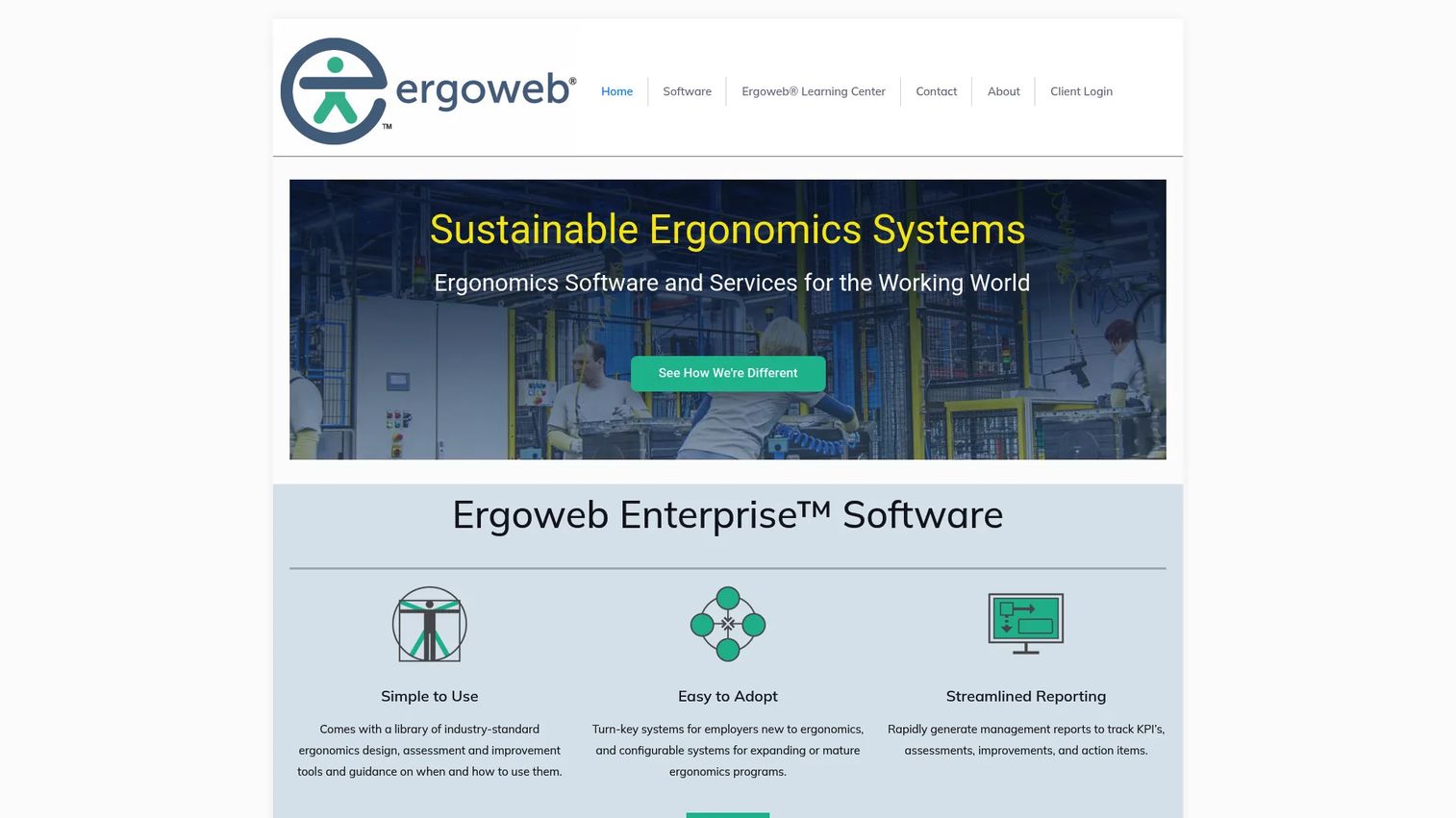
Ergoweb provides cloud-based ergonomics management software designed around program management, assessment workflows, case management, and scalable reporting. It serves organizations that need a centralized system for coordinating specialists, site managers, employee cases, and long-term program data.
Best for: Multi-site organizations that need consistent ergonomics records, case management, and governance across locations.
Key features
- Configurable, scalable ergonomics management workflows
- Integrated evidence-based assessment tools
- Case and injury management workflows
- Dashboards and reporting for projects, KPIs, and action items
- Program measurement and audit support
Why choose Ergoweb: This fits when the operational footprint has grown complex enough that local tracking creates inconsistent risk data. If your ergonomics program spans multiple facilities and you need coordinators at each site feeding into a central view, Ergoweb is built for that governance structure. It is less suited to a single-site team starting a program from scratch.
Ergoweb pricing: The site directs prospects to request a demo rather than displaying a standard plan structure. Pricing depends on deployment scope, number of sites, and user count. Request a scoped demo to get a relevant quote.
4. Cardinus
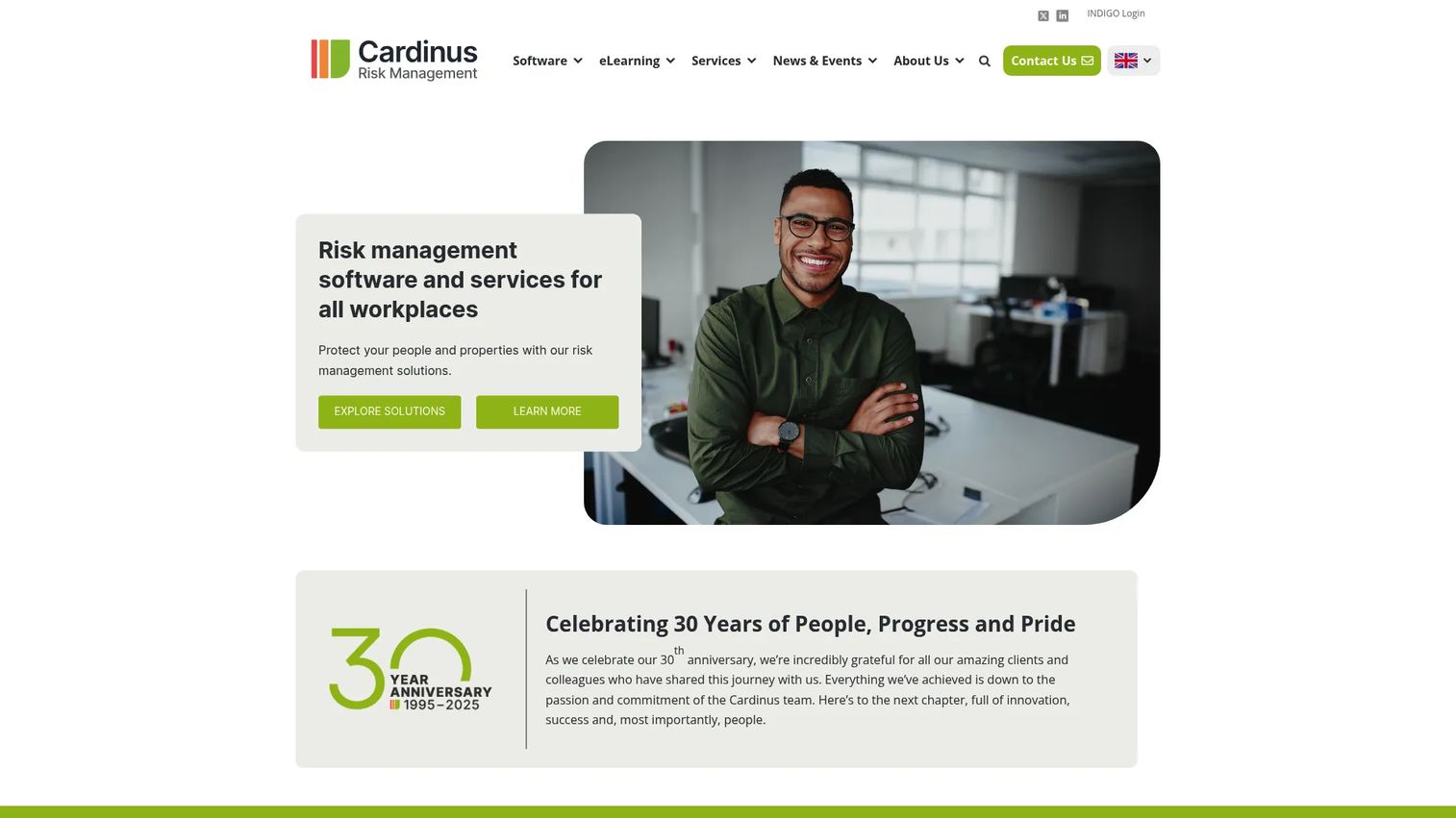
Cardinus provides workplace ergonomics, health and safety, and broader risk management through software, training, and consultancy services. Its strength is in office, home-office, and hybrid workforce assessment programs, with tools that support employee self-assessments, automated workflows, and accommodation tracking.
Best for: Distributed workforces with a significant proportion of remote or hybrid employees who need scalable workstation assessments.
Key features
- Office and home-workstation ergonomic risk assessments
- Employee self-assessment workflows with automated follow-up
- Ergonomics training content with multilingual support
- Cloud-based industrial ergonomics assessments with instant reporting
- Fleet, property, security, and broader workplace safety risk management
Why choose Cardinus: This belongs on the shortlist when remote and hybrid employee ergonomics represent the primary risk profile. It handles the volume challenge: Running assessments for hundreds of distributed workers without a dedicated ergonomics team at each location. For deep industrial biomechanical analysis, the assessment method depth is worth verifying against your specific task types before committing.
Cardinus pricing: Cardinus offers free trials and tailored consultations rather than displaying a standard plan structure. Reach out to get a quote based on workforce size and the specific modules your program requires.
5. Briotix
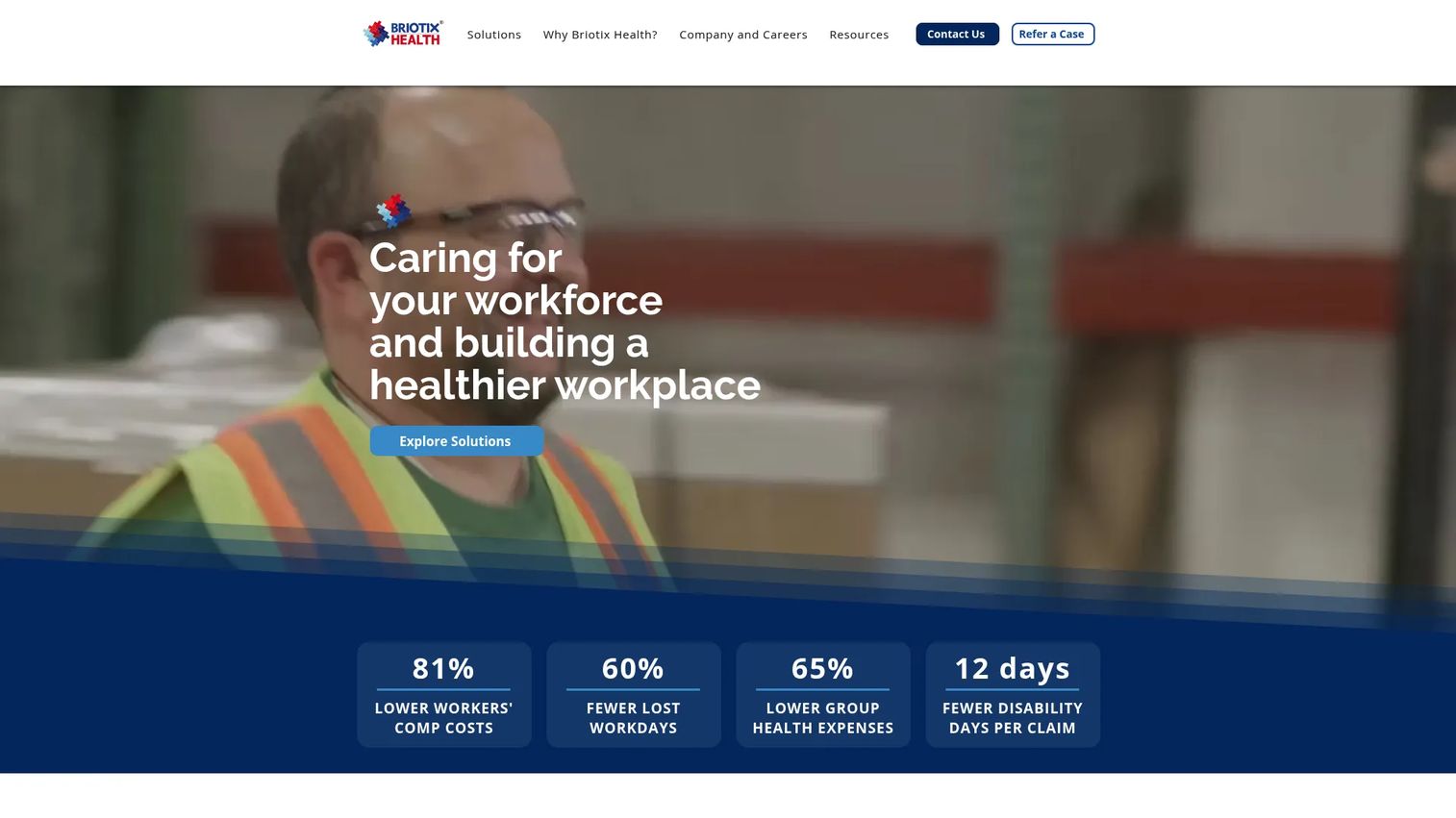
Briotix Health combines ergonomics technology with professional occupational health services, including onsite assessments, virtual evaluations, injury prevention programs, clinical services, and return-to-work planning. Its technology suite includes ErgoPlus Industrial, Office.Worx, JOBABLE, and BxPulse, meaning the software side is closely integrated with its service delivery model.
Best for: Organizations that lack internal ergonomics specialists and want external expertise paired with program technology.
Key features
- Industrial Sports Medicine with movement screening and ergonomic coaching
- Onsite and virtual ergonomic assessments
- Injury prevention programs with clinical and occupational health support
- Technology platforms including ErgoPlus Industrial and Office.Worx
- Return-to-work planning and functional progression strategies
Why choose Briotix: The tradeoff here is direct: If your team has no internal ergonomics expertise, buying software alone may not get you far. Briotix provides the human support needed to design assessments, interpret findings, and plan interventions, with the technology as the delivery infrastructure. Teams with in-house ergonomists should evaluate whether the service component adds value or adds cost.
Briotix pricing: Briotix sells service packages and software access through a consultative process. Cost varies by workforce size, site count, service scope, and consulting involvement. Contact the team to scope a relevant engagement.
6. Moovency
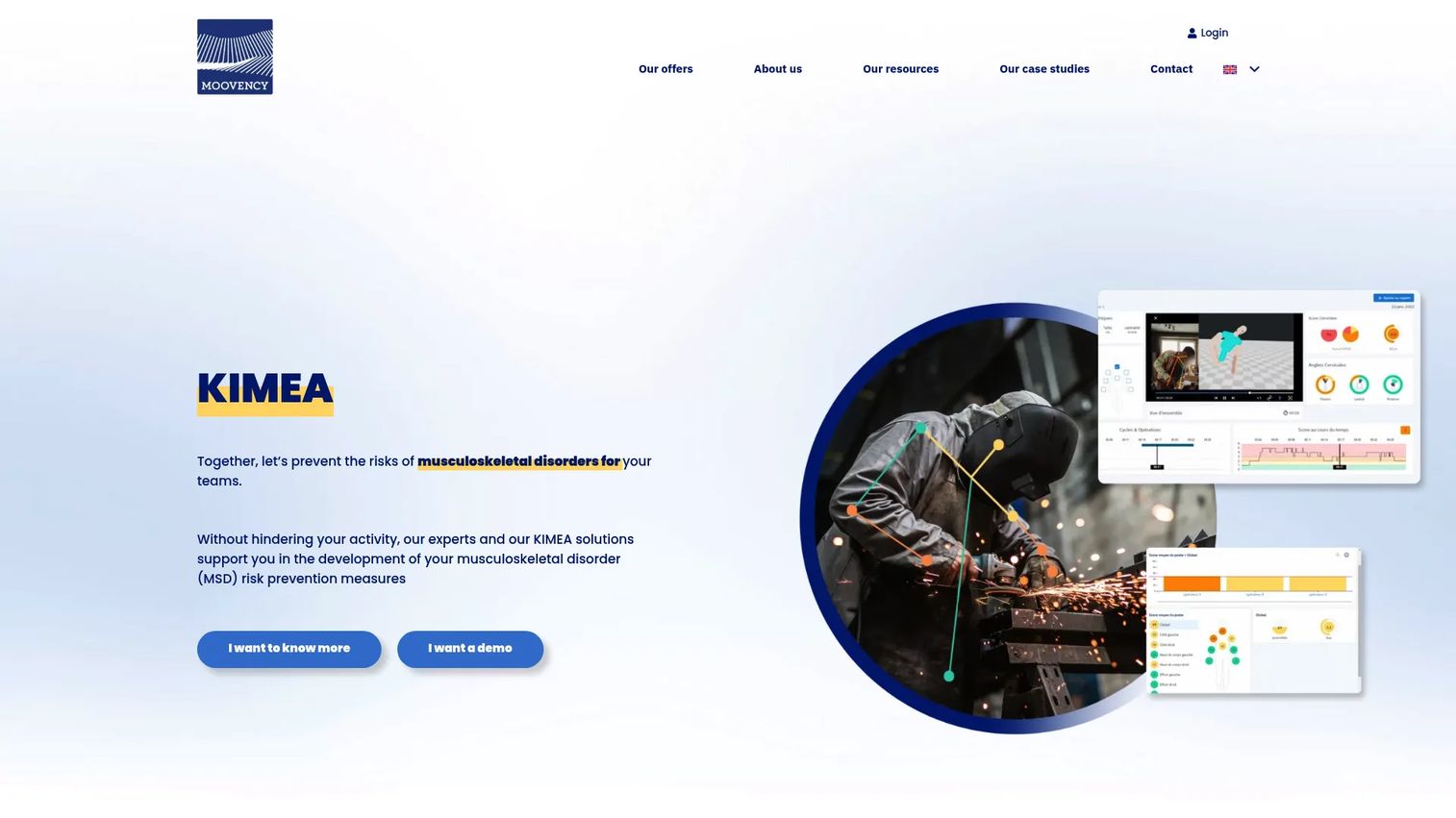
Moovency provides KIMEA solutions for capturing, measuring, and analyzing workplace MSD risk through video and smartphone-based movement capture. Its computer vision approach means assessors do not need operator sensors: The system processes movement data from standard video footage to produce biomechanical risk calculations.
Best for: Industrial and logistics teams that need evidence-based task analysis from video capture rather than observation-only checklists.
Key features
- Video- and smartphone-based movement capture without operator sensors
- Automated biomechanical risk calculation and analysis
- Motion, posture, and repetition review workflows
- Cloud-based centralization of projects, data, KPIs, reports, and prevention actions
- Risk scoring workflows with reports for improvement planning
Why choose Moovency: This fits operations leaders who need more evidence than a checklist provides. Warehouse and production environments with repetitive or variable tasks are strong candidates, particularly where observing the same job across different shifts reveals inconsistency. The video-capture model also helps when specialist assessors cannot be on-site for every task evaluation.
Moovency pricing: Moovency directs prospects to request a demo rather than publishing a standard plan table. Pricing reflects deployment scope, number of users, and analysis volume. Contact the team for a relevant quote.
7. Intenseye
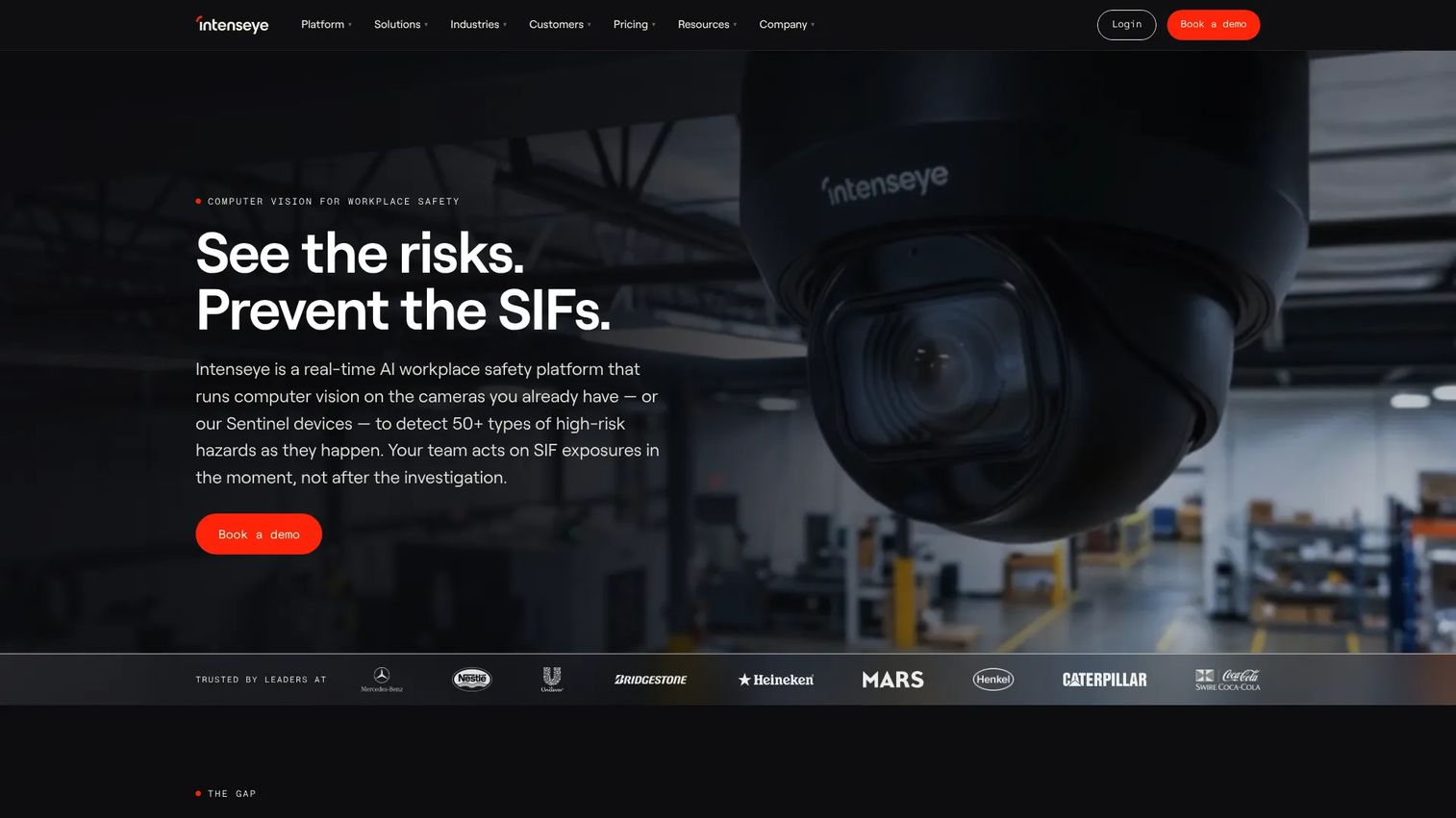
Intenseye is an AI workplace safety platform that uses computer vision on existing CCTV infrastructure to detect hazards, monitor safety behaviors, and surface operational analytics. Its capabilities span PPE compliance, vehicle-pedestrian interaction, ergonomics observation, housekeeping, and quality monitoring, processed on-site through existing cameras or Sentinel hardware.
Best for: Enterprise industrial organizations with existing camera infrastructure that want broader safety observation alongside ergonomics-related insights.
Key features
- Real-time detection of 50-plus workplace hazards
- Ergonomics, PPE, behavioral, and area/zone safety monitoring
- On-site AI processing with existing CCTV infrastructure
- Operations analytics including pathway analysis and cross-site benchmarking
- Integrations with EHS, OT, IT, collaboration, and analytics systems
Why choose Intenseye: This belongs on the shortlist when the buyer wants safety observation at scale from infrastructure already deployed. The ergonomics capability is part of a broader safety intelligence platform rather than a dedicated assessment program, so verify whether the specific ergonomic scoring depth matches your program requirements. Also evaluate privacy controls, deployment prerequisites, and change-management requirements before committing.
Intenseye pricing: Intenseye sells through a sales process without publicly displaying pricing. Cost factors include camera count, site count, data retention, analytics modules, and integration requirements. Contact the team for a scoped quote.
G2 rating: 4.6/5.
8. MākuSafe
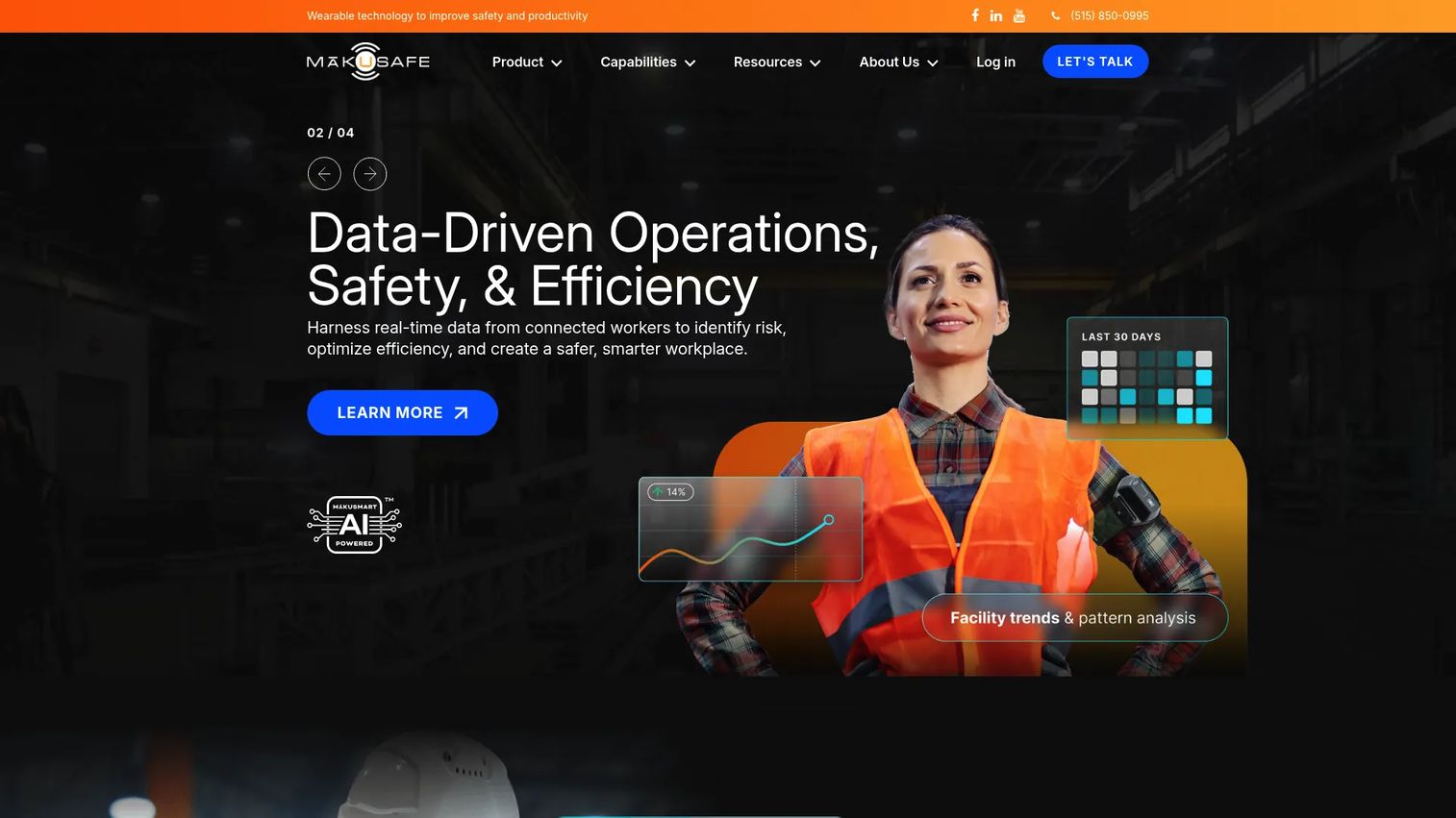
MākuSafe provides connected-worker wearable technology and cloud safety analytics for monitoring physical hazards, worker motion, environmental conditions, and safety events. The wearable tracks slips, trips, falls, repetitive motion, forceful exertion, temperature, humidity, noise, air quality, and more, feeding data into the MākuSmart analytics platform.
Best for: Manufacturing, warehousing, construction, and field operations teams that need continuous worker exposure data rather than periodic assessment snapshots.
Key features
- Wearable monitoring of motion, repetition, forceful exertion, and environmental factors
- MākuSmart cloud analytics with dashboards, location exploration, and Trends Engine
- MyVoice push-to-talk for near-miss reports, good catches, and voice-to-text transcription
- Scout forklift-pedestrian proximity and congestion monitoring
- Worker proximity, location indicators, and contact tracing
Why choose MākuSafe: A periodic checklist tells you what a job looks like on assessment day. MākuSafe shows what workers actually experience across shifts, tasks, and locations. The value is ongoing visibility into exposure patterns, particularly where jobs vary significantly by shift or season. This is a higher-commitment system: It needs a clear internal owner, a worker adoption plan, and a process for acting on the data collected.
MākuSafe pricing: Pricing starts at $13 per worker per month, billed annually, and includes software access, installation support, and ongoing support. The pricing page directs organizations to request a custom quote based on deployment scope.
9. Mitti
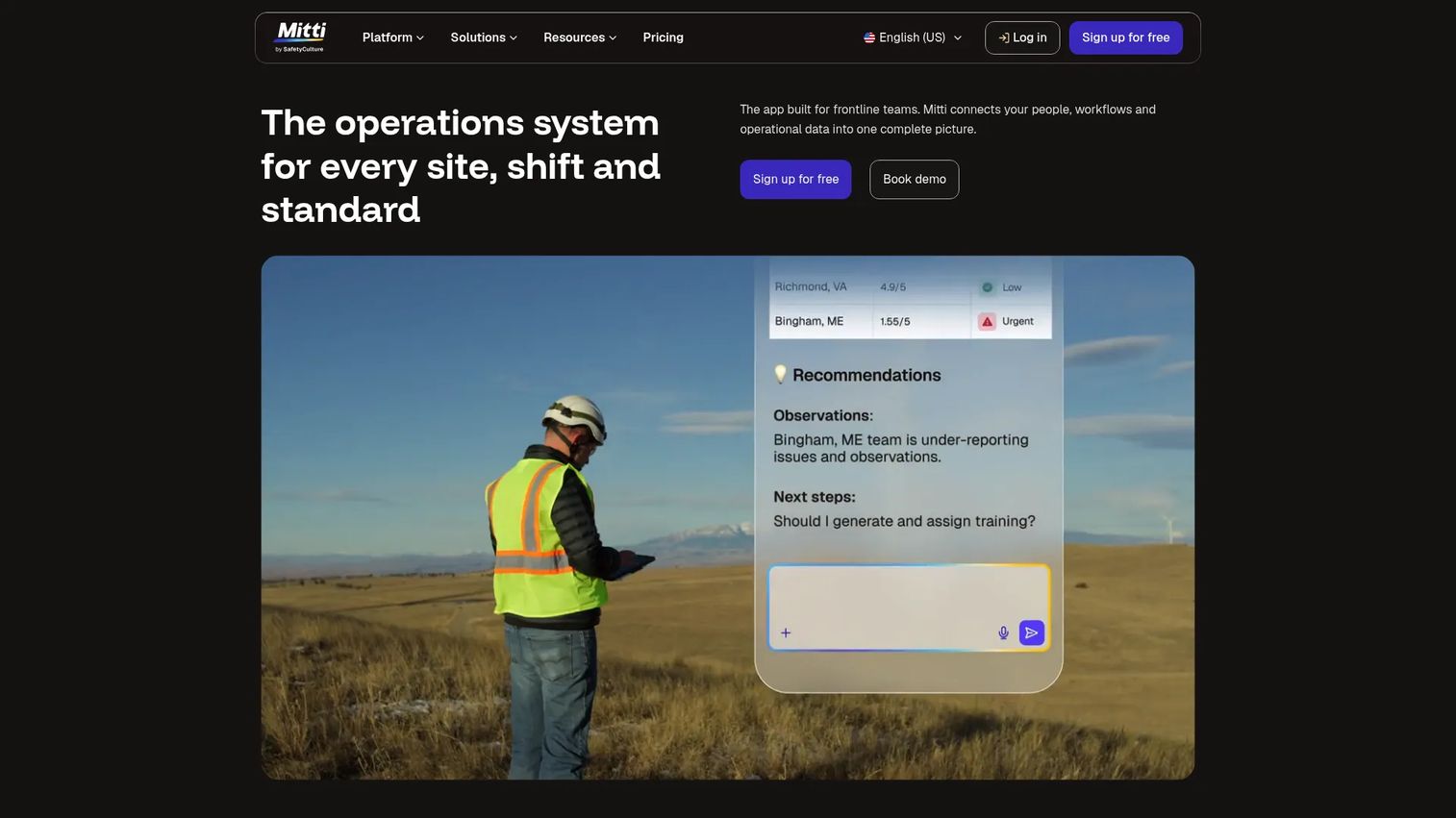
Mitti is a workplace operations platform for frontline teams covering inspections, training, incident reporting, asset management, and analytics. Its mobile-first design makes it practical for distributed safety teams that need fast field documentation, checklist-based workflows, and consistent evidence capture without complex onboarding.
Best for: Distributed safety teams that need quick field assessments, mobile-first documentation, and accessible reporting across locations.
Key features
- Inspections and checklist-based field workflows
- Training and workforce guidance
- AI Assistant and AI Issue Capture
- Task and issue management with action tracking
- Analytics and benchmarking across sites
Why choose Mitti: This is the right evaluation when the immediate gap is adoption, not assessment sophistication. If supervisors are not recording consistent observations today, a tool they can use from a phone next week solves the first problem. Verify assessment method depth and reporting flexibility before assuming it can replace a dedicated ergonomics program at scale.
Mitti pricing: A free plan covers teams of up to ten users. The Premium plan is $24 per seat per month billed annually ($29 per seat per month billed monthly). Enterprise pricing is custom, with SCIM, priority support, a 99.9% uptime commitment, advanced integrations, and site-based pricing.
G2 rating: 4.6/5.
10. EazySAFE
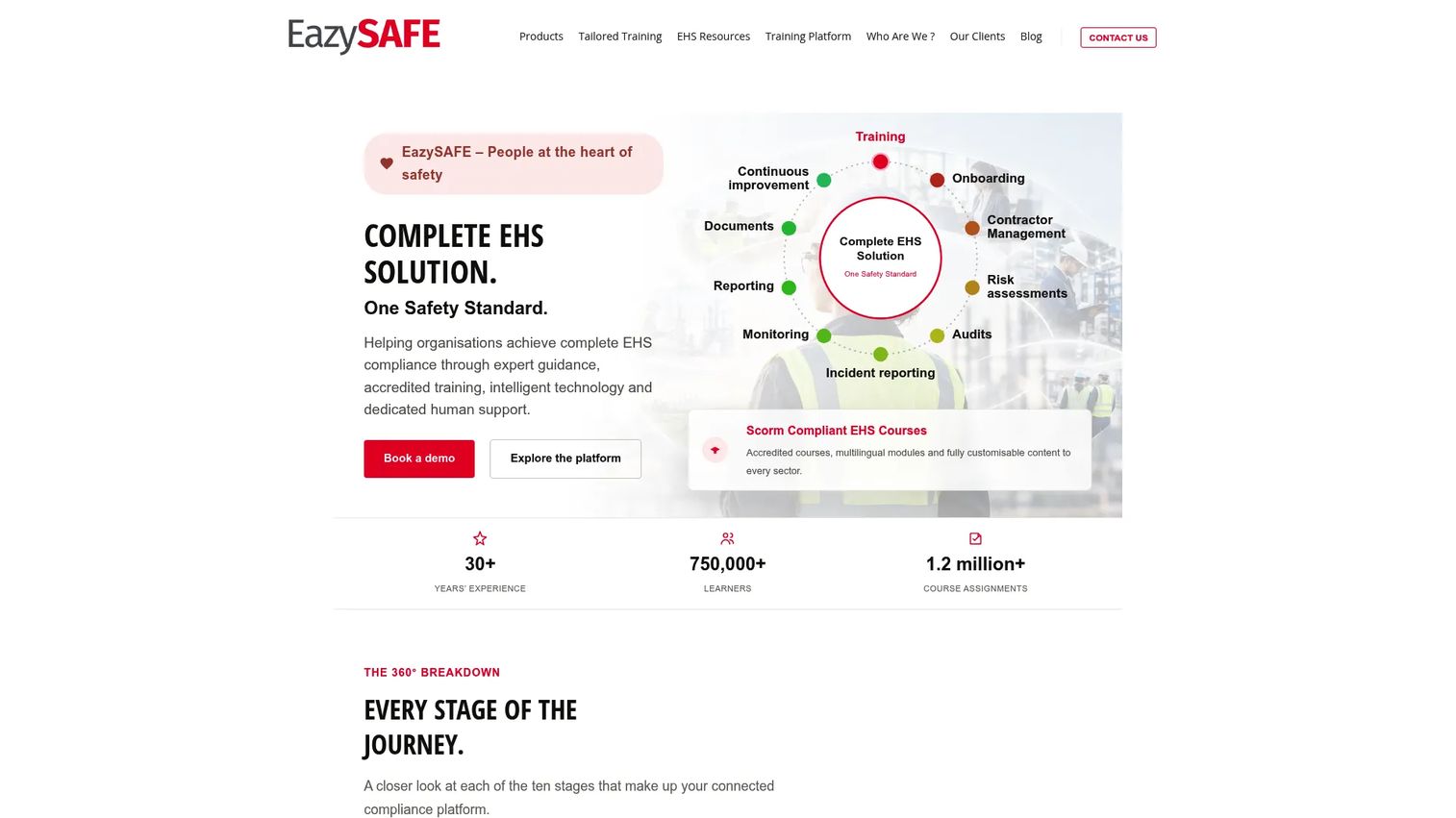
EazySAFE is an EHS training and compliance platform covering multilingual, customizable safety courses, contractor and employee onboarding, digital inductions, real-time compliance dashboards, risk assessments, and incident reporting. Its ergonomics capability is embedded in a broader training and compliance workflow rather than functioning as a standalone assessment platform.
Best for: Organizations where the primary challenge is operational follow-through: Turning assessment findings into assigned training, documented corrective actions, and compliance reporting.
Key features
- Multilingual, customizable EHS training courses
- Contractor and employee onboarding with digital inductions
- Real-time compliance dashboards and reporting
- Risk assessments and incident and near-miss reporting
- Contractor compliance and document management
Why choose EazySAFE: This fits teams where frontline managers need to understand findings, complete training, and document closure without adding administrative complexity. If your program is blocked by low adoption of corrective actions rather than a lack of assessment data, EazySAFE's training-first approach addresses that execution gap directly.
EazySAFE pricing: EazySAFE does not display a standard pricing table. Contact the team for a quote based on workforce size, site count, and the training modules your program requires.
Considerations when choosing ergonomics software
Assessment depth
Determine whether your team needs basic observation checklists, validated scoring methods such as RULA and REBA, NIOSH lifting calculations, or detailed biomechanical modeling. A warehouse redesign, a remote-work assessment program, and a repetitive production task analysis each require different levels of evidence. Verify which specific methods the platform supports before committing.
Corrective action ownership
Ask how the platform converts an assessment into a closed loop. The workflow needs to support assigned action owners, due dates, evidence of implementation, escalation for overdue items, and verification that a control changed the actual task or workstation. A platform that generates findings without routing them to owners produces reports, not results.
Data capture method
Match the capture method to the work. Office programs often use employee self-assessments. Industrial teams may need photos, video analysis, wearable sensors, existing camera feeds, or specialist-led observations. Choosing the wrong capture method creates data that does not reflect what workers actually experience.
Integration and governance
Verify whether the system connects to your existing EHS, incident management, HR, or business intelligence tools. For multi-site operations, also check role permissions, standardized templates, audit trails, and whether location-level reporting is available out of the box or requires custom configuration.
Measurement baseline
Require a baseline before claiming ROI from any platform. Track risk scores by task and site, high-risk task volume, corrective action closure times, discomfort reports, workers' compensation claims, and lost-time incidents. Compare trends after implementation rather than attributing outcomes to the software without evidence.
How to choose the right ergonomics software for your team
If you need a formal ergonomics program
Start with ErgoPlus or Ergoweb. Both prioritize validated assessment methods, internal capability building, action planning, and program reporting. ErgoPlus is the stronger fit when the program is early-stage and needs a structured foundation. Ergoweb suits organizations whose footprint is already multi-site and complex.
If you are consolidating a broader EHS stack
Evaluate VelocityEHS or EazySAFE. The deciding question is whether ergonomics needs to be visible in the same workflows your company uses for incident management, compliance tracking, and leadership reporting. If yes, consolidation earns more than a point solution.
If physical work varies by shift or task
Consider Moovency, Intenseye, or MākuSafe. Moovency and Intenseye capture observed movement data from video or existing cameras. MākuSafe provides continuous wearable exposure data across shifts. For each, ask how the system converts observed data into a specific ergonomic intervention rather than a dashboard the team checks monthly.
If the immediate gap is field adoption
Mitti or Cardinus, depending on workforce context. Mitti fits mobile inspection and frontline safety capture for distributed teams. Cardinus fits office and hybrid workforces with remote workstation assessment needs. The first-win test: Can supervisors start recording consistent observations within a week of setup?
Conclusion
Ergonomics software should make MSD risk visible before it becomes an injury, turn observations into assigned corrective actions with owners, and give leadership a clean view of whether the program is improving. For a growing company, the right platform is not the one with the longest feature list. It is the one your operations or safety leader can own, report on, and scale without routing every decision back through you.
Here is how the shortlist breaks down by situation:
- ErgoPlus is the best starting point for structured assessments and program building with validated methods
- VelocityEHS is the consolidation choice for teams managing multiple EHS workflows
- Ergoweb suits multi-site enterprises that need centralized case management and governance
- Cardinus is worth evaluating for distributed office and hybrid workforces
- Briotix fills the gap when internal ergonomics expertise is limited and external support matters
- Moovency is the strongest fit for video-based task analysis in industrial settings
- Intenseye serves organizations with existing camera infrastructure seeking broader safety intelligence
- MākuSafe is the right consideration for continuous connected-worker exposure data
- Mitti is the practical option for mobile frontline documentation and fast adoption
- EazySAFE is strong for training-led programs where execution follow-through is the primary gap
For managing other parts of your operations stack, you may also find our guides on absence management software, account management software, and compliance management software useful as your team scales.
FAQs
Ergonomics software helps teams identify workplace risk factors including awkward posture, excessive force, repetitive motion, vibration, and manual lifting. It also supports assessment documentation, corrective action assignment, workforce training, and progress reporting across sites and workforce types.
Dedicated ergonomics platforms focus specifically on musculoskeletal disorder risk, task design, and prevention program management. EHS platforms cover broader safety workflows including incident management, chemical handling, and regulatory compliance, and may include ergonomics as one module among many. The right choice depends on whether ergonomics needs specialized depth or fits better inside a consolidated safety system.
RULA evaluates upper-limb posture and is suited to tasks with high arm and neck demands. REBA covers whole-body posture risk and is more broadly applicable. The NIOSH Lifting Equation evaluates manual lifting tasks by assessing load, frequency, distance, and body mechanics. Snook Tables provide reference data for push, pull, carry, and lifting capacity across worker populations. The methods you need depend on the work performed and the expertise of the team conducting assessments.
Many platforms support employee self-assessments, digital workstation checklists, training content, and accommodation request tracking for distributed workers. Before selecting a tool for this use case, verify how it handles employee follow-up, what privacy controls exist for home-office assessments, and whether the reporting gives managers actionable data rather than just completion rates.
No. Computer vision tools can accelerate task observation, identify patterns across a large workforce, and surface tasks that warrant closer attention. They do not replace professional judgment about root causes, worker input about discomfort, or the design of a well-structured corrective action plan. Treat computer vision as a data source that informs ergonomic decisions, not as a substitute for ergonomics expertise.
Cost varies significantly by workforce size, number of sites, assessment depth required, implementation support, hardware (for wearables or camera-based systems), integrations, and consulting involvement. MākuSafe publishes a starting figure of $13 per worker per month. Mitti's Premium plan starts at $24 per seat per month billed annually. Most other platforms on this list sell through a scoped quoting process. Request pricing based on a defined deployment: Number of workers, sites, and specific modules needed.
Standardized assessment templates that all sites use consistently, role-based permissions that let site managers see their location without accessing others, centralized reporting with location-level breakdowns, corrective action governance with escalation for overdue items, audit trails for program reviews, and integration with existing safety or HR systems. Also verify whether the vendor supports implementation across multiple locations or expects the customer to self-configure each site.
Establish a baseline before implementation. Track high-risk task count and risk scores by site, corrective action closure times, discomfort reports, workers' compensation claims, lost-time incident rates, and workstation-related accommodation costs. Run the same measurements after implementation and compare trends. Attribute improvement to specific interventions rather than claiming the software itself produced the outcome. This approach also gives you credible data for board-level reporting and insurance reviews.