You are not just picking a syntax. The web framework your team lands on determines hiring market depth, deployment model, security defaults, and how painful your next 24 months of maintenance will be.
That decision gets harder every cycle. The Stack Overflow Developer Survey 2025 tracked 23,678 developers on web frameworks and technologies alone - and the results show a field that keeps fragmenting. Node.js was used for extensive web development by 48.7% of respondents. React held 44.7%. FastAPI jumped 5 percentage points year over year to reach 14.8%. More options, more overlap, more decisions to justify in a technical evaluation or an RFP response.
For presales and solutions engineers, that complexity has a direct cost. When a prospect asks how your product handles routing, authentication, or backend rendering, you need enough fluency to give a credible answer without reading from a script.
This guide cuts through the noise. It compares 20 web development frameworks, explains what each one is built for, and helps you match the right framework to the actual requirements on the table.
What's inside
This guide compares 20 web app frameworks for 2026, covering frontend, backend, full-stack, and API-focused options.
- Who it is for: Developers evaluating a new stack, engineering managers comparing ecosystems, founders choosing a technical direction, and presales teams building technical fluency
- How frameworks were chosen: Repeated SERP mentions, ecosystem maturity, current developer adoption, and use-case coverage across the full application spectrum
- What we compare: Language, ideal use case, architecture, pricing, and G2 rating where verified
- Pricing note: Every framework on this list is open source. Hosting, managed databases, enterprise support, and deployment infrastructure may add cost depending on your provider
TL;DR
- Best all-around backend Python framework: Django, for teams that want batteries-included development with an ORM, admin, and auth out of the box
- Best PHP full-stack framework: Laravel, for polished developer experience and fast-shipping PHP applications
- Best enterprise .NET framework: ASP.NET Core, for C# teams building secure, high-performance services
- Best React-based full-stack framework: Next.js, for apps that need SSR, static generation, and a mature deployment path
- Best lightweight Python API framework: FastAPI, for typed, auto-documented Python APIs where performance matters
- Best structured frontend framework: Angular, for large TypeScript teams that need clear conventions across a big codebase
What are web frameworks?
Web frameworks are software frameworks that give developers reusable structures, libraries, and conventions for building web applications, websites, APIs, and browser-based user interfaces.
A framework differs from a library in one important way: A framework defines the structure of your application and calls your code, while a library is called by your code for specific tasks. React, technically a UI library, sits at the edge of this distinction and often appears in web programming frameworks discussions because its broader ecosystem powers many full production applications.
Web frameworks split into three main categories:
- Backend web frameworks handle server logic, database access, authentication, request processing, and API responses. Examples: Django, Laravel, ASP.NET Core
- Frontend web frameworks run in the browser and manage UI rendering, component state, and client-side interactions. Examples: Angular, Vue.js
- Full-stack frameworks combine server rendering, client interactivity, file-based routing, and deployment patterns in a single layer. Examples: Next.js, Nuxt, SvelteKit
Key capabilities web application frameworks typically provide:
- Routing: Maps URLs and HTTP requests to application logic
- Request handling: Processes incoming requests and formats responses
- Rendering: Outputs HTML, JSON, or client-side views
- Database access (ORM): Connects application logic to persistent storage
- Authentication: Manages users, sessions, permissions, and identity
- Templating: Separates presentation from business logic
- Validation: Checks user input before storage or processing
- Security defaults: Protects against SQL injection, XSS, CSRF, and other common vulnerabilities
- Testing support: Standardizes unit, integration, and end-to-end testing
Three architecture patterns matter for the selection conversation: MVC (Model-View-Controller) separates data, logic, and presentation; server-side rendering (SSR) generates HTML on the server per request; static site generation (SSG) pre-builds HTML at deploy time for fast delivery.
When to use web frameworks
Build a production web application faster
Frameworks eliminate repetitive setup around routing, middleware, authentication, templates, and database access. For presales teams, this translates directly to faster product iteration and tighter demo cycles. When a prospect asks how quickly your team could ship a new integration or feature, the framework choice is part of the answer.
Standardize architecture across a growing team
Conventions, folder structure, security patterns, and ecosystem norms reduce the cognitive overhead of onboarding new developers. Consistency across the codebase makes it easier to maintain, audit, and explain to a technical buyer evaluating your product's architecture.
Match rendering and performance to the product
Content-heavy marketing sites, SaaS dashboards, API backends, and enterprise portals each need different rendering strengths. SSR improves SEO and perceived load speed. SSG cuts hosting overhead. API-first backends optimize for throughput and integration surface. Choosing the wrong model creates problems that show up in security reviews, performance benchmarks, and POC evaluations.
Web frameworks comparison
The table below maps all 20 frameworks by use case, key differentiator, pricing, and G2 rating. All frameworks are free and open source. G2 ratings reflect verified live listings where available; N/A appears where no relevant listing was confirmed.
| # | Product | Best for | Key differentiator | Pricing | G2 rating |
|---|---|---|---|---|---|
| 1 | Django | Python backend apps | Batteries-included with ORM, admin, and auth | Free, open source | 4.5/5 |
| 2 | Laravel | PHP full-stack apps | Elegant PHP developer experience | Free, open source | 4.7/5 |
| 3 | Ruby on Rails | Convention-led full-stack apps | Strong productivity through convention | Free, open source | 4.5/5 |
| 4 | ASP.NET Core | Enterprise C# apps | High-performance Microsoft ecosystem fit | Free, open source | 4.3/5 |
| 5 | Express.js | Minimal Node.js APIs | Lightweight routing and middleware | Free, open source | 4.5/5 |
| 6 | Flask | Lightweight Python apps | Minimal core with flexible extensions | Free, open source | 4.5/5 |
| 7 | Angular | Structured frontend apps | Opinionated TypeScript framework | Free, open source | N/A |
| 8 | Next.js | React full-stack apps | SSR, SSG, routing, and deployment | Free, open source | 4.7/5 |
| 9 | Vue.js | Progressive frontend apps | Approachable component model | Free, open source | 4.6/5 |
| 10 | FastAPI | Python APIs | Type hints and automatic OpenAPI docs | Free, open source | N/A |
| 11 | Spring Boot | Java enterprise services | Production-ready Java application defaults | Free, open source | 4.5/5 |
| 12 | React | Component-based UIs | Large ecosystem and reusable component model | Free, open source | N/A |
| 13 | Nuxt | Vue full-stack apps | Vue-based SSR and static generation | Free, open source | N/A |
| 14 | SvelteKit | Svelte full-stack apps | Compiler-first with minimal runtime overhead | Free, open source | N/A |
| 15 | Astro | Content-heavy websites | Islands architecture and low JavaScript output | Free, open source | N/A |
| 16 | Remix | Web-standard full-stack apps | Nested routing and data-loading model | Free, open source | 4.3/5 |
| 17 | Fastify | High-performance Node.js APIs | Schema-driven performance and plugin architecture | Free, open source | N/A |
| 18 | NestJS | Scalable Node.js backends | Angular-inspired backend architecture | Free, open source | 4.5/5 |
| 19 | Phoenix | Real-time Elixir apps | Fault-tolerant concurrency and LiveView | Free, open source | N/A |
| 20 | Symfony | Modular PHP applications | Reusable components and enterprise flexibility | Free, open source | 4.3/5 |
Best 20 web frameworks for 2026
1. Django
Django is a high-level Python web framework built for rapid, secure development of data-driven web applications. It ships with an ORM, a built-in admin interface, authentication, URL routing, templating, and security protections against common vulnerabilities. Teams use it for SaaS backends, content management systems, internal tools, and API layers across a wide range of industries. Its "batteries-included" approach reduces the number of architectural decisions a team needs to make on day one.
Best for: Python teams that want a complete, opinionated backend framework with strong security defaults.
Key features
- Built-in ORM with database migration support
- Automatically generated admin interface
- Authentication and session management
- URL routing and Jinja-compatible template engine
- Protection against CSRF, XSS, SQL injection, and clickjacking
Why choose Django: Django works well when the team wants fewer open-ended architecture decisions and a mature set of conventions to build from. It is especially strong for data-backed applications where the admin interface and ORM save significant setup time.
Django pricing: Free and open source. Hosting, managed databases, and infrastructure are priced separately by your chosen provider.
G2 rating: 4.5/5
2. Laravel
Laravel is a PHP web application framework for building expressive, full-stack applications and APIs. Its Eloquent ORM, Blade templating engine, routing system, queue handling, and authentication scaffolding make it one of the most complete options in the PHP space. The framework is widely used for SaaS products, ecommerce backends, and internal tools where PHP remains the team's primary language. Laravel Cloud, a separate hosted platform, offers usage-based deployment for Laravel applications.
Best for: PHP teams that want fast full-stack development with a polished developer experience and a strong ecosystem.
Key features
- Eloquent ORM with relationships and query builder
- Blade templating engine
- Queue and job processing
- Routing with middleware and form validation
- Authentication scaffolding
Why choose Laravel: Choose Laravel when you want a modern PHP framework that handles most application-layer concerns without assembling every component manually. It suits teams that ship frequently and want predictable conventions.
Laravel pricing: The framework itself is free and open source. Laravel Cloud (the managed hosting platform) starts at $5 per month plus usage, with a Starter plan that includes one free month.
G2 rating: 4.7/5
3. Ruby on Rails
Ruby on Rails is a full-stack web framework built around the principle of convention over configuration. Active Record handles database modeling, MVC separates concerns cleanly, and generators speed up repetitive scaffolding tasks. The Hotwire stack adds modern real-time capabilities without heavy JavaScript overhead. Rails has a long record in SaaS MVPs, internal tools, and CRUD-heavy products where developer velocity matters more than raw throughput.
Best for: Teams that want convention-led full-stack development and fast time-to-first-working-feature.
Key features
- MVC architecture with strong conventions
- Active Record ORM and database migrations
- Code generators for rapid scaffolding
- Hotwire integration for reactive UI without heavy JavaScript
- Action Mailer, Active Job, and Active Storage built in
Why choose Ruby on Rails: Rails rewards teams that accept its conventions. It is particularly strong for products with standard CRUD patterns, where the framework's defaults handle 80% of the work and the team can focus on business logic.
Ruby on Rails pricing: Free and open source. Hosting, managed databases, monitoring, and commercial support are priced by your provider.
G2 rating: 4.5/5
4. ASP.NET Core
ASP.NET Core is Microsoft's cross-platform, open-source framework for building web apps, APIs, microservices, and real-time services with C# and .NET. It runs on Windows, Linux, and macOS. Minimal APIs reduce boilerplate for lightweight services, while full MVC support handles larger application structures. Blazor extends the framework to interactive web UIs with C# instead of JavaScript. Azure hosting, enterprise identity integrations, and long-term support cycles make it a natural fit for Microsoft-invested organizations.
Best for: Enterprise teams building C# applications, APIs, and backend services with long-term support requirements.
Key features
- Minimal APIs for lightweight HTTP services
- Full MVC and Razor Pages support
- Built-in dependency injection
- Blazor for server-side and WebAssembly UI
- Cross-platform runtime on Windows, Linux, and macOS
Why choose ASP.NET Core: Choose ASP.NET Core when the team already operates in the Microsoft stack and needs strong governance, enterprise security integrations, and predictable release support. It is less suited to teams outside the .NET hiring market.
ASP.NET Core pricing: Free and open source. Azure hosting, Visual Studio subscriptions, and enterprise support are separate costs.
G2 rating: 4.3/5
5. Express.js
Express.js is a minimal Node.js web framework for routing, middleware, and server-side JavaScript applications. It ships with a small core and delegates most decisions to the developer: Which database layer to use, which templating engine to include, how to structure folders. That flexibility makes it fast to start but means teams bear more architectural responsibility than they would with an opinionated framework. According to the Stack Overflow Developer Survey 2025, Node.js is used for extensive web development by 48.7% of respondents, and Express remains one of the most common ways teams build on it.
Best for: Node.js teams building lightweight APIs and services who want full control over their architecture.
Key features
- Minimal routing with HTTP utility methods
- Middleware model for request and response processing
- JSON, raw, text, and URL-encoded body parsing built in
- Template engine support through third-party adapters
- Large npm package ecosystem
Why choose Express.js: Express fits teams comfortable making their own architecture choices. If you need a small, predictable server layer without the overhead of a full framework, it delivers that reliably.
Express.js pricing: Free and open source. Infrastructure, monitoring, and managed hosting costs depend on your deployment choice.
G2 rating: 4.5/5
6. Flask
Flask is a lightweight WSGI Python web framework designed for small applications, prototypes, internal services, and modular builds. It provides URL routing, Jinja2 templates, request handling, and an extension architecture that lets teams add only what the project needs. Blueprint organization supports splitting larger applications into logical modules. Where Django provides conventions and defaults, Flask stays out of the way and lets the developer define the structure.
Best for: Python teams that want a small, explicit framework without the overhead of a full-stack setup.
Key features
- Minimal WSGI core with URL routing
- Jinja2 template rendering with automatic escaping
- Blueprint-based application organization
- Built-in CLI tooling
- Extension ecosystem for ORM, auth, and more
Why choose Flask: Use Flask when Django feels heavier than your project warrants. It suits prototypes, internal APIs, and microservices where explicit, lightweight configuration is an advantage rather than a burden.
Flask pricing: Free and open source. No paid tiers for the framework itself. Hosting and production infrastructure are your cost.
G2 rating: 4.5/5
7. Angular
Angular is a TypeScript-based frontend framework maintained by Google for building structured, scalable web applications. It includes components, dependency injection, routing with guards and lazy loading, form handling, and the Angular CLI. A signals-based reactivity model introduced in recent versions reduces unnecessary re-renders. Angular is more opinionated than React or Vue, which makes it predictable for large teams but can feel heavy for smaller projects.
Best for: Large frontend teams that need TypeScript-first conventions, structured architecture, and a framework with clear defaults.
Key features
- Component-based architecture with TypeScript
- Signals-based fine-grained reactivity
- Routing with guards, lazy loading, and resolvers
- Built-in forms and validation
- Angular CLI and DevTools for development workflow
Why choose Angular: Angular rewards teams where consistency across a large codebase matters more than flexibility. Enterprise environments with multiple developers touching the same code over years benefit from Angular's enforced patterns.
Angular pricing: Free and open source. Enterprise support and consulting are available from third-party providers.
8. Next.js
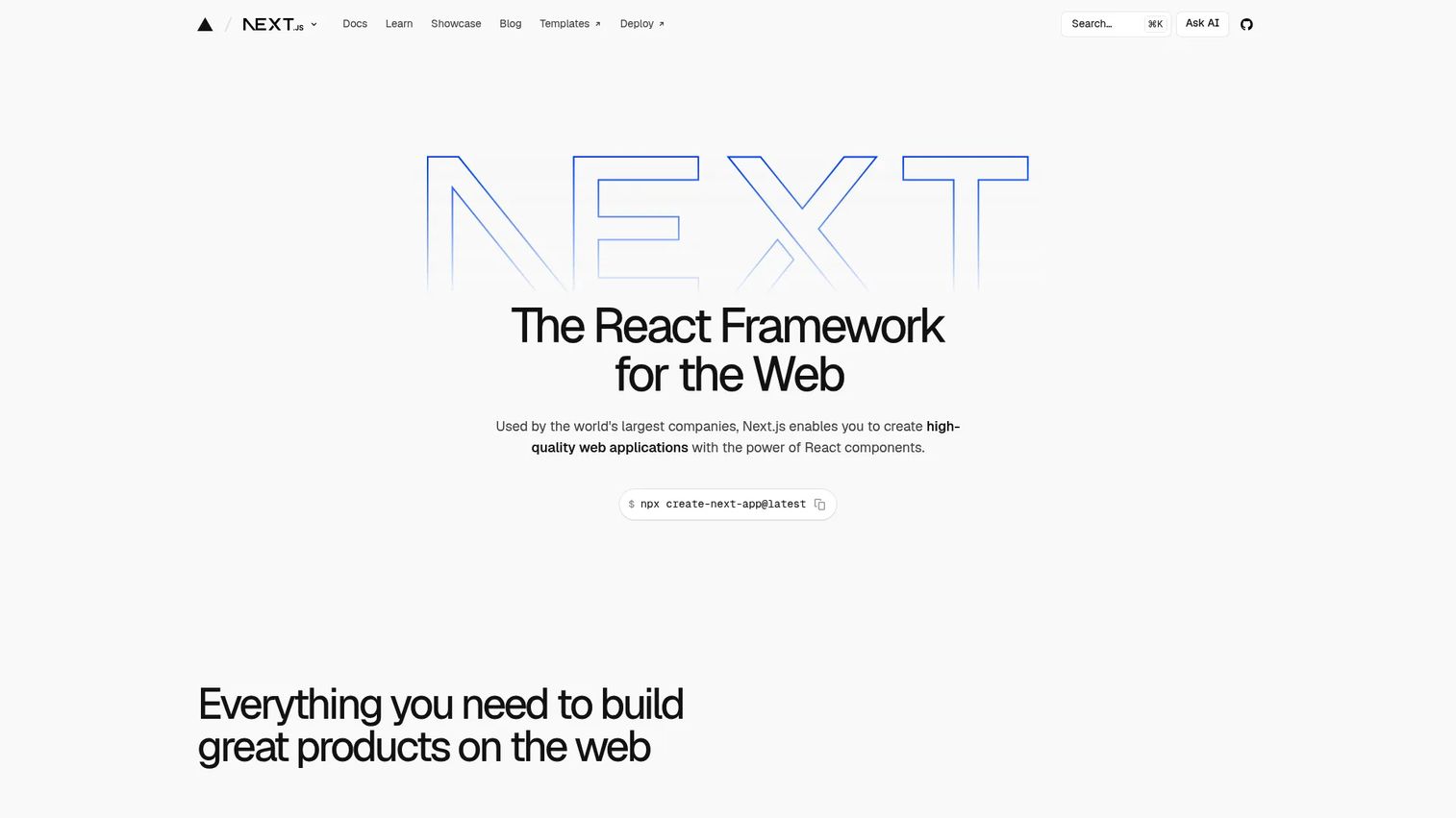
Next.js is a React framework for building full-stack web applications with hybrid rendering. The App Router provides file-system-based routing, React Server Components, server actions, and API routes in a unified model. It supports server-side rendering, static generation, and incremental static regeneration, giving teams flexibility to pick the right rendering strategy per page. Next.js powers SaaS marketing sites, dashboards, ecommerce storefronts, and content-heavy apps where both SEO and dynamic application logic matter.
Best for: React teams building production web applications that need flexible rendering, routing, and a mature deployment path.
Key features
- App Router with file-system routing and layouts
- Server-side rendering and static generation
- React Server Components and server actions
- Built-in image, font, and link optimization
- Turbopack incremental bundler
Why choose Next.js: Next.js is the strongest single-framework option for React teams that want routing, rendering patterns, and deployment support without assembling separate tools. It is a natural fit when SEO, performance, and application complexity all require attention.
Next.js pricing: Free and open source. Hosting costs depend on your provider and usage volume.
G2 rating: 4.7/5
9. Vue.js
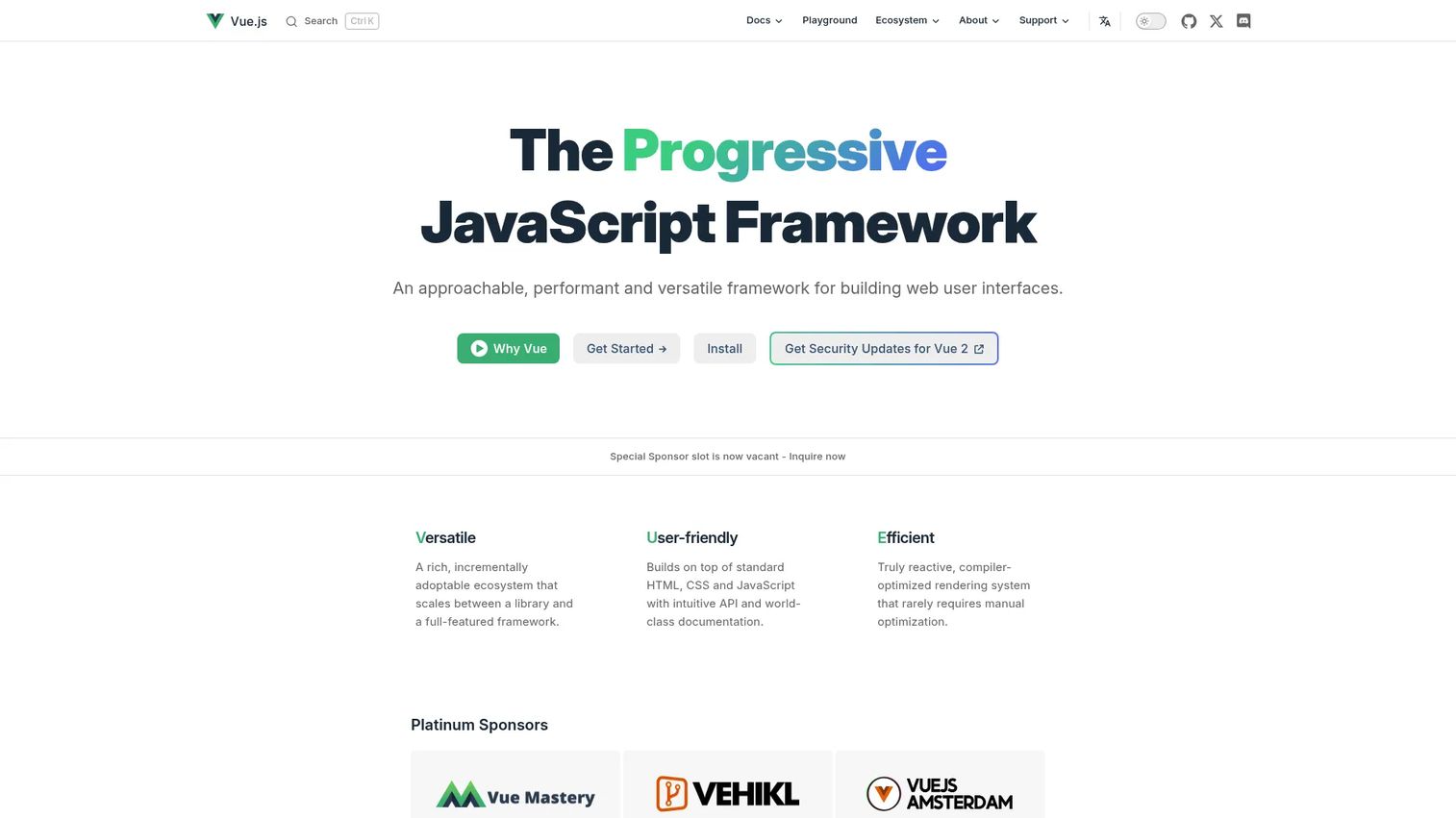
Vue.js is a progressive JavaScript framework for building user interfaces. Single-file components bundle template, logic, and styles in one file, making code organization straightforward. The Composition API gives developers finer control over reactive state without the complexity of class-based components. Vue Router and Pinia handle navigation and state management respectively. Vue scales from small embedded widgets on existing pages to full single-page applications.
Best for: Teams that want an approachable frontend framework with strong ergonomics and a gentle learning curve.
Key features
- Declarative rendering with reactive state
- Single-file components
- Vue Router for client-side navigation
- Pinia for state management
- Composition API for reusable logic
Why choose Vue.js: Choose Vue when developer approachability and onboarding speed matter. It offers more structure than a bare JavaScript setup without the full weight of Angular's conventions.
Vue.js pricing: Free and open source under the MIT license.
G2 rating: 4.6/5
10. FastAPI
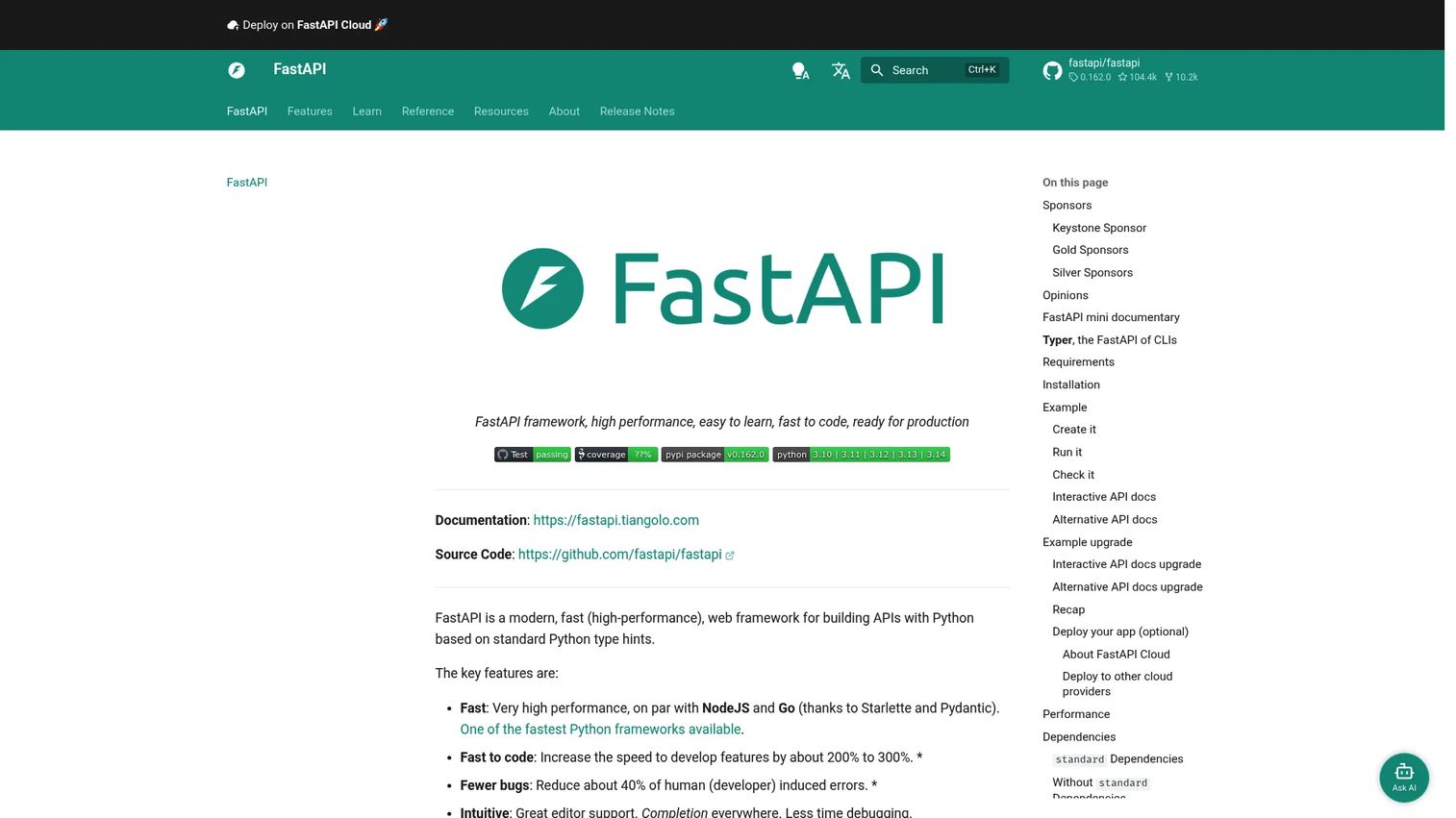
FastAPI is a Python web framework for building APIs using standard type hints. It generates OpenAPI documentation automatically, validates request and response data through Pydantic, and supports async request handling natively. Those three properties combined make it particularly useful for ML-backed services, internal data APIs, and microservices where the interface contract needs to be clear to multiple consuming teams. It reached 14.8% usage in the Stack Overflow Developer Survey 2025, up 5 percentage points from the previous year.
Best for: Python teams building typed, high-performance APIs that need automatic documentation and strong validation.
Key features
- Type hints driving request and response validation
- Automatic OpenAPI and JSON Schema documentation
- Async support via Python's asyncio
- Dependency injection system
- OAuth2, JWT, HTTP Basic, and API key security built in
Why choose FastAPI: FastAPI is the clearest choice when the API surface needs to be self-documenting and type-safe. It is especially useful when backend teams work closely with frontend, data science, or integration partners who need a reliable interface contract.
FastAPI pricing: Free and open source. Hosting, API gateways, and observability tools are priced separately.
11. Spring Boot
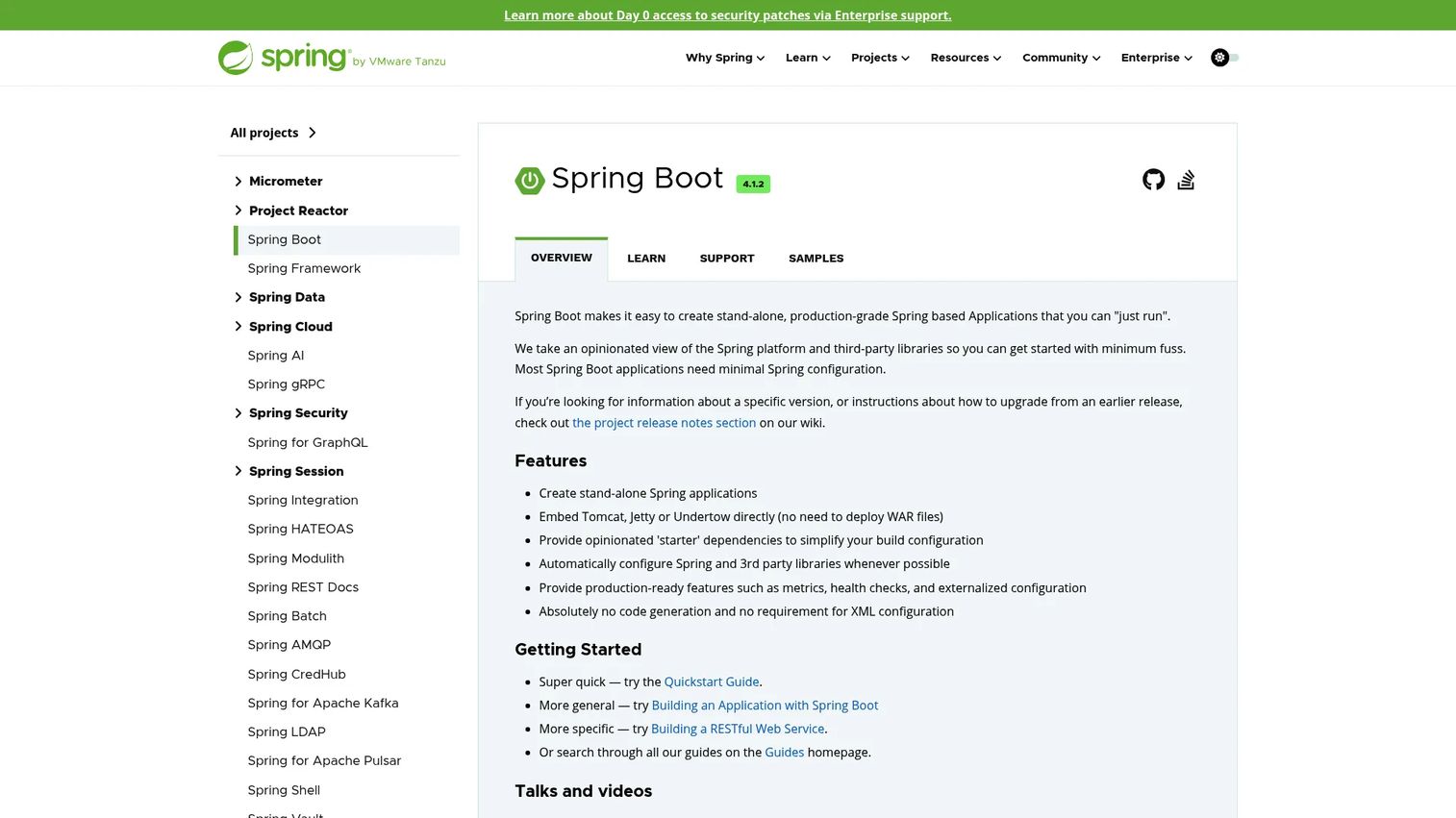
Spring Boot simplifies building production-ready Spring-based Java applications by providing auto-configuration, embedded servers (Tomcat, Jetty, or Undertow), and starter dependencies that handle common setup. Spring Security manages authentication and authorization. Spring Actuator provides health checks, metrics, and externalized configuration for production monitoring. The result is a framework that reduces Spring's historical boilerplate while retaining its deep ecosystem for enterprise Java development.
Best for: Java teams building enterprise applications, backend services, and microservices with long-term operational requirements.
Key features
- Auto-configuration of Spring and third-party libraries
- Starter dependencies for common patterns
- Spring Security integration
- Actuator for health checks and metrics
- Embedded server support
Why choose Spring Boot: Spring Boot is the dominant choice when Java expertise, enterprise integrations, and long-term maintainability drive the decision. Its ecosystem depth covers most patterns a large Java team will encounter, though it brings more initial complexity than lighter alternatives.
Spring Boot pricing: Free and open source. Commercial support and enterprise tooling from VMware (Broadcom) are priced separately.
G2 rating: 4.5/5
12. React
React is a UI library for building component-based web and native user interfaces. It is technically not a full framework - it handles rendering and component logic without prescribing routing, data fetching, or deployment patterns. Those decisions are delegated to companion tools or meta-frameworks like Next.js and Remix. React's component model, JSX syntax, hooks, and the React Compiler (which optimizes builds automatically) underpin a large share of the modern JavaScript ecosystem. The Stack Overflow Developer Survey 2025 found 44.7% of developers using React.
Best for: Teams building component-based UIs who want the largest ecosystem and hiring pool in frontend JavaScript.
Key features
- Component model with JSX markup
- Hooks for state and side effects
- React Compiler for build-time optimization
- React Server Components for server-side rendering
- DOM, server, and static rendering APIs
Why choose React: Choose React when the hiring market, ecosystem size, and long-term community support are priorities. Pair it with a full-stack framework like Next.js or Remix when routing and rendering need stronger conventions.
React pricing: Free and open source. Hosting and paid tooling depend on your chosen stack.
13. Nuxt
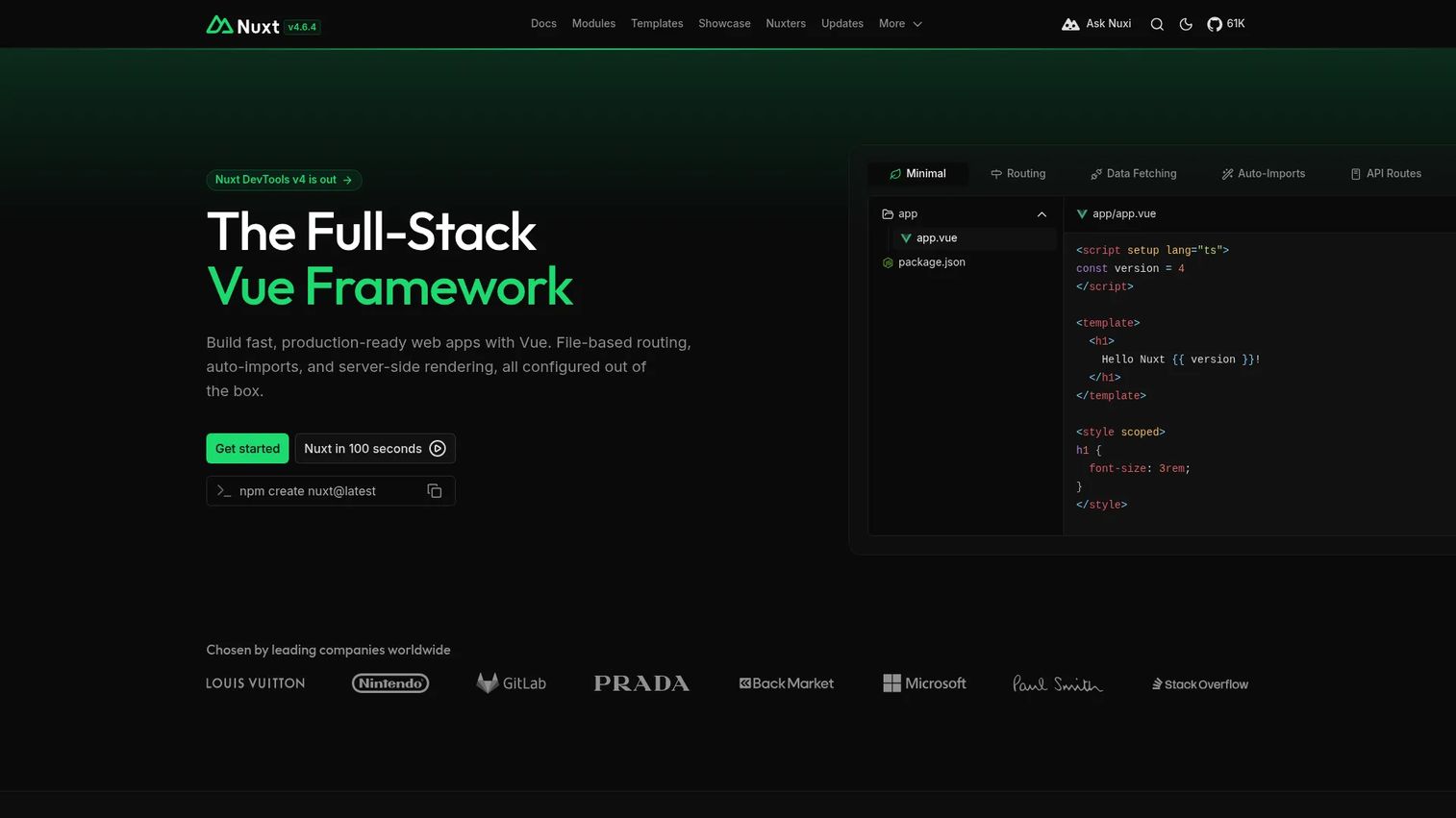
Nuxt is the full-stack framework for Vue.js, adding file-based routing, server-side rendering, static generation, and deployment flexibility on top of Vue's component model. The Nitro server engine handles server rendering and API routes across different deployment targets, from Node.js servers to edge environments. Nuxt modules extend the framework for common patterns like authentication, image optimization, and third-party service integrations. Teams use it for SEO-sensitive content sites, SaaS marketing pages, and Vue-based applications that need more structure than Vue alone provides.
Best for: Vue teams building SEO-sensitive websites and full-stack applications that need routing and rendering patterns.
Key features
- File-based routing with layouts and middleware
- Server-side rendering and static generation
- Nitro server engine for cross-platform deployment
- Auto-imported components and composables
- Nuxt modules for extending framework behavior
Why choose Nuxt: Nuxt is the natural next step for Vue teams that need production routing, rendering, and server capabilities. It fills the same position in the Vue ecosystem that Next.js occupies for React.
Nuxt pricing: Free and open source. Hosting and optional paid modules depend on your deployment setup.
14. SvelteKit
SvelteKit is the application framework for Svelte, a compiler-first UI tool that eliminates most runtime overhead by converting components to plain JavaScript at build time. File-based routing, server rendering, form actions, and build adapters for multiple deployment targets are included. The result is an application framework that ships less JavaScript to the browser by default than React or Vue-based alternatives, which translates to faster initial load times on constrained devices and networks.
Best for: Teams that want a modern full-stack framework with minimal client-side runtime weight.
Key features
- File-based routing with layouts
- Server-side rendering and prerendering
- Form actions for server-side mutations
- Build adapters for Node.js, edge, and static targets
- Svelte compiler eliminates most virtual DOM overhead
Why choose SvelteKit: Choose SvelteKit when performance and developer ergonomics outweigh ecosystem size. It fits teams willing to operate in a smaller community than React in exchange for a leaner output bundle.
SvelteKit pricing: Free and open source. Hosting depends on the adapter and deployment target you choose.
15. Astro
Astro is a JavaScript web framework optimized for content-driven websites. Its islands architecture sends zero JavaScript to the browser by default and only hydrates interactive components where the page actually needs them. Content Collections provide TypeScript type-safety and frontmatter validation for structured content like documentation, blogs, and product listings. Astro supports component imports from React, Vue, Svelte, Angular, and other frameworks, so teams can reuse existing components without committing to a single UI library.
Best for: Content-heavy websites, documentation sites, marketing pages, and blogs where fast load times and low JavaScript output matter.
Key features
- Islands architecture with selective hydration
- Content Collections with TypeScript type-safety
- Static generation with optional server rendering
- Multi-framework component support
- Built-in image optimization utilities
Why choose Astro: Choose Astro when content and performance are the primary concerns and heavy client-side interactivity is not. It is the strongest option for documentation, marketing, and editorial sites where initial load time directly affects user behavior.
Astro pricing: Free and open source. CMS, search tools, and hosting are your separate costs.
16. Remix
Remix is a full-stack TypeScript web framework focused on web standards, nested routing, and data loading. Loaders fetch data server-side per route segment. Actions handle form submissions and mutations on the server. The nested routing model allows layouts, data, and UI to compose naturally across route hierarchies. Progressive enhancement means forms work before JavaScript loads, which improves resilience in low-connectivity environments and during hydration. Remix merged with React Router in 2024, bringing its routing patterns into a wider audience.
Best for: Teams building full-stack applications where routes, data loading, and form handling are central to the product experience.
Key features
- Nested routing with layout composition
- Loaders for server-side data fetching per route
- Actions for server-side mutations
- Server rendering with progressive enhancement
- TypeScript foundation with integrated CLI
Why choose Remix: Remix rewards teams that value web primitives and want the server and client to coordinate closely around routing and data. It is a good fit when form-heavy workflows and resilient data loading are product priorities.
Remix pricing: Free and open source. Infrastructure and hosting costs depend on your deployment target.
G2 rating: 4.3/5
17. Fastify
Fastify is a Node.js web framework focused on throughput, schema validation, and extensibility through plugins. JSON Schema validation and serialization happen at the framework level, which reduces per-request overhead compared to validating data in application code. Pino provides structured logging with minimal performance cost. TypeScript support is built in. Plugins, hooks, and decorators let teams extend the framework in a controlled, documented way without patching core behavior.
Best for: Node.js teams building high-performance APIs and backend services where validation discipline and throughput matter.
Key features
- Plugin, hook, and decorator architecture
- JSON Schema-based validation and serialization
- Built-in Pino structured logging
- TypeScript support
- Request lifecycle hooks for middleware-style logic
Why choose Fastify: Choose Fastify when Express feels too minimal for the validation and schema enforcement your API needs. It suits API-heavy products where developers want schema discipline built into the framework rather than bolted on.
Fastify pricing: Free and open source. Gateway, monitoring, and hosting costs vary by provider.
18. NestJS
NestJS is a TypeScript Node.js framework for building scalable server-side applications with an Angular-inspired architecture. Modules, controllers, providers, and decorators organize the application into well-defined units. Built-in dependency injection manages relationships between services. Microservices support allows teams to build distributed systems within the same framework. The structured approach reduces the architectural guesswork that comes with assembling a backend from raw Express middleware.
Best for: TypeScript teams building structured backend systems, APIs, and microservices who want opinionated architecture on Node.js.
Key features
- Modular architecture with controllers and providers
- Built-in dependency injection
- TypeScript foundation with decorator support
- Microservices transport layer support
- Web application and API development
Why choose NestJS: NestJS fits teams that want Angular-style structure on the backend. It is particularly useful when Node.js teams are scaling and need conventions that prevent architectural drift as the codebase grows.
NestJS pricing: The framework is open source. Training courses and enterprise support are available separately.
G2 rating: 4.5/5
19. Phoenix
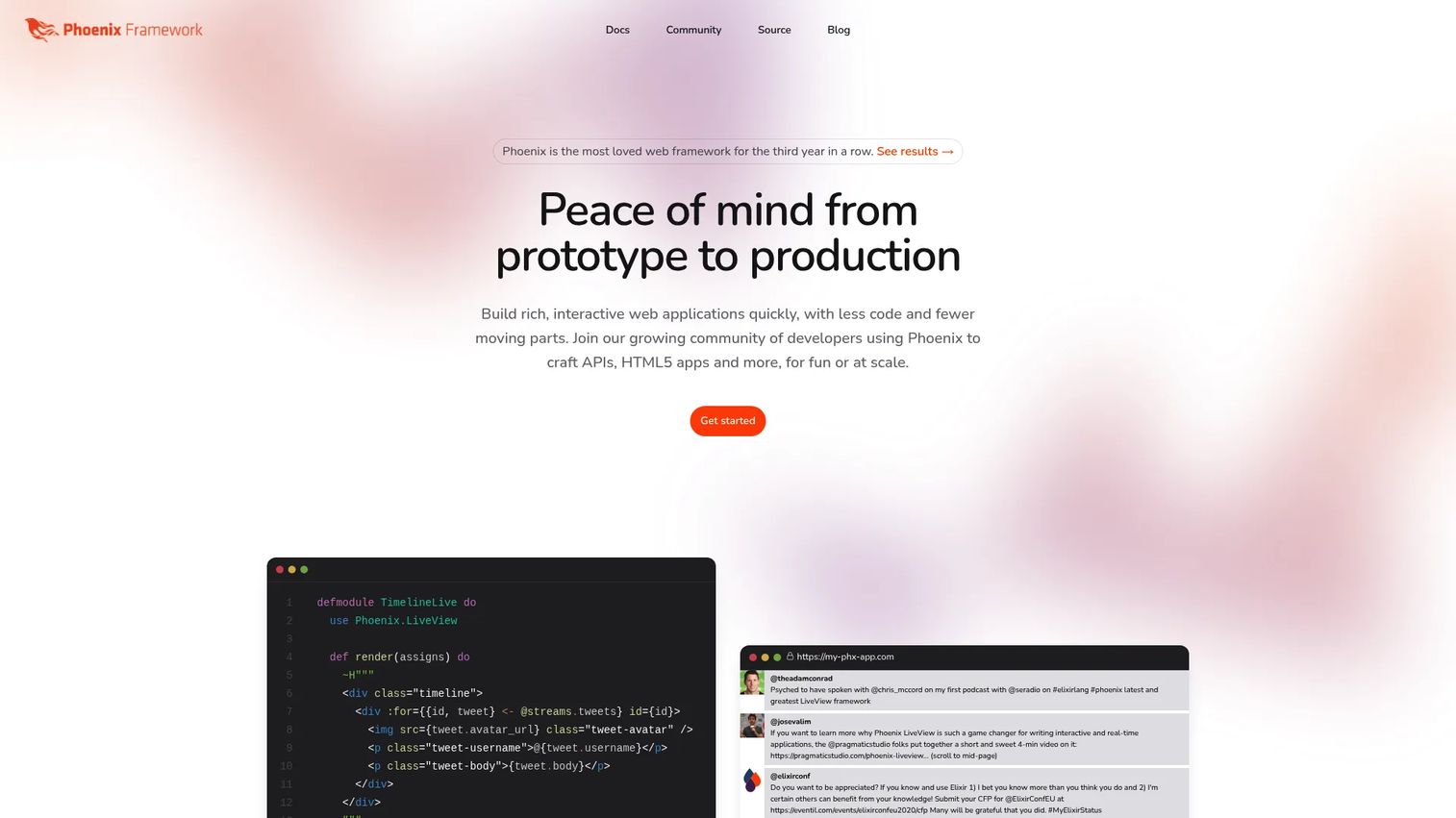
Phoenix is an Elixir web framework running on the Erlang VM (BEAM), designed for scalable, real-time web applications. Phoenix LiveView allows server-rendered interactive UIs with real-time updates over WebSockets, without writing JavaScript for most interactions. Channels support millions of concurrent WebSocket connections with low latency. The BEAM runtime provides fault tolerance through process isolation, so individual crashes do not bring down the whole application. Phoenix suits collaboration tools, monitoring dashboards, messaging platforms, and other products where concurrent connections and real-time state are central.
Best for: Teams building real-time applications with Elixir where concurrency and fault tolerance are core requirements.
Key features
- Phoenix LiveView for server-rendered real-time UIs
- Channels for WebSocket-based pub/sub at scale
- Presence tracking for distributed user state
- Ecto integration for database access
- Built-in metrics dashboard and HEEx templates
Why choose Phoenix: Phoenix is the right choice when concurrency and real-time updates drive the product, and the team is ready to invest in Elixir expertise. The BEAM runtime's fault tolerance is a meaningful advantage in production systems where uptime matters.
Phoenix pricing: Free and open source. Hosting and Elixir infrastructure are the main cost drivers.
20. Symfony
Symfony is a mature PHP framework and collection of reusable components distributed under the MIT license. Where Laravel prioritizes developer experience and speed, Symfony prioritizes modularity and long-term architectural control. Its component library powers other PHP projects (including Laravel itself). Full-stack web development, API layers, CLI tooling, and long-term support releases are all first-class concerns. Symfony targets complex PHP applications that need fine-grained control over how components are assembled.
Best for: PHP teams building complex, modular, long-lived applications where architectural control outweighs convention-driven speed.
Key features
- Reusable, decoupled PHP components
- Full-stack web development with routing, security, ORM, and templating
- Dependency injection container
- Console component for CLI tooling
- Long-term support releases and MIT licensing
Why choose Symfony: Symfony fits larger PHP applications that need more control than a convention-heavy framework provides. If the team needs to pick and choose components without accepting a monolithic application structure, Symfony's architecture makes that possible.
Symfony pricing: Free and open source. Enterprise support, managed hosting (via Upsun), and consulting are priced separately.
G2 rating: 4.3/5
Considerations when choosing web frameworks
Match the framework to the application shape
Content-heavy sites, SaaS dashboards, API backends, internal admin tools, and real-time collaboration products each demand different framework strengths. Astro suits content and documentation sites. FastAPI suits Python API layers. Angular fits large structured frontends. Phoenix is built for real-time and concurrent workloads. The first question to answer is what the application actually does, not which framework is most popular.
Check the team's language fluency
A technically superior framework creates problems if the team cannot maintain it. Consider the current team's skills, the local hiring market for that language, the depth of documentation, and the realistic cost of onboarding new developers. A Django backend maintained by experienced Python engineers outperforms a Rust or Elixir stack maintained by people learning the language mid-project.
Evaluate ecosystem depth
Packages, documentation quality, security update cadence, testing tool maturity, hosting compatibility, and third-party service integrations all affect real project timelines. For presales teams, ecosystem depth is relevant during technical evaluations: A prospect asking about SAML SSO, audit logging, or specific API integrations will expect answers that map to real available libraries, not custom builds.
Know the rendering model
Server-side rendering, static generation, client-side rendering, and API-first backends have different implications for SEO, perceived performance, hosting complexity, and browser behavior. Choosing the wrong model for the application type creates problems that surface during performance reviews, security assessments, and user testing. Full-stack frameworks like Next.js, Nuxt, and Remix give teams flexibility to mix models per route.
Plan for security and maintainability
Authentication patterns, input validation, dependency update cycles, long-term support timelines, vulnerability disclosure processes, and observability tooling all affect production reliability. Framework choice is a years-long commitment. The initial developer experience matters, but the week-two and month-twelve experiences matter more for teams building products they intend to operate at scale.
Conclusion
There is no single best framework across every team and product type. The top web frameworks for 2026 each address a specific set of requirements.
For mature backend choices, Django, Laravel, Ruby on Rails, Spring Boot, and ASP.NET Core cover Python, PHP, Ruby, Java, and C# respectively, each with strong conventions and long track records.
For modern rendering needs, Next.js, Nuxt, Remix, SvelteKit, and Astro handle React, Vue, web-standard, Svelte, and content-first use cases.
For API and service-heavy architectures, Express.js, FastAPI, Fastify, and NestJS address Node.js and Python API layers with different levels of structure and schema enforcement.
React, Angular, and Vue.js dominate frontend decision-making with different positions on convention, ecosystem size, and learning curve. Phoenix and Symfony are strong specialist choices for real-time Elixir work and modular PHP applications.
The practical next step: Shortlist two or three frameworks based on team language, application type, and rendering requirements. Build a thin prototype around authentication, a data access pattern, and your primary deployment target before committing to a direction.
Once your product is built, your buyers still need to understand what it does. If your team needs to show complex software without adding to your live demo load, Start your journey with Guideflow today!
FAQs
A web application framework is reusable software infrastructure for building web apps. It provides common capabilities like routing, request handling, database access, authentication, and security defaults so developers can focus on application-specific logic rather than rebuilding the same plumbing for every project. Web application frameworks differ from raw libraries by defining the structure of your application, not just offering functions you call.
A framework defines application structure and flow: It calls your code at specific points (the inversion of control). A library is called by your developer for specific tasks when needed. React is a library that handles UI rendering; Next.js is the framework that wraps React and adds routing, rendering strategies, and server capabilities. The distinction matters when scoping technical evaluations, because a framework choice has broader architectural implications than adding a library.
Language preference is the main driver here. Python beginners find Django approachable because of its documentation depth and built-in admin. Flask works for those who want fewer conventions. PHP learners tend to start with Laravel for its polished developer experience. Vue.js is widely recommended for frontend beginners due to its gentler learning curve compared to Angular. Community size and documentation quality are as important as the technical feature set when starting out.
Enterprise selection weighs governance, security integrations, long-term support, and hiring market depth. ASP.NET Core suits Microsoft-invested organizations. Spring Boot covers Java enterprise needs. Angular is well-established for large frontend teams. Django and Symfony both have strong records in regulated and complex environments. The right answer depends on the existing team's language expertise and the operational requirements of the environment.
FastAPI is the strongest choice for typed, self-documenting Python APIs. Express.js and Fastify serve different positions in the Node.js space: Express for minimal control, Fastify for schema-enforced performance. NestJS adds opinionated structure for larger Node.js API services. ASP.NET Core and Spring Boot cover high-throughput enterprise APIs in C# and Java respectively. The decision between them turns on language, type safety requirements, documentation needs, and middleware ecosystem depth.
No. Frontend frameworks like React, Angular, and Vue.js run in the browser and handle UI rendering, component state, and client-side interactions. Backend web frameworks like Django, Laravel, and Express.js run on the server and handle request processing, data access, authentication, and API responses. Full-stack frameworks like Next.js, Nuxt, and Remix combine elements of both, handling server rendering and client-side hydration within a single codebase.
React is a UI library, not a complete web framework. It handles component rendering and state but does not prescribe routing, data fetching, server rendering, or deployment patterns. Teams typically pair React with a meta-framework: Next.js for server rendering and static generation, Remix for web-standard data loading, or a custom setup using Vite and other tools. React appears in web framework discussions because of how central it is to the JavaScript ecosystem, but it requires companion tools for full application architecture.
Start with four concrete questions: What language does your team know and hire for? What does the application actually do (content site, SaaS dashboard, API layer, real-time product)? What rendering model does it need? What are the security, compliance, and long-term support requirements? Build a thin prototype that covers authentication, data access, and your target deployment environment before committing. Long-term maintenance burden matters more than the first week of development speed.