Your shift lead texts you at 6am. Someone called out. Nobody covered. The schedule lives in a spreadsheet three people can edit, and the frontline crew never saw the update because they don't have email.
That is the daily reality of running a workforce that doesn't sit at a desk. Scheduling happens in one tool, attendance in another, communications in a group chat nobody reads on shift. Managers spend hours chasing coverage instead of running operations.
Deskless workers make up roughly 80% of the global workforce, about 2.7 billion people, yet historically only about 1% of enterprise software spending has been built for them, according to Emergence Capital data compiled by GetListo in 2026. That gap is closing fast. The HCM market for deskless and frontline workers is projected to grow from USD 13.52 billion in 2025 to USD 30.74 billion by 2031, a 14.92% CAGR, per Mordor Intelligence.
If you run operations, HR, or a growing company with field, retail, healthcare, or shift teams, the tool you pick decides whether coverage gaps get solved before they cost you a customer. This guide breaks down seven options, what each one is actually good at, and how to match them to your workforce.
What's inside
This guide is for operators, HR leaders, and founders evaluating frontline workforce software for teams that work on their feet, not at a laptop.
We picked tools based on four criteria that matter for deskless teams:
- Mobile access: Does it work on a phone, for workers who never open a browser at a desk?
- Scheduling and coverage: Can it fill shifts, handle swaps, and prevent gaps automatically?
- Communications and self-service: Can workers get updates, check schedules, and request time off without a manager?
- Integrations: Does it connect to your HRIS, HCM, and payroll instead of adding a silo?
We favored tools with public evidence: verified pricing, current G2 ratings, and clear use cases over marketing language.
TL;DR
- Best for mobile field teams: Skedulo, built for scheduling and dispatching mobile workers across service and healthcare.
- Best for enterprise HCM fit: Oracle Fusion Deskless Workforce, for organizations already standardizing on Oracle Cloud HCM.
- Best for frontline communication inside SAP: SAP Deskless Worker Experience add-on by WorkForce Software.
- Best for complex global workforce management: WorkForce Software, now an ADP company.
- Best for shift-based scheduling and timekeeping: Deputy, strong for retail, hospitality, and hourly teams.
- Best for all-in-one on a budget: Connecteam, mobile-first with a free plan for small teams.
- Best for mission-critical, compliance-heavy scheduling: Shiftboard, for manufacturing, healthcare, and staffing.
What is deskless workforce software?
Deskless workforce software is a category of workforce management and frontline enablement tools that help organizations schedule, communicate with, and support employees who work away from a computer, using mobile-first apps built for phones and tablets.
Most buyers evaluate it as a system that consolidates the operational overhead of running frontline teams. The core capabilities span scheduling, attendance, communications, and self-service, delivered in a way workers can access from their pocket.
Key capabilities to expect:
- Mobile self-service: Workers check schedules, request time off, swap shifts, and update availability from a phone.
- Scheduling and shift coverage: Build rosters, fill open shifts, and enforce coverage rules automatically.
- Time and attendance: Clock in and out, track hours, and feed accurate data to payroll.
- Absence and leave management: Handle time-off requests, approvals, and leave balances in one place.
- Employee communications: Push updates, alerts, and announcements that reach workers on shift.
- Feedback and engagement: Capture sentiment through pulse surveys and two-way messaging.
- Enterprise integrations: Connect to HRIS, HCM systems like Oracle HCM and SAP SuccessFactors, and payroll.
The difference between a point tool and a platform is how many of these live in one place. A scheduling app that ignores communications leaves you back in the group chat. A communications hub with no attendance data leaves payroll guessing.
When to use deskless workforce software
Cut scheduling chaos
You feel this one first. Shifts get built in a spreadsheet, changes happen over text, and nobody has a single source of truth. When a worker calls out, someone manually pings the team hoping for a taker.
Deskless workforce software with real scheduling depth automates coverage. It suggests qualified replacements, enforces overtime and compliance rules, and lets workers pick up open shifts themselves. If you spend more than a few hours a week on manual shift changes, this is the trigger to buy.
Improve frontline communication
Email doesn't reach frontline workers. Neither does an intranet they never log into. Critical updates about safety, policy, or schedule changes get lost, and you find out when the wrong thing happens on a shift.
Mobile-first employee communications fix the reach problem. Push notifications, targeted announcements, and two-way messaging land on the device workers actually carry. Add pulse surveys and you get frontline engagement signals you never had before.
Give employees self-service on mobile
Every schedule question a worker asks a manager is time neither of them gets back. "When am I working Thursday?" "Can I swap with Sam?" "How much PTO do I have?" At scale, that is hours of manager overhead per week.
Mobile employee self-service pushes those answers to the worker. They check schedules, request time off, swap shifts, and update status without a manager in the loop. That manager leverage is often the clearest ROI in the whole category.
Comparison table
Here is how the seven tools stack up on fit, differentiation, pricing, and current G2 ratings. Pricing reflects publicly listed values; several enterprise vendors quote on request.
| # | Product | Best for | Key differentiator | Pricing | G2 rating |
|---|---|---|---|---|---|
| 1 | Skedulo | Enterprises and mid-market managing mobile or deskless workers | Scheduling and dispatch for mobile field teams | Contact for pricing | 4.1/5 |
| 2 | Oracle Fusion Deskless Workforce | Frontline, unionized, or regulated workforces | Native Oracle Cloud HCM scheduling and safety | Contact for pricing | 3.7/5 |
| 3 | SAP Deskless Worker Experience by WFS | Frontline teams inside eligible SAP WFS products | Mobile experience layer with two-way messaging | Price upon request | 4.2/5 |
| 4 | WorkForce Software | Large enterprises with complex global needs | Deep compliance and global scheduling, ADP company | Contact for pricing | 4.1/5 |
| 5 | Deputy | Shift-based hourly teams | Scheduling plus timekeeping plus compliance | From $5/user/mo | 4.6/5 |
| 6 | Connecteam | Frontline SMBs needing all-in-one | Mobile-first with free small business plan | From $29/mo | 4.6/5 |
| 7 | Shiftboard | Mission-critical, compliance-heavy scheduling | Automated scheduling with rules enforcement | Contact for pricing | 4.6/5 |
Best deskless workforce software for 2026
1. Skedulo
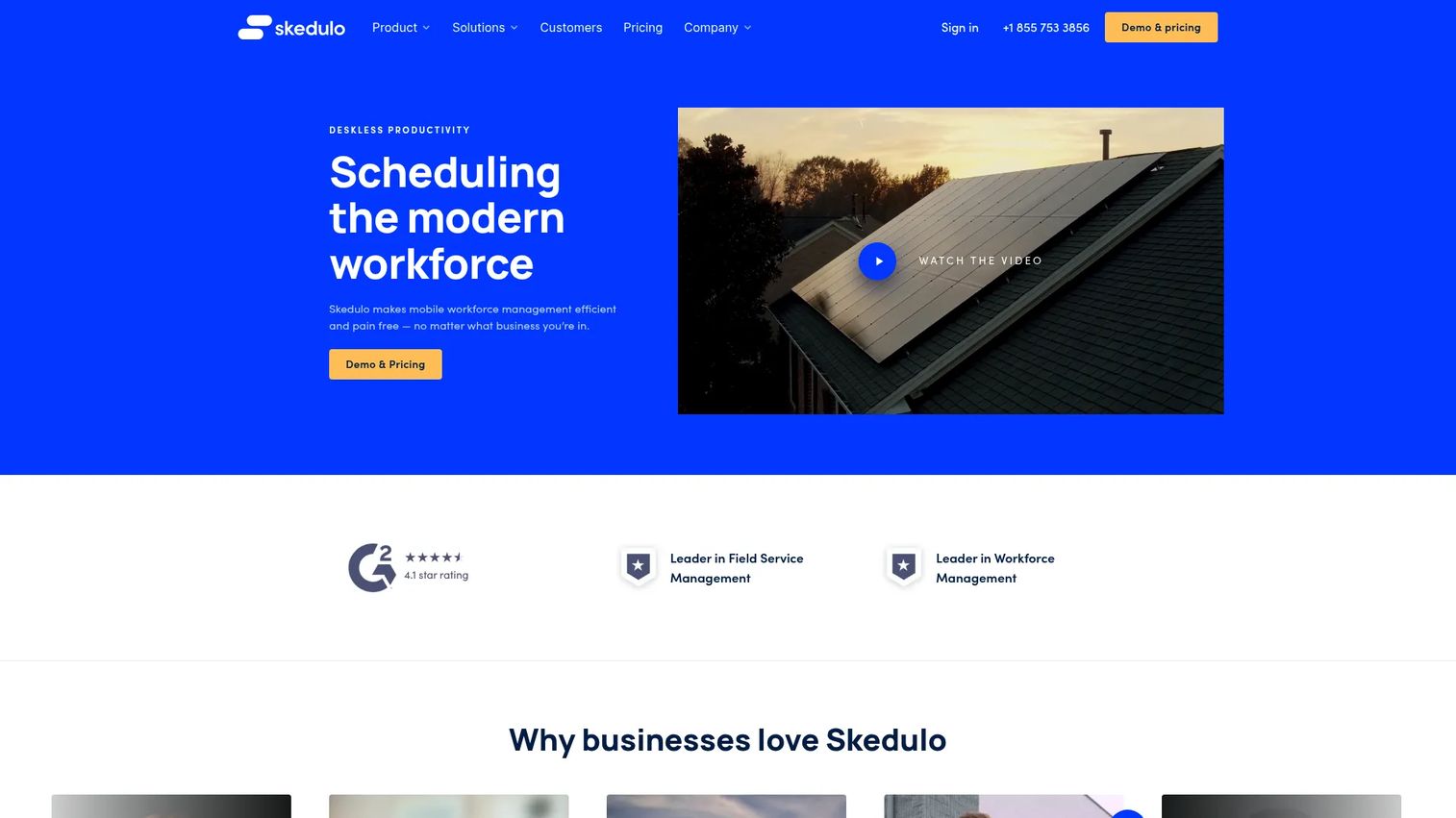
Skedulo is mobile workforce management and scheduling software built for teams that move. It focuses on scheduling, dispatch, and mobile worker enablement for organizations sending people into the field, into homes, or across healthcare sites. The platform pairs an optimization engine with a mobile app so schedulers and workers stay in sync without radio silence between the office and the field.
Best for: Enterprises and mid-market teams managing mobile or deskless workers who need to schedule and dispatch people to locations.
Key strengths
- Scheduling and dispatch for distributed field teams
- Mobile worker enablement with a purpose-built app
- Automation and optimization for shift assignment
- Volume-based pricing for large organizations
Why choose Skedulo: If your frontline is mobile rather than fixed to one site, Skedulo's dispatch and optimization logic is the core of the product, not an afterthought. It fits service, healthcare, and field operations where the job is getting the right person to the right place.
Skedulo pricing: Skedulo prices per user per month with separate licensing for schedulers and mobile workers. No public numeric price is listed. The pricing guide notes minimum licenses, volume-based pricing for large organizations, and annual subscription only with no monthly billing.
2. Oracle Fusion Deskless Workforce
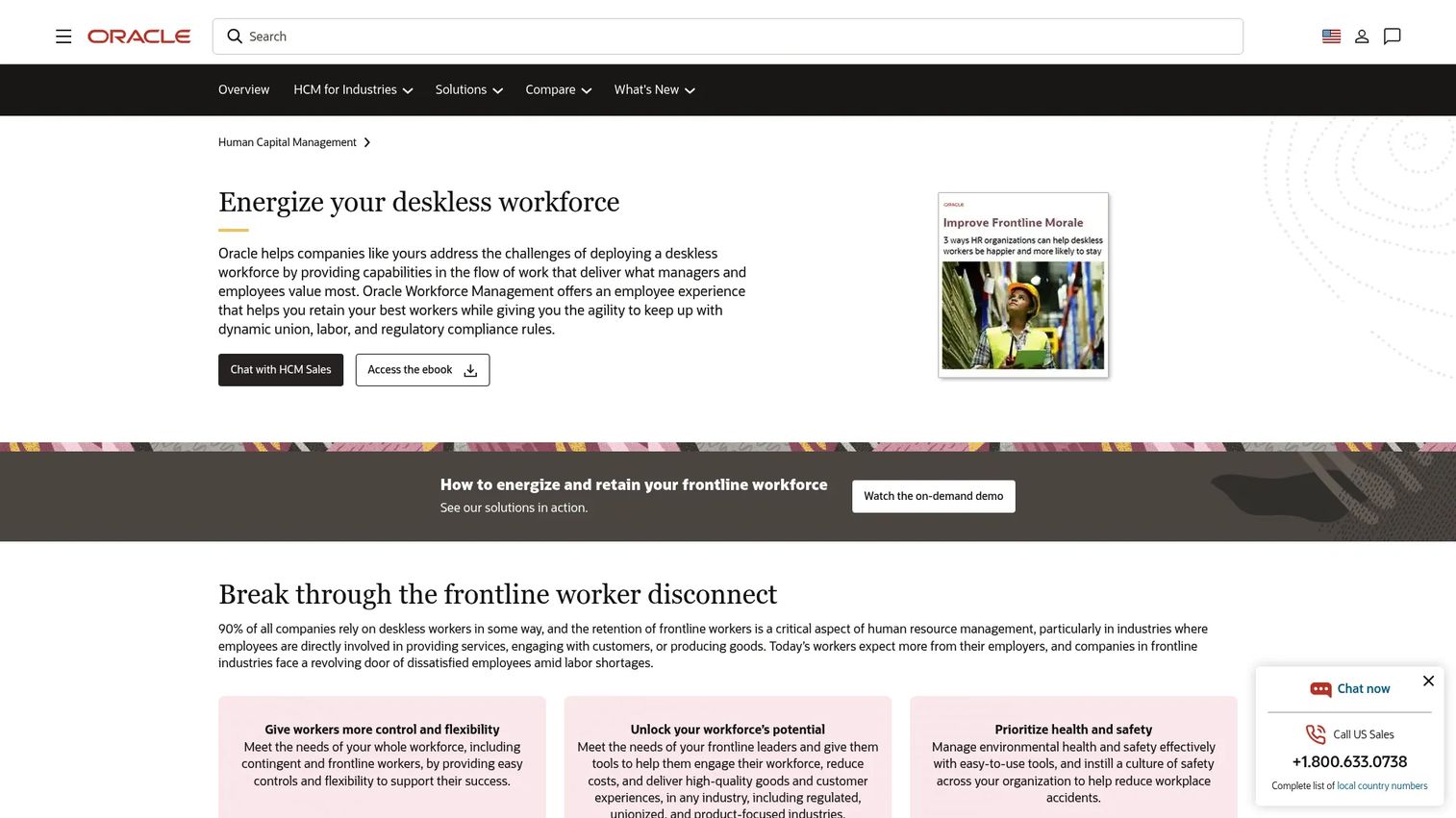
Oracle Fusion Deskless Workforce is Oracle's deskless solution built into Oracle Fusion Cloud HCM. It centers on scheduling, shift coverage, and workforce safety for frontline workers, with employee self-service so people can view schedules and manage their own time. Because it lives inside Oracle HCM, the workforce data connects to the rest of your HR system of record without a separate integration project.
Best for: Organizations managing frontline, unionized, or regulated deskless workforces already standardizing on Oracle Cloud HCM.
Key strengths
- Employee self-service and schedule creation
- Shift coverage and workforce scheduling
- Workforce safety and compliance tools
- Native connection to Oracle Cloud HCM data
Why choose Oracle Fusion Deskless Workforce: The case here is consolidation. If you already run Oracle HCM, keeping frontline scheduling and safety inside the same platform avoids another silo and keeps employee data unified across the workforce.
Oracle Fusion Deskless Workforce pricing: Oracle does not display public pricing for the deskless workforce solution. Pricing sits behind a sales contact and demo request. The G2 rating shown reflects Oracle Workforce Management, the closest reviewed product.
3. SAP Deskless Worker Experience add-on by WorkForce Software
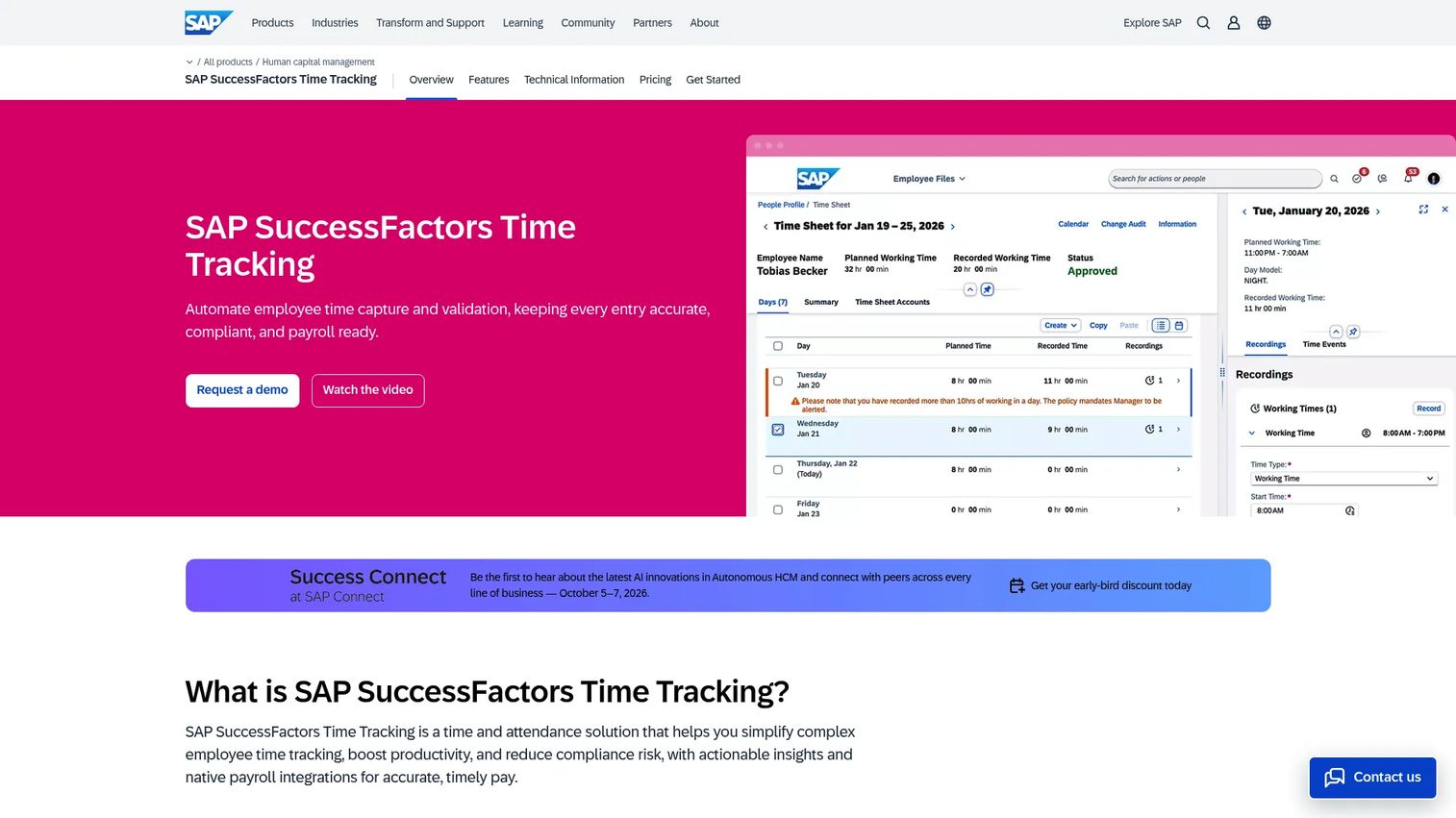
SAP Deskless Worker Experience add-on by WorkForce Software is a mobile experience layer for engaging, communicating with, and supporting frontline deskless workers. It delivers two-way messaging, document sharing, and feedback capture so frontline teams stay connected to standard operating procedures, checklists, and their managers, all from a phone.
Best for: Organizations that need a mobile experience layer for frontline employees already using eligible SAP Workforce Software products.
Key strengths
- Real-time communication and two-way messaging
- Document sharing with permissions for SOPs and checklists
- Pulse surveys and feedback capture for sentiment
- Mobile-first delivery for deskless workers
Why choose the SAP Deskless Worker Experience add-on: This is the frontline engagement layer for SAP shops. If you run eligible SAP Workforce Software products and want communication, documents, and sentiment in one mobile experience, the add-on plugs into what you already have.
SAP Deskless Worker Experience pricing: Pricing is price upon request, licensed in blocks of one user per year. There is no free tier. The page lists prerequisites, including SAP Time and Attendance Management, SAP Workforce Forecasting and Scheduling, or SAP Absence and Leave Management by WorkForce Software.
4. WorkForce Software
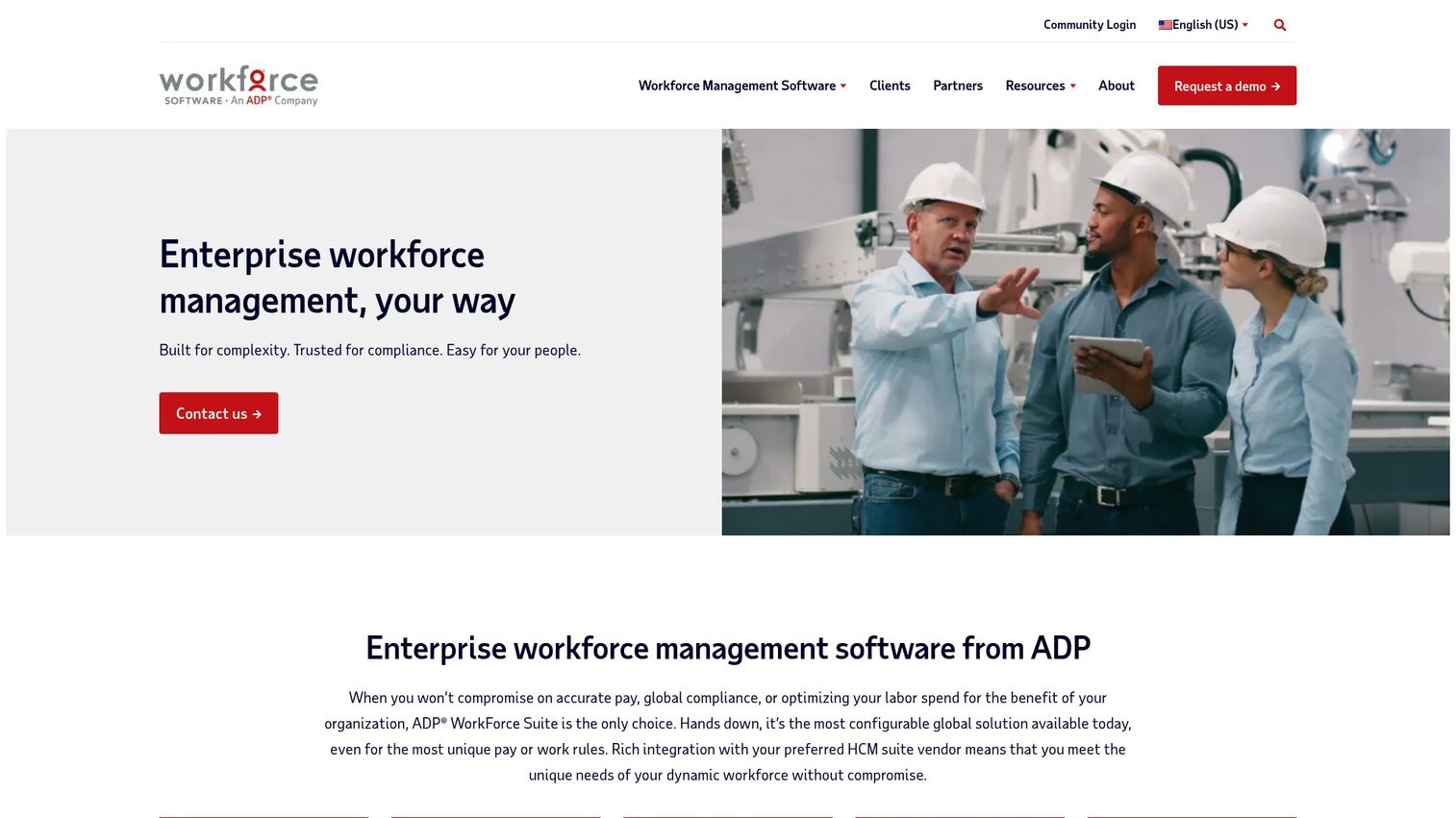
WorkForce Software, now an ADP company following its October 2024 acquisition, is enterprise workforce management software for large organizations. It covers time and attendance, scheduling, and absence management, with the compliance depth global employers need across regions and union rules. The same company powers the SAP deskless add-on above, so the two share DNA.
Best for: Large enterprises with complex global workforce, compliance, and scheduling needs.
Key strengths
- Time and attendance at enterprise scale
- Scheduling across regions and complex rules
- Absence and leave management
- Compliance depth for global and unionized workforces
Why choose WorkForce Software: When your workforce spans countries, unions, and regulatory regimes, the value is in handling that complexity without breaking. This is a platform for the large, complicated org, not the 20-person shop.
WorkForce Software pricing: No public pricing page or listed price was found. Pricing is handled through sales contact. Evaluate it as an enterprise, quote-based purchase.
5. Deputy
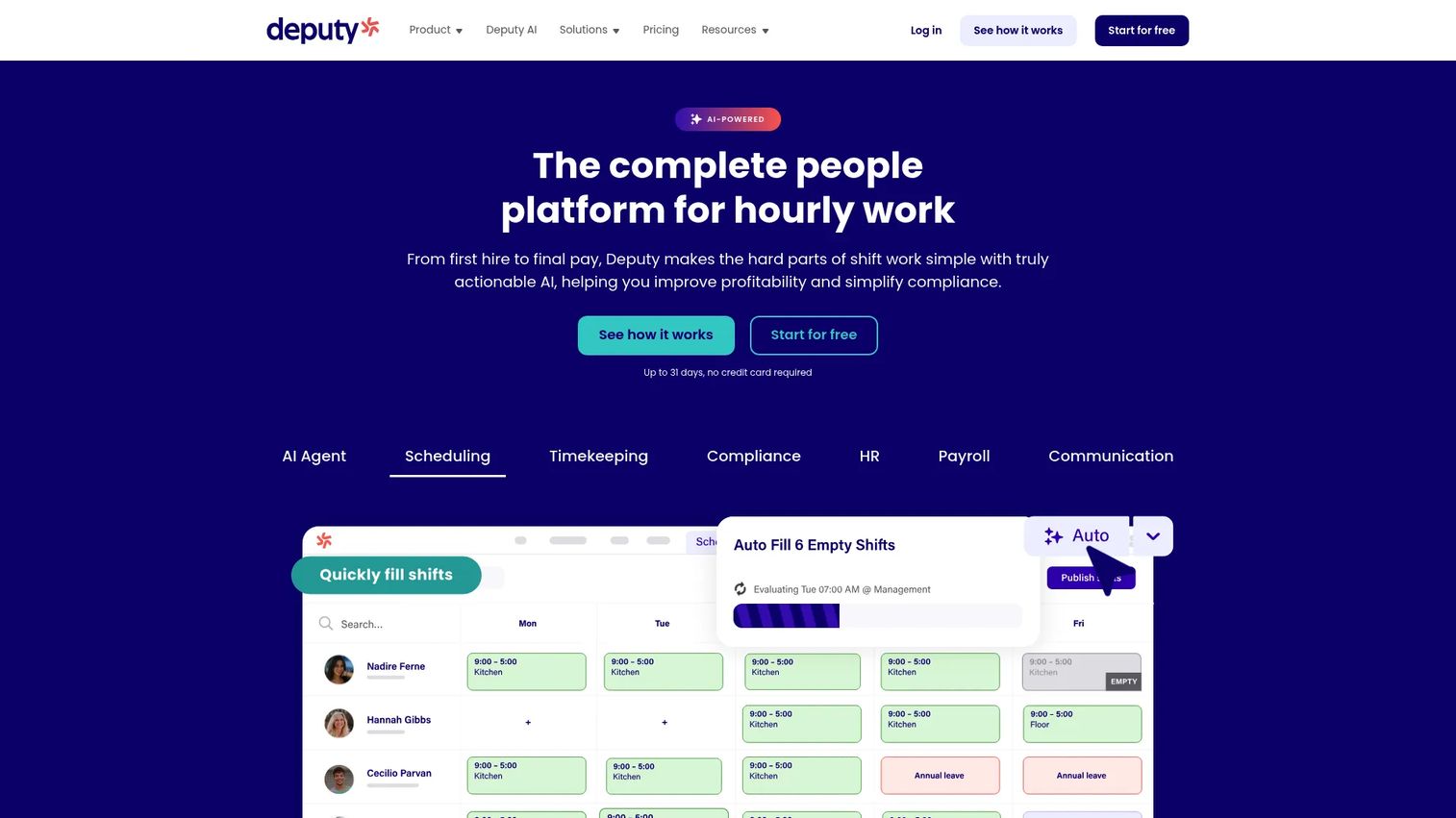
Deputy is workforce management software for hourly and shift-based teams. It combines scheduling, time tracking, and compliance tools in one platform, which is why retail, hospitality, and healthcare operators reach for it. The mobile app handles the daily rhythm: building rosters, clocking in, swapping shifts, and keeping hours clean for payroll.
Best for: Shift-based businesses that need scheduling, timekeeping, and compliance in one platform.
Key strengths
- Scheduling for hourly and shift-based teams
- Time tracking and timekeeping with mobile clock-in
- Compliance tools for hours and break rules
- Add-ons for payroll, HR, messaging, and analytics
Why choose Deputy: Deputy hits the sweet spot for hourly teams that need scheduling and timekeeping without an enterprise implementation. Public, per-user pricing makes it easy to budget as you scale headcount.
Deputy pricing: Deputy lists Lite at $5 per user per month, Core at $6.50 per user per month, and Pro at $9 per user per month, billed upfront or in monthly installments. Add-ons cover Payroll, HR, Messaging+, and Analytics+. Flexi and Charity plans are contact-us options.
6. Connecteam
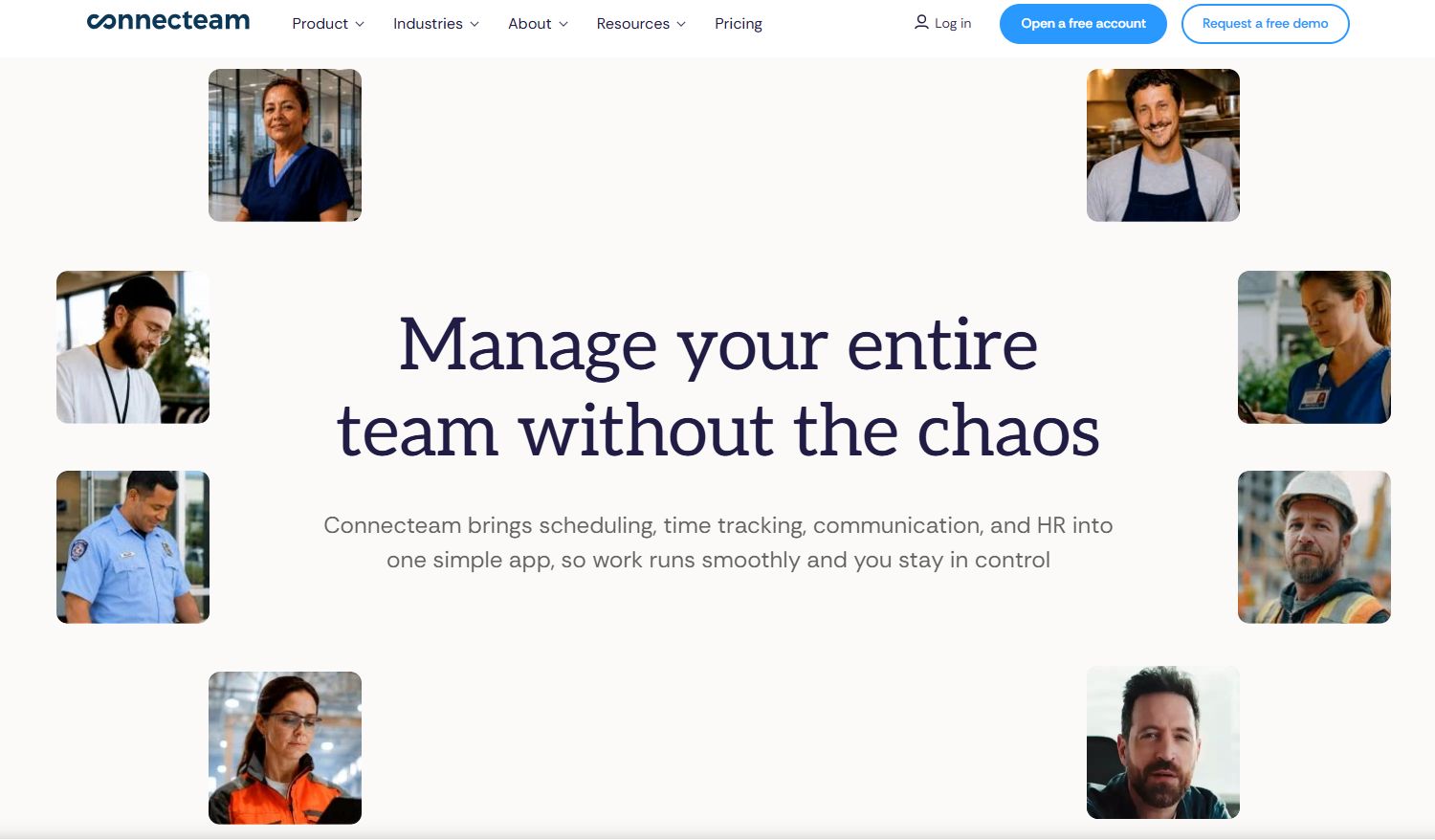
Connecteam is mobile-first workforce management software built for frontline teams that want scheduling, communication, and HR in a single app. It organizes capabilities into three hubs, Operations, Communications, and HR & Skills, so you can start with what hurts most and add the rest. For smaller frontline businesses, it is one of the few tools with a genuinely usable free plan.
Best for: Frontline businesses needing scheduling, time tracking, chat, and HR in one app.
Key strengths
- Time clock and job scheduling
- Team communication and chat tools
- HR and skills tracking
- Mobile-first design for frontline workers
Why choose Connecteam: For an SMB frontline team, Connecteam consolidates the tools you would otherwise cobble together. The free small business plan and flat pricing for the first 30 users make it the easy first buy when budget is tight.
Connecteam pricing: Connecteam lists Basic at $29/mo, Advanced at $49/mo, and Expert at $99/mo, each priced for the first 30 users, billed monthly. Enterprise is custom. There is a 14-day free trial and a free Small Business Plan for businesses with fewer than 10 employees.
7. Shiftboard
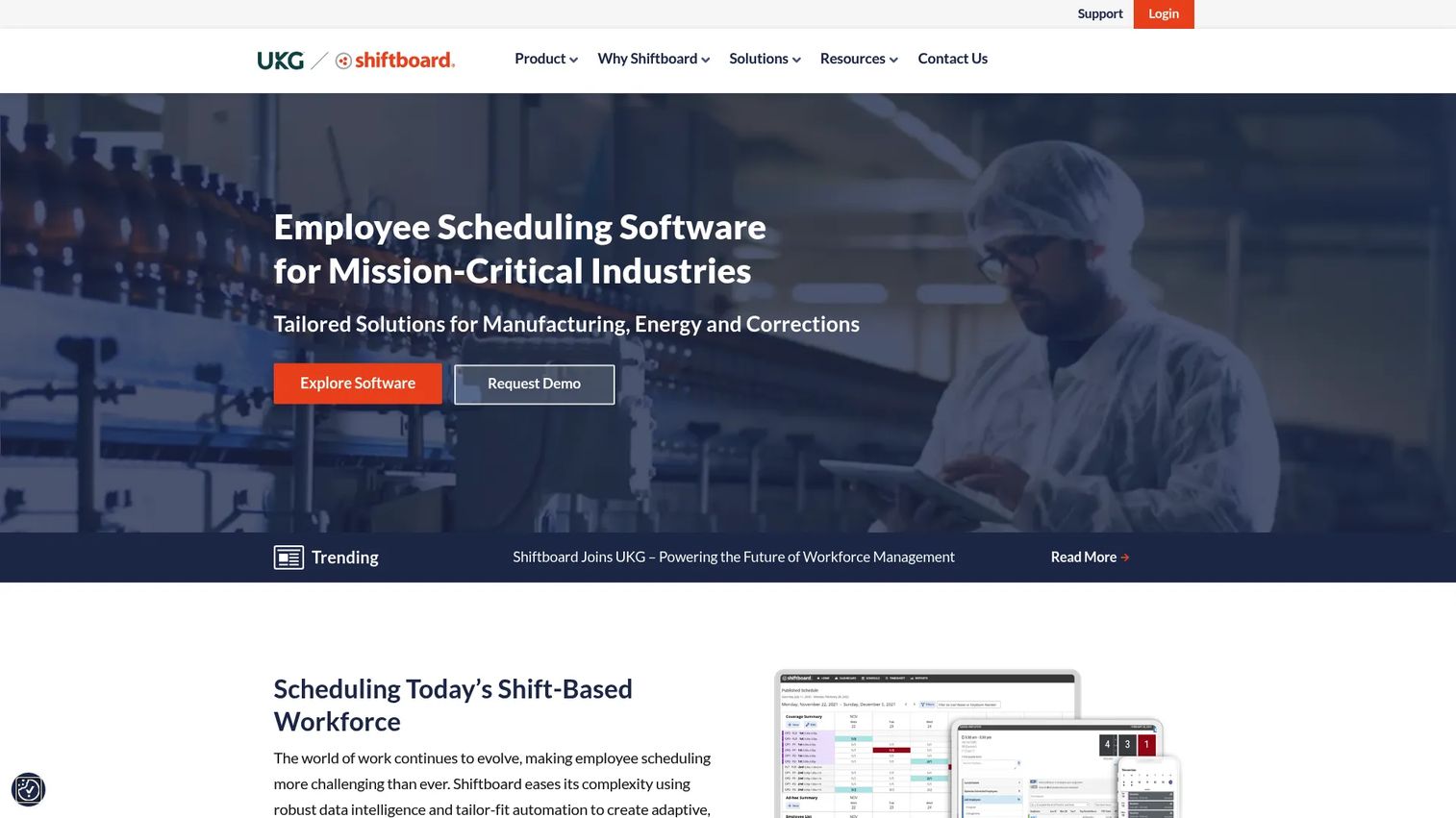
Shiftboard is employee scheduling software for mission-critical, shift-based industries like manufacturing, healthcare, and staffing. Its strength is automated scheduling with heavy rules enforcement, so complex compliance and coverage requirements get applied automatically rather than checked by hand. Mobile apps give workers self-service access to their schedules and shift options.
Best for: Organizations needing complex, compliance-heavy shift scheduling.
Key strengths
- Automated shift scheduling
- Compliance and rules enforcement
- Mobile apps and employee self-service
- Coverage optimization for critical operations
Why choose Shiftboard: When a coverage gap is not an inconvenience but an operational or safety risk, Shiftboard's rules engine is the point. Shiftboard reports that customers on average see 88% higher shift coverage, a 16% reduction in turnover, and a 23% reduction in overtime costs.
Shiftboard pricing: Shiftboard offers two plans, Enterprise and Enterprise Plus. Public prices are not shown. The page notes minimum subscription fees and user counts apply, with a demo or request required for pricing details.
Considerations
Before you commit, run every shortlisted tool through this checklist. The category is full of overlap, and the difference between tools shows up in these details.
Mobile UX and adoption
Your workers live on their phones, not a browser. Test the mobile app the way a frontline worker would: on a mid-range phone, on a slow connection, with no training. If clocking in or checking a schedule takes more than a few taps, adoption dies and you are back to text messages.
Scheduling depth and coverage logic
Ask what happens when someone calls out. Does the tool suggest qualified replacements, enforce overtime rules, and let workers claim open shifts, or does it just display a grid? Coverage logic is where scheduling depth separates a real platform from a digital spreadsheet.
Communication and engagement features
Check that messages actually reach workers on shift through push notifications, not an inbox they never open. Two-way messaging and pulse surveys turn a broadcast tool into an engagement channel. That feedback loop is how you catch problems before they become turnover.
Integrations with HRIS, HCM, and payroll
A tool that does not feed payroll creates double entry and errors. Confirm native connections to your HRIS, HCM systems like Oracle HCM or SAP SuccessFactors, and payroll. For enterprise buyers, native HCM fit can outweigh a slicker standalone app.
Implementation effort and ownership
Ask who owns setup and how long it takes. An SMB tool should be live in days. An enterprise platform is a project measured in months, with a named owner. Match the implementation weight to your team's capacity, not the vendor's ambition.
Conclusion
The right deskless workforce software depends entirely on what breaks first for you.
If your frontline is mobile and you dispatch people to locations, Skedulo is built for that job. If you already run Oracle Cloud HCM or SAP, Oracle Fusion Deskless Workforce and the SAP Deskless Worker Experience add-on keep frontline scheduling and communication inside your system of record. For large, global, compliance-heavy organizations, WorkForce Software carries that complexity.
For hourly and shift-based teams, Deputy pairs scheduling and timekeeping with public per-user pricing that scales cleanly. Connecteam is the all-in-one pick for SMB frontline teams, with a free plan to start. Shiftboard is the choice when coverage is mission-critical and rules enforcement matters more than anything else.
Shortlist two or three based on your workforce type, then test the mobile app with real frontline workers before you sign. Adoption on the floor decides whether any of this earns its place in your stack.
Start your journey with Guideflow today!
FAQs
Deskless workforce software helps organizations schedule, communicate with, and support employees who work away from a computer, using mobile-first apps. It typically combines scheduling, time and attendance, communications, and employee self-service so frontline teams and their managers work from one system instead of scattered tools.
Mobile access comes first, because workers use phones, not desktops. After that, prioritize scheduling with real coverage logic, push-based communications that reach workers on shift, and self-service so employees handle their own schedules and time off. Integrations with payroll and your HCM keep data clean.
Workforce management software is the broader category covering scheduling, time and attendance, and labor compliance for any workforce. Deskless workforce software is the frontline-focused slice of that category, built mobile-first for workers without a desk, with heavier emphasis on employee communications and self-service on a phone.
Look for an app workers can use with no training: checking schedules, requesting time off, swapping shifts, and updating availability in a few taps. Test it on a mid-range phone and a weak connection. If self-service is faster than texting a manager, workers will actually use it.
They automate the scramble that follows a call-out. Instead of manually pinging the team, the software suggests qualified replacements, enforces overtime and compliance rules, and lets workers claim open shifts themselves. Shiftboard reports customers see 88% higher shift coverage on average using its automated scheduling.
Oracle Fusion Deskless Workforce runs natively inside Oracle Cloud HCM, and the SAP Deskless Worker Experience add-on by WorkForce Software plugs into eligible SAP products. WorkForce Software, now an ADP company, suits large global employers. For these buyers, native fit with your existing HCM often matters more than a standalone app's features.
Track shift coverage rate, time spent building and changing schedules, overtime costs, and the volume of schedule questions managers field. Add adoption of the mobile app and turnover over time. If coverage improves and manager overhead drops within a quarter, the tool is earning its place.
Yes, if manual scheduling and communication are eating manager hours. Tools like Connecteam offer a free small business plan for teams under 10 and flat pricing for the first 30 users, and Deputy starts at $5 per user per month. Start with the pain that costs the most time, then expand.