Your technicians do not need another PDF. They need the right instruction at the exact moment work gets risky, unfamiliar, or expensive to redo.
Industrial augmented reality platforms solve that problem by overlaying digital instructions, 3D models, and expert guidance directly onto physical work. The global industrial and manufacturing AR market reached $29.1 billion in 2025, with a forecast 30% CAGR through 2033, according to Grand View Research (2026). Yet most organizations evaluating this category still struggle with the same questions: Which platform survives the environment where work actually happens, and which one a team can maintain after the pilot ends?
This guide covers industrial augmented reality platforms, not physical work platforms or industrial mezzanines. If you searched "industrial AR platforms" expecting scaffolding specs, this is the wrong page. If you want software and device platforms for manufacturing, field service, inspection, and training, read on. The throughline: Do not buy industrial AR for the demo. Buy it for the workflow you can maintain after the pilot ends.
For PMs specifically, the hard part is not proving AR looks useful. It is proving the workflow survives release cadence, site variation, network limits, safety requirements, and frontline adoption.
What's inside
This guide compares 12 industrial AR platforms for 2026, covering the full range from AR work instructions to remote expert support to PLM-connected digital twins. Items were selected using four criteria:
- Industrial workflow fit: Manufacturing, service, inspection, training, or connected worker execution
- Device and hardware support: Smart glasses, headsets, mobile, or specialized wearables
- Content creation and maintenance: Who can build and update AR content after go-live
- Enterprise integrations: CAD, PLM, MES, ERP, IoT, and field service systems
Built for product, operations, digital transformation, and field service teams evaluating AR at scale.
TL;DR
- Best overall for industrial AR workflows: Vuforia, for mature AR authoring across manufacturing and service
- Best for frontline connected worker execution: TeamViewer Frontline, for picking, assembly, service, and remote assistance
- Best for PLM-connected industrial teams: Siemens Teamcenter, when AR strategy depends on authoritative product data
- Best for hands-free wearable deployment: RealWear, with rugged assisted reality devices for harsh environments
- Best for remote expert assistance: Librestream Onsight or Kognitiv Spark RemoteSpark, for distributed field teams
- Pick software before device: Map the workflow first. The device choice follows from where work happens, not the other way around
- Content maintenance is the real cost: A polished pilot that nobody can update six months later is not a deployment. Factor update workflows into your evaluation before signing anything
What is industrial AR platforms?
Industrial AR platforms are augmented reality software and device systems that overlay digital instructions, 3D models, remote expert guidance, or operational data onto physical industrial work.
Unlike consumer AR, industrial platforms must support safety-critical, equipment-heavy, and repeatable operational workflows. Unlike VR, industrial AR augments the real work environment rather than replacing it with a simulated one. That distinction matters in the field: A technician repairing a gas turbine needs contextual overlays on the physical machine, not a simulation.
These platforms sit at the intersection of several technology layers. Software handles content authoring, work instruction delivery, analytics, and integrations. Hardware (smart glasses, mixed reality headsets, rugged tablets, or mobile devices) handles how workers access that content in the field. The strongest platforms connect both layers to industrial data sources including PLM, CAD, IoT, MES, ERP, field service management, and digital twin systems.
Key capabilities to evaluate:
- AR work instructions with step-by-step visual guidance
- 3D model visualization tied to real equipment
- Remote expert assistance with live annotations
- Hands-free device support for PPE-compatible environments
- CAD and PLM integrations for authoritative product data
- Offline or low-connectivity modes for remote sites
- Inspection and quality workflows with documentation capture
- Workforce analytics and completion tracking
- Role-based content access and governance
- Security and enterprise access controls
The category spans pure software platforms, device-plus-software bundles, PLM foundations that enable AR, and specialized remote support tools. No single platform dominates every use case. The right choice depends on whether the core job is guided work instructions, remote expert support, engineering visualization, or connected worker execution.
When to use industrial AR
Train technicians without relying on shadowing
Use industrial AR when critical knowledge sits with a small number of senior technicians. AR instructions can reduce the need for repeated live training by embedding that knowledge into guided, on-device workflows. For PMs, the metrics to instrument are time-to-proficiency, certification completion, and error rates by technician cohort. AR training works best when tied to specific tasks rather than broad product categories.
Guide maintenance and service work in the field
Use AR when technicians need schematics, annotation overlays, or expert support at the point of work. Remote sites, costly downtime, and equipment with limited technician familiarity all create conditions where waiting for an expert to travel is too expensive. The PM metrics here are first-time-fix rate, mean time to repair, escalation rate, and repeat site visits.
Standardize inspection and quality workflows
Use AR for repeatable checks, tolerance verification, guided steps, and documentation capture. Regulated or high-precision manufacturing processes benefit most, because AR enforces consistency across sites and shifts. Focus on workflow auditability and consistency, not just the visual overlay layer.
Industrial AR platforms comparison
The 12 platforms below span AR software suites, connected worker platforms, remote support tools, PLM foundations, and wearable device ecosystems. Pricing is sales-led for most enterprise vendors; figures below reflect verified data from vendor pricing pages and G2 listings. Where no rating exists on G2, N/A is shown.
| # | Product | Best for | Key differentiator | Pricing | G2 rating |
|---|---|---|---|---|---|
| 1 | Vuforia | AR work instructions, manufacturing and service | Mature multi-target AR suite with CAD, IoT, and inspection | Custom pricing | 4.1/5 |
| 2 | TeamViewer Frontline | Connected worker execution at scale | AR-guided picking, assembly, service, and remote assist | Custom pricing | 4.3/5 |
| 3 | Siemens Teamcenter | PLM-connected industrial teams | Digital twin, multi-domain PLM with embedded AI | Custom pricing | 4.3/5 |
| 4 | RealWear | Hands-free wearable AR in harsh environments | Rugged PPE-compatible assisted reality headsets | From $2,950/device | N/A |
| 5 | Microsoft HoloLens 2 | Mixed reality and 3D spatial visualization | Spatial computing hardware for holographic overlays | From $3,500/device | N/A |
| 6 | Scope AR | AR work instructions and remote collaboration | WorkLink 3D instructions with no-code CAD authoring | Custom pricing | 4.3/5 |
| 7 | Augmentir | AI-assisted connected worker operations | AI agents, skills management, and workforce intelligence | Custom pricing | 4.4/5 |
| 8 | Librestream Onsight | Remote expert support and inspections | AI-powered remote guidance with offline support | Custom pricing | N/A |
| 9 | Taqtile Manifest | Procedural guidance for deskless workers | Step-by-step digital work instructions with AR overlays | Custom pricing | N/A |
| 10 | Holo-Light | XR streaming and engineering visualization | Pixel-streaming of CAD and XR apps across devices | Free trial available; custom commercial pricing | N/A |
| 11 | Kognitiv Spark RemoteSpark | Mixed reality remote expert assistance | HoloLens-native remote support with holographic pins | PC app free; HoloLens licence required | N/A |
| 12 | Teamcenter X | Cloud PLM foundation for AR-ready industrial workflows | SaaS PLM with Essentials, Standard, Advanced, Premium tiers | Custom pricing; 30-day trial available | 4.3/5 |
Best 12 industrial AR platforms for 2026
1. Vuforia
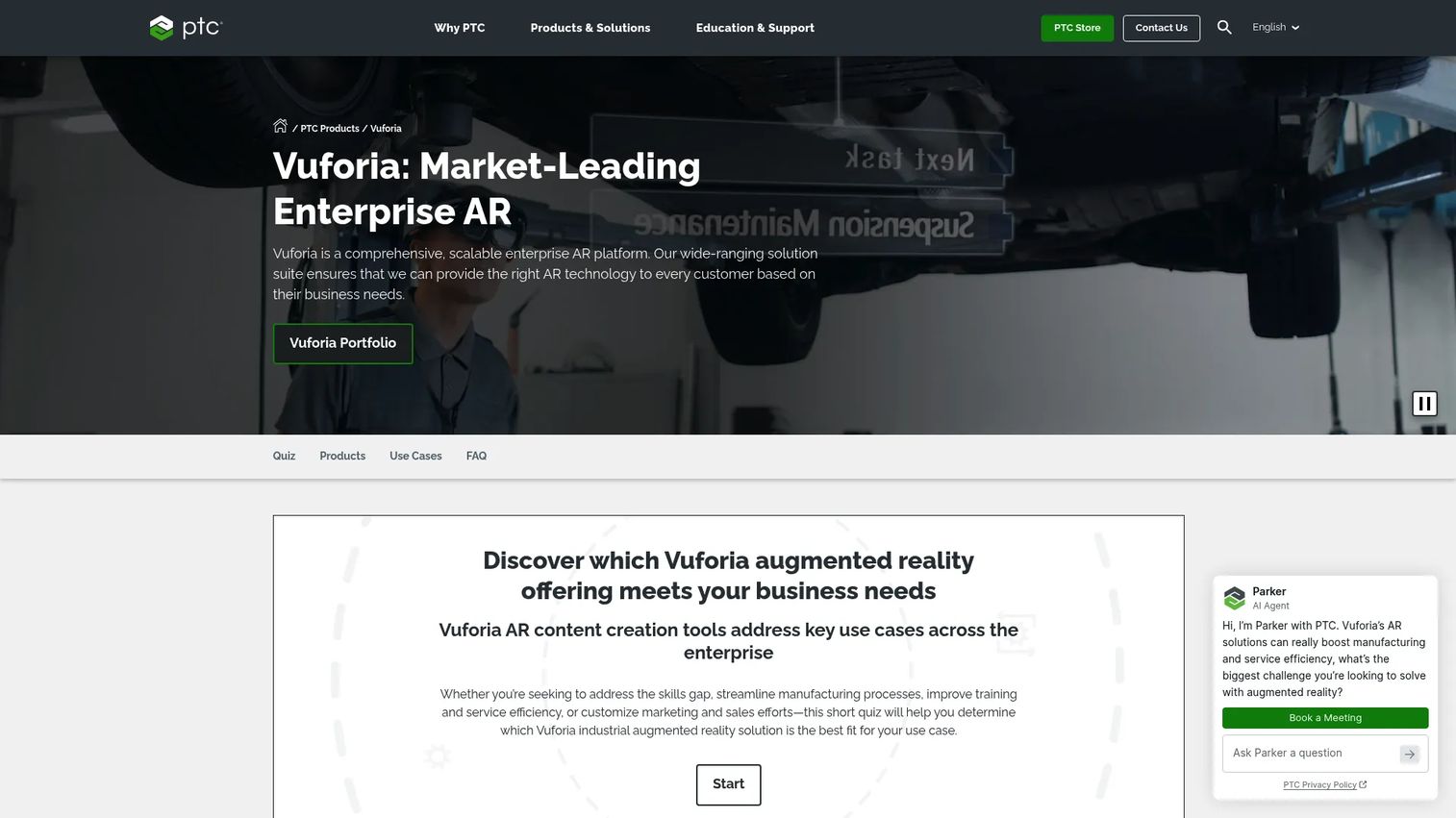
Vuforia is PTC's enterprise AR portfolio built for manufacturing and field service teams that need industrial-grade augmented reality. The platform spans AR work instructions, 3D model visualization, AI-assisted inspection, and remote assistance, covering the full range of AR use cases a product or operations team will encounter. Vuforia connects with CAD, IoT, and enterprise systems to tie AR experiences directly to authoritative product data.
Best for: Industrial organizations that need a broad AR platform spanning authoring, work instructions, inspection, and frontline support.
Key features
- Model Targets for recognizing real-world objects from 3D models
- Area Targets for persistent AR experiences in large indoor spaces
- AI-enhanced visual inspection via Step Check
- CAD and IoT data integration for AR work instructions
- Remote assistance and collaboration through Vuforia Chalk
Why choose Vuforia: Choose Vuforia when your roadmap requires a mature, multi-use AR suite rather than a point solution. PMs should evaluate how readily their teams can author and update content without specialist development work, and whether the CAD and IoT integrations connect to the data systems already in use.
Vuforia pricing: Vuforia Engine development is free; paid subscription licenses are required for deployment. Broader portfolio pricing is handled through PTC sales. Contact PTC directly for deployment pricing tied to your user count and integration requirements.
G2 rating: 4.1/5
2. TeamViewer Frontline
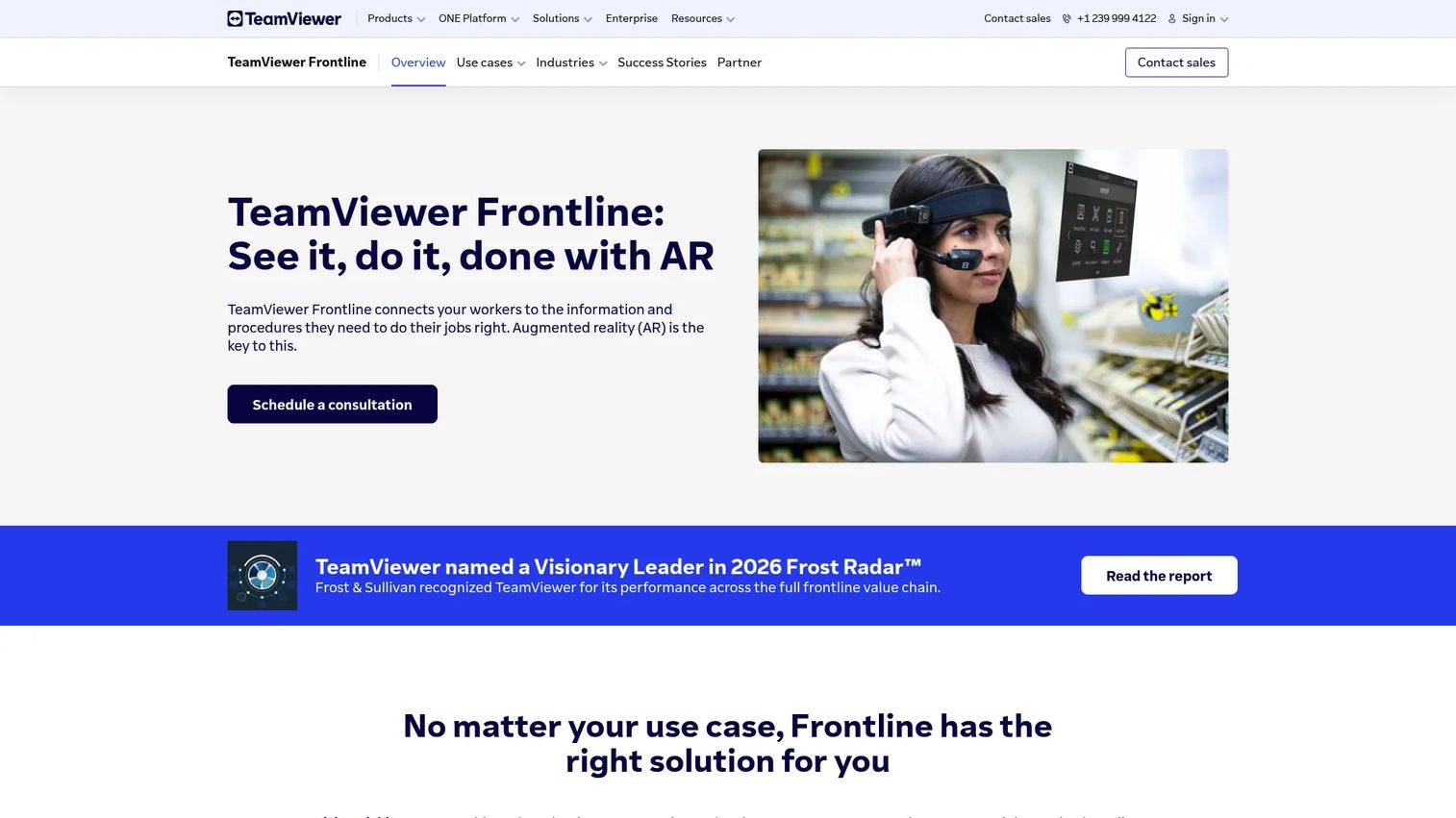
TeamViewer Frontline is an enterprise AR and connected worker platform designed for logistics, manufacturing, maintenance, and field service. It combines AR-guided workflows with real-time data capture, smart glasses support, and remote assistance in a single platform. Cloud or on-premises deployment options make it viable for organizations with strict data residency requirements. The platform integrates with PLM, WMS, ERP, and other backend systems, which matters when AR execution must stay in sync with operations data.
Best for: Large industrial organizations that need AR-guided workflows embedded in broader frontline execution programs, including picking, assembly, inspection, and service.
Key features
- AR-guided workflows with real-time data capture
- Vision picking for logistics and warehousing
- Step-by-step AR guidance for assembly and manufacturing
- Inspection checklists with task documentation
- Remote assistance with live annotations
Why choose TeamViewer Frontline: Strong fit when AR is part of a larger frontline productivity program rather than a standalone training or inspection tool. PMs should validate how easily workflows are updated across multiple sites and whether the integration layer connects to the specific WMS or ERP in use.
TeamViewer Frontline pricing: Pricing is sales-led and not displayed on the vendor site. Contact TeamViewer for a quote tied to your user count, site count, and deployment model.
G2 rating: 4.3/5
3. Siemens Teamcenter
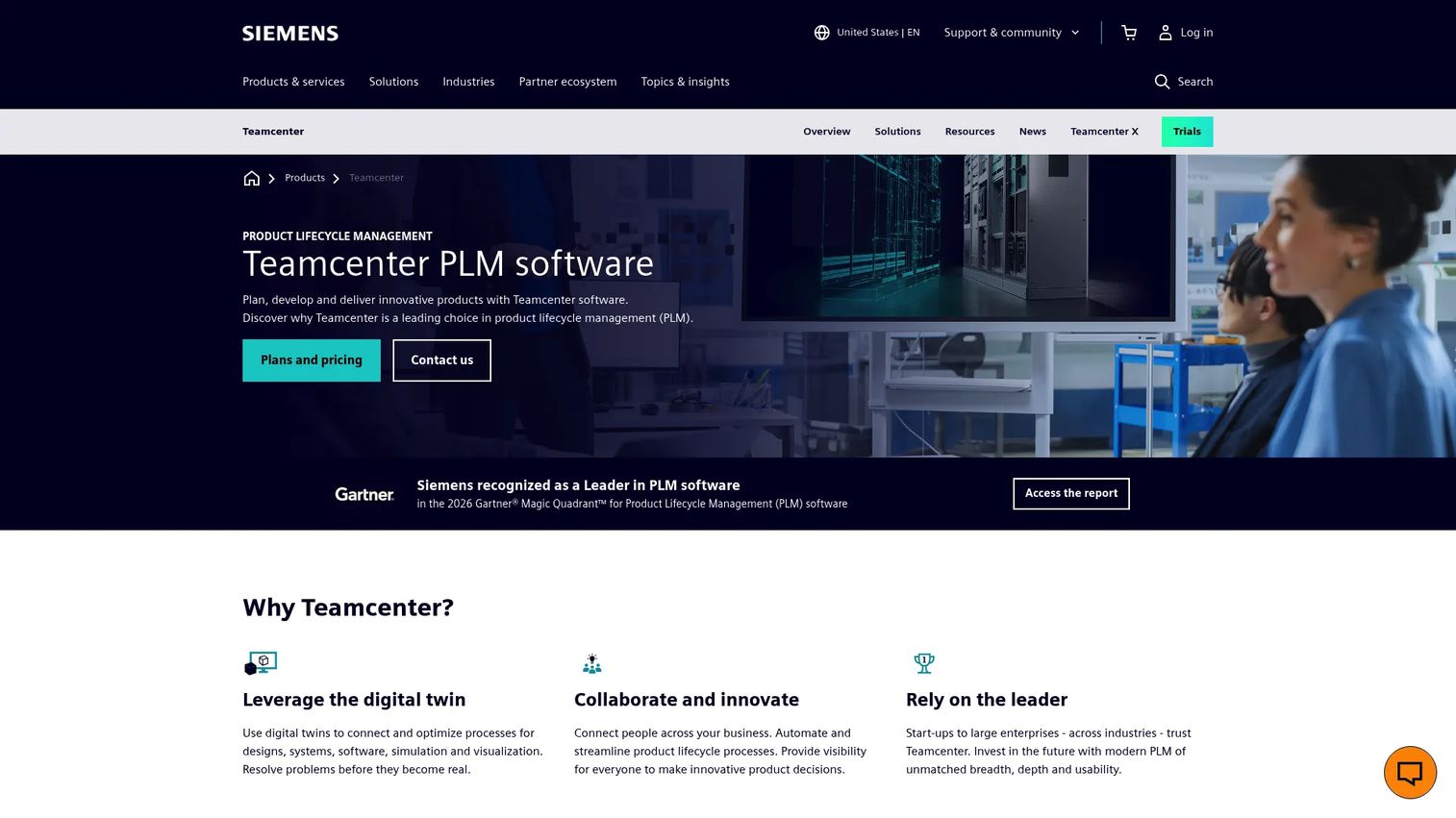
Siemens Teamcenter is a product lifecycle management platform that connects product data, 3D models, service context, and quality processes across the engineering and manufacturing lifecycle. It is not a standalone AR authoring tool; its value is providing the authoritative product data that AR workflows depend on. Teams using Vuforia or similar tools to deliver AR-guided work often connect those tools to Teamcenter to ensure the right version of a model or work instruction reaches the right technician. Embedded AI capabilities, including Teamcenter Copilot, add intelligent assistance across the PLM workflow.
Best for: Industrial companies where AR strategy depends on clean, version-controlled product lifecycle data and digital twin context.
Key features
- Digital twin and digital thread management
- Cross-domain collaboration across mechanical, electrical, and software engineering
- Product data, requirements, configuration, and change management
- Embedded AI including Teamcenter Copilot
- Cloud, on-premises, and SaaS deployment options
Why choose Siemens Teamcenter: Best when the AR program cannot succeed without authoritative product data at its foundation. PMs managing complex, multi-domain products or regulated change processes will find this a strong fit, particularly when downstream AR content must reflect exact revision states.
Siemens Teamcenter pricing: Pricing is request-a-quote only. Contact Siemens for pricing tied to your user count and deployment configuration.
G2 rating: 4.3/5
4. RealWear
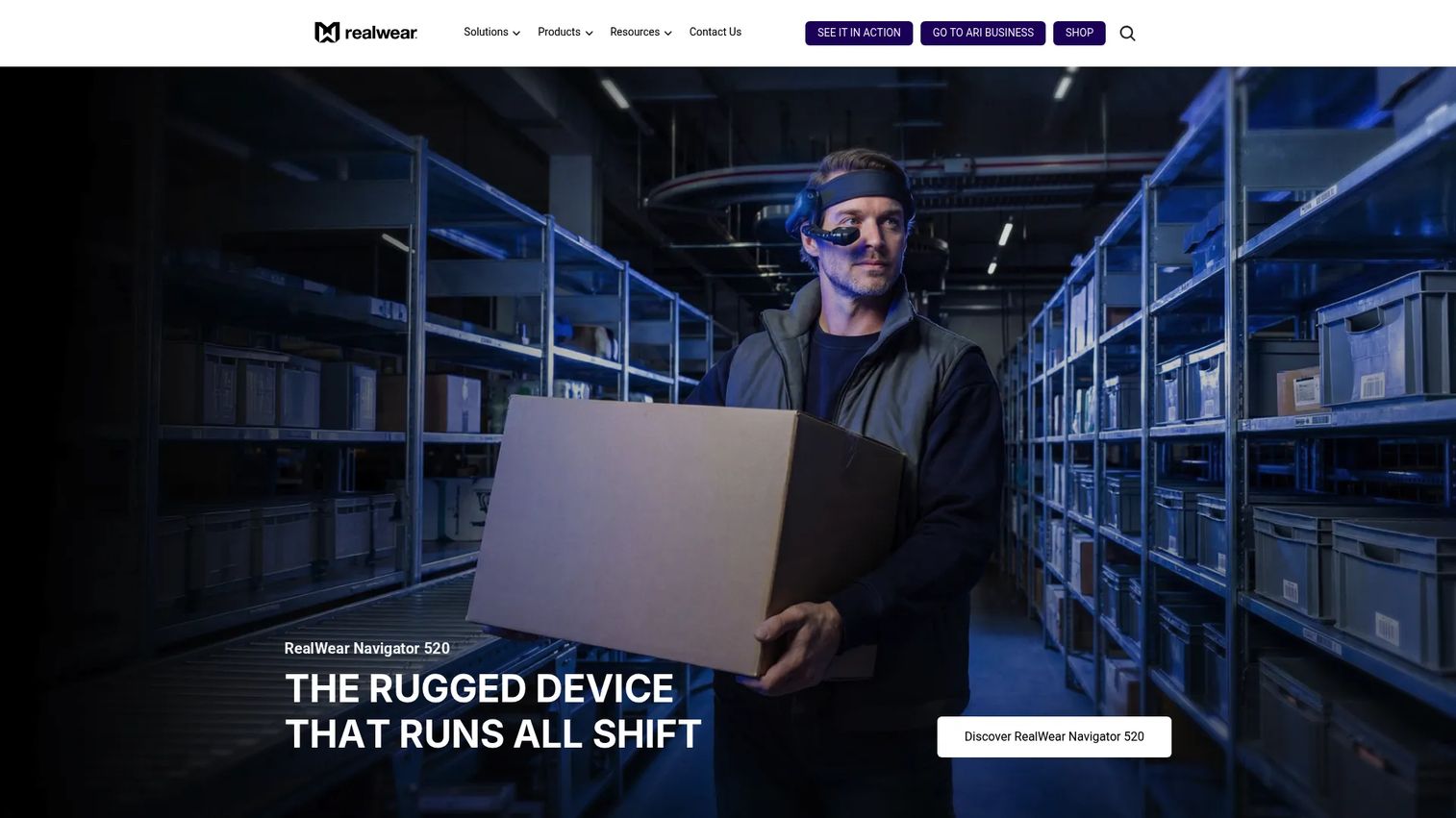
RealWear makes rugged, voice-controlled assisted reality headsets for frontline workers in industrial and hazardous environments. The devices are designed to operate in conditions where hands must remain free, including oil and gas, utilities, heavy manufacturing, and field service. RealWear is primarily a device company rather than a software platform, so teams typically pair RealWear hardware with AR software from a partner ecosystem. The Ari OS runs across RealWear devices and includes Core (free), Pro ($9.90/device/month), and Ultra ($19.90/device/month) software subscription tiers.
Best for: Field and plant teams that need hands-free, voice-controlled AR or assisted reality access in harsh environments where PPE and gloves make touchscreen devices impractical.
Key features
- Voice-controlled, hands-free operation
- Four-microphone noise cancellation for loud environments
- IP66 water and dust resistance
- PPE-compatible design with hot-swappable battery
- Remote expert support and inspection camera
Why choose RealWear: Choose RealWear when device durability and hands-free access are non-negotiable requirements. PMs should validate app ecosystem compatibility before standardizing, and confirm that the AR software in use has a verified RealWear integration.
RealWear pricing: Hardware starts at $2,950 per device (RealWear Arc 3), $3,150 for the Navigator 520, and $6,250 for the Navigator Z1. Software subscriptions run from free (Ari Core) to $19.90/device/month (Ari Ultra).
5. Microsoft HoloLens 2
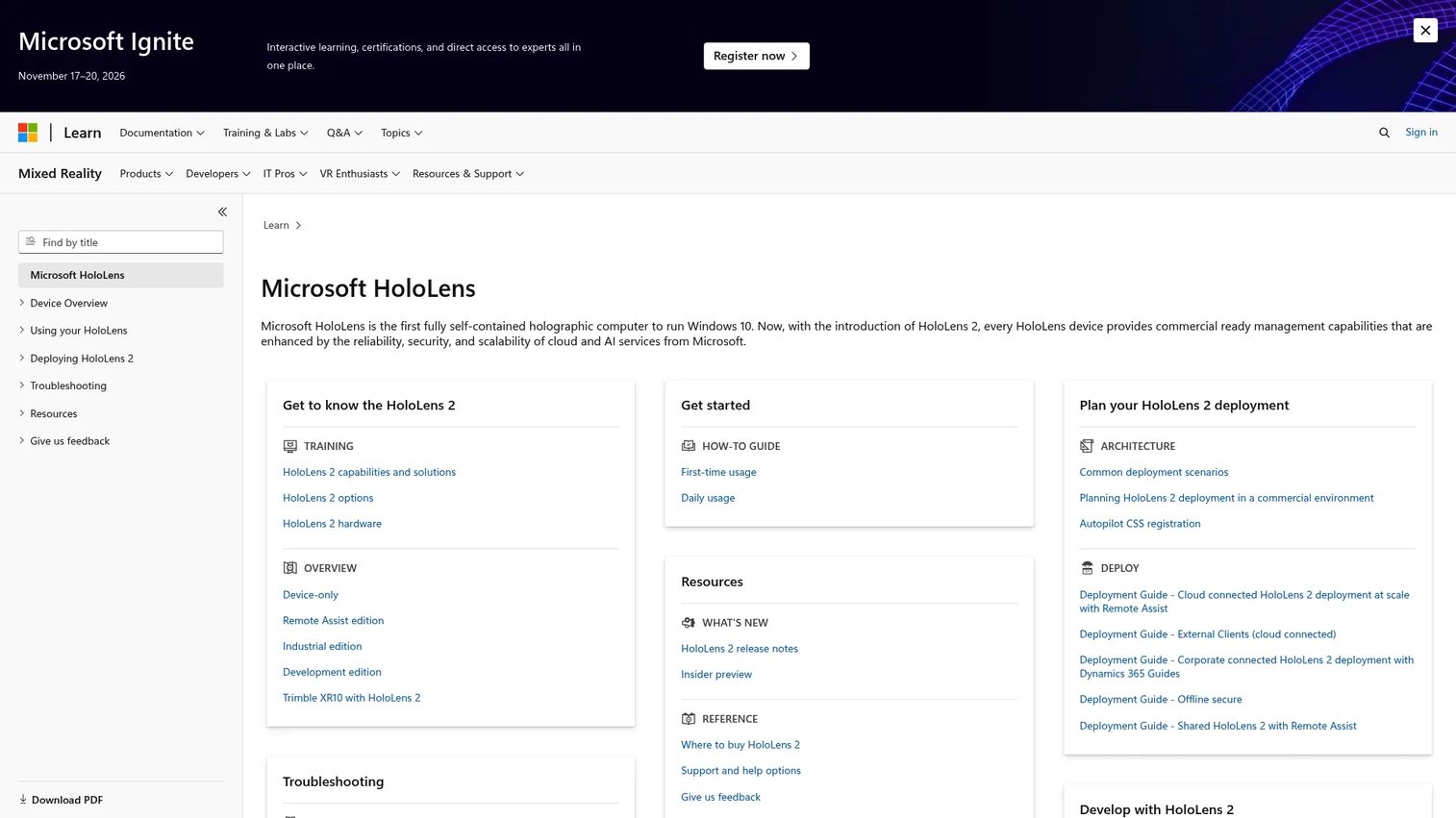
Microsoft HoloLens 2 is a mixed reality headset for spatial industrial visualization, remote collaboration, training, and 3D model interaction. It is a device platform rather than a complete industrial workflow system; teams typically build or buy software applications that run on the device. A critical note for PMs: Microsoft announced that HoloLens 2 devices are no longer manufactured as of December 2024. Current device availability is limited to existing inventory. HoloLens 2 Industrial Edition availability requires contacting Microsoft directly.
Best for: Teams that need immersive 3D holographic visualization, spatial mapping, or mixed reality experiences where screen overlays alone are insufficient.
Key features
- World-anchored holograms with real-time spatial mapping
- Two-handed articulated hand tracking and direct manipulation
- Real-time eye tracking and voice commands
- Untethered operation for field and plant environments
- Microsoft ecosystem integration
Why choose Microsoft HoloLens 2: Strong when visualizing 3D equipment, product designs, or spatial procedures matters more than text or image overlays. PMs should carefully evaluate availability, comfort constraints in PPE environments, and the software ecosystem before standardizing on this device.
Microsoft HoloLens 2 pricing: HoloLens 2 launched at $3,500 per device. Given that manufacturing has ended, current pricing depends on available inventory. Contact Microsoft for current availability and pricing.
6. Scope AR
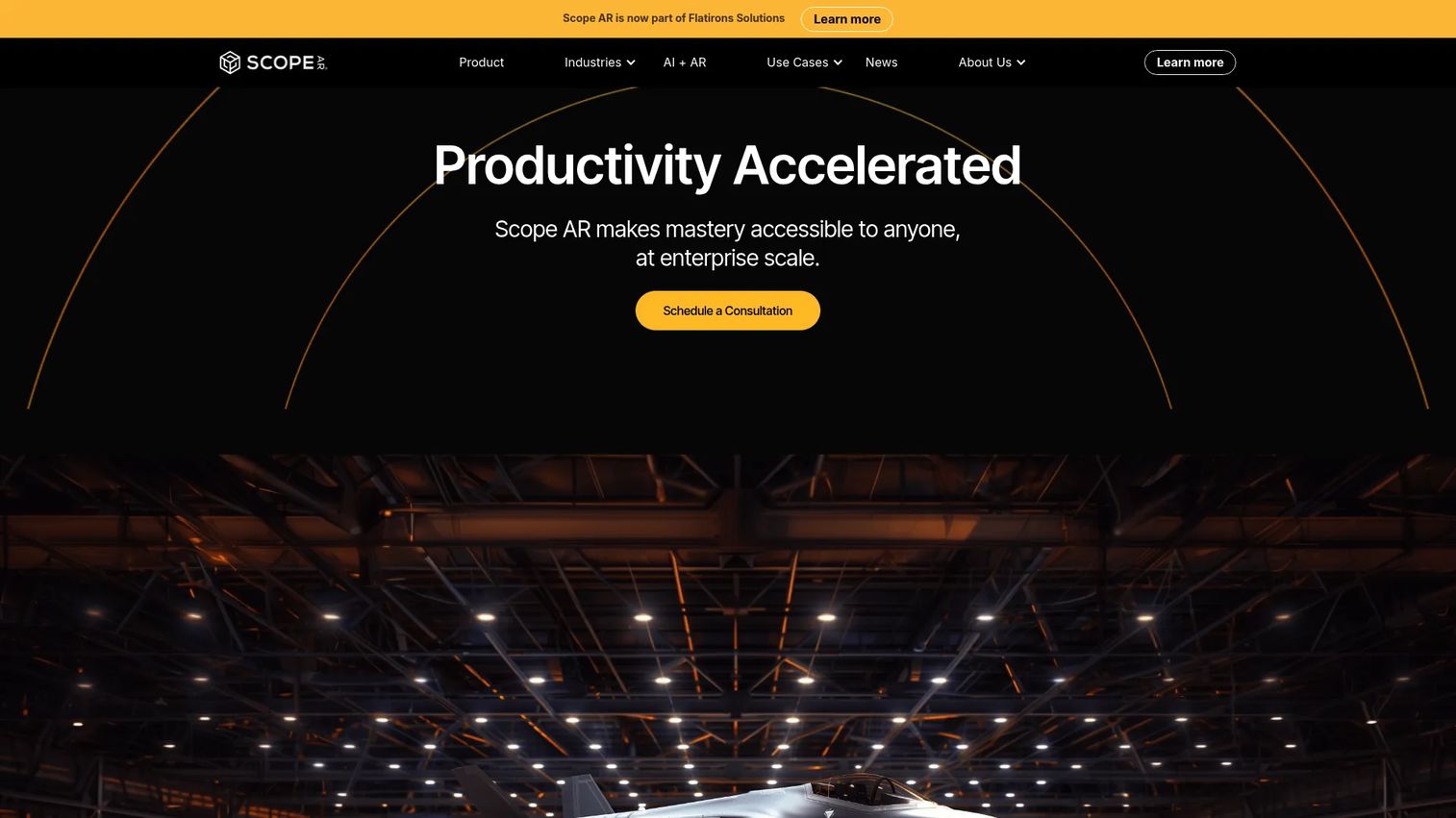
Scope AR provides WorkLink, an enterprise AR platform for creating, viewing, managing, and integrating 3D work instructions, training content, and remote collaboration. The platform uses a no-code, web-based authoring environment that accepts CAD imports, enabling content teams to build AR-guided procedures without specialist development work. Scope AR is now part of Flatirons Solutions. The platform supports PLM, MES, IoT integrations alongside GraphQL API and webhook connectivity for custom workflows.
Best for: Industrial and enterprise teams building AR-guided procedures for complex assembly, maintenance, or training tasks where 3D instruction fidelity matters.
Key features
- Web-based no-code AR content authoring with CAD import
- Step-by-step AR work instructions with real-time quizzes
- Real-time collaborative remote assistance with annotations
- AR analytics, dashboards, and audit logs
- PLM, MES, IoT, and API integrations
Why choose Scope AR: Good fit when task guidance is the core job and content governance matters alongside instruction quality. PMs should evaluate the approval workflow for updates, how changes propagate across deployed devices, and whether the no-code authoring environment removes the engineering dependency for content iteration.
Scope AR pricing: Contact Scope AR or Flatirons Solutions directly for pricing tied to your user count and integration requirements.
G2 rating: 4.3/5
7. Augmentir
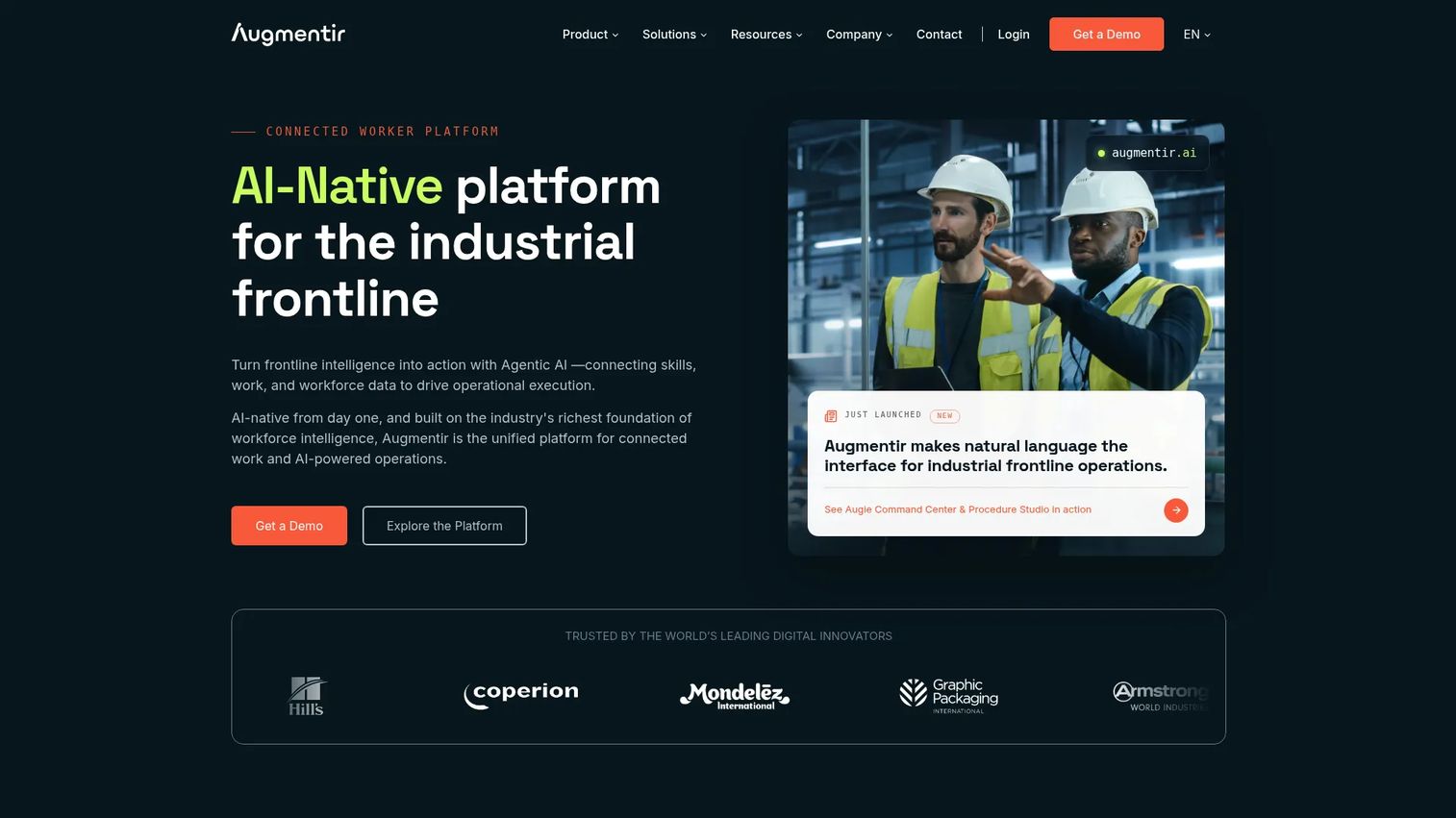
Augmentir is an AI-native connected worker platform for industrial frontline operations. It combines digital work instructions, skills management, workforce development, and AI-powered operational insights in a single platform. The Augie generative AI suite adds intelligent assistance across worker workflows, including AI agents for training, safety, quality, and operations. Industrial augmented reality is one layer within a broader connected worker execution environment.
Best for: Manufacturing and industrial teams that want AR-adjacent work instructions alongside workforce intelligence, skills tracking, and continuous improvement programs.
Key features
- Digital work instructions, checklists, and connected workflows
- AI agents and Augie industrial generative AI suite
- Skills management and workforce development tracking
- Remote collaboration and expert support
- Operational analytics and AI-powered workforce insights
Why choose Augmentir: Strong fit when the product goal includes training, skills management, and continuous improvement alongside guided execution. PMs should verify whether the AR depth matches the specific workflow requirements, particularly for high-fidelity 3D guidance tasks.
Augmentir pricing: Contact Augmentir for a quote tied to your workforce size, site count, and feature requirements.
G2 rating: 4.4/5
8. Librestream Onsight
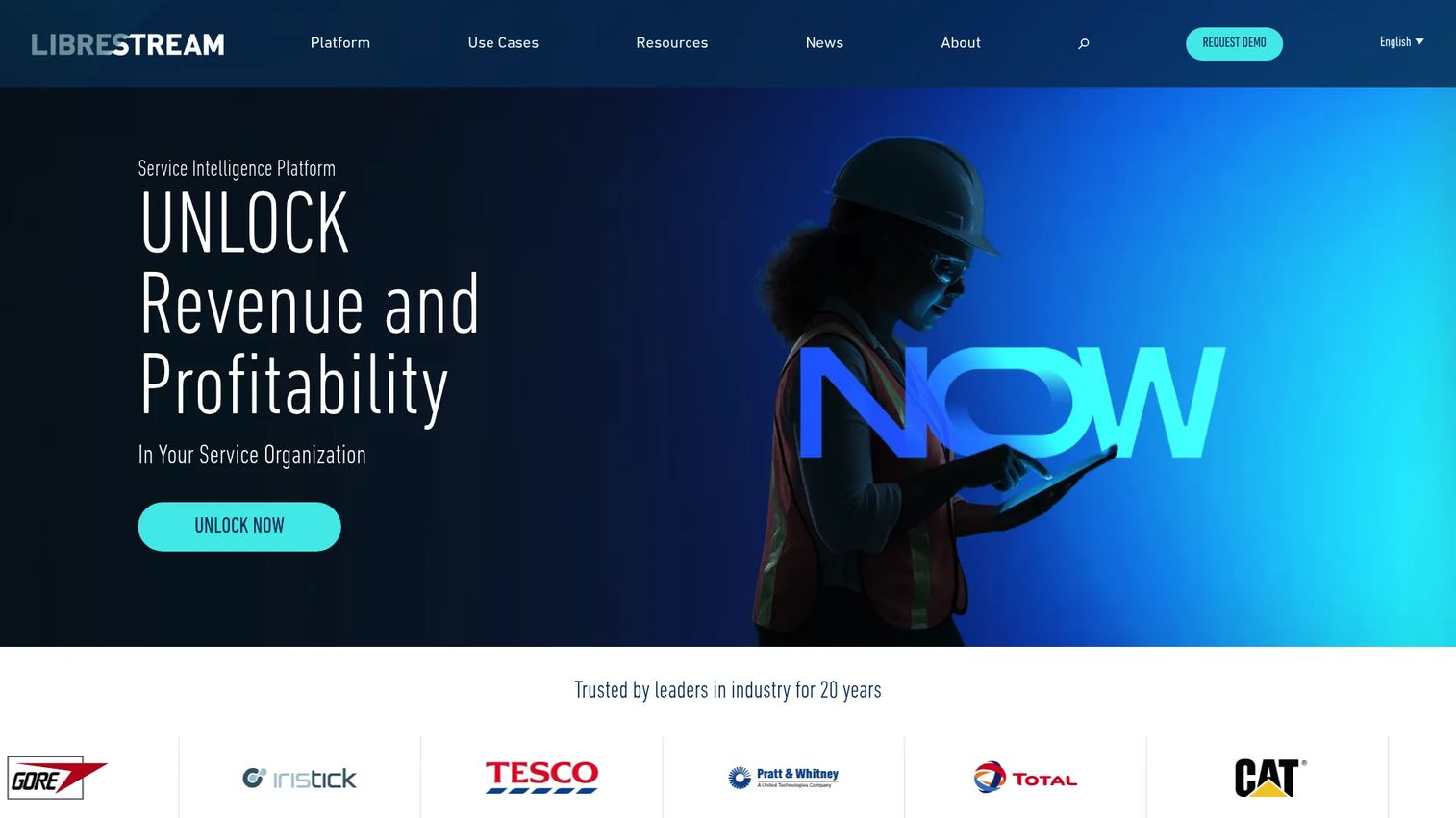
Librestream Onsight is an enterprise AR and AI-powered workforce transformation platform built around remote guidance, inspections, digital work instructions, and service intelligence. The core use case is connecting distributed field technicians with remote experts through real-time video, audio, and AR annotations. AI capabilities include an industrial assistant, computer vision, OCR, translation, and automated report generation. Digital work instructions include offline support, which matters for remote or low-connectivity sites.
Best for: Service teams where the bottleneck is expert availability rather than content authoring, particularly across distributed field operations with remote or offshore sites.
Key features
- Real-time remote expert collaboration with video, audio, screen sharing, and annotation
- AI industrial assistant with computer vision, OCR, and translation
- Digital work instructions with offline support
- Operational data capture for knowledge preservation
- Enterprise security and access controls
Why choose Librestream Onsight: Good fit when expert knowledge needs to reach technicians faster without travel. PMs should evaluate offline capability, bandwidth performance under field conditions, and whether the knowledge capture features create a reusable asset library over time.
Librestream Onsight pricing: Pricing is handled through sales. Contact Librestream for a quote.
9. Taqtile Manifest
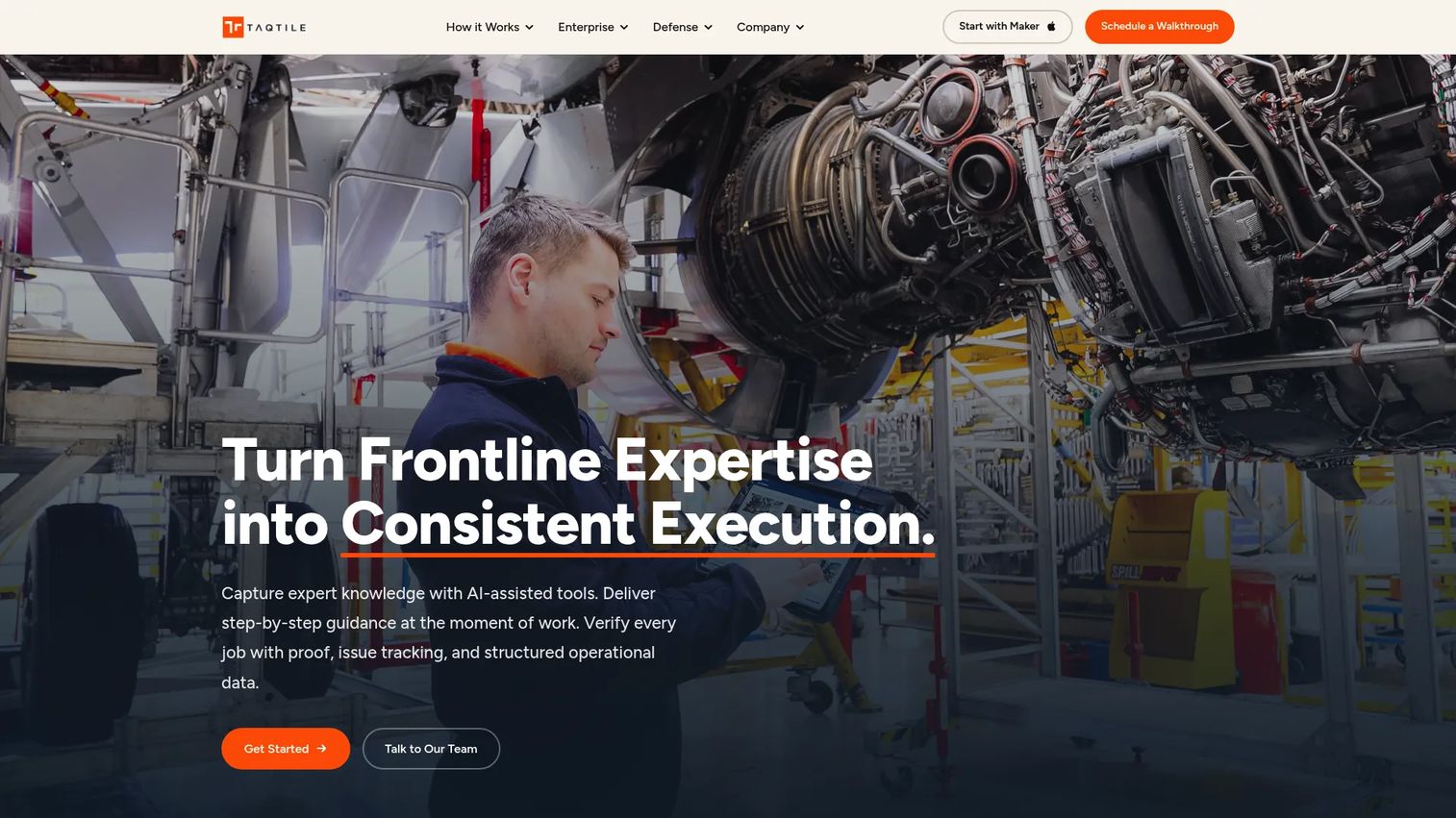
Taqtile Manifest is an enterprise digital work-instruction platform for standardizing and verifying frontline workflows. The platform delivers step-by-step procedures with photos, videos, diagrams, and AR overlays, alongside remote expert support via two-way audio and video. Verification workflows capture photos, videos, signatures, and measurements to create execution records. Procedure review, approval, publishing, and version history give organizations governance over what workers see in the field.
Best for: Manufacturing, aerospace, defense, and field service organizations that need to standardize procedural work and create auditable execution records.
Key features
- Step-by-step digital work instructions with photos, videos, and AR
- Visual guidance with annotations, leader lines, and 3D models
- Remote expert support with two-way audio, video, and live annotations
- Workflow verification through signatures, measurements, and issue tracking
- Procedure review, approval, publishing, and version history
Why choose Taqtile Manifest: Strong when industrial teams need repeatable procedural work, knowledge preservation, and a clear approval chain for content updates. PMs should confirm how content update approvals flow across sites and whether offline access meets field requirements.
Taqtile Manifest pricing: Contact Taqtile for pricing details.
10. Holo-Light
Holo-Light (the company now operates as Hololight) provides enterprise XR infrastructure that streams AR and VR applications to supported headsets, keeping application processing and data on external infrastructure rather than the device. The Hololight Hub manages application deployment, user access, session oversight, and analytics centrally. The 3D CAD viewer supports full-scale model visualization, inspection, measurement, cross-sections, collision detection, annotation, and real-world referencing. This XR streaming approach is relevant for engineering teams working with large, complex CAD assemblies that would strain device-side processing.
Best for: Engineering and design teams that need high-performance XR visualization of complex CAD assemblies across multiple AR or VR devices without rebuilding for each platform.
Key features
- Pixel-streaming of enterprise AR and VR applications from local, cloud, or server infrastructure
- Centralized Hololight Hub for deployment, user access, and session analytics
- 3D CAD viewer with full-scale visualization, inspection, and measurement
- Multi-device access across supported headsets
- Free trial available for Hololight Space
Why choose Holo-Light: Good fit when CAD-heavy or graphics-intensive content needs to run across multiple device types without rebuilding for each. PMs should verify network latency requirements, supported device list, and the deployment infrastructure needed before piloting.
Holo-Light pricing: A free trial is available for Hololight Space. Commercial use requires contacting Hololight for pricing.
11. Kognitiv Spark RemoteSpark
Kognitiv Spark RemoteSpark is a mixed reality connected-worker platform that connects frontline technicians with remote experts, operational documents, and 3D models in real time. The PC application is free. The HoloLens application requires an annual device licence; contact Kognitiv Spark for the licence amount. Persistent holographic pins let experts leave annotations that remain anchored in physical space for future reference. Microsoft Teams and OneDrive integrations make RemoteSpark accessible within workflows that already rely on Microsoft infrastructure.
Best for: Remote service teams in manufacturing, energy, aerospace, and defense that need expert guidance delivered through mixed reality without waiting for expert travel.
Key features
- Real-time audio and video collaboration with remote experts
- Hands-free access to PDFs, images, videos, and interactive 3D models
- Voice commands on compatible head-mounted devices
- Persistent holographic pins for spatial annotation
- Microsoft Teams and OneDrive integration
Why choose Kognitiv Spark RemoteSpark: Strong when field workers need expert input in complex environments and travel time is the primary bottleneck. PMs should validate connectivity requirements, supported device list, and whether holographic persistence adds meaningful value for the specific workflow.
Kognitiv Spark RemoteSpark pricing: The PC application is free. The HoloLens application requires an annual device licence. Contact Kognitiv Spark for pricing.
12. Teamcenter X
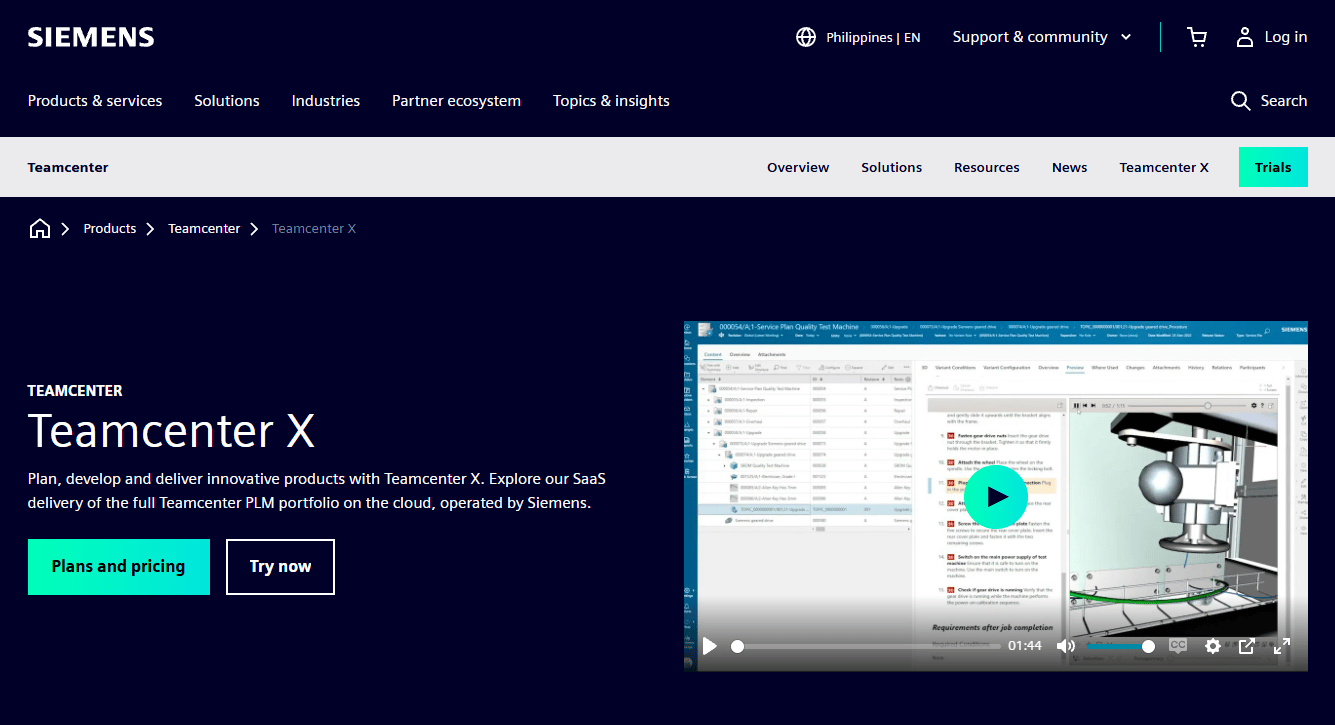
Teamcenter X is Siemens' cloud-based SaaS PLM platform, operated by Siemens directly. Unlike the on-premises Teamcenter, Teamcenter X runs as a managed cloud service with four tiers: Essentials, Standard, Advanced, and Premium. It manages MCAD data, documents, bills of materials, change workflows, and cross-domain engineering collaboration. For AR programs, Teamcenter X functions as the product-data foundation rather than an AR execution layer. Teams building AR-guided workflows for manufactured products often depend on PLM-level data accuracy; Teamcenter X provides that foundation in a cloud-native format.
Best for: Manufacturing organizations moving PLM to the cloud while building or scaling AR-enabled workflows that require clean, version-controlled product data.
Key features
- MCAD data management and revision control
- Document, BOM, change, and workflow management
- Cross-domain collaboration for mechanical, electrical, and electronic designs
- Digital thread support for product lifecycle visibility
- 30-day trial available
Why choose Teamcenter X: Fit for PMs who need clean product data before AR workflows can scale across sites. Make clear that AR execution will require connected tools or implementation work alongside Teamcenter X; it is the data layer, not the delivery layer.
Teamcenter X pricing: Siemens shows "Request a quote" across all four tiers. A 30-day trial is available. Contact Siemens for pricing.
G2 rating: 4.3/5
Considerations
Start with the workflow, not the headset
Buying a device before mapping the workflow is the most common AR pilot failure. Define the specific job first: Training, inspection, remote support, assembly, service, or design review. The device and software choice follows from that decision, not the other way around.
Check the content maintenance model
AR content degrades when procedures, equipment, parts lists, or safety rules change. Evaluate who can update content without specialist development support, how approvals work across sites, and what happens to deployed devices when a procedure version changes. A platform that requires an AR developer for every update will not survive a fast release cadence.
Validate industrial integrations
Most industrial AR programs eventually need to pull data from CAD, PLM, MES, ERP, IoT, or field service systems. Ask vendors which integrations are native, which require professional services, and which data stays read-only versus writable. Native PLM or CAD connectivity, as in the Siemens Teamcenter and Vuforia combination, reduces the data synchronization burden significantly.
Test in the actual environment
Factories, plants, ships, and remote sites create glare, noise, PPE constraints, gloves, network limits, and safety rules that do not exist in a conference room. Run pilots where work happens. Any platform that looks good in a meeting room and breaks in the field is not production-ready. This is the single evaluation step most teams skip.
Measure adoption and operational impact
Track task completion rates, training time reduction, first-time-fix rate, escalation frequency, inspection accuracy, and content usage by procedure. Avoid vanity metrics like pilot attendance. A research study in the Journal of Manufacturing Technology Management (2023) reported an average 23.61% reduction in process time across AR and VR industrial use cases. Set a measurable baseline before rollout and measure against it.
Conclusion
The 12 platforms above cover the full spectrum of industrial AR: Broad AR authoring suites, connected worker platforms, remote expert tools, PLM-connected foundations, and wearable device ecosystems. No single platform is the right answer for every team.
Use this shortlist for the most common scenarios: Vuforia for organizations that need a mature, multi-use AR platform across manufacturing and service. TeamViewer Frontline when AR must fit inside a broader frontline execution program. Siemens Teamcenter or Teamcenter X when the AR strategy depends on authoritative product lifecycle data. RealWear when hands-free, rugged device access is the primary constraint. Librestream Onsight or Kognitiv Spark RemoteSpark when expert availability, not content authoring, is the bottleneck.
The practical next step for any PM: Shortlist three platforms, run workflow-specific pilots in the environment where work actually happens, and measure against one operational metric before scaling. A pilot that improves first-time-fix rate by a measurable amount is worth scaling. A pilot that looks good in a boardroom is not.
For SaaS teams that also need to show complex software workflows to buyers or users, Guideflow lets you create interactive demos that prospects and users can click through at their own pace.
Start your journey with Guideflow today!
FAQs
Industrial AR platforms are augmented reality software and device systems that overlay digital instructions, 3D models, remote expert guidance, or operational data onto physical industrial environments. Use cases include AR work instructions for assembly and maintenance, remote expert support for field technicians, inspection workflows with documentation capture, and technician training. They are distinct from physical industrial work platforms such as mezzanines or access scaffolding.
AR overlays digital information onto the physical work environment; the technician still sees the actual machine or facility. VR replaces the physical environment with a fully simulated one. For live maintenance, inspection, and field service, AR is typically more practical because the technician stays in contact with the real work. VR fits simulation-heavy training scenarios where physical access to equipment is limited or unsafe.
Vuforia, TeamViewer Frontline, Scope AR, and Augmentir each fit manufacturing workflows, depending on the primary job. Vuforia covers the broadest range of AR use cases. TeamViewer Frontline suits organizations embedding AR into picking, assembly, and quality workflows. Scope AR is strong for complex work instruction authoring. Augmentir adds skills management and AI workforce intelligence alongside guided execution. The right fit depends on which workflow the AR program targets and which enterprise systems it needs to connect to.
Librestream Onsight and Kognitiv Spark RemoteSpark both excel at remote expert assistance for distributed field teams. RealWear provides the hands-free device access that field service technicians need in harsh environments. TeamViewer Frontline covers the broader field service execution layer. The decision between remote support tools and guided work instruction platforms depends on whether the core problem is expert availability or technician guidance at the point of work.
No. Many industrial AR platforms run on smartphones, tablets, or mixed reality headsets. Smart glasses and assisted reality devices like RealWear are the right choice when workers need hands-free access in PPE-required or safety-critical environments. For office-based design review or controlled manufacturing lines, tablets or headsets may work equally well. Choose the device after mapping the workflow and physical environment, not before.
Some platforms connect directly to CAD, PLM, digital twin, or product data systems. Siemens Teamcenter and Teamcenter X provide the PLM data layer that AR execution tools can consume. Vuforia integrates CAD and IoT data into AR work instructions. Holo-Light streams complex CAD models to AR devices without rebuilding for each platform. Before selecting a platform, verify data synchronization frequency, version control behavior, and whether access permissions match your engineering change management process. For complementary reading on 3D visualization software and CAD tools that feed into AR programs, see the linked guides.
PMs should evaluate workflow fit, content maintenance model, integrations, device compatibility, analytics depth, security, and frontline adoption path. Run a pilot against one measurable operational metric, such as first-time-fix rate or training time, rather than a broad proof-of-concept demo. Use PM-standard framing: What is the instrumentation plan, how does this survive the release cadence, what is the opportunity cost of content maintenance, and who owns updates when procedures change. For broader context on digital adoption platforms that complement AR rollouts, the linked guide covers the adjacent category.
Most enterprise AR platforms use quote-based pricing. Total cost includes software licenses, hardware devices, implementation services, integration work, content creation, and ongoing support. RealWear hardware starts at $2,950 per device with software subscriptions from free to $19.90/device/month. HoloLens 2 launched at $3,500 per device. Most software platforms, including Vuforia, TeamViewer Frontline, Scope AR, Augmentir, Librestream, Taqtile, and the Siemens Teamcenter family, require direct vendor engagement for pricing. When requesting quotes, tie the conversation to specific user counts, site counts, device types, integration requirements, and content volume to get numbers that are actually comparable across vendors. For context on AR development software and AR collaboration tools that may factor into total program cost, see the related guides.