AR prototypes fail for a predictable reason: The tool selected early in the process becomes the constraint that kills the product later. The wrong SDK locks you to a device mix your users don't have. The wrong engine demands 3D expertise your team hasn't got. The wrong WebAR platform caps the tracking quality the experience requires. According to Grand View Research (2026), the global augmented reality market reached $120.2 billion in 2025, which means more teams are committing AR budgets than ever, and more of them are making expensive stack decisions without a clear framework.
This guide cuts through that confusion. It covers augmented reality development software across every major category: Native SDKs, full 3D engines, WebAR platforms, no-code builders, and enterprise AR systems. The goal isn't to tell you which tool is the most impressive in a demo. It's to help you choose the one your product can actually ship and maintain.
What's inside
This guide compares 21 AR development tools, selected based on recurring coverage across the SERP, verified category fit, and current maintenance status.
Items were evaluated against four criteria:
- Platform support: Which devices, operating systems, and browsers the tool reaches
- AR capabilities: Tracking types, rendering quality, and sensor access
- Implementation effort: Developer skill requirements and time to a working prototype
- Maintainability: Asset pipeline complexity, update burden, and long-term viability for product teams
Pricing and G2 ratings in each section and the comparison table reflect verified figures from vendor pricing pages and G2 listings.
TL;DR
- Best for iOS-native AR: ARKit, Apple's framework with the deepest device integration on iPhone and iPad
- Best for Android-native AR: ARCore, Google's SDK with motion tracking and geospatial capabilities built in
- Best for cross-platform product teams: Unity, with AR Foundation and a broad developer ecosystem
- Best for high-fidelity 3D: Unreal Engine, for visualization, simulation, and photorealistic AR scenes
- Best for industrial AR workflows: Vuforia Studio and Scope AR handle work instructions, digital twins, and frontline guidance
- Best for browser-based AR: ZapWorks and Onirix cover WebAR publishing without requiring app installation
What is ar development software?
AR development software helps teams build augmented reality applications that place digital objects, instructions, data, or interactions into a user's physical environment through phones, tablets, headsets, smart glasses, or browsers.
The category spans several distinct tool types, each suited to a different build path.
SDKs and native frameworks
AR SDKs expose camera access, tracking algorithms, plane detection, spatial mapping, and rendering primitives to developers. Native frameworks integrate tightly with an operating system and perform best when the product is committed to one platform ecosystem. Tracking quality and performance are generally highest in native frameworks because they access device sensors directly.
Game engines and 3D engines
Engines like Unity and Unreal Engine handle interactive 3D scenes, physics, cross-platform deployment, and complex asset workflows. They're the right choice for immersive AR, training simulations, visual product configuration, and any experience that needs high-quality 3D rendering across multiple target devices.
WebAR and no-code platforms
WebAR runs in the browser, which means users don't install anything. No-code or low-code platforms let non-engineering teams create campaigns, product visualization experiences, and lightweight AR without writing code. These tools trade tracking depth for reach and speed.
Enterprise AR platforms
Enterprise AR platforms target training, remote assistance, field service, digital work instructions, and industrial operations. They often include workflow management, content governance, smart glasses support, and integrations with systems like SAP or ThingWorx.
Key capabilities to look for across categories:
- Motion tracking and SLAM
- Plane detection and spatial mapping
- Image recognition and object tracking
- 3D rendering quality and asset management
- Cross-platform deployment
- WebAR publishing
- Smart glasses support
- Analytics or workflow reporting
AR development software is distinct from 3D modeling software, CAD tools, or 3D visualization software. Those tools can feed assets into AR workflows, but they don't provide the AR runtime or the tracking and rendering layer the experience runs on.
When to use ar development software
Validate an AR product concept before committing the roadmap
PMs can use AR development tools to test whether users understand the experience, whether device sensors support the workflow, and whether the value justifies the engineering cost. Start with a narrow prototype tied to one metric: Task completion rate, conversion lift, or reduced training time. The prototype informs the roadmap decision before you've spent significant engineering cycles.
Build cross-platform AR experiences for mobile users
Use this when the product must reach both iOS and Android users without maintaining completely separate interaction logic. Cross-platform engines like Unity absorb the platform differences at the cost of some native performance. The tradeoff between native sensor access and cross-platform velocity is real and worth pricing explicitly before selecting your stack.
Support enterprise training, service, or operations workflows
Enterprise AR platforms apply when the goal is work instructions, remote expert guidance, maintenance workflows, or ar visualization software for operational processes. These contexts bring distinct procurement concerns: Security review, device management, offline support, role permissions, audit trails, and integration with existing operational systems. Bring IT and operations in before the pilot turns into a procurement conversation.
AR development software comparison
The table below covers all 21 tools in this guide. Pricing and G2 ratings were verified from vendor pricing pages and G2 listings.
| # | Product | Best for | Key differentiator | Pricing | G2 rating |
|---|---|---|---|---|---|
| 1 | ARKit | iOS-native AR | Deep Apple device and sensor integration | Free (Apple Dev Program $99/yr) | N/A |
| 2 | Unity | Cross-platform AR teams | AR Foundation workflow across platforms | Free; Pro $210/mo | N/A |
| 3 | Unreal Engine | High-fidelity 3D AR | Nanite/Lumen rendering quality | Free; royalty above $1M revenue | 4.5/5 |
| 4 | Vuforia Engine | Computer-vision AR | Image, model, and object target tracking | Free basic; premium contact sales | 4.3/5 |
| 5 | ARCore | Android-native AR | Google-backed Android AR SDK | Free | 4.5/5 |
| 6 | Kudan AR SDK | SLAM-heavy apps | Marker and markerless tracking | Contact sales | 4.0/5 |
| 7 | RealityKit | Apple-native 3D rendering | Swift-first physics and rendering | Free; Apple Dev Program $99/yr | N/A |
| 8 | Vuforia Studio | Industrial AR authoring | CAD-to-AR work instructions and digital twins | Contact sales | 4.1/5 |
| 9 | Wikitude | Legacy SDK reference | Shut down September 2024 | N/A | 4.3/5 |
| 10 | ARToolKit | Open-source AR experiments | Marker-based open-source toolkit | Free (open source) | 4.2/5 |
| 11 | 8th Wall | WebAR (self-hosted) | Open-source browser-based AR toolkit | Free (hosted platform retired Feb 2026) | N/A |
| 12 | EasyAR | Mobile AR SDKs | Image tracking and SLAM with Unity support | Free personal; $39/mo professional | 3.8/5 |
| 13 | ZapWorks | Creative WebAR | Designer-friendly WebXR publishing | From $12.99/mo | 4.5/5 |
| 14 | DeepAR AR SDK | Face filters and camera effects | Real-time face tracking and virtual try-on | Free up to 10 MAU; paid from $25/mo | N/A |
| 15 | MAXST AR SDK | Visual SLAM and tracking | Industrial-grade multi-tracker AR engine | Free trial; Pro from $59/mo | 5.0/5 |
| 16 | Onirix AR SDK | No-code WebAR | Self-hosted browser AR with SDK flexibility | From €90/mo | 4.3/5 |
| 17 | PlugXR | No-code AR creation | Business-user AR authoring with AI tools | From $39/mo | 4.5/5 |
| 18 | echo3D | 3D asset management | Cloud asset delivery for AR and 3D apps | Free tier; custom enterprise | N/A |
| 19 | Scope AR | Enterprise work instructions | AR-guided frontline procedures and remote help | Contact sales | 4.3/5 |
| 20 | VIEWAR | Industrial AR applications | AI-assisted SOP capture and AR workflows | Contact sales | 4.4/5 |
| 21 | TeamViewer Frontline | Connected worker AR | Remote assistance and smart glasses integration | Contact sales | 4.3/5 |
Best 21 ar development software tools for 2026
1. ARKit
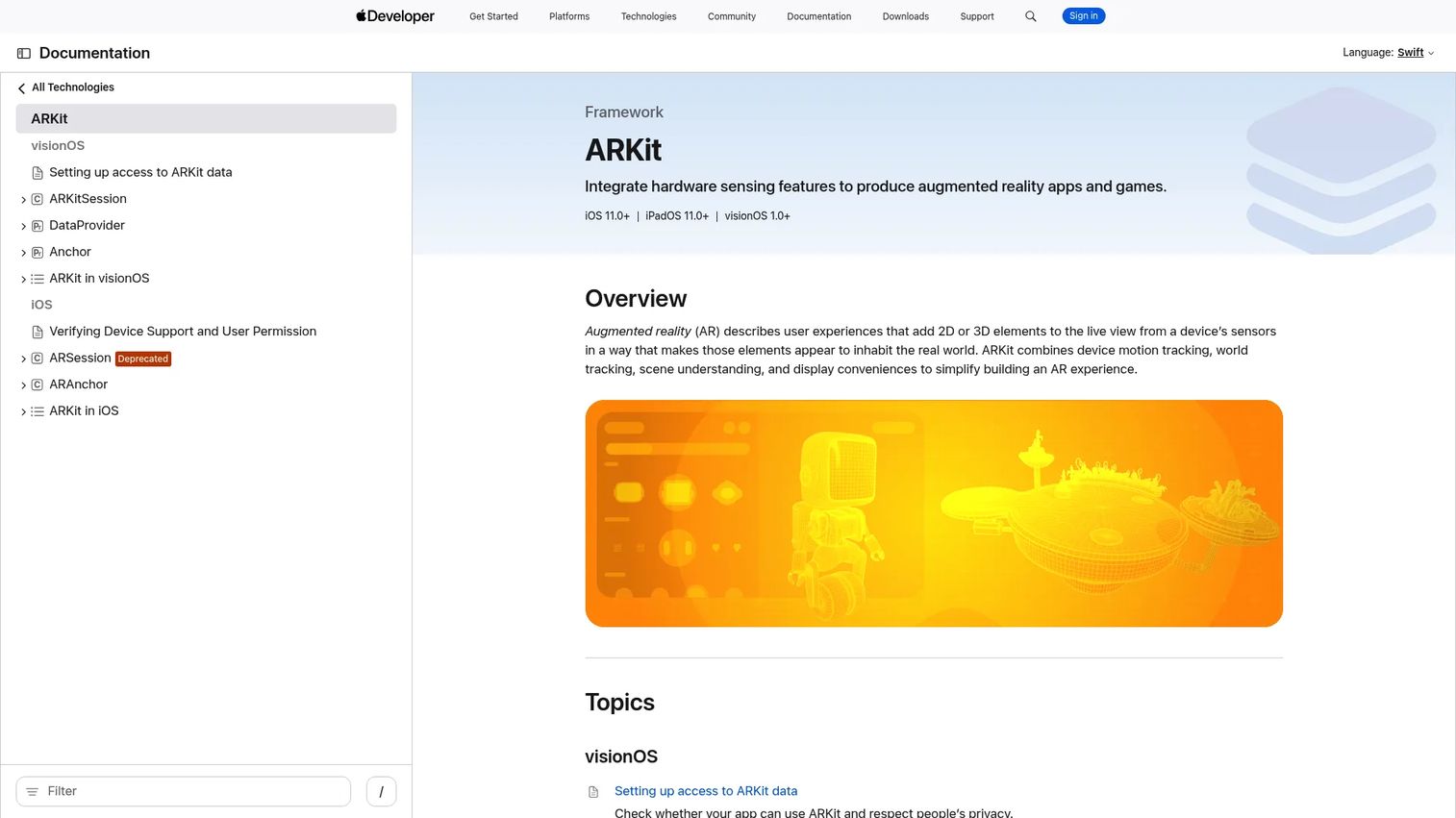
ARKit is Apple's native AR framework for iOS and iPadOS. It gives developers access to motion and world tracking, plane and image detection, scene reconstruction, people occlusion, face and body tracking, and LiDAR-powered depth sensing on supported hardware. AR Quick Look integration lets teams publish AR experiences through Safari without a dedicated app install. Multi-user AR is supported through shared session capabilities.
Best for: Product teams committed to Apple-first experiences on iPhone and iPad.
Key features
- Motion and world tracking across iOS and iPadOS
- Plane, image, object, face, body, and hand tracking
- Scene reconstruction with occlusion and depth
- AR Quick Look for Safari-based delivery
- Shared and multiuser AR session support
Why choose ARKit: If your user base is on iPhone and iPad, ARKit provides access to the deepest layer of Apple's sensor hardware, including LiDAR on supported Pro models. The platform lock-in is real: ARKit does not run on Android. Choose it when Apple-native performance matters more than cross-platform reach.
ARKit pricing: ARKit is available at no cost as part of Apple's developer tools. Distributing apps through the App Store requires an Apple Developer Program membership at $99 per year.
2. Unity
Unity is a real-time 2D and 3D development platform with broad AR support through its AR Foundation framework. AR Foundation provides a unified API layer that targets ARKit on iOS and ARCore on Android, so teams write one codebase and deploy across both platforms. Unity's Asset Store, C# scripting environment, XR plugin ecosystem, and large developer community make it a practical choice for product teams that need to move from prototype to production without rebuilding from scratch.
Best for: Cross-platform product teams with existing Unity or 3D development experience.
Key features
- AR Foundation for unified iOS and Android AR
- Cross-platform deployment including mobile, desktop, and XR headsets
- C# scripting and visual scripting options
- Asset Store with thousands of third-party components
- Real-time graphics with URP and HDRP render pipelines
Why choose Unity: Unity excels when your engineering team already knows it or when you're building cross-platform AR that needs to run on both iOS and Android from one codebase. The tradeoff is that Unity requires 3D development expertise and the licensing structure has grown more complex in recent releases.
Unity pricing: Unity Personal is free. Unity Pro costs $210 per month or $2,310 per year. Unity Enterprise and Unity Industry use custom pricing through sales.
3. Unreal Engine
Unreal Engine is Epic Games' real-time 3D platform, used across games, architecture, automotive visualization, simulation, and immersive training. For AR, it delivers photorealistic rendering through Nanite geometry and Lumen global illumination, Blueprint visual scripting for teams without deep C++ expertise, and XR framework support for headsets and mobile. It fits product experiences where visual quality is a core requirement, not an afterthought.
Best for: Teams building high-fidelity AR experiences for visualization, simulation, architecture, or enterprise training.
Key features
- Nanite virtualized geometry and Lumen dynamic lighting
- Blueprint visual scripting alongside C++ development
- XR framework support for headsets and mobile AR
- Photorealistic asset workflows and Megascans library
- Cross-platform deployment including mobile and console
Why choose Unreal Engine: Unreal's rendering quality sets the ceiling for what AR experiences can look like. For lightweight tracking or simple WebAR campaigns, it's more than needed. The value appears in high-production visualization, training, or experience-design contexts where the visual output is the differentiator.
Unreal Engine pricing: Free for game development and teams below $1M in annual gross revenue attributable to Unreal. A 5% royalty applies on lifetime gross revenue above $1M for game products. Non-game commercial users over $1M pay $1,850 per seat per year.
G2 rating: 4.5/5
4. Vuforia Engine
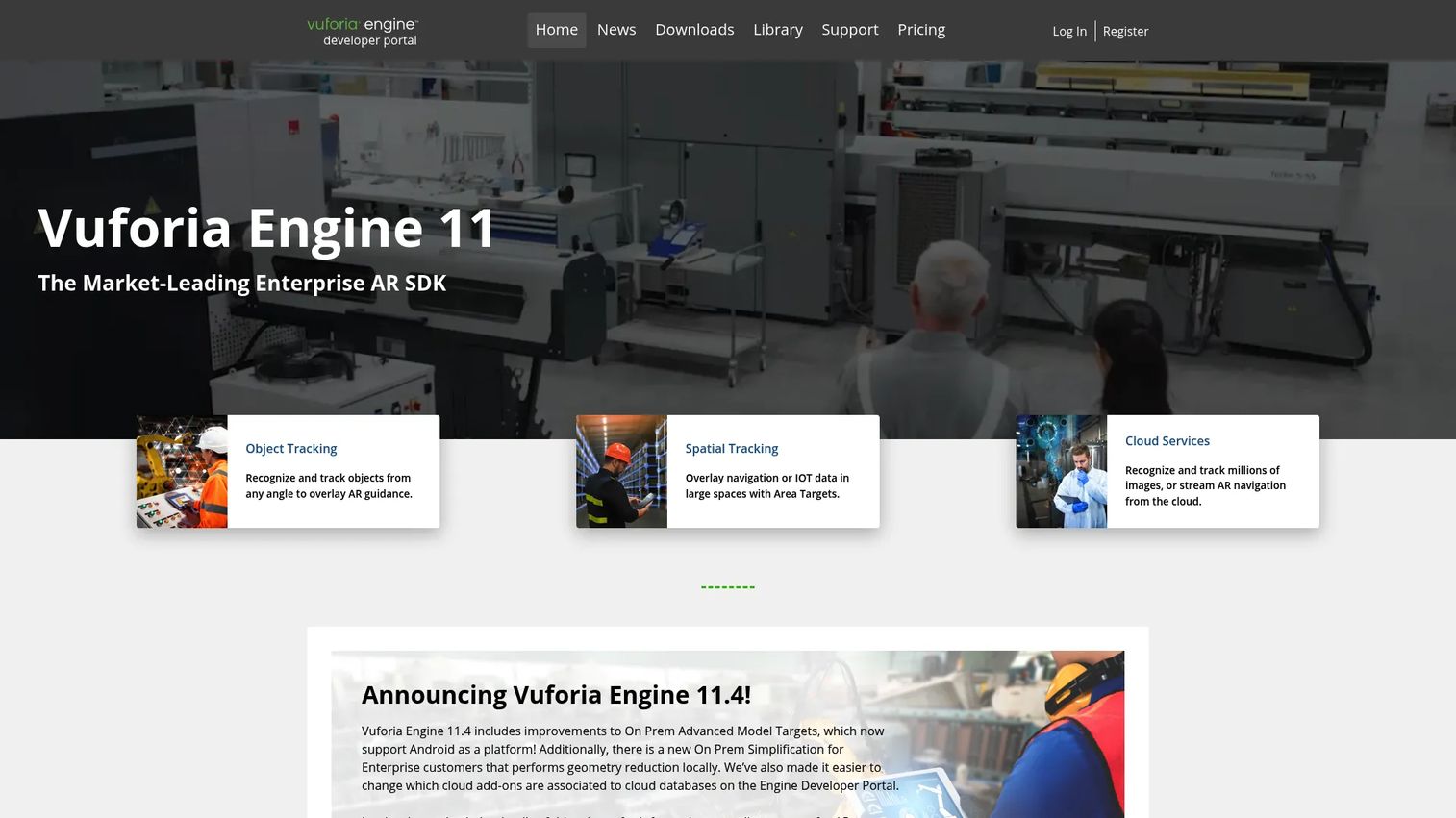
Vuforia Engine is PTC's AR SDK focused on computer-vision tracking for industrial, retail, and product visualization applications. Its core strength is recognizing and tracking image targets, model targets, cylindrical targets, barcodes, and ground planes with high stability. Integration with Unity is native. VuMarks extend traditional markers with embedded data, and area targets let teams map physical spaces for spatial AR.
Best for: Developers and enterprises building marker-based and object-recognition AR across industrial and product scenarios.
Key features
- Image, multi-image, cylinder, and cloud image targets
- Model targets for 3D object recognition
- VuMarks, barcode scanner, and ground plane detection
- Area targets for spatial environment mapping
- Native Unity integration
Why choose Vuforia Engine: Vuforia's tracking capabilities for physical objects and complex image targets are its main draw. For industrial use cases where precise object recognition matters, it competes well. Teams should verify current plan features directly with PTC, as capabilities are gated across Basic, Premium, and Enterprise tiers.
Vuforia Engine pricing: The Basic plan is free and includes core AR features. Premium and Enterprise plans require contacting PTC for pricing.
G2 rating: 4.3/5
5. ARCore
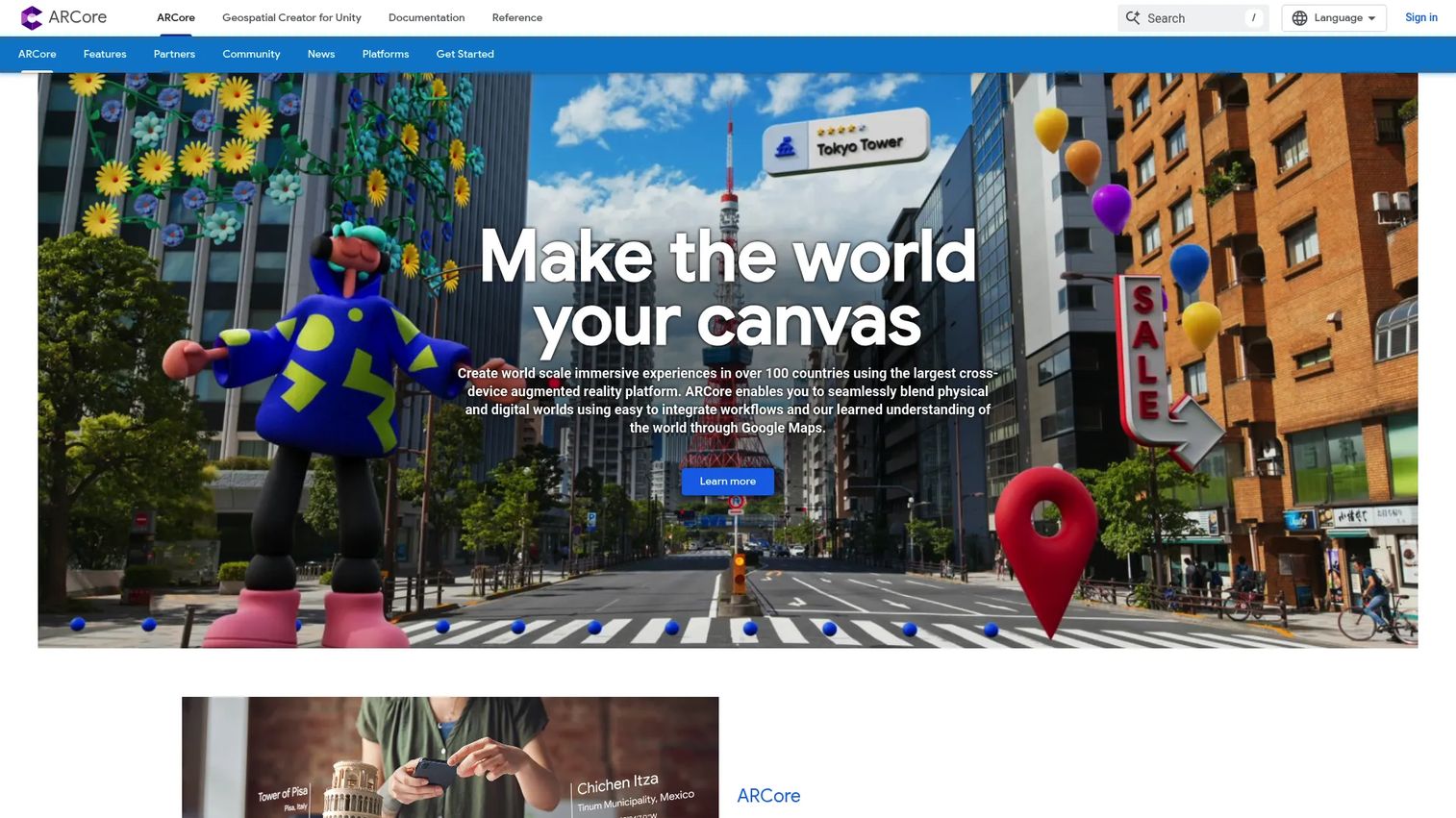
ARCore is Google's AR platform for Android, with cross-platform SDKs for iOS, Unity, Unreal Engine, and Web. It provides motion tracking, environmental understanding, a Depth API, light estimation, cloud anchors for persistent experiences, and a Geospatial API for location-aware AR. Supported device compatibility varies across Android manufacturers, which matters more than the headline feature list for most product decisions.
Best for: Developers building Android-native or cross-platform AR with Google's geospatial and cloud capabilities.
Key features
- Motion tracking and environmental understanding
- Depth API and light estimation
- Geospatial API and Scene Semantics
- Augmented images and cloud anchors
- Cross-platform SDKs for Android, iOS, Unity, Unreal, and Web
Why choose ARCore: ARCore is the starting point for Android-native AR. Its device compatibility list is the first thing to check: Not all Android devices support all ARCore features at the same capability level. For geospatial or cloud-anchor experiences, ARCore's Google-backed infrastructure is a meaningful advantage.
ARCore pricing: Free for developers. Some features may carry Google Cloud API costs for geospatial and cloud functionality; check the current Google Cloud pricing page for the Geospatial API.
G2 rating: 4.5/5
6. Kudan AR SDK
Kudan AR SDK offers marker tracking, markerless tracking, and location capabilities for developers building AR applications with demanding spatial requirements. G2 reviewers describe it as supporting both marker and markerless workflows with Unity implementation and cross-platform portability. The homepage currently redirects to Kudan's broader spatial-perception positioning.
Best for: Technical teams building AR applications where markerless tracking and localization are central to the experience.
Key features
- Marker-based tracking
- Markerless visual tracking
- Location and spatial capabilities
- Unity implementation support
- Cross-platform portability
Why choose Kudan AR SDK: Kudan is appropriate for teams with specific SLAM or localization requirements. Given the current website redirect, verify documentation depth, SDK access, and commercial support directly before committing it to a product roadmap.
Kudan AR SDK pricing: Commercial licensing terms require contacting Kudan directly.
G2 rating: 4.0/5 (based on 2 reviews)
7. RealityKit
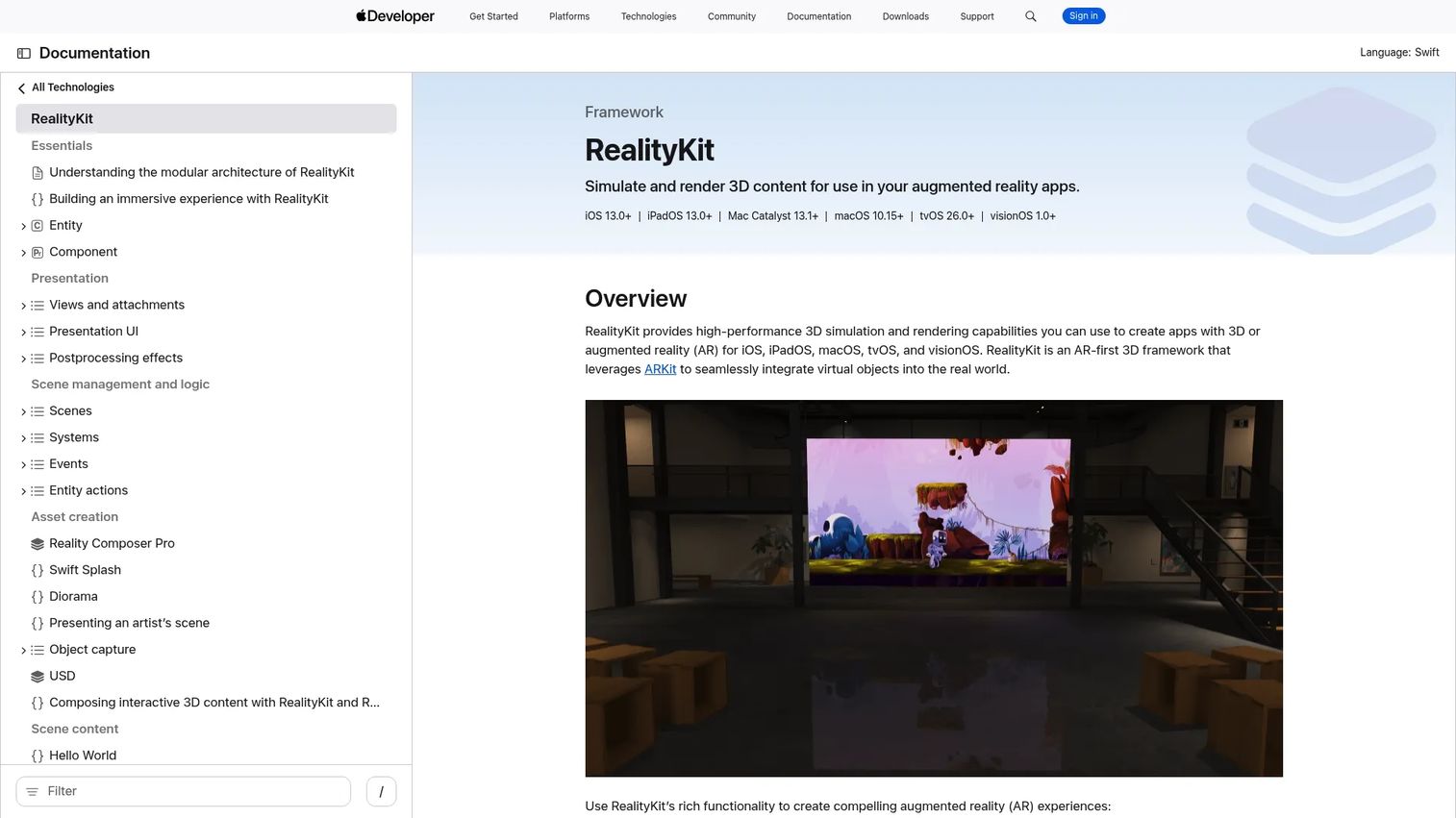
RealityKit is Apple's framework for 3D simulation and rendering, designed to complement ARKit rather than replace it. It handles physics, collision detection, materials, animations, spatial audio, and USDZ asset workflows through a Swift-first API. Reality Composer Pro provides a scene-editing environment for teams building spatial experiences across iOS, iPadOS, and visionOS.
Best for: Apple-platform development teams that need a modern rendering layer for physics-accurate AR scenes.
Key features
- High-performance 3D rendering and physics simulation
- Scene creation with animations, spatial audio, and runtime content
- Real-world occlusion, collision, and shadow interactions
- USDZ asset workflow support
- SharePlay for group AR experiences
Why choose RealityKit: RealityKit handles the rendering complexity that ARKit's tracking layer doesn't address. Teams building Apple-native AR benefit from using both in combination. The Swift-first API assumes Apple platform commitment.
RealityKit pricing: Free as part of Apple developer tools. Distributing apps through the App Store requires the Apple Developer Program at $99 per year.
8. Vuforia Studio
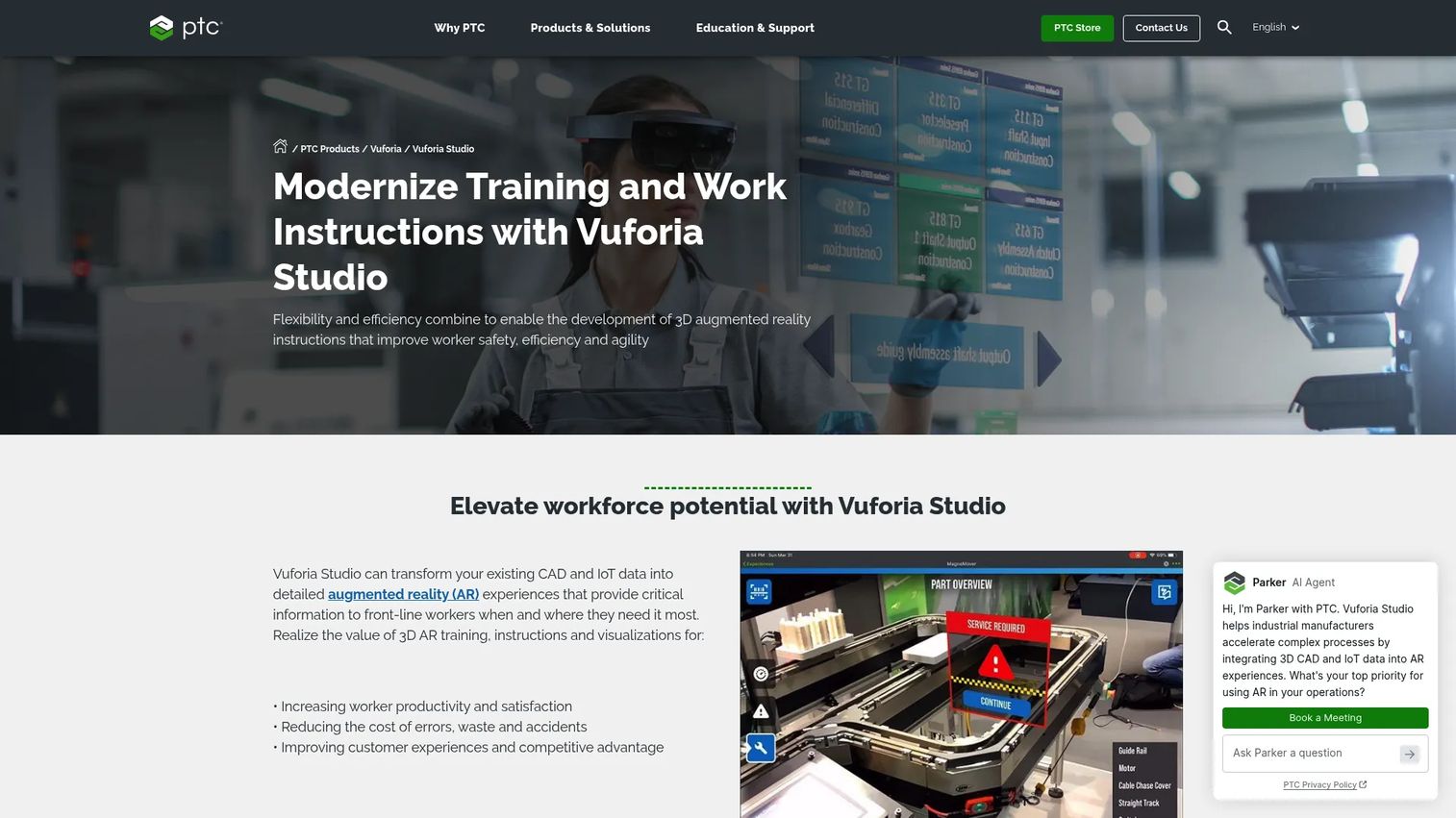
Vuforia Studio is PTC's enterprise AR authoring platform for industrial organizations. It converts existing CAD data, IoT data streams, and product models into step-by-step AR experiences covering assembly, inspection, service, and operating instructions. Teams without engineering expertise can author experiences through a visual editor. Delivery targets both mobile devices and smart glasses through Vuforia View.
Best for: Manufacturing and field operations teams building AR training, inspection, and work instruction content from existing 3D and IoT data.
Key features
- CAD-to-AR experience authoring
- Digital work instructions with step-by-step guidance
- IoT data overlay and live dashboard integration
- Spatial, model, area, and image tracking
- Smart glasses delivery through Vuforia View
Why choose Vuforia Studio: Vuforia Studio fits organizations that already have 3D CAD data and want to turn it into AR training or service content without a custom development project. Its authoring model targets operational and training teams, not engineering teams.
Vuforia Studio pricing: PTC does not display pricing on the product pages. Contact PTC for a quote; cost reflects use case, deployment scope, and device requirements.
G2 rating: 4.1/5
9. Wikitude
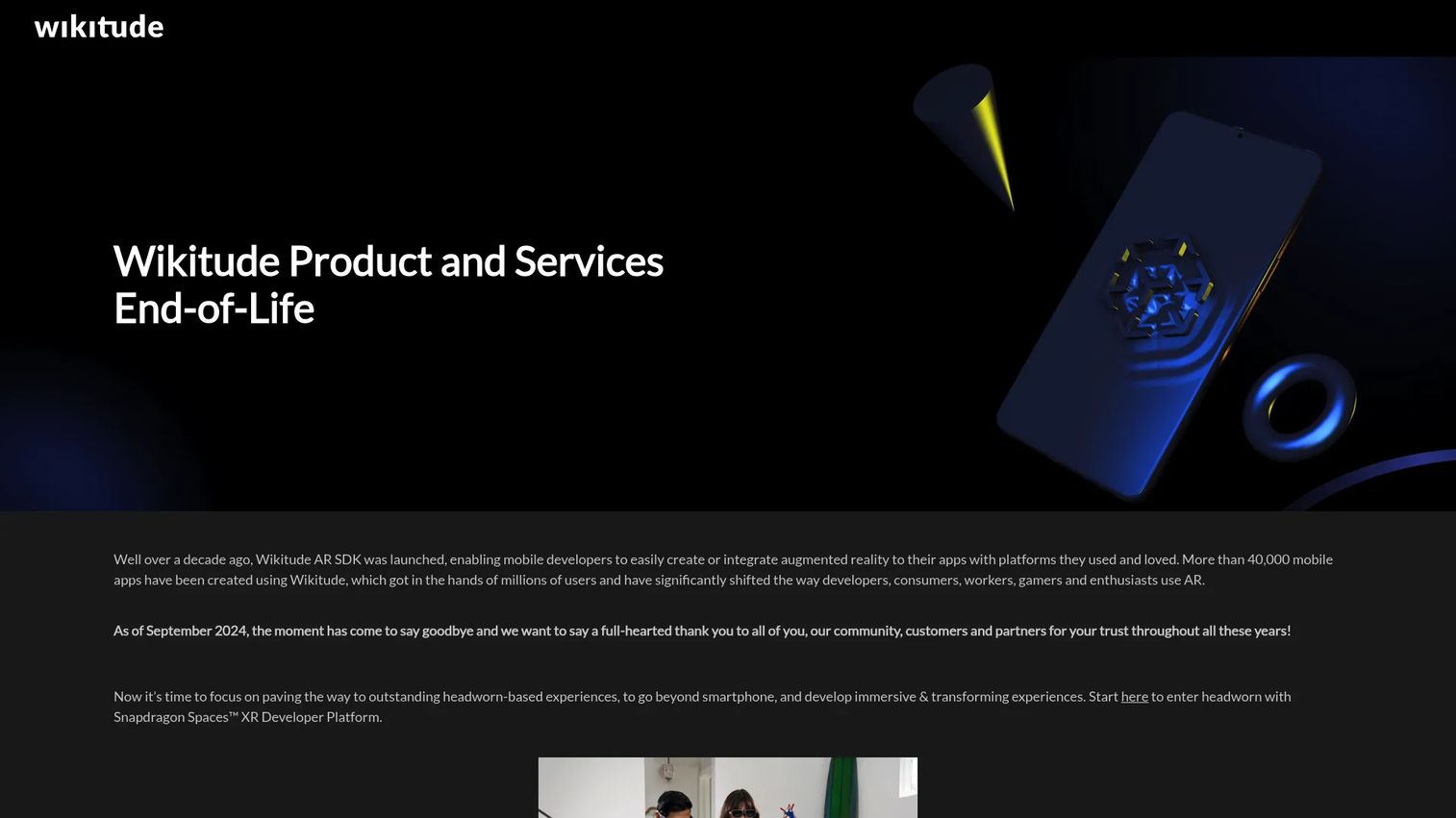
Wikitude was an AR SDK provider with a long track record in image recognition, object tracking, 3D markerless tracking, and geo-location AR. All Wikitude services, including Wikitude Studio, the Cloud API, and Studio API, were shut down on September 21, 2024. Support has ended.
Best for: This tool is no longer available for new commercial development.
Key features
- Image recognition and tracking (historical)
- 3D object recognition (historical)
- Markerless SLAM tracking (historical)
- Geo-location AR (historical)
- ARKit and ARCore support (historical)
Why choose Wikitude: Product teams should not start new projects on Wikitude. If you're using it in an existing product, confirm your migration path. The G2 listing retains historical ratings but reflects a discontinued product.
Wikitude pricing: Services are shut down; pricing is no longer applicable.
G2 rating: 4.3/5
10. ARToolKit
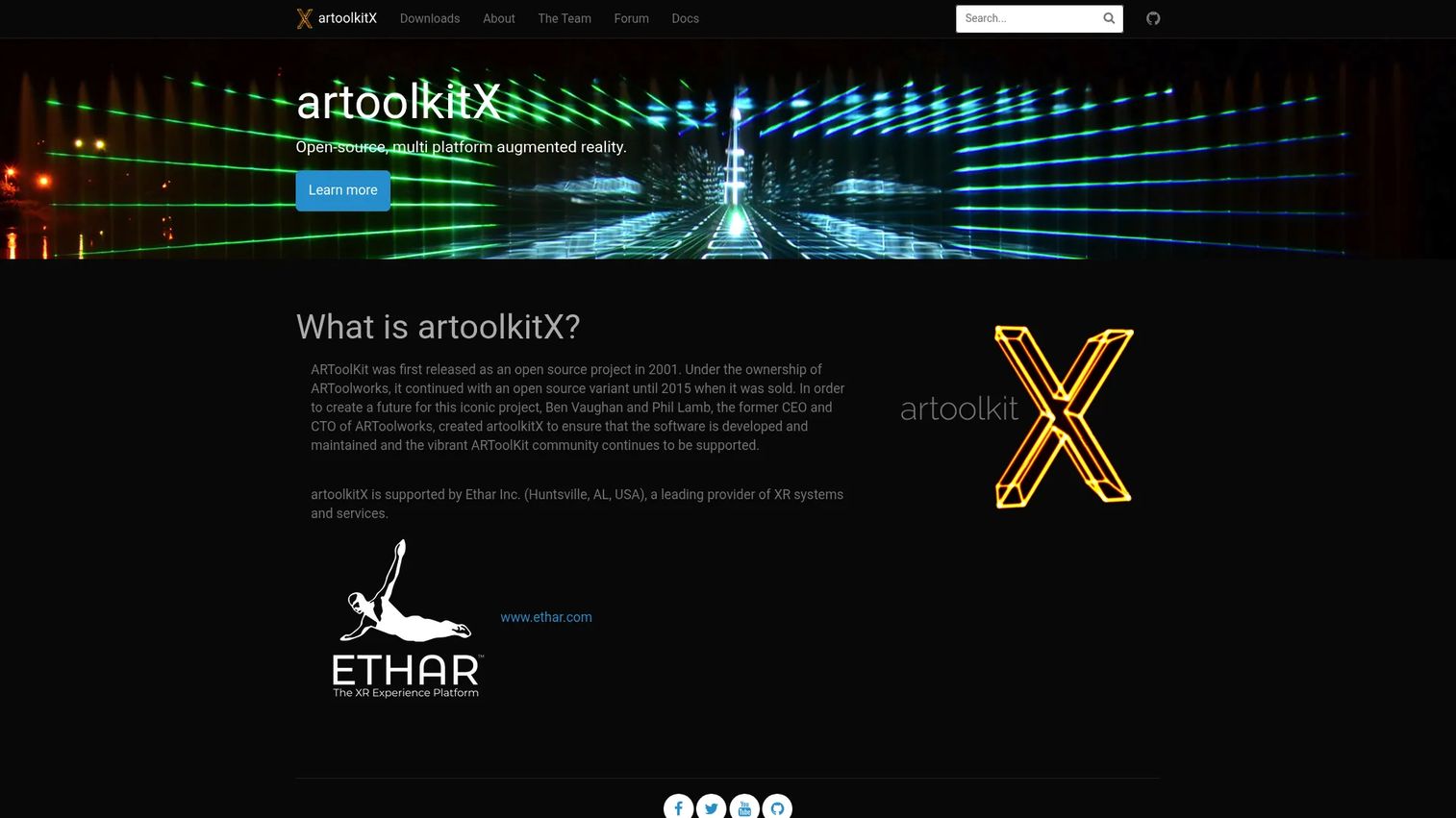
ARToolKit is an open-source, multiplatform AR toolkit with roots in marker-based AR research. Its artoolkitX fork supports square marker tracking, composite markers, and NFT tracking. The toolkit is useful for academic research, educational projects, and marker-based experiments, and represents the lineage that informed much of today's AR collaboration tools and modern SDKs.
Best for: Researchers, educators, and developers building open-source marker-based AR prototypes.
Key features
- Square and composite marker tracking
- NFT and 2D textured marker tracking
- Open-source license
- Cross-platform support
- Educational and research applications
Why choose ARToolKit: ARToolKit suits marker-based prototyping and research. For commercial products, the available feature set and maintenance activity should be verified against alternatives before committing. Its historical significance is clear; its viability for new production builds is less certain.
ARToolKit pricing: Free and open-source. No paid tiers.
G2 rating: 4.2/5
11. 8th Wall
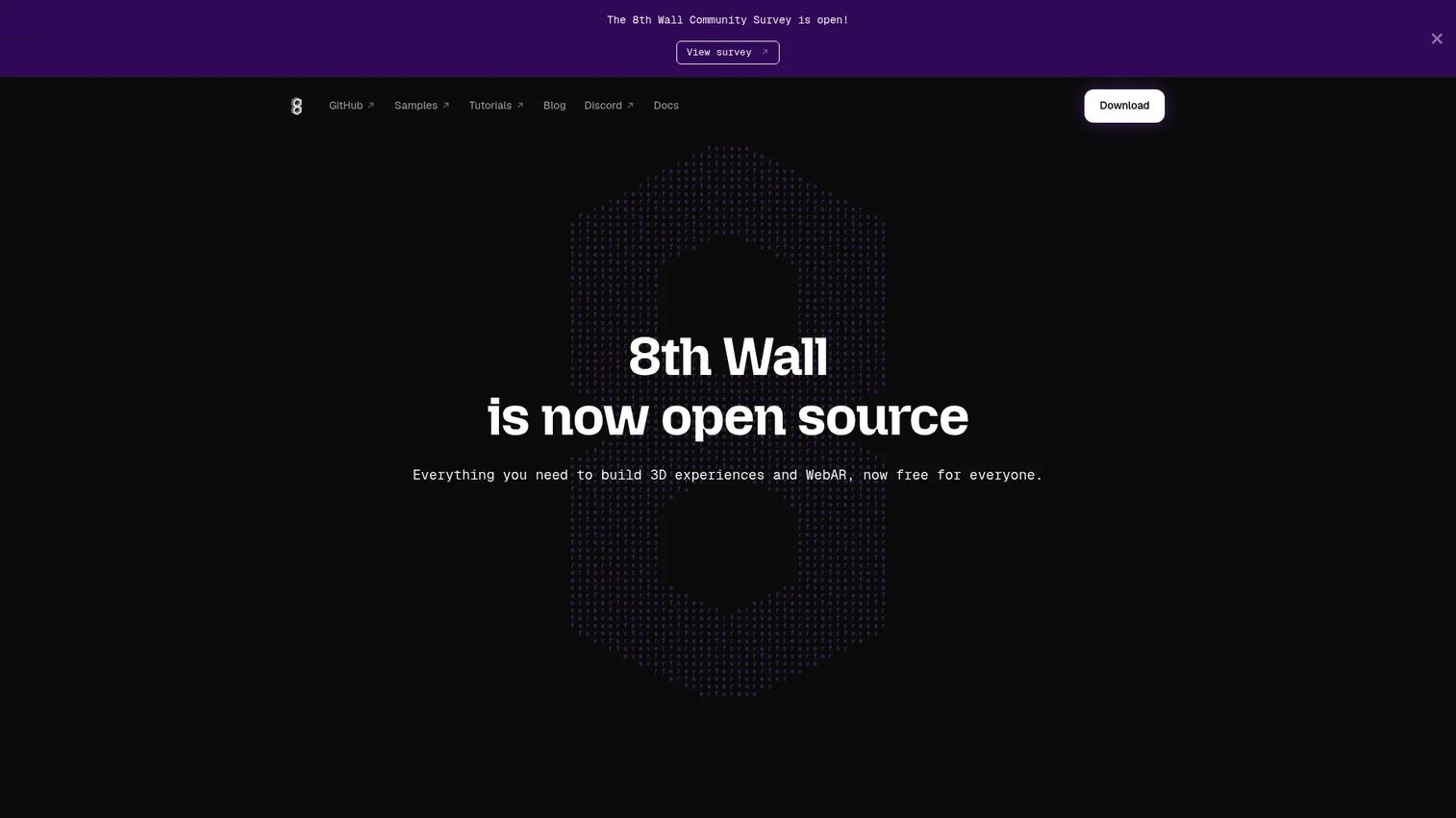
8th Wall was a major hosted WebAR platform for browser-based AR campaigns. The hosted platform was retired on February 28, 2026. What remains is an open-source toolkit at 8thwall.org, covering world effects, image targets, face effects, sky effects, and a visual editor for 3D and web experiences. Teams that relied on the commercial hosting and subscription model need to confirm their current setup.
Best for: Developers building self-hosted browser-based AR experiences using the open-source toolkit.
Key features
- World effects and image targets
- Face and sky effects
- Visual editor for 3D and WebAR
- Web and native export
- Open-source self-hosting
Why choose 8th Wall: The open-source toolkit is free and covers common WebAR use cases for teams comfortable with self-hosting. The commercial hosted platform with analytics, team management, and enterprise support no longer exists. Teams evaluating 8th Wall for production should account for the hosting and maintenance overhead this shift creates.
8th Wall pricing: Free as an open-source toolkit since the hosted platform was retired in February 2026.
12. EasyAR
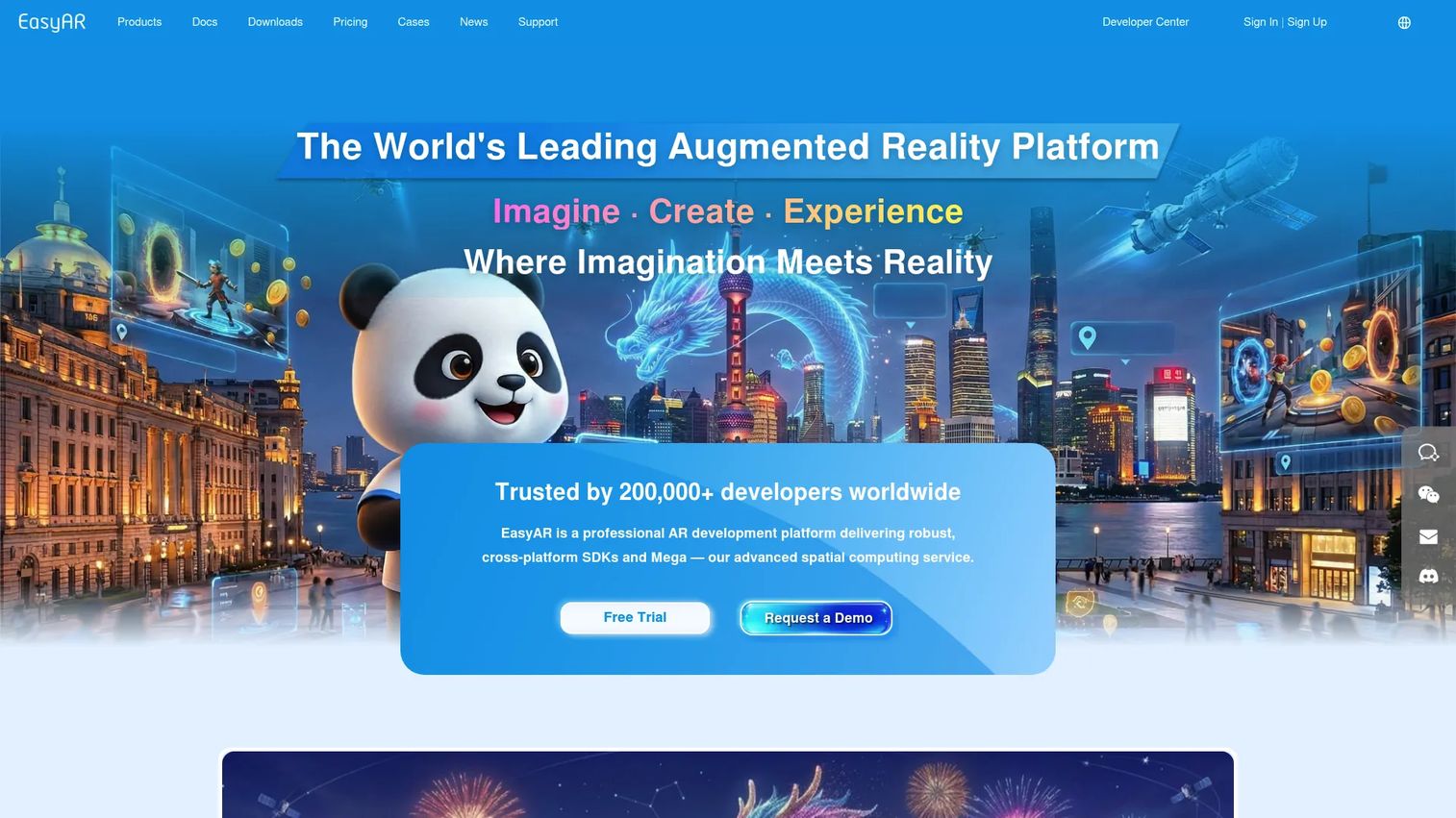
EasyAR is a cross-platform AR and spatial computing platform offering SDKs and cloud services for mobile and XR development. It supports planar image tracking, 3D object tracking, motion tracking, SLAM, sparse and dense spatial mapping, cloud image recognition, and large-scale spatial localization. Unity, native, Web, and WeChat Mini Program are all supported targets.
Best for: Developers and enterprises comparing mobile AR SDK alternatives with Unity support and cloud recognition needs.
Key features
- Planar image and 3D object tracking
- Motion tracking and SLAM
- Sparse and dense spatial mapping
- Cloud image recognition and spatial localization
- Unity, native, Web, and WeChat support
Why choose EasyAR: EasyAR's tiered pricing makes it accessible at lower scales while covering advanced tracking and cloud capabilities at higher tiers. Teams building for Chinese markets or WeChat Mini Programs have fewer SDK alternatives here.
EasyAR pricing: The Personal Edition is free. Professional Edition costs $39 per month. The Classic Edition is a one-time license fee of $1,399. EasyAR Mega Pro starts at $299 per month. Enterprise editions use custom pricing.
G2 rating: 3.8/5
13. ZapWorks
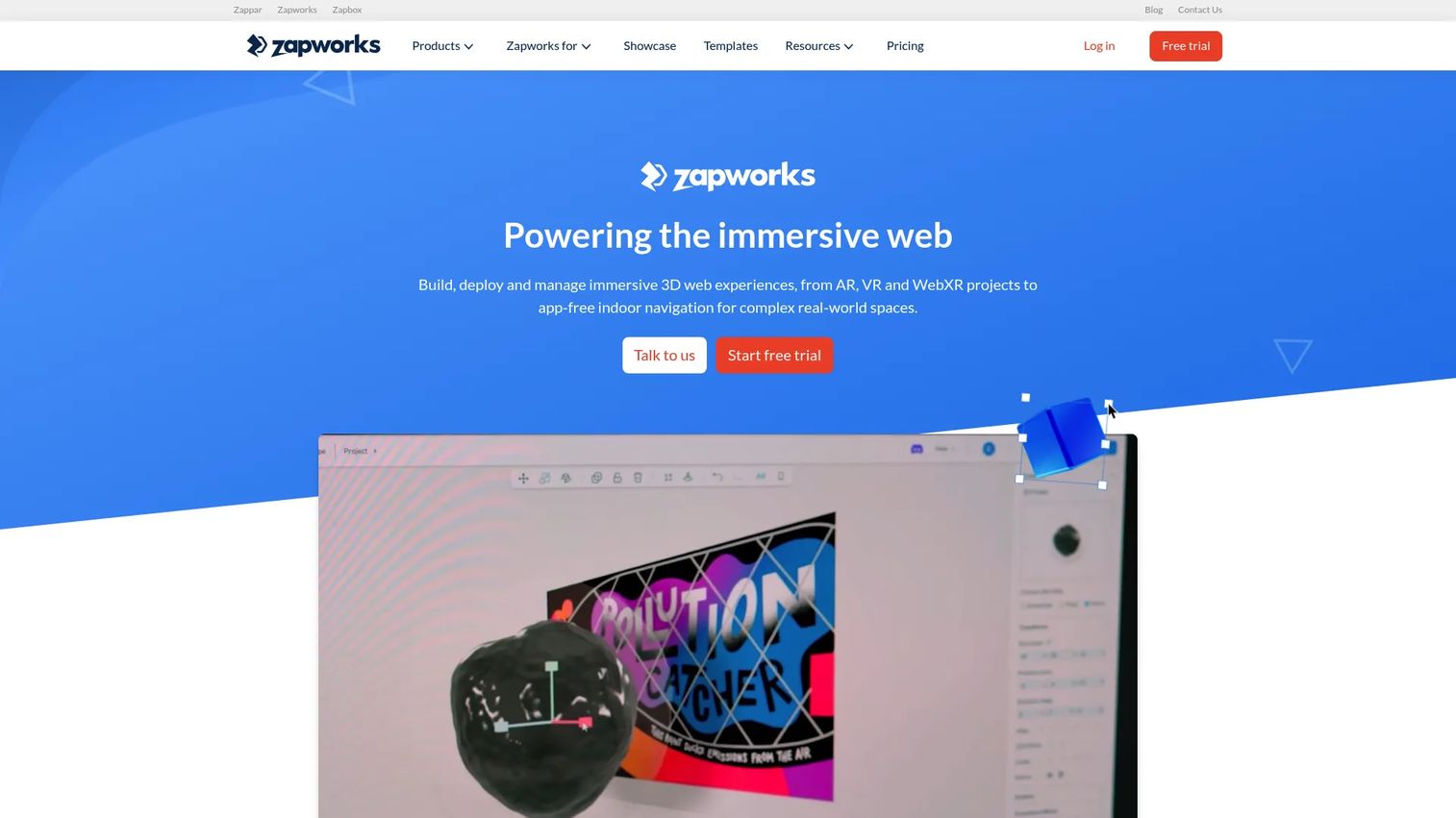
ZapWorks is a WebXR platform for creating, deploying, and managing AR, VR, mixed reality, and interactive 3D web experiences. It includes a no-code Designer for simpler campaigns, a Mattercraft browser-based editor for more complex projects with animation and scripting, and Universal AR SDKs for Unity, Three.js, PlayCanvas, Babylon.js, and A-Frame. Image, face, world, and curved-surface tracking are all supported.
Best for: Marketing and creative teams building WebAR campaigns with branded packaging, product visualization, or interactive content.
Key features
- No-code Designer and browser-based Mattercraft editor
- Image, face, world, and curved-surface tracking
- Universal AR SDKs for multiple frameworks
- Analytics integrations with Google Analytics and Microsoft Clarity
- WebAR publishing without app installation
Why choose ZapWorks: ZapWorks bridges the gap between developer-controlled SDK tools and pure no-code platforms. Designers can author without code; developers can extend through scripting and third-party framework integrations. The 14-day trial lets teams validate the workflow before committing to a paid plan.
ZapWorks pricing: Developer plan starts at $12.99 per month or $64.99 annually. Pro is $315 per month or $2,640 annually. Enterprise uses custom pricing.
G2 rating: 4.5/5
14. DeepAR augmented reality SDK
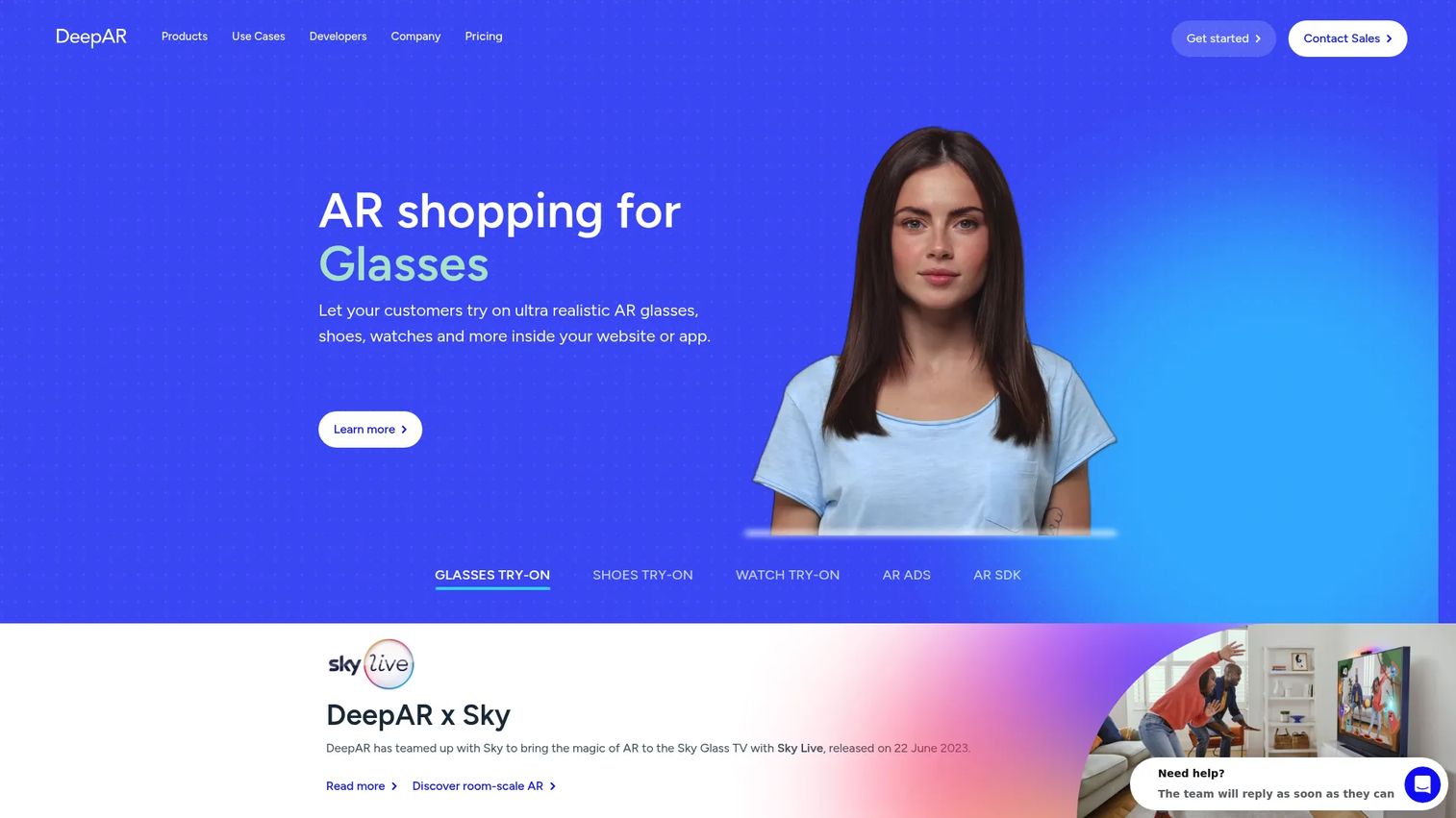
DeepAR is a multiplatform SDK for adding AR effects and virtual try-on experiences to mobile, web, and desktop applications. It covers face filters, 3D masks, background segmentation, emotion detection, multiple-face tracking, glasses try-on, shoe try-on, and watch try-on. DeepAR Studio is a free companion tool for creating AR effects. Pricing scales by monthly active users, making it accessible for early-stage consumer apps.
Best for: Consumer apps and e-commerce platforms adding face filters, camera effects, or virtual try-on to their product experience.
Key features
- Real-time face tracking and 3D face masks
- Virtual glasses, shoe, and wrist-jewelry try-on
- Background replacement and segmentation
- Emotion detection and multiple-face tracking
- Mobile, web, and desktop SDK support
Why choose DeepAR: DeepAR's MAU-based pricing means teams only pay as their user base grows. For social apps, beauty platforms, or e-commerce products where camera-first AR is the experience, DeepAR covers the tracking and effect capabilities without requiring a general AR engine.
DeepAR pricing: Free for up to 10 monthly active users. Paid tiers start at $25 per month for up to 1,000 MAU. Pricing scales to $1,000 per month for up to 100,000 MAU. Custom pricing applies above that threshold.
15. MAXST AR SDK
MAXST AR SDK is an AR engine for cross-platform development with image tracking, instant marker-free tracking, 3D object tracking, space tracking, QR and barcode reading, cloud recognition, and AR Fusion tracking. Unity support is included. A 3-month free trial covers non-commercial use, and paid commercial licenses are available at a one-time fee or monthly subscription.
Best for: Developers and businesses building cross-platform AR applications with multi-tracker and spatial tracking requirements.
Key features
- Image, instant, marker, and object tracking
- Space tracker and AR Fusion tracker
- QR code and barcode reader
- Cloud recognition support
- Unity integration
Why choose MAXST AR SDK: MAXST's combination of tracker types and relatively accessible commercial pricing makes it worth evaluating for teams that need industrial-grade tracking without enterprise platform pricing. The one-time commercial license option suits teams that want to avoid recurring subscription costs.
MAXST AR SDK pricing: Free 3-month trial for non-commercial apps. Pro one-time license fee is $899. Pro subscription is $59 per month. Enterprise plans use annual pricing through contact.
G2 rating: 5.0/5 (based on 1 review)
16. Onirix AR SDK
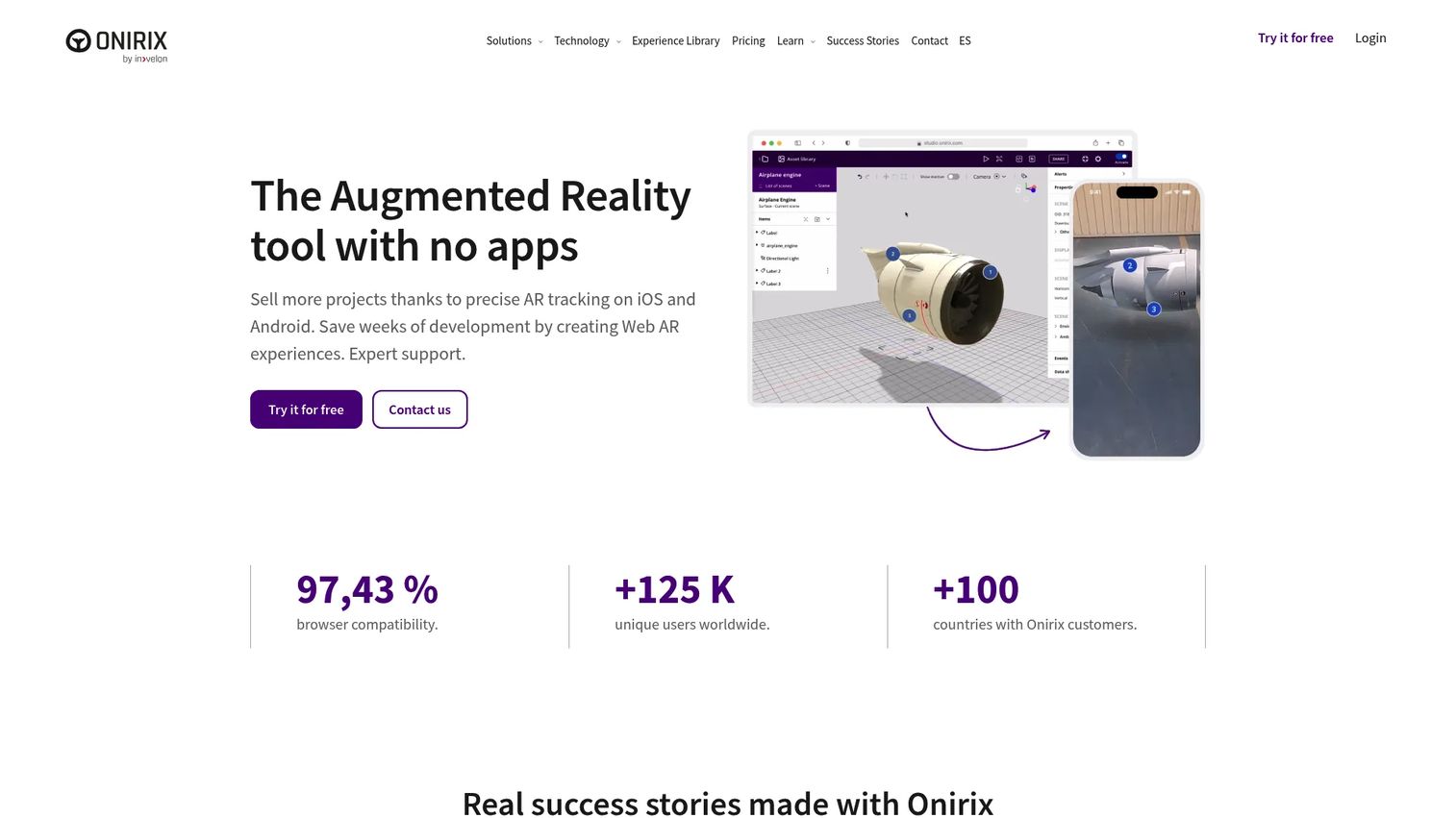
Onirix is a web AR SDK for browser-based AR experiences with self-hosting flexibility. It supports image, QR code, surface, and spatial tracking through JavaScript, WebGL, and WebAssembly, and integrates with Three.js, BabylonJS, and A-Frame. A scene editor provides visual authoring, and analytics cover tracking and engagement. Product teams validating AR concepts without full native development find the 15-day trial useful for scoping feasibility.
Best for: Businesses and developers building self-hosted browser AR with customizable tracking and content management.
Key features
- Image, QR, surface, and spatial tracking
- Self-hosted deployment via JavaScript, WebGL, and WebAssembly
- Three.js, BabylonJS, and A-Frame integration
- SDK events for detection, pose, frame, and hit testing
- Scene editor and analytics
Why choose Onirix: Onirix suits teams that want WebAR without giving up data ownership to a hosted SaaS platform. The self-hosting model requires more setup than a fully managed platform, but it gives tighter control over how and where experiences are deployed.
Onirix pricing: Starter plan is €90 per month. Professional is €598 per month, or less at semiannual and annual billing. Enterprise pricing requires contacting sales.
G2 rating: 4.3/5
17. PlugXR
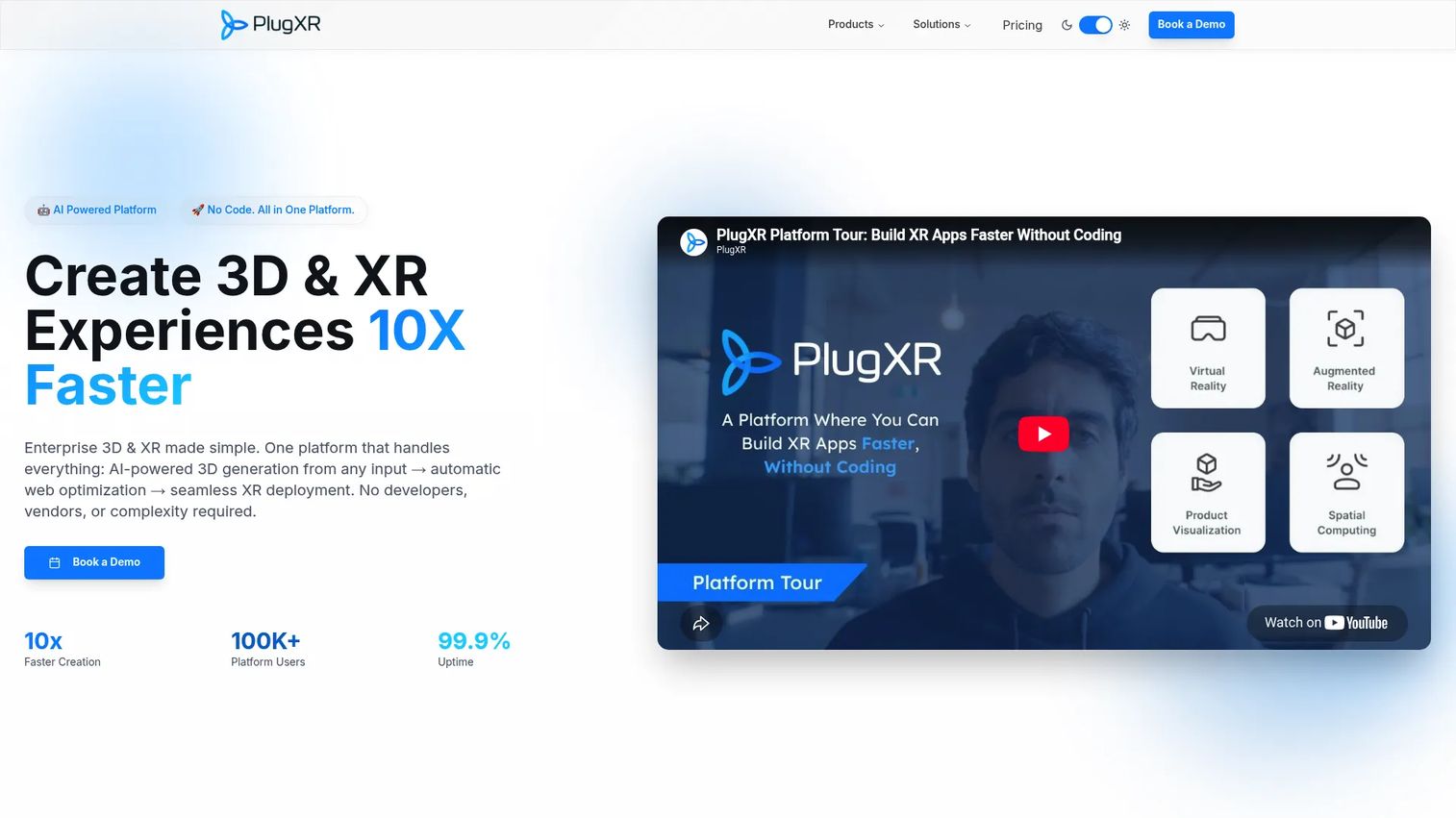
PlugXR is a no-code platform for creating and deploying AR, VR, WebXR, and interactive 3D experiences. It includes a drag-and-drop editor with templates, multi-platform publishing to web, mobile, VR headsets, and AR glasses, AI text-to-3D and image-to-3D model generation, real-time 3D product configurators, and e-commerce integrations. Teams testing AR before allocating engineering resources can use PlugXR to build a representative prototype and gather feedback before committing to a native development path.
Best for: Business users, marketing teams, and e-commerce organizations creating AR experiences without engineering resources.
Key features
- Drag-and-drop editor with AR and XR templates
- AI text-to-3D and image-to-3D generation
- Multi-platform publishing to web, mobile, and headsets
- Real-time 3D product configurators
- E-commerce integrations including Shopify and WooCommerce
Why choose PlugXR: PlugXR's AI-assisted 3D generation lowers the asset creation barrier that typically stops non-engineering teams from building AR. For product managers running feasibility checks, it provides a fast path to something users can interact with before the engineering conversation starts.
PlugXR pricing: Starter plans begin at $39 per month for individual products. Bundled plans start at $79 per month for the full Immersive Platform. Pro and Business bundles are $249 and $499 per month. Enterprise uses custom pricing.
G2 rating: 4.5/5
18. echo3D
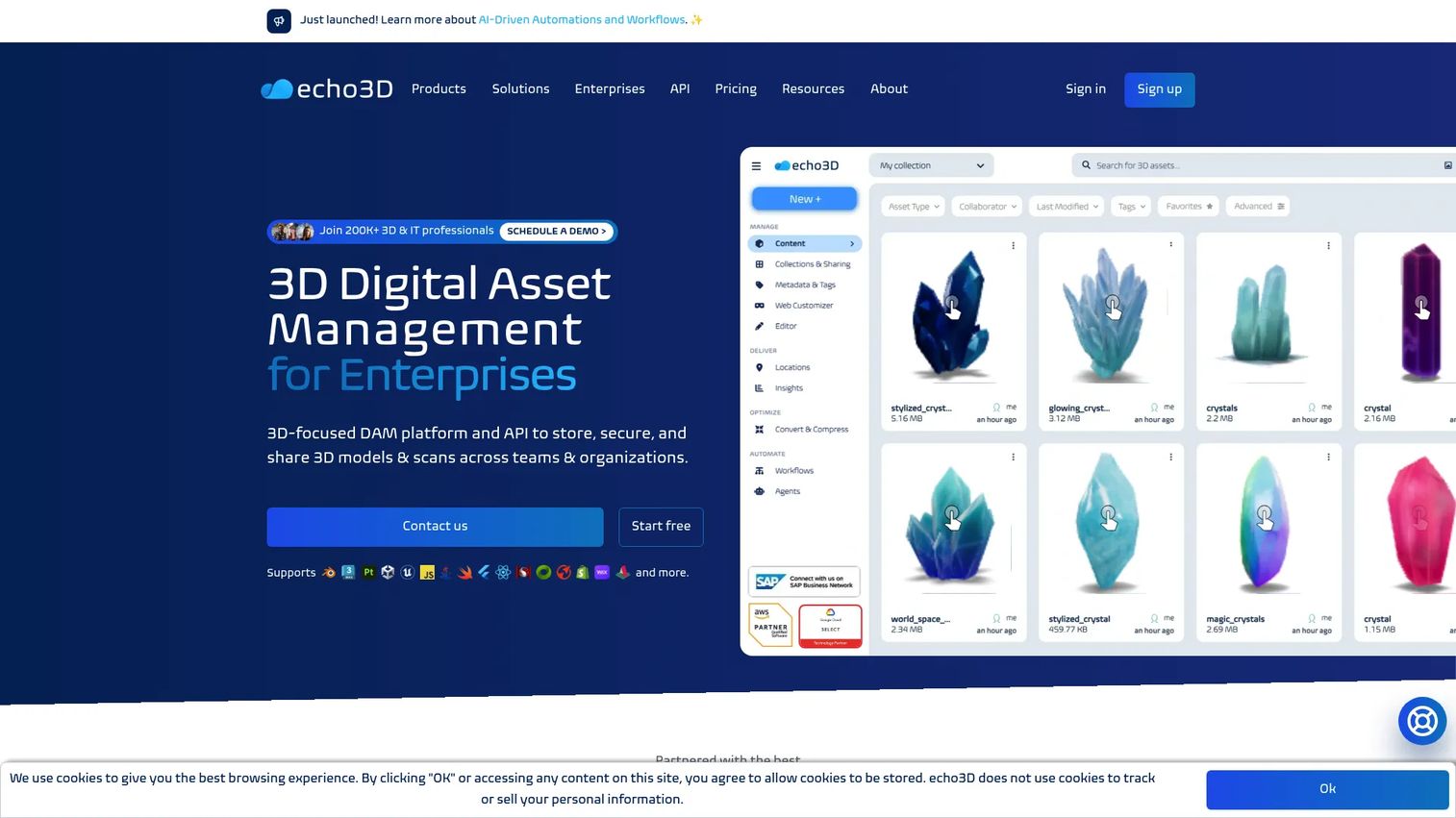
echo3D is a 3D digital asset management platform for storing, securing, optimizing, managing, and sharing 3D content across applications. It supports AR and VR delivery through a content delivery network, model conversion and compression, REST API access, version control, analytics, and WebAR viewing. Engine integrations with Unity and Unreal connect it to the development pipeline rather than replacing an AR SDK.
Best for: Organizations managing large libraries of 3D assets across multiple AR and VR applications.
Key features
- 3D asset management and centralized content repository
- CDN-based asset delivery and optimization
- Model conversion, compression, and version control
- REST API and backend-as-a-service
- WebAR viewer and custom WebAR experiences
Why choose echo3D: echo3D addresses the asset pipeline problem that quietly breaks AR projects at scale. When 3D content is spread across cloud storage, engineering repos, and designer hard drives, updates are slow and inconsistent. echo3D centralizes the 3D content layer, which matters more as the number of AR experiences grows.
echo3D pricing: Free plan includes 10 monthly credits, 1 GB storage, 100 API calls, and basic analytics. Custom enterprise pricing covers advanced conversion, unlimited file sizes, access management, and dedicated support.
19. Scope AR
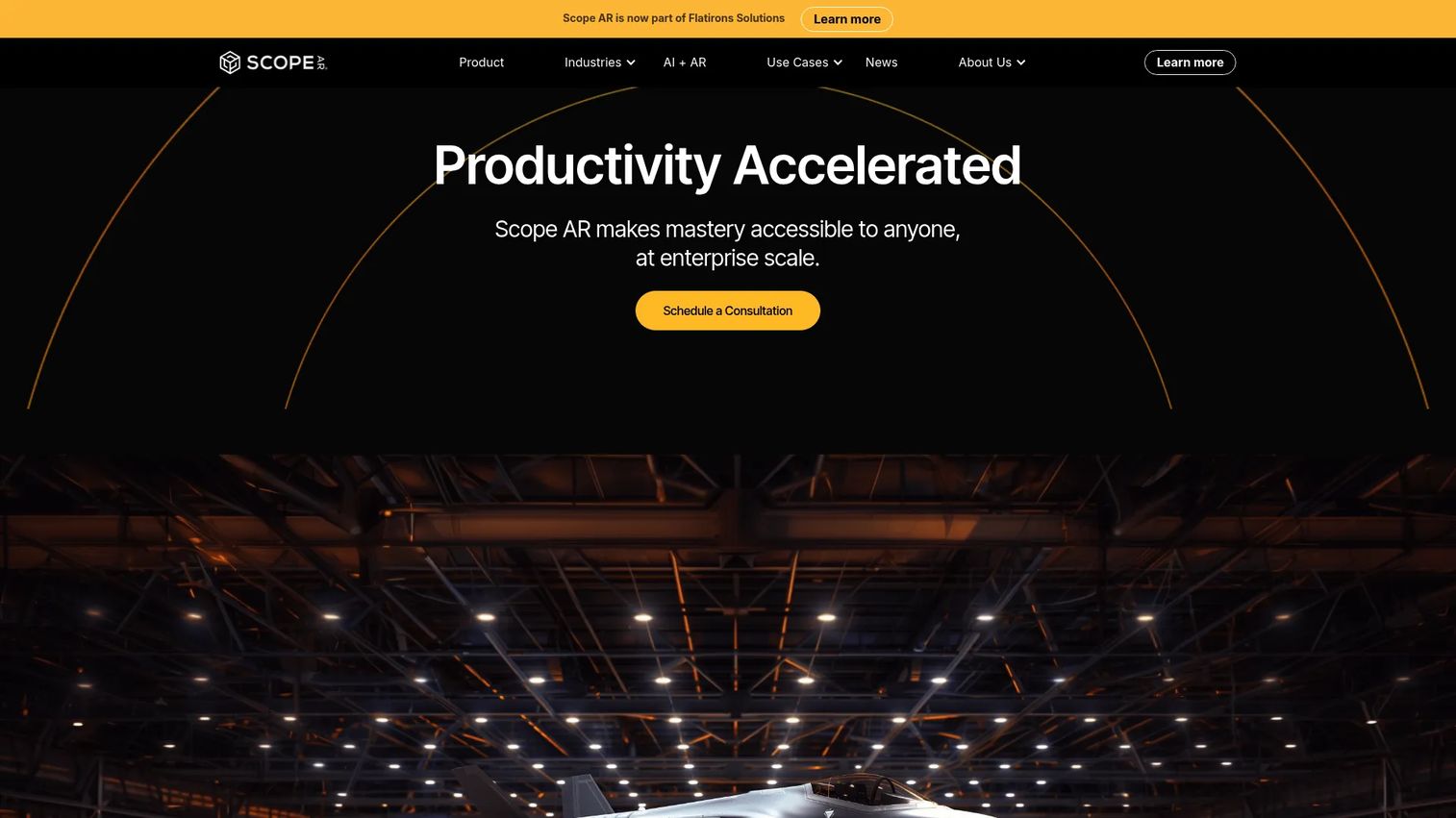
Scope AR is an enterprise AR platform for creating, managing, and delivering AR work instructions, training procedures, and remote assistance. WorkLink Create provides a browser-based authoring environment for step-by-step AR instructions with progress tracking. Remote assistance capabilities support live video, voice, annotations, and session recordings for frontline workers and expert support. Scope AR is now part of Flatirons Solutions.
Best for: Industrial and frontline teams converting expert knowledge into repeatable AR-guided procedures.
Key features
- Browser-based AR work instruction authoring
- Step-by-step guidance with progress tracking
- Real-time remote assistance with live annotations
- Knowledge capture and procedure management
- Frontline worker device support
Why choose Scope AR: Scope AR fits organizations where the value of AR is reducing the time it takes for a frontline worker to complete a complex procedure correctly, without needing expert supervision on-site. For product managers owning an internal operations tool, the authoring model targets subject-matter experts rather than developers.
Scope AR pricing: Contact Scope AR (now Flatirons Solutions) for pricing. Contracts are structured through order forms.
G2 rating: 4.3/5
20. VIEWAR
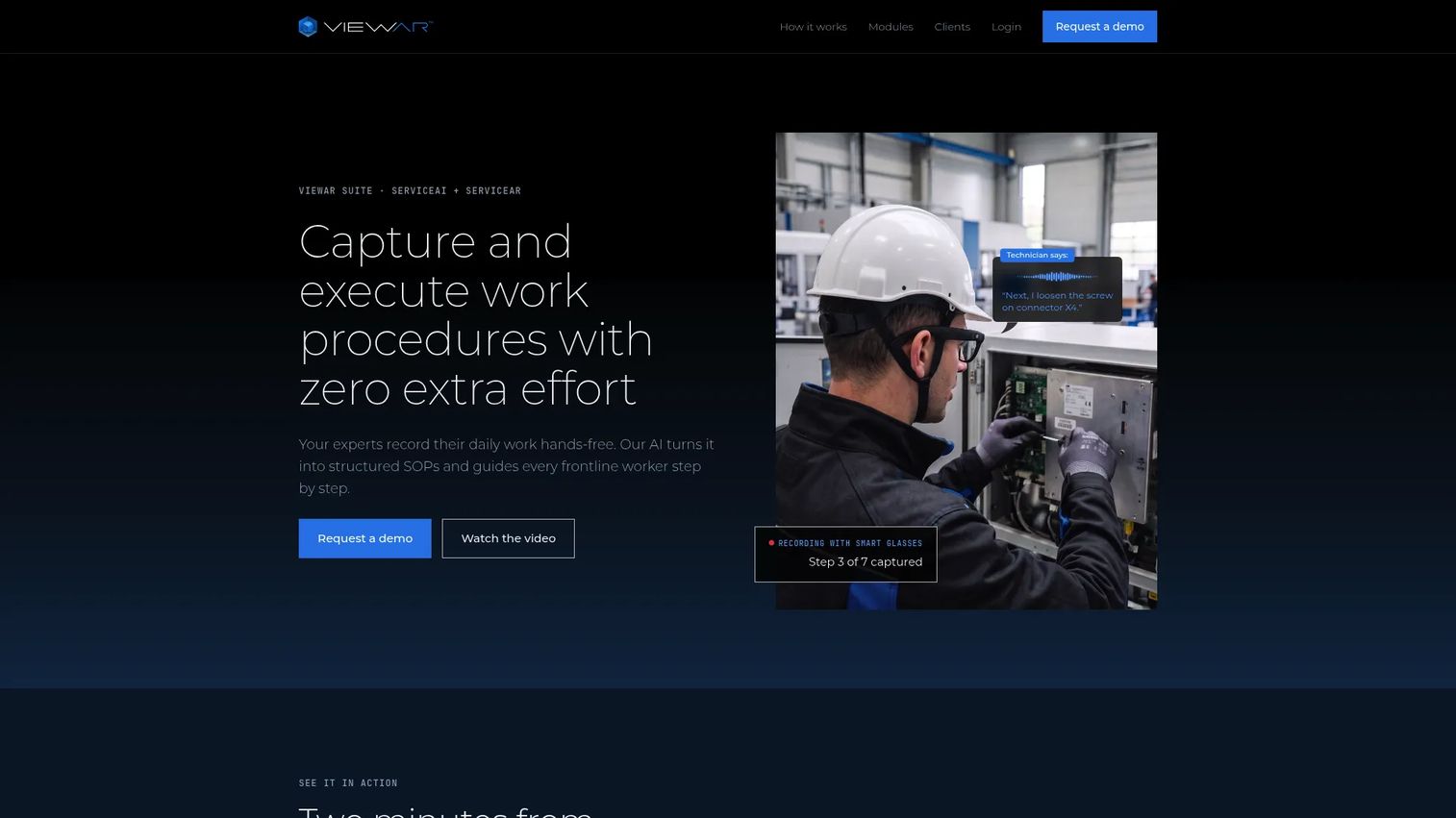
VIEWAR provides industrial AR and AI workflow software for capturing, structuring, and executing frontline work procedures. AI-powered hands-free recording converts observed work into structured SOPs. AR workflows support indoor navigation, spatial asset localization, and incident tagging with 3D positioning. Integrations include SAP and COMOS for enterprise system connectivity.
Best for: Industrial manufacturing, maintenance, production, training, and safety teams that need AR-guided workflows with AI-assisted knowledge capture.
Key features
- AI-powered hands-free SOP recording
- AR workflows and indoor navigation
- Spatial asset localization and incident tagging
- Enterprise integrations including SAP and COMOS
- Frontline device support
Why choose VIEWAR: VIEWAR's AI-assisted capture model reduces the authoring bottleneck that slows most enterprise AR programs. Instead of requiring technical authors to manually build instruction content, subject-matter experts perform the procedure and the system structures it. That changes the maintenance model for frequently updated procedures.
VIEWAR pricing: VIEWAR does not display pricing publicly. Contact their sales team for a quote.
G2 rating: 4.4/5
21. TeamViewer Frontline
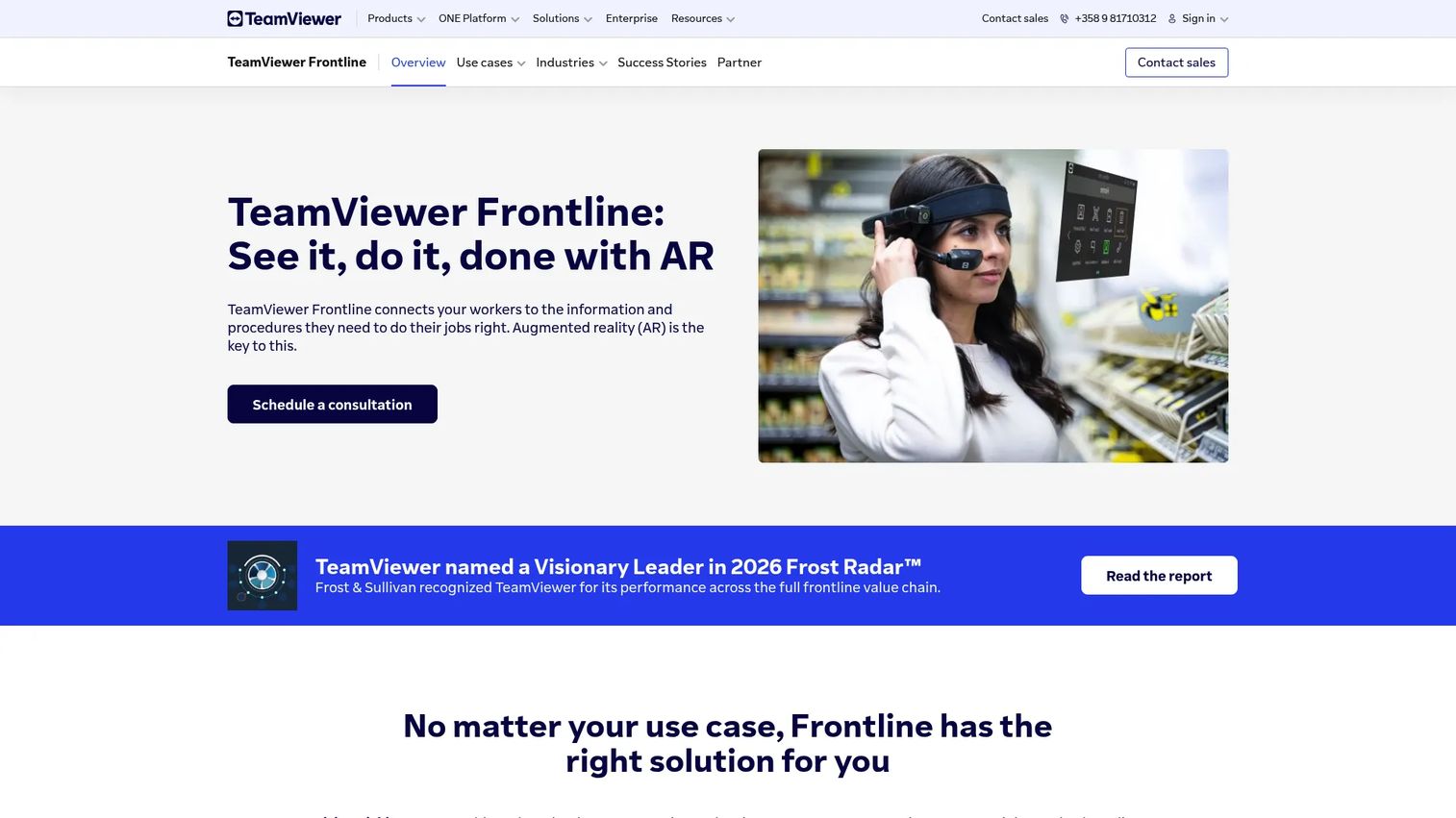
TeamViewer Frontline is an enterprise AR platform for developing, managing, and scaling industrial workflows for connected frontline workers. It covers vision picking for logistics, AR-guided assembly and production instructions, inspection and maintenance workflows, remote assistance with live annotations, and training with interactive 3D models. Smart glasses and wearables are supported alongside mobile devices. Backend integrations with PLM, WMS, and ERP systems connect frontline AR into existing operational infrastructure.
Best for: Large and mid-sized industrial organizations digitizing warehouse, manufacturing, inspection, or maintenance processes with AR.
Key features
- Vision picking for warehouse and logistics
- AR-guided assembly and production instructions
- Remote assistance with live annotations
- Smart glasses and mobile device support
- PLM, WMS, and ERP integrations
Why choose TeamViewer Frontline: TeamViewer Frontline suits organizations that need AR to scale across multiple frontline workflow types from a single platform vendor. The breadth of use cases, combined with TeamViewer's enterprise IT footprint and security capabilities, reduces the procurement risk for large organizations.
TeamViewer Frontline pricing: Pricing is not displayed. Contact TeamViewer sales for a quote and packaging options.
G2 rating: 4.3/5
Considerations when choosing ar development software
Start with the platform your users already have
Device mix determines which tools are viable before any feature comparison begins. An iOS-only user base makes ARKit the natural starting point. A mix of Android and iOS points toward cross-platform paths like Unity with AR Foundation. A browser-first requirement eliminates native SDKs from the shortlist. Platform fit directly affects activation and adoption, which is the metric that matters more than demo quality.
Validate the tracking requirement early
Marker-based image tracking, object tracking, plane detection, visual SLAM, and geospatial AR each solve different problems and require different technical approaches. Before evaluating vendor feature lists, ask engineering to prototype the hardest tracking moment in the intended experience. That prototype surfaces device compatibility gaps, lighting sensitivities, and content requirements before they become release-blocking issues.
Price the asset pipeline, not just the SDK
AR projects frequently stall because 3D model creation, CAD conversion, content optimization, and update workflows take far more effort than the tracking SDK itself. Evaluate where 3D assets live, who is responsible for updating them, and whether that workflow survives a typical release cadence. Tools like echo3D and 3D rendering software address the asset management layer that SDKs don't cover.
Decide between native AR and WebAR before comparing vendors
Native AR works best for experiences requiring advanced sensor access, higher rendering performance, and repeat usage in the hands of a known user base. WebAR works best for reach, short-session campaigns, and removing installation friction from first contact. Choosing between these two paths narrows the tool shortlist by half before reviewing individual vendor capabilities.
Check enterprise requirements before pilots
Enterprise AR deployments often require SSO, device management, offline mode, role-based permissions, audit trails, SLA-backed support, and security review. Product managers should involve IT and operations stakeholders before the pilot stage. A tool that performs well in a prototype but fails procurement review adds months to the timeline and drains goodwill from the teams you need to implement it.
Conclusion
The right AR development software is determined by your users' devices, your team's technical depth, and the tracking capability the experience depends on.
For Apple-platform product teams, ARKit and RealityKit together cover native tracking and rendering. For Android-first or cross-platform teams, ARCore and Unity AR Foundation are the natural pairing. Unreal Engine applies where visual quality is the differentiating factor in visualization, simulation, or high-production training. ZapWorks, Onirix, and PlugXR cover WebAR and no-code paths for campaigns and concept validation. For industrial and frontline use cases, Vuforia Studio, Scope AR, VIEWAR, and TeamViewer Frontline each address work instructions, remote assistance, and connected-worker workflows from different angles.
Wikitude is no longer available. 8th Wall's commercial hosted platform was retired in early 2026. Both should be removed from active evaluation lists.
The practical next step for any product manager: Shortlist two or three tools based on platform strategy, then prototype the riskiest tracking workflow first. That single test reveals more about fit than any feature matrix. For a broader look at how AR fits into product experiences, see our roundups on ar visualization software and best 3D modeling software.
FAQs
AR development software is software used to build augmented reality applications, covering everything from native SDKs and 3D engines to WebAR platforms, no-code builders, and enterprise AR systems. Each category targets a different build path: Native SDKs for performance, engines for immersive 3D, WebAR platforms for reach, and enterprise systems for operational workflows.
An AR SDK gives developers lower-level building blocks: Camera access, tracking APIs, plane detection, and rendering hooks. A development platform typically adds authoring tools, hosted content management, analytics, workflow management, and sometimes no-code editors on top of that SDK layer. Vuforia Engine is an SDK; Vuforia Studio is a platform built for non-engineering authors. The distinction matters because it determines who on your team can own the AR content after launch.
Neither is universally better. ARKit is Apple's framework and only runs on iOS and iPadOS; it provides the deepest integration with Apple hardware including LiDAR on Pro devices. ARCore is Google's framework for Android with strong cross-platform SDK support. The correct choice follows user device mix: If your users are primarily on iPhone, ARKit is the starting point; if they're on Android, ARCore applies. A mixed user base points toward Unity's AR Foundation, which abstracts over both.
Native AR provides better sensor access, higher rendering performance, and deeper device integration, making it the right choice for experiences users will interact with repeatedly or that require precision tracking. WebAR removes the installation step and works immediately in the browser, which suits campaigns, short-session experiences, and contexts where you can't guarantee users will install an app. The decision depends on session depth, device variability, and how frequently users will return to the experience.
Unity with AR Foundation is commonly the strongest choice for cross-platform AR, since it provides a unified codebase targeting both ARKit and ARCore. Unreal Engine covers high-fidelity rendering for teams with that specific requirement. The final selection depends on engineering team expertise, rendering requirements, and target device range, not feature lists alone.
Vuforia Studio, Scope AR, VIEWAR, and TeamViewer Frontline are all purpose-built for work instructions, connected-worker guidance, remote assistance, and field service workflows. Enterprise selection factors include smart glasses compatibility, offline operation, security and compliance requirements, integration with ERP or WMS systems, and content governance for keeping AR procedures current as processes change.
No-code tools like PlugXR, ZapWorks Designer, and Onirix's scene editor let business users and designers create WebAR campaigns, product visualizations, and training content without writing code. Complex native AR apps, custom tracking behaviors, high-fidelity 3D rendering, and production-grade integrations still require engineering expertise. No-code tools accelerate concept validation and content authoring; they don't replace developers for the work that requires them.
Test device compatibility across your actual user device mix, tracking quality under realistic lighting conditions, 3D asset import and update workflows, performance under load, analytics instrumentation, and the process for updating the experience after the product changes. Prototype the riskiest tracking workflow first, not the most visually impressive one. That specific test surfaces the constraints that will define your release cadence and maintenance burden far more accurately than feature documentation does.