Your company added offices, contractors, and enterprise customers faster than the security infrastructure kept up. Cameras feed into one system, badge access lives in another, visitor logs are a spreadsheet, and incident notes sit in someone's inbox. The risk here is not just an unlocked door. It is the absence of operational visibility when something goes wrong and you need answers fast.
The physical security software market is growing fast enough to notice: Software's share of the global physical security market is forecast at a 9.2% compound annual growth rate, according to Straits Research (2026). Meanwhile, 97% of end users report their current environment is already hybrid cloud, per Genetec's own 2026 survey data. The window for patching together disconnected tools is closing. Boards, enterprise customers, and auditors are raising the bar on what "documented" actually means.
This guide cuts through the category to give you a shortlist worth forwarding to your ops or IT lead.
What's inside
This guide compares seven physical security software platforms chosen for coverage depth, deployment flexibility, and practical fit at growing companies. Items were selected based on four criteria:
- Core physical security capability (video, access control, analytics, or operations)
- Deployment flexibility (cloud, on-premises, hybrid)
- Integrations and interoperability with existing infrastructure
- Reporting, audit trails, and operational visibility for teams that need to prove security is working
The guide covers access control software, video management systems, AI analytics, and field inspection tools. Pricing and G2 ratings are verified from live sources.
TL;DR
- Best unified platform: Genetec covers video, access control, ALPR, and incident investigation in a single environment
- Best VMS for large camera deployments: XProtect by Milestone Systems fits open-architecture video operations at scale
- Best for AI-assisted video operations: Avigilon Control Center (now Avigilon Unity Video) ties analytics to enterprise camera management
- Best for cloud access control: Brivo handles multi-site door and credential management without on-premises hardware dependencies
- Best for inspections and audit follow-through: Mitti by SafetyCulture adds operational discipline after alerts and incidents
- Deployment model first: Choose the cloud, on-premises, or hybrid model that fits your data requirements before comparing feature lists
What is physical security software?
Physical security software is a category of software that helps organizations monitor, control, investigate, and report on security events across physical spaces, assets, people, and connected devices.
The category spans several distinct product types, each addressing a different operational problem:
- Video management systems (VMS): Live monitoring, recording, search, and investigation across IP camera fleets
- Access control software: Badges, mobile credentials, door schedules, zones, and audit logs for people moving through buildings
- Visitor and credential management: Registrations, pre-authorizations, and identity verification for guests and contractors
- Intrusion and perimeter detection: Alarms, sensors, and motion-triggered alerts at building edges
- AI video analytics: Object detection, behavioral signals, appearance search, and automated event flags
- Incident reporting and audit workflows: Investigations, corrective actions, inspection records, and board-level reporting
- Device health monitoring: Camera uptime, firmware status, and storage health across a physical device fleet
- Physical security information management (PSIM): Centralized command layer connecting video, access, alarms, and communications
The gap most growing companies discover is not the absence of cameras. It is the absence of a system connecting cameras, doors, alerts, and follow-through into something auditable. A Genetec 2026 survey found that 25% of end users plan to integrate AI into their physical security environment within five years. That integration only pays off when the underlying data is organized.
Good physical security software earns its place by reducing blind spots, not by adding dashboards. The question to ask before buying: Where in our current operation would we not know there was a problem until it was already a problem?
When to use physical security software
Unify cameras, doors, and alerts across locations
Your company grew from one office to four. Each location has its own badge system, its own camera recorder, and its own incident log. When an event happens at a remote site, pulling footage and correlating access logs requires calls to three different people. Unified audit management software and security platforms solve exactly this coordination failure by connecting video, access events, and alerts under one interface with cross-site search.
Modernize legacy security infrastructure
Old DVR recorders, analog cameras, and manual badge databases do not survive a security review from an enterprise prospect or an auditor. Hybrid deployment models let you keep existing hardware while layering modern software management on top. This makes modernization gradual rather than a full rip-and-replace, which matters when budgets and timelines are constrained.
Prove security operations are working
A board that asks "are we secure?" needs more than a yes. They need incident histories, credential audit trails, inspection records, and camera health data. Security operations software built for reporting gives your operations or IT lead the documentation to answer that question without assembling a deck from scratch every quarter.
Physical security software comparison
The table below is a fast shortlist. Choose based on deployment model and primary security need first, then drill into integrations and analytics depth.
| # | Product | Best for | Key differentiator | Pricing | G2 rating |
|---|---|---|---|---|---|
| 1 | Genetec | Unified enterprise security | Video, access control, ALPR, and investigation in one platform | From $99/connection/year (SaaS) | 4.4/5 |
| 2 | XProtect by Milestone Systems | Large VMS deployments | Open-platform VMS with broad device support | Partner-priced; perpetual licenses | 4.5/5 |
| 3 | Avigilon Control Center | AI-assisted video operations | Analytics tied to enterprise camera management | Contact channel partners | 4.4/5 |
| 4 | Brivo | Cloud access control | Cloud-native credential and multi-site door management | Contact reseller for quote | 4.5/5 |
| 5 | Exacq | Flexible VMS deployments | Per-camera licensing across hybrid environments | Partner-priced; per-camera license | N/A |
| 6 | Alibi Security | Packaged camera systems | Hardware and software bundles for surveillance teams | From $234.09 per camera channel (3-year subscription) | N/A |
| 7 | Mitti by SafetyCulture | Inspections and operational audits | Mobile-first inspections, incident reporting, and corrective actions | Free plan available; Premium from $24/seat/month | N/A |
Best 7 physical security software tools for 2026
1. Genetec
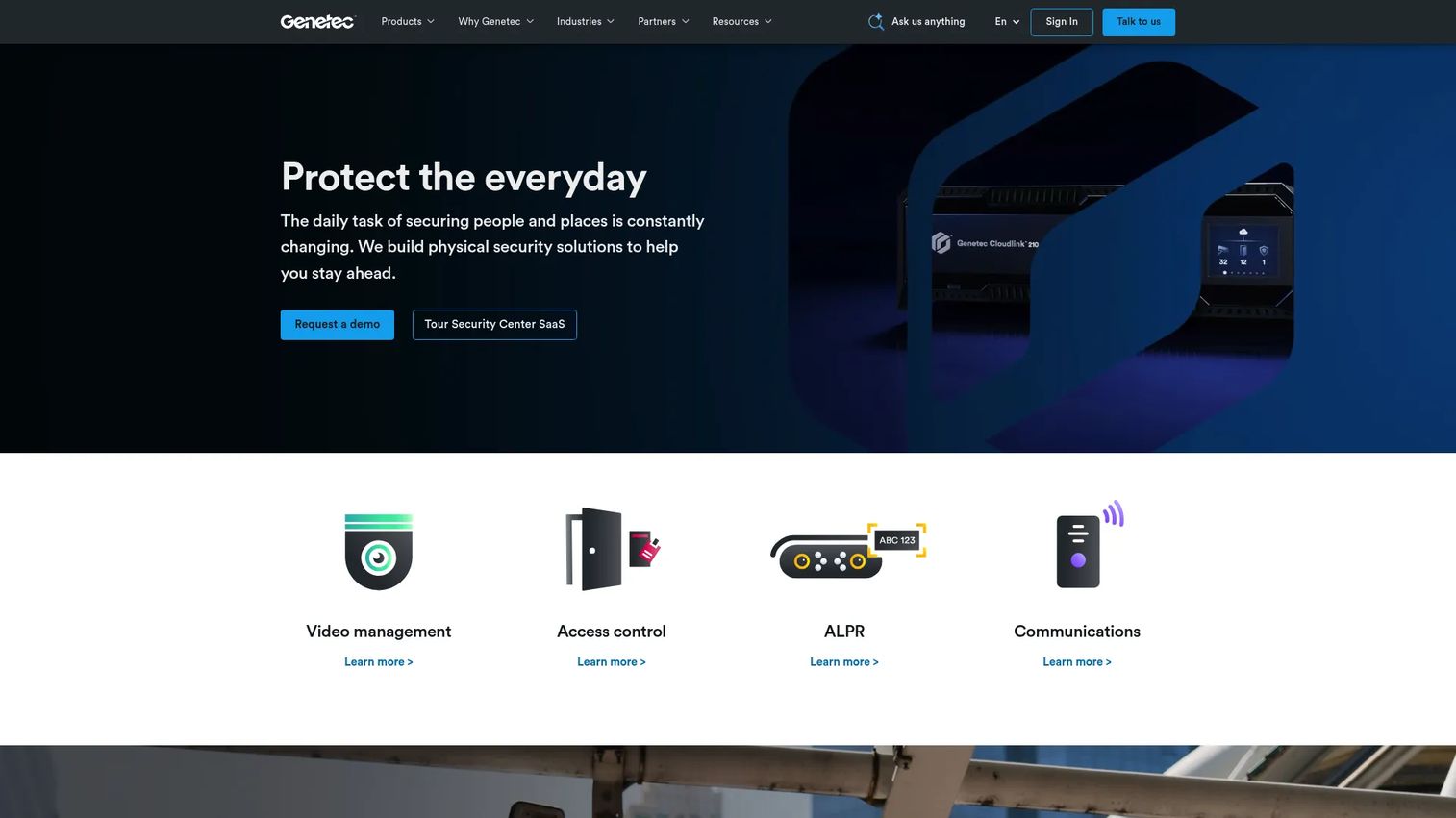
Genetec is a unified physical security platform connecting video surveillance, access control, automatic license plate recognition (ALPR), and incident investigation within a single operating environment. It serves enterprise, campus, government, stadium, and transportation deployments where the core problem is fragmented security data spread across multiple systems. The platform supports cloud, on-premises, and hybrid deployment through its Security Center and Security Center SaaS offerings.
Best for: Multi-site and enterprise teams that want fewer disconnected systems and better cross-site security visibility.
Key features
- Unified video and access control from one interface
- ALPR and vehicle investigation tools
- Cloud and hybrid deployment options
- Centralized incident investigation and case management
- Enterprise integrations across cameras, alarms, and building systems
Why choose Genetec: It is the strongest pick when a security leader needs to consolidate video, access, and investigations under a single platform. If you are selling into enterprise customers who ask about your security posture, Genetec's audit trails and reporting hold up under scrutiny.
Genetec pricing: Security Center SaaS starts at $99 per access-control connection per year on the Standard plan, or $149 per video connection per year. Premium plans run $149 per access-control connection and $199 per video connection, billed annually. Other Genetec products are priced through authorized sales partners; cost drivers include module selection, camera count, access points, and support requirements.
G2 rating: 4.4/5
2. XProtect by Milestone Systems
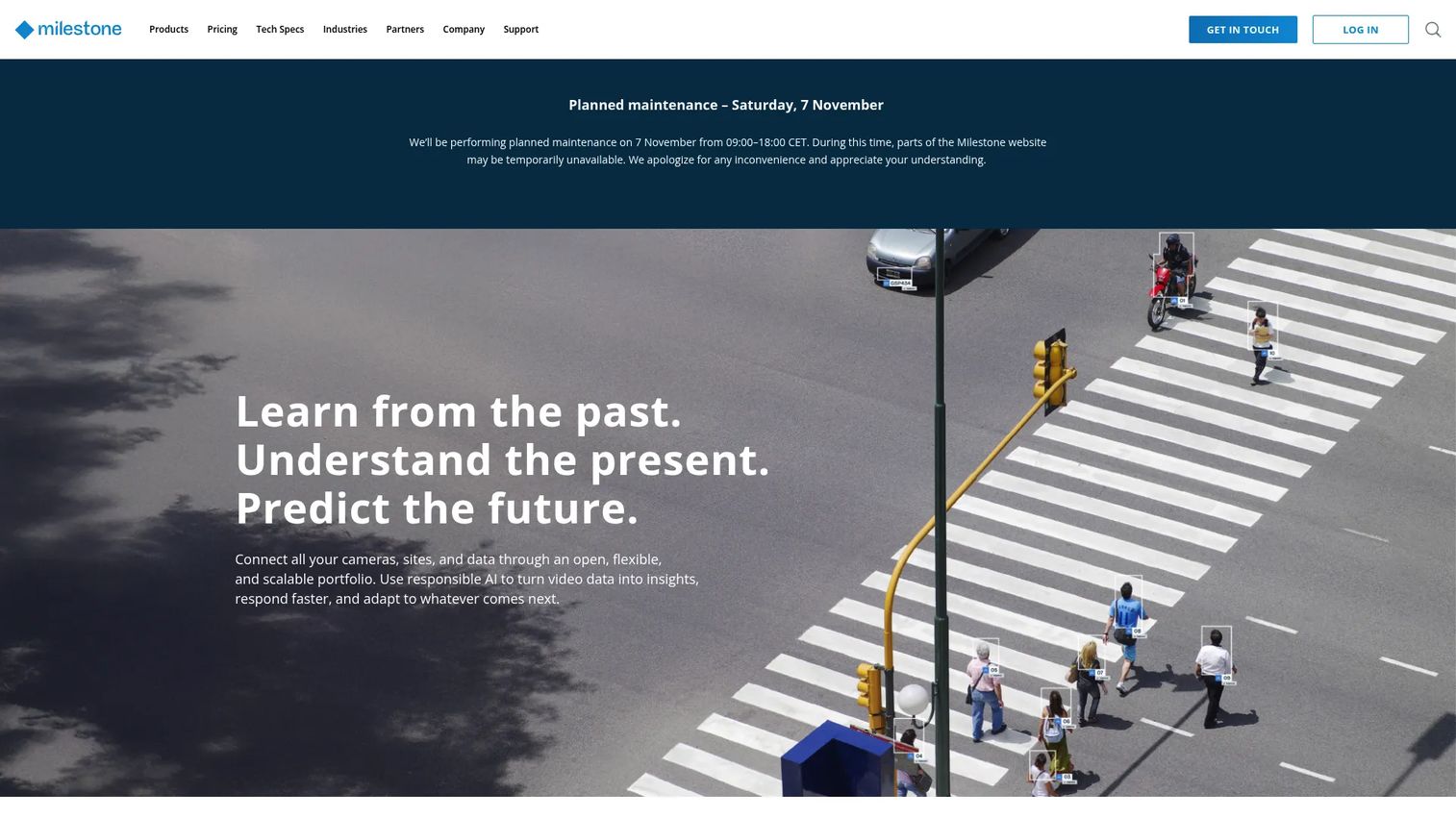
XProtect by Milestone Systems is an open-platform video management system built for organizations running large camera fleets with complex device ecosystems. The platform spans desktop, web, and mobile clients with centralized management of cameras, servers, users, and multi-site deployments. XProtect is well-established in the VMS category, with variants covering small installations through large enterprise deployments.
Best for: Large video surveillance deployments that need broad device compatibility and open-architecture VMS flexibility.
Key features
- Open-platform VMS with multi-site camera administration
- Centralized video search across metadata, alarms, events, and bookmarks
- Evidence handling with digital signatures and evidence locks
- Desktop, web, and mobile client access
- PTZ control and connected-device management
Why choose XProtect by Milestone Systems: It is the right call when your biggest problem is camera fleet scale rather than access control. Its open architecture means it integrates with a wide range of third-party devices and analytics modules without forcing a closed hardware stack.
XProtect by Milestone Systems pricing: XProtect licenses are perpetual and partner-priced across four main variants: Express+, Professional+, Expert, and Corporate. Pricing is determined by authorized resellers and depends on the edition, connected device count, and Care maintenance coverage selected (available in 1-, 3-, or 5-year terms). Contact a Milestone partner for a quote.
G2 rating: 4.5/5
3. Avigilon Control Center
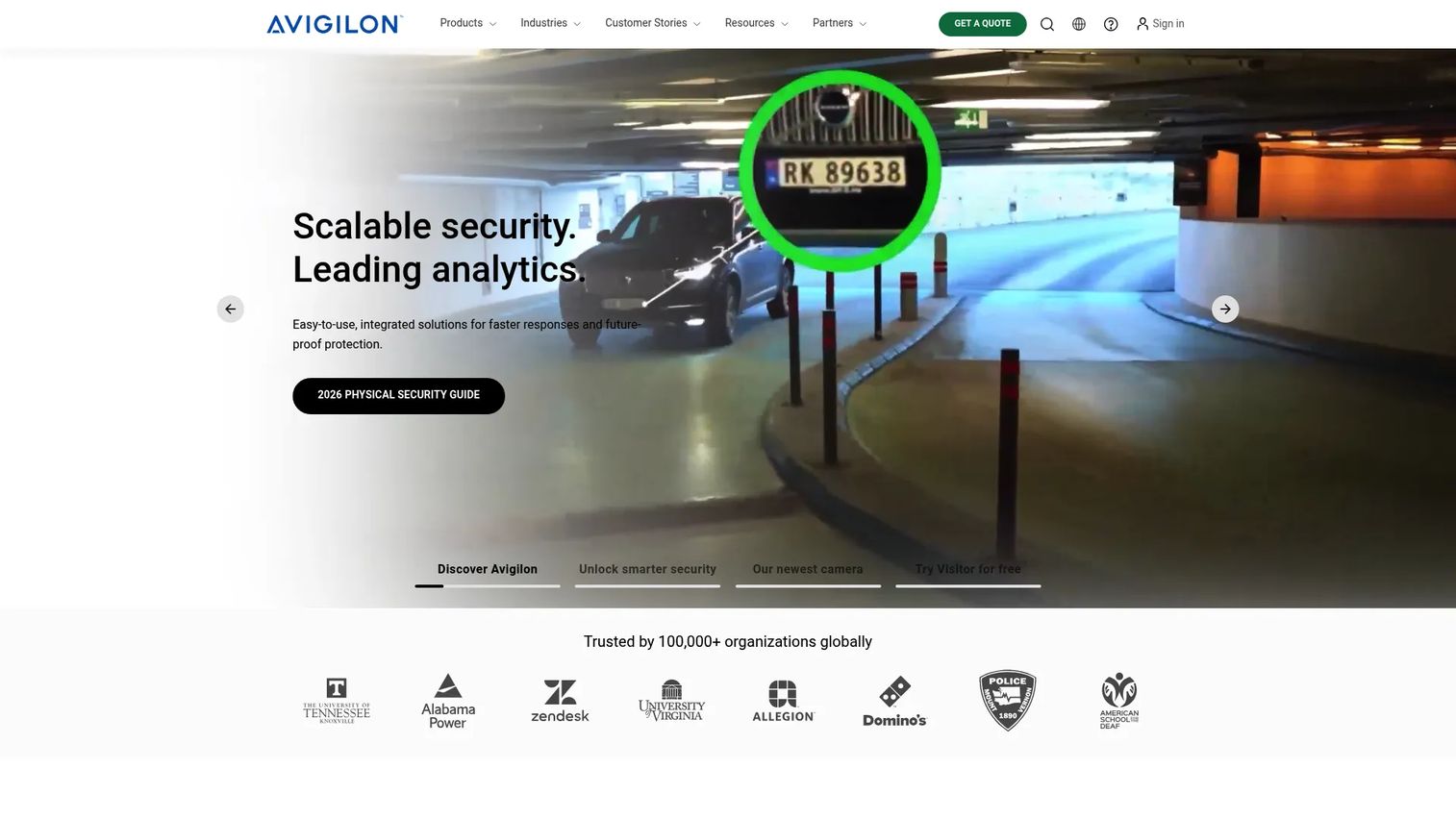
Avigilon Control Center, now marketed as Avigilon Unity Video, is on-premise video management software with integrated AI analytics for recording, monitoring, and investigating security camera feeds across enterprise sites. The platform includes Avigilon Appearance Search for locating people and vehicles across footage, self-learning video analytics for unusual activity detection, and mobile access for remote monitoring. ONVIF interoperability means it connects with a broad range of third-party cameras.
Best for: Security teams with high camera counts that need analytics-driven search to find relevant footage faster.
Key features
- Avigilon Appearance Search for people and vehicle identification
- Self-learning video analytics with unusual activity and motion detection
- Alarm management and event rules
- Mobile access and remote monitoring
- ONVIF interoperability with third-party camera hardware
Why choose Avigilon Control Center: It fits teams where the bottleneck is investigation speed, not access control. Analytics-driven search compresses the time between an alert and understanding what happened, which matters in high-volume camera environments.
Avigilon Control Center pricing: Avigilon Unity Video is offered in Core, Standard, and Enterprise editions, with optional Smart Assurance Plans for support coverage. Pricing is handled through channel partners; cost drivers include the edition selected, camera licenses, analytics capabilities, storage, and support tier. Contact an authorized partner for current pricing.
G2 rating: 4.4/5
4. Brivo
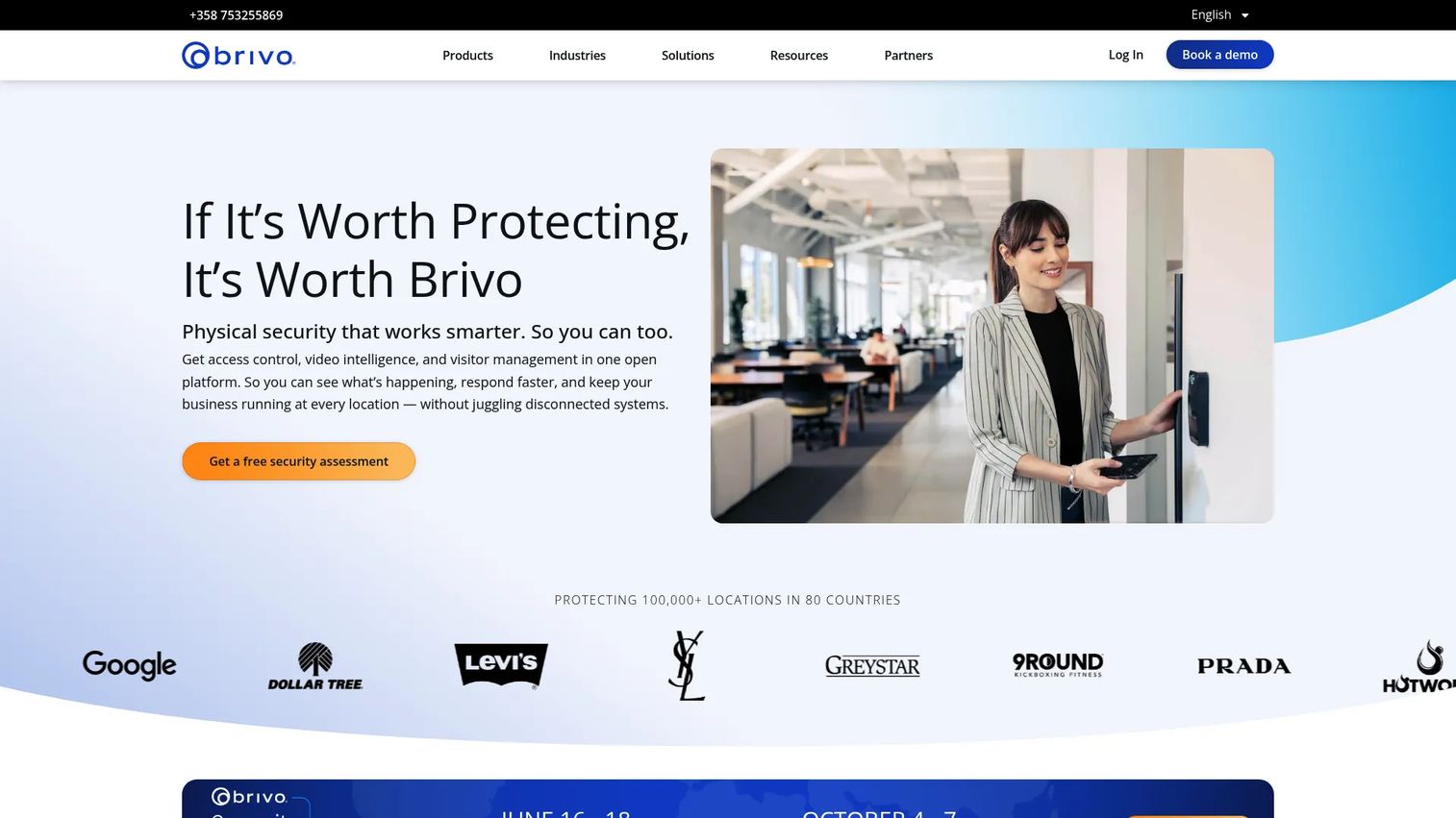
Brivo is a cloud-native physical security platform built primarily around access control, covering doors, credentials, visitor management, and intrusion across multiple locations. It supports mobile, physical, PIN, biometric, and license-plate credentials with role-based permissions, real-time alerts, and remote management. For growing companies adding offices faster than the IT team can keep up, Brivo's cloud architecture removes the need to manage on-premises access hardware per site.
Best for: Cloud-first access control and credential management across multi-site operations.
Key features
- Cloud-based access control with centralized multi-site management
- Mobile, physical, PIN, and biometric credentials
- Integrated live and recorded video linked to access events
- Role-based permissions with remote administration and audit history
- Open APIs for identity, visitor, and building system integrations
Why choose Brivo: It is the clearest fit when access control matters more than full video management. Operations leaders can manage door schedules, revoke credentials, and audit access history from anywhere without touching on-premises hardware. That is worth real time savings for teams managing five or more locations.
Brivo pricing: Brivo offers Standard, Professional, Enterprise, and Multifamily editions with modular feature packs. Brivo directs buyers to contact a reseller. Cost varies by door count, user count, locations, hardware selected, and service package. Request a quote through a Brivo reseller to get a site-specific number.
G2 rating: 4.5/5
5. Exacq
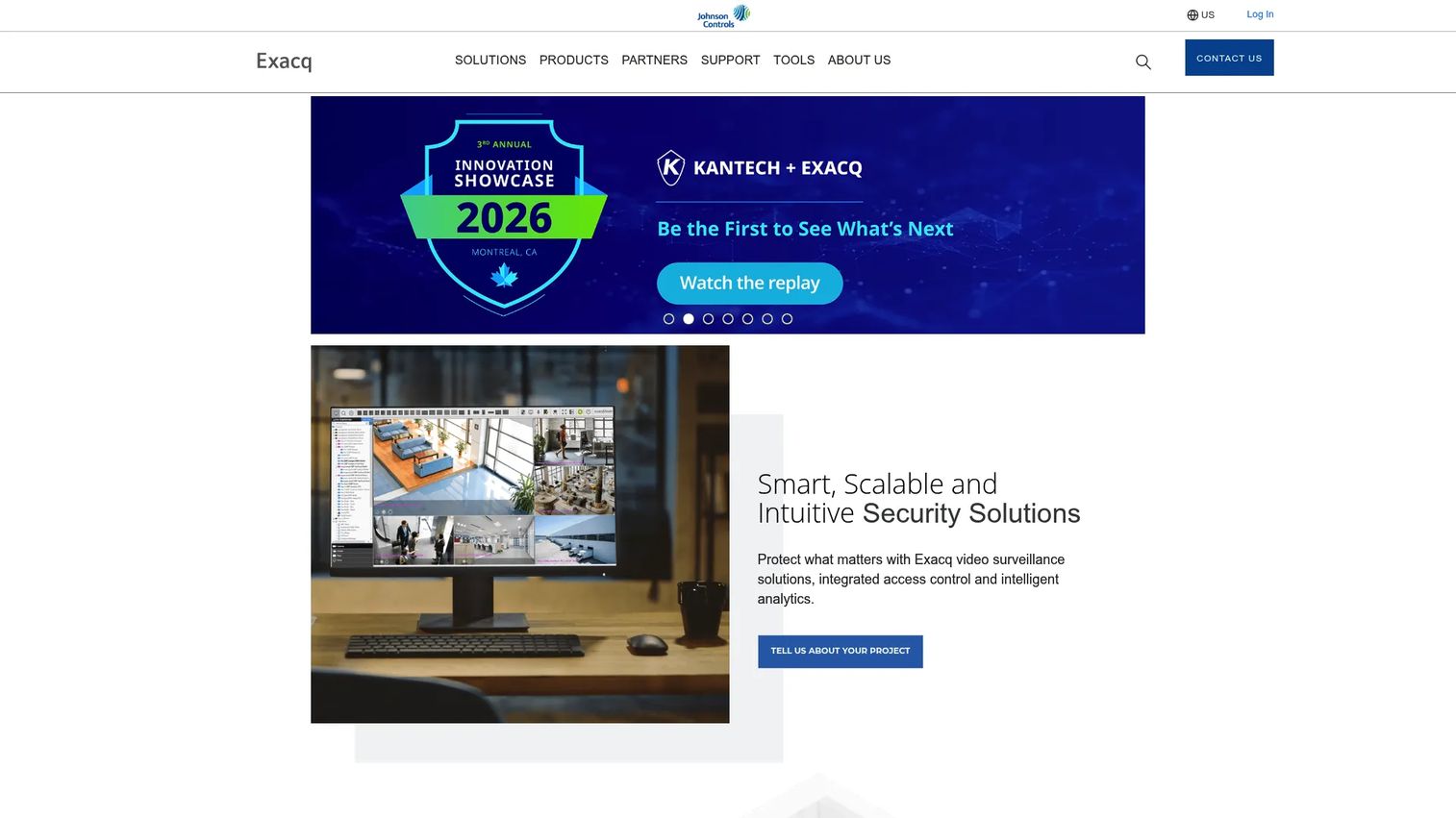
Exacq provides exacqVision video management software and network video recorders for organizations that need flexible video surveillance across on-premises, hybrid, or geographically distributed environments. The platform supports IP camera integration, access-control system connections, POS integrations, and video analytics. Clients include Windows, Linux, Mac, browser, and mobile, which covers most deployment contexts without requiring a fixed operating environment.
Best for: Flexible video surveillance deployments across varied infrastructure, including hybrid environments with existing camera hardware.
Key features
- Video management with thumbnail, timeline, and smart video search
- Two-way audio, interactive mapping, and event notifications
- Integration with IP cameras, access-control systems, and POS systems
- Windows, Linux, Mac, browser, and mobile client support
- Hybrid deployment options across on-premises and distributed sites
Why choose Exacq: It fits teams with existing camera infrastructure that want VMS capabilities without migrating to a fully unified platform. The per-camera licensing model means you pay for what you actually connect, which helps when deploying across sites at different readiness levels.
Exacq pricing: Exacq licenses software on a per-camera or per-device basis across Professional, Enterprise, Edge, and Edge Plus editions. Pricing is determined through partner channels, as Exacq distributes through authorized resellers. The cost depends on the edition, camera count, storage, and support requirements. Contact an Exacq reseller for current pricing.
6. Alibi Security
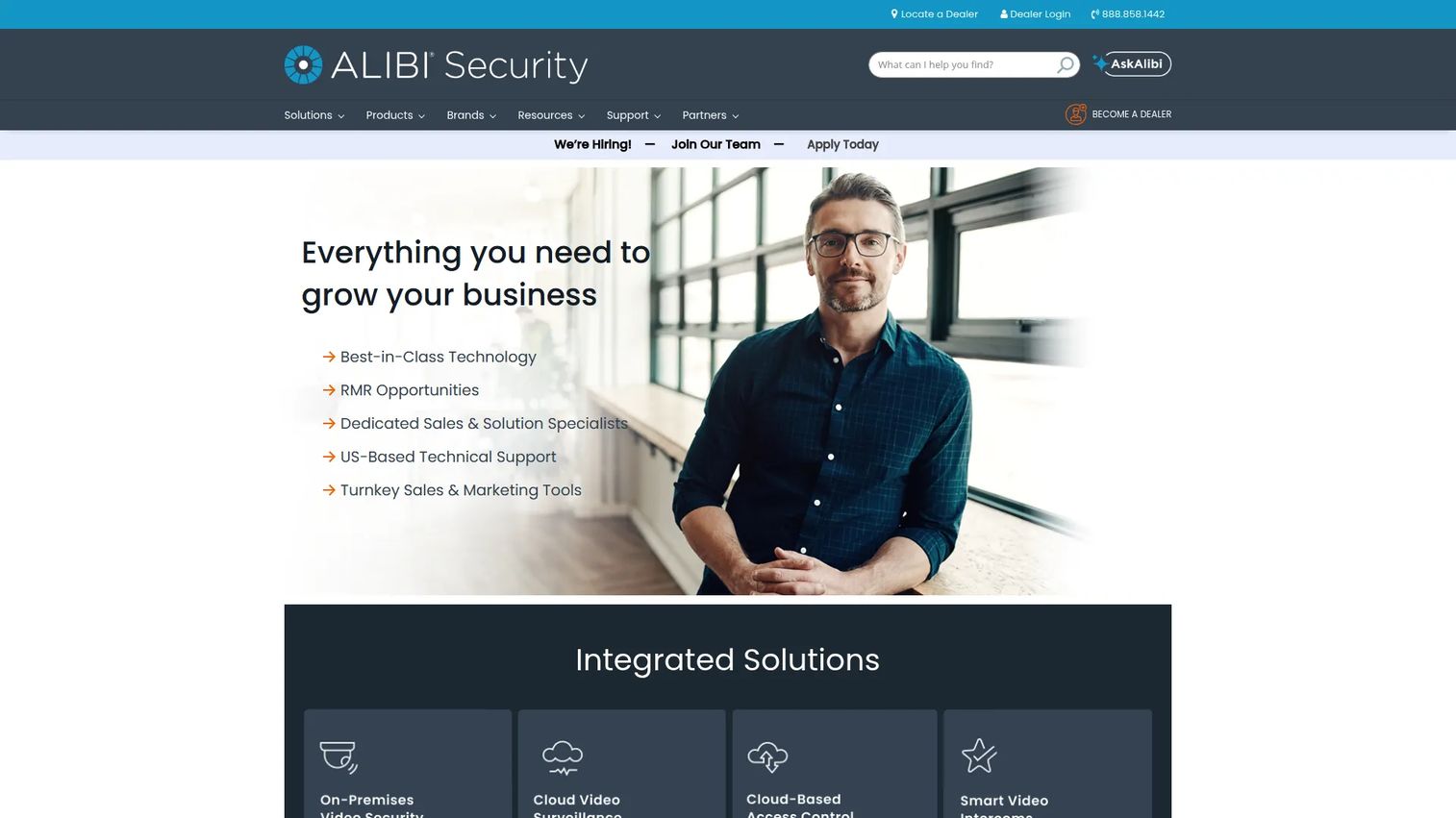
Alibi Security provides professional video surveillance hardware and software, covering cameras, recorders, and cloud monitoring for security dealers and direct buyers. The product line includes active deterrence cameras, low-light and thermal imaging options, fisheye panoramic cameras, and cloud video surveillance with people and object detection. Alibi Cloud VS supports smart search, event recording, PTZ control, and remote access.
Best for: Security teams that want camera hardware and cloud surveillance software purchased together from one vendor.
Key features
- Cloud video surveillance with people and object detection
- Active deterrence, low-light (Starlight+), and thermal camera options
- Video management with smart search, event recording, and PTZ support
- Fisheye panoramic and bi-spectrum thermal imaging options
- Flexible video export and remote access
Why choose Alibi Security: It fits smaller security teams that want cameras, recording, and cloud monitoring in a more direct buying path rather than assembling hardware from one vendor and software from another. The packaged approach simplifies procurement for teams without a dedicated systems integrator.
Alibi Security pricing: Alibi Cloud VS subscriptions start at $234.09 per camera channel for an HD1 seven-day retention, three-year subscription. Subscriptions are purchased through certified resellers; pricing varies by camera resolution, retention period, and subscription length. Contact an Alibi reseller for a hardware-plus-software quote.
7. Mitti by SafetyCulture
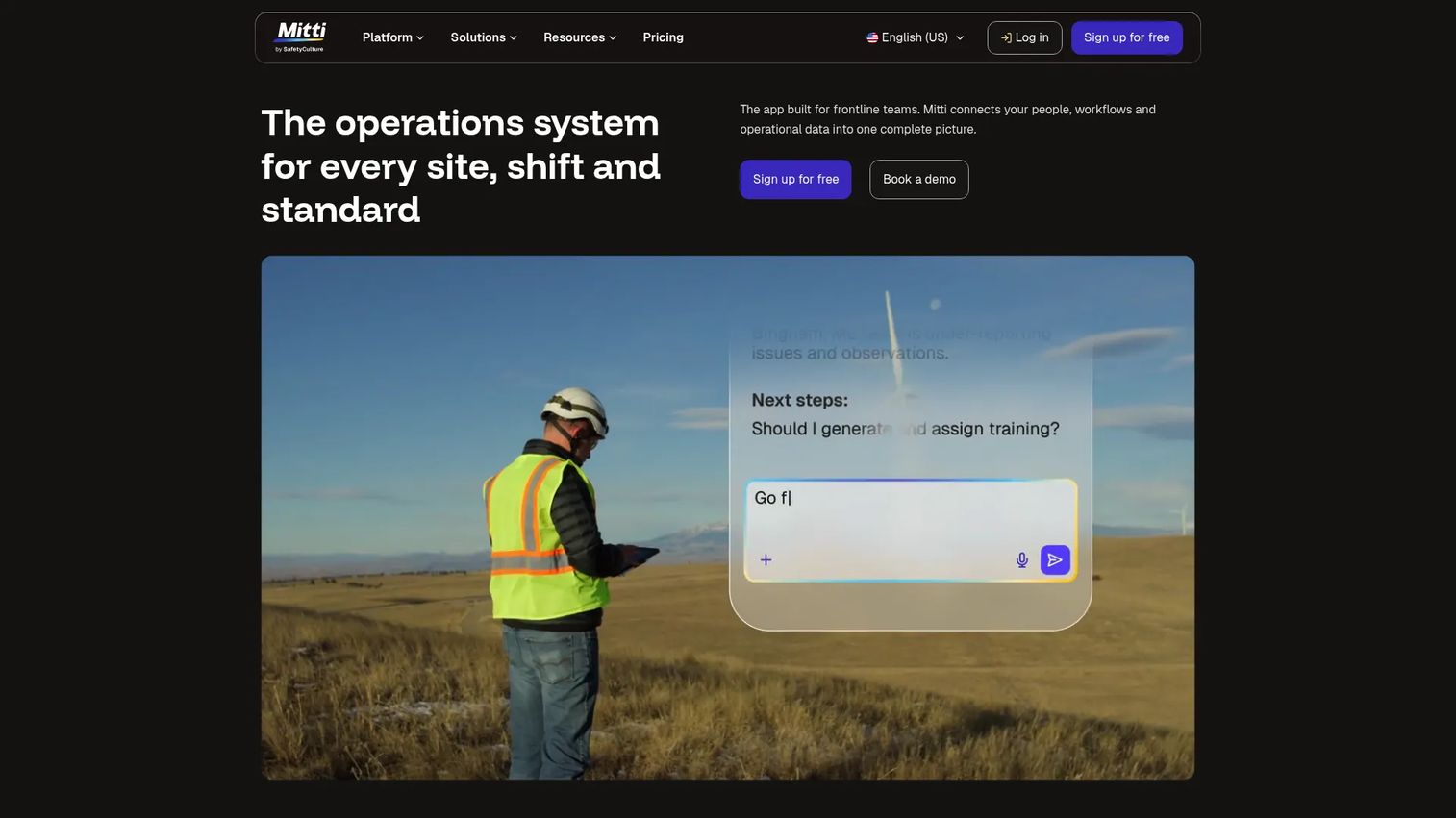
Mitti by SafetyCulture is a workplace operations platform covering inspections, incident reporting, corrective action tracking, training, and asset maintenance. It is not a VMS or access control replacement. Mitti addresses the operational follow-through gap: The work that happens after a camera catches something or an alarm fires, including documenting what happened, assigning corrective actions, and generating audit-ready reports for security reviews.
Best for: Security and operations teams that already have cameras and access control but need better inspection and incident follow-through.
Key features
- Security inspections with connected corrective workflows
- Incident and issue reporting with task assignment
- Audit-ready reports and analytics benchmarking
- Asset maintenance tracking
- Mobile-first workflows for frontline teams
Why choose Mitti by SafetyCulture: It fills the execution gap that most VMS and access platforms leave open. If your security team runs guard tours, quarterly inspections, or compliance audits, Mitti gives them a structured mobile workflow rather than a clipboard and a shared drive. The free plan covers teams up to ten users, which makes it easy to test before committing.
Mitti by SafetyCulture pricing: Mitti has a free plan for teams up to ten, covering inspections and reports. Premium runs $24 per seat per month billed annually ($29 billed monthly) and adds advanced analytics, training, permissions, integrations, and maintenance features. Enterprise pricing is custom; contact Mitti sales for large teams requiring advanced user management, SCIM, and an integrations builder.
Considerations when choosing physical security software
Start with deployment model
Cloud, on-premises, and hybrid are not interchangeable. Cloud helps remote administration and faster rollout across new locations. On-premises may fit teams with strict data handling, uptime requirements, or connectivity constraints at remote sites. Hybrid often makes the most sense during modernization, keeping existing hardware while adding modern software management on top.
Map software to existing physical infrastructure
Inventory cameras, door controllers, badge readers, alarms, intercoms, and building management systems before shortlisting tools. Software fit depends heavily on what hardware is already installed. A platform with great features that cannot connect to your current IP cameras adds hardware cost on top of software cost.
Verify interoperability before comparing feature lists
Check ONVIF support, open API availability, camera manufacturer compatibility, and access control hardware integrations. For related AI security posture management and AI cybersecurity solutions, interoperability with the physical layer matters just as much. A strong feature list does not help if the tool cannot connect to the existing environment.
Evaluate reporting and audit requirements early
Board questions, enterprise customer security reviews, and compliance audits all require documented evidence. Confirm that the platform you choose generates credential audit trails, incident histories, inspection records, and camera health reports without manual assembly. For audit management contexts, this is often the deciding criterion.
Plan for operations, not just installation
Camera health monitoring, firmware update management, training for new security staff, and support SLAs all affect long-term cost. A platform that requires a systems integrator for every change is a hidden overhead expense. Ask vendors about self-service administration, online documentation depth, and support response time before signing.
Conclusion
The right physical security software depends less on the longest feature list and more on where your operation is currently blind. If cameras, doors, and incident data are split across disconnected tools, start with a unified platform. Genetec covers that consolidation for enterprise and multi-site environments, while XProtect handles large video deployments with open hardware flexibility. Avigilon Control Center fits teams where analytics and investigation speed matter most. Brivo earns its place when cloud access control is the primary gap. Exacq works for teams with existing camera infrastructure that need a capable VMS without full platform migration. Alibi Security simplifies procurement for teams that want surveillance hardware and software from one buying path. Mitti by SafetyCulture addresses the follow-through problem: Inspections, incident reports, and audit records that most VMS tools do not cover.
Forward this shortlist to your operations or IT lead with the deployment model already decided. That single constraint narrows the field faster than any feature comparison.
For a broader view of predictive analytics software tools that connect physical security signals to operational intelligence, that is worth a separate evaluation once the security infrastructure is in place.
Start your journey with Guideflow today!
FAQs
Physical security software helps organizations monitor, control, investigate, and report on security events across physical locations, assets, people, and connected devices. It includes video management systems, access control platforms, AI analytics tools, incident reporting workflows, and device health monitoring.
A physical security system includes the hardware: Cameras, door controllers, sensors, intercoms, and alarms. Physical security software manages that hardware, organizing monitoring, access events, analytics, investigations, and reporting into a usable operational layer. Most deployments require both.
Enterprise teams typically prioritize unified platforms with hybrid deployment support, strong interoperability, audit logs, and partner-backed support. Genetec, XProtect by Milestone Systems, and Avigilon Control Center are the strongest enterprise-grade options in this list. The right choice depends on whether video management, access control, or investigations is the primary gap.
Access-control-first buyers should evaluate cloud versus on-premises architecture, mobile credential support, visitor management, door scheduling, access logs, and multi-site administration capability. Brivo is the strongest cloud-native access control option in this list. Genetec covers access control as part of a broader unified platform if video and investigation are also priorities.
Video-heavy deployments should focus on camera compatibility, storage options, search and playback capability, analytics, and monitoring workflows. XProtect by Milestone Systems, Avigilon Control Center, Exacq, Alibi Security, and Genetec all address video surveillance, with XProtect and Avigilon optimized for large camera fleets and analytics depth.
Pricing depends on camera count, door count, user count, locations, modules, storage, support tier, and deployment model. Genetec Security Center SaaS starts at $99 per connection per year. Mitti by SafetyCulture starts free for small teams, with Premium at $24 per seat per month. Alibi Security cloud subscriptions start at $234.09 per camera channel on a three-year plan. XProtect, Avigilon, Brivo, and Exacq all require a quote through authorized channel partners.
Cloud fits companies adding locations quickly, where remote administration and faster deployment outweigh strict data control requirements. On-premises fits environments with tight data handling policies, specific uptime or latency requirements, or existing infrastructure that cannot connect to cloud services. Hybrid deployment, running cloud management software over existing on-premises hardware, often works well for teams modernizing gradually. Genetec, XProtect, and Avigilon all support hybrid deployments.
The features that matter depend on where the operational risk lives. For video-heavy environments: Camera compatibility, storage, AI analytics, and search speed. For access-heavy environments: Cloud management, mobile credentials, audit logs, and multi-site administration. For operationally focused teams: Inspection workflows, incident reporting, corrective action tracking, and audit-ready documentation. For converged environments, an access review software layer that connects physical and digital access is worth evaluating alongside the platforms listed here.