Your prospect asks whether their ERP can feed the data warehouse without touching a public cloud. The security reviewer wants to know where metadata lives. Your architecture diagram shows three legacy databases, two SaaS apps, and a file transfer job that breaks every other Tuesday.
Data integration is a category that sounds straightforward until you get into a real enterprise environment. According to Grand View Research (2026), the global data integration market was valued at $17.9 billion in 2025, with on-premises deployments representing the largest segment by revenue share. That figure reflects how much infrastructure organizations still run inside their own walls, by policy, by contract, or because moving it is riskier than keeping it.
For presales and sales engineers, understanding this category is practical. When a buyer asks about ERP connectivity, CDC pipelines, EDI partner workflows, or controlled hybrid movement, you need to know which platform category they are actually describing, not just which logos appear on a slide.
This guide gives you a workload-based shortlist across 12 tools to help you route that conversation faster.
What's inside
This guide covers the leading on-premise and hybrid data integration platforms for 2026. It is written for enterprise data teams, IT architects, and presales engineers who support integration-heavy evaluations, security reviews, and POCs.
Tools were selected on four criteria:
- On-premise and hybrid fit: Supports private infrastructure deployment or a controlled runtime model
- Enterprise reliability: Track record with large-scale workloads and regulated environments
- Workload coverage: Addresses at least one core integration pattern (ETL, CDC, B2B, or virtualization)
- Review visibility: Verifiable G2 ratings and pricing context from current sources
TL;DR
- Best for Microsoft-centric batch ETL: Microsoft SQL Server, because SSIS runs inside a familiar Microsoft infrastructure stack
- Best for low-code hybrid integration: SnapLogic, because Groundplex lets teams run pipelines privately while managing them in the cloud
- Best for B2B and EDI workflows: Cleo Integration Cloud, because it focuses on partner transaction flows, EDI, and managed file transfer
- Best for enterprise data management breadth: Informatica Intelligent Data Management Cloud, because it spans integration, quality, governance, and metadata in one platform
- Best for real-time replication and CDC: Oracle GoldenGate and Qlik Replicate, because low-latency data movement is their primary job
- Best for spatial and format-heavy data: FME, because geospatial and multi-format transformation is what it was built for
What is on-premise data integration software?
On-premise data integration software connects, moves, transforms, synchronizes, and governs data across systems while running inside a company's own infrastructure or a controlled private environment.
The category covers more ground than a single ETL tool. Modern on-premise data integration platforms support several distinct approaches, and buyers often need more than one:
- ETL (Extract, Transform, Load): Data is extracted from a source, transformed in a staging layer, then loaded into a target. Common for batch warehouse loads.
- ELT (Extract, Load, Transform): Data lands in the target first, then transformations run using the target's compute. Efficient when the destination can handle heavy processing.
- Change data capture (CDC): Captures row-level changes from database transaction logs and moves them in near real time. Used for replication, operational reporting, and migrations.
- Data virtualization: Provides a logical access layer over distributed data without physically copying every dataset. Useful when data residency or latency constraints make copying expensive.
- B2B and EDI integration: Manages structured data exchanges between trading partners using protocols like EDI X12, EDIFACT, and AS2. Common in retail, manufacturing, and logistics.
- Batch and micro-batch pipelines: Scheduled or trigger-based movement at intervals, as opposed to continuous streaming.
"On-premise" does not mean cloud-free. Most enterprise teams today run hybrid models: Pipelines execute in a private data center while a cloud-based control plane handles monitoring, metadata, and job management. The practical question is where data processing actually occurs, and what network access the tool requires.
Healthcare, financial services, the public sector, and large enterprises often need on-premise or hybrid deployment to satisfy data residency requirements, internal security policy, or contractual obligations. For presales teams, this matters: When a buyer says they cannot send data to a third-party cloud, they need a tool with a private runtime option, not just a logo on a cloud provider's marketplace.
Key capabilities to look for
- ETL and ELT pipeline design and scheduling
- Change data capture for real-time replication
- Batch and micro-batch movement
- Data quality and cleansing
- Metadata capture and lineage
- Connectors for databases, ERP, CRM, and cloud applications
- API and file-based transfer support
- Monitoring, alerting, and error handling
- Role-based access control and audit logs
- Hybrid deployment support with a private runtime option
When to use on-premise data integration software
Keep regulated data inside private infrastructure
Healthcare organizations, financial institutions, and government agencies often cannot allow unrestricted cloud movement of certain data. Internal policy, audit requirements, or contractual obligations may require that processing happens within a controlled boundary. On-premise integration tools with private runtime options let these teams move and transform data without routing it through external cloud services.
Connect legacy systems to modern analytics
Older ERP platforms, mainframes, and file-based systems still feed a significant share of enterprise reporting. On-premise integration tools handle the connectors and transformation logic needed to get that data into modern warehouses, data lakes, and BI platforms. Teams replacing brittle ETL scripts often reach for one of the platforms in this list to get a governed, maintainable replacement that keeps working as source systems evolve.
Support technical validation during enterprise sales
Presales engineers frequently need to prove integration feasibility before a POC expands into a full deployment. That means mapping connector inventories against the buyer's actual source systems, building a sample data flow, and working through security questionnaires that ask where processing occurs. Having a clear sense of which tool fits which workload makes that validation faster and more credible.
On-premise data integration software comparison
The table below is a workload-based shortlist. No single tool wins every use case. Some fit batch ETL, some fit real-time replication, and some are purpose-built for B2B transaction flows or data virtualization. Use this to route buyers toward the right evaluation, then verify connector versions and deployment options against the buyer's exact environment.
| # | Product | Best for | Key differentiator | Pricing | G2 rating |
|---|---|---|---|---|---|
| 1 | Microsoft SQL Server | Microsoft-centric batch ETL | SSIS inside the SQL Server ecosystem | Free (Express/Developer); from $989 (Standard server) | 4.4/5 |
| 2 | SnapLogic | Low-code hybrid integration | Groundplex private execution with cloud management | Custom pricing | 4.4/5 |
| 3 | IBM webMethods Hybrid Integration | Hybrid enterprise integration | App, API, B2B, and managed file integration | From $2,565/month | 4.3/5 |
| 4 | Cleo Integration Cloud | B2B, EDI, and MFT | Partner transaction workflows with operational visibility | Custom pricing | 4.4/5 |
| 5 | Informatica Intelligent Data Management Cloud | Enterprise data management | Integration, quality, governance, and metadata breadth | Custom pricing | 4.2/5 |
| 6 | IBM DataStage | Enterprise ETL at scale | Parallel processing and hybrid deployment | From $1.75/CUH (as a service) | 4.0/5 |
| 7 | Oracle GoldenGate | Real-time replication | CDC for heterogeneous database environments | Free tier available; cloud pricing by OCPU-hour | 3.9/5 |
| 8 | Oracle Data Integrator | Oracle-heavy ETL and ELT | ELT design pattern pushing transformations to the target | From $900 (Named User Plus perpetual) | 4.0/5 |
| 9 | Denodo Platform | Data virtualization | Logical access without copying datasets | Custom pricing | 4.3/5 |
| 10 | Qlik Replicate | CDC and replication | Automated real-time data movement | Custom pricing | 4.3/5 |
| 11 | FME | Spatial and file-based integration | Geospatial and format conversion support | Custom pricing | 4.6/5 |
| 12 | Pentaho Data Integration | Open-source ETL control | Visual ETL design with private deployment flexibility | Custom pricing; 30-day free trial | 4.3/5 |
Best 12 on-premise data integration software tools for 2026
1. Microsoft SQL Server
Microsoft SQL Server is a mature relational database platform with a built-in ETL capability through SQL Server Integration Services. For teams already running Microsoft infrastructure, it is often the first integration option evaluated because the skills and tooling are already in place. The platform supports data virtualization through PolyBase, job scheduling via SQL Server Agent, and pipeline development through SQL Server Data Tools within Visual Studio.
Best for: Microsoft-centric teams running batch ETL, SQL Server workloads, and on-premise database jobs.
Key features
- SSIS package design for ETL workflows
- SQL Server Agent scheduling
- PolyBase for data virtualization across sources
- Always On for high availability
- Built-in encryption, auditing, and Microsoft Entra authentication
Why choose Microsoft SQL Server: The strongest case is familiarity. Teams already invested in the Microsoft stack get a supported, well-documented ETL layer without introducing a new vendor. Teams that need broad SaaS connector libraries or low-code pipeline design often pair it with a dedicated integration platform.
Microsoft SQL Server pricing: Developer and Express editions are free downloads. Standard licensing starts at $989 for a server license, $3,945 per 2-core pack, and $230 per CAL. Enterprise edition is $15,123 per 2-core pack. These are Microsoft's open estimated retail prices; reseller pricing varies.
G2 rating: 4.4/5
2. SnapLogic
SnapLogic is a low-code integration platform that connects applications, databases, APIs, and data pipelines across cloud and private environments. Its Groundplex component runs the actual data processing inside a buyer's own infrastructure while the management console operates in the cloud, which is the key architecture point for buyers with on-premise requirements. The platform includes over 1,000 pre-built connectors called Snaps, covering a wide range of enterprise systems.
Best for: Teams that need low-code hybrid integration across SaaS apps, APIs, databases, and private infrastructure without heavy engineering overhead.
Key features
- Low-code visual pipeline builder
- Snap connector library (1,000+ connectors)
- Groundplex for private-infrastructure execution
- API management
- AI-assisted integration development with SnapGPT
Why choose SnapLogic: It suits teams where both data engineers and integration specialists need to build and maintain flows without writing custom code for every connector. The Groundplex model is worth verifying carefully with buyers: Confirm exactly which network paths are required and where metadata is stored.
SnapLogic pricing: SnapLogic offers three packages (Essential, Professional, Enterprise One) with pricing through sales.
G2 rating: 4.4/5
3. IBM webMethods Hybrid Integration
IBM webMethods Hybrid Integration is a hybrid enterprise integration platform covering API management, application integration, event processing, B2B transactions, and managed file transfer. It targets large enterprises with mixed legacy and modern systems that need a single governed layer across both. The platform uses a flexible credit model that spans integration capabilities rather than separating them into distinct products.
Best for: Large enterprises needing governed integration across APIs, applications, B2B transactions, and managed file workflows in hybrid environments.
Key features
- Hybrid control plane for centralized runtime and governance
- API management and lifecycle tooling
- B2B integration with EDI support
- Managed file transfer
- AI-powered integration authoring via the Integration Agent
Why choose IBM webMethods Hybrid Integration: The integration problem here is broader than ETL. It fits when the buyer needs to govern APIs, file transfers, and partner transactions under one operational layer. Buyers should validate fit against their existing IBM stack and confirm internal skills before committing to the platform.
IBM webMethods Hybrid Integration pricing: IBM lists a Standard Tier starting at $2,565 per month. Pricing is credit-based across integration types; a price estimator and custom quotes are available. Prices may vary by country and are exclusive of taxes.
G2 rating: 4.3/5
4. Cleo Integration Cloud
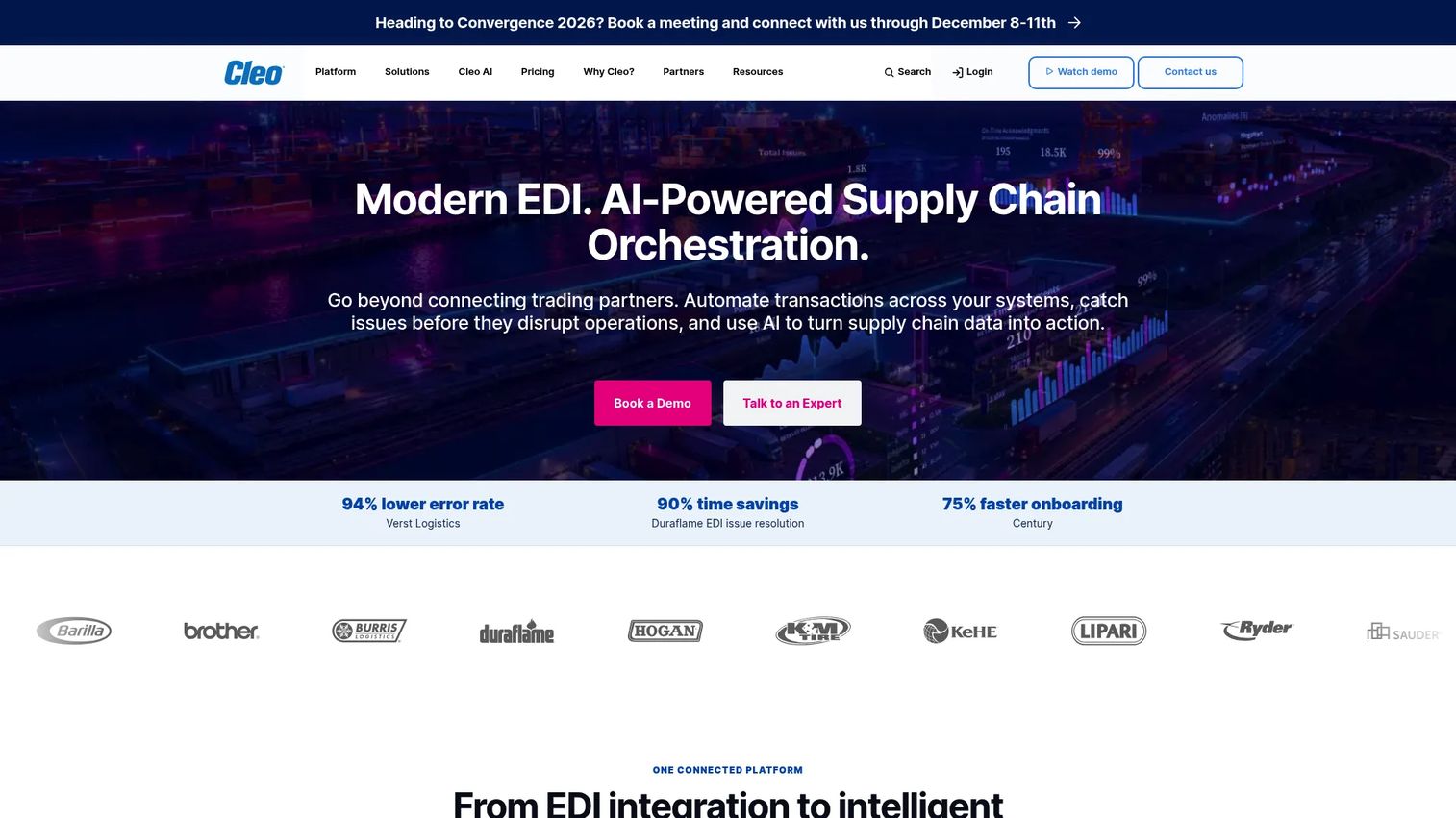
Cleo Integration Cloud focuses on B2B integration, EDI transaction management, managed file transfer, and partner onboarding. It is not a general-purpose ETL platform. The core value is operational visibility across partner transactions: Tracking whether an EDI order confirmation arrived, diagnosing a failed file transfer with a supplier, and onboarding a new trading partner without engineering involvement. It serves retail, manufacturing, logistics, and supply chain teams.
Best for: Teams managing EDI partner data flows, order workflows, managed file transfer, and B2B transaction visibility.
Key features
- EDI X12, EDIFACT, and AS2 transaction support
- Managed file transfer
- No-code partner onboarding workflows
- API and application connectors
- End-to-end transaction monitoring and alerting
Why choose Cleo Integration Cloud: It fits when the integration pain is external partner coordination rather than internal analytics. The buyer cares about failed transactions, trading partner onboarding timelines, and real-time visibility into what moved and what did not. It is a poor fit when the primary need is a visual ETL pipeline feeding a data warehouse.
Cleo Integration Cloud pricing: Cleo Integration Cloud is priced by quote. Cleo publishes separate WebEDI pricing starting at $99/month, but that is a different product. Contact Cleo for Integration Cloud pricing specific to your partner volume and integration scope.
G2 rating: 4.4/5
5. Informatica Intelligent Data Management Cloud
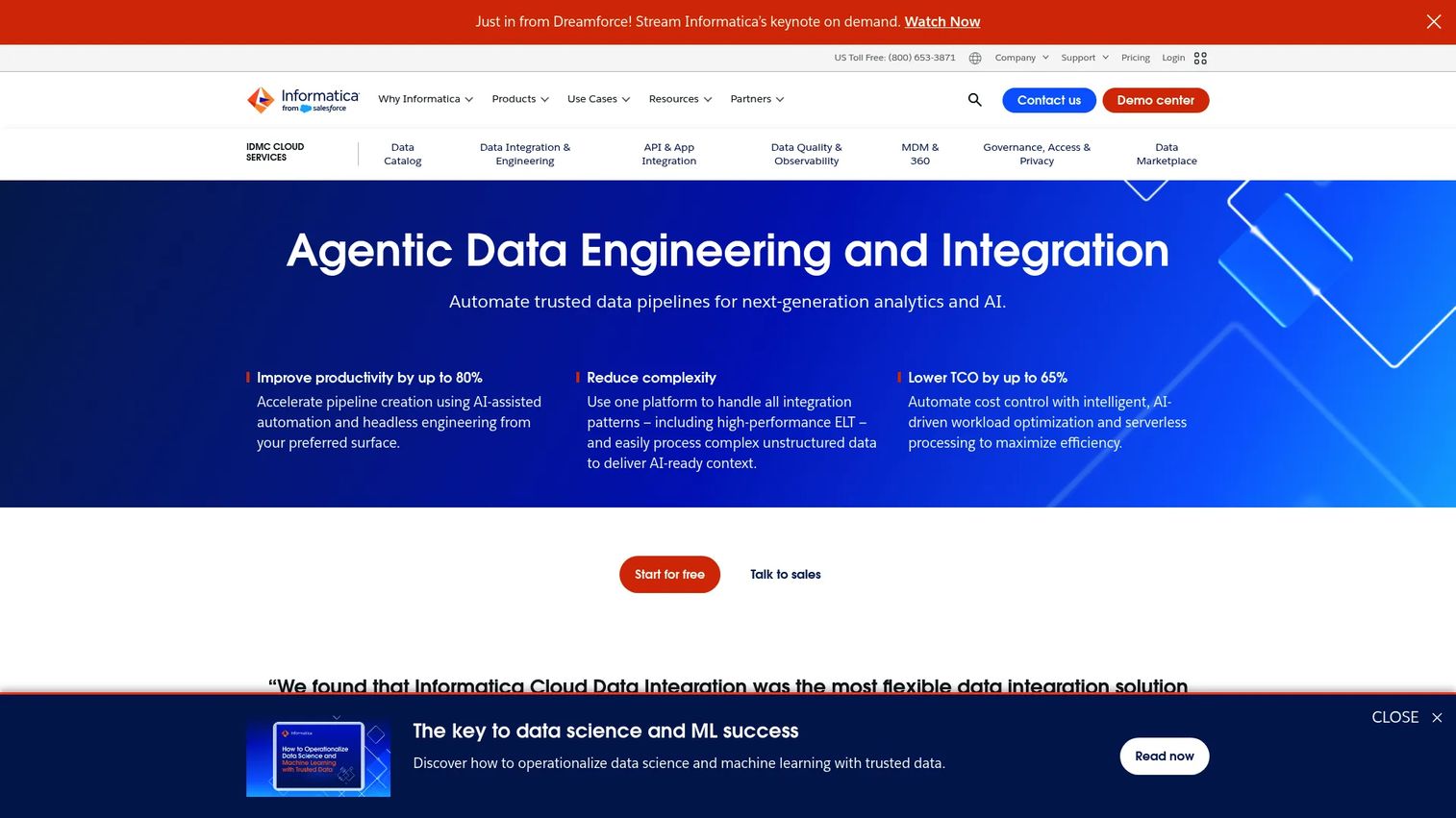
Informatica Intelligent Data Management Cloud covers data integration, data quality, governance, metadata management, master data management, and a data marketplace. For large organizations running complex data programs, the breadth matters: A single platform handles pipeline engineering, catalog, and governance rather than requiring separate point tools. It supports cloud-native and hybrid deployment through consumption-based pricing tied to Informatica Processing Units.
Best for: Enterprise teams that need integration, quality, governance, and metadata capabilities in one data management platform.
Key features
- Cloud data integration and pipeline engineering
- Data quality and observability
- Metadata intelligence and data catalog
- Master data management
- CLAIRE AI-powered automation across the platform
Why choose Informatica Intelligent Data Management Cloud: It fits large organizations that want a strategic data management layer rather than a narrow pipeline tool. Implementation planning matters significantly here: Platform breadth can create rollout complexity, and teams typically phase adoption across the product surface over time.
Informatica Intelligent Data Management Cloud pricing: Pricing is consumption-based using Informatica Processing Units. Contact Informatica for a quote tied to your data volumes and feature requirements.
G2 rating: 4.2/5
6. IBM DataStage
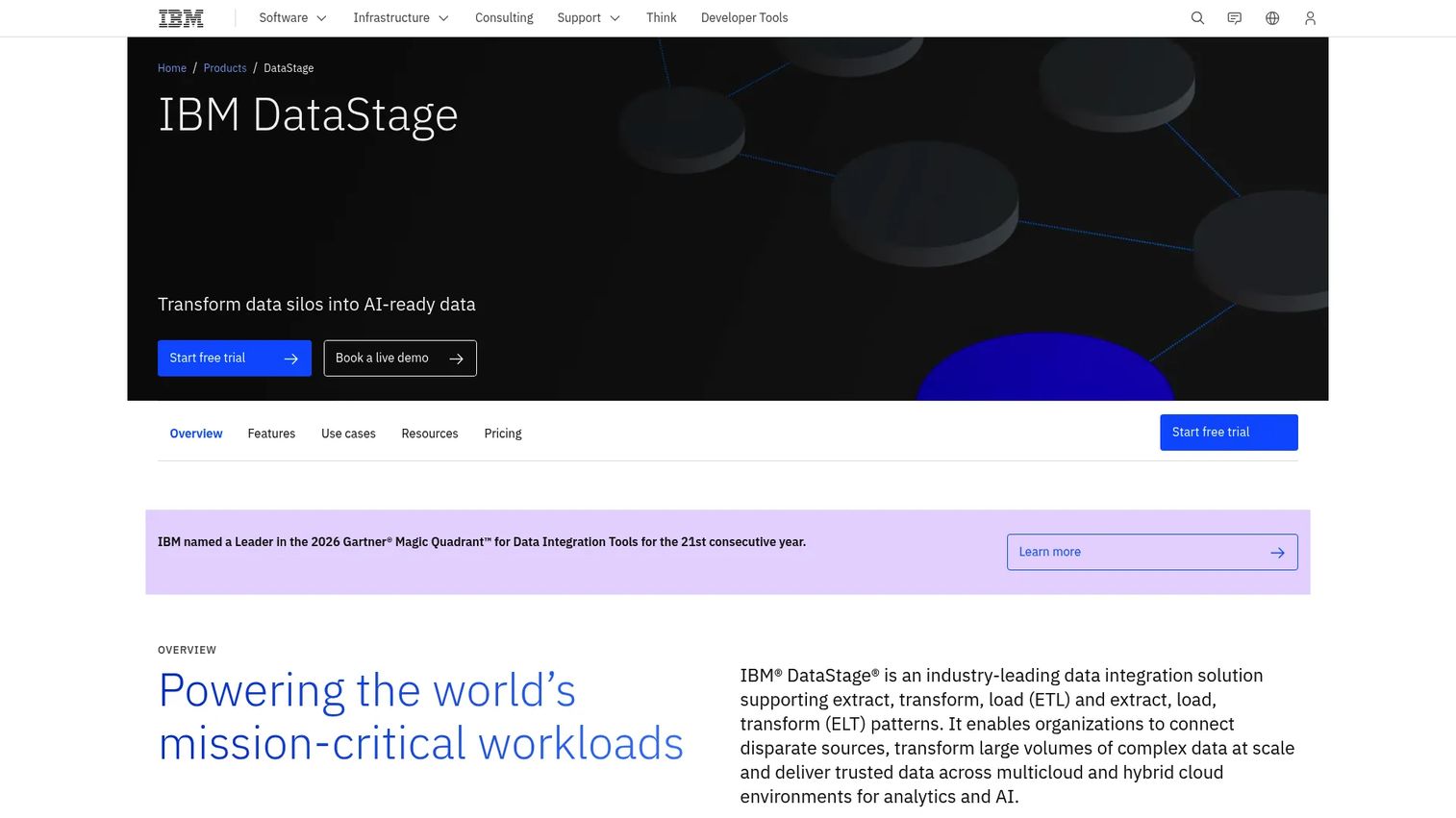
IBM DataStage is IBM's dedicated ETL platform for high-volume data transformation workloads. It uses parallel processing to handle complex pipelines across large data estates, and it runs in cloud-native, hybrid, and on-premise configurations. For regulated enterprises running intensive data warehouse programs, DataStage has decades of enterprise adoption behind it. It is distinct from IBM webMethods, which focuses on integration and B2B; DataStage focuses on the ETL transformation layer.
Best for: Enterprise data teams building high-volume ETL pipelines across complex, regulated data estates.
Key features
- Parallel ETL processing for high-volume workloads
- Visual pipeline design interface
- Hybrid and on-premise deployment options
- Enterprise data connectivity (relational, NoSQL, cloud, REST)
- Automatic metadata propagation
Why choose IBM DataStage: Strong fit for enterprises with existing IBM data investments and complex ETL requirements. Skills matter: DataStage has a learning curve, and implementation planning should account for onboarding time. Teams evaluating it should confirm whether they need the cloud service model or the on-premise edition and validate that connector versions match their source systems.
IBM DataStage pricing: The DataStage as a Service edition starts at $1.75 per Capacity Unit-Hour, with a free trial available. Enterprise, Enterprise Plus, and on-premise editions are priced through sales. IBM notes that displayed prices are indicative and may vary by country.
G2 rating: 4.0/5
7. Oracle GoldenGate
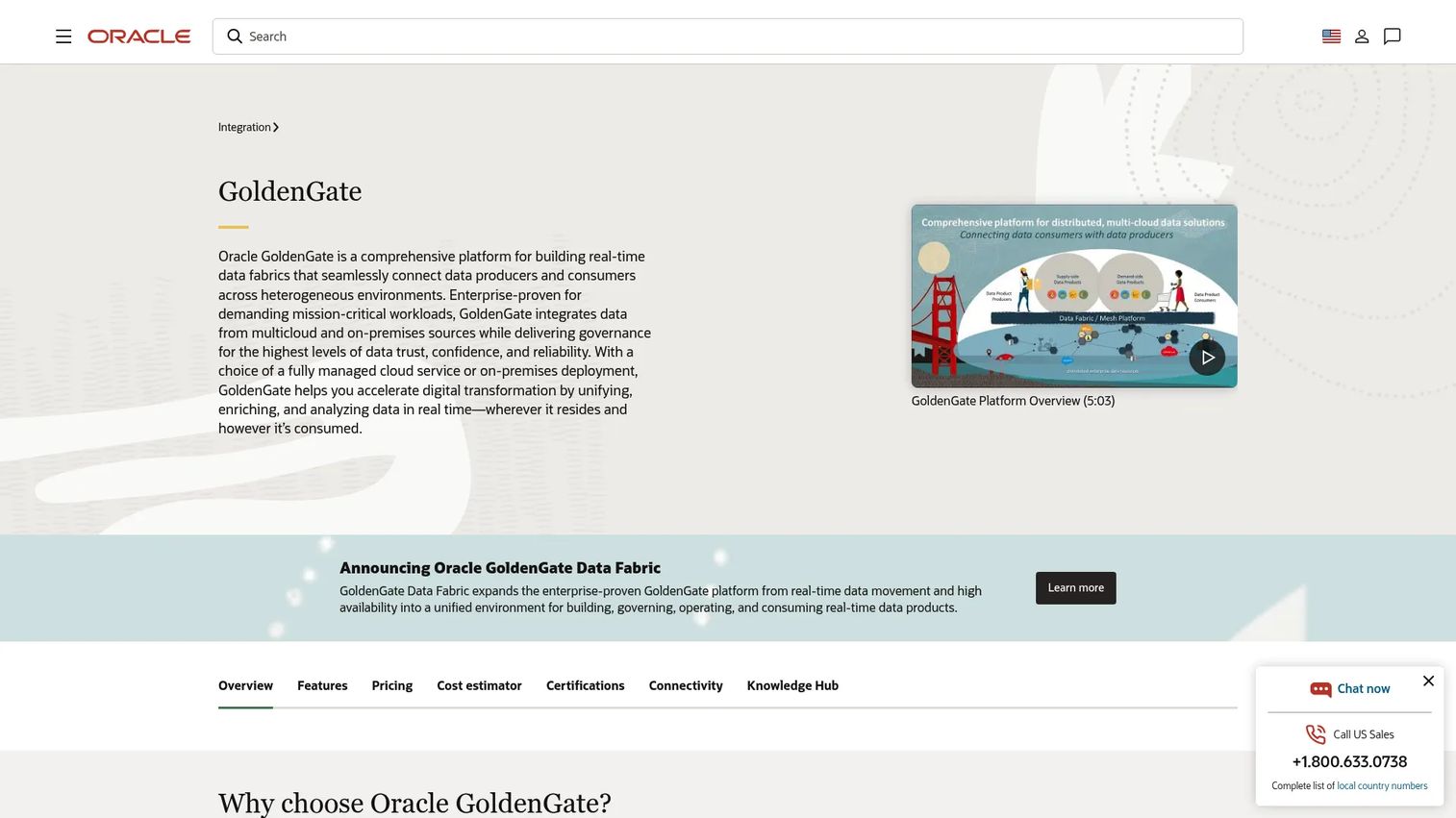
Oracle GoldenGate is a real-time replication and change data capture platform for heterogeneous database environments. It captures row-level changes from transaction logs and moves them to target databases with low latency, supporting Oracle and non-Oracle sources. Common use cases include keeping analytics stores current without full batch loads, database migrations with minimal downtime, and active-active replication for high availability. It is not a general-purpose ETL tool for broad pipeline design.
Best for: Teams that need low-latency replication, CDC, and database synchronization across heterogeneous environments.
Key features
- Log-based change data capture
- Real-time and near-real-time replication
- Heterogeneous database source support
- High availability and active-active replication patterns
- Near-zero-downtime database migration support
Why choose Oracle GoldenGate: Choose it when latency and replication reliability matter more than visual pipeline breadth. It fits teams migrating databases, feeding operational reporting, or maintaining synchronized copies across geographies. Buyers should test source compatibility, latency under load, and failover behavior during a POC.
Oracle GoldenGate pricing: Oracle GoldenGate Free is available for development, testing, and prototyping. The OCI GoldenGate service uses OCPU-per-hour billing; numeric rates require checking the Oracle Cloud price list directly, as Oracle does not publish them on the product page.
G2 rating: 3.9/5
8. Oracle Data Integrator
Oracle Data Integrator is Oracle's ETL and ELT platform for enterprise data integration. Its design approach pushes transformation logic into the target database rather than a separate processing layer, which can improve performance when the destination has strong compute capacity. The platform uses Knowledge Modules to manage connector logic, and it integrates natively with Oracle database environments, data warehouses, and big-data platforms including Apache Spark.
Best for: Oracle-centric teams building ETL and ELT workflows for Oracle databases, warehouses, and enterprise applications.
Key features
- ELT architecture pushing transformations to target-database resources
- ODI Studio design environment
- Prebuilt Knowledge Modules for heterogeneous systems
- Native Apache Spark and big-data integration
- Batch pipeline orchestration
Why choose Oracle Data Integrator: Choose it when Oracle infrastructure anchors the data stack and the ELT pattern fits the target environment's compute profile. Teams seeking a vendor-neutral, low-code integration hub will find it less compelling outside Oracle-heavy contexts.
Oracle Data Integrator pricing: Oracle publishes perpetual license prices. Named User Plus perpetual starts at $900; Processor perpetual for the Big Data edition starts at $3,000. Cloud-based usage is billed separately and requires checking the Oracle price list.
G2 rating: 4.0/5
9. Denodo Platform
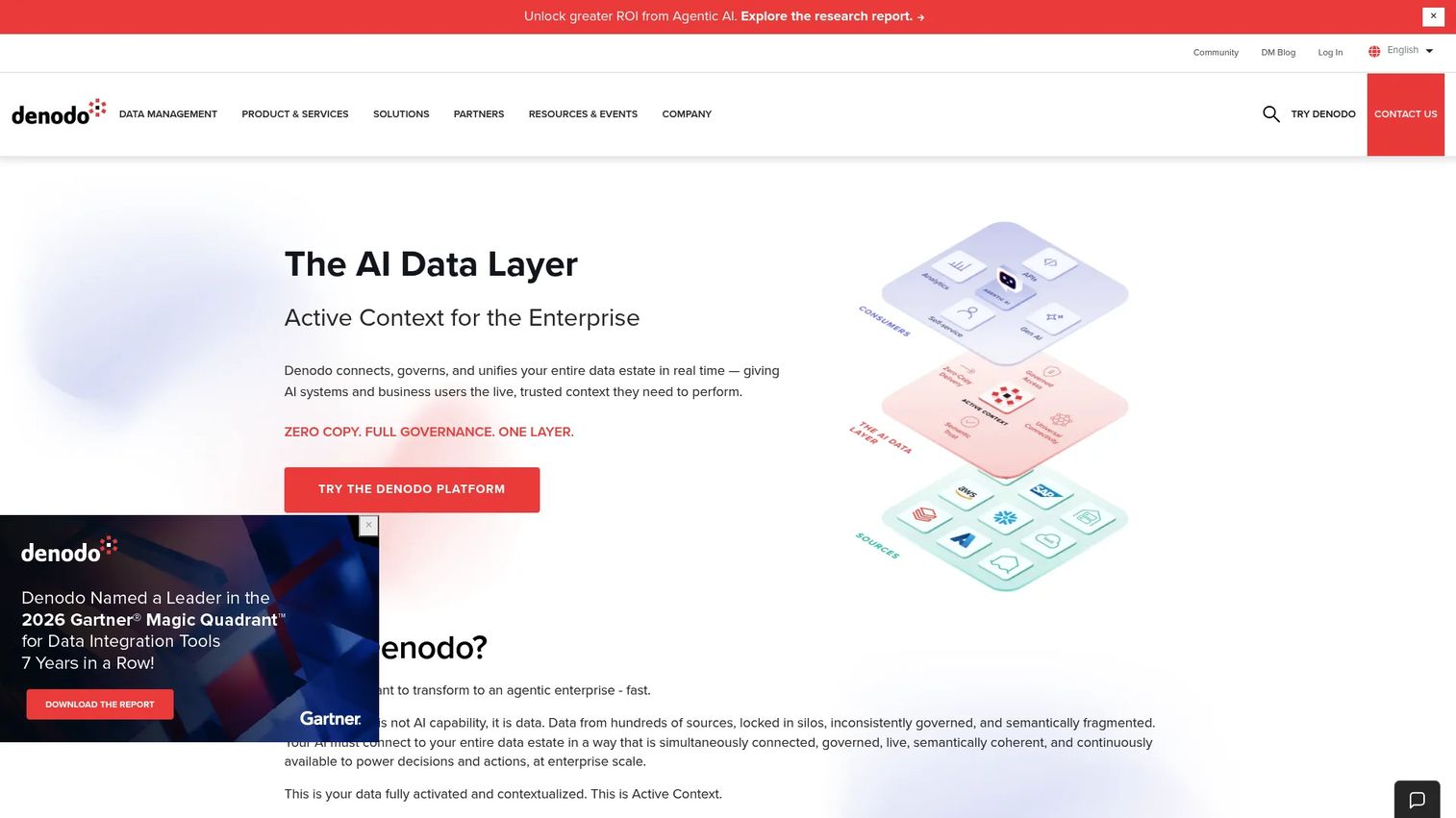
Denodo Platform is a data virtualization and logical data layer, not a physical ETL pipeline tool. It connects to over 200 data sources through SQL, REST, and GraphQL and provides a semantic access layer without physically copying every dataset. The practical result is that analysts and applications query a unified view of distributed data while access controls, governance, and audit logs apply at the abstraction layer rather than at each source system.
Best for: Teams that need governed real-time access to distributed data without duplicating it into a central store.
Key features
- Data virtualization with query federation
- Connectivity to 200+ sources via SQL, REST, and GraphQL
- Semantic data layer and self-service data marketplace
- Federated data governance
- GenAI-powered data assistant
Why choose Denodo Platform: It fits when access and abstraction matter more than moving every record. Performance depends on source-system response times and network conditions, so teams should test query latency against their actual sources during evaluation. It complements rather than replaces physical pipelines in most architectures.
Denodo Platform pricing: Denodo uses usage-based subscriptions across Team, High Availability, and Business Critical tiers.
G2 rating: 4.3/5
10. Qlik Replicate
Qlik Replicate automates database replication and CDC across heterogeneous sources including on-premise databases, cloud platforms, mainframes, and streaming systems. It handles full-load and incremental replication with automatic schema creation on the target, reducing the custom coding typically required for replication projects. The browser-based interface gives monitoring and control without deep pipeline engineering skills.
Best for: Teams that need reliable CDC and data replication into analytics platforms, data lakes, or warehouses.
Key features
- Log-based CDC for near-real-time replication
- Full-load and incremental replication with auto schema creation
- Filtering, transformations, and heterogeneous data-type mapping
- Browser-based monitoring and task control
- Support for on-premise, cloud, and hybrid deployments
Why choose Qlik Replicate: Good fit when teams need fast, repeatable replication without writing custom movement logic. It differs from batch ETL in that it focuses on continuous movement rather than scheduled transformation pipelines. Teams evaluating it should verify source database compatibility with their specific versions and test failover behavior under their expected data volumes.
Qlik Replicate pricing: Qlik's data integration editions (Starter, Standard, Premium, Enterprise) are all priced through sales. Contact Qlik for pricing specific to your replication scope and source system count.
G2 rating: 4.3/5
11. FME
FME is Safe Software's integration platform for connecting, transforming, and automating data across locations, formats, and types. Its differentiation is depth in spatial, geospatial, CAD, GIS, and format-diverse datasets. It supports no-code workflow authoring through FME Form, automated scheduling and APIs through FME Flow, and cloud, on-premise, or hybrid deployment. Teams in public sector, utilities, transportation, infrastructure, and logistics reach for it when standard database-to-database ETL tools cannot handle the data formats in play.
Best for: Teams integrating spatial, GIS, file-based, CAD, or format-heavy datasets where standard ETL tools fall short.
Key features
- No-code spatial and GIS data workflow authoring
- Format conversion across 450+ data types
- FME Flow for automation, APIs, and scheduling
- Real-time data processing and streaming
- AI-assisted workflow design
Why choose FME: It stands out when the data format is the integration problem, not the pipeline architecture. Teams running standard SaaS-to-warehouse ELT will find purpose-built ETL platforms a better fit. FME earns a 4.6/5 on G2, the highest in this list, reflecting strong satisfaction among its target user base.
FME pricing: FME uses annual subscriptions sized by organization, deployment model, and engine capacity. Contact Safe Software for a quote.
G2 rating: 4.6/5
12. Pentaho Data Integration
Pentaho Data Integration is a codeless ETL and pipeline orchestration tool with a long history in private and open-source deployments. The platform uses a drag-and-drop pipeline designer and supports execution on Spark as well as its native engine, giving teams flexibility across data volumes. Connectivity covers common sources including SAP, Salesforce, Kafka, and Elasticsearch through a plugin architecture. Its open-source roots mean technically skilled teams can run and extend it with strong control over their environment.
Best for: Teams that want visual ETL design with strong control over private deployments and cost sensitivity.
Key features
- Drag-and-drop browser-based pipeline design
- Metadata injection for reusable transformation templates
- Flexible execution with Spark and native engines
- Broad connectivity through plugins
- Cloud, on-premise, and hybrid deployment options
Why choose Pentaho Data Integration: A good fit for technically capable teams with cost sensitivity and a preference for open-source lineage. Buyers should verify current support options and roadmap direction under Hitachi Vantara before committing, particularly if they need a long-term enterprise support contract.
Pentaho Data Integration pricing: Pentaho lists Starter, Standard, Premium, and Enterprise tiers, all priced through sales. A 30-day free trial is available. Contact Hitachi Vantara for a quote based on your deployment scope.
G2 rating: 4.3/5
Considerations when choosing on-premise data integration software
Deployment model
Ask where data processing actually occurs: In a buyer's data center, in a cloud control plane, or both. Tools like SnapLogic (Groundplex) and IBM DataStage offer private runtime options, but the management metadata may still flow through a vendor cloud. Buyers in regulated environments should map network paths and document where metadata lives before signing a contract.
Connector coverage
A vendor's connector page and the production-ready connector for your buyer's exact system version are different things. During a POC, test against the actual source, including authentication method, driver version, and data volume. EDI, mainframe, and older ERP connectors often have version-specific behavior that only surfaces under real conditions.
Governance and security
Look for role-based access control, encryption at rest and in transit, audit logs, secrets management, and data lineage tracking. Tools vary significantly in lineage depth per connector. No tool automatically makes a buyer compliant with any regulation; governance features reduce risk and support audit readiness, but the buyer's own controls and policies determine their compliance posture.
Monitoring and recovery
A pipeline that fails silently is worse than one that never ran. Evaluate how the platform handles failure: Does it retry automatically, alert on failure, log job history in a queryable format, and support partial restarts? Presales teams should ask buyers to define their recovery time requirements and test failure scenarios during validation.
Skills and maintenance
The best platform is the one the team can operate after go-live. Low-code tools like SnapLogic reduce initial development time but still require integration skills for complex flows. Enterprise platforms like IBM DataStage have steeper learning curves but deep capability. Build the skills question into every evaluation: Who maintains this after the project team leaves, and how does the vendor support them?
Conclusion
On-premise data integration is not a single category decision. The workload determines the shortlist.
For Microsoft-centric batch ETL, SQL Server and SSIS fit teams already running Microsoft infrastructure. SnapLogic fits teams that need low-code hybrid connectivity without exposing private data to a third-party cloud. Cleo is the right evaluation for B2B, EDI, and trading partner workflows. Informatica and IBM DataStage fit large enterprise data programs where platform breadth or high-volume ETL performance matters. Oracle GoldenGate and Qlik Replicate are the go-to options when real-time replication and CDC are the primary job. Denodo fits when governed access across distributed data matters more than physical movement. FME stands alone for spatial and format-diverse workloads. Pentaho suits technically capable teams that want visual ETL design with deployment flexibility.
The practical next step: Shortlist by workload first, then run a POC against the buyer's actual source systems, data volumes, security constraints, and recovery requirements. That sequence surfaces problems that connector logos and feature matrices never reveal.
If your team sells technical software and needs to explain complex integration workflows to buyers, interactive demos can help prospects understand the architecture before a live call. Start your journey with Guideflow today!
FAQs
On-premise data integration software connects, transforms, synchronizes, and governs data across systems while running inside a company's own infrastructure or a controlled private environment. It covers ETL, ELT, CDC, replication, data virtualization, and B2B integration approaches, and it supports data residency, security, and compliance requirements that restrict unrestricted cloud processing.
The key difference is where data processing occurs and where the control plane operates. On-premise tools run transformation and movement logic inside a buyer's infrastructure. Cloud tools run everything in the vendor's environment. Hybrid models, common with tools like SnapLogic and IBM DataStage, execute data processing privately while routing monitoring and job management through a cloud control plane. Buyers should map both the data path and the metadata path before choosing.
Evaluate Microsoft SQL Server and SQL Server Integration Services first for Microsoft-centric batch ETL. Teams already running SQL Server get a familiar, well-supported integration layer without introducing a new vendor. Teams that also need to connect broad SaaS sources or manage hybrid API workflows often pair SQL Server with a dedicated integration platform for those additional patterns.
Oracle GoldenGate and Qlik Replicate are the most focused options for CDC and low-latency replication. Both use log-based capture to move row-level changes in near real time across heterogeneous database environments. Buyers should test source database compatibility, latency under production-like volumes, and failover behavior during a POC rather than relying solely on the vendor's supported-sources list.
Test against the exact source systems, connector versions, and data volumes the buyer will use in production. Validate transformation logic against real records, not synthetic data. Check access controls by running the POC under a least-privilege account. Trigger a failure scenario and confirm that alerts fire, retries behave as documented, and job history is queryable. Security questionnaires during this phase should ask where metadata lives and what network access the tool requires.
ETL is common when transformations must happen before data reaches the target, particularly when the source data needs cleansing or masking before landing in a shared environment. ELT works when the target platform has sufficient compute to run transformations efficiently after loading, which is common with modern data warehouses. The choice depends on the target platform's capability, governance requirements, and whether sensitive data needs to be transformed before it moves.
Governance capabilities vary significantly across this list. Look for metadata capture at the pipeline level, job history logs, role-based access to pipelines and datasets, and lineage views that trace a field from source to target. Informatica provides one of the deeper governance and catalog layers in this list. Verify lineage depth per connector: Some tools track lineage at the pipeline level but not at the column level for all source types.
Yes. Most tools in this list include connectors for cloud applications alongside on-premise sources. The practical questions are where the processing occurs, what network access is required, and whether the buyer's security policy allows the tool's runtime to reach cloud APIs. Buyers with strict outbound network controls should confirm connector authentication patterns and whether the private runtime component can reach the target SaaS endpoint through their existing firewall rules.