



A user types "cancel my plan" into your search box. Your keyword engine returns three help articles about "plan features" and one about "canceling a calendar event." Nothing about billing. The user files a ticket instead.
That gap between what people mean and what your search returns is the problem semantic search software solves. Keyword engines match strings. Semantic engines match intent, which is what actually drives support deflection, product discovery, and self-serve success.
The stakes are rising fast. The global semantic search market was valued at $5.4 billion in 2025 and is projected to reach $23.8 billion by 2034 at an 18.2% CAGR, according to MarketIntelo (2024). Software components alone account for 58.3% of that revenue.
For a product manager, the choice is less about raw model quality and more about fit: relevance you can measure, retrieval you can tune, and operational overhead your team can actually own across release cycles. This guide compares the seven platforms worth your shortlist.
What's inside
This guide is for product managers, product leaders, and technical buyers choosing search infrastructure for apps, knowledge bases, content platforms, or product discovery.
We selected tools based on four criteria that matter most when you own the outcome, not just the feature:
- Relevance quality: how well the tool understands intent, and how tunable ranking is
- Hybrid search support: whether it blends keyword and semantic retrieval cleanly
- Indexing and data fit: connectors, ingestion, and how easily it stays current
- Operational fit: hosting model, maintainability, and cross-team ownership
Pricing and G2 ratings reflect verified, current values at the time of writing.
TL;DR
- Best for enterprise search: Elasticsearch, if you already run the Elastic stack and need hybrid retrieval at scale
- Best for open-source control: OpenSearch, with Apache 2.0 licensing and self-managed flexibility
- Best for vector-first greenfield teams: Weaviate, built around hybrid search and RAG from the ground up
- Best for precise filtering: Qdrant, with sparse and dense vectors plus payload filtering
- Best for managed infrastructure: Pinecone, a fully managed vector database with minimal ops
- Best for advanced ranking: Vespa, with query-time model inference and fine-grained ranking control
- Best for fast, simple implementation: Typesense, a developer-friendly, typo-tolerant engine
What is semantic search software?
Semantic search software is a search system that ranks results by meaning and intent rather than exact keyword matches, using vector embeddings to represent queries and content in a shared numerical space.
Here is the distinction people conflate. Keyword search matches the literal words in a query against an index. Vector search matches the meaning of a query against embeddings. Semantic search software is the broader category that combines both, usually through hybrid retrieval, so you get literal precision and conceptual recall in one ranked result set.
That difference matters for the semantic search vs vector search question buyers keep asking. Vector search is a component. Semantic search is the product experience built on top of it, including ranking, filtering, and relevance tuning.
Core capabilities of a semantic search platform typically include:
- Embeddings: dense vector representations of text, images, or other content that capture meaning
- Reranking: a second-stage model that reorders candidate results for higher relevance
- Metadata filtering: narrowing results by attributes like category, date, permissions, or price
- Hybrid retrieval: blending lexical (BM25) and semantic scoring for the best of both
- Relevance ranking: tunable scoring so you can control what "best result" means for your product
The best semantic search engine for you depends less on which model it ships with and more on how well these five capabilities map to your data and your team.
When to use semantic search software
Improve search relevance on large content libraries
Keyword search breaks down when your content grows past a few thousand documents and users search in their own words. Someone searches "reset password on mobile" and your index has an article titled "credential recovery for iOS." A keyword engine misses it. Semantic retrieval catches the intent match and surfaces the right result, which cuts failed searches and the tickets they generate.
Build better enterprise knowledge search
Internal docs, support content, wikis, and knowledge bases are where enterprise search earns its keep. Employees and agents rarely know the exact title of the document they need. Semantic search understands the concept behind the query, so a support rep searching "customer wants refund after trial" finds the refund policy without knowing it is filed under "billing adjustments." This is also the retrieval layer under most RAG and AI assistant features.
Power product discovery and recommendation experiences
Ecommerce, marketplaces, and content platforms live on discovery. A shopper searching "warm jacket for hiking" should see insulated outdoor gear even if none of those product titles contain the exact phrase. Semantic search plus metadata filtering handles this: match the intent, then filter by size, price, or availability. Better discovery lifts conversion and time on site more directly than almost any other search change.
Comparison table
Read the table by starting with the "best for" column to find your scenario, then check the key differentiator to confirm fit. Pricing reflects entry points from each vendor's public pricing, and ratings come from current G2 listings. Many tools in this category price on usage or resources rather than a flat monthly fee, so treat pricing as a starting signal, not a final quote.
| # | Product | Best for | Key differentiator | Pricing | G2 rating |
|---|---|---|---|---|---|
| 1 | Elasticsearch | Enterprise search at scale | Mature hybrid retrieval on the Elastic stack | Serverless, hosted, or self-managed pricing; free tier available | 4.5/5 |
| 2 | OpenSearch | Open-source ownership | Apache 2.0, no licensing fees | Free (open source) | 4.4/5 |
| 3 | Weaviate | Vector-first AI apps | Hybrid search and RAG out of the box | Free; Flex from $45/mo; Premium from $400/mo | 4.6/5 |
| 4 | Qdrant | Precise filtering | Sparse and dense vectors with payload filtering | Free tier; usage-based paid tiers | 4.5/5 |
| 5 | Pinecone | Managed infrastructure | Fully managed vector database | Free; Builder $20/mo; Standard $50/mo min | 4.6/5 |
| 6 | Vespa | Advanced ranking | Query-time model inference | From $0.05/vCPU hour; free tier available | 4.6/5 |
| 7 | Typesense | Fast, simple search | Typo tolerance and speed | Free; Developer $22/mo | 4.7/5 |
Best semantic search software for 2026
1. Elasticsearch
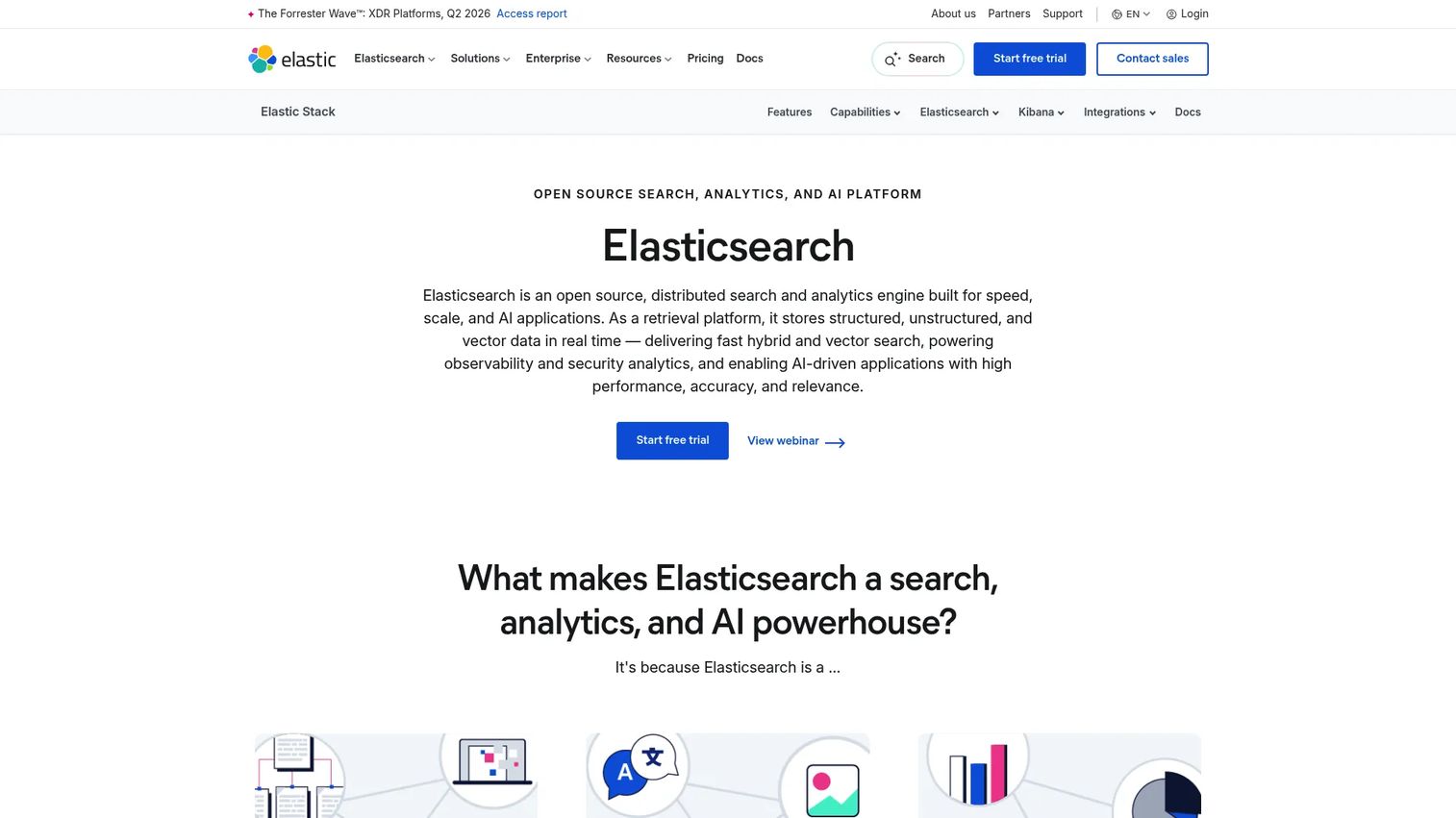
Elasticsearch is a distributed, RESTful search and analytics engine that now doubles as a vector database for search and AI applications. It combines BM25 keyword scoring, dense vector search, and reranking, so you can run true hybrid retrieval inside one system. For teams already running the Elastic stack, adding semantic search means extending infrastructure they know rather than adopting a new platform.
Best for: Teams building searchable, scalable data and AI applications on Elastic's search platform.
Key strengths
- Horizontal scalability across large clusters
- Cross-cluster replication for resilience
- Machine learning anomaly detection
- Hybrid retrieval combining BM25 and vector search
Why choose Elasticsearch: If your logging, analytics, or observability already sits in Elastic, layering semantic search on top avoids a second system to staff and maintain. The tradeoff is that operational depth rewards teams with search infrastructure experience.
Elasticsearch pricing: Elastic lists three deployment options: Serverless (usage-based, pay as you go or prepaid), Hosted (resource-based), and Self-managed (license-based on nodes and RAM). A free tier is available. The pricing page does not publish a single numeric starting price.
2. OpenSearch
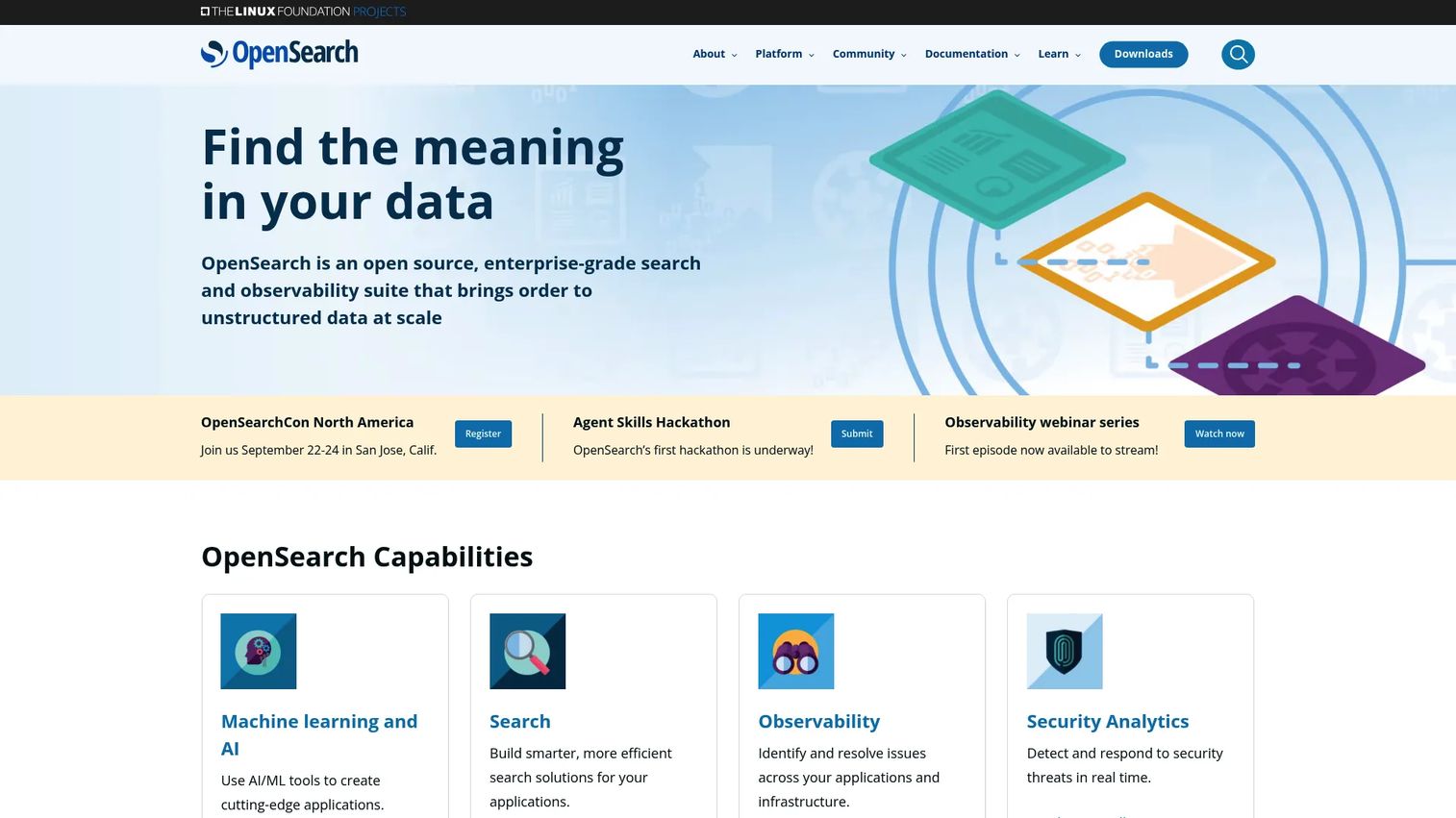
OpenSearch is an open-source search and analytics suite covering search, observability, security analytics, and vector search. It supports hybrid search, k-NN vector retrieval, and rich filtering, which makes it a strong fit for enterprise search teams that want full ownership of their stack. Because it is Apache 2.0 licensed, there are no licensing fees and no vendor lock-in on the core engine.
Best for: Teams needing a self-hosted, open-source search and analytics stack.
Key strengths
- Full-text search and analytics
- OpenSearch Dashboards for visualization
- Vector search and AI search
- k-NN retrieval with metadata filtering
Why choose OpenSearch: Choose it when open governance and self-managed flexibility matter more than a managed service. You own the deployment, the tuning, and the roadmap, which suits teams with the engineering bandwidth to run it well.
OpenSearch pricing: OpenSearch is fully open source under Apache 2.0 with no licensing fees. Managed hosting is available through third-party cloud providers, priced separately by those vendors.
3. Weaviate
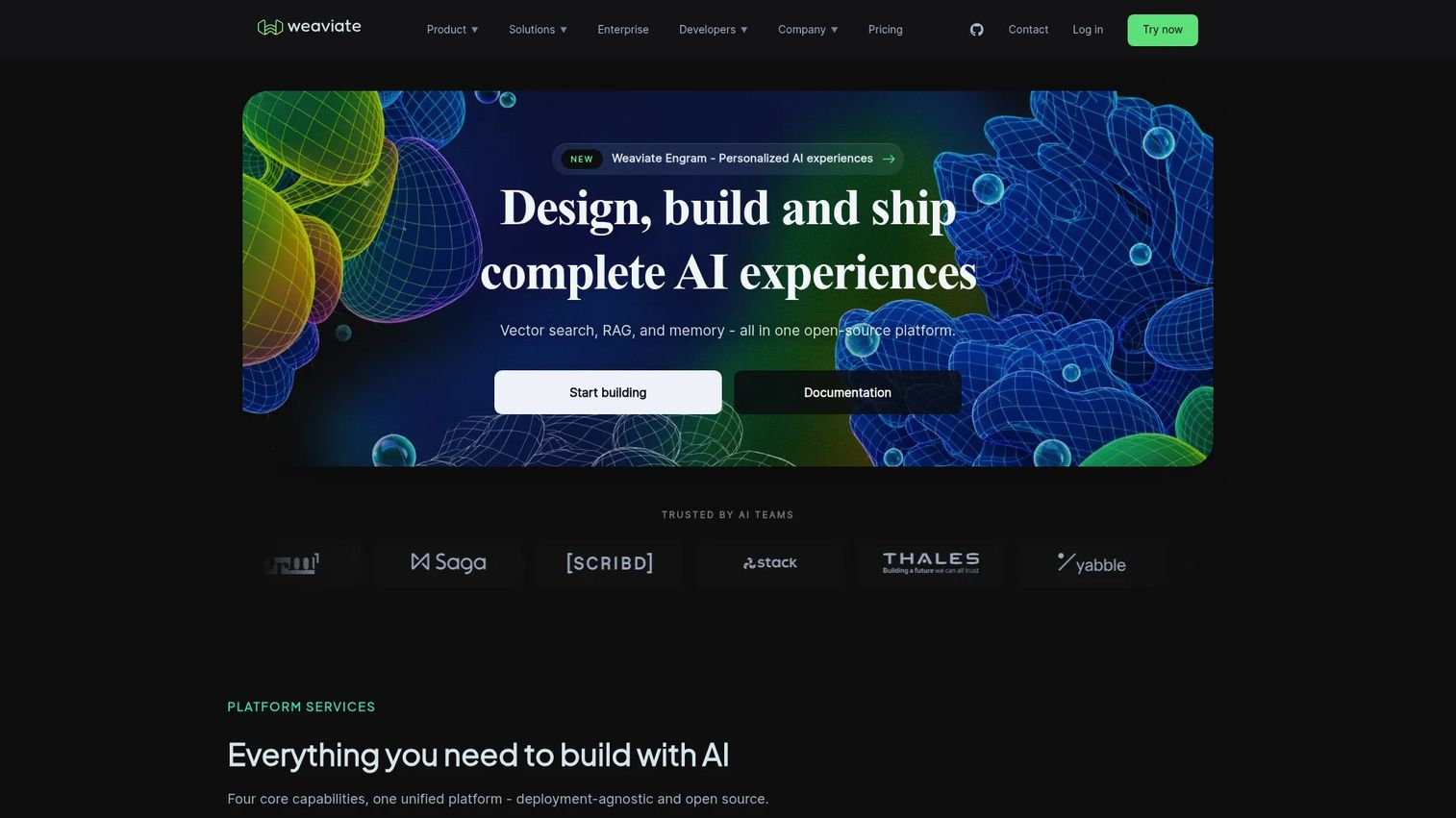
Weaviate is an open-source, AI-native vector database with managed cloud offerings built for semantic, hybrid, and RAG workloads. Its vector-first architecture, schema-based data modeling, and GraphQL/REST APIs make it a natural home for teams building AI applications from scratch. Hybrid search and out-of-the-box RAG are core features, not add-ons, which shortens the path from prototype to production.
Best for: Teams building AI apps that need semantic or hybrid search and managed vector database infrastructure.
Key strengths
- Hybrid search blending vector and keyword
- Advanced filtering on structured properties
- Out-of-the-box RAG
- Schema-based retrieval with GraphQL and REST
Why choose Weaviate: For greenfield AI projects, its modular architecture and built-in RAG mean less glue code between your embedding model, vector store, and application. It fits teams that want vector search as the foundation rather than a bolt-on.
Weaviate pricing: The Free plan is always free. Flex starts at $45 per month, billed pay-as-you-go. Premium starts at $400 per month on a prepaid contract.
4. Qdrant
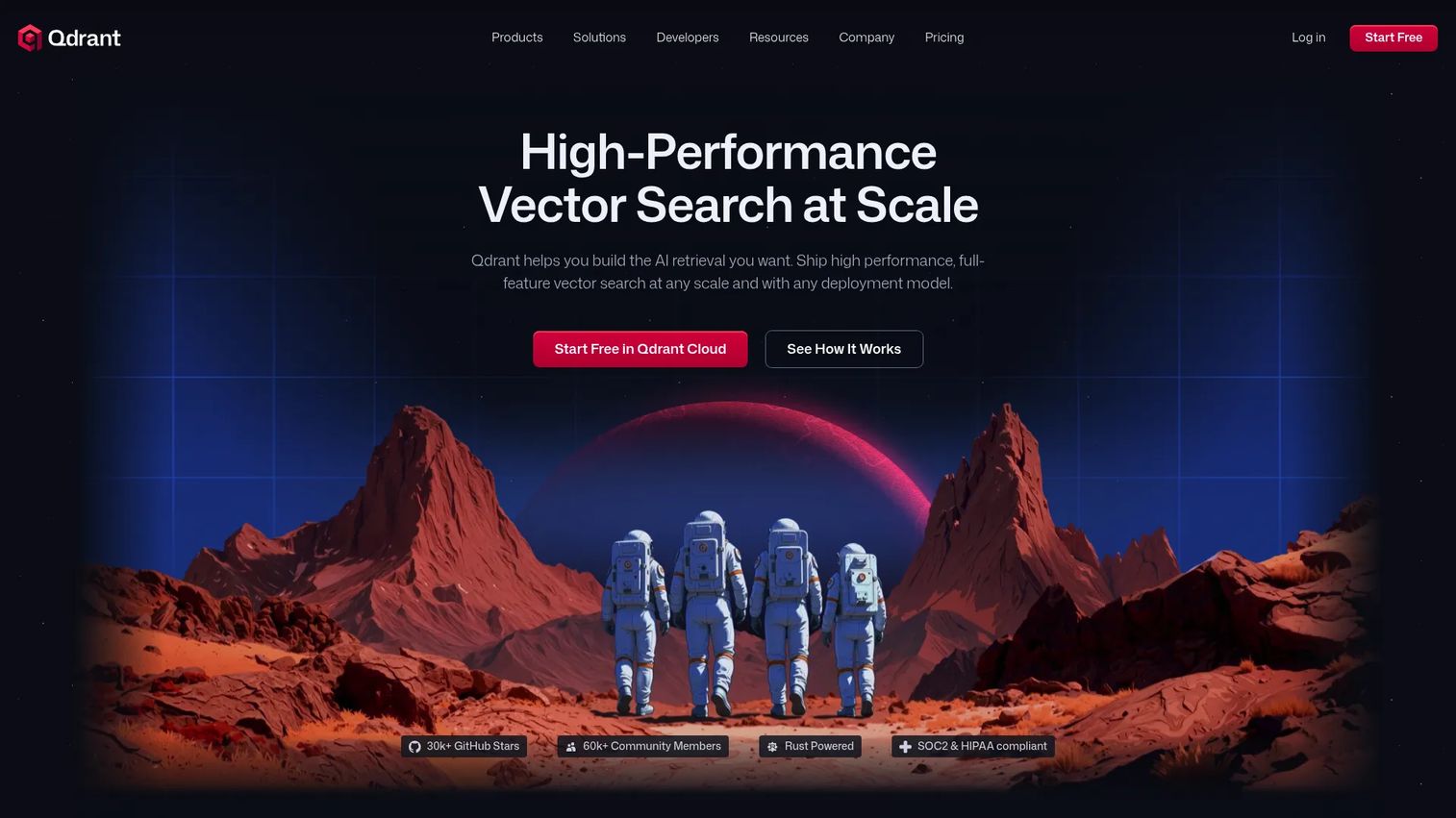
Qdrant is a vector database and search engine for building semantic search, recommendation, and AI applications. It supports both sparse and dense vectors, and its payload filtering lets you combine semantic matching with precise metadata constraints in a single query. Multi-tenancy and production scaling features make it a developer-friendly choice for teams that need control over how results are filtered and served.
Best for: Teams building production vector search and RAG systems.
Key strengths
- Vector similarity search
- Payload metadata filtering
- Managed cloud inference for text and image embeddings
- Sparse and dense vector support
Why choose Qdrant: Pick it when filtering precision is non-negotiable, such as respecting per-user permissions or strict category constraints while still ranking by meaning. Its developer experience and multi-tenancy suit product teams shipping filtered, personalized retrieval.
Qdrant pricing: Qdrant Cloud offers a Free Tier (free forever), a usage-based Standard Tier, and a Premium Tier with a minimum spend. Hybrid Cloud and Enterprise options are also listed, with some pricing available on request.
5. Pinecone
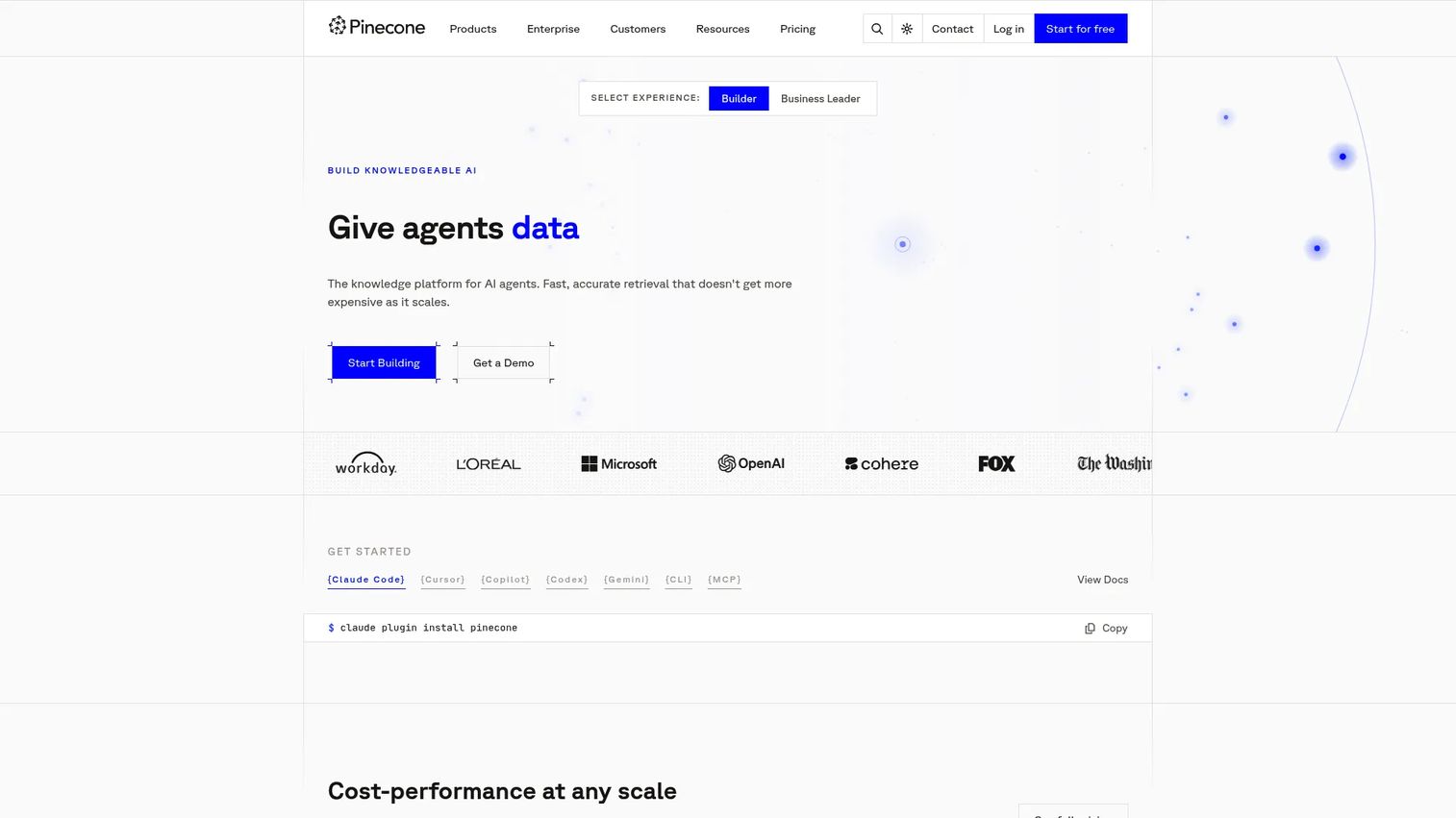
Pinecone is a fully managed vector database for AI search, RAG, and retrieval applications. It handles semantic search, hybrid search, and full-text search while abstracting away the infrastructure work of running a vector store at scale. For teams that want to ship retrieval without owning cluster management, indexing pipelines, and scaling, Pinecone removes most of the operational overhead.
Best for: Teams building production vector search, semantic search, or RAG apps.
Key strengths
- Semantic search
- Hybrid search
- Full-text search
- Managed scaling with metadata filtering
Why choose Pinecone: Choose it when your engineering bandwidth is the constraint and you would rather buy managed vector infrastructure than build it. It appeals to product teams that want fast time-to-value and predictable operations.
Pinecone pricing: Starter is free. Builder is $20 per month. Standard has a $50 per month minimum usage. Enterprise has a $500 per month minimum usage.
6. Vespa
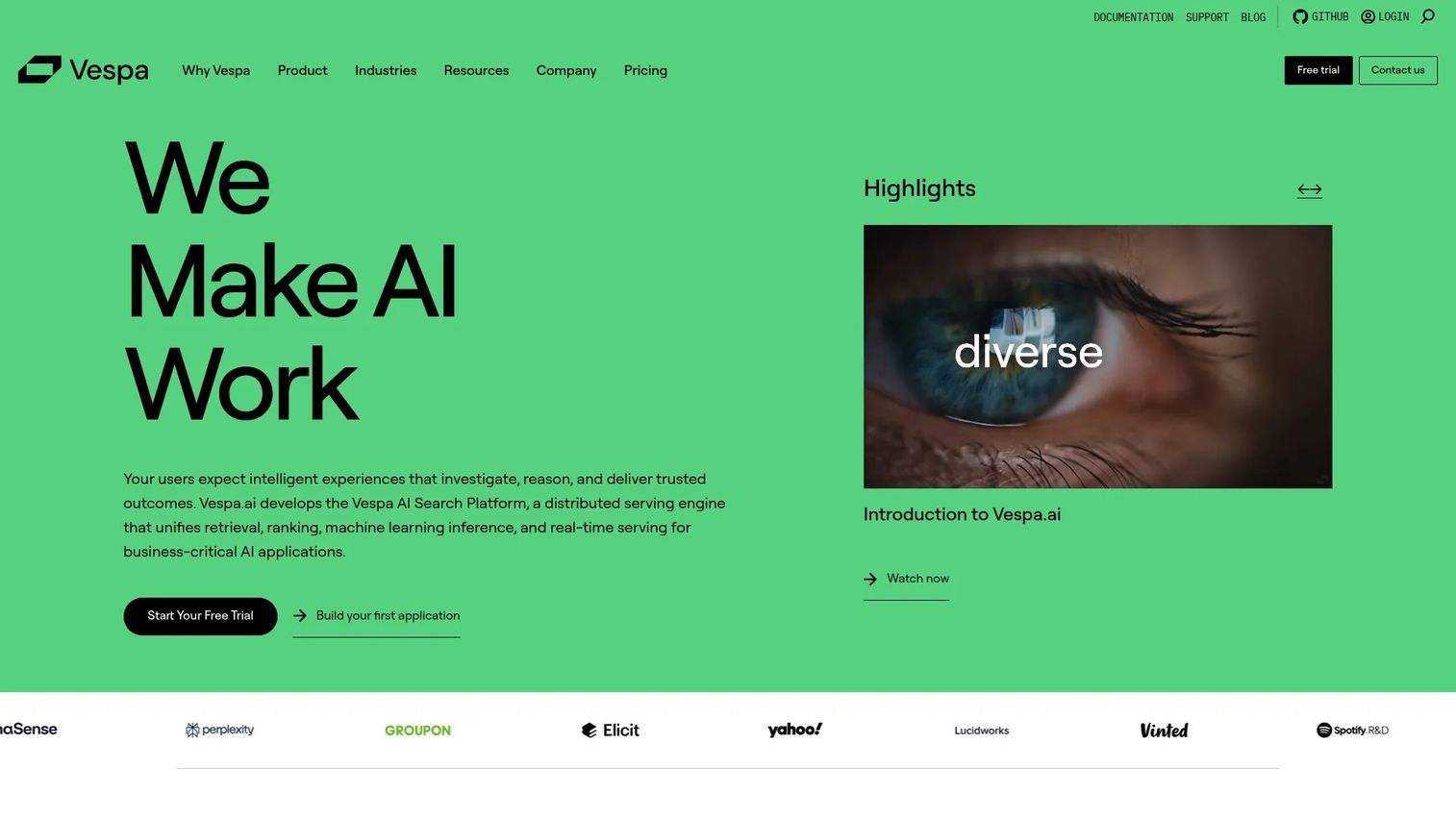
Vespa is an AI search platform for building search, recommendation, and RAG applications at scale. It supports vector, text, and structured search together, and its standout capability is query-time model inference, letting you run machine-learned ranking directly during retrieval. For teams whose relevance depends on sophisticated ranking logic, that control is the differentiator.
Best for: Teams building large-scale search, recommendation, or RAG systems with real-time ranking.
Key strengths
- Vector, text, and structured search
- Machine-learned ranking and inference
- Autoscaling and continuous deployment in Vespa Cloud
- Query-time model inference
Why choose Vespa: Reach for Vespa when ranking sophistication matters most and you have the technical resources to use it. It suits teams building recommendation and large-scale retrieval where hybrid relevance and custom ranking models drive the outcome.
Vespa pricing: Vespa Cloud is unit-priced per vCPU hour: Startup at $0.05, Basic at $0.1, Commercial at $0.145, and Enterprise at $0.18. A free tier is available, and Self Managed is contact sales.
7. Typesense
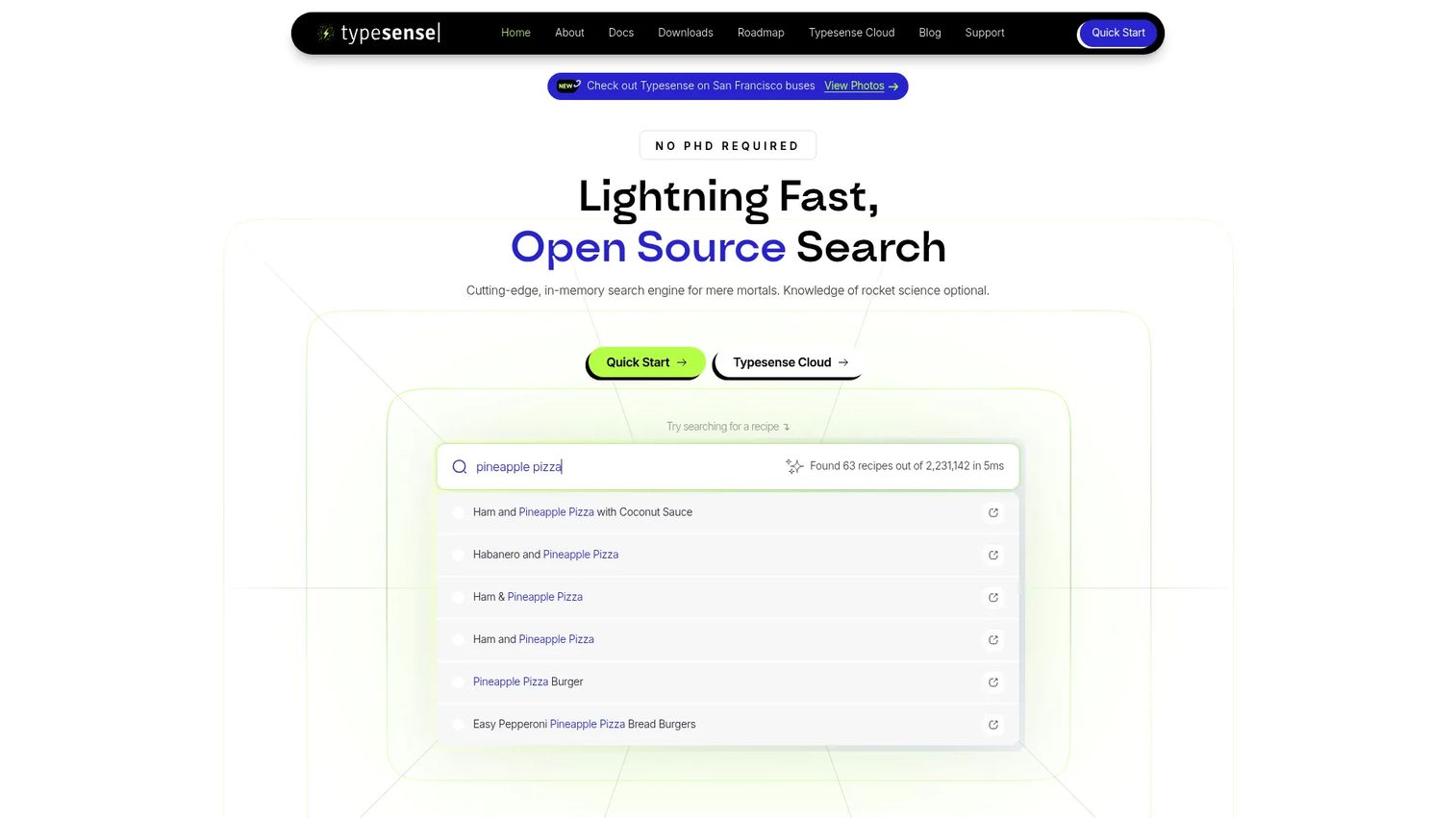
Typesense is an open-source, typo-tolerant search engine with a hosted cloud option. It leads on speed and simplicity, with typo tolerance, faceting, filtering, and vector plus semantic/hybrid search built in. For teams that want fast implementation and lighter operations, Typesense delivers strong site and app search without a heavy configuration cycle.
Best for: Teams needing fast, developer-friendly site or app search with self-hosted or managed deployment options.
Key strengths
- Typo tolerance
- Vector and semantic/hybrid search
- Faceting, filtering, sorting, and federated search
- Fast, developer-friendly setup
Why choose Typesense: Choose it when speed and simplicity beat maximum configurability, such as site search or in-app search where quick results and low operational overhead win. It fits teams that want semantic capability without a long implementation.
Typesense pricing: The Free plan is $0. Developer is $22 per month. Business is $400 every 28 days, Enterprise is $700 every 28 days, and Enterprise Signature is $1,900 every 28 days. Cloud clusters are priced by usage.
What to look for before you buy
Relevance quality
The whole point of semantic search is relevance, so measure it, do not assume it. Look at whether the tool exposes metrics like NDCG, MRR, and recall, and whether you can tune ranking to your data. A platform that lets you adjust scoring weights and rerank candidates gives you more control over what "best result" means for your users.
Hybrid search support
Pure vector search misses exact-match cases; pure keyword search misses intent. The strongest tools blend lexical and semantic retrieval cleanly, so a product code and a fuzzy natural-language query both land the right result. Confirm hybrid search is a first-class feature, not a manual two-query workaround you have to stitch together.
Indexing and data pipeline fit
Search is only as fresh as your index. Check the available connectors, how ingestion works, and how often the index updates when your data changes. For a product manager, update cadence maps directly to whether search stays accurate as your catalog or content library shifts between releases.
Filtering and metadata control
Ranking by meaning is half the job; the other half is respecting constraints. Make sure the system supports the filters your product needs: permissions, categories, price ranges, dates, or tenant boundaries. Weak metadata filtering forces workarounds that slow queries and complicate your code.
Operational burden
Assess the hosting model, maintenance load, observability, and who on your team owns it. A fully managed service trades cost for lower overhead; a self-managed open-source engine trades overhead for control. Match the model to your team's bandwidth and your release cadence, not to a benchmark.
How to choose the right semantic search software
Scenario-based guidance beats a feature checklist, so match your situation to the pick.
Choose Elasticsearch if you already run the Elastic stack and want hybrid search without adopting a separate platform. You extend infrastructure your team already operates.
Choose OpenSearch if open-source control matters most. Apache 2.0 licensing and self-managed flexibility give you ownership of the engine, the tuning, and the roadmap.
Choose Weaviate or Qdrant for vector-first greenfield work. Weaviate fits when you want hybrid search and RAG out of the box; Qdrant fits when precise payload filtering and multi-tenancy drive your retrieval design.
Choose Pinecone if you want managed vector infrastructure and would rather ship retrieval than run a cluster. It trades cost for the lowest operational overhead on this list.
Choose Vespa if ranking sophistication is the deciding factor. Query-time model inference and machine-learned ranking suit large-scale recommendation and search where custom relevance logic wins deals.
Choose Typesense if you need speed and simplicity. Fast implementation, typo tolerance, and light operations make it a strong pick for site and app search that ships quickly.
Conclusion
The right semantic search platform depends on your maturity level and where the constraint sits. If infrastructure familiarity matters, Elasticsearch and OpenSearch fit teams already invested in that world. If you are building AI applications from scratch, Weaviate and Qdrant give you vector-first foundations with strong hybrid search and filtering. Pinecone removes operational overhead for teams short on bandwidth, Vespa rewards teams that need advanced ranking, and Typesense wins when speed and simplicity are the priority.
Your next step: pick two candidates that match your scenario, then run a relevance test against your own queries and content. Measure NDCG or MRR on a real query set before committing. The tool that ranks your actual data best, not the one with the highest benchmark, is the one to ship.
Interactive product experiences are how modern SaaS teams show value fast, and Guideflow helps teams turn that into guided demos, sandboxes, and demo centers in minutes. Interactive demos let users experience the product at their own pace through a guided path, sandboxes give them full freedom to explore and validate workflows on their own terms, and demo centers give teams a single branded hub to organize and track everything. If communicating product value is on your roadmap, it is worth a look.
Start your journey with Guideflow today!
FAQs
Semantic search software ranks results by meaning and intent rather than exact keyword matches. It uses vector embeddings to represent queries and content in a shared numerical space, then retrieves and ranks the closest matches. Most platforms combine this with keyword search for hybrid retrieval.
Keyword search matches the literal words in a query against an index, so "reset password" only finds documents containing those words. Semantic search matches the meaning, so it also finds "credential recovery" or "login help." Semantic search reduces failed searches when users query in their own language.
Vector search is a technique that finds nearest matches in embedding space. Semantic search is the broader product experience built on top of it, adding ranking, filtering, and often keyword blending. In short, vector search is a component and semantic search is the complete retrieval layer.
Hybrid search blends lexical retrieval, usually BM25 keyword scoring, with semantic vector retrieval in a single ranked result set. It catches exact matches like product codes and intent matches like natural-language questions at the same time. Most enterprise search deployments use hybrid because pure vector or pure keyword each miss cases the other catches.
Elasticsearch and OpenSearch are common enterprise search choices because they scale, support hybrid retrieval, and handle rich filtering and permissions. Elasticsearch fits teams already on the Elastic stack, while OpenSearch suits teams that want open-source control and self-managed governance. Both handle large document sets and multi-tenant access.
Typesense is often the fastest to stand up, with typo tolerance, filtering, and semantic search available without a heavy configuration cycle. Pinecone is easy on the operations side because it is fully managed, removing cluster management entirely. Both let smaller teams ship search quickly without deep search infrastructure experience.
Use ranking metrics like NDCG (normalized discounted cumulative gain), MRR (mean reciprocal rank), and recall against a labeled query set drawn from real user searches. Establish a baseline first, then compare after tuning. The meaningful test is performance on your own data, not a public benchmark.
Yes, embeddings are the foundation of semantic search, since they turn text or other content into vectors that capture meaning. Some platforms generate embeddings for you through managed inference, while others expect you to supply them from your own model. Either way, embedding quality directly shapes relevance.










