You inherit a binary with no source, no documentation, and no one left who remembers how it works. Or a security alert fires and you have an unknown executable that is doing something it should not. In both cases you need to understand compiled code fast, and staring at raw bytes will not get you there.
That is the exact gap reverse engineering software fills. These tools turn opaque binaries into readable structure: disassembly, decompiled pseudo-code, execution traces, and behavior maps you can actually reason about. The demand is real and growing. The global reverse engineering software market was valued at USD 1.2 billion in 2024 and is forecast to reach USD 2.8 billion by 2033 at a 10.2% CAGR, according to Verified Market Reports (2025).
For technical presales and sales engineering teams, this landscape matters too. When a security-conscious buyer asks how your product handles binaries, memory, or network traffic, you want to speak the same language they do. The same skills that help you support a POC or a hands-on evaluation in a sandbox also help you answer sharp technical questions during a validation cycle. Software security is now a first-class part of most enterprise buying committees, and the tools below are the ones those committees actually use.
This guide is a buyer-oriented map of software reverse engineering: what each tool does best, where it fits in a real workflow, and how to pick the one that unblocks your current bottleneck.
What's inside
This is a shortlist of the eight reverse engineering tools that carry the most weight in real work: inspecting binaries, decompiling compiled code, debugging execution, analyzing malware behavior, and recovering structure from software with no documentation.
We selected tools based on four criteria that matter across security research, legacy maintenance, and technical validation:
- Depth of analysis: how far the tool takes you from raw bytes to readable logic.
- Workflow fit: whether it suits static inspection, dynamic runtime work, or both.
- Adoption and ecosystem: community, plugins, scripting, and documentation.
- Integration: how well it slots into an existing reverse engineering workflow.
The guide is written for engineers, security researchers, malware analysts, and technical teams comparing options before committing to one.
TL;DR
- Best all-around commercial disassembler: IDA Pro, for deep multi-architecture disassembly and decompilation.
- Best open-source option: Ghidra, a full static analysis suite with a strong decompiler and zero license cost.
- Best streamlined analysis experience: Binary Ninja, built for readability and automation.
- Best for terminal-driven, scriptable work: Radare2, a flexible command-line environment.
- Best macOS-friendly disassembler: Hopper, for clean decompilation on Apple platforms.
- Best Windows debugger for malware work: x64dbg, for live runtime investigation.
- Best for network behavior: Wireshark, to inspect what a binary talks to.
- Best for runtime system activity: Process Monitor, to capture file, registry, and process events.
What is reverse engineering software?
Reverse engineering software is a class of tools that analyzes a compiled program or system to recover its design, logic, structure, or runtime behavior when the original source code and documentation are unavailable. It takes low-level artifacts, machine code, memory, network packets, and system calls, and reconstructs a higher-level understanding a human can work with.
The core purpose is to move up an abstraction ladder. You start at the raw system, drop to individual programs, then components and functions, and finally down to single statements and instructions. Each rung answers a different question: what the software is, what it contains, how a routine works, and what one instruction actually does. Good reverse engineering analysis lets you climb that ladder in both directions, connecting a suspicious network call back to the exact function that made it.
Most reverse engineering tools cover one or more of these capabilities:
- Disassembly: turning machine code into human-readable assembly. A disassembler is the foundation of most static work.
- Decompilation: reconstructing C-like pseudo-code from compiled binaries for faster reading.
- Debugging: stepping through live execution with a debugger, setting breakpoints, and inspecting memory.
- Static analysis: examining a binary without running it, mapping functions, strings, and control flow.
- Dynamic analysis: observing the program while it runs to capture real behavior.
- Binary analysis and documentation: annotating findings, cross-referencing, and producing a record others can reproduce.
Together these methods form a complete binary analysis workflow, from first look at an unknown file to a documented understanding of what it does and why.
When to use reverse engineering software
You reach for these tools in three recurring situations. Each one changes which capability matters most.
Inspect an unknown binary
You have a compiled file and no idea whether to trust it. That covers malware triage, suspicious executables flagged by an alert, and opaque vendor software you need to validate before deployment. Here you start static: pull strings, map imports, and run PE analysis on Windows executables to see what the file declares. A disassembler like IDA Pro or Ghidra gives you the first structural read before anything runs.
Maintain legacy systems without source code
A critical system runs on a binary whose source and documentation are long gone. Reverse engineering software helps you recover the logic, preserve existing behavior, and reduce dependency on knowledge that walked out the door. This supports legacy software maintenance across several jobs:
- Recover missing documentation and rebuild a mental model of the system.
- Patch bugs safely without breaking undocumented behavior.
- Plan modernization and integration work against a verified understanding.
- Confirm what a component does before you touch it.
Analyze behavior at runtime
Static inspection tells you what a program can do. Sometimes you need to see what it actually does. When code is packed, obfuscated, or only reveals intent while running, static reading stops short and you switch to dynamic analysis. A debugger like x64dbg exposes execution traces and memory state, while a process monitor captures API calls and system side effects. In practice, most reverse engineering workflow choices come down to pairing a strong static tool with a dynamic one, and moving between them as the analysis demands.
Comparison table
The table below sorts the eight reverse engineering tools by practical relevance for a mixed workflow of binary inspection, malware analysis, and legacy maintenance. Read the Intent column first to find your job, then check the Key use case for fit.
| # | Product | Intent | Key use case | Pricing | G2 rating |
|---|---|---|---|---|---|
| 1 | IDA Pro | Commercial static analysis | Deep multi-architecture disassembly and decompilation | From $1,099/year | Not listed |
| 2 | Ghidra | Open-source static analysis | Collaborative decompilation across platforms | Free | Not listed |
| 3 | Binary Ninja | Streamlined static analysis | Readable analysis with automation APIs | Free tier; from $299 one-time | Not listed |
| 4 | Radare2 | Scriptable low-level toolkit | Terminal-driven binary analysis | Free (open source) | Not listed |
| 5 | Hopper | macOS disassembly | Decompilation on Apple platforms | Free demo; paid license | Not listed |
| 6 | x64dbg | Dynamic debugging | Live Windows malware analysis | Free (open source) | Not listed |
| 7 | Wireshark | Network analysis | Protocol and traffic inspection | Free (open source) | 4.7/5 |
| 8 | Process Monitor | Runtime monitoring | File, registry, and process activity capture | Free | Not listed |
Pricing reflects verified values from each vendor at time of writing. Ratings are shown only where a current G2 listing was confirmed.
1. IDA Pro
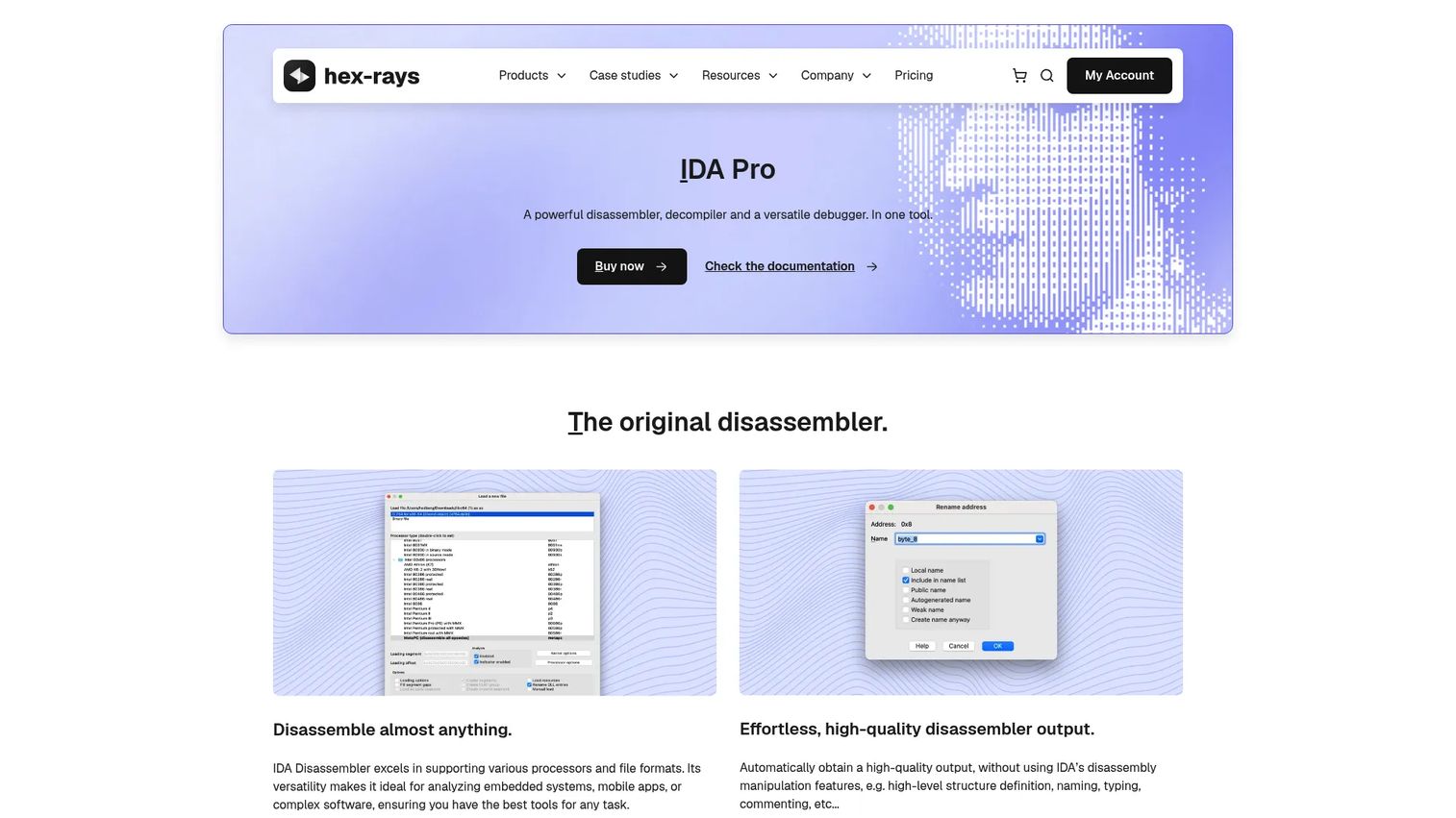
IDA Pro from Hex-Rays remains the reference disassembler and analysis environment for serious software reversing. It handles disassembly, decompilation, and debugging in one workspace, and supports more than 60 processor families, which is why it shows up in nearly every professional malware and vulnerability research shop. When an analysis demands deep manual work across unusual architectures, this is the tool most experts still reach for.
Best for: Reverse engineers and security analysts who need multi-architecture disassembly and decompilation in a single environment.
Key strengths
- Broad architecture support: Disassembles more than 60 processor families, so unusual targets stay in reach.
- Decompiler options: Adds C-like pseudo-code across IDA Pro plans to speed up reading dense functions.
- Integrated debugging: Combines local and remote debugging with static analysis in one interface.
Why choose IDA Pro: If your work spans architectures and you need decompilation plus a mature plugin ecosystem, IDA Pro is the deepest option here. It suits full-time reverse engineers doing vulnerability research, firmware work, and complex malware analysis where manual control matters more than convenience. The learning curve is real, but so is the payoff on hard targets.
IDA Pro pricing: Hex-Rays lists IDA Pro Essential starting at $1,099 per year, with Expert tiers at $2,999 and $6,899 per year and an Ultimate plan at $8,599 per year, all billed annually. A free option, IDA Free, and a lower-cost IDA Home plan at $365 per year are also available for non-commercial and lighter use.
2. Ghidra
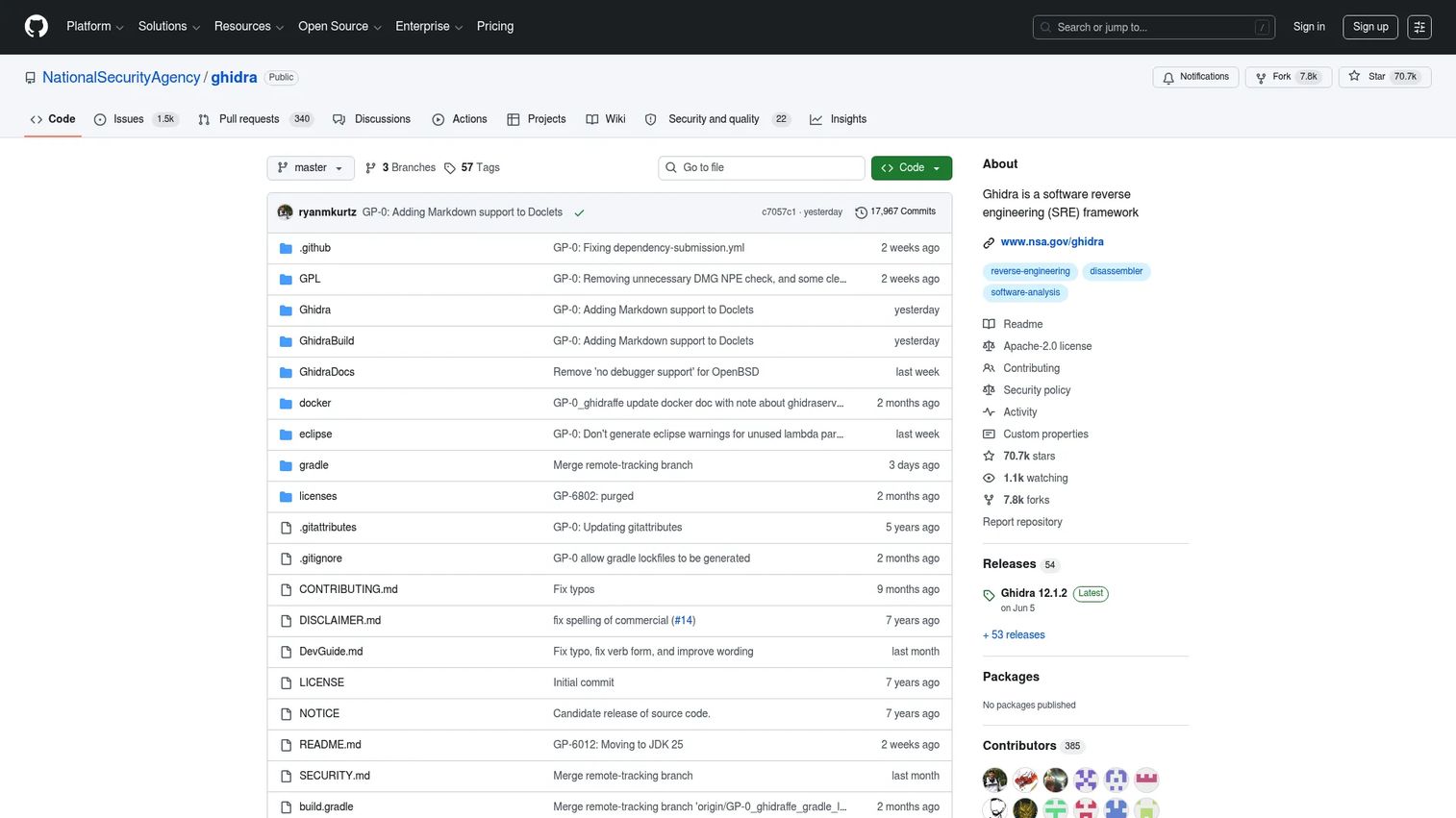
Ghidra is the software reverse engineering framework released by the National Security Agency, and it changed the economics of the field. It delivers disassembly, a capable decompiler, graphing, and scripting with no license cost, which made professional-grade static analysis accessible to teams that could not justify a commercial seat. It runs across Windows, macOS, and Linux and analyzes compiled code from a wide range of platforms.
Best for: Reverse engineering and analyzing compiled code across Windows, macOS, and Linux without a license cost.
Key strengths
- Full decompiler: Produces readable pseudo-code that rivals commercial output on many targets.
- Scripting and extensibility: Supports custom scripts and plugins to automate repetitive analysis.
- Collaborative projects: Lets teams share and work on the same reverse engineering project together.
Why choose Ghidra: Ghidra is the strongest open-source choice for teams that want deep static analysis capability without a per-seat cost. It fits security teams, students, and consultancies that need to standardize on one tool across many analysts. There is a learning curve to its project model and interface, but the community, documentation, and extension ecosystem are substantial and growing.
Ghidra pricing: Ghidra is free and open source, distributed publicly with no license fee. There are no paid tiers, which makes it easy to roll out across an entire team or classroom.
3. Binary Ninja
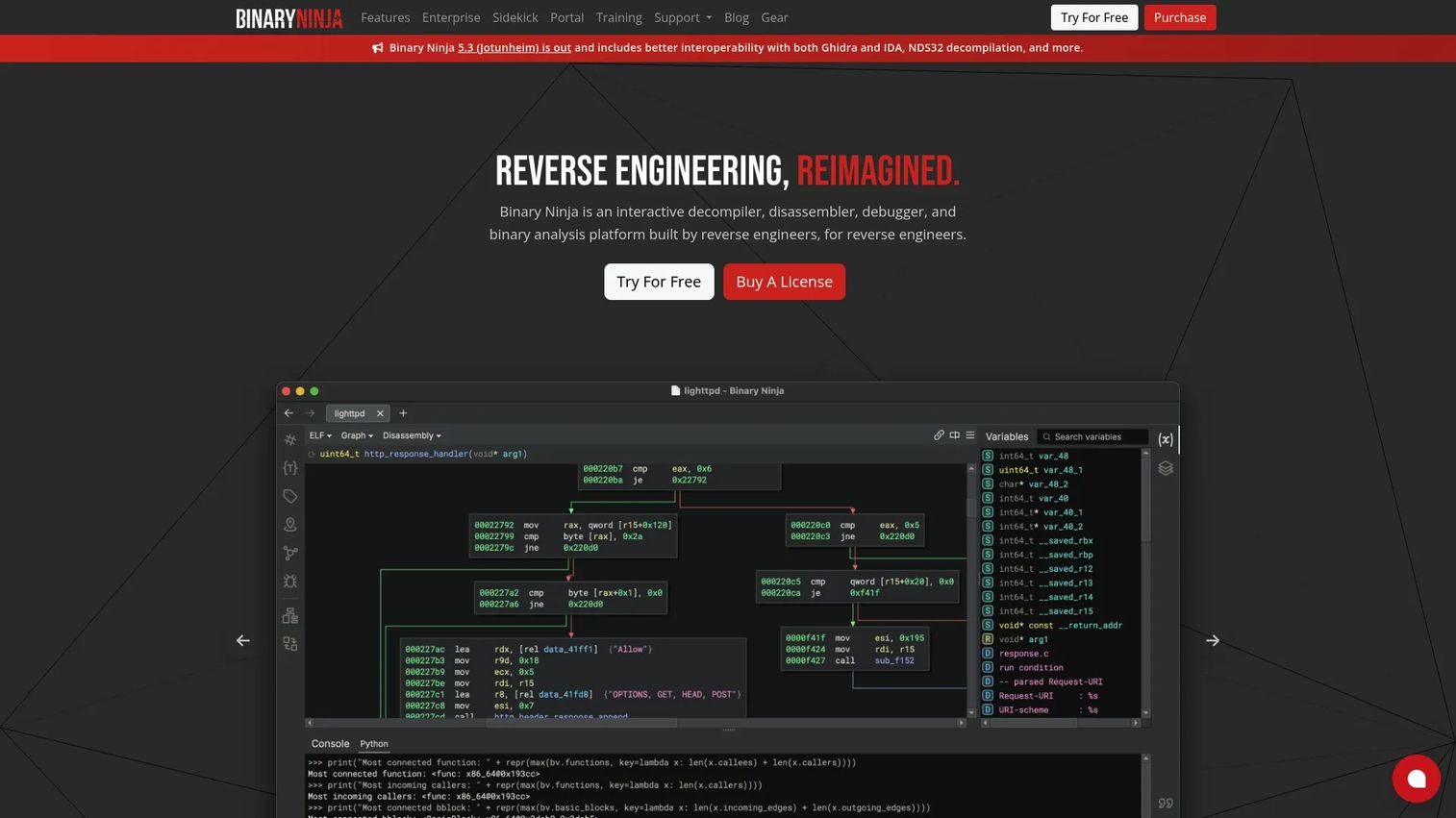
Binary Ninja is a binary analysis and reverse-engineering platform built around readability and automation. Its intermediate language representations make control flow easier to follow, and its API-first design makes it a favorite for analysts who script their work. It sits comfortably between heavyweight professional suites and lightweight command-line tools, offering multi-architecture disassembly, a built-in decompiler, and a native debugger.
Best for: Reverse engineers and malware analysts who need a cross-platform binary analysis suite with strong automation.
Key strengths
- Multi-architecture disassembly: Covers a wide instruction set range with a clean, modern interface.
- Built-in decompiler: Turns machine code into readable output for faster iterative analysis.
- Native debugger: Debugs on Windows, macOS, and Linux without leaving the environment.
Why choose Binary Ninja: Choose Binary Ninja when workflow speed and scripting matter as much as raw depth. Its API and readable IL make it well suited to analysts building repeatable, automated analysis pipelines rather than one-off manual investigations. The pricing model is also friendlier for individuals than most commercial disassemblers.
Binary Ninja pricing: Binary Ninja is sold as a one-time purchase across four editions. There is a Free edition at $0, a Non-Commercial/Personal license at $299 (with a $74 student discount), and a Commercial license at $1,499 (with a $374 student discount). An Ultimate edition also exists, with pricing not publicly listed.
4. Radare2
Radare2 is a free and libre reverse-engineering toolkit built for low-level analysis, debugging, and binary exploration. It runs as a command-line environment with visual and panel modes, and it is deeply scriptable, which makes it a natural fit for automation-heavy pipelines. Practitioners who live in the terminal value the control it gives over assembly, disassembly, patching, and debugging in a single toolkit.
Best for: Reverse engineers, malware analysts, and security researchers who want a free, scriptable binary analysis toolkit.
Key strengths
- Multiple interaction modes: Offers command-line, visual, and panels modes for different analysis styles.
- Full analysis range: Handles assembly, disassembly, analysis, patching, and debugging in one place.
- Scripting and automation: Extends through r2pipe and plugins for repeatable, programmatic workflows.
Why choose Radare2: Radare2 suits practitioners who prefer terminal-driven analysis and want maximum control with zero license cost. It rewards investment in learning its command syntax with a fast, scriptable environment that plugs into larger automation. If you build tooling around your reverse engineering workflow, its scripting surface is a strong draw.
Radare2 pricing: Radare2 itself is free and open source. Third-party listings reference paid Basic and Premium plans for related tooling starting around $9.99 per month, but the core toolkit is available at no cost.
5. Hopper
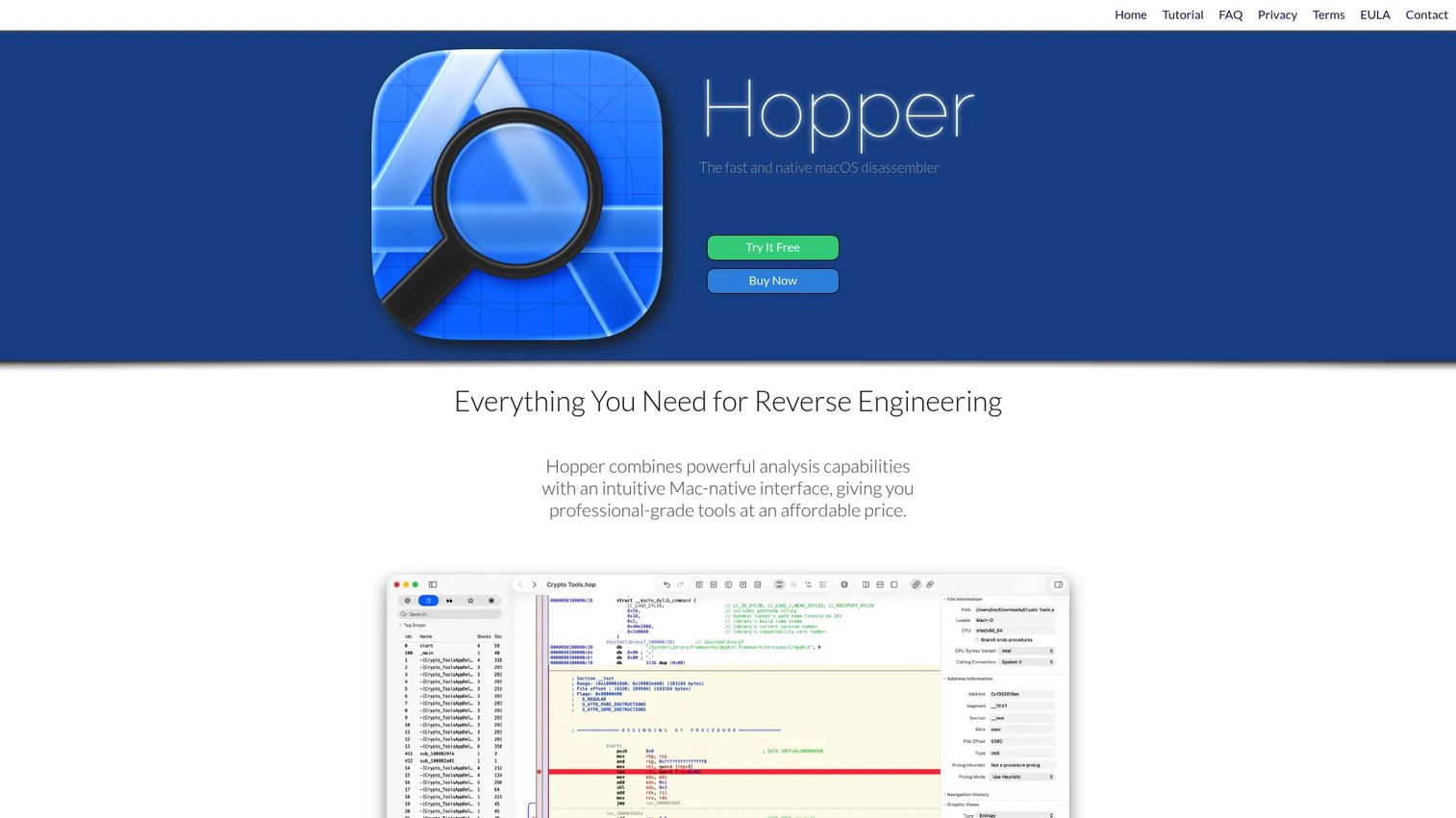
Hopper is a reverse-engineering and disassembler tool focused on macOS and Linux, with a decompiler, debugger support, and control flow analysis. It produces C-like pseudo-code, visualizes control flow graphs with PDF export, and integrates with LLDB and GDB for debugging. For analysts working on Apple platforms, it offers a friendlier on-ramp than the heavyweight cross-platform suites.
Best for: Individual reverse engineers and macOS developers who need approachable disassembly and decompilation.
Key strengths
- Decompiler to pseudo-code: Reconstructs readable C-like output from compiled binaries.
- Control flow visualization: Renders control flow graphs and exports them to PDF for documentation.
- Debugger integration: Works with LLDB and GDB for combined static and dynamic analysis.
Why choose Hopper: Hopper is the practical pick when your work centers on macOS or Linux binaries and you want usability without a steep entry cost. Its decompiler and graph views make it a comfortable environment for developers and solo researchers. A free demo lets you evaluate it before committing to a license.
Hopper pricing: Hopper offers a free demo with limited functionality: no save or export, a disabled debugger backend, and 30-minute sessions. Full features unlock with a paid license, shown on the vendor site in EUR, USD, and GBP.
6. x64dbg
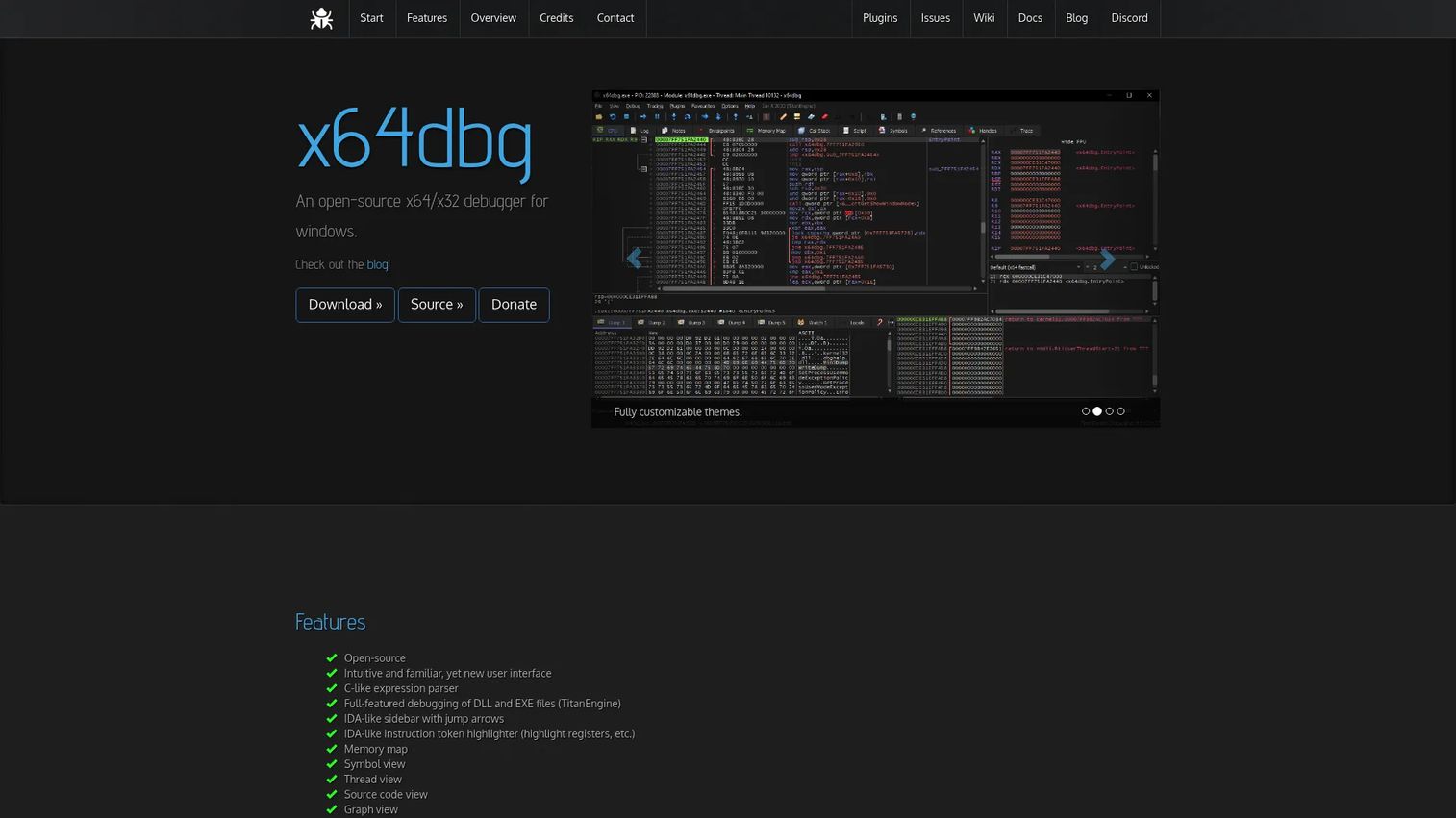
x64dbg is an open-source x64 and x32 debugger for Windows, and it is a go-to for runtime malware analysis. Where static tools show you what a binary contains, x64dbg shows you what it does when it runs. It debugs DLL and EXE files with full breakpoint control, memory inspection, and process control, which is exactly what you need when code only reveals its intent during execution.
Best for: Windows reverse engineering and malware analysis that requires live runtime debugging.
Key strengths
- Full binary debugging: Debugs DLL and EXE files with breakpoints, stepping, and memory inspection.
- Open source: Free to use and modify, with active community development.
- Plugin and scripting support: Extends and automates debugging tasks through a plugin system.
Why choose x64dbg: x64dbg is the right tool when static reading stops short and you need to watch execution directly. It pairs naturally with a disassembler: map the binary statically, then step through the interesting routines live to confirm behavior. For Windows-focused malware analysis tools, it is one of the most widely used dynamic options and it costs nothing.
x64dbg pricing: x64dbg is open-source software with no license fee. It is distributed freely with source and download links on the official site.
7. Wireshark
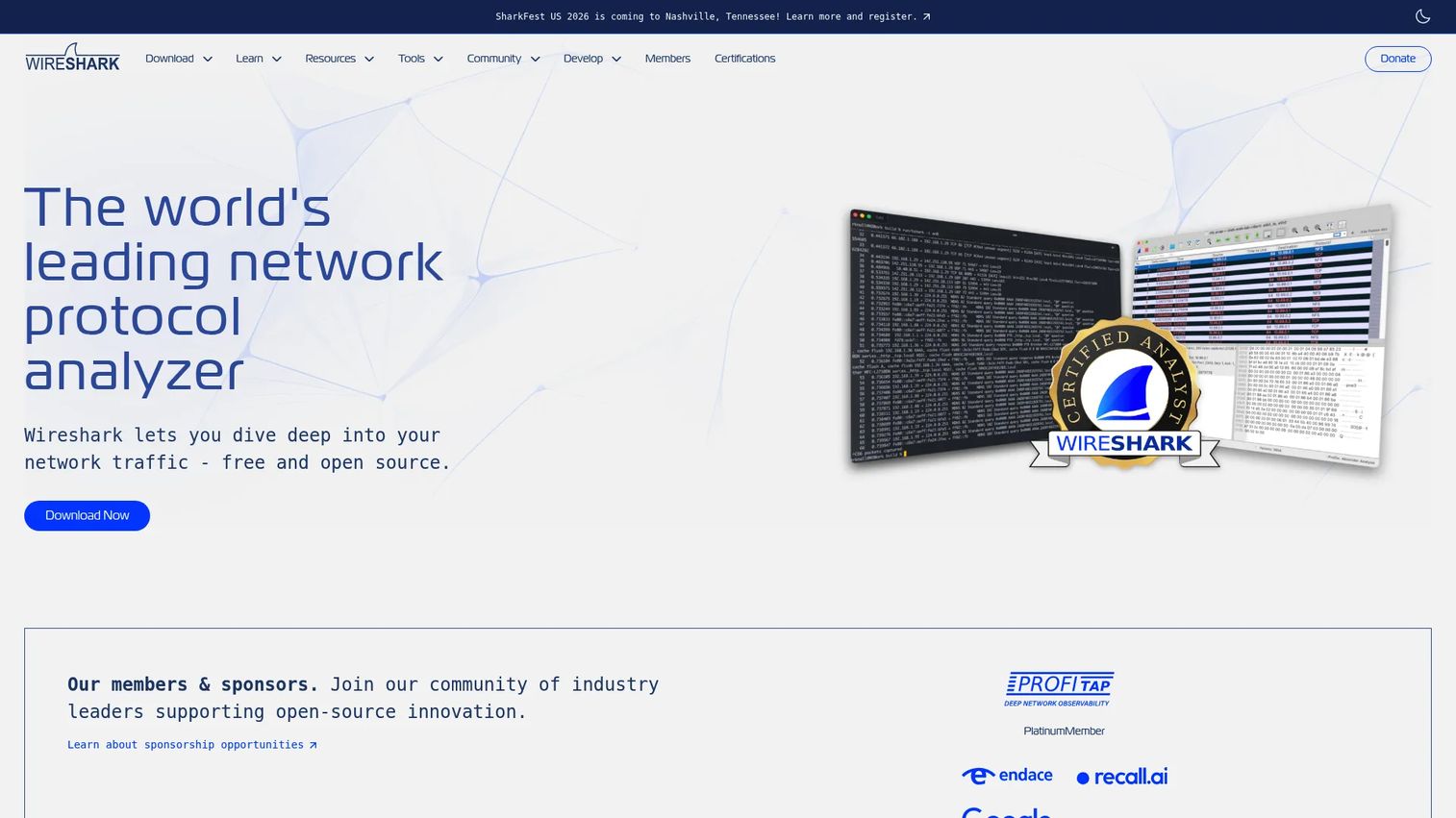
Wireshark is the standard open-source network protocol analyzer, and it matters in reverse engineering the moment a binary talks to the outside world. Malware often phones home, and software you are validating may make connections you did not expect. Wireshark captures live traffic and browses it interactively, letting you inspect protocols, follow streams, and spot suspicious connections or command channels.
Best for: Network troubleshooting, packet analysis, and protocol debugging during behavior analysis.
Key strengths
- Deep protocol inspection: Decodes hundreds of protocols for detailed traffic analysis.
- Live and offline capture: Records traffic in real time or analyzes saved captures.
- Powerful display filters: Isolates the exact packets you care about, with VoIP analysis and decryption support.
Why choose Wireshark: Wireshark is a complementary tool, not a replacement for a disassembler. Use it to answer the behavior question that binaries alone cannot: where is this software connecting, and what is it sending? In malware analysis tools workflows, capturing the network side often confirms a command-and-control channel faster than reading the binary. It is free and widely trusted.
Wireshark pricing: Wireshark is free software and can be downloaded without paying any license fee. It carries a 4.7/5 rating on G2 based on 148 reviews at time of writing.
8. Process Monitor
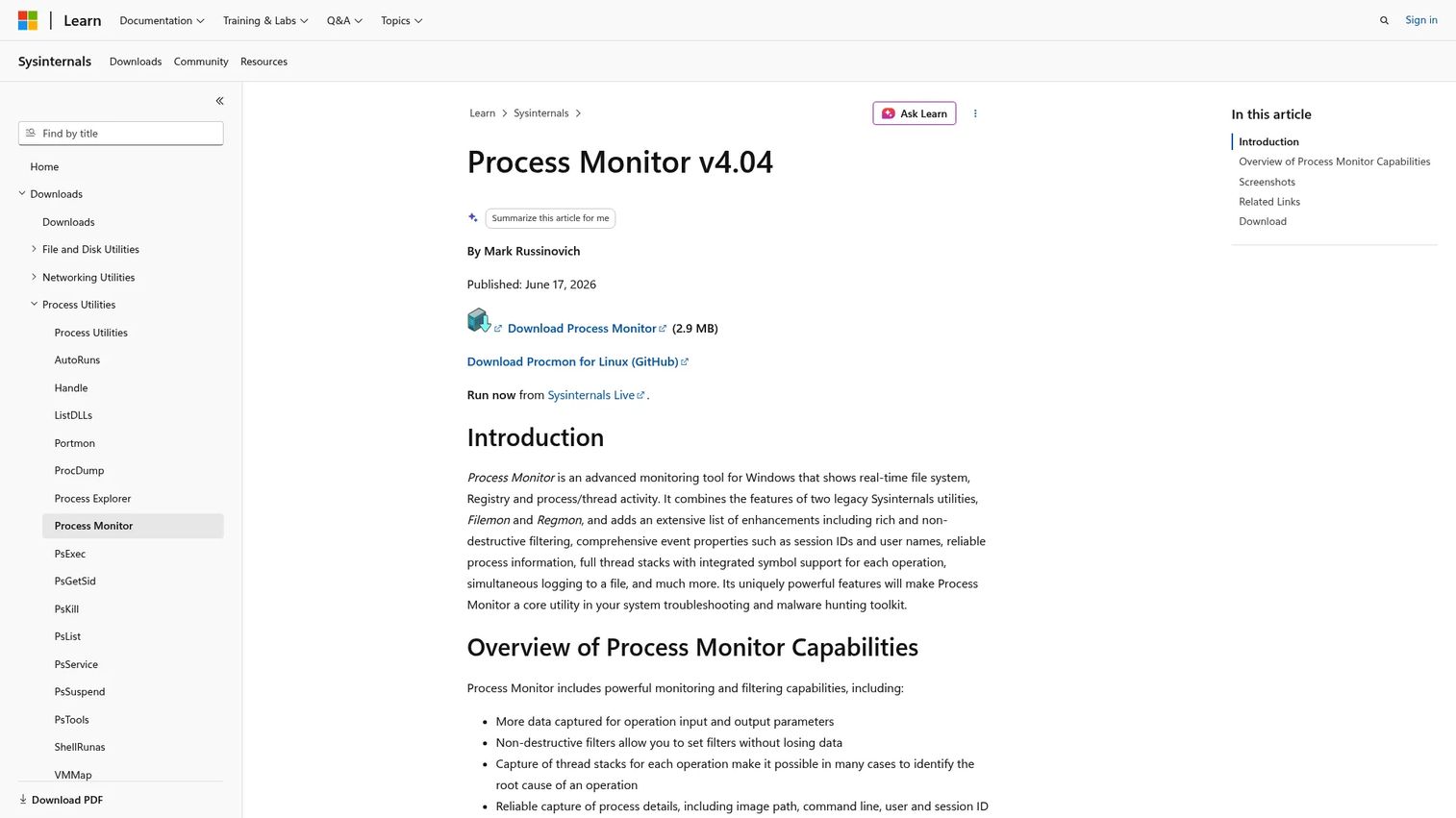
Process Monitor is a Microsoft Sysinternals utility that captures real-time file system, registry, and process and thread activity on Windows. It is one of the most useful malware analysis tools for understanding runtime side effects: what a file writes, which registry keys it touches, and which processes it spawns. For triaging an installer or a suspicious executable, it gives you a live map of everything the program does to the system.
Best for: Windows troubleshooting and malware investigation that requires runtime activity capture.
Key strengths
- Real-time monitoring: Captures file system, registry, and process and thread activity as it happens.
- Non-destructive filtering: Narrows a flood of events down to the relevant ones without losing data.
- Detailed process context: Captures thread stacks and rich process information for each event.
Why choose Process Monitor: Process Monitor is the fast path to understanding an application's system side effects during dynamic analysis. A simple triage workflow: start a capture, run the unknown executable, then filter by the process to see every file, registry, and network event it triggers. Paired with x64dbg for instruction-level detail and Wireshark for network traffic, it completes a practical Windows runtime picture. It is free.
Considerations
Picking a reverse engineering tool is less about finding the single best product and more about matching capability to your current bottleneck. Run through these criteria before you commit.
Static vs dynamic analysis
Most teams need both, at different moments. Static analysis reveals structure, functions, strings, and control flow without running anything, which is safe and thorough but blind to packed or obfuscated behavior. Dynamic analysis reveals what actually happens at runtime, but only along the paths you exercise. The strongest workflows pair a static tool such as IDA Pro or Ghidra with a dynamic one such as x64dbg or Process Monitor.
Platform support
Confirm platform fit before licensing or rollout. IDA Pro and Ghidra span Windows, macOS, and Linux. Hopper centers on macOS and Linux. x64dbg and Process Monitor are Windows-focused. If you work across mixed environments, prioritize tools that run everywhere you do, and add platform-specific utilities where they earn their place.
Learning curve and automation
Evaluate scripting, APIs, and repeatable workflows, not just the first-run experience. Ghidra scripting, Binary Ninja's API, and Radare2's r2pipe all matter once your team handles repetitive analysis at volume. Automation is what turns a slow manual process into a scalable one.
Collaboration and reporting
Reverse engineering analysis is only useful if others can reproduce and act on it. Look for shared projects, annotation, cross-referencing, and clean export. This is where technical validation work lives or dies: a documented finding beats a private hunch. Ghidra's collaborative projects and Hopper's PDF graph export both help here.
Price and licensing model
Check whether the tool is open source, per-seat, or enterprise licensed, then look past the sticker price. Support, updates, and plugin access are part of the real cost. Open-source options like Ghidra, x64dbg, Wireshark, and Process Monitor carry no license fee, while IDA Pro, Binary Ninja, and Hopper follow commercial models with different tiers.
Conclusion
The right reverse engineering software depends entirely on the job in front of you. For deep static analysis across many architectures, IDA Pro is the professional standard, and Ghidra delivers most of that capability with no license cost. For streamlined, automation-friendly work, Binary Ninja fits, while Radare2 rewards terminal-driven analysts. Hopper is the practical macOS pick.
On the dynamic side, x64dbg is the Windows debugger for runtime malware analysis, Wireshark inspects what a binary sends over the network, and Process Monitor captures its system side effects. Most real reverse engineering workflows combine a static tool with one or two dynamic ones and move between them as the analysis demands.
Start with the tool that unblocks your current bottleneck. If you cannot read the binary, begin with a disassembler. If static reading stops short, add a debugger and a process monitor. If you need to understand what the software talks to, capture the traffic. Pick one, get fluent, then layer in the rest.
FAQs
Reverse engineering software is used to analyze compiled programs and systems when the source code or documentation is missing. Common jobs include inspecting unknown binaries, malware analysis, recovering logic from legacy systems, validating vendor software, and supporting software security research. It turns low-level machine code into readable structure you can reason about.
Static analysis examines a binary without running it, mapping functions, strings, imports, and control flow. Dynamic analysis observes the program while it executes, capturing real behavior, memory state, and system calls. Static reading is safe and comprehensive but blind to obfuscated behavior; dynamic reading reveals runtime intent but only along the paths you trigger. Most workflows use both.
Ghidra is a strong starting point because it is free, cross-platform, and includes a capable decompiler with extensive community documentation. Hopper is also approachable for those on macOS. Both let you learn disassembly and decompilation without a commercial license, so you can build skills before deciding whether a paid tool fits your work.
Malware analysts typically combine several malware analysis tools. IDA Pro or Ghidra handle static disassembly and decompilation, x64dbg drives live debugging of Windows samples, Process Monitor captures file, registry, and process activity, and Wireshark inspects network traffic for command channels. The combination lets analysts understand both what a sample contains and what its malware behavior looks like at runtime.
Yes. When source code and documentation are lost, reverse engineering software helps you recover logic, preserve existing behavior, and rebuild a working understanding of the system. Analysts use it to recover missing documentation, patch safely, and plan modernization without breaking undocumented functionality. Static tools map the structure, and dynamic tools confirm behavior before you change anything.
Not always, but often. Static analysis with a disassembler answers many questions on its own. You need a debugger when code is packed or obfuscated, when you must confirm runtime behavior, or when you want to inspect memory and execution state directly. On Windows, x64dbg is a widely used debugger that pairs naturally with a static tool.
For many teams, yes. Ghidra, Radare2, x64dbg, Wireshark, and Process Monitor cover static analysis, debugging, and network and system monitoring at professional depth with no license cost. Commercial tools like IDA Pro add broader architecture support and mature decompilation that matter for firmware analysis and threat hunting on hard targets. Many shops run a mix of both.
Match the tool to your bottleneck first: static depth, dynamic debugging, network inspection, or runtime monitoring. Then evaluate platform support, scripting and automation, collaboration and reporting, and the real cost including support and plugins. The best fit is usually a small set of tools that cover both static and dynamic analysis across the platforms your team actually works on.