Your office is full on Tuesday, half empty on Friday, and nobody can tell whether that means you need more space or better rules.
For a Series B founder, that ambiguity is expensive. Bookings live in a shared calendar. Access badges run through a separate system. Invoices for coworking members go out manually. Utilization data either doesn't exist or sits in a spreadsheet nobody opens. Each fragment costs someone's time, and that someone usually ends up being you.
The flexible workspace market hit $44.5 billion in 2025 and is projected to reach $134.1 billion by 2033, according to Grand View Research (2026). The operational complexity is growing at the same pace. Getting ahead of it means choosing the right operating model before signing up for any software.
This guide helps you make that choice. Two categories dominate the market: Platforms built for coworking operators who need memberships, billing, and access workflows, and platforms built for corporate hybrid offices that need desk scheduling, visitor management, and utilization data. Buying the wrong category creates more administrative work than it removes. Choose the operating model first, then the software.
What's inside
This guide covers 12 flexible workspace management software tools for 2026, selected for coworking operations, hybrid office management, or both.
- Who it's for: Founders and their Operations, People, or Facilities leads at SaaS companies managing office space, coworking units, or hybrid workplaces
- Selection criteria: Booking depth, operational automation, billing or membership fit, integrations, analytics, and realistic scale
- How tools are grouped: By what they help operate, not by feature count
- What to check before buying: Pricing and G2 ratings require live verification against vendor pages at the time you evaluate
TL;DR
- Best overall for full flex-space operations: Archie covers memberships, billing, desk and room bookings, visitor management, and multi-location reporting in one operating layer
- Best for established multi-location coworking portfolios: OfficeRnD handles complex membership lifecycles, automated invoices, and multi-site reporting
- Best for configurable coworking operations: Nexudus suits operators with unusual membership models or custom revenue rules
- Best for branded member experience: Optix puts a white-labeled mobile app and community layer at the center of the member journey
- Best for booking-first hybrid offices: Skedda handles rules-based desk and room scheduling without requiring a coworking billing layer
- Best for employee-led hybrid coordination: Kadence and deskbird help teams plan office days together rather than just reserving desks independently
What is flexible workspace management software?
Flexible workspace management software is a system that helps organizations run shared offices, coworking spaces, hybrid workplaces, or multi-location facilities through booking, member or employee management, access workflows, billing, and utilization data.
The four software categories inside this market
The target keyword includes four overlapping categories, and conflating them is the most common buying mistake:
- Coworking operating systems: Memberships, contracts, invoices, payments, credits, member portals, room and desk booking. Built for operators running a space as a business.
- Hybrid workplace platforms: Desk booking, team coordination, attendance patterns, room scheduling, floor plans, and employee communication. Built for companies managing an internal office.
- Booking-first tools: Resource scheduling for desks, rooms, parking, and shared assets. Focused on fair, rules-based access without a billing layer.
- Visitor and workplace experience tools: Visitor registration, lobby workflows, deliveries, access processes, and office arrivals.
Core capabilities to look for
- Desk, room, office, and resource booking with interactive floor plans
- Memberships, recurring billing, invoices, contracts, and payment processing
- Access control connections, visitor management, and check-in workflows
- Member or employee portals, mobile apps, and self-service tools
- Multi-location controls, occupancy data, and utilization reporting
- Integrations with calendars, accounting systems, payment providers, and access hardware
What this software does not replace
Flexible workspace software does not replace your accounting system, CRM, HRIS, or physical access hardware. It connects to those systems and owns the operating workflow around physical space. If a vendor claims their product replaces all of the above, push for specifics.
| Coworking operator needs | Corporate hybrid office needs |
|---|---|
| Member plans and contracts | Desk booking with team coordination |
| Automated invoicing and payments | Room scheduling and capacity rules |
| Access-control workflows per plan tier | Visitor registration and lobby management |
| Member portal and branded app | Employee attendance patterns and utilization data |
| Multi-location billing and reporting | Floor plans and space planning |
When to use flexible workspace management software
Run a coworking space without manual billing and access work
If your company operates a coworking or shared-space unit, you need a coworking operating system, not a desk booking app. Recurring memberships, invoices, credits, contract changes, and access rule updates are daily operational tasks. A platform that handles these automatically reduces front-desk administration and removes the founder from routine workflows. A desk booking tool alone cannot replace this.
Coordinate hybrid office days without spreadsheet scheduling
A 50 to 150-person SaaS company running a hybrid model typically needs employees to book desks, coordinate with teammates, see room availability, and understand which days teams are in. A hybrid workplace platform handles this without requiring anyone to manually manage a shared calendar or text Slack to find a free conference room.
Measure whether your office footprint earns its cost
Boards ask this question. So do new CFOs and VP of People hires. Occupancy data, room usage rates, peak-day demand, and location-by-location reporting are the inputs for lease renewal decisions, expansion planning, and cost justification. Space utilization software surfaces this data without requiring a manual audit every quarter.
Flexible workspace management software comparison
Coworking platforms rank first in the list because billing and membership operations are the hardest workflows to retrofit if you choose the wrong tool. Workplace platforms rank below them, ordered by relevance to a hybrid SaaS team. If your primary need is desk coordination and utilization data, skip to entries 7 through 12.
Pricing and G2 ratings are sourced from vendor pricing pages and live G2 listings (verified October 2026). Verify both before purchasing, as figures change.
| # | Product | Best for | Key differentiator | Pricing | G2 rating |
|---|---|---|---|---|---|
| 1 | Archie | Full flex-space operations | Memberships, bookings, billing, and access in one system | From $159/mo | 4.9/5 |
| 2 | OfficeRnD | Multi-location coworking portfolios | Mature operator workflows and multi-site reporting | From $99/mo | 4.6/5 |
| 3 | Nexudus | Configurable coworking operations | Custom membership models and integration marketplace | From $150/mo per location | 4.2/5 |
| 4 | Optix | Branded member experience | White-labeled mobile app and community layer | From $197/mo (billed annually) | 4.7/5 |
| 5 | Spacebring | Self-service coworking management | Automated billing, member app, and access control connections | From $184/mo | 4.8/5 |
| 6 | Coworks | Community-led coworking spaces | Member management and community programming | From $149/mo (billed annually) | 5.0/5 |
| 7 | Skedda | Booking-first hybrid workplaces | Rules-based scheduling for spaces and resources | From $249/mo | 4.8/5 |
| 8 | OfficeSpace | Corporate space planning and utilization | Floor plans, occupancy analytics, and scenario planning | Custom pricing | 4.7/5 |
| 9 | Kadence | Hybrid work coordination | Team-based scheduling and workplace analytics | Custom pricing | 4.5/5 |
| 10 | Envoy | Visitor-led workplace operations | Visitor workflows plus desks, rooms, and lobby management | Free plan; Premium from $362/location/mo | 4.7/5 |
| 11 | deskbird | Employee-friendly hybrid work | Desk booking and office-day coordination per active user | From $3.75/user/mo (billed annually) | 4.5/5 |
| 12 | Robin | Rooms, desks, and workplace scheduling | Meeting room scheduling and workplace analytics | Custom pricing | 4.4/5 |
Pricing and ratings verified October 2026 from vendor pricing pages and G2 listings.
12 best flexible workspace management software tools for 2026
1. Archi
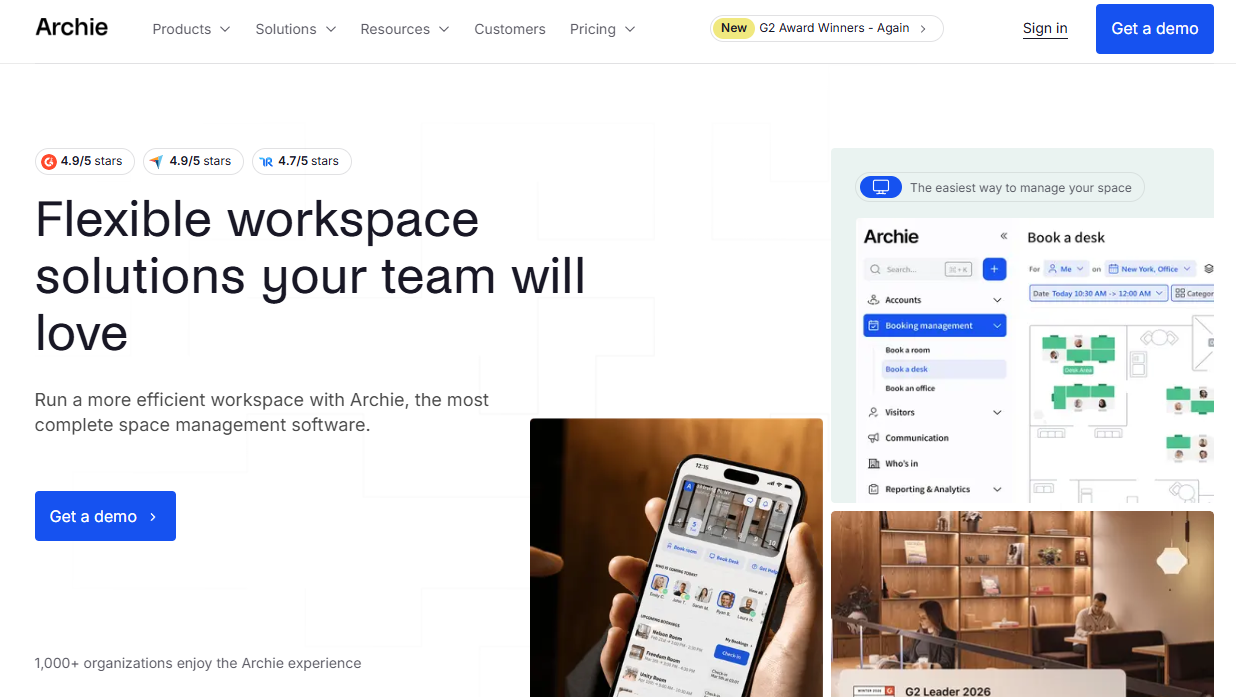
Archie is a workspace management platform that covers both coworking operations and hybrid office management. It handles memberships, contracts, recurring billing, desk and room bookings, visitor workflows, access control software connections, and multi-location reporting inside one system. The floor plan interface shows real-time desk availability and lets you manage booking rules across locations without switching tools.
Best for: Operators and hybrid office teams that want a single platform for revenue workflows, space scheduling, and visitor management.
Key features
- Visual floor plans with real-time desk availability
- Meeting room booking via web, mobile, Teams, Outlook, and Slack
- Visitor registration with customizable check-in flows
- Occupancy analytics and location-level workplace reporting
- Multi-location management with SSO, SCIM, and API access
Why choose Archie: Archie covers the widest surface area of any tool on this list relative to its price point. A founder handing office operations to a new Head of People or Operations lead gets a system that covers memberships, bookings, and visitor management without requiring three separate tools to be integrated manually.
Archie pricing: Starter plans begin at $159/month. Pro starts at $249/month and adds multiple locations, Microsoft Teams and Outlook booking, Slack integration, SSO, and SCIM. Enterprise is custom and includes data residency, compliance controls, and premium support. A 14-day test environment is available.
G2 rating: 4.9/5
2. OfficeRnD
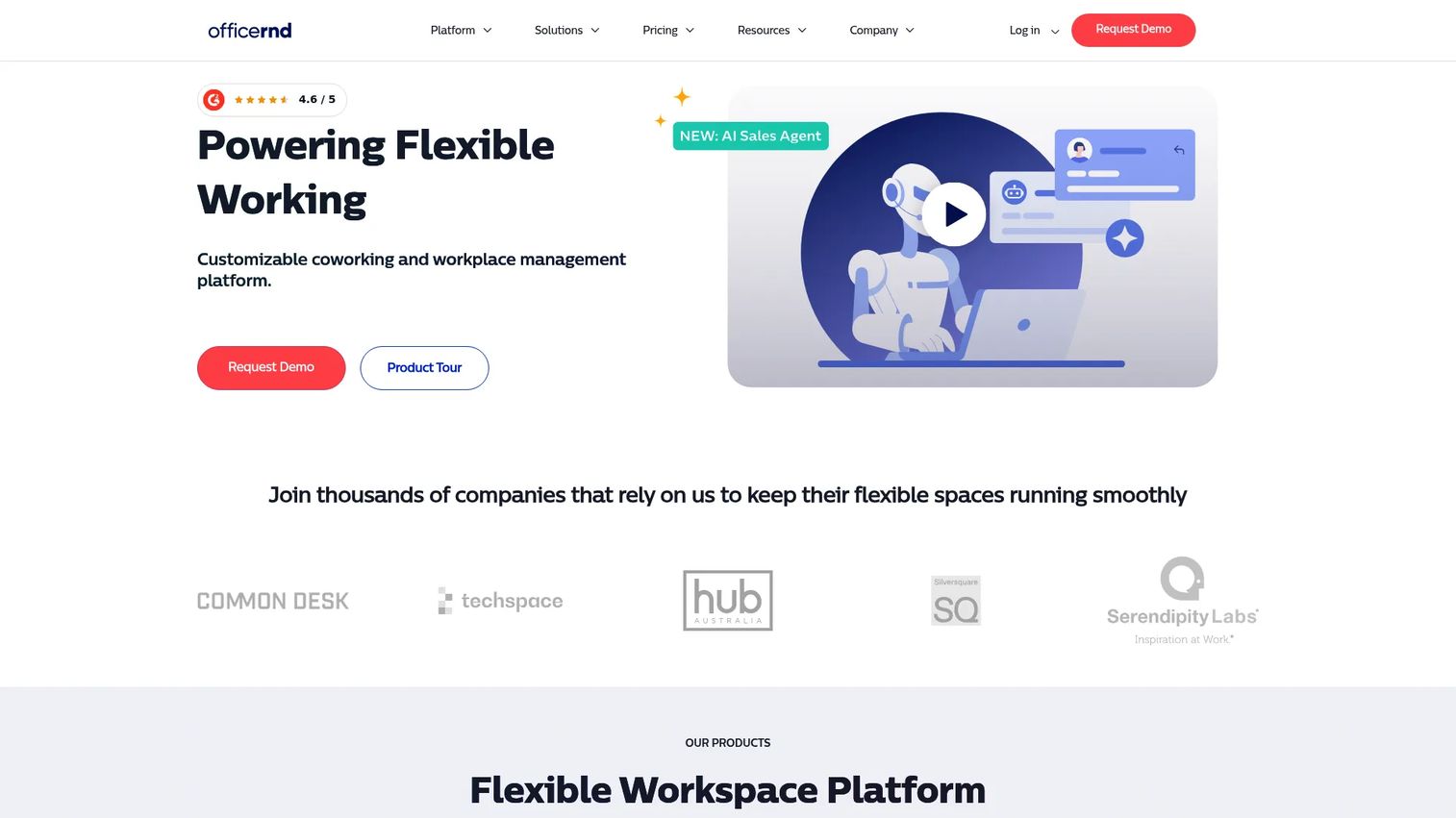
OfficeRnD is a coworking and flexible-workspace management platform built for operators managing complex membership and billing workflows across one or more locations. It handles member lifecycle management, automated invoices, payment collection, desk and room booking, visitor management, and multi-site operational reporting. The platform has a longer track record in coworking operations than most alternatives on this list.
Best for: Operators with more than one location or multi-tier membership plans that generate frequent invoice and contract changes.
Key features
- Membership lifecycle management and contract handling
- Automated invoices and payment processing
- Desk and meeting room booking
- Visitor management
- Integrations with Microsoft Teams, Outlook, Google Calendar, Slack, and access-control systems
Why choose OfficeRnD: Choose OfficeRnD when membership complexity, location-level financial reporting, or the need to connect to existing access hardware are the primary drivers. It suits operators whose growth has exposed the limitations of simpler tools.
OfficeRnD pricing: The Workplace Start plan is $99/month. Professional is $399/month. Enterprise requires contacting sales. No free tier is confirmed on the pricing page.
G2 rating: 4.6/5
3. Nexudus
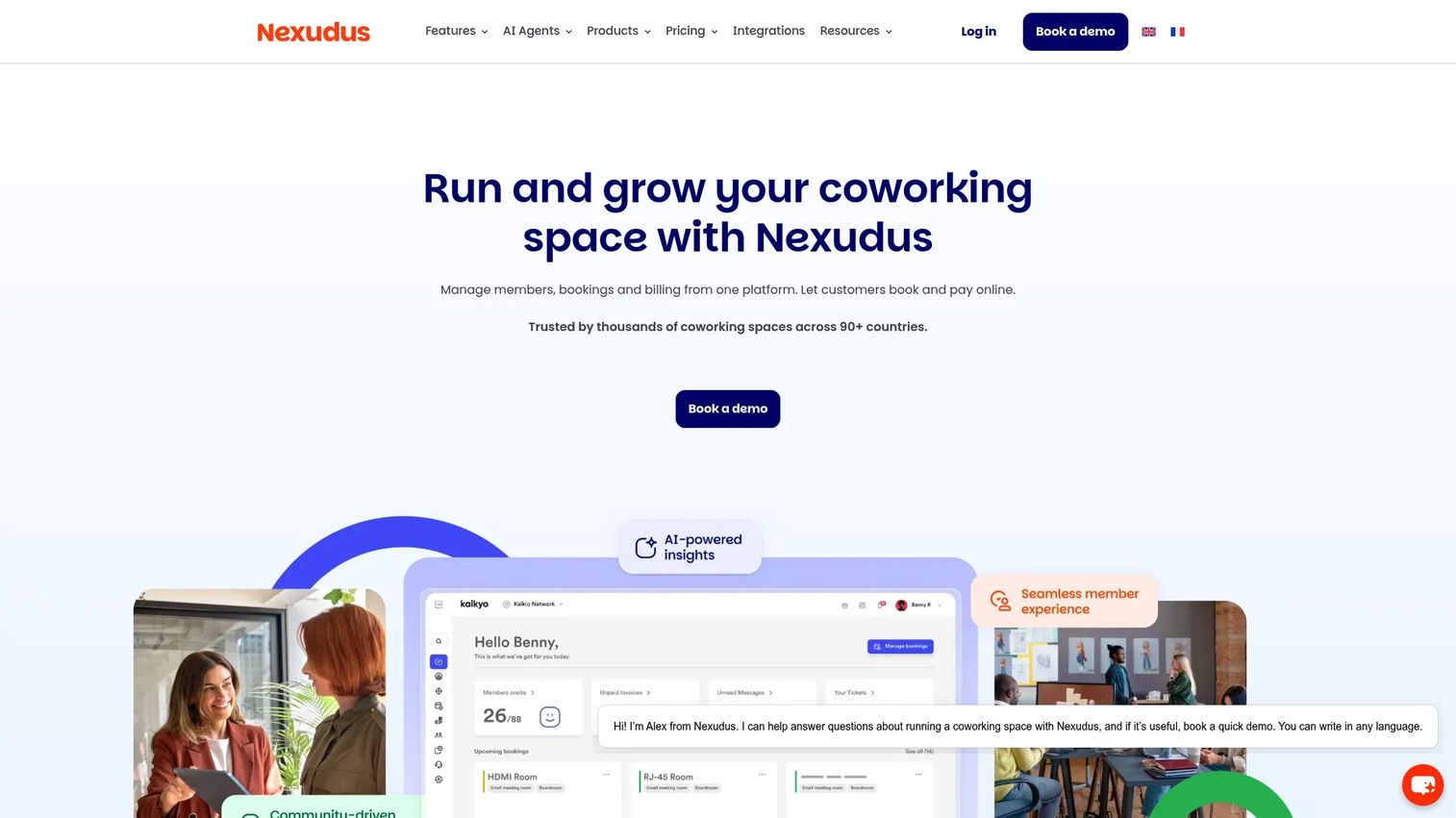
Nexudus is a coworking and flexible-workspace management platform designed around configurability. It supports highly customized membership plans, booking rules, payment configurations, and member communications. An integration marketplace extends the platform into access control, payment providers, accounting systems, and more. Nexudus suits operators who have unusual revenue models or multiple membership types that standard platforms struggle to accommodate.
Best for: Coworking operators with non-standard membership structures, multiple pricing rules, or a need to connect to specialized third-party systems.
Key features
- Configurable membership plans with custom pricing rules
- Booking and resource scheduling
- Branded member portal and mobile app
- Automated billing, invoicing, and payment processing
- Integration marketplace for access control, accounting, and more
Why choose Nexudus: Nexudus is the right call when standard operating templates will not fit your membership model. The configuration investment is real, so budget time for setup. Operators who invest in that setup get a platform that matches their exact operational rules rather than forcing the business to adapt to the software.
Nexudus pricing: The Coworking Professional plan starts at $150/month per location, based on active users. A Coworking Growth plan is available at contact-sales pricing. A 21-day free trial is available. Additional apps, integrations, and payment gateways may carry separate charges.
G2 rating: 4.2/5
4. Optix
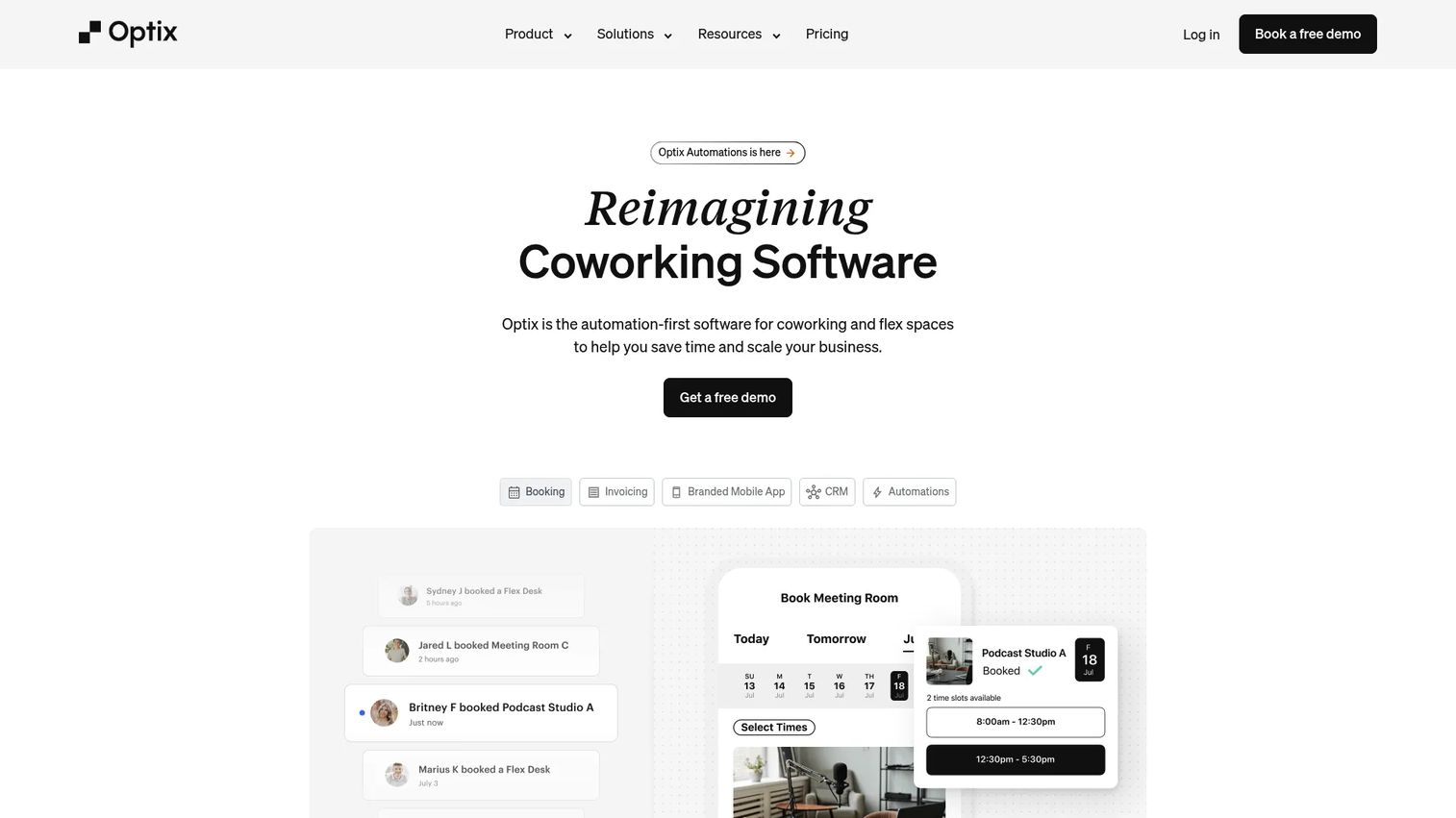
Optix is a coworking and flexible-workspace management platform with a strong focus on the member-facing experience. Its white-labeled mobile app puts bookings, community messaging, event listings, and payments in a branded environment that operators control. The backend handles billing, automation, visitor management, multi-location management, and analytics. Operators running a premium or community-driven brand find Optix fits their positioning more closely than purely operational platforms.
Best for: Boutique coworking brands where the member app is part of the product experience, not just an administrative tool.
Key features
- White-labeled member mobile app with branded design
- Desk, resource, and meeting-room booking
- Billing, payments, and invoicing
- Community messaging, member directory, and events
- Multi-location management and analytics
Why choose Optix: If your coworking brand competes on hospitality, community, and member self-service, Optix matches that positioning. The mobile app is a genuine differentiator when member retention and community engagement matter as much as operational efficiency.
Optix pricing: The Essentials plan is $229/month or $197/month billed annually, covering 50 active users. Pro is $349/month or $299/month billed annually, covering 100 active users and adding push notifications, API access, and visitor management. Grow and Scale pricing require contacting Optix. No free tier; a 14-day trial is available.
G2 rating: 4.7/5
5. Spacebring
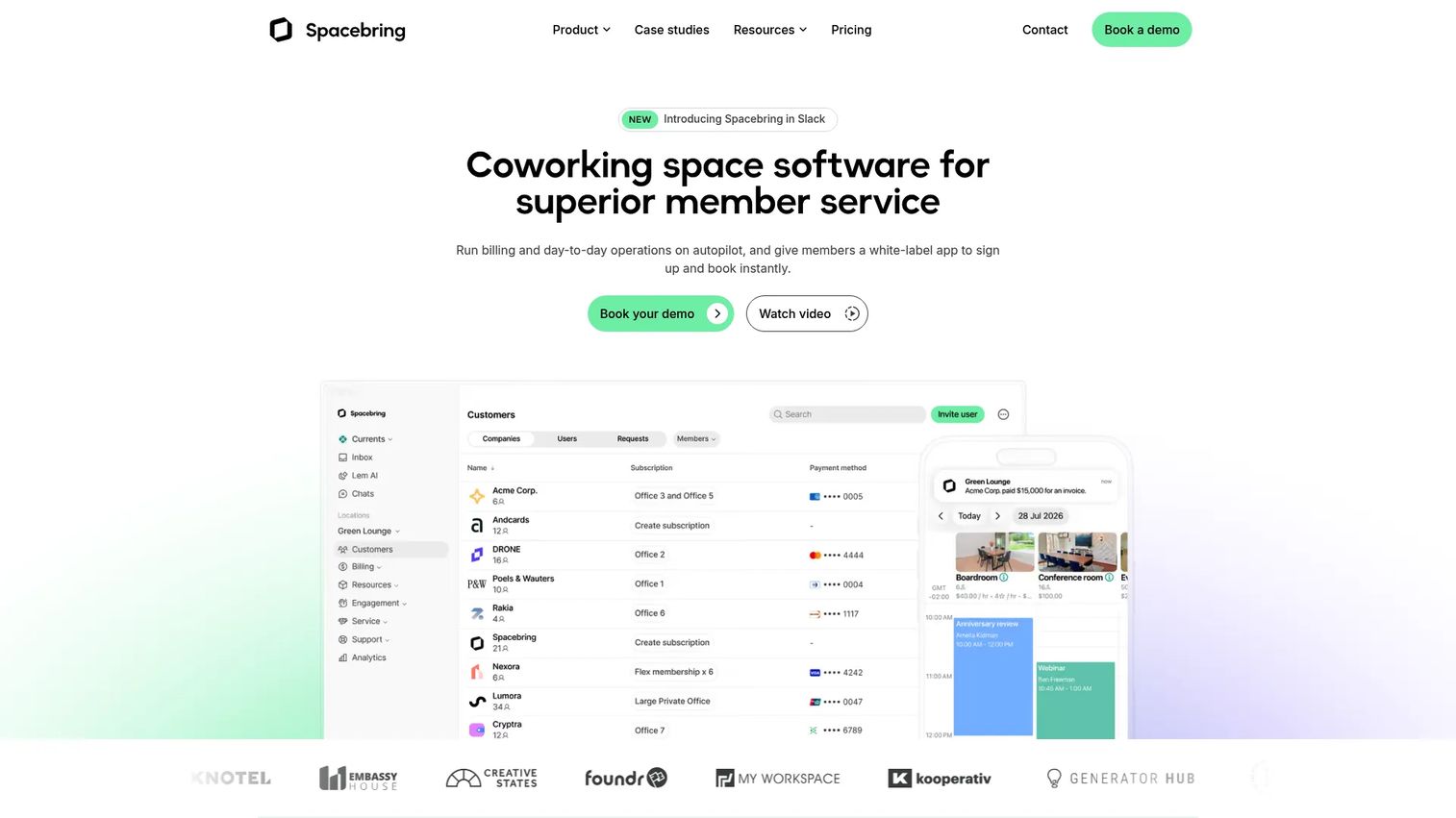
Spacebring is coworking space management software built around member self-service. It automates billing, contracts, subscriptions, invoicing, and credits, and covers booking for desks, rooms, offices, parking, and equipment. Members access a white-label web portal and native mobile app. Access control integrations, community feeds, events, visitor management, and analytics round out the platform. The goal is to reduce front-desk administration while keeping the member experience polished.
Best for: Coworking operators who want members to manage common tasks, including bookings, payments, and support requests, without staff intervention.
Key features
- Automated billing, subscriptions, invoicing, and credits
- Booking for desks, rooms, offices, parking, and equipment
- White-label member web portal and native mobile app
- Community feed, chat, events, and visitor management
- Access control connections and multi-location management
Why choose Spacebring: Spacebring is the right fit when reducing front-desk work is the primary goal. The self-service model moves routine member actions, including booking changes and payment queries, off the staff queue. The member app add-on and visitor management module are priced separately, so model the full cost before comparing.
Spacebring pricing: The Business plan is $184/month, covering one location and 100 monthly active users. Enterprise is custom with a 12-month minimum. The member mobile app costs $117/month for the first location plus $88 per additional location. Visitor management is $59/location/month. A 6-month minimum commitment applies to Business plans.
G2 rating: 4.8/5
6. Coworks
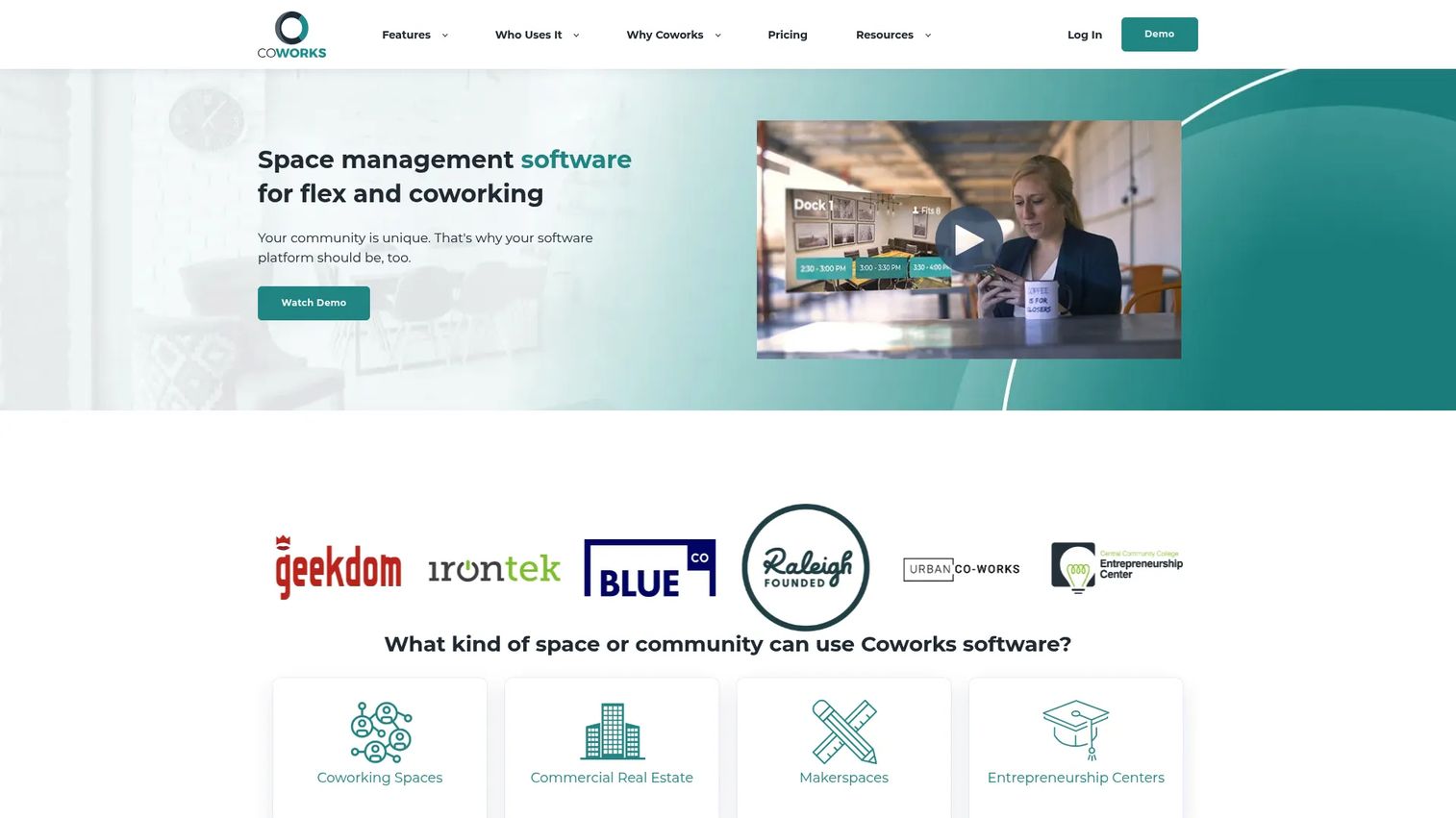
Coworks is a mobile-first coworking and flexible-space management platform focused on member management, bookings, automated billing, community programming, and daily operator workflows. It covers events, lead tracking, tour requests, day passes, access control integrations, and multi-location management. The platform is built for independent coworking spaces, makerspaces, incubators, and local multi-site operators rather than large enterprise portfolios.
Best for: Independent and community-focused coworking operators who need practical administration and event programming without enterprise workplace complexity.
Key features
- Member management and directory
- Desk and room booking with day-pass support
- Automated billing, invoicing, and recurring payments
- Event management and community tools
- Lead tracking and tour requests
Why choose Coworks: Coworks is a strong fit when community programming and daily operator simplicity matter as much as advanced billing configuration. It handles the full coworking workflow in a straightforward package. The Hybrid Workspace plan caps at 150 members, so verify the member limit against your current and projected member base.
Coworks pricing: The Hybrid Workspace plan is $149/month billed annually or $199/month billed monthly, covering up to 150 members. Coworking Premium is $249/month billed annually or $299/month billed monthly, covering up to 250 members and adding automated billing, day passes, guest bookings, and standard integrations. Enterprise is custom with unlimited members and API access.
G2 rating: 5.0/5 (based on a limited review count; treat this figure accordingly)
7. Skedda
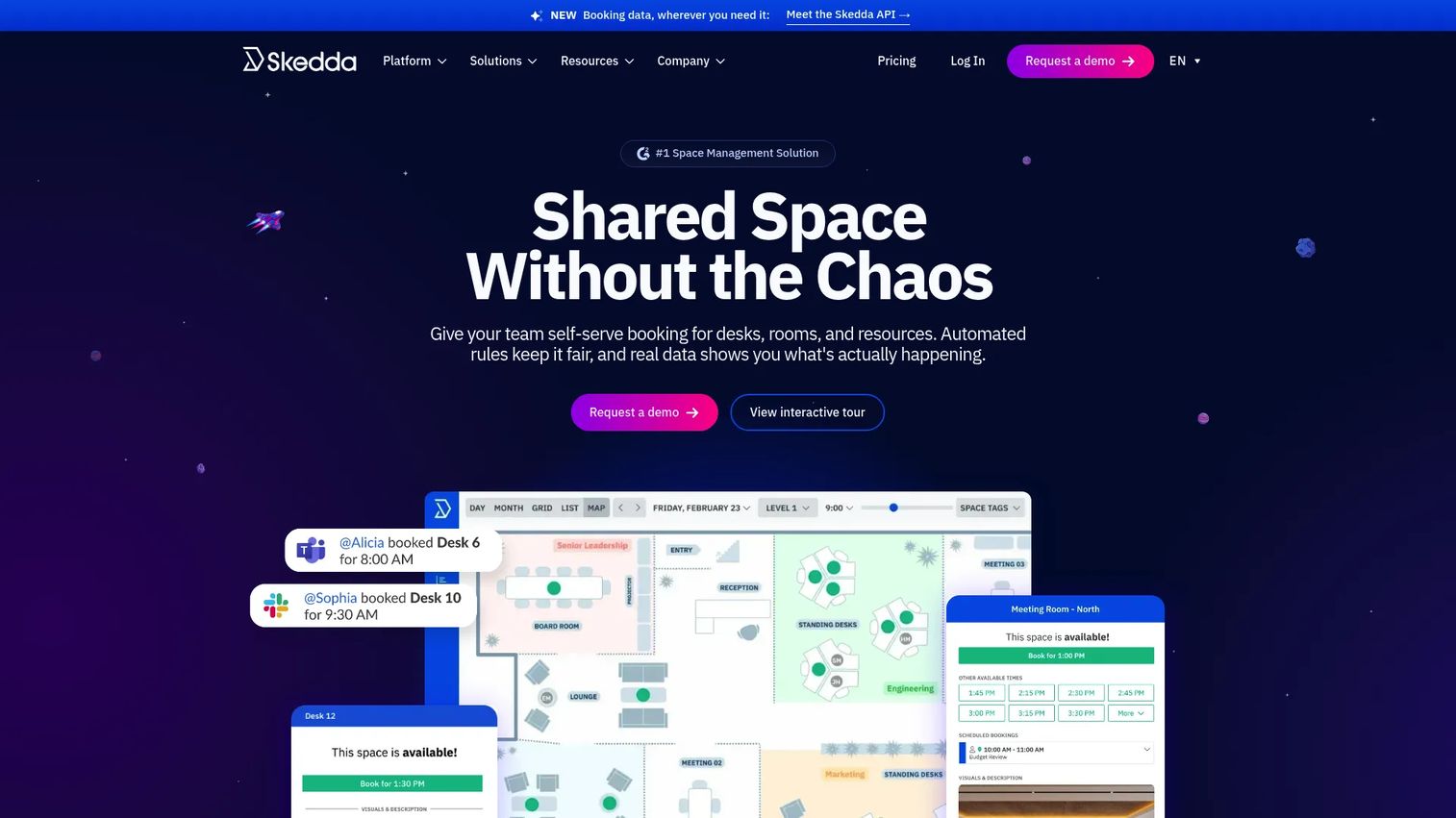
Skedda is a workplace management platform built around resource scheduling. It handles desk booking, room booking, equipment reservations, and other shared-asset management through interactive floor plans and rules-based automation. Booking rules, approvals, quotas, and check-in enforcement keep scheduling fair without requiring manual intervention. It integrates with Microsoft 365 and Google Workspace. The critical distinction from the tools above: Skedda is not a coworking operating system. It does not handle memberships, recurring billing, or contracts.
Best for: Hybrid office teams that need controlled, rules-based scheduling of desks, rooms, and shared resources without running a coworking billing layer.
Key features
- Interactive floor plans with desk and room booking
- Automated booking rules, approvals, quotas, and check-in requirements
- Utilization analytics and reporting
- Microsoft 365 and Google Workspace calendar sync
- SSO, SCIM, Microsoft Teams, and Slack integrations
Why choose Skedda: Choose Skedda when scheduling fairness and resource control are the primary problems. If desk conflicts, unenforced room limits, or after-hours booking abuse are creating friction, Skedda's rule engine addresses those directly. Look elsewhere if memberships, contracts, and recurring billing are central to what you operate.
Skedda pricing: The Plus plan (US and Canada) is $249/month, covering 35 spaces. Premier is $349/month billed annually, covering 45 spaces. Enterprise and AllBooked plans require contacting sales. For EMEA and APAC, a Starter plan is available at $99/month. A 14-day free trial of the Premium tier is offered.
G2 rating: 4.8/5
8. OfficeSpace
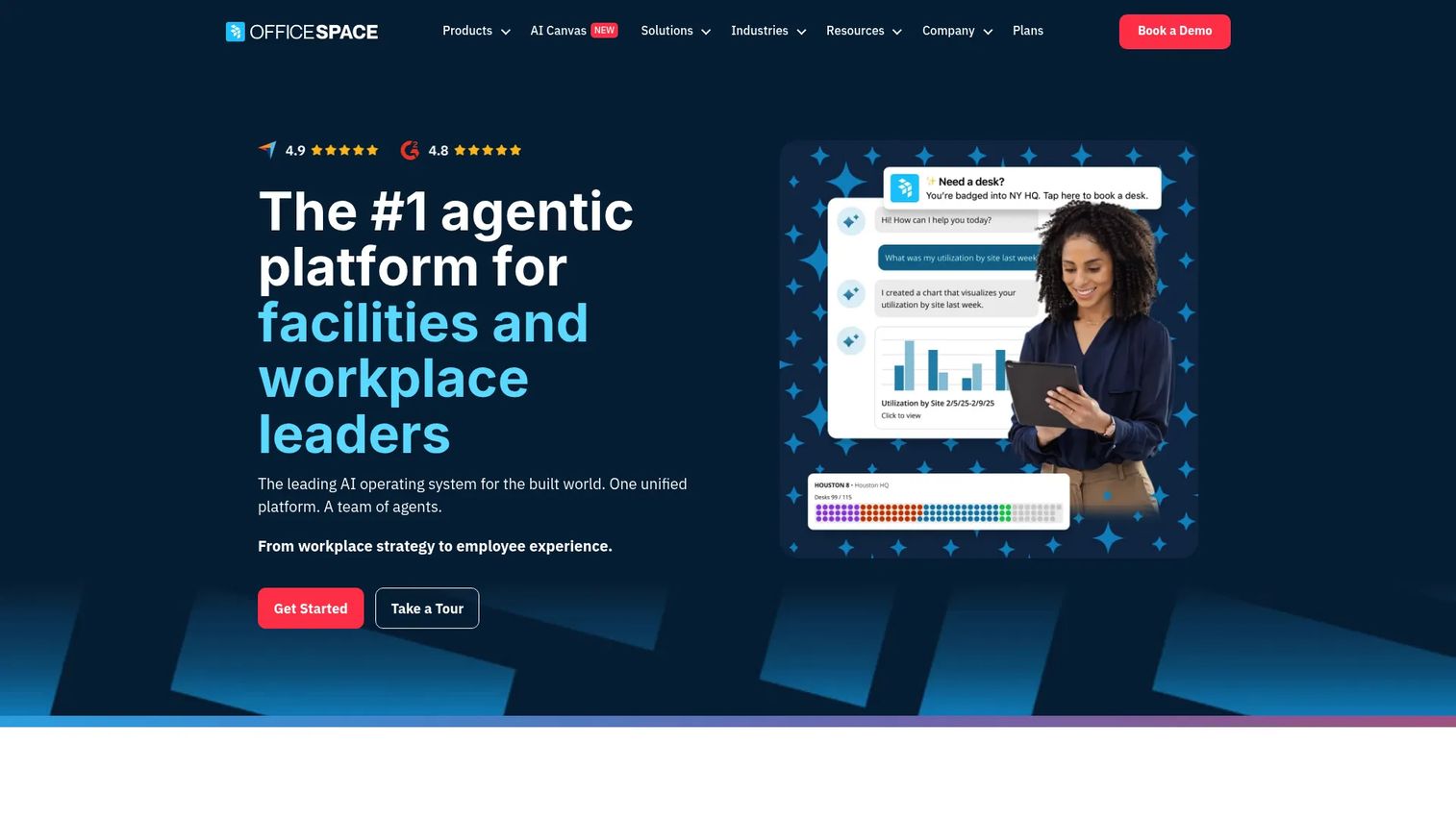
OfficeSpace is an AI-powered workplace management platform focused on space planning, occupancy intelligence, and facilities operations. It handles desk and room booking, interactive floor plans, visitor management, facility requests, workplace asset tracking, and space utilization reporting. Scenario planning tools help workplace teams model what happens to space allocation if headcount grows or shrinks before committing to a lease decision. This is office space management software built for corporate environments managing larger footprints.
Best for: Corporate real estate and workplace teams that need occupancy data, floor plans, and scenario planning to justify space decisions at a board level.
Key features
- Interactive floor plans and move management
- Space utilization analytics and occupancy modeling
- Desk and room reservations
- Facility requests and work orders
- Workplace asset lifecycle and maintenance tracking
Why choose OfficeSpace: OfficeSpace is the right fit when the primary question is "are we using our space efficiently?" rather than "can employees book a desk?" The scenario planning and analytics depth make it useful for founders who need to defend office cost to a board or a new CFO.
OfficeSpace pricing: Plans are organized into Workplace and Asset Management tiers (Essentials, Essentials Plus, Pro, Pro Plus). No numeric prices are shown on the plans page; contact OfficeSpace for a quote.
G2 rating: 4.7/5
9. Kadence
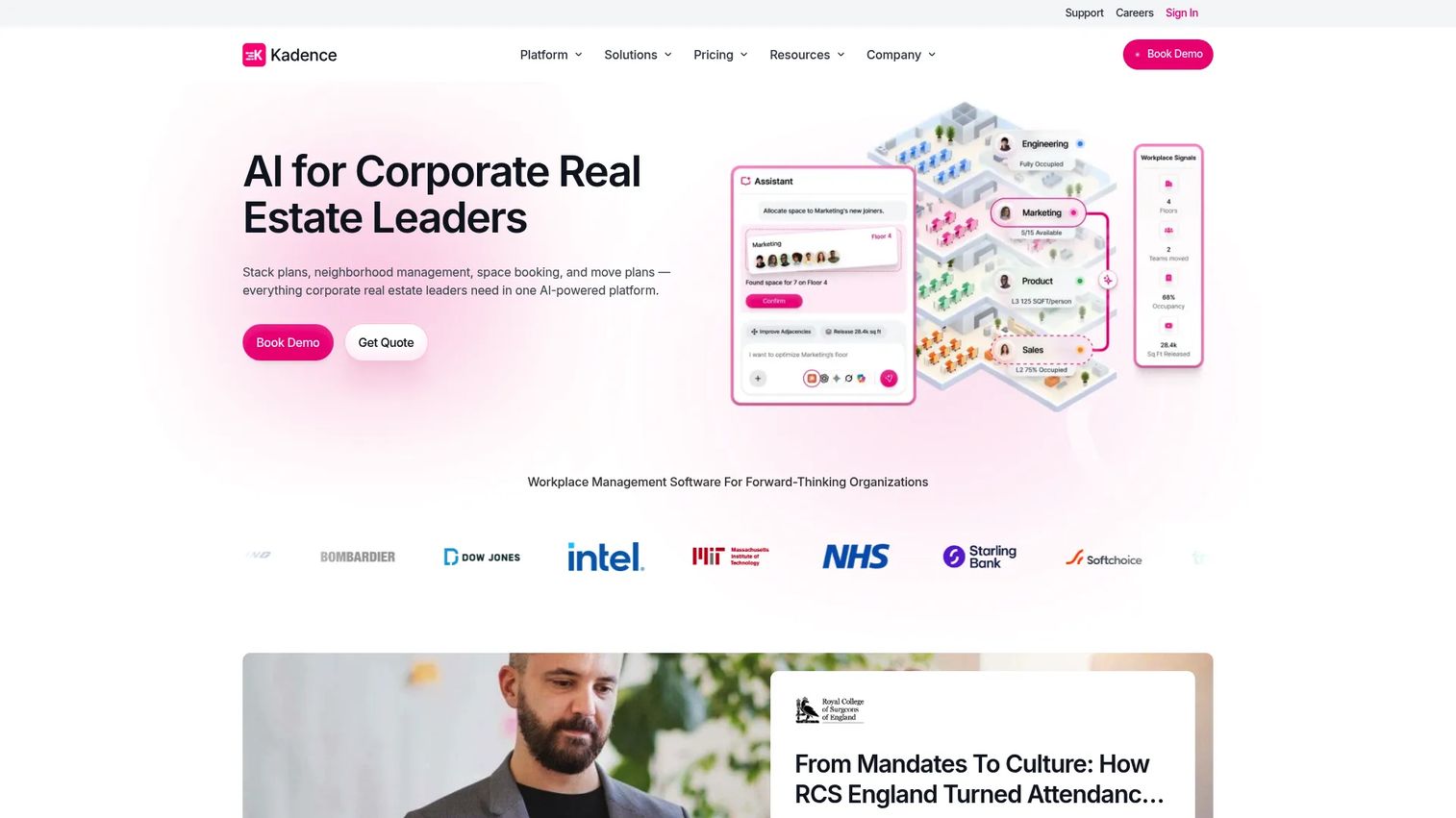
Kadence is an AI-powered workplace management platform built around team coordination. It combines desk booking, room booking, visitor management, interactive floor plans, occupancy modeling, and scenario planning. The team-scheduling layer is its main differentiator: Employees see who is planning to come in and when, which encourages coordinated office days rather than random desk availability. Integrations with Microsoft 365 and Google Workspace keep it inside existing workflows.
Best for: SaaS teams where hybrid attendance depends on employees coordinating around colleagues rather than booking desks independently.
Key features
- Team-based office scheduling and presence visibility
- Desk and room booking with interactive floor plans
- Workplace analytics and occupancy modeling
- AI assistant for booking and coordination
- Scenario planning and move management
Why choose Kadence: Kadence is strongest when the problem is not just desk availability but office adoption. If employees book desks but don't coordinate, or if teams end up in the office on different days, Kadence's team-scheduling layer addresses the behavioral side of hybrid work rather than just the booking mechanics.
Kadence pricing: WorkOps and SpaceOps plans are both quote-based, billed annually with a minimum one-year contract. A floor-plan upload and setup fee of $250 per floor applies publicly. Contact Kadence for pricing.
G2 rating: 4.5/5
10. Envoy
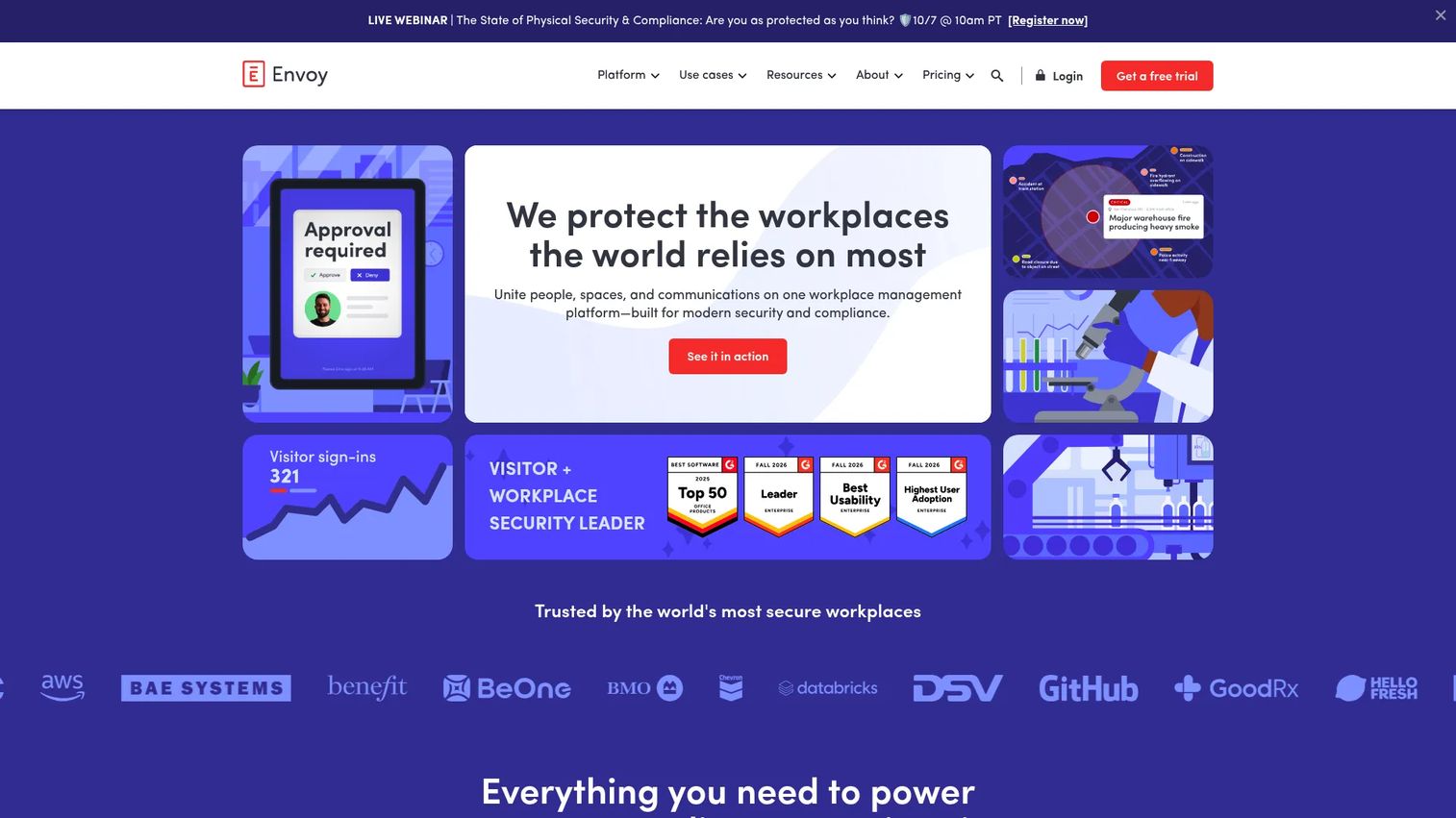
Envoy is a workplace platform that started in visitor management and expanded into desks, rooms, deliveries, emergency management, and digital signage. Visitor check-in, badge printing, host notifications, ID scanning, and compliance workflows are where it has the deepest feature investment. Desk and room booking, delivery tracking, and workplace occupancy controls extend the platform into broader office operations. Envoy is not a coworking billing system; it does not handle memberships or recurring invoices.
Best for: Companies where the office front door is an active operational control point, including visitor compliance requirements, delivery management, and employee arrival workflows.
Key features
- Visitor check-in, registration, badge printing, and ID scanning
- Desk and room booking
- Delivery tracking and secure package pickup
- Emergency notifications and safety check-ins
- Access system integrations
Why choose Envoy: Envoy fits companies where visitor management is a genuine compliance or operational requirement, not just a nice-to-have. If the lobby handles external visitors daily and arrivals need to be tracked and audited, Envoy's depth in that workflow is hard to match. The modular pricing model means costs scale with the features you activate.
Envoy pricing: The Basic plan is free. Premium is $362/location/month billed annually. Enterprise is custom. Individual modules, including Response, Reservations, Screens, and Deliveries, carry separate per-unit monthly fees on top of a platform fee.
G2 rating: 4.7/5
11. deskbird
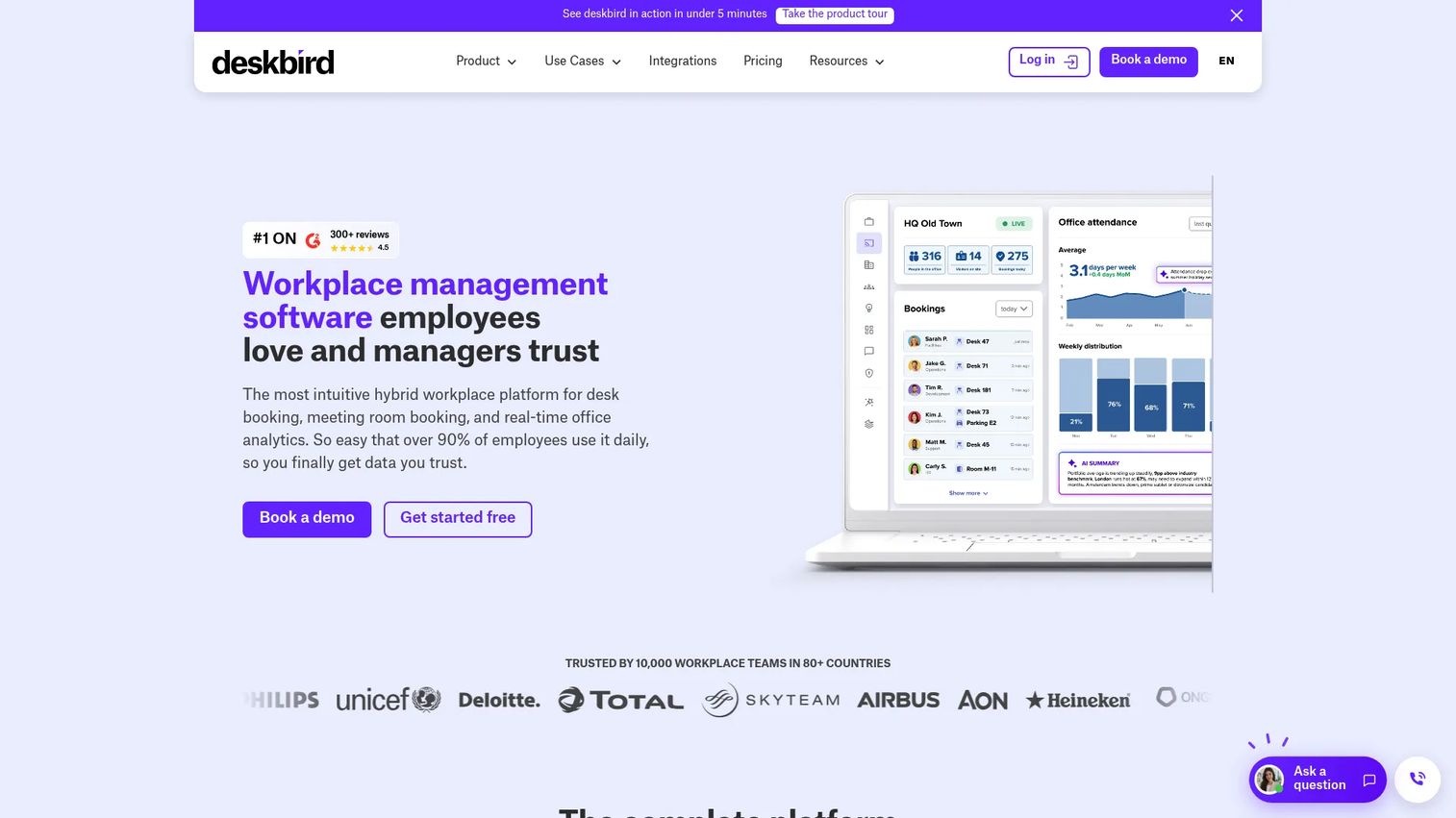
deskbird is a hybrid workplace management platform built around employee adoption. It covers desk booking, room booking, parking, visitor management, workplace ticketing, and scheduling analytics. Smart booking recommendations, automatic check-in and release rules, and native iOS and Android apps reduce friction for employees. Microsoft Teams and Slack integrations keep booking inside the tools employees already use. The per-active-user pricing model scales predictably as headcount grows.
Best for: Growing SaaS teams that need employees to coordinate office attendance without making office management a policy enforcement project.
Key features
- Desk, room, and parking booking with office maps
- Hybrid work scheduling and team presence visibility
- Booking check-ins with automatic desk releases
- Smart booking recommendations
- Workplace analytics and visitor management
Why choose deskbird: deskbird is the right fit when employee adoption is the biggest risk in a hybrid rollout. The UX is built for the person booking a desk, not the administrator configuring the system. That distinction matters when you need the whole company to actually use the platform, not just a handful of ops staff.
deskbird pricing: The Business plan is $3.75/active user/month billed annually or $4.75/active user/month billed monthly. Professional and Enterprise plans are custom pricing. A free trial is available.
G2 rating: 4.5/5
12. Robin
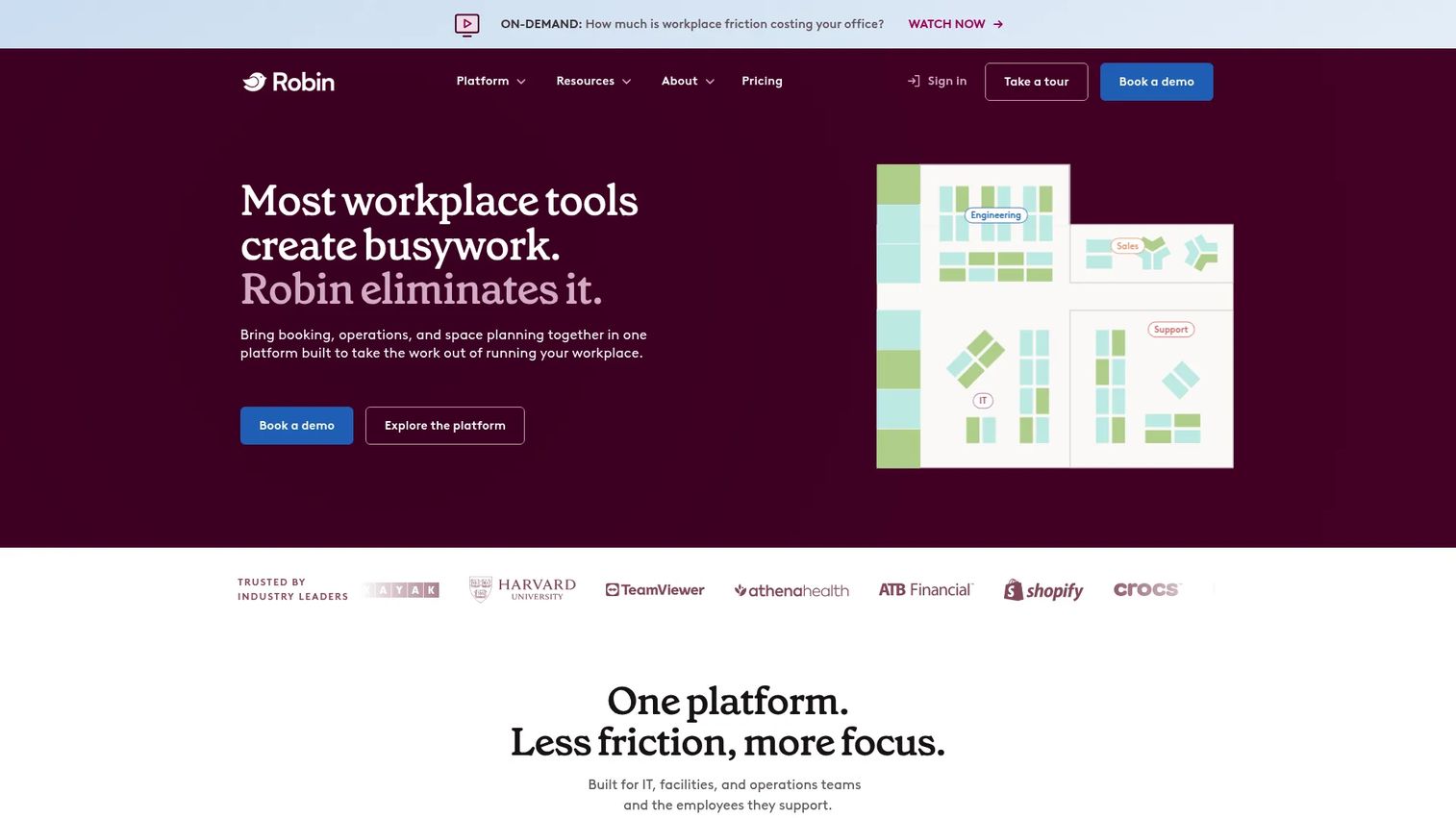
Robin is a workplace management platform built for organizations managing multiple offices, floors, or buildings. It covers desk booking, room scheduling, hoteling, locker management, visitor management, digital signage for room displays, and workplace analytics. Calendar sync with Microsoft 365 and Google Workspace keeps room availability accurate. An Analytics AI assistant is available for custom reporting. Robin states its platform is designed for companies with 500 or more employees, which makes it a better fit for larger organizations than early-stage teams.
Best for: Organizations where meeting-room conflicts and booking visibility create the most daily friction, particularly at larger corporate scale.
Key features
- Meeting room scheduling with calendar sync and room displays
- Desk, hoteling, locker, and custom-resource booking
- Visitor management and workplace safety workflows
- Workplace analytics with custom reports and data exports
- Employee experience tools including hybrid-work policies and team coordination
Why choose Robin: Robin suits companies where room scheduling is the highest-friction problem and where digital signage on conference room doors matters for daily operations. If you're a 50-person company, verify whether the platform's scale and pricing match your stage before investing in evaluation time.
Robin pricing: Subscriptions are billed annually and quote-based; no numeric prices are shown. Contact Robin for tailored pricing.
G2 rating: 4.4/5
Considerations when choosing flexible workspace management software
Start with your operating model
The first question is not which tool has the most features. It is whether you need a coworking operating system, a hybrid workplace platform, or a booking-first tool. Coworking operators need membership, billing, contract, and payment automation. Corporate hybrid teams need scheduling, visitor workflows, and utilization data. Buying the wrong category means rebuilding the workflow later.
Price the full system, not the entry tier
Entry prices rarely reflect what you will actually pay. Model costs at your current headcount or member base, then at the next expected milestone. Add access control integrations, payment processing fees, branded mobile apps, visitor management modules, analytics tiers, implementation, and annual minimum commitments. Several tools on this list price key capabilities as add-ons rather than including them in the base plan.
Test the admin workflow before the demo impresses you
Run the same script in every platform you evaluate. Create a new member or employee. Reserve a desk and a meeting room. Change a recurring payment or membership plan. Restrict access for a lapsed account. View location utilization. Export data for Finance. How long each step takes tells you more about operational fit than any feature checklist.
Verify integrations and data ownership
Check whether your calendar system, accounting platform, payment provider, and access review software connections are native integrations or API-only workarounds. Ask which data syncs bidirectionally versus one way. Ask how you export your data if you switch platforms.
Assign a long-term owner before you sign
Software does not remove operations work. It changes where the work happens. A booking rule change, a floor plan update, a new membership tier, and an integration release all require someone to act. Name that person before committing. If the platform needs an owner and no one has that role yet, include hiring for it in your evaluation timeline.
Conclusion
The market splits cleanly between coworking operating systems and hybrid office platforms, and the tools on this list reflect that split.
For full flex-space operations, Archie covers the widest surface area at a predictable price. OfficeRnD and Nexudus suit operators with multi-location complexity or custom membership models. Spacebring and Coworks fit operators who prioritize self-service and community. Optix stands out when brand experience and member retention drive the product decision.
For hybrid office management, Skedda handles booking-first environments without adding coworking overhead. OfficeSpace suits corporate space planning and utilization reporting. Kadence and deskbird both improve employee-driven office coordination, with Kadence leaning toward team visibility and deskbird toward adoption simplicity. Envoy leads when visitor management is a primary compliance or operational requirement. Robin fits organizations at larger scale managing multiple floors and buildings.
The practical next step: Identify your operating model, build a shortlist of three tools, run the same admin workflow in each, and calculate costs at your current scale plus your next expected headcount or location milestone. That test surfaces the operational gaps that product demos do not.
Start your journey with Guideflow today!
FAQs
Flexible workspace management software is a category of tools for running shared, hybrid, or multi-location work environments through booking, access control, memberships, billing, visitor management, and utilization reporting. The exact features needed depend on whether the buyer operates a coworking business or manages a corporate hybrid office.
Coworking management platforms handle member plans, contracts, invoices, recurring payments, room booking, and often community operations. Desk booking tools focus on reserving desks, rooms, parking, or equipment for employees, without a billing or membership layer. Buying a desk booking tool when you need coworking billing leaves revenue workflows unaddressed.
The best fit depends on membership complexity, the number of locations, payment automation requirements, access control hardware, and whether a branded member app is part of the product experience. Archie, OfficeRnD, Nexudus, Optix, Spacebring, and Coworks each suit a different profile. Run the evaluation framework in this guide rather than selecting based on feature lists alone.
Hybrid offices typically need desk booking, room scheduling, team coordination, visitor workflows, and utilization data. They usually do not need membership billing or contract management. Skedda, Kadence, deskbird, Envoy, OfficeSpace, and Robin all address hybrid office needs from different angles. The right choice depends on whether the primary problem is booking rules, team coordination, visitor compliance, or space planning.
Pricing models vary across the category. Some tools price per user or active member per month, as with deskbird at $3.75/active user/month billed annually. Others price per location, as with Nexudus at $150/month per location. Several platforms, including OfficeSpace, Kadence, and Robin, require a quote. Add-ons for access control integrations, branded mobile apps, visitor management, analytics tiers, and implementation can significantly increase the total cost. Always model the full cost, not the entry tier.
Several platforms on this list cover multiple workflows. Archie, OfficeRnD, Optix, Spacebring, and Envoy each address more than one of these areas. The key question is whether those capabilities are native to the platform or require separate integrations and additional costs. Verify module pricing and integration depth before assuming a single platform covers everything you need.
A startup typically needs workspace software when recurring desk conflicts, room scheduling friction, hybrid attendance unpredictability, or member billing consume meaningful operations time. A team with a small fixed office and no coworking revenue may only need a simple booking tool. The trigger for a more complete platform is usually when the founder or an ops team member is spending more than a few hours per week managing bookings, access, or invoices manually.
Ask how pricing scales at your next location or headcount milestone. Ask which integrations are native versus requiring an API build. Ask who will own the platform internally after launch and what that person's ongoing workload looks like. Ask about data export formats, cancellation terms, and what happens to member or employee data if you switch platforms. Ask the vendor to walk through the specific admin workflow you run most often, not the one they demo by default.