Your renewal workflow lives in Salesforce. Billing runs in Stripe. Provisioning touches your product database. Support handoffs go through Zendesk. Each team believes its automation works. The failure surfaces only when a customer emails asking why they were charged after canceling, or when a new account never got access.
This is what process fragmentation looks like at scale: Not a single broken system, but invisible gaps between systems that all appear to be working fine. According to McKinsey's 2025 Global Survey, 66% of organizations have experimented with automation in at least one function. The harder problem is coordination, making sure those automations actually hand off to each other reliably.
Process orchestration software gives your company one layer to coordinate, monitor, and correct work that crosses systems, people, and decisions. Get this right and a new operations leader can own critical workflows on day one. Get it wrong and the founder is still the escalation path for billing exceptions at 10 p.m.
What's inside
This guide covers 9 process orchestration tools evaluated for 2026. It is written for Series B SaaS founders evaluating the operating infrastructure behind repeatable, board-ready execution.
- Category clarity: The difference between process orchestration, workflow automation, workload scheduling, and RPA
- Tool coverage: 9 platforms spanning business process management software, integration automation, IT workload scheduling, and data pipeline orchestration
- Selection criteria: What to evaluate before assigning a platform owner
- Verified data: Pricing and G2 ratings checked against live vendor pages
TL;DR
- Best for complex business process orchestration: Camunda, for workflows that involve humans, decisions, and long-running state
- Best for enterprise SaaS integration automation: Workato, for connecting CRM, billing, support, and product systems without custom scripts
- Best for IT workload automation: ActiveBatch, for scheduling and monitoring operational jobs across hybrid infrastructure
- Best for large-scale enterprise job scheduling: Control-M, for mature environments with strict SLA requirements
- Best for developer-owned data workflows: Apache Airflow (open source) or Prefect, for engineering teams managing pipelines and ML jobs
No single platform owns every orchestration job. Match the tool to the workflow type first, then evaluate integrations, governance, and operating ownership.
What is process orchestration software?
Process orchestration software coordinates the people, systems, business rules, and automated tasks required to complete an end-to-end workflow.
This definition matters because the category is often conflated with adjacent tools that do different jobs:
- Process orchestration: Coordinates a full end-to-end sequence across systems, people, decisions, exceptions, and long-running work
- Workflow automation: Automates a specific recurring sequence, often within one team or a narrower system boundary
- Task automation: Executes a single action, such as creating a record or sending a notification
- RPA (Robotic Process Automation): Automates actions through a UI when direct API integrations are unavailable
- Workload automation: Schedules and manages batch jobs, file transfers, and IT operations at defined times or on triggers
- Integration platform: Connects applications and moves data between them, often with event-triggered logic
Understanding where one category ends and another begins helps you avoid selecting a nightly data scheduler to manage a customer onboarding process that involves approvals, exceptions, and five different systems.
Key capabilities to look for
- Visual or code-based workflow design
- API, SaaS, database, and legacy system connectivity
- Long-running workflow state management
- Human approvals and exception handling queues
- Monitoring, logging, alerts, and automatic retries
- Role controls, audit trails, and governance
- Deployment controls and workflow versioning
- Usage visibility for AI-assisted steps
For a deeper look at the documentation side of this infrastructure, see business process documentation software.
When to use process orchestration software
Coordinate work that crosses four or more systems
Lead-to-account provisioning, contract-to-billing handoffs, and enterprise customer onboarding all require data and actions to move between systems that do not natively communicate. Point automations in each system create invisible coordination gaps. Process orchestration gives you one owner for the sequence.
Create reliable paths for exceptions and approvals
High-value workflows break when data is incomplete, a payment fails, or an approver does not act within a set window. Process orchestration routes those exceptions to the right person or system automatically, rather than routing them to whoever first notices something is wrong.
Scale execution without founder escalation
If a billing exception, a failed provisioning job, or a stalled onboarding flow lands in your inbox, the process has no escalation path that does not include you. The right platform creates ownership, visibility, and defined recovery steps so routine failures stay away from the executive team. This is also where approval workflow software and orchestration overlap in practice.
Process orchestration software comparison
The 9 platforms below span four orchestration categories. Compare by workflow type first. Then assess integrations, governance, runtime reliability, operating ownership model, and price. Using a workload scheduler for a customer journey workflow, or a BPM platform for a nightly data job, creates more problems than it solves.
| # | Product | Best for | Key differentiator | Pricing | G2 rating |
|---|---|---|---|---|---|
| 1 | Camunda | Complex, long-running business processes | BPMN and DMN orchestration across people, systems, and AI agents | Free dev tier; Enterprise pricing on request | 4.5/5 |
| 2 | Workato | Enterprise SaaS and API integration automation | Credit-based recipe automation with enterprise governance | From $75/month | 4.7/5 |
| 3 | ActiveBatch | IT workload automation and job scheduling | Cross-platform scheduling with SLA monitoring | Custom pricing | 4.5/5 |
| 4 | Control-M | Large enterprise workload orchestration | Hybrid-cloud workload automation with AI-assisted monitoring | From $2,400/month | 4.3/5 |
| 5 | Azure Logic Apps | Microsoft-centric workflow integration | Pay-per-action Azure-native connector ecosystem | From $0.000025/action | 4.3/5 |
| 6 | Tidal | Enterprise job scheduling and dependencies | Centralized cross-platform workload control | Custom pricing | N/A (Capterra 4.7/5) |
| 7 | Stonebranch | Hybrid IT and event-driven automation | Universal automation across on-premises and cloud | Custom pricing | 4.5/5 |
| 8 | Apache Airflow | Engineering-led data workflows | Code-first DAG scheduling and open-source ecosystem | Free (open source) | 4.4/5 |
| 9 | Prefect | Modern Python data and ML workflows | Developer-friendly orchestration with flexible deployment | Free tier; paid from $100/month | 4.5/5 |
Pricing and G2 ratings verified October 2026 from each vendor's official pricing page and G2 listing.
Best 9 process orchestration software tools for 2026
1. Camunda
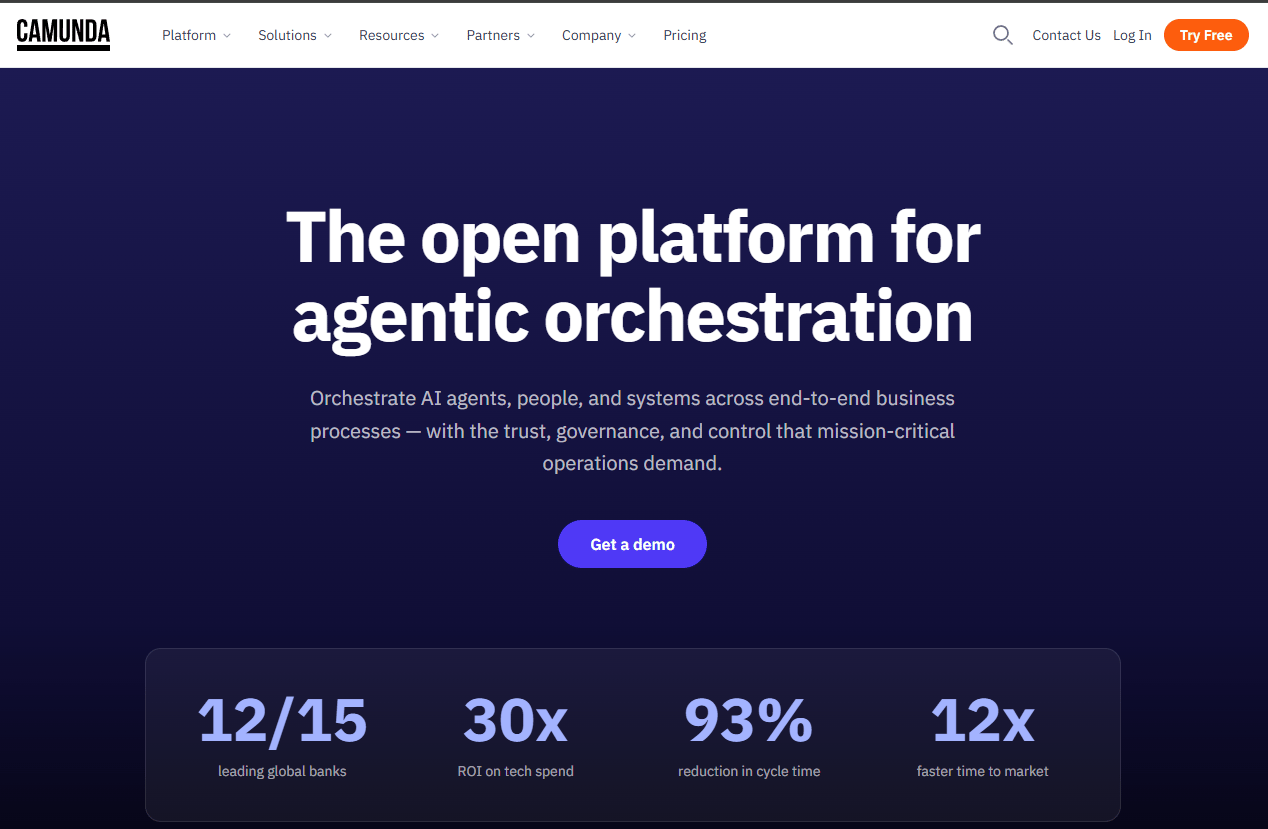
Camunda is an enterprise platform for orchestrating complex business processes that involve people, systems, AI agents, and long-running state. It uses BPMN (Business Process Model and Notation) for visual process design and DMN (Decision Model and Notation) for decision logic, making the process model itself an explicit, auditable artifact. According to Camunda's own 2025 State of Process Orchestration and Automation report, 79% of organizations have implemented significant automation, but coordinating that automation across systems is where most stall.
Best for: SaaS companies and enterprises that need explicit process models with human task coordination, exception paths, and end-to-end audit trails.
Key features
- BPMN visual process modeling and orchestration
- DMN decision management for business rules
- AI agent orchestration with human-in-the-loop controls
- Long-running workflow execution and state management
- API and connector integrations for cloud and legacy systems
Why choose Camunda: Choose Camunda when the workflow itself is part of your operating model, not just a trigger between two tools. It fits regulated processes, complex customer journeys, and scenarios where someone must be able to explain exactly what happened at each step. It requires committed technical and process ownership to maintain well.
Camunda pricing: Development and non-production use is free under the Self-Managed tier. The 30-day SaaS trial is also free. Production deployments require an Enterprise license; pricing is sales-led and not published.
Camunda carries a 4.5/5 on G2.
2. Workato
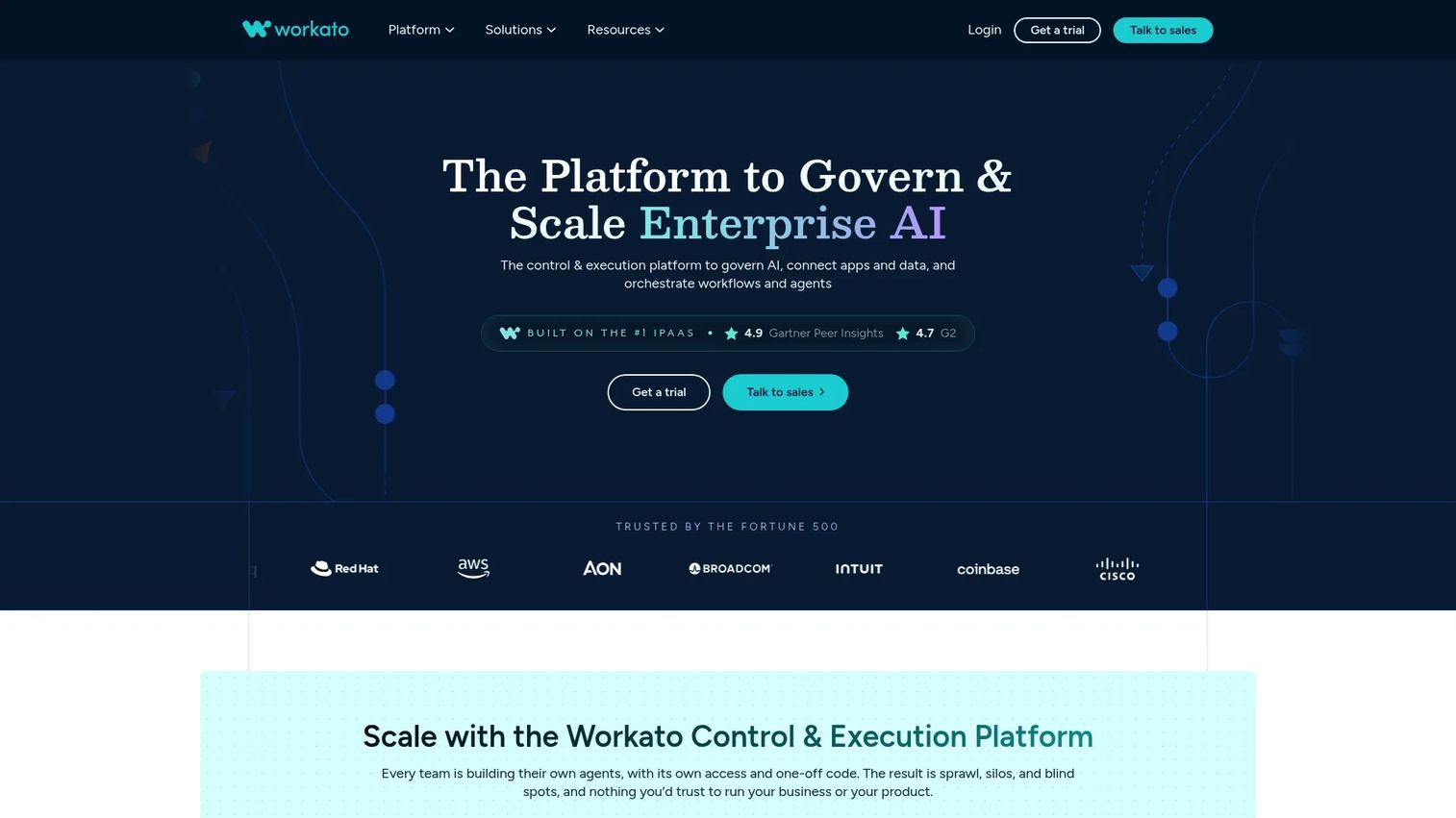
Workato is an enterprise automation and orchestration platform for connecting SaaS applications, APIs, data systems, and business workflows. It uses a visual "recipe" model where each recipe defines a trigger and a sequence of actions across connected systems. Workato distinguishes itself from deeper BPM platforms by centering on integration-led automation, making it a natural choice when the core problem is that your systems do not talk to each other reliably.
Best for: SaaS companies that need to connect CRM, billing, support, product data, and finance systems without building and maintaining custom integrations.
Key features
- Pre-built and custom connectors for cloud and on-premises systems
- Visual recipe-based workflow automation
- API management and event-driven orchestration
- Governance, monitoring, and role-based access controls
- AI agent orchestration via AIRO capabilities
Why choose Workato: Workato is a strong fit when integration sprawl is the root problem. If your operations team is maintaining brittle Zapier chains or custom scripts to keep CRM in sync with billing and support, Workato provides a governed, monitored alternative. The trade-off is that integration platforms still need a designated owner to manage recipe failures and connector updates.
Workato pricing: Self-service plans start at $75/month for 2,500 credits. Higher credit volumes are available at $100/month (3,500 credits), $275/month (10,000 credits), and up. Enterprise platform pricing is usage-based with a platform edition fee and is not published. A free tier includes a one-time grant of 50,000 credits.
Workato carries a 4.7/5 on G2.
3. ActiveBatch
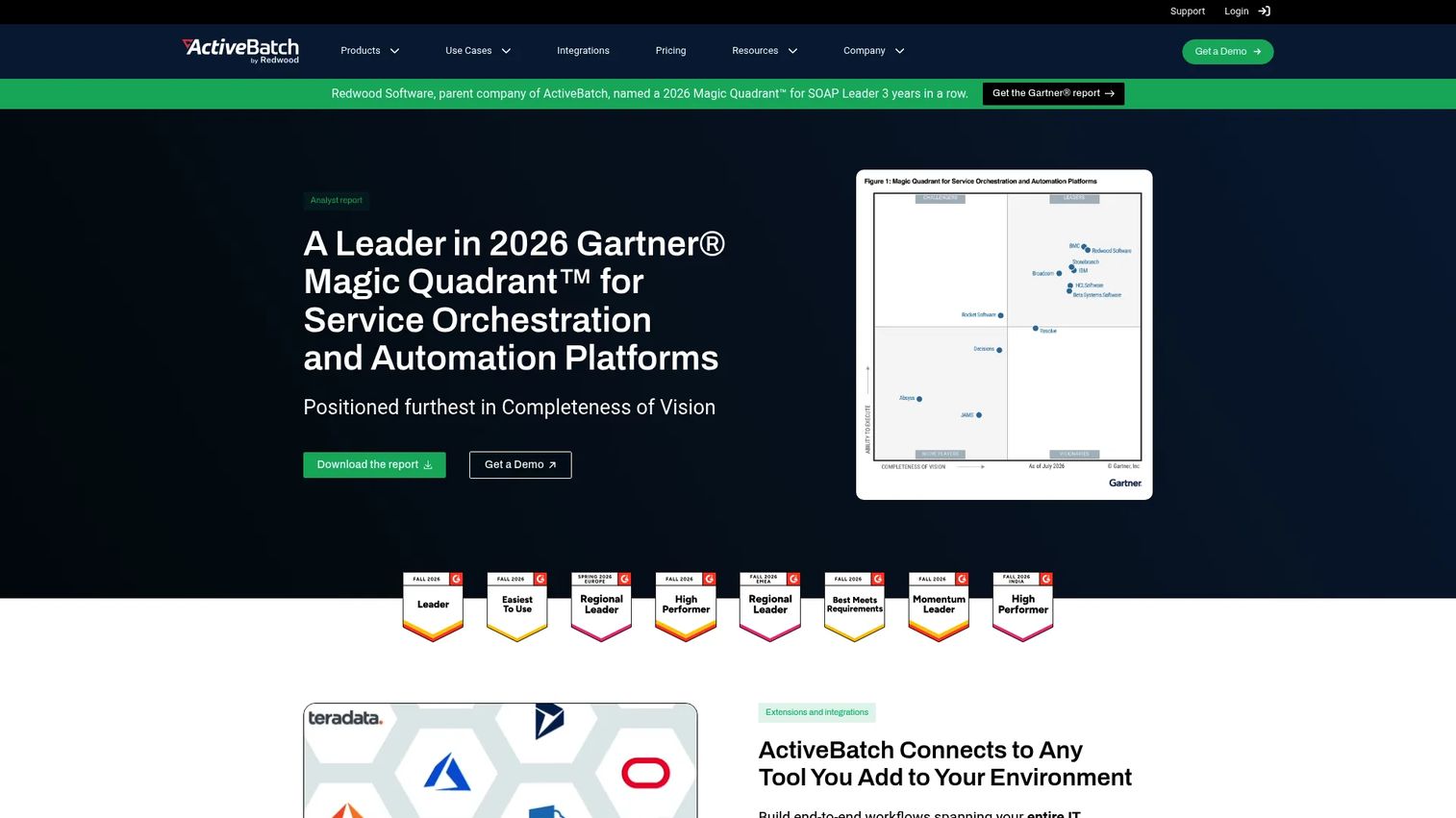
ActiveBatch is an enterprise workload automation platform for scheduling and managing IT jobs, data workloads, file transfers, and cross-platform operational processes. Its low-code drag-and-drop design includes hundreds of pre-built job steps, making it accessible to operations and IT teams without deep scripting expertise. It suits environments where missed jobs, delayed transfers, or untracked dependencies create downstream business risk.
Best for: Enterprise IT, DevOps, and infrastructure teams automating complex cross-platform workflows, job scheduling, and data processes with SLA expectations.
Key features
- Low-code drag-and-drop workflow design with pre-built job steps
- Event- and schedule-driven job scheduling with dependency management
- Managed file transfers across systems and protocols
- SLA monitoring with customizable alerts and reporting
- Cross-platform execution across cloud, on-premises, and hybrid environments
Why choose ActiveBatch: ActiveBatch is the right call when operational continuity is the requirement. If a missed nightly job delays billing reconciliation, or a failed file transfer breaks a downstream report, ActiveBatch gives your operations team centralized visibility and recovery controls. It is not a general-purpose business process platform; keep it for IT and operational job orchestration.
ActiveBatch pricing: Quote-based. The vendor's pricing page directs prospects to request a no-obligation quote. Contact ActiveBatch for current package and contract details.
ActiveBatch carries a 4.5/5 on G2.
4. Control-M
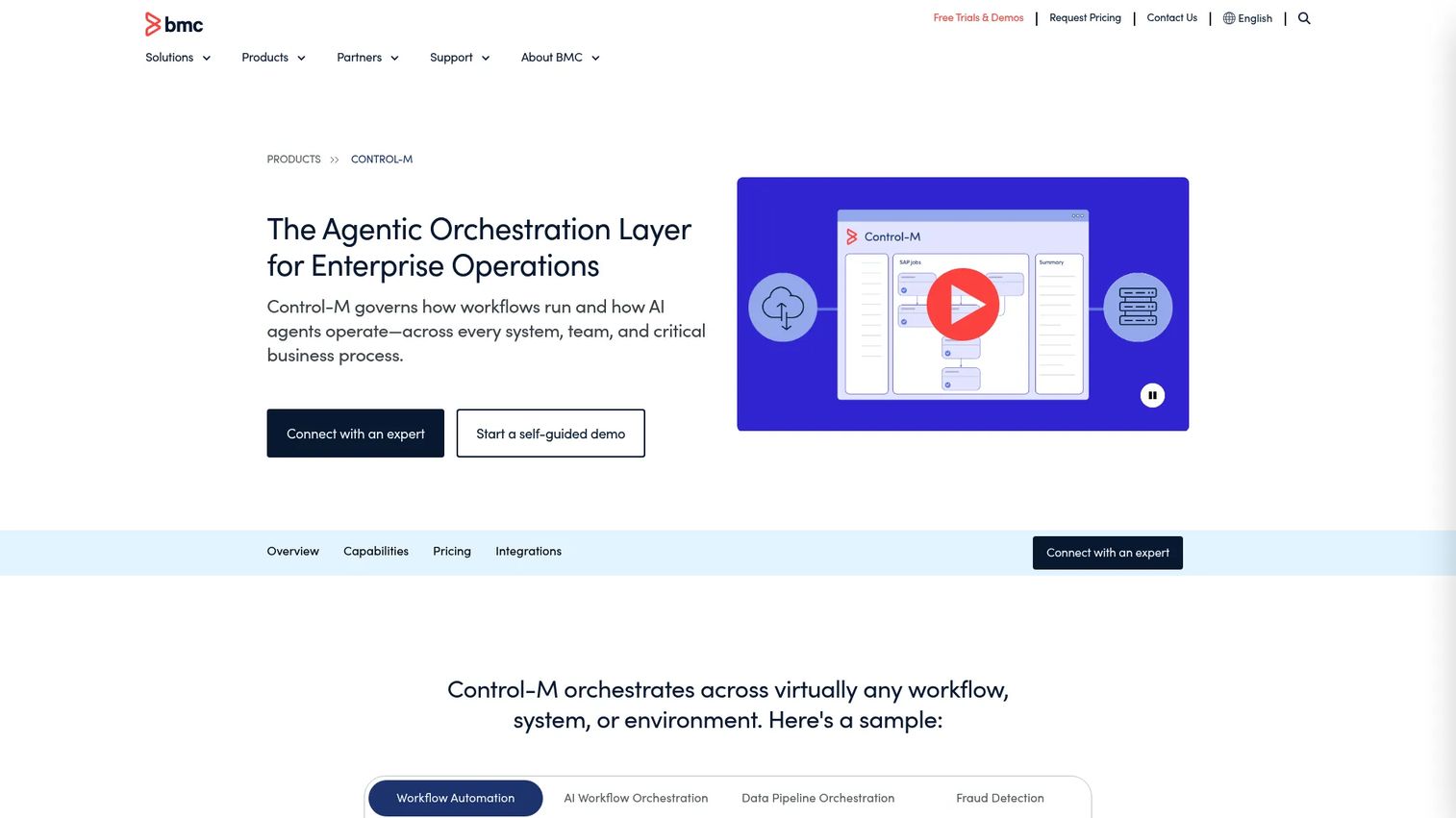
Control-M by BMC is a mature enterprise workload automation platform for orchestrating scheduled jobs, batch processes, data pipelines, and application workflows across hybrid environments. It supports managed file transfer, SLA management, AI-assisted workflow creation, and GitOps/CI-CD integration. Control-M is one of the oldest names in workload automation and carries deep enterprise pedigree.
Best for: Large organizations with established IT operations, extensive job estates, strict scheduling dependencies, and high expectations for service-level monitoring.
Key features
- Hybrid-cloud application and data workflow orchestration
- SLA management and GenAI advisor service for monitoring
- GitOps and CI/CD pipeline integration
- Managed file transfer across protocols and environments
- AI-assisted workflow creation and troubleshooting
Why choose Control-M: Control-M fits environments where the job estate is large, governance requirements are strict, and operational continuity creates direct revenue or retention risk. For a Series B SaaS company selling into enterprise accounts, it signals mature operational infrastructure to enterprise buyers. Budget accordingly: Implementation effort and specialist ownership are genuine costs.
Control-M pricing: The SaaS Starter Pack begins at $2,400/month. Enterprise configurations are priced separately through a sales conversation. No free tier is available.
Control-M carries a 4.3/5 on G2.
5. Azure Logic Apps
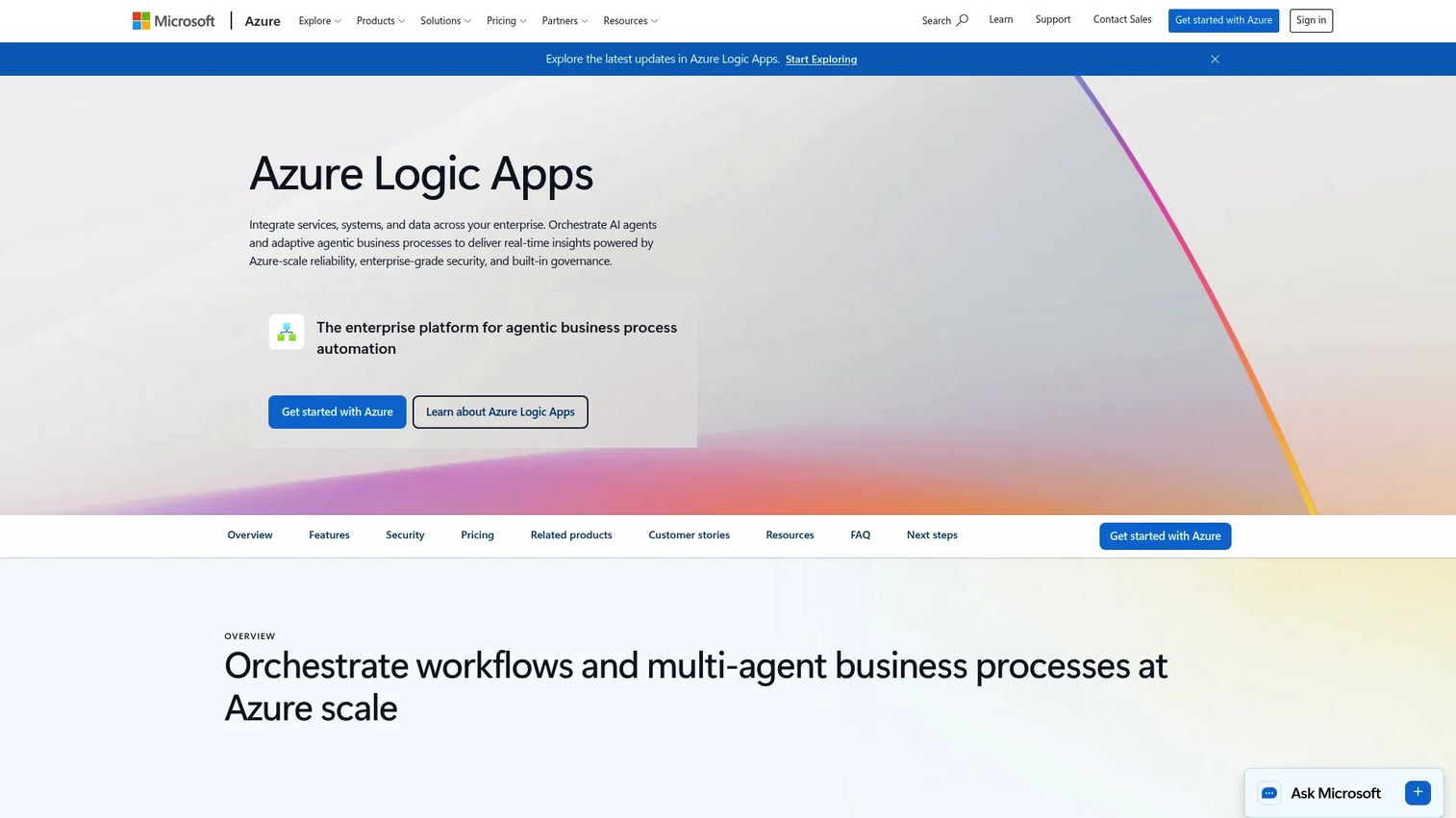
Azure Logic Apps is Microsoft's cloud-based integration and workflow automation service. It supports event-driven workflows, a broad managed connector library, API integration, B2B and EDI processing, and AI workflow capabilities. Logic Apps offers two hosting models: A multi-tenant Consumption plan billed per action execution, and a single-tenant Standard plan for more predictable workloads.
Best for: Microsoft-centric teams that want to orchestrate applications, services, and data flows within the Azure environment without introducing a separate integration platform.
Key features
- Visual workflow designer in the Azure portal
- Managed connectors for cloud and on-premises systems
- Multi-tenant Consumption and single-tenant Standard deployment models
- AI workflow and agent orchestration capabilities
- B2B/EDI and XML processing via Integration Accounts
Why choose Azure Logic Apps: The strongest fit is a company already running its core infrastructure on Azure, where keeping security, identity, monitoring, and integration management inside one cloud environment reduces operational overhead. If your team is not heavily Azure-invested, the value of native integration is smaller and a standalone platform may fit better.
Azure Logic Apps pricing: The Consumption Plan charges $0.000025 per action, with the first 4,000 actions free each month. Standard Plan pricing is usage-based and configuration-dependent. Integration Accounts start at $0.42/hour (Basic tier).
Azure Logic Apps carries a 4.3/5 on G2.
6. Tidal
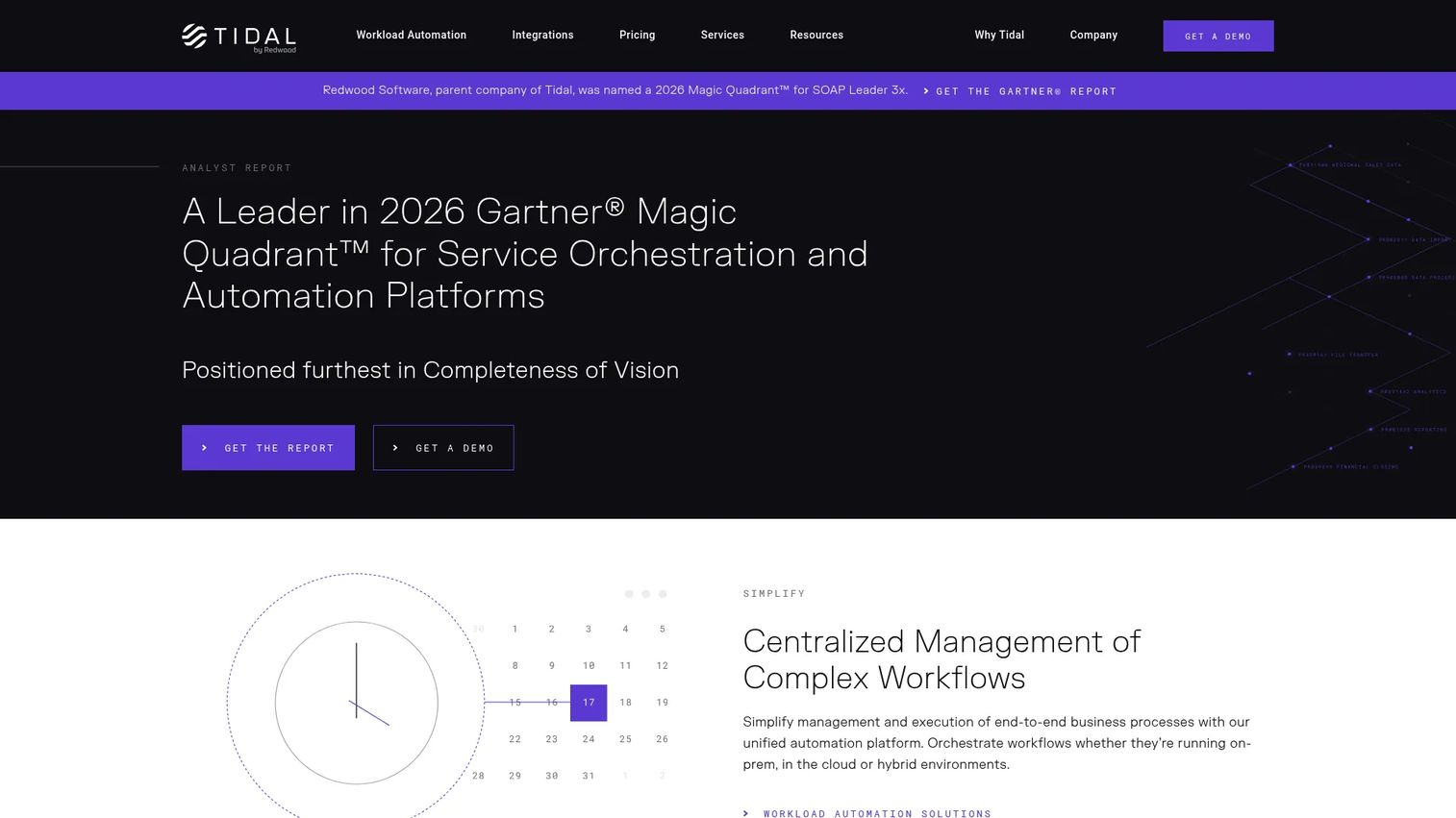
Tidal is enterprise workload automation software for orchestrating jobs, dependencies, and operational processes across business and IT systems. Its platform provides centralized job scheduling, dependency mapping, SLA and alert management, and cross-platform automation through more than 40 pre-built integrations. It targets operations teams that need predictable, visible control over recurring critical workloads.
Best for: Enterprise operations teams managing complex cross-platform IT workflows, batch processing, and job scheduling with defined service levels.
Key features
- Centralized enterprise job scheduling
- Dependency mapping and workflow orchestration
- SLA and alert management with recovery controls
- Event-based automation and API/CLI access
- 40+ pre-built integrations for cross-platform execution
Why choose Tidal: Tidal is a strong fit for mature operations where recurring workflows underpin business reporting, data delivery, or customer-facing processes. A failed job that surfaces three days later when the board asks why a report is wrong costs more than the platform. Tidal is not designed for lightweight ad hoc automations or business process workflows with human approval steps.
Tidal pricing: Quote-based. Contact Tidal directly for current pricing and contract terms.
7. Stonebranch
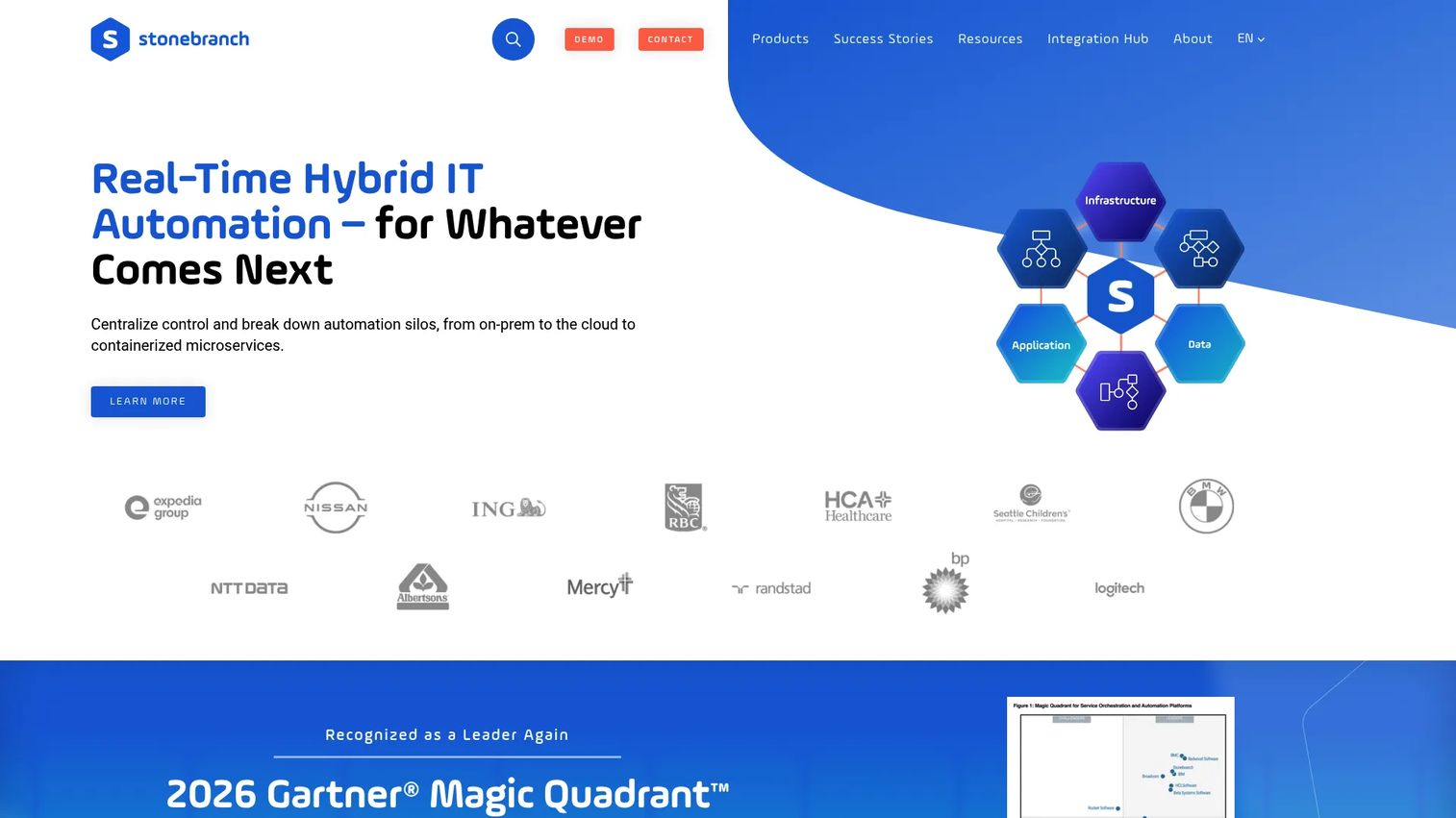
Stonebranch provides real-time hybrid IT automation through its Universal Automation Center platform. It combines workload automation, event-driven job execution, managed file transfer, data pipeline orchestration, and self-service automation with role-based access controls. Its design addresses organizations whose workflows span both modern cloud services and established on-premises enterprise systems.
Best for: Large enterprises managing hybrid IT operations that need a centralized automation layer across diverse environments, including on-premises legacy systems and cloud infrastructure.
Key features
- Workflow automation across on-premises and cloud environments
- Event-driven automation with real-time workflow triggers
- Self-service automation with role-based access controls
- Managed file transfer and data pipeline orchestration
- Analytics and operational observability
Why choose Stonebranch: Hybrid complexity grows quietly. A team that starts with a few cloud services and a legacy ERP accumulates dependencies that become invisible until something fails. Stonebranch exposes those dependencies and provides a central place for a small operations team to monitor, manage, and recover failing jobs without escalating every problem.
Stonebranch pricing: Quote-based. No pricing information was accessible on the vendor's site. Contact Stonebranch for a current quote.
Stonebranch carries a 4.5/5 on G2.
8. Apache Airflow
Apache Airflow is an open-source platform for programmatically authoring, scheduling, monitoring, and orchestrating data workflows. Workflows are defined as Python DAGs (Directed Acyclic Graphs), giving engineering teams full code-level control. Airflow has a large provider ecosystem covering databases, cloud services, data warehouses, and ML platforms. It supports self-hosted deployment and managed hosting through cloud providers.
Best for: Data and engineering teams orchestrating ETL, ELT, machine learning pipelines, and scheduled analytics workflows where engineering owns the workflow lifecycle.
Key features
- Python-defined workflow DAGs with full code control
- Web-based monitoring and management UI
- Dynamic task mapping and dataset-driven scheduling
- Extensible operators and large provider ecosystem
- Self-hosted and managed deployment options
Why choose Apache Airflow: Airflow works when engineering owns the process and the job is primarily data movement or transformation. The open-source model means no software license fee, but factor in infrastructure, hosting, observability tooling, and DAG maintenance. Airflow is not the right choice for workflows that require human approvals, business exception routing, or non-technical team ownership. See agentic AI platforms if your data workflows are starting to incorporate AI agents that need governance controls.
Apache Airflow pricing: The open-source project carries no software license cost. Managed hosting through cloud providers carries infrastructure and compute charges that vary by usage and environment.
Apache Airflow carries a 4.4/5 on G2.
9. Prefect
Prefect is a modern workflow orchestration platform for data, machine learning, and AI-agent workflows defined in Python. It focuses on operational visibility, flexible infrastructure execution, and recovery, making it easier to know when a workflow fails and why. Teams can deploy Prefect flows across Kubernetes, ECS, VPCs, and serverless infrastructure without locking into a single environment.
Best for: Python-based data and ML engineering teams that need reliable workflow execution, scheduling, monitoring, and retry logic with flexible deployment options.
Key features
- Python-native workflow definition and scheduling
- Retries, caching, and automatic state recovery
- Run observability with logging and alerting
- Deployments across Kubernetes, ECS, and serverless infrastructure
- Event-driven automation via webhooks and cloud events
Why choose Prefect: Prefect is a practical choice when data reliability affects customer workflows, reporting, or product decisions, and the team wants full engineering ownership without operating their own infrastructure scheduler. The free Hobby tier covers up to 5 deployments and 2 users, making it usable before any budget conversation. For AI governance tools applied to AI-agent workflows, Prefect's observability layer gives teams a starting point for tracking what agents are doing.
Prefect pricing: The Hobby plan is free forever and includes scheduling, observability, and 500 minutes of serverless execution. The Starter plan is $100/month. Team plans run $100/user/month. Enterprise pricing is custom.
Prefect carries a 4.5/5 on G2.
Considerations when choosing process orchestration software
Match the tool to the workflow type
A customer onboarding process with approvals, exceptions, and five-system handoffs needs a business process orchestration platform, not a nightly batch scheduler. Map the workflow, its owners, its systems, and its likely failure modes before evaluating vendors. This one step eliminates most category-mismatch purchases.
Assign a platform owner before you sign
Every orchestration platform needs a named owner after launch. That person receives the alert when something fails, and they are the one authorized to change the workflow. The owner may sit in engineering, IT, RevOps, or a central automation team. If you cannot name that person during evaluation, the platform will become shelfware.
Evaluate observability first
Ask each vendor how the platform surfaces failed runs, delayed steps, breached SLAs, and missing inputs. A workflow that fails invisibly creates more operational debt than a manual process. The API monitoring tools layer and the orchestration layer often need to work together for full end-to-end visibility.
Test governance before scaling
Check permissions, audit logs, version history, environment separation, and release controls early. These requirements become urgent the moment a workflow touches billing, customer data, or revenue reporting. A platform that works fine in a single-environment proof of concept can become a compliance problem at scale.
Model total cost of ownership honestly
License or usage fees are the smallest part of the cost. Factor in implementation time, connector maintenance, specialist skills required for changes, support tier availability, and the cost of testing every workflow change in a staging environment. Entry-level pricing that requires consulting support for every production change is not entry-level pricing.
Conclusion
No single platform covers every orchestration job. The right tool is the one that matches the workflow you need to own, the systems it crosses, and the team member who must respond when it fails.
Camunda fits complex, long-running business processes where an explicit model and audit trail matter. Workato is the strongest choice for enterprise SaaS integration and cross-system automation. ActiveBatch, Control-M, Tidal, and Stonebranch each serve IT workload automation with different strengths around scale, environment type, and ERP depth. Azure Logic Apps is the natural choice inside a Microsoft-centric cloud stack. Apache Airflow and Prefect belong in engineering-owned data workflow environments.
Start with one broken workflow, not a platform search. Map the systems it touches, identify who currently owns exceptions, and define what "working" looks like. Then shortlist tools based on that specific workflow. For teams that need to walk a buying committee through a complex platform before committing to a live evaluation, interactive product experiences can replace the 60-minute demo call with a self-serve walkthrough any stakeholder can explore on their own schedule.
Start your journey with Guideflow today!
FAQs
Workflow automation covers a defined sequence of tasks, usually within one team or a narrow system boundary. Process orchestration coordinates an end-to-end sequence across people, systems, decisions, exceptions, and long-running states. A practical example: Sending a contract for signature is workflow automation. The sequence from contract signature through provisioning, billing setup, onboarding, and support handoff is process orchestration.
Process orchestration software handles cross-system business workflows, IT operations, workload scheduling, data pipelines, approval processes, and incident response. The key indicator is dependencies that exceed a single application's native automation rules. If a failed step in one system affects outcomes in another and no automated path exists to resolve it, orchestration is the right layer.
Choose business process orchestration when the workflow involves people, policy decisions, customer journeys, and exception handling that requires human judgment. Choose workload automation when the requirement is scheduling jobs, data transfers, and operational tasks at defined times or on triggers, with minimal human involvement in the normal execution path.
Yes, with a condition. It becomes valuable when manual handoffs, system fragmentation, recurring exceptions, or failed jobs affect growth, retention, financial accuracy, or customer experience. It is premature when the process is still changing weekly and no team member has capacity to own it. The question to answer first is: Who will maintain this after go-live?
Process orchestration can coordinate RPA steps but does not replace RPA outright. RPA remains useful when critical systems lack APIs and the only automation path is through the user interface. Process orchestration provides the broader control layer for decisions, approvals, exceptions, and cross-system flow, with RPA handling the specific steps where API access does not exist.
Prioritize integration breadth, workflow modeling flexibility, error handling and automatic retries, observability, access controls, audit trails, versioning, and human escalation paths. AI capabilities should be evaluated through their governance controls: What happens when an AI-assisted step produces an unexpected output, who is notified, and how the step is audited. Also see AI governance tools for context on governing AI steps inside workflows.
Pricing varies by the platform category and specific drivers. For business process platforms and workload automation tools, the main cost variables are workflow volume, connector count, runtime environments, user seats, and enterprise support tier. Azure Logic Apps charges per action executed. Prefect and Airflow offer free entry points with costs scaling on usage and infrastructure. Platform entry points in this list range from free (Airflow, Camunda dev tier) to $2,400/month (Control-M SaaS Starter). See each vendor's section above for verified current figures.
Some platforms can coordinate AI-assisted steps alongside deterministic rules and human approvals. Camunda explicitly supports agentic process orchestration with state management, observability, and human-in-the-loop controls. Workato includes AIRO capabilities for AI agent workflows. Azure Logic Apps supports AI workflow orchestration. Before deploying AI-assisted steps in any critical workflow, define the escalation threshold, the data permissions for the agent, the logging requirements, and who is accountable when the agent acts on incorrect data.