You built a beautiful catalog. Design nailed it. Sales loved it. Then it went out as a PDF attachment, someone opened it once on a phone, pinched to zoom for the fifth time, and closed the tab. You have no idea if it was read. No idea which pages held attention. No idea if it moved a single deal forward.
That is the real problem flipbook software solves. A static PDF sits in a folder or an inbox and tells you nothing. A flipbook turns that same file into a branded, trackable, mobile-friendly publication that people actually flip through, and it hands you the engagement data behind it.
The market is voting with its budget. The U.S. flipbook software market is projected to grow from roughly USD 392 million in 2026 to USD 617 million by 2033, at a CAGR of 6.7%, according to Coherent Market Insights (2024). That growth is not about novelty page-flip animations. It is about distribution and measurement: brands want assets that perform after they leave the design tool.
For product marketing managers, that shift matters more than most. Launch assets, sales collateral, partner kits, and internal one-pagers all live and die by whether the field uses them and whether you can prove they landed. A flipbook maker that adds branding, lead capture, and analytics turns a passive PDF into a measurable GTM asset. If your team leans on interactive formats to communicate value, tools like interactive demos already carry that same measurable-content logic into the product experience itself.
What's inside
This guide covers seven flipbook tools built for turning PDFs into interactive digital publications. We picked them based on four things product marketers actually weigh: publishing workflow and speed to publish, branding and domain control, engagement analytics and lead capture, and pricing clarity across team plans. Every pricing figure and rating below was verified against the vendor's own pricing page or review listing as of mid-2026. This is written for marketers, PMMs, and content teams who need publications that keep working after they hit publish, not a generic feature dump.
TL;DR
- Best overall for marketing teams: Flipsnack, for its design studio, branding, analytics, and private sharing in one place.
- Best for branded, trackable PDFs at scale: FlippingBook, for custom domains, lead gen, and integrations.
- Best for structured, polished team publishing: Paperturn, strong on accessibility and analytics.
- Best for straightforward mid-market conversion: Publuu, with unlimited pages and password protection from a low entry price.
- Best for low-friction, free-first publishing: AnyFlip, for fast PDF-to-flipbook conversion.
- Best for flexible publishing control: Heyzine, with widgets, API access, and self-hosting options.
- Best for technical digital publishing: FlowPaper, for API support and self-hosted deployments.
What is flipbook software?
Flipbook software converts PDFs and documents into interactive digital publications with realistic page-flip behavior, viewable in any browser without a download. Instead of a flat file, you get an HTML5 publication readers can flip, zoom, click, and share, and that you can brand and measure.
The category is sometimes called a flipbook maker, flipbook creator, or online flipbook maker. It sits inside the broader digital publishing software space, alongside interactive catalog and online brochure creator tools. The core job is the same: take a PDF to flipbook, make it feel like a real publication, and distribute it where audiences already are.
Core capabilities most flipbook tools share:
- Upload and convert: Import a PDF or document and convert to an interactive HTML5 flipbook, preserving layout and adding a page flip effect.
- Add multimedia: Layer in links, video, audio, forms, and lead capture forms so the publication does more than display.
- Brand the experience: Apply logos, colors, and reusable flipbook templates, and publish under a custom domain for branded flipbooks.
- Embed or share: Distribute via public or private link, embed on a website, generate a QR code, or push to email and social.
- Track engagement: See views, page-level reads, clicks, and time spent through built-in flipbook analytics, often with GA integration.
That last point is where flipbook software separates from a plain PDF viewer. You publish once, then watch how the interactive flipbook performs across every channel.
When to use flipbook software
Not every document needs to become a flipbook. These are the moments where the format earns its place in a marketing stack.
Publish sales and marketing collateral
Brochures, one-pagers, catalogs, lookbooks, and launch assets all read better as a flipbook than a static PDF. The page flip effect and mobile-friendly rendering make dense content easier to consume, and branding stays consistent across every touchpoint. For a PMM shipping a launch, this means the same asset works on a landing page, in a sales follow-up, and inside a partner kit without a rebuild.
Track how people engage with content
If you are guessing whether a piece of content was read, you are flying blind. Flipbook analytics show views, which pages held attention, where readers dropped off, and what they clicked. That data turns a catalog into a lead-scoring signal and gives you the proof points to defend content investment in a board deck or a budget review.
Replace scattered PDF sharing workflows
Emailing PDF versions back and forth creates chaos: outdated files, no tracking, no branding. A flipbook gives you one link to update in place, embed anywhere, and share by QR code or social. Update the source once and every distribution point reflects it. That single-source-of-truth workflow is exactly what PMM and content teams need when messaging shifts mid-launch.
Comparison table
Here is the shortlist at a glance, sorted by relevance to marketing and PMM publishing use cases. Pricing reflects each vendor's public pricing page as of mid-2026; ratings come from the review source noted per tool.
| # | Product | Intent | Key use case | Pricing | G2 rating |
|---|---|---|---|---|---|
| 1 | Flipsnack | Branded interactive publishing with analytics | Marketing collateral, catalogs, internal comms | From $16/mo | 4.7/5 |
| 2 | FlippingBook | Trackable PDF flipbooks with lead gen | Sales collateral, branded publications | From $20/mo | 4.7/5 |
| 3 | Paperturn | Structured, accessible team publishing | Brochures, reports, catalogs | From $24/mo | 4.9/5 (Capterra) |
| 4 | Publuu | Straightforward PDF-to-flipbook conversion | Catalogs, brochures, lookbooks | From $7/mo | 4.8/5 |
| 5 | AnyFlip | Free-first interactive publishing | Digital books, lighter publishing | Free / from $13.08/mo | Not listed |
| 6 | Heyzine | Flexible publishing with API and self-hosting | Interactive flipbooks, branded catalogs | Free / from $5/mo | Not listed |
| 7 | FlowPaper | Technical digital publishing platform | Magazines, catalogs, web publications | Free / from $75 one-time | Not listed |
Now let's break down each tool: who it fits, where it stands out, and what it costs.
1. Flipsnack
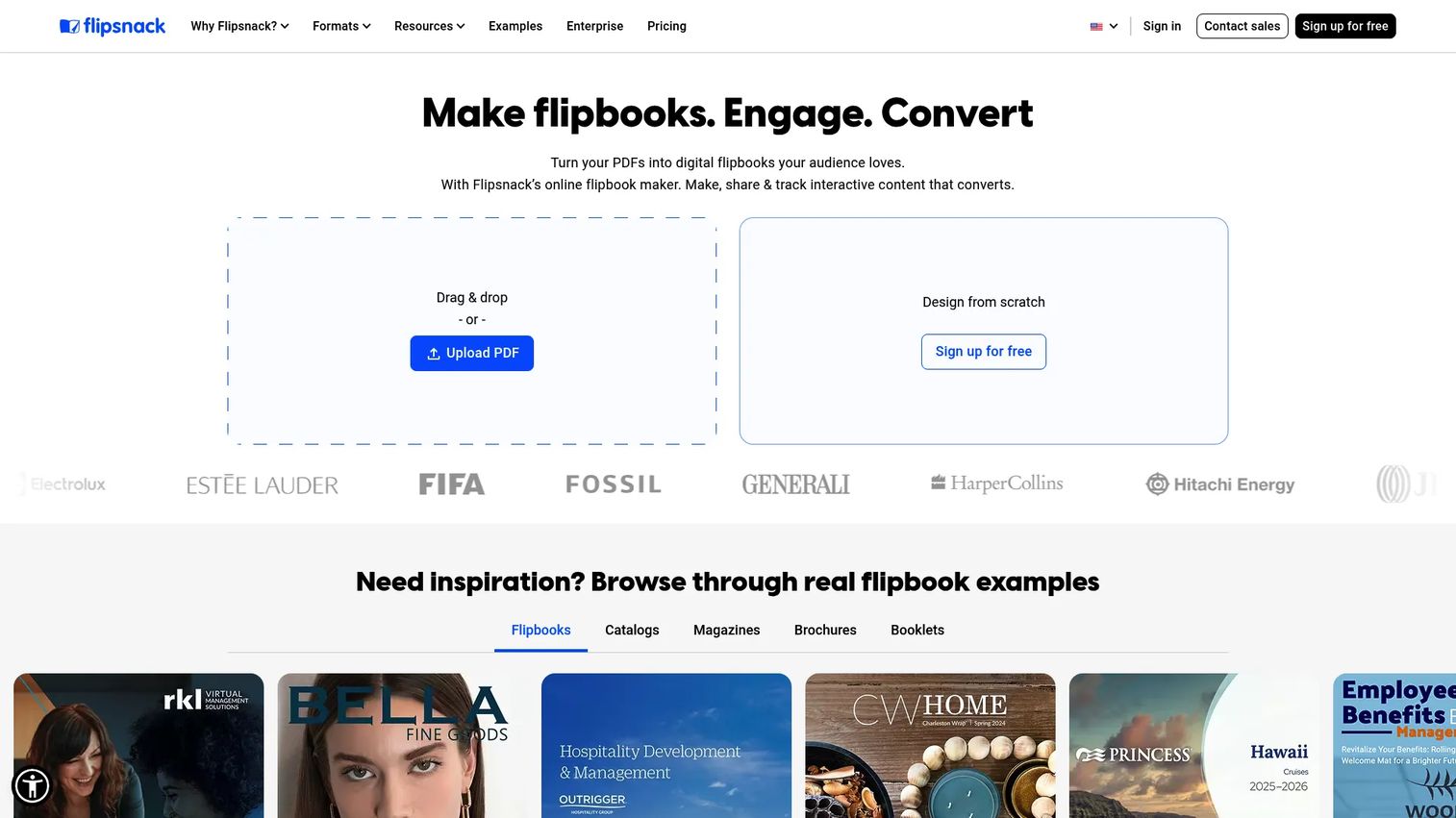
Flipsnack is digital publishing software for creating and sharing interactive flipbooks, either from an existing PDF or from scratch inside its design studio. It leans hard into the marketing use case: branding controls, analytics, collaboration, and private sharing all live in one platform. For a PMM who wants to build a launch catalog and track it without stitching three tools together, that consolidation is the draw. The integrated design studio means you can start with a template and produce a branded publication without opening a separate design app.
Best for: Marketing teams and PMMs who want branded interactive flipbooks with analytics and private sharing in a single tool.
Key strengths
- Design studio plus conversion: Build from scratch with templates or convert an existing PDF to flipbook, so you are not locked into one workflow.
- Multi-channel sharing: Distribute via link, email, QR code, embed, and social, covering every surface a launch asset needs to reach.
- Branding and analytics together: Apply logos and brand colors, then track engagement, all inside one platform with team collaboration.
Why choose Flipsnack: If your team produces frequent, on-brand collateral and needs to prove it landed, Flipsnack's combination of a design studio, private sharing, and analytics fits the PMM workflow closely. It is built for teams that treat publishing as a repeatable process, not a one-off.
Flipsnack pricing: Flipsnack offers a free plan with a watermark. Paid plans, shown on the pricing page as yearly-billed with monthly equivalents, run Starter at $16/mo ($192 billed annually), Professional at $38/mo ($456 annually), Business at $85/mo ($1,020 annually), and Team at $258/mo ($3,096 annually). Enterprise is contact sales. G2 rates Flipsnack 4.7/5.
2. FlippingBook
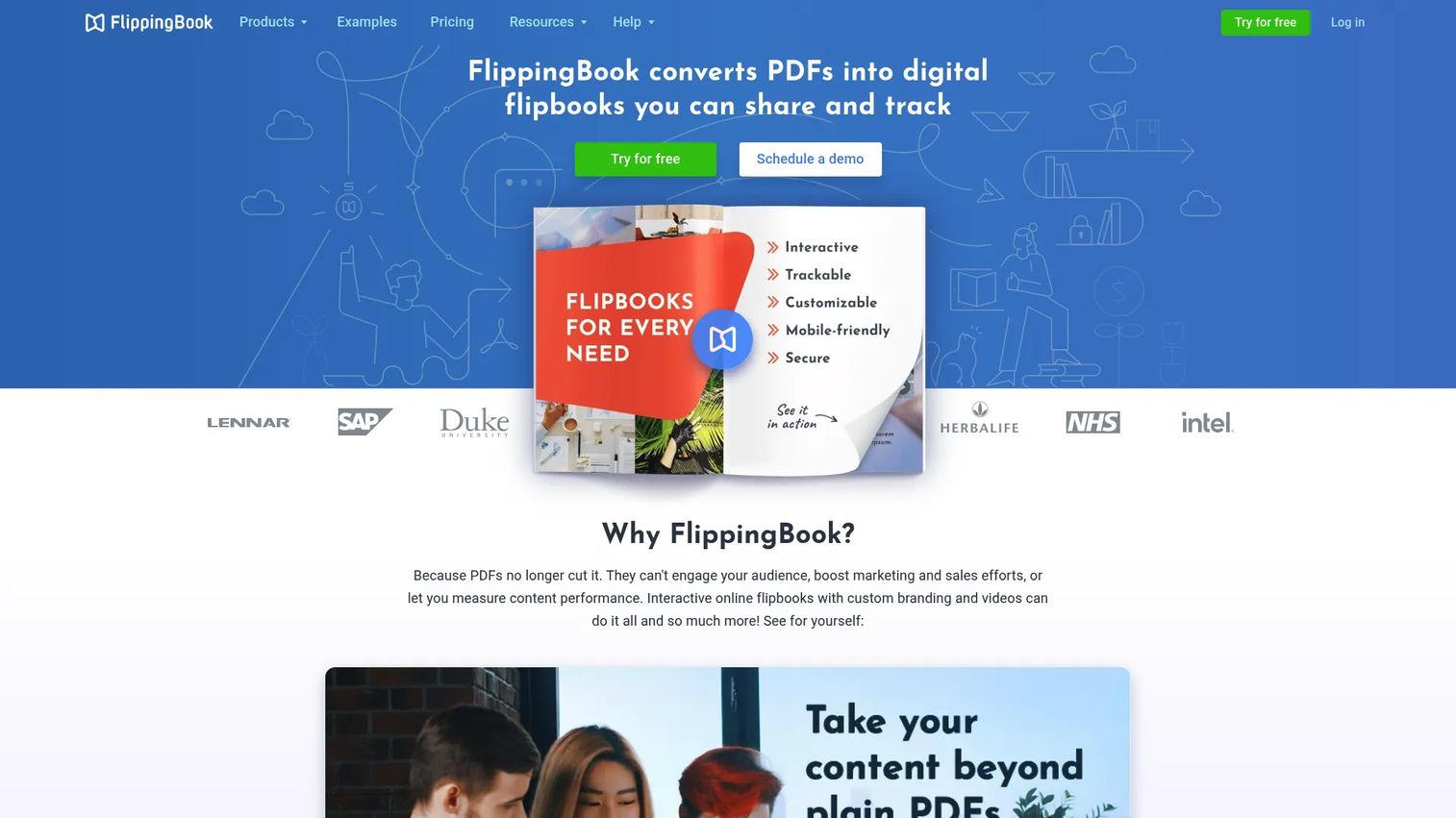
FlippingBook is digital publishing software focused on turning PDFs into branded, trackable HTML5 flipbooks. Its positioning centers on trust and workflow: branding, custom domain options, analytics, lead generation, and integrations that plug the publication into a wider marketing stack. For teams whose main job is converting existing PDFs into polished, measurable online brochures, FlippingBook keeps the workflow tight and the outputs consistent. The lead generation angle makes it a natural fit when a catalog or report needs to double as a capture surface.
Best for: Teams that need branded, trackable flipbooks from PDFs with lead capture built in.
Key strengths
- PDF to HTML5 conversion: Turn any PDF into an interactive flipbook that renders in any browser, no download required.
- Branding and custom domain: Publish under your own domain with your branding for a fully owned publication experience.
- Analytics, lead gen, and integrations: Track engagement, capture leads, and connect the data into your existing tools.
Why choose FlippingBook: If your priority is converting a steady stream of PDFs into branded, measurable assets and feeding that engagement into lead gen, FlippingBook's workflow and integration breadth make it a strong pick. It suits teams that value trust signals and a predictable publishing motion.
FlippingBook pricing: FlippingBook Online has no free plan but offers a free trial. Paid tiers are Lite at $20/mo, Starter at $46/mo, Optimal at $93/mo, Advanced at $187/mo, and Team at $257/mo, with Enterprise as contact us. Annual billing discounts are also listed. G2 rates FlippingBook 4.7/5.
3. Paperturn
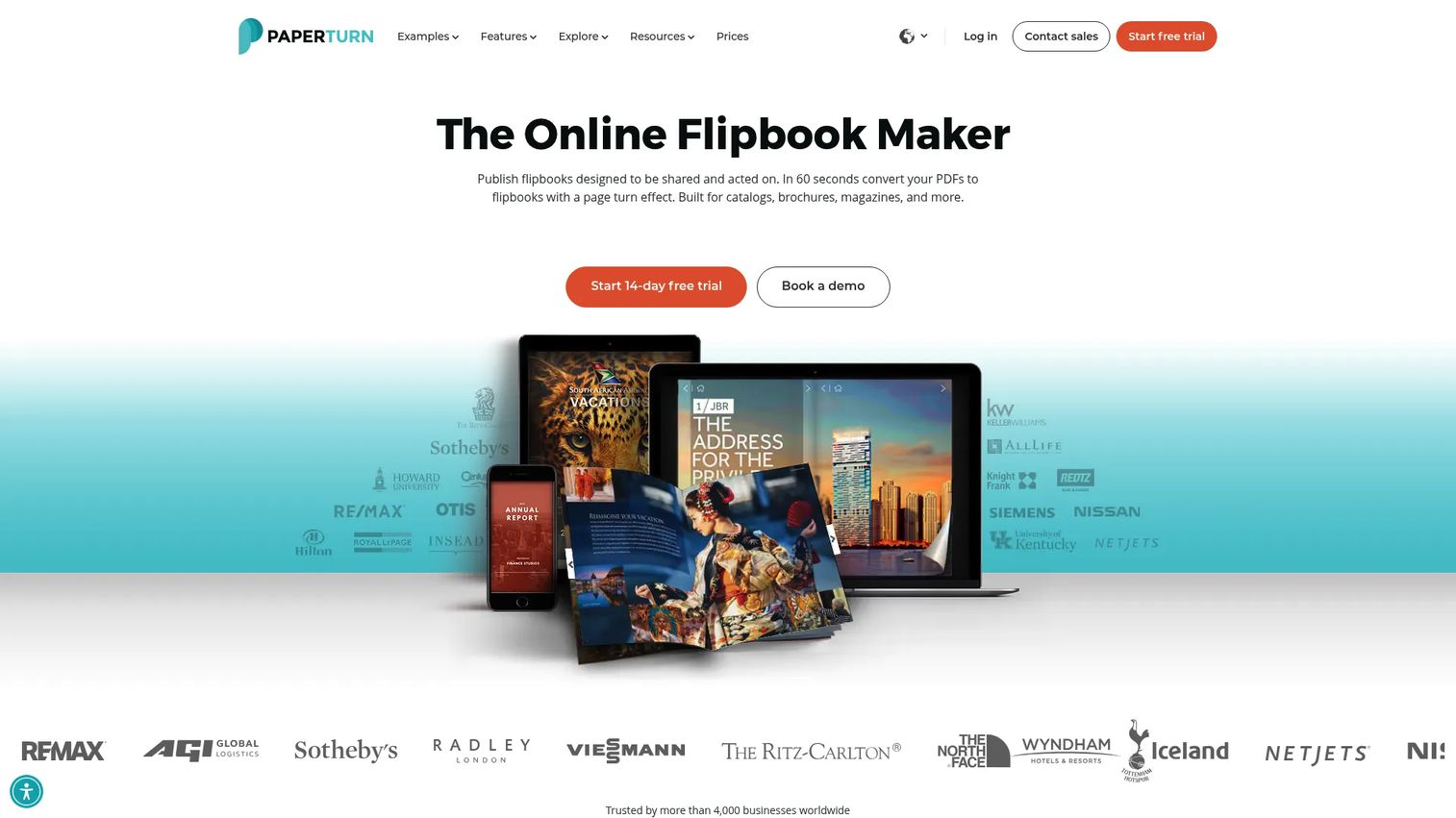
Paperturn is interactive flipbook software for publishing PDFs as branded online publications, with a clean, structured approach to team plans and analytics. It stands out for accessibility, interactive content, and reporting, which matters when a publication has to meet compliance or reach a broad audience. For teams that want a polished but organized platform rather than a sprawling toolkit, Paperturn keeps the workflow predictable. The accessibility focus is a genuine differentiator for regulated industries and public-sector-adjacent marketing.
Best for: Teams that need branded, trackable digital flipbooks with strong accessibility and structured publishing.
Key strengths
- Accessibility: Built-in accessibility support so publications reach wider audiences and meet compliance needs.
- Interactive content: Add interactive elements that turn a static PDF into an engaging, clickable publication.
- Analytics and reporting: Track how readers engage and report on performance across your publications.
Why choose Paperturn: If accessibility and clean reporting rank high on your checklist, and you want a structured platform your team can standardize on, Paperturn fits. It suits content teams that value polish and predictability over maximal customization.
Paperturn pricing: Paperturn shows Starter at $24/mo (billed yearly at $288), Growth at $112/mo ($1,344 yearly), and Business at $384/mo ($4,608 yearly), plus a Custom tier. There is no separate free tier, but a 14-day free trial is available. Capterra rates Paperturn 4.9/5.
4. Publuu
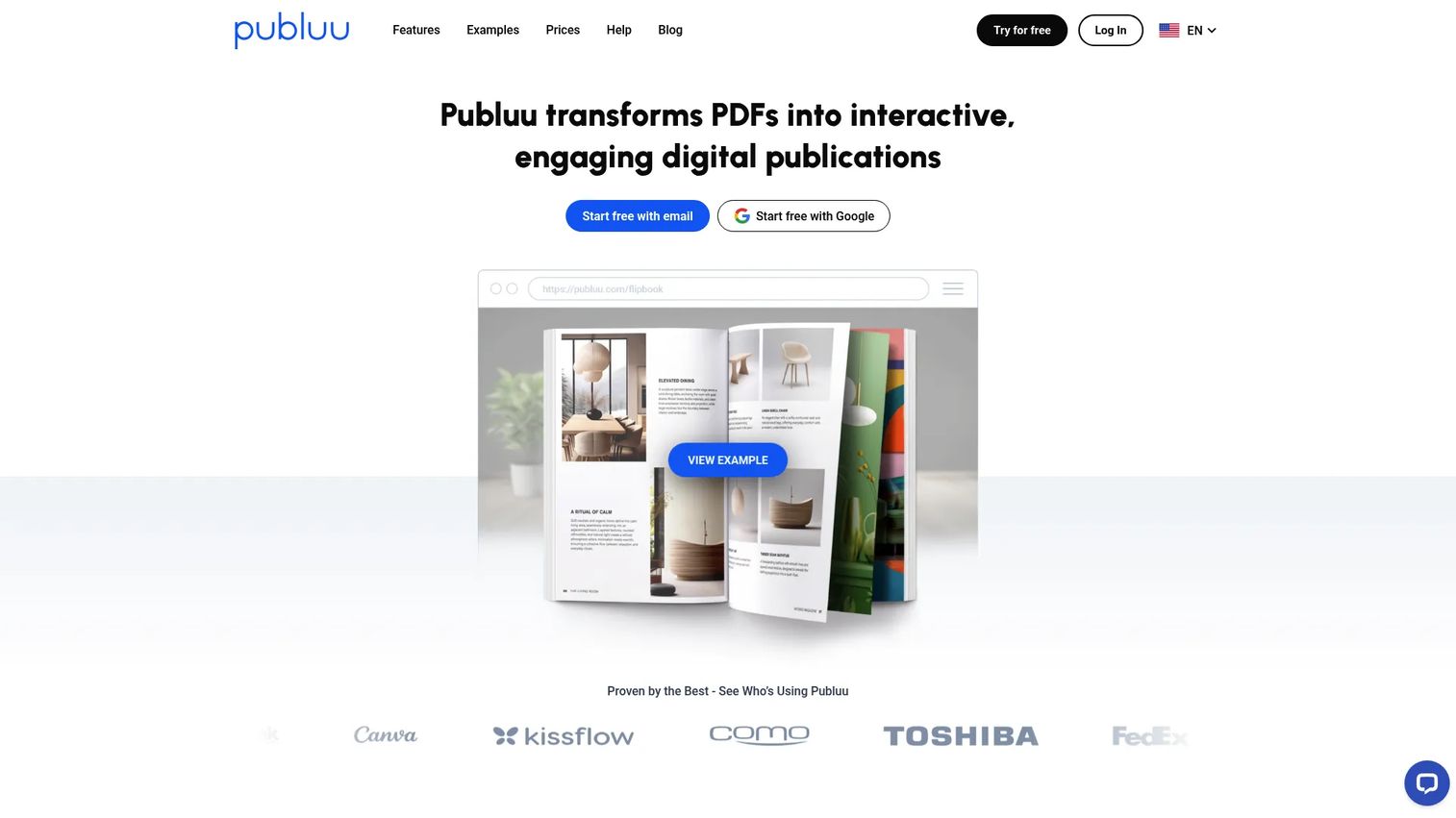
Publuu is PDF-to-flipbook publishing software built for straightforward conversion into branded, shareable digital publications. Its appeal is mid-market utility at an accessible entry price: unlimited pages, custom domain and logo, password protection, tracking links, and analytics. For teams that want to turn PDFs into branded flipbooks without a steep commitment, Publuu covers the essentials cleanly. The unlimited-pages allowance is helpful for larger catalogs and lookbooks that would strain page-capped plans elsewhere.
Best for: Teams that want to turn PDFs into branded, shareable flipbooks with essentials like password protection and tracking.
Key strengths
- Unlimited pages: Publish large catalogs and lookbooks without worrying about page caps.
- Custom domain and logo: Brand every publication with your own domain and logo for an owned experience.
- Password protection and tracking: Gate sensitive publications and track engagement through tracking links and analytics.
Why choose Publuu: If you want branded flipbooks with password protection and tracking at a lower entry price, Publuu delivers the core kit without extra weight. It fits mid-market teams that need reliable conversion and sharing more than deep customization.
Publuu pricing: Publuu lists four monthly plans: Basic at $7/mo, Optimum at $24/mo, Professional at $49/mo, and Premium at $89/mo. A 14-day free trial with no credit card required is available. G2 rates Publuu 4.8/5.
5. AnyFlip
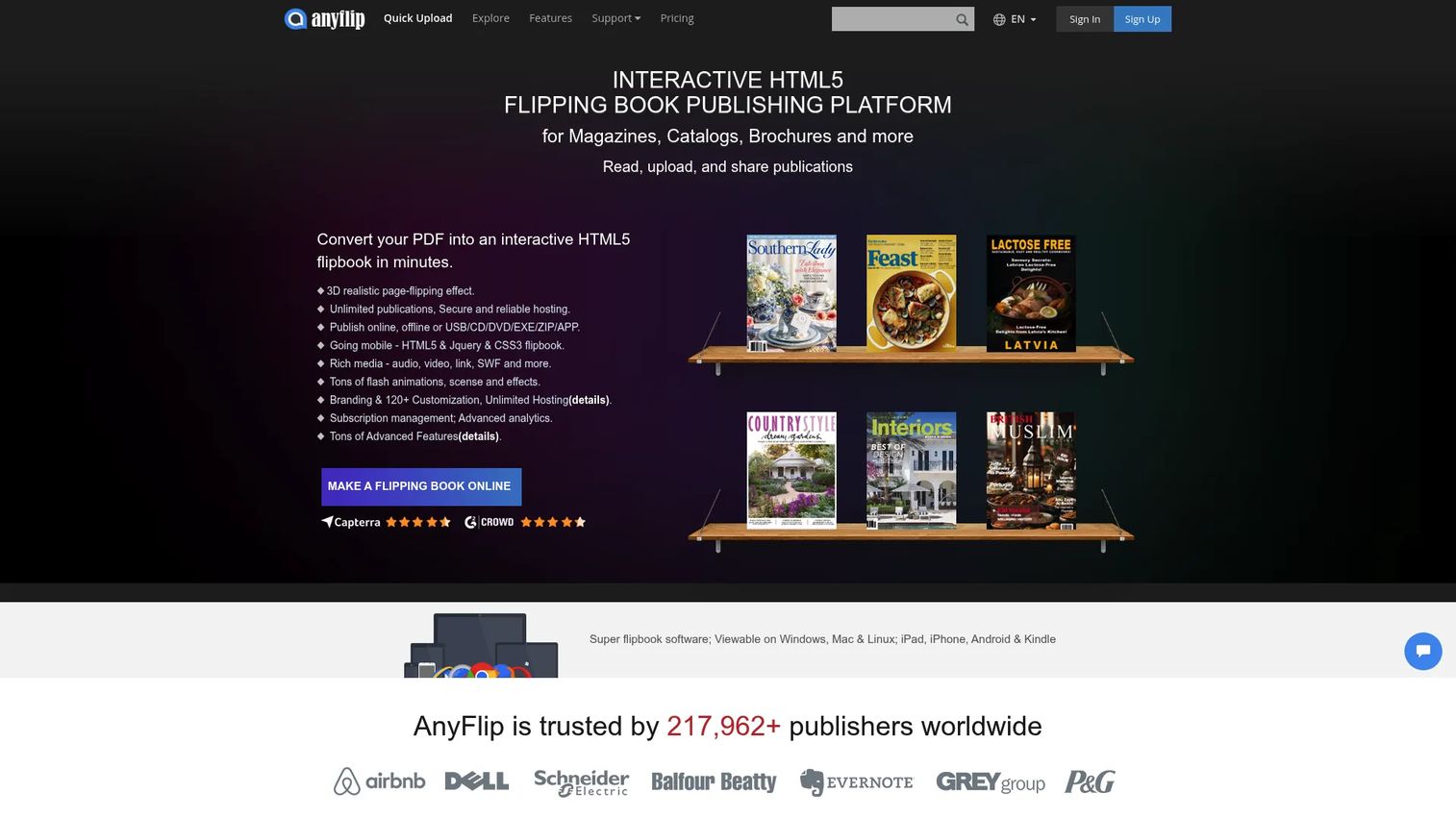
AnyFlip is a digital flipbook publishing platform for converting PDFs into interactive HTML5 page-flipping books. It is known for low-friction access, including a free tier, which makes it a common starting point for lighter publishing needs. You can add interactive content like videos, audio, links, and social sharing, then publish to an embedded bookshelf. For teams testing the format or handling occasional publications rather than a heavy launch cadence, AnyFlip lowers the barrier to entry.
Best for: Businesses and teams that want to publish PDFs as interactive online flipbooks and catalogs with minimal friction.
Key strengths
- PDF to HTML5 conversion: Convert PDFs into interactive page-flipping books that render in any browser.
- Embedded bookshelf: Organize and publish multiple publications in an online bookshelf for easy browsing.
- Interactive content: Add videos, audio, links, and social sharing to make each publication more engaging.
Why choose AnyFlip: If you want to try the flipbook format or handle lighter publishing without an upfront commitment, AnyFlip's free tier and simple conversion workflow make it easy to start. It suits teams whose publishing volume does not yet justify a heavier platform.
AnyFlip pricing: AnyFlip offers a free tier plus paid plans: Pro at $13.08/mo, Platinum at $26.17/mo, and Enterprise at $87.42/mo, billed monthly, with annual options also shown on the pricing page. A current aggregate G2 rating was not available at the time of writing.
6. Heyzine
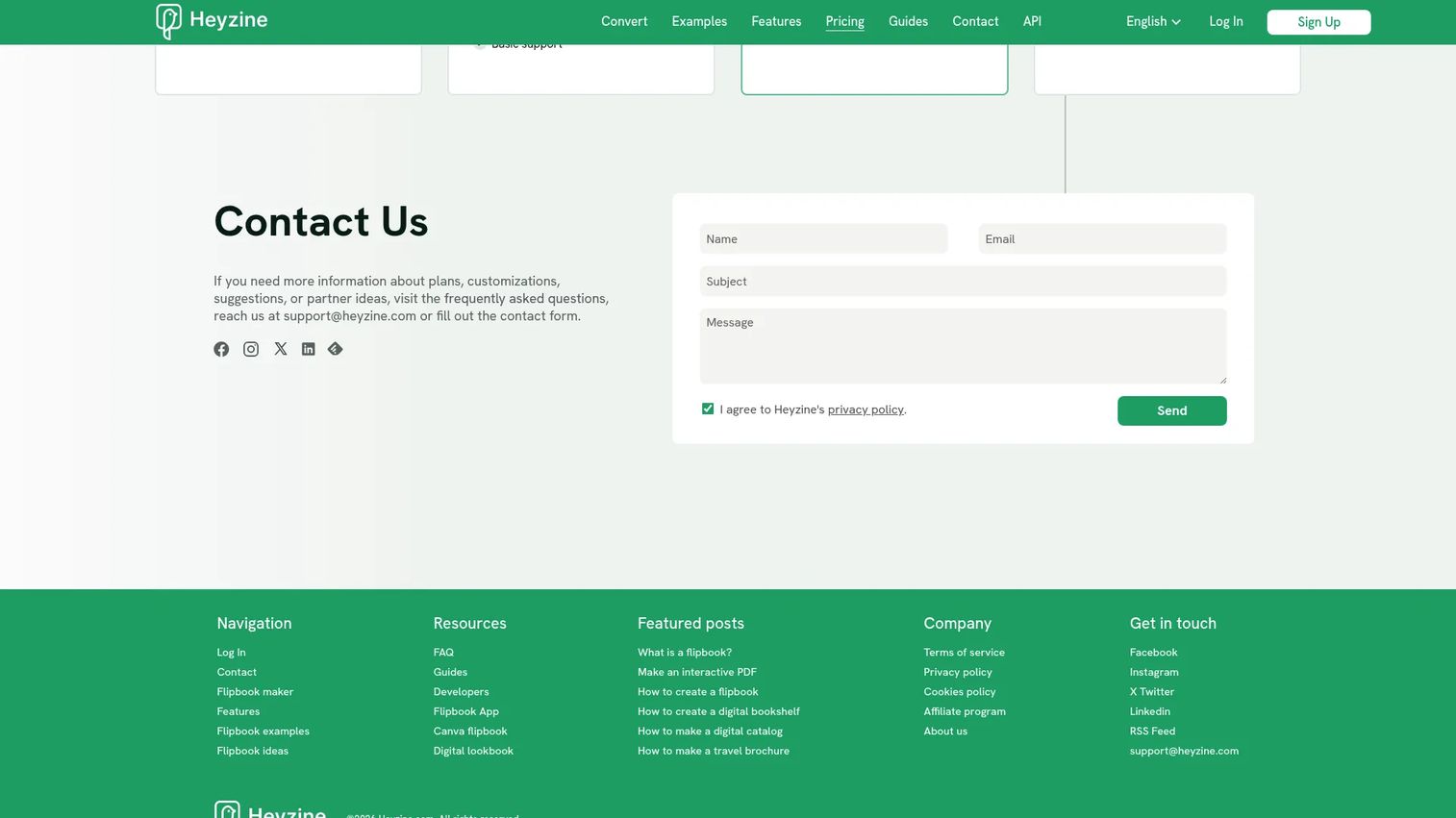
Heyzine is an online PDF-to-flipbook maker for creating interactive, shareable digital publications, with an unusually flexible approach to publishing control. Beyond standard conversion, it supports interactive elements like links, audio, video, forms, and web embeds, plus sharing with QR codes and multiple page-turn effects. That flexibility, paired with a free tier and low entry price, makes Heyzine practical for teams that want customization and control without enterprise cost. Web embeds and form support extend what a single publication can do.
Best for: Teams that need branded, interactive flipbooks from PDFs with flexible customization and control.
Key strengths
- Interactive elements: Add links, audio, video, forms, and web embeds to turn a PDF into a rich publication.
- Flexible sharing: Share with QR codes and choose from multiple page-turn effects to match the publication.
- Branded conversion: Convert PDFs into branded flipbooks that stay consistent with your visual identity.
Why choose Heyzine: If you want customization and practical publishing control without a large commitment, Heyzine's flexibility and accessible pricing make it a strong option. It fits teams that value hands-on control over their publications.
Heyzine pricing: Heyzine has a free Basic plan. Paid tiers are Standard at $5/mo (billed yearly at $59), Professional at $9/mo ($108 yearly), and Premium at $19/mo ($228 yearly). Pricing is shown in USD on the site. A current aggregate G2 rating was not available at the time of writing.
7. FlowPaper
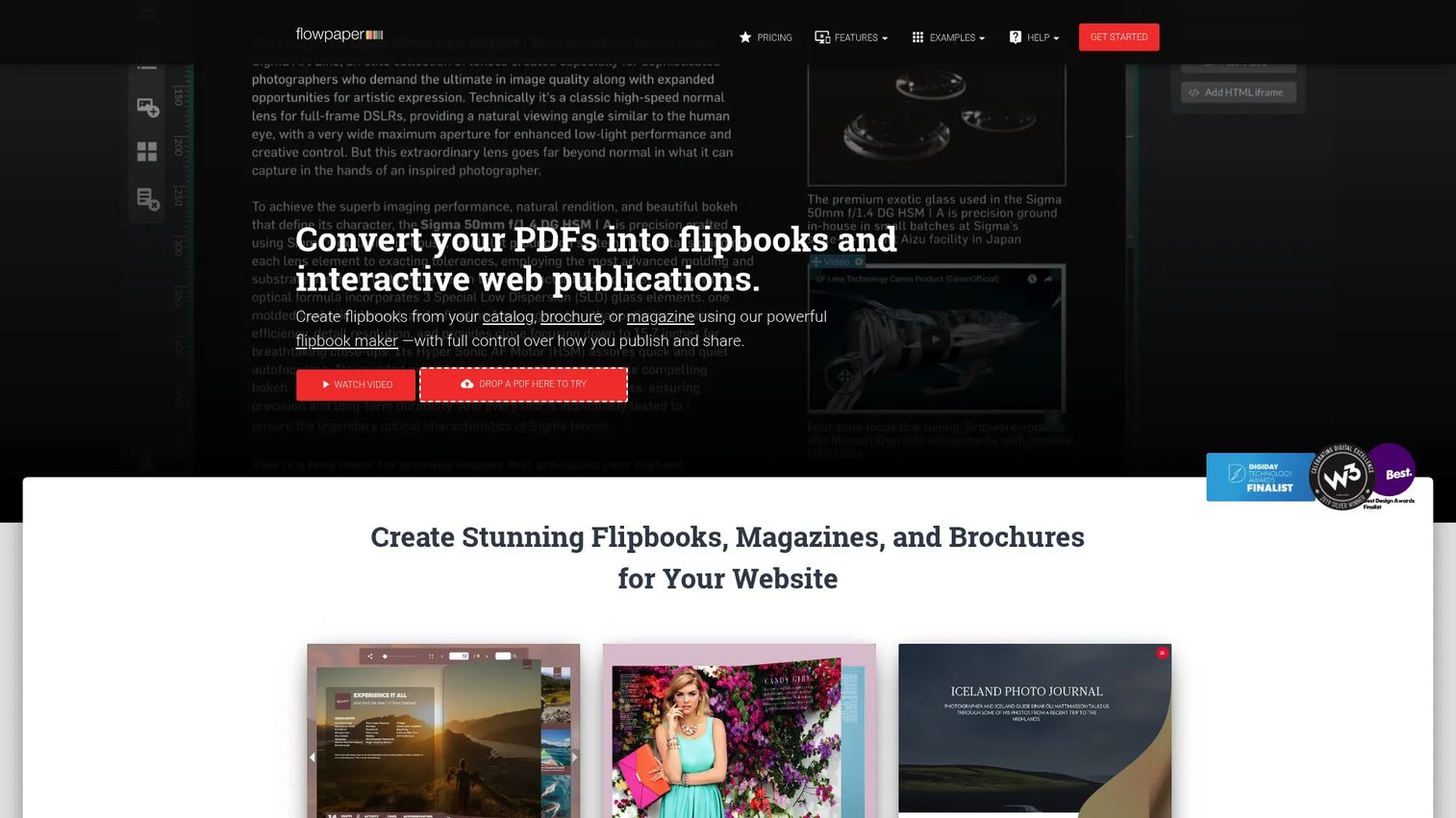
FlowPaper is document publishing software for turning PDFs into interactive flipbooks and web publications, aimed at teams that want more technical control. It supports interactive magazines, catalogs, and online brochures, with SEO-friendly, indexable page-by-page PDF rendering and self-hosting options. For teams that treat flipbook publishing as part of a broader digital publishing platform, rather than a simple viewer, FlowPaper's API support and deployment flexibility stand out. The indexable rendering is a real advantage when discoverability matters as much as engagement.
Best for: Teams that want branded, interactive PDF-to-web publishing with API support and self-hosting options.
Key strengths
- Interactive flipbooks and web publications: Publish magazines, catalogs, and brochures as interactive, browser-based experiences.
- SEO-friendly rendering: Indexable page-by-page PDF rendering so publications can be found in search.
- Analytics and branding: Track engagement and customize branding, with links and video supported throughout.
Why choose FlowPaper: If you need technical control, self-hosting, and search-indexable publications, FlowPaper's platform approach fits teams that want more than a hosted viewer. It suits organizations with the appetite to manage a more configurable publishing setup.
FlowPaper pricing: FlowPaper offers a free plan. Paid options include Zine at $75 (one-time fee), Creative at $85 billed annually, and Enterprise at $995 billed annually. The pricing page also references a Team plan in its comparison table. A current aggregate G2 rating was not available at the time of writing.
Considerations before you choose
Feature lists blur together fast. These are the criteria that actually separate flipbook tools for a marketing or PMM team.
Branding and domain control
A flipbook is a brand asset the moment you publish it, so control matters. Check whether the tool supports custom domains, your logo and colors, and reusable flipbook templates. Publishing under your own domain keeps the experience owned and consistent, and templates let you standardize output so every launch asset looks like it came from the same team. Message drift across channels is a real PMM pain, and brand controls are your first defense against it.
Analytics and conversion tracking
If you cannot measure it, you cannot defend it in a budget review. Look for built-in flipbook analytics that show views, page-level reads, drop-off, and clicks, plus GA integration for a unified view. Lead capture forms turn a publication into a pipeline signal. The tools with the deepest tracking let you tie content engagement to actual outcomes, which is how PMMs prove influenced revenue.
Security and access control
Not every publication is meant for the open web. Password protection and private links keep sensitive collateral, pricing sheets, or internal docs restricted. For larger teams, ask about SSO and any compliance requirements your industry demands. If you publish both externally and internally, access control decides whether one tool can serve both jobs.
Team collaboration
Publishing is rarely a solo act. Roles, permissions, shared workspaces, and approval workflows keep versioning clean and prevent the wrong draft from going live. For PMM and content teams juggling multiple launches, collaboration features are the difference between a repeatable process and a scramble. Check how many editor seats a plan includes before you commit.
Distribution workflow
A great publication that no one sees is wasted. Evaluate how each tool handles embeds, QR codes, social sharing, email, and shelf or library organization. The best distribution workflow lets you publish once and push everywhere, then update the source without breaking a single link. That single-source-of-truth model is what keeps a launch consistent across every surface.
Conclusion
The right flipbook software depends on what you value most. If design flexibility and all-in-one branding plus analytics matter, Flipsnack is the strongest overall pick for marketing teams. For branded, trackable PDF conversion with lead gen, FlippingBook leads. Paperturn wins on accessibility and structured team publishing, while Publuu delivers straightforward conversion with password protection at a low entry price. AnyFlip and Heyzine are the free-first options for lighter or more flexible needs, and FlowPaper suits teams that want technical control and self-hosting.
Start by naming your non-negotiable: branding, measurement, or simple conversion. Then match it to the tool above and run a trial with a real launch asset before you commit. The best way to judge a flipbook maker is to publish something that matters and watch how it performs.
And if the goal behind all this is content that proves it landed, the same logic applies deeper in the funnel. Interactive formats like interactive demos, where you capture a product flow, personalize it, share it anywhere, and analyze engagement, carry measurable content from the catalog all the way to the product experience. Teams that also edit collaboratively, collaborate across functions, lean on AI, and integrate with their CRM get the same single-source-of-truth benefit at every stage.
FAQs
Flipbook software converts PDFs and documents into interactive digital publications with realistic page-flip behavior that readers view in any browser without downloading. It sits within digital publishing software and lets you brand, distribute, and track publications like catalogs, brochures, and reports. The core value is turning a static file into a measurable, shareable interactive flipbook.
For marketing teams, Flipsnack is the strongest all-around pick because it combines a design studio, branding, analytics, and private sharing in one platform. FlippingBook is a close second when lead generation and custom domains are the priority. The best choice depends on whether you value design flexibility, lead capture, or simple PDF conversion most.
Yes. Most flipbook tools include analytics that track total views, page-level reads, time spent, drop-off points, and link clicks. Several also integrate with Google Analytics for a unified reporting view. This tracking is what lets marketers prove content engagement rather than guess at it.
It does. Password protection and private links let teams publish internal reports, playbooks, and one-pagers securely. Tools with role and permission controls make it practical to share sensitive documents inside an organization while keeping them off the open web. That makes a single flipbook maker useful for both external collateral and internal comms.
Yes. Every tool in this list supports embedding a flipbook directly on a website, typically with a copy-paste code snippet. You can also share via public or private link, QR code, email, and social. Because the source is hosted, updating the file updates every embed and link at once.
For distribution and measurement, a flipbook delivers a fundamentally different engagement model than a static PDF. It renders cleanly on mobile, keeps your branding intact, and hands you analytics a plain PDF cannot. A PDF is fine for a simple attachment, but a flipbook is built for content you want people to read, share, and be tracked against.
For branded catalogs, look for custom domains, logo and color controls, and reusable flipbook templates. Flipsnack and FlippingBook both handle branded catalogs well, while Publuu's unlimited pages suit larger catalogs at a lower entry price. Match the tool to your catalog size and how much brand control you need.
Many do. Publuu, FlippingBook, and others offer password protection to gate publications behind access controls. This is essential for pricing sheets, internal docs, and any collateral not meant for the open web. Confirm which tier includes password protection, since it is sometimes gated to higher plans.